


video2blog
视频转图文 AI 跨平台客户端(win mac linux) electron vite vue3 sqlite3 naive-ui
Stars: 58
video2blog is an open-source project aimed at converting videos into textual notes. The tool follows a process of extracting video information using yt-dlp, downloading the video, downloading subtitles if available, translating subtitles if not in Chinese, generating Chinese subtitles using whisper if no subtitles exist, converting subtitles to articles using gemini, and manually inserting images from the video into the article. The tool provides a solution for creating blog content from video resources, enhancing accessibility and content creation efficiency.
README:
- 本开源项目的想法来自于我自己:具体的思考过程可点击链接查看
- 微信公众号:那个曾经的少年回来了
- 后台回复:video2blog 即可进群获取了解最新信息,也方便有想法的可以随时沟通
- 一个是将视频转换为图文笔记(另一个目标还没来的及确定)
视频转图文的思路流程
1、输入视频url之后
2、先通过yt-dlp解析视频url获取视频信息
3、通过yt-dlp下载视频
4、如果存在字幕,则直接进行下载
5、可能是非中文字幕,则需要进行翻译字幕
6、如果不存在字幕,则通过whisper来生成字幕文件,并翻译为中文
7、然后通过gemini将字幕转换为文章。并将视频中的图片进行提取,手动插入到文章中
- node和npm的版本在这附近应该都可以跑起来
node -v   //20.11.0
npm -v //10.2.4
- python和pip运行版本
python3 -v //3.11.2
pip3 -v  //24.0
- 安装项目依赖
npm i
- 本地window下运行
npm run start-win
- 本地mac下运行
npm run start-mac
主要在于win下命令行中中文乱码,mac下不会出现这个问题,于是使用 chcp 65001 命令来解决这个问题
-
通过git仓库打tag标签来触发编译 github action workflow
-
其中python脚本
在window开发环境下打包,会在/command/win目录下生成exe文件
pyinstaller --onefile RemoveDuplicateImages.py -y --distpath ../command/win -n executename.exe(executename)
如何安装pyinstaller呢
pip install pyinstaller
- 在python/xxxxx目录下 可进行安装依赖
pip3 install -r requirements.txt
- 如何将依赖安装到 requirements.txt中
pip3 install xxx

pip3 freeze > requirements.txt
如何单独执行去重命令 window下 python main.py H:\github\electron-vite-tools\command\2024-05-10-16-29-38\000000133 30
// 第一个版本
现在你作为一个科技博主,请先精读上面的字幕,然后根据字幕内容再进行分段,分的段落不要太多,尽量保持在4到8段左右,分段后要对分段内容进行整理,注意一定不需要总结也不要进行删减内容,只是进行整理和微调,并标记字幕时间的区间

//第二个版本
现在你作为一个科技博主,请先精读上面的字幕,然后直接对上面的字幕进行整理成一篇文章进行输出,记住一定一定不要删减任何内容,也不要进行总结。对输出的文章增加目录功能,而且目录标题一定一定要精简,并且在目录上添加字幕时间区间,目录最多4到8个,不能再多。并且再次提醒你,目录下的内容不能进行删减和总结哟

//第三个版本
现在你作为一个科技博主,请先精读上面的字幕,然后直接对上面的字幕进行整理成一篇文章进行输出,记住一定一定不要删减任何内容,也不要进行总结。对输出的文章增加目录功能,而且目录标题一定一定要精简,并且在目录上添加字幕时间区间,目录最多4到8个,一定一定不能再多了。并且再次提醒你,目录下的所有内容不能进行删减和总结哟,后半段的内容也不能进行偷工减料。
将上述输出的内容最终转换为Quill 富文本编辑器的Delta的JSON格式。

//第四个版本
现在你作为一个科技博主,请先精读上面的字幕,然后直接对上面的字幕进行整理成一篇文章进行输出,记住一定一定不要删减任何内容,也不要进行总结。对输出的文章增加目录功能,而且目录标题一定一定要精简,并且在目录上添加字幕时间区间,目录最多4到8个,一定一定不能再多了。并且再次提醒你,目录下的所有内容不能进行删减和总结哟,后半段的内容也不能进行偷工减料。将上述输出的内容最终转换为markdown格式,目录上添加##,目录下的内容不做任何处理就行了
- 暂定的终极版本
  角色: 你现在作为一个资深的科技博主
  任务:
  1、精读字幕: 请仔细阅读提供的字幕内容。
  2、生成博文: 将字幕内容整理成一篇博文,务必保留所有信息,不做任何删减或总结。
  3、创建目录:
    目录标题需精简,并包含对应内容的时间区间,时间区间要精确。
    目录数量控制在 4-8 个。
    目录格式使用 markdown,即在标题前添加 ##。
    所有生成的目录后面都要添加时间区间,前言中的目录列表可以不添加时间区间。
  4、正文格式:
    保留字幕内容的完整性,不做任何删减或总结。要整理成博文内容啊。
    无需对正文内容进行 markdown 格式处理。
  目标:
  生成一篇包含完整字幕内容的博文,并配有清晰、精简的目录,方便读者阅读和导航。开头是前言加上目录,然后后面以目录正文的形式展示剩余内容。
  注意:
  确保忠实于原始字幕内容,避免信息丢失。
  目录应简洁明了,方便读者快速定位所需信息。
  优化说明:
  在原提示词的基础上,强调了保留所有信息的重要性,避免博文内容被删减。
  明确了目录格式的要求,使用 markdown 形式,并限制了目录数量,确保简洁易读。
  细化了任务步骤,使指令更清晰易懂。
  最终我直接复制markdown内容使用。
  ---------------------------------
  按照这个格式给我输出一个模板我看看
-
ffmpeg
-
参考文档
-
初始化项目
-
主进程和渲染进程间的通信
-
Menu菜单的设置
-
引入node原生模块
-
Electron 获取当前用户data存放目录
-
npm build 报错 node-gyp
-
sqlite3 操作数据库api
-
python 打包成exe
-
electron-build 打包添加静态资源
- https://www.cnblogs.com/mrwh/p/12961446.html?ivk_sa=1024320u 区分开发环境和打包后的环境进行处理
-
electron-builder编译时报错
  reason=prebuild-install failed with error (run with env DEBUG=electron-builder to get more information)
                                            error=prebuild-install info begin Prebuild-install version 7.1.2
      prebuild-install warn This package does not support N-API version 36
解决的办法是因为sqlite3的版本问题 npm install -E [email protected]
- whisper 模型
//https://www.bilibili.com/read/cv23285680/
//https://blog.csdn.net/a71468293a/article/details/135995878

// 下载模型
model_size_or_path="指定模型位置"
如果不指定下载模型的位置,则下载到默认的路径 C:\Users\Administrator\.cache\whisper
- mac下编译报错(sh: electron-builder: command not found)
npm i electron-builder
-
无法打开“yt-dlp”,因为Apple无法检查其是否包含恶意软件。
- https://www.jb51.net/os/MAC/881275.html
- 系统设置=>隐私与安全性=>往下拉可以看到=>安全性 yt-dlp =>点击允许即可
-
安装poetry 来管理python包
For Tasks:
Click tags to check more tools for each tasksFor Jobs:
Alternative AI tools for video2blog
Similar Open Source Tools
video2blog
video2blog is an open-source project aimed at converting videos into textual notes. The tool follows a process of extracting video information using yt-dlp, downloading the video, downloading subtitles if available, translating subtitles if not in Chinese, generating Chinese subtitles using whisper if no subtitles exist, converting subtitles to articles using gemini, and manually inserting images from the video into the article. The tool provides a solution for creating blog content from video resources, enhancing accessibility and content creation efficiency.
app-platform
AppPlatform is an advanced large-scale model application engineering aimed at simplifying the development process of AI applications through integrated declarative programming and low-code configuration tools. This project provides a powerful and scalable environment for software engineers and product managers to support the full-cycle development of AI applications from concept to deployment. The backend module is based on the FIT framework, utilizing a plugin-based development approach, including application management and feature extension modules. The frontend module is developed using React framework, focusing on core modules such as application development, application marketplace, intelligent forms, and plugin management. Key features include low-code graphical interface, powerful operators and scheduling platform, and sharing and collaboration capabilities. The project also provides detailed instructions for setting up and running both backend and frontend environments for development and testing.
claude_code_bridge
Claude Code Bridge (ccb) is a new multi-model collaboration tool that enables effective collaboration among multiple AI models in a split-pane CLI environment. It offers features like visual and controllable interface, persistent context maintenance, token savings, and native workflow integration. The tool allows users to unleash the full power of CLI by avoiding model bias, cognitive blind spots, and context limitations. It provides a new WYSIWYG solution for multi-model collaboration, making it easier to control and visualize multiple AI models simultaneously.
wealth-tracker
Wealth Tracker is a personal finance management tool designed to help users track their income, expenses, and investments in one place. With intuitive features and customizable categories, users can easily monitor their financial health and make informed decisions. The tool provides detailed reports and visualizations to analyze spending patterns and set financial goals. Whether you are budgeting, saving for a big purchase, or planning for retirement, Wealth Tracker offers a comprehensive solution to manage your money effectively.
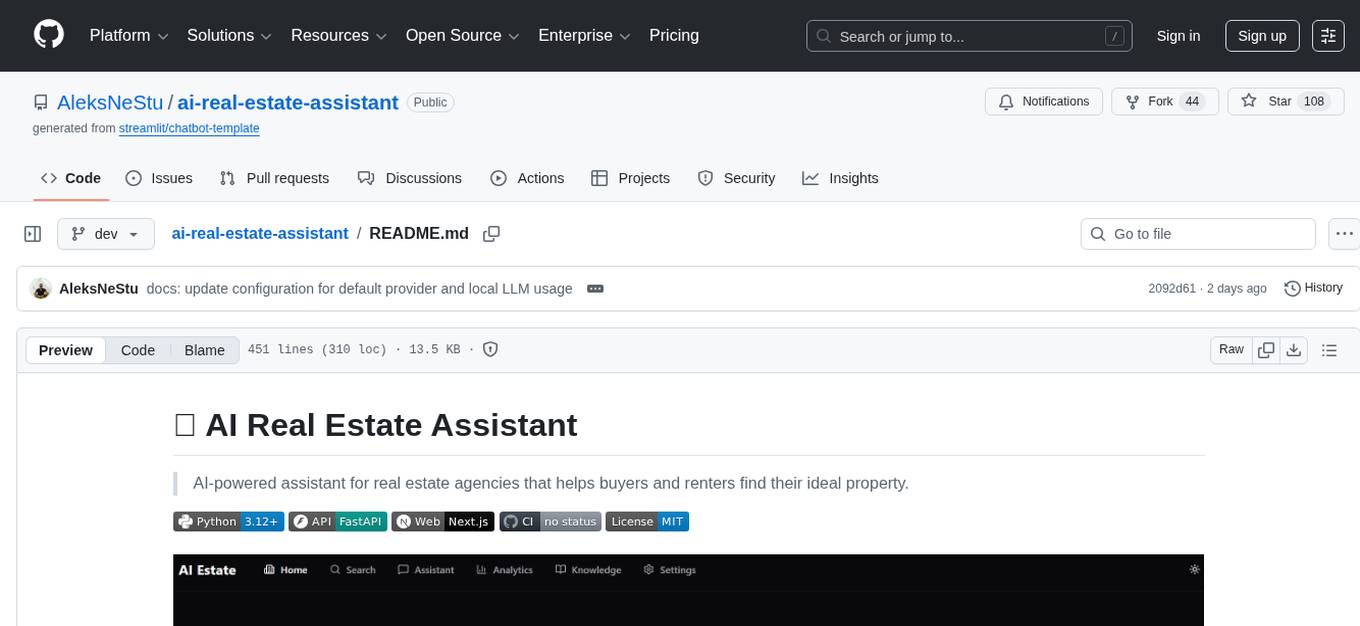
ai-real-estate-assistant
AI Real Estate Assistant is a modern platform that uses AI to assist real estate agencies in helping buyers and renters find their ideal properties. It features multiple AI model providers, intelligent query processing, advanced search and retrieval capabilities, and enhanced user experience. The tool is built with a FastAPI backend and Next.js frontend, offering semantic search, hybrid agent routing, and real-time analytics.
ai-news-radar
AI Signal Board is a high-quality AI/tech news aggregation project that supports static web page display, 24-hour incremental updates, WaytoAGI update logs, OPML RSS batch access, and failure source replacement and alerts. The project includes features such as multi-source web aggregation, OPML RSS ingestion, 24-hour two-mode UI, deduplication functionality, bilingual title rendering, WaytoAGI timeline, and RSS resilience. Users can easily update news data, view aggregated news from various sources, and customize their RSS subscriptions. The project does not require any API keys for core functionality and provides detailed instructions for configuration and usage.
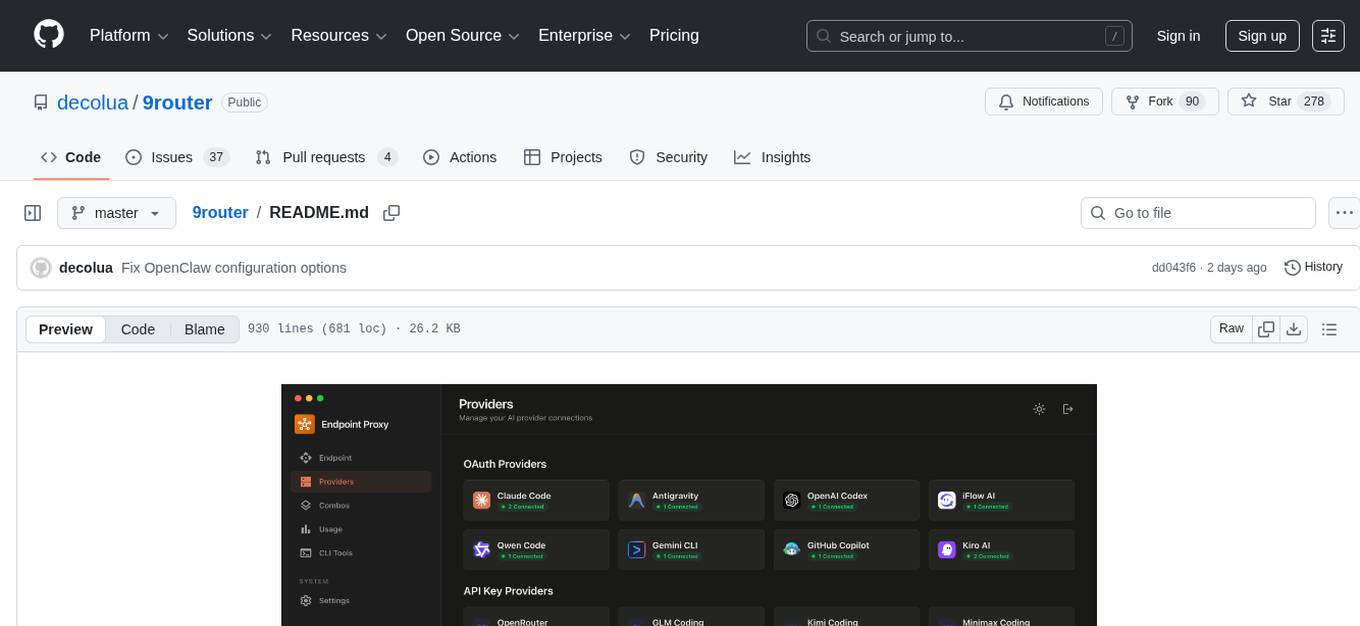
9router
9Router is a free AI router tool designed to help developers maximize their AI subscriptions, auto-route to free and cheap AI models with smart fallback, and avoid hitting limits and wasting money. It offers features like real-time quota tracking, format translation between OpenAI, Claude, and Gemini, multi-account support, auto token refresh, custom model combinations, request logging, cloud sync, usage analytics, and flexible deployment options. The tool supports various providers like Claude Code, Codex, Gemini CLI, GitHub Copilot, GLM, MiniMax, iFlow, Qwen, and Kiro, and allows users to create combos for different scenarios. Users can connect to the tool via CLI tools like Cursor, Claude Code, Codex, OpenClaw, and Cline, and deploy it on VPS, Docker, or Cloudflare Workers.
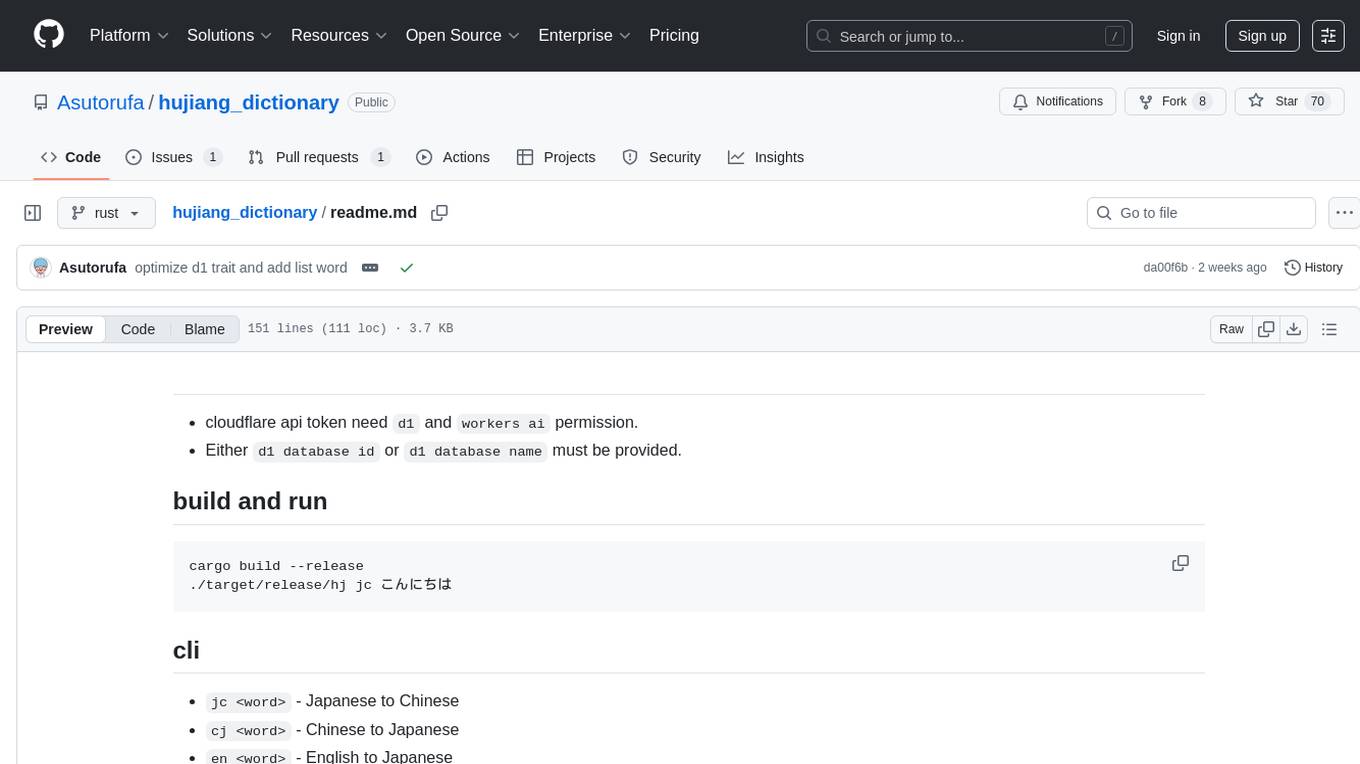
hujiang_dictionary
Hujiang Dictionary is a tool that provides translation services between Japanese, Chinese, and English. It supports various translation modes such as Japanese to Chinese, Chinese to Japanese, English to Japanese, and more. The tool utilizes cloud services like Telegram, Lambda, and Cloudflare Workers for different deployment options. Users can interact with the tool via a command-line interface (CLI) to perform translations and access online resources like weblio and Google Translate. Additionally, the tool offers a Telegram bot for users to access translation services conveniently. The tool also supports setting up and managing databases for storing translation data.
code-graph-rag
Graph-Code is an accurate Retrieval-Augmented Generation (RAG) system that analyzes multi-language codebases using Tree-sitter. It builds comprehensive knowledge graphs, enabling natural language querying of codebase structure and relationships, along with editing capabilities. The system supports various languages, uses Tree-sitter for parsing, Memgraph for storage, and AI models for natural language to Cypher translation. It offers features like code snippet retrieval, advanced file editing, shell command execution, interactive code optimization, reference-guided optimization, dependency analysis, and more. The architecture consists of a multi-language parser and an interactive CLI for querying the knowledge graph.
unity-mcp
MCP for Unity is a tool that acts as a bridge, enabling AI assistants to interact with the Unity Editor via a local MCP Client. Users can instruct their LLM to manage assets, scenes, scripts, and automate tasks within Unity. The tool offers natural language control, powerful tools for asset management, scene manipulation, and automation of workflows. It is extensible and designed to work with various MCP Clients, providing a range of functions for precise text edits, script management, GameObject operations, and more.
VimLM
VimLM is an AI-powered coding assistant for Vim that integrates AI for code generation, refactoring, and documentation directly into your Vim workflow. It offers native Vim integration with split-window responses and intuitive keybindings, offline first execution with MLX-compatible models, contextual awareness with seamless integration with codebase and external resources, conversational workflow for iterating on responses, project scaffolding for generating and deploying code blocks, and extensibility for creating custom LLM workflows with command chains.
mcp-context-forge
MCP Context Forge is a powerful tool for generating context-aware data for machine learning models. It provides functionalities to create diverse datasets with contextual information, enhancing the performance of AI algorithms. The tool supports various data formats and allows users to customize the context generation process easily. With MCP Context Forge, users can efficiently prepare training data for tasks requiring contextual understanding, such as sentiment analysis, recommendation systems, and natural language processing.
kubectl-mcp-server
Control your entire Kubernetes infrastructure through natural language conversations with AI. Talk to your clusters like you talk to a DevOps expert. Debug crashed pods, optimize costs, deploy applications, audit security, manage Helm charts, and visualize dashboards—all through natural language. The tool provides 253 powerful tools, 8 workflow prompts, 8 data resources, and works with all major AI assistants. It offers AI-powered diagnostics, built-in cost optimization, enterprise-ready features, zero learning curve, universal compatibility, visual insights, and production-grade deployment options. From debugging crashed pods to optimizing cluster costs, kubectl-mcp-server is your AI-powered DevOps companion.
one
ONE is a modern web and AI agent development toolkit that empowers developers to build AI-powered applications with high performance, beautiful UI, AI integration, responsive design, type safety, and great developer experience. It is perfect for building modern web applications, from simple landing pages to complex AI-powered platforms.
HiveChat
HiveChat is an AI chat application designed for small and medium teams. It supports various models such as DeepSeek, Open AI, Claude, and Gemini. The tool allows easy configuration by one administrator for the entire team to use different AI models. It supports features like email or Feishu login, LaTeX and Markdown rendering, DeepSeek mind map display, image understanding, AI agents, cloud data storage, and integration with multiple large model service providers. Users can engage in conversations by logging in, while administrators can configure AI service providers, manage users, and control account registration. The technology stack includes Next.js, Tailwindcss, Auth.js, PostgreSQL, Drizzle ORM, and Ant Design.
evalplus
EvalPlus is a rigorous evaluation framework for LLM4Code, providing HumanEval+ and MBPP+ tests to evaluate large language models on code generation tasks. It offers precise evaluation and ranking, coding rigorousness analysis, and pre-generated code samples. Users can use EvalPlus to generate code solutions, post-process code, and evaluate code quality. The tool includes tools for code generation and test input generation using various backends.
For similar tasks
video2blog
video2blog is an open-source project aimed at converting videos into textual notes. The tool follows a process of extracting video information using yt-dlp, downloading the video, downloading subtitles if available, translating subtitles if not in Chinese, generating Chinese subtitles using whisper if no subtitles exist, converting subtitles to articles using gemini, and manually inserting images from the video into the article. The tool provides a solution for creating blog content from video resources, enhancing accessibility and content creation efficiency.
ophel
Ophel Atlas is a tool that transforms AI conversations into readable, navigable, and reusable documents. It organizes conversations into a structured workflow, allowing users to easily navigate and reuse valuable insights. It offers features such as intelligent outlining, conversation management, prompt libraries, theme customization, interface optimization, reading experience enhancements, efficiency tools, and privacy-focused data storage. Ophel Atlas is designed for various use cases including learning and research, daily work tasks, development and technical writing, content creation, and frequent AI users seeking structured and reusable capabilities.
wp-ai-chat
The 'wp-ai-chat' repository is an open-source and free WordPress AI assistant plugin that enables various AI functionalities such as AI chat conversations, AI voice playback, AI article generation, AI article summarization, AI article translation, AI PPT generation, AI document analysis, and article content voice playback. It supports integration with multiple AI text interfaces and intelligent applications from platforms like Alibaba, Tencent, and ByteDance. Users can generate articles, summarize articles, translate articles, play article content via text-to-speech services, and customize AI models and prompts. The plugin requires WordPress 6.7.1 and PHP 8.0, and provides a front-end chat interface for logged-in users.
AiEditor
AiEditor is a next-generation rich text editor for AI, based on Web Component and supporting various front-end frameworks. It offers two themes, light and dark, along with flexible configuration for developing text editing applications. The editor includes features for basic text formatting, enhancements like undo/redo and format painter, support for attachments like images and videos, code-related functionalities, table manipulation, Markdown support, AI-related features such as continuation and optimization, and more. Planned improvements include collaboration, automated testing, AI picture insertion and drawing, enhanced paste features, WORD and PDF export, Notion-like operations, and integration with ChatGPT.
gpt-subtrans
GPT-Subtrans is an open-source subtitle translator that utilizes large language models (LLMs) as translation services. It supports translation between any language pairs that the language model supports. Note that GPT-Subtrans requires an active internet connection, as subtitles are sent to the provider's servers for translation, and their privacy policy applies.
chatgpt-subtitle-translator
This tool utilizes the OpenAI ChatGPT API to translate text, with a focus on line-based translation, particularly for SRT subtitles. It optimizes token usage by removing SRT overhead and grouping text into batches, allowing for arbitrary length translations without excessive token consumption while maintaining a one-to-one match between line input and output.
TeroSubtitler
Tero Subtitler is an open source, cross-platform, and free subtitle editing software with a user-friendly interface. It offers fully fledged editing with SMPTE and MEDIA modes, support for various subtitle formats, multi-level undo/redo, search and replace, auto-backup, source and transcription modes, translation memory, audiovisual preview, timeline with waveform visualizer, manipulation tools, formatting options, quality control features, translation and transcription capabilities, validation tools, automation for correcting errors, and more. It also includes features like exporting subtitles to MP3, importing/exporting Blu-ray SUP format, generating blank video, generating video with hardcoded subtitles, video dubbing, and more. The tool utilizes powerful multimedia playback engines like mpv, advanced audio/video manipulation tools like FFmpeg, tools for automatic transcription like whisper.cpp/Faster-Whisper, auto-translation API like Google Translate, and ElevenLabs TTS for video dubbing.
AiNiee
AiNiee is a tool focused on AI translation, capable of automatically translating RPG SLG games, Epub TXT novels, Srt Lrc subtitles, and more. It provides features for configuring AI platforms, proxies, and translation settings. Users can utilize this tool for translating game scripts, novels, and subtitles efficiently. The tool supports multiple AI platforms and offers tutorials for beginners. It also includes functionalities for extracting and translating game text, with options for customizing translation projects and managing translation tasks effectively.
For similar jobs

exif-photo-blog
EXIF Photo Blog is a full-stack photo blog application built with Next.js, Vercel, and Postgres. It features built-in authentication, photo upload with EXIF extraction, photo organization by tag, infinite scroll, light/dark mode, automatic OG image generation, a CMD-K menu with photo search, experimental support for AI-generated descriptions, and support for Fujifilm simulations. The application is easy to deploy to Vercel with just a few clicks and can be customized with a variety of environment variables.
obsidian-textgenerator-plugin
Text Generator is an open-source AI Assistant Tool that leverages Generative Artificial Intelligence to enhance knowledge creation and organization in Obsidian. It allows users to generate ideas, titles, summaries, outlines, and paragraphs based on their knowledge database, offering endless possibilities. The plugin is free and open source, compatible with Obsidian for a powerful Personal Knowledge Management system. It provides flexible prompts, template engine for repetitive tasks, community templates for shared use cases, and highly flexible configuration with services like Google Generative AI, OpenAI, and HuggingFace.
video2blog
video2blog is an open-source project aimed at converting videos into textual notes. The tool follows a process of extracting video information using yt-dlp, downloading the video, downloading subtitles if available, translating subtitles if not in Chinese, generating Chinese subtitles using whisper if no subtitles exist, converting subtitles to articles using gemini, and manually inserting images from the video into the article. The tool provides a solution for creating blog content from video resources, enhancing accessibility and content creation efficiency.
obsidian-weaver
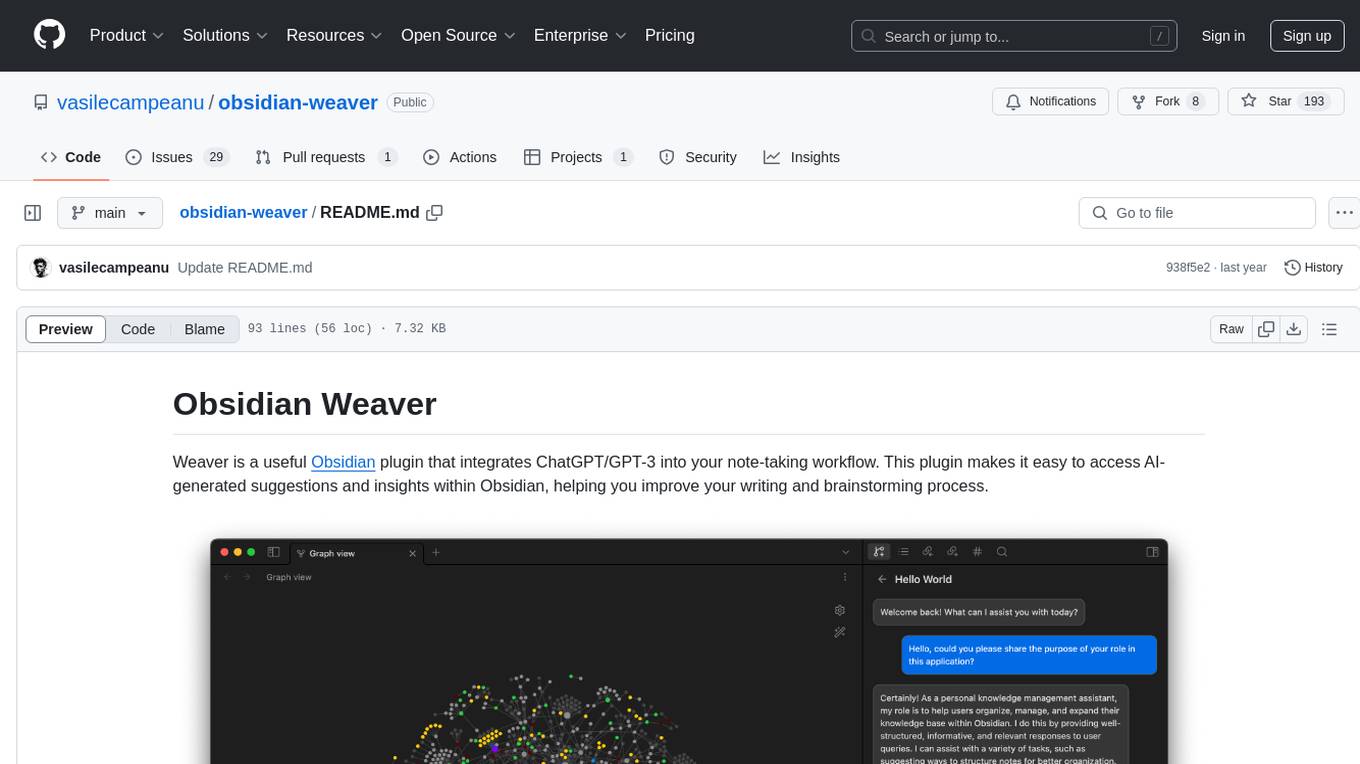
Obsidian Weaver is a plugin that integrates ChatGPT/GPT-3 into the note-taking workflow of Obsidian. It allows users to easily access AI-generated suggestions and insights within Obsidian, enhancing the writing and brainstorming process. The plugin respects Obsidian's philosophy of storing notes locally, ensuring data security and privacy. Weaver offers features like creating new chat sessions with the AI assistant and receiving instant responses, all within the Obsidian environment. It provides a seamless integration with Obsidian's interface, making the writing process efficient and helping users stay focused. The plugin is constantly being improved with new features and updates to enhance the note-taking experience.
wordlift-plugin
WordLift is a plugin that helps online content creators organize posts and pages by adding facts, links, and media to build beautifully structured websites for both humans and search engines. It allows users to create, own, and publish their own knowledge graph, and publishes content as Linked Open Data following Tim Berners-Lee's Linked Data Principles. The plugin supports writers by providing trustworthy and contextual facts, enriching content with images, links, and interactive visualizations, keeping readers engaged with relevant content recommendations, and producing content compatible with schema.org markup for better indexing and display on search engines. It also offers features like creating a personal Wikipedia, publishing metadata to share and distribute content, and supporting content tagging for better SEO.
AI-Writing-Assistant
DeepWrite AI is an AI writing assistant tool created with the help of ChatGPT3. It is designed to generate perfect blog posts with utmost clarity. The tool is currently at version 1.0 with plans for further improvements. It is an open-source project, welcoming contributions. An extension has been developed for using the tool directly in Notepad, currently supported only on Calmly Writer. The tool requires installation and setup, utilizing technologies like React, Next, TailwindCSS, Node, and Express. For support, users can message the creator on Instagram. The creator, Sabir Khan, is an undergraduate student of Computer Science from Mumbai, known for frequently creating innovative projects.
AI-Assistant-ChatGPT
AI Assistant ChatGPT is a web client tool that allows users to create or chat using ChatGPT or Claude. It enables generating long texts and conversations with efficient control over quality and content direction. The tool supports customization of reverse proxy address, conversation management, content editing, markdown document export, JSON backup, context customization, session-topic management, role customization, dynamic content navigation, and more. Users can access the tool directly at https://eaias.com or deploy it independently. It offers features for dialogue management, assistant configuration, session configuration, and more. The tool lacks data cloud storage and synchronization but provides guidelines for independent deployment. It is a frontend project that can be deployed using Cloudflare Pages and customized with backend modifications. The project is open-source under the MIT license.
MarkFlowy
MarkFlowy is a lightweight and feature-rich Markdown editor with built-in AI capabilities. It supports one-click export of conversations, translation of articles, and obtaining article abstracts. Users can leverage large AI models like DeepSeek and Chatgpt as intelligent assistants. The editor provides high availability with multiple editing modes and custom themes. Available for Linux, macOS, and Windows, MarkFlowy aims to offer an efficient, beautiful, and data-safe Markdown editing experience for users.