


OpenGradient-SDK
Python SDK for using verifiable AI inference on OpenGradient
Stars: 74
OpenGradient Python SDK is a tool for decentralized model management and inference services on the OpenGradient platform. It provides programmatic access to distributed AI infrastructure with cryptographic verification capabilities. The SDK supports verifiable LLM inference, multi-provider support, TEE execution, model hub integration, consensus-based verification, and command-line interface. Users can leverage this SDK to build AI applications with execution guarantees through Trusted Execution Environments and blockchain-based settlement, ensuring auditability and tamper-proof AI execution.
README:
A Python SDK for decentralized model management and inference services on the OpenGradient platform. The SDK provides programmatic access to distributed AI infrastructure with cryptographic verification capabilities.
OpenGradient enables developers to build AI applications with verifiable execution guarantees through Trusted Execution Environments (TEE) and blockchain-based settlement. The SDK supports standard LLM inference patterns while adding cryptographic attestation for applications requiring auditability and tamper-proof AI execution.
- Verifiable LLM Inference: Drop-in replacement for OpenAI and Anthropic APIs with cryptographic attestation
- Multi-Provider Support: Access models from OpenAI, Anthropic, Google, and xAI through a unified interface
- TEE Execution: Trusted Execution Environment inference with cryptographic verification
- Model Hub Integration: Registry for model discovery, versioning, and deployment
- Consensus-Based Verification: End-to-end verified AI execution through the OpenGradient network
- Command-Line Interface: Direct access to SDK functionality via CLI
pip install opengradientNote: Windows users should temporarily enable WSL during installation (fix in progress).
OpenGradient operates two networks:
- Testnet: Primary public testnet for general development and testing
- Alpha Testnet: Experimental features including atomic AI execution from smart contracts and scheduled ML workflow execution
For current network RPC endpoints, contract addresses, and deployment information, refer to the Network Deployment Documentation.
Before using the SDK, you will need:
- Private Key: An Ethereum-compatible wallet private key funded with Base Sepolia OPG tokens for x402 LLM payments
- Test Tokens: Obtain free test tokens from the OpenGradient Faucet for testnet LLM inference
-
Alpha Private Key (Optional): A separate private key funded with OpenGradient testnet gas tokens for Alpha Testnet on-chain inference. If not provided, the primary
private_keyis used for both chains. - Model Hub Account (Optional): Required only for model uploads. Register at hub.opengradient.ai/signup
Initialize your configuration using the interactive wizard:
opengradient config initThe SDK accepts configuration through environment variables, though most parameters (like private_key) are passed directly to the client.
The following Firebase configuration variables are optional and only needed for Model Hub operations (uploading/managing models):
FIREBASE_API_KEYFIREBASE_AUTH_DOMAINFIREBASE_PROJECT_IDFIREBASE_STORAGE_BUCKETFIREBASE_APP_IDFIREBASE_DATABASE_URL
Note: If you're only using the SDK for LLM inference, you don't need to configure any environment variables.
import os
import opengradient as og

client = og.Client(
    private_key=os.environ.get("OG_PRIVATE_KEY"),  # Base Sepolia OPG tokens for LLM payments
    alpha_private_key=os.environ.get("OG_ALPHA_PRIVATE_KEY"),  # Optional: OpenGradient testnet tokens for on-chain inference
    email=None,  # Optional: required only for model uploads
    password=None,
)
The client operates across two chains:
-
LLM inference (
client.llm) settles via x402 on Base Sepolia using OPG tokens (funded byprivate_key) -
Alpha Testnet (
client.alpha) runs on the OpenGradient network using testnet gas tokens (funded byalpha_private_key, orprivate_keywhen not provided)
OpenGradient provides secure, verifiable inference through Trusted Execution Environments. All supported models include cryptographic attestation verified by the OpenGradient network:
completion = client.llm.chat(
    model=og.TEE_LLM.GPT_4O,
    messages=[{"role": "user", "content": "Hello!"}],
)
print(f"Response: {completion.chat_output['content']}")
print(f"Transaction hash: {completion.transaction_hash}")For real-time generation, enable streaming:
stream = client.llm.chat(
    model=og.TEE_LLM.CLAUDE_3_7_SONNET,
    messages=[{"role": "user", "content": "Explain quantum computing"}],
    max_tokens=500,
    stream=True,
)

for chunk in stream:
    if chunk.choices[0].delta.content:
print(chunk.choices[0].delta.content, end="")Use OpenGradient as a drop-in LLM provider for LangChain agents with network-verified execution:
from langchain_core.tools import tool
from langgraph.prebuilt import create_react_agent
import opengradient as og

llm = og.agents.langchain_adapter(
    private_key=os.environ.get("OG_PRIVATE_KEY"),
    model_cid=og.TEE_LLM.GPT_4O,
)

@tool
def get_weather(city: str) -> str:
    """Returns the current weather for a city."""
    return f"Sunny, 72°F in {city}"

agent = create_react_agent(llm, [get_weather])
result = agent.invoke({
    "messages": [("user", "What's the weather in San Francisco?")]
})
print(result["messages"][-1].content)The SDK provides access to models from multiple providers via the og.TEE_LLM enum:
- GPT-4.1 (2025-04-14)
- GPT-4o
- o4-mini
- Claude 3.7 Sonnet
- Claude 3.5 Haiku
- Claude 4.0 Sonnet
- Gemini 2.5 Flash
- Gemini 2.5 Pro
- Gemini 2.0 Flash
- Gemini 2.5 Flash Lite
- Grok 3 Beta
- Grok 3 Mini Beta
- Grok 2 (1212)
- Grok 2 Vision
- Grok 4.1 Fast (reasoning and non-reasoning)
For a complete list, reference the og.TEE_LLM enum or consult the API documentation.
The Alpha Testnet provides access to experimental capabilities including custom ML model inference and workflow orchestration. These features enable on-chain AI pipelines that connect models with data sources and support scheduled automated execution.
Note: Alpha features require connecting to the Alpha Testnet. See Network Architecture for details.
Browse models on the Model Hub or deploy your own:
result = client.alpha.infer(
    model_cid="your-model-cid",
    model_input={"input": [1.0, 2.0, 3.0]},
    inference_mode=og.InferenceMode.VANILLA,
)
print(f"Output: {result.model_output}")Deploy on-chain AI workflows with optional scheduling:
import opengradient as og

client = og.Client(
    private_key="your-private-key",  # Base Sepolia OPG tokens
    alpha_private_key="your-alpha-private-key",  # OpenGradient testnet tokens
    email="your-email",
    password="your-password",
)

# Define input query for historical price data
input_query = og.HistoricalInputQuery(
    base="ETH",
    quote="USD",
    total_candles=10,
    candle_duration_in_mins=60,
    order=og.CandleOrder.DESCENDING,
    candle_types=[og.CandleType.CLOSE],
)

# Deploy workflow with optional scheduling
contract_address = client.alpha.new_workflow(
    model_cid="your-model-cid",
    input_query=input_query,
    input_tensor_name="input",
    scheduler_params=og.SchedulerParams(
        frequency=3600,
        duration_hours=24
    ),  # Optional
)
print(f"Workflow deployed at: {contract_address}")# Manually trigger workflow execution
result = client.alpha.run_workflow(contract_address)
print(f"Inference output: {result}")
# Read the latest result
latest = client.alpha.read_workflow_result(contract_address)
# Retrieve historical results
history = client.alpha.read_workflow_history(
contract_address,
num_results=5
)The SDK includes a comprehensive CLI for direct operations. Verify your configuration:
opengradient config showExecute a test inference:
opengradient infer -m QmbUqS93oc4JTLMHwpVxsE39mhNxy6hpf6Py3r9oANr8aZ \
    --input '{"num_input1":[1.0, 2.0, 3.0], "num_input2":10}'
Run a chat completion:
opengradient chat --model anthropic/claude-3.5-haiku \
    --messages '[{"role":"user","content":"Hello"}]' \
    --max-tokens 100
For a complete list of CLI commands:
opengradient --helpUse OpenGradient as a decentralized alternative to centralized AI providers, eliminating single points of failure and vendor lock-in.
Leverage TEE inference for cryptographically attested AI outputs, enabling trustless AI applications where execution integrity must be proven.
Build applications requiring complete audit trails of AI decisions with cryptographic verification of model inputs, outputs, and execution environments.
Manage, host, and execute models through the Model Hub with direct integration into development workflows.
OpenGradient supports multiple settlement modes through the x402 payment protocol:
- SETTLE: Records cryptographic hashes only (maximum privacy)
- SETTLE_METADATA: Records complete input/output data (maximum transparency)
- SETTLE_BATCH: Aggregates multiple inferences (most cost-efficient)
Specify settlement mode in your requests:
result = client.llm.chat(
    model=og.TEE_LLM.GPT_4O,
    messages=[{"role": "user", "content": "Hello"}],
    x402_settlement_mode=og.x402SettlementMode.SETTLE_BATCH,
)LLM inference payments use OPG tokens via the Permit2 protocol. Before making requests, ensure your wallet has approved sufficient OPG for spending:
# Checks current Permit2 allowance — only sends an on-chain transaction
# if the allowance is below the requested amount.
client.llm.ensure_opg_approval(opg_amount=5)
This is idempotent: if your wallet already has an allowance >= the requested amount, no transaction is sent.
Additional code examples are available in the examples directory.
Step-by-step guides for building with OpenGradient are available in the tutorials directory:
- Build a Verifiable AI Agent with On-Chain Tools — Create an AI agent with cryptographically attested execution and on-chain tool integration
- Streaming Multi-Provider Chat with Settlement Modes — Use a unified API across OpenAI, Anthropic, and Google with real-time streaming and configurable settlement
- Tool-Calling Agent with Verified Reasoning — Build a tool-calling agent where every reasoning step is cryptographically verifiable
For comprehensive documentation, API reference, and guides:
If you use Claude Code, copy docs/CLAUDE_SDK_USERS.md to your project's CLAUDE.md to enable context-aware assistance with OpenGradient SDK development.
Browse and discover AI models on the OpenGradient Model Hub. The Hub provides:
- Comprehensive model registry with versioning
- Model discovery and deployment tools
- Direct SDK integration for seamless workflows
- Execute
opengradient --helpfor CLI command reference - Visit our documentation for detailed guides
- Join our community for support and discussions
For Tasks:
Click tags to check more tools for each tasksFor Jobs:
Alternative AI tools for OpenGradient-SDK
Similar Open Source Tools
OpenGradient-SDK
OpenGradient Python SDK is a tool for decentralized model management and inference services on the OpenGradient platform. It provides programmatic access to distributed AI infrastructure with cryptographic verification capabilities. The SDK supports verifiable LLM inference, multi-provider support, TEE execution, model hub integration, consensus-based verification, and command-line interface. Users can leverage this SDK to build AI applications with execution guarantees through Trusted Execution Environments and blockchain-based settlement, ensuring auditability and tamper-proof AI execution.
orra
Orra is a tool for building production-ready multi-agent applications that handle complex real-world interactions. It coordinates tasks across existing stack, agents, and tools run as services using intelligent reasoning. With features like smart pre-evaluated execution plans, domain grounding, durable execution, and automatic service health monitoring, Orra enables users to go fast with tools as services and revert state to handle failures. It provides real-time status tracking and webhook result delivery, making it ideal for developers looking to move beyond simple crews and agents.
Shellsage
Shell Sage is an intelligent terminal companion and AI-powered terminal assistant that enhances the terminal experience with features like local and cloud AI support, context-aware error diagnosis, natural language to command translation, and safe command execution workflows. It offers interactive workflows, supports various API providers, and allows for custom model selection. Users can configure the tool for local or API mode, select specific models, and switch between modes easily. Currently in alpha development, Shell Sage has known limitations like limited Windows support and occasional false positives in error detection. The roadmap includes improvements like better context awareness, Windows PowerShell integration, Tmux integration, and CI/CD error pattern database.
golf
Golf is a simple command-line tool for calculating the distance between two geographic coordinates. It uses the Haversine formula to accurately determine the distance between two points on the Earth's surface. This tool is useful for developers working on location-based applications or projects that require distance calculations. With Golf, users can easily input latitude and longitude coordinates and get the precise distance in kilometers or miles. The tool is lightweight, easy to use, and can be integrated into various programming workflows.
hayhooks
Hayhooks is a tool that simplifies the deployment and serving of Haystack pipelines as REST APIs. It allows users to wrap their pipelines with custom logic and expose them via HTTP endpoints, including OpenAI-compatible chat completion endpoints. With Hayhooks, users can easily convert their Haystack pipelines into API services with minimal boilerplate code.
fast-mcp
Fast MCP is a Ruby gem that simplifies the integration of AI models with your Ruby applications. It provides a clean implementation of the Model Context Protocol, eliminating complex communication protocols, integration challenges, and compatibility issues. With Fast MCP, you can easily connect AI models to your servers, share data resources, choose from multiple transports, integrate with frameworks like Rails and Sinatra, and secure your AI-powered endpoints. The gem also offers real-time updates and authentication support, making AI integration a seamless experience for developers.
ocrbase
ocrbase is a tool designed to turn PDFs into structured data at scale. It utilizes the PaddleOCR-VL-1.5 0.9B OCR model for accurate text extraction and allows users to define schemas for structured extraction, receiving JSON outputs. The tool is built for scalability with queue-based scaling using BullMQ and provides real-time updates through WebSocket notifications. Users can self-host the tool on their own infrastructure using the provided Self-Hosting Guide, making it a versatile solution for document processing needs.
plexe
Plexe is a tool that allows users to create machine learning models by describing them in plain language. Users can explain their requirements, provide a dataset, and the AI-powered system will build a fully functional model through an automated agentic approach. It supports multiple AI agents and model building frameworks like XGBoost, CatBoost, and Keras. Plexe also provides Docker images with pre-configured environments, YAML configuration for customization, and support for multiple LiteLLM providers. Users can visualize experiment results using the built-in Streamlit dashboard and extend Plexe's functionality through custom integrations.
Claw-Hunter
Claw Hunter is a discovery and risk-assessment tool for OpenClaw instances, designed to identify 'Shadow AI' and audit agent privileges. It helps ITSec teams detect security risks, credential exposure, integration inventory, configuration issues, and installation status. The tool offers system-agnostic visibility, MDM readiness, non-intrusive operations, comprehensive detection, structured output in JSON format, and zero dependencies. It provides silent execution mode for automated deployment, machine identification, security risk scoring, results upload to a central API endpoint, bearer token authentication support, and persistent logging. Claw Hunter offers proper exit codes for automation and is available for macOS, Linux, and Windows platforms.
AIClient-2-API
AIClient-2-API is a versatile and lightweight API proxy designed for developers, providing ample free API request quotas and comprehensive support for various mainstream large models like Gemini, Qwen Code, Claude, etc. It converts multiple backend APIs into standard OpenAI format interfaces through a Node.js HTTP server. The project adopts a modern modular architecture, supports strategy and adapter patterns, comes with complete test coverage and health check mechanisms, and is ready to use after 'npm install'. By easily switching model service providers in the configuration file, any OpenAI-compatible client or application can seamlessly access different large model capabilities through the same API address, eliminating the hassle of maintaining multiple sets of configurations for different services and dealing with incompatible interfaces.
coding-agent-template
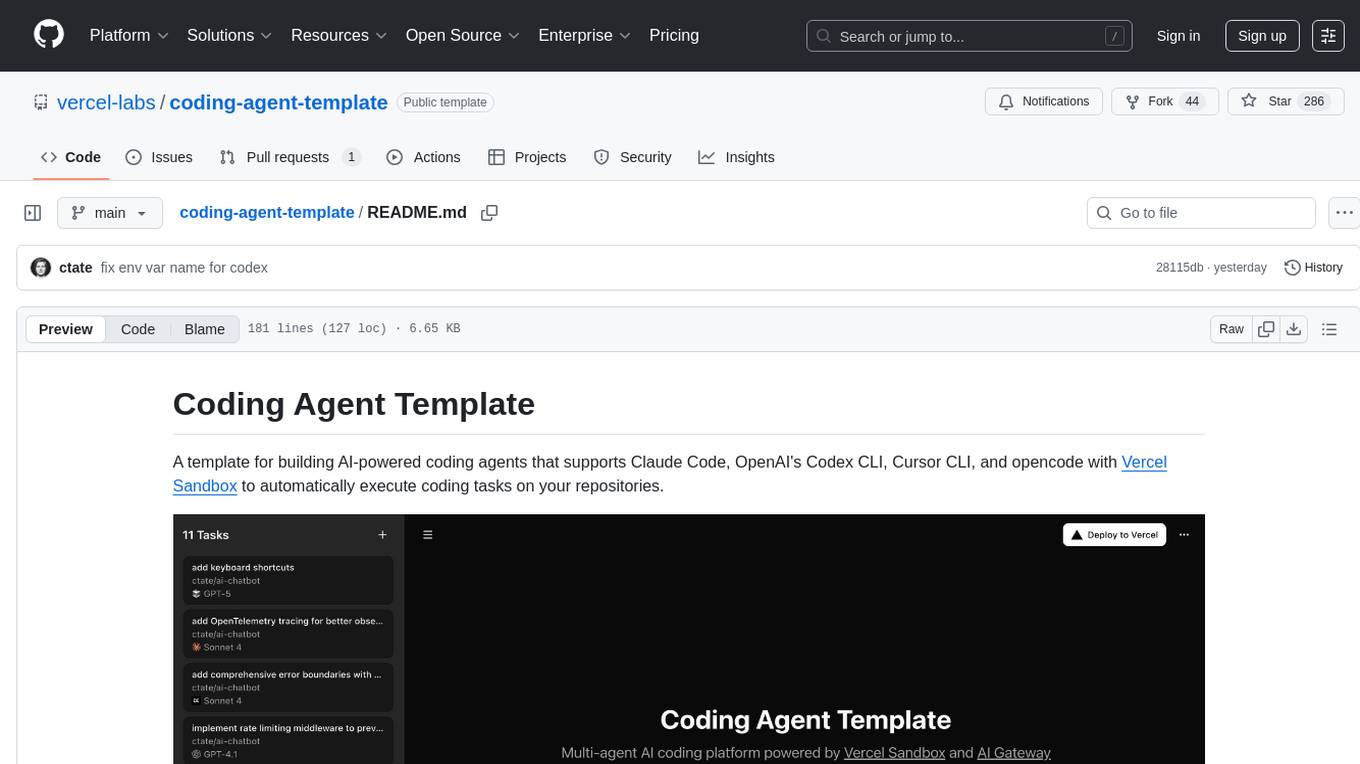
Coding Agent Template is a versatile tool for building AI-powered coding agents that support various coding tasks using Claude Code, OpenAI's Codex CLI, Cursor CLI, and opencode with Vercel Sandbox. It offers features like multi-agent support, Vercel Sandbox for secure code execution, AI Gateway integration, AI-generated branch names, task management, persistent storage, Git integration, and a modern UI built with Next.js and Tailwind CSS. Users can easily deploy their own version of the template to Vercel and set up the tool by cloning the repository, installing dependencies, configuring environment variables, setting up the database, and starting the development server. The tool simplifies the process of creating tasks, monitoring progress, reviewing results, and managing tasks, making it ideal for developers looking to automate coding tasks with AI agents.
pentagi
PentAGI is an innovative tool for automated security testing that leverages cutting-edge artificial intelligence technologies. It is designed for information security professionals, researchers, and enthusiasts who need a powerful and flexible solution for conducting penetration tests. The tool provides secure and isolated operations in a sandboxed Docker environment, fully autonomous AI-powered agent for penetration testing steps, a suite of 20+ professional security tools, smart memory system for storing research results, web intelligence for gathering information, integration with external search systems, team delegation system, comprehensive monitoring and reporting, modern interface, API integration, persistent storage, scalable architecture, self-hosted solution, flexible authentication, and quick deployment through Docker Compose.
CodeRAG
CodeRAG is an AI-powered code retrieval and assistance tool that combines Retrieval-Augmented Generation (RAG) with AI to provide intelligent coding assistance. It indexes your entire codebase for contextual suggestions based on your complete project, offering real-time indexing, semantic code search, and contextual AI responses. The tool monitors your code directory, generates embeddings for Python files, stores them in a FAISS vector database, matches user queries against the code database, and sends retrieved code context to GPT models for intelligent responses. CodeRAG also features a Streamlit web interface with a chat-like experience for easy usage.
nanocoder
Nanocoder is a local-first CLI coding agent that supports multiple AI providers with tool support for file operations and command execution. It focuses on privacy and control, allowing users to code locally with AI tools. The tool is designed to bring the power of agentic coding tools to local models or controlled APIs like OpenRouter, promoting community-led development and inclusive collaboration in the AI coding space.
model-compose
model-compose is an open-source, declarative workflow orchestrator inspired by docker-compose. It lets you define and run AI model pipelines using simple YAML files. Effortlessly connect external AI services or run local AI models within powerful, composable workflows. Features include declarative design, multi-workflow support, modular components, flexible I/O routing, streaming mode support, and more. It supports running workflows locally or serving them remotely, Docker deployment, environment variable support, and provides a CLI interface for managing AI workflows.
gpt-computer-assistant
GPT Computer Assistant (GCA) is an open-source framework designed to build vertical AI agents that can automate tasks on Windows, macOS, and Ubuntu systems. It leverages the Model Context Protocol (MCP) and its own modules to mimic human-like actions and achieve advanced capabilities. With GCA, users can empower themselves to accomplish more in less time by automating tasks like updating dependencies, analyzing databases, and configuring cloud security settings.
For similar tasks

griptape
Griptape is a modular Python framework for building AI-powered applications that securely connect to your enterprise data and APIs. It offers developers the ability to maintain control and flexibility at every step. Griptape's core components include Structures (Agents, Pipelines, and Workflows), Tasks, Tools, Memory (Conversation Memory, Task Memory, and Meta Memory), Drivers (Prompt and Embedding Drivers, Vector Store Drivers, Image Generation Drivers, Image Query Drivers, SQL Drivers, Web Scraper Drivers, and Conversation Memory Drivers), Engines (Query Engines, Extraction Engines, Summary Engines, Image Generation Engines, and Image Query Engines), and additional components (Rulesets, Loaders, Artifacts, Chunkers, and Tokenizers). Griptape enables developers to create AI-powered applications with ease and efficiency.
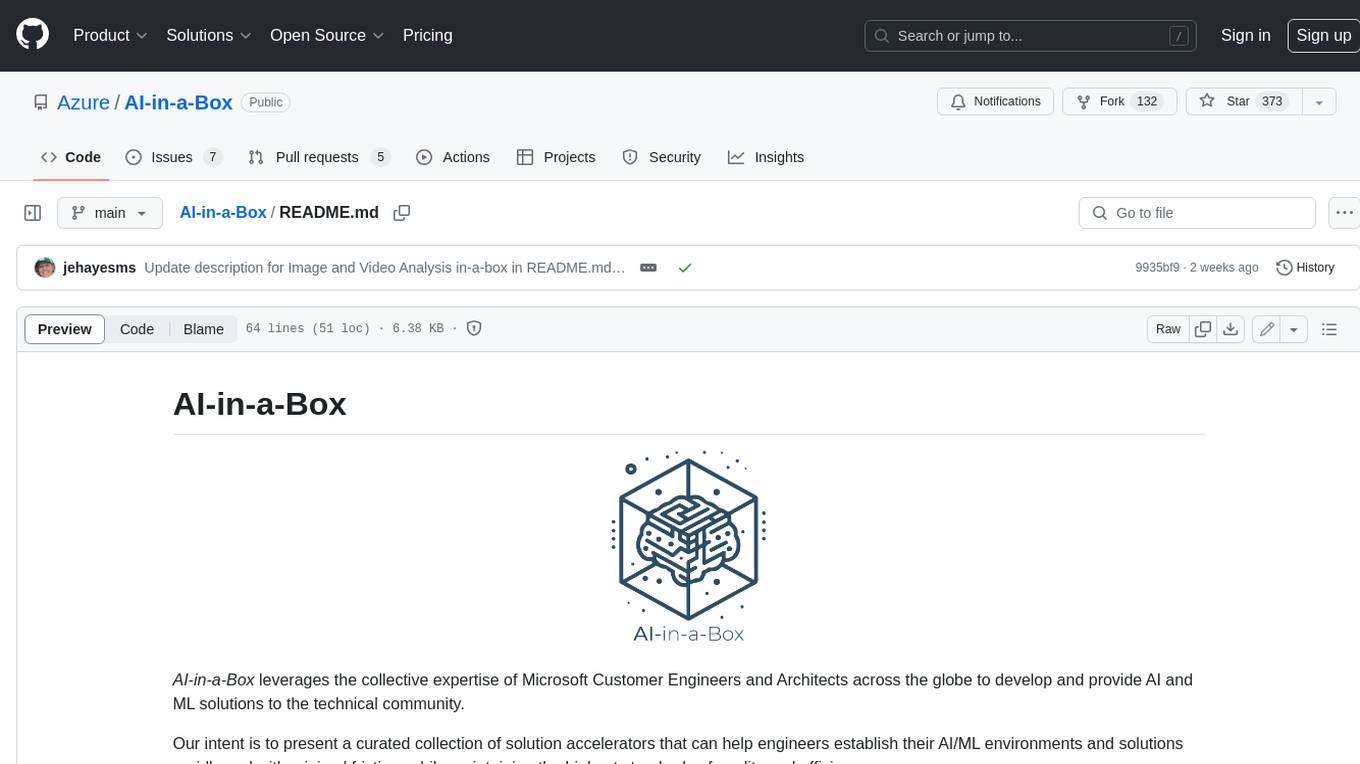
AI-in-a-Box
AI-in-a-Box is a curated collection of solution accelerators that can help engineers establish their AI/ML environments and solutions rapidly and with minimal friction, while maintaining the highest standards of quality and efficiency. It provides essential guidance on the responsible use of AI and LLM technologies, specific security guidance for Generative AI (GenAI) applications, and best practices for scaling OpenAI applications within Azure. The available accelerators include: Azure ML Operationalization in-a-box, Edge AI in-a-box, Doc Intelligence in-a-box, Image and Video Analysis in-a-box, Cognitive Services Landing Zone in-a-box, Semantic Kernel Bot in-a-box, NLP to SQL in-a-box, Assistants API in-a-box, and Assistants API Bot in-a-box.
spring-ai
The Spring AI project provides a Spring-friendly API and abstractions for developing AI applications. It offers a portable client API for interacting with generative AI models, enabling developers to easily swap out implementations and access various models like OpenAI, Azure OpenAI, and HuggingFace. Spring AI also supports prompt engineering, providing classes and interfaces for creating and parsing prompts, as well as incorporating proprietary data into generative AI without retraining the model. This is achieved through Retrieval Augmented Generation (RAG), which involves extracting, transforming, and loading data into a vector database for use by AI models. Spring AI's VectorStore abstraction allows for seamless transitions between different vector database implementations.
ragstack-ai
RAGStack is an out-of-the-box solution simplifying Retrieval Augmented Generation (RAG) in GenAI apps. RAGStack includes the best open-source for implementing RAG, giving developers a comprehensive Gen AI Stack leveraging LangChain, CassIO, and more. RAGStack leverages the LangChain ecosystem and is fully compatible with LangSmith for monitoring your AI deployments.
breadboard
Breadboard is a library for prototyping generative AI applications. It is inspired by the hardware maker community and their boundless creativity. Breadboard makes it easy to wire prototypes and share, remix, reuse, and compose them. The library emphasizes ease and flexibility of wiring, as well as modularity and composability.
cloudflare-ai-web
Cloudflare-ai-web is a lightweight and easy-to-use tool that allows you to quickly deploy a multi-modal AI platform using Cloudflare Workers AI. It supports serverless deployment, password protection, and local storage of chat logs. With a size of only ~638 kB gzip, it is a great option for building AI-powered applications without the need for a dedicated server.
app-builder
AppBuilder SDK is a one-stop development tool for AI native applications, providing basic cloud resources, AI capability engine, Qianfan large model, and related capability components to improve the development efficiency of AI native applications.
cookbook
This repository contains community-driven practical examples of building AI applications and solving various tasks with AI using open-source tools and models. Everyone is welcome to contribute, and we value everybody's contribution! There are several ways you can contribute to the Open-Source AI Cookbook: Submit an idea for a desired example/guide via GitHub Issues. Contribute a new notebook with a practical example. Improve existing examples by fixing issues/typos. Before contributing, check currently open issues and pull requests to avoid working on something that someone else is already working on.
For similar jobs

promptflow
**Prompt flow** is a suite of development tools designed to streamline the end-to-end development cycle of LLM-based AI applications, from ideation, prototyping, testing, evaluation to production deployment and monitoring. It makes prompt engineering much easier and enables you to build LLM apps with production quality.

deepeval
DeepEval is a simple-to-use, open-source LLM evaluation framework specialized for unit testing LLM outputs. It incorporates various metrics such as G-Eval, hallucination, answer relevancy, RAGAS, etc., and runs locally on your machine for evaluation. It provides a wide range of ready-to-use evaluation metrics, allows for creating custom metrics, integrates with any CI/CD environment, and enables benchmarking LLMs on popular benchmarks. DeepEval is designed for evaluating RAG and fine-tuning applications, helping users optimize hyperparameters, prevent prompt drifting, and transition from OpenAI to hosting their own Llama2 with confidence.

MegaDetector
MegaDetector is an AI model that identifies animals, people, and vehicles in camera trap images (which also makes it useful for eliminating blank images). This model is trained on several million images from a variety of ecosystems. MegaDetector is just one of many tools that aims to make conservation biologists more efficient with AI. If you want to learn about other ways to use AI to accelerate camera trap workflows, check out our of the field, affectionately titled "Everything I know about machine learning and camera traps".

leapfrogai
LeapfrogAI is a self-hosted AI platform designed to be deployed in air-gapped resource-constrained environments. It brings sophisticated AI solutions to these environments by hosting all the necessary components of an AI stack, including vector databases, model backends, API, and UI. LeapfrogAI's API closely matches that of OpenAI, allowing tools built for OpenAI/ChatGPT to function seamlessly with a LeapfrogAI backend. It provides several backends for various use cases, including llama-cpp-python, whisper, text-embeddings, and vllm. LeapfrogAI leverages Chainguard's apko to harden base python images, ensuring the latest supported Python versions are used by the other components of the stack. The LeapfrogAI SDK provides a standard set of protobuffs and python utilities for implementing backends and gRPC. LeapfrogAI offers UI options for common use-cases like chat, summarization, and transcription. It can be deployed and run locally via UDS and Kubernetes, built out using Zarf packages. LeapfrogAI is supported by a community of users and contributors, including Defense Unicorns, Beast Code, Chainguard, Exovera, Hypergiant, Pulze, SOSi, United States Navy, United States Air Force, and United States Space Force.

llava-docker
This Docker image for LLaVA (Large Language and Vision Assistant) provides a convenient way to run LLaVA locally or on RunPod. LLaVA is a powerful AI tool that combines natural language processing and computer vision capabilities. With this Docker image, you can easily access LLaVA's functionalities for various tasks, including image captioning, visual question answering, text summarization, and more. The image comes pre-installed with LLaVA v1.2.0, Torch 2.1.2, xformers 0.0.23.post1, and other necessary dependencies. You can customize the model used by setting the MODEL environment variable. The image also includes a Jupyter Lab environment for interactive development and exploration. Overall, this Docker image offers a comprehensive and user-friendly platform for leveraging LLaVA's capabilities.

carrot
The 'carrot' repository on GitHub provides a list of free and user-friendly ChatGPT mirror sites for easy access. The repository includes sponsored sites offering various GPT models and services. Users can find and share sites, report errors, and access stable and recommended sites for ChatGPT usage. The repository also includes a detailed list of ChatGPT sites, their features, and accessibility options, making it a valuable resource for ChatGPT users seeking free and unlimited GPT services.

TrustLLM
TrustLLM is a comprehensive study of trustworthiness in LLMs, including principles for different dimensions of trustworthiness, established benchmark, evaluation, and analysis of trustworthiness for mainstream LLMs, and discussion of open challenges and future directions. Specifically, we first propose a set of principles for trustworthy LLMs that span eight different dimensions. Based on these principles, we further establish a benchmark across six dimensions including truthfulness, safety, fairness, robustness, privacy, and machine ethics. We then present a study evaluating 16 mainstream LLMs in TrustLLM, consisting of over 30 datasets. The document explains how to use the trustllm python package to help you assess the performance of your LLM in trustworthiness more quickly. For more details about TrustLLM, please refer to project website.

AI-YinMei
AI-YinMei is an AI virtual anchor Vtuber development tool (N card version). It supports fastgpt knowledge base chat dialogue, a complete set of solutions for LLM large language models: [fastgpt] + [one-api] + [Xinference], supports docking bilibili live broadcast barrage reply and entering live broadcast welcome speech, supports Microsoft edge-tts speech synthesis, supports Bert-VITS2 speech synthesis, supports GPT-SoVITS speech synthesis, supports expression control Vtuber Studio, supports painting stable-diffusion-webui output OBS live broadcast room, supports painting picture pornography public-NSFW-y-distinguish, supports search and image search service duckduckgo (requires magic Internet access), supports image search service Baidu image search (no magic Internet access), supports AI reply chat box [html plug-in], supports AI singing Auto-Convert-Music, supports playlist [html plug-in], supports dancing function, supports expression video playback, supports head touching action, supports gift smashing action, supports singing automatic start dancing function, chat and singing automatic cycle swing action, supports multi scene switching, background music switching, day and night automatic switching scene, supports open singing and painting, let AI automatically judge the content.