


video-search-and-summarization
Blueprint for Ingesting massive volumes of live or archived videos and extract insights for summarization and interactive Q&A
Stars: 404
The NVIDIA AI Blueprint for Video Search and Summarization is a repository showcasing video search and summarization agent with NVIDIA NIM microservices. It enables industries to make better decisions faster by providing insightful, accurate, and interactive video analytics AI agents. These agents can perform tasks like video summarization and visual question-answering, unlocking new application possibilities. The repository includes software components like NIM microservices, ingestion pipeline, and CA-RAG module, offering a comprehensive solution for analyzing and summarizing large volumes of video data. The target audience includes video analysts, IT engineers, and GenAI developers who can benefit from the blueprint's 1-click deployment steps, easy-to-manage configurations, and customization options. The repository structure overview includes directories for deployment, source code, and training notebooks, along with documentation for detailed instructions. Hardware requirements vary based on deployment topology and dependencies like VLM and LLM, with different deployment methods such as Launchable Deployment, Docker Compose Deployment, and Helm Chart Deployment provided for various use cases.
README:
- Overview
- Use Case / Problem Description
- Software Components
- Target Audience
- Repository Structure Overview
- Documentation
- Prerequisites
- Hardware Requirements
- Quickstart Guide
- Known CVEs
- License
This repository is what powers the build experience, showcasing video search and summarization agent with NVIDIA NIM microservices.
Insightful, accurate, and interactive video analytics AI agents enable a range of industries to make better decisions faster. These AI agents are given tasks through natural language and can perform complex operations like video summarization and visual question-answering, unlocking entirely new application possibilities. The NVIDIA AI Blueprint makes it easy to get started building and customizing video analytics AI agents for video search and summarization — all powered by generative AI, vision language models (VLMs) like Cosmos Nemotron VLMs, large language models (LLMs) like Llama Nemotron LLMs, NVIDIA NeMo Retriever, and NVIDIA NIM.
The NVIDIA AI Blueprint for Video Search and Summarization addresses the challenge of efficiently analyzing and summarizing large volumes of video data. This can be used to create vision AI agents, that can be applied to a multitude of use cases such as monitoring smart spaces, warehouse automation, and SOP validation. This is important where quick and accurate video analysis can lead to better decision-making and enhanced operational efficiency.

-
NIM microservices: Here are models used in this blueprint:
-
Ingestion Pipeline:
The process involves decoding video segments (chunks) generated by the stream handler, selecting frames, and using a vision-language model (VLM) along with a caption prompt to generate detailed captions for each chunk. A computer vision pipeline enhances video analysis by providing detailed metadata on objects. In parallel, the audio is extracted and a transcription is generated. These dense captions, along with audio transcripts and CV metadata are then indexed into vector and graph databases for use in the Context-Aware Retrieval-Augmented Generation workflow.
-
CA-RAG module:
The Context-Aware Retrieval-Augmented Generation (CA-RAG) module leverages both Vector RAG and Graph-RAG as primary sources for video understanding. This module is utilized in key features such as summarization, Q&A, and sending alerts. During the Q&A workflow, the CA-RAG module extracts relevant context from the vector database and graph database to enhance temporal reasoning, anomaly detection, multi-hop reasoning, and scalability. This approach offers deeper contextual understanding and efficient management of extensive video data. Additionally, the context manager effectively maintains its working context by efficiently using both short-term memory, such as chat history, and long-term memory resources like vector and graph databases, as needed.
This blueprint is designed for ease of setup with extensive configuration options, requiring technical expertise. It is intended for:
-
Video Analysts and IT Engineers: Professionals focused on analyzing video data and ensuring efficient processing and summarization. The blueprint offers 1-click deployment steps, easy-to-manage configurations, and plug-and-play models, making it accessible for early developers.
-
GenAI Developers / Machine Learning Engineers: Experts who need to customize the blueprint for specific use cases. This includes modifying the RAG pipeline for unique datasets and fine-tuning LLMs as needed. For advanced users, the blueprint provides detailed configuration options and custom deployment possibilities, enabling extensive customization and optimization.
-
deploy/: Contains scripts for docker compose and helm chart deployment, along with notebook for Brev launchable deployment. -
src/: Source code for the video search and summarization agent. -
examples/: Training notebooks for using VSS and usecase examples.
For detailed instructions and additional information about this blueprint, please refer to the official documentation.
- NVIDIA AI Enterprise developer licence required to local host NVIDIA NIM.
- API catalog keys:
- NVIDIA API catalog or NGC (steps to generate key)
The platform requirement can vary depending on the configuration and deployment topology used for VSS and dependencies like VLM, LLM, etc. For a list of validated GPU topologies and what configuration to use, see the supported platforms.
| Deployment Type | VLM | LLM | Embedding (llama-3.2-nv-embedqa-1b-v2) | Reranker (llama-3.2-nv-rerankqa-1b-v2) | Minimum GPU Requirement |
|---|---|---|---|---|---|
| Local deployment (Default topology) | Local (Cosmos Reason2 8B) | Local (Llama 3.1 70B) | Local | Local | 8xB200, 8xH200, 8xH100, 8xA100 (80GB), 8xL40S, 8xRTX PRO 6000 Blackwell |
| Local deployment (Reduced Compute) | Local (Cosmos Reason2 8B) | Local (Llama 3.1 70B) | Local | Local | 4xB200, 4xH200, 4xH100, 4xA100 (80GB), 6xL40S, 4xRTX PRO 6000 Blackwell |
| Local deployment (Single GPU) | Local (Cosmos Reason2 8B) | Local (Llama 3.1 8b low mem mode) | Local | Local | 1xB200, 1xH200, 1xH100, 1xA100 (80GB), 1xRTX PRO 6000 Blackwell, DGX Spark, GH200, GB200 |
| Local VLM deployment | Local(Cosmos Reason2 8B) | Remote | Remote | Remote | 1xB200, 1xH200, 1xH100, 2xA100 (80GB), 1xL40S, 1xRTX PRO 6000 Blackwell, Jetson Thor, DGX Spark, GH200, GB200 |
| Complete remote deployment | Remote | Remote | Remote | Remote | Minimum 8GB VRAM GPU, Jetson Thor, DGX Spark, GH200, GB200 |
Ideal for: Quickly getting started with your own videos without worrying about hardware and software requirements.
Follow the steps from the documentation and notebook in deploy directory to complete all pre-requisites and deploy the blueprint using Brev Launchable in an 8xL40s Crusoe instance.
- deploy/1_Deploy_VSS_docker_Crusoe.ipynb: This notebook is tailored specifically for the Crusoe CSP which uses Ephemeral storage.
Ideal for: Development phase where you need to run VSS locally, test different models, and experiment with various deployment configurations. This method offers greater flexibility for debugging each component.
For custom VSS deployments through Docker Compose, multiple samples are provided to show different combinations of remote and local model deployments. The /deploy/docker directory contains a README with all the details. Link to README
- Ubuntu 22.04
- NVIDIA driver 580.65.06 (Recommended minimum version)
- CUDA 13.0+ (CUDA driver installed with NVIDIA driver)
- NVIDIA Container Toolkit 1.13.5+
- Docker 27.5.1+
- Docker Compose 2.32.4
Please refer to Prerequisites section here for more information.
Please refer to NVIDIA Jetson Thor Setup Instructions.
Please refer to NVIDIA DGX Spark Setup Instructions.
Ideal for: Production deployments that need to integrate with other systems. Helm offers advantages such as easy upgrades, rollbacks, and management of complex deployments.
The /deploy/helm/ directory contains a nvidia-blueprint-vss-2.4.1.tgz file which can be used to spin up VSS. Refer to the documentation here for detailed instructions.
- Ubuntu 22.04
- NVIDIA driver 580.65.06 (Recommended minimum version)
- CUDA 13.0+ (CUDA driver installed with NVIDIA driver)
- Kubernetes v1.31.2
- NVIDIA GPU Operator v23.9 (Recommended minimum version)
- Helm v3.x
NOTE: Helm deployments are supported only for x86 platforms.
VSS Engine 2.4.1 Container has the following known CVEs:
| CVE | Description |
|---|---|
| GHSA-58pv-8j8x-9vj2 | This impacts jaraco.context < 6.1.0 python package. This does not affect VSS since it does not install user provided python packages. |
| CVE-2025-69223 | This impacts aiohttp < 3.13.3 python package. This does not affect VSS since it gets included as a private package inside ray and ray is not used by VSS. |
| GHSA-f83h-ghpp-7wcc | This impacts pdfminer.six < 20251230 python package. This does not affect VSS since it does not implement PDF parsing. |
| CVE-2025-68973 | This impacts gnupg < 2.4.8. This does not affect VSS since it does not implement GPG encryption. |
| GHSA-mcmc-2m55-j8jj GHSA-mrw7-hf4f-83pf CVE-2025-62372 | This impacts vLLM < 0.11.1 python package. This does not affect VSS since it does not support user provided embeddings. |
| CVE-2026-21441 | This affects urllib3 < 2.6.3 python package. This does not affect VSS since it does not access user provided URLs at runtime. |
| CVE-2025-3887 | This impacts GStreamer H.265 codec parser, Malicious malformed streams can cause stack overflow in H.265 codec parser causing the application to crash. Users must take care that malicious H.265 streams are not added to VSS. This can be remedied by building and installing the GStreamer1.24.2 codec parser library after applying the patch mentioned in https://gstreamer.freedesktop.org/security/sa-2025-0001.html. |
| GHSA-rcfx-77hg-w2wv | This impacts fastmcp < 2.14.0 python package. This does not affect VSS since it already used an updated version of MCP SDK. |
Refer to LICENSE
For Tasks:
Click tags to check more tools for each tasksFor Jobs:
Alternative AI tools for video-search-and-summarization
Similar Open Source Tools
video-search-and-summarization
The NVIDIA AI Blueprint for Video Search and Summarization is a repository showcasing video search and summarization agent with NVIDIA NIM microservices. It enables industries to make better decisions faster by providing insightful, accurate, and interactive video analytics AI agents. These agents can perform tasks like video summarization and visual question-answering, unlocking new application possibilities. The repository includes software components like NIM microservices, ingestion pipeline, and CA-RAG module, offering a comprehensive solution for analyzing and summarizing large volumes of video data. The target audience includes video analysts, IT engineers, and GenAI developers who can benefit from the blueprint's 1-click deployment steps, easy-to-manage configurations, and customization options. The repository structure overview includes directories for deployment, source code, and training notebooks, along with documentation for detailed instructions. Hardware requirements vary based on deployment topology and dependencies like VLM and LLM, with different deployment methods such as Launchable Deployment, Docker Compose Deployment, and Helm Chart Deployment provided for various use cases.
NeMo
NVIDIA NeMo Framework is a scalable and cloud-native generative AI framework built for researchers and PyTorch developers working on Large Language Models (LLMs), Multimodal Models (MMs), Automatic Speech Recognition (ASR), Text to Speech (TTS), and Computer Vision (CV) domains. It is designed to help you efficiently create, customize, and deploy new generative AI models by leveraging existing code and pre-trained model checkpoints.
NeMo
NeMo Framework is a generative AI framework built for researchers and pytorch developers working on large language models (LLMs), multimodal models (MM), automatic speech recognition (ASR), and text-to-speech synthesis (TTS). The primary objective of NeMo is to provide a scalable framework for researchers and developers from industry and academia to more easily implement and design new generative AI models by being able to leverage existing code and pretrained models.
LazyLLM
LazyLLM is a low-code development tool for building complex AI applications with multiple agents. It assists developers in building AI applications at a low cost and continuously optimizing their performance. The tool provides a convenient workflow for application development and offers standard processes and tools for various stages of application development. Users can quickly prototype applications with LazyLLM, analyze bad cases with scenario task data, and iteratively optimize key components to enhance the overall application performance. LazyLLM aims to simplify the AI application development process and provide flexibility for both beginners and experts to create high-quality applications.
NeMo-Agent-Toolkit
NVIDIA NeMo Agent toolkit is a flexible, lightweight, and unifying library that allows you to easily connect existing enterprise agents to data sources and tools across any framework. It is framework agnostic, promotes reusability, enables rapid development, provides profiling capabilities, offers observability features, includes an evaluation system, features a user interface for interaction, and supports the Model Context Protocol (MCP). With NeMo Agent toolkit, users can move quickly, experiment freely, and ensure reliability across all agent-driven projects.
CSGHub
CSGHub is an open source, trustworthy large model asset management platform that can assist users in governing the assets involved in the lifecycle of LLM and LLM applications (datasets, model files, codes, etc). With CSGHub, users can perform operations on LLM assets, including uploading, downloading, storing, verifying, and distributing, through Web interface, Git command line, or natural language Chatbot. Meanwhile, the platform provides microservice submodules and standardized OpenAPIs, which could be easily integrated with users' own systems. CSGHub is committed to bringing users an asset management platform that is natively designed for large models and can be deployed On-Premise for fully offline operation. CSGHub offers functionalities similar to a privatized Huggingface(on-premise Huggingface), managing LLM assets in a manner akin to how OpenStack Glance manages virtual machine images, Harbor manages container images, and Sonatype Nexus manages artifacts.
Geoweaver
Geoweaver is an in-browser software that enables users to easily compose and execute full-stack data processing workflows using online spatial data facilities, high-performance computation platforms, and open-source deep learning libraries. It provides server management, code repository, workflow orchestration software, and history recording capabilities. Users can run it from both local and remote machines. Geoweaver aims to make data processing workflows manageable for non-coder scientists and preserve model run history. It offers features like progress storage, organization, SSH connection to external servers, and a web UI with Python support.
bedrock-engineer
Bedrock Engineer is an autonomous software development agent application that utilizes Amazon Bedrock. It allows users to customize, create/edit files, execute commands, search the web, use a knowledge base, utilize multi-agents, generate images, and more. The tool provides an interactive chat interface with AI agents, file system operations, web search capabilities, project structure management, code analysis, code generation, data analysis, agent and tool customization, chat history management, and multi-language support. Users can select and customize agents, choose from various tools like file system operations, web search, Amazon Bedrock integration, and system command execution. Additionally, the tool offers features for website generation, connecting to design system data sources, AWS Step Functions ASL definition generation, diagram creation using natural language descriptions, and multi-language support.
Genkit
Genkit is an open-source framework for building full-stack AI-powered applications, used in production by Google's Firebase. It provides SDKs for JavaScript/TypeScript (Stable), Go (Beta), and Python (Alpha) with unified interface for integrating AI models from providers like Google, OpenAI, Anthropic, Ollama. Rapidly build chatbots, automations, and recommendation systems using streamlined APIs for multimodal content, structured outputs, tool calling, and agentic workflows. Genkit simplifies AI integration with open-source SDK, unified APIs, and offers text and image generation, structured data generation, tool calling, prompt templating, persisted chat interfaces, AI workflows, and AI-powered data retrieval (RAG).
genkit
Firebase Genkit (beta) is a framework with powerful tooling to help app developers build, test, deploy, and monitor AI-powered features with confidence. Genkit is cloud optimized and code-centric, integrating with many services that have free tiers to get started. It provides unified API for generation, context-aware AI features, evaluation of AI workflow, extensibility with plugins, easy deployment to Firebase or Google Cloud, observability and monitoring with OpenTelemetry, and a developer UI for prototyping and testing AI features locally. Genkit works seamlessly with Firebase or Google Cloud projects through official plugins and templates.
miyagi
Project Miyagi showcases Microsoft's Copilot Stack in an envisioning workshop aimed at designing, developing, and deploying enterprise-grade intelligent apps. By exploring both generative and traditional ML use cases, Miyagi offers an experiential approach to developing AI-infused product experiences that enhance productivity and enable hyper-personalization. Additionally, the workshop introduces traditional software engineers to emerging design patterns in prompt engineering, such as chain-of-thought and retrieval-augmentation, as well as to techniques like vectorization for long-term memory, fine-tuning of OSS models, agent-like orchestration, and plugins or tools for augmenting and grounding LLMs.
doris
Doris is a lightweight and user-friendly data visualization tool designed for quick and easy exploration of datasets. It provides a simple interface for users to upload their data and generate interactive visualizations without the need for coding. With Doris, users can easily create charts, graphs, and dashboards to analyze and present their data in a visually appealing way. The tool supports various data formats and offers customization options to tailor visualizations to specific needs. Whether you are a data analyst, researcher, or student, Doris simplifies the process of data exploration and presentation.
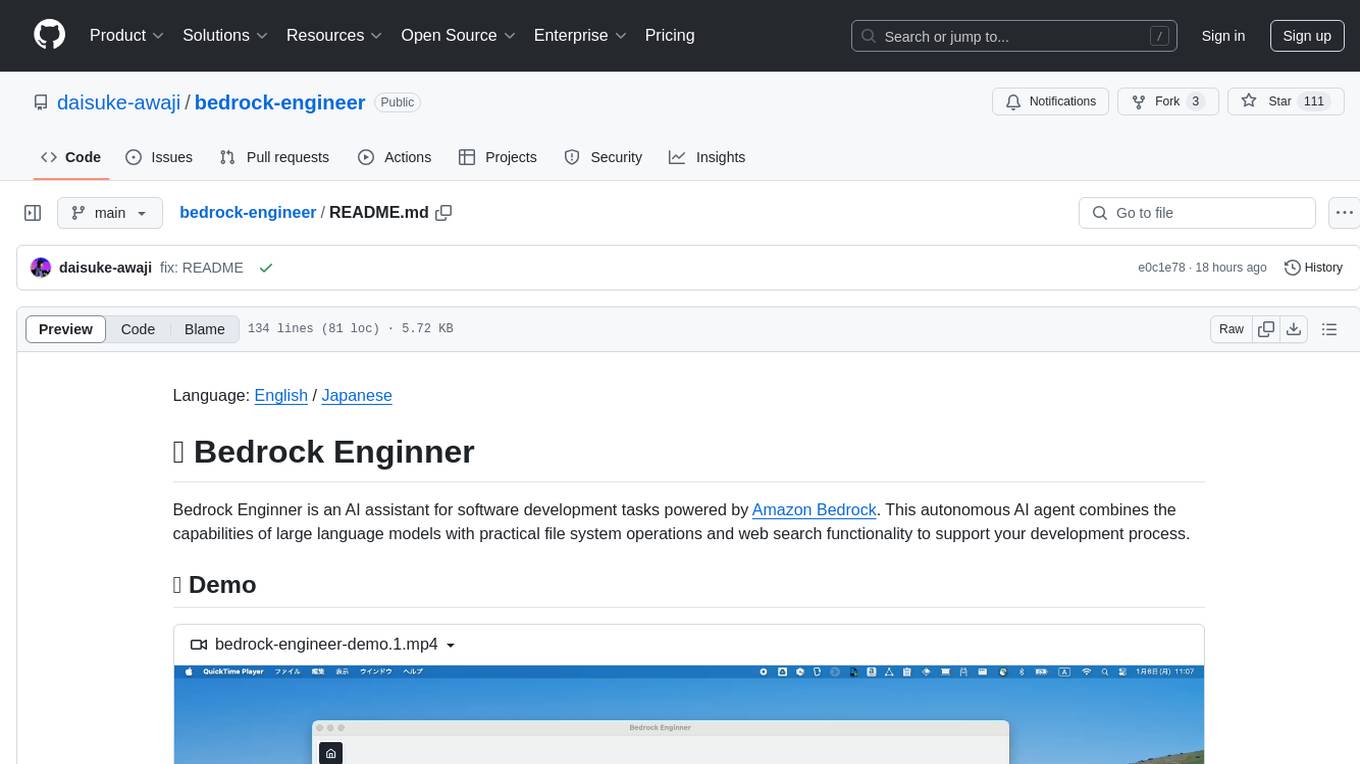
bedrock-engineer
Bedrock Engineer is an AI assistant for software development tasks powered by Amazon Bedrock. It combines large language models with file system operations and web search functionality to support development processes. The autonomous AI agent provides interactive chat, file system operations, web search, project structure management, code analysis, code generation, data analysis, agent and tool customization, chat history management, and multi-language support. Users can select agents, customize them, select tools, and customize tools. The tool also includes a website generator for React.js, Vue.js, Svelte.js, and Vanilla.js, with support for inline styling, Tailwind.css, and Material UI. Users can connect to design system data sources and generate AWS Step Functions ASL definitions.
pluto
Pluto is a development tool dedicated to helping developers **build cloud and AI applications more conveniently** , resolving issues such as the challenging deployment of AI applications and open-source models. Developers are able to write applications in familiar programming languages like **Python and TypeScript** , **directly defining and utilizing the cloud resources necessary for the application within their code base** , such as AWS SageMaker, DynamoDB, and more. Pluto automatically deduces the infrastructure resource needs of the app through **static program analysis** and proceeds to create these resources on the specified cloud platform, **simplifying the resources creation and application deployment process**.
arthur-engine
The Arthur Engine is a comprehensive tool for monitoring and governing AI/ML workloads. It provides evaluation and benchmarking of machine learning models, guardrails enforcement, and extensibility for fitting into various application architectures. With support for a wide range of evaluation metrics and customizable features, the tool aims to improve model understanding, optimize generative AI outputs, and prevent data-security and compliance risks. Key features include real-time guardrails, model performance monitoring, feature importance visualization, error breakdowns, and support for custom metrics and models integration.
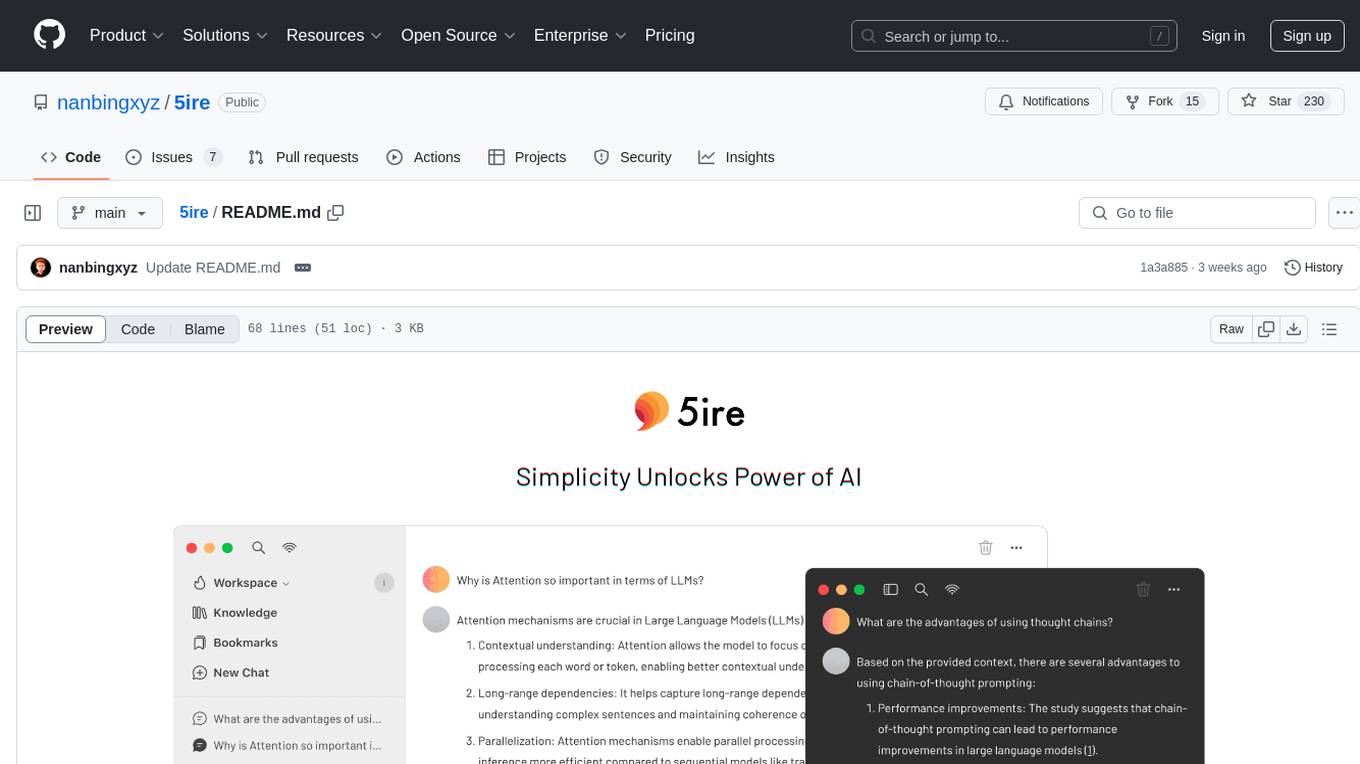
5ire
5ire is a cross-platform desktop client that integrates a local knowledge base for multilingual vectorization, supports parsing and vectorization of various document formats, offers usage analytics to track API spending, provides a prompts library for creating and organizing prompts with variable support, allows bookmarking of conversations, and enables quick keyword searches across conversations. It is licensed under the GNU General Public License version 3.
For similar tasks
video-search-and-summarization
The NVIDIA AI Blueprint for Video Search and Summarization is a repository showcasing video search and summarization agent with NVIDIA NIM microservices. It enables industries to make better decisions faster by providing insightful, accurate, and interactive video analytics AI agents. These agents can perform tasks like video summarization and visual question-answering, unlocking new application possibilities. The repository includes software components like NIM microservices, ingestion pipeline, and CA-RAG module, offering a comprehensive solution for analyzing and summarizing large volumes of video data. The target audience includes video analysts, IT engineers, and GenAI developers who can benefit from the blueprint's 1-click deployment steps, easy-to-manage configurations, and customization options. The repository structure overview includes directories for deployment, source code, and training notebooks, along with documentation for detailed instructions. Hardware requirements vary based on deployment topology and dependencies like VLM and LLM, with different deployment methods such as Launchable Deployment, Docker Compose Deployment, and Helm Chart Deployment provided for various use cases.
ai-driven-dev-community
AI Driven Dev Community is a repository aimed at helping developers become more efficient by utilizing AI tools in their daily coding tasks. It provides a collection of tools, prompts, snippets, and agents for developers to integrate AI into their workflow. The repository is regularly updated with new resources and focuses on best practices for using AI in development work. Users can find tools like Espanso, ChatGPT, GitHub Copilot, and VSCode recommended for enhancing their coding experience. Additionally, the repository offers guidance on customizing AI for developers, installing AI toolbox for software engineers, and contributing to the community through easy steps.
quickvid
QuickVid is an open-source video summarization tool that uses AI to generate summaries of YouTube videos. It is built with Whisper, GPT, LangChain, and Supabase. QuickVid can be used to save time and get the essence of any YouTube video with intelligent summarization.

auto-news
Auto-News is an automatic news aggregator tool that utilizes Large Language Models (LLM) to pull information from various sources such as Tweets, RSS feeds, YouTube videos, web articles, Reddit, and journal notes. The tool aims to help users efficiently read and filter content based on personal interests, providing a unified reading experience and organizing information effectively. It features feed aggregation with summarization, transcript generation for videos and articles, noise reduction, task organization, and deep dive topic exploration. The tool supports multiple LLM backends, offers weekly top-k aggregations, and can be deployed on Linux/MacOS using docker-compose or Kubernetes.
SummaryYou
Summary You is a tool that utilizes AI to summarize YouTube videos, articles, images, and documents. Users can set the length of the summary and have the option to listen to the summaries. The tool also includes a history section, intelligent paywall detection, OLED-Dark Mode, and a user-friendly Material Design 3 style UI with dynamic color themes. It uses GPT-3.5 OpenAI/Mixtral 8x7B Groq for summarization. The backend is implemented in Python with Chaquopy, and some UI designs and codes are borrowed from Seal Material color utilities.
summarize
The 'summarize' tool is designed to transcribe and summarize videos from various sources using AI models. It helps users efficiently summarize lengthy videos, take notes, and extract key insights by providing timestamps, original transcripts, and support for auto-generated captions. Users can utilize different AI models via Groq, OpenAI, or custom local models to generate grammatically correct video transcripts and extract wisdom from video content. The tool simplifies the process of summarizing video content, making it easier to remember and reference important information.
asktube
AskTube is an AI-powered YouTube video summarizer and QA assistant that utilizes Retrieval Augmented Generation (RAG) technology. It offers a comprehensive solution with Q&A functionality and aims to provide a user-friendly experience for local machine usage. The project integrates various technologies including Python, JS, Sanic, Peewee, Pytubefix, Sentence Transformers, Sqlite, Chroma, and NuxtJs/DaisyUI. AskTube supports multiple providers for analysis, AI services, and speech-to-text conversion. The tool is designed to extract data from YouTube URLs, store embedding chapter subtitles, and facilitate interactive Q&A sessions with enriched questions. It is not intended for production use but rather for end-users on their local machines.
Director
Director is a framework to build video agents that can reason through complex video tasks like search, editing, compilation, generation, etc. It enables users to summarize videos, search for specific moments, create clips instantly, integrate GenAI projects and APIs, add overlays, generate thumbnails, and more. Built on VideoDB's 'video-as-data' infrastructure, Director is perfect for developers, creators, and teams looking to simplify media workflows and unlock new possibilities.
For similar jobs

promptflow
**Prompt flow** is a suite of development tools designed to streamline the end-to-end development cycle of LLM-based AI applications, from ideation, prototyping, testing, evaluation to production deployment and monitoring. It makes prompt engineering much easier and enables you to build LLM apps with production quality.

deepeval
DeepEval is a simple-to-use, open-source LLM evaluation framework specialized for unit testing LLM outputs. It incorporates various metrics such as G-Eval, hallucination, answer relevancy, RAGAS, etc., and runs locally on your machine for evaluation. It provides a wide range of ready-to-use evaluation metrics, allows for creating custom metrics, integrates with any CI/CD environment, and enables benchmarking LLMs on popular benchmarks. DeepEval is designed for evaluating RAG and fine-tuning applications, helping users optimize hyperparameters, prevent prompt drifting, and transition from OpenAI to hosting their own Llama2 with confidence.

MegaDetector
MegaDetector is an AI model that identifies animals, people, and vehicles in camera trap images (which also makes it useful for eliminating blank images). This model is trained on several million images from a variety of ecosystems. MegaDetector is just one of many tools that aims to make conservation biologists more efficient with AI. If you want to learn about other ways to use AI to accelerate camera trap workflows, check out our of the field, affectionately titled "Everything I know about machine learning and camera traps".

leapfrogai
LeapfrogAI is a self-hosted AI platform designed to be deployed in air-gapped resource-constrained environments. It brings sophisticated AI solutions to these environments by hosting all the necessary components of an AI stack, including vector databases, model backends, API, and UI. LeapfrogAI's API closely matches that of OpenAI, allowing tools built for OpenAI/ChatGPT to function seamlessly with a LeapfrogAI backend. It provides several backends for various use cases, including llama-cpp-python, whisper, text-embeddings, and vllm. LeapfrogAI leverages Chainguard's apko to harden base python images, ensuring the latest supported Python versions are used by the other components of the stack. The LeapfrogAI SDK provides a standard set of protobuffs and python utilities for implementing backends and gRPC. LeapfrogAI offers UI options for common use-cases like chat, summarization, and transcription. It can be deployed and run locally via UDS and Kubernetes, built out using Zarf packages. LeapfrogAI is supported by a community of users and contributors, including Defense Unicorns, Beast Code, Chainguard, Exovera, Hypergiant, Pulze, SOSi, United States Navy, United States Air Force, and United States Space Force.

llava-docker
This Docker image for LLaVA (Large Language and Vision Assistant) provides a convenient way to run LLaVA locally or on RunPod. LLaVA is a powerful AI tool that combines natural language processing and computer vision capabilities. With this Docker image, you can easily access LLaVA's functionalities for various tasks, including image captioning, visual question answering, text summarization, and more. The image comes pre-installed with LLaVA v1.2.0, Torch 2.1.2, xformers 0.0.23.post1, and other necessary dependencies. You can customize the model used by setting the MODEL environment variable. The image also includes a Jupyter Lab environment for interactive development and exploration. Overall, this Docker image offers a comprehensive and user-friendly platform for leveraging LLaVA's capabilities.

carrot
The 'carrot' repository on GitHub provides a list of free and user-friendly ChatGPT mirror sites for easy access. The repository includes sponsored sites offering various GPT models and services. Users can find and share sites, report errors, and access stable and recommended sites for ChatGPT usage. The repository also includes a detailed list of ChatGPT sites, their features, and accessibility options, making it a valuable resource for ChatGPT users seeking free and unlimited GPT services.

TrustLLM
TrustLLM is a comprehensive study of trustworthiness in LLMs, including principles for different dimensions of trustworthiness, established benchmark, evaluation, and analysis of trustworthiness for mainstream LLMs, and discussion of open challenges and future directions. Specifically, we first propose a set of principles for trustworthy LLMs that span eight different dimensions. Based on these principles, we further establish a benchmark across six dimensions including truthfulness, safety, fairness, robustness, privacy, and machine ethics. We then present a study evaluating 16 mainstream LLMs in TrustLLM, consisting of over 30 datasets. The document explains how to use the trustllm python package to help you assess the performance of your LLM in trustworthiness more quickly. For more details about TrustLLM, please refer to project website.

AI-YinMei
AI-YinMei is an AI virtual anchor Vtuber development tool (N card version). It supports fastgpt knowledge base chat dialogue, a complete set of solutions for LLM large language models: [fastgpt] + [one-api] + [Xinference], supports docking bilibili live broadcast barrage reply and entering live broadcast welcome speech, supports Microsoft edge-tts speech synthesis, supports Bert-VITS2 speech synthesis, supports GPT-SoVITS speech synthesis, supports expression control Vtuber Studio, supports painting stable-diffusion-webui output OBS live broadcast room, supports painting picture pornography public-NSFW-y-distinguish, supports search and image search service duckduckgo (requires magic Internet access), supports image search service Baidu image search (no magic Internet access), supports AI reply chat box [html plug-in], supports AI singing Auto-Convert-Music, supports playlist [html plug-in], supports dancing function, supports expression video playback, supports head touching action, supports gift smashing action, supports singing automatic start dancing function, chat and singing automatic cycle swing action, supports multi scene switching, background music switching, day and night automatic switching scene, supports open singing and painting, let AI automatically judge the content.