


OpenFlux
⚡ Open-source AI Agent desktop client — multi-LLM, long-term memory, browser automation & tool orchestration | Tauri v2
Stars: 55
OpenFlux is an open-source AI Agent desktop client that offers multi-LLM support, long-term memory capabilities, browser automation, and tool orchestration. It features multi-agent routing, support for various LLM models, long-term memory with conversation distillation, browser automation using Playwright, a MCP tool ecosystem, voice interaction, sandbox isolation for safe code execution, desktop control, and remote access. The tool is built on Tauri v2 with a Rust backend and TypeScript frontend, providing high performance and a small footprint. It serves as the desktop entry point in the Enterprise AI Assistant ecosystem, working alongside NexusAI to create a complete AI workflow system.
README:

Open-source AI Agent desktop client — multi-LLM, long-term memory, browser automation & tool orchestration


English | 中文
- 🧠 Multi-Agent Routing — Auto-detects user intent and dispatches to general / coding / automation agents
- 🔌 Multi-LLM Support — Anthropic / OpenAI / DeepSeek / Moonshot / MiniMax / Zhipu / Google / Ollama, switch with one click
- 💾 Long-term Memory — SQLite + vector search (sqlite-vec), with conversation distillation & knowledge accumulation
- 🌐 Browser Automation — Built-in Playwright for web interaction, data scraping & form filling
- 🛠️ MCP Tool Ecosystem — Model Context Protocol compatible, extensible with Excel, PPT and other external tools
- 🗣️ Voice Interaction — Offline speech recognition (Sherpa-ONNX) + Edge TTS synthesis
- 🔒 Sandbox Isolation — Local code hardening / Docker container isolation for safe code execution
- 🖥️ Desktop Control — Mouse & keyboard simulation, window management, desktop automation
- 📡 Remote Access — Connect to Lark, DingTalk and other platforms via OpenFlux Router
- 🏗️ Tauri v2 — Rust backend + TypeScript frontend, small footprint & high performance
OpenFlux is the desktop entry point in the Enterprise AI Assistant ecosystem, working together with NexusAI to build a complete AI workflow system:
┌─────────────────────────────────────────────────────────┐
│               NexusAI (Enterprise Platform)             │
│  Agent Design · Visual Workflows · Knowledge Base       │
└────────────────────────┬────────────────────────────────┘
                         │ Workflows / Agent Config / API Key Distribution
              ┌──────────▼──────────┐
              │  OpenFlux Router    │
              │  Integration Hub    │
              │  Lark/DingTalk/API  │
              └──────────┬──────────┘
                         │ WebSocket
              ┌──────────▼──────────┐
              │   OpenFlux Desktop  │  ← You are here
              │  Local Agent Engine │
              │  Private Workflows  │
              └─────────────────────┘
| Component | Role | Value |
|---|---|---|
| NexusAI | Enterprise AI Platform | Agent/Workflow design, knowledge management, team collaboration |
| OpenFlux Router | Integration Hub | Multi-platform bridging (Lark/DingTalk), unified API key distribution, message routing |
| OpenFlux (this project) | Desktop Client | Local agent execution, browser automation, private workflows, long-term memory |
OpenFlux can also run standalone — no NexusAI or Router required. Just configure your own API keys and you're good to go.
┌─────────────────────────────┐
│       Tauri v2 Shell        │  ← Rust process management + native APIs
├─────────────────────────────┤
│   Frontend (TypeScript/HTML)│  ← Chat UI / Settings / File preview
├─────────────────────────────┤
│   Gateway Sidecar (Node.js) │  ← AI engine / Tool calls / Memory system
└─────────────────────────────┘
# Clone the repository
git clone https://github.com/EDEAI/OpenFlux.git
cd OpenFlux

# Install frontend dependencies
pnpm install

# Install Gateway dependencies
cd gateway && npm install && cd ..

# Build Gateway
# (see scripts/build-gateway.ps1)
# Copy the config template
cp openflux.example.yaml openflux.yaml

# Edit openflux.yaml and add your API keys
# At least one LLM provider is required
pnpm tauri dev
pnpm tauri build
All settings are in openflux.yaml. See openflux.example.yaml for reference:
| Section | Description |
|---|---|
providers |
LLM provider API keys and endpoints |
llm |
Orchestration / execution / embedding / fallback model selection |
memory |
Long-term memory toggle, vector dimensions, distillation strategy |
agents |
Multi-agent routing and tool permissions |
browser |
Browser automation settings |
voice |
Speech recognition & synthesis |
sandbox |
Code execution isolation |
web |
Search (Brave/Perplexity) & web scraping |
mcp |
External MCP tool servers |
OpenFlux/
├── src/              # Frontend TypeScript (UI / interaction)
├── src-tauri/        # Rust backend (Tauri Shell)
│   └── src/          # Rust source code
├── gateway/          # Gateway Sidecar (AI engine)
│   └── src/          # TypeScript source code
├── public/           # Static assets
├── resources/        # Model files
├── scripts/          # Build scripts
└── openflux.example.yaml  # Config template
Contributions are welcome! Feel free to open issues and pull requests.
- Fork this repository
- Create your feature branch:
git checkout -b feature/amazing-feature - Commit your changes:
git commit -m 'Add amazing feature' - Push to the branch:
git push origin feature/amazing-feature - Open a Pull Request
This project is licensed under the MIT License.
For Tasks:
Click tags to check more tools for each tasksFor Jobs:
Alternative AI tools for OpenFlux
Similar Open Source Tools
OpenFlux
OpenFlux is an open-source AI Agent desktop client that offers multi-LLM support, long-term memory capabilities, browser automation, and tool orchestration. It features multi-agent routing, support for various LLM models, long-term memory with conversation distillation, browser automation using Playwright, a MCP tool ecosystem, voice interaction, sandbox isolation for safe code execution, desktop control, and remote access. The tool is built on Tauri v2 with a Rust backend and TypeScript frontend, providing high performance and a small footprint. It serves as the desktop entry point in the Enterprise AI Assistant ecosystem, working alongside NexusAI to create a complete AI workflow system.
clawd-cursor
Clawd Cursor is an AI Desktop Agent that operates on a Smart 3-Layer Pipeline. It can work with any AI provider, run with local models for free, and acts as a self-healing doctor. The tool offers features like Install/Uninstall commands, Auto OpenClaw registration, Dashboard favorites, Credential detection, and Doctor UX. It integrates with OpenClaw to allow desktop control through natural language. Users can interact with Clawd Cursor through a Web Dashboard, browser foreground focus, and smart task handoff. The tool's 5-layer pipeline ensures efficient task execution, with different layers handling various aspects of the tasks. Clawd Cursor also provides self-healing capabilities to adapt at runtime in case of model failures or API rate limitations.
ClawX
ClawX bridges the gap between powerful AI agents and everyday users by providing a desktop interface for OpenClaw AI agents. It offers an accessible, beautiful desktop experience for automating workflows, managing AI-powered channels, and scheduling intelligent tasks. ClawX comes pre-configured with best-practice model providers, supports multi-language settings, and allows fine-tuning of advanced configurations via Settings → Advanced → Developer Mode.
mesh
MCP Mesh is an open-source control plane for MCP traffic that provides a unified layer for authentication, routing, and observability. It replaces multiple integrations with a single production endpoint, simplifying configuration management. Built for multi-tenant organizations, it offers workspace/project scoping for policies, credentials, and logs. With core capabilities like MeshContext, AccessControl, and OpenTelemetry, it ensures fine-grained RBAC, full tracing, and metrics for tools and workflows. Users can define tools with input/output validation, access control checks, audit logging, and OpenTelemetry traces. The project structure includes apps for full-stack MCP Mesh, encryption, observability, and more, with deployment options ranging from Docker to Kubernetes. The tech stack includes Bun/Node runtime, TypeScript, Hono API, React, Kysely ORM, and Better Auth for OAuth and API keys.

QodeAssist
QodeAssist is an AI-powered coding assistant plugin for Qt Creator, offering intelligent code completion and suggestions for C++ and QML. It leverages large language models like Ollama to enhance coding productivity with context-aware AI assistance directly in the Qt development environment. The plugin supports multiple LLM providers, extensive model-specific templates, and easy configuration for enhanced coding experience.
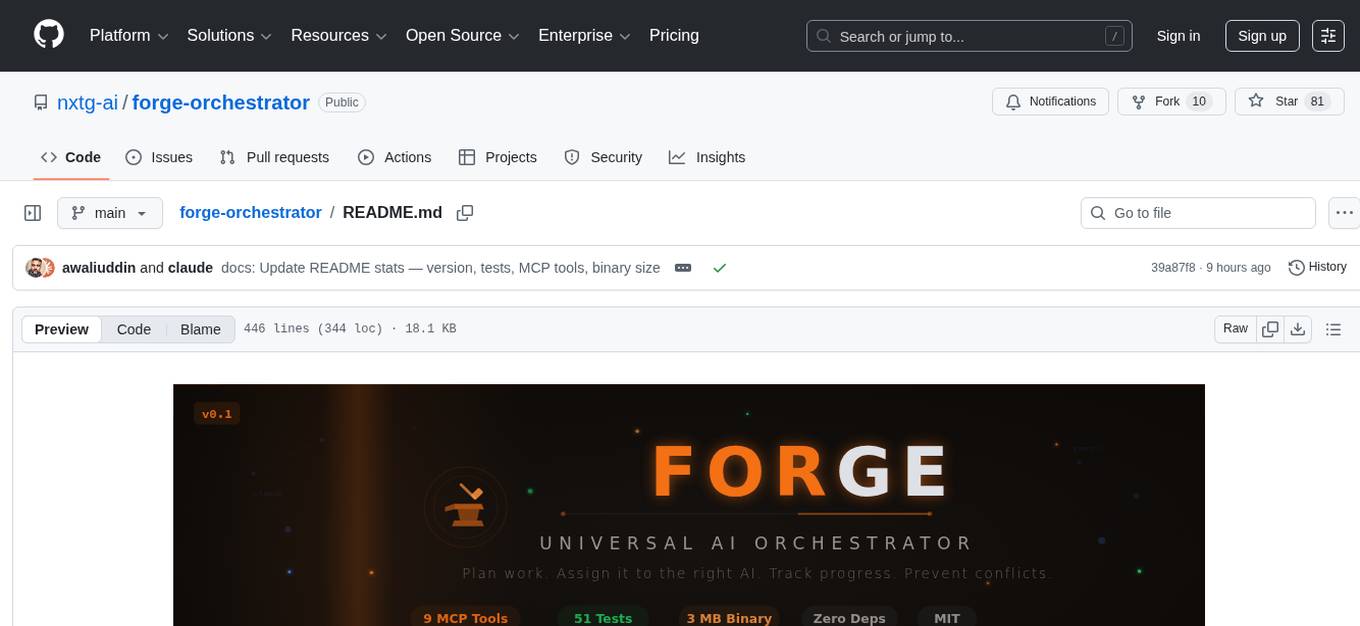
forge-orchestrator
Forge Orchestrator is a Rust CLI tool designed to coordinate and manage multiple AI tools seamlessly. It acts as a senior tech lead, preventing conflicts, capturing knowledge, and ensuring work aligns with specifications. With features like file locking, knowledge capture, and unified state management, Forge enhances collaboration and efficiency among AI tools. The tool offers a pluggable brain for intelligent decision-making and includes a Model Context Protocol server for real-time integration with AI tools. Forge is not a replacement for AI tools but a facilitator for making them work together effectively.
jat
JAT is a complete, self-contained environment for agentic development, offering task management, agent orchestration, code editor, git integration, and terminal access all in a single IDE. It allows users to connect various external sources like RSS, Slack, Telegram, and Gmail to create tasks and spawn agents automatically. JAT supports hands-on supervision of agents or autonomous operation. The tool provides features such as multi-agent management, task management, smart question UI, epic swarm for parallel agent spawning, autonomous triggers, task scheduling, error recovery, and a skill marketplace. JAT is designed to be a control tower for managing a swarm of agents, whether actively supervised or running autonomously.
Shannon
Shannon is a battle-tested infrastructure for AI agents that solves problems at scale, such as runaway costs, non-deterministic failures, and security concerns. It offers features like intelligent caching, deterministic replay of workflows, time-travel debugging, WASI sandboxing, and hot-swapping between LLM providers. Shannon allows users to ship faster with zero configuration multi-agent setup, multiple AI patterns, time-travel debugging, and hot configuration changes. It is production-ready with features like WASI sandbox, token budget control, policy engine (OPA), and multi-tenancy. Shannon helps scale without breaking by reducing costs, being provider agnostic, observable by default, and designed for horizontal scaling with Temporal workflow orchestration.
pasal
Pasal.id is the first open, AI-native platform for Indonesian law, providing access to real Indonesian legal data through a REST API and a web app. It offers full-text legal search, structured reading, grounded AI tools, public JSON endpoints, crowd-sourced corrections, amendment tracking, and a bilingual UI. The platform is powered by Opus 4.6, ensuring accuracy through a self-improving correction flywheel. Key features include a grounded legal access server, multimodal verification agent, self-improving feedback loop, human-in-the-loop safety, and Claude Code as a development tool. The technical depth includes SQL migrations, search optimization, append-only revision audit trail, transaction-safe mutations, row-level security, input sanitization, ISR with on-demand revalidation, atomic job claiming, and coverage of 11 regulation types from 1945 to 2026.
OpenScribe
OpenScribe is an open-source AI medical scribe tool designed to assist clinicians in recording patient encounters, transcribing audio, and generating structured draft clinical notes using large language models (LLMs). The tool offers a default web deployment path with local Whisper transcription and Anthropic Claude note generation. It is currently in early development (v0.x) and not suitable for clinical practice yet, intended for evaluation, testing, and development purposes only. The project aims to provide a local-first, privacy-conscious, and modular alternative to cloud-dependent clinical documentation tools.
Memoh
Memoh is a multi-member, structured long-memory, containerized AI agent system platform that allows users to create AI bots for communication via platforms like Telegram, Discord, and Lark. Each bot operates in its own isolated container with a memory system for file editing, command execution, and self-building. Memoh offers a secure, flexible, and scalable solution for multi-bot management, distinguishing and remembering requests from multiple users and bots.
osmedeus
Osmedeus is a security-focused declarative orchestration engine that simplifies complex workflow automation into auditable YAML definitions. It provides powerful automation capabilities without compromising infrastructure integrity and safety. With features like declarative YAML workflows, multiple runners, event-driven triggers, template engine, utility functions, REST API server, distributed execution, notifications, cloud storage, AI integration, SAST integration, language detection, and preset installations, Osmedeus offers a comprehensive solution for security automation tasks.
open-computer-use
Open Computer Use is an open-source platform that enables AI agents to control computers through browser automation, terminal access, and desktop interaction. It is designed for developers to create autonomous AI workflows. The platform allows agents to browse the web, run terminal commands, control desktop applications, orchestrate multi-agents, stream execution, and is 100% open-source and self-hostable. It provides capabilities similar to Anthropic's Claude Computer Use but is fully open-source and extensible.
vibium
Vibium is a browser automation infrastructure designed for AI agents, providing a single binary that manages browser lifecycle, WebDriver BiDi protocol, and an MCP server. It offers zero configuration, AI-native capabilities, and is lightweight with no runtime dependencies. It is suitable for AI agents, test automation, and any tasks requiring browser interaction.
aiohomematic
AIO Homematic (hahomematic) is a lightweight Python 3 library for controlling and monitoring HomeMatic and HomematicIP devices, with support for third-party devices/gateways. It automatically creates entities for device parameters, offers custom entity classes for complex behavior, and includes features like caching paramsets for faster restarts. Designed to integrate with Home Assistant, it requires specific firmware versions for HomematicIP devices. The public API is defined in modules like central, client, model, exceptions, and const, with example usage provided. Useful links include changelog, data point definitions, troubleshooting, and developer resources for architecture, data flow, model extension, and Home Assistant lifecycle.
giztoy
Giztoy is a multi-language framework designed for building AI toys and intelligent applications. It provides a unified abstraction layer that spans from resource-constrained embedded systems to powerful cloud services. With features like native support for ESP32 and other MCUs, cross-platform app development, a unified build system with Bazel, an agent framework for AI agents, audio processing capabilities, support for various Large Language Models, real-time models with WebSocket streaming, secure transport protocols, and multi-language implementations in Go, Rust, Zig, and C/C++, Giztoy serves as a versatile tool for developing AI-powered applications across different platforms and devices.
For similar tasks
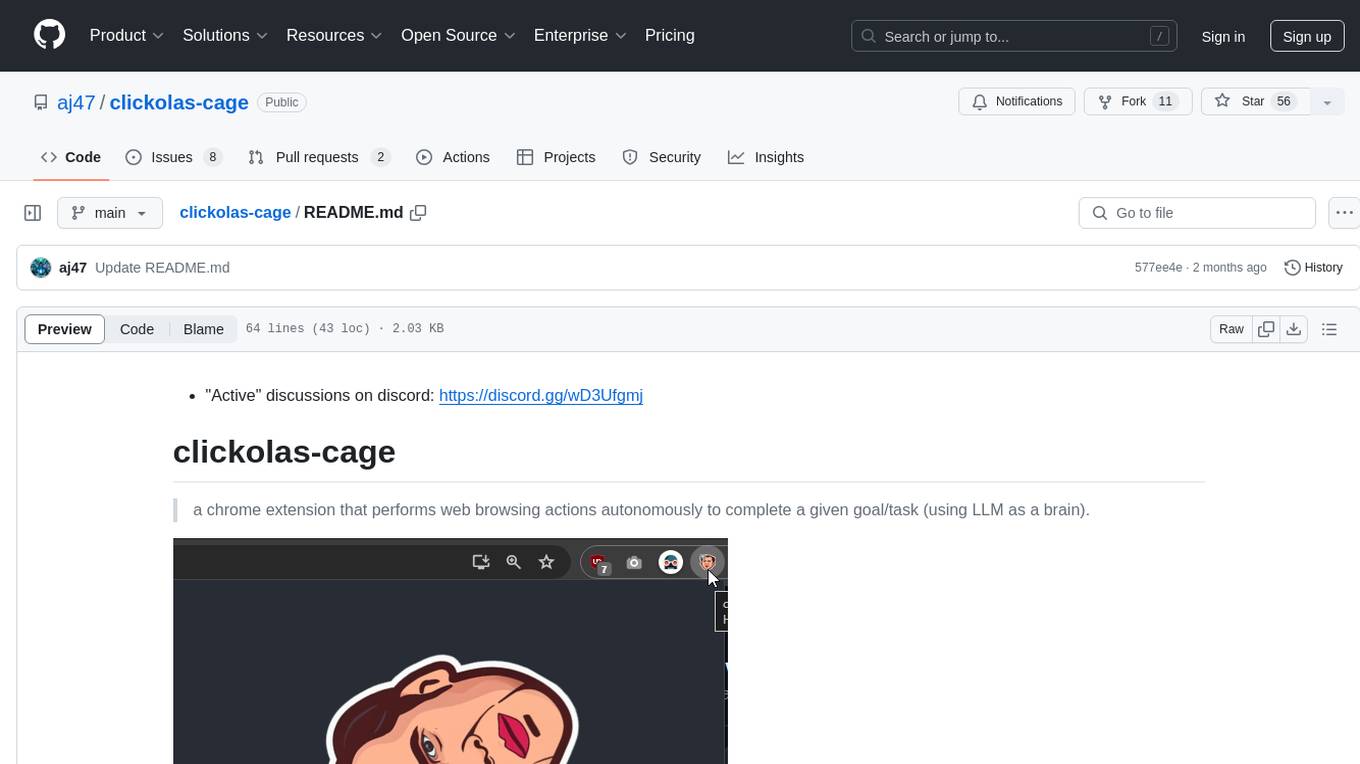
clickolas-cage
Clickolas-cage is a Chrome extension designed to autonomously perform web browsing actions to achieve specific goals using LLM as a brain. Users can interact with the extension by setting goals, which triggers a series of actions including navigation, element extraction, and step generation. The extension is developed using Node.js and can be locally run for testing and development purposes before packing it for submission to the Chrome Web Store.
scylla
Scylla is an intelligent proxy pool tool designed for humanities, enabling users to extract content from the internet and build their own Large Language Models in the AI era. It features automatic proxy IP crawling and validation, an easy-to-use JSON API, a simple web-based user interface, HTTP forward proxy server, Scrapy and requests integration, and headless browser crawling. Users can start using Scylla with just one command, making it a versatile tool for various web scraping and content extraction tasks.
browser
Lightpanda Browser is an open-source headless browser designed for fast web automation, AI agents, LLM training, scraping, and testing. It features ultra-low memory footprint, exceptionally fast execution, and compatibility with Playwright and Puppeteer through CDP. Built for performance, Lightpanda offers Javascript execution, support for Web APIs, and is optimized for minimal memory usage. It is a modern solution for web scraping and automation tasks, providing a lightweight alternative to traditional browsers like Chrome.
MassGen
MassGen is a cutting-edge multi-agent system that leverages the power of collaborative AI to solve complex tasks. It assigns a task to multiple AI agents who work in parallel, observe each other's progress, and refine their approaches to converge on the best solution to deliver a comprehensive and high-quality result. The system operates through an architecture designed for seamless multi-agent collaboration, with key features including cross-model/agent synergy, parallel processing, intelligence sharing, consensus building, and live visualization. Users can install the system, configure API settings, and run MassGen for various tasks such as question answering, creative writing, research, development & coding tasks, and web automation & browser tasks. The roadmap includes plans for advanced agent collaboration, expanded model, tool & agent integration, improved performance & scalability, enhanced developer experience, and a web interface.
goclaw
goclaw is a powerful AI Agent framework written in Go language. It provides a complete tool system for FileSystem, Shell, Web, and Browser with Docker sandbox support and permission control. The framework includes a skill system compatible with OpenClaw and AgentSkills specifications, supporting automatic discovery and environment gating. It also offers persistent session storage, multi-channel support for Telegram, WhatsApp, Feishu, QQ, and WeWork, flexible configuration with YAML/JSON support, multiple LLM providers like OpenAI, Anthropic, and OpenRouter, WebSocket Gateway, Cron scheduling, and Browser automation based on Chrome DevTools Protocol.
OpenFlux
OpenFlux is an open-source AI Agent desktop client that offers multi-LLM support, long-term memory capabilities, browser automation, and tool orchestration. It features multi-agent routing, support for various LLM models, long-term memory with conversation distillation, browser automation using Playwright, a MCP tool ecosystem, voice interaction, sandbox isolation for safe code execution, desktop control, and remote access. The tool is built on Tauri v2 with a Rust backend and TypeScript frontend, providing high performance and a small footprint. It serves as the desktop entry point in the Enterprise AI Assistant ecosystem, working alongside NexusAI to create a complete AI workflow system.

Ai-Hoshino
Ai Hoshino - MD is a WhatsApp bot tool with features like voice and text interaction, group configuration, anti-delete, anti-link, personalized welcome messages, chatbot functionality, sticker creation, sub-bot integration, RPG game, YouTube music and video downloads, and more. The tool is actively maintained by Starlights Team and offers a range of functionalities for WhatsApp users.
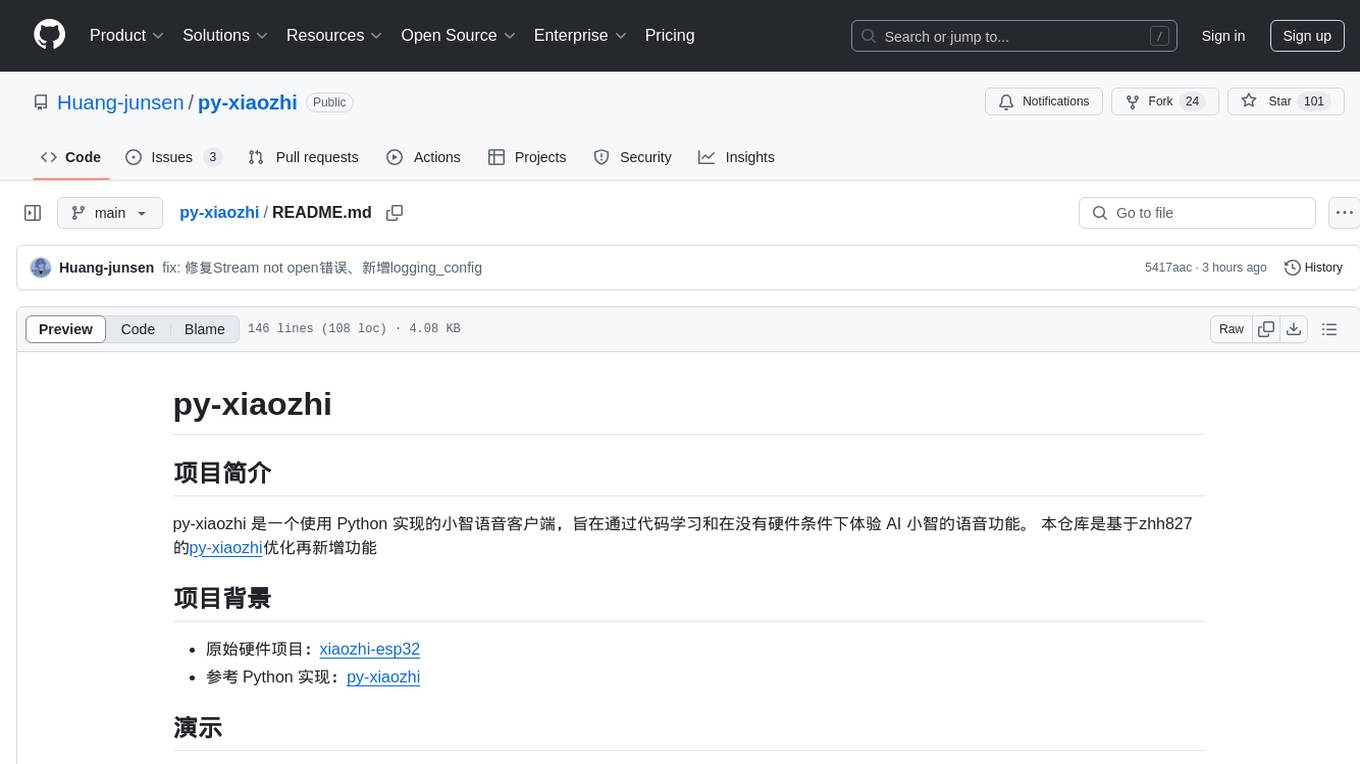
py-xiaozhi
py-xiaozhi is a Python-based XiaoZhi voice client designed for learning code and experiencing AI XiaoZhi's voice functions without hardware conditions. It features voice interaction, graphical interface, volume control, session management, encrypted audio transmission, CLI mode, and automatic copying of verification codes and opening browsers for first-time users. The project aims to optimize and add new features to zhh827's py-xiaozhi based on the original hardware project xiaozhi-esp32 and the Python implementation py-xiaozhi.
For similar jobs

promptflow
**Prompt flow** is a suite of development tools designed to streamline the end-to-end development cycle of LLM-based AI applications, from ideation, prototyping, testing, evaluation to production deployment and monitoring. It makes prompt engineering much easier and enables you to build LLM apps with production quality.

deepeval
DeepEval is a simple-to-use, open-source LLM evaluation framework specialized for unit testing LLM outputs. It incorporates various metrics such as G-Eval, hallucination, answer relevancy, RAGAS, etc., and runs locally on your machine for evaluation. It provides a wide range of ready-to-use evaluation metrics, allows for creating custom metrics, integrates with any CI/CD environment, and enables benchmarking LLMs on popular benchmarks. DeepEval is designed for evaluating RAG and fine-tuning applications, helping users optimize hyperparameters, prevent prompt drifting, and transition from OpenAI to hosting their own Llama2 with confidence.

MegaDetector
MegaDetector is an AI model that identifies animals, people, and vehicles in camera trap images (which also makes it useful for eliminating blank images). This model is trained on several million images from a variety of ecosystems. MegaDetector is just one of many tools that aims to make conservation biologists more efficient with AI. If you want to learn about other ways to use AI to accelerate camera trap workflows, check out our of the field, affectionately titled "Everything I know about machine learning and camera traps".

leapfrogai
LeapfrogAI is a self-hosted AI platform designed to be deployed in air-gapped resource-constrained environments. It brings sophisticated AI solutions to these environments by hosting all the necessary components of an AI stack, including vector databases, model backends, API, and UI. LeapfrogAI's API closely matches that of OpenAI, allowing tools built for OpenAI/ChatGPT to function seamlessly with a LeapfrogAI backend. It provides several backends for various use cases, including llama-cpp-python, whisper, text-embeddings, and vllm. LeapfrogAI leverages Chainguard's apko to harden base python images, ensuring the latest supported Python versions are used by the other components of the stack. The LeapfrogAI SDK provides a standard set of protobuffs and python utilities for implementing backends and gRPC. LeapfrogAI offers UI options for common use-cases like chat, summarization, and transcription. It can be deployed and run locally via UDS and Kubernetes, built out using Zarf packages. LeapfrogAI is supported by a community of users and contributors, including Defense Unicorns, Beast Code, Chainguard, Exovera, Hypergiant, Pulze, SOSi, United States Navy, United States Air Force, and United States Space Force.

llava-docker
This Docker image for LLaVA (Large Language and Vision Assistant) provides a convenient way to run LLaVA locally or on RunPod. LLaVA is a powerful AI tool that combines natural language processing and computer vision capabilities. With this Docker image, you can easily access LLaVA's functionalities for various tasks, including image captioning, visual question answering, text summarization, and more. The image comes pre-installed with LLaVA v1.2.0, Torch 2.1.2, xformers 0.0.23.post1, and other necessary dependencies. You can customize the model used by setting the MODEL environment variable. The image also includes a Jupyter Lab environment for interactive development and exploration. Overall, this Docker image offers a comprehensive and user-friendly platform for leveraging LLaVA's capabilities.

carrot
The 'carrot' repository on GitHub provides a list of free and user-friendly ChatGPT mirror sites for easy access. The repository includes sponsored sites offering various GPT models and services. Users can find and share sites, report errors, and access stable and recommended sites for ChatGPT usage. The repository also includes a detailed list of ChatGPT sites, their features, and accessibility options, making it a valuable resource for ChatGPT users seeking free and unlimited GPT services.

TrustLLM
TrustLLM is a comprehensive study of trustworthiness in LLMs, including principles for different dimensions of trustworthiness, established benchmark, evaluation, and analysis of trustworthiness for mainstream LLMs, and discussion of open challenges and future directions. Specifically, we first propose a set of principles for trustworthy LLMs that span eight different dimensions. Based on these principles, we further establish a benchmark across six dimensions including truthfulness, safety, fairness, robustness, privacy, and machine ethics. We then present a study evaluating 16 mainstream LLMs in TrustLLM, consisting of over 30 datasets. The document explains how to use the trustllm python package to help you assess the performance of your LLM in trustworthiness more quickly. For more details about TrustLLM, please refer to project website.

AI-YinMei
AI-YinMei is an AI virtual anchor Vtuber development tool (N card version). It supports fastgpt knowledge base chat dialogue, a complete set of solutions for LLM large language models: [fastgpt] + [one-api] + [Xinference], supports docking bilibili live broadcast barrage reply and entering live broadcast welcome speech, supports Microsoft edge-tts speech synthesis, supports Bert-VITS2 speech synthesis, supports GPT-SoVITS speech synthesis, supports expression control Vtuber Studio, supports painting stable-diffusion-webui output OBS live broadcast room, supports painting picture pornography public-NSFW-y-distinguish, supports search and image search service duckduckgo (requires magic Internet access), supports image search service Baidu image search (no magic Internet access), supports AI reply chat box [html plug-in], supports AI singing Auto-Convert-Music, supports playlist [html plug-in], supports dancing function, supports expression video playback, supports head touching action, supports gift smashing action, supports singing automatic start dancing function, chat and singing automatic cycle swing action, supports multi scene switching, background music switching, day and night automatic switching scene, supports open singing and painting, let AI automatically judge the content.