


clawd-cursor
AI desktop agent — sees your screen, controls your cursor, completes tasks autonomously.
Stars: 85
Clawd Cursor is an AI Desktop Agent that operates on a Smart 3-Layer Pipeline. It can work with any AI provider, run with local models for free, and acts as a self-healing doctor. The tool offers features like Install/Uninstall commands, Auto OpenClaw registration, Dashboard favorites, Credential detection, and Doctor UX. It integrates with OpenClaw to allow desktop control through natural language. Users can interact with Clawd Cursor through a Web Dashboard, browser foreground focus, and smart task handoff. The tool's 5-layer pipeline ensures efficient task execution, with different layers handling various aspects of the tasks. Clawd Cursor also provides self-healing capabilities to adapt at runtime in case of model failures or API rate limitations.
README:

AI Desktop Agent - Smart 3-Layer Pipeline
Works with any AI provider · Runs free with local models · Self-healing doctor
Website · Quick Start · How It Works · API · Changelog
Install/Uninstall, OpenClaw Auto-Registration, Doctor UX, Dashboard Favorites.
-
📦
clawdcursor install— one command to set up API key, configure pipeline, and register as OpenClaw skill -
🗑️
clawdcursor uninstall— clean removal of all config, data, and skill registration -
🔗 Auto OpenClaw registration —
npm run buildautomatically registers as an OpenClaw skill. No extra steps. - ⭐ Dashboard favorites — star commands to save them, click to re-run, persists across restarts
- 🔒 Credential detection — warns when starring tasks that contain API keys or passwords
- 🩺 Doctor UX — shows exact fix commands for missing text/vision models in summary
- 🌐 OS tabs on website — Windows/macOS/Linux install instructions with auto-detect
- 🧠 Dynamic OS detection — system prompt uses actual OS, not hardcoded "Windows 11" (thanks @joshholly)
- 🛡️ Security — agents cannot self-approve confirm-tier actions, autonomous use scoped to read-only
- 📝 SKILL.md rewrite — agent identity shift framing, trigger lists, CDP direct path, async polling, error recovery
v0.5.2 — Web Dashboard + Browser Foreground Focus Full web UI for controlling tasks, real-time logs, and the AI now brings the browser to the foreground so you see everything it does — like watching a cursor move.
-
🖥️ Web Dashboard — open
http://localhost:3847or runclawdcursor dashboard. Submit tasks, view real-time logs, approve/reject safety confirmations, kill switch. Dark theme, zero dependencies. - 🪟 Browser foreground focus — Playwright navigation now activates Chrome at the OS level. No more invisible background tabs.
- 🧠 Smart task handoff — no more regex word lists. LLM plans multi-step browser tasks (e.g. "open youtube and play adele") instead of pattern matching.
- Multi-provider — Anthropic, OpenAI, Ollama (local/free), Kimi
- 95% cheaper — simple tasks run for $0 with local Qwen
- Self-healing — if a model fails, the pipeline adapts automatically
| Task | v0.4 (Anthropic only) | v0.5+ (Ollama, $0) | v0.5+ (Anthropic) |
|---|---|---|---|
| Calculator (255*38=) | 43s | 2.6s | 20.1s |
| Notepad (type hello) | 73s | 2.0s | 54.2s |
| File Explorer | 53s | 1.9s | 22.1s |
| Gmail compose | 162s (18 LLM calls) | — | 21.7s (1 LLM call) |
Clawd Cursor ships as an OpenClaw skill. Install it and any OpenClaw agent — yours or community-built — can control your desktop through natural language.
The SKILL.md teaches agents when and how to use Clawd Cursor: REST API for full desktop control, CDP direct for fast browser reads. Agents learn to be independent — no more asking you to screenshot or copy-paste things they can do themselves.
# Install as OpenClaw skill
openclaw skills install clawd-cursorgit clone https://github.com/AmrDab/clawd-cursor.git
cd clawd-cursor
npm install
npm run setup # builds + registers 'clawdcursor' command globally
clawdcursor doctor
clawdcursor startgit clone https://github.com/AmrDab/clawd-cursor.git
cd clawd-cursor && npm install && npm run setup
# Grant Accessibility permissions to your terminal first!
# System Settings → Privacy & Security → Accessibility → Add Terminal/iTerm
# Make macOS scripts executable
chmod +x scripts/mac/*.sh scripts/mac/*.jxa
clawdcursor doctor
clawdcursor startgit clone https://github.com/AmrDab/clawd-cursor.git
cd clawd-cursor && npm install && npm run setup
# Linux: browser control via CDP only (no native desktop automation)
clawdcursor doctor
clawdcursor start📖 See docs/MACOS-SETUP.md for the full macOS onboarding guide.
The doctor will:
- Test your screen capture and accessibility bridge
- Detect available AI providers (Anthropic, OpenAI, Ollama)
- Test each model and find what works
- Build your optimal pipeline and save it
Send a task:
clawdcursor task "Open Notepad and type hello world"

# Or via API:
curl http://localhost:3847/task -H "Content-Type: application/json" \
  -d '{"task": "Open Notepad and type hello world"}'
Note:
npm run setuprunsnpm run build && npm link, which registersclawdcursoras a global command. If you prefer not to link globally, runnpm run buildinstead and usenpx clawdcursorornode dist/index.jsto run commands.
Free (no API key needed):
# Just need Ollama running locally
ollama pull qwen2.5:7b
clawdcursor doctor --provider ollama
clawdcursor start --provider ollama
Anthropic (recommended for complex tasks):
echo "AI_API_KEY=sk-ant-api03-..." > .env
clawdcursor doctor
clawdcursor start
OpenAI:
echo "AI_API_KEY=sk-..." > .env
clawdcursor doctor --provider openai
clawdcursor start --provider openaiEvery task flows through up to 5 layers. Each layer is cheaper and faster than the next. Most tasks never reach Layer 3.
┌─────────────────────────────────────────────────────┐
│  Layer 0: Browser (Playwright — free, instant)       │
│  Direct browser control via CDP. page.goto(),        │
│  brings Chrome to foreground. Zero vision tokens.     │
├─────────────────────────────────────────────────────┤
│  Layer 1: Action Router (instant, free)              │
│  Regex + UI Automation. "Open X", "type Y", "click Z"│
│  Handles ~80% of simple tasks with ZERO LLM calls    │
├─────────────────────────────────────────────────────┤
│  Layer 1.5: Smart Interaction (1 LLM call)           │
│  CDPDriver (browser) or UIDriver (desktop apps).     │
│  LLM plans steps → executes via selectors/a11y.      │
├─────────────────────────────────────────────────────┤
│  Layer 2: Accessibility Reasoner (fast, cheap/free)   │
│  Reads the accessibility tree, sends to cheap LLM     │
│  (Haiku, Qwen, GPT-4o-mini). No screenshots needed   │
├─────────────────────────────────────────────────────┤
│  Layer 3: Screenshot + Vision (powerful, expensive)   │
│  Full screenshot → vision LLM. Computer Use for       │
│  Anthropic, vision fallback for OpenAI/others         │
└─────────────────────────────────────────────────────┘
The doctor decides which layers are available based on your setup. No API key? Layers 0-2 with Ollama. Anthropic key? All layers with Computer Use.
| Provider | Layer 1 | Layer 2 (text) | Layer 3 (vision) | Computer Use |
|---|---|---|---|---|
| Anthropic | ✅ | Haiku or Qwen | Sonnet | ✅ Native |
| OpenAI | ✅ | GPT-4o-mini | GPT-4o | ❌ |
| Ollama | ✅ | Qwen 7B (free) | Limited | ❌ |
| Kimi | ✅ | Moonshot-8k | Moonshot-8k | ❌ |
| No key | ✅ | ❌ | ❌ | ❌ |
The pipeline adapts at runtime:
- Model fails? → Circuit breaker trips, falls to next layer
- API rate limited? → Exponential backoff + automatic retry
- Doctor detects issues? → Falls back to available alternatives (e.g., Haiku unavailable → Ollama Qwen)
npm run doctor🩺 Clawd Cursor Doctor - diagnosing your setup...
📸 Screen capture...
✅ 2560x1440, 93ms
♿ Accessibility bridge...
✅ 17 windows detected, 761ms
🔑 AI Provider: Anthropic
✅ claude-haiku-4: 400ms
✅ claude-sonnet-4: 1285ms
🧠 Recommended pipeline:
Layer 1: Action Router (offline, instant) ✅
Layer 2: Accessibility Reasoner → claude-haiku-4 ✅
Layer 3: Screenshot → claude-sonnet-4 ✅
🖥️ Computer Use API: enabled
💾 Config saved to .clawd-config.json
Options:
--provider <name>   Force a provider (anthropic|openai|ollama|kimi)
--api-key <key>     Override API key
--no-save           Don't save config to disk
http://localhost:3847
| Endpoint | Method | Description |
|---|---|---|
/ |
GET | Web dashboard UI |
/task |
POST | Execute a task: {"task": "Open Chrome"}
|
/status |
GET | Agent state and current task |
/logs |
GET | Last 200 log entries (JSON array) |
/confirm |
POST | Approve/reject pending action |
/abort |
POST | Stop the current task |
/stop |
POST | Graceful server shutdown |
/health |
GET | Server health + version |
┌───────────────────────────────────────────────────┐
│           Your Desktop (Native Control)            │
│     @nut-tree-fork/nut-js · Playwright · OS-level  │
└──────────────────────┬────────────────────────────┘
                       │
┌──────────────────────┴────────────────────────────┐
│              Clawd Cursor Agent                    │
│                                                    │
│  ┌────────┐ ┌────────┐ ┌───────┐ ┌─────┐ ┌─────┐│
│  │Layer 0 │ │Layer 1 │ │L 1.5  │ │ L2  │ │ L3  ││
│  │Browser │→│Action  │→│Smart  │→│A11y │→│Vision││
│  │Playwrt │ │Router  │ │Interac│ │Tree │ │+CU   ││
│  │(free)  │ │(free)  │ │(1 LLM)│ │(cheap│ │(full)││
│  └────────┘ └────────┘ └───────┘ └─────┘ └─────┘│
│       ↑                                            │
│  ┌──────────┐  ┌────────────────┐                 │
│  │ Doctor   │  │ Web Dashboard  │                 │
│  │ Auto-cfg │  │ localhost:3847 │                 │
│  └──────────┘  └────────────────┘                 │
│                                                    │
│  Safety Layer · REST API · Circuit Breaker         │
└────────────────────────────────────────────────────┘
| Tier | Actions | Behavior |
|---|---|---|
| 🟢 Auto | Navigation, reading, opening apps | Runs immediately |
| 🟡 Preview | Typing, form filling | Logs before executing |
| 🔴 Confirm | Sending messages, deleting, purchases | Pauses for approval |
clawdcursor start        Start the agent
clawdcursor doctor       Diagnose and auto-configure
clawdcursor task <t>     Send a task to running agent
clawdcursor dashboard    Open the web dashboard in your browser
clawdcursor kill         Stop the running server
clawdcursor stop         Stop the running server

Options:
  --port <port>          API port (default: 3847)
  --provider <provider>  anthropic|openai|ollama|kimi
  --model <model>        Override vision model
  --api-key <key>        AI provider API key
  --debug                Save screenshots to debug/ folder
| Platform | UI Automation | Browser (CDP) | Status |
|---|---|---|---|
| Windows | PowerShell + .NET UI Automation | ✅ Chrome/Edge | ✅ Full support |
| macOS | JXA + System Events (Accessibility API) | ✅ Chrome/Edge | ✅ Full support |
| Linux | — | ✅ Chrome/Edge (CDP only) | 🔶 Browser only |
-
Windows: Uses
powershell.exe+.NET UIAutomationClientfor native app interaction. Shell chaining:cd dir; npm start -
macOS: Uses
osascript+ JXA (JavaScript for Automation) + System Events. Requires Accessibility permissions. Shell chaining:cd dir && npm start. See docs/MACOS-SETUP.md. -
Both: CDPDriver (browser automation) works identically — connects via WebSocket to
localhost:9222.
# Windows (PowerShell)
Start-Process chrome --ArgumentList "--remote-debugging-port=9222"

# macOS (Bash)
open -a "Google Chrome" --args --remote-debugging-port=9222

# Edge on macOS
open -a "Microsoft Edge" --args --remote-debugging-port=9222- Node.js 18+ (20+ recommended)
- Windows: PowerShell (included with Windows)
- macOS 13+: osascript (included), Accessibility permissions granted
- AI API Key - optional. Works offline with Ollama or Action Router only.
TypeScript · Node.js · @nut-tree-fork/nut-js · sharp · Express · Anthropic Computer Use API · Windows UI Automation · macOS Accessibility (JXA) · Ollama
MIT
For Tasks:
Click tags to check more tools for each tasksFor Jobs:
Alternative AI tools for clawd-cursor
Similar Open Source Tools
clawd-cursor
Clawd Cursor is an AI Desktop Agent that operates on a Smart 3-Layer Pipeline. It can work with any AI provider, run with local models for free, and acts as a self-healing doctor. The tool offers features like Install/Uninstall commands, Auto OpenClaw registration, Dashboard favorites, Credential detection, and Doctor UX. It integrates with OpenClaw to allow desktop control through natural language. Users can interact with Clawd Cursor through a Web Dashboard, browser foreground focus, and smart task handoff. The tool's 5-layer pipeline ensures efficient task execution, with different layers handling various aspects of the tasks. Clawd Cursor also provides self-healing capabilities to adapt at runtime in case of model failures or API rate limitations.
jat
JAT is a complete, self-contained environment for agentic development, offering task management, agent orchestration, code editor, git integration, and terminal access all in a single IDE. It allows users to connect various external sources like RSS, Slack, Telegram, and Gmail to create tasks and spawn agents automatically. JAT supports hands-on supervision of agents or autonomous operation. The tool provides features such as multi-agent management, task management, smart question UI, epic swarm for parallel agent spawning, autonomous triggers, task scheduling, error recovery, and a skill marketplace. JAT is designed to be a control tower for managing a swarm of agents, whether actively supervised or running autonomously.
OpenFlux
OpenFlux is an open-source AI Agent desktop client that offers multi-LLM support, long-term memory capabilities, browser automation, and tool orchestration. It features multi-agent routing, support for various LLM models, long-term memory with conversation distillation, browser automation using Playwright, a MCP tool ecosystem, voice interaction, sandbox isolation for safe code execution, desktop control, and remote access. The tool is built on Tauri v2 with a Rust backend and TypeScript frontend, providing high performance and a small footprint. It serves as the desktop entry point in the Enterprise AI Assistant ecosystem, working alongside NexusAI to create a complete AI workflow system.
forge-orchestrator
Forge Orchestrator is a Rust CLI tool designed to coordinate and manage multiple AI tools seamlessly. It acts as a senior tech lead, preventing conflicts, capturing knowledge, and ensuring work aligns with specifications. With features like file locking, knowledge capture, and unified state management, Forge enhances collaboration and efficiency among AI tools. The tool offers a pluggable brain for intelligent decision-making and includes a Model Context Protocol server for real-time integration with AI tools. Forge is not a replacement for AI tools but a facilitator for making them work together effectively.

QodeAssist
QodeAssist is an AI-powered coding assistant plugin for Qt Creator, offering intelligent code completion and suggestions for C++ and QML. It leverages large language models like Ollama to enhance coding productivity with context-aware AI assistance directly in the Qt development environment. The plugin supports multiple LLM providers, extensive model-specific templates, and easy configuration for enhanced coding experience.
pasal
Pasal.id is the first open, AI-native platform for Indonesian law, providing access to real Indonesian legal data through a REST API and a web app. It offers full-text legal search, structured reading, grounded AI tools, public JSON endpoints, crowd-sourced corrections, amendment tracking, and a bilingual UI. The platform is powered by Opus 4.6, ensuring accuracy through a self-improving correction flywheel. Key features include a grounded legal access server, multimodal verification agent, self-improving feedback loop, human-in-the-loop safety, and Claude Code as a development tool. The technical depth includes SQL migrations, search optimization, append-only revision audit trail, transaction-safe mutations, row-level security, input sanitization, ISR with on-demand revalidation, atomic job claiming, and coverage of 11 regulation types from 1945 to 2026.
myclaw
myclaw is a personal AI assistant built on agentsdk-go that offers a CLI agent for single message or interactive REPL mode, full orchestration with channels, cron, and heartbeat, support for various messaging channels like Telegram, Feishu, WeCom, WhatsApp, and a web UI, multi-provider support for Anthropic and OpenAI models, image recognition and document processing, scheduled tasks with JSON persistence, long-term and daily memory storage, custom skill loading, and more. It provides a comprehensive solution for interacting with AI models and managing tasks efficiently.
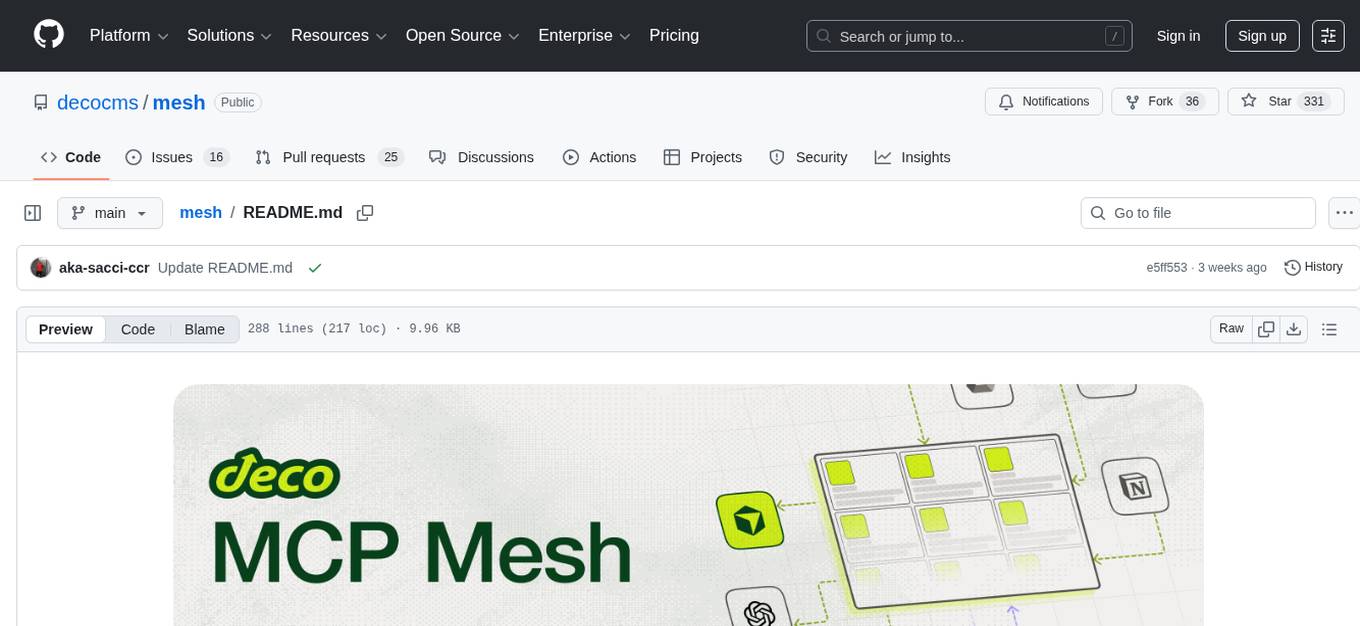
mesh
MCP Mesh is an open-source control plane for MCP traffic that provides a unified layer for authentication, routing, and observability. It replaces multiple integrations with a single production endpoint, simplifying configuration management. Built for multi-tenant organizations, it offers workspace/project scoping for policies, credentials, and logs. With core capabilities like MeshContext, AccessControl, and OpenTelemetry, it ensures fine-grained RBAC, full tracing, and metrics for tools and workflows. Users can define tools with input/output validation, access control checks, audit logging, and OpenTelemetry traces. The project structure includes apps for full-stack MCP Mesh, encryption, observability, and more, with deployment options ranging from Docker to Kubernetes. The tech stack includes Bun/Node runtime, TypeScript, Hono API, React, Kysely ORM, and Better Auth for OAuth and API keys.
vibium
Vibium is a browser automation infrastructure designed for AI agents, providing a single binary that manages browser lifecycle, WebDriver BiDi protocol, and an MCP server. It offers zero configuration, AI-native capabilities, and is lightweight with no runtime dependencies. It is suitable for AI agents, test automation, and any tasks requiring browser interaction.
Shannon
Shannon is a battle-tested infrastructure for AI agents that solves problems at scale, such as runaway costs, non-deterministic failures, and security concerns. It offers features like intelligent caching, deterministic replay of workflows, time-travel debugging, WASI sandboxing, and hot-swapping between LLM providers. Shannon allows users to ship faster with zero configuration multi-agent setup, multiple AI patterns, time-travel debugging, and hot configuration changes. It is production-ready with features like WASI sandbox, token budget control, policy engine (OPA), and multi-tenancy. Shannon helps scale without breaking by reducing costs, being provider agnostic, observable by default, and designed for horizontal scaling with Temporal workflow orchestration.
ClawX
ClawX bridges the gap between powerful AI agents and everyday users by providing a desktop interface for OpenClaw AI agents. It offers an accessible, beautiful desktop experience for automating workflows, managing AI-powered channels, and scheduling intelligent tasks. ClawX comes pre-configured with best-practice model providers, supports multi-language settings, and allows fine-tuning of advanced configurations via Settings → Advanced → Developer Mode.
vllm-mlx
vLLM-MLX is a tool that brings native Apple Silicon GPU acceleration to vLLM by integrating Apple's ML framework with unified memory and Metal kernels. It offers optimized LLM inference with KV cache and quantization, vision-language models for multimodal inference, speech-to-text and text-to-speech with native voices, text embeddings for semantic search and RAG, and more. Users can benefit from features like multimodal support for text, image, video, and audio, native GPU acceleration on Apple Silicon, compatibility with OpenAI API, Anthropic Messages API, reasoning models extraction, integration with external tools via Model Context Protocol, memory-efficient caching, and high throughput for multiple concurrent users.
memsearch
Memsearch is a tool that allows users to give their AI agents persistent memory in a few lines of code. It enables users to write memories as markdown and search them semantically. Inspired by OpenClaw's markdown-first memory architecture, Memsearch is pluggable into any agent framework. The tool offers features like smart deduplication, live sync, and a ready-made Claude Code plugin for building agent memory.
codemap
Codemap is a project brain tool designed to provide instant architectural context for AI projects without consuming excessive tokens. It offers features such as tree visualization, file filtering, dependency flow analysis, and remote repository support. Codemap can be integrated with Claude for automatic context at session start and supports multi-agent handoff for seamless collaboration between different tools. The tool is powered by ast-grep and supports 18 languages for dependency analysis, making it versatile for various project types.
open-computer-use
Open Computer Use is an open-source platform that enables AI agents to control computers through browser automation, terminal access, and desktop interaction. It is designed for developers to create autonomous AI workflows. The platform allows agents to browse the web, run terminal commands, control desktop applications, orchestrate multi-agents, stream execution, and is 100% open-source and self-hostable. It provides capabilities similar to Anthropic's Claude Computer Use but is fully open-source and extensible.
OpenScribe
OpenScribe is an open-source AI medical scribe tool designed to assist clinicians in recording patient encounters, transcribing audio, and generating structured draft clinical notes using large language models (LLMs). The tool offers a default web deployment path with local Whisper transcription and Anthropic Claude note generation. It is currently in early development (v0.x) and not suitable for clinical practice yet, intended for evaluation, testing, and development purposes only. The project aims to provide a local-first, privacy-conscious, and modular alternative to cloud-dependent clinical documentation tools.
For similar tasks
clawd-cursor
Clawd Cursor is an AI Desktop Agent that operates on a Smart 3-Layer Pipeline. It can work with any AI provider, run with local models for free, and acts as a self-healing doctor. The tool offers features like Install/Uninstall commands, Auto OpenClaw registration, Dashboard favorites, Credential detection, and Doctor UX. It integrates with OpenClaw to allow desktop control through natural language. Users can interact with Clawd Cursor through a Web Dashboard, browser foreground focus, and smart task handoff. The tool's 5-layer pipeline ensures efficient task execution, with different layers handling various aspects of the tasks. Clawd Cursor also provides self-healing capabilities to adapt at runtime in case of model failures or API rate limitations.
moling
MoLing is a computer-use and browser-use MCP Server that implements system interaction through operating system APIs, enabling file system operations such as reading, writing, merging, statistics, and aggregation, as well as the ability to execute system commands. It is a dependency-free local office automation assistant. Requiring no installation of any dependencies, MoLing can be run directly and is compatible with multiple operating systems, including Windows, Linux, and macOS. This eliminates the hassle of dealing with environment conflicts involving Node.js, Python, Docker, and other development environments. Command-line operations are dangerous and should be used with caution. MoLing supports features like file system operations, command-line terminal execution, browser control powered by 'github.com/chromedp/chromedp', and future plans for personal PC data organization, document writing assistance, schedule planning, and life assistant features. MoLing has been tested on macOS but may have issues on other operating systems.
vibium
Vibium is a browser automation infrastructure designed for AI agents, providing a single binary that manages browser lifecycle, WebDriver BiDi protocol, and an MCP server. It offers zero configuration, AI-native capabilities, and is lightweight with no runtime dependencies. It is suitable for AI agents, test automation, and any tasks requiring browser interaction.
AGiXT
AGiXT is a dynamic Artificial Intelligence Automation Platform engineered to orchestrate efficient AI instruction management and task execution across a multitude of providers. Our solution infuses adaptive memory handling with a broad spectrum of commands to enhance AI's understanding and responsiveness, leading to improved task completion. The platform's smart features, like Smart Instruct and Smart Chat, seamlessly integrate web search, planning strategies, and conversation continuity, transforming the interaction between users and AI. By leveraging a powerful plugin system that includes web browsing and command execution, AGiXT stands as a versatile bridge between AI models and users. With an expanding roster of AI providers, code evaluation capabilities, comprehensive chain management, and platform interoperability, AGiXT is consistently evolving to drive a multitude of applications, affirming its place at the forefront of AI technology.
aiexe
aiexe is a cutting-edge command-line interface (CLI) and graphical user interface (GUI) tool that integrates powerful AI capabilities directly into your terminal or desktop. It is designed for developers, tech enthusiasts, and anyone interested in AI-powered automation. aiexe provides an easy-to-use yet robust platform for executing complex tasks with just a few commands. Users can harness the power of various AI models from OpenAI, Anthropic, Ollama, Gemini, and GROQ to boost productivity and enhance decision-making processes.
claude.vim
Claude.vim is a Vim plugin that integrates Claude, an AI pair programmer, into your Vim workflow. It allows you to chat with Claude about what to build or how to debug problems, and Claude offers opinions, proposes modifications, or even writes code. The plugin provides a chat/instruction-centric interface optimized for human collaboration, with killer features like access to chat history and vimdiff interface. It can refactor code, modify or extend selected pieces of code, execute complex tasks by reading documentation, cloning git repositories, and more. Note that it is early alpha software and expected to rapidly evolve.
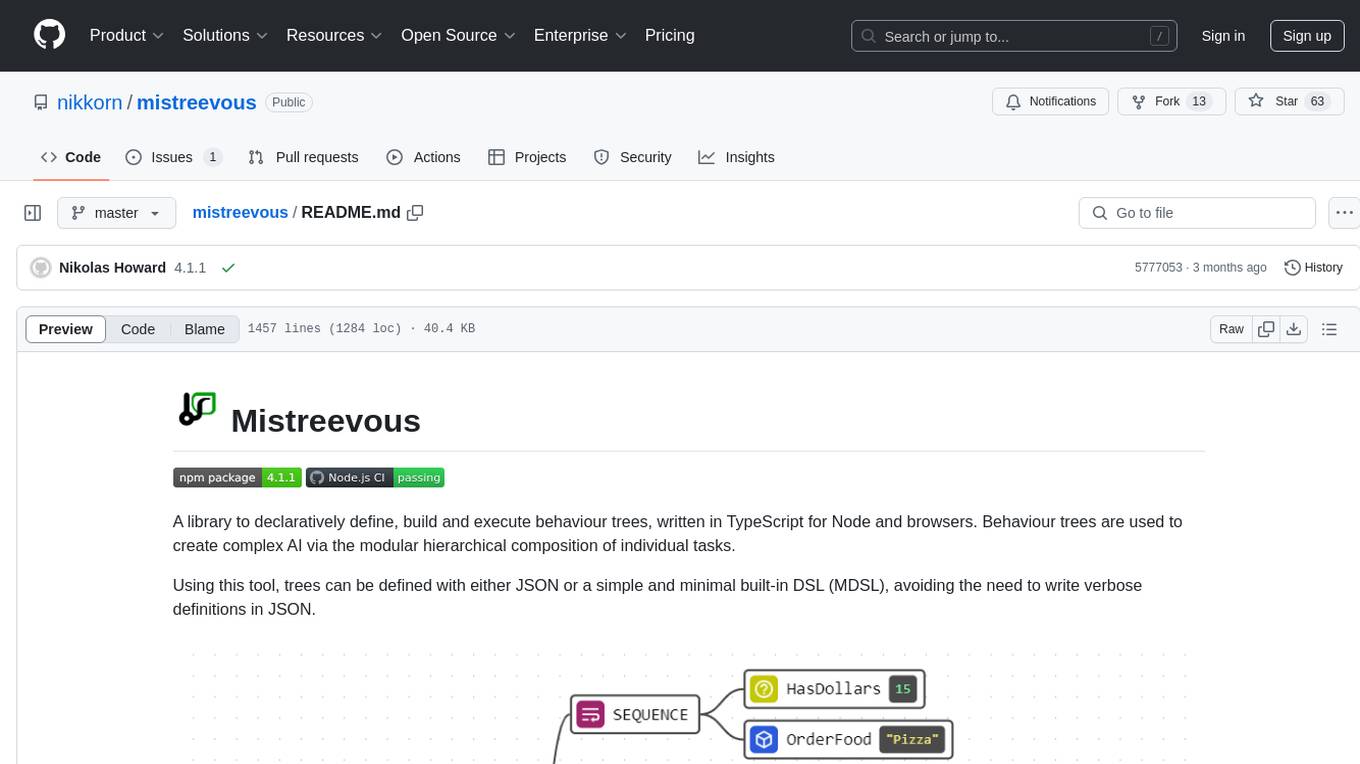
mistreevous
Mistreevous is a library written in TypeScript for Node and browsers, used to declaratively define, build, and execute behaviour trees for creating complex AI. It allows defining trees with JSON or a minimal DSL, providing in-browser editor and visualizer. The tool offers methods for tree state, stepping, resetting, and getting node details, along with various composite, decorator, leaf nodes, callbacks, guards, and global functions/subtrees. Version history includes updates for node types, callbacks, global functions, and TypeScript conversion.

project_alice
Alice is an agentic workflow framework that integrates task execution and intelligent chat capabilities. It provides a flexible environment for creating, managing, and deploying AI agents for various purposes, leveraging a microservices architecture with MongoDB for data persistence. The framework consists of components like APIs, agents, tasks, and chats that interact to produce outputs through files, messages, task results, and URL references. Users can create, test, and deploy agentic solutions in a human-language framework, making it easy to engage with by both users and agents. The tool offers an open-source option, user management, flexible model deployment, and programmatic access to tasks and chats.
For similar jobs
clawd-cursor
Clawd Cursor is an AI Desktop Agent that operates on a Smart 3-Layer Pipeline. It can work with any AI provider, run with local models for free, and acts as a self-healing doctor. The tool offers features like Install/Uninstall commands, Auto OpenClaw registration, Dashboard favorites, Credential detection, and Doctor UX. It integrates with OpenClaw to allow desktop control through natural language. Users can interact with Clawd Cursor through a Web Dashboard, browser foreground focus, and smart task handoff. The tool's 5-layer pipeline ensures efficient task execution, with different layers handling various aspects of the tasks. Clawd Cursor also provides self-healing capabilities to adapt at runtime in case of model failures or API rate limitations.
design-studio
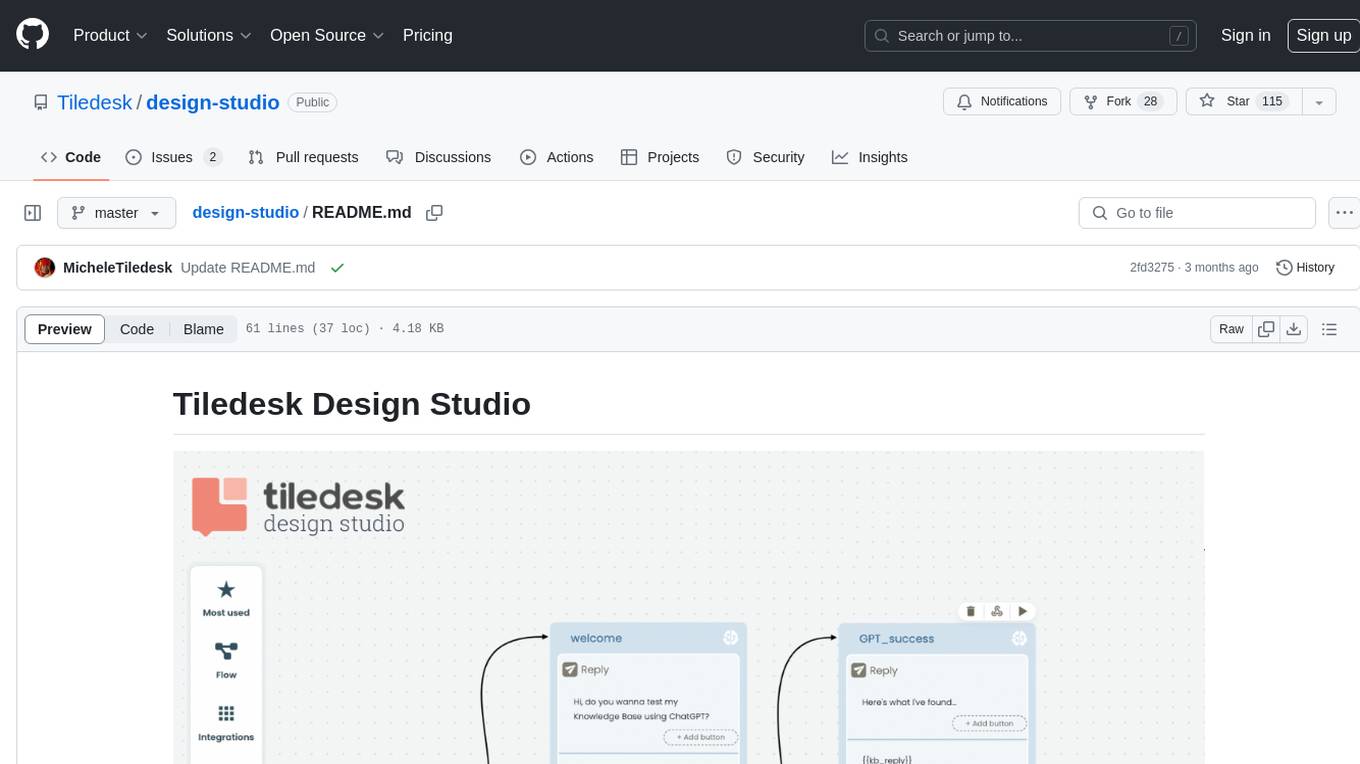
Tiledesk Design Studio is an open-source, no-code development platform for creating chatbots and conversational apps. It offers a user-friendly, drag-and-drop interface with pre-ready actions and integrations. The platform combines the power of LLM/GPT AI with a flexible 'graph' approach for creating conversations and automations with ease. Users can automate customer conversations, prototype conversations, integrate ChatGPT, enhance user experience with multimedia, provide personalized product recommendations, set conditions, use random replies, connect to other tools like HubSpot CRM, integrate with WhatsApp, send emails, and seamlessly enhance existing setups.
telegram-llm
A Telegram LLM bot that allows users to deploy their own Telegram bot in 3 simple steps by creating a flow function, configuring access to the Telegram bot, and connecting to an LLM backend. Users need to sign into flows.network, have a bot token from Telegram, and an OpenAI API key. The bot can be customized with ChatGPT prompts and integrated with OpenAI and Telegram for various functionalities.
LogChat
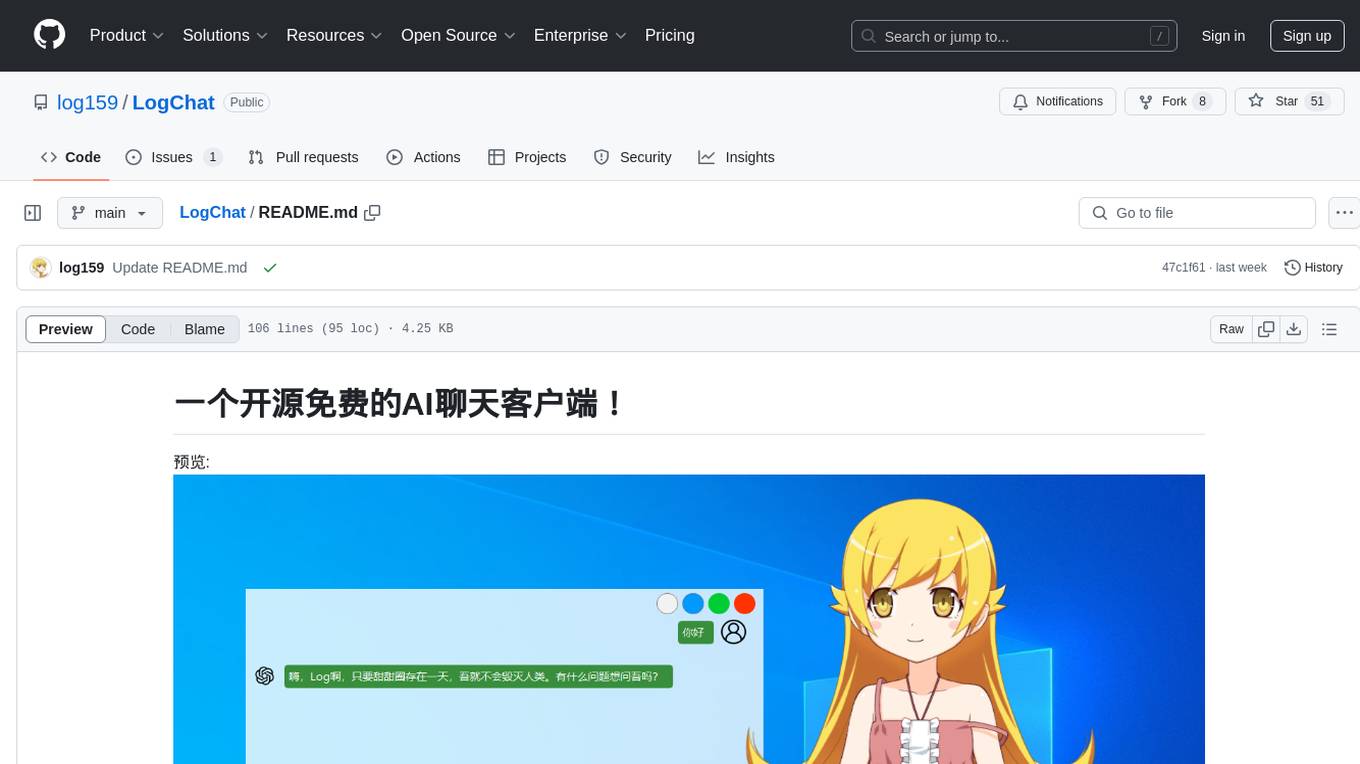
LogChat is an open-source and free AI chat client that supports various chat models and technologies such as ChatGPT, 讯飞星火, DeepSeek, LLM, TTS, STT, and Live2D. The tool provides a user-friendly interface designed using Qt Creator and can be used on Windows systems without any additional environment requirements. Users can interact with different AI models, perform voice synthesis and recognition, and customize Live2D character models. LogChat also offers features like language translation, AI platform integration, and menu items like screenshot editing, clock, and application launcher.
AI-Agent-Starter-Kit
AI Agent Starter Kit is a modern full-stack AI-enabled template using Next.js for frontend and Express.js for backend, with Telegram and OpenAI integrations. It offers AI-assisted development, smart environment variable setup assistance, intelligent error resolution, context-aware code completion, and built-in debugging helpers. The kit provides a structured environment for developers to interact with AI tools seamlessly, enhancing the development process and productivity.
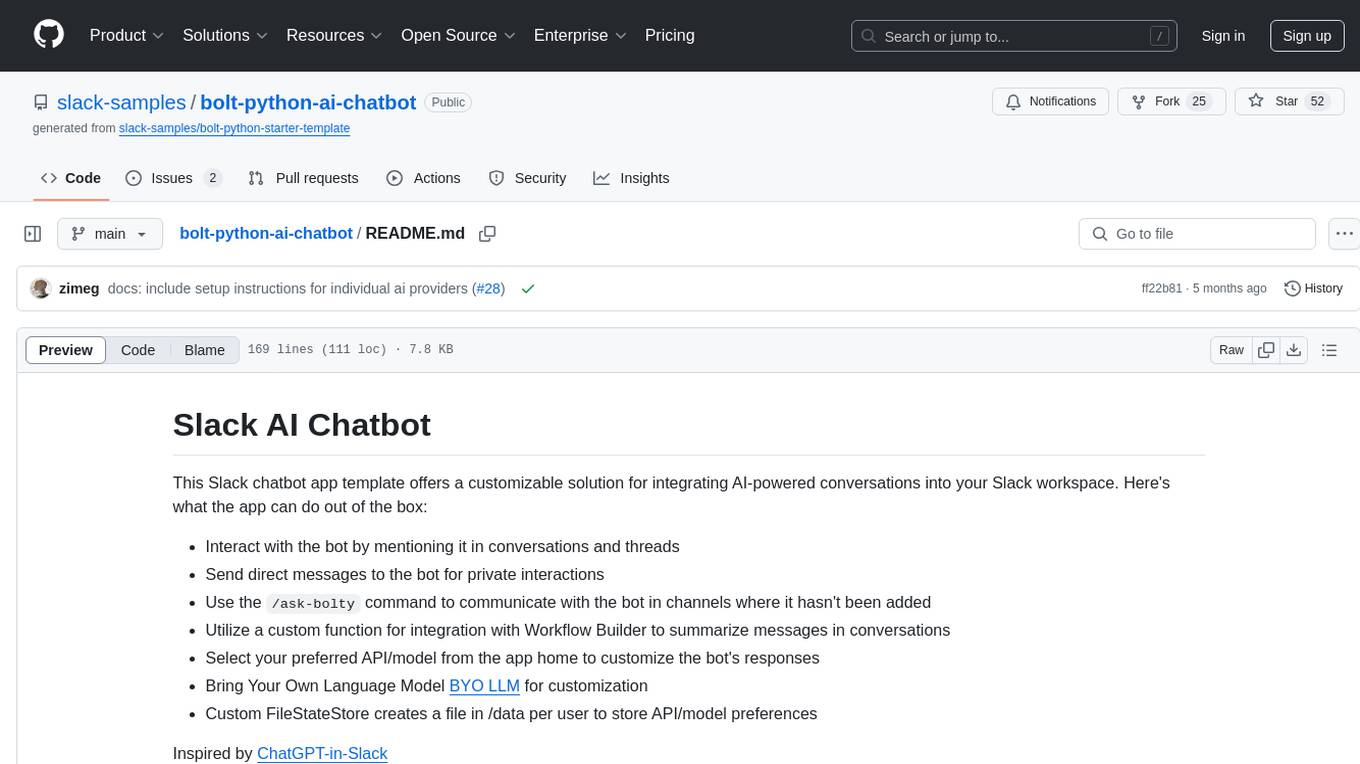
bolt-python-ai-chatbot
The 'bolt-python-ai-chatbot' is a Slack chatbot app template that allows users to integrate AI-powered conversations into their Slack workspace. Users can interact with the bot in conversations and threads, send direct messages for private interactions, use commands to communicate with the bot, customize bot responses, and store user preferences. The app supports integration with Workflow Builder, custom language models, and different AI providers like OpenAI, Anthropic, and Google Cloud Vertex AI. Users can create user objects, manage user states, and select from various AI models for communication.
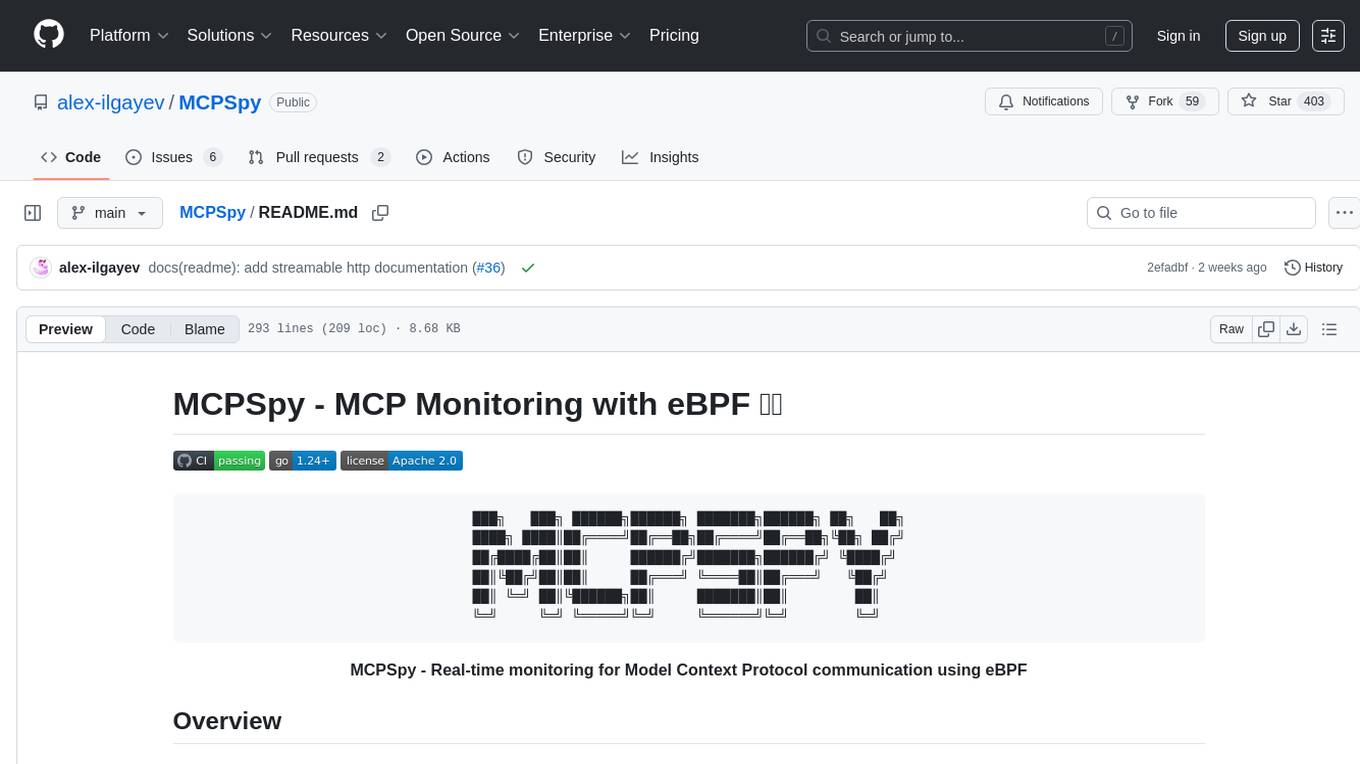
MCPSpy
MCPSpy is a command-line tool leveraging eBPF technology to monitor Model Context Protocol (MCP) communication at the kernel level. It provides real-time visibility into JSON-RPC 2.0 messages exchanged between MCP clients and servers, supporting Stdio and HTTP transports. MCPSpy offers security analysis, debugging, performance monitoring, compliance assurance, and learning opportunities for understanding MCP communications. The tool consists of eBPF programs, an eBPF loader, an HTTP session manager, an MCP protocol parser, and output handlers for console display and JSONL output.
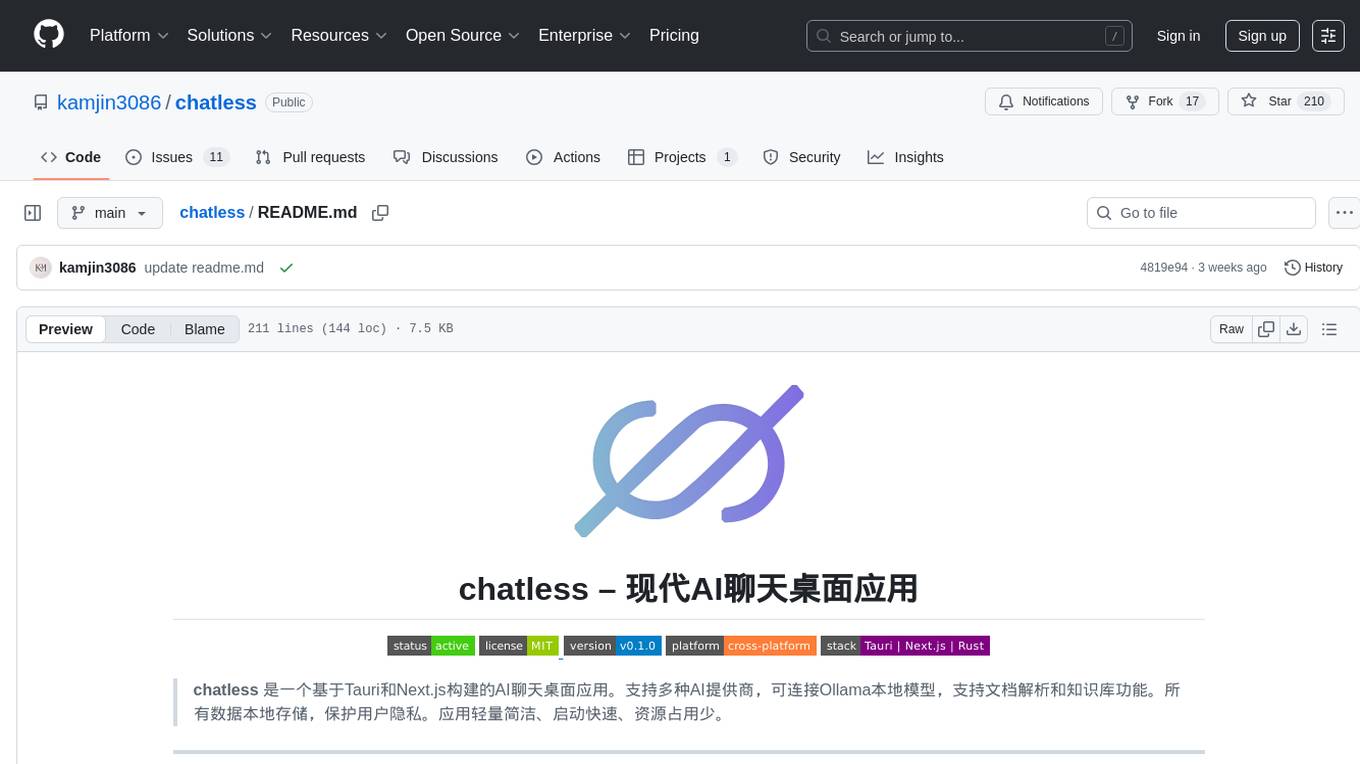
chatless
Chatless is a modern AI chat desktop application built on Tauri and Next.js. It supports multiple AI providers, can connect to local Ollama models, supports document parsing and knowledge base functions. All data is stored locally to protect user privacy. The application is lightweight, simple, starts quickly, and consumes minimal resources.