


ShadowCrawl
🥷 The FREE, Sovereign alternative to Firecrawl & Tavily. Pure Rust Stealth Scraper + Built-in God-Tier Meta-Search for AI Agents. Bypass Cloudflare & DataDome via HITL. Zero-bloat, ultra-clean LLM data. 99.99% Success Rate. 🦀
Stars: 51
ShadowCrawl is a web scraping tool designed to extract data from websites. It provides a user-friendly interface to easily configure scraping tasks and obtain structured data. With ShadowCrawl, users can automate the process of collecting information from various websites without the need for manual intervention. The tool supports various data formats and allows users to schedule scraping tasks for regular updates. Whether you need to gather pricing information, monitor competitor websites, or extract contact details, ShadowCrawl offers a versatile solution for web data extraction.
README:

The God-Tier Intelligence Engine for AI Agents
The Sovereign, Self-Hosted Alternative to Firecrawl, Jina, and Tavily.


ShadowCrawl is not just a scraper or a search wrapper — it is a complete intelligence layer purpose-built for AI Agents. ShadowCrawl ships a native Rust meta-search engine running inside the same binary. Zero extra containers. Parallel engines. LLM-grade clean output.
When every other tool gets blocked, ShadowCrawl doesn't retreat — it escalates: native engines → native Chromium CDP headless → Human-In-The-Loop (HITL) nuclear option. You always get results.
ShadowCrawl v3.0.0 ships a 100% Rust-native metasearch engine that queries 4 engines in parallel and fuses results intelligently:
| Engine | Coverage | Notes |
|---|---|---|
| 🔵 DuckDuckGo | General Web | HTML scrape, no API key needed |
| 🟢 Bing | General + News | Best for current events |
| Authoritative Results | High-relevance, deduped | |
| 🟠 Brave Search | Privacy-Focused | Independent index, low overlap |
Parallel Concurrency — All 4 engines fire simultaneously. Total latency = slowest engine, not sum of all.
Smart Deduplication + Scoring — Cross-engine results are merged by URL fingerprint. Pages confirmed by 2+ engines receive a corroboration score boost. Domain authority weighting (docs, .gov, .edu, major outlets) pushes high-trust sources to the top.
Ultra-Clean Output for LLMs — Clean fields and predictable structure:
-
published_atis parsed and stored as a clean ISO-8601 field (2025-07-23T00:00:00) -
content/snippetis clean — zero date-prefix garbage -
breadcrumbsextracted from URL path for navigation context -
domainandsource_typeauto-classified (blog,docs,reddit,news, etc.)
Result: LLMs receive dense, token-efficient, structured data — not a wall of noisy text.
Unstoppable Fallback — If an engine returns a bot-challenge page (anomaly.js, Cloudflare, PerimeterX), it is automatically retried via the native Chromium CDP instance (headless Chrome, bundled in-binary). No manual intervention. No 0-result failures.
Quality > Quantity — ~20 deduplicated, scored results rather than 50 raw duplicates. For an AI agent with a limited context window, 20 high-quality results outperform 50 noisy ones every time.
ShadowCrawl v3.1.0 ships a self-contained multi-hop research pipeline as a first-class MCP tool — no external infra, no key required for local LLMs.
- Query Expansion — expands your question into multiple targeted sub-queries (3 axes: core concept, comparison/alternatives, implementation specifics)
- Parallel Search + Scrape — fires all sub-queries across 4 search engines; auto-scrapes top results (configurable depth 1–3, up to 20 sources)
- Semantic Filtering — Model2Vec-powered relevance scoring keeps only on-topic content chunks
- LLM Synthesis — condenses all findings into a zero-fluff Markdown fact-sheet via any OpenAI-compatible API
| Backend | llm_base_url |
Key required |
|---|---|---|
| OpenAI (default) | https://api.openai.com/v1 |
Yes — OPENAI_API_KEY
|
| Ollama (local) | http://localhost:11434/v1 |
No |
| LM Studio (local) | http://localhost:1234/v1 |
No |
| Any OpenAI-compatible proxy | custom URL | Optional |
Create shadowcrawl.json in the same directory as the binary (or repo root) to configure the engine — no rebuild needed. All fields are optional; env vars are used as fallback.
{
  "deep_research": {
    "enabled": true,
    "llm_base_url": "http://localhost:11434/v1",
    "llm_api_key": "",
    "llm_model": "llama3",
    "synthesis_enabled": true,
    "synthesis_max_sources": 8,
    "synthesis_max_chars_per_source": 2500,
    "synthesis_max_tokens": 1024
  }
}
Priority: shadowcrawl.json field → env var fallback → hardcoded default.
# Full build (deep_research included by default)
cargo build --release

# Lean build — strip deep_research feature entirely
cargo build --release --no-default-features --features non_robot_search
The
deep-researchCargo feature is on by default. Use--no-default-featuresfor minimal deployments.
| Feature | Details |
|---|---|
| � Deep Research Engine | Multi-hop search + scrape + semantic filter + LLM synthesis (OpenAI / Ollama / LM Studio) |
| �🔍 God-Tier Meta-Search | Parallel Google / Bing / DDG / Brave · dedup · scoring · breadcrumbs · published_at
|
| 🕷 Universal Scraper | Rust-native + native Chromium CDP for JS-heavy and anti-bot sites |
| 🛂 Human Auth (HITL) |
human_auth_session: Real browser + persistent cookies + instruction overlay + Automatic Re-injection. Fetch any protected URL. |
| 🧠 Semantic Memory | Embedded LanceDB + Model2Vec for long-term research recall (no DB container) |
| 🤖 HITL Non-Robot Search | Visible Brave Browser + keyboard hooks for human CAPTCHA / login-wall bypass |
| 🌐 Deep Crawler | Recursive, bounded crawl to map entire subdomains |
| 🔒 Proxy Master | Native HTTP/SOCKS5 pool rotation with health checks |
| 🧽 Universal Janitor | Strips cookie banners, popups, skeleton screens — delivers clean Markdown |
| 🔥 Hydration Extractor | Resolves React/Next.js hydration JSON (__NEXT_DATA__, embedded state) |
| 🛡 Anti-Bot Arsenal | Stealth UA rotation, fingerprint spoofing, CDP automation, mobile profile emulation |
| 📊 Structured Extract | CSS-selector + prompt-driven field extraction from any page |
| 🔁 Batch Scrape | Parallel scrape of N URLs with configurable concurrency |
ShadowCrawl is pure binary: a single Rust executable exposes MCP tools (stdio) and an optional HTTP server — no Docker, no sidecars.
When standard automation fails (Cloudflare, CAPTCHA, complex logins), ShadowCrawl activates the human element.
This is our signature tool that surpasses all competitors. While most scrapers fail on login-walled content, human_auth_session opens a real, visible browser window for you to solve the challenge.
Once you click FINISH & RETURN, all authentication cookies are transparently captured and persisted in ~/.shadowcrawl/sessions/. Subsequent requests to the same domain automatically inject these cookies — making future fetches fully automated and effortless.
- 🟢 Instruction Overlay — A native green banner guides the user on what to solve.
- 🍪 Persistent Sessions — Solve once, scrape forever. No need to log in manually again for weeks.
- 🛡 Security first — Cookies are stored locally and encrypted (optional/upcoming).
- 🚀 Auto-injection — Next
web_fetchorweb_crawlcalls automatically load found sessions.
We don't claim — we show receipts. All captured with human_auth_session and our advanced CDP engines (2026-02-20):
| Target | Protection | Evidence | Extracted |
|---|---|---|---|
| Cloudflare + Auth | JSON · Snippet | 60+ job listings ✅ | |
| Ticketmaster | Cloudflare Turnstile | JSON · Snippet | Tour dates & venues ✅ |
| Airbnb | DataDome | JSON · Snippet | 1,000+ Tokyo listings ✅ |
| Upwork | reCAPTCHA | JSON · Snippet | 160K+ job postings ✅ |
| Amazon | AWS Shield | JSON · Snippet | RTX 5070 Ti search results ✅ |
| nowsecure.nl | Cloudflare | JSON | Manual button verified ✅ |
📖 Full analysis: proof/README.md
Download the latest release assets from GitHub Releases and run one of:
Prebuilt assets are published for: windows-x64, windows-arm64, linux-x64, linux-arm64.
-
shadowcrawl-mcp— MCP stdio server (recommended for VS Code / Cursor / Claude Desktop) -
shadowcrawl— HTTP server (default port5000; override via--port,PORT, orSHADOWCRAWL_PORT)
Confirm the HTTP server is alive:
./shadowcrawl --port 5000
curl http://localhost:5000/healthBuild all binaries with all optional features enabled:
cd mcp-server
cargo build --release --all-featuresgit clone https://github.com/DevsHero/shadowcrawl.git
cd shadowcrawlBuild:
cd mcp-server
cargo build --release --features non_robot_search --bin shadowcrawl --bin shadowcrawl-mcp
Or install (puts binaries into your Cargo bin directory):
cargo install --path mcp-server --lockedBinaries land at:
-
target/release/shadowcrawl— HTTP server (default port5000; override via--port,PORT, orSHADOWCRAWL_PORT) -
target/release/shadowcrawl-mcp— MCP stdio server
Prerequisites for HITL:
- Brave Browser (brave.com/download)
- Accessibility permission (macOS: System Preferences → Privacy & Security → Accessibility)
- A desktop session (not SSH-only)
Platform guides: docs/window_setup.md · docs/ubuntu_setup.md
After any binary rebuild/update, restart your MCP client session to pick up new tool definitions.
Use this exact decision flow to get the highest-quality results with minimal tokens:
-
memory_searchfirst (avoid re-fetching) -
web_search_jsonfor initial research (search + content summaries in one call) -
web_fetchfor specific URLs (docs/articles) -output_format="clean_json"for token-efficient output - setquery+strict_relevance=truewhen you want only query-relevant paragraphs - If
web_fetchreturns 403/429/rate-limit →proxy_controlgrabthen retry withuse_proxy=true - If
web_fetchreturnsauth_risk_score >= 0.4→visual_scout(confirm login wall) →human_auth_session(The God-Tier Nuclear Option)
Structured extraction (schema-first):
- Prefer
fetch_then_extractfor one-shot fetch + extract. -
strict=true(default) enforces schema shape: missing arrays become[], missing scalars becomenull(no schema drift). - Treat
confidence=0.0as “placeholder / unrendered page” (often JS-only like crates.io). Escalate to browser rendering (CDP/HITL) instead of trusting the fields. - 💡 New in v3.0.0: Placeholder detection is now scalar-only. Pure-array schemas (only lists/structs) never trigger confidence=0.0, fixing prior regressions.
clean_json notes:
- Large pages are truncated to respect
max_chars(look forclean_json_truncatedwarning). Increasemax_charsto see more. -
key_code_blocksis extracted from fenced blocks and signature-like inline code; short docs pages are supported. - 🕷 v3.0.0 fix: Module extraction on
docs.rsworks recursively for all relative and absolute sub-paths.
ShadowCrawl exposes all tools via the Model Context Protocol (stdio transport).
Add to your MCP config (~/.config/Code/User/mcp.json):
Use the same stdio setup as VS Code (run shadowcrawl-mcp locally and pass env vars via env or your client’s env field).
📖 Full multi-IDE guide: docs/IDE_SETUP.md
| Variable | Default | Description |
|---|---|---|
CHROME_EXECUTABLE |
auto-detected | Override path to Chromium/Chrome/Brave binary |
SEARCH_ENGINES |
google,bing,duckduckgo,brave |
Active search engines (comma-separated) |
SEARCH_MAX_RESULTS_PER_ENGINE |
10 |
Results per engine before merge |
SEARCH_CDP_FALLBACK |
true if browser found |
Auto-retry blocked engines via native Chromium CDP (alias: SEARCH_BROWSERLESS_FALLBACK) |
SEARCH_SIMULATE_BLOCK |
— | Force blocked path for testing: duckduckgo,bing or all
|
LANCEDB_URI |
— | Path for semantic research memory (optional) |
SHADOWCRAWL_NEUROSIPHON |
1 (enabled) |
Set to 0 / false / off to disable all NeuroSiphon techniques (import nuking, SPA extraction, semantic shaving, search reranking) |
HTTP_TIMEOUT_SECS |
30 |
Per-request timeout |
OUTBOUND_LIMIT |
32 |
Max concurrent outbound connections |
MAX_CONTENT_CHARS |
10000 |
Max chars per scraped document |
IP_LIST_PATH |
— | Path to proxy IP list |
SCRAPE_DELAY_PRESET |
polite |
fast / polite / cautious
|
DEEP_RESEARCH_ENABLED |
1 (enabled) |
Set 0 to disable the deep_research tool at runtime (without rebuild) |
OPENAI_API_KEY |
— | API key for LLM synthesis. Leave unset for key-less local endpoints (Ollama / LM Studio) |
OPENAI_BASE_URL |
https://api.openai.com/v1 |
LLM endpoint. Override for Ollama (http://localhost:11434/v1) or LM Studio (http://localhost:1234/v1). Config: deep_research.llm_base_url
|
DEEP_RESEARCH_LLM_MODEL |
gpt-4o-mini |
Model name (e.g. llama3, mistral). Config: deep_research.llm_model
|
DEEP_RESEARCH_SYNTHESIS |
1 (enabled) |
Set 0 to run search + scrape only (skip LLM step). Config: deep_research.synthesis_enabled
|
DEEP_RESEARCH_SYNTHESIS_MAX_SOURCES |
8 |
Max source docs fed to LLM. Config: deep_research.synthesis_max_sources
|
DEEP_RESEARCH_SYNTHESIS_MAX_CHARS_PER_SOURCE |
2500 |
Max chars per source. Config: deep_research.synthesis_max_chars_per_source
|
DEEP_RESEARCH_SYNTHESIS_MAX_TOKENS |
1024 |
Max tokens in the LLM response. Tune per model: 512–1024 for small 4k-ctx models (e.g. lfm2-2.6b), 2048+ for large models. Config: deep_research.synthesis_max_tokens
|
| Feature | Firecrawl / Jina / Tavily | ShadowCrawl v3.1.0 |
|---|---|---|
| Deep Research | None / paid add-on | Native: multi-hop + LLM synthesis (local or cloud) |
| Cost | $49–$499/mo | $0 — self-hosted |
| Privacy | They see your queries | 100% private, local-only |
| Search Engine | Proprietary / 3rd-party API | Native Rust (4 engines, parallel) |
| Result Quality | Mixed, noisy snippets | Deduped, scored, LLM-clean |
| Cloudflare Bypass | Rarely | Native Chromium CDP + HITL fallback |
| LinkedIn / Airbnb | Blocked | 99.99% success (HITL) |
| JS Rendering | Cloud API | Native Brave + bundled Chromium CDP |
| Semantic Memory | None | Embedded LanceDB + Model2Vec |
| Proxy Support | Paid add-on | Native SOCKS5/HTTP rotation |
| MCP Native | Partial | Full MCP stdio + HTTP |
ShadowCrawl works best when your AI agent knows the operational rules before it starts — which tool to call first, when to rotate proxies, and when not to use extract_structured. Without these rules, agents waste tokens re-fetching cached data and can misuse tools on incompatible sources.
The complete rules file lives at .github/copilot-instructions.md (VS Code / GitHub Copilot) and is also available as .clinerules for Cline. Copy the block below into the IDE-specific file for your editor.
Create (or append to) .github/copilot-instructions.md in your workspace root:
## MCP Usage Guidelines — ShadowCrawl
### Shadowcrawl Priority Rules
1. **Memory first (NEVER skip):** ALWAYS call `research_history` BEFORE calling `search_web`,
`search_structured`, or `scrape_url`.
**Cache-quality guard:** only skip a live fetch when ALL of the following are true:
- similarity score ≥ 0.60
- entry_type is NOT "search" (search entries have no word_count — always follow up with scrape_url)
- word_count ≥ 50 (cached crates.io pages are JS-placeholders with ~11 words)
- no placeholder/sparse warnings (placeholder_page, short_content, content_restricted)
2. **Initial research:** use `search_structured` (search + content summaries in one call).
For private/internal tools not indexed publicly, skip search and go directly to
`scrape_url` on the known repo/docs URL.
3. **Doc/article pages:** `scrape_url` with `output_format: clean_json`,
`strict_relevance: true`, `query: "<your question>"`.
Raw `.md`/`.txt` URLs are auto-detected — HTML pipeline is skipped, raw content returned.
4. **Proxy rotation (mandatory on first block):** if `scrape_url` or `search_web` returns
403/429/rate-limit, immediately call `proxy_manager` with `action: "grab"` then retry
with `use_proxy: true`. Do NOT wait for a second failure.
4a. **Auto-escalation on low confidence:** if `scrape_url` returns confidence < 0.3 or
extraction_score < 0.4 → retry with `quality_mode: "aggressive"` → `visual_scout`
→ `human_auth_session`. Never stay stuck on a low-confidence result.
5. **Schema extraction:** use `fetch_then_extract` (one-shot) or `extract_structured`.
Both auto-inject `raw_markdown_url` warning when called on raw file URLs.
Do NOT point at raw `.md`/`.json`/`.txt` unless intentional.
6. **Sub-page discovery:** use `crawl_website` before `scrape_url` when you only know
an index URL and need to find the right sub-page.
7. **Last resort:** `non_robot_search` only after direct fetch + proxy rotation have both
failed (Cloudflare / CAPTCHA / login walls). Session cookies are persisted after login.Create or append to .cursorrules in your project root with the same block above.
Already included in this repository as .clinerules. Cline loads it automatically — no action needed.
Paste the rules block into the Custom Instructions or System Prompt field in Claude Desktop settings (Settings → Advanced → System Prompt).
Any agent that accepts a system prompt or workspace instruction file: paste the same block. The rules are plain markdown and tool-agnostic.
Question / research task
│
▼
research_history ──► hit (≥ 0.60)? ──► cache-quality guard:
│ miss │ entry_type=="search"? ──► don't skip; do scrape_url
│ │ word_count < 50 or placeholder warnings? ──► don't skip
│ └──► quality OK? ──► use cached result, STOP
│
▼
search_structured ──► enough content? ──► use it, STOP
│ need deeper page
▼
scrape_url (clean_json + strict_relevance + query)
│ confidence < 0.3 or extraction_score < 0.4?
├──► retry quality_mode: aggressive ──► visual_scout ──► human_auth_session
│ 403/429/blocked? ──► proxy_manager grab ──► retry use_proxy: true
│ still blocked? ──► non_robot_search (LAST RESORT)
│
└── need schema JSON? ──► fetch_then_extract (schema + strict=true)
📖 Full rules + per-tool quick-reference table:
.github/copilot-instructions.md
-
human_auth_session(The Nuclear Option): Launches a visible browser for human login/CAPTCHA solving. Captures and persists full authentication cookies to~/.shadowcrawl/sessions/{domain}.json. Enables full automation for protected URLs after a single manual session. -
Instruction Overlay:
human_auth_sessionnow displays a custom green "ShadowCrawl" instruction banner on top of the browser window to guide users through complex auth walls. -
Persistent Session Auto-Injection:
web_fetch,web_crawl, andvisual_scoutnow automatically check for and inject matching cookies from the local session store. -
extract_structured/fetch_then_extract: new optional paramsplaceholder_word_threshold(int, default 10) andplaceholder_empty_ratio(float 0–1, default 0.9) allow agents to tune placeholder detection sensitivity per-call. -
web_crawl: new optionalmax_charsparam (default 10 000) caps total JSON output size to prevent workspace storage spill. -
Rustdoc module extraction:
extract_structured/fetch_then_extractcorrectly populatemodules: [...]on docs.rs pages using theNAME/index.htmlsub-directory convention. -
GitHub Discussions & Issues hydration:
fetch_via_cdpdetectsgithub.com/*/discussions/*and/issues/*URLs; extends network-idle window to 2.5 s / 12 s max and polls for.timeline-comment,.js-discussion,.comment-bodyDOM nodes. -
Contextual code blocks (
clean_jsonmode):SniperCodeBlockgains acontext: Option<String>field. Performs two-pass extraction for prose preceding fenced blocks and Markdown sentences containing inline snippets. -
IDE copilot-instructions guide (README): new
🤖 Agent Optimal Setupsection. -
.clinerulesworkspace file: all 7 priority rules + decision-flow diagram + per-tool quick-reference table. -
Agent priority rules in tool schemas: every MCP tool description now carries machine-readable
⚠️ AGENT RULE/✅ BEST PRACTICE.
- Placeholder detection (Scalar-Only Logic): Confidence override to 0.0 now only considers scalar (non-array) fields. Pure-array schemas (headers, modules, structs) never trigger fake placeholder warnings, fixing false-positives on rich but list-heavy documentation pages.
-
web_fetch(output_format="clean_json"): applies amax_chars-based paragraph budget and emitsclean_json_truncatedwhen output is clipped. -
extract_fields/fetch_then_extract: placeholder/unrendered pages (very low content + mostly empty schema fields) forceconfidence=0.0. -
Short-content bypass (
strict_relevance/extract_relevant_sections): early exit with a descriptive warning whenword_count < 200. Short pages (GitHub Discussions, Q&A threads) are returned whole.
-
BUG-6:
modules: []always empty on rustdoc pages — refactored regex to support both absolute and simple relative module links (init/index.html,optim/index.html). -
BUG-7: false-positive
confidence=0.0on real docs.rs pages; replaced whole-schema empty ratio with scalar-only ratio + raised threshold. -
BUG-9:
web_crawlcould spill 16 KB+ of JSON into VS Code workspace storage; handler now truncates response tomax_chars(default 10 000). -
web_fetch(output_format="clean_json"): paragraph filter now adapts forword_count < 200. -
fetch_then_extract: prevents false-high confidence on JS-only placeholder pages (e.g. crates.io) by overriding confidence to 0.0. -
cdp_fallback_failedon GitHub Discussions: extended CDP hydration window and selector polling ensures full thread capture.
ShadowCrawl is built with ❤️ by a solo developer for the open-source AI community. If this tool saved you from a $500/mo scraping API bill:
- ⭐ Star the repo — it helps others discover this
- 🐛 Found a bug? Open an issue
- 💡 Feature request? Start a discussion
- ☕ Fuel more updates:

License: MIT — free for personal and commercial use.
For Tasks:
Click tags to check more tools for each tasksFor Jobs:
Alternative AI tools for ShadowCrawl
Similar Open Source Tools
ShadowCrawl
ShadowCrawl is a web scraping tool designed to extract data from websites. It provides a user-friendly interface to easily configure scraping tasks and obtain structured data. With ShadowCrawl, users can automate the process of collecting information from various websites without the need for manual intervention. The tool supports various data formats and allows users to schedule scraping tasks for regular updates. Whether you need to gather pricing information, monitor competitor websites, or extract contact details, ShadowCrawl offers a versatile solution for web data extraction.
NadirClaw
NadirClaw is a powerful open-source tool designed for web scraping and data extraction. It provides a user-friendly interface for extracting data from websites with ease. With NadirClaw, users can easily scrape text, images, and other content from web pages for various purposes such as data analysis, research, and automation. The tool offers flexibility and customization options to cater to different scraping needs, making it a versatile solution for extracting data from the web. Whether you are a data scientist, researcher, or developer, NadirClaw can streamline your data extraction process and help you gather valuable insights from online sources.
waidrin
Waidrin is a powerful web scraping tool that allows users to easily extract data from websites. It provides a user-friendly interface for creating custom web scraping scripts and supports various data formats for exporting the extracted data. With Waidrin, users can automate the process of collecting information from multiple websites, saving time and effort. The tool is designed to be flexible and scalable, making it suitable for both beginners and advanced users in the field of web scraping.
onlook
Onlook is a web scraping tool that allows users to extract data from websites easily and efficiently. It provides a user-friendly interface for creating web scraping scripts and supports various data formats for exporting the extracted data. With Onlook, users can automate the process of collecting information from multiple websites, saving time and effort. The tool is designed to be flexible and customizable, making it suitable for a wide range of web scraping tasks.
Aimer_WT
Aimer_WT is a web scraping tool designed to extract data from websites efficiently and accurately. It provides a user-friendly interface for users to specify the data they want to scrape and offers various customization options. With Aimer_WT, users can easily automate the process of collecting data from multiple web pages, saving time and effort. The tool is suitable for both beginners and experienced users who need to gather data for research, analysis, or other purposes. Aimer_WT supports various data formats and allows users to export the extracted data for further processing.
HyperAgent
HyperAgent is a powerful tool for automating repetitive tasks in web scraping and data extraction. It provides a user-friendly interface to create custom web scraping scripts without the need for extensive coding knowledge. With HyperAgent, users can easily extract data from websites, transform it into structured formats, and save it for further analysis. The tool supports various data formats and offers scheduling options for automated data extraction at regular intervals. HyperAgent is suitable for individuals and businesses looking to streamline their data collection processes and improve efficiency in extracting information from the web.
Website-Crawler
Website-Crawler is a tool designed to extract data from websites in an automated manner. It allows users to scrape information such as text, images, links, and more from web pages. The tool provides functionalities to navigate through websites, handle different types of content, and store extracted data for further analysis. Website-Crawler is useful for tasks like web scraping, data collection, content aggregation, and competitive analysis. It can be customized to extract specific data elements based on user requirements, making it a versatile tool for various web data extraction needs.
firecrawl
Firecrawl is an API service that empowers AI applications with clean data from any website. It features advanced scraping, crawling, and data extraction capabilities. The repository is still in development, integrating custom modules into the mono repo. Users can run it locally but it's not fully ready for self-hosted deployment yet. Firecrawl offers powerful capabilities like scraping, crawling, mapping, searching, and extracting structured data from single pages, multiple pages, or entire websites with AI. It supports various formats, actions, and batch scraping. The tool is designed to handle proxies, anti-bot mechanisms, dynamic content, media parsing, change tracking, and more. Firecrawl is available as an open-source project under the AGPL-3.0 license, with additional features offered in the cloud version.
AIOStreams
AIOStreams is a versatile tool that combines streams from various addons into one platform, offering extensive customization options. Users can change result formats, filter results by various criteria, remove duplicates, prioritize services, sort results, specify size limits, and more. The tool scrapes results from selected addons, applies user configurations, and presents the results in a unified manner. It simplifies the process of finding and accessing desired content from multiple sources, enhancing user experience and efficiency.
n8n-docs
n8n is an extendable workflow automation tool that enables you to connect anything to everything. It is open-source and can be self-hosted or used as a service. n8n provides a visual interface for creating workflows, which can be used to automate tasks such as data integration, data transformation, and data analysis. n8n also includes a library of pre-built nodes that can be used to connect to a variety of applications and services. This makes it easy to create complex workflows without having to write any code.
trafilatura
Trafilatura is a Python package and command-line tool for gathering text on the Web and simplifying the process of turning raw HTML into structured, meaningful data. It includes components for web crawling, downloads, scraping, and extraction of main texts, metadata, and comments. The tool aims to focus on actual content, avoid noise, and make sense of data and metadata. It is robust, fast, and widely used by companies and institutions. Trafilatura outperforms other libraries in text extraction benchmarks and offers various features like support for sitemaps, parallel processing, configurable extraction of key elements, multiple output formats, and optional add-ons. The tool is actively maintained with regular updates and comprehensive documentation.
budibase
Budibase is an open-source low-code platform that allows users to build web applications visually without writing code. It provides a drag-and-drop interface for designing user interfaces and workflows, as well as a visual editor for defining data models and business logic. With Budibase, users can quickly create custom web applications for various purposes, such as data management, project tracking, and internal tools. The platform supports integrations with popular services and databases, making it easy to extend the functionality of applications. Budibase is suitable for both experienced developers looking to speed up their workflow and non-technical users who want to create web applications without coding.
data-juicer
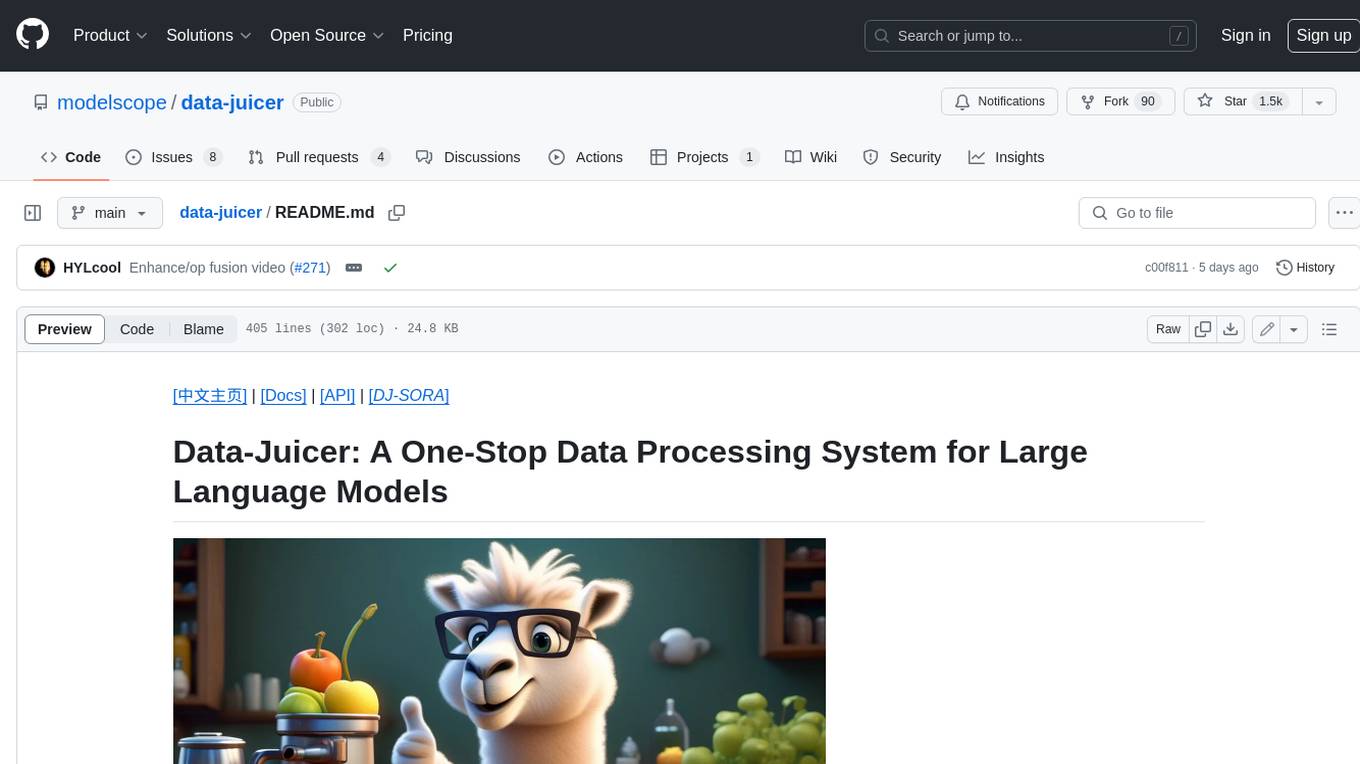
Data-Juicer is a one-stop data processing system to make data higher-quality, juicier, and more digestible for LLMs. It is a systematic & reusable library of 80+ core OPs, 20+ reusable config recipes, and 20+ feature-rich dedicated toolkits, designed to function independently of specific LLM datasets and processing pipelines. Data-Juicer allows detailed data analyses with an automated report generation feature for a deeper understanding of your dataset. Coupled with multi-dimension automatic evaluation capabilities, it supports a timely feedback loop at multiple stages in the LLM development process. Data-Juicer offers tens of pre-built data processing recipes for pre-training, fine-tuning, en, zh, and more scenarios. It provides a speedy data processing pipeline requiring less memory and CPU usage, optimized for maximum productivity. Data-Juicer is flexible & extensible, accommodating most types of data formats and allowing flexible combinations of OPs. It is designed for simplicity, with comprehensive documentation, easy start guides and demo configs, and intuitive configuration with simple adding/removing OPs from existing configs.
holmesgpt
HolmesGPT is an AI agent designed for troubleshooting and investigating issues in cloud environments. It utilizes AI models to analyze data from various sources, identify root causes, and provide remediation suggestions. The tool offers integrations with popular cloud providers, observability tools, and on-call systems, enabling users to streamline the troubleshooting process. HolmesGPT can automate the investigation of alerts and tickets from external systems, providing insights back to the source or communication platforms like Slack. It supports end-to-end automation and offers a CLI for interacting with the AI agent. Users can customize HolmesGPT by adding custom data sources and runbooks to enhance investigation capabilities. The tool prioritizes data privacy, ensuring read-only access and respecting RBAC permissions. HolmesGPT is a CNCF Sandbox Project and is distributed under the Apache 2.0 License.
cellm
Cellm is an Excel extension that allows users to leverage Large Language Models (LLMs) like ChatGPT within cell formulas. It enables users to extract AI responses to text ranges, making it useful for automating repetitive tasks that involve data processing and analysis. Cellm supports various models from Anthropic, Mistral, OpenAI, and Google, as well as locally hosted models via Llamafiles, Ollama, or vLLM. The tool is designed to simplify the integration of AI capabilities into Excel for tasks such as text classification, data cleaning, content summarization, entity extraction, and more.
oramacore
OramaCore is a database designed for AI projects, answer engines, copilots, and search functionalities. It offers features such as a full-text search engine, vector database, LLM interface, and various utilities. The tool is currently under active development and not recommended for production use due to potential API changes. OramaCore aims to provide a comprehensive solution for managing data and enabling advanced search capabilities in AI applications.
For similar tasks
TagUI
TagUI is an open-source RPA tool that allows users to automate repetitive tasks on their computer, including tasks on websites, desktop apps, and the command line. It supports multiple languages and offers features like interacting with identifiers, automating data collection, moving data between TagUI and Excel, and sending Telegram notifications. Users can create RPA robots using MS Office Plug-ins or text editors, run TagUI on the cloud, and integrate with other RPA tools. TagUI prioritizes enterprise security by running on users' computers and not storing data. It offers detailed logs, enterprise installation guides, and support for centralised reporting.
Scrapegraph-demo
ScrapeGraphAI is a web scraping Python library that utilizes LangChain, LLM, and direct graph logic to create scraping pipelines. Users can specify the information they want to extract, and the library will handle the extraction process. This repository contains an official demo/trial for the ScrapeGraphAI library, showcasing its capabilities in web scraping tasks. The tool is designed to simplify the process of extracting data from websites by providing a user-friendly interface and powerful scraping functionalities.
VibeSurf
VibeSurf is an open-source AI agentic browser that combines workflow automation with intelligent AI agents, offering faster, cheaper, and smarter browser automation. It allows users to create revolutionary browser workflows, run multiple AI agents in parallel, perform intelligent AI automation tasks, maintain privacy with local LLM support, and seamlessly integrate as a Chrome extension. Users can save on token costs, achieve efficiency gains, and enjoy deterministic workflows for consistent and accurate results. VibeSurf also provides a Docker image for easy deployment and offers pre-built workflow templates for common tasks.
Aimer_WT
Aimer_WT is a web scraping tool designed to extract data from websites efficiently and accurately. It provides a user-friendly interface for users to specify the data they want to scrape and offers various customization options. With Aimer_WT, users can easily automate the process of collecting data from multiple web pages, saving time and effort. The tool is suitable for both beginners and experienced users who need to gather data for research, analysis, or other purposes. Aimer_WT supports various data formats and allows users to export the extracted data for further processing.
ShadowCrawl
ShadowCrawl is a web scraping tool designed to extract data from websites. It provides a user-friendly interface to easily configure scraping tasks and obtain structured data. With ShadowCrawl, users can automate the process of collecting information from various websites without the need for manual intervention. The tool supports various data formats and allows users to schedule scraping tasks for regular updates. Whether you need to gather pricing information, monitor competitor websites, or extract contact details, ShadowCrawl offers a versatile solution for web data extraction.
onlook
Onlook is a web scraping tool that allows users to extract data from websites easily and efficiently. It provides a user-friendly interface for creating web scraping scripts and supports various data formats for exporting the extracted data. With Onlook, users can automate the process of collecting information from multiple websites, saving time and effort. The tool is designed to be flexible and customizable, making it suitable for a wide range of web scraping tasks.
For similar jobs
databerry
Chaindesk is a no-code platform that allows users to easily set up a semantic search system for personal data without technical knowledge. It supports loading data from various sources such as raw text, web pages, files (Word, Excel, PowerPoint, PDF, Markdown, Plain Text), and upcoming support for web sites, Notion, and Airtable. The platform offers a user-friendly interface for managing datastores, querying data via a secure API endpoint, and auto-generating ChatGPT Plugins for each datastore. Chaindesk utilizes a Vector Database (Qdrant), Openai's text-embedding-ada-002 for embeddings, and has a chunk size of 1024 tokens. The technology stack includes Next.js, Joy UI, LangchainJS, PostgreSQL, Prisma, and Qdrant, inspired by the ChatGPT Retrieval Plugin.
OAD
OAD is a powerful open-source tool for analyzing and visualizing data. It provides a user-friendly interface for exploring datasets, generating insights, and creating interactive visualizations. With OAD, users can easily import data from various sources, clean and preprocess data, perform statistical analysis, and create customizable visualizations to communicate findings effectively. Whether you are a data scientist, analyst, or researcher, OAD can help you streamline your data analysis workflow and uncover valuable insights from your data.
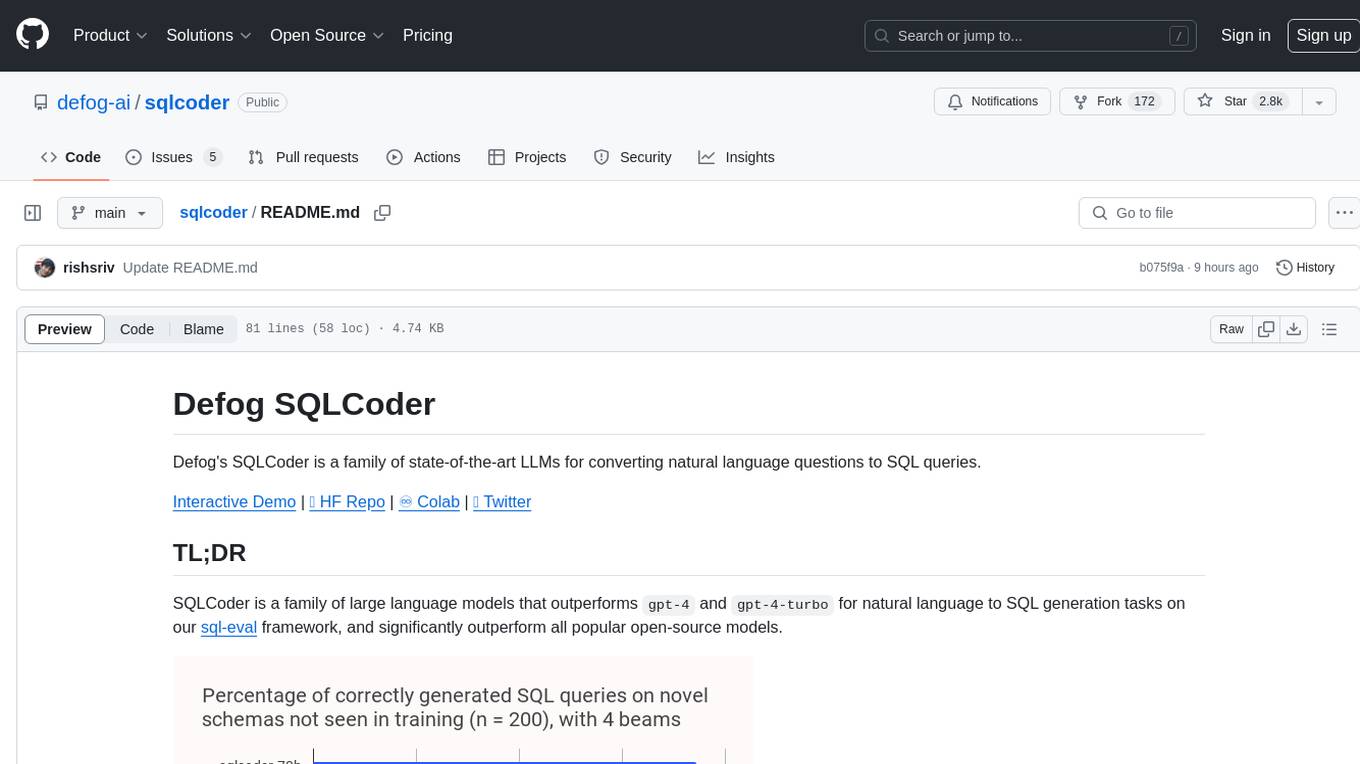
sqlcoder
Defog's SQLCoder is a family of state-of-the-art large language models (LLMs) designed for converting natural language questions into SQL queries. It outperforms popular open-source models like gpt-4 and gpt-4-turbo on SQL generation tasks. SQLCoder has been trained on more than 20,000 human-curated questions based on 10 different schemas, and the model weights are licensed under CC BY-SA 4.0. Users can interact with SQLCoder through the 'transformers' library and run queries using the 'sqlcoder launch' command in the terminal. The tool has been tested on NVIDIA GPUs with more than 16GB VRAM and Apple Silicon devices with some limitations. SQLCoder offers a demo on their website and supports quantized versions of the model for consumer GPUs with sufficient memory.
TableLLM
TableLLM is a large language model designed for efficient tabular data manipulation tasks in real office scenarios. It can generate code solutions or direct text answers for tasks like insert, delete, update, query, merge, and chart operations on tables embedded in spreadsheets or documents. The model has been fine-tuned based on CodeLlama-7B and 13B, offering two scales: TableLLM-7B and TableLLM-13B. Evaluation results show its performance on benchmarks like WikiSQL, Spider, and self-created table operation benchmark. Users can use TableLLM for code and text generation tasks on tabular data.
mlcraft
Synmetrix (prev. MLCraft) is an open source data engineering platform and semantic layer for centralized metrics management. It provides a complete framework for modeling, integrating, transforming, aggregating, and distributing metrics data at scale. Key features include data modeling and transformations, semantic layer for unified data model, scheduled reports and alerts, versioning, role-based access control, data exploration, caching, and collaboration on metrics modeling. Synmetrix leverages Cube (Cube.js) for flexible data models that consolidate metrics from various sources, enabling downstream distribution via a SQL API for integration into BI tools, reporting, dashboards, and data science. Use cases include data democratization, business intelligence, embedded analytics, and enhancing accuracy in data handling and queries. The tool speeds up data-driven workflows from metrics definition to consumption by combining data engineering best practices with self-service analytics capabilities.
data-scientist-roadmap2024
The Data Scientist Roadmap2024 provides a comprehensive guide to mastering essential tools for data science success. It includes programming languages, machine learning libraries, cloud platforms, and concepts categorized by difficulty. The roadmap covers a wide range of topics from programming languages to machine learning techniques, data visualization tools, and DevOps/MLOps tools. It also includes web development frameworks and specific concepts like supervised and unsupervised learning, NLP, deep learning, reinforcement learning, and statistics. Additionally, it delves into DevOps tools like Airflow and MLFlow, data visualization tools like Tableau and Matplotlib, and other topics such as ETL processes, optimization algorithms, and financial modeling.
VMind
VMind is an open-source solution for intelligent visualization, providing an intelligent chart component based on LLM by VisActor. It allows users to create chart narrative works with natural language interaction, edit charts through dialogue, and export narratives as videos or GIFs. The tool is easy to use, scalable, supports various chart types, and offers one-click export functionality. Users can customize chart styles, specify themes, and aggregate data using LLM models. VMind aims to enhance efficiency in creating data visualization works through dialogue-based editing and natural language interaction.
quadratic
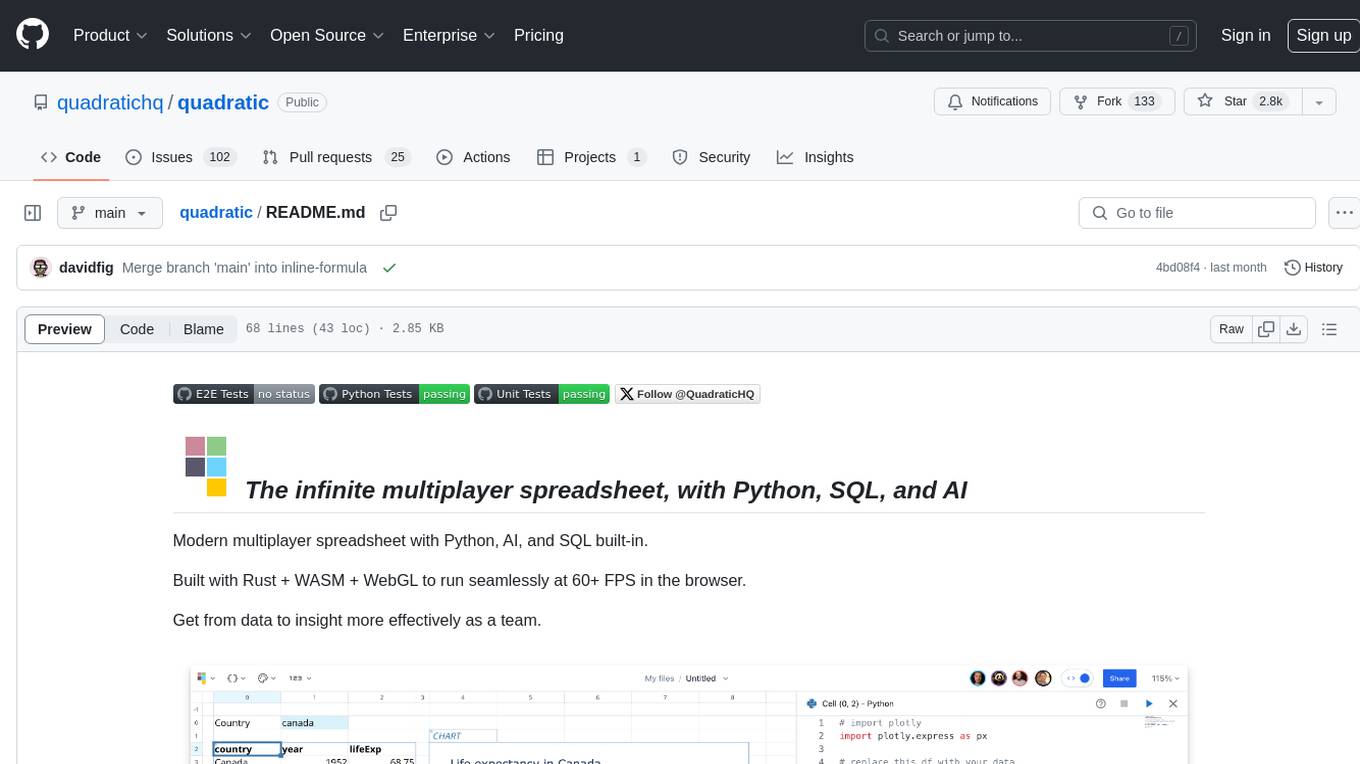
Quadratic is a modern multiplayer spreadsheet application that integrates Python, AI, and SQL functionalities. It aims to streamline team collaboration and data analysis by enabling users to pull data from various sources and utilize popular data science tools. The application supports building dashboards, creating internal tools, mixing data from different sources, exploring data for insights, visualizing Python workflows, and facilitating collaboration between technical and non-technical team members. Quadratic is built with Rust + WASM + WebGL to ensure seamless performance in the browser, and it offers features like WebGL Grid, local file management, Python and Pandas support, Excel formula support, multiplayer capabilities, charts and graphs, and team support. The tool is currently in Beta with ongoing development for additional features like JS support, SQL database support, and AI auto-complete.
{
  "servers": {
    "shadowcrawl": {
      "type": "stdio",
      "command": "env",
      "args": [
        "RUST_LOG=info",
        "SEARCH_ENGINES=google,bing,duckduckgo,brave",
        "LANCEDB_URI=/YOUR_PATH/shadowcrawl/lancedb",
        "HTTP_TIMEOUT_SECS=30",
        "MAX_CONTENT_CHARS=10000",
        "IP_LIST_PATH=/YOUR_PATH/shadowcrawl/ip.txt",
        "PROXY_SOURCE_PATH=/YOUR_PATH/shadowcrawl/proxy_source.json",
        "/YOUR_PATH/shadowcrawl/mcp-server/target/release/shadowcrawl-mcp"
      ]
    }
  }
}