


jadx-ai-mcp
Plugin for JADX to integrate MCP server
Stars: 493
JADX-AI-MCP is a plugin for the JADX decompiler that integrates with Model Context Protocol (MCP) to provide live reverse engineering support with LLMs like Claude. It allows for quick analysis, vulnerability detection, and AI code modification, all in real time. The tool combines JADX-AI-MCP and JADX MCP SERVER to analyze Android APKs effortlessly. It offers various prompts for code understanding, vulnerability detection, reverse engineering helpers, static analysis, AI code modification, and documentation. The tool is part of the Zin MCP Suite and aims to connect all android reverse engineering and APK modification tools with a single MCP server for easy reverse engineering of APK files.
README:
⚡ Fully automated MCP server + JADX plugin built to communicate with LLM through MCP to analyze Android APKs using LLMs like Claude — uncover vulnerabilities, analyze APK, and reverse engineer effortlessly.






JADX-AI-MCP is a plugin for the JADX decompiler that integrates directly with Model Context Protocol (MCP) to provide live reverse engineering support with LLMs like Claude.
Think: "Decompile → Context-Aware Code Review → AI Recommendations" — all in real time.
Watch the demos!
- Perform quick analysis
https://github.com/user-attachments/assets/b65c3041-fde3-4803-8d99-45ca77dbe30a
- Quickly find vulnerabilities
https://github.com/user-attachments/assets/c184afae-3713-4bc0-a1d0-546c1f4eb57f
- Multiple AI Agents Support
https://github.com/user-attachments/assets/6342ea0f-fa8f-44e6-9b3a-4ceb8919a5b0
- Run with your favorite LLM Client
https://github.com/user-attachments/assets/b4a6b280-5aa9-4e76-ac72-a0abec73b809
- Analyze The APK Resources
https://github.com/user-attachments/assets/f42d8072-0e3e-4f03-93ea-121af4e66eb1
It is combination of two tools:
- JADX-AI-MCP
- JADX MCP SERVER
JADX MCP Server is a standalone Python server that interacts with a JADX-AI-MCP plugin (see: jadx-ai-mcp) via MCP (Model Context Protocol). It lets LLMs communicate with the decompiled Android app context live.
The following MCP tools are available:
-
fetch_current_class()— Get the class name and full source of selected class -
get_selected_text()— Get currently selected text -
get_all_classes()— List all classes in the project -
get_class_source()— Get full source of a given class -
get_method_by_name()— Fetch a method’s source -
search_method_by_name()— Search method across classes -
get_methods_of_class()— List methods in a class -
get_fields_of_class()— List fields in a class -
get_smali_of_class()— Fetch smali of class -
get_main_activity_class()— Fetch main activity from jadx mentioned in AndroidManifest.xml file. -
get_main_application_classes_code()— Fetch all the main application classes' code based on the package name defined in the AndroidManifest.xml. -
get_main_application_classes_names()— Fetch all the main application classes' names based on the package name defined in the AndroidManifest.xml. -
get_android_manifest()— Retrieve and return the AndroidManifest.xml content. -
get_strings(): Fetches the strings.xml file -
get_all_resource_file_names(): Retrieve all resource files names that exists in application -
get_resource_file(): Retrieve resource file content -
rename_class(): Renames the class name -
rename_method(): Renames the method -
rename_field(): Renames the field
🔍 Basic Code Understanding
"Explain what this class does in one paragraph."

"Summarize the responsibilities of this method."

"Is there any obfuscation in this class?"

"List all Android permissions this class might require."
🛡️ Vulnerability Detection
"Are there any insecure API usages in this method?"

"Check this class for hardcoded secrets or credentials."

"Does this method sanitize user input before using it?"

"What security vulnerabilities might be introduced by this code?"
🛠️ Reverse Engineering Helpers
"Deobfuscate and rename the classes and methods to something readable."

"Can you infer the original purpose of this smali method?"

"What libraries or SDKs does this class appear to be part of?"
📦 Static Analysis
"List all network-related API calls in this class."

"Identify file I/O operations and their potential risks."

"Does this method leak device info or PII?"
🤖 AI Code Modification
"Refactor this method to improve readability."

"Add comments to this code explaining each step."

"Rewrite this Java method in Python for analysis."
📄 Documentation & Metadata
"Generate Javadoc-style comments for all methods."

"What package or app component does this class likely belong to?"

"Can you identify the Android component type (Activity, Service, etc.)?"
1. Download from Releases: https://github.com/zinja-coder/jadx-ai-mcp/releases
[!NOTE]
Download both
jadx-ai-mcp-<version>.jarandjadx-mcp-server-<version>.zipfiles.
# 0. Download the jadx-ai-mcp-<version>.jar and jadx-mcp-server-<version>.zip
https://github.com/zinja-coder/jadx-ai-mcp/releases

# 1.
unzip jadx-ai-mcp-<version>.zip

├jadx-mcp-server/
  ├── jadx_mcp.py
  ├── requirements.txt
  ├── README.md
  ├── LICENSE

├jadx-ai-mcp-<version>.jar

# 2. Install the plugin

# For this you can follow two approaches:

## 1. One liner - execute below command in your shell
jadx plugins --install "github:zinja-coder:jadx-ai-mcp"

## The above one line code will install the latest version of the plugin directly into the jadx, no need to download the jadx-ai-mcp's .jar file.
## 2. Or you can use JADX-GUI to install it by following images as shown below:


## 3. GUI method, download the .jar file and follow below steps shown in images


# 3. Navigate to jadx-mcp-server directory
cd jadx-mcp-server

# 4. This project uses uv - https://github.com/astral-sh/uv instead of pip for dependency management.
    ## a. Install uv (if you dont have it yet)
curl -LsSf https://astral.sh/uv/install.sh | sh
    ## b. OPTIONAL, if for any reasons, you get dependecy errors in jadx-mcp-server, Set up the environment
uv venv
source .venv/bin/activate  # or .venv\Scripts\activate on Windows
    ## c. OPTIONAL Install dependencies
uv pip install httpx fastmcp

# The setup for jadx-ai-mcp and jadx_mcp_server is done.⚡ Lightweight, Fast, Simple, CLI-Based MCP Client for STDIO MCP Servers, to fill the gap and provide bridge between your local LLMs running Ollama and MCP Servers.
Check Now: https://github.com/zinja-coder/zin-mcp-client
Demo: Perform Code Review to Find Vulnerabilities locally
https://github.com/user-attachments/assets/4cd26715-b5e6-4b4b-95e4-054de6789f42
Make sure Claude Desktop is running with MCP enabled.
For instance, I have used following for Kali Linux: https://github.com/aaddrick/claude-desktop-debian
Configure and add MCP server to LLM file:
nano ~/.config/Claude/claude_desktop_config.jsonFor:
- Windows:
%APPDATA%\Claude\claude_desktop_config.json - macOS:
~/Library/Application Support/Claude/claude_desktop_config.json
And following content in it:
{
    "mcpServers": {
        "jadx-mcp-server": {
            "command": "/<path>/<to>/uv",
            "args": [
                "--directory",
                "</PATH/TO/>jadx-mcp-server/",
                "run",
                "jadx_mcp_server.py"
            ]
        }
    }
}
Replace:
-
path/to/uvwith the actual path to youruvexecutable -
path/to/jadx-mcp-serverwith the absolute path to where you cloned this repository
Then, navigate code and interact via real-time code review prompts using the built-in integration.
If you want to configure the MCP tool in Cherry Studio, you can refer to the following configuration.
- Type: stdio
- command: uv
- argument:
--directory
path/to/jadx-mcp-server
run
jadx_mcp_server.py-
path/to/jadx-mcp-serverwith the absolute path to where you cloned this repository
You can also use JADX AI MCP Server with LM Studio by configuring it's mcp.json file. Here's the video guide.
https://github.com/user-attachments/assets/b4a6b280-5aa9-4e76-ac72-a0abec73b809
You can also use Jadx in HTTP Stream Mode using --http option with jadx_mcp_server.py as shown in following:
uv run jadx_mcp_server.py --http

OR

uv run jadx_mcp_server.py --http --port 9999- Configure Port: Configure the port on which the JADX AI MCP Plugin will listen on.
- Default Port: Revert back the changes and listen on default port.
- Restart Server: Force restart the JADX AI MCP Plugin server.
- Server Status: Check the status of JADX AI MCP Plugin server.
To connect with JADX AI MCP Plugin running on custom port, the --jadx-port option will be used as shown in following:
uv run jadx_mcp_server.py --jadx-port 8652
The MCP Configuration for above will be as follows for claude:
{
  "mcpServers": {
    "jadx-mcp-server": {
      "command": "/path/to/uv",
      "args": [
        "--directory",
        "/path/to/jadx-mcp-server/",
        "run",
        "jadx_mcp_server.py",
        "--jadx-port",
        "8652"
      ]
    }
  }
}
- Run jadx-gui and load any .apk file

- Start claude - You must see hammer symbol

- Click on the
hammersymbol and you should you see somthing like following:

- Run following prompt:
fetch currently selected class and perform quick sast on it

- Allow access when prompted:

- HACK!

This plugin allows total control over the GUI and internal project model to support deeper LLM integration, including:
- Exporting selected class to MCP
- Running automated Claude analysis
- Receiving back suggestions inline
-
[x] Add Support for apktool
-
[ ] Add support for hermes code (ReactNative Application)
-
[ ] Add more useful MCP Tools
-
[ ] Make LLM be able to modify code on JADX
-
[ ] Add prompts templates, give llm access to Android APK Files as Resources
-
[x] Build MCP Client to support Local LLM
-
[ ] END-GOAL : Make all android reverse engineering and APK modification tools Connect with single MCP server to make reverse engineering apk files as easy as possible purely from vibes.
-
The files related to JADX-AI-MCP can be found under this repo.
-
The files related to jadx-mcp-server can be found here.
To report bugs, issues, feature suggestion, Performance issue, general question, Documentation issue.
-
Kindly open an issue with respective template.
-
Tested on Claude Desktop Client, support for other AI will be tested soon!
This project is a plugin for JADX, an amazing open-source Android decompiler created and maintained by @skylot. All core decompilation logic belongs to them. I have only extended it to support my MCP server with AI capabilities.
The original README.md from jadx is included here in this repository for reference and credit.
This MCP server is made possible by the extensibility of JADX-GUI and the amazing Android reverse engineering community.
Also huge thanks to @aaddrick for developing Claude desktop for Debian based linux.
And in last thanks to @anthropics for developing the Model Context Protocol and @FastMCP team
Apart from this, huge thanks to all open source projects which serve as a dependencies for this project and which made this possible.
JADX-AI-MCP and all related projects inherits the Apache 2.0 License from the original JADX repository.
Disclaimer
The tools jadx-ai-mcp and jadx_mcp_server are intended strictly for educational, research, and ethical security assessment purposes. They are provided "as-is" without any warranties, expressed or implied. Users are solely responsible for ensuring that their use of these tools complies with all applicable laws, regulations, and ethical guidelines.
By using jadx-ai-mcp or jadx_mcp_server, you agree to use them only in environments you are authorized to test, such as applications you own or have explicit permission to analyze. Any misuse of these tools for unauthorized reverse engineering, infringement of intellectual property rights, or malicious activity is strictly prohibited.
The developers of jadx-ai-mcp and jadx_mcp_server shall not be held liable for any damage, data loss, legal consequences, or other consequences resulting from the use or misuse of these tools. Users assume full responsibility for their actions and any impact caused by their usage.
Use responsibly. Respect intellectual property. Follow ethical hacking practices.
- Found it useful? Give it a ⭐️
- Got ideas? Open an issue or submit a PR
- Built something on top? DM me or mention me — I’ll add it to the README!
- Do you like my work and keep it going? Sponsor this project.
Built with ❤️ for the reverse engineering and AI communities.
For Tasks:
Click tags to check more tools for each tasksFor Jobs:
Alternative AI tools for jadx-ai-mcp
Similar Open Source Tools
jadx-ai-mcp
JADX-AI-MCP is a plugin for the JADX decompiler that integrates with Model Context Protocol (MCP) to provide live reverse engineering support with LLMs like Claude. It allows for quick analysis, vulnerability detection, and AI code modification, all in real time. The tool combines JADX-AI-MCP and JADX MCP SERVER to analyze Android APKs effortlessly. It offers various prompts for code understanding, vulnerability detection, reverse engineering helpers, static analysis, AI code modification, and documentation. The tool is part of the Zin MCP Suite and aims to connect all android reverse engineering and APK modification tools with a single MCP server for easy reverse engineering of APK files.
jadx-mcp-server
JADX-MCP-SERVER is a standalone Python server that interacts with JADX-AI-MCP Plugin to analyze Android APKs using LLMs like Claude. It enables live communication with decompiled Android app context, uncovering vulnerabilities, parsing manifests, and facilitating reverse engineering effortlessly. The tool combines JADX-AI-MCP and JADX MCP SERVER to provide real-time reverse engineering support with LLMs, offering features like quick analysis, vulnerability detection, AI code modification, static analysis, and reverse engineering helpers. It supports various MCP tools for fetching class information, text, methods, fields, smali code, AndroidManifest.xml content, strings.xml file, resource files, and more. Tested on Claude Desktop, it aims to support other LLMs in the future, enhancing Android reverse engineering and APK modification tools connectivity for easier reverse engineering purely from vibes.
DevoxxGenieIDEAPlugin
Devoxx Genie is a Java-based IntelliJ IDEA plugin that integrates with local and cloud-based LLM providers to aid in reviewing, testing, and explaining project code. It supports features like code highlighting, chat conversations, and adding files/code snippets to context. Users can modify REST endpoints and LLM parameters in settings, including support for cloud-based LLMs. The plugin requires IntelliJ version 2023.3.4 and JDK 17. Building and publishing the plugin is done using Gradle tasks. Users can select an LLM provider, choose code, and use commands like review, explain, or generate unit tests for code analysis.
traceroot
TraceRoot is a tool that helps engineers debug production issues 10× faster using AI-powered analysis of traces, logs, and code context. It accelerates the debugging process with AI-powered insights, integrates seamlessly into the development workflow, provides real-time trace and log analysis, code context understanding, and intelligent assistance. Features include ease of use, LLM flexibility, distributed services, AI debugging interface, and integration support. Users can get started with TraceRoot Cloud for a 7-day trial or self-host the tool. SDKs are available for Python and JavaScript/TypeScript.
hyper-mcp
hyper-mcp is a fast and secure MCP server that enables adding AI capabilities to applications through WebAssembly plugins. It supports writing plugins in various languages, distributing them via standard OCI registries, and running them in resource-constrained environments. The tool offers sandboxing with WASM for limiting access, cross-platform compatibility, and deployment flexibility. Security features include sandboxed plugins, memory-safe execution, secure plugin distribution, and fine-grained access control. Users can configure the tool for global or project-specific use, start the server with different transport options, and utilize available plugins for tasks like time calculations, QR code generation, hash generation, IP retrieval, and webpage fetching.
generator
ctx is a tool designed to automatically generate organized context files from code files, GitHub repositories, Git commits, web pages, and plain text. It aims to efficiently provide necessary context to AI language models like ChatGPT and Claude, enabling users to streamline code refactoring, multiple iteration development, documentation generation, and seamless AI integration. With ctx, users can create structured markdown documents, save context files, and serve context through an MCP server for real-time assistance. The tool simplifies the process of sharing project information with AI assistants, making AI conversations smarter and easier.
fastapi_mcp
FastAPI-MCP is a zero-configuration tool that automatically exposes FastAPI endpoints as Model Context Protocol (MCP) tools. It allows for direct integration with FastAPI apps, automatic discovery and conversion of endpoints to MCP tools, preservation of request and response schemas, documentation preservation similar to Swagger, and the ability to extend with custom MCP tools. Users can easily add an MCP server to their FastAPI application and customize the server creation and configuration. The tool supports connecting to the MCP server using SSE or mcp-proxy stdio for different MCP clients. FastAPI-MCP is developed and maintained by Tadata Inc.
GraphLLM
GraphLLM is a graph-based framework designed to process data using LLMs. It offers a set of tools including a web scraper, PDF parser, YouTube subtitles downloader, Python sandbox, and TTS engine. The framework provides a GUI for building and debugging graphs with advanced features like loops, conditionals, parallel execution, streaming of results, hierarchical graphs, external tool integration, and dynamic scheduling. GraphLLM is a low-level framework that gives users full control over the raw prompt and output of models, with a steeper learning curve. It is tested with llama70b and qwen 32b, under heavy development with breaking changes expected.
GhidrAssist
GhidrAssist is an advanced LLM-powered plugin for interactive reverse engineering assistance in Ghidra. It integrates Large Language Models (LLMs) to provide intelligent assistance for binary exploration and reverse engineering. The tool supports various OpenAI v1-compatible APIs, including local models and cloud providers. Key features include code explanation, interactive chat, custom queries, Graph-RAG knowledge system with semantic knowledge graph, community detection, security feature extraction, semantic graph tab, extended thinking/reasoning control, ReAct agentic mode, MCP integration, function calling, actions tab, RAG (Retrieval Augmented Generation), and RLHF dataset generation. The plugin uses a modular, service-oriented architecture with core services, Graph-RAG backend, data layer, and UI components.
ComparIA
Compar:IA is a tool for blindly comparing different conversational AI models to raise awareness about the challenges of generative AI (bias, environmental impact) and to build up French-language preference datasets. It provides a platform for testing with real providers, enabling mock responses for testing purposes. The tool includes backend (FastAPI + Gradio) and frontend (SvelteKit) components, with Docker support for easy setup. Users can run the tool using provided Makefile commands or manually set up the backend and frontend. Additionally, the tool offers functionalities for database initialization, migrations, model generation, dataset export, and ranking methods.
llm-agents.nix
Nix packages for AI coding agents and development tools. Automatically updated daily. This repository provides a wide range of AI coding agents and tools that can be used in the terminal environment. The tools cover various functionalities such as code assistance, AI-powered development agents, CLI tools for AI coding, workflow and project management, code review, utilities like search tools and browser automation, and usage analytics for AI coding sessions. The repository also includes experimental features like sandboxed execution, provider abstraction, and tool composition to explore how Nix can enhance AI-powered development.
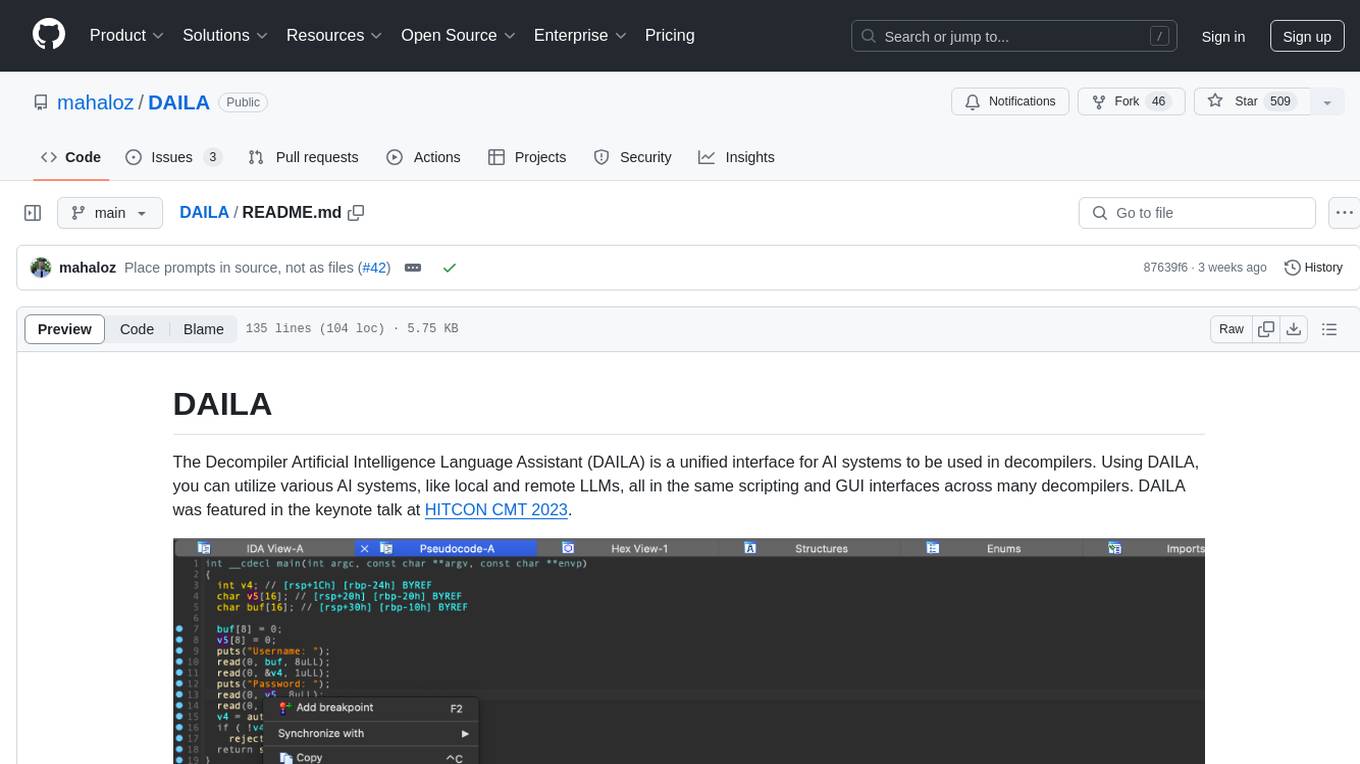
DAILA
DAILA is a unified interface for AI systems in decompilers, supporting various decompilers and AI systems. It allows users to utilize local and remote LLMs, like ChatGPT and Claude, and local models such as VarBERT. DAILA can be used as a decompiler plugin with GUI or as a scripting library. It also provides a Docker container for offline installations and supports tasks like summarizing functions and renaming variables in decompilation.
genkit
Firebase Genkit (beta) is a framework with powerful tooling to help app developers build, test, deploy, and monitor AI-powered features with confidence. Genkit is cloud optimized and code-centric, integrating with many services that have free tiers to get started. It provides unified API for generation, context-aware AI features, evaluation of AI workflow, extensibility with plugins, easy deployment to Firebase or Google Cloud, observability and monitoring with OpenTelemetry, and a developer UI for prototyping and testing AI features locally. Genkit works seamlessly with Firebase or Google Cloud projects through official plugins and templates.
ollama4j
Ollama4j is a Java library that serves as a wrapper or binding for the Ollama server. It allows users to communicate with the Ollama server and manage models for various deployment scenarios. The library provides APIs for interacting with Ollama, generating fake data, testing UI interactions, translating messages, and building web UIs. Users can easily integrate Ollama4j into their Java projects to leverage the functionalities offered by the Ollama server.
Ivy-Framework
Ivy-Framework is a powerful tool for building internal applications with AI assistance using C# codebase. It provides a CLI for project initialization, authentication integrations, database support, LLM code generation, secrets management, container deployment, hot reload, dependency injection, state management, routing, and external widget framework. Users can easily create data tables for sorting, filtering, and pagination. The framework offers a seamless integration of front-end and back-end development, making it ideal for developing robust internal tools and dashboards.
ai-dial-sdk
AI DIAL Python SDK is a framework designed to create applications and model adapters for AI DIAL API, which is based on Azure OpenAI API. It provides a user-friendly interface for routing requests to applications. The SDK includes features for chat completions, response generation, and API interactions. Developers can easily build and deploy AI-powered applications using this SDK, ensuring compatibility with the AI DIAL platform.
For similar tasks
jadx-mcp-server
JADX-MCP-SERVER is a standalone Python server that interacts with JADX-AI-MCP Plugin to analyze Android APKs using LLMs like Claude. It enables live communication with decompiled Android app context, uncovering vulnerabilities, parsing manifests, and facilitating reverse engineering effortlessly. The tool combines JADX-AI-MCP and JADX MCP SERVER to provide real-time reverse engineering support with LLMs, offering features like quick analysis, vulnerability detection, AI code modification, static analysis, and reverse engineering helpers. It supports various MCP tools for fetching class information, text, methods, fields, smali code, AndroidManifest.xml content, strings.xml file, resource files, and more. Tested on Claude Desktop, it aims to support other LLMs in the future, enhancing Android reverse engineering and APK modification tools connectivity for easier reverse engineering purely from vibes.
jadx-ai-mcp
JADX-AI-MCP is a plugin for the JADX decompiler that integrates with Model Context Protocol (MCP) to provide live reverse engineering support with LLMs like Claude. It allows for quick analysis, vulnerability detection, and AI code modification, all in real time. The tool combines JADX-AI-MCP and JADX MCP SERVER to analyze Android APKs effortlessly. It offers various prompts for code understanding, vulnerability detection, reverse engineering helpers, static analysis, AI code modification, and documentation. The tool is part of the Zin MCP Suite and aims to connect all android reverse engineering and APK modification tools with a single MCP server for easy reverse engineering of APK files.
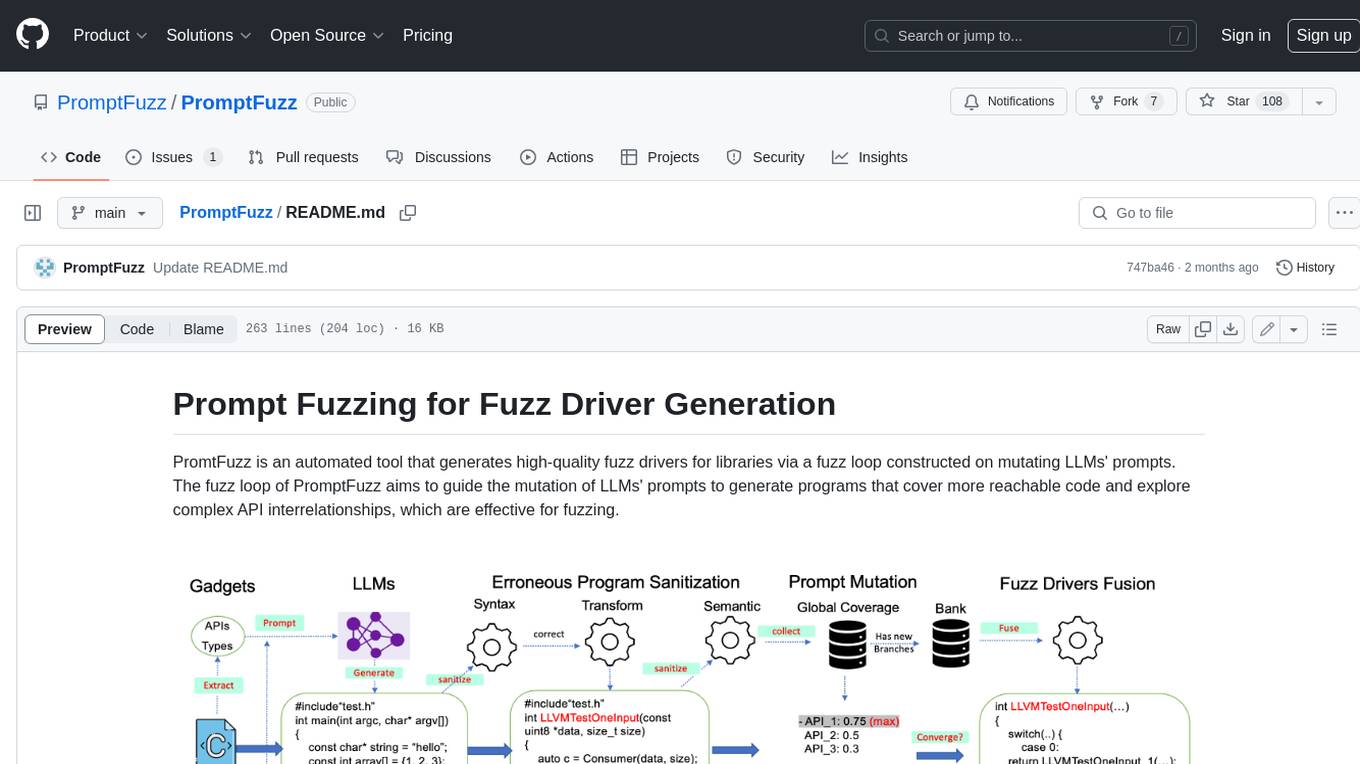
PromptFuzz
**Description:** PromptFuzz is an automated tool that generates high-quality fuzz drivers for libraries via a fuzz loop constructed on mutating LLMs' prompts. The fuzz loop of PromptFuzz aims to guide the mutation of LLMs' prompts to generate programs that cover more reachable code and explore complex API interrelationships, which are effective for fuzzing. **Features:** * **Multiply LLM support** : Supports the general LLMs: Codex, Inocder, ChatGPT, and GPT4 (Currently tested on ChatGPT). * **Context-based Prompt** : Construct LLM prompts with the automatically extracted library context. * **Powerful Sanitization** : The program's syntax, semantics, behavior, and coverage are thoroughly analyzed to sanitize the problematic programs. * **Prioritized Mutation** : Prioritizes mutating the library API combinations within LLM's prompts to explore complex interrelationships, guided by code coverage. * **Fuzz Driver Exploitation** : Infers API constraints using statistics and extends fixed API arguments to receive random bytes from fuzzers. * **Fuzz engine integration** : Integrates with grey-box fuzz engine: LibFuzzer. **Benefits:** * **High branch coverage:** The fuzz drivers generated by PromptFuzz achieved a branch coverage of 40.12% on the tested libraries, which is 1.61x greater than _OSS-Fuzz_ and 1.67x greater than _Hopper_. * **Bug detection:** PromptFuzz detected 33 valid security bugs from 49 unique crashes. * **Wide range of bugs:** The fuzz drivers generated by PromptFuzz can detect a wide range of bugs, most of which are security bugs. * **Unique bugs:** PromptFuzz detects uniquely interesting bugs that other fuzzers may miss. **Usage:** 1. Build the library using the provided build scripts. 2. Export the LLM API KEY if using ChatGPT or GPT4. 3. Generate fuzz drivers using the `fuzzer` command. 4. Run the fuzz drivers using the `harness` command. 5. Deduplicate and analyze the reported crashes. **Future Works:** * **Custom LLMs suport:** Support custom LLMs. * **Close-source libraries:** Apply PromptFuzz to close-source libraries by fine tuning LLMs on private code corpus. * **Performance** : Reduce the huge time cost required in erroneous program elimination.
awesome-gpt-security
Awesome GPT + Security is a curated list of awesome security tools, experimental case or other interesting things with LLM or GPT. It includes tools for integrated security, auditing, reconnaissance, offensive security, detecting security issues, preventing security breaches, social engineering, reverse engineering, investigating security incidents, fixing security vulnerabilities, assessing security posture, and more. The list also includes experimental cases, academic research, blogs, and fun projects related to GPT security. Additionally, it provides resources on GPT security standards, bypassing security policies, bug bounty programs, cracking GPT APIs, and plugin security.
SWE-agent
SWE-agent is a tool that allows language models to autonomously fix issues in GitHub repositories, perform tasks on the web, find cybersecurity vulnerabilities, and handle custom tasks. It uses configurable agent-computer interfaces (ACIs) to interact with isolated computer environments. The tool is built and maintained by researchers from Princeton University and Stanford University.
shannon
Shannon is an AI pentester that delivers actual exploits, not just alerts. It autonomously hunts for attack vectors in your code, then uses its built-in browser to execute real exploits, such as injection attacks, and auth bypass, to prove the vulnerability is actually exploitable. Shannon closes the security gap by acting as your on-demand whitebox pentester, providing concrete proof of vulnerabilities to let you ship with confidence. It is a core component of the Keygraph Security and Compliance Platform, automating penetration testing and compliance journey. Shannon Lite achieves a 96.15% success rate on a hint-free, source-aware XBOW benchmark.
For similar jobs

promptflow
**Prompt flow** is a suite of development tools designed to streamline the end-to-end development cycle of LLM-based AI applications, from ideation, prototyping, testing, evaluation to production deployment and monitoring. It makes prompt engineering much easier and enables you to build LLM apps with production quality.

deepeval
DeepEval is a simple-to-use, open-source LLM evaluation framework specialized for unit testing LLM outputs. It incorporates various metrics such as G-Eval, hallucination, answer relevancy, RAGAS, etc., and runs locally on your machine for evaluation. It provides a wide range of ready-to-use evaluation metrics, allows for creating custom metrics, integrates with any CI/CD environment, and enables benchmarking LLMs on popular benchmarks. DeepEval is designed for evaluating RAG and fine-tuning applications, helping users optimize hyperparameters, prevent prompt drifting, and transition from OpenAI to hosting their own Llama2 with confidence.

MegaDetector
MegaDetector is an AI model that identifies animals, people, and vehicles in camera trap images (which also makes it useful for eliminating blank images). This model is trained on several million images from a variety of ecosystems. MegaDetector is just one of many tools that aims to make conservation biologists more efficient with AI. If you want to learn about other ways to use AI to accelerate camera trap workflows, check out our of the field, affectionately titled "Everything I know about machine learning and camera traps".

leapfrogai
LeapfrogAI is a self-hosted AI platform designed to be deployed in air-gapped resource-constrained environments. It brings sophisticated AI solutions to these environments by hosting all the necessary components of an AI stack, including vector databases, model backends, API, and UI. LeapfrogAI's API closely matches that of OpenAI, allowing tools built for OpenAI/ChatGPT to function seamlessly with a LeapfrogAI backend. It provides several backends for various use cases, including llama-cpp-python, whisper, text-embeddings, and vllm. LeapfrogAI leverages Chainguard's apko to harden base python images, ensuring the latest supported Python versions are used by the other components of the stack. The LeapfrogAI SDK provides a standard set of protobuffs and python utilities for implementing backends and gRPC. LeapfrogAI offers UI options for common use-cases like chat, summarization, and transcription. It can be deployed and run locally via UDS and Kubernetes, built out using Zarf packages. LeapfrogAI is supported by a community of users and contributors, including Defense Unicorns, Beast Code, Chainguard, Exovera, Hypergiant, Pulze, SOSi, United States Navy, United States Air Force, and United States Space Force.

llava-docker
This Docker image for LLaVA (Large Language and Vision Assistant) provides a convenient way to run LLaVA locally or on RunPod. LLaVA is a powerful AI tool that combines natural language processing and computer vision capabilities. With this Docker image, you can easily access LLaVA's functionalities for various tasks, including image captioning, visual question answering, text summarization, and more. The image comes pre-installed with LLaVA v1.2.0, Torch 2.1.2, xformers 0.0.23.post1, and other necessary dependencies. You can customize the model used by setting the MODEL environment variable. The image also includes a Jupyter Lab environment for interactive development and exploration. Overall, this Docker image offers a comprehensive and user-friendly platform for leveraging LLaVA's capabilities.

carrot
The 'carrot' repository on GitHub provides a list of free and user-friendly ChatGPT mirror sites for easy access. The repository includes sponsored sites offering various GPT models and services. Users can find and share sites, report errors, and access stable and recommended sites for ChatGPT usage. The repository also includes a detailed list of ChatGPT sites, their features, and accessibility options, making it a valuable resource for ChatGPT users seeking free and unlimited GPT services.

TrustLLM
TrustLLM is a comprehensive study of trustworthiness in LLMs, including principles for different dimensions of trustworthiness, established benchmark, evaluation, and analysis of trustworthiness for mainstream LLMs, and discussion of open challenges and future directions. Specifically, we first propose a set of principles for trustworthy LLMs that span eight different dimensions. Based on these principles, we further establish a benchmark across six dimensions including truthfulness, safety, fairness, robustness, privacy, and machine ethics. We then present a study evaluating 16 mainstream LLMs in TrustLLM, consisting of over 30 datasets. The document explains how to use the trustllm python package to help you assess the performance of your LLM in trustworthiness more quickly. For more details about TrustLLM, please refer to project website.

AI-YinMei
AI-YinMei is an AI virtual anchor Vtuber development tool (N card version). It supports fastgpt knowledge base chat dialogue, a complete set of solutions for LLM large language models: [fastgpt] + [one-api] + [Xinference], supports docking bilibili live broadcast barrage reply and entering live broadcast welcome speech, supports Microsoft edge-tts speech synthesis, supports Bert-VITS2 speech synthesis, supports GPT-SoVITS speech synthesis, supports expression control Vtuber Studio, supports painting stable-diffusion-webui output OBS live broadcast room, supports painting picture pornography public-NSFW-y-distinguish, supports search and image search service duckduckgo (requires magic Internet access), supports image search service Baidu image search (no magic Internet access), supports AI reply chat box [html plug-in], supports AI singing Auto-Convert-Music, supports playlist [html plug-in], supports dancing function, supports expression video playback, supports head touching action, supports gift smashing action, supports singing automatic start dancing function, chat and singing automatic cycle swing action, supports multi scene switching, background music switching, day and night automatic switching scene, supports open singing and painting, let AI automatically judge the content.