


orchestkit
The Complete AI Development Toolkit for Claude Code — 60 skills, 36 agents, 86 hooks, 3 plugins. Production-ready patterns for FastAPI, React 19, LangGraph, security, and testing.
Stars: 73
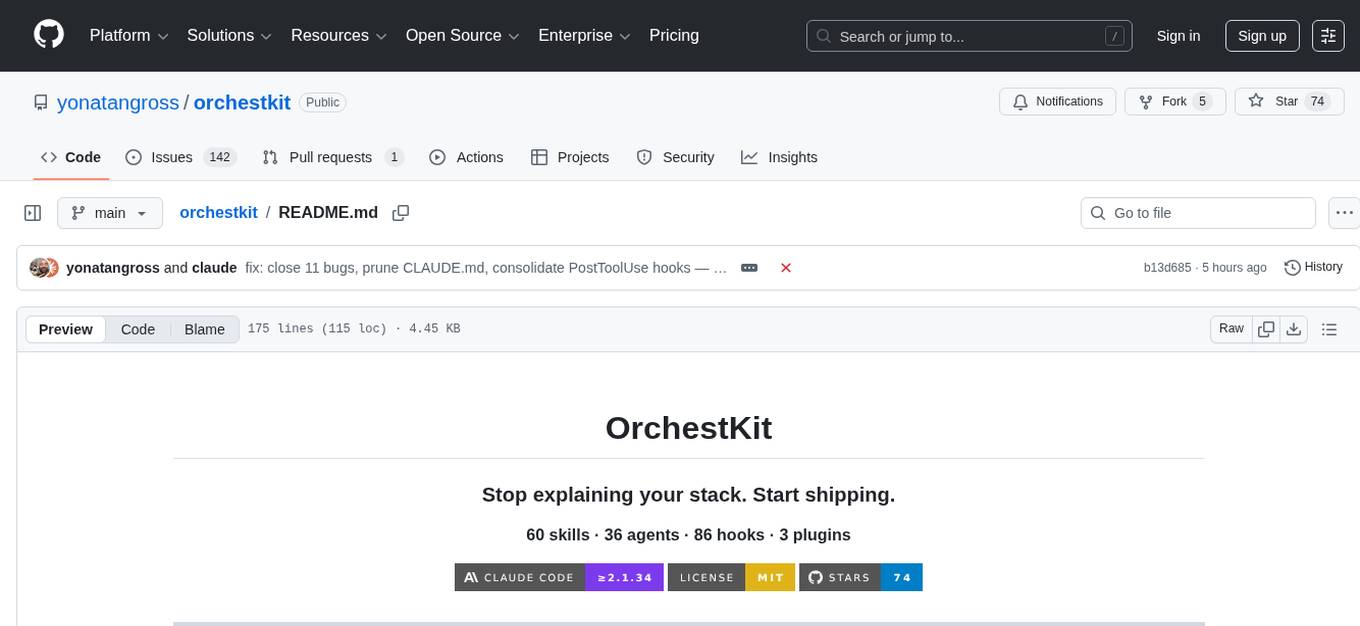
OrchestKit is a powerful and flexible orchestration tool designed to streamline and automate complex workflows. It provides a user-friendly interface for defining and managing orchestration tasks, allowing users to easily create, schedule, and monitor workflows. With support for various integrations and plugins, OrchestKit enables seamless automation of tasks across different systems and applications. Whether you are a developer looking to automate deployment processes or a system administrator managing complex IT operations, OrchestKit offers a comprehensive solution to simplify and optimize your workflow management.
README:




Explore the Docs →
Interactive skill browser, demo gallery, setup wizard
/plugin marketplace add yonatangross/orchestkit
/plugin install ork
/ork:doctor
That's it. Skills auto-activate. Hooks protect automatically.
Every Claude Code session starts from zero. You explain your stack, patterns, preferences—again and again.
OrchestKit gives Claude persistent knowledge of production patterns that work automatically:
| Without | With OrchestKit |
|---|---|
| "Use FastAPI with async SQLAlchemy 2.0..." | "Create an API endpoint" → Done right |
| "Remember cursor pagination, not offset..." | Agents know your patterns |
| "Don't commit to main branch..." | Hooks block bad commits |
| "Run tests before committing..." |
/ork:commit runs tests for you |
| Component | Count | Examples |
|---|---|---|
| Skills | 200 | RAG patterns, FastAPI, React 19, testing, security |
| Agents | 36 | backend-architect, frontend-dev, security-auditor |
| Hooks | 98 | Pre-commit checks, git protection, quality gates |
| Plugins | 3 |
orkl (universal), ork-creative (video), ork (full) |
Browse everything in the Docs →
/ork:implement    # Full-stack implementation with parallel agents
/ork:verify       # 6 agents validate your feature
/ork:commit       # Conventional commit with pre-checks
/ork:explore      # Analyze unfamiliar codebase
/ork:remember     # Save to persistent memory
/ork:doctor # Health check# Universal toolkit (works for any stack)
/plugin install orkl
# Full toolkit (adds Python, React, LLM/RAG specializations)
/plugin install orkorkl (43 skills) — All workflows, agents, hooks. Architecture, security, product, accessibility, memory.
ork-creative (3 skills) — Video production add-on. Demo recording, Remotion, storyboarding, content creation.
ork (60 skills) — Everything in lite + creative + Python (FastAPI, SQLAlchemy), React (RSC, TanStack), LLM/RAG, LangGraph, MCP.
/ork:configure| Server | Purpose |
|---|---|
| Context7 | Up-to-date library docs |
| Memory | Knowledge graph |
CLAUDE_PROJECT_DIR # Your projectPlugin not found?
/plugin list
/plugin uninstall ork && /plugin install ork
Hooks not firing?
Run /ork:doctor to diagnose.
Claude Code version?
Requires ≥2.1.34. Check with claude --version.
npm run build      # Build plugins from src/
npm test           # Run all tests
Edit src/ and manifests/, never plugins/ (generated).
See CONTRIBUTING.md for details.
v6.0.0 — Three-tier plugin architecture
-
Breaking: Simplified from 26 plugins to 3 (
orkl,ork-creative, andork) -
orkl(43 skills) — Universal toolkit, all workflows work out of the box -
ork-creative(3 skills) — Video production add-on for demo recording and content creation -
ork(60 skills) — Full specialized with Python, React, LLM/RAG patterns - All 36 agents and 88 hooks included in orkl and ork
Docs · Issues · Discussions
MIT License · @yonatangross
For Tasks:
Click tags to check more tools for each tasksFor Jobs:
Alternative AI tools for orchestkit
Similar Open Source Tools
orchestkit
OrchestKit is a powerful and flexible orchestration tool designed to streamline and automate complex workflows. It provides a user-friendly interface for defining and managing orchestration tasks, allowing users to easily create, schedule, and monitor workflows. With support for various integrations and plugins, OrchestKit enables seamless automation of tasks across different systems and applications. Whether you are a developer looking to automate deployment processes or a system administrator managing complex IT operations, OrchestKit offers a comprehensive solution to simplify and optimize your workflow management.
WorkflowAI
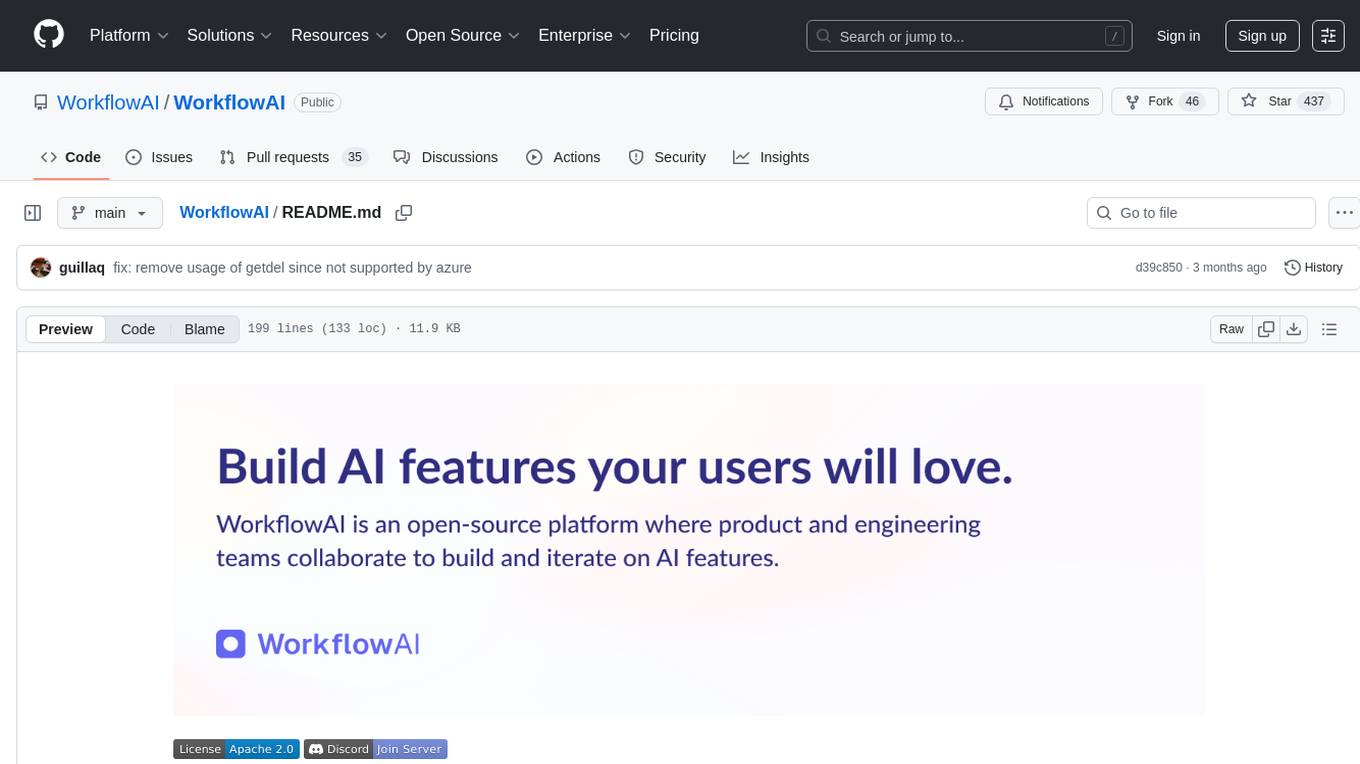
WorkflowAI is a powerful tool designed to streamline and automate various tasks within the workflow process. It provides a user-friendly interface for creating custom workflows, automating repetitive tasks, and optimizing efficiency. With WorkflowAI, users can easily design, execute, and monitor workflows, allowing for seamless integration of different tools and systems. The tool offers advanced features such as conditional logic, task dependencies, and error handling to ensure smooth workflow execution. Whether you are managing project tasks, processing data, or coordinating team activities, WorkflowAI simplifies the workflow management process and enhances productivity.
PulsarRPAPro
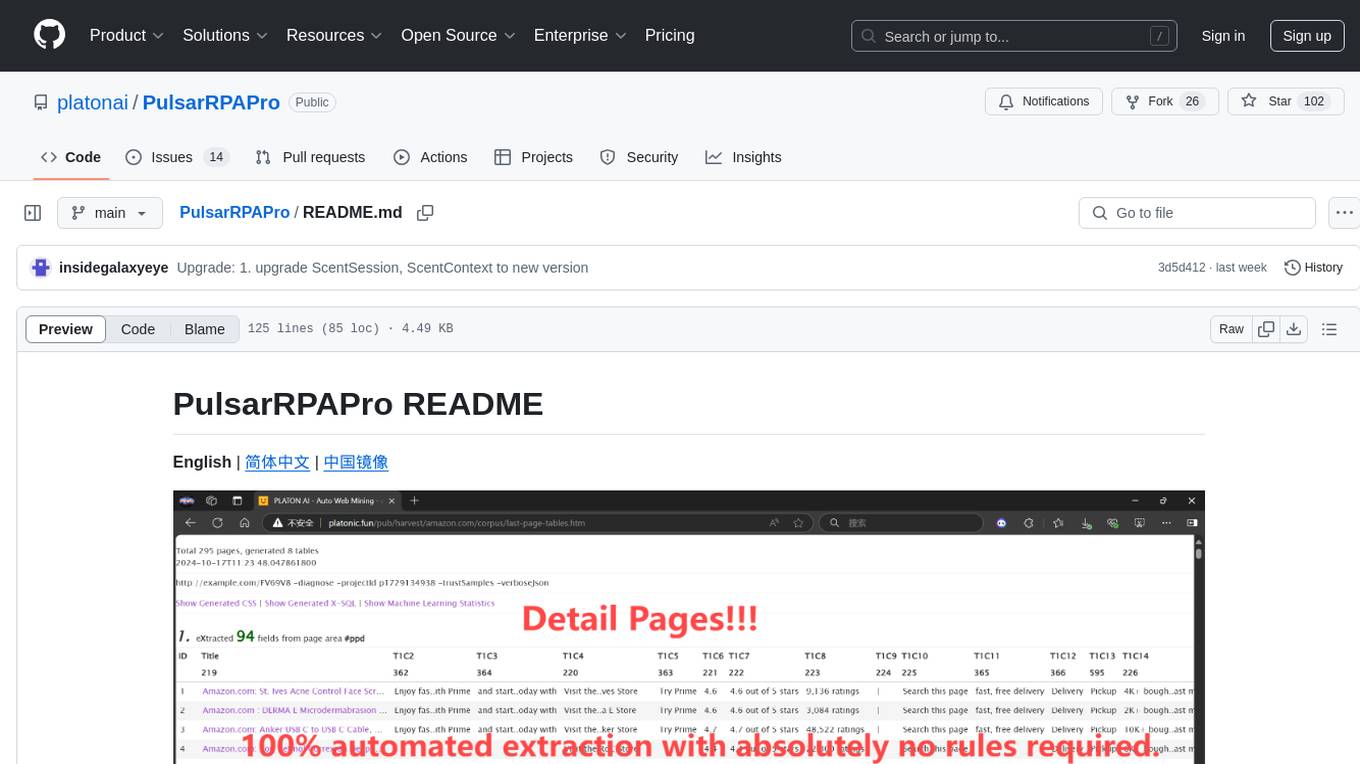
PulsarRPAPro is a powerful robotic process automation (RPA) tool designed to automate repetitive tasks and streamline business processes. It offers a user-friendly interface for creating and managing automation workflows, allowing users to easily automate tasks without the need for extensive programming knowledge. With features such as task scheduling, data extraction, and integration with various applications, PulsarRPAPro helps organizations improve efficiency and productivity by reducing manual work and human errors. Whether you are a small business looking to automate simple tasks or a large enterprise seeking to optimize complex processes, PulsarRPAPro provides the flexibility and scalability to meet your automation needs.
gaia
Gaia is a powerful open-source tool for managing infrastructure as code. It allows users to define and provision cloud resources using simple configuration files. With Gaia, you can automate the deployment and scaling of your applications, ensuring consistency and reliability across your infrastructure. The tool supports multiple cloud providers and offers a user-friendly interface for managing your resources efficiently. Gaia simplifies the process of infrastructure management, making it easier for teams to collaborate and deploy applications seamlessly.
tools
Strands Agents Tools is a community-driven project that provides a powerful set of tools for your agents to use. It bridges the gap between large language models and practical applications by offering ready-to-use tools for file operations, system execution, API interactions, mathematical operations, and more. The tools cover a wide range of functionalities including file operations, shell integration, memory storage, web infrastructure, HTTP client, Slack client, Python execution, mathematical tools, AWS integration, image and video processing, audio output, environment management, task scheduling, advanced reasoning, swarm intelligence, dynamic MCP client, parallel tool execution, browser automation, diagram creation, RSS feed management, and computer automation.
Sage
Sage is a production-ready, modular, and intelligent multi-agent orchestration framework for complex problem solving. It intelligently breaks down complex tasks into manageable subtasks through seamless agent collaboration. Sage provides Deep Research Mode for comprehensive analysis and Rapid Execution Mode for quick task completion. It offers features like intelligent task decomposition, agent orchestration, extensible tool system, dual execution modes, interactive web interface, advanced token tracking, rich configuration, developer-friendly APIs, and robust error recovery mechanisms. Sage supports custom workflows, multi-agent collaboration, custom agent development, agent flow orchestration, rule preferences system, message manager for smart token optimization, task manager for comprehensive state management, advanced file system operations, advanced tool system with plugin architecture, token usage & cost monitoring, and rich configuration system. It also includes real-time streaming & monitoring, advanced tool development, error handling & reliability, performance monitoring, MCP server integration, and security features.
pullfrog
Pullfrog is a versatile tool for managing and automating GitHub pull requests. It provides a simple and intuitive interface for developers to streamline their workflow and collaborate more efficiently. With Pullfrog, users can easily create, review, merge, and manage pull requests, all within a single platform. The tool offers features such as automated testing, code review, and notifications to help teams stay organized and productive. Whether you are a solo developer or part of a large team, Pullfrog can help you simplify the pull request process and improve code quality.
promptl
Promptl is a versatile command-line tool designed to streamline the process of creating and managing prompts for user input in various programming projects. It offers a simple and efficient way to prompt users for information, validate their input, and handle different scenarios based on their responses. With Promptl, developers can easily integrate interactive prompts into their scripts, applications, and automation workflows, enhancing user experience and improving overall usability. The tool provides a range of customization options and features, making it suitable for a wide range of use cases across different programming languages and environments.
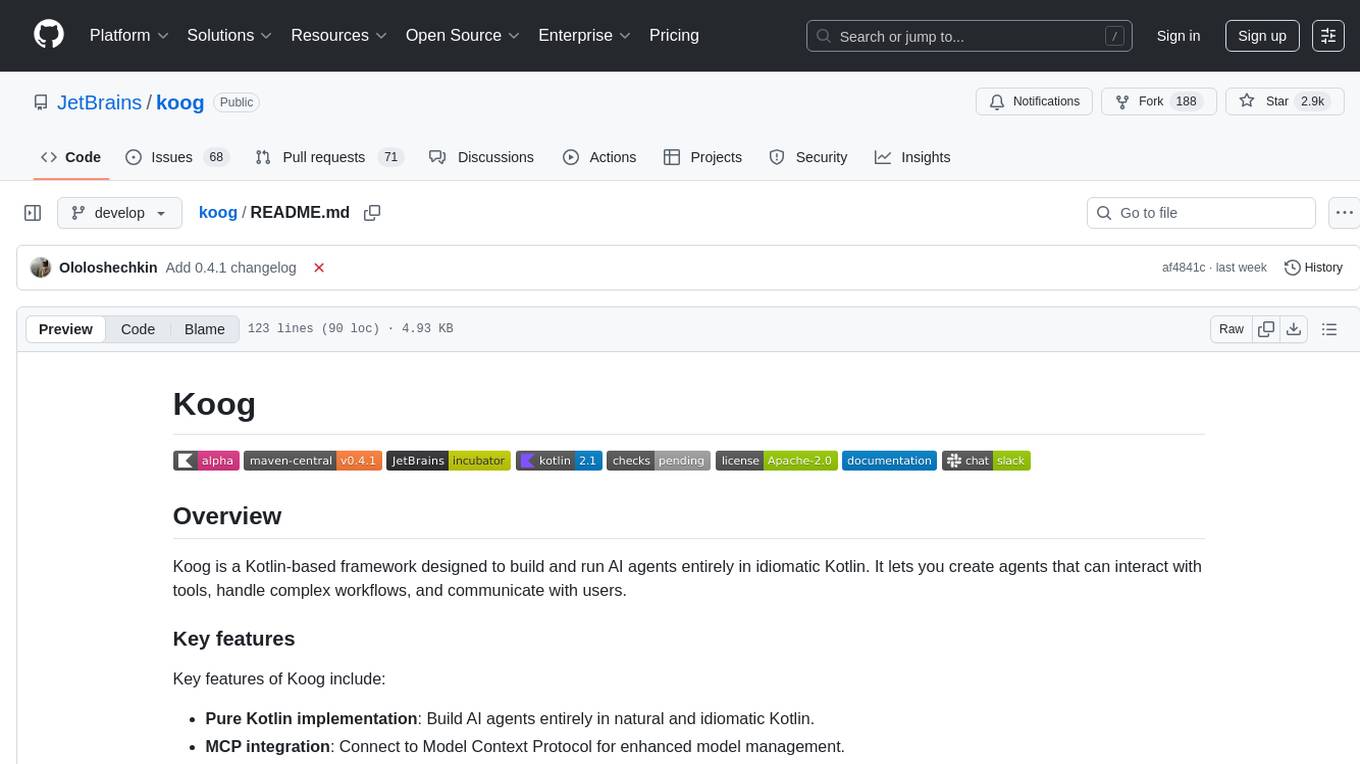
koog
Koog is a Kotlin-based framework for building and running AI agents entirely in idiomatic Kotlin. It allows users to create agents that interact with tools, handle complex workflows, and communicate with users. Key features include pure Kotlin implementation, MCP integration, embedding capabilities, custom tool creation, ready-to-use components, intelligent history compression, powerful streaming API, persistent agent memory, comprehensive tracing, flexible graph workflows, modular feature system, scalable architecture, and multiplatform support.
J.A.R.V.I.S.
J.A.R.V.I.S.1.0 is an advanced virtual assistant tool designed to assist users in various tasks. It provides a wide range of functionalities including voice commands, task automation, information retrieval, and communication management. With its intuitive interface and powerful capabilities, J.A.R.V.I.S.1.0 aims to enhance productivity and streamline daily activities for users.
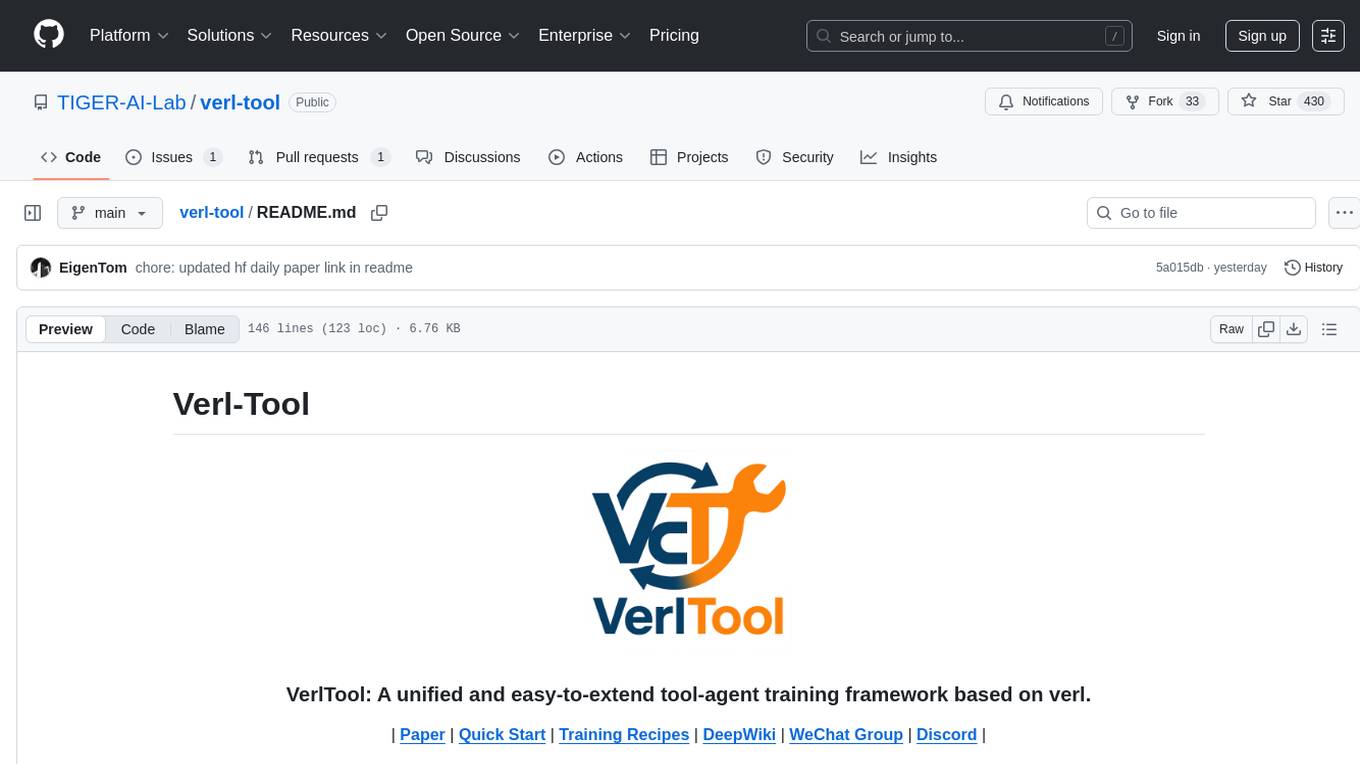
verl-tool
The verl-tool is a versatile command-line utility designed to streamline various tasks related to version control and code management. It provides a simple yet powerful interface for managing branches, merging changes, resolving conflicts, and more. With verl-tool, users can easily track changes, collaborate with team members, and ensure code quality throughout the development process. Whether you are a beginner or an experienced developer, verl-tool offers a seamless experience for version control operations.
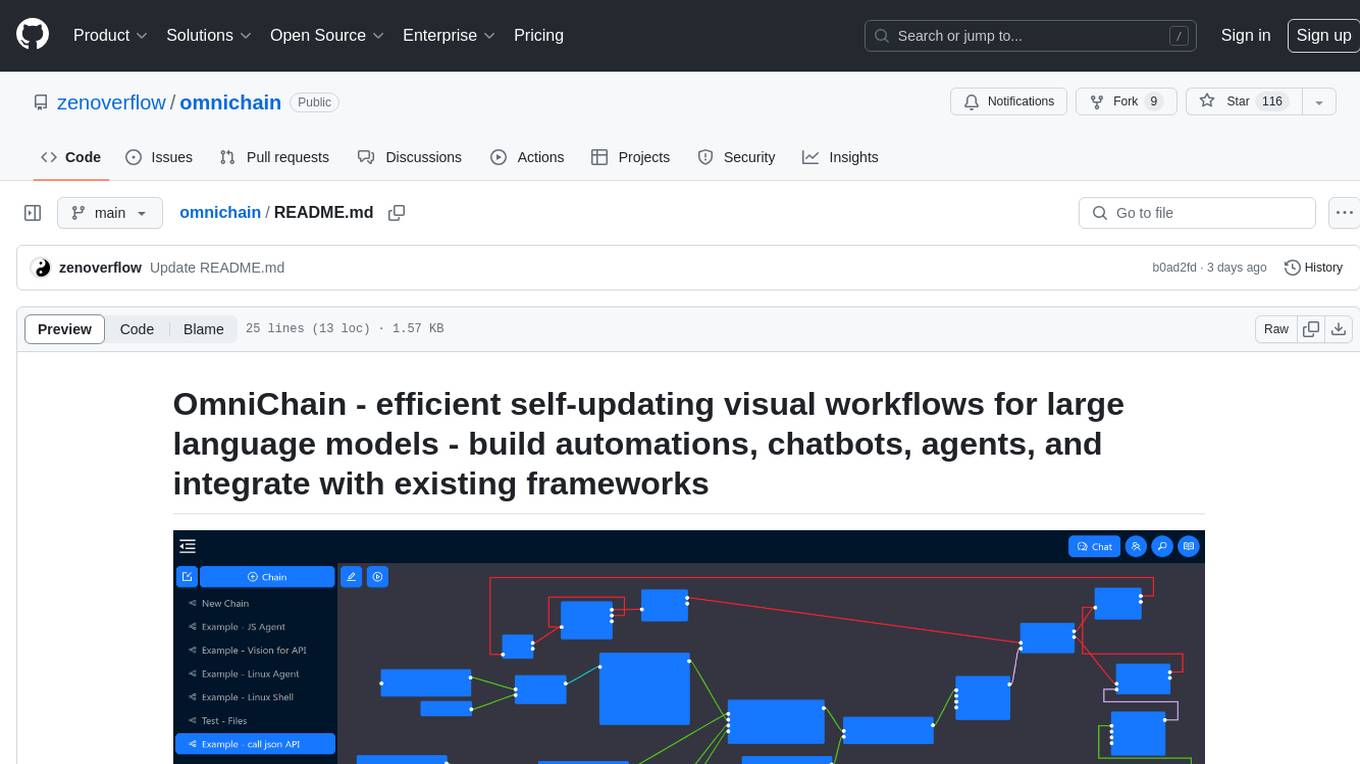
omnichain
OmniChain is a tool for building efficient self-updating visual workflows using AI language models, enabling users to automate tasks, create chatbots, agents, and integrate with existing frameworks. It allows users to create custom workflows guided by logic processes, store and recall information, and make decisions based on that information. The tool enables users to create tireless robot employees that operate 24/7, access the underlying operating system, generate and run NodeJS code snippets, and create custom agents and logic chains. OmniChain is self-hosted, open-source, and available for commercial use under the MIT license, with no coding skills required.
holmesgpt
HolmesGPT is an open-source DevOps assistant powered by OpenAI or any tool-calling LLM of your choice. It helps in troubleshooting Kubernetes, incident response, ticket management, automated investigation, and runbook automation in plain English. The tool connects to existing observability data, is compliance-friendly, provides transparent results, supports extensible data sources, runbook automation, and integrates with existing workflows. Users can install HolmesGPT using Brew, prebuilt Docker container, Python Poetry, or Docker. The tool requires an API key for functioning and supports OpenAI, Azure AI, and self-hosted LLMs.
apex
Apex is a powerful and flexible programming language for building cloud-based applications on the Salesforce platform. It allows developers to create custom business logic, automate processes, and integrate with external systems. With its robust features and easy-to-use syntax, Apex empowers developers to extend the capabilities of Salesforce and deliver tailored solutions to meet business requirements.
ome
Ome is a versatile tool designed for managing and organizing tasks and projects efficiently. It provides a user-friendly interface for creating, tracking, and prioritizing tasks, as well as collaborating with team members. With Ome, users can easily set deadlines, assign tasks, and monitor progress to ensure timely completion of projects. The tool offers customizable features such as tags, labels, and filters to streamline task management and improve productivity. Ome is suitable for individuals, teams, and organizations looking to enhance their task management process and achieve better results.
spec-workflow-mcp
Spec Workflow MCP is a Model Context Protocol (MCP) server that offers structured spec-driven development workflow tools for AI-assisted software development. It includes a real-time web dashboard and a VSCode extension for monitoring and managing project progress directly in the development environment. The tool supports sequential spec creation, real-time monitoring of specs and tasks, document management, archive system, task progress tracking, approval workflow, bug reporting, template system, and works on Windows, macOS, and Linux.
For similar tasks
SuperCoder
SuperCoder is an open-source autonomous software development system that leverages advanced AI tools and agents to streamline and automate coding, testing, and deployment tasks, enhancing efficiency and reliability. It supports a variety of languages and frameworks for diverse development needs. Users can set up the environment variables, build and run the Go server, Asynq worker, and Postgres using Docker and Docker Compose. The project is under active development and may still have issues, but users can seek help and support from the Discord community or by creating new issues on GitHub.
aiconfigurator
The `aiconfigurator` tool assists in finding a strong starting configuration for disaggregated serving in AI deployments. It helps optimize throughput at a given latency by evaluating thousands of configurations based on model, GPU count, and GPU type. The tool models LLM inference using collected data for a target machine and framework, running via CLI and web app. It generates configuration files for deployment with Dynamo, offering features like customized configuration, all-in-one automation, and tuning with advanced features. The tool estimates performance by breaking down LLM inference into operations, collecting operation execution times, and searching for strong configurations. Supported features include models like GPT and operations like attention, KV cache, GEMM, AllReduce, embedding, P2P, element-wise, MoE, MLA BMM, TRTLLM versions, and parallel modes like tensor-parallel and pipeline-parallel.
ai-toolbox
AI-Toolbox is a collection of automation scripts and tools designed to streamline AI workflows. It simplifies the installation process of various AI applications, making software deployment effortless for data scientists, researchers, and developers. The toolbox offers automated installation of multiple applications, customization for specific workflows, easy-to-use scripts, and receives regular updates and contributions from the community.
amazon-bedrock-agentcore-samples
Amazon Bedrock AgentCore Samples repository provides examples and tutorials to deploy and operate AI agents securely at scale using any framework and model. It is framework-agnostic and model-agnostic, allowing flexibility in deployment. The repository includes tutorials, end-to-end applications, integration guides, deployment automation, and full-stack reference applications for developers to understand and implement Amazon Bedrock AgentCore capabilities into their applications.
gaia
Gaia is a powerful open-source tool for managing infrastructure as code. It allows users to define and provision cloud resources using simple configuration files. With Gaia, you can automate the deployment and scaling of your applications, ensuring consistency and reliability across your infrastructure. The tool supports multiple cloud providers and offers a user-friendly interface for managing your resources efficiently. Gaia simplifies the process of infrastructure management, making it easier for teams to collaborate and deploy applications seamlessly.
orchestkit
OrchestKit is a powerful and flexible orchestration tool designed to streamline and automate complex workflows. It provides a user-friendly interface for defining and managing orchestration tasks, allowing users to easily create, schedule, and monitor workflows. With support for various integrations and plugins, OrchestKit enables seamless automation of tasks across different systems and applications. Whether you are a developer looking to automate deployment processes or a system administrator managing complex IT operations, OrchestKit offers a comprehensive solution to simplify and optimize your workflow management.
n8n
n8n is a workflow automation platform that combines the flexibility of code with the speed of no-code. It offers 400+ integrations, native AI capabilities, and a fair-code license, empowering users to create powerful automations while maintaining control over data and deployments. With features like code customization, AI agent workflows, self-hosting options, enterprise-ready functionalities, and an active community, n8n provides a comprehensive solution for technical teams seeking efficient workflow automation.
airflow-chart
This Helm chart bootstraps an Airflow deployment on a Kubernetes cluster using the Helm package manager. The version of this chart does not correlate to any other component. Users should not expect feature parity between OSS airflow chart and the Astronomer airflow-chart for identical version numbers. To install this helm chart remotely (using helm 3) kubectl create namespace airflow helm repo add astronomer https://helm.astronomer.io helm install airflow --namespace airflow astronomer/airflow To install this repository from source sh kubectl create namespace airflow helm install --namespace airflow . Prerequisites: Kubernetes 1.12+ Helm 3.6+ PV provisioner support in the underlying infrastructure Installing the Chart: sh helm install --name my-release . The command deploys Airflow on the Kubernetes cluster in the default configuration. The Parameters section lists the parameters that can be configured during installation. Upgrading the Chart: First, look at the updating documentation to identify any backwards-incompatible changes. To upgrade the chart with the release name `my-release`: sh helm upgrade --name my-release . Uninstalling the Chart: To uninstall/delete the `my-release` deployment: sh helm delete my-release The command removes all the Kubernetes components associated with the chart and deletes the release. Updating DAGs: Bake DAGs in Docker image The recommended way to update your DAGs with this chart is to build a new docker image with the latest code (`docker build -t my-company/airflow:8a0da78 .`), push it to an accessible registry (`docker push my-company/airflow:8a0da78`), then update the Airflow pods with that image: sh helm upgrade my-release . --set images.airflow.repository=my-company/airflow --set images.airflow.tag=8a0da78 Docker Images: The Airflow image that are referenced as the default values in this chart are generated from this repository: https://github.com/astronomer/ap-airflow. Other non-airflow images used in this chart are generated from this repository: https://github.com/astronomer/ap-vendor. Parameters: The complete list of parameters supported by the community chart can be found on the Parameteres Reference page, and can be set under the `airflow` key in this chart. The following tables lists the configurable parameters of the Astronomer chart and their default values. | Parameter | Description | Default | | :----------------------------- | :-------------------------------------------------------------------------------------------------------- | :---------------------------- | | `ingress.enabled` | Enable Kubernetes Ingress support | `false` | | `ingress.acme` | Add acme annotations to Ingress object | `false` | | `ingress.tlsSecretName` | Name of secret that contains a TLS secret | `~` | | `ingress.webserverAnnotations` | Annotations added to Webserver Ingress object | `{}` | | `ingress.flowerAnnotations` | Annotations added to Flower Ingress object | `{}` | | `ingress.baseDomain` | Base domain for VHOSTs | `~` | | `ingress.auth.enabled` | Enable auth with Astronomer Platform | `true` | | `extraObjects` | Extra K8s Objects to deploy (these are passed through `tpl`). More about Extra Objects. | `[]` | | `sccEnabled` | Enable security context constraints required for OpenShift | `false` | | `authSidecar.enabled` | Enable authSidecar | `false` | | `authSidecar.repository` | The image for the auth sidecar proxy | `nginxinc/nginx-unprivileged` | | `authSidecar.tag` | The image tag for the auth sidecar proxy | `stable` | | `authSidecar.pullPolicy` | The K8s pullPolicy for the the auth sidecar proxy image | `IfNotPresent` | | `authSidecar.port` | The port the auth sidecar exposes | `8084` | | `gitSyncRelay.enabled` | Enables git sync relay feature. | `False` | | `gitSyncRelay.repo.url` | Upstream URL to the git repo to clone. | `~` | | `gitSyncRelay.repo.branch` | Branch of the upstream git repo to checkout. | `main` | | `gitSyncRelay.repo.depth` | How many revisions to check out. Leave as default `1` except in dev where history is needed. | `1` | | `gitSyncRelay.repo.wait` | Seconds to wait before pulling from the upstream remote. | `60` | | `gitSyncRelay.repo.subPath` | Path to the dags directory within the git repository. | `~` | Specify each parameter using the `--set key=value[,key=value]` argument to `helm install`. For example, sh helm install --name my-release --set executor=CeleryExecutor --set enablePodLaunching=false . Walkthrough using kind: Install kind, and create a cluster We recommend testing with Kubernetes 1.25+, example: sh kind create cluster --image kindest/node:v1.25.11 Confirm it's up: sh kubectl cluster-info --context kind-kind Add Astronomer's Helm repo sh helm repo add astronomer https://helm.astronomer.io helm repo update Create namespace + install the chart sh kubectl create namespace airflow helm install airflow -n airflow astronomer/airflow It may take a few minutes. Confirm the pods are up: sh kubectl get pods --all-namespaces helm list -n airflow Run `kubectl port-forward svc/airflow-webserver 8080:8080 -n airflow` to port-forward the Airflow UI to http://localhost:8080/ to confirm Airflow is working. Login as _admin_ and password _admin_. Build a Docker image from your DAGs: 1. Start a project using astro-cli, which will generate a Dockerfile, and load your DAGs in. You can test locally before pushing to kind with `astro airflow start`. `sh mkdir my-airflow-project && cd my-airflow-project astro dev init` 2. Then build the image: `sh docker build -t my-dags:0.0.1 .` 3. Load the image into kind: `sh kind load docker-image my-dags:0.0.1` 4. Upgrade Helm deployment: sh helm upgrade airflow -n airflow --set images.airflow.repository=my-dags --set images.airflow.tag=0.0.1 astronomer/airflow Extra Objects: This chart can deploy extra Kubernetes objects (assuming the role used by Helm can manage them). For Astronomer Cloud and Enterprise, the role permissions can be found in the Commander role. yaml extraObjects: - apiVersion: batch/v1beta1 kind: CronJob metadata: name: "{{ .Release.Name }}-somejob" spec: schedule: "*/10 * * * *" concurrencyPolicy: Forbid jobTemplate: spec: template: spec: containers: - name: myjob image: ubuntu command: - echo args: - hello restartPolicy: OnFailure Contributing: Check out our contributing guide! License: Apache 2.0 with Commons Clause
For similar jobs
aiolauncher_scripts
AIO Launcher Scripts is a collection of Lua scripts that can be used with AIO Launcher to enhance its functionality. These scripts can be used to create widget scripts, search scripts, and side menu scripts. They provide various functions such as displaying text, buttons, progress bars, charts, and interacting with app widgets. The scripts can be used to customize the appearance and behavior of the launcher, add new features, and interact with external services.
flux-aio
Flux All-In-One is a lightweight distribution optimized for running the GitOps Toolkit controllers as a single deployable unit on Kubernetes clusters. It is designed for bare clusters, edge clusters, clusters with restricted communication, clusters with egress via proxies, and serverless clusters. The distribution follows semver versioning and provides documentation for specifications, installation, upgrade, OCI sync configuration, Git sync configuration, and multi-tenancy configuration. Users can deploy Flux using Timoni CLI and a Timoni Bundle file, fine-tune installation options, sync from public Git repositories, bootstrap repositories, and uninstall Flux without affecting reconciled workloads.
composio
Composio is a production-ready toolset for AI agents that enables users to integrate AI agents with various agentic tools effortlessly. It provides support for over 100 tools across different categories, including popular softwares like GitHub, Notion, Linear, Gmail, Slack, and more. Composio ensures managed authorization with support for six different authentication protocols, offering better agentic accuracy and ease of use. Users can easily extend Composio with additional tools, frameworks, and authorization protocols. The toolset is designed to be embeddable and pluggable, allowing for seamless integration and consistent user experience.
IKBT
IKBT is a Python-based system for generating closed-form solutions to the manipulator inverse kinematics problem using behavior trees for action selection. Solutions are fully symbolic and are output as LaTex, Python, and C++. The tool automates closed-form kinematics solving by organizing solution algorithms in a behavior tree, incorporating frequently used knowledge, generating a dependency graph of joint variables, and providing features for automatic documentation and code generation. It is implemented in Python with minimal dependencies outside of the standard Python distribution.
ai2apps
AI2Apps is a visual IDE for building LLM-based AI agent applications, enabling developers to efficiently create AI agents through drag-and-drop, with features like design-to-development for rapid prototyping, direct packaging of agents into apps, powerful debugging capabilities, enhanced user interaction, efficient team collaboration, flexible deployment, multilingual support, simplified product maintenance, and extensibility through plugins.
flowgen
FlowGen is a tool built for AutoGen, a great agent framework from Microsoft and a lot of contributors. It provides intuitive visual tools that streamline the construction and oversight of complex agent-based workflows, simplifying the process for creators and developers. Users can create Autoflows, chat with agents, and share flow templates. The tool is fully dockerized and supports deployment on Railway.app. Contributions to the project are welcome, and the platform uses semantic-release for versioning and releases.
aiohue
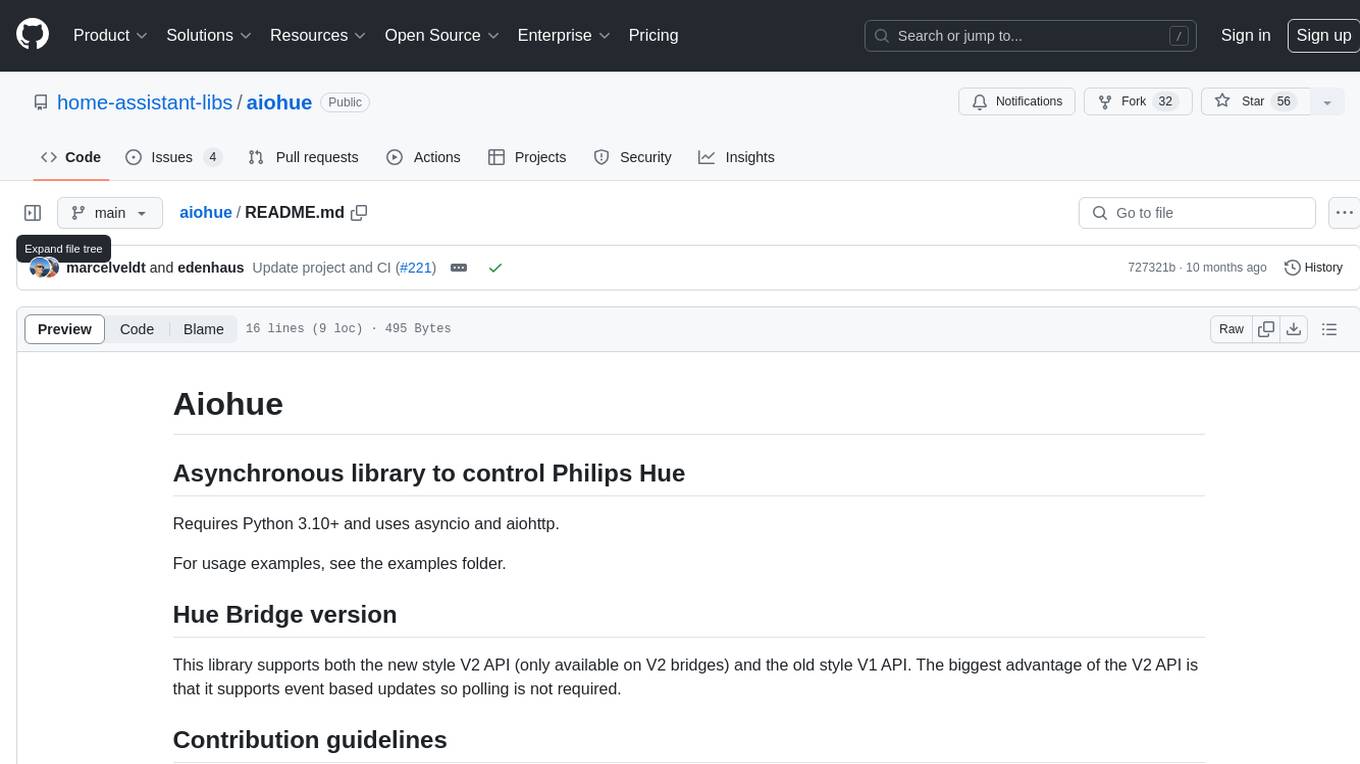
Aiohue is an asynchronous library designed to control Philips Hue lights. It requires Python 3.10+ and utilizes asyncio and aiohttp. The library supports both V1 and V2 APIs of the Hue Bridge, with V2 API offering event-based updates to eliminate the need for polling. The contribution guidelines emphasize matching object hierarchy and property/method names with the Philips Hue API.
rosa
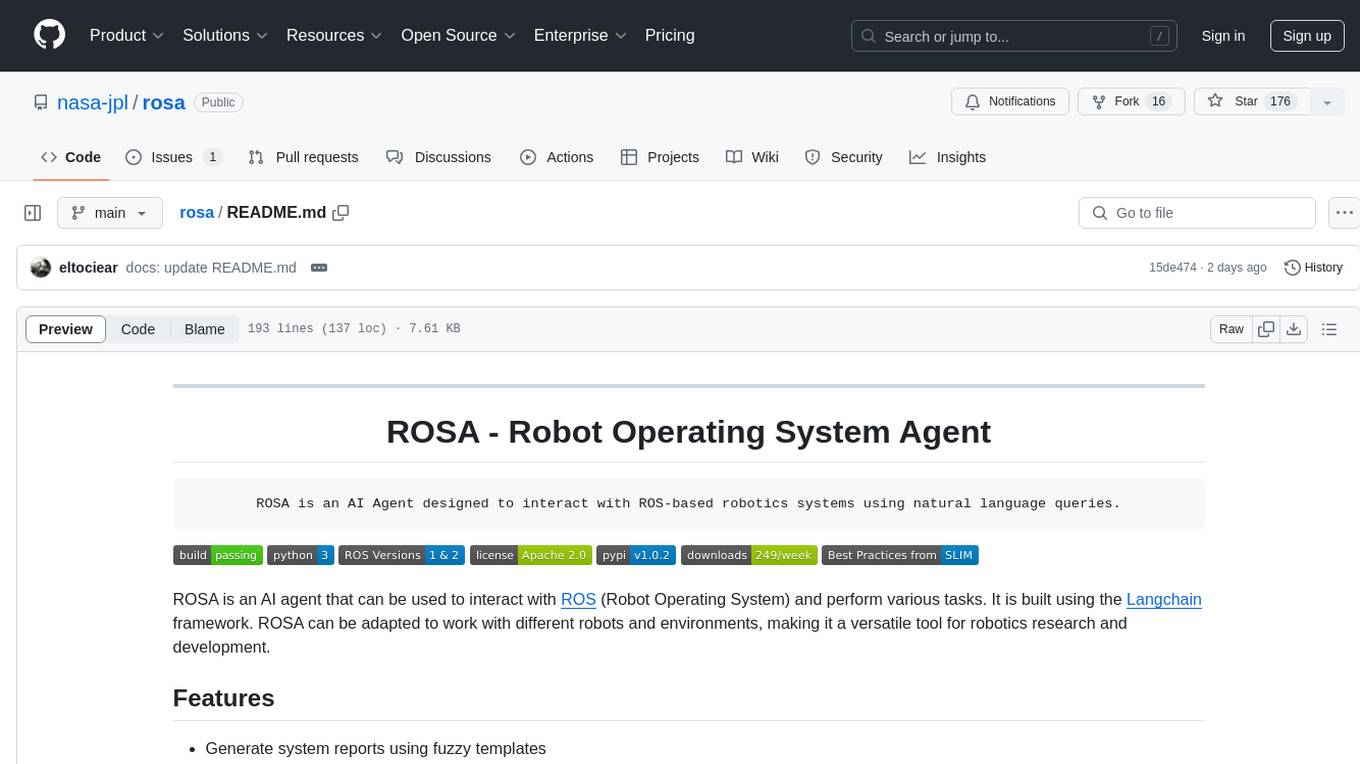
ROSA is an AI Agent designed to interact with ROS-based robotics systems using natural language queries. It can generate system reports, read and parse ROS log files, adapt to new robots, and run various ROS commands using natural language. The tool is versatile for robotics research and development, providing an easy way to interact with robots and the ROS environment.