


coding-aider
None
Stars: 66
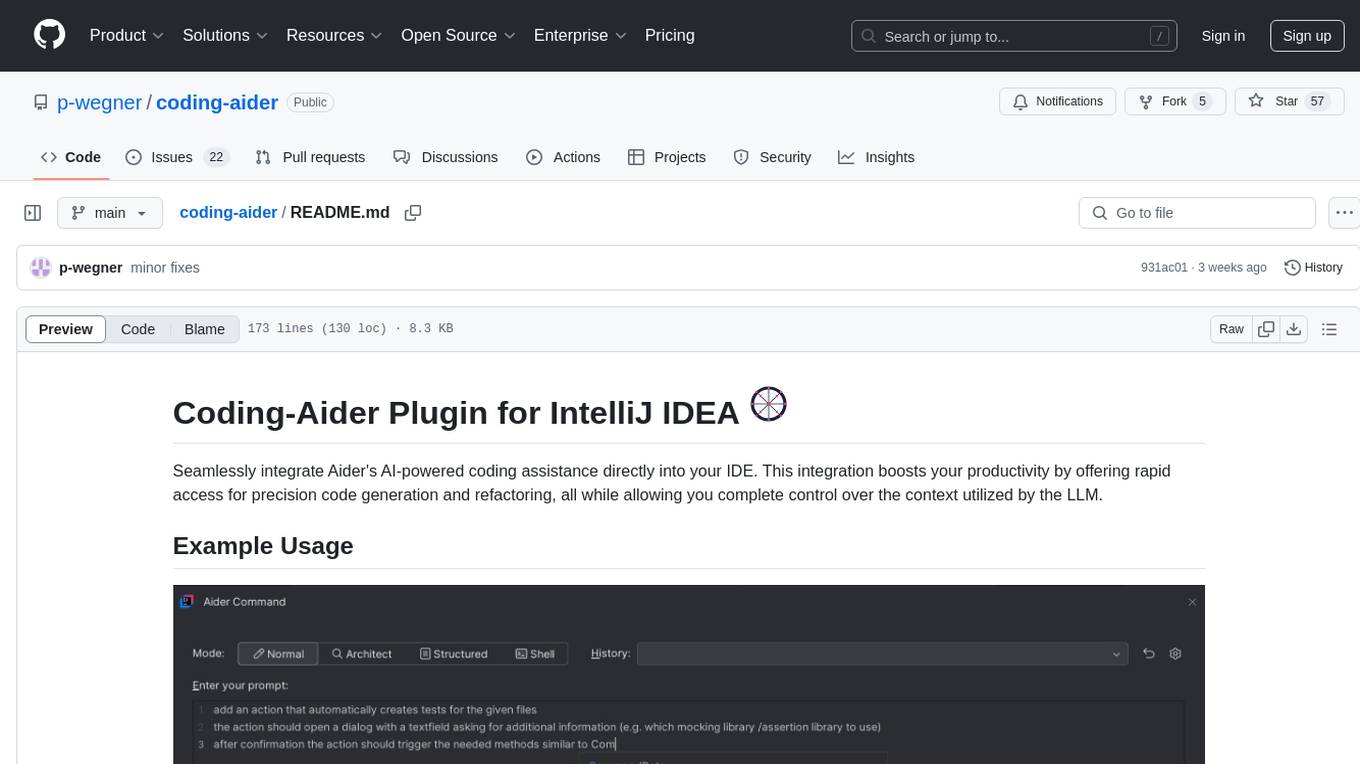
Coding-Aider is a plugin for IntelliJ IDEA that seamlessly integrates Aider's AI-powered coding assistance into the IDE. It boosts productivity by offering rapid access for precision code generation and refactoring, with complete control over the context utilized by the LLM. The plugin provides various features such as AI-powered coding assistance, intuitive access through keyboard shortcuts, persistent file management, dual execution modes, Git integration, real-time progress tracking, multi-file support, web crawling, clipboard image support, and various specialized actions. It also supports structured mode and plans for managing complex features, working directory support, summarized output, and the ability to specify additional arguments for Aider commands. Coding-Aider addresses limitations in existing IntelliJ plugins by offering optimized token usage, a feature-rich terminal interface, a wide range of commands, and robust recovery mechanisms with seamless Git integration.
README:

Seamlessly integrate Aider's AI-powered coding assistance directly into your IDE. This integration boosts your productivity by offering rapid access for precision code generation and refactoring, all while allowing you complete control over the context utilized by the LLM.

To utilize this plugin, you need either:
-
A functional Aider installation (version 0.72.3 or higher):
- On Mac/Linux: Ensure aider is in your PATH or set the path manually in Settings
- On Windows: Aider should be available in PATH or set manually
-
OR Docker installed and running:
- On Mac: Ensure docker command is in PATH (usually in /usr/local/bin)
- On Windows: Docker Desktop should add docker to PATH automatically
If you encounter "command not found" errors, you can:
- Set the full path to the aider executable in Tools > Aider Settings
Configure API Keys for LLM Providers for Aider to use in its .env or .yml files or by storing them safely in the plugin settings.
You can use:
- Standard OpenAI models
- Custom OpenAI-compatible API endpoints (like Azure, Anthropic, or local servers)
- Ollama models
- Vertex AI models (experimental)
To configure a custom OpenAI-compatible model:
- Open Settings > Tools > Aider Settings
- In the "Custom Model" section:
- Enter the API Base URL (e.g., http://localhost:8000/v1)
- Enter the Model Name with "openai/" prefix (e.g., openai/gpt-4)
- Enter your API Key
- The custom model will appear in model selection dropdowns once configured
For custom OpenAI-compatible APIs, you can configure:
- Custom API base URL (e.g., http://localhost:8000/v1)
- Custom API key
- Model name prefixed with "openai/" (e.g., openai/gpt-4)
For detailed configuration instructions, refer to the Aider documentation.
-
AI-Powered Coding Assistance: Harness the power of Aider to receive intelligent coding assistance within your IDE. See Plan Mode for details on maintaining context across sessions.
-
Intuitive Access:
- Quickly initiate Aider actions via the "Start Aider Action" option in the Tools menu or Project View popup menu.
- Use the keyboard shortcut Alt+A for rapid access.
- Automatically commit all changes with an LLM-generated message using ALT + D
-
Persistent File Management: Manage frequently used files for persistent context for Aider operations with Alt+Shift+A, within the Aider Command Window or the Aider Settings.
-
Dual Execution Modes:
- IDE-based execution for seamless integration.
- Shell-based execution
- for users who prefer Aider's rich terminal interaction
- useful for easy context setup in the IDE
- combinable with docker-based execution to simplify file system mounting
-
Git Integration: Automatically launch a Git comparison tool post-Aider operations for easy change review.
-
Real-time Progress Tracking: Monitor Aider command progress through an embedded browser-based Markdown viewer.
-
Multi-File Support: Execute Aider actions on multiple files or directories while controlling the context provided to Aider from your IDE.
-
Webcrawl (Experimental): Download and convert pages to markdown stored in a .aider-docs folder to add to context.
-
Clipboard Image Support: Save clipboard images directly to the project and add them to persistent files.
-
Refactor to Clean Code Action: Refactor code to adhere to clean code principles.
-
Fix Build and Test Error Action: Fix build and test errors in the project.
-
Various Specialized Actions:
- Commit Action: Quickly commit changes using Aider.
- Document Code Action: Generate markdown documentation for selected files and directories.
- Fix Compile Error Action: Fix compile errors using Aider's AI capabilities.
- Show Last Command Result Action: Display the result of the last executed Aider command.
- Settings Action: Quickly access Aider Settings.
- Apply Design Pattern Action: Apply predefined design patterns to selected files or directories.
- Persistent Files Action: Manage the list of persistent files for Aider operations.
- OpenAiderActionGroup: Access a popup menu with all available Aider actions.
- Document Each Folder Action: Generate documentation for each folder in the selected files.
- Continue Plan Action: Allow users to select and continue an unfinished plan within the Coding Aider plugin.
-
Working Directory Support:
- Configure a specific working directory for Aider operations
- Files outside the working directory are not included in the context and won't be seen by Aider
- Might help working with large repositories
-
Structured Mode and Plans:
- Break down complex features into manageable tasks
- Track implementation progress with checklists
- Maintain context across multiple coding sessions
- See Plan Mode for detailed workflow
-
Summarized Output:
- Option to enable structured XML summaries of Aider's changes
- Intention and Summary blocks are included in the output
-
Aider Commands and Arguments:
- If needed, you can specify additional arguments for the Aider command in the settings or in the command window.
For a detailed description of all available actions, please refer to the Actions Documentation.
Coding-Aider addresses limitations in existing IntelliJ plugins, particularly for tasks involving multiple file creation or modification. Aider's unique capabilities include:
- Optimized token usage for improved speed (featuring replace edit mode, repo-map, and context control).
- A feature-rich terminal interface for command-line enthusiasts.
- An extensive range of commands to automate common development tasks.
- Robust recovery mechanisms with seamless Git integration.
Coding-Aider brings these powerful terminal-based features directly into your IDE, leveraging established IDE functionalities like Git integration and keyboard shortcuts.
-
Install the Coding-Aider plugin in a compatible JetBrains IDE.
-
(Can be skipped if aider in docker is used) Install Aider-Chat :
- Visit https://aider.chat/
- Install as a global pipx Python app
- Ensure it's accessible from your terminal (
aider --help)
-
Configure Aider settings:
- Navigate to Tools > Aider Settings
- Select Docker-based Aider if aider is not installed globally
- Run "Test Aider installation" to verify your global aider installation (or run the aider docker container if docker is used). First time running the test with docker will take a while as the docker image (1GB) is downloaded.
- (Optional) Globally configure API keys for LLM Providers you plan to use with aider ( see https://aider.chat/docs/config/dotenv.html)
-
Configure LLM Providers:
- Navigate to Tools > Aider Settings
- Add your API keys for the LLM Providers you wish to use (if not globally configured)
- Configure the default LLM Provider for your Aider actions
-
Basic Usage:
- Select files or directories in your project
- Use Alt+A or use the entries in the right-click context menu to initiate an Aider action
- Enter your coding request in the dialog
- Review Aider's output and resulting changes in your project
-
Advanced Usage:
- Use Alt+Shift+Q to quickly access all available Aider actions
- Use Alt+Shift+A to manage persistent files for context
- Utilize specialized actions like Document Code, Fix Compile Error, or Web Crawl for specific tasks
- Access the last command result using the Show Last Command Result action


For Tasks:
Click tags to check more tools for each tasksFor Jobs:
Alternative AI tools for coding-aider
Similar Open Source Tools
coding-aider
Coding-Aider is a plugin for IntelliJ IDEA that seamlessly integrates Aider's AI-powered coding assistance into the IDE. It boosts productivity by offering rapid access for precision code generation and refactoring, with complete control over the context utilized by the LLM. The plugin provides various features such as AI-powered coding assistance, intuitive access through keyboard shortcuts, persistent file management, dual execution modes, Git integration, real-time progress tracking, multi-file support, web crawling, clipboard image support, and various specialized actions. It also supports structured mode and plans for managing complex features, working directory support, summarized output, and the ability to specify additional arguments for Aider commands. Coding-Aider addresses limitations in existing IntelliJ plugins by offering optimized token usage, a feature-rich terminal interface, a wide range of commands, and robust recovery mechanisms with seamless Git integration.
agent-zero
Agent Zero is a personal, organic agentic framework designed to be dynamic, transparent, customizable, and interactive. It uses the computer as a tool to accomplish tasks, with features like general-purpose assistant, computer as a tool, multi-agent cooperation, customizable and extensible framework, and communication skills. The tool is fully Dockerized, with Speech-to-Text and TTS capabilities, and offers real-world use cases like financial analysis, Excel automation, API integration, server monitoring, and project isolation. Agent Zero can be dangerous if not used properly and is prompt-based, guided by the prompts folder. The tool is extensively documented and has a changelog highlighting various updates and improvements.
cline-based-code-generator
HAI Code Generator is a cutting-edge tool designed to simplify and automate task execution while enhancing code generation workflows. Leveraging Specif AI, it streamlines processes like task execution, file identification, and code documentation through intelligent automation and AI-driven capabilities. Built on Cline's powerful foundation for AI-assisted development, HAI Code Generator boosts productivity and precision by automating task execution and integrating file management capabilities. It combines intelligent file indexing, context generation, and LLM-driven automation to minimize manual effort and ensure task accuracy. Perfect for developers and teams aiming to enhance their workflows.
comfyui_LLM_Polymath
LLM Polymath Chat Node is an advanced Chat Node for ComfyUI that integrates large language models to build text-driven applications and automate data processes, enhancing prompt responses by incorporating real-time web search, linked content extraction, and custom agent instructions. It supports both OpenAI’s GPT-like models and alternative models served via a local Ollama API. The core functionalities include Comfy Node Finder and Smart Assistant, along with additional agents like Flux Prompter, Custom Instructors, Python debugger, and scripter. The tool offers features for prompt processing, web search integration, model & API integration, custom instructions, image handling, logging & debugging, output compression, and more.
Hexabot
Hexabot Community Edition is an open-source chatbot solution designed for flexibility and customization, offering powerful text-to-action capabilities. It allows users to create and manage AI-powered, multi-channel, and multilingual chatbots with ease. The platform features an analytics dashboard, multi-channel support, visual editor, plugin system, NLP/NLU management, multi-lingual support, CMS integration, user roles & permissions, contextual data, subscribers & labels, and inbox & handover functionalities. The directory structure includes frontend, API, widget, NLU, and docker components. Prerequisites for running Hexabot include Docker and Node.js. The installation process involves cloning the repository, setting up the environment, and running the application. Users can access the UI admin panel and live chat widget for interaction. Various commands are available for managing the Docker services. Detailed documentation and contribution guidelines are provided for users interested in contributing to the project.
mattermost-plugin-agents
The Mattermost Agents Plugin integrates AI capabilities directly into your Mattermost workspace, allowing users to run local LLMs on their infrastructure or connect to cloud providers. It offers multiple AI assistants with specialized personalities, thread and channel summarization, action item extraction, meeting transcription, semantic search, smart reactions, direct conversations with AI assistants, and flexible LLM support. The plugin comes with comprehensive documentation, installation instructions, system requirements, and development guidelines for users to interact with AI features and configure LLM providers.
Zentara-Code
Zentara Code is an AI coding assistant for VS Code that turns chat instructions into precise, auditable changes in the codebase. It is optimized for speed, safety, and correctness through parallel execution, LSP semantics, and integrated runtime debugging. It offers features like parallel subagents, integrated LSP tools, and runtime debugging for efficient code modification and analysis.
GraphRAG-Local-UI
GraphRAG Local with Interactive UI is an adaptation of Microsoft's GraphRAG, tailored to support local models and featuring a comprehensive interactive user interface. It allows users to leverage local models for LLM and embeddings, visualize knowledge graphs in 2D or 3D, manage files, settings, and queries, and explore indexing outputs. The tool aims to be cost-effective by eliminating dependency on costly cloud-based models and offers flexible querying options for global, local, and direct chat queries.

swark
Swark is a VS Code extension that automatically generates architecture diagrams from code using large language models (LLMs). It is directly integrated with GitHub Copilot, requires no authentication or API key, and supports all languages. Swark helps users learn new codebases, review AI-generated code, improve documentation, understand legacy code, spot design flaws, and gain test coverage insights. It saves output in a 'swark-output' folder with diagram and log files. Source code is only shared with GitHub Copilot for privacy. The extension settings allow customization for file reading, file extensions, exclusion patterns, and language model selection. Swark is open source under the GNU Affero General Public License v3.0.
Ollama-Colab-Integration
Ollama Colab Integration V4 is a tool designed to enhance the interaction and management of large language models. It allows users to quantize models within their notebook environment, access a variety of models through a user-friendly interface, and manage public endpoints efficiently. The tool also provides features like LiteLLM proxy control, model insights, and customizable model file templating. Users can troubleshoot model loading issues, CPU fallback strategies, and manage VRAM and RAM effectively. Additionally, the tool offers functionalities for downloading model files from Hugging Face, model conversion with high precision, model quantization using Q and Kquants, and securely uploading converted models to Hugging Face.
yn
Yank Note is a highly extensible Markdown editor designed for productivity. It offers features like easy-to-use interface, powerful support for version control and various embedded content, high compatibility with local Markdown files, plug-in extension support, and encryption for saving private files. Users can write their own plug-ins to expand the editor's functionality. However, for more extendability, security protection is sacrificed. The tool supports sync scrolling, outline navigation, version control, encryption, auto-save, editing assistance, image pasting, attachment embedding, code running, to-do list management, quick file opening, integrated terminal, Katex expression, GitHub-style Markdown, multiple data locations, external link conversion, HTML resolving, multiple formats export, TOC generation, table cell editing, title link copying, embedded applets, various graphics embedding, mind map display, custom container support, macro replacement, image hosting service, OpenAI auto completion, and custom plug-ins development.
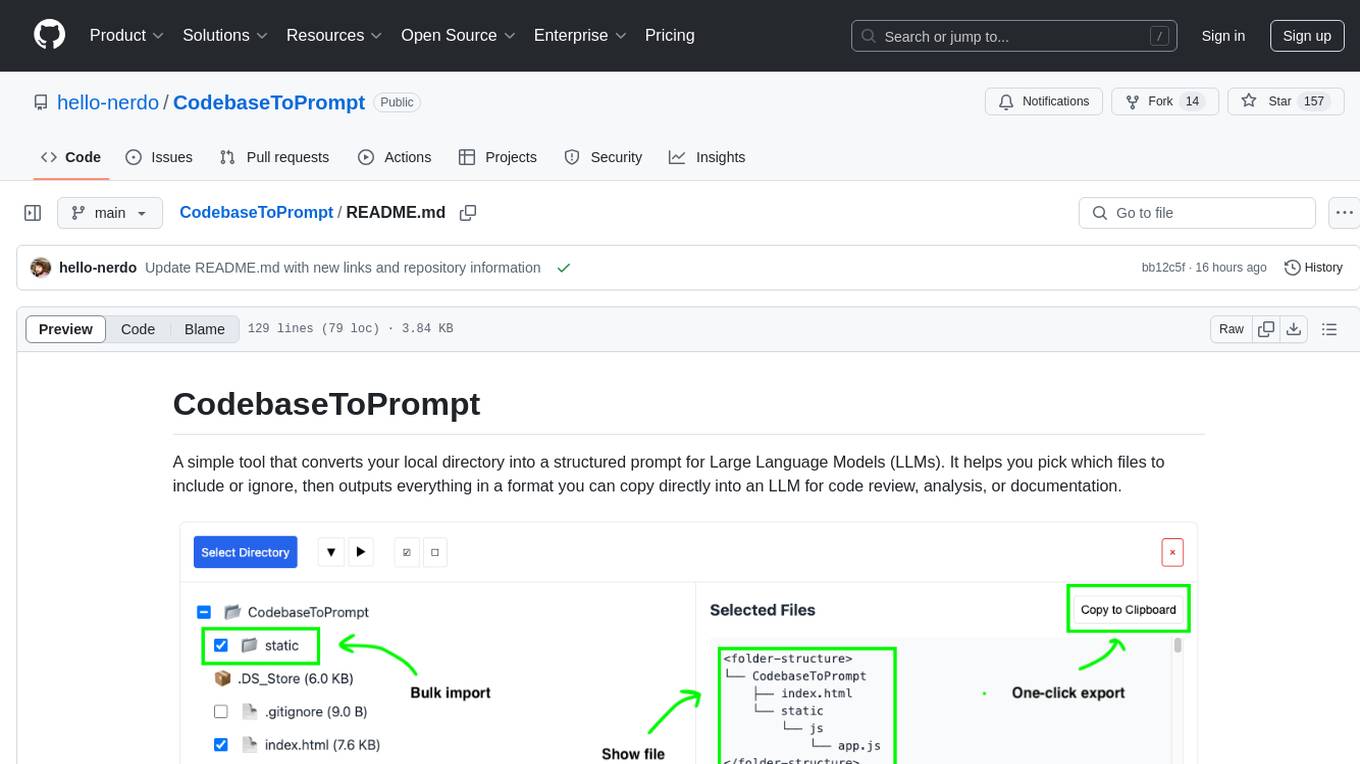
CodebaseToPrompt
CodebaseToPrompt is a tool that converts a local directory into a structured prompt for Large Language Models (LLMs). It allows users to select specific files for code review, analysis, or documentation by exploring and filtering through the file tree in an interactive interface. The tool generates a formatted output that can be directly used with LLMs, estimates token count, and supports flexible text selection. Users can deploy the tool using Docker for self-contained usage and can contribute to the project by opening issues or submitting pull requests.

CodebaseToPrompt
CodebaseToPrompt is a simple tool that converts a local directory into a structured prompt for Large Language Models (LLMs). It allows users to select specific files for code review, analysis, or documentation by exploring and filtering through the file tree in a browser-based interface. The tool generates a formatted output that can be directly used with AI tools, provides token count estimates, and supports local storage for saving selections. Users can easily copy the selected files in the desired format for further use.
FunGen-AI-Powered-Funscript-Generator
FunGen is a Python-based tool that uses AI to generate Funscript files from VR and 2D POV videos. It enables fully automated funscript creation for individual scenes or entire folders of videos. The tool includes features like automatic system scaling support, quick installation guides for Windows, Linux, and macOS, manual installation instructions, NVIDIA GPU setup, AMD GPU acceleration, YOLO model download, GUI settings, GitHub token setup, command-line usage, modular systems for funscript filtering and motion tracking, performance and parallel processing tips, and more. The project is still in early development stages and is not intended for commercial use.
AiTextDetectionBypass
ParaGenie is a script designed to automate the process of paraphrasing articles using the undetectable.ai platform. It allows users to convert lengthy content into unique paraphrased versions by splitting the input text into manageable chunks and processing each chunk individually. The script offers features such as automated paraphrasing, multi-file support for TXT, DOCX, and PDF formats, customizable chunk splitting methods, Gmail-based registration for seamless paraphrasing, purpose-specific writing support, readability level customization, anonymity features for user privacy, error handling and recovery, and output management for easy access and organization of paraphrased content.
clearml-server
ClearML Server is a backend service infrastructure for ClearML, facilitating collaboration and experiment management. It includes a web app, RESTful API, and file server for storing images and models. Users can deploy ClearML Server using Docker, AWS EC2 AMI, or Kubernetes. The system design supports single IP or sub-domain configurations with specific open ports. ClearML-Agent Services container allows launching long-lasting jobs and various use cases like auto-scaler service, controllers, optimizer, and applications. Advanced functionality includes web login authentication and non-responsive experiments watchdog. Upgrading ClearML Server involves stopping containers, backing up data, downloading the latest docker-compose.yml file, configuring ClearML-Agent Services, and spinning up docker containers. Community support is available through ClearML FAQ, Stack Overflow, GitHub issues, and email contact.
For similar tasks
coding-aider
Coding-Aider is a plugin for IntelliJ IDEA that seamlessly integrates Aider's AI-powered coding assistance into the IDE. It boosts productivity by offering rapid access for precision code generation and refactoring, with complete control over the context utilized by the LLM. The plugin provides various features such as AI-powered coding assistance, intuitive access through keyboard shortcuts, persistent file management, dual execution modes, Git integration, real-time progress tracking, multi-file support, web crawling, clipboard image support, and various specialized actions. It also supports structured mode and plans for managing complex features, working directory support, summarized output, and the ability to specify additional arguments for Aider commands. Coding-Aider addresses limitations in existing IntelliJ plugins by offering optimized token usage, a feature-rich terminal interface, a wide range of commands, and robust recovery mechanisms with seamless Git integration.
pr-agent
PR-Agent is a tool that helps to efficiently review and handle pull requests by providing AI feedbacks and suggestions. It supports various commands such as generating PR descriptions, providing code suggestions, answering questions about the PR, and updating the CHANGELOG.md file. PR-Agent can be used via CLI, GitHub Action, GitHub App, Docker, and supports multiple git providers and models. It emphasizes real-life practical usage, with each tool having a single GPT-4 call for quick and affordable responses. The PR Compression strategy enables effective handling of both short and long PRs, while the JSON prompting strategy allows for modular and customizable tools. PR-Agent Pro, the hosted version by CodiumAI, provides additional benefits such as full management, improved privacy, priority support, and extra features.
shell_gpt
ShellGPT is a command-line productivity tool powered by AI large language models (LLMs). This command-line tool offers streamlined generation of shell commands, code snippets, documentation, eliminating the need for external resources (like Google search). Supports Linux, macOS, Windows and compatible with all major Shells like PowerShell, CMD, Bash, Zsh, etc.
gpt-pilot
GPT Pilot is a core technology for the Pythagora VS Code extension, aiming to provide the first real AI developer companion. It goes beyond autocomplete, helping with writing full features, debugging, issue discussions, and reviews. The tool utilizes LLMs to generate production-ready apps, with developers overseeing the implementation. GPT Pilot works step by step like a developer, debugging issues as they arise. It can work at any scale, filtering out code to show only relevant parts to the AI during tasks. Contributions are welcome, with debugging and telemetry being key areas of focus for improvement.
sirji
Sirji is an agentic AI framework for software development where various AI agents collaborate via a messaging protocol to solve software problems. It uses standard or user-generated recipes to list tasks and tips for problem-solving. Agents in Sirji are modular AI components that perform specific tasks based on custom pseudo code. The framework is currently implemented as a Visual Studio Code extension, providing an interactive chat interface for problem submission and feedback. Sirji sets up local or remote development environments by installing dependencies and executing generated code.
awesome-ai-devtools
Awesome AI-Powered Developer Tools is a curated list of AI-powered developer tools that leverage AI to assist developers in tasks such as code completion, refactoring, debugging, documentation, and more. The repository includes a wide range of tools, from IDEs and Git clients to assistants, agents, app generators, UI generators, snippet generators, documentation tools, code generation tools, agent platforms, OpenAI plugins, search tools, and testing tools. These tools are designed to enhance developer productivity and streamline various development tasks by integrating AI capabilities.
doc-comments-ai
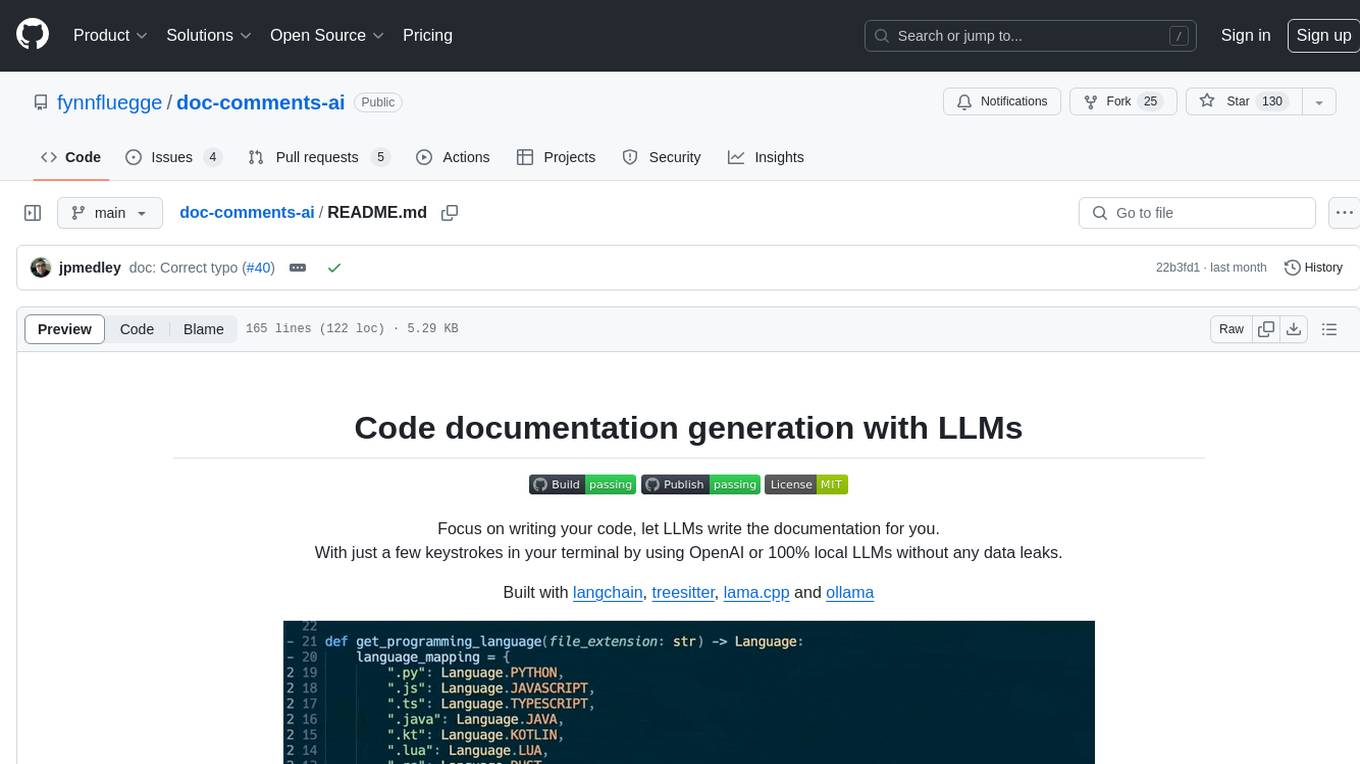
doc-comments-ai is a tool designed to automatically generate code documentation using language models. It allows users to easily create documentation comment blocks for methods in various programming languages such as Python, Typescript, Javascript, Java, Rust, and more. The tool supports both OpenAI and local LLMs, ensuring data privacy and security. Users can generate documentation comments for methods in files, inline comments in method bodies, and choose from different models like GPT-3.5-Turbo, GPT-4, and Azure OpenAI. Additionally, the tool provides support for Treesitter integration and offers guidance on selecting the appropriate model for comprehensive documentation needs.
repopack
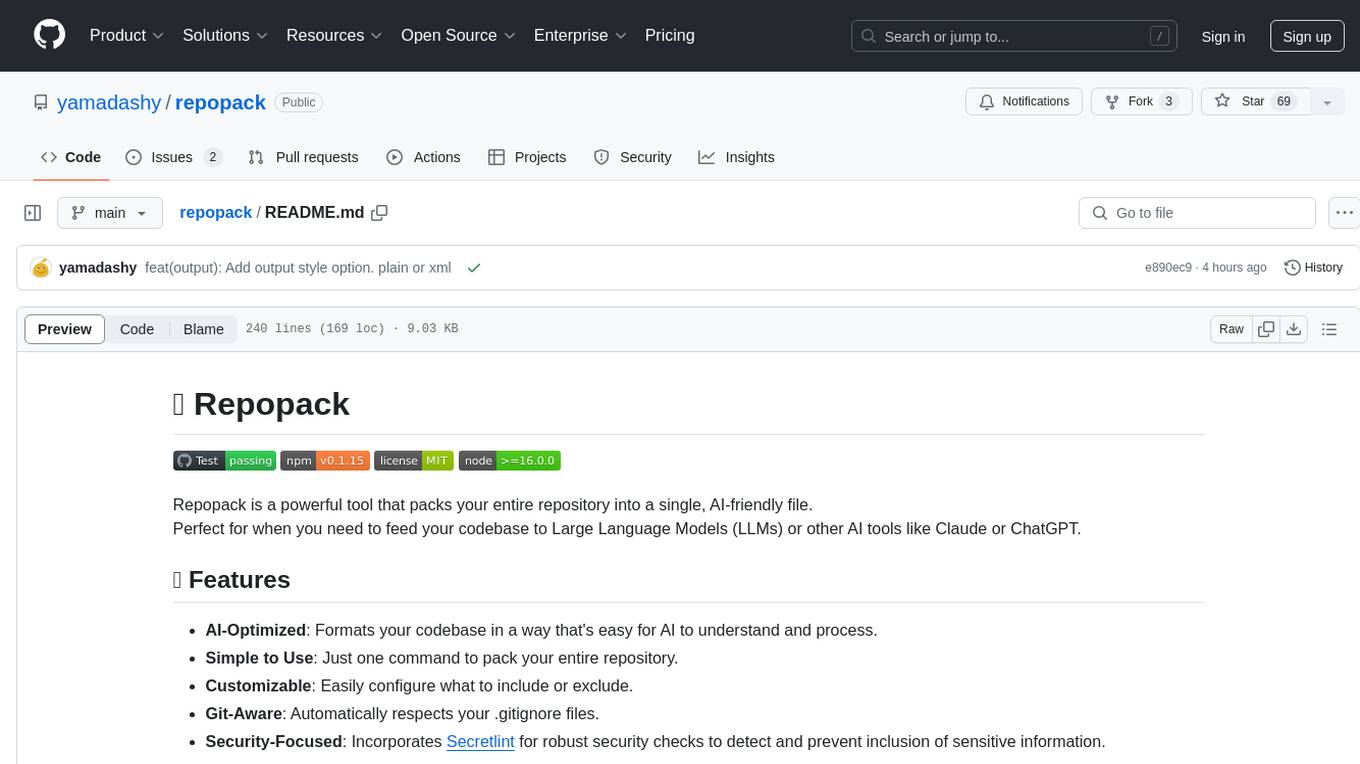
Repopack is a powerful tool that packs your entire repository into a single, AI-friendly file. It optimizes your codebase for AI comprehension, is simple to use with customizable options, and respects Gitignore files for security. The tool generates a packed file with clear separators and AI-oriented explanations, making it ideal for use with Generative AI tools like Claude or ChatGPT. Repopack offers command line options, configuration settings, and multiple methods for setting ignore patterns to exclude specific files or directories during the packing process. It includes features like comment removal for supported file types and a security check using Secretlint to detect sensitive information in files.
For similar jobs

sweep
Sweep is an AI junior developer that turns bugs and feature requests into code changes. It automatically handles developer experience improvements like adding type hints and improving test coverage.

teams-ai
The Teams AI Library is a software development kit (SDK) that helps developers create bots that can interact with Teams and Microsoft 365 applications. It is built on top of the Bot Framework SDK and simplifies the process of developing bots that interact with Teams' artificial intelligence capabilities. The SDK is available for JavaScript/TypeScript, .NET, and Python.

ai-guide
This guide is dedicated to Large Language Models (LLMs) that you can run on your home computer. It assumes your PC is a lower-end, non-gaming setup.

classifai
Supercharge WordPress Content Workflows and Engagement with Artificial Intelligence. Tap into leading cloud-based services like OpenAI, Microsoft Azure AI, Google Gemini and IBM Watson to augment your WordPress-powered websites. Publish content faster while improving SEO performance and increasing audience engagement. ClassifAI integrates Artificial Intelligence and Machine Learning technologies to lighten your workload and eliminate tedious tasks, giving you more time to create original content that matters.

chatbot-ui
Chatbot UI is an open-source AI chat app that allows users to create and deploy their own AI chatbots. It is easy to use and can be customized to fit any need. Chatbot UI is perfect for businesses, developers, and anyone who wants to create a chatbot.

BricksLLM
BricksLLM is a cloud native AI gateway written in Go. Currently, it provides native support for OpenAI, Anthropic, Azure OpenAI and vLLM. BricksLLM aims to provide enterprise level infrastructure that can power any LLM production use cases. Here are some use cases for BricksLLM: * Set LLM usage limits for users on different pricing tiers * Track LLM usage on a per user and per organization basis * Block or redact requests containing PIIs * Improve LLM reliability with failovers, retries and caching * Distribute API keys with rate limits and cost limits for internal development/production use cases * Distribute API keys with rate limits and cost limits for students

uAgents
uAgents is a Python library developed by Fetch.ai that allows for the creation of autonomous AI agents. These agents can perform various tasks on a schedule or take action on various events. uAgents are easy to create and manage, and they are connected to a fast-growing network of other uAgents. They are also secure, with cryptographically secured messages and wallets.

griptape
Griptape is a modular Python framework for building AI-powered applications that securely connect to your enterprise data and APIs. It offers developers the ability to maintain control and flexibility at every step. Griptape's core components include Structures (Agents, Pipelines, and Workflows), Tasks, Tools, Memory (Conversation Memory, Task Memory, and Meta Memory), Drivers (Prompt and Embedding Drivers, Vector Store Drivers, Image Generation Drivers, Image Query Drivers, SQL Drivers, Web Scraper Drivers, and Conversation Memory Drivers), Engines (Query Engines, Extraction Engines, Summary Engines, Image Generation Engines, and Image Query Engines), and additional components (Rulesets, Loaders, Artifacts, Chunkers, and Tokenizers). Griptape enables developers to create AI-powered applications with ease and efficiency.