


openclaw
Your own personal AI assistant. Any OS. Any Platform. The lobster way. 🦞
Stars: 185038
OpenClaw is a personal AI assistant that runs on your own devices, answering you on various channels like WhatsApp, Telegram, Slack, Discord, and more. It can speak and listen on different platforms and render a live Canvas you control. The Gateway serves as the control plane, while the assistant is the main product. It provides a local, fast, and always-on single-user assistant experience. The preferred setup involves running the onboarding wizard in your terminal to guide you through setting up the gateway, workspace, channels, and skills. The tool supports various models and authentication methods, with a focus on security and privacy.
README:

EXFOLIATE! EXFOLIATE!




OpenClaw is a personal AI assistant you run on your own devices. It answers you on the channels you already use (WhatsApp, Telegram, Slack, Discord, Google Chat, Signal, iMessage, Microsoft Teams, WebChat), plus extension channels like BlueBubbles, Matrix, Zalo, and Zalo Personal. It can speak and listen on macOS/iOS/Android, and can render a live Canvas you control. The Gateway is just the control plane — the product is the assistant.
If you want a personal, single-user assistant that feels local, fast, and always-on, this is it.
Website · Docs · DeepWiki · Getting Started · Updating · Showcase · FAQ · Wizard · Nix · Docker · Discord
Preferred setup: run the onboarding wizard (openclaw onboard) in your terminal.
The wizard guides you step by step through setting up the gateway, workspace, channels, and skills. The CLI wizard is the recommended path and works on macOS, Linux, and Windows (via WSL2; strongly recommended).
Works with npm, pnpm, or bun.
New install? Start here: Getting started
Subscriptions (OAuth):
Model note: while any model is supported, I strongly recommend Anthropic Pro/Max (100/200) + Opus 4.6 for long‑context strength and better prompt‑injection resistance. See Onboarding.
- Models config + CLI: Models
- Auth profile rotation (OAuth vs API keys) + fallbacks: Model failover
Runtime: Node ≥22.
npm install -g openclaw@latest
# or: pnpm add -g openclaw@latest

openclaw onboard --install-daemon
The wizard installs the Gateway daemon (launchd/systemd user service) so it stays running.
Runtime: Node ≥22.
Full beginner guide (auth, pairing, channels): Getting started
openclaw onboard --install-daemon

openclaw gateway --port 18789 --verbose

# Send a message
openclaw message send --to +1234567890 --message "Hello from OpenClaw"

# Talk to the assistant (optionally deliver back to any connected channel: WhatsApp/Telegram/Slack/Discord/Google Chat/Signal/iMessage/BlueBubbles/Microsoft Teams/Matrix/Zalo/Zalo Personal/WebChat)
openclaw agent --message "Ship checklist" --thinking high
Upgrading? Updating guide (and run openclaw doctor).
-
stable: tagged releases (
vYYYY.M.DorvYYYY.M.D-<patch>), npm dist-taglatest. -
beta: prerelease tags (
vYYYY.M.D-beta.N), npm dist-tagbeta(macOS app may be missing). -
dev: moving head of
main, npm dist-tagdev(when published).
Switch channels (git + npm): openclaw update --channel stable|beta|dev.
Details: Development channels.
Prefer pnpm for builds from source. Bun is optional for running TypeScript directly.
git clone https://github.com/openclaw/openclaw.git
cd openclaw

pnpm install
pnpm ui:build # auto-installs UI deps on first run
pnpm build

pnpm openclaw onboard --install-daemon

# Dev loop (auto-reload on TS changes)
pnpm gateway:watch
Note: pnpm openclaw ... runs TypeScript directly (via tsx). pnpm build produces dist/ for running via Node / the packaged openclaw binary.
OpenClaw connects to real messaging surfaces. Treat inbound DMs as untrusted input.
Full security guide: Security
Default behavior on Telegram/WhatsApp/Signal/iMessage/Microsoft Teams/Discord/Google Chat/Slack:
-
DM pairing (
dmPolicy="pairing"/channels.discord.dm.policy="pairing"/channels.slack.dm.policy="pairing"): unknown senders receive a short pairing code and the bot does not process their message. - Approve with:
openclaw pairing approve <channel> <code>(then the sender is added to a local allowlist store). - Public inbound DMs require an explicit opt-in: set
dmPolicy="open"and include"*"in the channel allowlist (allowFrom/channels.discord.dm.allowFrom/channels.slack.dm.allowFrom).
Run openclaw doctor to surface risky/misconfigured DM policies.
- Local-first Gateway — single control plane for sessions, channels, tools, and events.
- Multi-channel inbox — WhatsApp, Telegram, Slack, Discord, Google Chat, Signal, BlueBubbles (iMessage), iMessage (legacy), Microsoft Teams, Matrix, Zalo, Zalo Personal, WebChat, macOS, iOS/Android.
- Multi-agent routing — route inbound channels/accounts/peers to isolated agents (workspaces + per-agent sessions).
- Voice Wake + Talk Mode — always-on speech for macOS/iOS/Android with ElevenLabs.
- Live Canvas — agent-driven visual workspace with A2UI.
- First-class tools — browser, canvas, nodes, cron, sessions, and Discord/Slack actions.
- Companion apps — macOS menu bar app + iOS/Android nodes.
- Onboarding + skills — wizard-driven setup with bundled/managed/workspace skills.
- Gateway WS control plane with sessions, presence, config, cron, webhooks, Control UI, and Canvas host.
- CLI surface: gateway, agent, send, wizard, and doctor.
- Pi agent runtime in RPC mode with tool streaming and block streaming.
-
Session model:
mainfor direct chats, group isolation, activation modes, queue modes, reply-back. Group rules: Groups. - Media pipeline: images/audio/video, transcription hooks, size caps, temp file lifecycle. Audio details: Audio.
- Channels: WhatsApp (Baileys), Telegram (grammY), Slack (Bolt), Discord (discord.js), Google Chat (Chat API), Signal (signal-cli), BlueBubbles (iMessage, recommended), iMessage (legacy imsg), Microsoft Teams (extension), Matrix (extension), Zalo (extension), Zalo Personal (extension), WebChat.
- Group routing: mention gating, reply tags, per-channel chunking and routing. Channel rules: Channels.
- macOS app: menu bar control plane, Voice Wake/PTT, Talk Mode overlay, WebChat, debug tools, remote gateway control.
- iOS node: Canvas, Voice Wake, Talk Mode, camera, screen recording, Bonjour pairing.
- Android node: Canvas, Talk Mode, camera, screen recording, optional SMS.
- macOS node mode: system.run/notify + canvas/camera exposure.
- Browser control: dedicated openclaw Chrome/Chromium, snapshots, actions, uploads, profiles.
- Canvas: A2UI push/reset, eval, snapshot.
- Nodes: camera snap/clip, screen record, location.get, notifications.
- Cron + wakeups; webhooks; Gmail Pub/Sub.
- Skills platform: bundled, managed, and workspace skills with install gating + UI.
- Channel routing, retry policy, and streaming/chunking.
- Presence, typing indicators, and usage tracking.
- Models, model failover, and session pruning.
- Security and troubleshooting.
- Control UI + WebChat served directly from the Gateway.
- Tailscale Serve/Funnel or SSH tunnels with token/password auth.
- Nix mode for declarative config; Docker-based installs.
- Doctor migrations, logging.
WhatsApp / Telegram / Slack / Discord / Google Chat / Signal / iMessage / BlueBubbles / Microsoft Teams / Matrix / Zalo / Zalo Personal / WebChat
               │
               ▼
┌───────────────────────────────┐
│            Gateway            │
│       (control plane)         │
│     ws://127.0.0.1:18789      │
└──────────────┬────────────────┘
               │
               ├─ Pi agent (RPC)
               ├─ CLI (openclaw …)
               ├─ WebChat UI
               ├─ macOS app
               └─ iOS / Android nodes
- Gateway WebSocket network — single WS control plane for clients, tools, and events (plus ops: Gateway runbook).
- Tailscale exposure — Serve/Funnel for the Gateway dashboard + WS (remote access: Remote).
- Browser control — openclaw‑managed Chrome/Chromium with CDP control.
- Canvas + A2UI — agent‑driven visual workspace (A2UI host: Canvas/A2UI).
- Voice Wake + Talk Mode — always‑on speech and continuous conversation.
-
Nodes — Canvas, camera snap/clip, screen record,
location.get, notifications, plus macOS‑onlysystem.run/system.notify.
OpenClaw can auto-configure Tailscale Serve (tailnet-only) or Funnel (public) while the Gateway stays bound to loopback. Configure gateway.tailscale.mode:
-
off: no Tailscale automation (default). -
serve: tailnet-only HTTPS viatailscale serve(uses Tailscale identity headers by default). -
funnel: public HTTPS viatailscale funnel(requires shared password auth).
Notes:
-
gateway.bindmust stayloopbackwhen Serve/Funnel is enabled (OpenClaw enforces this). - Serve can be forced to require a password by setting
gateway.auth.mode: "password"orgateway.auth.allowTailscale: false. - Funnel refuses to start unless
gateway.auth.mode: "password"is set. - Optional:
gateway.tailscale.resetOnExitto undo Serve/Funnel on shutdown.
Details: Tailscale guide · Web surfaces
It’s perfectly fine to run the Gateway on a small Linux instance. Clients (macOS app, CLI, WebChat) can connect over Tailscale Serve/Funnel or SSH tunnels, and you can still pair device nodes (macOS/iOS/Android) to execute device‑local actions when needed.
- Gateway host runs the exec tool and channel connections by default.
-
Device nodes run device‑local actions (
system.run, camera, screen recording, notifications) vianode.invoke. In short: exec runs where the Gateway lives; device actions run where the device lives.
Details: Remote access · Nodes · Security
The macOS app can run in node mode and advertises its capabilities + permission map over the Gateway WebSocket (node.list / node.describe). Clients can then execute local actions via node.invoke:
-
system.runruns a local command and returns stdout/stderr/exit code; setneedsScreenRecording: trueto require screen-recording permission (otherwise you’ll getPERMISSION_MISSING). -
system.notifyposts a user notification and fails if notifications are denied. -
canvas.*,camera.*,screen.record, andlocation.getare also routed vianode.invokeand follow TCC permission status.
Elevated bash (host permissions) is separate from macOS TCC:
- Use
/elevated on|offto toggle per‑session elevated access when enabled + allowlisted. - Gateway persists the per‑session toggle via
sessions.patch(WS method) alongsidethinkingLevel,verboseLevel,model,sendPolicy, andgroupActivation.
Details: Nodes · macOS app · Gateway protocol
- Use these to coordinate work across sessions without jumping between chat surfaces.
-
sessions_list— discover active sessions (agents) and their metadata. -
sessions_history— fetch transcript logs for a session. -
sessions_send— message another session; optional reply‑back ping‑pong + announce step (REPLY_SKIP,ANNOUNCE_SKIP).
Details: Session tools
ClawHub is a minimal skill registry. With ClawHub enabled, the agent can search for skills automatically and pull in new ones as needed.
Send these in WhatsApp/Telegram/Slack/Google Chat/Microsoft Teams/WebChat (group commands are owner-only):
-
/status— compact session status (model + tokens, cost when available) -
/newor/reset— reset the session -
/compact— compact session context (summary) -
/think <level>— off|minimal|low|medium|high|xhigh (GPT-5.2 + Codex models only) /verbose on|off-
/usage off|tokens|full— per-response usage footer -
/restart— restart the gateway (owner-only in groups) -
/activation mention|always— group activation toggle (groups only)
The Gateway alone delivers a great experience. All apps are optional and add extra features.
If you plan to build/run companion apps, follow the platform runbooks below.
- Menu bar control for the Gateway and health.
- Voice Wake + push-to-talk overlay.
- WebChat + debug tools.
- Remote gateway control over SSH.
Note: signed builds required for macOS permissions to stick across rebuilds (see docs/mac/permissions.md).
- Pairs as a node via the Bridge.
- Voice trigger forwarding + Canvas surface.
- Controlled via
openclaw nodes ….
Runbook: iOS connect.
- Pairs via the same Bridge + pairing flow as iOS.
- Exposes Canvas, Camera, and Screen capture commands.
- Runbook: Android connect.
- Workspace root:
~/.openclaw/workspace(configurable viaagents.defaults.workspace). - Injected prompt files:
AGENTS.md,SOUL.md,TOOLS.md. - Skills:
~/.openclaw/workspace/skills/<skill>/SKILL.md.
Minimal ~/.openclaw/openclaw.json (model + defaults):
{
  agent: {
    model: "anthropic/claude-opus-4-6",
  },
}
Full configuration reference (all keys + examples).
- Default: tools run on the host for the main session, so the agent has full access when it’s just you.
-
Group/channel safety: set
agents.defaults.sandbox.mode: "non-main"to run non‑main sessions (groups/channels) inside per‑session Docker sandboxes; bash then runs in Docker for those sessions. -
Sandbox defaults: allowlist
bash,process,read,write,edit,sessions_list,sessions_history,sessions_send,sessions_spawn; denylistbrowser,canvas,nodes,cron,discord,gateway.
Details: Security guide · Docker + sandboxing · Sandbox config
- Link the device:
pnpm openclaw channels login(stores creds in~/.openclaw/credentials). - Allowlist who can talk to the assistant via
channels.whatsapp.allowFrom. - If
channels.whatsapp.groupsis set, it becomes a group allowlist; include"*"to allow all.
- Set
TELEGRAM_BOT_TOKENorchannels.telegram.botToken(env wins). - Optional: set
channels.telegram.groups(withchannels.telegram.groups."*".requireMention); when set, it is a group allowlist (include"*"to allow all). Alsochannels.telegram.allowFromorchannels.telegram.webhookUrl+channels.telegram.webhookSecretas needed.
{
  channels: {
    telegram: {
      botToken: "123456:ABCDEF",
    },
  },
}- Set
SLACK_BOT_TOKEN+SLACK_APP_TOKEN(orchannels.slack.botToken+channels.slack.appToken).
- Set
DISCORD_BOT_TOKENorchannels.discord.token(env wins). - Optional: set
commands.native,commands.text, orcommands.useAccessGroups, pluschannels.discord.dm.allowFrom,channels.discord.guilds, orchannels.discord.mediaMaxMbas needed.
{
  channels: {
    discord: {
      token: "1234abcd",
    },
  },
}- Requires
signal-cliand achannels.signalconfig section.
- Recommended iMessage integration.
- Configure
channels.bluebubbles.serverUrl+channels.bluebubbles.passwordand a webhook (channels.bluebubbles.webhookPath). - The BlueBubbles server runs on macOS; the Gateway can run on macOS or elsewhere.
- Legacy macOS-only integration via
imsg(Messages must be signed in). - If
channels.imessage.groupsis set, it becomes a group allowlist; include"*"to allow all.
- Configure a Teams app + Bot Framework, then add a
msteamsconfig section. - Allowlist who can talk via
msteams.allowFrom; group access viamsteams.groupAllowFromormsteams.groupPolicy: "open".
- Uses the Gateway WebSocket; no separate WebChat port/config.
Browser control (optional):
{
  browser: {
    enabled: true,
    color: "#FF4500",
  },
}Use these when you’re past the onboarding flow and want the deeper reference.
- Start with the docs index for navigation and “what’s where.”
- Read the architecture overview for the gateway + protocol model.
- Use the full configuration reference when you need every key and example.
- Run the Gateway by the book with the operational runbook.
- Learn how the Control UI/Web surfaces work and how to expose them safely.
- Understand remote access over SSH tunnels or tailnets.
- Follow the onboarding wizard flow for a guided setup.
- Wire external triggers via the webhook surface.
- Set up Gmail Pub/Sub triggers.
- Learn the macOS menu bar companion details.
- Platform guides: Windows (WSL2), Linux, macOS, iOS, Android
- Debug common failures with the troubleshooting guide.
- Review security guidance before exposing anything.
- Skills config
- Default AGENTS
- Templates: AGENTS
- Templates: BOOTSTRAP
- Templates: IDENTITY
- Templates: SOUL
- Templates: TOOLS
- Templates: USER
OpenClaw was built for Molty, a space lobster AI assistant. 🦞 by Peter Steinberger and the community.
See CONTRIBUTING.md for guidelines, maintainers, and how to submit PRs. AI/vibe-coded PRs welcome! 🤖
Special thanks to Mario Zechner for his support and for pi-mono. Special thanks to Adam Doppelt for lobster.bot.
Thanks to all clawtributors:


![google-labs-jules[bot]](https://avatars.githubusercontent.com/in/842251?v=4&s=48 "google-labs-jules[bot]")


![clawdinator[bot]](https://avatars.githubusercontent.com/in/2607181?v=4&s=48 "clawdinator[bot]")


![dependabot[bot]](https://avatars.githubusercontent.com/in/29110?v=4&s=48 "dependabot[bot]")


![blacksmith-sh[bot]](https://avatars.githubusercontent.com/in/807020?v=4&s=48 "blacksmith-sh[bot]")


For Tasks:
Click tags to check more tools for each tasksFor Jobs:
Alternative AI tools for openclaw
Similar Open Source Tools
openclaw
OpenClaw is a personal AI assistant that runs on your own devices, answering you on various channels like WhatsApp, Telegram, Slack, Discord, and more. It can speak and listen on different platforms and render a live Canvas you control. The Gateway serves as the control plane, while the assistant is the main product. It provides a local, fast, and always-on single-user assistant experience. The preferred setup involves running the onboarding wizard in your terminal to guide you through setting up the gateway, workspace, channels, and skills. The tool supports various models and authentication methods, with a focus on security and privacy.
chatgpt-auto-refresh
ChatGPT Auto Refresh is a userscript that keeps ChatGPT sessions fresh by eliminating network errors and Cloudflare checks. It removes the 10-minute time limit from conversations when Chat History is disabled, ensuring a seamless experience. The tool is safe, lightweight, and a time-saver, allowing users to keep their sessions alive without constant copy/paste/refresh actions. It works even in background tabs, providing convenience and efficiency for users interacting with ChatGPT. The tool relies on the chatgpt.js library and is compatible with various browsers using Tampermonkey, making it accessible to a wide range of users.
chatgpt-infinity
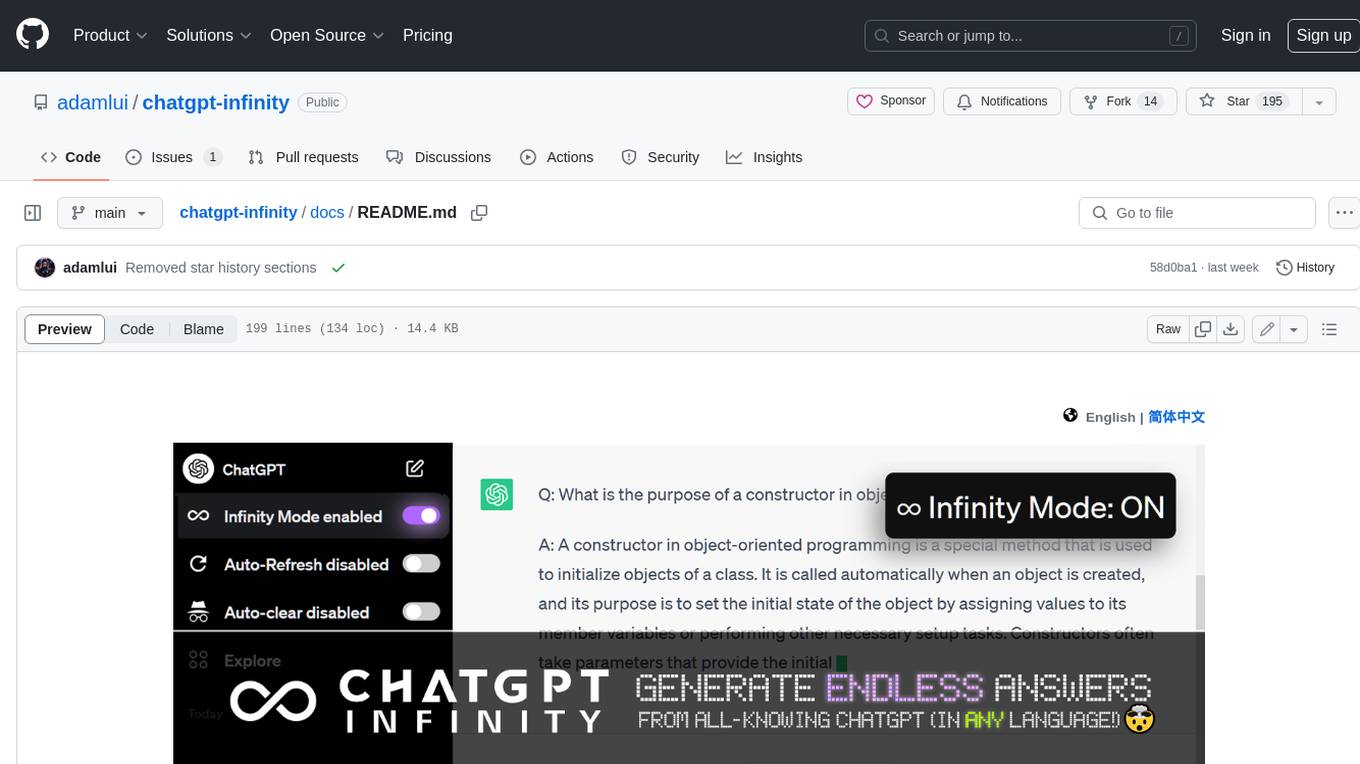
ChatGPT Infinity is a free and powerful add-on that makes ChatGPT generate infinite answers on any topic. It offers customizable topic selection, multilingual support, adjustable response interval, and auto-scroll feature for a seamless chat experience.
Jarvis
Jarvis is a powerful virtual AI assistant designed to simplify daily tasks through voice command integration. It features automation, device management, and personalized interactions, transforming technology engagement. Built using Python and AI models, it serves personal and administrative needs efficiently, making processes seamless and productive.
duckduckgpt
DuckDuckGPT brings the magic of ChatGPT to DDG (powered by GPT-4!). DuckDuckGPT is a browser extension that allows you to use ChatGPT within DuckDuckGo. This means you can ask ChatGPT questions, get help with tasks, and generate creative content, all without leaving DuckDuckGo. DuckDuckGPT is easy to use. Once you have installed the extension, simply type your question into the DuckDuckGo search bar and hit enter. ChatGPT will then generate a response that will appear below the search results. DuckDuckGPT is a powerful tool that can help you with a wide variety of tasks. Here are just a few examples of what you can use it for: * Get help with research * Write essays and other creative content * Translate languages * Get coding help * Answer trivia questions * And much more! DuckDuckGPT is still in development, but it is already a very powerful tool. As GPT-4 continues to improve, DuckDuckGPT will only get better. So if you are looking for a way to make your DuckDuckGo searches more productive, be sure to give DuckDuckGPT a try.
llama.cpp
llama.cpp is a C++ implementation of LLaMA, a large language model from Meta. It provides a command-line interface for inference and can be used for a variety of tasks, including text generation, translation, and question answering. llama.cpp is highly optimized for performance and can be run on a variety of hardware, including CPUs, GPUs, and TPUs.
agenta
Agenta is an open-source LLM developer platform for prompt engineering, evaluation, human feedback, and deployment of complex LLM applications. It provides tools for prompt engineering and management, evaluation, human annotation, and deployment, all without imposing any restrictions on your choice of framework, library, or model. Agenta allows developers and product teams to collaborate in building production-grade LLM-powered applications in less time.
bravegpt
BraveGPT is a userscript that brings the power of ChatGPT to Brave Search. It allows users to engage with a conversational AI assistant directly within their search results, providing instant and personalized responses to their queries. BraveGPT is powered by GPT-4, the latest and most advanced language model from OpenAI, ensuring accurate and comprehensive answers. With BraveGPT, users can ask questions, get summaries, generate creative content, and more, all without leaving the Brave Search interface. The tool is easy to install and use, making it accessible to users of all levels. BraveGPT is a valuable addition to the Brave Search experience, enhancing its capabilities and providing users with a more efficient and informative search experience.
SuperAGI
SuperAGI is an open-source framework designed to build, manage, and run autonomous AI agents. It enables developers to create production-ready and scalable agents, extend agent capabilities with toolkits, and interact with agents through a graphical user interface. The framework allows users to connect to multiple Vector DBs, optimize token usage, store agent memory, utilize custom fine-tuned models, and automate tasks with predefined steps. SuperAGI also provides a marketplace for toolkits that enable agents to interact with external systems and third-party plugins.
langchat
LangChat is an enterprise AIGC project solution in the Java ecosystem. It integrates AIGC large model functionality on top of the RBAC permission system to help enterprises quickly customize AI knowledge bases and enterprise AI robots. It supports integration with various large models such as OpenAI, Gemini, Ollama, Azure, Zhifu, Alibaba Tongyi, Baidu Qianfan, etc. The project is developed solely by TyCoding and is continuously evolving. It features multi-modality, dynamic configuration, knowledge base support, advanced RAG capabilities, function call customization, multi-channel deployment, workflows visualization, AIGC client application, and more.
poco-agent
Poco Agent is a cloud-based tool that provides a secure sandbox environment for running tasks without affecting the host machine. It offers a modern UI with mobile adaptability, easy configuration through Docker, and extensive capabilities with support for MCP protocol and custom skills. Users can run tasks asynchronously and schedule them, even when the web interface is closed. Additional features include a built-in browser for internet research and GitHub repository integration. Poco Agent aims to be a more secure, visually appealing, and user-friendly alternative to OpenClaw.
Avalonia-Assistant
Avalonia-Assistant is an open-source desktop intelligent assistant that aims to provide a user-friendly interactive experience based on the Avalonia UI framework and the integration of Semantic Kernel with OpenAI or other large LLM models. By utilizing Avalonia-Assistant, you can perform various desktop operations through text or voice commands, enhancing your productivity and daily office experience.
CGraph
CGraph is a cross-platform **D** irected **A** cyclic **G** raph framework based on pure C++ without any 3rd-party dependencies. You, with it, can **build your own operators simply, and describe any running schedules** as you need, such as dependence, parallelling, aggregation and so on. Some useful tools and plugins are also provide to improve your project. Tutorials and contact information are show as follows. Please **get in touch with us for free** if you need more about this repository.
herc.ai
Herc.ai is a powerful library for interacting with the Herc.ai API. It offers free access to users and supports all languages. Users can benefit from Herc.ai's features unlimitedly with a one-time subscription and API key. The tool provides functionalities for question answering and text-to-image generation, with support for various models and customization options. Herc.ai can be easily integrated into CLI, CommonJS, TypeScript, and supports beta models for advanced usage. Developed by FiveSoBes and Luppux Development.
chinmaykaitade
Chinmay Kaitade is a MERN Stack Developer and AI Enthusiast from India. He is an Electrical Engineer turned Full Stack Developer and AI/ML Enthusiast, passionate about crafting innovative web applications and contributing to Open Source projects. His mission is to build scalable web applications using his full-stack expertise and emerging AI/ML knowledge. Connect with him on LinkedIn for new projects and collaborations.
NarratoAI
NarratoAI is an automated video narration tool that provides an all-in-one solution for script writing, automated video editing, voice-over, and subtitle generation. It is powered by LLM to enhance efficient content creation. The tool aims to simplify the process of creating film commentary and editing videos by automating various tasks such as script writing and voice-over generation. NarratoAI offers a user-friendly interface for users to easily generate video scripts, edit videos, and customize video parameters. With future plans to optimize story generation processes and support additional large models, NarratoAI is a versatile tool for content creators looking to streamline their video production workflow.
For similar tasks
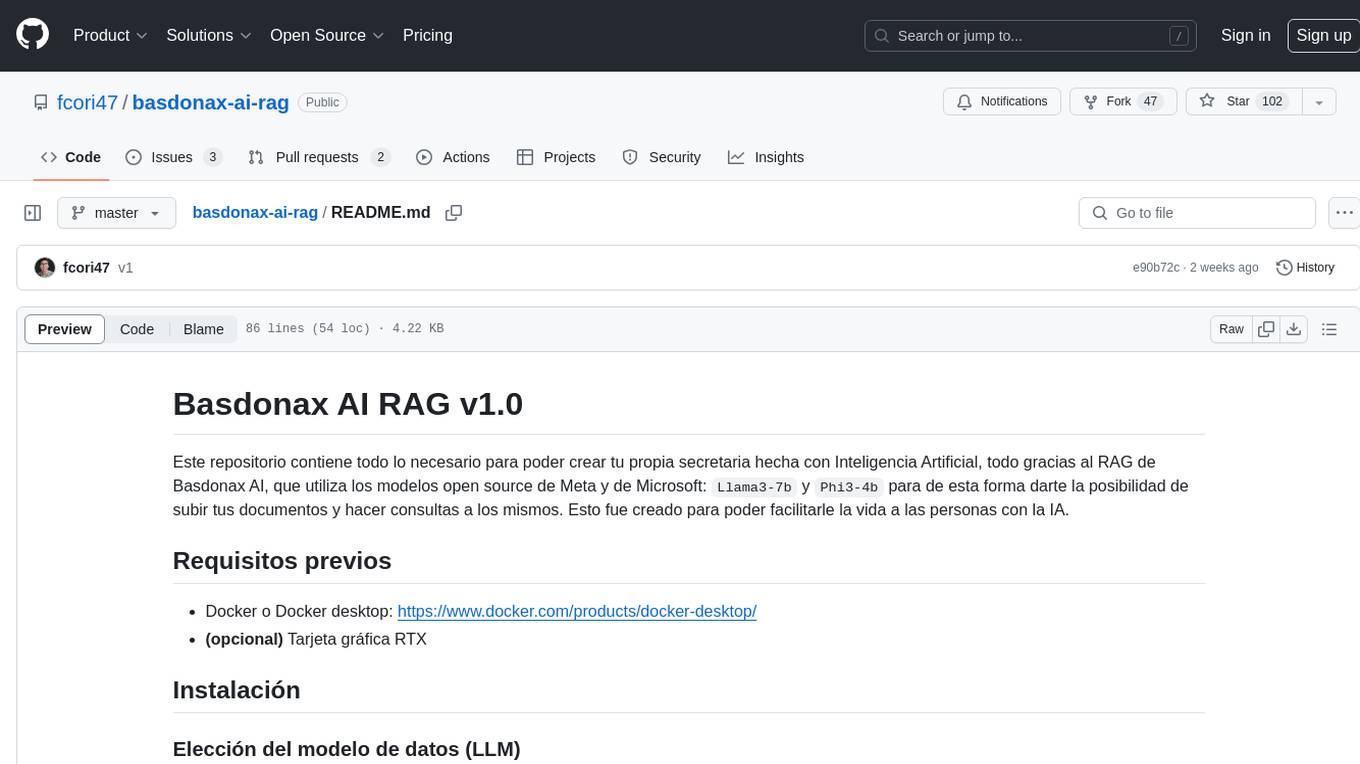
basdonax-ai-rag
Basdonax AI RAG v1.0 is a repository that contains all the necessary resources to create your own AI-powered secretary using the RAG from Basdonax AI. It leverages open-source models from Meta and Microsoft, namely 'Llama3-7b' and 'Phi3-4b', allowing users to upload documents and make queries. This tool aims to simplify life for individuals by harnessing the power of AI. The installation process involves choosing between different data models based on GPU capabilities, setting up Docker, pulling the desired model, and customizing the assistant prompt file. Once installed, users can access the RAG through a local link and enjoy its functionalities.
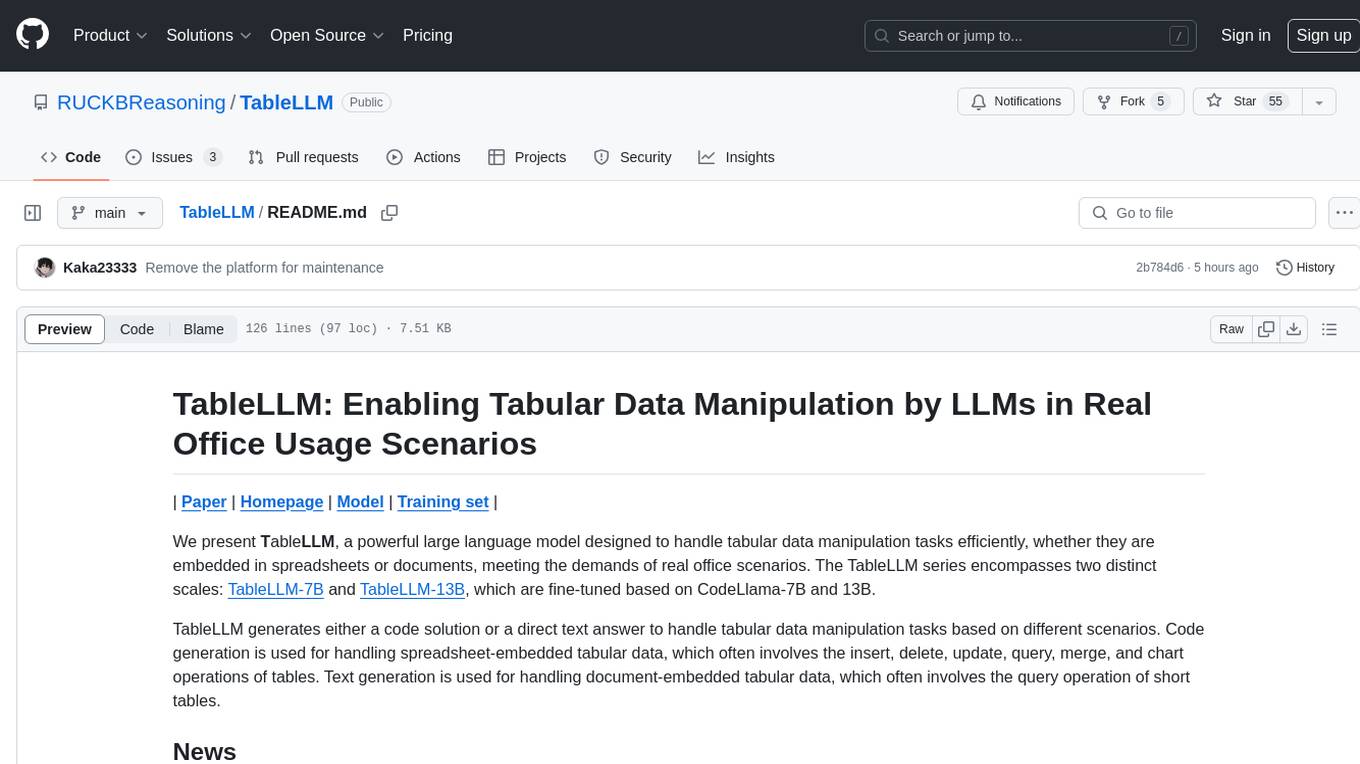
TableLLM
TableLLM is a large language model designed for efficient tabular data manipulation tasks in real office scenarios. It can generate code solutions or direct text answers for tasks like insert, delete, update, query, merge, and chart operations on tables embedded in spreadsheets or documents. The model has been fine-tuned based on CodeLlama-7B and 13B, offering two scales: TableLLM-7B and TableLLM-13B. Evaluation results show its performance on benchmarks like WikiSQL, Spider, and self-created table operation benchmark. Users can use TableLLM for code and text generation tasks on tabular data.
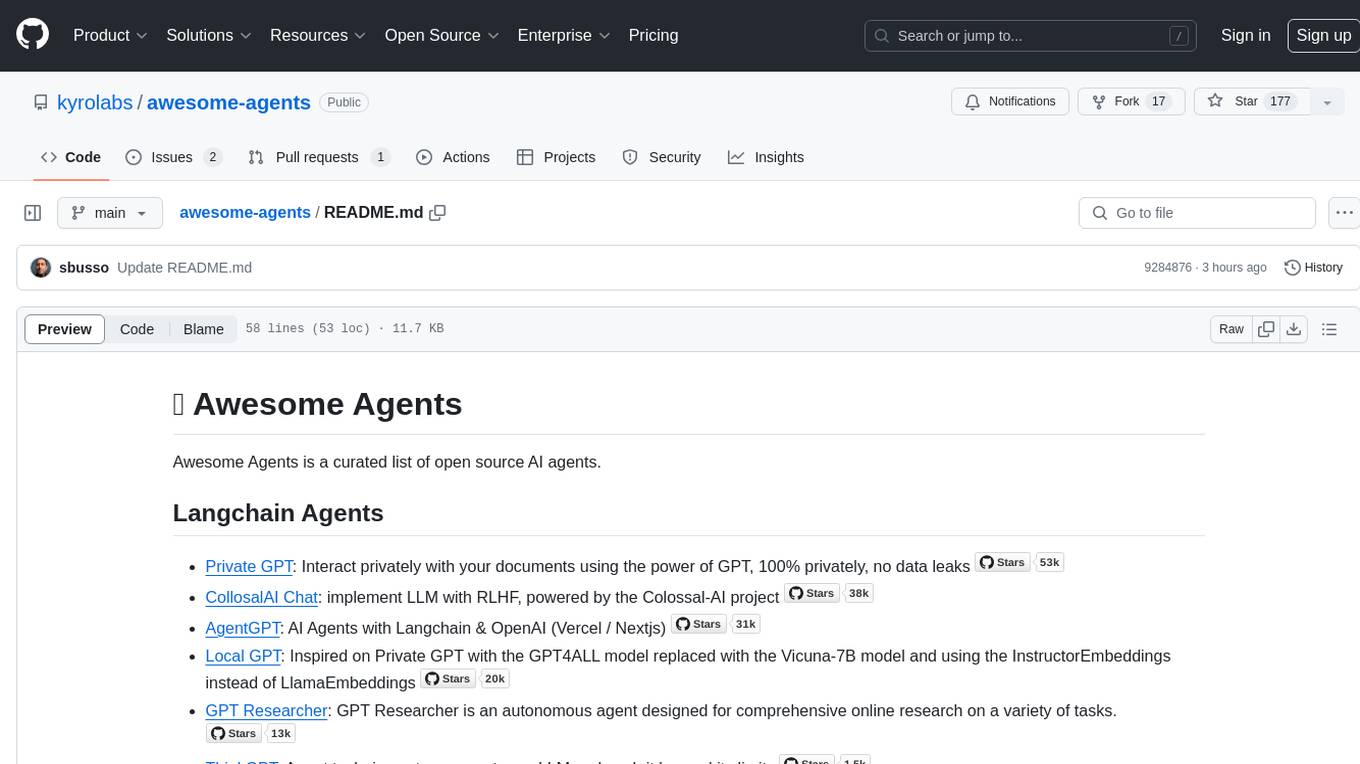
awesome-agents
Awesome Agents is a curated list of open source AI agents designed for various tasks such as private interactions with documents, chat implementations, autonomous research, human-behavior simulation, code generation, HR queries, domain-specific research, and more. The agents leverage Large Language Models (LLMs) and other generative AI technologies to provide solutions for complex tasks and projects. The repository includes a diverse range of agents for different use cases, from conversational chatbots to AI coding engines, and from autonomous HR assistants to vision task solvers.
Lumi-AI
Lumi AI is a friendly AI sidekick with a human-like personality that offers features like file upload and analysis, web search, local chat storage, custom instructions, changeable conversational style, enhanced context retention, voice query input, and various tools. The project has been developed with contributions from a team of developers, designers, and testers, and is licensed under Apache 2.0 and MIT licenses.
awesome-rag
Awesome RAG is a curated list of retrieval-augmented generation (RAG) in large language models. It includes papers, surveys, general resources, lectures, talks, tutorials, workshops, tools, and other collections related to retrieval-augmented generation. The repository aims to provide a comprehensive overview of the latest advancements, techniques, and applications in the field of RAG.
ai2-scholarqa-lib
Ai2 Scholar QA is a system for answering scientific queries and literature review by gathering evidence from multiple documents across a corpus and synthesizing an organized report with evidence for each claim. It consists of a retrieval component and a three-step generator pipeline. The retrieval component fetches relevant evidence passages using the Semantic Scholar public API and reranks them. The generator pipeline includes quote extraction, planning and clustering, and summary generation. The system is powered by the ScholarQA class, which includes components like PaperFinder and MultiStepQAPipeline. It requires environment variables for Semantic Scholar API and LLMs, and can be run as local docker containers or embedded into another application as a Python package.
baibot
Baibot is a versatile chatbot framework designed to simplify the process of creating and deploying chatbots. It provides a user-friendly interface for building custom chatbots with various functionalities such as natural language processing, conversation flow management, and integration with external APIs. Baibot is highly customizable and can be easily extended to suit different use cases and industries. With Baibot, developers can quickly create intelligent chatbots that can interact with users in a seamless and engaging manner, enhancing user experience and automating customer support processes.
openclaw
OpenClaw is a personal AI assistant that runs on your own devices, answering you on various channels like WhatsApp, Telegram, Slack, Discord, and more. It can speak and listen on different platforms and render a live Canvas you control. The Gateway serves as the control plane, while the assistant is the main product. It provides a local, fast, and always-on single-user assistant experience. The preferred setup involves running the onboarding wizard in your terminal to guide you through setting up the gateway, workspace, channels, and skills. The tool supports various models and authentication methods, with a focus on security and privacy.
For similar jobs
zep
Zep is a long-term memory service for AI Assistant apps. With Zep, you can provide AI assistants with the ability to recall past conversations, no matter how distant, while also reducing hallucinations, latency, and cost. Zep persists and recalls chat histories, and automatically generates summaries and other artifacts from these chat histories. It also embeds messages and summaries, enabling you to search Zep for relevant context from past conversations. Zep does all of this asyncronously, ensuring these operations don't impact your user's chat experience. Data is persisted to database, allowing you to scale out when growth demands. Zep also provides a simple, easy to use abstraction for document vector search called Document Collections. This is designed to complement Zep's core memory features, but is not designed to be a general purpose vector database. Zep allows you to be more intentional about constructing your prompt: 1. automatically adding a few recent messages, with the number customized for your app; 2. a summary of recent conversations prior to the messages above; 3. and/or contextually relevant summaries or messages surfaced from the entire chat session. 4. and/or relevant Business data from Zep Document Collections.
doc2plan
doc2plan is a browser-based application that helps users create personalized learning plans by extracting content from documents. It features a Creator for manual or AI-assisted plan construction and a Viewer for interactive plan navigation. Users can extract chapters, key topics, generate quizzes, and track progress. The application includes AI-driven content extraction, quiz generation, progress tracking, plan import/export, assistant management, customizable settings, viewer chat with text-to-speech and speech-to-text support, and integration with various Retrieval-Augmented Generation (RAG) models. It aims to simplify the creation of comprehensive learning modules tailored to individual needs.
whatsapp-chatgpt
This repository contains a WhatsApp bot that utilizes OpenAI's GPT and DALL-E 2 to respond to user inputs. Users can interact with the bot through voice messages, which are transcribed and responded to. The bot requires Node.js, npm, an OpenAI API key, and a WhatsApp account. It uses Puppeteer to run a real instance of Whatsapp Web to avoid being blocked. However, there is a risk of being blocked by WhatsApp as it does not allow bots or unofficial clients on its platform. The bot is not free to use, and users will be charged by OpenAI for each request made.

OmniSteward
OmniSteward is an AI-powered steward system based on large language models that can interact with users through voice or text to help control smart home devices and computer programs. It supports multi-turn dialogue, tool calling for complex tasks, multiple LLM models, voice recognition, smart home control, computer program management, online information retrieval, command line operations, and file management. The system is highly extensible, allowing users to customize and share their own tools.
chatgpt-wechat
ChatGPT-WeChat is a personal assistant application that can be safely used on WeChat through enterprise WeChat without the risk of being banned. The project is open source and free, with no paid sections or external traffic operations except for advertising on the author's public account '积木成楼'. It supports various features such as secure usage on WeChat, multi-channel customer service message integration, proxy support, session management, rapid message response, voice and image messaging, drawing capabilities, private data storage, plugin support, and more. Users can also develop their own capabilities following the rules provided. The project is currently in development with stable versions available for use.
mcp-agent
mcp-agent is a simple, composable framework designed to build agents using the Model Context Protocol. It handles the lifecycle of MCP server connections and implements patterns for building production-ready AI agents in a composable way. The framework also includes OpenAI's Swarm pattern for multi-agent orchestration in a model-agnostic manner, making it the simplest way to build robust agent applications. It is purpose-built for the shared protocol MCP, lightweight, and closer to an agent pattern library than a framework. mcp-agent allows developers to focus on the core business logic of their AI applications by handling mechanics such as server connections, working with LLMs, and supporting external signals like human input.
Gmail-MCP-Server
Gmail AutoAuth MCP Server is a Model Context Protocol (MCP) server designed for Gmail integration in Claude Desktop. It supports auto authentication and enables AI assistants to manage Gmail through natural language interactions. The server provides comprehensive features for sending emails, reading messages, managing labels, searching emails, and batch operations. It offers full support for international characters, email attachments, and Gmail API integration. Users can install and authenticate the server via Smithery or manually with Google Cloud Project credentials. The server supports both Desktop and Web application credentials, with global credential storage for convenience. It also includes Docker support and instructions for cloud server authentication.
Operit
Operit AI is a fully functional AI assistant application for mobile devices, running independently on Android devices with powerful tool invocation capabilities. It offers over 40 built-in tools for file system operations, HTTP requests, system operations, UI automation, and media processing. The app combines these tools with rich plugins to enable a wide range of tasks, from simple to complex, providing a comprehensive experience of a smartphone AI assistant.