


opencode-obsidian
Embed OpenCode AI assistant directly in Obsidian's sidebar.
Stars: 312
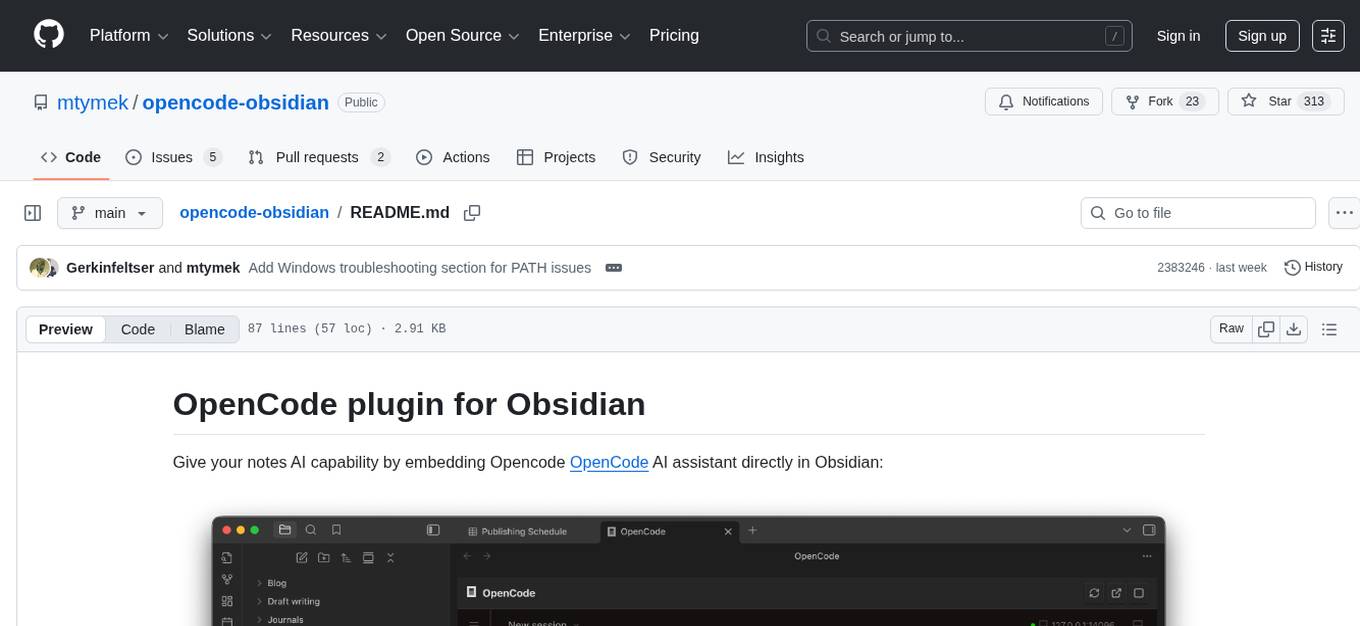
The Opencode plugin for Obsidian allows users to give their notes AI capability by embedding Opencode OpenCode AI assistant directly in Obsidian. Users can summarize and distill long-form content, draft, edit, and refine writing, query and explore their knowledge base, and generate outlines and structured notes. The plugin uses OpenCode's web view embedded directly into the Obsidian window, providing full power without the need for a custom chat UI. It is a third-party software and requires Node.js child processes, OpenCode CLI, and Bun for installation and usage.
README:
Give your notes AI capability by embedding Opencode OpenCode AI assistant directly in Obsidian:

Use cases:
- Summarize and distill long-form content
- Draft, edit, and refine your writing
- Query and explore your knowledge base
- Generate outlines and structured notes
This plugin uses OpenCode's web view that can be embedded directly into Obsidian window. Usually similar plugins would use the ACP protocol, but I want to see how how much is possible without having to implement (and manage) a custom chat UI - I want the full power of OpenCode in my Obsidian.
Note: plugin author is not afiliated with OpenCode or Obsidian - this is a 3rd party software.
- Desktop only (uses Node.js child processes)
- OpenCode CLI installed
- Bun installed
The easiest way to install this plugin during beta is via BRAT (Beta Reviewer's Auto-update Tool):
- Install the BRAT plugin from Obsidian Community Plugins
- Open BRAT settings and click "Add Beta plugin"
- Enter:
mtymek/opencode-obsidian - Click "Add Plugin" - BRAT will install the latest release automatically
- Enable the OpenCode plugin in Obsidian Settings > Community Plugins
BRAT will automatically check for updates and notify you when new versions are available.
If you want to contribute or develop the plugin:
- Clone to
.obsidian/plugins/obsidian-opencodesubdirectory under your vault's root:git clone https://github.com/mtymek/opencode-obsidian.git .obsidian/plugins/obsidian-opencode
- Install dependencies and build:
bun install && bun run build - Enable in Obsidian Settings > Community Plugins
- Add AGENTS.md to your workspace root to guide the AI assistant
- Click the terminal icon in the ribbon, or
-
Cmd/Ctrl+Shift+Oto toggle the panel - Server starts automatically when you open the panel
This plugin can automatically inject context to the running OC instance: list of open notes and currently selected text.
It can be configured form the plugin settings.
Currently, this is work-in-progress feature with some limitations:
- It won't work when creating new session from OC interface.

If you see "Executable not found at 'opencode'" despite opencode being installed:
-
Find your opencode.cmd path:
where opencode.cmd -
Configure the full path in plugin settings:
C:\Users\{username}\AppData\Roaming\npm\opencode.cmd
This is due to Electron/Obsidian not fully inheriting PATH on Windows.
For Tasks:
Click tags to check more tools for each tasksFor Jobs:
Alternative AI tools for opencode-obsidian
Similar Open Source Tools
opencode-obsidian
The Opencode plugin for Obsidian allows users to give their notes AI capability by embedding Opencode OpenCode AI assistant directly in Obsidian. Users can summarize and distill long-form content, draft, edit, and refine writing, query and explore their knowledge base, and generate outlines and structured notes. The plugin uses OpenCode's web view embedded directly into the Obsidian window, providing full power without the need for a custom chat UI. It is a third-party software and requires Node.js child processes, OpenCode CLI, and Bun for installation and usage.
llm-code-interpreter
The 'llm-code-interpreter' repository is a deprecated plugin that provides a code interpreter on steroids for ChatGPT by E2B. It gives ChatGPT access to a sandboxed cloud environment with capabilities like running any code, accessing Linux OS, installing programs, using filesystem, running processes, and accessing the internet. The plugin exposes commands to run shell commands, read files, and write files, enabling various possibilities such as running different languages, installing programs, starting servers, deploying websites, and more. It is powered by the E2B API and is designed for agents to freely experiment within a sandboxed environment.
obsidian-github-copilot
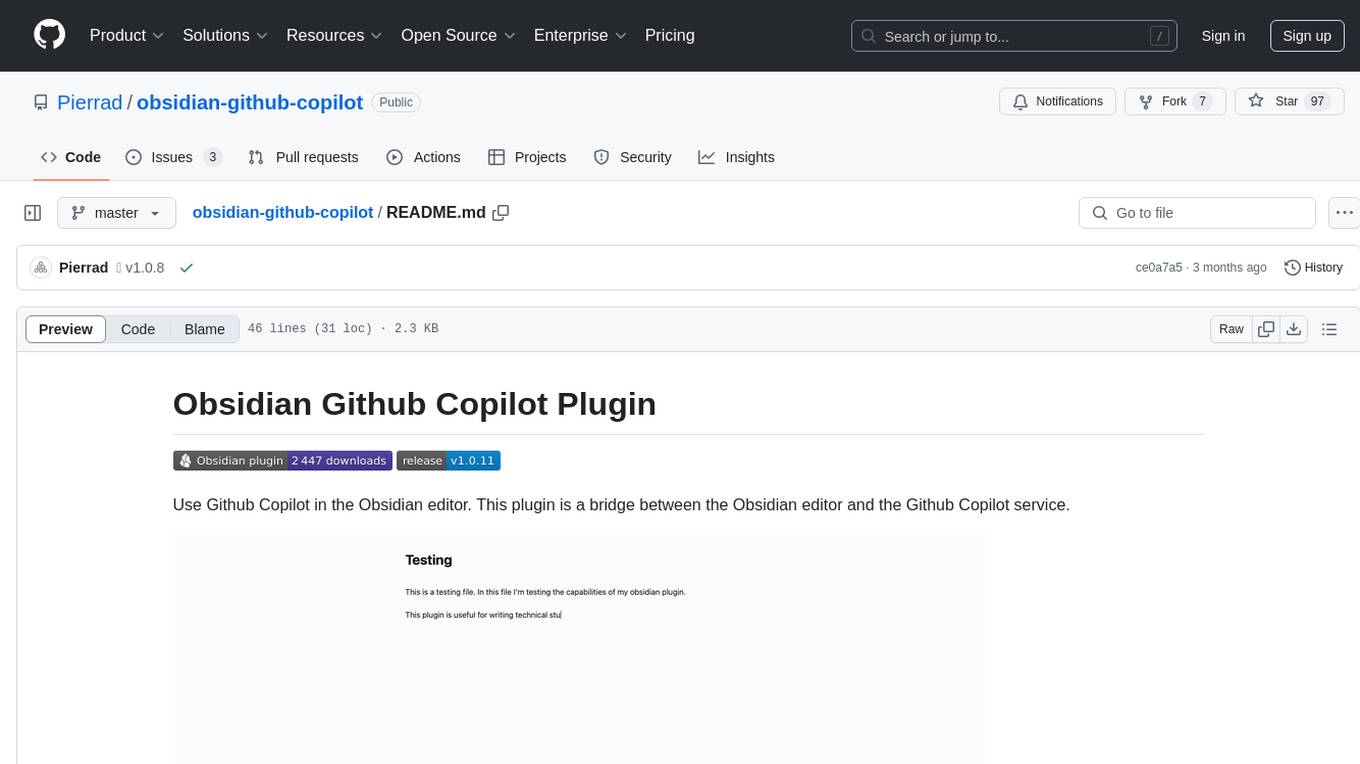
Obsidian Github Copilot Plugin is a tool that enables users to utilize Github Copilot within the Obsidian editor. It acts as a bridge between Obsidian and the Github Copilot service, allowing for enhanced code completion and suggestion features. Users can configure various settings such as suggestion generation delay, key bindings, and visibility of suggestions. The plugin requires a Github Copilot subscription, Node.js 18 or later, and a network connection to interact with the Copilot service. It simplifies the process of writing code by providing helpful completions and suggestions directly within the Obsidian editor.
FlowTest
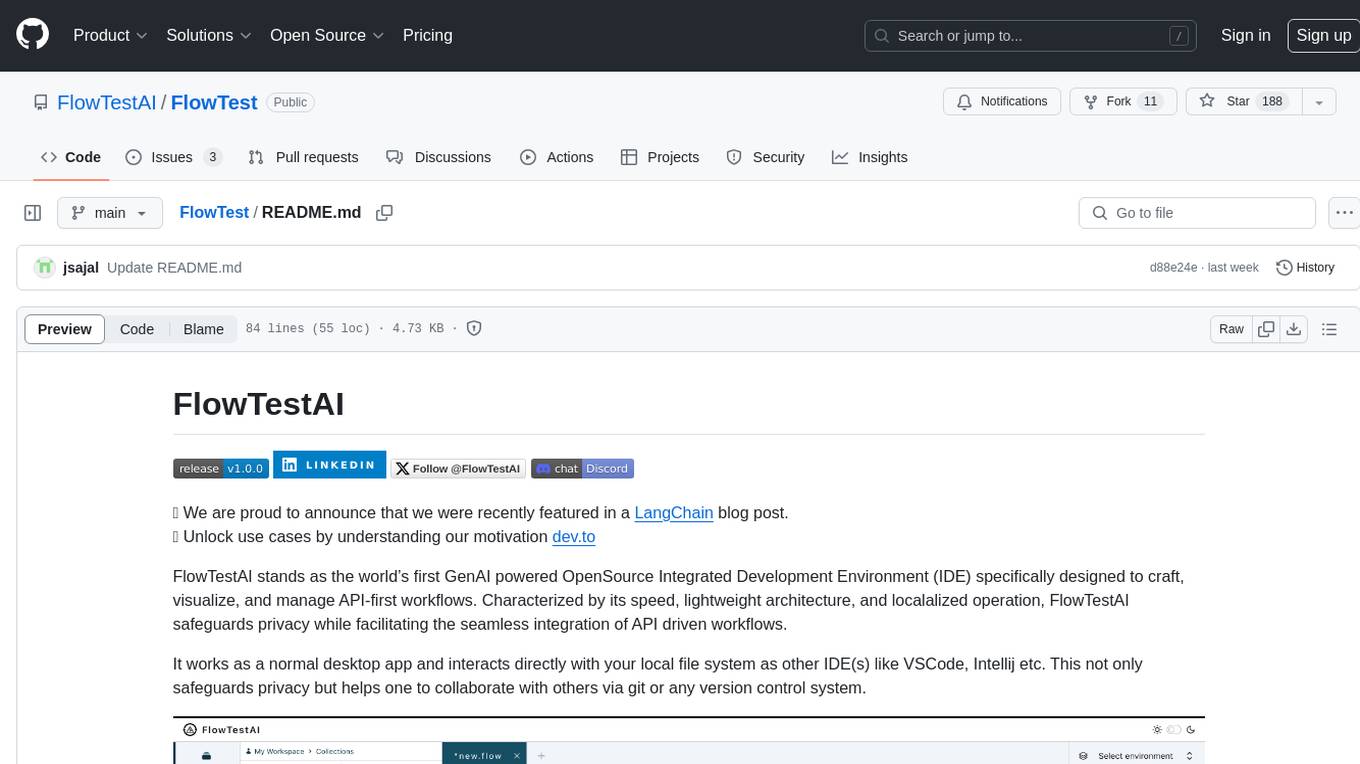
FlowTestAI is the world’s first GenAI powered OpenSource Integrated Development Environment (IDE) designed for crafting, visualizing, and managing API-first workflows. It operates as a desktop app, interacting with the local file system, ensuring privacy and enabling collaboration via version control systems. The platform offers platform-specific binaries for macOS, with versions for Windows and Linux in development. It also features a CLI for running API workflows from the command line interface, facilitating automation and CI/CD processes.
obsidian-ollama-chat
Obsidian Ollama Chat is a plugin that enables users to interact with their local LLM (Large Language Model) to ask questions about their own notes. The plugin facilitates running a lightweight python server for indexing notes, allowing users to set a model URL, index files on startup and modification, and open a modal to ask questions. Future plans include text streaming for querying, a chat window for communication, and commands for quick queries like summarizing notes or topics.
lluminous
lluminous is a fast and light open chat UI that supports multiple providers such as OpenAI, Anthropic, and Groq models. Users can easily plug in their API keys locally to access various models for tasks like multimodal input, image generation, multi-shot prompting, pre-filled responses, and more. The tool ensures privacy by storing all conversation history and keys locally on the user's device. Coming soon features include memory tool, file ingestion/embedding, embeddings-based web search, and prompt templates.
dream-team
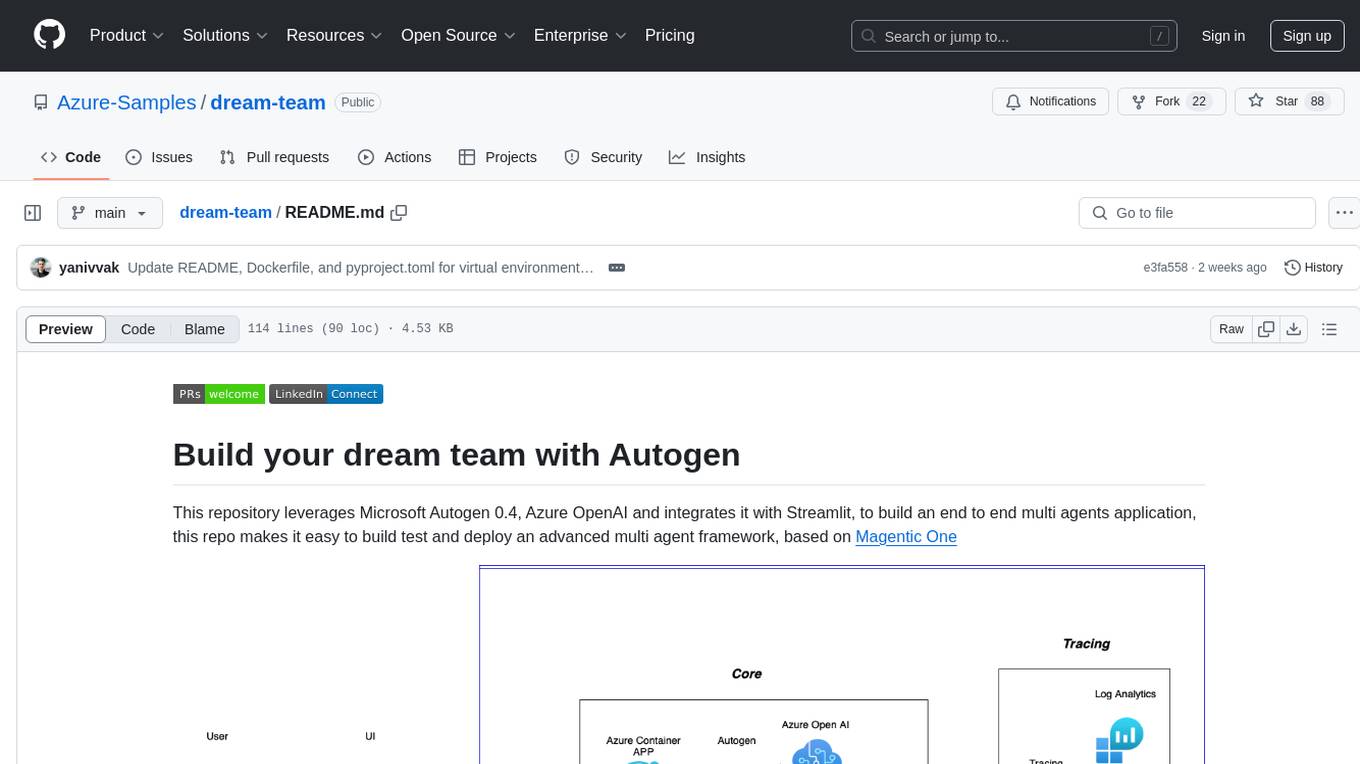
Build your dream team with Autogen is a repository that leverages Microsoft Autogen 0.4, Azure OpenAI, and Streamlit to create an end-to-end multi-agent application. It provides an advanced multi-agent framework based on Magentic One, with features such as a friendly UI, single-line deployment, secure code execution, managed identities, and observability & debugging tools. Users can deploy Azure resources and the app with simple commands, work locally with virtual environments, install dependencies, update configurations, and run the application. The repository also offers resources for learning more about building applications with Autogen.
raggenie
RAGGENIE is a low-code RAG builder tool designed to simplify the creation of conversational AI applications. It offers out-of-the-box plugins for connecting to various data sources and building conversational AI on top of them, including integration with pre-built agents for actions. The tool is open-source under the MIT license, with a current focus on making it easy to build RAG applications and future plans for maintenance, monitoring, and transitioning applications from pilots to production.
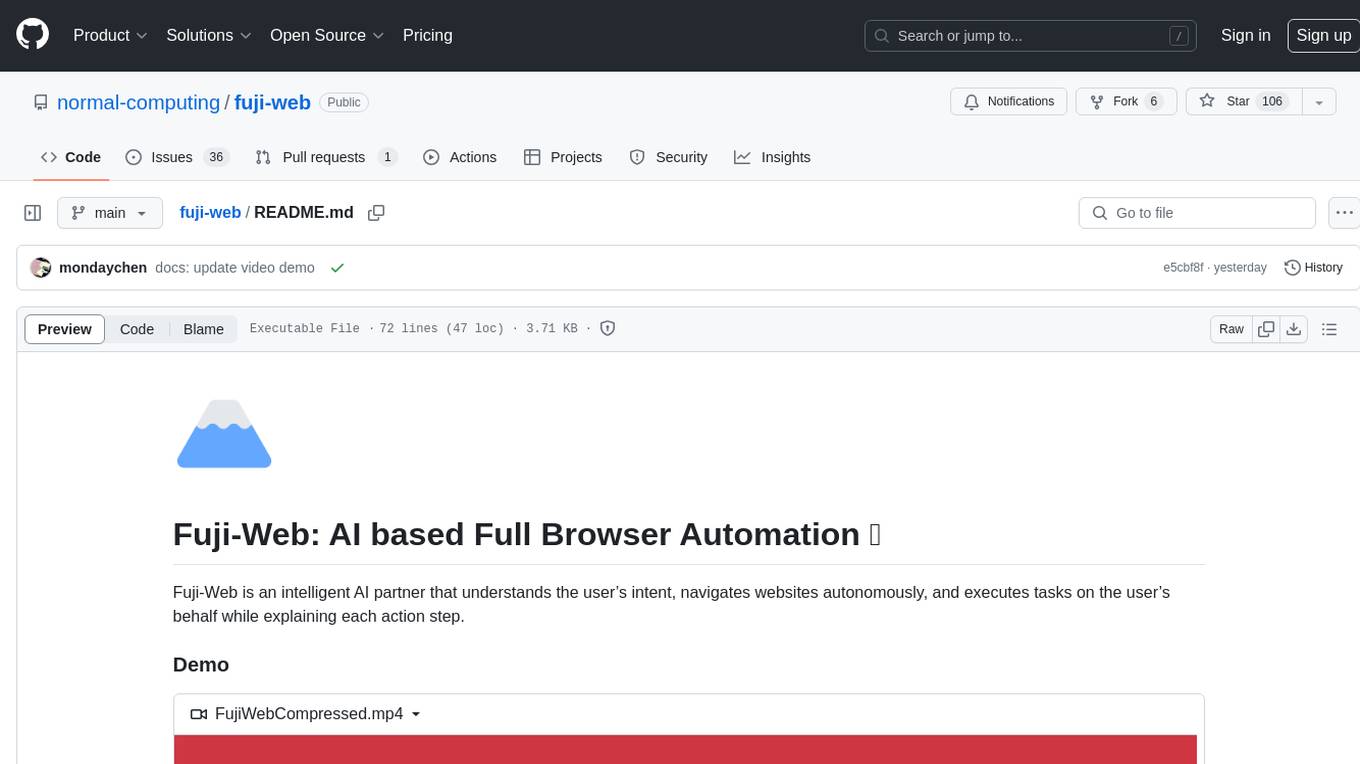
fuji-web
Fuji-Web is an intelligent AI partner designed for full browser automation. It autonomously navigates websites and performs tasks on behalf of the user while providing explanations for each action step. Users can easily install the extension in their browser, access the Fuji icon to input tasks, and interact with the tool to streamline web browsing tasks. The tool aims to enhance user productivity by automating repetitive web actions and providing a seamless browsing experience.
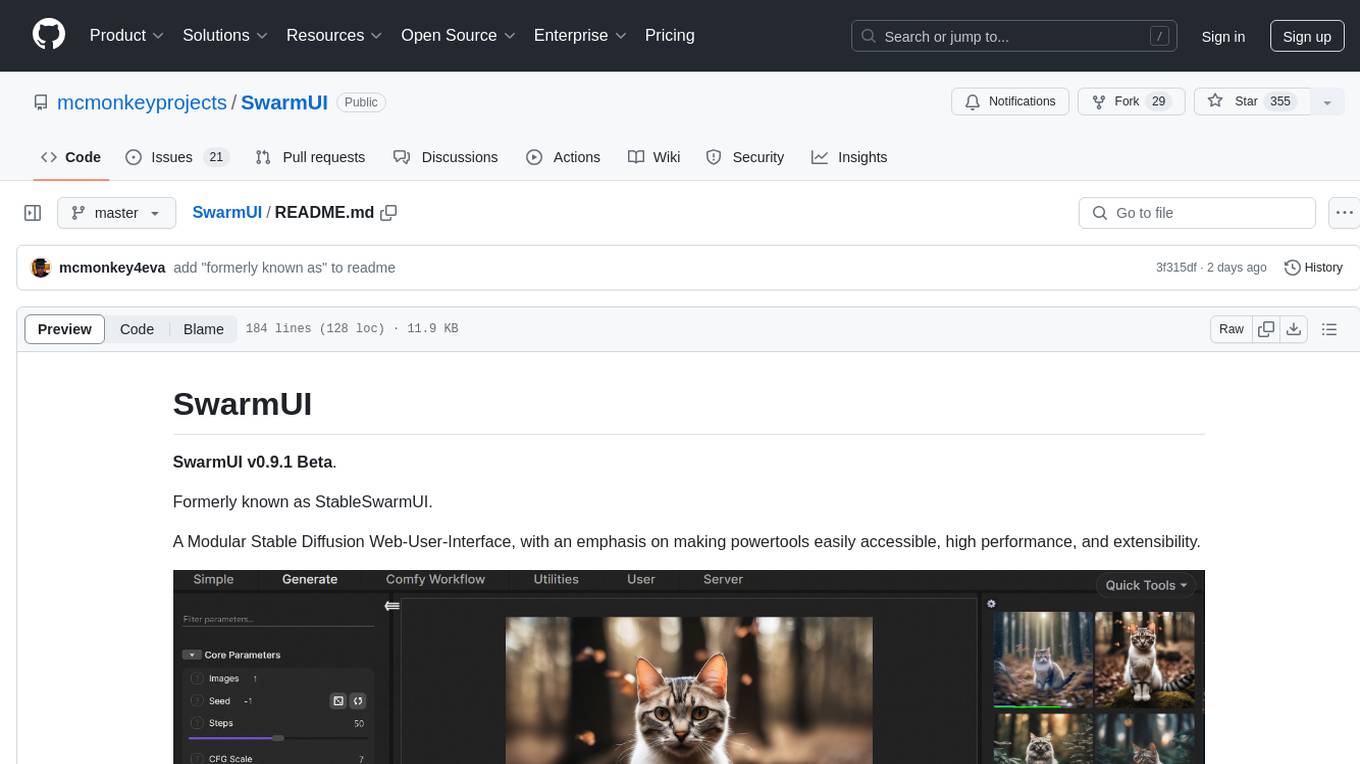
SwarmUI
SwarmUI is a modular stable diffusion web-user-interface designed to make powertools easily accessible, high performance, and extensible. It is in Beta status, offering a primary Generate tab for beginners and a Comfy Workflow tab for advanced users. The tool aims to become a full-featured one-stop-shop for all things Stable Diffusion, with plans for better mobile browser support, detailed 'Current Model' display, dynamic tab shifting, LLM-assisted prompting, and convenient direct distribution as an Electron app.
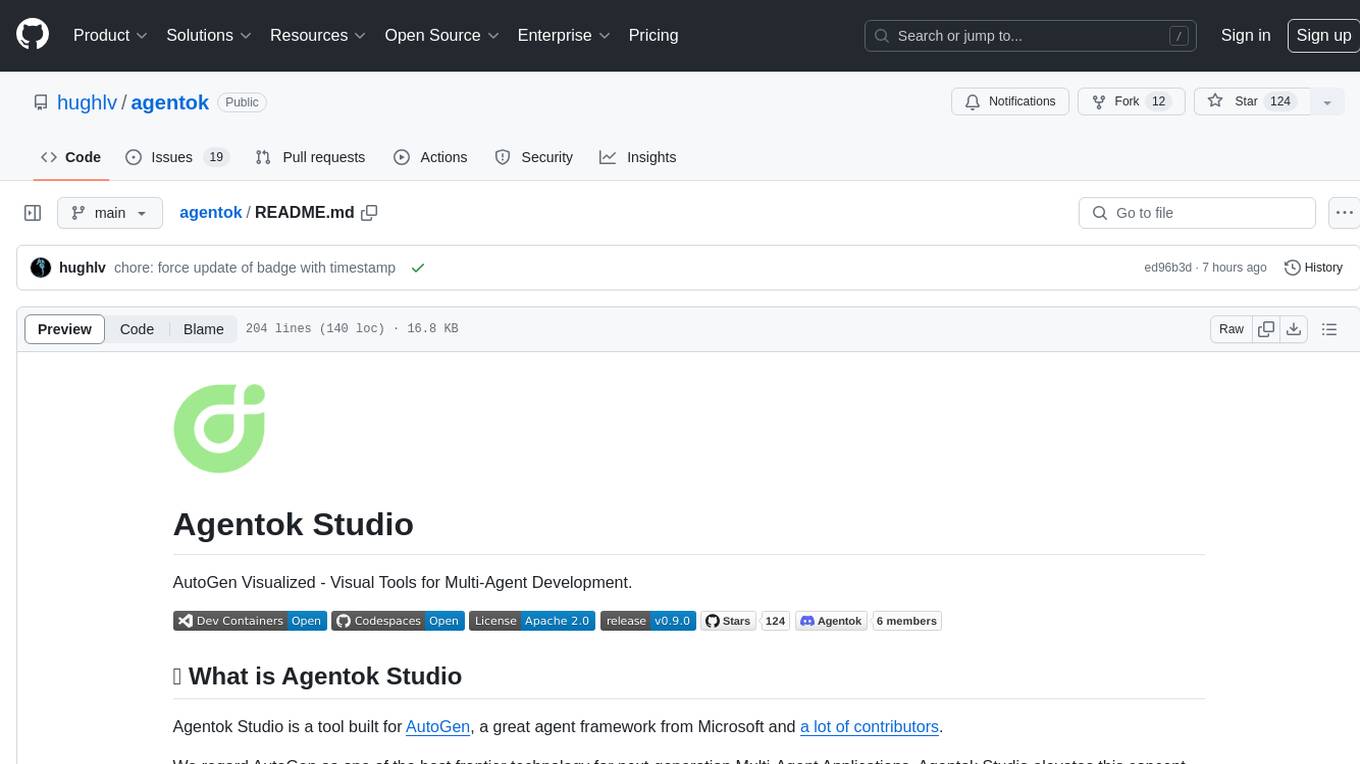
agentok
Agentok Studio is a visual tool built for AutoGen, a cutting-edge agent framework from Microsoft and various contributors. It offers intuitive visual tools to simplify the construction and management of complex agent-based workflows. Users can create workflows visually as graphs, chat with agents, and share flow templates. The tool is designed to streamline the development process for creators and developers working on next-generation Multi-Agent Applications.
blinkid-react-native
BlinkID SDK wrapper for React Native provides best-in-class ID scanning software for cross-platform apps built with React Native. It offers complete guidance on installing and linking BlinkID library with iOS and Android apps. The SDK requires a valid license key for scanning, with offline data extraction. It supports React Native v0.71.2 and includes installation and linking instructions for iOS and Android. The repository also contains a script to create a sample React Native project and dependencies. Video tutorials demonstrate using documentVerificationOverlay and CombinedRecognizer for scanning various document types.
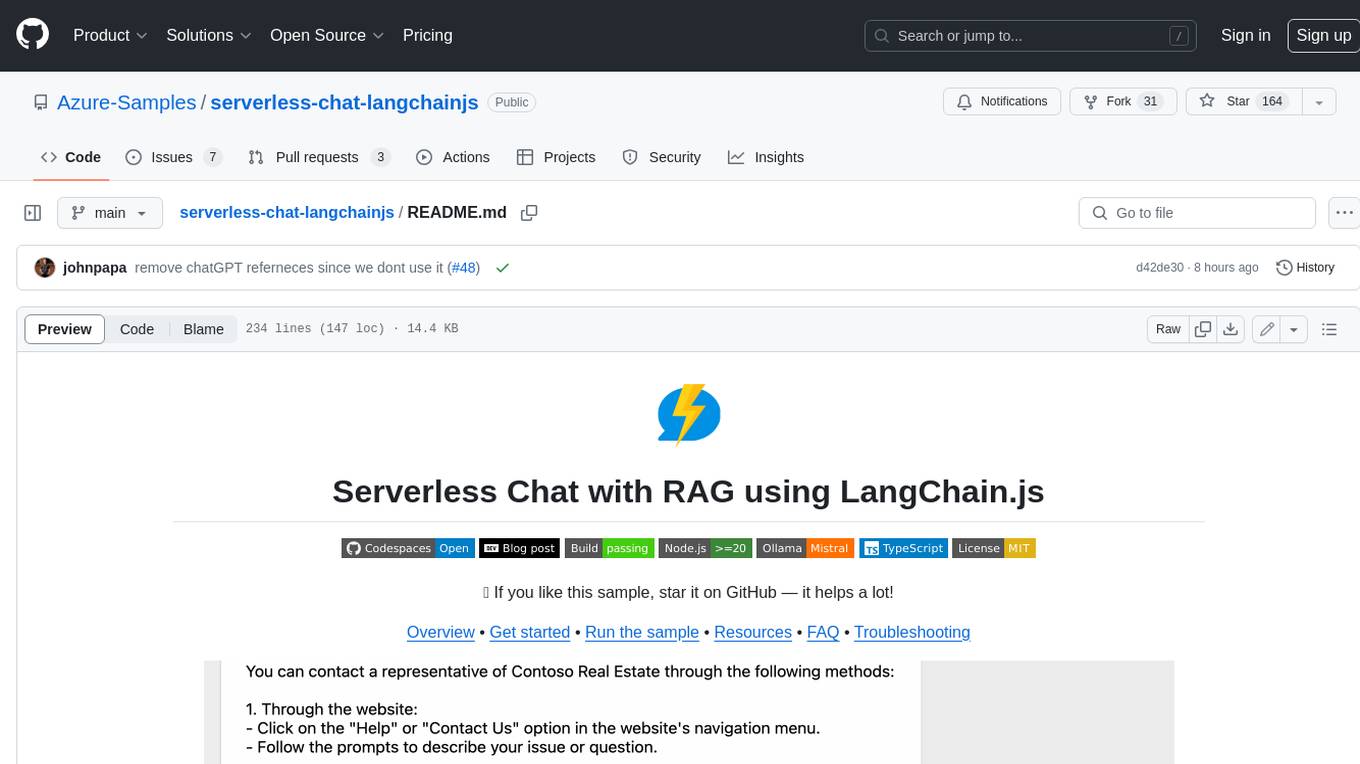
serverless-chat-langchainjs
This sample shows how to build a serverless chat experience with Retrieval-Augmented Generation using LangChain.js and Azure. The application is hosted on Azure Static Web Apps and Azure Functions, with Azure Cosmos DB for MongoDB vCore as the vector database. You can use it as a starting point for building more complex AI applications.
obsidian-pieces
Pieces for Developers is a closed-source Obsidian plugin designed to revolutionize coding workflows by incorporating key capabilities and favorite features directly into the Obsidian environment. The plugin, Pieces Copilot for Obsidian, enhances coding and problem-solving experiences by providing insights on code snippets, generating samples, and facilitating navigation through PRs. Users can capture, manage, share, and discover code snippets and developer materials with ease, bringing efficiency and organization to their coding experience.
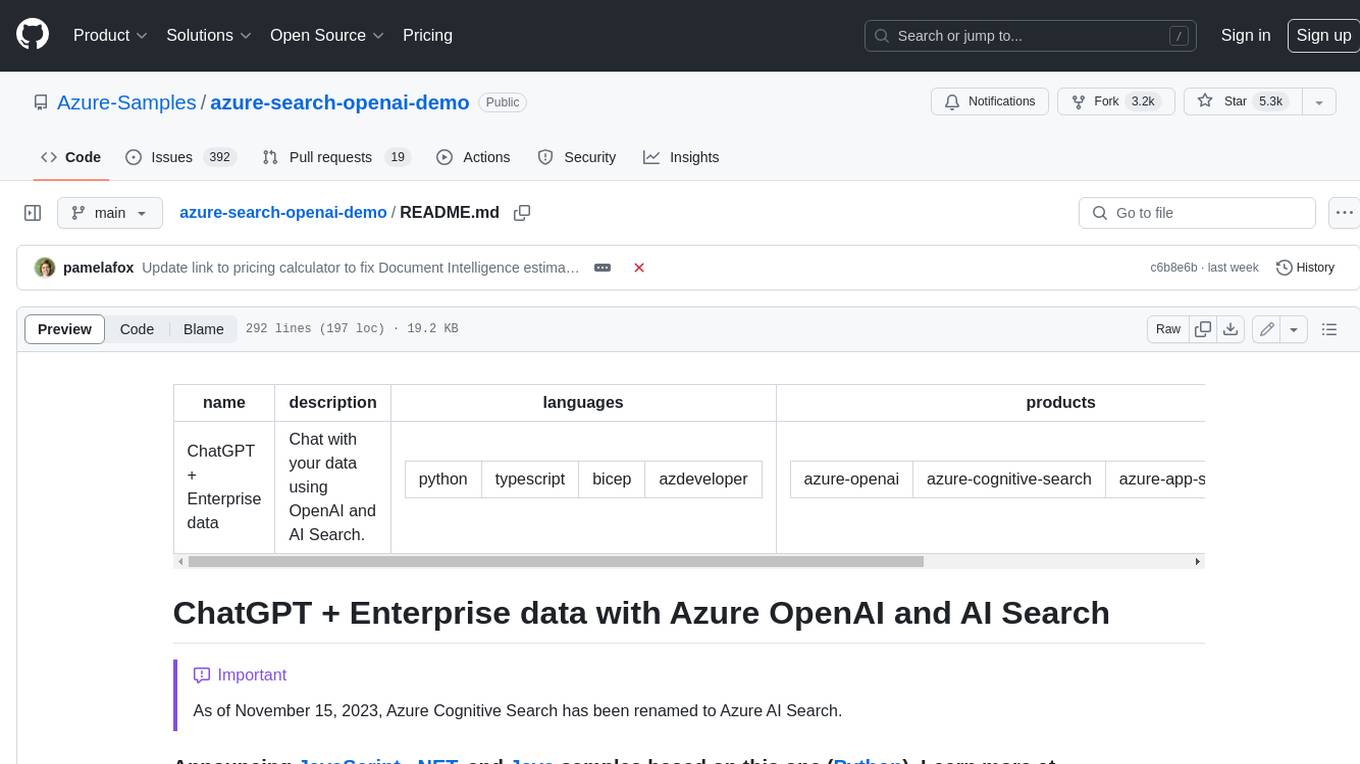
azure-search-openai-demo
This sample demonstrates a few approaches for creating ChatGPT-like experiences over your own data using the Retrieval Augmented Generation pattern. It uses Azure OpenAI Service to access a GPT model (gpt-35-turbo), and Azure AI Search for data indexing and retrieval. The repo includes sample data so it's ready to try end to end. In this sample application we use a fictitious company called Contoso Electronics, and the experience allows its employees to ask questions about the benefits, internal policies, as well as job descriptions and roles.
coral-cloud
Coral Cloud Resorts is a sample hospitality application that showcases Data Cloud, Agents, and Prompts. It provides highly personalized guest experiences through smart automation, content generation, and summarization. The app requires licenses for Data Cloud, Agents, Prompt Builder, and Einstein for Sales. Users can activate features, deploy metadata, assign permission sets, import sample data, and troubleshoot common issues. Additionally, the repository offers integration with modern web development tools like Prettier, ESLint, and pre-commit hooks for code formatting and linting.
For similar tasks
Controllable-RAG-Agent
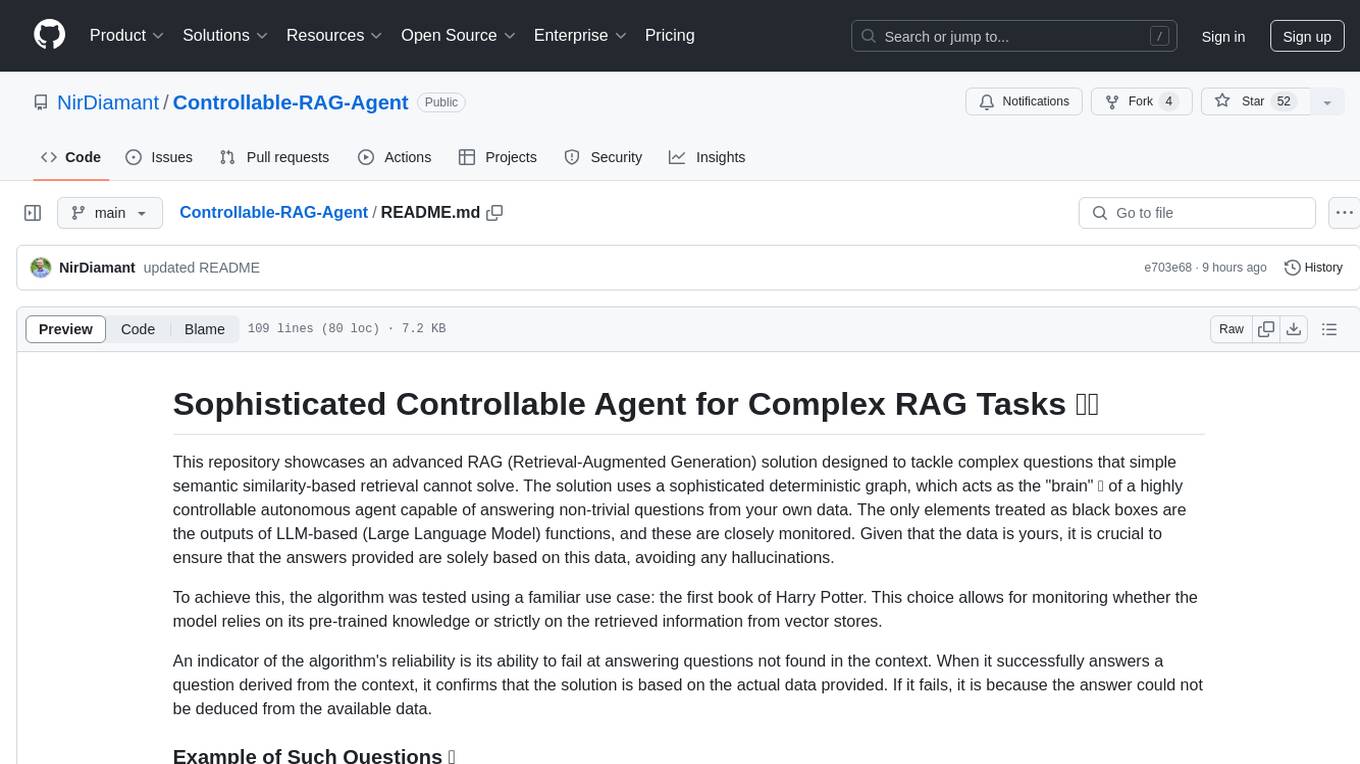
This repository contains a sophisticated deterministic graph-based solution for answering complex questions using a controllable autonomous agent. The solution is designed to ensure that answers are solely based on the provided data, avoiding hallucinations. It involves various steps such as PDF loading, text preprocessing, summarization, database creation, encoding, and utilizing large language models. The algorithm follows a detailed workflow involving planning, retrieval, answering, replanning, content distillation, and performance evaluation. Heuristics and techniques implemented focus on content encoding, anonymizing questions, task breakdown, content distillation, chain of thought answering, verification, and model performance evaluation.
opencode-obsidian
The Opencode plugin for Obsidian allows users to give their notes AI capability by embedding Opencode OpenCode AI assistant directly in Obsidian. Users can summarize and distill long-form content, draft, edit, and refine writing, query and explore their knowledge base, and generate outlines and structured notes. The plugin uses OpenCode's web view embedded directly into the Obsidian window, providing full power without the need for a custom chat UI. It is a third-party software and requires Node.js child processes, OpenCode CLI, and Bun for installation and usage.
ai-to-pptx
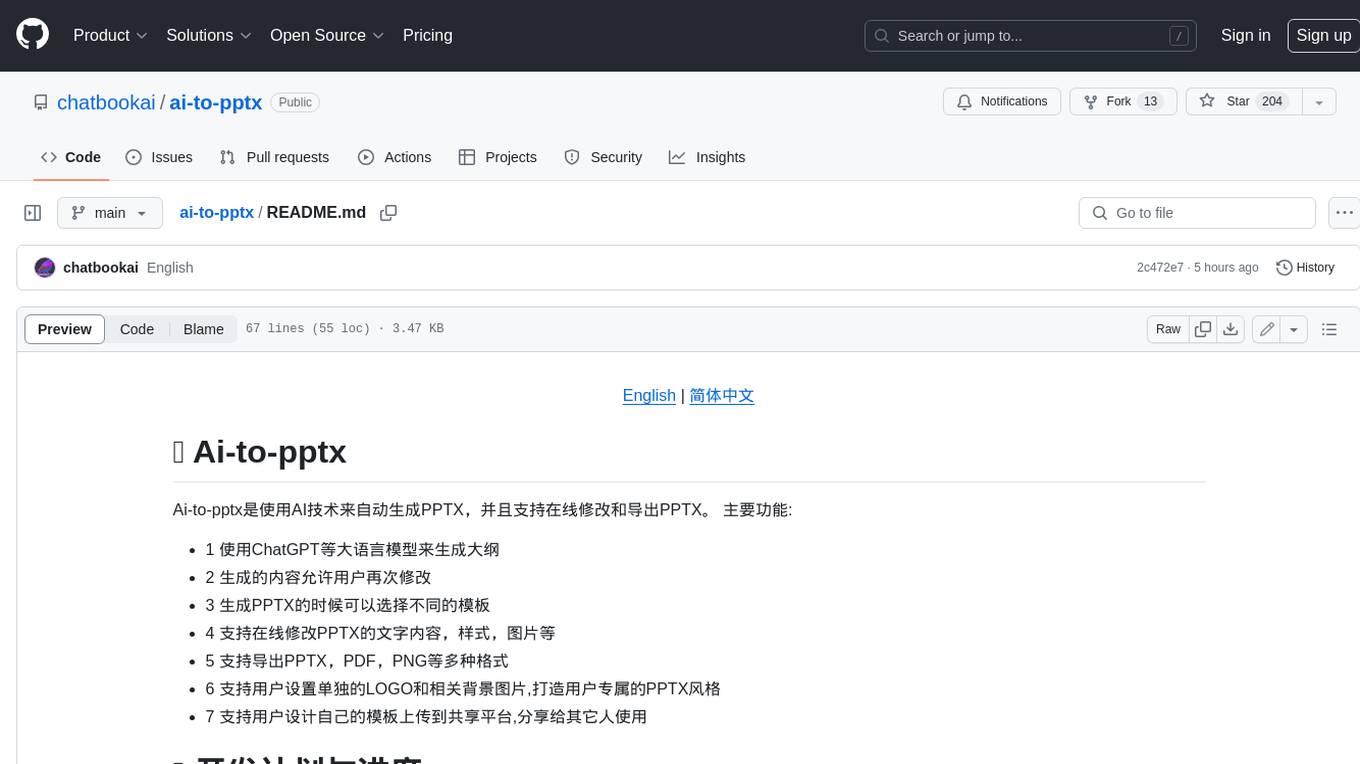
Ai-to-pptx is a tool that uses AI technology to automatically generate PPTX, and supports online editing and exporting of PPTX. Main functions: - 1 Use large language models such as ChatGPT to generate outlines - 2 The generated content allows users to modify again - 3 Different templates can be selected when generating PPTX - 4 Support online editing of PPTX text content, style, pictures, etc. - 5 Supports exporting PPTX, PDF, PNG and other formats - 6 Support users to set their own LOGO and related background pictures to create their own exclusive PPTX style - 7 Support users to design their own templates and upload them to the sharing platform for others to use
storm
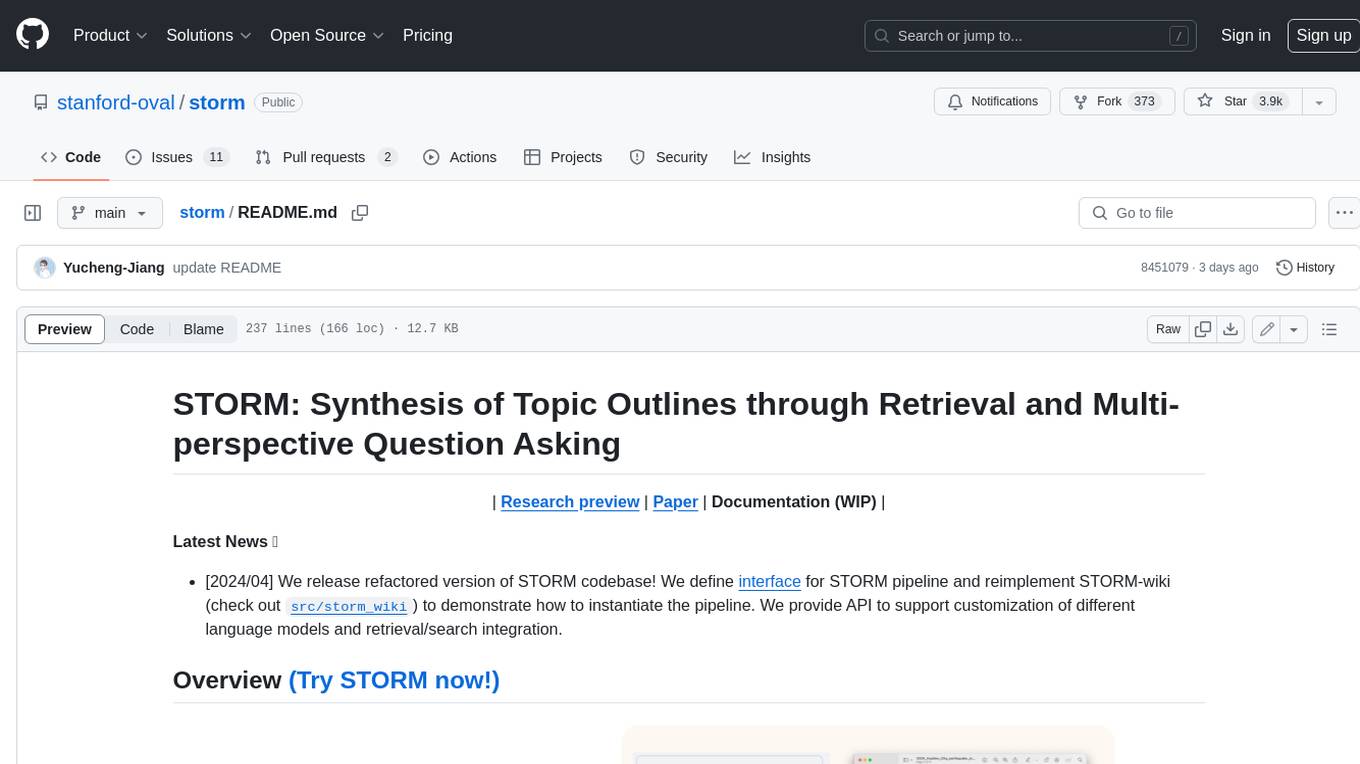
STORM is a LLM system that writes Wikipedia-like articles from scratch based on Internet search. While the system cannot produce publication-ready articles that often require a significant number of edits, experienced Wikipedia editors have found it helpful in their pre-writing stage. **Try out our [live research preview](https://storm.genie.stanford.edu/) to see how STORM can help your knowledge exploration journey and please provide feedback to help us improve the system 🙏!**
nlp-llms-resources
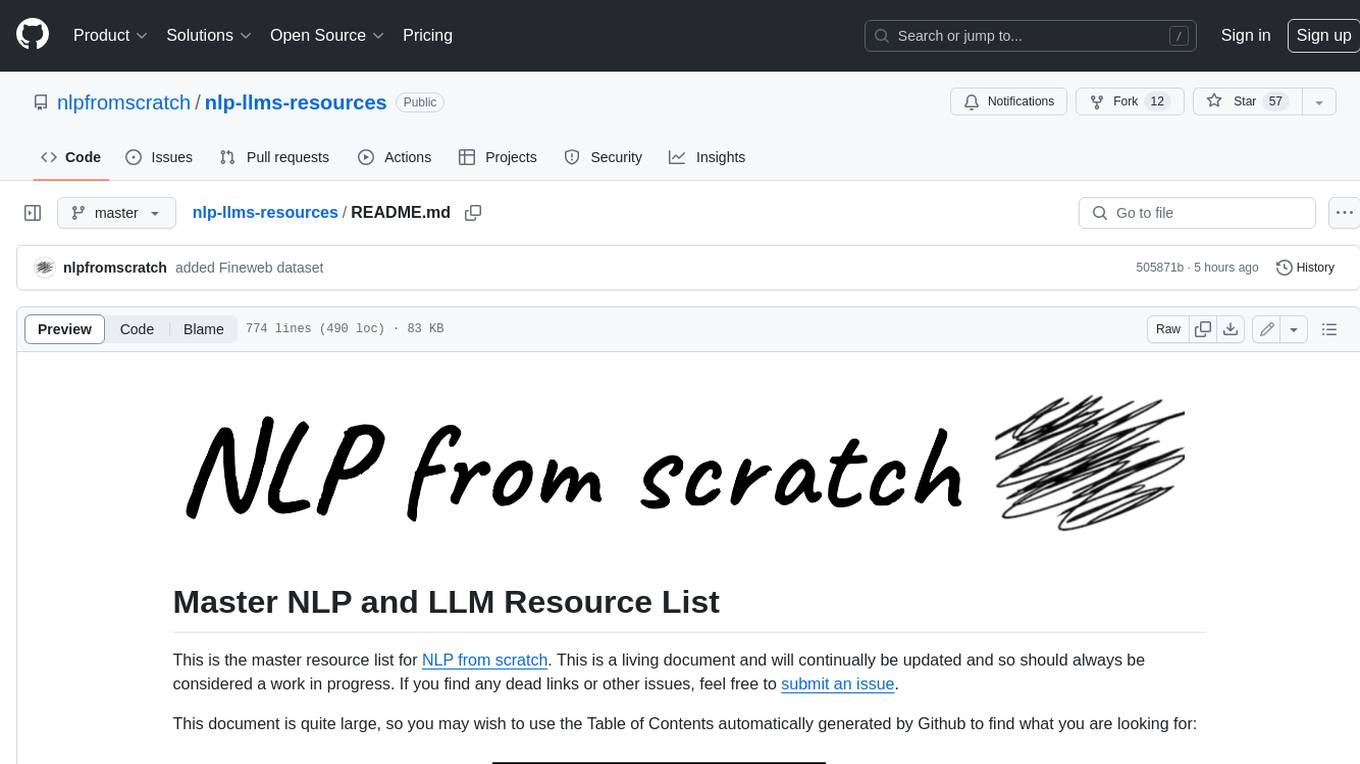
The 'nlp-llms-resources' repository is a comprehensive resource list for Natural Language Processing (NLP) and Large Language Models (LLMs). It covers a wide range of topics including traditional NLP datasets, data acquisition, libraries for NLP, neural networks, sentiment analysis, optical character recognition, information extraction, semantics, topic modeling, multilingual NLP, domain-specific LLMs, vector databases, ethics, costing, books, courses, surveys, aggregators, newsletters, papers, conferences, and societies. The repository provides valuable information and resources for individuals interested in NLP and LLMs.
Awesome-Segment-Anything
Awesome-Segment-Anything is a powerful tool for segmenting and extracting information from various types of data. It provides a user-friendly interface to easily define segmentation rules and apply them to text, images, and other data formats. The tool supports both supervised and unsupervised segmentation methods, allowing users to customize the segmentation process based on their specific needs. With its versatile functionality and intuitive design, Awesome-Segment-Anything is ideal for data analysts, researchers, content creators, and anyone looking to efficiently extract valuable insights from complex datasets.
fairseq
Fairseq is a sequence modeling toolkit that enables researchers and developers to train custom models for translation, summarization, language modeling, and other text generation tasks. It provides reference implementations of various sequence modeling papers covering CNN, LSTM networks, Transformer networks, LightConv, DynamicConv models, Non-autoregressive Transformers, Finetuning, and more. The toolkit supports multi-GPU training, fast generation on CPU and GPU, mixed precision training, extensibility, flexible configuration based on Hydra, and full parameter and optimizer state sharding. Pre-trained models are available for translation and language modeling with a torch.hub interface. Fairseq also offers pre-trained models and examples for tasks like XLS-R, cross-lingual retrieval, wav2vec 2.0, unsupervised quality estimation, and more.
transcriptionstream
Transcription Stream is a self-hosted diarization service that works offline, allowing users to easily transcribe and summarize audio files. It includes a web interface for file management, Ollama for complex operations on transcriptions, and Meilisearch for fast full-text search. Users can upload files via SSH or web interface, with output stored in named folders. The tool requires a NVIDIA GPU and provides various scripts for installation and running. Ports for SSH, HTTP, Ollama, and Meilisearch are specified, along with access details for SSH server and web interface. Customization options and troubleshooting tips are provided in the documentation.
For similar jobs

exif-photo-blog
EXIF Photo Blog is a full-stack photo blog application built with Next.js, Vercel, and Postgres. It features built-in authentication, photo upload with EXIF extraction, photo organization by tag, infinite scroll, light/dark mode, automatic OG image generation, a CMD-K menu with photo search, experimental support for AI-generated descriptions, and support for Fujifilm simulations. The application is easy to deploy to Vercel with just a few clicks and can be customized with a variety of environment variables.
obsidian-textgenerator-plugin
Text Generator is an open-source AI Assistant Tool that leverages Generative Artificial Intelligence to enhance knowledge creation and organization in Obsidian. It allows users to generate ideas, titles, summaries, outlines, and paragraphs based on their knowledge database, offering endless possibilities. The plugin is free and open source, compatible with Obsidian for a powerful Personal Knowledge Management system. It provides flexible prompts, template engine for repetitive tasks, community templates for shared use cases, and highly flexible configuration with services like Google Generative AI, OpenAI, and HuggingFace.
video2blog
video2blog is an open-source project aimed at converting videos into textual notes. The tool follows a process of extracting video information using yt-dlp, downloading the video, downloading subtitles if available, translating subtitles if not in Chinese, generating Chinese subtitles using whisper if no subtitles exist, converting subtitles to articles using gemini, and manually inserting images from the video into the article. The tool provides a solution for creating blog content from video resources, enhancing accessibility and content creation efficiency.
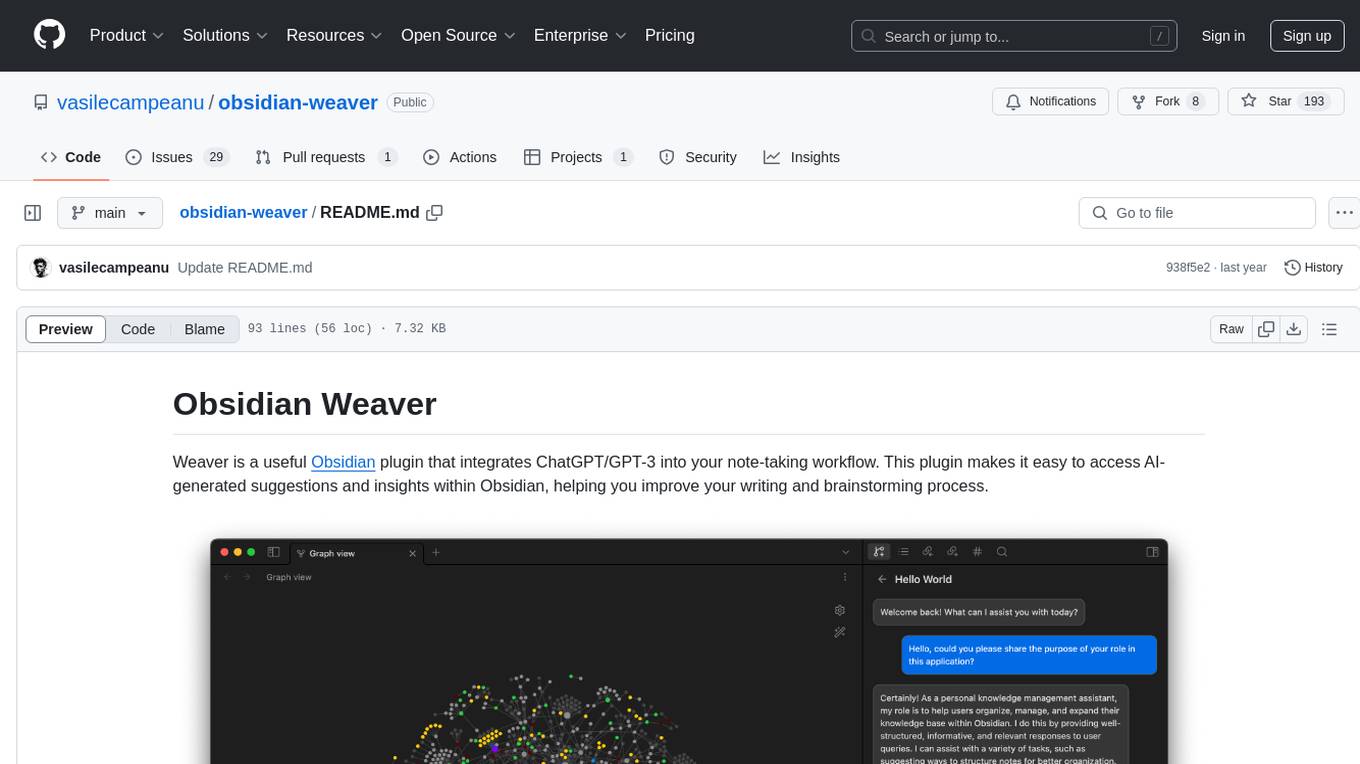
obsidian-weaver
Obsidian Weaver is a plugin that integrates ChatGPT/GPT-3 into the note-taking workflow of Obsidian. It allows users to easily access AI-generated suggestions and insights within Obsidian, enhancing the writing and brainstorming process. The plugin respects Obsidian's philosophy of storing notes locally, ensuring data security and privacy. Weaver offers features like creating new chat sessions with the AI assistant and receiving instant responses, all within the Obsidian environment. It provides a seamless integration with Obsidian's interface, making the writing process efficient and helping users stay focused. The plugin is constantly being improved with new features and updates to enhance the note-taking experience.
wordlift-plugin
WordLift is a plugin that helps online content creators organize posts and pages by adding facts, links, and media to build beautifully structured websites for both humans and search engines. It allows users to create, own, and publish their own knowledge graph, and publishes content as Linked Open Data following Tim Berners-Lee's Linked Data Principles. The plugin supports writers by providing trustworthy and contextual facts, enriching content with images, links, and interactive visualizations, keeping readers engaged with relevant content recommendations, and producing content compatible with schema.org markup for better indexing and display on search engines. It also offers features like creating a personal Wikipedia, publishing metadata to share and distribute content, and supporting content tagging for better SEO.
AI-Writing-Assistant
DeepWrite AI is an AI writing assistant tool created with the help of ChatGPT3. It is designed to generate perfect blog posts with utmost clarity. The tool is currently at version 1.0 with plans for further improvements. It is an open-source project, welcoming contributions. An extension has been developed for using the tool directly in Notepad, currently supported only on Calmly Writer. The tool requires installation and setup, utilizing technologies like React, Next, TailwindCSS, Node, and Express. For support, users can message the creator on Instagram. The creator, Sabir Khan, is an undergraduate student of Computer Science from Mumbai, known for frequently creating innovative projects.
AI-Assistant-ChatGPT
AI Assistant ChatGPT is a web client tool that allows users to create or chat using ChatGPT or Claude. It enables generating long texts and conversations with efficient control over quality and content direction. The tool supports customization of reverse proxy address, conversation management, content editing, markdown document export, JSON backup, context customization, session-topic management, role customization, dynamic content navigation, and more. Users can access the tool directly at https://eaias.com or deploy it independently. It offers features for dialogue management, assistant configuration, session configuration, and more. The tool lacks data cloud storage and synchronization but provides guidelines for independent deployment. It is a frontend project that can be deployed using Cloudflare Pages and customized with backend modifications. The project is open-source under the MIT license.
MarkFlowy
MarkFlowy is a lightweight and feature-rich Markdown editor with built-in AI capabilities. It supports one-click export of conversations, translation of articles, and obtaining article abstracts. Users can leverage large AI models like DeepSeek and Chatgpt as intelligent assistants. The editor provides high availability with multiple editing modes and custom themes. Available for Linux, macOS, and Windows, MarkFlowy aims to offer an efficient, beautiful, and data-safe Markdown editing experience for users.