


ext-apps
Official repo for spec & SDK of MCP Apps protocol - standard for UIs embedded AI chatbots, served by MCP servers
Stars: 1462
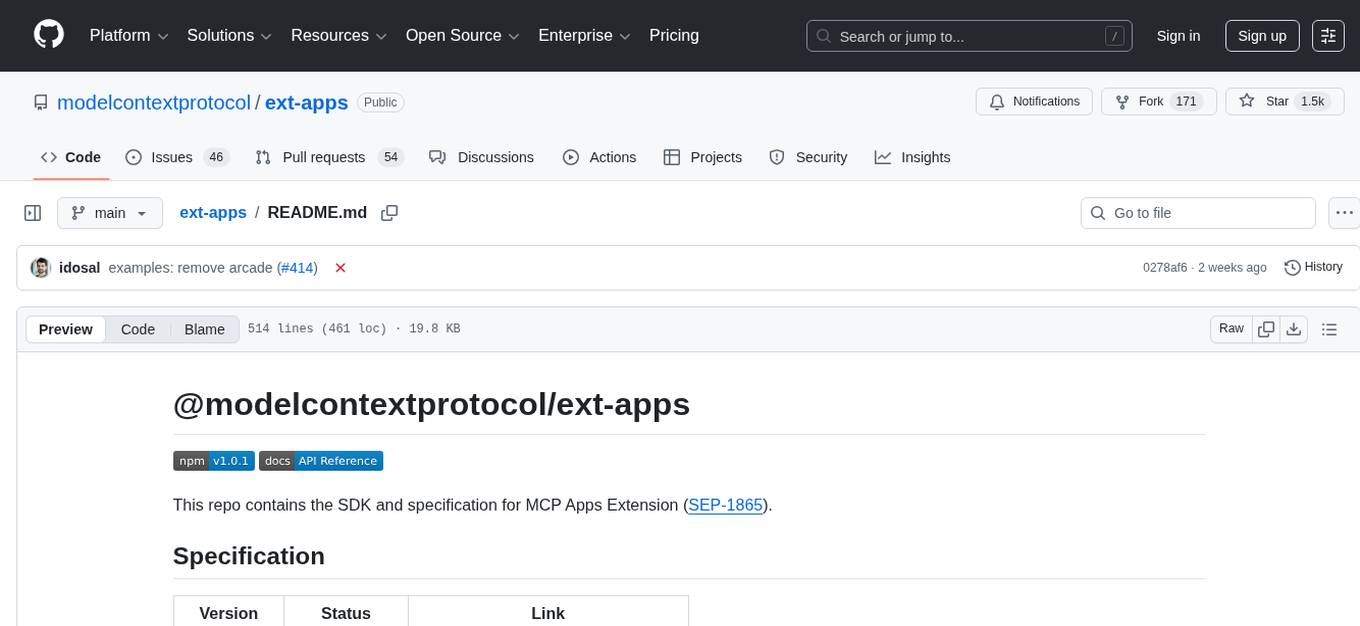
The @modelcontextprotocol/ext-apps repository contains the SDK and specification for MCP Apps Extension (SEP-1865). MCP Apps are a proposed standard to allow MCP Servers to display interactive UI elements in conversational MCP clients/chatbots. The repository includes SDKs for both app developers and host developers, along with examples showcasing real-world use cases. Users can build interactive UIs that run inside MCP-enabled chat clients and embed/communicate with MCP Apps in their chat applications. The SDK extends the Model Context Protocol by letting tools declare UI resources and enables bidirectional communication between the host and the UI. The repository also provides Agent Skills for building MCP Apps and instructions for installing them in AI coding agents.
README:


This repo contains the SDK and specification for MCP Apps Extension (SEP-1865).
| Version | Status | Link |
|---|---|---|
| 2026-01-26 | Stable | specification/2026-01-26/apps.mdx |
| draft | Development | specification/draft/apps.mdx |
MCP Apps are a proposed standard inspired by MCP-UI and OpenAI's Apps SDK to allow MCP Servers to display interactive UI elements in conversational MCP clients / chatbots.
MCP tools return text and structured data. That works for many cases, but not when you need an interactive UI, like a chart, form, or video player.
MCP Apps provide a standardized way to deliver interactive UIs from MCP servers. Your UI renders inline in the conversation, in context, in any compliant host.
MCP Apps extend the Model Context Protocol by letting tools declare UI resources:
-
Tool definition — Your tool declares a
ui://resource containing its HTML interface - Tool call — The LLM calls the tool on your server
- Host renders — The host fetches the resource and displays it in a sandboxed iframe
- Bidirectional communication — The host passes tool data to the UI via notifications, and the UI can call other tools through the host
This SDK serves two audiences:
Build interactive UIs that run inside MCP-enabled chat clients.
-
SDK for Apps:
@modelcontextprotocol/ext-apps— API Docs -
React hooks:
@modelcontextprotocol/ext-apps/react— API Docs
Embed and communicate with MCP Apps in your chat application.
-
SDK for Hosts:
@modelcontextprotocol/ext-apps/app-bridge— API Docs
There's no supported host implementation in this repo (beyond the examples/basic-host example).
The MCP-UI client SDK offers a fully-featured MCP Apps framework used by a few hosts. Clients may choose to use it or roll their own implementation.
npm install -S @modelcontextprotocol/ext-appsThis repository provides two Agent Skills for building MCP Apps. You can install the skills as a Claude Code plugin:
/plugin marketplace add modelcontextprotocol/ext-apps
/plugin install mcp-apps@modelcontextprotocol-ext-apps
For more information, including instructions for installing the skills in your favorite AI coding agent, see the agent skills guide.
The examples/ directory contains demo apps showcasing real-world use cases.
 |
 |
 |
| Map | Three.js | ShaderToy |
 |
 |
 |
| Sheet Music | Wiki Explorer | Cohort Heatmap |
 |
 |
 |
| Scenario Modeler | Budget Allocator | Customer Segmentation |
 |
 |
 |
| System Monitor | Transcript | Video Resource |
 |
 |
 |
| PDF Server | QR Code (Python) | Say Demo |
 |
The same app built with different frameworks — pick your favorite! React · Vue · Svelte · Preact · Solid · Vanilla JS |
To run all examples locally using basic-host (the reference host implementation included in this repo):
git clone https://github.com/modelcontextprotocol/ext-apps.git
cd ext-apps
npm install
npm start
Then open http://localhost:8080/.
To use these examples with MCP clients that support the stdio transport (such as Claude Desktop or VS Code), add this MCP server configuration to your client's settings:
MCP client configuration for all examples (using stdio)
{
  "mcpServers": {
    "basic-react": {
      "command": "npx",
      "args": [
        "-y",
        "--silent",
        "--registry=https://registry.npmjs.org/",
        "@modelcontextprotocol/server-basic-react",
        "--stdio"
      ]
    },
    "basic-vanillajs": {
      "command": "npx",
      "args": [
        "-y",
        "--silent",
        "--registry=https://registry.npmjs.org/",
        "@modelcontextprotocol/server-basic-vanillajs",
        "--stdio"
      ]
    },
    "basic-vue": {
      "command": "npx",
      "args": [
        "-y",
        "--silent",
        "--registry=https://registry.npmjs.org/",
        "@modelcontextprotocol/server-basic-vue",
        "--stdio"
      ]
    },
    "basic-svelte": {
      "command": "npx",
      "args": [
        "-y",
        "--silent",
        "--registry=https://registry.npmjs.org/",
        "@modelcontextprotocol/server-basic-svelte",
        "--stdio"
      ]
    },
    "basic-preact": {
      "command": "npx",
      "args": [
        "-y",
        "--silent",
        "--registry=https://registry.npmjs.org/",
        "@modelcontextprotocol/server-basic-preact",
        "--stdio"
      ]
    },
    "basic-solid": {
      "command": "npx",
      "args": [
        "-y",
        "--silent",
        "--registry=https://registry.npmjs.org/",
        "@modelcontextprotocol/server-basic-solid",
        "--stdio"
      ]
    },
    "budget-allocator": {
      "command": "npx",
      "args": [
        "-y",
        "--silent",
        "--registry=https://registry.npmjs.org/",
        "@modelcontextprotocol/server-budget-allocator",
        "--stdio"
      ]
    },
    "cohort-heatmap": {
      "command": "npx",
      "args": [
        "-y",
        "--silent",
        "--registry=https://registry.npmjs.org/",
        "@modelcontextprotocol/server-cohort-heatmap",
        "--stdio"
      ]
    },
    "customer-segmentation": {
      "command": "npx",
      "args": [
        "-y",
        "--silent",
        "--registry=https://registry.npmjs.org/",
        "@modelcontextprotocol/server-customer-segmentation",
        "--stdio"
      ]
    },
    "map": {
      "command": "npx",
      "args": [
        "-y",
        "--silent",
        "--registry=https://registry.npmjs.org/",
        "@modelcontextprotocol/server-map",
        "--stdio"
      ]
    },
    "pdf": {
      "command": "npx",
      "args": [
        "-y",
        "--silent",
        "--registry=https://registry.npmjs.org/",
        "@modelcontextprotocol/server-pdf",
        "--stdio"
      ]
    },
    "scenario-modeler": {
      "command": "npx",
      "args": [
        "-y",
        "--silent",
        "--registry=https://registry.npmjs.org/",
        "@modelcontextprotocol/server-scenario-modeler",
        "--stdio"
      ]
    },
    "shadertoy": {
      "command": "npx",
      "args": [
        "-y",
        "--silent",
        "--registry=https://registry.npmjs.org/",
        "@modelcontextprotocol/server-shadertoy",
        "--stdio"
      ]
    },
    "sheet-music": {
      "command": "npx",
      "args": [
        "-y",
        "--silent",
        "--registry=https://registry.npmjs.org/",
        "@modelcontextprotocol/server-sheet-music",
        "--stdio"
      ]
    },
    "system-monitor": {
      "command": "npx",
      "args": [
        "-y",
        "--silent",
        "--registry=https://registry.npmjs.org/",
        "@modelcontextprotocol/server-system-monitor",
        "--stdio"
      ]
    },
    "threejs": {
      "command": "npx",
      "args": [
        "-y",
        "--silent",
        "--registry=https://registry.npmjs.org/",
        "@modelcontextprotocol/server-threejs",
        "--stdio"
      ]
    },
    "transcript": {
      "command": "npx",
      "args": [
        "-y",
        "--silent",
        "--registry=https://registry.npmjs.org/",
        "@modelcontextprotocol/server-transcript",
        "--stdio"
      ]
    },
    "video-resource": {
      "command": "npx",
      "args": [
        "-y",
        "--silent",
        "--registry=https://registry.npmjs.org/",
        "@modelcontextprotocol/server-video-resource",
        "--stdio"
      ]
    },
    "wiki-explorer": {
      "command": "npx",
      "args": [
        "-y",
        "--silent",
        "--registry=https://registry.npmjs.org/",
        "@modelcontextprotocol/server-wiki-explorer",
        "--stdio"
      ]
    },
    "qr": {
      "command": "uv",
      "args": [
        "run",
        "/path/to/ext-apps/examples/qr-server/server.py",
        "--stdio"
      ]
    },
    "say": {
      "command": "uv",
      "args": [
        "run",
        "--default-index",
        "https://pypi.org/simple",
        "https://raw.githubusercontent.com/modelcontextprotocol/ext-apps/refs/heads/main/examples/say-server/server.py",
        "--stdio"
      ]
    }
  }
}
[!NOTE] The
qrserver requires cloning the repository first. See qr-server README for details.
To test local modifications with MCP clients, first clone and install the repository:
git clone https://github.com/modelcontextprotocol/ext-apps.git
cd ext-apps
npm install
Then configure your MCP client to build and run the local server. Replace ~/code/ext-apps with your actual clone path:
MCP client configuration for local development (all examples)
{
  "mcpServers": {
    "basic-react": {
      "command": "bash",
      "args": [
        "-c",
        "cd ~/code/ext-apps/examples/basic-server-react && npm run build >&2 && node dist/index.js --stdio"
      ]
    },
    "basic-vanillajs": {
      "command": "bash",
      "args": [
        "-c",
        "cd ~/code/ext-apps/examples/basic-server-vanillajs && npm run build >&2 && node dist/index.js --stdio"
      ]
    },
    "basic-vue": {
      "command": "bash",
      "args": [
        "-c",
        "cd ~/code/ext-apps/examples/basic-server-vue && npm run build >&2 && node dist/index.js --stdio"
      ]
    },
    "basic-svelte": {
      "command": "bash",
      "args": [
        "-c",
        "cd ~/code/ext-apps/examples/basic-server-svelte && npm run build >&2 && node dist/index.js --stdio"
      ]
    },
    "basic-preact": {
      "command": "bash",
      "args": [
        "-c",
        "cd ~/code/ext-apps/examples/basic-server-preact && npm run build >&2 && node dist/index.js --stdio"
      ]
    },
    "basic-solid": {
      "command": "bash",
      "args": [
        "-c",
        "cd ~/code/ext-apps/examples/basic-server-solid && npm run build >&2 && node dist/index.js --stdio"
      ]
    },
    "budget-allocator": {
      "command": "bash",
      "args": [
        "-c",
        "cd ~/code/ext-apps/examples/budget-allocator-server && npm run build >&2 && node dist/index.js --stdio"
      ]
    },
    "cohort-heatmap": {
      "command": "bash",
      "args": [
        "-c",
        "cd ~/code/ext-apps/examples/cohort-heatmap-server && npm run build >&2 && node dist/index.js --stdio"
      ]
    },
    "customer-segmentation": {
      "command": "bash",
      "args": [
        "-c",
        "cd ~/code/ext-apps/examples/customer-segmentation-server && npm run build >&2 && node dist/index.js --stdio"
      ]
    },
    "map": {
      "command": "bash",
      "args": [
        "-c",
        "cd ~/code/ext-apps/examples/map-server && npm run build >&2 && node dist/index.js --stdio"
      ]
    },
    "pdf": {
      "command": "bash",
      "args": [
        "-c",
        "cd ~/code/ext-apps/examples/pdf-server && npm run build >&2 && node dist/index.js --stdio"
      ]
    },
    "scenario-modeler": {
      "command": "bash",
      "args": [
        "-c",
        "cd ~/code/ext-apps/examples/scenario-modeler-server && npm run build >&2 && node dist/index.js --stdio"
      ]
    },
    "shadertoy": {
      "command": "bash",
      "args": [
        "-c",
        "cd ~/code/ext-apps/examples/shadertoy-server && npm run build >&2 && node dist/index.js --stdio"
      ]
    },
    "sheet-music": {
      "command": "bash",
      "args": [
        "-c",
        "cd ~/code/ext-apps/examples/sheet-music-server && npm run build >&2 && node dist/index.js --stdio"
      ]
    },
    "system-monitor": {
      "command": "bash",
      "args": [
        "-c",
        "cd ~/code/ext-apps/examples/system-monitor-server && npm run build >&2 && node dist/index.js --stdio"
      ]
    },
    "threejs": {
      "command": "bash",
      "args": [
        "-c",
        "cd ~/code/ext-apps/examples/threejs-server && npm run build >&2 && node dist/index.js --stdio"
      ]
    },
    "transcript": {
      "command": "bash",
      "args": [
        "-c",
        "cd ~/code/ext-apps/examples/transcript-server && npm run build >&2 && node dist/index.js --stdio"
      ]
    },
    "video-resource": {
      "command": "bash",
      "args": [
        "-c",
        "cd ~/code/ext-apps/examples/video-resource-server && npm run build >&2 && node dist/index.js --stdio"
      ]
    },
    "wiki-explorer": {
      "command": "bash",
      "args": [
        "-c",
        "cd ~/code/ext-apps/examples/wiki-explorer-server && npm run build >&2 && node dist/index.js --stdio"
      ]
    },
    "qr": {
      "command": "bash",
      "args": [
        "-c",
        "uv run ~/code/ext-apps/examples/qr-server/server.py --stdio"
      ]
    },
    "say": {
      "command": "bash",
      "args": [
        "-c",
        "uv run --index https://pypi.org/simple ~/code/ext-apps/examples/say-server/server.py --stdio"
      ]
    }
  }
}
This configuration rebuilds each server on launch, ensuring your local changes are picked up.
For Tasks:
Click tags to check more tools for each tasksFor Jobs:
Alternative AI tools for ext-apps
Similar Open Source Tools
ext-apps
The @modelcontextprotocol/ext-apps repository contains the SDK and specification for MCP Apps Extension (SEP-1865). MCP Apps are a proposed standard to allow MCP Servers to display interactive UI elements in conversational MCP clients/chatbots. The repository includes SDKs for both app developers and host developers, along with examples showcasing real-world use cases. Users can build interactive UIs that run inside MCP-enabled chat clients and embed/communicate with MCP Apps in their chat applications. The SDK extends the Model Context Protocol by letting tools declare UI resources and enables bidirectional communication between the host and the UI. The repository also provides Agent Skills for building MCP Apps and instructions for installing them in AI coding agents.
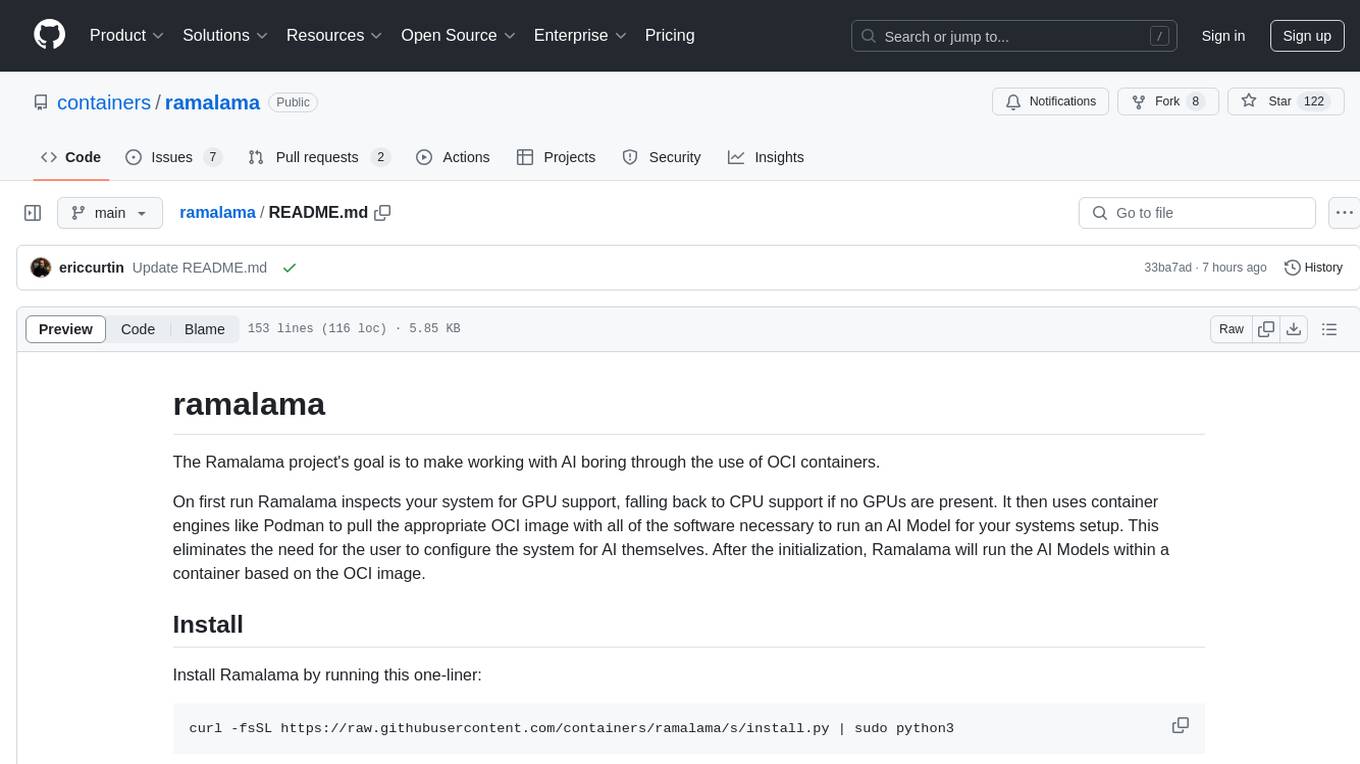
ramalama
The Ramalama project simplifies working with AI by utilizing OCI containers. It automatically detects GPU support, pulls necessary software in a container, and runs AI models. Users can list, pull, run, and serve models easily. The tool aims to support various GPUs and platforms in the future, making AI setup hassle-free.
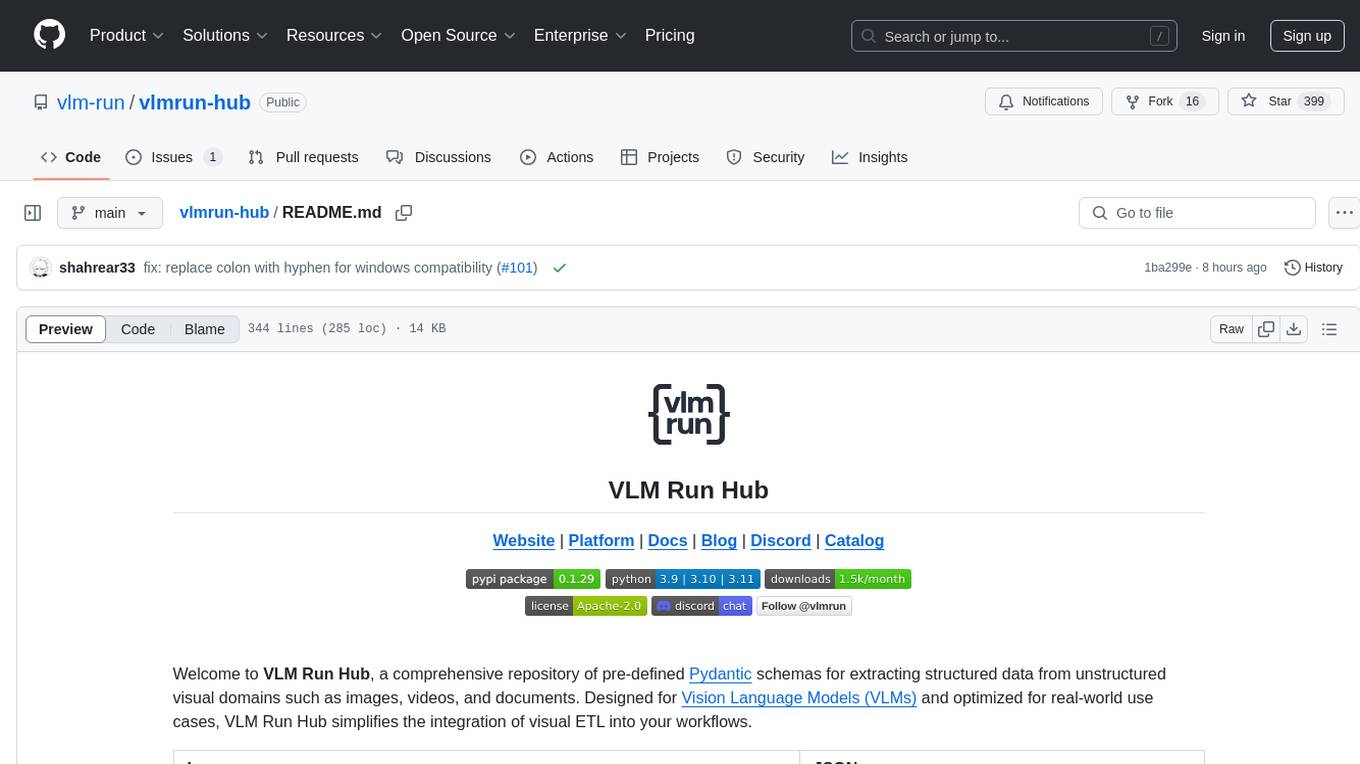
vlmrun-hub
VLMRun Hub is a versatile tool for managing and running virtual machines in a centralized manner. It provides a user-friendly interface to easily create, start, stop, and monitor virtual machines across multiple hosts. With VLMRun Hub, users can efficiently manage their virtualized environments and streamline their workflow. The tool offers flexibility and scalability, making it suitable for both small-scale personal projects and large-scale enterprise deployments.
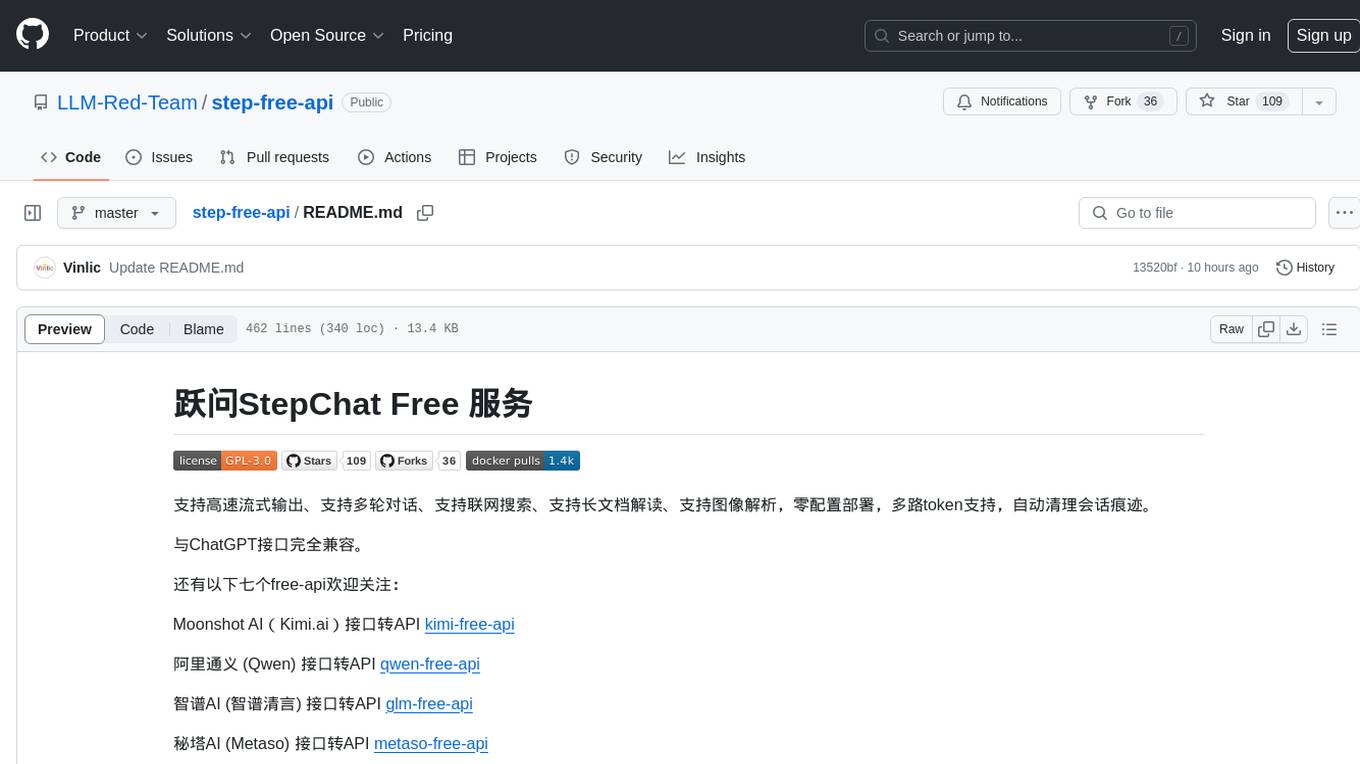
step-free-api
The StepChat Free service provides high-speed streaming output, multi-turn dialogue support, online search support, long document interpretation, and image parsing. It offers zero-configuration deployment, multi-token support, and automatic session trace cleaning. It is fully compatible with the ChatGPT interface. Additionally, it provides seven other free APIs for various services. The repository includes a disclaimer about using reverse APIs and encourages users to avoid commercial use to prevent service pressure on the official platform. It offers online testing links, showcases different demos, and provides deployment guides for Docker, Docker-compose, Render, Vercel, and native deployments. The repository also includes information on using multiple accounts, optimizing Nginx reverse proxy, and checking the liveliness of refresh tokens.
Bindu
Bindu is an operating layer for AI agents that provides identity, communication, and payment capabilities. It delivers a production-ready service with a convenient API to connect, authenticate, and orchestrate agents across distributed systems using open protocols: A2A, AP2, and X402. Built with a distributed architecture, Bindu makes it fast to develop and easy to integrate with any AI framework. Transform any agent framework into a fully interoperable service for communication, collaboration, and commerce in the Internet of Agents.
python-utcp
The Universal Tool Calling Protocol (UTCP) is a secure and scalable standard for defining and interacting with tools across various communication protocols. UTCP emphasizes scalability, extensibility, interoperability, and ease of use. It offers a modular core with a plugin-based architecture, making it extensible, testable, and easy to package. The repository contains the complete UTCP Python implementation with core components and protocol-specific plugins for HTTP, CLI, Model Context Protocol, file-based tools, and more.
sparrow
Sparrow is an innovative open-source solution for efficient data extraction and processing from various documents and images. It seamlessly handles forms, invoices, receipts, and other unstructured data sources. Sparrow stands out with its modular architecture, offering independent services and pipelines all optimized for robust performance. One of the critical functionalities of Sparrow - pluggable architecture. You can easily integrate and run data extraction pipelines using tools and frameworks like LlamaIndex, Haystack, or Unstructured. Sparrow enables local LLM data extraction pipelines through Ollama or Apple MLX. With Sparrow solution you get API, which helps to process and transform your data into structured output, ready to be integrated with custom workflows. Sparrow Agents - with Sparrow you can build independent LLM agents, and use API to invoke them from your system. **List of available agents:** * **llamaindex** - RAG pipeline with LlamaIndex for PDF processing * **vllamaindex** - RAG pipeline with LLamaIndex multimodal for image processing * **vprocessor** - RAG pipeline with OCR and LlamaIndex for image processing * **haystack** - RAG pipeline with Haystack for PDF processing * **fcall** - Function call pipeline * **unstructured-light** - RAG pipeline with Unstructured and LangChain, supports PDF and image processing * **unstructured** - RAG pipeline with Weaviate vector DB query, Unstructured and LangChain, supports PDF and image processing * **instructor** - RAG pipeline with Unstructured and Instructor libraries, supports PDF and image processing. Works great for JSON response generation
manga-image-translator
Translate texts in manga/images. Some manga/images will never be translated, therefore this project is born. * Image/Manga Translator * Samples * Online Demo * Disclaimer * Installation * Pip/venv * Poetry * Additional instructions for **Windows** * Docker * Hosting the web server * Using as CLI * Setting Translation Secrets * Using with Nvidia GPU * Building locally * Usage * Batch mode (default) * Demo mode * Web Mode * Api Mode * Related Projects * Docs * Recommended Modules * Tips to improve translation quality * Options * Language Code Reference * Translators Reference * GPT Config Reference * Using Gimp for rendering * Api Documentation * Synchronous mode * Asynchronous mode * Manual translation * Next steps * Support Us * Thanks To All Our Contributors :
spark-free-api
Spark AI Free 服务 provides high-speed streaming output, multi-turn dialogue support, AI drawing support, long document interpretation, and image parsing. It offers zero-configuration deployment, multi-token support, and automatic session trace cleaning. It is fully compatible with the ChatGPT interface. The repository includes multiple free-api projects for various AI services. Users can access the API for tasks such as chat completions, AI drawing, document interpretation, image analysis, and ssoSessionId live checking. The project also provides guidelines for deployment using Docker, Docker-compose, Render, Vercel, and native deployment methods. It recommends using custom clients for faster and simpler access to the free-api series projects.
qwen-free-api
Qwen AI Free service supports high-speed streaming output, multi-turn dialogue, watermark-free AI drawing, long document interpretation, image parsing, zero-configuration deployment, multi-token support, automatic session trace cleaning. It is fully compatible with the ChatGPT interface. The repository provides various free APIs for different AI services. Users can access the service through different deployment methods like Docker, Docker-compose, Render, Vercel, and native deployment. It offers interfaces for chat completions, AI drawing, document interpretation, image parsing, and token checking. Users need to provide 'login_tongyi_ticket' for authorization. The project emphasizes research, learning, and personal use only, discouraging commercial use to avoid service pressure on the official platform.
mcp-hub
MCP Hub is a centralized manager for Model Context Protocol (MCP) servers, offering dynamic server management and monitoring, REST API for tool execution and resource access, MCP Server marketplace integration, real-time server status tracking, client connection management, and process lifecycle handling. It acts as a central management server connecting to and managing multiple MCP servers, providing unified API endpoints for client access, handling server lifecycle and health monitoring, and routing requests between clients and MCP servers.
glm-free-api
GLM AI Free 服务 provides high-speed streaming output, multi-turn dialogue support, intelligent agent dialogue support, AI drawing support, online search support, long document interpretation support, image parsing support. It offers zero-configuration deployment, multi-token support, and automatic session trace cleaning. It is fully compatible with the ChatGPT interface. The repository also includes six other free APIs for various services like Moonshot AI, StepChat, Qwen, Metaso, Spark, and Emohaa. The tool supports tasks such as chat completions, AI drawing, document interpretation, image parsing, and refresh token survival check.
jambo
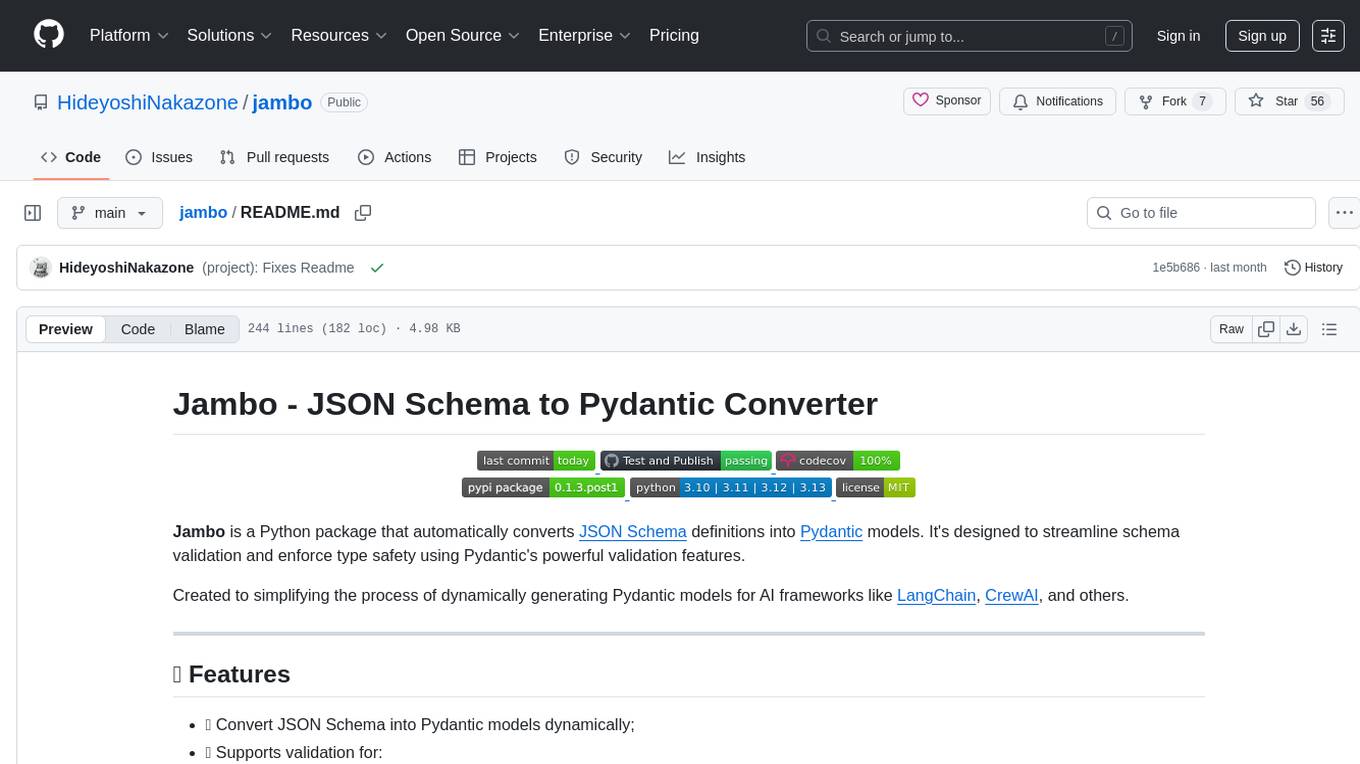
Jambo is a Python package that automatically converts JSON Schema definitions into Pydantic models. It streamlines schema validation and enforces type safety using Pydantic's validation features. The tool supports various JSON Schema features like strings, integers, floats, booleans, arrays, nested objects, and more. It enforces constraints such as minLength, maxLength, pattern, minimum, maximum, uniqueItems, and provides a zero-config approach for generating models. Jambo is designed to simplify the process of dynamically generating Pydantic models for AI frameworks.
mlx-vlm
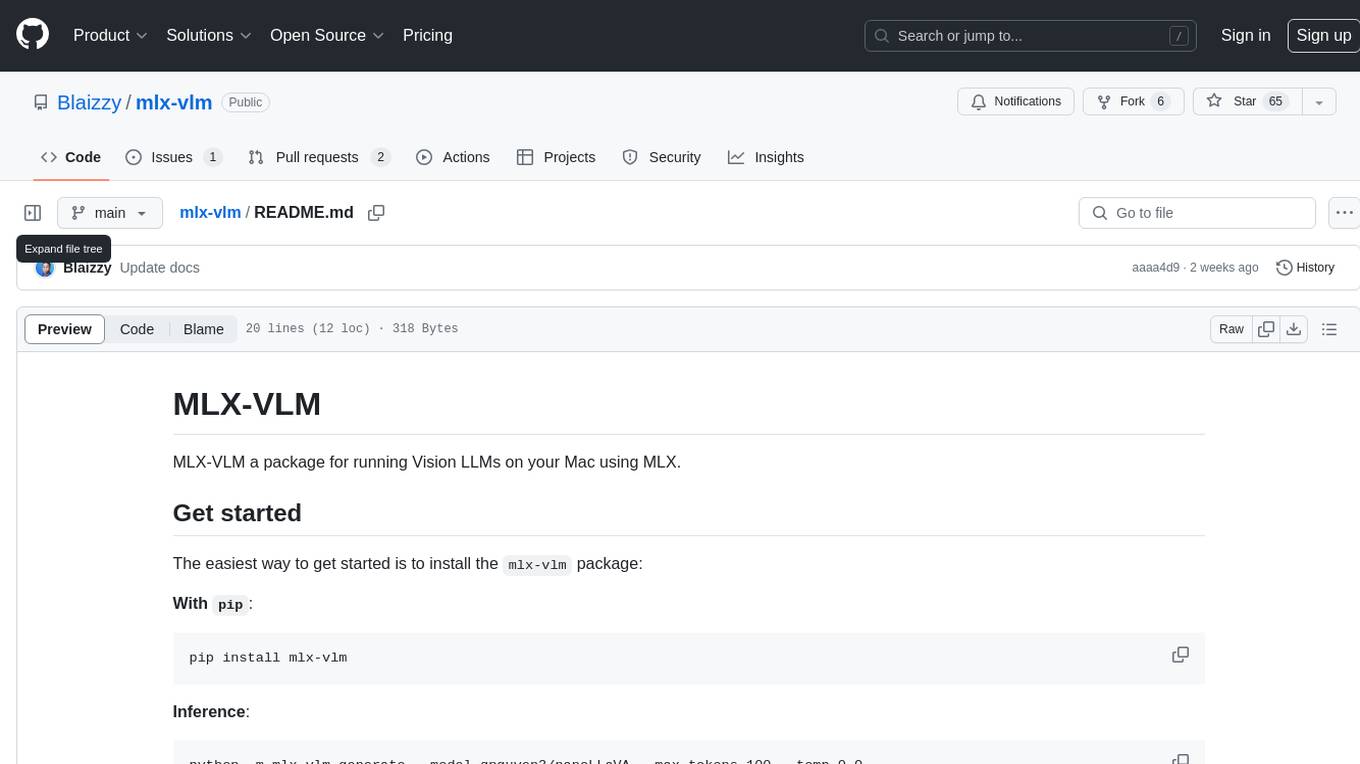
MLX-VLM is a package designed for running Vision LLMs on Mac systems using MLX. It provides a convenient way to install and utilize the package for processing large language models related to vision tasks. The tool simplifies the process of running LLMs on Mac computers, offering a seamless experience for users interested in leveraging MLX for vision-related projects.
jimeng-free-api
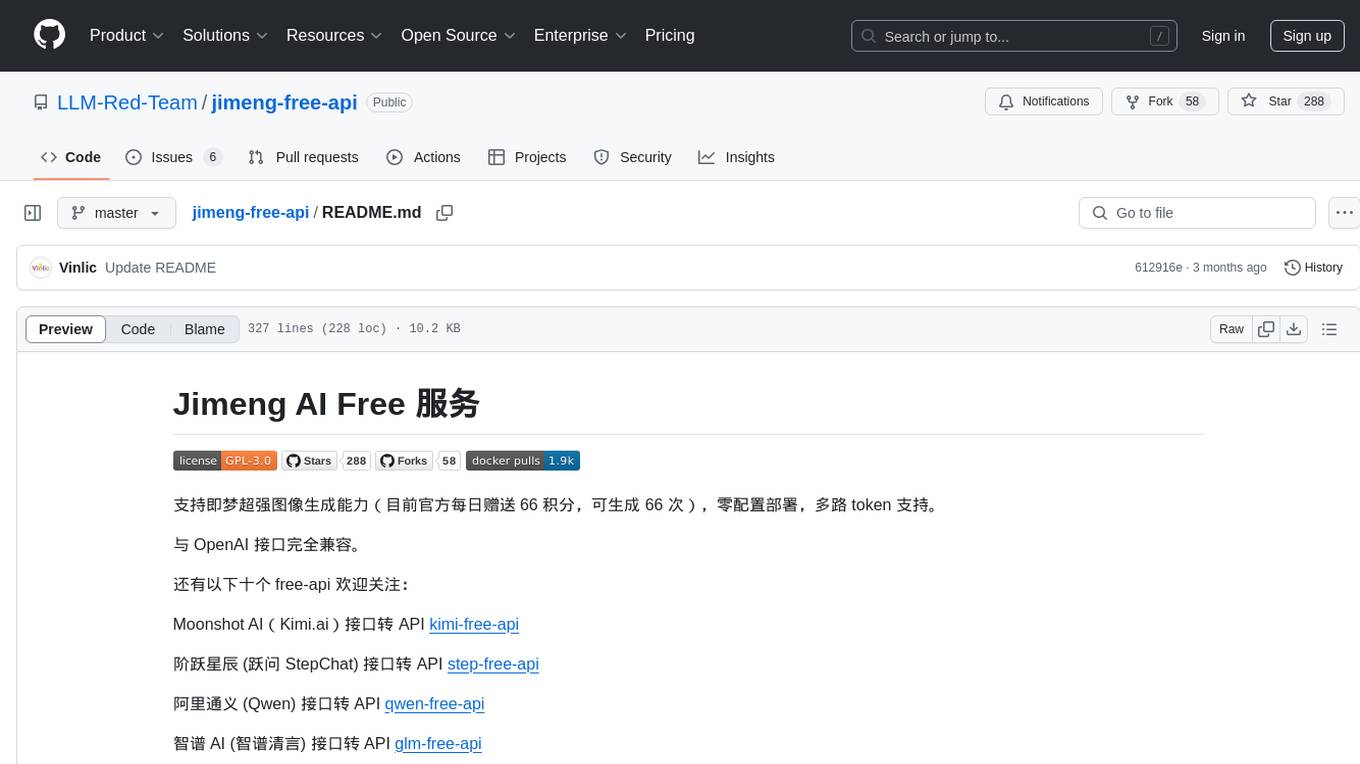
Jimeng AI Free service provides powerful image generation capabilities with zero configuration deployment and support for multiple tokens. It is fully compatible with the OpenAI interface. The repository also includes other free APIs like Moonshot AI, StepChat, Qwen, GLM AI, Metaso AI, Doubao by ByteDance, Spark by Xunfei, Hailuo AI, DeepSeek, and Emohaa AI. Users can access the service by obtaining a sessionid from Jimeng and using it as a Bearer Token in the Authorization header for API requests. The service supports chat completions and image generations, with different models and parameters available for customization. Various deployment options are provided, including Docker, Docker-compose, Render, Vercel, and native deployment. Users are advised to use the recommended client applications for faster and simpler access to the free API services.
chatgpt-exporter
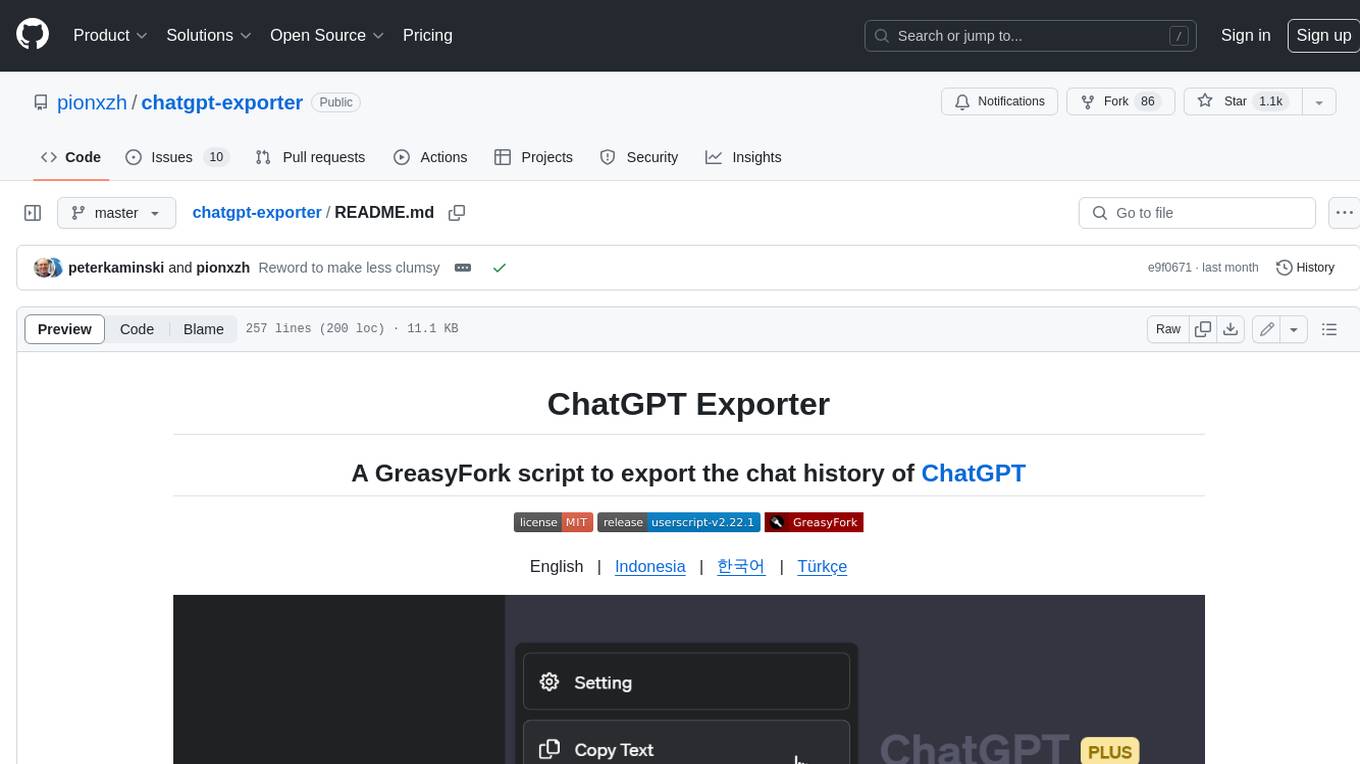
A script to export the chat history of ChatGPT. Supports exporting to text, HTML, Markdown, PNG, and JSON formats. Also allows for exporting multiple conversations at once.
For similar tasks
ext-apps
The @modelcontextprotocol/ext-apps repository contains the SDK and specification for MCP Apps Extension (SEP-1865). MCP Apps are a proposed standard to allow MCP Servers to display interactive UI elements in conversational MCP clients/chatbots. The repository includes SDKs for both app developers and host developers, along with examples showcasing real-world use cases. Users can build interactive UIs that run inside MCP-enabled chat clients and embed/communicate with MCP Apps in their chat applications. The SDK extends the Model Context Protocol by letting tools declare UI resources and enables bidirectional communication between the host and the UI. The repository also provides Agent Skills for building MCP Apps and instructions for installing them in AI coding agents.
For similar jobs

sweep
Sweep is an AI junior developer that turns bugs and feature requests into code changes. It automatically handles developer experience improvements like adding type hints and improving test coverage.

teams-ai
The Teams AI Library is a software development kit (SDK) that helps developers create bots that can interact with Teams and Microsoft 365 applications. It is built on top of the Bot Framework SDK and simplifies the process of developing bots that interact with Teams' artificial intelligence capabilities. The SDK is available for JavaScript/TypeScript, .NET, and Python.

ai-guide
This guide is dedicated to Large Language Models (LLMs) that you can run on your home computer. It assumes your PC is a lower-end, non-gaming setup.

classifai
Supercharge WordPress Content Workflows and Engagement with Artificial Intelligence. Tap into leading cloud-based services like OpenAI, Microsoft Azure AI, Google Gemini and IBM Watson to augment your WordPress-powered websites. Publish content faster while improving SEO performance and increasing audience engagement. ClassifAI integrates Artificial Intelligence and Machine Learning technologies to lighten your workload and eliminate tedious tasks, giving you more time to create original content that matters.

chatbot-ui
Chatbot UI is an open-source AI chat app that allows users to create and deploy their own AI chatbots. It is easy to use and can be customized to fit any need. Chatbot UI is perfect for businesses, developers, and anyone who wants to create a chatbot.

BricksLLM
BricksLLM is a cloud native AI gateway written in Go. Currently, it provides native support for OpenAI, Anthropic, Azure OpenAI and vLLM. BricksLLM aims to provide enterprise level infrastructure that can power any LLM production use cases. Here are some use cases for BricksLLM: * Set LLM usage limits for users on different pricing tiers * Track LLM usage on a per user and per organization basis * Block or redact requests containing PIIs * Improve LLM reliability with failovers, retries and caching * Distribute API keys with rate limits and cost limits for internal development/production use cases * Distribute API keys with rate limits and cost limits for students

uAgents
uAgents is a Python library developed by Fetch.ai that allows for the creation of autonomous AI agents. These agents can perform various tasks on a schedule or take action on various events. uAgents are easy to create and manage, and they are connected to a fast-growing network of other uAgents. They are also secure, with cryptographically secured messages and wallets.

griptape
Griptape is a modular Python framework for building AI-powered applications that securely connect to your enterprise data and APIs. It offers developers the ability to maintain control and flexibility at every step. Griptape's core components include Structures (Agents, Pipelines, and Workflows), Tasks, Tools, Memory (Conversation Memory, Task Memory, and Meta Memory), Drivers (Prompt and Embedding Drivers, Vector Store Drivers, Image Generation Drivers, Image Query Drivers, SQL Drivers, Web Scraper Drivers, and Conversation Memory Drivers), Engines (Query Engines, Extraction Engines, Summary Engines, Image Generation Engines, and Image Query Engines), and additional components (Rulesets, Loaders, Artifacts, Chunkers, and Tokenizers). Griptape enables developers to create AI-powered applications with ease and efficiency.