


python-utcp
Official python implementation of UTCP. UTCP is an open standard that lets AI agents call any API directly, without extra middleware.
Stars: 544
The Universal Tool Calling Protocol (UTCP) is a secure and scalable standard for defining and interacting with tools across various communication protocols. UTCP emphasizes scalability, extensibility, interoperability, and ease of use. It offers a modular core with a plugin-based architecture, making it extensible, testable, and easy to package. The repository contains the complete UTCP Python implementation with core components and protocol-specific plugins for HTTP, CLI, Model Context Protocol, file-based tools, and more.
README:




The Universal Tool Calling Protocol (UTCP) is a secure, scalable standard for defining and interacting with tools across a wide variety of communication protocols. UTCP 1.0.0 introduces a modular core with a plugin-based architecture, making it more extensible, testable, and easier to package.
In contrast to other protocols, UTCP places a strong emphasis on:
- Scalability: UTCP is designed to handle a large number of tools and providers without compromising performance.
- Extensibility: A pluggable architecture allows developers to easily add new communication protocols, tool storage mechanisms, and search strategies without modifying the core library.
- Interoperability: With a growing ecosystem of protocol plugins (including HTTP, SSE, CLI, and more), UTCP can integrate with almost any existing service or infrastructure.
- Ease of Use: The protocol is built on simple, well-defined Pydantic models, making it easy for developers to implement and use.
This repository contains the complete UTCP Python implementation:
-
core/- Coreutcppackage with foundational components (README) -
plugins/communication_protocols/- Protocol-specific plugins:
UTCP uses a modular architecture with a core library and protocol plugins:
The core/ directory contains the foundational components:
-
Data Models: Pydantic models for
Tool,CallTemplate,UtcpManual, andAuth -
Client Interface: Main
UtcpClientfor tool interaction - Plugin System: Extensible interfaces for protocols, repositories, and search
- Default Implementations: Built-in tool storage and search strategies
Install the core library and any required protocol plugins:
# Install core + HTTP plugin (most common)
pip install utcp utcp-http

# Install additional plugins as needed
pip install utcp-cli utcp-mcp utcp-textfrom utcp.utcp_client import UtcpClient
# Create client with HTTP API
client = await UtcpClient.create(config={
"manual_call_templates": [{
"name": "my_api",
"call_template_type": "http",
"url": "https://api.example.com/utcp"
}]
})
# Call a tool
result = await client.call_tool("my_api.get_data", {"id": "123"})UTCP supports multiple communication protocols through dedicated plugins:
| Plugin | Description | Status | Documentation |
|---|---|---|---|
utcp-http |
HTTP/REST APIs, SSE, streaming | ✅ Stable | HTTP Plugin README |
utcp-cli |
Command-line tools | ✅ Stable | CLI Plugin README |
utcp-mcp |
Model Context Protocol | ✅ Stable | MCP Plugin README |
utcp-text |
Local file-based tools | ✅ Stable | Text Plugin README |
utcp-socket |
TCP/UDP protocols | 🚧 In Progress | Socket Plugin README |
utcp-gql |
GraphQL APIs | 🚧 In Progress | GraphQL Plugin README |
For development, you can install the packages in editable mode from the cloned repository:
# Clone the repository
git clone https://github.com/universal-tool-calling-protocol/python-utcp.git
cd python-utcp

# Install the core package in editable mode with dev dependencies
pip install -e "core[dev]"

# Install a specific protocol plugin in editable mode
pip install -e plugins/communication_protocols/httpVersion 1.0.0 introduces several breaking changes. Follow these steps to migrate your project.
-
Update Dependencies: Install the new
utcpcore package and the specific protocol plugins you use (e.g.,utcp-http,utcp-cli). -
Configuration:
-
Configuration Object:
UtcpClientis initialized with aUtcpClientConfigobject, dict or a path to a JSON file containing the configuration. -
Manual Call Templates: The
providers_file_pathoption is removed. Instead of a file path, you now provide a list ofmanual_call_templatesdirectly within theUtcpClientConfig. -
Terminology: The term
providerhas been replaced withcall_template, andprovider_typeis nowcall_template_type. -
Streamable HTTP: The
call_template_typehttp_streamhas been renamed tostreamable_http.
-
Configuration Object:
-
Update Imports: Change your imports to reflect the new modular structure. For example,
from utcp.client.transport_interfaces.http_transport import HttpProviderbecomesfrom utcp_http.http_call_template import HttpCallTemplate. -
Tool Search: If you were using the default search, the new strategy is
TagAndDescriptionWordMatchStrategy. This is the new default and requires no changes unless you were implementing a custom strategy. -
Tool Naming: Tool names are now namespaced as
manual_name.tool_name. The client handles this automatically. -
Variable Substitution Namespacing: Variables that are substituted in different
call_templates, are first namespaced with the name of the manual with the_duplicated. So a key in a tool call template calledAPI_KEYfrom the manualmanual_1would be converted tomanual__1_API_KEY.
config.json (Optional)
You can define a comprehensive client configuration in a JSON file. All of these fields are optional.
{
  "variables": {
    "openlibrary_URL": "https://openlibrary.org/static/openapi.json"
  },
  "load_variables_from": [
    {
      "variable_loader_type": "dotenv",
      "env_file_path": ".env"
    }
  ],
  "tool_repository": {
    "tool_repository_type": "in_memory"
  },
  "tool_search_strategy": {
    "tool_search_strategy_type": "tag_and_description_word_match"
  },
  "manual_call_templates": [
    {
        "name": "openlibrary",
        "call_template_type": "http",
        "http_method": "GET",
        "url": "${URL}",
        "content_type": "application/json"
    },
  ],
  "post_processing": [
    {
        "tool_post_processor_type": "filter_dict",
        "only_include_keys": ["name", "key"],
        "only_include_tools": ["openlibrary.read_search_authors_json_search_authors_json_get"]
    }
  ]
}
client.py
import asyncio
from utcp.utcp_client import UtcpClient
from utcp.data.utcp_client_config import UtcpClientConfig

async def main():
    # The UtcpClient can be created with a config file path, a dict, or a UtcpClientConfig object.

    # Option 1: Initialize from a config file path
    # client_from_file = await UtcpClient.create(config="./config.json")

    # Option 2: Initialize from a dictionary
    client_from_dict = await UtcpClient.create(config={
        "variables": {
            "openlibrary_URL": "https://openlibrary.org/static/openapi.json"
        },
        "load_variables_from": [
            {
                "variable_loader_type": "dotenv",
                "env_file_path": ".env"
            }
        ],
        "tool_repository": {
            "tool_repository_type": "in_memory"
        },
        "tool_search_strategy": {
            "tool_search_strategy_type": "tag_and_description_word_match"
        },
        "manual_call_templates": [
            {
                "name": "openlibrary",
                "call_template_type": "http",
                "http_method": "GET",
                "url": "${URL}",
                "content_type": "application/json"
            }
        ],
        "post_processing": [
            {
                "tool_post_processor_type": "filter_dict",
                "only_include_keys": ["name", "key"],
                "only_include_tools": ["openlibrary.read_search_authors_json_search_authors_json_get"]
            }
        ]
    })

    # Option 3: Initialize with a full-featured UtcpClientConfig object
    from utcp_http.http_call_template import HttpCallTemplate
    from utcp.data.variable_loader import VariableLoaderSerializer
    from utcp.interfaces.tool_post_processor import ToolPostProcessorConfigSerializer

    config_obj = UtcpClientConfig(
        variables={"openlibrary_URL": "https://openlibrary.org/static/openapi.json"},
        load_variables_from=[
            VariableLoaderSerializer().validate_dict({
                "variable_loader_type": "dotenv", "env_file_path": ".env"
            })
        ],
        manual_call_templates=[
            HttpCallTemplate(
                name="openlibrary",
                call_template_type="http",
                http_method="GET",
                url="${URL}",
                content_type="application/json"
            )
        ],
        post_processing=[
            ToolPostProcessorConfigSerializer().validate_dict({
                "tool_post_processor_type": "filter_dict",
                "only_include_keys": ["name", "key"],
                "only_include_tools": ["openlibrary.read_search_authors_json_search_authors_json_get"]
            })
        ]
    )
    client = await UtcpClient.create(config=config_obj)

    # Call a tool. The name is namespaced: `manual_name.tool_name`
    result = await client.call_tool(
        tool_name="openlibrary.read_search_authors_json_search_authors_json_get",
        tool_args={"q": "J. K. Rowling"}
    )

    print(result)

if __name__ == "__main__":
asyncio.run(main())A UTCPManual describes the tools you offer. The key change is replacing tool_provider with tool_call_template.
server.py
UTCP decorator version:
from fastapi import FastAPI
from utcp_http.http_call_template import HttpCallTemplate
from utcp.data.utcp_manual import UtcpManual
from utcp.python_specific_tooling.tool_decorator import utcp_tool

app = FastAPI()

# The discovery endpoint returns the tool manual
@app.get("/utcp")
def utcp_discovery():
    return UtcpManual.create_from_decorators(manual_version="1.0.0")

# The actual tool endpoint
@utcp_tool(tool_call_template=HttpCallTemplate(
    name="get_weather",
    url=f"https://example.com/api/weather",
    http_method="GET"
), tags=["weather"])
@app.get("/api/weather")
def get_weather(location: str):
    return {"temperature": 22.5, "conditions": "Sunny"}
No UTCP dependencies server version:
from fastapi import FastAPI

app = FastAPI()

# The discovery endpoint returns the tool manual
@app.get("/utcp")
def utcp_discovery():
    return {
        "manual_version": "1.0.0",
        "utcp_version": "1.0.2",
        "tools": [
            {
                "name": "get_weather",
                "description": "Get current weather for a location",
                "tags": ["weather"],
                "inputs": {
                    "type": "object",
                    "properties": {
                        "location": {"type": "string"}
                    }
                },
                "outputs": {
                    "type": "object",
                    "properties": {
                        "temperature": {"type": "number"},
                        "conditions": {"type": "string"}
                    }
                },
                "tool_call_template": {
                    "call_template_type": "http",
                    "url": "https://example.com/api/weather",
                    "http_method": "GET"
                }
            }
        ]
    }

# The actual tool endpoint
@app.get("/api/weather")
def get_weather(location: str):
return {"temperature": 22.5, "conditions": "Sunny"}You can find full examples in the examples repository.
The tool_provider object inside a Tool has been replaced by tool_call_template.
{
  "manual_version": "string",
  "utcp_version": "string",
  "tools": [
    {
      "name": "string",
      "description": "string",
      "inputs": { ... },
      "outputs": { ... },
      "tags": ["string"],
      "tool_call_template": {
        "call_template_type": "http",
        "url": "https://...",
        "http_method": "GET"
      }
    }
  ]
}Configuration examples for each protocol. Remember to replace provider_type with call_template_type.
{
  "name": "my_rest_api",
  "call_template_type": "http", // Required
  "url": "https://api.example.com/users/{user_id}", // Required
  "http_method": "POST", // Required, default: "GET"
  "content_type": "application/json", // Optional, default: "application/json"
  "auth": { // Optional, authentication for the HTTP request (example using ApiKeyAuth for Bearer token)
    "auth_type": "api_key",
    "api_key": "Bearer $API_KEY", // Required
    "var_name": "Authorization", // Optional, default: "X-Api-Key"
    "location": "header" // Optional, default: "header"
  },
  "auth_tools": { // Optional, authentication for converted tools, if this call template points to an openapi spec that should be automatically converted to a utcp manual (applied only to endpoints requiring auth per OpenAPI spec)
    "auth_type": "api_key",
    "api_key": "Bearer $TOOL_API_KEY", // Required
    "var_name": "Authorization", // Optional, default: "X-Api-Key"
    "location": "header" // Optional, default: "header"
  },
  "headers": { // Optional
    "X-Custom-Header": "value"
  },
  "body_field": "body", // Optional, default: "body"
  "header_fields": ["user_id"] // Optional
}{
"name": "my_sse_stream",
"call_template_type": "sse", // Required
"url": "https://api.example.com/events", // Required
"event_type": "message", // Optional
"reconnect": true, // Optional, default: true
"retry_timeout": 30000, // Optional, default: 30000 (ms)
"auth": { // Optional, example using BasicAuth
"auth_type": "basic",
"username": "${USERNAME}", // Required
"password": "${PASSWORD}" // Required
},
"headers": { // Optional
"X-Client-ID": "12345"
},
"body_field": null, // Optional
"header_fields": [] // Optional
}Note the name change from http_stream to streamable_http.
{
  "name": "streaming_data_source",
  "call_template_type": "streamable_http", // Required
  "url": "https://api.example.com/stream", // Required
  "http_method": "POST", // Optional, default: "GET"
  "content_type": "application/octet-stream", // Optional, default: "application/octet-stream"
  "chunk_size": 4096, // Optional, default: 4096
  "timeout": 60000, // Optional, default: 60000 (ms)
  "auth": null, // Optional
  "headers": {}, // Optional
  "body_field": "data", // Optional
  "header_fields": [] // Optional
}{
"name": "multi_step_cli_tool",
"call_template_type": "cli", // Required
"commands": [ // Required - sequential command execution
{
"command": "git clone UTCP_ARG_repo_url_UTCP_END temp_repo",
"append_to_final_output": false
},
{
"command": "cd temp_repo && find . -name '*.py' | wc -l"
// Last command output returned by default
}
],
"env_vars": { // Optional
"GIT_AUTHOR_NAME": "UTCP Bot",
"API_KEY": "${MY_API_KEY}"
},
"working_dir": "/tmp", // Optional
"auth": null // Optional (always null for CLI)
}CLI Protocol Features:
- Multi-command execution: Commands run sequentially in single subprocess
- Cross-platform: PowerShell on Windows, Bash on Unix/Linux/macOS
-
State preservation: Directory changes (
cd) persist between commands -
Argument placeholders:
UTCP_ARG_argname_UTCP_ENDformat -
Output referencing: Access previous outputs with
$CMD_0_OUTPUT,$CMD_1_OUTPUT - Flexible output control: Choose which command outputs to include in final result
{
  "name": "my_text_manual",
  "call_template_type": "text", // Required
  "file_path": "./manuals/my_manual.json", // Required
  "auth": null, // Optional (always null for Text)
  "auth_tools": { // Optional, authentication for generated tools from OpenAPI specs
    "auth_type": "api_key",
    "api_key": "Bearer ${API_TOKEN}",
    "var_name": "Authorization",
    "location": "header"
  }
}{
"name": "my_mcp_server",
"call_template_type": "mcp", // Required
"config": { // Required
"mcpServers": {
"server_name": {
"transport": "stdio",
"command": ["python", "-m", "my_mcp_server"]
}
}
},
"auth": { // Optional, example using OAuth2
"auth_type": "oauth2",
"token_url": "https://auth.example.com/token", // Required
"client_id": "${CLIENT_ID}", // Required
"client_secret": "${CLIENT_SECRET}", // Required
"scope": "read:tools" // Optional
}
}The testing structure has been updated to reflect the new core/plugin split.
To run all tests for the core library and all plugins:
# Ensure you have installed all dev dependencies
python -m pytest
To run tests for a specific package (e.g., the core library):
python -m pytest core/tests/To run tests for a specific plugin (e.g., HTTP):
python -m pytest plugins/communication_protocols/http/tests/ -vTo run tests with coverage:
python -m pytest --cov=utcp --cov-report=xmlThe build process now involves building each package (core and plugins) separately if needed, though they are published to PyPI independently.
- Create and activate a virtual environment.
- Install build dependencies:
pip install build. - Navigate to the package directory (e.g.,
cd core). - Run the build:
python -m build. - The distributable files (
.whland.tar.gz) will be in thedist/directory.
🚀 Transform any existing REST API into UTCP tools without server modifications!
UTCP's OpenAPI ingestion feature automatically converts OpenAPI 2.0/3.0 specifications into UTCP tools, enabling AI agents to interact with existing APIs directly - no wrapper servers, no API changes, no additional infrastructure required.
from utcp_http.openapi_converter import OpenApiConverter
import aiohttp

# Convert any OpenAPI spec to UTCP tools
async def convert_api():
    async with aiohttp.ClientSession() as session:
        async with session.get("https://api.github.com/openapi.json") as response:
            openapi_spec = await response.json()

    converter = OpenApiConverter(openapi_spec)
    manual = converter.convert()

    print(f"Generated {len(manual.tools)} tools from GitHub API!")
    return manual

# Or use UTCP Client configuration for automatic detection
from utcp.utcp_client import UtcpClient

client = await UtcpClient.create(config={
    "manual_call_templates": [{
        "name": "github",
        "call_template_type": "http",
        "url": "https://api.github.com/openapi.json",
        "auth_tools": {  # Authentication for generated tools requiring auth
            "auth_type": "api_key",
            "api_key": "Bearer ${GITHUB_TOKEN}",
            "var_name": "Authorization",
            "location": "header"
        }
    }]
})- ✅ Zero Infrastructure: No servers to deploy or maintain
- ✅ Direct API Calls: Native performance, no proxy overhead
- ✅ Automatic Conversion: OpenAPI schemas → UTCP tools
- ✅ Selective Authentication: Only protected endpoints get auth, public endpoints remain accessible
- ✅ Authentication Preserved: API keys, OAuth2, Basic auth supported
- ✅ Multi-format Support: JSON, YAML, OpenAPI 2.0/3.0
- ✅ Batch Processing: Convert multiple APIs simultaneously
-
Direct Converter:
OpenApiConverterclass for full control - Remote URLs: Fetch and convert specs from any URL
- Client Configuration: Include specs directly in UTCP config
- Batch Processing: Process multiple specs programmatically
- File-based: Convert local JSON/YAML specifications
📖 Complete OpenAPI Ingestion Guide - Detailed examples and advanced usage
For Tasks:
Click tags to check more tools for each tasksFor Jobs:
Alternative AI tools for python-utcp
Similar Open Source Tools
python-utcp
The Universal Tool Calling Protocol (UTCP) is a secure and scalable standard for defining and interacting with tools across various communication protocols. UTCP emphasizes scalability, extensibility, interoperability, and ease of use. It offers a modular core with a plugin-based architecture, making it extensible, testable, and easy to package. The repository contains the complete UTCP Python implementation with core components and protocol-specific plugins for HTTP, CLI, Model Context Protocol, file-based tools, and more.
jambo
Jambo is a Python package that automatically converts JSON Schema definitions into Pydantic models. It streamlines schema validation and enforces type safety using Pydantic's validation features. The tool supports various JSON Schema features like strings, integers, floats, booleans, arrays, nested objects, and more. It enforces constraints such as minLength, maxLength, pattern, minimum, maximum, uniqueItems, and provides a zero-config approach for generating models. Jambo is designed to simplify the process of dynamically generating Pydantic models for AI frameworks.
Bindu
Bindu is an operating layer for AI agents that provides identity, communication, and payment capabilities. It delivers a production-ready service with a convenient API to connect, authenticate, and orchestrate agents across distributed systems using open protocols: A2A, AP2, and X402. Built with a distributed architecture, Bindu makes it fast to develop and easy to integrate with any AI framework. Transform any agent framework into a fully interoperable service for communication, collaboration, and commerce in the Internet of Agents.
firecrawl
Firecrawl is an API service that empowers AI applications with clean data from any website. It features advanced scraping, crawling, and data extraction capabilities. The repository is still in development, integrating custom modules into the mono repo. Users can run it locally but it's not fully ready for self-hosted deployment yet. Firecrawl offers powerful capabilities like scraping, crawling, mapping, searching, and extracting structured data from single pages, multiple pages, or entire websites with AI. It supports various formats, actions, and batch scraping. The tool is designed to handle proxies, anti-bot mechanisms, dynamic content, media parsing, change tracking, and more. Firecrawl is available as an open-source project under the AGPL-3.0 license, with additional features offered in the cloud version.
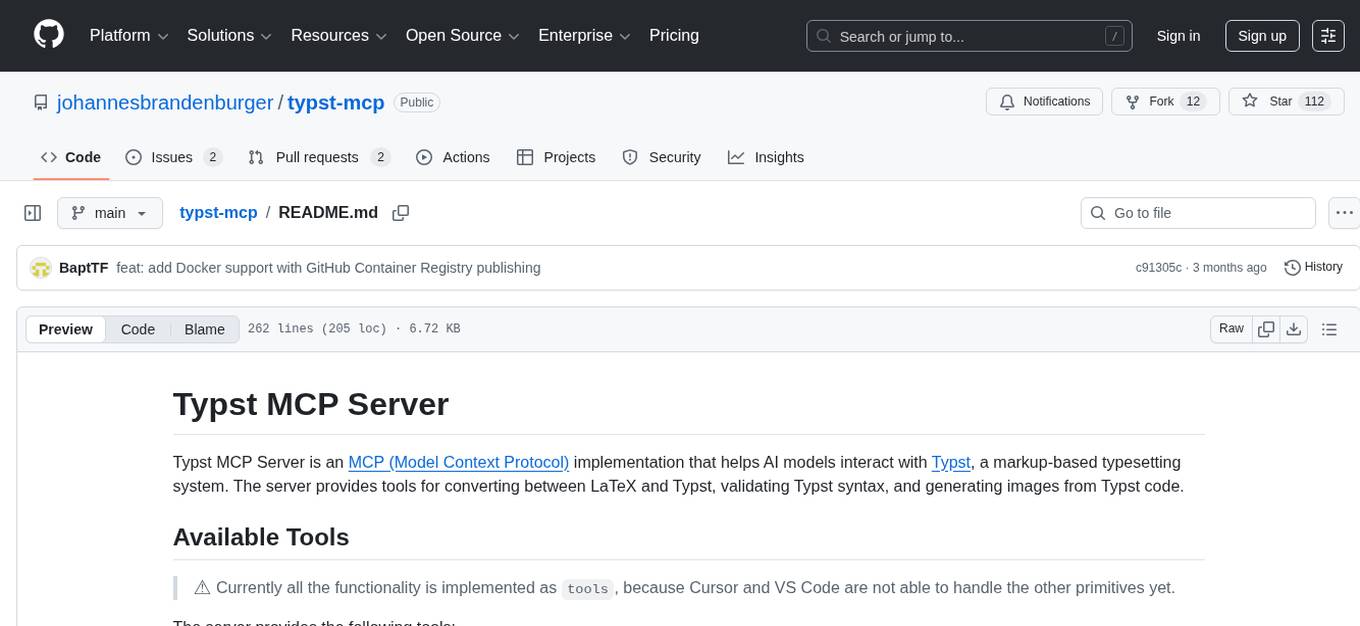
typst-mcp
Typst MCP Server is an implementation of the Model Context Protocol (MCP) that facilitates interaction between AI models and Typst, a markup-based typesetting system. The server offers tools for converting between LaTeX and Typst, validating Typst syntax, and generating images from Typst code. It provides functions such as listing documentation chapters, retrieving specific chapters, converting LaTeX snippets to Typst, validating Typst syntax, and rendering Typst code to images. The server is designed to assist Language Model Managers (LLMs) in handling Typst-related tasks efficiently and accurately.
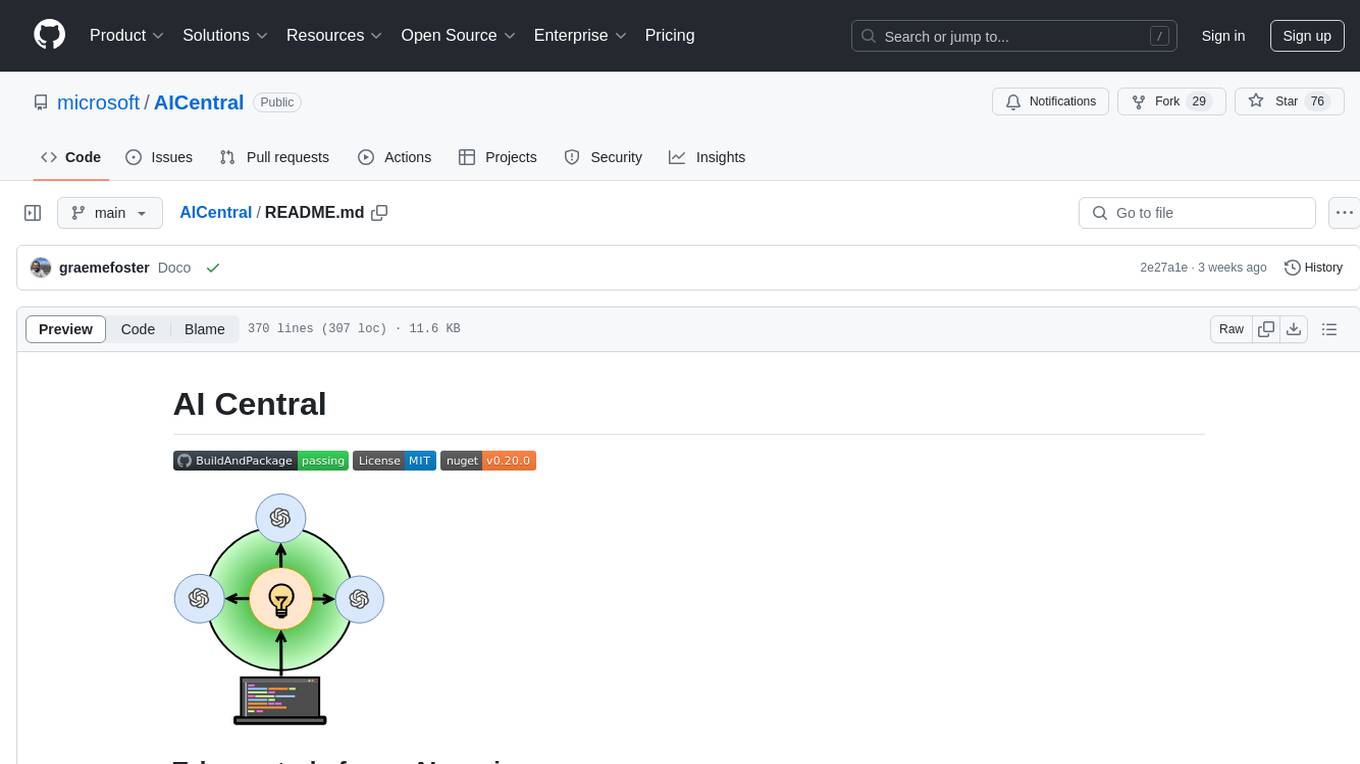
AICentral
AI Central is a powerful tool designed to take control of your AI services with minimal overhead. It is built on Asp.Net Core and dotnet 8, offering fast web-server performance. The tool enables advanced Azure APIm scenarios, PII stripping logging to Cosmos DB, token metrics through Open Telemetry, and intelligent routing features. AI Central supports various endpoint selection strategies, proxying asynchronous requests, custom OAuth2 authorization, circuit breakers, rate limiting, and extensibility through plugins. It provides an extensibility model for easy plugin development and offers enriched telemetry and logging capabilities for monitoring and insights.
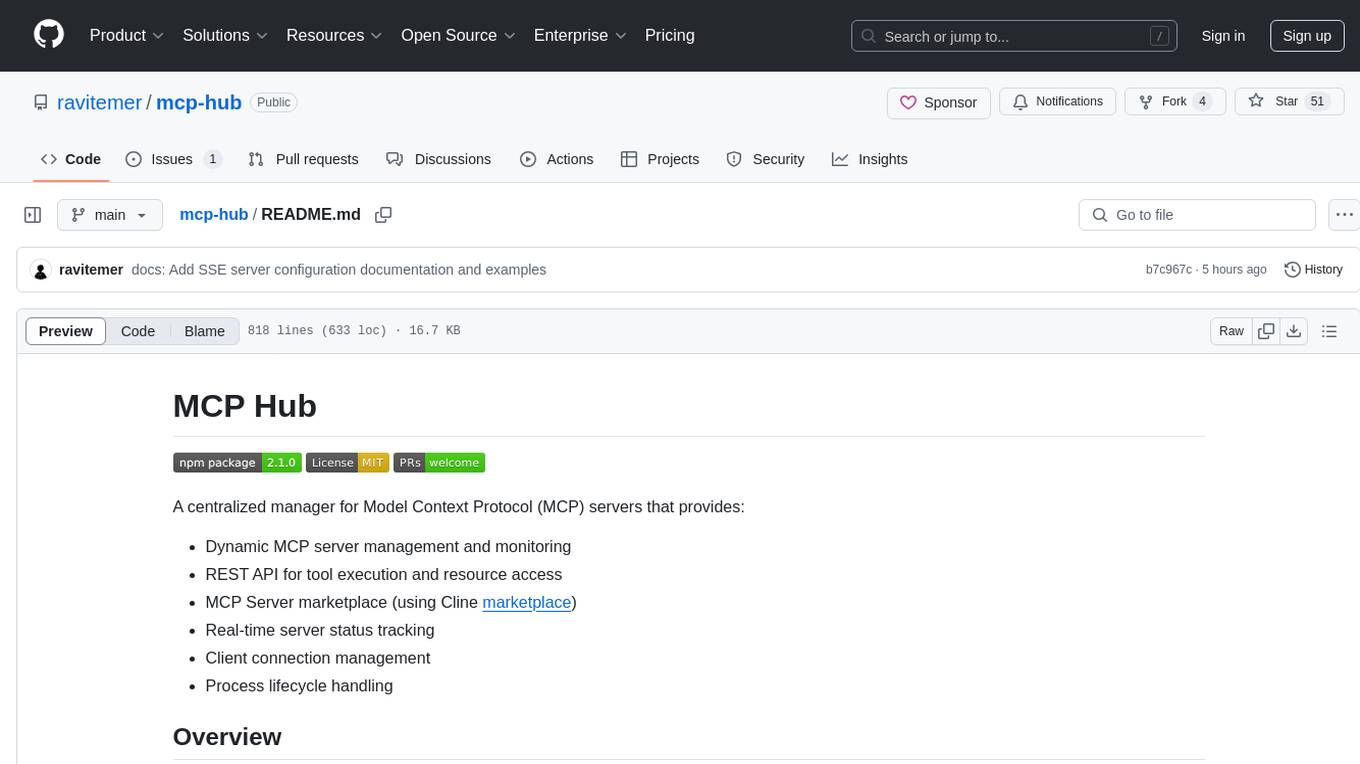
mcp-hub
MCP Hub is a centralized manager for Model Context Protocol (MCP) servers, offering dynamic server management and monitoring, REST API for tool execution and resource access, MCP Server marketplace integration, real-time server status tracking, client connection management, and process lifecycle handling. It acts as a central management server connecting to and managing multiple MCP servers, providing unified API endpoints for client access, handling server lifecycle and health monitoring, and routing requests between clients and MCP servers.
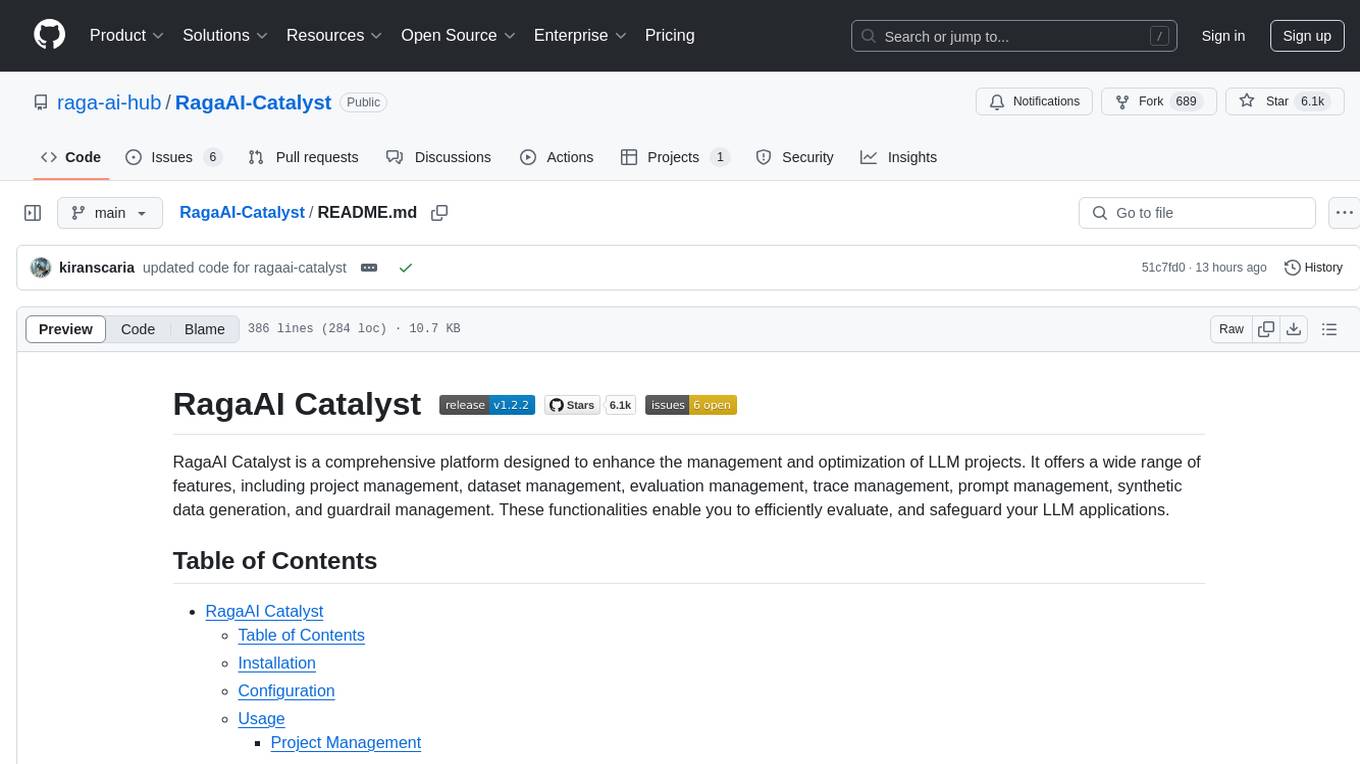
RagaAI-Catalyst
RagaAI Catalyst is a comprehensive platform designed to enhance the management and optimization of LLM projects. It offers features such as project management, dataset management, evaluation management, trace management, prompt management, synthetic data generation, and guardrail management. These functionalities enable efficient evaluation and safeguarding of LLM applications.
manga-image-translator
Translate texts in manga/images. Some manga/images will never be translated, therefore this project is born. * Image/Manga Translator * Samples * Online Demo * Disclaimer * Installation * Pip/venv * Poetry * Additional instructions for **Windows** * Docker * Hosting the web server * Using as CLI * Setting Translation Secrets * Using with Nvidia GPU * Building locally * Usage * Batch mode (default) * Demo mode * Web Mode * Api Mode * Related Projects * Docs * Recommended Modules * Tips to improve translation quality * Options * Language Code Reference * Translators Reference * GPT Config Reference * Using Gimp for rendering * Api Documentation * Synchronous mode * Asynchronous mode * Manual translation * Next steps * Support Us * Thanks To All Our Contributors :
crush
Crush is a versatile tool designed to enhance coding workflows in your terminal. It offers support for multiple LLMs, allows for flexible switching between models, and enables session-based work management. Crush is extensible through MCPs and works across various operating systems. It can be installed using package managers like Homebrew and NPM, or downloaded directly. Crush supports various APIs like Anthropic, OpenAI, Groq, and Google Gemini, and allows for customization through environment variables. The tool can be configured locally or globally, and supports LSPs for additional context. Crush also provides options for ignoring files, allowing tools, and configuring local models. It respects `.gitignore` files and offers logging capabilities for troubleshooting and debugging.
firecrawl
Firecrawl is an API service that takes a URL, crawls it, and converts it into clean markdown. It crawls all accessible subpages and provides clean markdown for each, without requiring a sitemap. The API is easy to use and can be self-hosted. It also integrates with Langchain and Llama Index. The Python SDK makes it easy to crawl and scrape websites in Python code.
sparrow
Sparrow is an innovative open-source solution for efficient data extraction and processing from various documents and images. It seamlessly handles forms, invoices, receipts, and other unstructured data sources. Sparrow stands out with its modular architecture, offering independent services and pipelines all optimized for robust performance. One of the critical functionalities of Sparrow - pluggable architecture. You can easily integrate and run data extraction pipelines using tools and frameworks like LlamaIndex, Haystack, or Unstructured. Sparrow enables local LLM data extraction pipelines through Ollama or Apple MLX. With Sparrow solution you get API, which helps to process and transform your data into structured output, ready to be integrated with custom workflows. Sparrow Agents - with Sparrow you can build independent LLM agents, and use API to invoke them from your system. **List of available agents:** * **llamaindex** - RAG pipeline with LlamaIndex for PDF processing * **vllamaindex** - RAG pipeline with LLamaIndex multimodal for image processing * **vprocessor** - RAG pipeline with OCR and LlamaIndex for image processing * **haystack** - RAG pipeline with Haystack for PDF processing * **fcall** - Function call pipeline * **unstructured-light** - RAG pipeline with Unstructured and LangChain, supports PDF and image processing * **unstructured** - RAG pipeline with Weaviate vector DB query, Unstructured and LangChain, supports PDF and image processing * **instructor** - RAG pipeline with Unstructured and Instructor libraries, supports PDF and image processing. Works great for JSON response generation
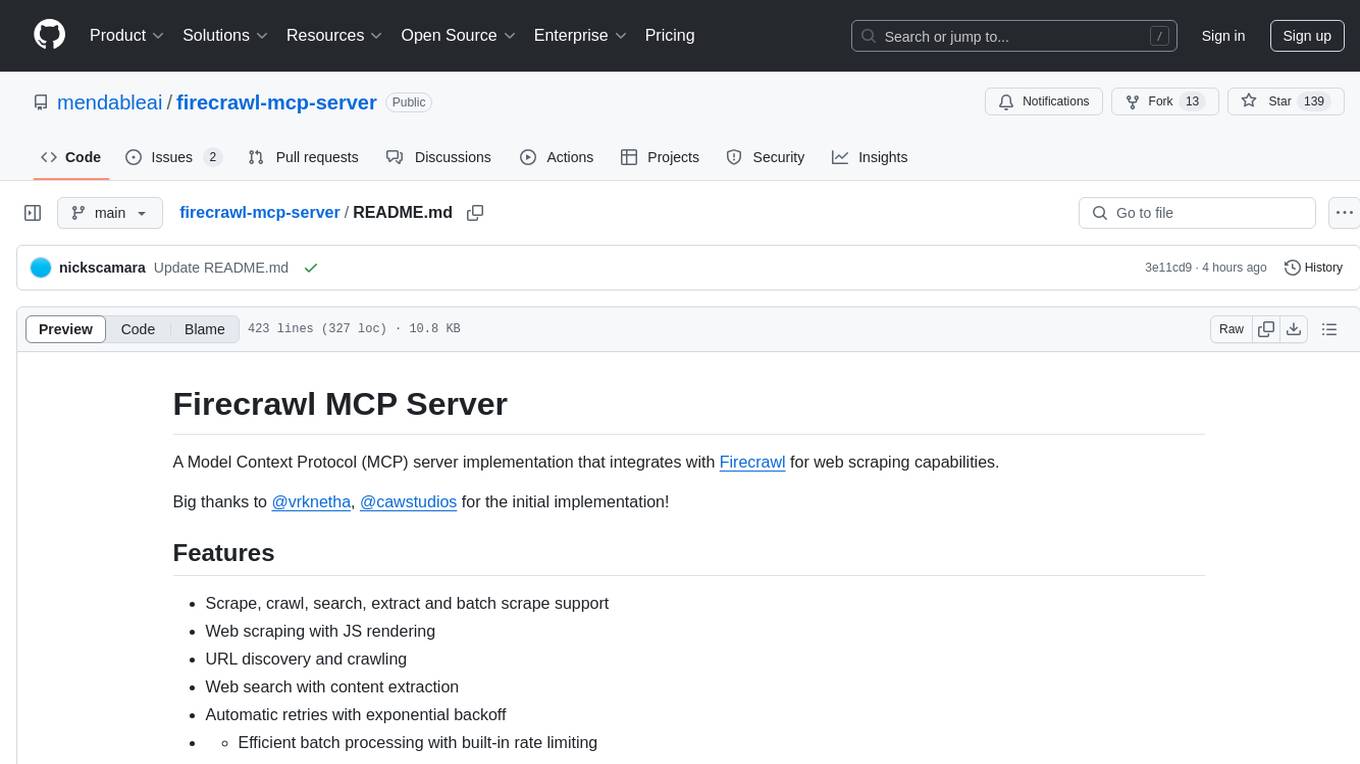
firecrawl-mcp-server
Firecrawl MCP Server is a Model Context Protocol (MCP) server implementation that integrates with Firecrawl for web scraping capabilities. It supports features like scrape, crawl, search, extract, and batch scrape. It provides web scraping with JS rendering, URL discovery, web search with content extraction, automatic retries with exponential backoff, credit usage monitoring, comprehensive logging system, support for cloud and self-hosted FireCrawl instances, mobile/desktop viewport support, and smart content filtering with tag inclusion/exclusion. The server includes configurable parameters for retry behavior and credit usage monitoring, rate limiting and batch processing capabilities, and tools for scraping, batch scraping, checking batch status, searching, crawling, and extracting structured information from web pages.
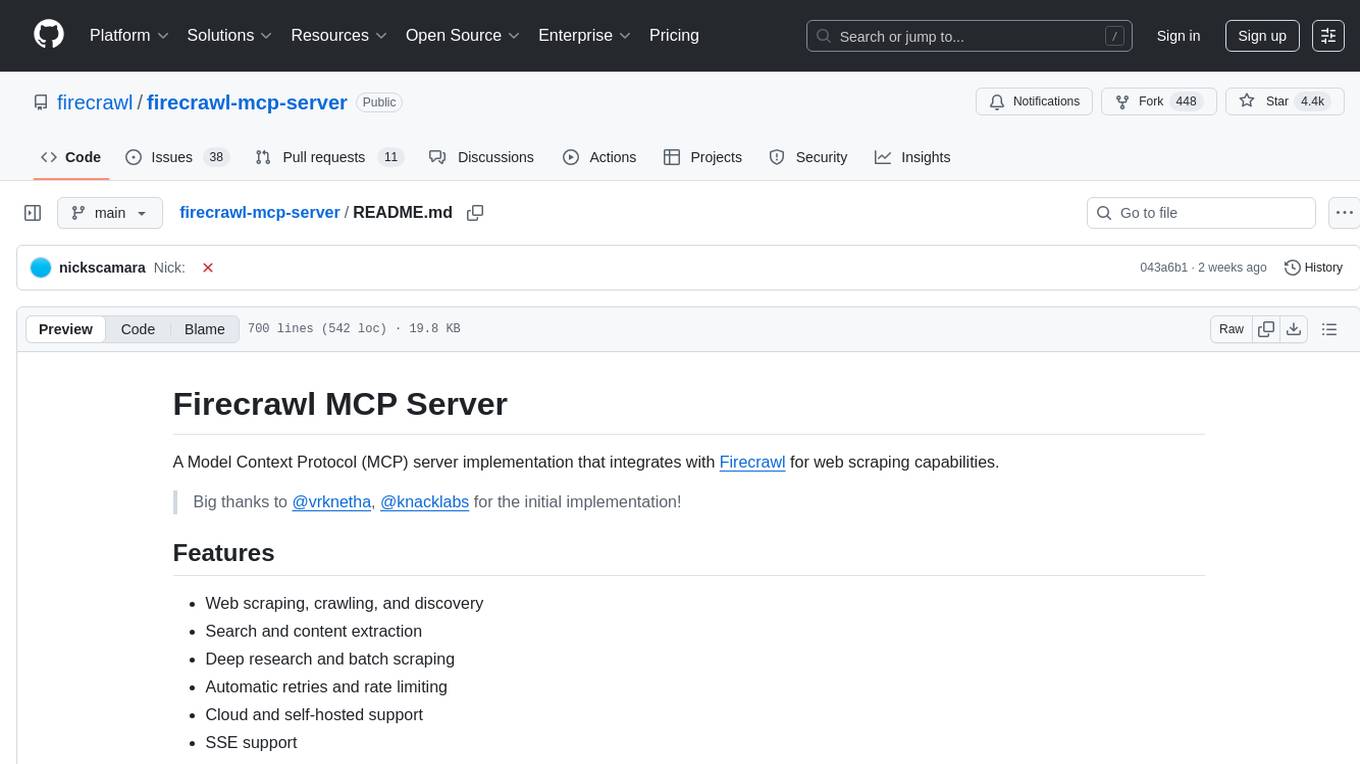
firecrawl-mcp-server
Firecrawl MCP Server is a Model Context Protocol (MCP) server implementation that integrates with Firecrawl for web scraping capabilities. It offers features such as web scraping, crawling, and discovery, search and content extraction, deep research and batch scraping, automatic retries and rate limiting, cloud and self-hosted support, and SSE support. The server can be configured to run with various tools like Cursor, Windsurf, SSE Local Mode, Smithery, and VS Code. It supports environment variables for cloud API and optional configurations for retry settings and credit usage monitoring. The server includes tools for scraping, batch scraping, mapping, searching, crawling, and extracting structured data from web pages. It provides detailed logging and error handling functionalities for robust performance.
superagent
Superagent is an open-source AI assistant framework and API that allows developers to add powerful AI assistants to their applications. These assistants use large language models (LLMs), retrieval augmented generation (RAG), and generative AI to help users with a variety of tasks, including question answering, chatbot development, content generation, data aggregation, and workflow automation. Superagent is backed by Y Combinator and is part of YC W24.
nexus
Nexus is a tool that acts as a unified gateway for multiple LLM providers and MCP servers. It allows users to aggregate, govern, and control their AI stack by connecting multiple servers and providers through a single endpoint. Nexus provides features like MCP Server Aggregation, LLM Provider Routing, Context-Aware Tool Search, Protocol Support, Flexible Configuration, Security features, Rate Limiting, and Docker readiness. It supports tool calling, tool discovery, and error handling for STDIO servers. Nexus also integrates with AI assistants, Cursor, Claude Code, and LangChain for seamless usage.
For similar tasks
python-utcp
The Universal Tool Calling Protocol (UTCP) is a secure and scalable standard for defining and interacting with tools across various communication protocols. UTCP emphasizes scalability, extensibility, interoperability, and ease of use. It offers a modular core with a plugin-based architecture, making it extensible, testable, and easy to package. The repository contains the complete UTCP Python implementation with core components and protocol-specific plugins for HTTP, CLI, Model Context Protocol, file-based tools, and more.
SWE-ReX
SWE-ReX is a runtime interface for interacting with sandboxed shell environments, allowing AI agents to run any command on any environment. It enables agents to interact with running shell sessions, use interactive command line tools, and manage multiple shell sessions in parallel. SWE-ReX simplifies agent development and evaluation by abstracting infrastructure concerns, supporting fast parallel runs on various platforms, and disentangling agent logic from infrastructure.
ms-agent
MS-Agent is a lightweight framework designed to empower agents with autonomous exploration capabilities. It provides a flexible and extensible architecture for creating agents capable of tasks like code generation, data analysis, and tool calling with MCP support. The framework supports multi-agent interactions, deep research, code generation, and is lightweight and extensible for various applications.
For similar jobs
google.aip.dev
API Improvement Proposals (AIPs) are design documents that provide high-level, concise documentation for API development at Google. The goal of AIPs is to serve as the source of truth for API-related documentation and to facilitate discussion and consensus among API teams. AIPs are similar to Python's enhancement proposals (PEPs) and are organized into different areas within Google to accommodate historical differences in customs, styles, and guidance.
kong
Kong, or Kong API Gateway, is a cloud-native, platform-agnostic, scalable API Gateway distinguished for its high performance and extensibility via plugins. It also provides advanced AI capabilities with multi-LLM support. By providing functionality for proxying, routing, load balancing, health checking, authentication (and more), Kong serves as the central layer for orchestrating microservices or conventional API traffic with ease. Kong runs natively on Kubernetes thanks to its official Kubernetes Ingress Controller.
speakeasy
Speakeasy is a tool that helps developers create production-quality SDKs, Terraform providers, documentation, and more from OpenAPI specifications. It supports a wide range of languages, including Go, Python, TypeScript, Java, and C#, and provides features such as automatic maintenance, type safety, and fault tolerance. Speakeasy also integrates with popular package managers like npm, PyPI, Maven, and Terraform Registry for easy distribution.
apicat
ApiCat is an API documentation management tool that is fully compatible with the OpenAPI specification. With ApiCat, you can freely and efficiently manage your APIs. It integrates the capabilities of LLM, which not only helps you automatically generate API documentation and data models but also creates corresponding test cases based on the API content. Using ApiCat, you can quickly accomplish anything outside of coding, allowing you to focus your energy on the code itself.
aiohttp-pydantic
Aiohttp pydantic is an aiohttp view to easily parse and validate requests. You define using function annotations what your methods for handling HTTP verbs expect, and Aiohttp pydantic parses the HTTP request for you, validates the data, and injects the parameters you want. It provides features like query string, request body, URL path, and HTTP headers validation, as well as Open API Specification generation.
ain
Ain is a terminal HTTP API client designed for scripting input and processing output via pipes. It allows flexible organization of APIs using files and folders, supports shell-scripts and executables for common tasks, handles url-encoding, and enables sharing the resulting curl, wget, or httpie command-line. Users can put things that change in environment variables or .env-files, and pipe the API output for further processing. Ain targets users who work with many APIs using a simple file format and uses curl, wget, or httpie to make the actual calls.
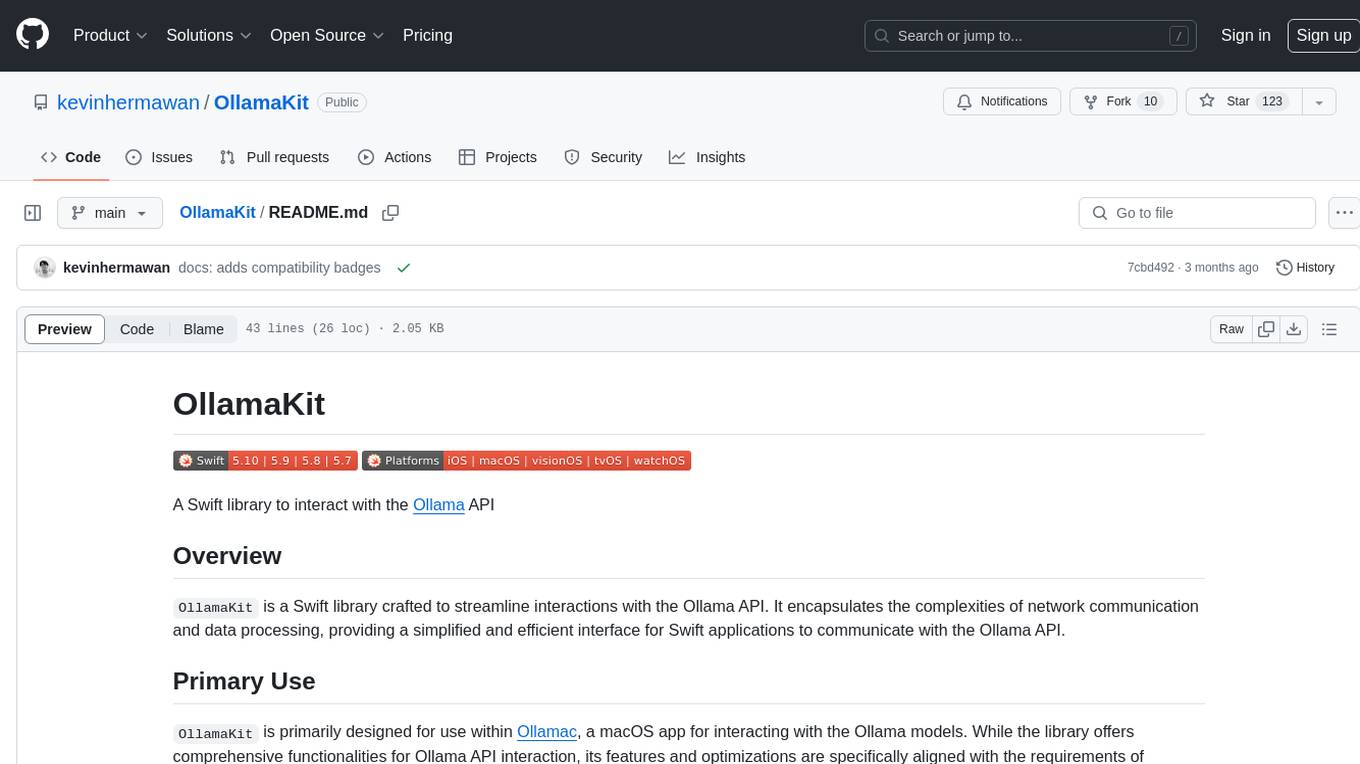
OllamaKit
OllamaKit is a Swift library designed to simplify interactions with the Ollama API. It handles network communication and data processing, offering an efficient interface for Swift applications to communicate with the Ollama API. The library is optimized for use within Ollamac, a macOS app for interacting with Ollama models.
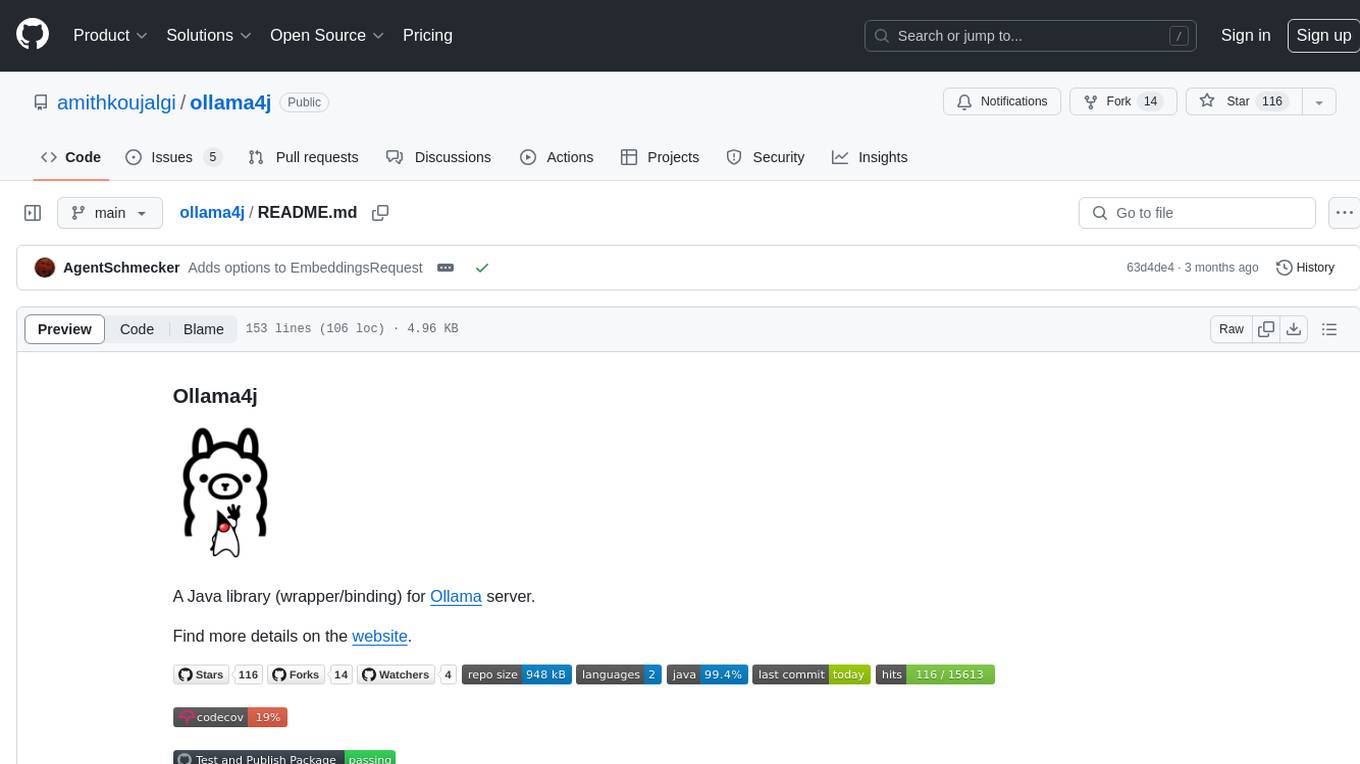
ollama4j
Ollama4j is a Java library that serves as a wrapper or binding for the Ollama server. It facilitates communication with the Ollama server and provides models for deployment. The tool requires Java 11 or higher and can be installed locally or via Docker. Users can integrate Ollama4j into Maven projects by adding the specified dependency. The tool offers API specifications and supports various development tasks such as building, running unit tests, and integration tests. Releases are automated through GitHub Actions CI workflow. Areas of improvement include adhering to Java naming conventions, updating deprecated code, implementing logging, using lombok, and enhancing request body creation. Contributions to the project are encouraged, whether reporting bugs, suggesting enhancements, or contributing code.