


llamactl
Unified management and routing for llama.cpp, MLX and vLLM models with web dashboard.
Stars: 76
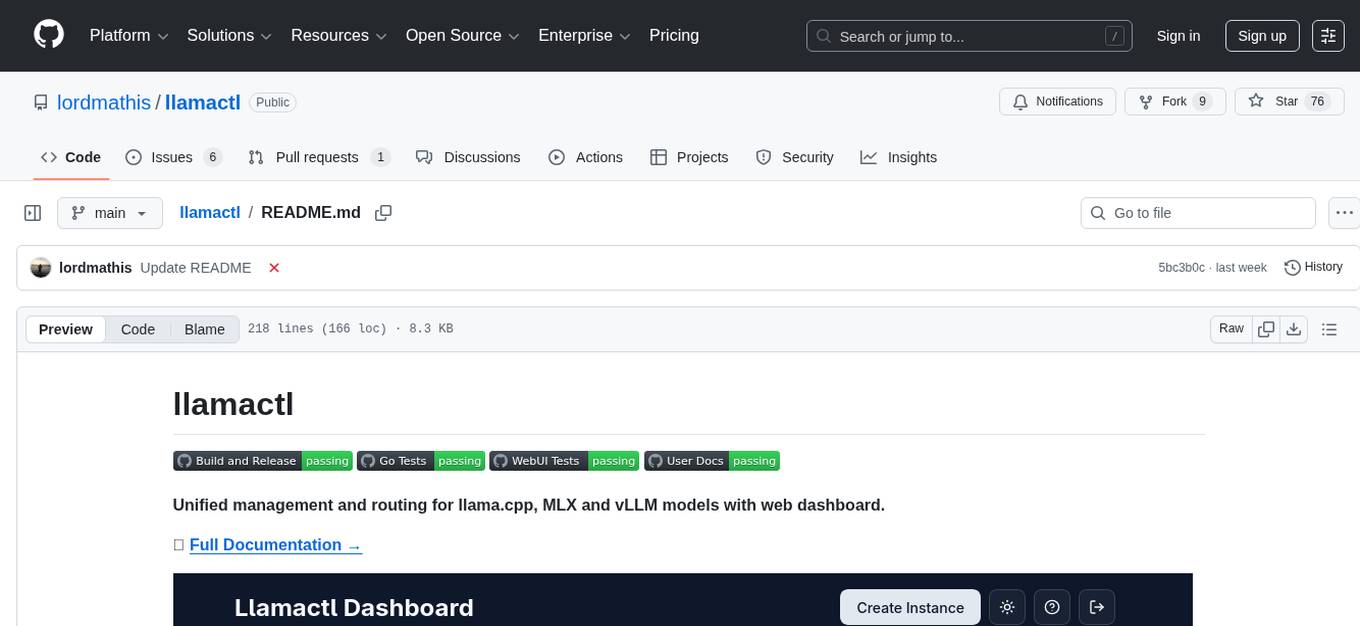
llamactl is a tool for unified management and routing of llama.cpp, MLX, and vLLM models with a web dashboard. It offers easy model management with built-in model downloader, dynamic multi-model instances, smart resource management, and a modern React UI dashboard. It provides flexible integration with API compatibility for OpenAI chat completions and resources endpoints, multi-backend support, and Docker readiness. The tool supports distributed deployment with remote instances and central management. Users can quickly start by installing a backend, downloading llamactl, creating an instance, and starting inferencing.
README:


Unified management and routing for llama.cpp, MLX and vLLM models with web dashboard.

🚀 Easy Model Management
-
Built-in Model Downloader: Download GGUF models directly from HuggingFace for llama.cpp (replicates llama.cpp
--hfbehavior) - Dynamic Multi-Model Instances: llama.cpp router mode - serve multiple models from a single instance with on-demand loading
- Smart Resource Management: Automatic idle timeout, LRU eviction, and configurable instance limits
- Web Dashboard: Modern React UI for managing instances, monitoring health, and viewing logs
🔗 Flexible Integration
- API Compatible: OpenAI chat completions and resources endpoints, Anthropic messages endpoint (depending on backend) - route requests to different models by instance name
- Multi-Backend Support: Native support for llama.cpp, MLX (Apple Silicon optimized), and vLLM
- Docker Ready: Run backends in containers with full GPU support
🌐 Distributed Deployment
- Remote Instances: Deploy instances on remote hosts
- Central Management: Manage everything from a single dashboard with automatic routing
- Install a backend (llama.cpp, MLX, or vLLM) - see Prerequisites below
- Download llamactl for your platform
- Run
llamactland open http://localhost:8080 - Create an instance and start inferencing!
For llama.cpp backend:
You need llama-server from llama.cpp installed:
# Homebrew (macOS)
brew install llama.cpp

# Or build from source - see llama.cpp docs
# Or use Docker - no local installation required
For MLX backend (macOS only): You need MLX-LM installed:
# Install via pip (requires Python 3.8+)
pip install mlx-lm

# Or in a virtual environment (recommended)
python -m venv mlx-env
source mlx-env/bin/activate
pip install mlx-lm
For vLLM backend: You need vLLM installed:
# Install via pip (requires Python 3.8+, GPU required)
pip install vllm

# Or in a virtual environment (recommended)
python -m venv vllm-env
source vllm-env/bin/activate
pip install vllm

# Or use Docker - no local installation requiredllamactl can run backends in Docker containers, eliminating the need for local backend installation:
backends:
  llama-cpp:
    docker:
      enabled: true
  vllm:
    docker:
enabled: true# Linux/macOS - Get latest version and download
LATEST_VERSION=$(curl -s https://api.github.com/repos/lordmathis/llamactl/releases/latest | grep '"tag_name":' | sed -E 's/.*"([^"]+)".*/\1/')
curl -L https://github.com/lordmathis/llamactl/releases/download/${LATEST_VERSION}/llamactl-${LATEST_VERSION}-$(uname -s | tr '[:upper:]' '[:lower:]')-$(uname -m).tar.gz | tar -xz
sudo mv llamactl /usr/local/bin/
# Or download manually from the releases page:
# https://github.com/lordmathis/llamactl/releases/latest
# Windows - Download from releases page# Clone repository and build Docker images
git clone https://github.com/lordmathis/llamactl.git
cd llamactl
mkdir -p data/llamacpp data/vllm models
# Build and start llamactl with llama.cpp CUDA backend
docker-compose -f docker/docker-compose.yml up llamactl-llamacpp -d
# Build and start llamactl with vLLM CUDA backend
docker-compose -f docker/docker-compose.yml up llamactl-vllm -d
# Build from source using multi-stage build
docker build -f docker/Dockerfile.source -t llamactl:source .Note: Dockerfiles are configured for CUDA. Adapt base images for other platforms (CPU, ROCm, etc.).
Requires Go 1.24+ and Node.js 22+
git clone https://github.com/lordmathis/llamactl.git
cd llamactl
cd webui && npm ci && npm run build && cd ..
go build -o llamactl ./cmd/server- Open http://localhost:8080
- Click "Create Instance"
- Choose backend type (llama.cpp, MLX, or vLLM)
- Configure your model and options (ports and API keys are auto-assigned)
- Start the instance and use it with any OpenAI-compatible client
llamactl works out of the box with sensible defaults.
server:
  host: "0.0.0.0"                # Server host to bind to
  port: 8080                     # Server port to bind to
  allowed_origins: ["*"]         # Allowed CORS origins (default: all)
  allowed_headers: ["*"]         # Allowed CORS headers (default: all)
  enable_swagger: false          # Enable Swagger UI for API docs

backends:
  llama-cpp:
    command: "llama-server"
    args: []
    environment: {}               # Environment variables for the backend process
    docker:
      enabled: false
      image: "ghcr.io/ggml-org/llama.cpp:server"
      args: ["run", "--rm", "--network", "host", "--gpus", "all", "-v", "~/.local/share/llamactl/llama.cpp:/root/.cache/llama.cpp"]
      environment: {}             # Environment variables for the container

  vllm:
    command: "vllm"
    args: ["serve"]
    environment: {}               # Environment variables for the backend process
    docker:
      enabled: false
      image: "vllm/vllm-openai:latest"
      args: ["run", "--rm", "--network", "host", "--gpus", "all", "--shm-size", "1g", "-v", "~/.local/share/llamactl/huggingface:/root/.cache/huggingface"]
      environment: {}             # Environment variables for the container

  mlx:
    command: "mlx_lm.server"
    args: []
    environment: {}               # Environment variables for the backend process

data_dir: ~/.local/share/llamactl  # Main data directory (database, instances, logs), default varies by OS

instances:
  port_range: [8000, 9000]                        # Port range for instances
  logs_dir: ~/.local/share/llamactl/logs          # Logs directory (platform dependent)
  auto_create_dirs: true                          # Auto-create data/config/logs dirs if missing
  max_instances: -1                               # Max instances (-1 = unlimited)
  max_running_instances: -1                       # Max running instances (-1 = unlimited)
  enable_lru_eviction: true                       # Enable LRU eviction for idle instances
  default_auto_restart: true                      # Auto-restart new instances by default
  default_max_restarts: 3                         # Max restarts for new instances
  default_restart_delay: 5                        # Restart delay (seconds) for new instances
  default_on_demand_start: true                   # Default on-demand start setting
  on_demand_start_timeout: 120                    # Default on-demand start timeout in seconds
  timeout_check_interval: 5                       # Idle instance timeout check in minutes
  log_rotation_enabled: true                      # Enable log rotation (default: true)
  log_rotation_max_size: 100                      # Max log file size in MB before rotation (default: 100)
  log_rotation_compress: false                    # Compress rotated log files (default: false)

database:
  path: ~/.local/share/llamactl/llamactl.db  # Database file path (platform dependent)
  max_open_connections: 25                   # Maximum open database connections
  max_idle_connections: 5                    # Maximum idle database connections
  connection_max_lifetime: 5m                # Connection max lifetime

auth:
  require_inference_auth: true   # Require auth for inference endpoints, API keys are created in web UI
  require_management_auth: true  # Require auth for management endpoints
  management_keys: []            # Keys for management endpoints
For detailed configuration options including environment variables, file locations, and advanced settings, see the Configuration Guide.
MIT License - see LICENSE file.
For Tasks:
Click tags to check more tools for each tasksFor Jobs:
Alternative AI tools for llamactl
Similar Open Source Tools
llamactl
llamactl is a tool for unified management and routing of llama.cpp, MLX, and vLLM models with a web dashboard. It offers easy model management with built-in model downloader, dynamic multi-model instances, smart resource management, and a modern React UI dashboard. It provides flexible integration with API compatibility for OpenAI chat completions and resources endpoints, multi-backend support, and Docker readiness. The tool supports distributed deployment with remote instances and central management. Users can quickly start by installing a backend, downloading llamactl, creating an instance, and starting inferencing.
hayhooks
Hayhooks is a tool that simplifies the deployment and serving of Haystack pipelines as REST APIs. It allows users to wrap their pipelines with custom logic and expose them via HTTP endpoints, including OpenAI-compatible chat completion endpoints. With Hayhooks, users can easily convert their Haystack pipelines into API services with minimal boilerplate code.
simba
Simba is an open source, portable Knowledge Management System (KMS) designed to seamlessly integrate with any Retrieval-Augmented Generation (RAG) system. It features a modern UI and modular architecture, allowing developers to focus on building advanced AI solutions without the complexities of knowledge management. Simba offers a user-friendly interface to visualize and modify document chunks, supports various vector stores and embedding models, and simplifies knowledge management for developers. It is community-driven, extensible, and aims to enhance AI functionality by providing a seamless integration with RAG-based systems.
Free-GPT4-WEB-API
FreeGPT4-WEB-API is a Python server that allows you to have a self-hosted GPT-4 Unlimited and Free WEB API, via the latest Bing's AI. It uses Flask and GPT4Free libraries. GPT4Free provides an interface to the Bing's GPT-4. The server can be configured by editing the `FreeGPT4_Server.py` file. You can change the server's port, host, and other settings. The only cookie needed for the Bing model is `_U`.
hyper-mcp
hyper-mcp is a fast and secure MCP server that extends its capabilities through WebAssembly plugins. It makes it easy to add AI capabilities to applications by allowing users to write plugins in any language that compiles to WebAssembly, distribute them via standard OCI registries, and run them anywhere from cloud to edge. The tool is built with a security-first mindset, offering sandboxed plugins, memory-safe execution, secure plugin distribution, and fine-grained access control for host functions. Users can deploy hyper-mcp anywhere, benefit from cross-platform compatibility, and prevent tool name collisions with the support tool name prefix feature.
sim
Sim is a platform that allows users to build and deploy AI agent workflows quickly and easily. It provides cloud-hosted and self-hosted options, along with support for local AI models. Users can set up the application using Docker Compose, Dev Containers, or manual setup with PostgreSQL and pgvector extension. The platform utilizes technologies like Next.js, Bun, PostgreSQL with Drizzle ORM, Better Auth for authentication, Shadcn and Tailwind CSS for UI, Zustand for state management, ReactFlow for flow editor, Fumadocs for documentation, Turborepo for monorepo management, Socket.io for real-time communication, and Trigger.dev for background jobs.
Shellsage
Shell Sage is an intelligent terminal companion and AI-powered terminal assistant that enhances the terminal experience with features like local and cloud AI support, context-aware error diagnosis, natural language to command translation, and safe command execution workflows. It offers interactive workflows, supports various API providers, and allows for custom model selection. Users can configure the tool for local or API mode, select specific models, and switch between modes easily. Currently in alpha development, Shell Sage has known limitations like limited Windows support and occasional false positives in error detection. The roadmap includes improvements like better context awareness, Windows PowerShell integration, Tmux integration, and CI/CD error pattern database.
llama-api-server
This project aims to create a RESTful API server compatible with the OpenAI API using open-source backends like llama/llama2. With this project, various GPT tools/frameworks can be compatible with your own model. Key features include: - **Compatibility with OpenAI API**: The API server follows the OpenAI API structure, allowing seamless integration with existing tools and frameworks. - **Support for Multiple Backends**: The server supports both llama.cpp and pyllama backends, providing flexibility in model selection. - **Customization Options**: Users can configure model parameters such as temperature, top_p, and top_k to fine-tune the model's behavior. - **Batch Processing**: The API supports batch processing for embeddings, enabling efficient handling of multiple inputs. - **Token Authentication**: The server utilizes token authentication to secure access to the API. This tool is particularly useful for developers and researchers who want to integrate large language models into their applications or explore custom models without relying on proprietary APIs.
Dive
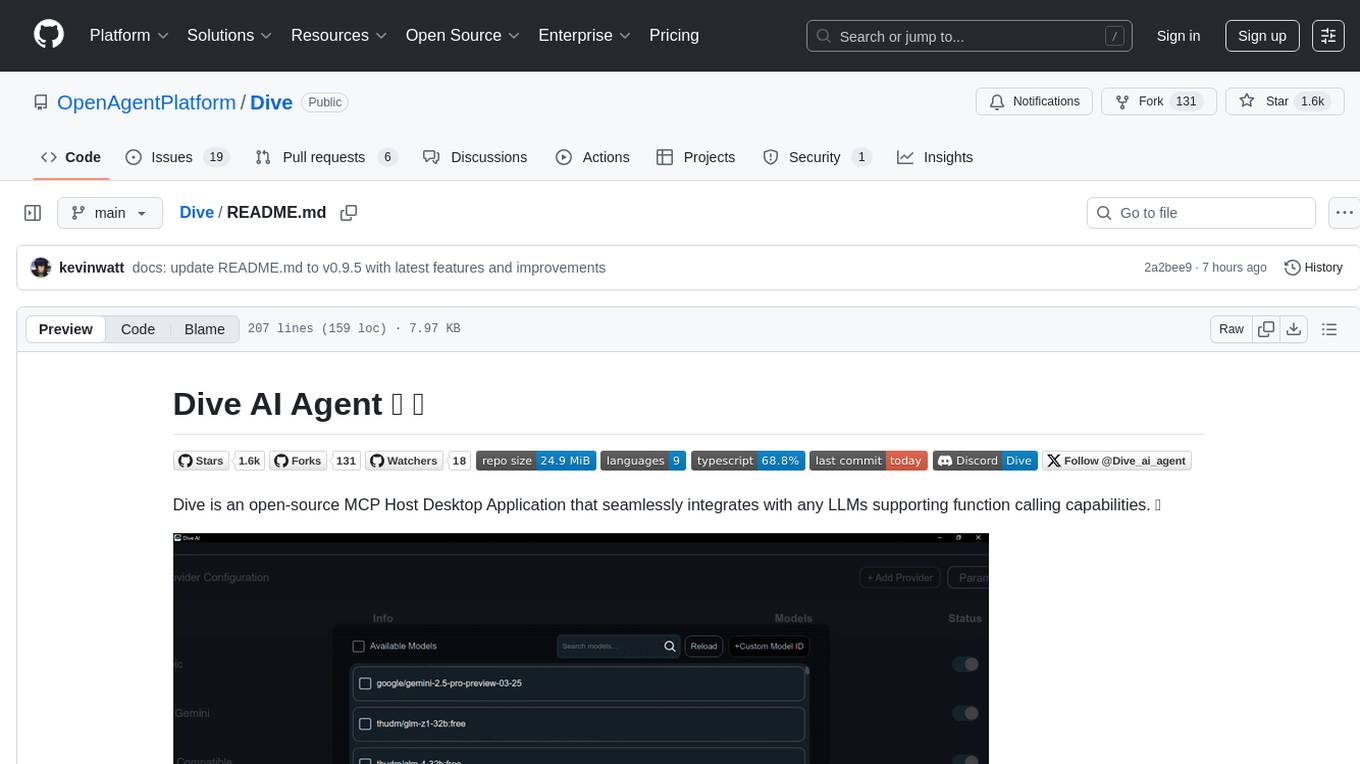
Dive is an open-source MCP Host Desktop Application that seamlessly integrates with any LLMs supporting function calling capabilities. It offers universal LLM support, cross-platform compatibility, model context protocol for AI agent integration, OAP cloud integration, dual architecture for optimal performance, multi-language support, advanced API management, granular tool control, custom instructions, auto-update mechanism, and more. Dive provides a user-friendly interface for managing multiple AI models and tools, with recent updates introducing major architecture changes, new features, improvements, and platform availability. Users can easily download and install Dive on Windows, MacOS, and Linux, and set up MCP tools through local servers or OAP cloud services.
crawl4ai
Crawl4AI is a powerful and free web crawling service that extracts valuable data from websites and provides LLM-friendly output formats. It supports crawling multiple URLs simultaneously, replaces media tags with ALT, and is completely free to use and open-source. Users can integrate Crawl4AI into Python projects as a library or run it as a standalone local server. The tool allows users to crawl and extract data from specified URLs using different providers and models, with options to include raw HTML content, force fresh crawls, and extract meaningful text blocks. Configuration settings can be adjusted in the `crawler/config.py` file to customize providers, API keys, chunk processing, and word thresholds. Contributions to Crawl4AI are welcome from the open-source community to enhance its value for AI enthusiasts and developers.
FDAbench
FDABench is a benchmark tool designed for evaluating data agents' reasoning ability over heterogeneous data in analytical scenarios. It offers 2,007 tasks across various data sources, domains, difficulty levels, and task types. The tool provides ready-to-use data agent implementations, a DAG-based evaluation system, and a framework for agent-expert collaboration in dataset generation. Key features include data agent implementations, comprehensive evaluation metrics, multi-database support, different task types, extensible framework for custom agent integration, and cost tracking. Users can set up the environment using Python 3.10+ on Linux, macOS, or Windows. FDABench can be installed with a one-command setup or manually. The tool supports API configuration for LLM access and offers quick start guides for database download, dataset loading, and running examples. It also includes features like dataset generation using the PUDDING framework, custom agent integration, evaluation metrics like accuracy and rubric score, and a directory structure for easy navigation.
NextChat
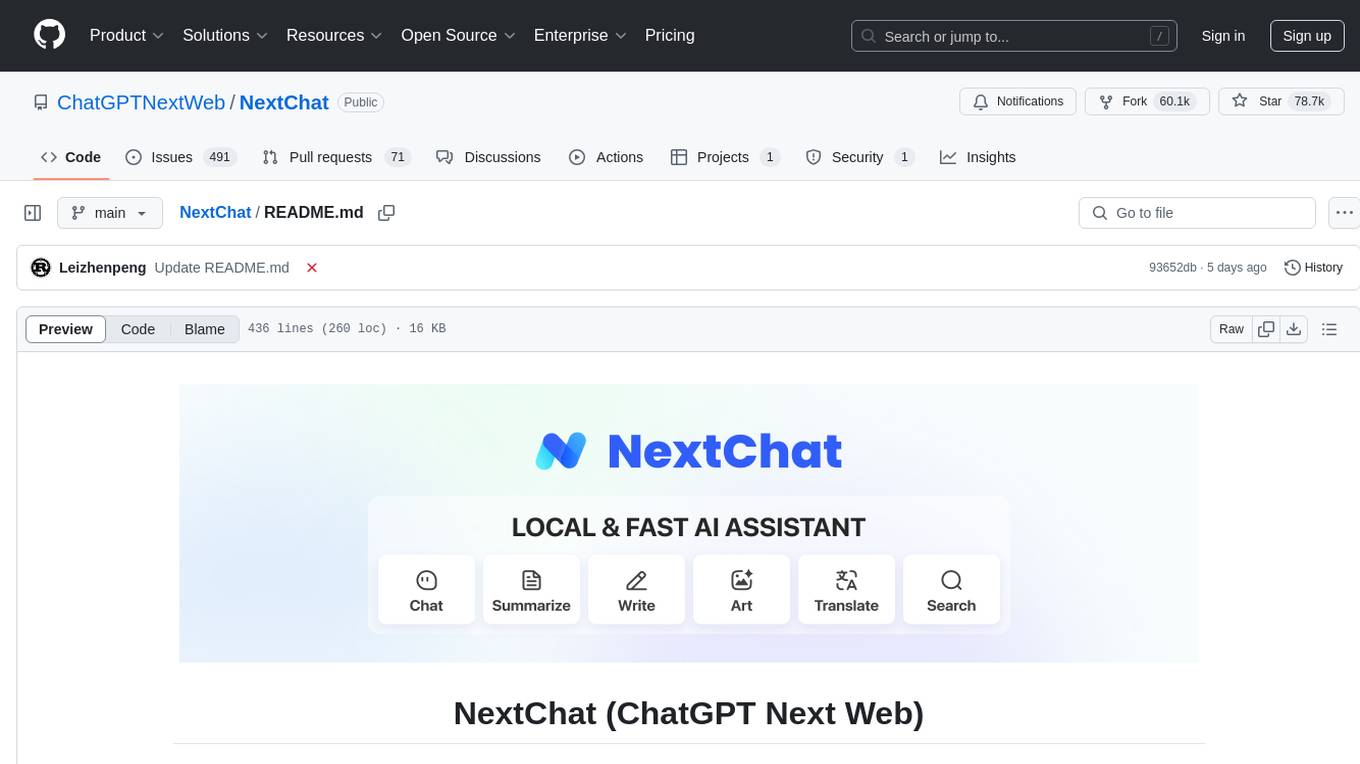
NextChat is a well-designed cross-platform ChatGPT web UI tool that supports Claude, GPT4, and Gemini Pro. It offers a compact client for Linux, Windows, and MacOS, with features like self-deployed LLMs compatibility, privacy-first data storage, markdown support, responsive design, and fast loading speed. Users can create, share, and debug chat tools with prompt templates, access various prompts, compress chat history, and use multiple languages. The tool also supports enterprise-level privatization and customization deployment, with features like brand customization, resource integration, permission control, knowledge integration, security auditing, private deployment, and continuous updates.
airstore
Airstore is a filesystem for AI agents that adds any source of data into a virtual filesystem, allowing users to connect services like Gmail, GitHub, Linear, and more, and describe data needs in plain English. Results are presented as files that can be read by Claude Code. Features include smart folders for natural language queries, integrations with various services, executable MCP servers, team workspaces, and local mode operation on user infrastructure. Users can sign up, connect integrations, create smart folders, install the CLI, mount the filesystem, and use with Claude Code to perform tasks like summarizing invoices, identifying unpaid invoices, and extracting data into CSV format.
ChatGPT-Next-Web
ChatGPT Next Web is a well-designed cross-platform ChatGPT web UI tool that supports Claude, GPT4, and Gemini Pro models. It allows users to deploy their private ChatGPT applications with ease. The tool offers features like one-click deployment, compact client for Linux/Windows/MacOS, compatibility with self-deployed LLMs, privacy-first approach with local data storage, markdown support, responsive design, fast loading speed, prompt templates, awesome prompts, chat history compression, multilingual support, and more.
codemie-code
Unified AI Coding Assistant CLI for managing multiple AI agents like Claude Code, Google Gemini, OpenCode, and custom AI agents. Supports OpenAI, Azure OpenAI, AWS Bedrock, LiteLLM, Ollama, and Enterprise SSO. Features built-in LangGraph agent with file operations, command execution, and planning tools. Cross-platform support for Windows, Linux, and macOS. Ideal for developers seeking a powerful alternative to GitHub Copilot or Cursor.
R2R
R2R (RAG to Riches) is a fast and efficient framework for serving high-quality Retrieval-Augmented Generation (RAG) to end users. The framework is designed with customizable pipelines and a feature-rich FastAPI implementation, enabling developers to quickly deploy and scale RAG-based applications. R2R was conceived to bridge the gap between local LLM experimentation and scalable production solutions. **R2R is to LangChain/LlamaIndex what NextJS is to React**. A JavaScript client for R2R deployments can be found here. ### Key Features * **🚀 Deploy** : Instantly launch production-ready RAG pipelines with streaming capabilities. * **🧩 Customize** : Tailor your pipeline with intuitive configuration files. * **🔌 Extend** : Enhance your pipeline with custom code integrations. * **⚖️ Autoscale** : Scale your pipeline effortlessly in the cloud using SciPhi. * **🤖 OSS** : Benefit from a framework developed by the open-source community, designed to simplify RAG deployment.
For similar tasks
MEGREZ
MEGREZ is a modern and elegant open-source high-performance computing platform that efficiently manages GPU resources. It allows for easy container instance creation, supports multiple nodes/multiple GPUs, modern UI environment isolation, customizable performance configurations, and user data isolation. The platform also comes with pre-installed deep learning environments, supports multiple users, features a VSCode web version, resource performance monitoring dashboard, and Jupyter Notebook support.
llamactl
llamactl is a tool for unified management and routing of llama.cpp, MLX, and vLLM models with a web dashboard. It offers easy model management with built-in model downloader, dynamic multi-model instances, smart resource management, and a modern React UI dashboard. It provides flexible integration with API compatibility for OpenAI chat completions and resources endpoints, multi-backend support, and Docker readiness. The tool supports distributed deployment with remote instances and central management. Users can quickly start by installing a backend, downloading llamactl, creating an instance, and starting inferencing.
mlflow
MLflow is a platform to streamline machine learning development, including tracking experiments, packaging code into reproducible runs, and sharing and deploying models. MLflow offers a set of lightweight APIs that can be used with any existing machine learning application or library (TensorFlow, PyTorch, XGBoost, etc), wherever you currently run ML code (e.g. in notebooks, standalone applications or the cloud). MLflow's current components are:
* `MLflow Tracking
model_server
OpenVINO™ Model Server (OVMS) is a high-performance system for serving models. Implemented in C++ for scalability and optimized for deployment on Intel architectures, the model server uses the same architecture and API as TensorFlow Serving and KServe while applying OpenVINO for inference execution. Inference service is provided via gRPC or REST API, making deploying new algorithms and AI experiments easy.
kitops
KitOps is a packaging and versioning system for AI/ML projects that uses open standards so it works with the AI/ML, development, and DevOps tools you are already using. KitOps simplifies the handoffs between data scientists, application developers, and SREs working with LLMs and other AI/ML models. KitOps' ModelKits are a standards-based package for models, their dependencies, configurations, and codebases. ModelKits are portable, reproducible, and work with the tools you already use.
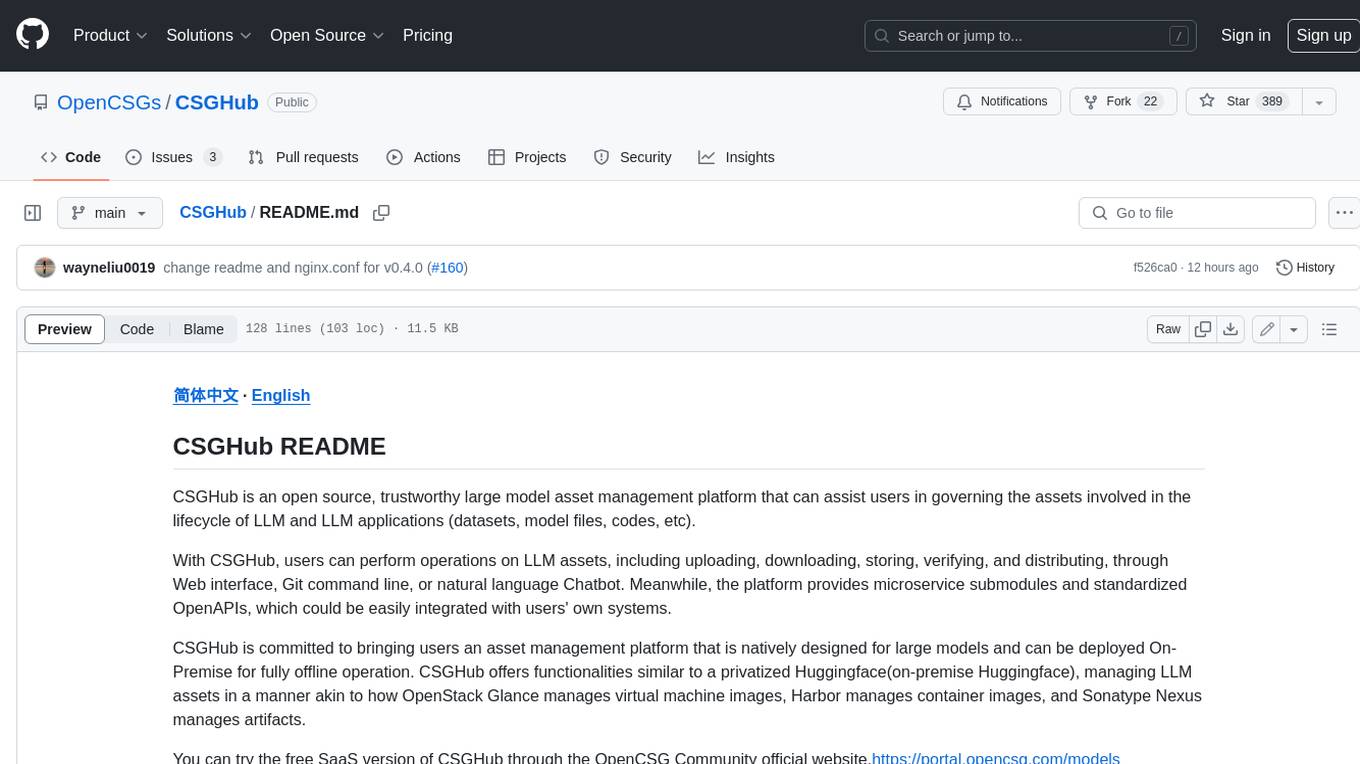
CSGHub
CSGHub is an open source, trustworthy large model asset management platform that can assist users in governing the assets involved in the lifecycle of LLM and LLM applications (datasets, model files, codes, etc). With CSGHub, users can perform operations on LLM assets, including uploading, downloading, storing, verifying, and distributing, through Web interface, Git command line, or natural language Chatbot. Meanwhile, the platform provides microservice submodules and standardized OpenAPIs, which could be easily integrated with users' own systems. CSGHub is committed to bringing users an asset management platform that is natively designed for large models and can be deployed On-Premise for fully offline operation. CSGHub offers functionalities similar to a privatized Huggingface(on-premise Huggingface), managing LLM assets in a manner akin to how OpenStack Glance manages virtual machine images, Harbor manages container images, and Sonatype Nexus manages artifacts.
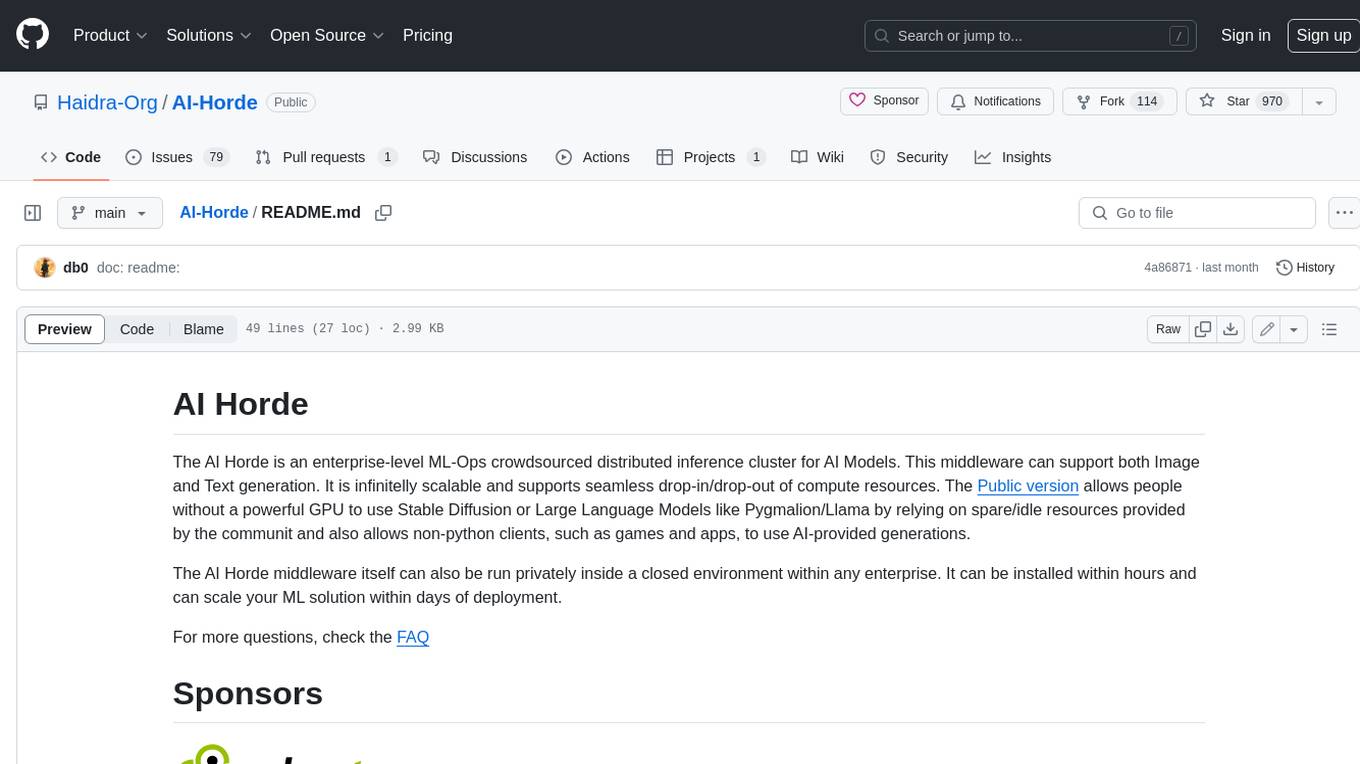
AI-Horde
The AI Horde is an enterprise-level ML-Ops crowdsourced distributed inference cluster for AI Models. This middleware can support both Image and Text generation. It is infinitely scalable and supports seamless drop-in/drop-out of compute resources. The Public version allows people without a powerful GPU to use Stable Diffusion or Large Language Models like Pygmalion/Llama by relying on spare/idle resources provided by the community and also allows non-python clients, such as games and apps, to use AI-provided generations.
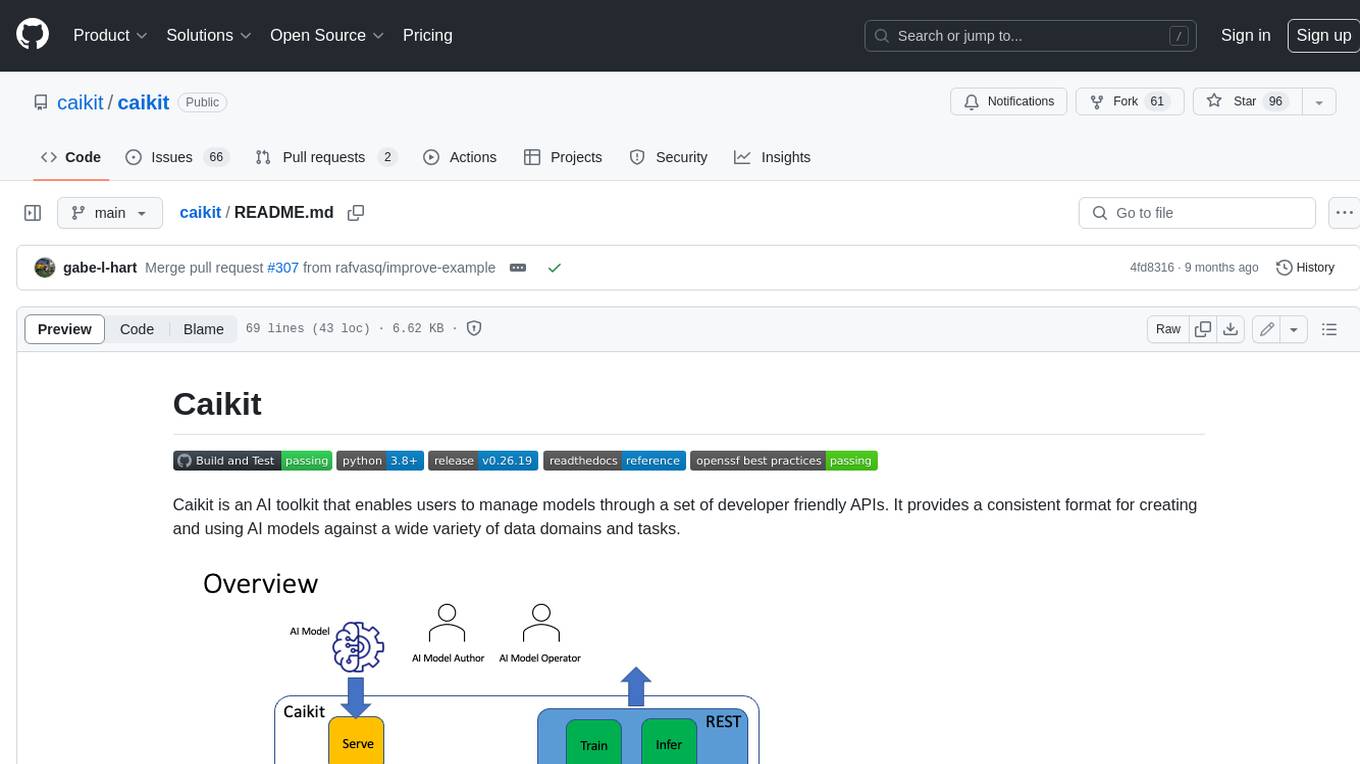
caikit
Caikit is an AI toolkit that enables users to manage models through a set of developer friendly APIs. It provides a consistent format for creating and using AI models against a wide variety of data domains and tasks.
For similar jobs

weave
Weave is a toolkit for developing Generative AI applications, built by Weights & Biases. With Weave, you can log and debug language model inputs, outputs, and traces; build rigorous, apples-to-apples evaluations for language model use cases; and organize all the information generated across the LLM workflow, from experimentation to evaluations to production. Weave aims to bring rigor, best-practices, and composability to the inherently experimental process of developing Generative AI software, without introducing cognitive overhead.

LLMStack
LLMStack is a no-code platform for building generative AI agents, workflows, and chatbots. It allows users to connect their own data, internal tools, and GPT-powered models without any coding experience. LLMStack can be deployed to the cloud or on-premise and can be accessed via HTTP API or triggered from Slack or Discord.

VisionCraft
The VisionCraft API is a free API for using over 100 different AI models. From images to sound.

kaito
Kaito is an operator that automates the AI/ML inference model deployment in a Kubernetes cluster. It manages large model files using container images, avoids tuning deployment parameters to fit GPU hardware by providing preset configurations, auto-provisions GPU nodes based on model requirements, and hosts large model images in the public Microsoft Container Registry (MCR) if the license allows. Using Kaito, the workflow of onboarding large AI inference models in Kubernetes is largely simplified.

PyRIT
PyRIT is an open access automation framework designed to empower security professionals and ML engineers to red team foundation models and their applications. It automates AI Red Teaming tasks to allow operators to focus on more complicated and time-consuming tasks and can also identify security harms such as misuse (e.g., malware generation, jailbreaking), and privacy harms (e.g., identity theft). The goal is to allow researchers to have a baseline of how well their model and entire inference pipeline is doing against different harm categories and to be able to compare that baseline to future iterations of their model. This allows them to have empirical data on how well their model is doing today, and detect any degradation of performance based on future improvements.

tabby
Tabby is a self-hosted AI coding assistant, offering an open-source and on-premises alternative to GitHub Copilot. It boasts several key features: * Self-contained, with no need for a DBMS or cloud service. * OpenAPI interface, easy to integrate with existing infrastructure (e.g Cloud IDE). * Supports consumer-grade GPUs.

spear
SPEAR (Simulator for Photorealistic Embodied AI Research) is a powerful tool for training embodied agents. It features 300 unique virtual indoor environments with 2,566 unique rooms and 17,234 unique objects that can be manipulated individually. Each environment is designed by a professional artist and features detailed geometry, photorealistic materials, and a unique floor plan and object layout. SPEAR is implemented as Unreal Engine assets and provides an OpenAI Gym interface for interacting with the environments via Python.

Magick
Magick is a groundbreaking visual AIDE (Artificial Intelligence Development Environment) for no-code data pipelines and multimodal agents. Magick can connect to other services and comes with nodes and templates well-suited for intelligent agents, chatbots, complex reasoning systems and realistic characters.