


emdash
Emdash is the Open-Source Agentic Development Environment (🧡 YC W26). Run multiple coding agents in parallel. Use any provider.
Stars: 1285
Emdash is a tool that allows users to run multiple coding agents in parallel, enabling the development and testing of multiple features simultaneously. It supports various CLI agents and runs each agent in its own Git worktree for clean changes. Users can connect to remote servers via SSH/SFTP to work with remote codebases, supporting SSH agent and key authentication. Emdash facilitates handing off Linear, GitHub, or Jira tickets to an agent and reviewing diffs side-by-side.
README:









Run multiple coding agents in parallel
Emdash lets you develop and test multiple features with multiple agents in parallel. It’s provider-agnostic (supports 15+ CLI agents, such as Claude Code, Qwen Code, Amp, and Codex) and runs each agent in its own Git worktree to keep changes clean; Hand off Linear, GitHub, or Jira tickets to an agent and review diffs side-by-side.
Develop on remote servers via SSH
Connect to remote machines via SSH/SFTP to work with remote codebases. Emdash supports SSH agent and key authentication, with secure credential storage in your OS keychain. Run agents on remote projects using the same parallel workflow as local development.
- Apple Silicon: https://github.com/generalaction/emdash/releases/latest/download/emdash-arm64.dmg
- Intel x64: https://github.com/generalaction/emdash/releases/latest/download/emdash-x64.dmg

macOS users can also:
brew install --cask emdash
- AppImage (x64): https://github.com/generalaction/emdash/releases/latest/download/emdash-x64.AppImage
- Debian package (x64): https://github.com/generalaction/emdash/releases/latest/download/emdash-x64.deb
Latest Releases (macOS • Linux)
Emdash currently supports twenty CLI providers and we are adding new providers regularly. If you miss one, let us know or create a PR.
| CLI Provider | Status | Install |
|---|---|---|
| Amp | ✅ Supported | npm install -g @sourcegraph/amp@latest |
| Auggie | ✅ Supported | npm install -g @augmentcode/auggie |
| Charm | ✅ Supported | npm install -g @charmland/crush |
| Claude Code | ✅ Supported | curl -fsSL https://claude.ai/install.sh | bash |
| Cline | ✅ Supported | npm install -g cline |
| Codebuff | ✅ Supported | npm install -g codebuff |
| Codex | ✅ Supported | npm install -g @openai/codex |
| Continue | ✅ Supported | npm i -g @continuedev/cli |
| Cursor | ✅ Supported | `curl https://cursor.com/install -fsS |
| Droid | ✅ Supported | `curl -fsSL https://app.factory.ai/cli |
| Gemini | ✅ Supported | npm install -g @google/gemini-cli |
| GitHub Copilot | ✅ Supported | npm install -g @github/copilot |
| Goose | ✅ Supported | `curl -fsSL https://github.com/block/goose/releases/download/stable/download_cli.sh |
| Kilocode | ✅ Supported | npm install -g @kilocode/cli |
| Kimi | ✅ Supported | uv tool install --python 3.13 kimi-cli |
| Kiro | ✅ Supported | `curl -fsSL https://cli.kiro.dev/install |
| Mistral Vibe | ✅ Supported | curl -LsSf https://mistral.ai/vibe/install.sh | bash |
| OpenCode | ✅ Supported | npm install -g opencode-ai |
| Qwen Code | ✅ Supported | npm install -g @qwen-code/qwen-code |
| Rovo Dev | ✅ Supported | acli rovodev auth login |
Emdash allows you to pass tickets straight from Linear, GitHub, or Jira to your coding agent.
| Tool | Status | Authentication |
|---|---|---|
| Linear | ✅ Supported | Connect with a Linear API key. |
| Jira | ✅ Supported | Provide your site URL, email, and Atlassian API token. |
| GitHub Issues | ✅ Supported | Authenticate via GitHub CLI (gh auth login). |
Contributions welcome! See the Contributing Guide to get started, and join our Discord to discuss.
What telemetry do you collect and can I disable it?
We send anonymous, allow‑listed events (app start/close, feature usage names, app/platform versions) to PostHog.
We do not send code, file paths, repo names, prompts, or PII.Disable telemetry:
- In the app: Settings → General → Privacy & Telemetry (toggle off)
- Or via env var before launch:
TELEMETRY_ENABLED=falseFull details: see
docs/telemetry.md.
Where is my data stored?
App data is local‑first. We store app state in a local SQLite database:
macOS:  ~/Library/Application Support/emdash/emdash.db
Linux:  ~/.config/emdash/emdash.db
Privacy Note: While Emdash itself stores data locally, when you use any coding agent (Claude Code, Codex, Qwen, etc.), your code and prompts are sent to that provider's cloud API servers for processing. Each provider has their own data handling and retention policies.
You can reset the local DB by deleting it (quit the app first). The file is recreated on next launch.
Do I need GitHub CLI?
Only if you want GitHub features (open PRs from Emdash, fetch repo info, GitHub Issues integration).
Install & sign in:gh auth loginIf you don’t use GitHub features, you can skip installing
gh.
How do I add a new provider?
Emdash is provider‑agnostic and built to add CLIs quickly.
- Open a PR following the Contributing Guide (
CONTRIBUTING.md).- Include: provider name, how it’s invoked (CLI command), auth notes, and minimal setup steps.
- We’ll add it to the Integrations matrix and wire up provider selection in the UI.
If you’re unsure where to start, open an issue with the CLI’s link and typical commands.
I hit a native‑module crash (sqlite3 / node‑pty / keytar). What’s the fast fix?
This usually happens after switching Node/Electron versions.
- Rebuild native modules:
npm run rebuild
- If that fails, clean and reinstall:
npm run reset(Resets
node_modules, reinstalls, and re‑builds Electron native deps.)
What permissions does Emdash need?
- Filesystem/Git: to read/write your repo and create Git worktrees for isolation.
- Network: only for provider CLIs you choose to use (e.g., Codex, Claude) and optional GitHub actions.
- Local DB: to store your app state in SQLite on your machine.
Emdash itself does not send your code or chats to any servers. Third‑party CLIs may transmit data per their policies.
Can I work with remote projects over SSH?
Yes! Emdash supports remote development via SSH.
Setup:
- Go to Settings → SSH Connections and add your server details
- Choose authentication: SSH agent (recommended), private key, or password
- Add a remote project and specify the path on the server
Requirements:
- SSH access to the remote server
- Git installed on the remote server
- For agent auth: SSH agent running with your key loaded (
ssh-add -l)See docs/ssh-setup.md for detailed setup instructions and docs/ssh-architecture.md for technical details.


For Tasks:
Click tags to check more tools for each tasksFor Jobs:
Alternative AI tools for emdash
Similar Open Source Tools
emdash
Emdash is a tool that allows users to run multiple coding agents in parallel, enabling the development and testing of multiple features simultaneously. It supports various CLI agents and runs each agent in its own Git worktree for clean changes. Users can connect to remote servers via SSH/SFTP to work with remote codebases, supporting SSH agent and key authentication. Emdash facilitates handing off Linear, GitHub, or Jira tickets to an agent and reviewing diffs side-by-side.
superset
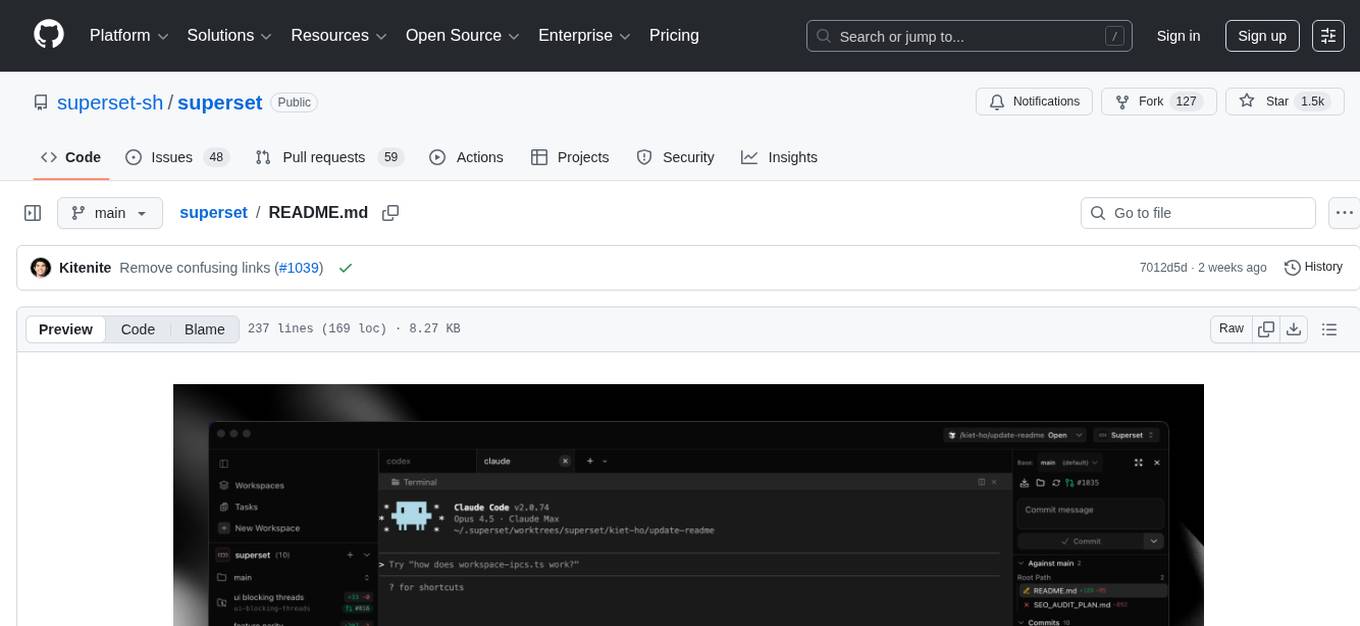
Superset is a turbocharged terminal that allows users to run multiple CLI coding agents simultaneously, isolate tasks in separate worktrees, monitor agent status, review changes quickly, and enhance development workflow. It supports any CLI-based coding agent and offers features like parallel execution, worktree isolation, agent monitoring, built-in diff viewer, workspace presets, universal compatibility, quick context switching, and IDE integration. Users can customize keyboard shortcuts, configure workspace setup, and teardown, and contribute to the project. The tech stack includes Electron, React, TailwindCSS, Bun, Turborepo, Vite, Biome, Drizzle ORM, Neon, and tRPC. The community provides support through Discord, Twitter, GitHub Issues, and GitHub Discussions.
terminator
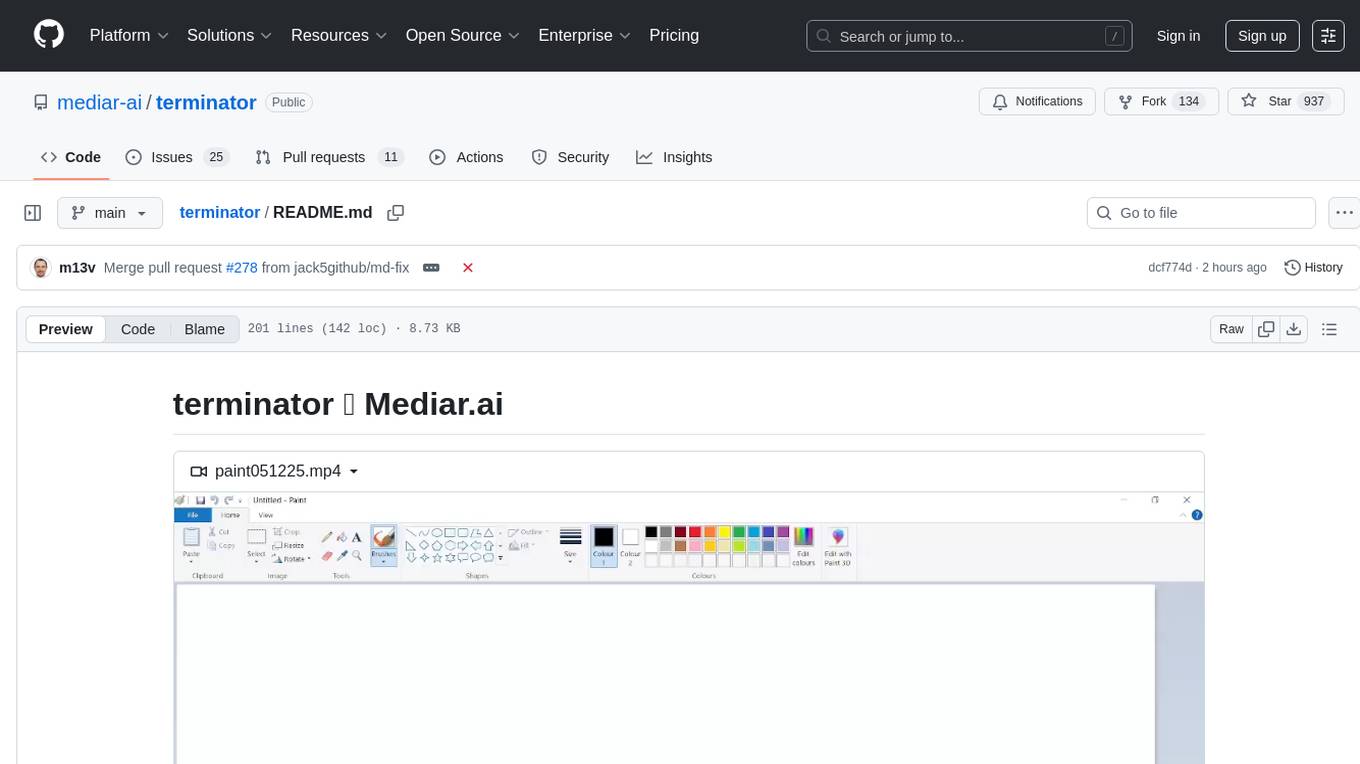
Terminator is an AI-powered desktop automation tool that is open source, MIT-licensed, and cross-platform. It works across all apps and browsers, inspired by GitHub Actions & Playwright. It is 100x faster than generic AI agents, with over 95% success rate and no vendor lock-in. Users can create automations that work across any desktop app or browser, achieve high success rates without costly consultant armies, and pre-train workflows as deterministic code.

mcp-devtools
MCP DevTools is a high-performance server written in Go that replaces multiple Node.js and Python-based servers. It provides access to essential developer tools through a unified, modular interface. The server is efficient, with minimal memory footprint and fast response times. It offers a comprehensive tool suite for agentic coding, including 20+ essential developer agent tools. The tool registry allows for easy addition of new tools. The server supports multiple transport modes, including STDIO, HTTP, and SSE. It includes a security framework for multi-layered protection and a plugin system for adding new tools.
airunner
AI Runner is a multi-modal AI interface that allows users to run open-source large language models and AI image generators on their own hardware. The tool provides features such as voice-based chatbot conversations, text-to-speech, speech-to-text, vision-to-text, text generation with large language models, image generation capabilities, image manipulation tools, utility functions, and more. It aims to provide a stable and user-friendly experience with security updates, a new UI, and a streamlined installation process. The application is designed to run offline on users' hardware without relying on a web server, offering a smooth and responsive user experience.
mcp-context-forge
MCP Context Forge is a powerful tool for generating context-aware data for machine learning models. It provides functionalities to create diverse datasets with contextual information, enhancing the performance of AI algorithms. The tool supports various data formats and allows users to customize the context generation process easily. With MCP Context Forge, users can efficiently prepare training data for tasks requiring contextual understanding, such as sentiment analysis, recommendation systems, and natural language processing.
ai-dev-kit
The AI Dev Kit is a comprehensive toolkit designed to enhance AI-driven development on Databricks. It provides trusted sources for AI coding assistants like Claude Code and Cursor to build faster and smarter on Databricks. The kit includes features such as Spark Declarative Pipelines, Databricks Jobs, AI/BI Dashboards, Unity Catalog, Genie Spaces, Knowledge Assistants, MLflow Experiments, Model Serving, Databricks Apps, and more. Users can choose from different adventures like installing the kit, using the visual builder app, teaching AI assistants Databricks patterns, executing Databricks actions, or building custom integrations with the core library. The kit also includes components like databricks-tools-core, databricks-mcp-server, databricks-skills, databricks-builder-app, and ai-dev-project.
monoscope
Monoscope is an open-source monitoring and observability platform that uses artificial intelligence to understand and monitor systems automatically. It allows users to ingest and explore logs, traces, and metrics in S3 buckets, query in natural language via LLMs, and create AI agents to detect anomalies. Key capabilities include universal data ingestion, AI-powered understanding, natural language interface, cost-effective storage, and zero configuration. Monoscope is designed to reduce alert fatigue, catch issues before they impact users, and provide visibility across complex systems.

ClaudeBar
ClaudeBar is a macOS menu bar application that monitors AI coding assistant usage quotas. It allows users to keep track of their usage of Claude, Codex, Gemini, GitHub Copilot, Antigravity, and Z.ai at a glance. The application offers multi-provider support, real-time quota tracking, multiple themes, visual status indicators, system notifications, auto-refresh feature, and keyboard shortcuts for quick access. Users can customize monitoring by toggling individual providers on/off and receive alerts when quota status changes. The tool requires macOS 15+, Swift 6.2+, and CLI tools installed for the providers to be monitored.
OSA
OSA (Open-Source-Advisor) is a tool designed to improve the quality of scientific open source projects by automating the generation of README files, documentation, CI/CD scripts, and providing advice and recommendations for repositories. It supports various LLMs accessible via API, local servers, or osa_bot hosted on ITMO servers. OSA is currently under development with features like README file generation, documentation generation, automatic implementation of changes, LLM integration, and GitHub Action Workflow generation. It requires Python 3.10 or higher and tokens for GitHub/GitLab/Gitverse and LLM API key. Users can install OSA using PyPi or build from source, and run it using CLI commands or Docker containers.
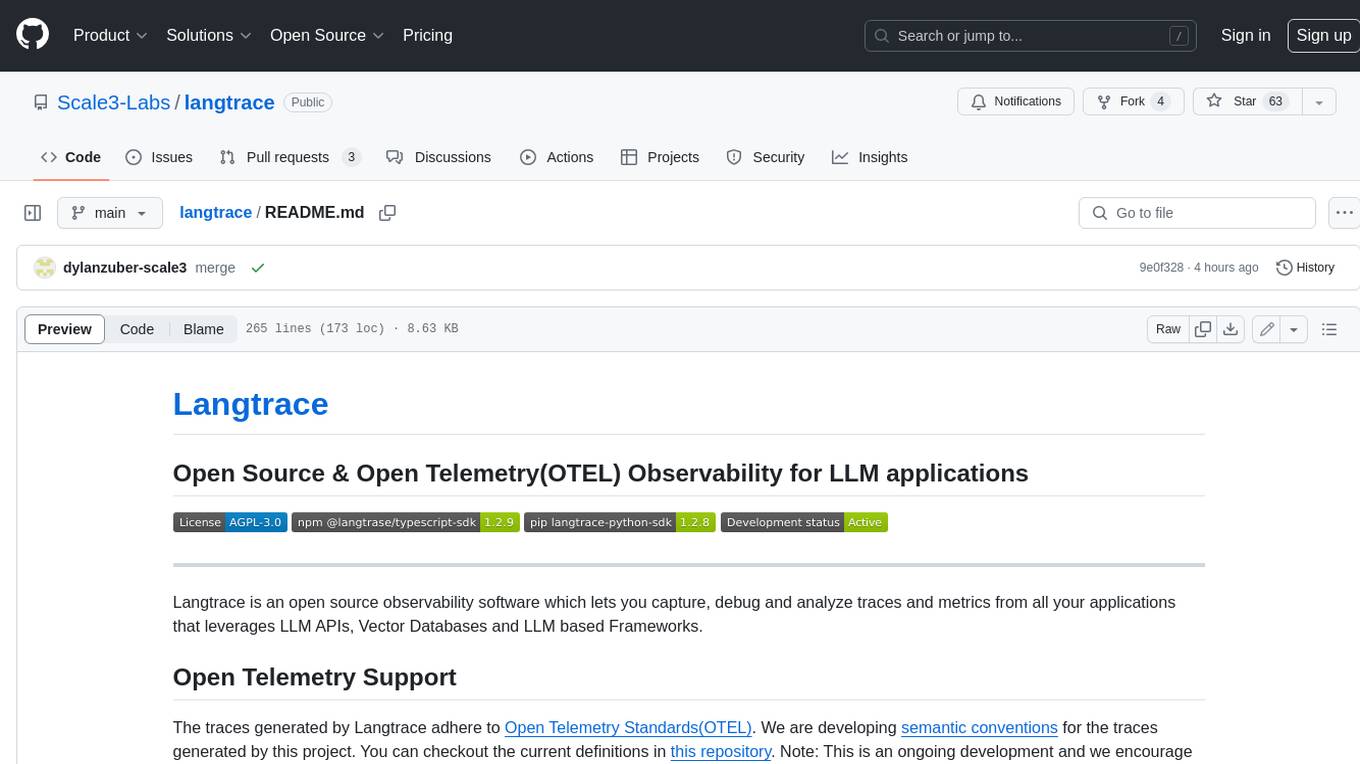
langtrace
Langtrace is an open source observability software that lets you capture, debug, and analyze traces and metrics from all your applications that leverage LLM APIs, Vector Databases, and LLM-based Frameworks. It supports Open Telemetry Standards (OTEL), and the traces generated adhere to these standards. Langtrace offers both a managed SaaS version (Langtrace Cloud) and a self-hosted option. The SDKs for both Typescript/Javascript and Python are available, making it easy to integrate Langtrace into your applications. Langtrace automatically captures traces from various vendors, including OpenAI, Anthropic, Azure OpenAI, Langchain, LlamaIndex, Pinecone, and ChromaDB.
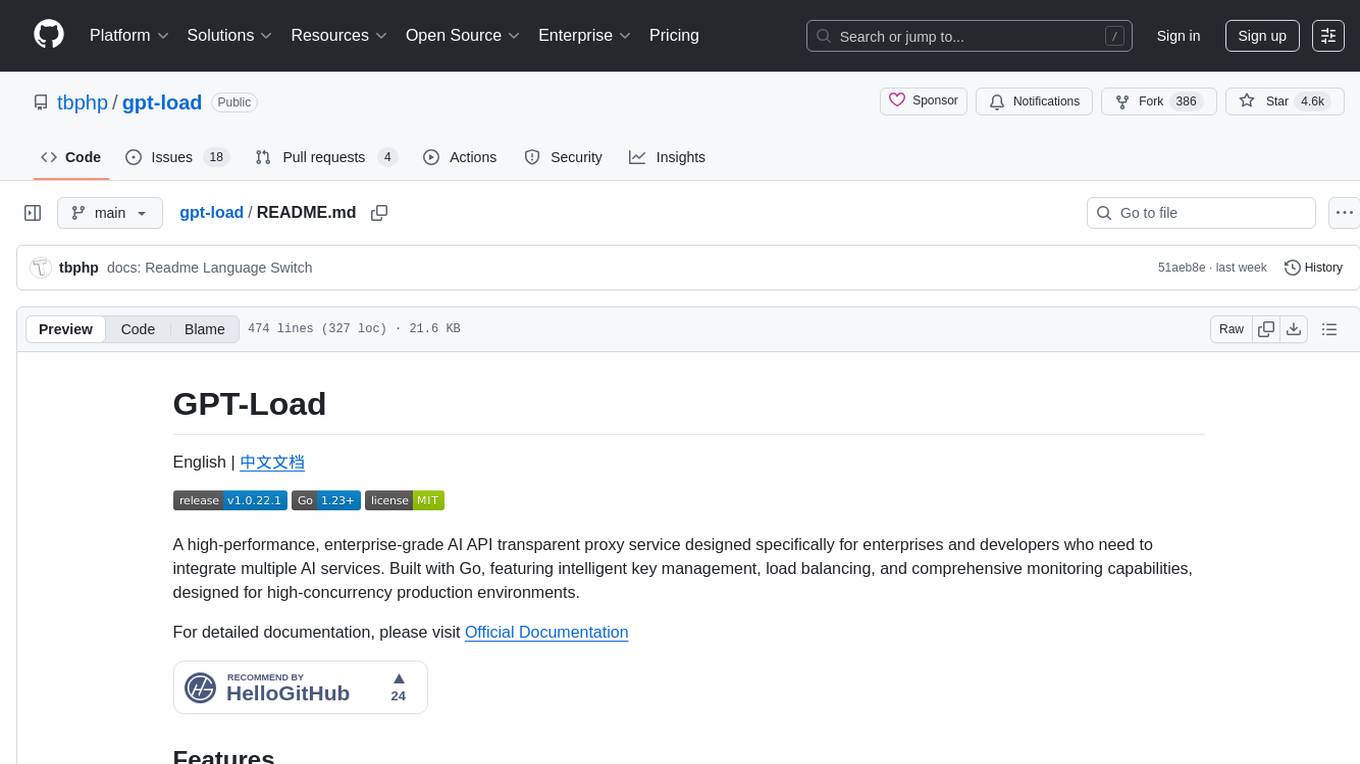
gpt-load
GPT-Load is a high-performance, enterprise-grade AI API transparent proxy service designed for enterprises and developers needing to integrate multiple AI services. Built with Go, it features intelligent key management, load balancing, and comprehensive monitoring capabilities for high-concurrency production environments. The tool serves as a transparent proxy service, preserving native API formats of various AI service providers like OpenAI, Google Gemini, and Anthropic Claude. It supports dynamic configuration, distributed leader-follower deployment, and a Vue 3-based web management interface. GPT-Load is production-ready with features like dual authentication, graceful shutdown, and error recovery.
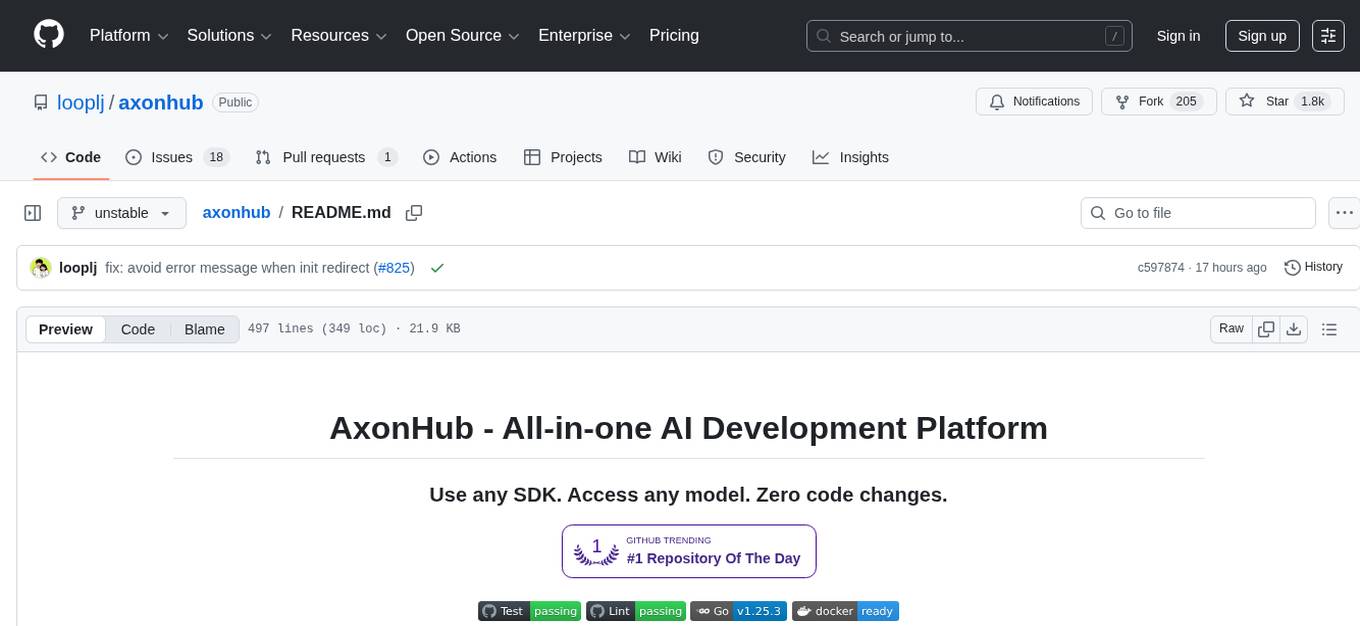
axonhub
AxonHub is an all-in-one AI development platform that serves as an AI gateway allowing users to switch between model providers without changing any code. It provides features like vendor lock-in prevention, integration simplification, observability enhancement, and cost control. Users can access any model using any SDK with zero code changes. The platform offers full request tracing, enterprise RBAC, smart load balancing, and real-time cost tracking. AxonHub supports multiple databases, provides a unified API gateway, and offers flexible model management and API key creation for authentication. It also integrates with various AI coding tools and SDKs for seamless usage.
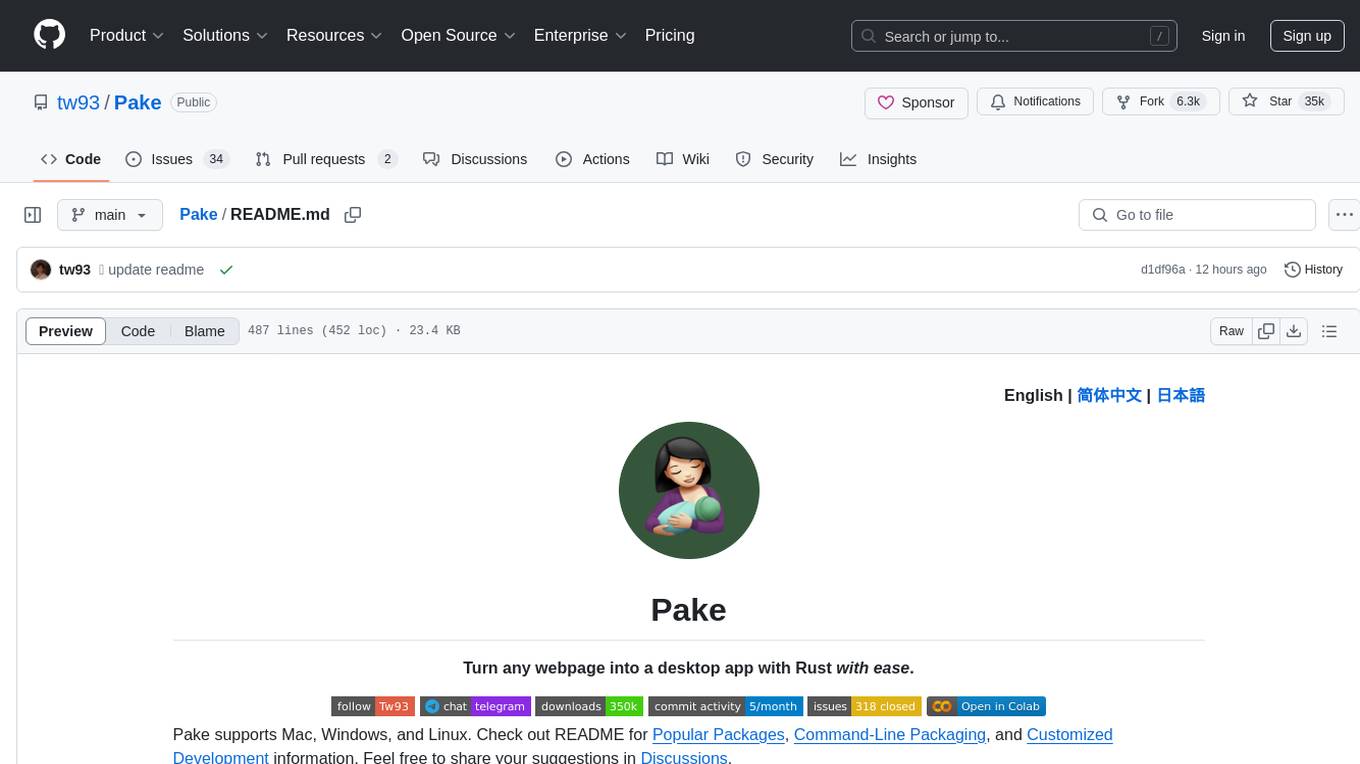
Pake
Pake is a tool that allows users to turn any webpage into a desktop app with ease. It is lightweight, fast, and supports Mac, Windows, and Linux. Pake provides a battery-included package with shortcut pass-through, immersive windows, and minimalist customization. Users can explore popular packages like WeRead, Twitter, Grok, DeepSeek, ChatGPT, Gemini, YouTube Music, YouTube, LiZhi, ProgramMusic, Excalidraw, and XiaoHongShu. The tool is suitable for beginners, developers, and hackers, offering command-line packaging and advanced usage options. Pake is developed by a community of contributors and offers support through various channels like GitHub, Twitter, and Telegram.
eko
Eko is a lightweight and flexible command-line tool for managing environment variables in your projects. It allows you to easily set, get, and delete environment variables for different environments, making it simple to manage configurations across development, staging, and production environments. With Eko, you can streamline your workflow and ensure consistency in your application settings without the need for complex setup or configuration files.
inspector
A developer tool for testing and debugging Model Context Protocol (MCP) servers. It allows users to test the compliance of their MCP servers with the latest MCP specs, supports various transports like STDIO, SSE, and Streamable HTTP, features an LLM Playground for testing server behavior against different models, provides comprehensive logging and error reporting for MCP server development, and offers a modern developer experience with multiple server connections and saved configurations. The tool is built using Next.js and integrates MCP capabilities, AI SDKs from OpenAI, Anthropic, and Ollama, and various technologies like Node.js, TypeScript, and Next.js.
For similar tasks
emdash
Emdash is a tool that allows users to run multiple coding agents in parallel, enabling the development and testing of multiple features simultaneously. It supports various CLI agents and runs each agent in its own Git worktree for clean changes. Users can connect to remote servers via SSH/SFTP to work with remote codebases, supporting SSH agent and key authentication. Emdash facilitates handing off Linear, GitHub, or Jira tickets to an agent and reviewing diffs side-by-side.
devika
Devika is an advanced AI software engineer that can understand high-level human instructions, break them down into steps, research relevant information, and write code to achieve the given objective. Devika utilizes large language models, planning and reasoning algorithms, and web browsing abilities to intelligently develop software. Devika aims to revolutionize the way we build software by providing an AI pair programmer who can take on complex coding tasks with minimal human guidance. Whether you need to create a new feature, fix a bug, or develop an entire project from scratch, Devika is here to assist you.
For similar jobs

kaito
Kaito is an operator that automates the AI/ML inference model deployment in a Kubernetes cluster. It manages large model files using container images, avoids tuning deployment parameters to fit GPU hardware by providing preset configurations, auto-provisions GPU nodes based on model requirements, and hosts large model images in the public Microsoft Container Registry (MCR) if the license allows. Using Kaito, the workflow of onboarding large AI inference models in Kubernetes is largely simplified.
ai-on-gke
This repository contains assets related to AI/ML workloads on Google Kubernetes Engine (GKE). Run optimized AI/ML workloads with Google Kubernetes Engine (GKE) platform orchestration capabilities. A robust AI/ML platform considers the following layers: Infrastructure orchestration that support GPUs and TPUs for training and serving workloads at scale Flexible integration with distributed computing and data processing frameworks Support for multiple teams on the same infrastructure to maximize utilization of resources

tidb
TiDB is an open-source distributed SQL database that supports Hybrid Transactional and Analytical Processing (HTAP) workloads. It is MySQL compatible and features horizontal scalability, strong consistency, and high availability.
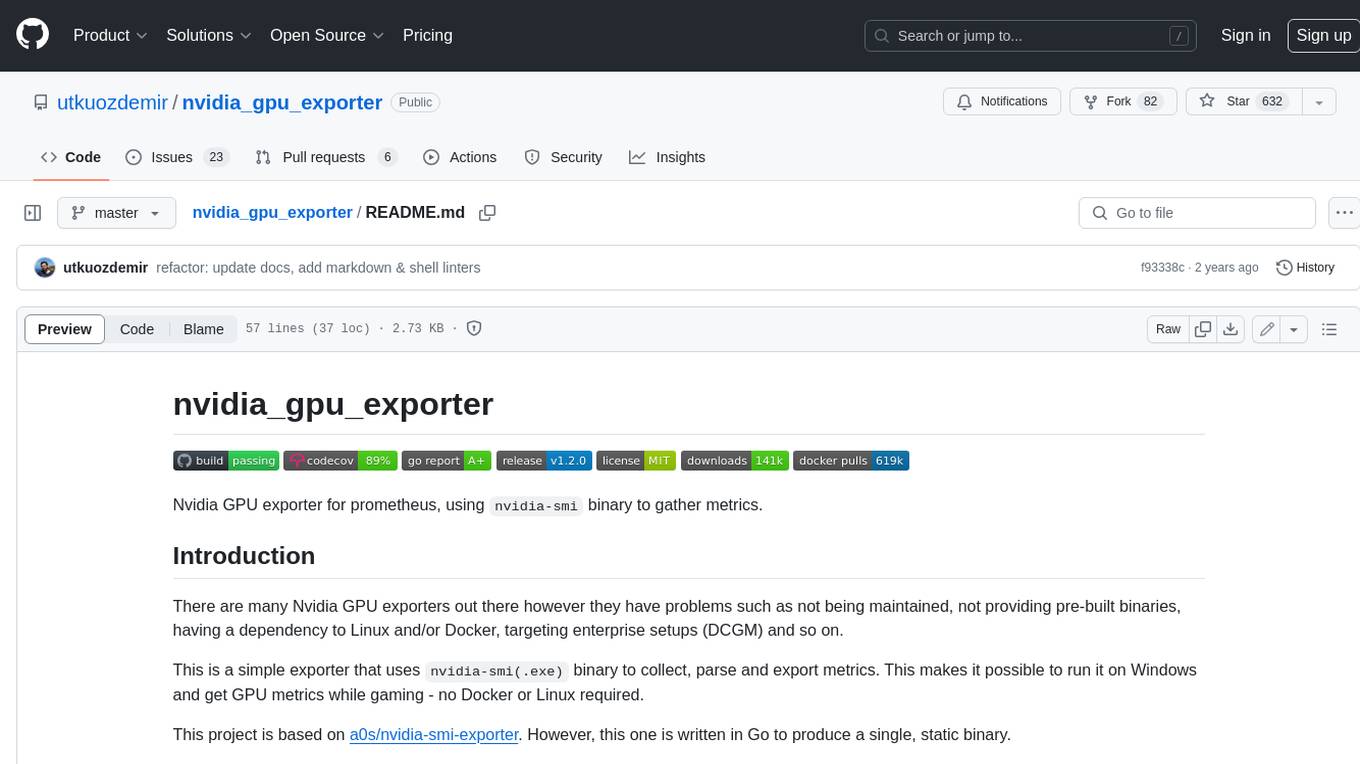
nvidia_gpu_exporter
Nvidia GPU exporter for prometheus, using `nvidia-smi` binary to gather metrics.

tracecat
Tracecat is an open-source automation platform for security teams. It's designed to be simple but powerful, with a focus on AI features and a practitioner-obsessed UI/UX. Tracecat can be used to automate a variety of tasks, including phishing email investigation, evidence collection, and remediation plan generation.
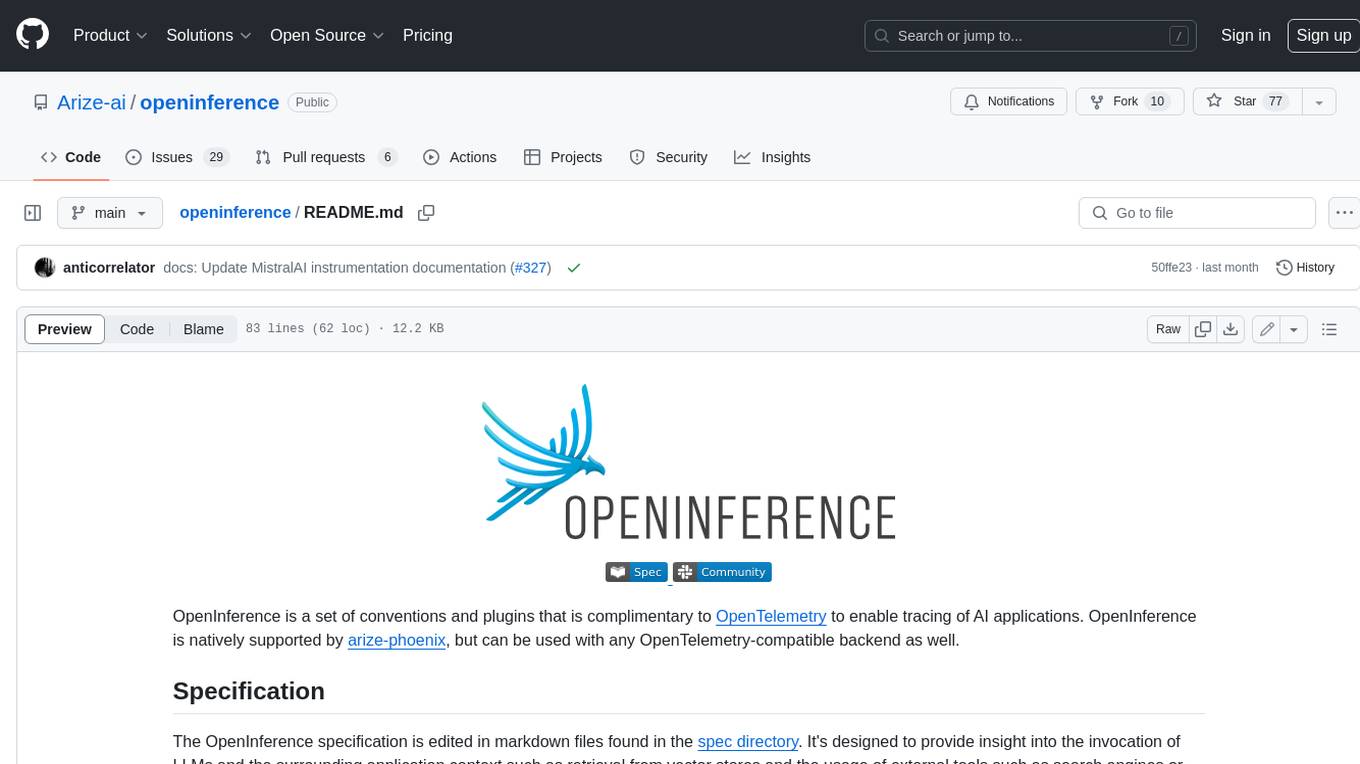
openinference
OpenInference is a set of conventions and plugins that complement OpenTelemetry to enable tracing of AI applications. It provides a way to capture and analyze the performance and behavior of AI models, including their interactions with other components of the application. OpenInference is designed to be language-agnostic and can be used with any OpenTelemetry-compatible backend. It includes a set of instrumentations for popular machine learning SDKs and frameworks, making it easy to add tracing to your AI applications.

BricksLLM
BricksLLM is a cloud native AI gateway written in Go. Currently, it provides native support for OpenAI, Anthropic, Azure OpenAI and vLLM. BricksLLM aims to provide enterprise level infrastructure that can power any LLM production use cases. Here are some use cases for BricksLLM: * Set LLM usage limits for users on different pricing tiers * Track LLM usage on a per user and per organization basis * Block or redact requests containing PIIs * Improve LLM reliability with failovers, retries and caching * Distribute API keys with rate limits and cost limits for internal development/production use cases * Distribute API keys with rate limits and cost limits for students
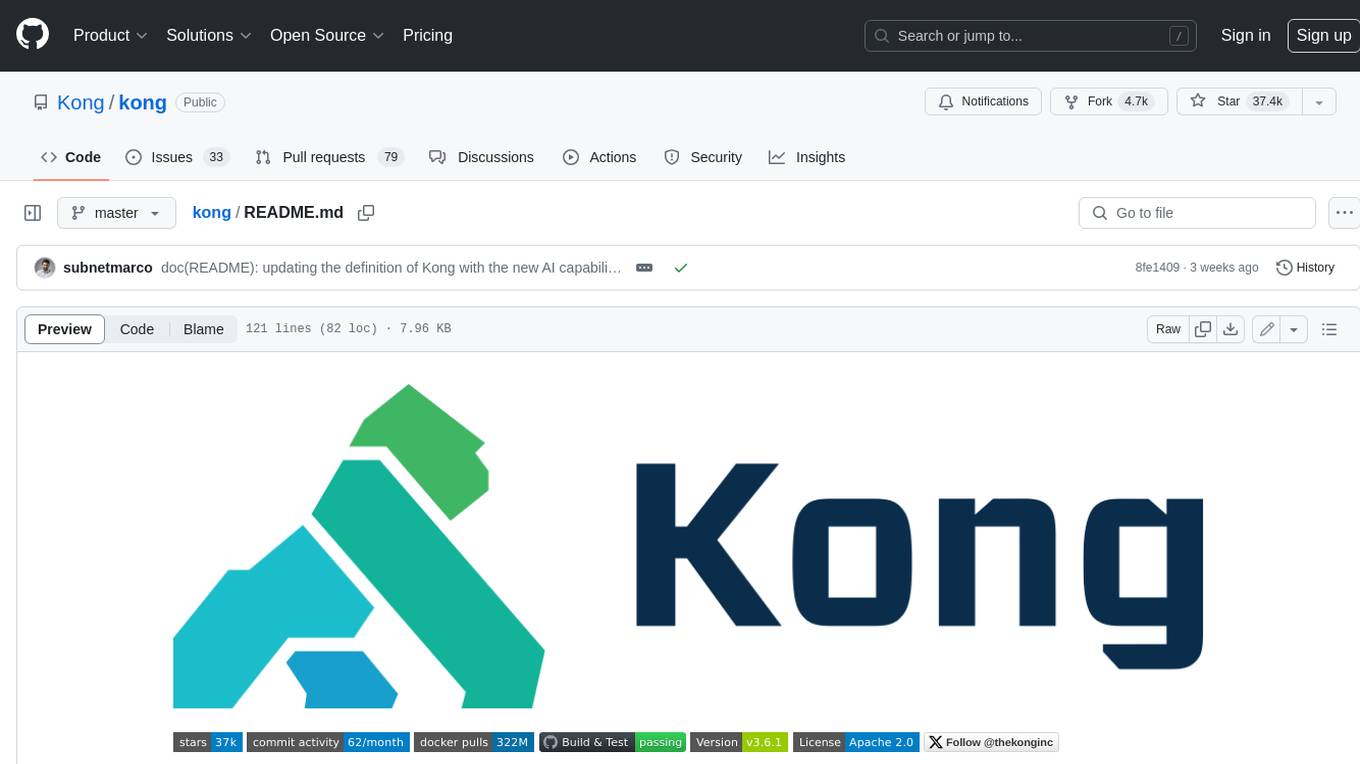
kong
Kong, or Kong API Gateway, is a cloud-native, platform-agnostic, scalable API Gateway distinguished for its high performance and extensibility via plugins. It also provides advanced AI capabilities with multi-LLM support. By providing functionality for proxying, routing, load balancing, health checking, authentication (and more), Kong serves as the central layer for orchestrating microservices or conventional API traffic with ease. Kong runs natively on Kubernetes thanks to its official Kubernetes Ingress Controller.