


inspector
MCP Testing Platform - Playground to test and debug MCP servers
Stars: 1040
A developer tool for testing and debugging Model Context Protocol (MCP) servers. It allows users to test the compliance of their MCP servers with the latest MCP specs, supports various transports like STDIO, SSE, and Streamable HTTP, features an LLM Playground for testing server behavior against different models, provides comprehensive logging and error reporting for MCP server development, and offers a modern developer experience with multiple server connections and saved configurations. The tool is built using Next.js and integrates MCP capabilities, AI SDKs from OpenAI, Anthropic, and Ollama, and various technologies like Node.js, TypeScript, and Next.js.
README:






A developer tool for testing, debugging Model Context Protocol (MCP) servers. Test whether or not you built your MCP server correctly. The project is open source and fully compliant to the MCP spec.
| Feature | Description |
|---|---|
| Full MCP Spec Compliance | Test your MCP server's tools, resources, prompts, elicitation, and OAuth 2. MCPJam is compliant with the latest MCP specs. |
| All transports supported | Connect to any MCP server. MCPJam inspector supports STDIO, SSE, and Streamable HTTP transports. |
| LLM Playground | Integrated chat playground with OpenAI, Anthropic Claude, and Ollama model support. Test how your MCP server would behave against an LLM |
| Debugging | Comprehensive logging, tracing, and error reporting for MCP server development |
| Developer Experience | Connect to multiple MCP servers. Save configurations. Upgraded UI/UX for modern dev experience. |

LLM Playground

Connect to any server

Start up the MCPJam inspector:
npx @mcpjam/inspector@latestOther commands:
# Launch with custom port
npx @mcpjam/inspector@latest --port 4000

# Shortcut for starting MCPJam and an Ollama model
npx @mcpjam/inspector@latest --ollama llama3.2Run MCPJam Inspector using Docker:
# Run the latest version from Docker Hub
docker run -p 3001:3001 mcpjam/mcp-inspector:latest

# Or run in the background
docker run -d -p 3001:3001 --name mcp-inspector mcpjam/mcp-inspector:latest
The application will be available at http://localhost:3001.
You can import your mcp.json MCP server configs from Claude Desktop and Cursor with the command:
npx @mcpjam/inspector@latest --config mcp.json
Note: Always use global file paths
# Local FastMCP STDIO example
npx @mcpjam/inspector@latest uv run fastmcp run /Users/matt8p/demo/src/server.py
# Local Node example
npx @mcpjam/inspector@latest npx -y /Users/matt8p/demo-ts/dist/index.js
Spin up the MCPJam inspector
npx @mcpjam/inspector@latest
In the UI "MCP Servers" tab, click add server, select HTTP, then paste in your server URL



MCPJam Inspector V1 is built as a modern Next.js application with integrated MCP capabilities:
📦 @mcpjam/inspector-v1
├── 🎨 src/app/              # Next.js 15 App Router
├── 🧩 src/components/       # React components with Radix UI
├── 🔧 src/lib/             # Utility functions and helpers
├── 🎯 src/hooks/           # Custom React hooks
├── 📱 src/stores/          # Zustand state management
├── 🎨 src/styles/          # Tailwind CSS themes
└── 🚀 bin/                # CLI launcher script
- Framework: Next.js 15.4 with App Router and React 19
- Styling: Tailwind CSS 4.x with custom themes and Radix UI components
- MCP Integration: Mastra framework (@mastra/core, @mastra/mcp)
- AI Integration: AI SDK with OpenAI, Anthropic, and Ollama providers
# Clone the repository
git clone https://github.com/mcpjam/inspector.git
cd inspector

# Install dependencies
npm install

# Start development server
npm run dev
The development server will start at http://localhost:3000 with hot reloading enabled.
# Build the application
npm run build

# Start production server
npm run start| Script | Description |
|---|---|
npm run dev |
Start Next.js development server with Turbopack |
npm run build |
Build the application for production |
npm run start |
Start the production server |
npm run lint |
Run ESLint code linting |
npm run prettier-fix |
Format code with Prettier |
We welcome contributions to MCPJam Inspector V1! Please read our CONTRIBUTING.md for development guidelines and best practices.
- Fork the repository
-
Create a feature branch (
git checkout -b feature/amazing-feature) - Develop your changes with proper testing
-
Format code with
npm run prettier-fix -
Lint code with
npm run lint -
Commit your changes (
git commit -m 'Add amazing feature') -
Push to your branch (
git push origin feature/amazing-feature) - Open a Pull Request
- 💬 Discord: Join the MCPJam Community
- 📖 MCP Protocol: Model Context Protocol Documentation
- 🔧 Mastra Framework: Mastra MCP Integration
- 🤖 AI SDK: Vercel AI SDK
This project is licensed under the Apache License 2.0 - see the LICENSE file for details.
For Tasks:
Click tags to check more tools for each tasksFor Jobs:
Alternative AI tools for inspector
Similar Open Source Tools
inspector
A developer tool for testing and debugging Model Context Protocol (MCP) servers. It allows users to test the compliance of their MCP servers with the latest MCP specs, supports various transports like STDIO, SSE, and Streamable HTTP, features an LLM Playground for testing server behavior against different models, provides comprehensive logging and error reporting for MCP server development, and offers a modern developer experience with multiple server connections and saved configurations. The tool is built using Next.js and integrates MCP capabilities, AI SDKs from OpenAI, Anthropic, and Ollama, and various technologies like Node.js, TypeScript, and Next.js.
Kubeli
Kubeli is a modern, beautiful Kubernetes management desktop application with real-time monitoring, terminal access, and a polished user experience. It offers features like multi-cluster support, real-time updates, resource browser, pod logs streaming, terminal access, port forwarding, metrics dashboard, YAML editor, AI assistant, MCP server, Helm releases management, proxy support, internationalization, and dark/light mode. The tech stack includes Vite, React 19, TypeScript, Tailwind CSS 4 for frontend, Tauri 2.0 (Rust) for desktop, kube-rs with k8s-openapi v1.32 for K8s client, Zustand for state management, Radix UI and Lucide Icons for UI components, Monaco Editor for editing, XTerm.js for terminal, and uPlot for charts.
conduit
Conduit is an open-source, cross-platform mobile application for Open-WebUI, providing a native mobile experience for interacting with your self-hosted AI infrastructure. It supports real-time chat, model selection, conversation management, markdown rendering, theme support, voice input, file uploads, multi-modal support, secure storage, folder management, and tools invocation. Conduit offers multiple authentication flows and follows a clean architecture pattern with Riverpod for state management, Dio for HTTP networking, WebSocket for real-time streaming, and Flutter Secure Storage for credential management.

ClaudeBar
ClaudeBar is a macOS menu bar application that monitors AI coding assistant usage quotas. It allows users to keep track of their usage of Claude, Codex, Gemini, GitHub Copilot, Antigravity, and Z.ai at a glance. The application offers multi-provider support, real-time quota tracking, multiple themes, visual status indicators, system notifications, auto-refresh feature, and keyboard shortcuts for quick access. Users can customize monitoring by toggling individual providers on/off and receive alerts when quota status changes. The tool requires macOS 15+, Swift 6.2+, and CLI tools installed for the providers to be monitored.
local-cocoa
Local Cocoa is a privacy-focused tool that runs entirely on your device, turning files into memory to spark insights and power actions. It offers features like fully local privacy, multimodal memory, vector-powered retrieval, intelligent indexing, vision understanding, hardware acceleration, focused user experience, integrated notes, and auto-sync. The tool combines file ingestion, intelligent chunking, and local retrieval to build a private on-device knowledge system. The ultimate goal includes more connectors like Google Drive integration, voice mode for local speech-to-text interaction, and a plugin ecosystem for community tools and agents. Local Cocoa is built using Electron, React, TypeScript, FastAPI, llama.cpp, and Qdrant.
OpenSandbox
OpenSandbox is a general-purpose sandbox platform for AI applications, offering multi-language SDKs, unified sandbox APIs, and Docker/Kubernetes runtimes for scenarios like Coding Agents, GUI Agents, Agent Evaluation, AI Code Execution, and RL Training. It provides features such as multi-language SDKs, sandbox protocol, sandbox runtime, sandbox environments, and network policy. Users can perform basic sandbox operations like installing and configuring the sandbox server, starting the sandbox server, creating a code interpreter, and executing commands. The platform also offers examples for coding agent integrations, browser and desktop environments, and ML and training tasks.
buster
Buster is a modern analytics platform designed with AI in mind, focusing on self-serve experiences powered by Large Language Models. It addresses pain points in existing tools by advocating for AI-centric app development, cost-effective data warehousing, improved CI/CD processes, and empowering data teams to create powerful, user-friendly data experiences. The platform aims to revolutionize AI analytics by enabling data teams to build deep integrations and own their entire analytics stack.
shadcn-ui-mcp-server
A Model Context Protocol (MCP) server that provides AI assistants with comprehensive access to shadcn/ui v4 components, blocks, demos, and metadata. It allows users to seamlessly retrieve React, Svelte, Vue, and React Native implementations for AI-powered development workflows. The server supports multi-frameworks, component source code, demos, blocks, metadata access, directory browsing, smart caching, SSE transport, and Docker containerization. Users can quickly start the server, integrate with Claude Desktop, deploy with SSE transport or Docker, and access documentation for installation, configuration, integration, usage, frameworks, troubleshooting, and API reference. The server supports React, Svelte, Vue, and React Native implementations, with options for UI library selection. It enables AI-powered development, multi-client deployments, production environments, component discovery, multi-framework learning, rapid prototyping, and code generation.
aegra
Aegra is a self-hosted AI agent backend platform that provides LangGraph power without vendor lock-in. Built with FastAPI + PostgreSQL, it offers complete control over agent orchestration for teams looking to escape vendor lock-in, meet data sovereignty requirements, enable custom deployments, and optimize costs. Aegra is Agent Protocol compliant and perfect for teams seeking a free, self-hosted alternative to LangGraph Platform with zero lock-in, full control, and compatibility with existing LangGraph Client SDK.
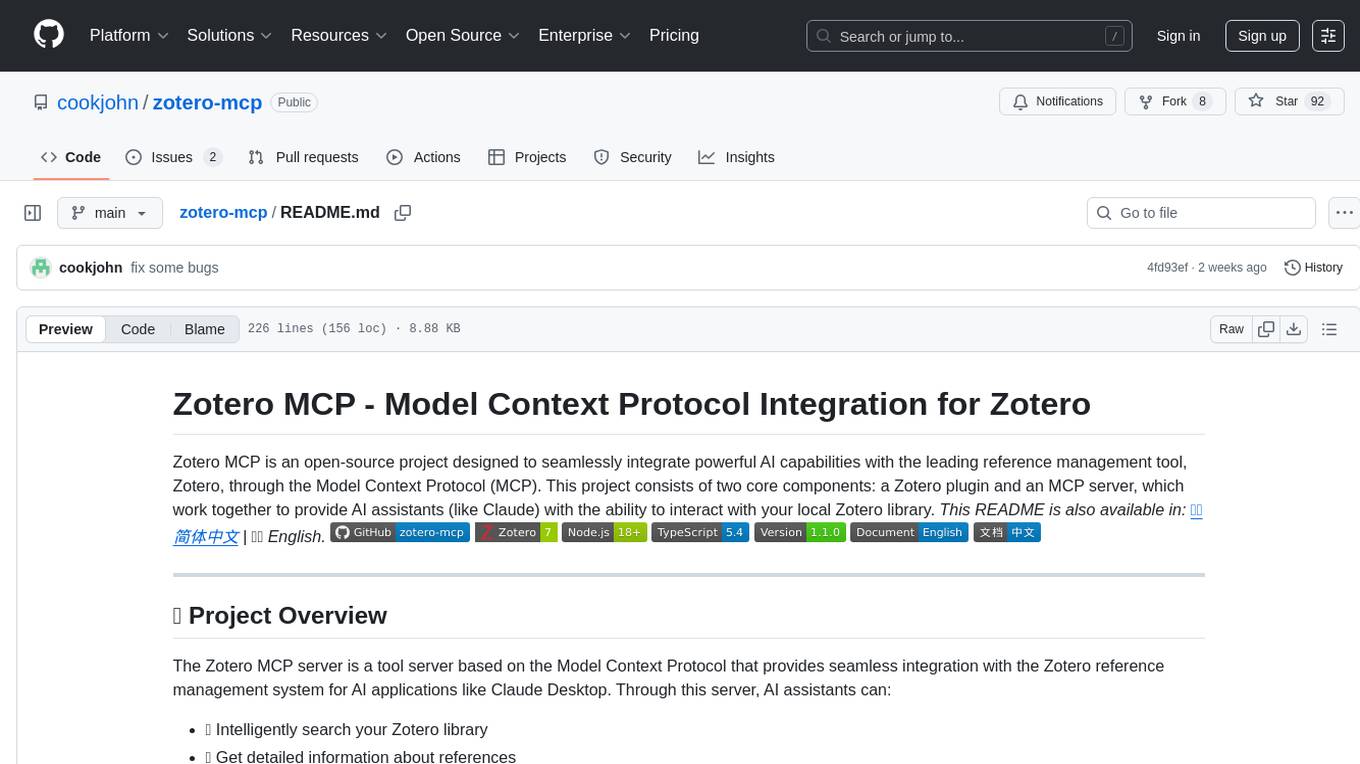
zotero-mcp
Zotero MCP is an open-source project that integrates AI capabilities with Zotero using the Model Context Protocol. It consists of a Zotero plugin and an MCP server, enabling AI assistants to search, retrieve, and cite references from Zotero library. The project features a unified architecture with an integrated MCP server, eliminating the need for a separate server process. It provides features like intelligent search, detailed reference information, filtering by tags and identifiers, aiding in academic tasks such as literature reviews and citation management.
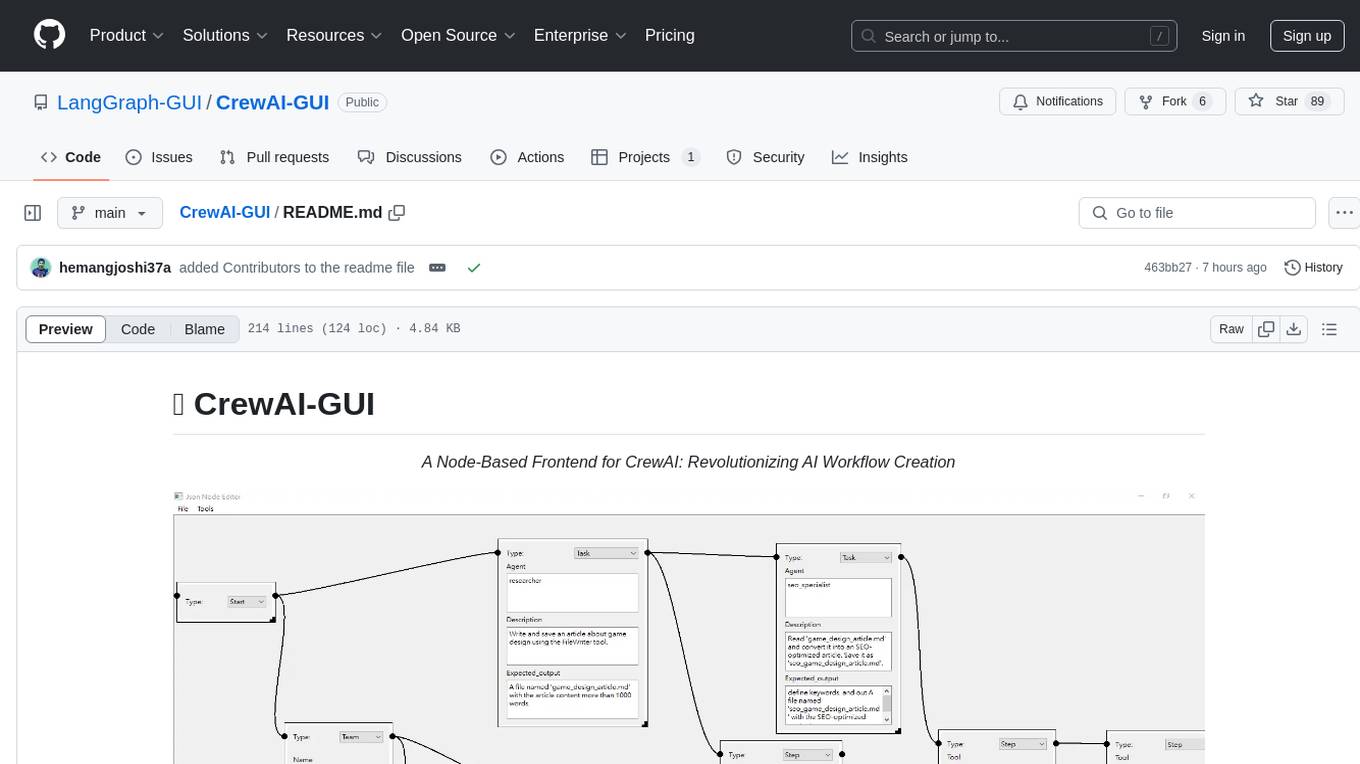
CrewAI-GUI
CrewAI-GUI is a Node-Based Frontend tool designed to revolutionize AI workflow creation. It empowers users to design complex AI agent interactions through an intuitive drag-and-drop interface, export designs to JSON for modularity and reusability, and supports both GPT-4 API and Ollama for flexible AI backend. The tool ensures cross-platform compatibility, allowing users to create AI workflows on Windows, Linux, or macOS efficiently.
legacy-use
Legacy-use is a tool that transforms legacy applications into modern REST APIs using AI. It allows users to dynamically generate and customize API endpoints for legacy or desktop applications, access systems running legacy software, track and resolve issues with built-in observability tools, ensure secure and compliant automation, choose model providers independently, and deploy with enterprise-grade security and compliance. The tool provides a quick setup process, automatic API key generation, and supports Windows VM automation. It offers a user-friendly interface for adding targets, running jobs, and writing effective prompts. Legacy-use also supports various connectivity technologies like OpenVPN, Tailscale, WireGuard, VNC, RDP, and TeamViewer. Telemetry data is collected anonymously to improve the product, and users can opt-out of tracking. Optional configurations include enabling OpenVPN target creation and displaying backend endpoints documentation. Contributions to the project are welcome.
sdk
The Kubeflow SDK is a set of unified Pythonic APIs that simplify running AI workloads at any scale without needing to learn Kubernetes. It offers consistent APIs across the Kubeflow ecosystem, enabling users to focus on building AI applications rather than managing complex infrastructure. The SDK provides a unified experience, simplifies AI workloads, is built for scale, allows rapid iteration, and supports local development without a Kubernetes cluster.
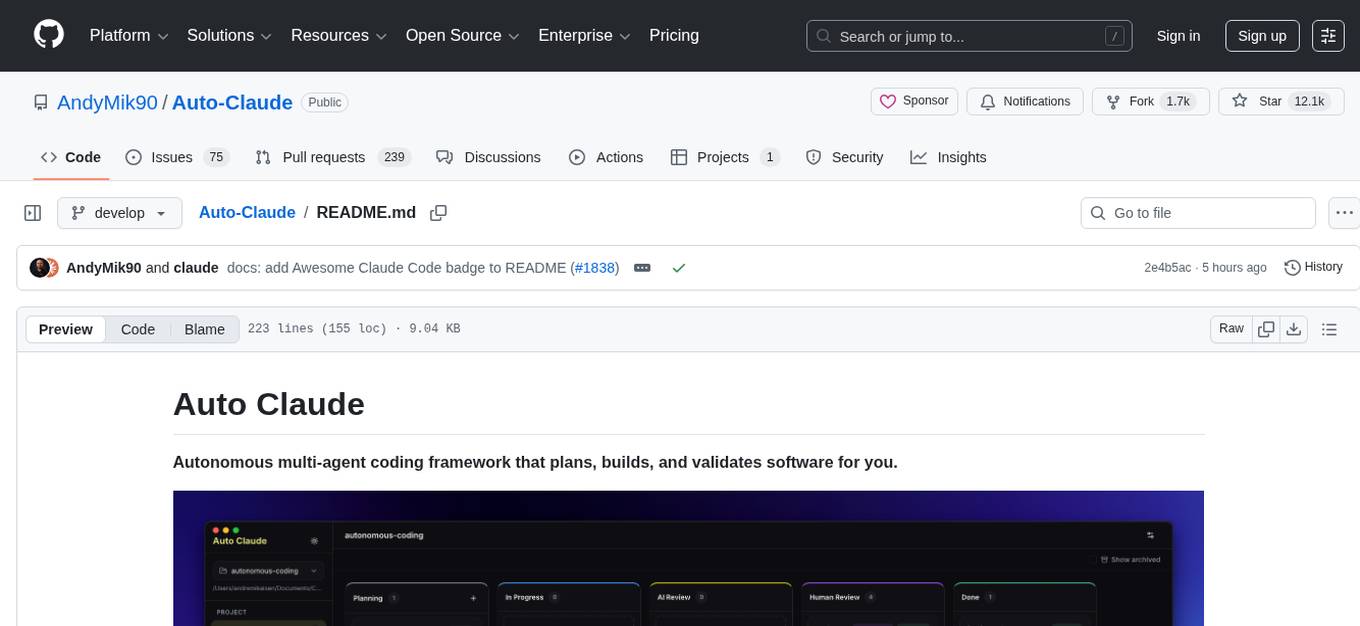
Auto-Claude
Auto Claude is an autonomous multi-agent coding framework that plans, builds, and validates software for users. It provides features such as autonomous tasks handling planning, implementation, and validation, parallel execution with multiple agent terminals, isolated workspaces for safe changes, self-validating quality assurance, AI-powered merge for conflict resolution, memory layer for smarter builds, GitHub/GitLab integration, cross-platform native desktop apps, auto-updates, and more. The tool offers a visual Kanban board for task management, AI-powered terminals for parallel work, AI-assisted feature planning, insights chat interface, ideation for code improvements, performance issues, and vulnerabilities discovery, and changelog generation from completed tasks. It follows a three-layer security model with OS sandbox, filesystem restrictions, and dynamic command allowlist, ensuring security through VirusTotal scans, SHA256 checksums, and code-signing for macOS releases.
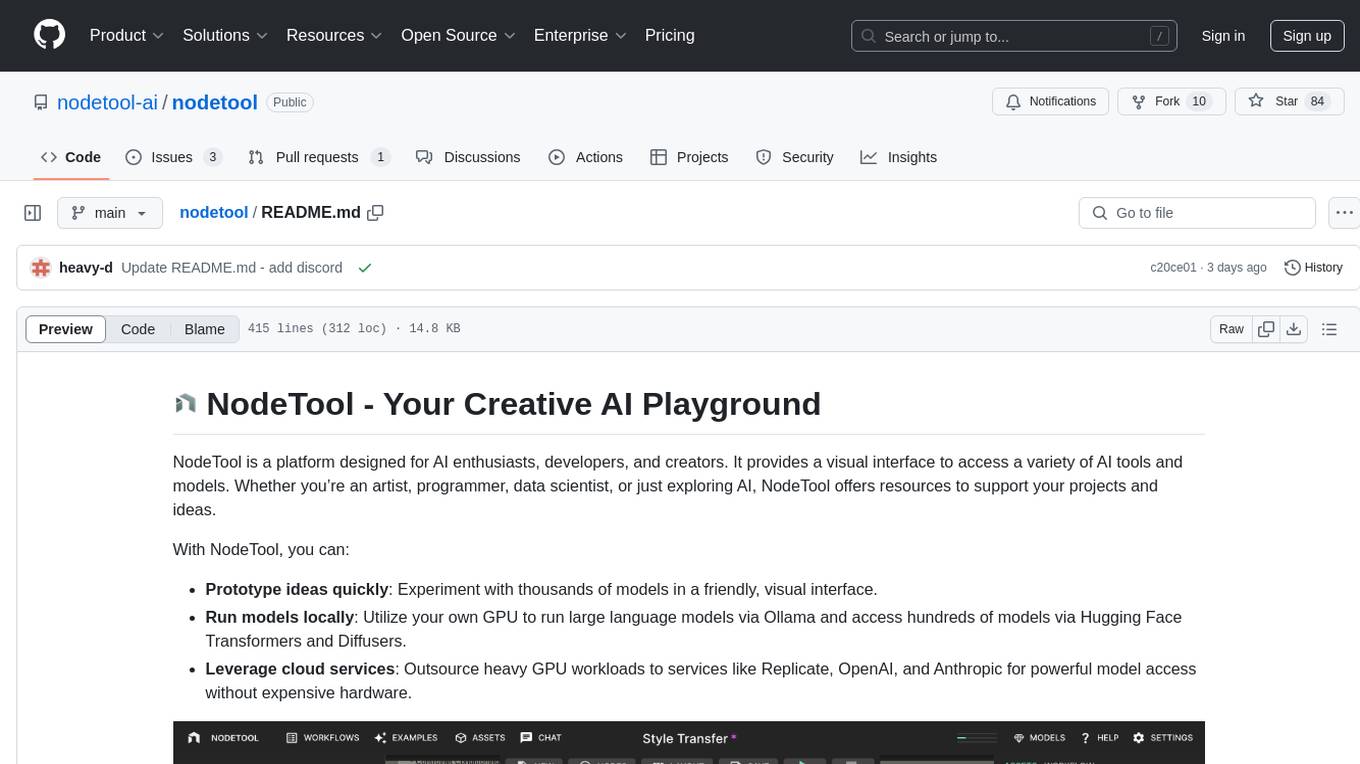
nodetool
NodeTool is a platform designed for AI enthusiasts, developers, and creators, providing a visual interface to access a variety of AI tools and models. It simplifies access to advanced AI technologies, offering resources for content creation, data analysis, automation, and more. With features like a visual editor, seamless integration with leading AI platforms, model manager, and API integration, NodeTool caters to both newcomers and experienced users in the AI field.
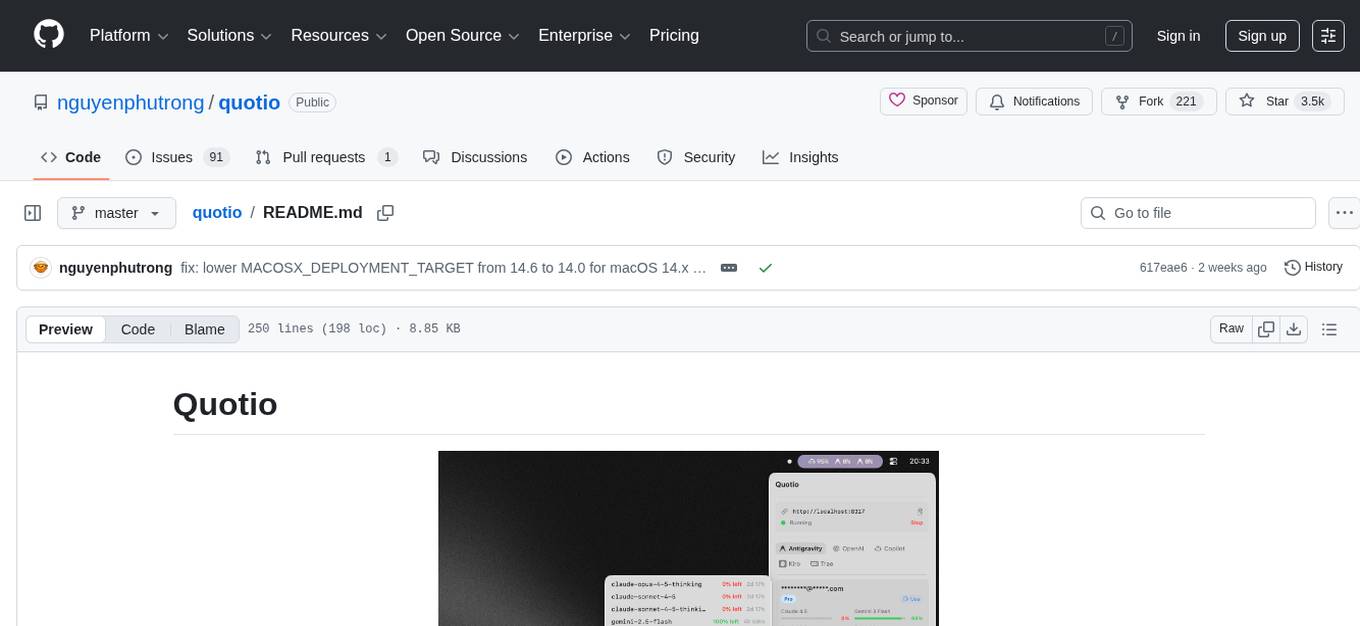
quotio
Quotio is a native macOS application designed as the ultimate command center for managing CLIProxyAPI, a local proxy server that powers AI coding agents. It allows users to connect multiple AI accounts, track quotas, configure CLI tools, and monitor request traffic in real-time. With features like multi-provider support, standalone quota mode, one-click agent configuration, real-time dashboard, smart quota management, API key management, menu bar integration, notifications, auto-update, and multilingual support, Quotio offers a comprehensive solution for AI coding assistants on macOS.
For similar tasks
inspector
A developer tool for testing and debugging Model Context Protocol (MCP) servers. It allows users to test the compliance of their MCP servers with the latest MCP specs, supports various transports like STDIO, SSE, and Streamable HTTP, features an LLM Playground for testing server behavior against different models, provides comprehensive logging and error reporting for MCP server development, and offers a modern developer experience with multiple server connections and saved configurations. The tool is built using Next.js and integrates MCP capabilities, AI SDKs from OpenAI, Anthropic, and Ollama, and various technologies like Node.js, TypeScript, and Next.js.
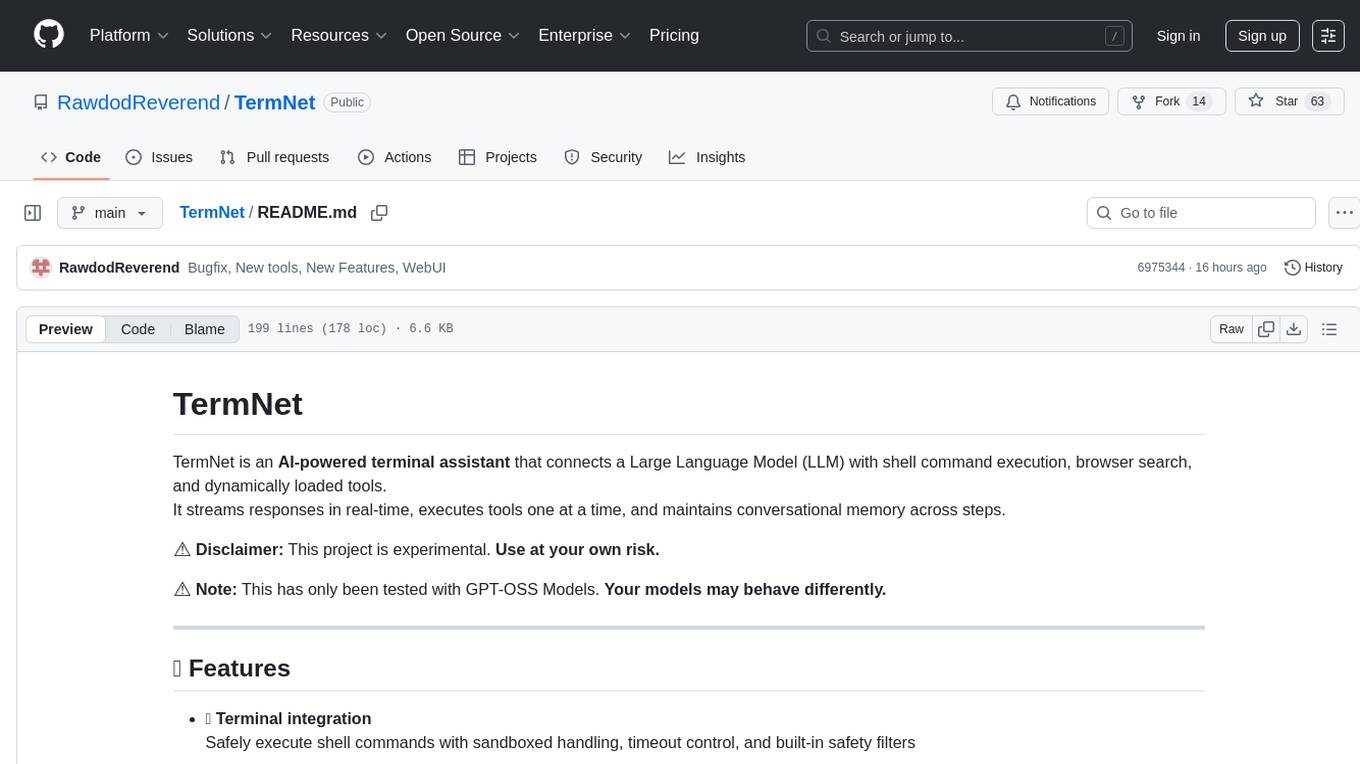
TermNet
TermNet is an AI-powered terminal assistant that connects a Large Language Model (LLM) with shell command execution, browser search, and dynamically loaded tools. It streams responses in real-time, executes tools one at a time, and maintains conversational memory across steps. The project features terminal integration for safe shell command execution, dynamic tool loading without code changes, browser automation powered by Playwright, WebSocket architecture for real-time communication, a memory system to track planning and actions, streaming LLM output integration, a safety layer to block dangerous commands, dual interface options, a notification system, and scratchpad memory for persistent note-taking. The architecture includes a multi-server setup with servers for WebSocket, browser automation, notifications, and web UI. The project structure consists of core backend files, various tools like web browsing and notification management, and servers for browser automation and notifications. Installation requires Python 3.9+, Ollama, and Chromium, with setup steps provided in the README. The tool can be used via the launcher for managing components or directly by starting individual servers. Additional tools can be added by registering them in `toolregistry.json` and implementing them in Python modules. Safety notes highlight the blocking of dangerous commands, allowed risky commands with warnings, and the importance of monitoring tool execution and setting appropriate timeouts.
generative-ai-dart
The Google Generative AI SDK for Dart enables developers to utilize cutting-edge Large Language Models (LLMs) for creating language applications. It provides access to the Gemini API for generating content using state-of-the-art models. Developers can integrate the SDK into their Dart or Flutter applications to leverage powerful AI capabilities. It is recommended to use the SDK for server-side API calls to ensure the security of API keys and protect against potential key exposure in mobile or web apps.
SemanticKernel.Assistants
This repository contains an assistant proposal for the Semantic Kernel, allowing the usage of assistants without relying on OpenAI Assistant APIs. It runs locally planners and plugins for the assistants, providing scenarios like Assistant with Semantic Kernel plugins, Multi-Assistant conversation, and AutoGen conversation. The Semantic Kernel is a lightweight SDK enabling integration of AI Large Language Models with conventional programming languages, offering functions like semantic functions, native functions, and embeddings-based memory. Users can bring their own model for the assistants and host them locally. The repository includes installation instructions, usage examples, and information on creating new conversation threads with the assistant.
ezlocalai
ezlocalai is an artificial intelligence server that simplifies running multimodal AI models locally. It handles model downloading and server configuration based on hardware specs. It offers OpenAI Style endpoints for integration, voice cloning, text-to-speech, voice-to-text, and offline image generation. Users can modify environment variables for customization. Supports NVIDIA GPU and CPU setups. Provides demo UI and workflow visualization for easy usage.
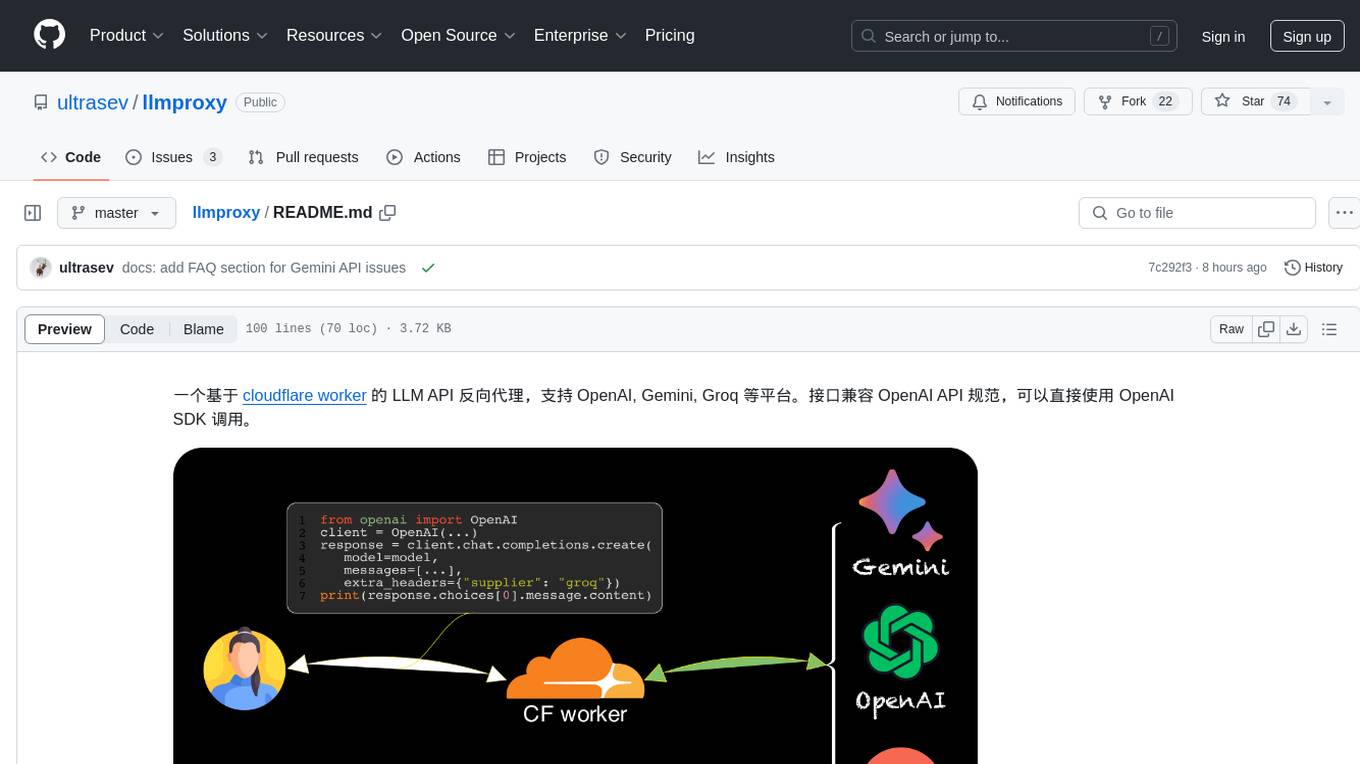
llmproxy
llmproxy is a reverse proxy for LLM API based on Cloudflare Worker, supporting platforms like OpenAI, Gemini, and Groq. The interface is compatible with the OpenAI API specification and can be directly accessed using the OpenAI SDK. It provides a convenient way to interact with various AI platforms through a unified API endpoint, enabling seamless integration and usage in different applications.
gemini-api-quickstart
This repository contains a simple Python Flask App utilizing the Google AI Gemini API to explore multi-modal capabilities. It provides a basic UI and Flask backend for easy integration and testing. The app allows users to interact with the AI model through chat messages, making it a great starting point for developers interested in AI-powered applications.
KaibanJS
KaibanJS is a JavaScript-native framework for building multi-agent AI systems. It enables users to create specialized AI agents with distinct roles and goals, manage tasks, and coordinate teams efficiently. The framework supports role-based agent design, tool integration, multiple LLMs support, robust state management, observability and monitoring features, and a real-time agentic Kanban board for visualizing AI workflows. KaibanJS aims to empower JavaScript developers with a user-friendly AI framework tailored for the JavaScript ecosystem, bridging the gap in the AI race for non-Python developers.
For similar jobs

sweep
Sweep is an AI junior developer that turns bugs and feature requests into code changes. It automatically handles developer experience improvements like adding type hints and improving test coverage.

teams-ai
The Teams AI Library is a software development kit (SDK) that helps developers create bots that can interact with Teams and Microsoft 365 applications. It is built on top of the Bot Framework SDK and simplifies the process of developing bots that interact with Teams' artificial intelligence capabilities. The SDK is available for JavaScript/TypeScript, .NET, and Python.

ai-guide
This guide is dedicated to Large Language Models (LLMs) that you can run on your home computer. It assumes your PC is a lower-end, non-gaming setup.

classifai
Supercharge WordPress Content Workflows and Engagement with Artificial Intelligence. Tap into leading cloud-based services like OpenAI, Microsoft Azure AI, Google Gemini and IBM Watson to augment your WordPress-powered websites. Publish content faster while improving SEO performance and increasing audience engagement. ClassifAI integrates Artificial Intelligence and Machine Learning technologies to lighten your workload and eliminate tedious tasks, giving you more time to create original content that matters.

chatbot-ui
Chatbot UI is an open-source AI chat app that allows users to create and deploy their own AI chatbots. It is easy to use and can be customized to fit any need. Chatbot UI is perfect for businesses, developers, and anyone who wants to create a chatbot.

BricksLLM
BricksLLM is a cloud native AI gateway written in Go. Currently, it provides native support for OpenAI, Anthropic, Azure OpenAI and vLLM. BricksLLM aims to provide enterprise level infrastructure that can power any LLM production use cases. Here are some use cases for BricksLLM: * Set LLM usage limits for users on different pricing tiers * Track LLM usage on a per user and per organization basis * Block or redact requests containing PIIs * Improve LLM reliability with failovers, retries and caching * Distribute API keys with rate limits and cost limits for internal development/production use cases * Distribute API keys with rate limits and cost limits for students

uAgents
uAgents is a Python library developed by Fetch.ai that allows for the creation of autonomous AI agents. These agents can perform various tasks on a schedule or take action on various events. uAgents are easy to create and manage, and they are connected to a fast-growing network of other uAgents. They are also secure, with cryptographically secured messages and wallets.

griptape
Griptape is a modular Python framework for building AI-powered applications that securely connect to your enterprise data and APIs. It offers developers the ability to maintain control and flexibility at every step. Griptape's core components include Structures (Agents, Pipelines, and Workflows), Tasks, Tools, Memory (Conversation Memory, Task Memory, and Meta Memory), Drivers (Prompt and Embedding Drivers, Vector Store Drivers, Image Generation Drivers, Image Query Drivers, SQL Drivers, Web Scraper Drivers, and Conversation Memory Drivers), Engines (Query Engines, Extraction Engines, Summary Engines, Image Generation Engines, and Image Query Engines), and additional components (Rulesets, Loaders, Artifacts, Chunkers, and Tokenizers). Griptape enables developers to create AI-powered applications with ease and efficiency.