


Pake
🤱🏻 Turn any webpage into a desktop app with Rust. 🤱🏻 利用 Rust 轻松构建轻量级多端桌面应用
Stars: 35397
Pake is a tool that allows users to turn any webpage into a desktop app with ease. It is lightweight, fast, and supports Mac, Windows, and Linux. Pake provides a battery-included package with shortcut pass-through, immersive windows, and minimalist customization. Users can explore popular packages like WeRead, Twitter, Grok, DeepSeek, ChatGPT, Gemini, YouTube Music, YouTube, LiZhi, ProgramMusic, Excalidraw, and XiaoHongShu. The tool is suitable for beginners, developers, and hackers, offering command-line packaging and advanced usage options. Pake is developed by a community of contributors and offers support through various channels like GitHub, Twitter, and Telegram.
README:

Turn any webpage into a desktop app with Rust with ease.






- 🎐 Nearly 20 times smaller than an Electron package (around 5M!)
- 🚀 With Rust Tauri, Pake is much more lightweight and faster than JS-based frameworks.
- 📦 Battery-included package — shortcut pass-through, immersive windows, and minimalist customization.
- 👻 Pake is just a simple tool — replace the old bundle approach with Tauri (though PWA is good enough).
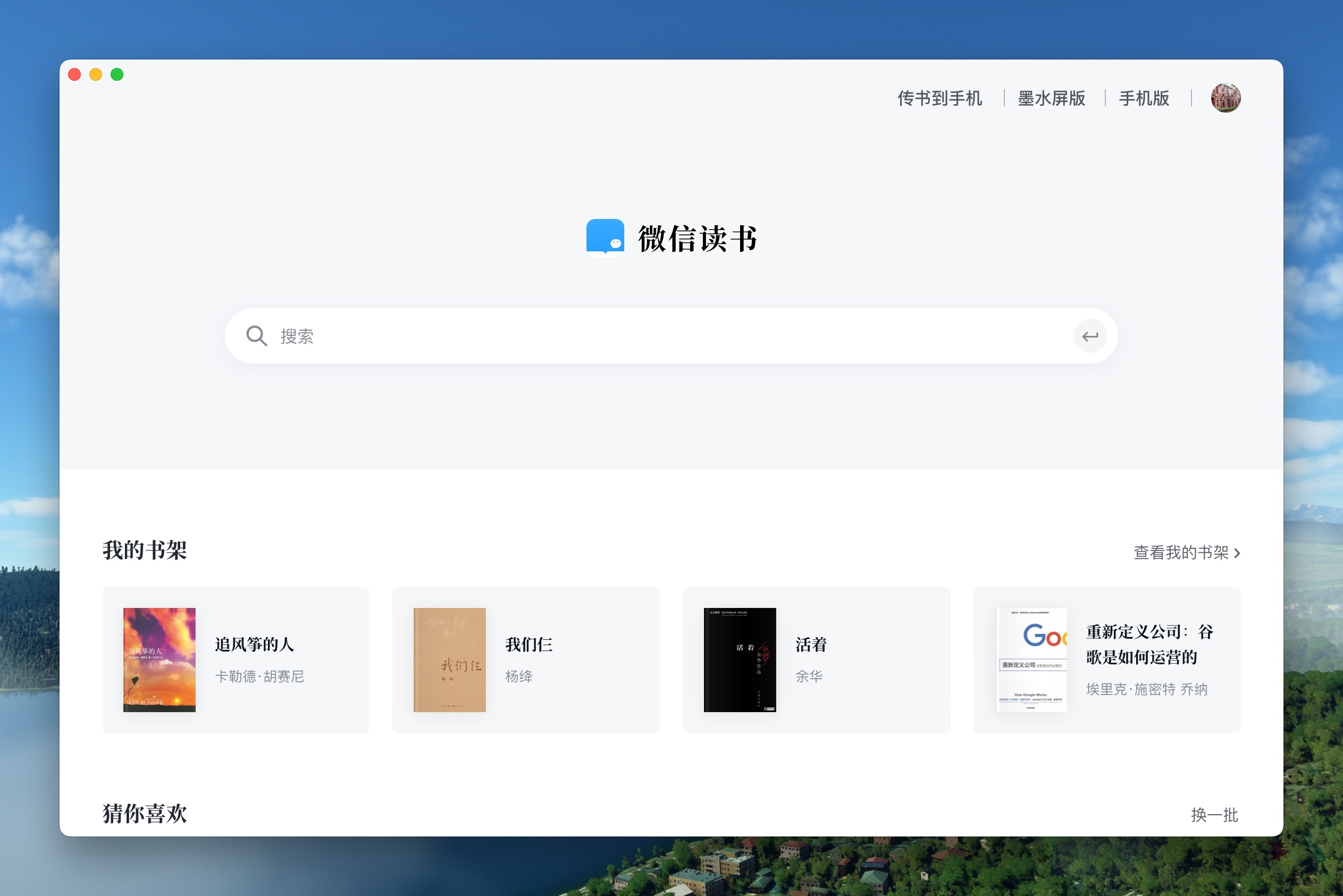
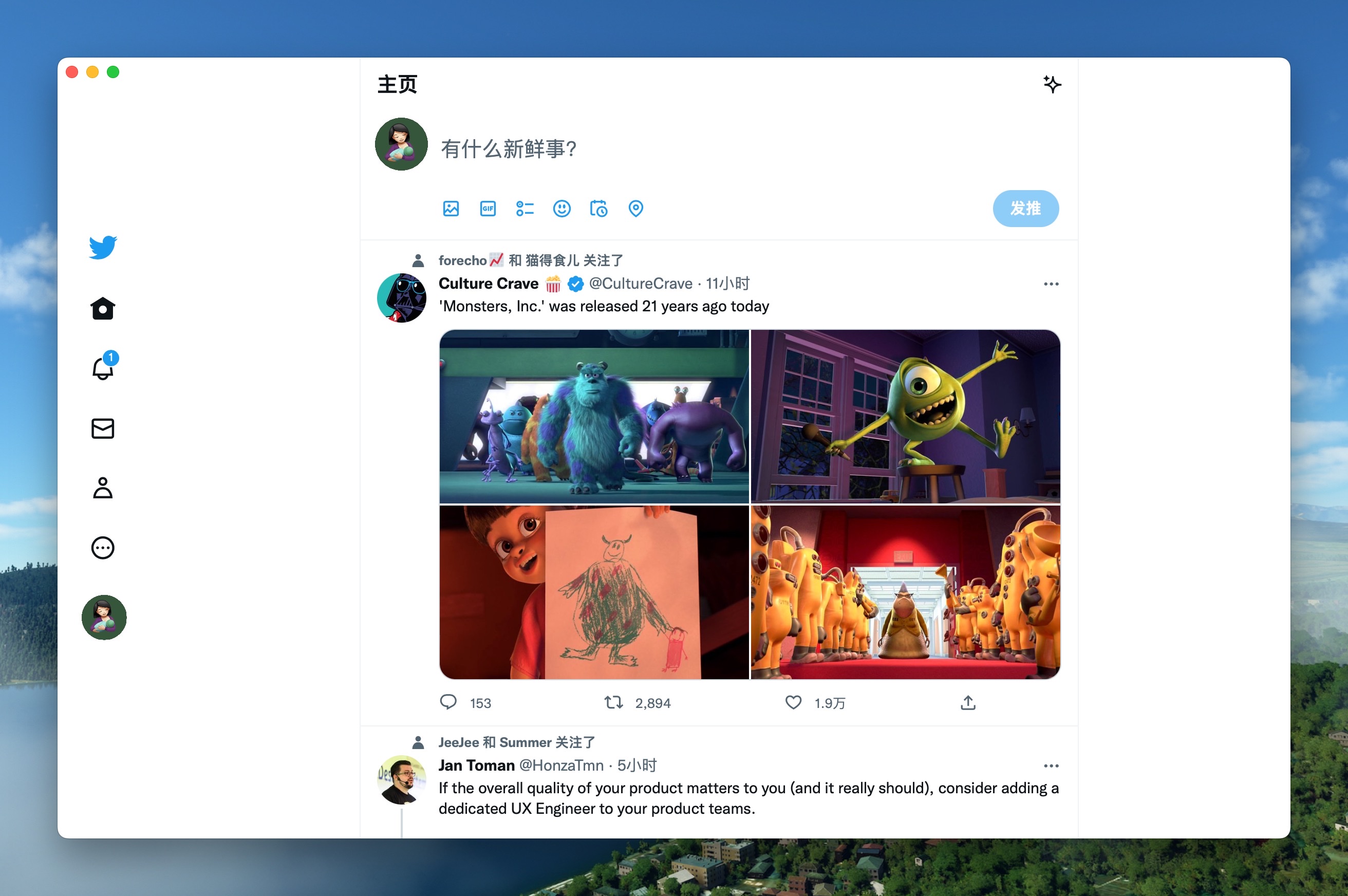
| WeRead Mac Windows Linux | Twitter Mac Windows Linux |
 |
 |
| Grok Mac Windows Linux | DeepSeek Mac Windows Linux |
 |
 |
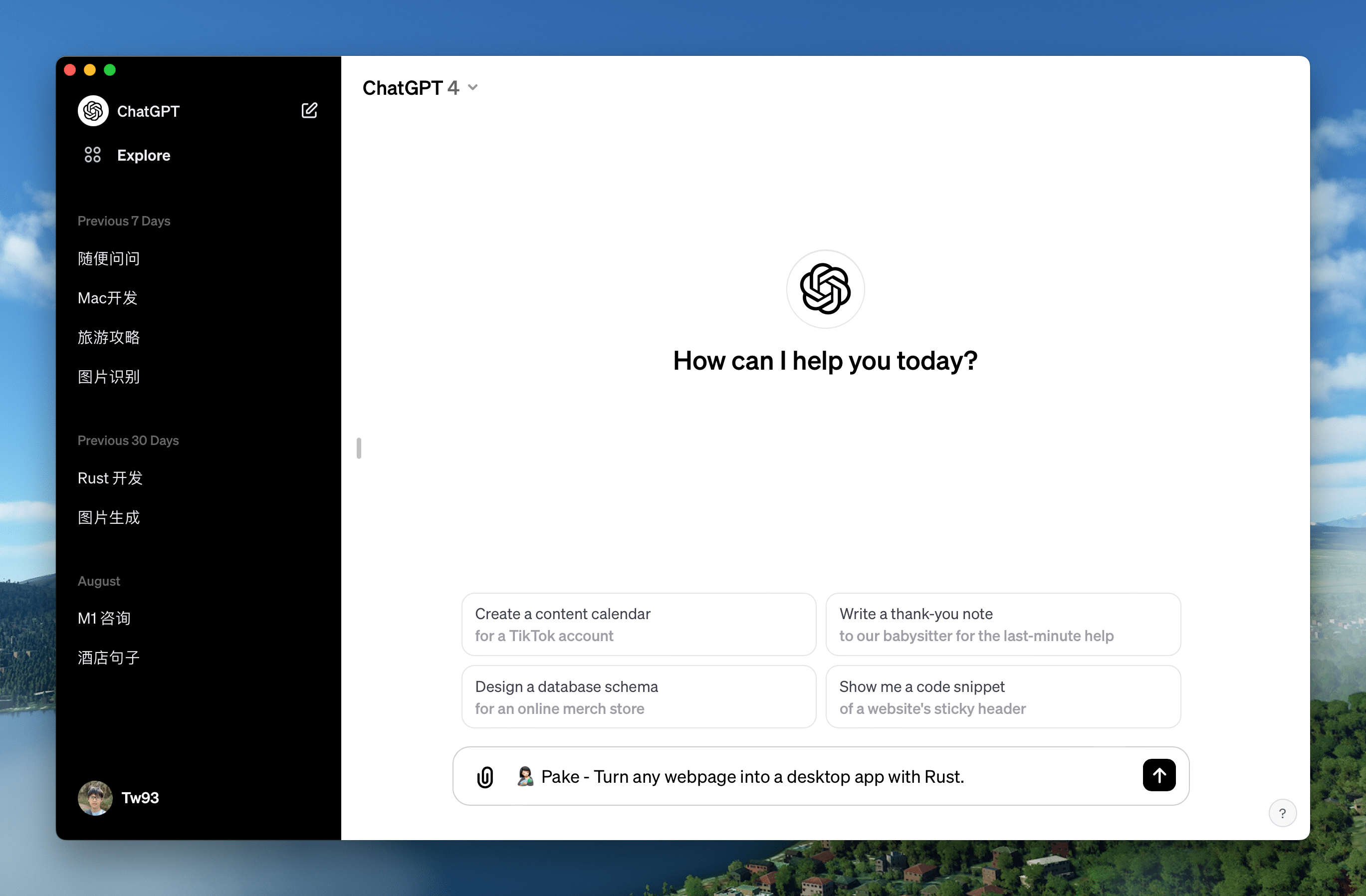
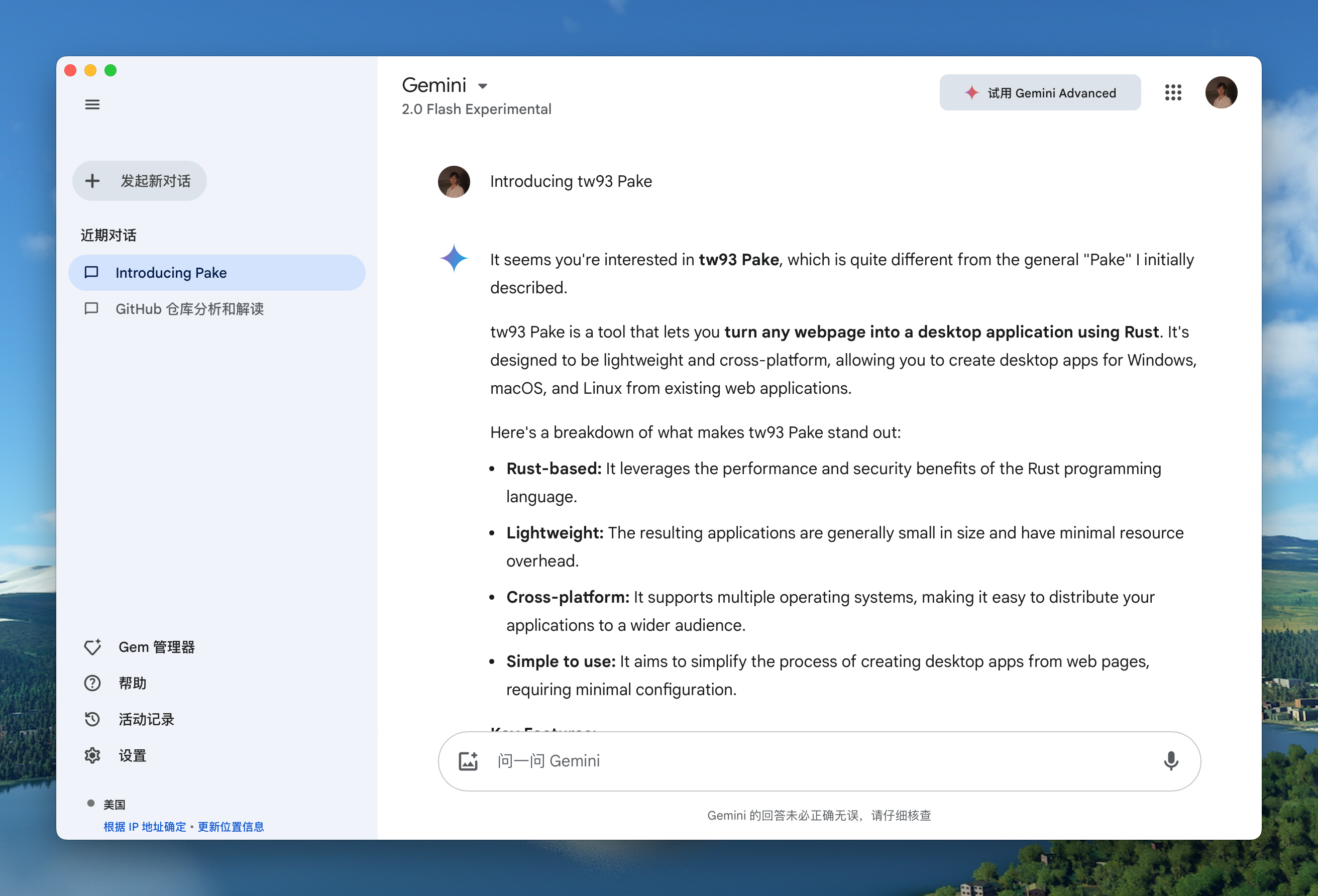
| ChatGPT Mac Windows Linux | Gemini Mac Windows Linux |
 |
 |
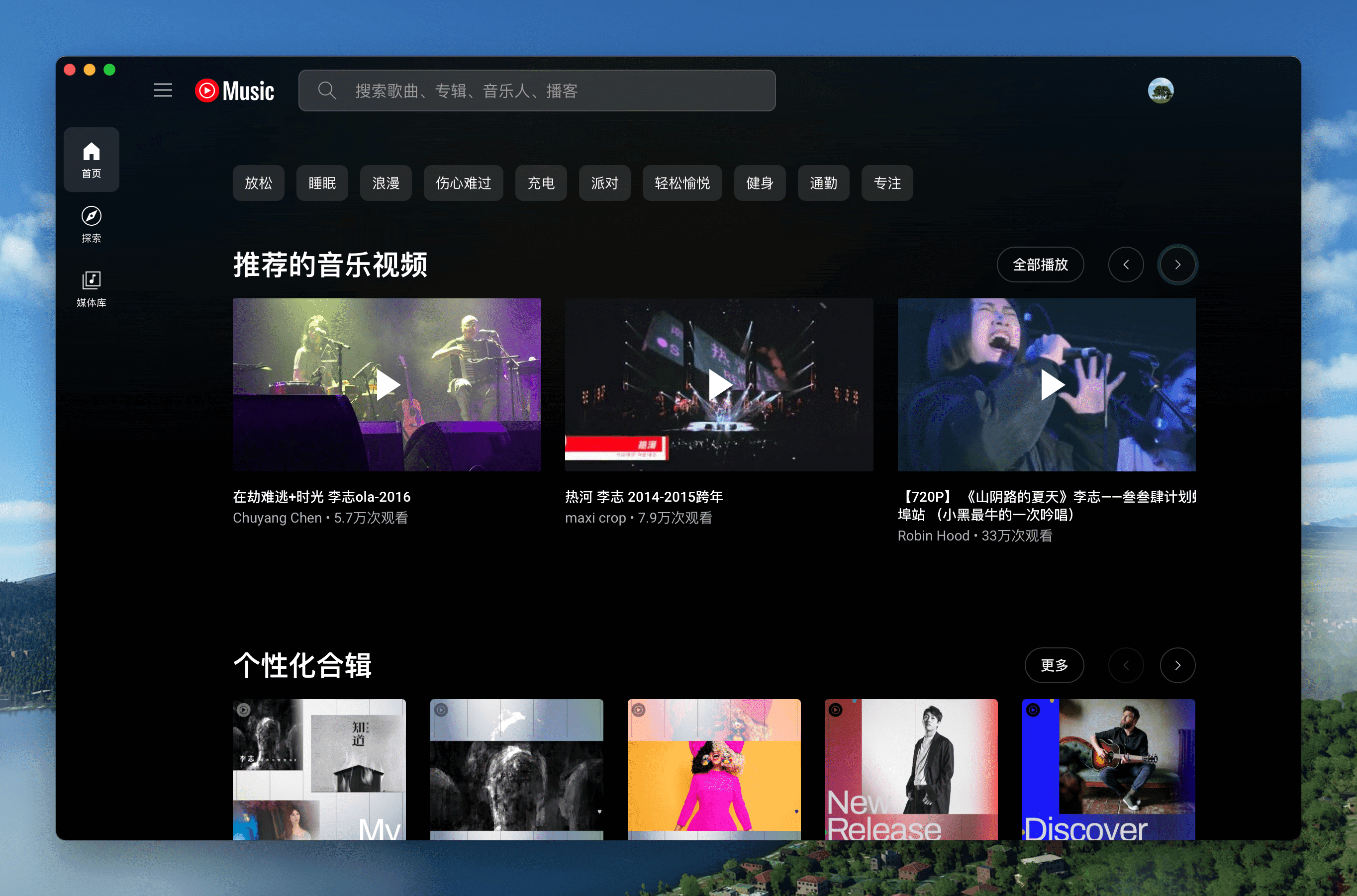
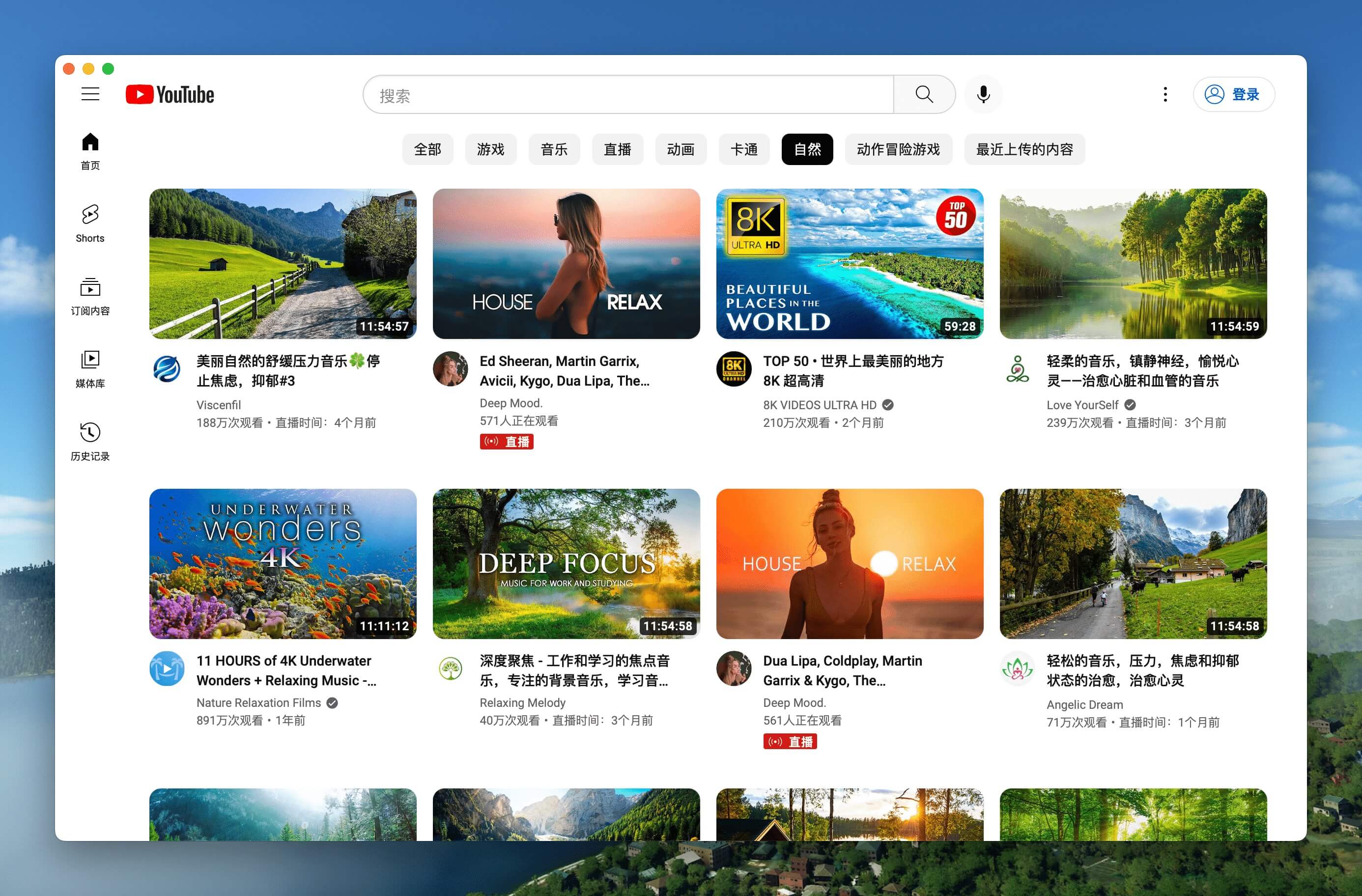
| YouTube Music Mac Windows Linux | YouTube Mac Windows Linux |
 |
 |
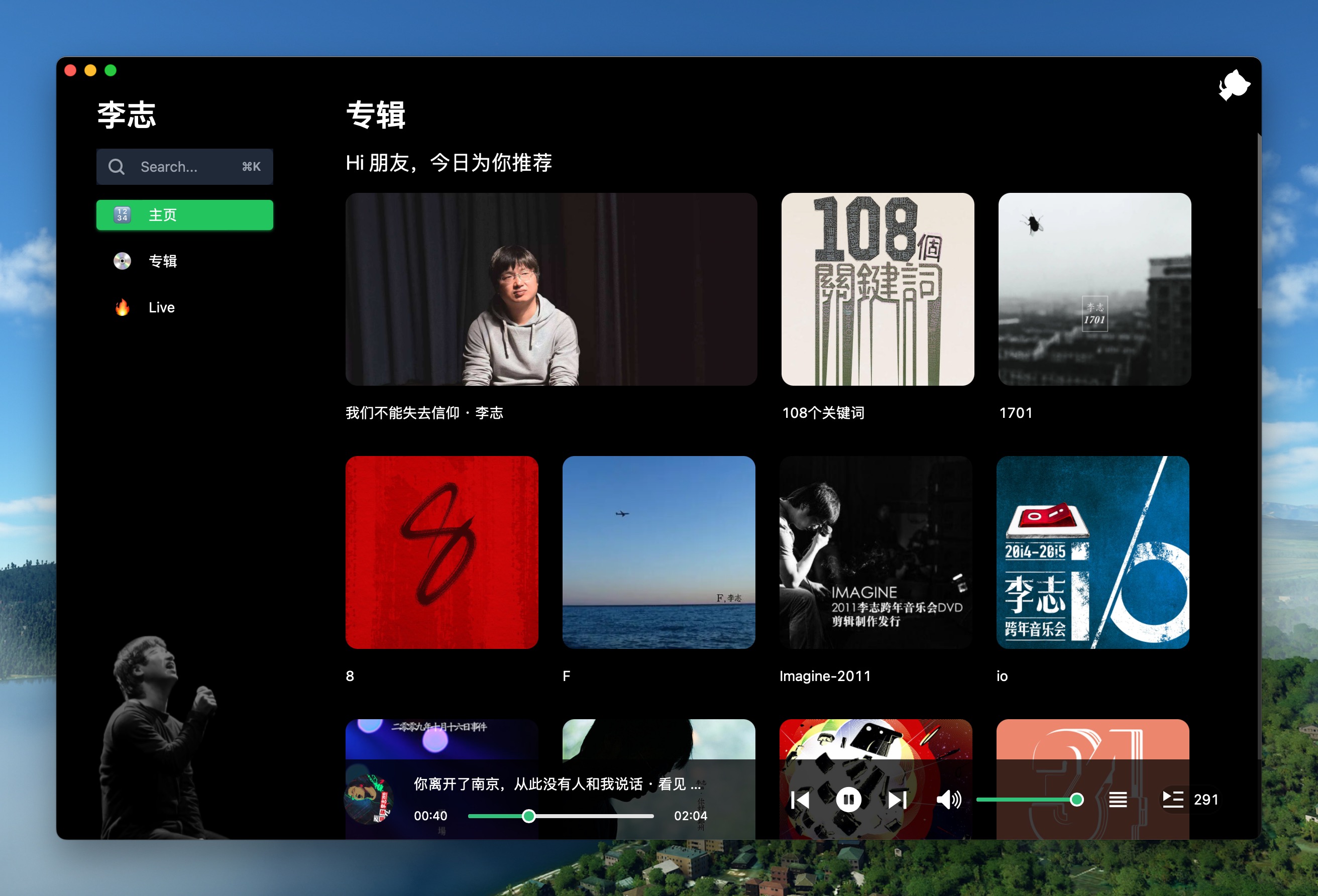
| LiZhi Mac Windows Linux | ProgramMusic Mac Windows Linux |
 |
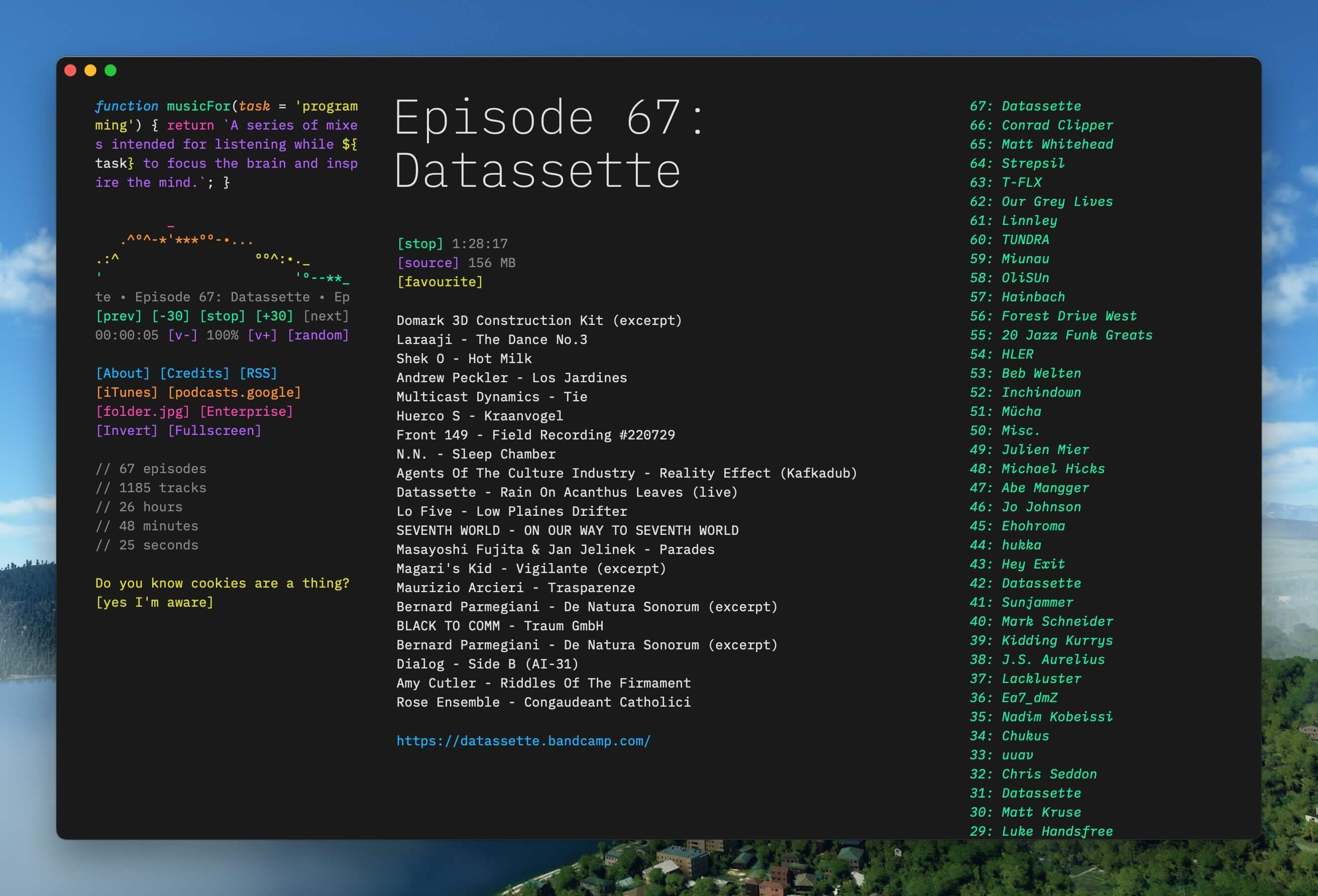 |
| Excalidraw Mac Windows Linux | XiaoHongShu Mac Windows Linux |
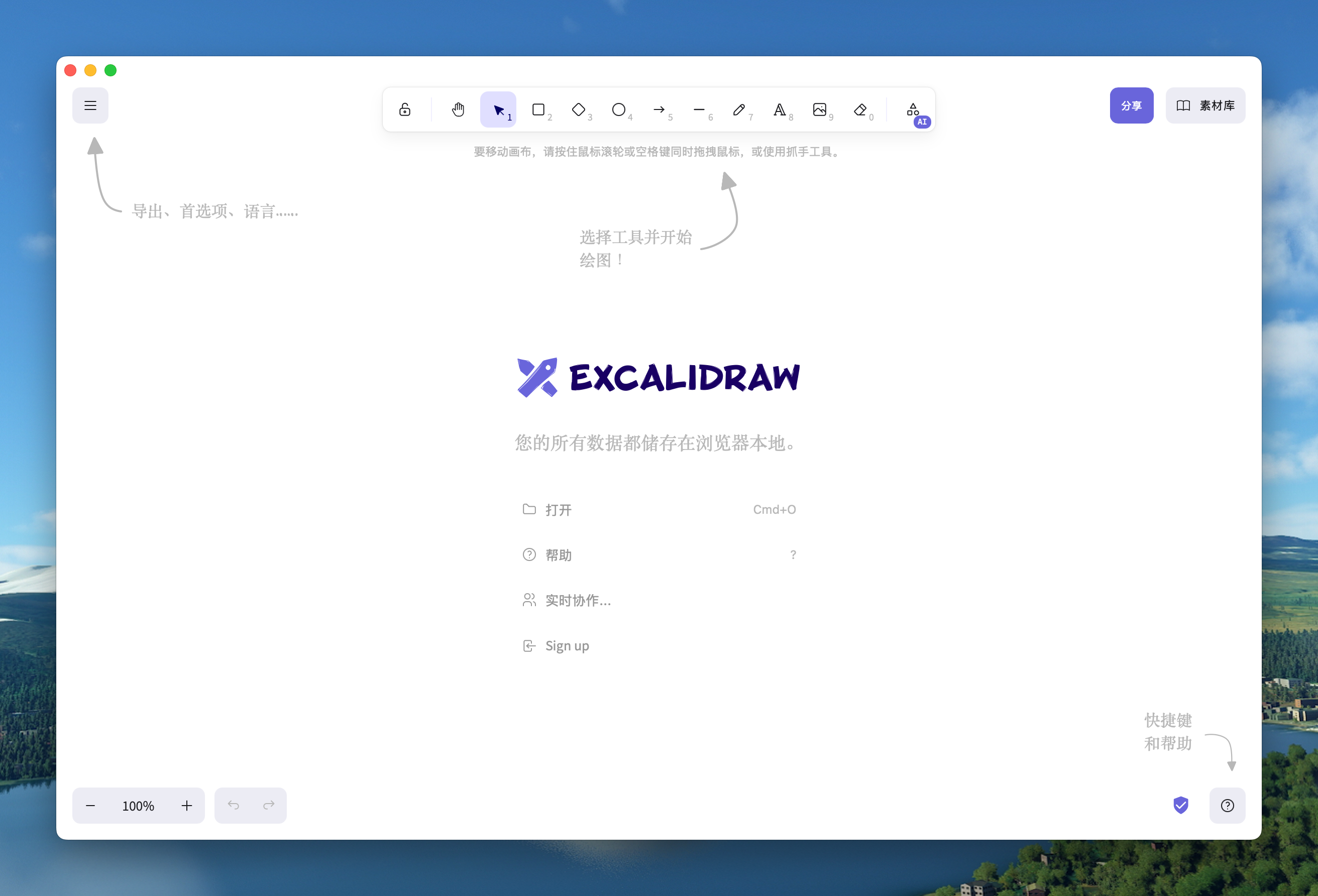 |
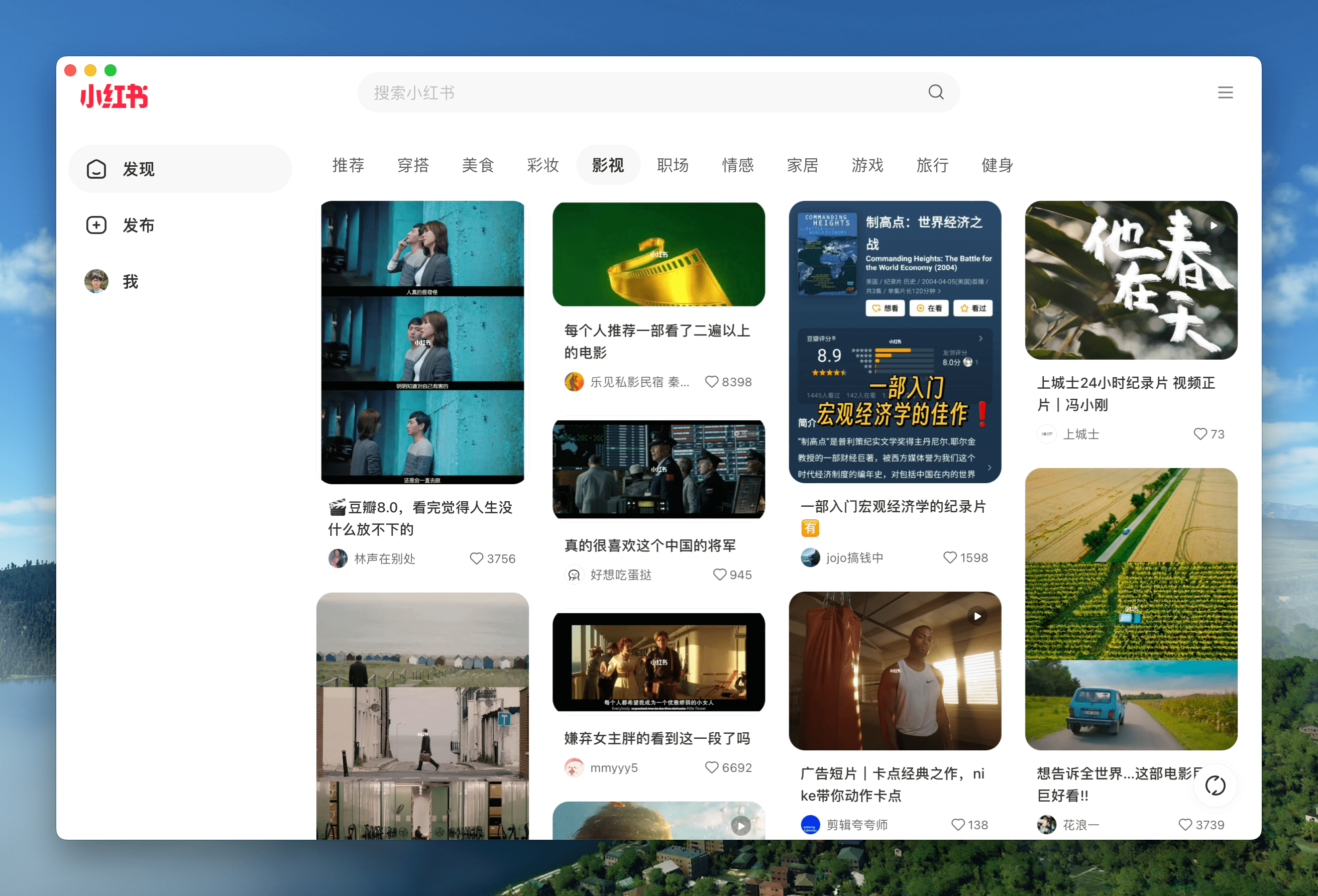 |
🏂 You can download more applications from Releases. Click here to expand the shortcuts reference!
| Mac | Windows/Linux | Function |
|---|---|---|
| ⌘ + [ | Ctrl + ← | Return to the previous page |
| ⌘ + ] | Ctrl + → | Go to the next page |
| ⌘ + ↑ | Ctrl + ↑ | Auto scroll to top of page |
| ⌘ + ↓ | Ctrl + ↓ | Auto scroll to bottom of page |
| ⌘ + r | Ctrl + r | Refresh Page |
| ⌘ + w | Ctrl + w | Hide window, not quite |
| ⌘ + - | Ctrl + - | Zoom out the page |
| ⌘ + + | Ctrl + + | Zoom in the page |
| ⌘ + = | Ctrl + = | Zoom in the Page |
| ⌘ + 0 | Ctrl + 0 | Reset the page zoom |
In addition, double-click the title bar to switch to full-screen mode. For Mac users, you can also use the gesture to go to the previous or next page and drag the title bar to move the window.
- For beginners: Play with Popular Packages to find out Pake's capabilities, or try to pack your application with GitHub Actions. Don't hesitate to reach for assistance at Discussion!
- For developers: “Command-Line Packaging” supports macOS fully. For Windows/Linux users, it requires some tinkering. Configure your environment before getting started.
- For hackers: For people who are good at both front-end development and Rust, how about customizing your apps' function more with the following Customized Development?
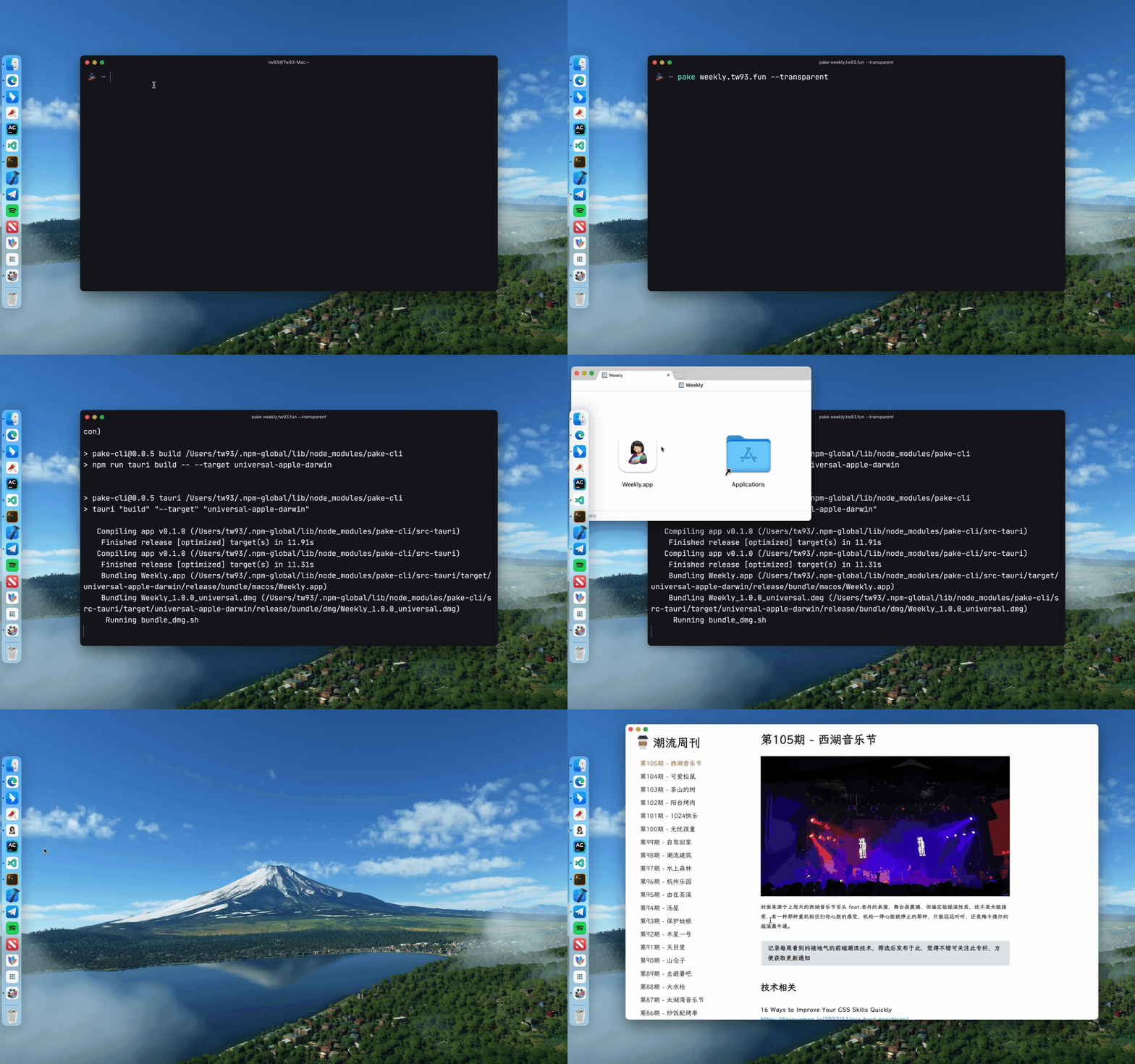
Pake provides a command line tool, making the flow of package customization quicker and easier. See documentation for more information.
# Install with npm
npm install -g pake-cli

# Command usage
pake url [OPTIONS]...

# Feel free to play with Pake! It might take a while to prepare the environment the first time you launch Pake.
pake https://weekly.tw93.fun --name Weekly --hide-title-bar
If you are new to the command line, you can compile packages online with GitHub Actions. See the Tutorial for more information.
Prepare your environment before starting. Make sure you have Rust >=1.63 and Node >=16 (e.g., 16.18.1) installed on your computer. For installation guidance, see Tauri documentation.
If you are unfamiliar with these, it is better to try out the above tool to pack with one click.
# Install Dependencies
npm i

# Local development [Right-click to open debug mode.]
npm run dev

# Pack application
npm run build- You can refer to the codebase structure before working on Pake, which will help you much in development.
- Modify the
urlandproductNamefields in thepake.jsonfile under the src-tauri directory, the "domain" field in thetauri.config.jsonfile needs to be modified synchronously, as well as theiconandidentifierfields in thetauri.xxx.conf.jsonfile. You can select aniconfrom theiconsdirectory or download one from macOSicons to match your product needs. - For configurations on window properties, you can modify the
pake.jsonfile to change the value ofwidth,height,fullscreen(or not),resizable(or not) of thewindowsproperty. To adapt to the immersive header on Mac, changehideTitleBartotrue, look for theHeaderelement, and add thepadding-topproperty. - For advanced usages such as style rewriting, advertisement removal, JS injection, container message communication, and user-defined shortcut keys, see Advanced Usage of Pake.
Pake's development can not be without these Hackers. They contributed a lot of capabilities for Pake. Also, welcome to follow them! ❤️





- Right-clicking on an image element in the page to open the menu and select download image or other events does not work (common in MacOS systems). This issue is due to the MacOS built-in webview not supporting this feature.
- I have two cats, TangYuan and Coke. If you think Pake delights your life, you can feed them some canned food 🥩.
- If you like Pake, you can star it on GitHub. Also, welcome to recommend Pake to your friends.
- You can follow my Twitter to get the latest news of Pake or join our Telegram chat group.
- I hope that you enjoy playing with it. Let us know if you find a website that would be great for a Mac App!
For Tasks:
Click tags to check more tools for each tasksFor Jobs:
Alternative AI tools for Pake
Similar Open Source Tools
Pake
Pake is a tool that allows users to turn any webpage into a desktop app with ease. It is lightweight, fast, and supports Mac, Windows, and Linux. Pake provides a battery-included package with shortcut pass-through, immersive windows, and minimalist customization. Users can explore popular packages like WeRead, Twitter, Grok, DeepSeek, ChatGPT, Gemini, YouTube Music, YouTube, LiZhi, ProgramMusic, Excalidraw, and XiaoHongShu. The tool is suitable for beginners, developers, and hackers, offering command-line packaging and advanced usage options. Pake is developed by a community of contributors and offers support through various channels like GitHub, Twitter, and Telegram.
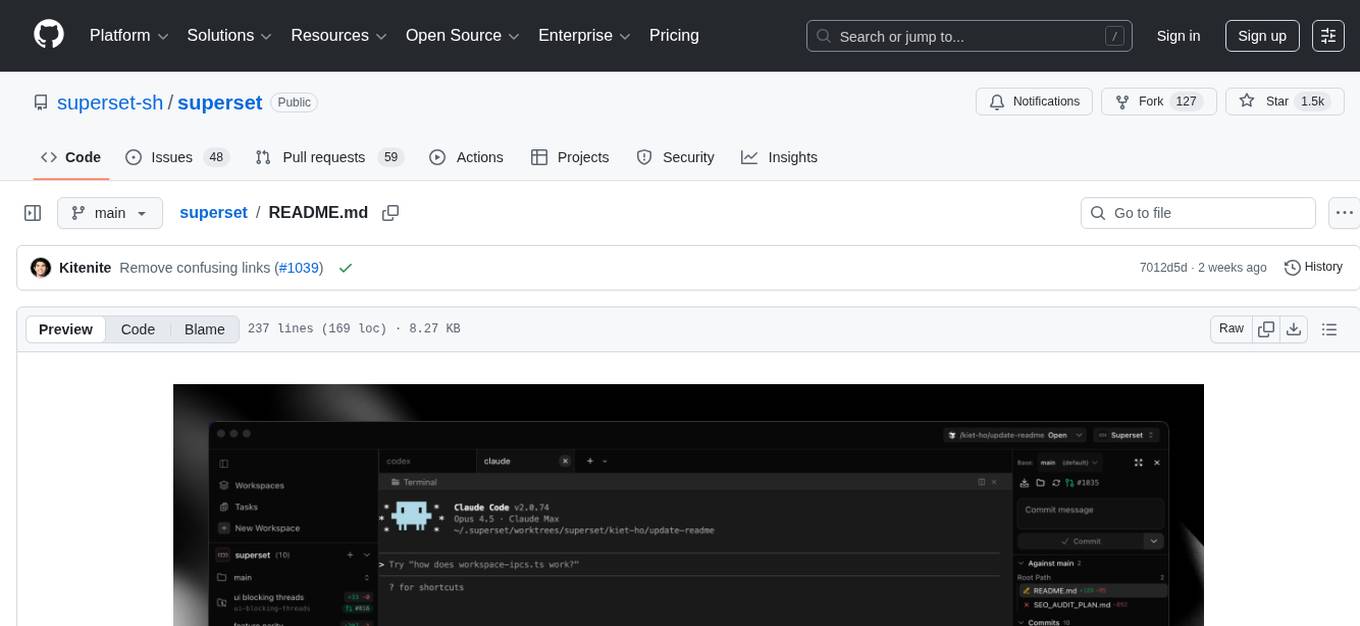
superset
Superset is a turbocharged terminal that allows users to run multiple CLI coding agents simultaneously, isolate tasks in separate worktrees, monitor agent status, review changes quickly, and enhance development workflow. It supports any CLI-based coding agent and offers features like parallel execution, worktree isolation, agent monitoring, built-in diff viewer, workspace presets, universal compatibility, quick context switching, and IDE integration. Users can customize keyboard shortcuts, configure workspace setup, and teardown, and contribute to the project. The tech stack includes Electron, React, TailwindCSS, Bun, Turborepo, Vite, Biome, Drizzle ORM, Neon, and tRPC. The community provides support through Discord, Twitter, GitHub Issues, and GitHub Discussions.
OSA
OSA (Open-Source-Advisor) is a tool designed to improve the quality of scientific open source projects by automating the generation of README files, documentation, CI/CD scripts, and providing advice and recommendations for repositories. It supports various LLMs accessible via API, local servers, or osa_bot hosted on ITMO servers. OSA is currently under development with features like README file generation, documentation generation, automatic implementation of changes, LLM integration, and GitHub Action Workflow generation. It requires Python 3.10 or higher and tokens for GitHub/GitLab/Gitverse and LLM API key. Users can install OSA using PyPi or build from source, and run it using CLI commands or Docker containers.
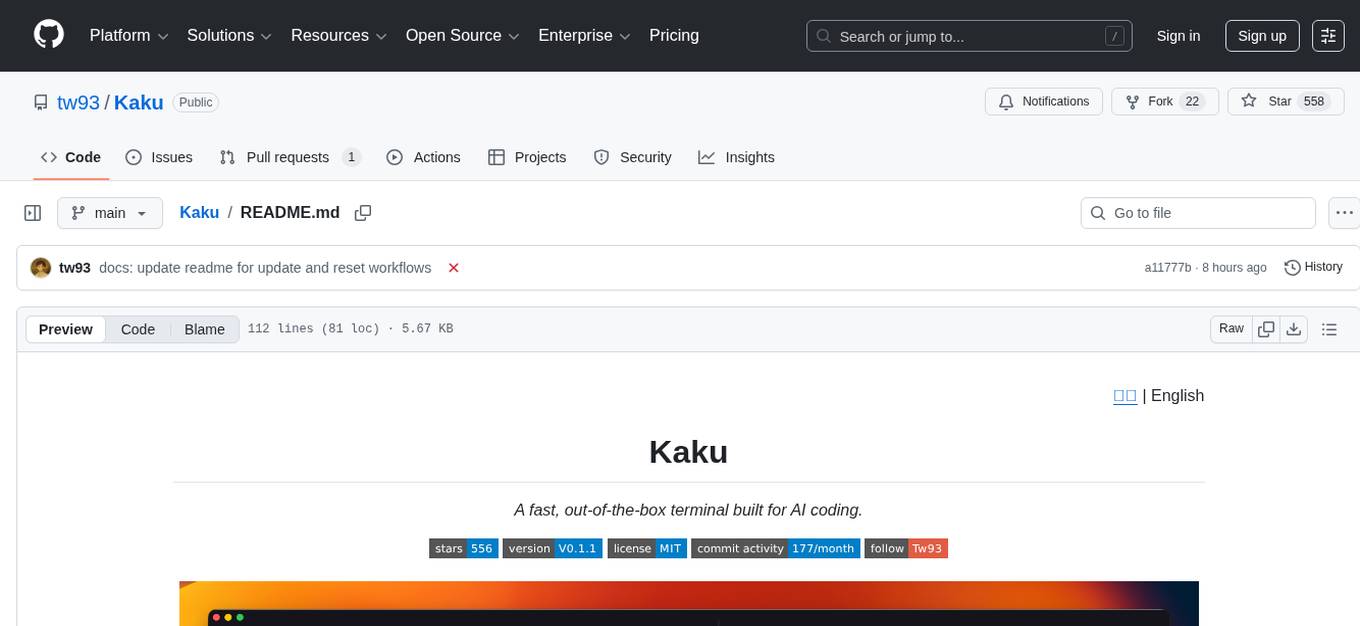
Kaku
Kaku is a fast and out-of-the-box terminal designed for AI coding. It is a deeply customized fork of WezTerm, offering polished defaults, built-in shell suite, Lua scripting, safe update flow, and a suite of CLI tools for immediate productivity. Kaku is fast, lightweight, and fully configurable via Lua scripts, providing a ready-to-work environment for coding enthusiasts.
asktube
AskTube is an AI-powered YouTube video summarizer and QA assistant that utilizes Retrieval Augmented Generation (RAG) technology. It offers a comprehensive solution with Q&A functionality and aims to provide a user-friendly experience for local machine usage. The project integrates various technologies including Python, JS, Sanic, Peewee, Pytubefix, Sentence Transformers, Sqlite, Chroma, and NuxtJs/DaisyUI. AskTube supports multiple providers for analysis, AI services, and speech-to-text conversion. The tool is designed to extract data from YouTube URLs, store embedding chapter subtitles, and facilitate interactive Q&A sessions with enriched questions. It is not intended for production use but rather for end-users on their local machines.
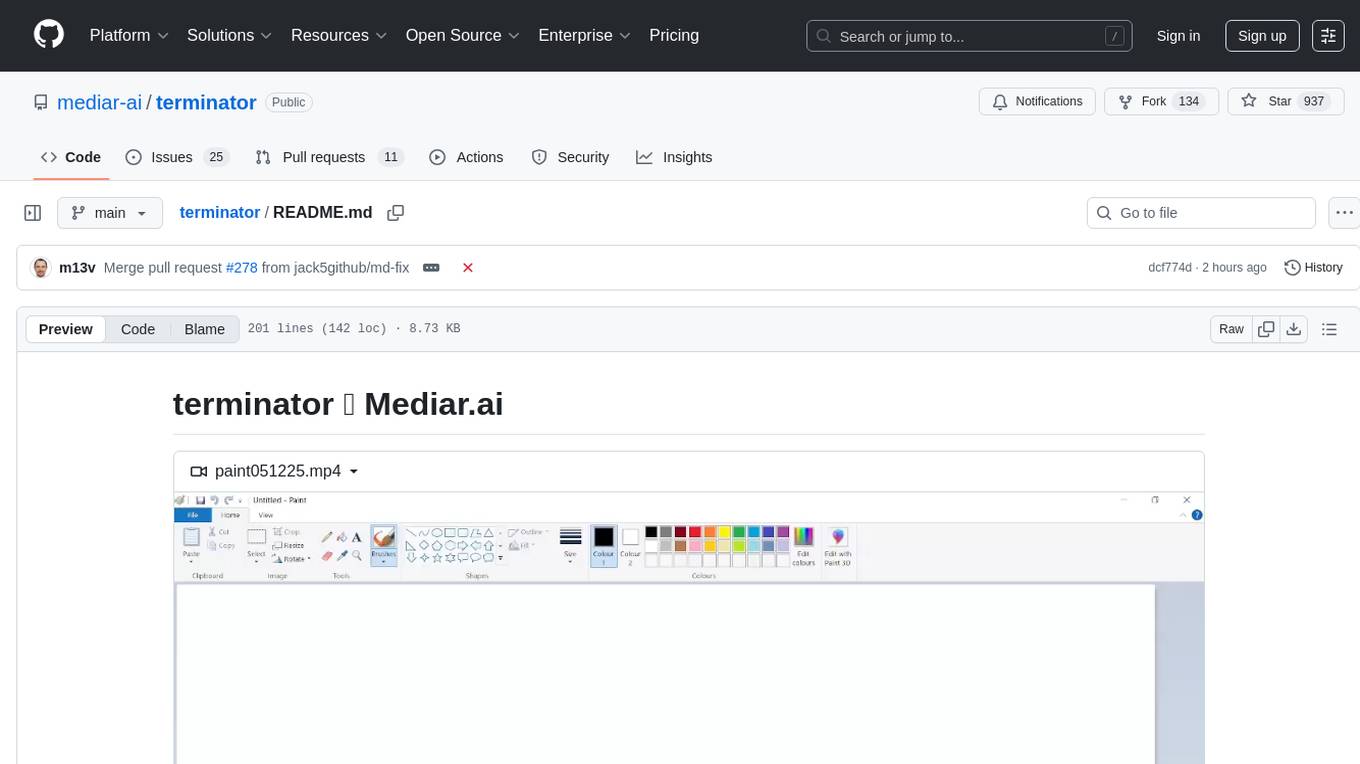
terminator
Terminator is an AI-powered desktop automation tool that is open source, MIT-licensed, and cross-platform. It works across all apps and browsers, inspired by GitHub Actions & Playwright. It is 100x faster than generic AI agents, with over 95% success rate and no vendor lock-in. Users can create automations that work across any desktop app or browser, achieve high success rates without costly consultant armies, and pre-train workflows as deterministic code.
agentscope
AgentScope is a multi-agent platform designed to empower developers to build multi-agent applications with large-scale models. It features three high-level capabilities: Easy-to-Use, High Robustness, and Actor-Based Distribution. AgentScope provides a list of `ModelWrapper` to support both local model services and third-party model APIs, including OpenAI API, DashScope API, Gemini API, and ollama. It also enables developers to rapidly deploy local model services using libraries such as ollama (CPU inference), Flask + Transformers, Flask + ModelScope, FastChat, and vllm. AgentScope supports various services, including Web Search, Data Query, Retrieval, Code Execution, File Operation, and Text Processing. Example applications include Conversation, Game, and Distribution. AgentScope is released under Apache License 2.0 and welcomes contributions.
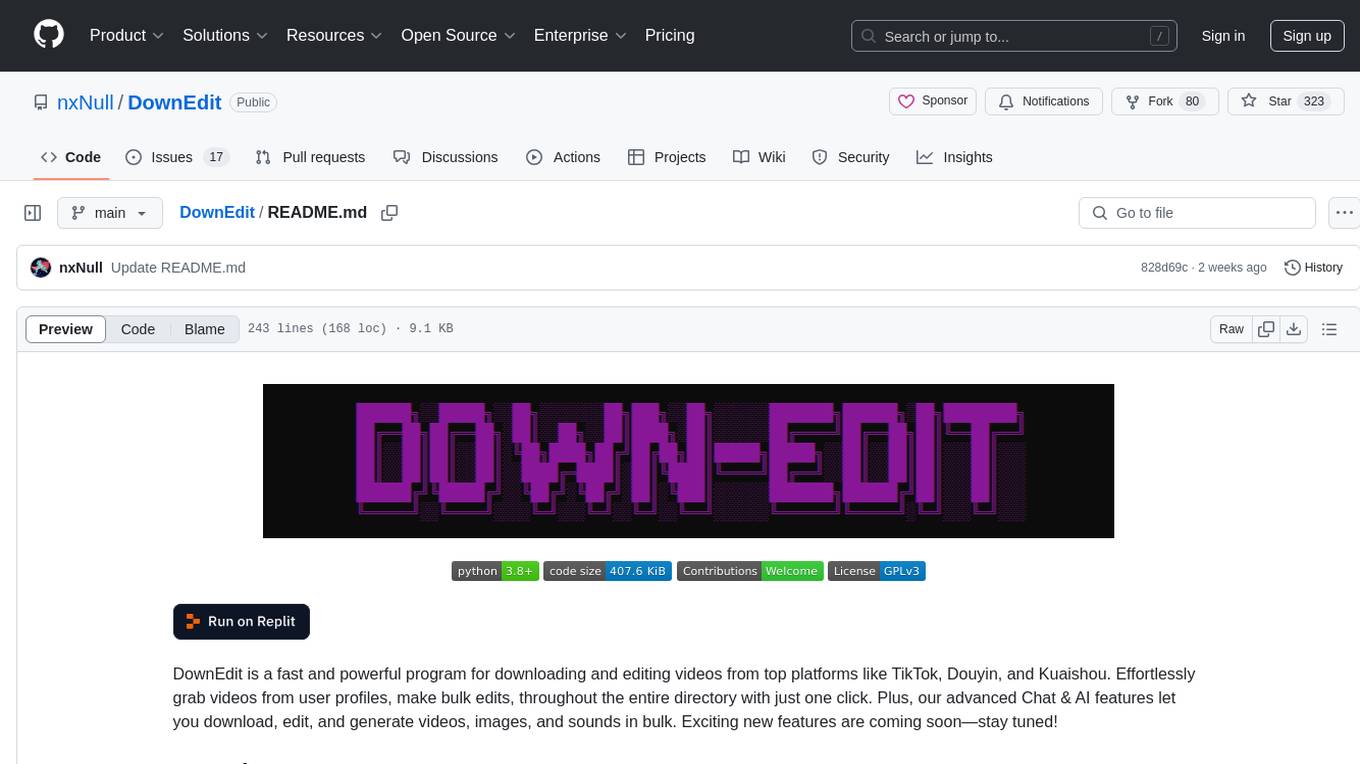
DownEdit
DownEdit is a fast and powerful program for downloading and editing videos from top platforms like TikTok, Douyin, and Kuaishou. Effortlessly grab videos from user profiles, make bulk edits throughout the entire directory with just one click. Advanced Chat & AI features let you download, edit, and generate videos, images, and sounds in bulk. Exciting new features are coming soon—stay tuned!
general
General is a DART & Flutter library created by AZKADEV to speed up development on various platforms and CLI easily. It allows access to features such as camera, fingerprint, SMS, and MMS. The library is designed for Dart language and provides functionalities for app background, text to speech, speech to text, and more.

ClaudeBar
ClaudeBar is a macOS menu bar application that monitors AI coding assistant usage quotas. It allows users to keep track of their usage of Claude, Codex, Gemini, GitHub Copilot, Antigravity, and Z.ai at a glance. The application offers multi-provider support, real-time quota tracking, multiple themes, visual status indicators, system notifications, auto-refresh feature, and keyboard shortcuts for quick access. Users can customize monitoring by toggling individual providers on/off and receive alerts when quota status changes. The tool requires macOS 15+, Swift 6.2+, and CLI tools installed for the providers to be monitored.
readme-ai
README-AI is a developer tool that auto-generates README.md files using a combination of data extraction and generative AI. It streamlines documentation creation and maintenance, enhancing developer productivity. This project aims to enable all skill levels, across all domains, to better understand, use, and contribute to open-source software. It offers flexible README generation, supports multiple large language models (LLMs), provides customizable output options, works with various programming languages and project types, and includes an offline mode for generating boilerplate README files without external API calls.
llama-assistant
Llama Assistant is a local AI assistant that respects your privacy. It is an AI-powered assistant that can recognize your voice, process natural language, and perform various actions based on your commands. It can help with tasks like summarizing text, rephrasing sentences, answering questions, writing emails, and more. The assistant runs offline on your local machine, ensuring privacy by not sending data to external servers. It supports voice recognition, natural language processing, and customizable UI with adjustable transparency. The project is a work in progress with new features being added regularly.
llama-assistant
Llama Assistant is an AI-powered assistant that helps with daily tasks, such as voice recognition, natural language processing, summarizing text, rephrasing sentences, answering questions, and more. It runs offline on your local machine, ensuring privacy by not sending data to external servers. The project is a work in progress with regular feature additions.
llm4s
LLM4S provides a simple, robust, and scalable framework for building Large Language Models (LLM) applications in Scala. It aims to leverage Scala's type safety, functional programming, JVM ecosystem, concurrency, and performance advantages to create reliable and maintainable AI-powered applications. The framework supports multi-provider integration, execution environments, error handling, Model Context Protocol (MCP) support, agent frameworks, multimodal generation, and Retrieval-Augmented Generation (RAG) workflows. It also offers observability features like detailed trace logging, monitoring, and analytics for debugging and performance insights.
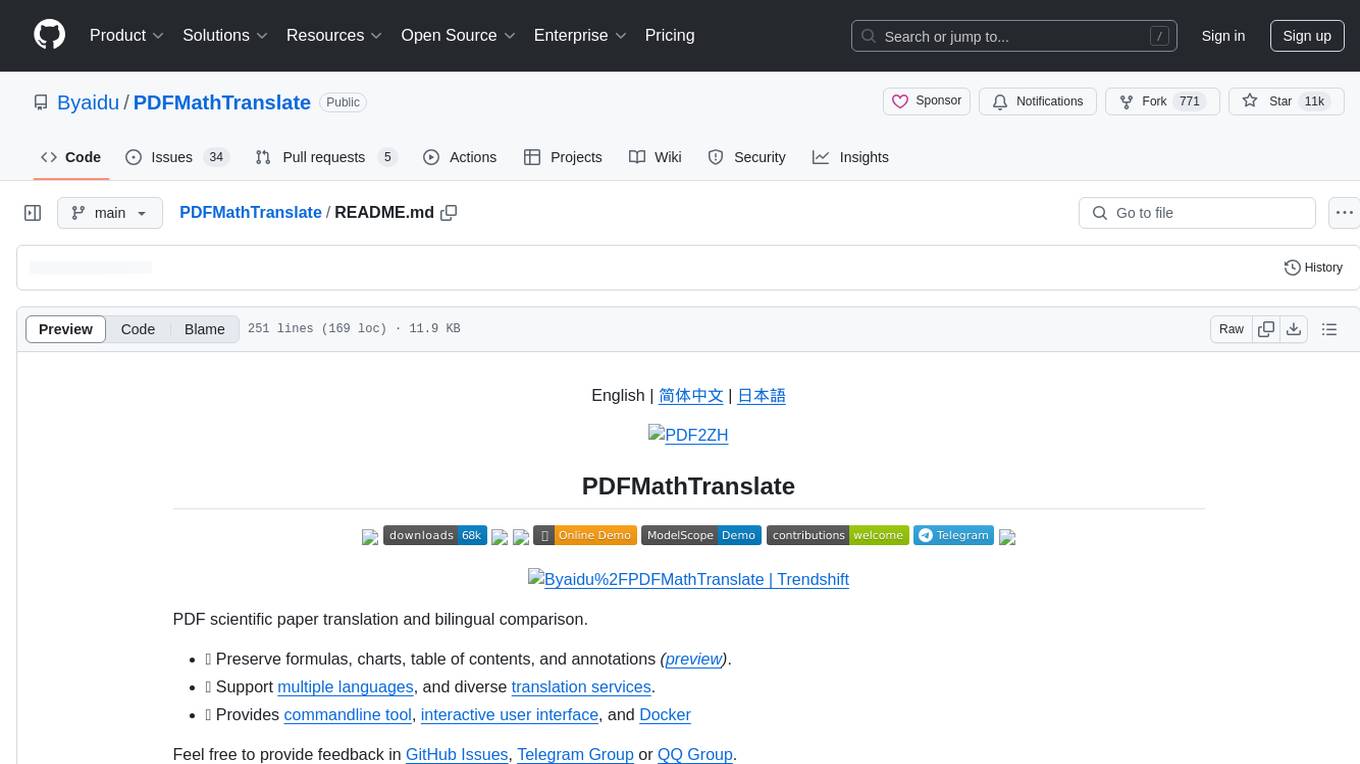
PDFMathTranslate
PDFMathTranslate is a tool designed for translating scientific papers and conducting bilingual comparisons. It preserves formulas, charts, table of contents, and annotations. The tool supports multiple languages and diverse translation services. It provides a command-line tool, interactive user interface, and Docker deployment. Users can try the application through online demos. The tool offers various installation methods including command-line, portable, graphic user interface, and Docker. Advanced options allow users to customize translation settings. Additionally, the tool supports secondary development through APIs for Python and HTTP. Future plans include parsing layout with DocLayNet based models, fixing page rotation and format issues, supporting non-PDF/A files, and integrating plugins for Zotero and Obsidian.
lingo.dev
Replexica AI automates software localization end-to-end, producing authentic translations instantly across 60+ languages. Teams can do localization 100x faster with state-of-the-art quality, reaching more paying customers worldwide. The tool offers a GitHub Action for CI/CD automation and supports various formats like JSON, YAML, CSV, and Markdown. With lightning-fast AI localization, auto-updates, native quality translations, developer-friendly CLI, and scalability for startups and enterprise teams, Replexica is a top choice for efficient and effective software localization.
For similar tasks
Pake
Pake is a tool that allows users to turn any webpage into a desktop app with ease. It is lightweight, fast, and supports Mac, Windows, and Linux. Pake provides a battery-included package with shortcut pass-through, immersive windows, and minimalist customization. Users can explore popular packages like WeRead, Twitter, Grok, DeepSeek, ChatGPT, Gemini, YouTube Music, YouTube, LiZhi, ProgramMusic, Excalidraw, and XiaoHongShu. The tool is suitable for beginners, developers, and hackers, offering command-line packaging and advanced usage options. Pake is developed by a community of contributors and offers support through various channels like GitHub, Twitter, and Telegram.
For similar jobs
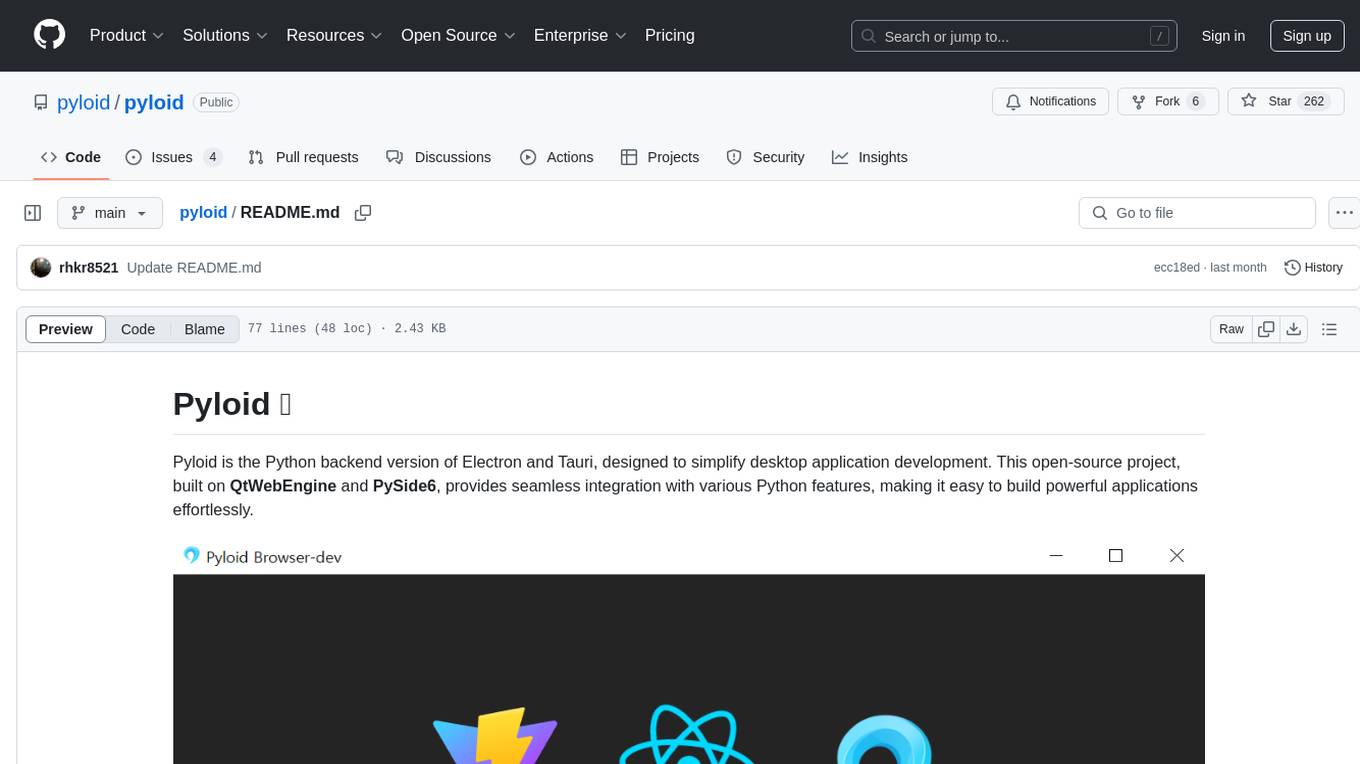
pyloid
Pyloid is a Python backend version of Electron and Tauri, simplifying desktop application development. Built on QtWebEngine and PySide6, it offers seamless integration with Python features, enabling easy creation of powerful applications. It provides web-based GUI generation, system tray icon support, multi-window management, bridge API between Python and JavaScript, single/multi-instance application support, comprehensive desktop app features, clean code structure, live UI development experience, cross-platform support, integration with frontend libraries, window customization, direct utilization of PySide6 features, and detailed Numpy-style docstrings.
Pake
Pake is a tool that allows users to turn any webpage into a desktop app with ease. It is lightweight, fast, and supports Mac, Windows, and Linux. Pake provides a battery-included package with shortcut pass-through, immersive windows, and minimalist customization. Users can explore popular packages like WeRead, Twitter, Grok, DeepSeek, ChatGPT, Gemini, YouTube Music, YouTube, LiZhi, ProgramMusic, Excalidraw, and XiaoHongShu. The tool is suitable for beginners, developers, and hackers, offering command-line packaging and advanced usage options. Pake is developed by a community of contributors and offers support through various channels like GitHub, Twitter, and Telegram.
chatless
Chatless is a modern AI chat desktop application built on Tauri and Next.js. It supports multiple AI providers, can connect to local Ollama models, supports document parsing and knowledge base functions. All data is stored locally to protect user privacy. The application is lightweight, simple, starts quickly, and consumes minimal resources.
openchamber
OpenChamber is a web and desktop interface for the OpenCode AI coding agent, designed to work alongside the OpenCode TUI. The project was built entirely with AI coding agents under supervision, serving as a proof of concept that AI agents can create usable software. It offers features like integrated terminal, Git operations with AI commit message generation, smart tool visualization, permission management, multi-agent runs, task tracker UI, model selection UX, UI scaling controls, session auto-cleanup, and memory optimizations. OpenChamber provides cross-device continuity, remote access, and a visual alternative for developers preferring GUI workflows.
air-light
Air-light is a minimalist WordPress starter theme designed to be an ultra minimal starting point for a WordPress project. It is built to be very straightforward, backwards compatible, front-end developer friendly and modular by its structure. Air-light is free of weird "app-like" folder structures or odd syntaxes that nobody else uses. It loves WordPress as it was and as it is.

AirPower4T
AirPower4T is a development base library based on Vue3 TypeScript Element Plus Vite, using decorators, object-oriented, Hook and other front-end development methods. It provides many common components and some feedback components commonly used in background management systems, and provides a lot of enums and decorators.
Juggle
Juggle is a low-code tool for interface orchestration, which can quickly orchestrate simple APIs into a complex interface. The orchestrated interface can be directly used by the front end, greatly improving development efficiency and reducing development costs.