


podman-desktop-extension-ai-lab
Work with LLMs on a local environment using containers
Stars: 280
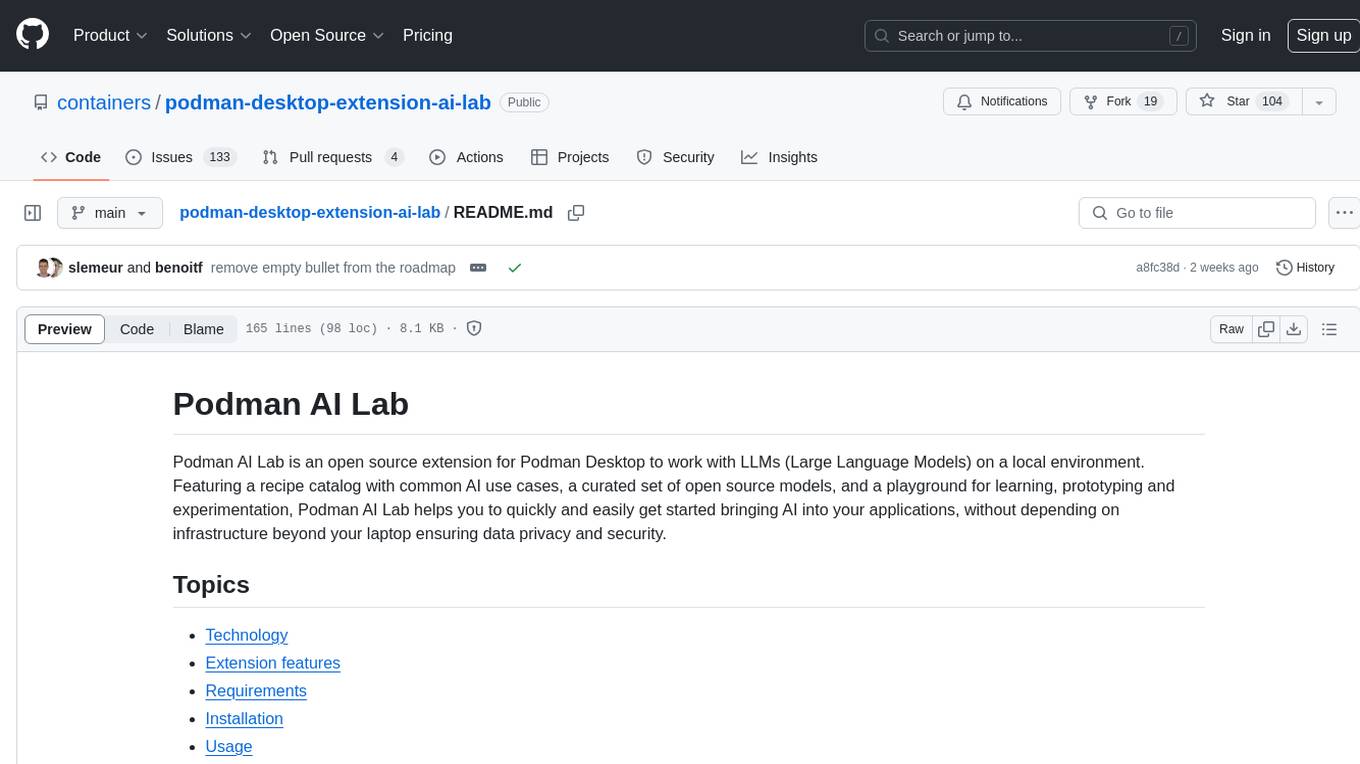
Podman AI Lab is an open source extension for Podman Desktop designed to work with Large Language Models (LLMs) on a local environment. It features a recipe catalog with common AI use cases, a curated set of open source models, and a playground for learning, prototyping, and experimentation. Users can quickly and easily get started bringing AI into their applications without depending on external infrastructure, ensuring data privacy and security.
README:
Podman AI Lab is an open source extension for Podman Desktop to work with LLMs (Large Language Models) on a local environment. Featuring a recipe catalog with common AI use cases, a curated set of open source models, and a playground for learning, prototyping and experimentation, Podman AI Lab helps you to quickly and easily get started bringing AI into your applications, without depending on infrastructure beyond your laptop ensuring data privacy and security.
Podman AI Lab uses Podman machines to run inference servers for LLM models and AI applications. The AI models can be downloaded, and common formats like GGUF, Pytorch or Tensorflow are supported.
Podman AI Lab provides a curated list of open source AI models and LLMs. Once downloaded, the models are available to be used for AI applications, model services and playgrounds.
Once a model is downloaded, a model service can be started. A model service is an inference server that is running in a container and exposing the model through the well-known chat API common to many providers.
The integrated Playground environments allow for experimenting with available models in a local environment. An intuitive user prompt helps in exploring the capabilities and accuracy of various models and aids in finding the best model for the use case at hand. The Playground interface further allows for parameterizing models to further optimize the settings and attributes of each model.
Once an AI model is available through a well-known endpoint, it's easy to imagine a new world of applications that will connect and use the AI model. Podman AI Lab supports AI applications as a set of containers that are connected together.
Podman AI Lab ships with a so-called Recipes Catalog that helps you navigate a number of core AI use cases and problem domains such as Chat Bots, Code Generators and Text Summarizers. Each recipe comes with detailed explanations and sample applications that can be run with various large language models (LLMs). Experimenting with multiple models allows finding the optimal one for your use case.
- Podman Desktop 1.8.0+
- Podman 4.9.0+
- Compatible with Windows, macOS & Linux
LLMs AI models are heavy resource consumers both in terms of memory and CPU. Each of the provided models consumes about 4GiB of memory and requires at least 4 CPUs to run.
We recommend a minimum of 12GB of memory and at least 4 CPUs for the Podman machine. On Windows, the podman machine shares memory and CPU with all the Windows Subsystem for Linux (WSL) machines. By default, WSL is set to 50% of total memory and all logical processors. This can be changed in the WSL Settings (See WSL Config).
As an additional recommended practice, do not run more than 3 models simultaneously.
You can install the Podman AI Lab extension directly inside Podman Desktop.
Go to Extensions > Catalog > Install Podman AI Lab.

To install a development version, use the Install custom... action as shown in the recording below.
The name of the image to use is ghcr.io/containers/podman-desktop-extension-ai-lab. You can get released tags for the image at https://github.com/containers/podman-desktop-extension-ai-lab/pkgs/container/podman-desktop-extension-ai-lab.

- Download a model
Let's select a model from the catalog and download it locally to our workstation.

- Start an inference server
Once a model is available locally, let's start an inference server

- Start a playground to have a chat conversation with model

- Start an AI application and use it from the browser

Want to help develop and contribute to Podman AI Lab?
You can use pnpm watch --extension-folder from the Podman Desktop directory to automatically rebuild and test the AI Lab extension:
Note: make sure you have the appropriate prerequisites installed.
git clone https://github.com/containers/podman-desktop
git clone https://github.com/containers/podman-desktop-extension-ai-lab
cd podman-desktop-extension-ai-lab
corepack enable pnpm
pnpm install
pnpm build
cd ../podman-desktop
pnpm watch --extension-folder ../podman-desktop-extension-ai-lab/packages/backend
If you are live editing the frontend package, from packages/frontend folder:
$ pnpm watch
We'll be adding a way to let a user cleanup their environment: see issue https://github.com/containers/podman-desktop-extension-ai-lab/issues/469. For the time being, please consider the following actions:
- Remove the extension from Podman Desktop, from the Settings > Extensions
- Remove the running playground environments from the list of Pods
- Remove the images built by the recipes
- Remove the containers related to AI
- Cleanup your local clone of the recipes:
$HOME/podman-desktop/ai-lab
The extension provides by default a curated list of recipes, models and categories. However, this system is extensible and you can define your own.
To enhance the existing catalog, you can create a file located in the extension storage folder $HOME/.local/share/containers/podman-desktop/extensions-storage/redhat.ai-lab/user-catalog.json.
It must follow the same format as the default catalog in the sources of the extension.
ℹ️ The default behaviour is to append the items of the user's catalog to the default one.
⚠️ Each item (recipes, models or categories) has a unique id, when conflict between the default catalog and the user one are found, the user's items overwrite the defaults.
Sample applications may be added to the catalog. See packaging guide for detailed information.
The roadmap is always open and we are looking for your feedback. Please create new issues and upvote on the issues that are feeling the most important for you.
We will be working on the following items:
- Expanded Recipes: Discover new use cases and samples to inspire and accelerate your applications.
- GPU Acceleration: Speeding up processing times by leveraging GPU acceleration.
- API/CLI: Interact with Podman AI Lab from CLI and APIs.
- Enhanced Playgrounds: Streamlined workflows and UX giving a better space to experiment with LLMs and quickly iterate.
- Fine Tuning with InstructLab: Re-train LLMs with a set of taxonomy knowledges. Learn more about the InstructLab project.
- Enable Function Calling: Use LLMs to retrieve or interact with external tools by doing API calls.
- Local RAG: Explore RAG pattern, load your document and test behavior of the model.
- Bridge with AI Platforms (incl. K8s): Connect to remote models and ease deployment of applications.
You can provide your feedback on the extension with this form or create an issue on this repository.
For Tasks:
Click tags to check more tools for each tasksFor Jobs:
Alternative AI tools for podman-desktop-extension-ai-lab
Similar Open Source Tools
podman-desktop-extension-ai-lab
Podman AI Lab is an open source extension for Podman Desktop designed to work with Large Language Models (LLMs) on a local environment. It features a recipe catalog with common AI use cases, a curated set of open source models, and a playground for learning, prototyping, and experimentation. Users can quickly and easily get started bringing AI into their applications without depending on external infrastructure, ensuring data privacy and security.
OpenDAN-Personal-AI-OS
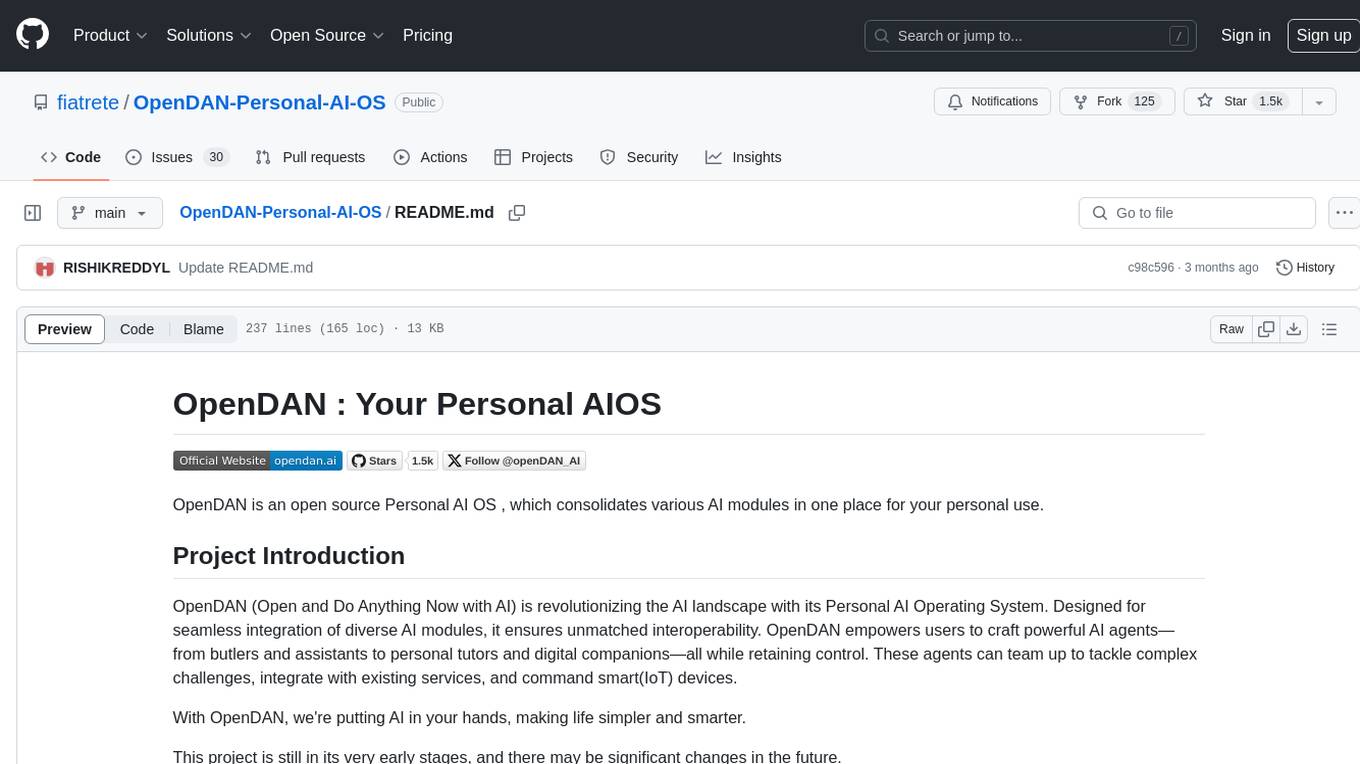
OpenDAN is an open source Personal AI OS that consolidates various AI modules for personal use. It empowers users to create powerful AI agents like assistants, tutors, and companions. The OS allows agents to collaborate, integrate with services, and control smart devices. OpenDAN offers features like rapid installation, AI agent customization, connectivity via Telegram/Email, building a local knowledge base, distributed AI computing, and more. It aims to simplify life by putting AI in users' hands. The project is in early stages with ongoing development and future plans for user and kernel mode separation, home IoT device control, and an official OpenDAN SDK release.
supervisely
Supervisely is a computer vision platform that provides a range of tools and services for developing and deploying computer vision solutions. It includes a data labeling platform, a model training platform, and a marketplace for computer vision apps. Supervisely is used by a variety of organizations, including Fortune 500 companies, research institutions, and government agencies.
spring-ai
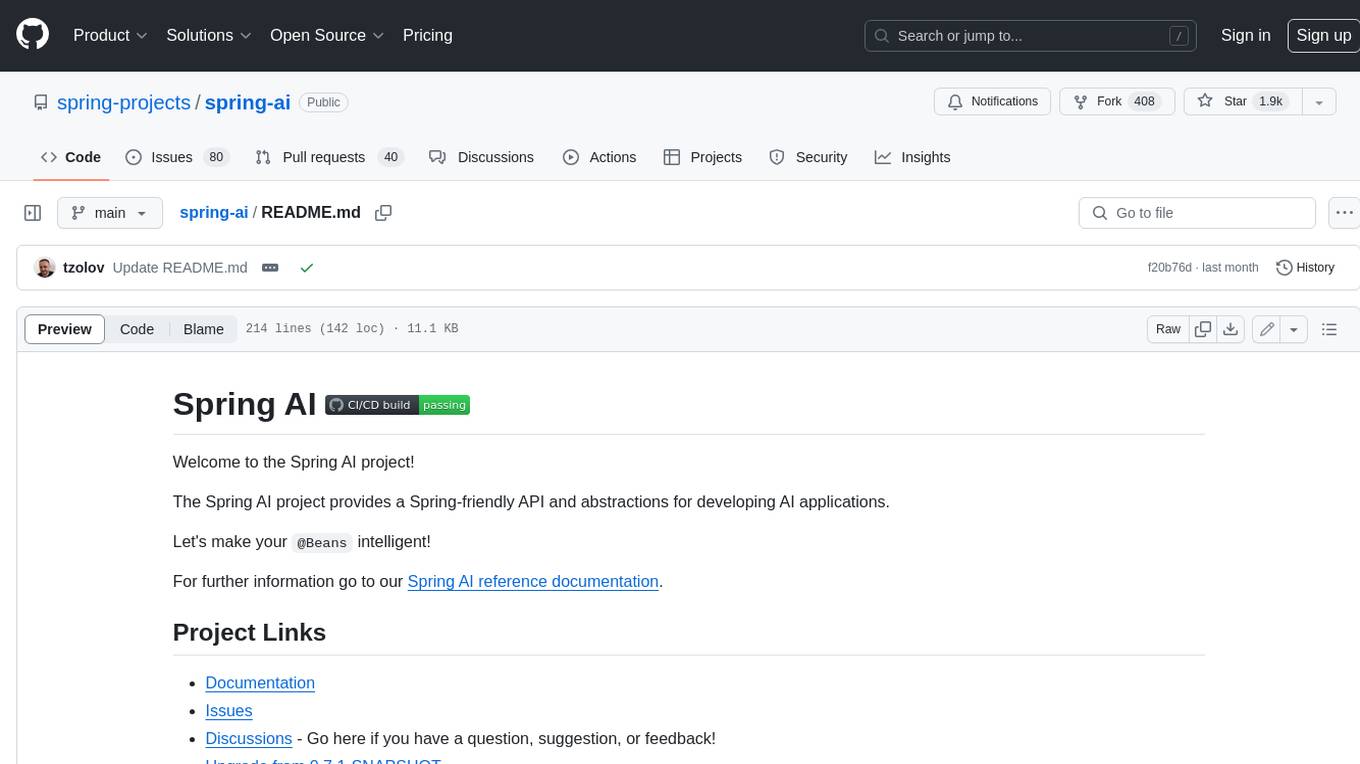
The Spring AI project provides a Spring-friendly API and abstractions for developing AI applications. It offers a portable client API for interacting with generative AI models, enabling developers to easily swap out implementations and access various models like OpenAI, Azure OpenAI, and HuggingFace. Spring AI also supports prompt engineering, providing classes and interfaces for creating and parsing prompts, as well as incorporating proprietary data into generative AI without retraining the model. This is achieved through Retrieval Augmented Generation (RAG), which involves extracting, transforming, and loading data into a vector database for use by AI models. Spring AI's VectorStore abstraction allows for seamless transitions between different vector database implementations.
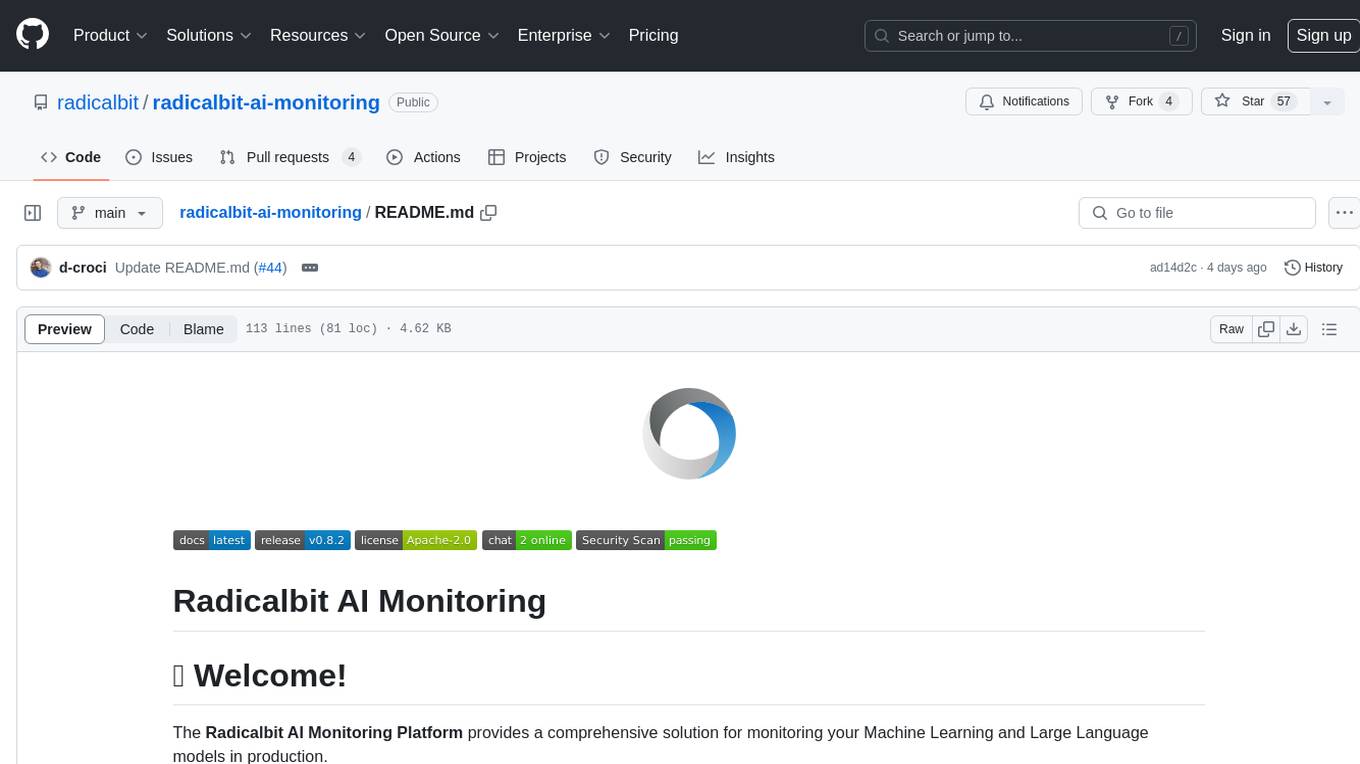
radicalbit-ai-monitoring
The Radicalbit AI Monitoring Platform provides a comprehensive solution for monitoring Machine Learning and Large Language models in production. It helps proactively identify and address potential performance issues by analyzing data quality, model quality, and model drift. The repository contains files and projects for running the platform, including UI, API, SDK, and Spark components. Installation using Docker compose is provided, allowing deployment with a K3s cluster and interaction with a k9s container. The platform documentation includes a step-by-step guide for installation and creating dashboards. Community engagement is encouraged through a Discord server. The roadmap includes adding functionalities for batch and real-time workloads, covering various model types and tasks.
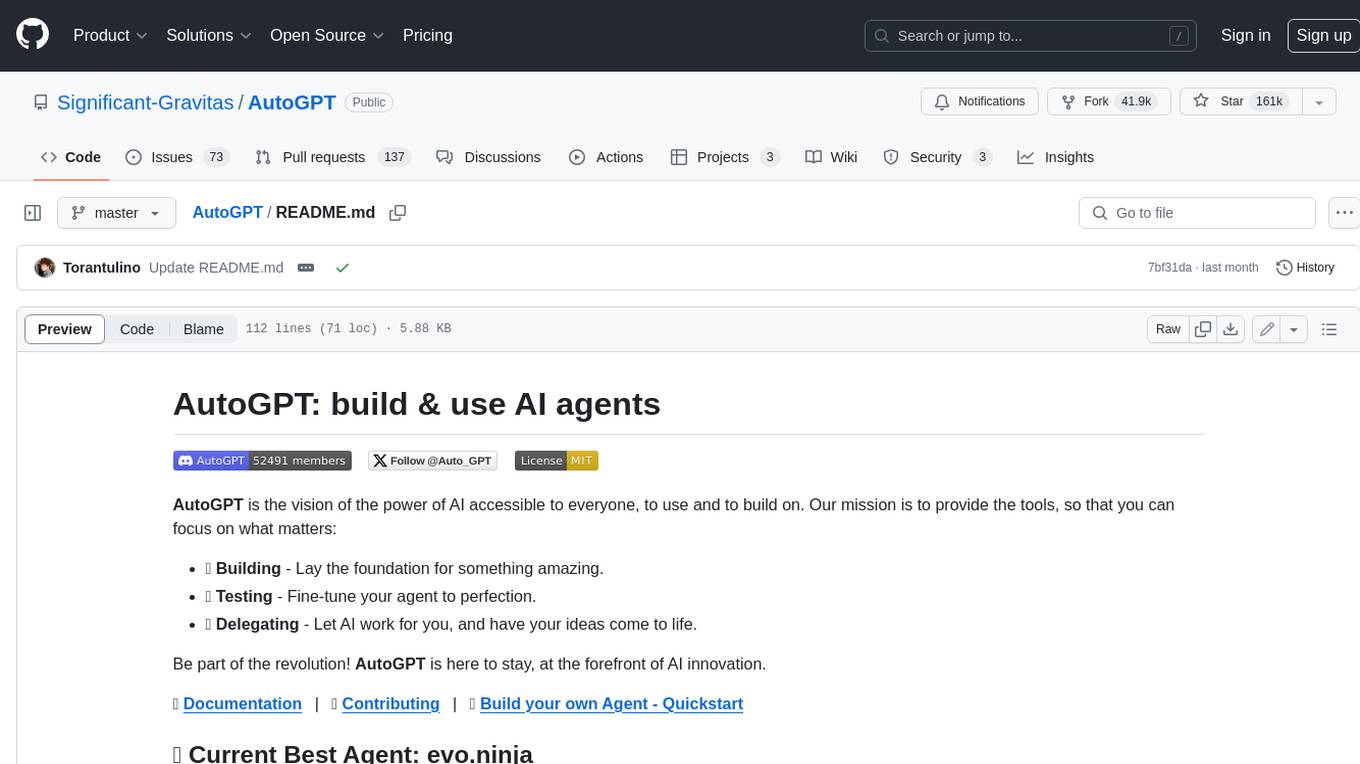
AutoGPT
AutoGPT is a revolutionary tool that empowers everyone to harness the power of AI. With AutoGPT, you can effortlessly build, test, and delegate tasks to AI agents, unlocking a world of possibilities. Our mission is to provide the tools you need to focus on what truly matters: innovation and creativity.
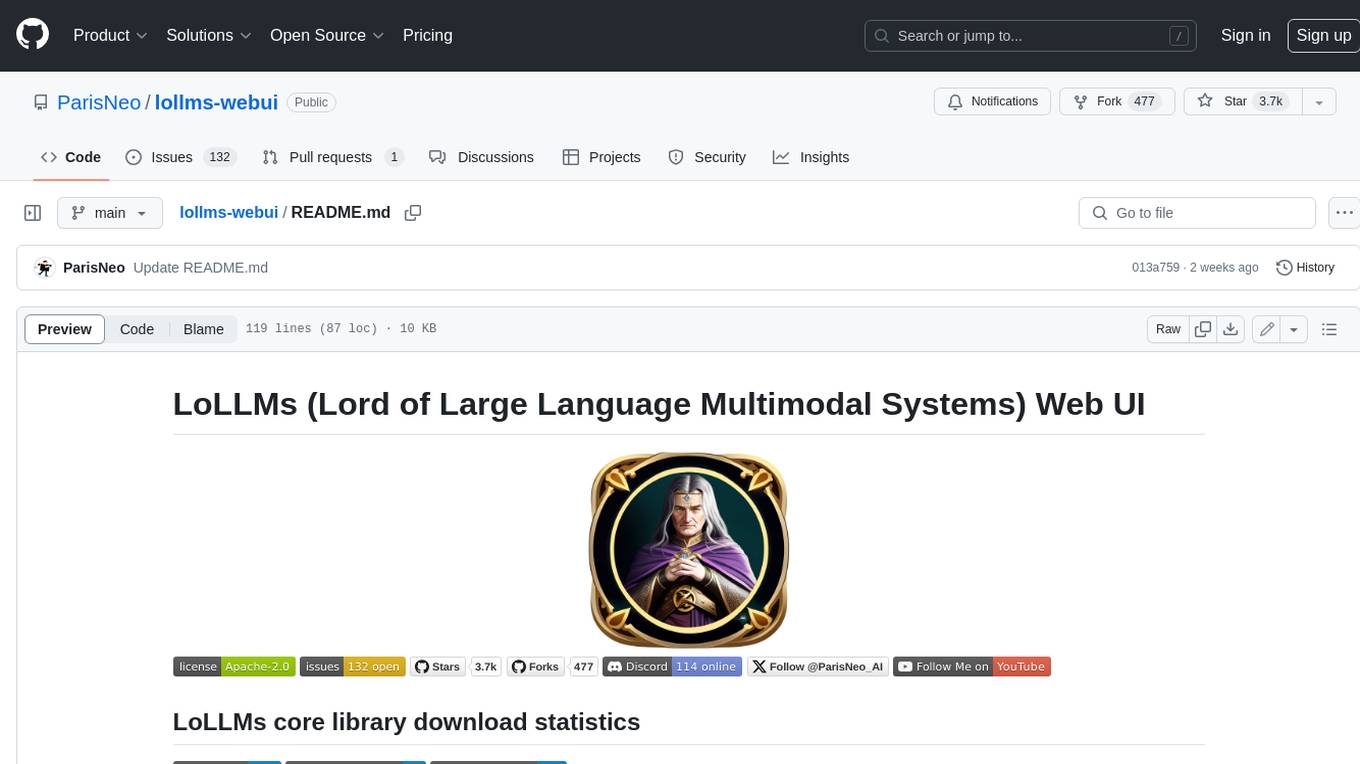
lollms-webui
LoLLMs WebUI (Lord of Large Language Multimodal Systems: One tool to rule them all) is a user-friendly interface to access and utilize various LLM (Large Language Models) and other AI models for a wide range of tasks. With over 500 AI expert conditionings across diverse domains and more than 2500 fine tuned models over multiple domains, LoLLMs WebUI provides an immediate resource for any problem, from car repair to coding assistance, legal matters, medical diagnosis, entertainment, and more. The easy-to-use UI with light and dark mode options, integration with GitHub repository, support for different personalities, and features like thumb up/down rating, copy, edit, and remove messages, local database storage, search, export, and delete multiple discussions, make LoLLMs WebUI a powerful and versatile tool.
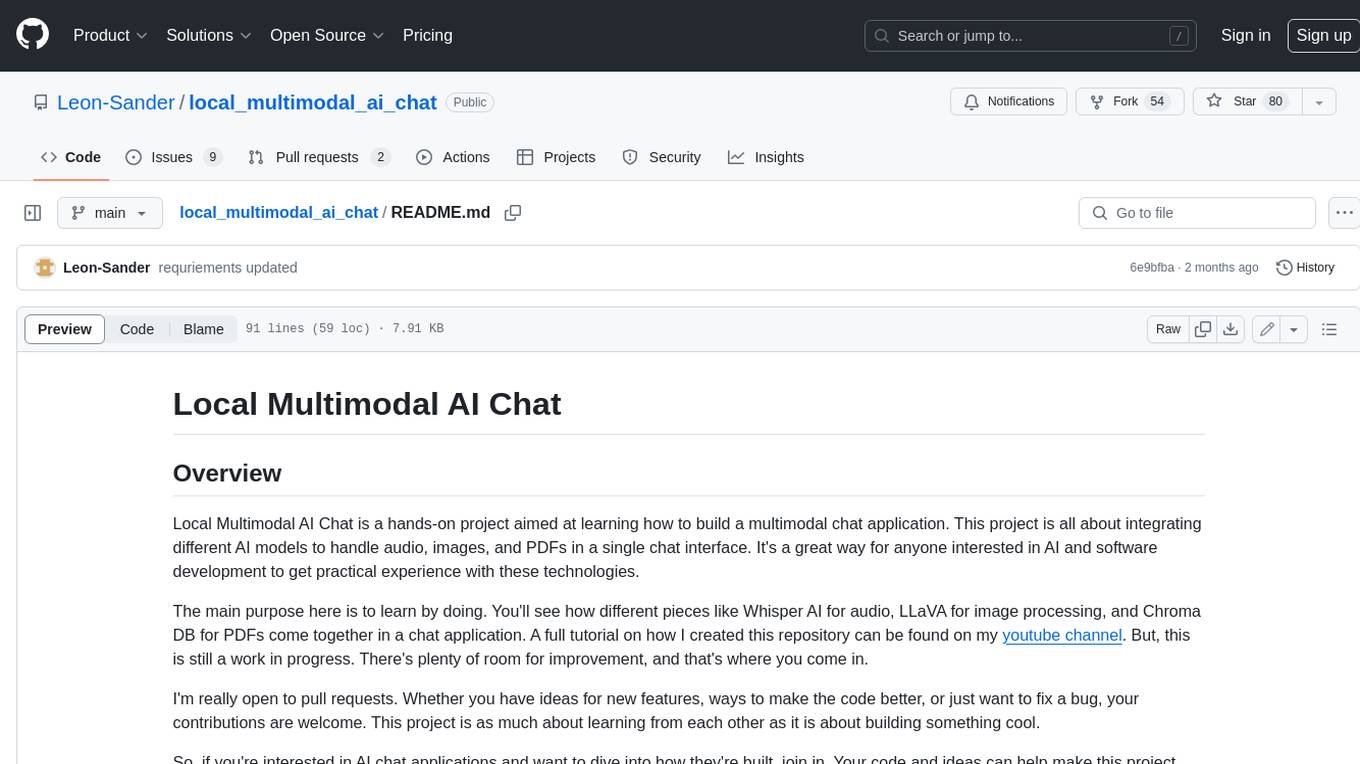
local_multimodal_ai_chat
Local Multimodal AI Chat is a hands-on project that teaches you how to build a multimodal chat application. It integrates different AI models to handle audio, images, and PDFs in a single chat interface. This project is perfect for anyone interested in AI and software development who wants to gain practical experience with these technologies.
AntSK
AntSK is an AI knowledge base/agent built with .Net8+Blazor+SemanticKernel. It features a semantic kernel for accurate natural language processing, a memory kernel for continuous learning and knowledge storage, a knowledge base for importing and querying knowledge from various document formats, a text-to-image generator integrated with StableDiffusion, GPTs generation for creating personalized GPT models, API interfaces for integrating AntSK into other applications, an open API plugin system for extending functionality, a .Net plugin system for integrating business functions, real-time information retrieval from the internet, model management for adapting and managing different models from different vendors, support for domestic models and databases for operation in a trusted environment, and planned model fine-tuning based on llamafactory.
DistiLlama
DistiLlama is a Chrome extension that leverages a locally running Large Language Model (LLM) to perform various tasks, including text summarization, chat, and document analysis. It utilizes Ollama as the locally running LLM instance and LangChain for text summarization. DistiLlama provides a user-friendly interface for interacting with the LLM, allowing users to summarize web pages, chat with documents (including PDFs), and engage in text-based conversations. The extension is easy to install and use, requiring only the installation of Ollama and a few simple steps to set up the environment. DistiLlama offers a range of customization options, including the choice of LLM model and the ability to configure the summarization chain. It also supports multimodal capabilities, allowing users to interact with the LLM through text, voice, and images. DistiLlama is a valuable tool for researchers, students, and professionals who seek to leverage the power of LLMs for various tasks without compromising data privacy.
ZetaForge
ZetaForge is an open-source AI platform designed for rapid development of advanced AI and AGI pipelines. It allows users to assemble reusable, customizable, and containerized Blocks into highly visual AI Pipelines, enabling rapid experimentation and collaboration. With ZetaForge, users can work with AI technologies in any programming language, easily modify and update AI pipelines, dive into the code whenever needed, utilize community-driven blocks and pipelines, and share their own creations. The platform aims to accelerate the development and deployment of advanced AI solutions through its user-friendly interface and community support.

danswer
Danswer is an open-source Gen-AI Chat and Unified Search tool that connects to your company's docs, apps, and people. It provides a Chat interface and plugs into any LLM of your choice. Danswer can be deployed anywhere and for any scale - on a laptop, on-premise, or to cloud. Since you own the deployment, your user data and chats are fully in your own control. Danswer is MIT licensed and designed to be modular and easily extensible. The system also comes fully ready for production usage with user authentication, role management (admin/basic users), chat persistence, and a UI for configuring Personas (AI Assistants) and their Prompts. Danswer also serves as a Unified Search across all common workplace tools such as Slack, Google Drive, Confluence, etc. By combining LLMs and team specific knowledge, Danswer becomes a subject matter expert for the team. Imagine ChatGPT if it had access to your team's unique knowledge! It enables questions such as "A customer wants feature X, is this already supported?" or "Where's the pull request for feature Y?"
minimal-llm-ui
This minimalistic UI serves as a simple interface for Ollama models, enabling real-time interaction with Local Language Models (LLMs). Users can chat with models, switch between different LLMs, save conversations, and create parameter-driven prompt templates. The tool is built using React, Next.js, and Tailwind CSS, with seamless integration with LangchainJs and Ollama for efficient model switching and context storage.
Local-Multimodal-AI-Chat
Local Multimodal AI Chat is a multimodal chat application that integrates various AI models to manage audio, images, and PDFs seamlessly within a single interface. It offers local model processing with Ollama for data privacy, integration with OpenAI API for broader AI capabilities, audio chatting with Whisper AI for accurate voice interpretation, and PDF chatting with Chroma DB for efficient PDF interactions. The application is designed for AI enthusiasts and developers seeking a comprehensive solution for multimodal AI technologies.
wandb
Weights & Biases (W&B) is a platform that helps users build better machine learning models faster by tracking and visualizing all components of the machine learning pipeline, from datasets to production models. It offers tools for tracking, debugging, evaluating, and monitoring machine learning applications. W&B provides integrations with popular frameworks like PyTorch, TensorFlow/Keras, Hugging Face Transformers, PyTorch Lightning, XGBoost, and Sci-Kit Learn. Users can easily log metrics, visualize performance, and compare experiments using W&B. The platform also supports hosting options in the cloud or on private infrastructure, making it versatile for various deployment needs.

promptflow
**Prompt flow** is a suite of development tools designed to streamline the end-to-end development cycle of LLM-based AI applications, from ideation, prototyping, testing, evaluation to production deployment and monitoring. It makes prompt engineering much easier and enables you to build LLM apps with production quality.
For similar tasks
podman-desktop-extension-ai-lab
Podman AI Lab is an open source extension for Podman Desktop designed to work with Large Language Models (LLMs) on a local environment. It features a recipe catalog with common AI use cases, a curated set of open source models, and a playground for learning, prototyping, and experimentation. Users can quickly and easily get started bringing AI into their applications without depending on external infrastructure, ensuring data privacy and security.
dify-google-cloud-terraform
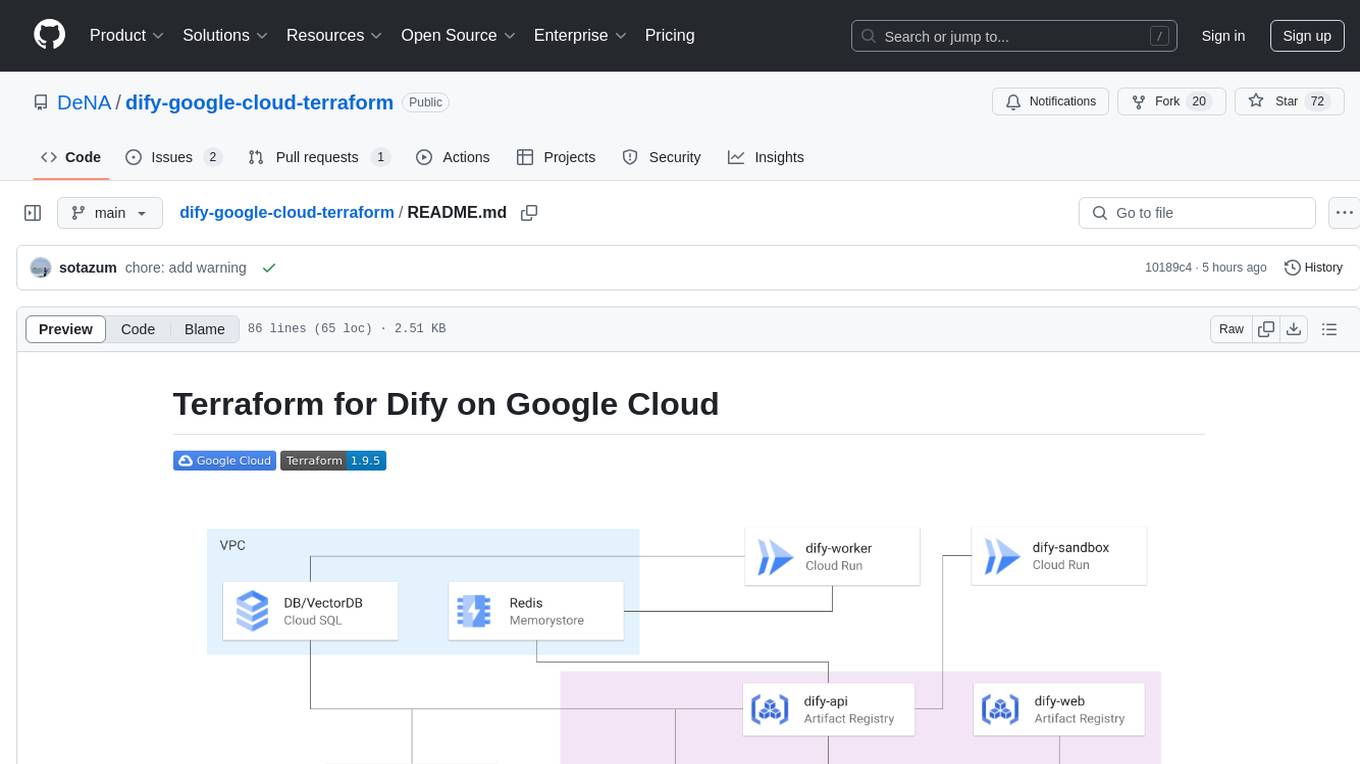
This repository provides Terraform configurations to automatically set up Google Cloud resources and deploy Dify in a highly available configuration. It includes features such as serverless hosting, auto-scaling, and data persistence. Users need a Google Cloud account, Terraform, and gcloud CLI installed to use this tool. The configuration involves setting environment-specific values and creating a GCS bucket for managing Terraform state. The tool allows users to initialize Terraform, create Artifact Registry repository, build and push container images, plan and apply Terraform changes, and cleanup resources when needed.
iris_android
This repository contains an offline Android chat application based on llama.cpp example. Users can install, download models, and run the app completely offline and privately. To use the app, users need to go to the releases page, download and install the app. Building the app requires downloading Android Studio, cloning the repository, and importing it into Android Studio. The app can be run offline by following specific steps such as enabling developer options, wireless debugging, and downloading the stable LM model. The project is maintained by Nerve Sparks and contributions are welcome through creating feature branches and pull requests.
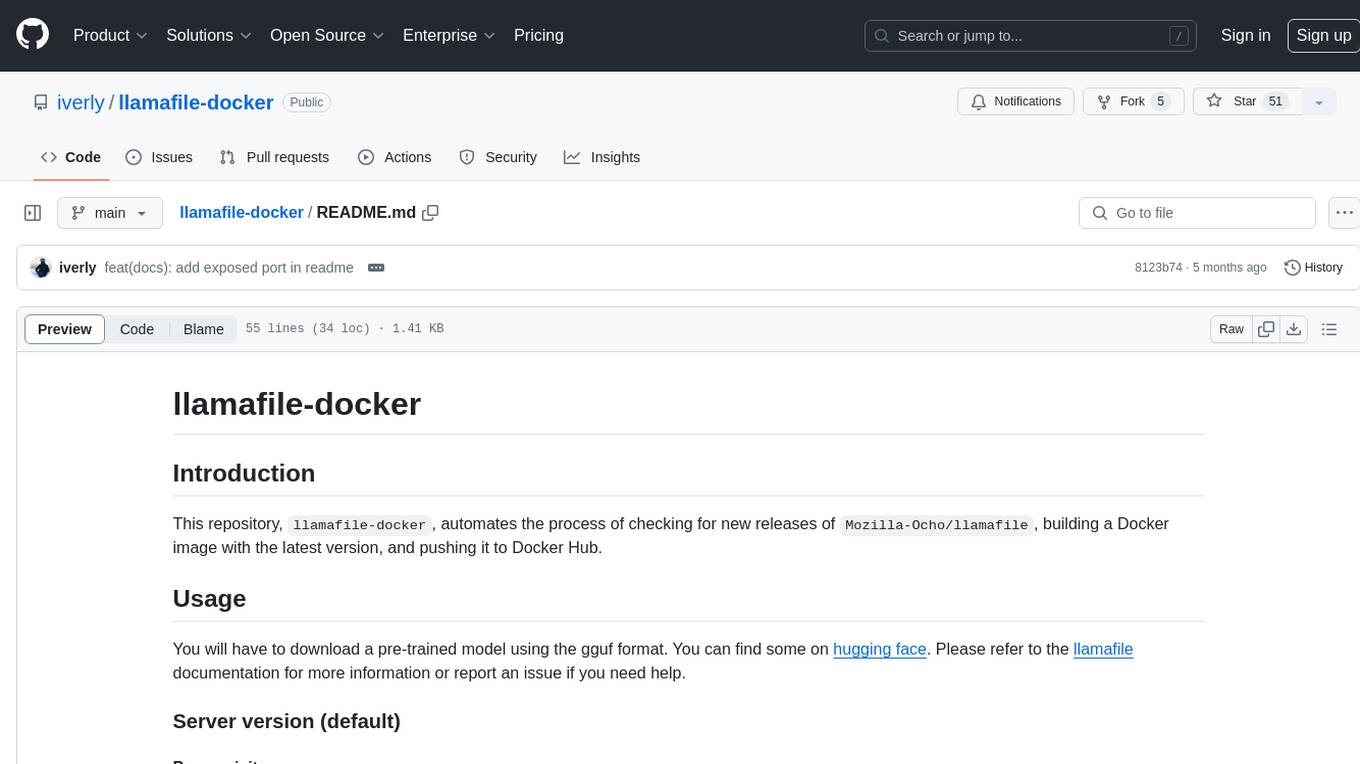
llamafile-docker
This repository, llamafile-docker, automates the process of checking for new releases of Mozilla-Ocho/llamafile, building a Docker image with the latest version, and pushing it to Docker Hub. Users can download a pre-trained model in gguf format and use the Docker image to interact with the model via a server or CLI version. Contributions are welcome under the Apache 2.0 license.
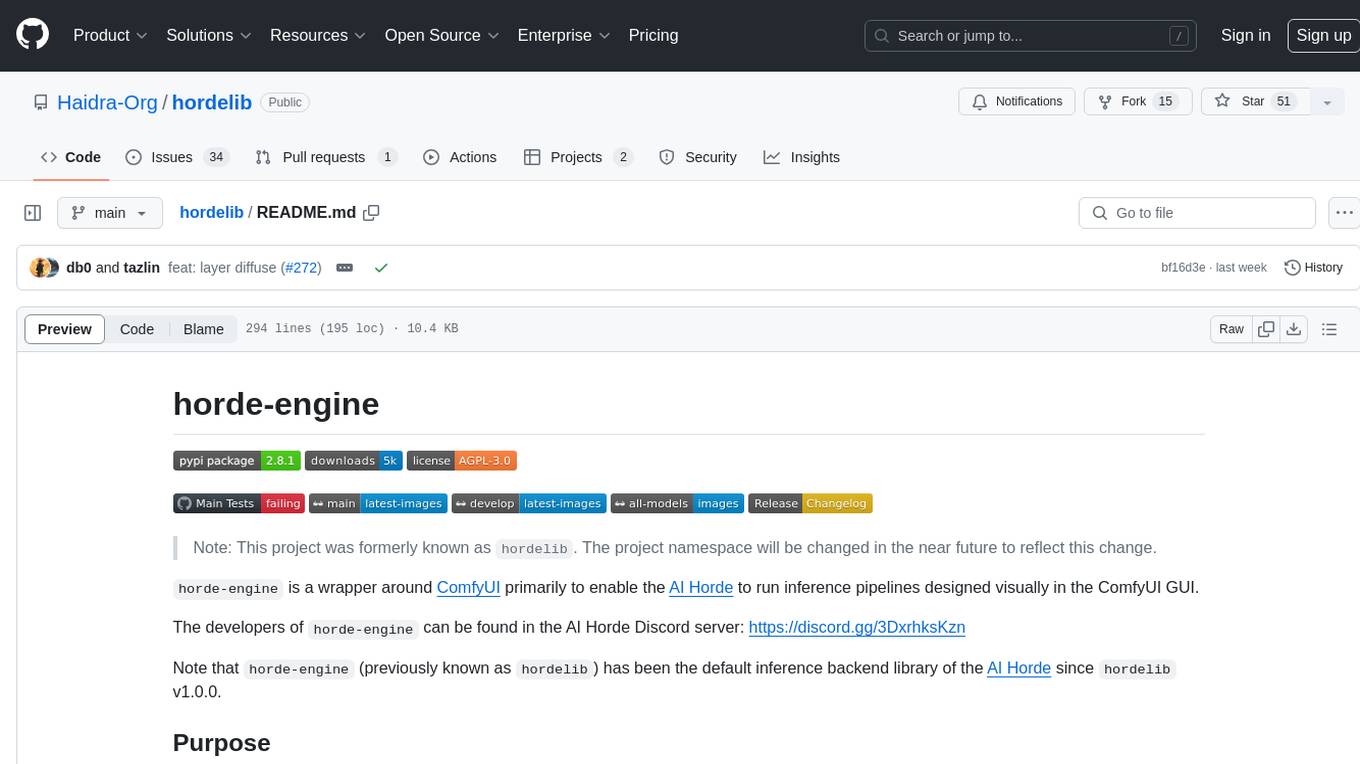
hordelib
horde-engine is a wrapper around ComfyUI designed to run inference pipelines visually designed in the ComfyUI GUI. It enables users to design inference pipelines in ComfyUI and then call them programmatically, maintaining compatibility with the existing horde implementation. The library provides features for processing Horde payloads, initializing the library, downloading and validating models, and generating images based on input data. It also includes custom nodes for preprocessing and tasks such as face restoration and QR code generation. The project depends on various open source projects and bundles some dependencies within the library itself. Users can design ComfyUI pipelines, convert them to the backend format, and run them using the run_image_pipeline() method in hordelib.comfy.Comfy(). The project is actively developed and tested using git, tox, and a specific model directory structure.
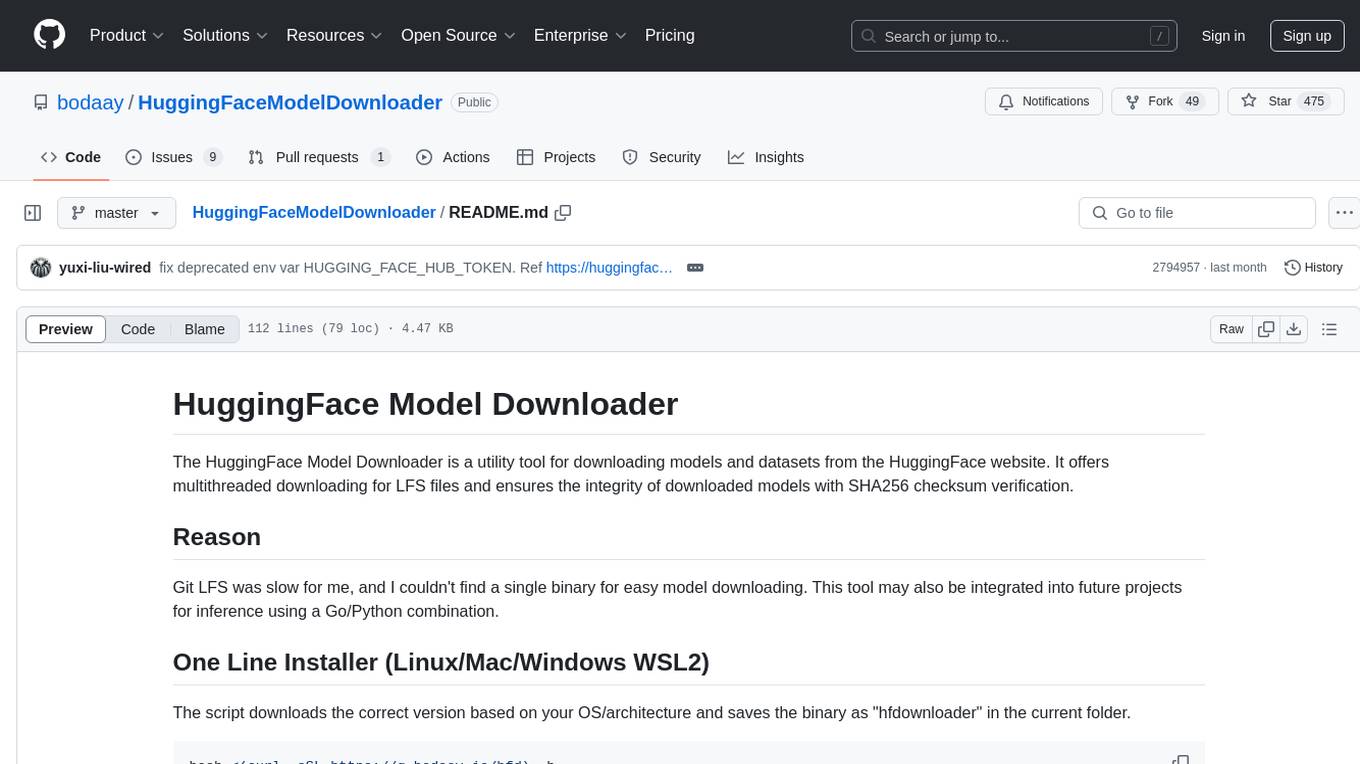
HuggingFaceModelDownloader
The HuggingFace Model Downloader is a utility tool for downloading models and datasets from the HuggingFace website. It offers multithreaded downloading for LFS files and ensures the integrity of downloaded models with SHA256 checksum verification. The tool provides features such as nested file downloading, filter downloads for specific LFS model files, support for HuggingFace Access Token, and configuration file support. It can be used as a library or a single binary for easy model downloading and inference in projects.
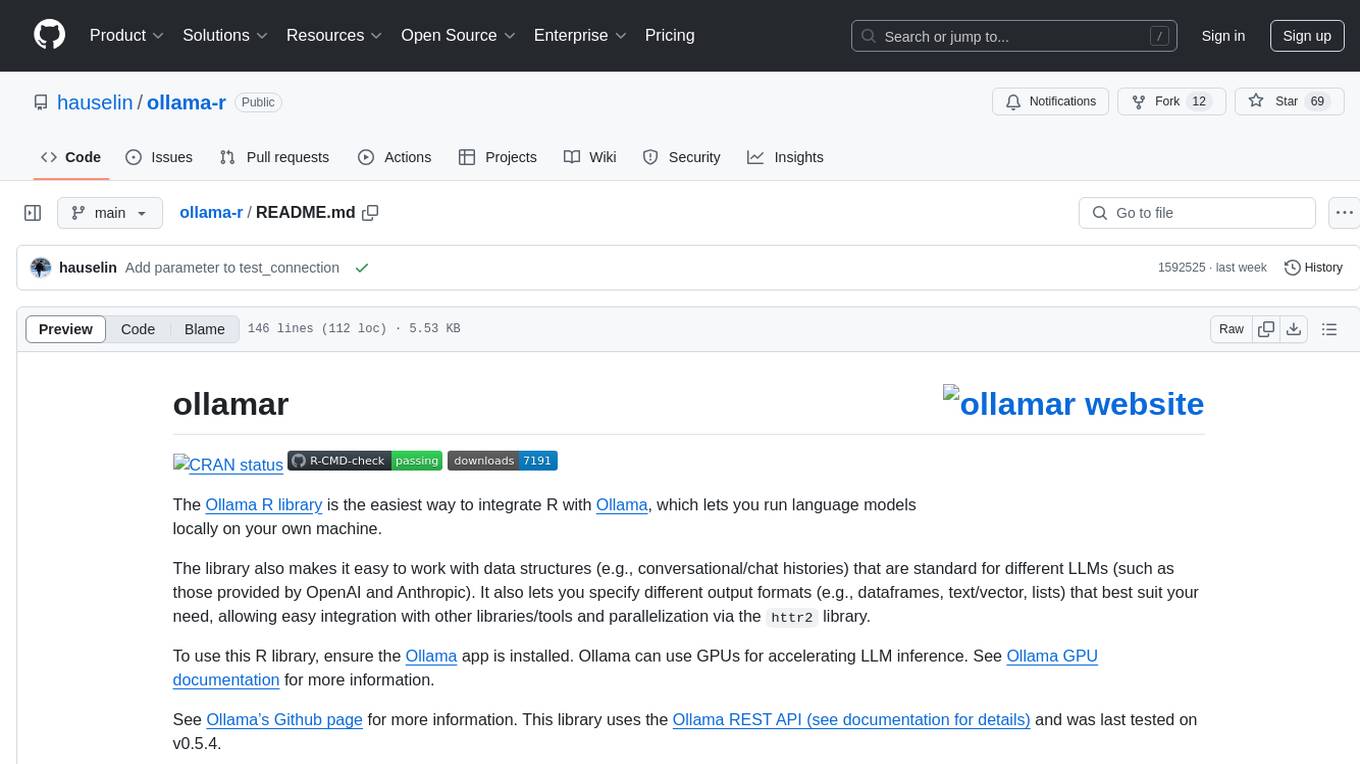
ollama-r
The Ollama R library provides an easy way to integrate R with Ollama for running language models locally on your machine. It supports working with standard data structures for different LLMs, offers various output formats, and enables integration with other libraries/tools. The library uses the Ollama REST API and requires the Ollama app to be installed, with GPU support for accelerating LLM inference. It is inspired by Ollama Python and JavaScript libraries, making it familiar for users of those languages. The installation process involves downloading the Ollama app, installing the 'ollamar' package, and starting the local server. Example usage includes testing connection, downloading models, generating responses, and listing available models.
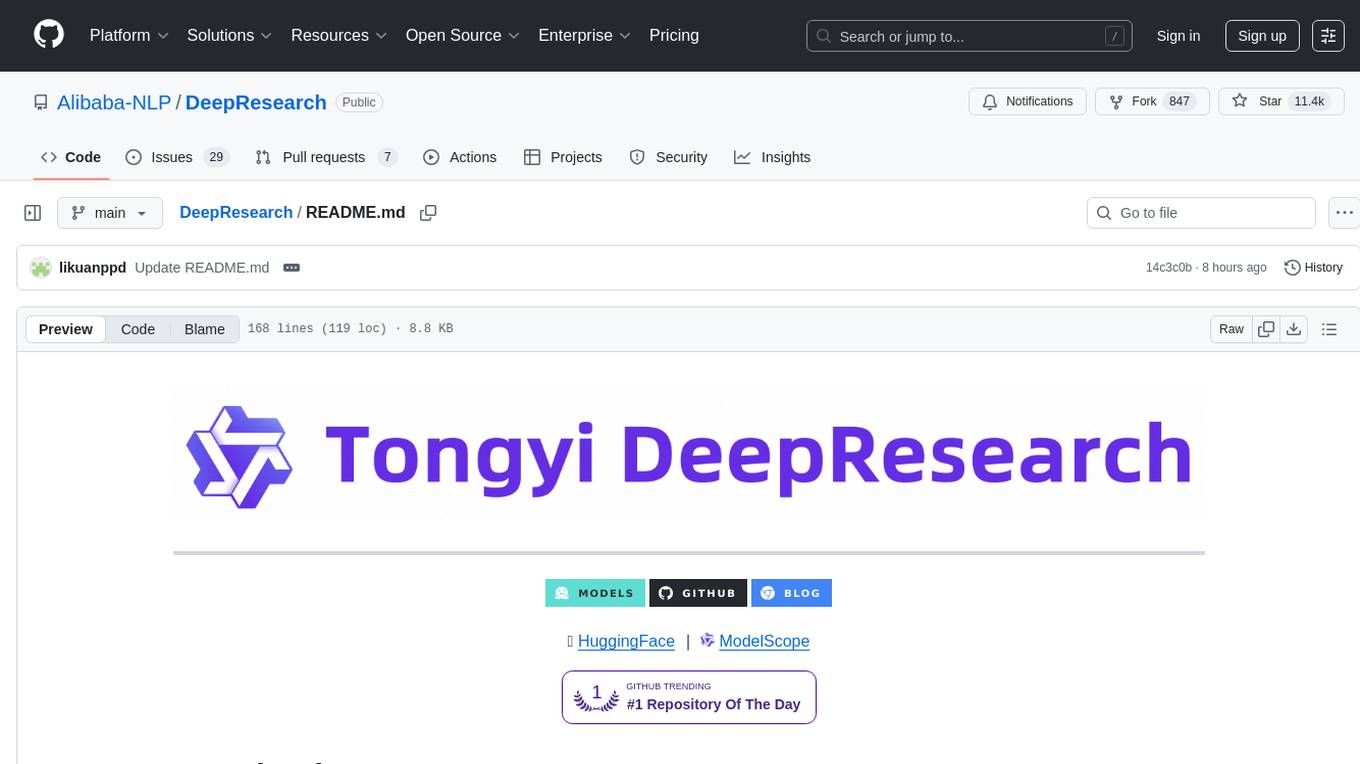
DeepResearch
Tongyi DeepResearch is an agentic large language model with 30.5 billion total parameters, designed for long-horizon, deep information-seeking tasks. It demonstrates state-of-the-art performance across various search benchmarks. The model features a fully automated synthetic data generation pipeline, large-scale continual pre-training on agentic data, end-to-end reinforcement learning, and compatibility with two inference paradigms. Users can download the model directly from HuggingFace or ModelScope. The repository also provides benchmark evaluation scripts and information on the Deep Research Agent Family.
For similar jobs

sweep
Sweep is an AI junior developer that turns bugs and feature requests into code changes. It automatically handles developer experience improvements like adding type hints and improving test coverage.

teams-ai
The Teams AI Library is a software development kit (SDK) that helps developers create bots that can interact with Teams and Microsoft 365 applications. It is built on top of the Bot Framework SDK and simplifies the process of developing bots that interact with Teams' artificial intelligence capabilities. The SDK is available for JavaScript/TypeScript, .NET, and Python.

ai-guide
This guide is dedicated to Large Language Models (LLMs) that you can run on your home computer. It assumes your PC is a lower-end, non-gaming setup.

classifai
Supercharge WordPress Content Workflows and Engagement with Artificial Intelligence. Tap into leading cloud-based services like OpenAI, Microsoft Azure AI, Google Gemini and IBM Watson to augment your WordPress-powered websites. Publish content faster while improving SEO performance and increasing audience engagement. ClassifAI integrates Artificial Intelligence and Machine Learning technologies to lighten your workload and eliminate tedious tasks, giving you more time to create original content that matters.

chatbot-ui
Chatbot UI is an open-source AI chat app that allows users to create and deploy their own AI chatbots. It is easy to use and can be customized to fit any need. Chatbot UI is perfect for businesses, developers, and anyone who wants to create a chatbot.

BricksLLM
BricksLLM is a cloud native AI gateway written in Go. Currently, it provides native support for OpenAI, Anthropic, Azure OpenAI and vLLM. BricksLLM aims to provide enterprise level infrastructure that can power any LLM production use cases. Here are some use cases for BricksLLM: * Set LLM usage limits for users on different pricing tiers * Track LLM usage on a per user and per organization basis * Block or redact requests containing PIIs * Improve LLM reliability with failovers, retries and caching * Distribute API keys with rate limits and cost limits for internal development/production use cases * Distribute API keys with rate limits and cost limits for students

uAgents
uAgents is a Python library developed by Fetch.ai that allows for the creation of autonomous AI agents. These agents can perform various tasks on a schedule or take action on various events. uAgents are easy to create and manage, and they are connected to a fast-growing network of other uAgents. They are also secure, with cryptographically secured messages and wallets.

griptape
Griptape is a modular Python framework for building AI-powered applications that securely connect to your enterprise data and APIs. It offers developers the ability to maintain control and flexibility at every step. Griptape's core components include Structures (Agents, Pipelines, and Workflows), Tasks, Tools, Memory (Conversation Memory, Task Memory, and Meta Memory), Drivers (Prompt and Embedding Drivers, Vector Store Drivers, Image Generation Drivers, Image Query Drivers, SQL Drivers, Web Scraper Drivers, and Conversation Memory Drivers), Engines (Query Engines, Extraction Engines, Summary Engines, Image Generation Engines, and Image Query Engines), and additional components (Rulesets, Loaders, Artifacts, Chunkers, and Tokenizers). Griptape enables developers to create AI-powered applications with ease and efficiency.