


squad
Squad: AI agent teams for any project
Stars: 103
Squad is an AI development tool that provides a team of specialists (frontend, backend, tester, lead) through GitHub Copilot. Each team member runs in its own context, learns your codebase, shares decisions, and improves over time. The tool works by launching agents in parallel to work on tasks simultaneously, with knowledge compounding across sessions. Squad stores team-wide decisions in `decisions.md` and individual agent learnings in `history.md`. The tool operates within a 200K token context window per agent, with optimizations to maximize actual work capacity. Squad's memory architecture includes `charter.md`, `history.md`, `decisions.md`, and `log/` for session history. The tool creates a `.ai-team/` folder with team roster, routing, decisions, and agent information, ensuring persistence and knowledge sharing. Squad allows for adding and removing team members, review protocols, and issue assignment and triage integration with GitHub Issues. It offers various features like client compatibility, VS Code support, project boards integration, label taxonomy, notifications, MCP setup guide, plugin marketplace, universe expansion, and more.
README:
AI agent teams for any project. A team that grows with your code.


📣 Join the Squad Community — meet contributors, see deployments, share your work.
Squad gives you an AI development team through GitHub Copilot. Describe what you're building. Get a team of specialists — frontend, backend, tester, lead — that live in your repo as files. They persist across sessions, learn your codebase, share decisions, and get better the more you use them.
It's not a chatbot wearing hats. Each team member runs in its own context, reads only its own knowledge, and writes back what it learned.
mkdir my-project && cd my-project
git initnpx github:bradygaster/squadgh auth loginIf you plan to use Project Boards, add the project scope:
gh auth refresh -s projectcopilot
Select Squad (vX.Y.Z) from the /agents list, then:
I'm starting a new project. Set up the team.
Here's what I'm building: a recipe sharing app with React and Node.
Squad proposes a team — each member named from a persistent thematic cast. You say yes. They're ready.
Squad doesn't work on a human schedule. When you give a task, the coordinator launches every agent that can usefully start — simultaneously. Frontend, backend, tests, architecture — all at once.
You: "Team, build the login page"

  🏗️ Lead — analyzing requirements...          ⎤
  ⚛️ Frontend — building login form...          ⎥ all launched
  🔧 Backend — setting up auth endpoints...     ⎥ in parallel
  🧪 Tester — writing test cases from spec...   ⎥
  📋 Scribe — logging everything...             ⎦
When agents finish, the coordinator immediately chains follow-up work — tests reveal edge cases, the backend agent picks them up, no waiting for you to ask. If you step away, a breadcrumb trail is waiting when you get back:
-
decisions.md— every decision any agent made, merged by Scribe -
orchestration-log/— what was spawned, why, and what happened -
log/— full session history, searchable
Knowledge compounds across sessions. Every time an agent works, it writes lasting learnings to its history.md. After a few sessions, agents know your conventions, your preferences, your architecture. They stop asking questions they've already answered.
| 🌱 First session | 🌿 After a few sessions | 🌳 Mature project | |
|---|---|---|---|
| ⚛️ Frontend | Project structure, framework choice | Component library, routing, state patterns | Design system, perf patterns, a11y conventions |
| 🔧 Backend | Stack, database, initial endpoints | Auth strategy, rate limiting, SQL preferences | Caching layers, migration patterns, monitoring |
| 🏗️ Lead | Scope, team roster, first decisions | Architecture trade-offs, risk register | Full project history, tech debt map |
| 🧪 Tester | Test framework, first test cases | Integration patterns, edge case catalog | Regression patterns, coverage gaps, CI pipeline |
| 📋 Scribe | First session logged | Cross-team decisions propagated | Full searchable archive of every session and decision |
| 🔄 Ralph | Board check after first batch | Auto-triage, CI monitoring | Continuous backlog processing, zero idle time |
Each agent's knowledge is personal — stored in its own history.md. Team-wide decisions live in decisions.md, where every agent reads before working. The more you use Squad, the less context you have to repeat.
And it's all in git. Anyone who clones your repo gets the team — with all their accumulated knowledge.
Each agent gets its own context window. The coordinator is thin. Each agent loads only its charter + history. No shared bloat.
graph TB
U["🧑💻 You"] -->|"Team, build the login page"| C["GitHub Copilot"]
subgraph team [" 🏢 The Team "]
direction LR
A["🏗️ Lead"]
K["⚛️ Frontend"]
R["🔧 Backend"]
T["🧪 Tester"]
end
C -->|spawns| A
C -->|spawns| K
C -->|spawns| R
C -->|spawns| T
C -.->|silent| S["📋 Scribe"]
C -.->|monitors| RL["🔄 Ralph"]
subgraph memory [" 🧠 Shared Memory "]
direction LR
D["decisions.md"]
L["log/"]
end
A & K & R & T -->|read & write| D
S -->|merges & logs| D
S -->|writes| L
A -->|learns| HA["history.md"]
K -->|learns| HK["history.md"]
R -->|learns| HR["history.md"]
T -->|learns| HT["history.md"]
style U fill:#000,color:#fff,stroke:#333
style C fill:#000,color:#fff,stroke:#333
style A fill:#000,color:#fff,stroke:#333
style K fill:#000,color:#fff,stroke:#333
style R fill:#000,color:#fff,stroke:#333
style T fill:#000,color:#fff,stroke:#333
style S fill:#000,color:#fff,stroke:#333
style D fill:#000,color:#fff,stroke:#333
style L fill:#000,color:#fff,stroke:#333
style HA fill:#000,color:#fff,stroke:#333
style HK fill:#000,color:#fff,stroke:#333
style HR fill:#000,color:#fff,stroke:#333
style HT fill:#000,color:#fff,stroke:#333
style team fill:none,stroke:#fff,stroke-width:2px,stroke-dasharray:5 5
style memory fill:none,stroke:#fff,stroke-width:2px,stroke-dasharray:5 5Real numbers. No hand-waving. Updated as the project grows.
Both Claude Sonnet 4 and Claude Opus 4 have a 200K token standard context window. Each agent runs in its own window, so the coordinator is the only shared overhead.
| What | Tokens | % of 200K context | When |
|---|---|---|---|
| Coordinator (squad.agent.md) | ~26,300 | 13.2% | Every message |
| Agent spawn overhead (charter ~750 + inlined in prompt) | ~750 | 0.4% | When spawned |
| decisions.md (shared brain — read by every agent) | ~32,600 | 16.3% | When spawned |
| Agent history (varies: 1K fresh → 12K veteran) | ~1,000–12,000 | 0.5–6.0% | When spawned |
| Total agent load (charter + decisions + history) | ~34,000–45,000 | 17–23% | When spawned |
| Remaining for actual work | ~155,000–166,000 | 78–83% | Always |
v0.4.0 context optimization (Feb 2026): We ran a context budget audit and found decisions.md had ballooned to ~80K tokens (40% of context) after 250+ accumulated decision blocks. Combined with spawn template duplication in the coordinator, agents were working with barely half a context window. Three targeted optimizations shipped:
-
decisions.md pruning — 251 blocks → 78 active decisions. Stale sprint artifacts, completed analysis docs, and one-time planning fragments archived to
decisions-archive.md. Nothing deleted — full history preserved. - Spawn template deduplication — Three near-identical templates (background, sync, generic) collapsed to one. Saved ~3,600 tokens in the coordinator prompt.
- Init Mode compression — 84 lines of first-run-only instructions compressed to 48 lines. Same behavior, less prose.
Result: Per-agent spawn cost dropped from 41–46% to 17–23% of context. Agents now have ~78–83% of their context window for actual work, up from ~54–59%. As your squad runs more sessions and accumulates more decisions, Scribe's history summarization keeps per-agent history bounded. For decisions.md, a Scribe-driven automated pruning system is planned for v0.5.0 (see issue #37) — until then, the archive pattern keeps the shared brain lean.
The architecture still wins. Each agent runs in its own 200K window. The coordinator's window is separate from every agent's window. Fan out to 5 agents and you're working with ~1M tokens of total reasoning capacity. The per-agent overhead is real but bounded — and the pruning system ensures it stays that way as your project grows.
| Layer | What | Who writes | Who reads |
|---|---|---|---|
charter.md |
Identity, expertise, voice | Squad (at init) | The agent itself |
history.md |
Project-specific learnings | Each agent, after every session | That agent only |
decisions.md |
Team-wide decisions | Any agent | All agents |
log/ |
Session history | Scribe | Anyone (searchable archive) |
.ai-team/
├── team.md              # Roster — who's on the team
├── routing.md           # Routing — who handles what
├── decisions.md         # Shared brain — team decisions
├── casting/
│   ├── policy.json      # Casting configuration
│   ├── registry.json    # Persistent name registry
│   └── history.json     # Universe usage history
├── agents/
│   ├── {name}/          # Each agent gets a persistent cast name
│   │   ├── charter.md   # Identity, expertise, voice
│   │   └── history.md   # What they know about YOUR project
│   ├── {name}/
│   │   ├── charter.md
│   │   └── history.md
│   └── scribe/
│       └── charter.md   # Silent memory manager
└── log/                 # Session history
Commit this folder. Your team persists. Names persist. Anyone who clones gets the team — with the same cast.
> I need a DevOps person.
Squad generates a new agent, seeds them with project context and existing decisions. Immediately productive.
> Remove the designer — we're past that phase.
Agents aren't deleted. Their charter and history move to .ai-team/agents/_alumni/. Knowledge preserved, nothing lost. If you need them back later, they remember everything.
Team members with review authority (Tester, Lead) can reject work. On rejection, the reviewer may require:
- A different agent handles the revision (not the original author)
- A new specialist is spawned for the task
The Coordinator enforces this. No self-review of rejected work.
- Client Compatibility — Full platform support matrix. Squad now works on CLI and VS Code with graceful degradation.
-
VS Code Support — First-class VS Code guide.
runSubagentparallel spawning, platform detection, feature degradation table. -
Project Boards — GitHub Projects V2 integration. Board + Kanban views synced from labels.
gh auth refresh -s projectrequired. - Label Taxonomy — 7-namespace label system (status:, type:, priority:, squad:, go:, release:, era:). Labels are the state machine; boards are projections.
- Notifications — Your squad pings you on Teams, iMessage, or Discord when they need input. Zero infrastructure in Squad — bring your own MCP notification server.
- MCP Setup Guide — Step-by-step MCP configuration for CLI and VS Code. Examples: GitHub, Trello, Aspire dashboard.
- Plugin Marketplace — Discover and install curated agent templates and skills from community repositories. Auto-recommend plugins when adding team members.
- Universe Expansion — 20 → 33 casting universes (MCU, DC, Stranger Things, The Expanse, Arcane, Ted Lasso, Dune, Cowboy Bebop, Fullmetal Alchemist, Seinfeld, The Office, Adventure Time, Futurama, + 2 more)
- Docs Growth — 49 docs across features, scenarios, and guides
- Context Optimization — decisions.md pruned from ~80K to ~33K tokens (251 → 78 blocks). Spawn templates deduplicated. Per-agent context usage dropped from 41–46% to 17–23%. Agents now have 78–83% of their context window for actual work.
- Core Growth — squad.agent.md: 1,100 → 1,771 lines; index.js: 654 lines; 188+ total commits
- Per-Agent Model Selection — Cost-first routing: code work gets standard-tier models (claude-sonnet-4.5), non-code tasks use fast/cheap models (claude-haiku-4.5). 16-model catalog with fallback chains.
- Ralph — Work Monitor — Built-in squad member that autonomously processes backlogs. Self-chaining work loop: scan GitHub → spawn agents → collect results → repeat.
- @copilot Coding Agent — GitHub's Copilot agent as a squad member. Three-tier capability profile. Auto-assign with workflow.
- Universe Expansion — 14 → 20 casting universes (Succession, Severance, Lord of the Rings, Attack on Titan, Doctor Who, Monty Python)
- Milestones Rename — "Sprints" → "Milestones" (GitHub-native alignment)
- Test Growth — 92 → 118 tests
- Emoji Fixes — Test suite encoding standardized
- Export & Import CLI — Portable team snapshots for moving squads between repos
-
GitHub Issues Mode — Issue-driven development with
ghCLI integration - PRD Mode — Product requirements decomposition into work items
- Human Team Members — Mixed AI/human teams with routing
- Skills System — Earned knowledge with confidence lifecycle
- Tiered Response Modes — Direct/Lightweight/Standard/Full response depth
- Smart Upgrade — Version-aware upgrades with migrations
Squad integrates with GitHub Issues. Label an issue with squad to trigger triage, or assign directly to a member with squad:{name}.
-
Label an issue
squad— the Lead auto-triages it: reads the issue, determines who should handle it, applies the rightsquad:{member}label, and comments with triage notes. -
squad:{member}label applied — the assigned member picks up the issue in their next Copilot session (or automatically if Copilot coding agent is enabled). -
Reassign — remove the current
squad:*label and add a different member's label.
Labels are auto-created from your team roster via the sync-squad-labels workflow:
| Label | Purpose |
|---|---|
squad |
Triage inbox — Lead reviews and assigns |
squad:{name} |
Assigned to a specific squad member |
squad:copilot |
Assigned to @copilot for autonomous coding agent work |
Labels sync automatically when .ai-team/team.md changes, or you can trigger the workflow manually.
Squad installs three GitHub Actions workflows:
| Workflow | Trigger | What it does |
|---|---|---|
sync-squad-labels.yml |
Push to .ai-team/team.md, manual |
Creates/updates squad:* labels from roster |
squad-triage.yml |
squad label added to issue |
Lead triages and assigns squad:{member} label |
squad-issue-assign.yml |
squad:{member} label added |
Acknowledges assignment, queues for member |
- GitHub Actions must be enabled on the repository
- The
GITHUB_TOKENneedsissues: writeandcontents: readpermissions - For @copilot auto-assign: a classic PAT with
reposcope stored asCOPILOT_ASSIGN_TOKENrepo secret (see setup guide) - For automated issue work: Copilot coding agent must be enabled on the repo
The coordinator checks for open squad:{member} issues at session start and will mention them: "Hey {user}, {AgentName} has an open issue — #42: Fix auth endpoint timeout. Want them to pick it up?"
npx github:bradygaster/squadAppears to hang? npm resolves
github:packages viagit+ssh://. If no SSH agent is running, git prompts for your key passphrase — but npm's progress spinner hides the prompt. Fix: start your SSH agent first (ssh-add), or run withnpx --progress=false github:bradygaster/squadto reveal the prompt. See Troubleshooting for more.
See Quick Start for the full walkthrough.
Already have Squad? Update Squad-owned files to the latest version without touching your team state:
npx github:bradygaster/squad upgradeThis overwrites squad.agent.md, .ai-team-templates/, and squad workflow files in .github/workflows/. It never touches .ai-team/ — your team's knowledge, decisions, and casting are safe.
- Experimental — API and file formats may change between versions
-
Node 22+ — requires Node.js 22.0.0 or later (
enginesfield enforced) - GitHub Copilot CLI & VS Code — Squad is fully supported on CLI and VS Code (v0.4.0+). For platform-specific feature support (model selection, background mode, SQL tool access), see Client Compatibility Matrix
-
ghCLI required — GitHub Issues, PRs, Ralph, and Project Boards all needgh auth login. Project Boards additionally requiregh auth refresh -s project - Knowledge grows with use — the first session is the least capable; agents improve as they accumulate history
-
SSH agent required for install —
npx github:bradygaster/squadresolves viagit+ssh://. If no SSH agent is running, npm's progress spinner hides git's passphrase prompt, making install appear frozen. Fix: start your SSH agent first (ssh-add), or usenpx --progress=false github:bradygaster/squad. See #30
🟣 Experimental — v0.4.0-dev. Contributors welcome.
Conceived by @bradygaster.
For Tasks:
Click tags to check more tools for each tasksFor Jobs:
Alternative AI tools for squad
Similar Open Source Tools
squad
Squad is an AI development tool that provides a team of specialists (frontend, backend, tester, lead) through GitHub Copilot. Each team member runs in its own context, learns your codebase, shares decisions, and improves over time. The tool works by launching agents in parallel to work on tasks simultaneously, with knowledge compounding across sessions. Squad stores team-wide decisions in `decisions.md` and individual agent learnings in `history.md`. The tool operates within a 200K token context window per agent, with optimizations to maximize actual work capacity. Squad's memory architecture includes `charter.md`, `history.md`, `decisions.md`, and `log/` for session history. The tool creates a `.ai-team/` folder with team roster, routing, decisions, and agent information, ensuring persistence and knowledge sharing. Squad allows for adding and removing team members, review protocols, and issue assignment and triage integration with GitHub Issues. It offers various features like client compatibility, VS Code support, project boards integration, label taxonomy, notifications, MCP setup guide, plugin marketplace, universe expansion, and more.
Trellis
Trellis is an all-in-one AI framework and toolkit designed for Claude Code, Cursor, and iFlow. It offers features such as auto-injection of required specs and workflows, auto-updated spec library, parallel sessions for running multiple agents simultaneously, team sync for sharing specs, and session persistence. Trellis helps users educate their AI, work on multiple features in parallel, define custom workflows, and provides a structured project environment with workflow guides, spec library, personal journal, task management, and utilities. The tool aims to enhance code review, introduce skill packs, integrate with broader tools, improve session continuity, and visualize progress for each agent.
agentic-context-engine
Agentic Context Engine (ACE) is a framework that enables AI agents to learn from their execution feedback, continuously improving without fine-tuning or training data. It maintains a Skillbook of evolving strategies, extracting patterns from successful tasks and learning from failures transparently in context. ACE offers self-improving agents, better performance on complex tasks, token reduction in browser automation, and preservation of valuable knowledge over time. Users can integrate ACE with popular agent frameworks and benefit from its innovative approach to in-context learning.
AutoAgent
AutoAgent is a fully-automated and zero-code framework that enables users to create and deploy LLM agents through natural language alone. It is a top performer on the GAIA Benchmark, equipped with a native self-managing vector database, and allows for easy creation of tools, agents, and workflows without any coding. AutoAgent seamlessly integrates with a wide range of LLMs and supports both function-calling and ReAct interaction modes. It is designed to be dynamic, extensible, customized, and lightweight, serving as a personal AI assistant.
RooFlow
RooFlow is a VS Code extension that enhances AI-assisted development by providing persistent project context and optimized mode interactions. It reduces token consumption and streamlines workflow by integrating Architect, Code, Test, Debug, and Ask modes. The tool simplifies setup, offers real-time updates, and provides clearer instructions through YAML-based rule files. It includes components like Memory Bank, System Prompts, VS Code Integration, and Real-time Updates. Users can install RooFlow by downloading specific files, placing them in the project structure, and running an insert-variables script. They can then start a chat, select a mode, interact with Roo, and use the 'Update Memory Bank' command for synchronization. The Memory Bank structure includes files for active context, decision log, product context, progress tracking, and system patterns. RooFlow features persistent context, real-time updates, mode collaboration, and reduced token consumption.
llmcord
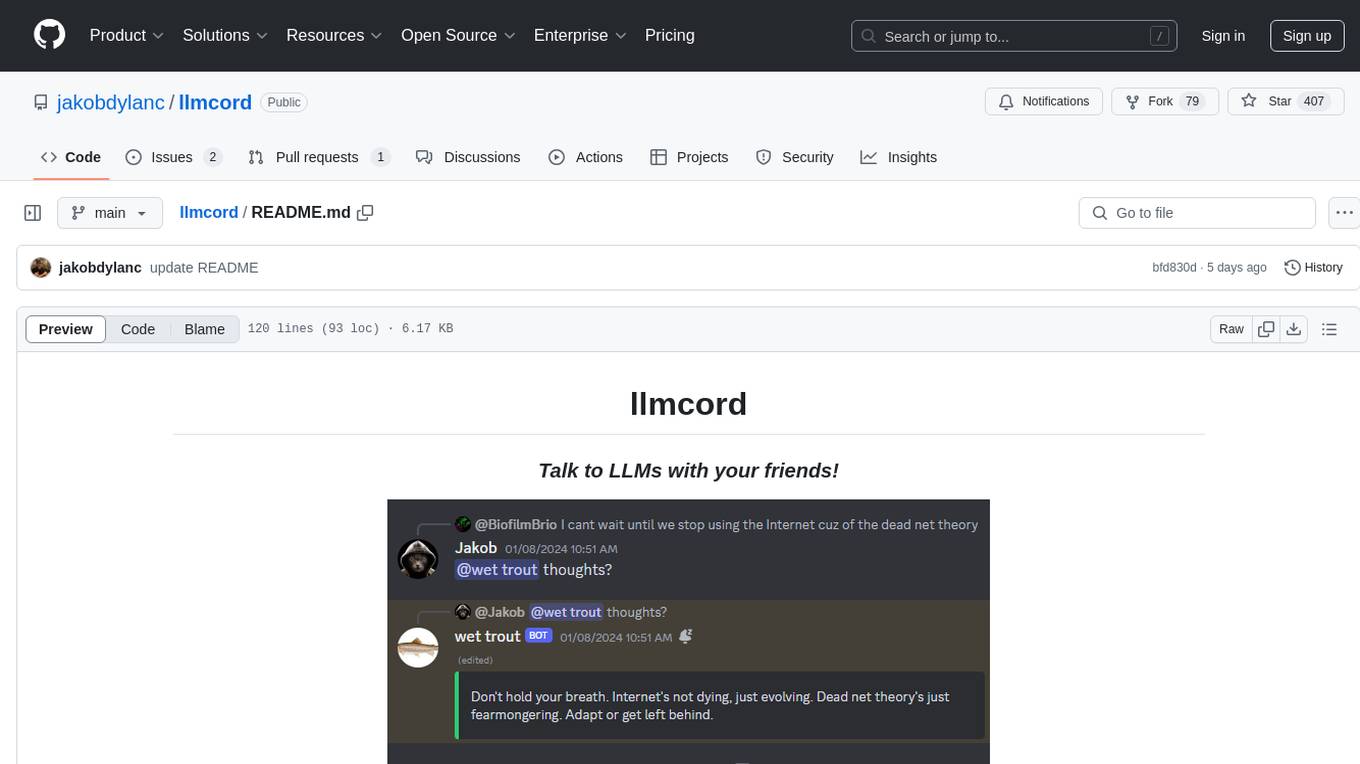
llmcord is a Discord bot that transforms Discord into a collaborative LLM frontend, allowing users to interact with various LLM models. It features a reply-based chat system that enables branching conversations, supports remote and local LLM models, allows image and text file attachments, offers customizable personality settings, and provides streamed responses. The bot is fully asynchronous, efficient in managing message data, and offers hot reloading config. With just one Python file and around 200 lines of code, llmcord provides a seamless experience for engaging with LLMs on Discord.
portia-sdk-python
Portia AI is an open source developer framework for predictable, stateful, authenticated agentic workflows. It allows developers to have oversight over their multi-agent deployments and focuses on production readiness. The framework supports iterating on agents' reasoning, extensive tool support including MCP support, authentication for API and web agents, and is production-ready with features like attribute multi-agent runs, large inputs and outputs storage, and connecting any LLM. Portia AI aims to provide a flexible and reliable platform for developing AI agents with tools, authentication, and smart control.
eliza
Eliza is a versatile AI agent operating system designed to support various models and connectors, enabling users to create chatbots, autonomous agents, handle business processes, create video game NPCs, and engage in trading. It offers multi-agent and room support, document ingestion and interaction, retrievable memory and document store, and extensibility to create custom actions and clients. Eliza is easy to use and provides a comprehensive solution for AI agent development.
plandex
Plandex is an open source, terminal-based AI coding engine designed for complex tasks. It uses long-running agents to break up large tasks into smaller subtasks, helping users work through backlogs, navigate unfamiliar technologies, and save time on repetitive tasks. Plandex supports various AI models, including OpenAI, Anthropic Claude, Google Gemini, and more. It allows users to manage context efficiently in the terminal, experiment with different approaches using branches, and review changes before applying them. The tool is platform-independent and runs from a single binary with no dependencies.
MetaGPT
MetaGPT is a multi-agent framework that enables GPT to work in a software company, collaborating to tackle more complex tasks. It assigns different roles to GPTs to form a collaborative entity for complex tasks. MetaGPT takes a one-line requirement as input and outputs user stories, competitive analysis, requirements, data structures, APIs, documents, etc. Internally, MetaGPT includes product managers, architects, project managers, and engineers. It provides the entire process of a software company along with carefully orchestrated SOPs. MetaGPT's core philosophy is "Code = SOP(Team)", materializing SOP and applying it to teams composed of LLMs.
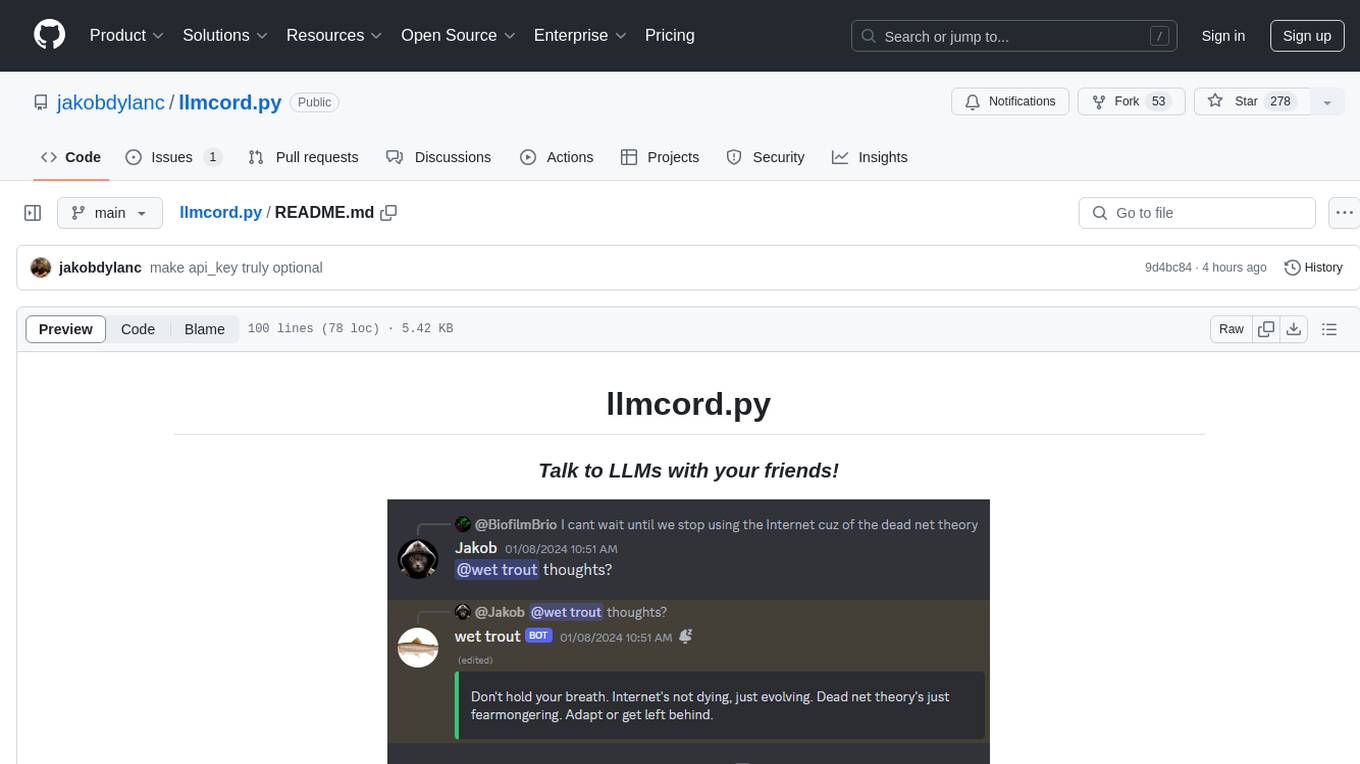
llmcord.py
llmcord.py is a tool that allows users to chat with Language Model Models (LLMs) directly in Discord. It supports various LLM providers, both remote and locally hosted, and offers features like reply-based chat system, choosing any LLM, support for image and text file attachments, customizable system prompt, private access via DM, user identity awareness, streamed responses, warning messages, efficient message data caching, and asynchronous operation. The tool is designed to facilitate seamless conversations with LLMs and enhance user experience on Discord.
packmind
Packmind is an engineering playbook tool that helps AI-native engineers to centralize and manage their team's coding standards, commands, and skills. It addresses the challenges of storing standards in various formats and locations, and automates the generation of instruction files for AI tools like GitHub Copilot, Claude Code, and Cursor. With Packmind, users can create a real engineering playbook to ensure AI agents code according to their team's standards.
cody-product-builder
Cody Product Builder is an opinionated, spec‑driven AI agent skill that helps product builders who use vibe coding techniques turn loose ideas into fully planned, production‑ready products using AI. It guides users through a structured flow of discovery, planning, chunking, and building to ensure clear thinking before generating code. The tool provides templates, commands, and a repeatable methodology for building products consistently and fast with AI integration. It bridges the gap between brainstorming and systematic development, offering structure without rigidity, iterative refinement, version-based development, and living documentation.
FuzzyAI
The FuzzyAI Fuzzer is a powerful tool for automated LLM fuzzing, designed to help developers and security researchers identify jailbreaks and mitigate potential security vulnerabilities in their LLM APIs. It supports various fuzzing techniques, provides input generation capabilities, can be easily integrated into existing workflows, and offers an extensible architecture for customization and extension. The tool includes attacks like ArtPrompt, Taxonomy-based paraphrasing, Many-shot jailbreaking, Genetic algorithm, Hallucinations, DAN (Do Anything Now), WordGame, Crescendo, ActorAttack, Back To The Past, Please, Thought Experiment, and Default. It supports models from providers like Anthropic, OpenAI, Gemini, Azure, Bedrock, AI21, and Ollama, with the ability to add support for newer models. The tool also supports various cloud APIs and datasets for testing and experimentation.
spaCy
spaCy is an industrial-strength Natural Language Processing (NLP) library in Python and Cython. It incorporates the latest research and is designed for real-world applications. The library offers pretrained pipelines supporting 70+ languages, with advanced neural network models for tasks such as tagging, parsing, named entity recognition, and text classification. It also facilitates multi-task learning with pretrained transformers like BERT, along with a production-ready training system and streamlined model packaging, deployment, and workflow management. spaCy is commercial open-source software released under the MIT license.

Magick
Magick is a groundbreaking visual AIDE (Artificial Intelligence Development Environment) for no-code data pipelines and multimodal agents. Magick can connect to other services and comes with nodes and templates well-suited for intelligent agents, chatbots, complex reasoning systems and realistic characters.
For similar tasks
squad
Squad is an AI development tool that provides a team of specialists (frontend, backend, tester, lead) through GitHub Copilot. Each team member runs in its own context, learns your codebase, shares decisions, and improves over time. The tool works by launching agents in parallel to work on tasks simultaneously, with knowledge compounding across sessions. Squad stores team-wide decisions in `decisions.md` and individual agent learnings in `history.md`. The tool operates within a 200K token context window per agent, with optimizations to maximize actual work capacity. Squad's memory architecture includes `charter.md`, `history.md`, `decisions.md`, and `log/` for session history. The tool creates a `.ai-team/` folder with team roster, routing, decisions, and agent information, ensuring persistence and knowledge sharing. Squad allows for adding and removing team members, review protocols, and issue assignment and triage integration with GitHub Issues. It offers various features like client compatibility, VS Code support, project boards integration, label taxonomy, notifications, MCP setup guide, plugin marketplace, universe expansion, and more.
vibe-kanban
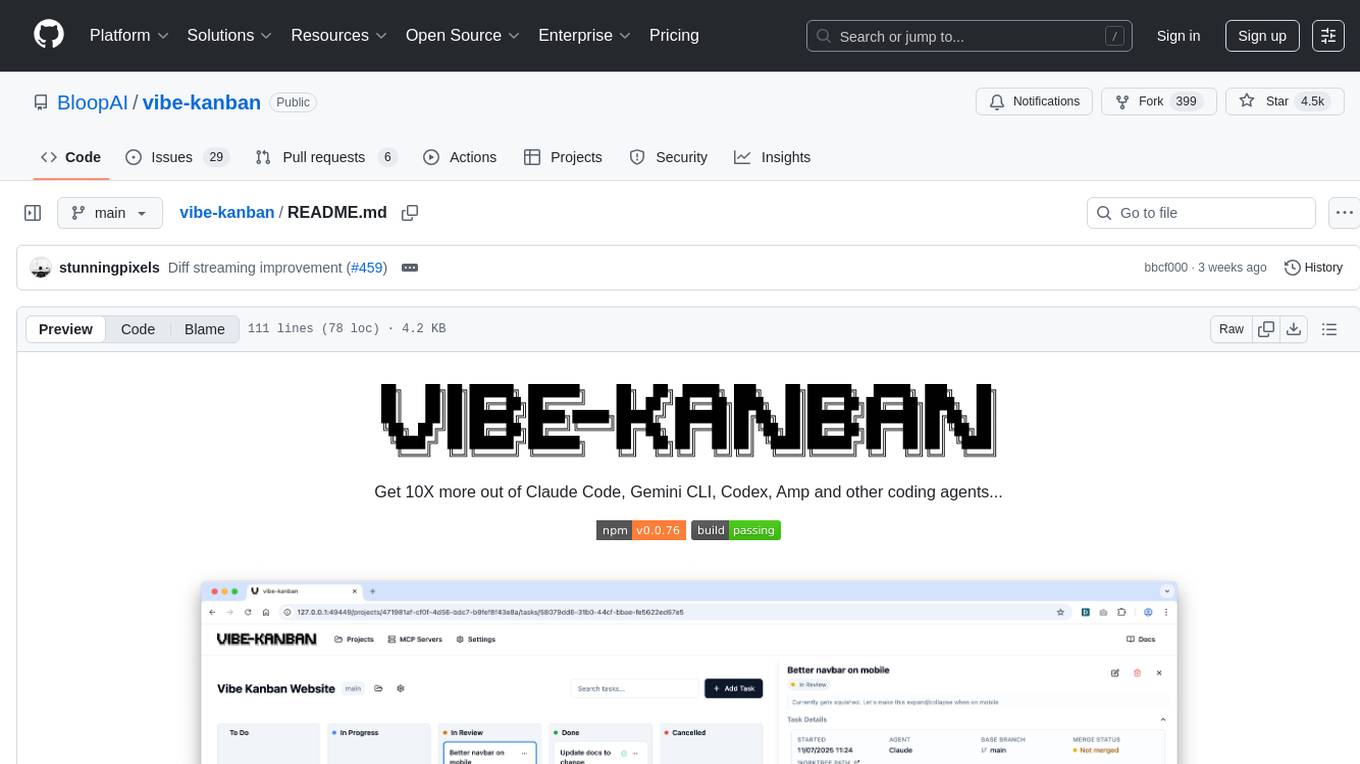
Vibe Kanban is a tool designed to streamline the process of planning, reviewing, and orchestrating tasks for human engineers working with AI coding agents. It allows users to easily switch between different coding agents, orchestrate their execution, review work, start dev servers, and track task statuses. The tool centralizes the configuration of coding agent MCP configs, providing a comprehensive solution for managing coding tasks efficiently.
otter-camp
Otter Camp is an open source work management tool designed for AI agent teams. It provides a centralized platform for managing AI agents, ensuring that important context is not lost, enabling quick hiring and firing of agents, maintaining a single pipeline for all work types, keeping context organized within projects, facilitating work review processes, tracking team activities, and offering self-hosted data security. The tool integrates with OpenClaw to run agents and provides a user-friendly interface for managing agent teams efficiently.
xyne
Xyne is an AI-first Search & Answer Engine for work, serving as an OSS alternative to Glean, Gemini, and MS Copilot. It securely indexes data from various applications like Google Workspace, Atlassian suite, Slack, and Github, providing a Google + ChatGPT-like experience to find information and get up-to-date answers. Users can easily locate files, triage issues, inquire about customers/deals/features/tickets, and discover relevant contacts. Xyne enhances AI models by providing contextual information in a secure, private, and responsible manner, making it the most secure and future-proof solution for integrating AI into work environments.
run-gemini-cli
run-gemini-cli is a GitHub Action that integrates Gemini into your development workflow via the Gemini CLI. It acts as an autonomous agent for routine coding tasks and an on-demand collaborator. Use it for GitHub pull request reviews, triaging issues, code analysis, and more. It provides automation, on-demand collaboration, extensibility with tools, and customization options.
For similar jobs

kaito
Kaito is an operator that automates the AI/ML inference model deployment in a Kubernetes cluster. It manages large model files using container images, avoids tuning deployment parameters to fit GPU hardware by providing preset configurations, auto-provisions GPU nodes based on model requirements, and hosts large model images in the public Microsoft Container Registry (MCR) if the license allows. Using Kaito, the workflow of onboarding large AI inference models in Kubernetes is largely simplified.
ai-on-gke
This repository contains assets related to AI/ML workloads on Google Kubernetes Engine (GKE). Run optimized AI/ML workloads with Google Kubernetes Engine (GKE) platform orchestration capabilities. A robust AI/ML platform considers the following layers: Infrastructure orchestration that support GPUs and TPUs for training and serving workloads at scale Flexible integration with distributed computing and data processing frameworks Support for multiple teams on the same infrastructure to maximize utilization of resources

tidb
TiDB is an open-source distributed SQL database that supports Hybrid Transactional and Analytical Processing (HTAP) workloads. It is MySQL compatible and features horizontal scalability, strong consistency, and high availability.
nvidia_gpu_exporter
Nvidia GPU exporter for prometheus, using `nvidia-smi` binary to gather metrics.

tracecat
Tracecat is an open-source automation platform for security teams. It's designed to be simple but powerful, with a focus on AI features and a practitioner-obsessed UI/UX. Tracecat can be used to automate a variety of tasks, including phishing email investigation, evidence collection, and remediation plan generation.
openinference
OpenInference is a set of conventions and plugins that complement OpenTelemetry to enable tracing of AI applications. It provides a way to capture and analyze the performance and behavior of AI models, including their interactions with other components of the application. OpenInference is designed to be language-agnostic and can be used with any OpenTelemetry-compatible backend. It includes a set of instrumentations for popular machine learning SDKs and frameworks, making it easy to add tracing to your AI applications.

BricksLLM
BricksLLM is a cloud native AI gateway written in Go. Currently, it provides native support for OpenAI, Anthropic, Azure OpenAI and vLLM. BricksLLM aims to provide enterprise level infrastructure that can power any LLM production use cases. Here are some use cases for BricksLLM: * Set LLM usage limits for users on different pricing tiers * Track LLM usage on a per user and per organization basis * Block or redact requests containing PIIs * Improve LLM reliability with failovers, retries and caching * Distribute API keys with rate limits and cost limits for internal development/production use cases * Distribute API keys with rate limits and cost limits for students
kong
Kong, or Kong API Gateway, is a cloud-native, platform-agnostic, scalable API Gateway distinguished for its high performance and extensibility via plugins. It also provides advanced AI capabilities with multi-LLM support. By providing functionality for proxying, routing, load balancing, health checking, authentication (and more), Kong serves as the central layer for orchestrating microservices or conventional API traffic with ease. Kong runs natively on Kubernetes thanks to its official Kubernetes Ingress Controller.