


odoo-llm
Apexive Odoo LLM addons
Stars: 159
This repository provides a comprehensive framework for integrating Large Language Models (LLMs) into Odoo. It enables seamless interaction with AI providers like OpenAI, Anthropic, Ollama, and Replicate for chat completions, text embeddings, and more within the Odoo environment. The architecture includes external AI clients connecting via `llm_mcp_server` and Odoo AI Chat with built-in chat interface. The core module `llm` offers provider abstraction, model management, and security, along with tools for CRUD operations and domain-specific tool packs. Various AI providers, infrastructure components, and domain-specific tools are available for different tasks such as content generation, knowledge base management, and AI assistants creation.
README:

This repository provides a comprehensive framework for integrating Large Language Models (LLMs) into Odoo. It allows seamless interaction with various AI providers including OpenAI, Anthropic, Ollama, and Replicate, enabling chat completions, text embeddings, and more within your Odoo environment.
graph TD
    subgraph External AI Clients
        CD[Claude Desktop<br>Cursor · Windsurf]
        CC[Claude Code<br>Codex CLI]
    end

    subgraph Odoo AI Chat
        LA[llm_assistant]
        LT[llm_thread]
    end

    CD -->|MCP Protocol| MCP
    CC -->|MCP Protocol| MCP

    LA --> LLM
    LT --> LLM

    MCP[llm_mcp_server<br>MCP Server for Odoo] --> LLM

    LLM[⭐ llm ⭐<br>Provider Abstraction · Model Management<br>Enhanced mail.message · Security Framework]

    LLM --> TOOL[llm_tool<br>Tool Framework + Generic CRUD Tools]
    LLM --> PROV[AI Providers<br>llm_openai · llm_ollama<br>llm_mistral · ...]
    LLM --> INFRA[Infrastructure<br>llm_store · llm_generate]

    TOOL --> PACKS[Domain-Specific Tool Packs<br>llm_tool_account · 18 accounting tools<br>llm_tool_mis_builder · 44 MIS reporting tools<br>llm_tool_knowledge · RAG search tools<br>llm_tool_ocr_mistral · OCR via Mistral vision]

    style LLM fill:#f9f8fc,stroke:#71639e,stroke-width:3px,color:#71639e
    style MCP fill:#fff,stroke:#71639e,stroke-width:2px,color:#71639e
    style TOOL fill:#fff,stroke:#71639e,stroke-width:2px,color:#71639e
    style PACKS fill:#f9f8fc,stroke:#71639e,stroke-width:2px,color:#71639e
    style PROV fill:#fff,stroke:#dee2e6,stroke-width:2px
    style INFRA fill:#fff,stroke:#dee2e6,stroke-width:2px
Two ways to use AI with Odoo — both powered by the same tool framework:
-
External AI Clients (Claude Desktop, Claude Code, Cursor, Codex CLI) connect via
llm_mcp_serverusing the Model Context Protocol -
Odoo AI Chat (
llm_assistant+llm_thread) provides a built-in chat interface inside Odoo
Both feed into the llm core module, which provides provider abstraction, model management, and security. Below that:
-
llm_tool— function-calling framework with 6 generic CRUD tools out of the box, plus domain-specific tool packs (accounting, MIS Builder, knowledge, OCR) -
AI Providers —
llm_openai,llm_ollama,llm_mistral, and more (any OpenAI-compatible API works) -
Infrastructure —
llm_store(vector storage),llm_generate(content generation)
-
Consolidated Architecture: Merged
llm_resourceintollm_knowledgeandllm_promptintollm_assistantfor streamlined management -
Performance Optimization: Added indexed
llm_rolefield for 10x faster message queries and improved database performance -
Unified Generation API: New
generate()method provides consistent content generation across all model types (text, images, etc.) -
Enhanced Tool System: Simplified tool execution with structured
body_jsonstorage and better error handling - PostgreSQL Advisory Locking: Prevents concurrent generation issues with proper database-level locks
-
Cleaner APIs: Simplified method signatures with
llm_roleparameter instead of complex subtype handling - Better Debugging: Enhanced logging, error messages, and comprehensive test coverage throughout the system
- Reduced Dependencies: Eliminated separate modules by consolidating related functionality
✅ Available in 18.0:
- Core: llm, llm_thread, llm_tool, llm_assistant
- Text/Chat Providers: llm_openai, llm_ollama, llm_mistral, llm_anthropic
- Image Providers: llm_replicate, llm_fal_ai, llm_comfyui, llm_comfy_icu
- Knowledge System: llm_knowledge, llm_pgvector, llm_chroma, llm_qdrant
- Knowledge Extensions: llm_knowledge_automation, llm_knowledge_llama, llm_knowledge_mistral, llm_tool_knowledge
- Generation: llm_generate, llm_generate_job, llm_training
- Domain Tools: llm_tool_account, llm_tool_mis_builder, llm_tool_ocr_mistral, llm_tool_demo
- Integrations: llm_letta, llm_mcp_server, llm_document_page, llm_store
⏳ Available in 16.0 branch only:
- llm_litellm - LiteLLM proxy integration
- llm_mcp - Model Context Protocol (client)
Migration Highlights:
- Updated UI components with modern mail.store architecture
- Related Record component for linking threads to any Odoo record
- All views, models, and frontend aligned with Odoo 18.0 standards
- Multiple LLM Provider Support: Connect to OpenAI, Anthropic, Ollama, Mistral, Replicate, FAL.ai, ComfyUI, and more.
- Unified API: Consistent interface for all LLM operations regardless of the provider.
- Modern Chat UI: Responsive interface with real-time streaming, tool execution display, and assistant switching.
- Thread Management: Organize and manage AI conversations with context and related record linking.
- Model Management: Configure and utilize different models for chat, embeddings, and content generation.
- Knowledge Base (RAG): Store, index, and retrieve documents for Retrieval-Augmented Generation.
- Vector Store Integrations: Supports ChromaDB, pgvector, and Qdrant for efficient similarity searches.
-
Advanced Tool Framework: Allows LLMs to interact with Odoo data, execute actions, and use custom tools via
@llm_tooldecorator. - MCP Server: Connect Claude Desktop, Claude Code, Codex CLI, Cursor, and other MCP clients directly to Odoo.
- Domain-Specific Tools: 18 accounting tools (trial balance, tax reports, reconciliation) and 44 MIS Builder tools (KPIs, variance analysis, drilldown).
- AI Assistants with Prompts: Build specialized AI assistants with custom instructions, prompt templates, and tool access.
- Content Generation: Generate images, text, and other content types using specialized models.
- Security: Role-based access control, secure API key management, and permission-based tool access.
The architecture centers around five core modules that provide the foundation for all LLM operations:
| Module | Version | Purpose |
|---|---|---|
llm |
18.0.1.7.0 | Foundation - Base infrastructure, providers, models, and enhanced messaging system |
llm_assistant |
18.0.1.5.4 | Intelligence - AI assistants with integrated prompt templates and testing |
llm_generate |
18.0.2.0.0 | Generation - Unified content generation API for text, images, and more |
llm_tool |
18.0.4.1.1 | Actions - Tool framework for LLM-Odoo interactions and function calling |
llm_store |
18.0.1.0.0 | Storage - Vector store abstraction for embeddings and similarity search |
| Module | Version | Description |
|---|---|---|
| Core Infrastructure | ||
llm |
18.0.1.7.0 | Base module with providers, models, and enhanced messaging |
llm_assistant |
18.0.1.5.4 | AI assistants with integrated prompt templates |
llm_generate |
18.0.2.0.0 | Unified content generation with dynamic forms |
llm_tool |
18.0.4.1.1 | Tool framework with @llm_tool decorator and auto-registration |
llm_store |
18.0.1.0.0 | Vector store abstraction layer |
| Chat & Threading | ||
llm_thread |
18.0.1.4.5 | Chat threads with PostgreSQL locking and related record linking |
| AI Providers - Text/Chat | ||
llm_openai |
18.0.1.4.0 | OpenAI (GPT) provider integration with enhanced tool support |
llm_anthropic |
18.0.1.1.0 | Anthropic Claude provider integration |
llm_ollama |
18.0.1.2.0 | Ollama provider for local model deployment |
llm_mistral |
18.0.1.0.3 | Mistral AI provider integration |
| AI Providers - Image Generation | ||
llm_replicate |
18.0.1.1.1 | Replicate.com provider integration |
llm_fal_ai |
18.0.2.0.1 | FAL.ai provider with unified generate endpoint |
llm_comfyui |
18.0.1.0.2 | ComfyUI integration for advanced image workflows |
llm_comfy_icu |
18.0.1.0.0 | ComfyICU integration for image generation |
| Knowledge & RAG | ||
llm_knowledge |
18.0.1.1.0 | RAG functionality with document management and semantic search |
llm_knowledge_automation |
18.0.1.0.0 | Automation rules for knowledge processing |
llm_knowledge_llama |
18.0.1.0.0 | LlamaIndex integration for advanced knowledge processing |
llm_knowledge_mistral |
18.0.1.0.0 | OCR vision AI using Mistral vision models |
llm_tool_knowledge |
18.0.1.0.1 | Tool for LLMs to query the knowledge base |
| Vector Stores | ||
llm_chroma |
18.0.1.0.0 | ChromaDB vector store integration |
llm_pgvector |
18.0.1.0.0 | pgvector (PostgreSQL) vector store integration |
llm_qdrant |
18.0.1.0.0 | Qdrant vector store integration |
| Domain-Specific Tools | ||
llm_tool_account |
18.0.1.0.0 | 18 accounting tools: trial balance, tax reports, journal entries, reconciliation, payments, period close |
llm_tool_mis_builder |
18.0.1.0.0 | 44 MIS Builder tools: KPIs, periods, report execution, drilldown, variance analysis |
llm_tool_ocr_mistral |
18.0.1.0.1 | Extract text from images and PDFs using Mistral AI vision models |
llm_tool_demo |
18.0.1.0.0 | Demonstration of @llm_tool decorator usage |
| Integrations & Specialized Features | ||
llm_mcp_server |
18.0.1.3.1 | MCP server exposing Odoo tools to Claude Desktop, Claude Code, Codex CLI |
llm_letta |
18.0.1.0.4 | Letta agent-based AI with persistent memory and MCP tools |
llm_training |
18.0.1.0.0 | Fine-tuning dataset and training job management |
llm_generate_job |
18.0.1.0.0 | Job queue management for content generation |
llm_document_page |
18.0.1.0.0 | Integration with document pages and knowledge articles |
Requirements:
- Odoo 18.0+ (for 16.0 version, see
16.0branch) - Python 3.11+
- PostgreSQL 14+ (recommended for pgvector support)
Install these modules by cloning the repository and making them available in your Odoo addons path:
-
Clone the repository:
git clone https://github.com/apexive/odoo-llm
-
Install dependencies:
pip install -r requirements.txt
-
Make modules available to Odoo:
# Option A: Clone directly into addons directory
cd /path/to/your/odoo/addons/
git clone https://github.com/apexive/odoo-llm

# Option B: Copy modules to extra-addons
cp -r /path/to/odoo-llm/* /path/to/your/odoo/extra-addons/
-
Restart Odoo and install modules through the Apps menu
Thanks to Odoo's dependency management, you only need to install the end modules to get started:
Install: llm_assistant + llm_openai (or llm_ollama, llm_mistral)
What you get:
- ✅ Full chat interface with AI assistants
- ✅ Prompt template management and testing
- ✅ Tool framework for Odoo interactions
- ✅ Content generation capabilities
- ✅ Optimized message handling (10x faster)
Available providers: OpenAI, Ollama, Mistral
Install: llm_knowledge + llm_pgvector (or llm_chroma/llm_qdrant)
What you get:
- ✅ Document embedding and retrieval
- ✅ Vector similarity search
- ✅ RAG-enhanced conversations
- ✅ Automated knowledge processing
Install: llm_generate + llm_fal_ai (for images)
What you get:
- ✅ Image generation from text prompts
- ✅ Dynamic form generation based on schemas
- ✅ Streaming generation responses
- ✅ Multi-format content support
Install: llm_mcp_server + llm_tool_account
What you get:
- ✅ Connect Claude Desktop, Claude Code, or Codex CLI to Odoo
- ✅ 18 accounting tools: trial balance, tax reports, journal entries, reconciliation
- ✅ Natural language access to all Odoo data via generic CRUD tools
- ✅ User-scoped API keys with full permission enforcement
Optional add-on: llm_tool_mis_builder for 44 MIS Builder reporting tools
Install: llm_ollama + llm_assistant
What you get:
- ✅ Privacy-focused local AI models
- ✅ No external API dependencies
- ✅ Full feature compatibility
- ✅ Custom model support
After installation:
-
Set up AI Provider:
- Navigate to LLM → Configuration → Providers
- Create a new provider with your API credentials
- Use "Fetch Models" to automatically import available models
-
Create AI Assistants:
- Go to LLM → Configuration → Assistants
- Configure assistants with specific roles and instructions
- Assign prompt templates and available tools
-
Configure Access Rights:
- Grant appropriate permissions to users
- Set up tool consent requirements
- Configure security policies
-
Set up Knowledge Base (optional):
- Configure vector store connections
- Create knowledge collections
- Import and process documents
This integration enables revolutionary AI-powered business processes:
- AI-driven automation of repetitive tasks with sophisticated tool execution
- Smart querying & decision-making with direct access to Odoo data
- Flexible ecosystem for custom AI assistants with role-specific configurations
- Real-time streaming interactions with enterprise-grade reliability
-
10x Performance Boost: New
llm_rolefield eliminates expensive database lookups - Simplified Architecture: Module consolidation reduces complexity and maintenance
- Enhanced Tool System: Better error handling and structured data storage
- PostgreSQL Locking: Prevents race conditions in concurrent scenarios
- Unified Generation API: Consistent interface across all content types
- PostgreSQL Advisory Locking: Prevents concurrent generation conflicts
- Role-Based Security: Granular access control for AI features
- Tool Consent System: User approval for sensitive operations
- Audit Trail: Complete tracking of AI interactions and tool usage
- Migration Support: Automatic upgrades preserve existing data
We're committed to building an open AI layer for Odoo that benefits everyone. Areas where we welcome contributions:
- Testing & CI/CD: Unit tests for the consolidated architecture
- Security Enhancements: Access control and audit improvements
- Provider Integrations: Support for additional AI services
- Localization: Translations and regional customizations
- Documentation: Examples, tutorials, and use case guides
- Performance: Optimization and scalability improvements
- Issues: Report bugs or suggest features via GitHub Issues
- Discussions: Join conversations about priorities and approaches
- Pull Requests: Submit code contributions following our guidelines
- Follow existing code style and structure
- Write comprehensive tests for new functionality
- Update documentation for changes
- Test with the consolidated architecture
- Include migration scripts for breaking changes
- [x] Enhanced RAG capabilities ✅ Production ready
- [x] Function calling support ✅ Advanced tool framework
- [x] Prompt template management ✅ Integrated in assistants
- [x] Performance optimization ✅ 10x improvement achieved
- [x] Content generation ✅ Unified API implemented
- [x] Module consolidation ✅ Architecture simplified
- [x] Multi-modal content ✅ Image + text generation fully working
- [x] Odoo 18.0 migration ✅ Core modules and integrations migrated
- [x] MCP Server ✅ Connect Claude Desktop, Claude Code, Codex CLI to Odoo
- [x] Domain-specific tools ✅ Accounting (18 tools) and MIS Builder (44 tools)
- [ ] Advanced workflow automation 🔄 Business process AI
- [ ] More domain tools 🔄 CRM, HR, Manufacturing, Inventory
- [ ] Model fine-tuning workflows 🔄 Custom model training
The latest version includes significant architectural improvements:
- Backward Compatible: All existing installations automatically migrate
- Performance Gains: Up to 10x faster message queries with optimized database schema
- Reduced Complexity: Consolidated modules eliminate maintenance overhead
- Enhanced Reliability: PostgreSQL advisory locking prevents concurrent issues
- Data Preservation: Zero data loss during module consolidations
For detailed migration information, see CHANGELOG.md.
This project is licensed under LGPL-3 - see the LICENSE file for details.
Developed by Apexive - We're passionate about bringing advanced AI capabilities to the Odoo ecosystem.
Support & Resources:
- Documentation: GitHub Repository
- Community Support: GitHub Discussions
- Bug Reports: GitHub Issues
- Architecture Details: OVERVIEW.md
- Change History: CHANGELOG.md
For questions, support, or collaboration opportunities, please open an issue or discussion in this repository.
For Tasks:
Click tags to check more tools for each tasksFor Jobs:
Alternative AI tools for odoo-llm
Similar Open Source Tools
odoo-llm
This repository provides a comprehensive framework for integrating Large Language Models (LLMs) into Odoo. It enables seamless interaction with AI providers like OpenAI, Anthropic, Ollama, and Replicate for chat completions, text embeddings, and more within the Odoo environment. The architecture includes external AI clients connecting via `llm_mcp_server` and Odoo AI Chat with built-in chat interface. The core module `llm` offers provider abstraction, model management, and security, along with tools for CRUD operations and domain-specific tool packs. Various AI providers, infrastructure components, and domain-specific tools are available for different tasks such as content generation, knowledge base management, and AI assistants creation.
req_llm
ReqLLM is a Req-based library for LLM interactions, offering a unified interface to AI providers through a plugin-based architecture. It brings composability and middleware advantages to LLM interactions, with features like auto-synced providers/models, typed data structures, ergonomic helpers, streaming capabilities, usage & cost extraction, and a plugin-based provider system. Users can easily generate text, structured data, embeddings, and track usage costs. The tool supports various AI providers like Anthropic, OpenAI, Groq, Google, and xAI, and allows for easy addition of new providers. ReqLLM also provides API key management, detailed documentation, and a roadmap for future enhancements.
llama.ui
llama.ui is an open-source desktop application that provides a beautiful, user-friendly interface for interacting with large language models powered by llama.cpp. It is designed for simplicity and privacy, allowing users to chat with powerful quantized models on their local machine without the need for cloud services. The project offers multi-provider support, conversation management with indexedDB storage, rich UI components including markdown rendering and file attachments, advanced features like PWA support and customizable generation parameters, and is privacy-focused with all data stored locally in the browser.
koog
Koog is a Kotlin-based framework for building and running AI agents entirely in idiomatic Kotlin. It allows users to create agents that interact with tools, handle complex workflows, and communicate with users. Key features include pure Kotlin implementation, MCP integration, embedding capabilities, custom tool creation, ready-to-use components, intelligent history compression, powerful streaming API, persistent agent memory, comprehensive tracing, flexible graph workflows, modular feature system, scalable architecture, and multiplatform support.
open-ai
Open AI is a powerful tool for artificial intelligence research and development. It provides a wide range of machine learning models and algorithms, making it easier for developers to create innovative AI applications. With Open AI, users can explore cutting-edge technologies such as natural language processing, computer vision, and reinforcement learning. The platform offers a user-friendly interface and comprehensive documentation to support users in building and deploying AI solutions. Whether you are a beginner or an experienced AI practitioner, Open AI offers the tools and resources you need to accelerate your AI projects and stay ahead in the rapidly evolving field of artificial intelligence.
llm
The 'llm' package for Emacs provides an interface for interacting with Large Language Models (LLMs). It abstracts functionality to a higher level, concealing API variations and ensuring compatibility with various LLMs. Users can set up providers like OpenAI, Gemini, Vertex, Claude, Ollama, GPT4All, and a fake client for testing. The package allows for chat interactions, embeddings, token counting, and function calling. It also offers advanced prompt creation and logging capabilities. Users can handle conversations, create prompts with placeholders, and contribute by creating providers.
BentoVLLM
BentoVLLM is an example project demonstrating how to serve and deploy open-source Large Language Models using vLLM, a high-throughput and memory-efficient inference engine. It provides a basis for advanced code customization, such as custom models, inference logic, or vLLM options. The project allows for simple LLM hosting with OpenAI compatible endpoints without the need to write any code. Users can interact with the server using Swagger UI or other methods, and the service can be deployed to BentoCloud for better management and scalability. Additionally, the repository includes integration examples for different LLM models and tools.
ai-manus
AI Manus is a general-purpose AI Agent system that supports running various tools and operations in a sandbox environment. It offers deployment with minimal dependencies, supports multiple tools like Terminal, Browser, File, Web Search, and messaging tools, allocates separate sandboxes for tasks, manages session history, supports stopping and interrupting conversations, file upload and download, and is multilingual. The system also provides user login and authentication. The project primarily relies on Docker for development and deployment, with model capability requirements and recommended Deepseek and GPT models.
mastra
Mastra is an opinionated Typescript framework designed to help users quickly build AI applications and features. It provides primitives such as workflows, agents, RAG, integrations, syncs, and evals. Users can run Mastra locally or deploy it to a serverless cloud. The framework supports various LLM providers, offers tools for building language models, workflows, and accessing knowledge bases. It includes features like durable graph-based state machines, retrieval-augmented generation, integrations, syncs, and automated tests for evaluating LLM outputs.
llamabot
LlamaBot is a Pythonic bot interface to Large Language Models (LLMs), providing an easy way to experiment with LLMs in Jupyter notebooks and build Python apps utilizing LLMs. It supports all models available in LiteLLM. Users can access LLMs either through local models with Ollama or by using API providers like OpenAI and Mistral. LlamaBot offers different bot interfaces like SimpleBot, ChatBot, QueryBot, and ImageBot for various tasks such as rephrasing text, maintaining chat history, querying documents, and generating images. The tool also includes CLI demos showcasing its capabilities and supports contributions for new features and bug reports from the community.
arcade-ai
Arcade AI is a developer-focused tooling and API platform designed to enhance the capabilities of LLM applications and agents. It simplifies the process of connecting agentic applications with user data and services, allowing developers to concentrate on building their applications. The platform offers prebuilt toolkits for interacting with various services, supports multiple authentication providers, and provides access to different language models. Users can also create custom toolkits and evaluate their tools using Arcade AI. Contributions are welcome, and self-hosting is possible with the provided documentation.
nekro-agent
Nekro Agent is an AI chat plugin and proxy execution bot that is highly scalable, offers high freedom, and has minimal deployment requirements. It features context-aware chat for group/private chats, custom character settings, sandboxed execution environment, interactive image resource handling, customizable extension development interface, easy deployment with docker-compose, integration with Stable Diffusion for AI drawing capabilities, support for various file types interaction, hot configuration updates and command control, native multimodal understanding, visual application management control panel, CoT (Chain of Thought) support, self-triggered timers and holiday greetings, event notification understanding, and more. It allows for third-party extensions and AI-generated extensions, and includes features like automatic context trigger based on LLM, and a variety of basic commands for bot administrators.
foundationallm
FoundationaLLM is a platform designed for deploying, scaling, securing, and governing generative AI in enterprises. It allows users to create AI agents grounded in enterprise data, integrate REST APIs, experiment with various large language models, centrally manage AI agents and their assets, deploy scalable vectorization data pipelines, enable non-developer users to create their own AI agents, control access with role-based access controls, and harness capabilities from Azure AI and Azure OpenAI. The platform simplifies integration with enterprise data sources, provides fine-grain security controls, scalability, extensibility, and addresses the challenges of delivering enterprise copilots or AI agents.
baibot
Baibot is a versatile chatbot framework designed to simplify the process of creating and deploying chatbots. It provides a user-friendly interface for building custom chatbots with various functionalities such as natural language processing, conversation flow management, and integration with external APIs. Baibot is highly customizable and can be easily extended to suit different use cases and industries. With Baibot, developers can quickly create intelligent chatbots that can interact with users in a seamless and engaging manner, enhancing user experience and automating customer support processes.
simple-ai
Simple AI is a lightweight Python library for implementing basic artificial intelligence algorithms. It provides easy-to-use functions and classes for tasks such as machine learning, natural language processing, and computer vision. With Simple AI, users can quickly prototype and deploy AI solutions without the complexity of larger frameworks.
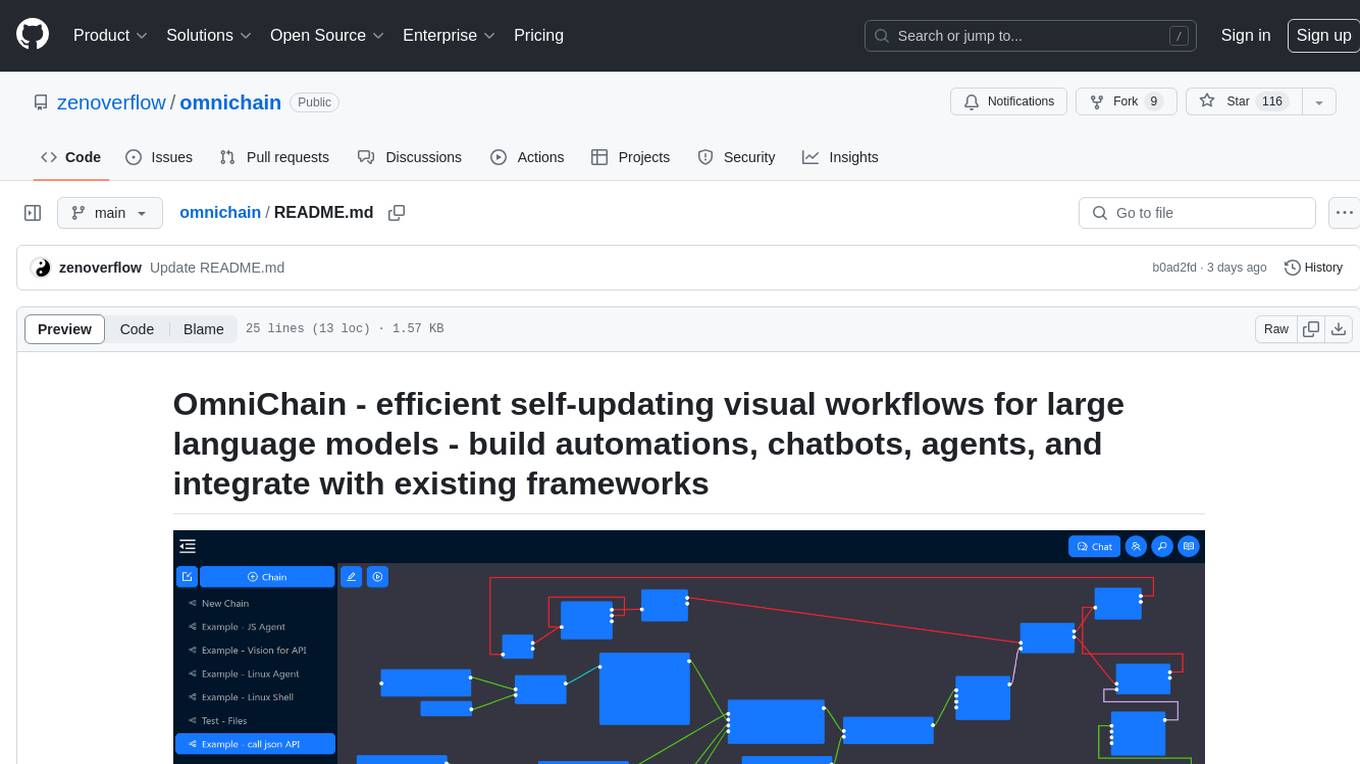
omnichain
OmniChain is a tool for building efficient self-updating visual workflows using AI language models, enabling users to automate tasks, create chatbots, agents, and integrate with existing frameworks. It allows users to create custom workflows guided by logic processes, store and recall information, and make decisions based on that information. The tool enables users to create tireless robot employees that operate 24/7, access the underlying operating system, generate and run NodeJS code snippets, and create custom agents and logic chains. OmniChain is self-hosted, open-source, and available for commercial use under the MIT license, with no coding skills required.
For similar tasks
onyx
Onyx is an open-source Gen-AI and Enterprise Search tool that serves as an AI Assistant connected to company documents, apps, and people. It provides a chat interface, can be deployed anywhere, and offers features like user authentication, role management, chat persistence, and UI for configuring AI Assistants. Onyx acts as an Enterprise Search tool across various workplace platforms, enabling users to access team-specific knowledge and perform tasks like document search, AI answers for natural language queries, and integration with common workplace tools like Slack, Google Drive, Confluence, etc.
odoo-llm
This repository provides a comprehensive framework for integrating Large Language Models (LLMs) into Odoo. It enables seamless interaction with AI providers like OpenAI, Anthropic, Ollama, and Replicate for chat completions, text embeddings, and more within the Odoo environment. The architecture includes external AI clients connecting via `llm_mcp_server` and Odoo AI Chat with built-in chat interface. The core module `llm` offers provider abstraction, model management, and security, along with tools for CRUD operations and domain-specific tool packs. Various AI providers, infrastructure components, and domain-specific tools are available for different tasks such as content generation, knowledge base management, and AI assistants creation.

floneum
Floneum is a graph editor that makes it easy to develop your own AI workflows. It uses large language models (LLMs) to run AI models locally, without any external dependencies or even a GPU. This makes it easy to use LLMs with your own data, without worrying about privacy. Floneum also has a plugin system that allows you to improve the performance of LLMs and make them work better for your specific use case. Plugins can be used in any language that supports web assembly, and they can control the output of LLMs with a process similar to JSONformer or guidance.
llm-answer-engine
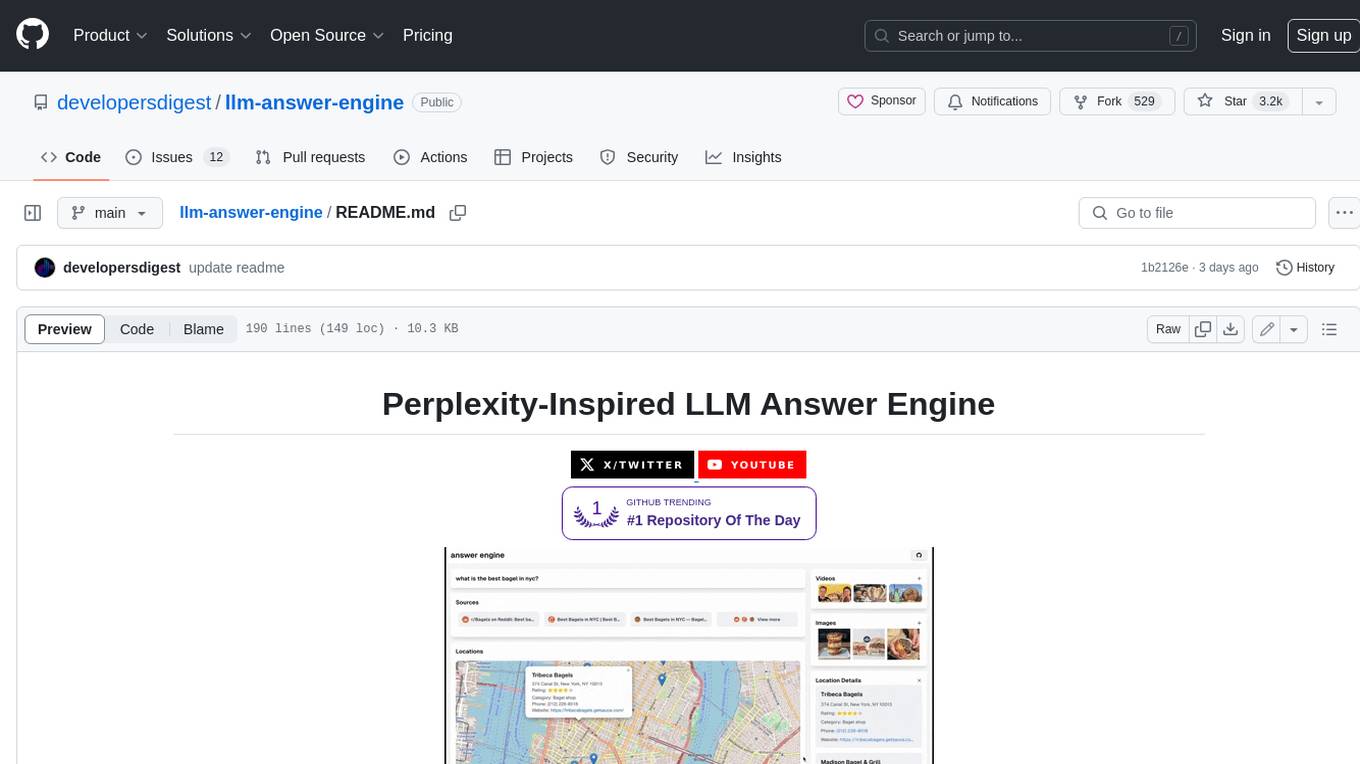
This repository contains the code and instructions needed to build a sophisticated answer engine that leverages the capabilities of Groq, Mistral AI's Mixtral, Langchain.JS, Brave Search, Serper API, and OpenAI. Designed to efficiently return sources, answers, images, videos, and follow-up questions based on user queries, this project is an ideal starting point for developers interested in natural language processing and search technologies.
discourse-ai
Discourse AI is a plugin for the Discourse forum software that uses artificial intelligence to improve the user experience. It can automatically generate content, moderate posts, and answer questions. This can free up moderators and administrators to focus on other tasks, and it can help to create a more engaging and informative community.

Gemini-API
Gemini-API is a reverse-engineered asynchronous Python wrapper for Google Gemini web app (formerly Bard). It provides features like persistent cookies, ImageFx support, extension support, classified outputs, official flavor, and asynchronous operation. The tool allows users to generate contents from text or images, have conversations across multiple turns, retrieve images in response, generate images with ImageFx, save images to local files, use Gemini extensions, check and switch reply candidates, and control log level.
genai-for-marketing
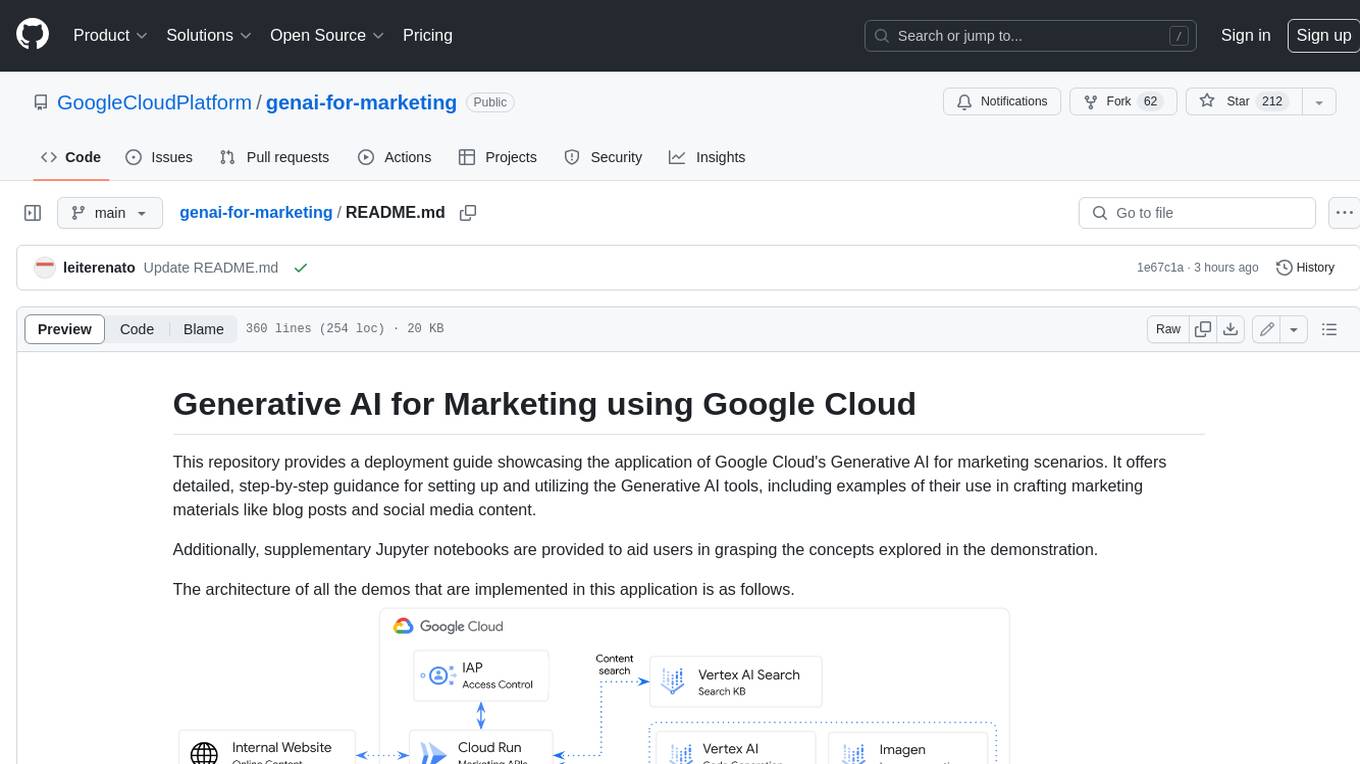
This repository provides a deployment guide for utilizing Google Cloud's Generative AI tools in marketing scenarios. It includes step-by-step instructions, examples of crafting marketing materials, and supplementary Jupyter notebooks. The demos cover marketing insights, audience analysis, trendspotting, content search, content generation, and workspace integration. Users can access and visualize marketing data, analyze trends, improve search experience, and generate compelling content. The repository structure includes backend APIs, frontend code, sample notebooks, templates, and installation scripts.
generative-ai-dart
The Google Generative AI SDK for Dart enables developers to utilize cutting-edge Large Language Models (LLMs) for creating language applications. It provides access to the Gemini API for generating content using state-of-the-art models. Developers can integrate the SDK into their Dart or Flutter applications to leverage powerful AI capabilities. It is recommended to use the SDK for server-side API calls to ensure the security of API keys and protect against potential key exposure in mobile or web apps.
For similar jobs

sweep
Sweep is an AI junior developer that turns bugs and feature requests into code changes. It automatically handles developer experience improvements like adding type hints and improving test coverage.

teams-ai
The Teams AI Library is a software development kit (SDK) that helps developers create bots that can interact with Teams and Microsoft 365 applications. It is built on top of the Bot Framework SDK and simplifies the process of developing bots that interact with Teams' artificial intelligence capabilities. The SDK is available for JavaScript/TypeScript, .NET, and Python.

ai-guide
This guide is dedicated to Large Language Models (LLMs) that you can run on your home computer. It assumes your PC is a lower-end, non-gaming setup.

classifai
Supercharge WordPress Content Workflows and Engagement with Artificial Intelligence. Tap into leading cloud-based services like OpenAI, Microsoft Azure AI, Google Gemini and IBM Watson to augment your WordPress-powered websites. Publish content faster while improving SEO performance and increasing audience engagement. ClassifAI integrates Artificial Intelligence and Machine Learning technologies to lighten your workload and eliminate tedious tasks, giving you more time to create original content that matters.

chatbot-ui
Chatbot UI is an open-source AI chat app that allows users to create and deploy their own AI chatbots. It is easy to use and can be customized to fit any need. Chatbot UI is perfect for businesses, developers, and anyone who wants to create a chatbot.

BricksLLM
BricksLLM is a cloud native AI gateway written in Go. Currently, it provides native support for OpenAI, Anthropic, Azure OpenAI and vLLM. BricksLLM aims to provide enterprise level infrastructure that can power any LLM production use cases. Here are some use cases for BricksLLM: * Set LLM usage limits for users on different pricing tiers * Track LLM usage on a per user and per organization basis * Block or redact requests containing PIIs * Improve LLM reliability with failovers, retries and caching * Distribute API keys with rate limits and cost limits for internal development/production use cases * Distribute API keys with rate limits and cost limits for students

uAgents
uAgents is a Python library developed by Fetch.ai that allows for the creation of autonomous AI agents. These agents can perform various tasks on a schedule or take action on various events. uAgents are easy to create and manage, and they are connected to a fast-growing network of other uAgents. They are also secure, with cryptographically secured messages and wallets.

griptape
Griptape is a modular Python framework for building AI-powered applications that securely connect to your enterprise data and APIs. It offers developers the ability to maintain control and flexibility at every step. Griptape's core components include Structures (Agents, Pipelines, and Workflows), Tasks, Tools, Memory (Conversation Memory, Task Memory, and Meta Memory), Drivers (Prompt and Embedding Drivers, Vector Store Drivers, Image Generation Drivers, Image Query Drivers, SQL Drivers, Web Scraper Drivers, and Conversation Memory Drivers), Engines (Query Engines, Extraction Engines, Summary Engines, Image Generation Engines, and Image Query Engines), and additional components (Rulesets, Loaders, Artifacts, Chunkers, and Tokenizers). Griptape enables developers to create AI-powered applications with ease and efficiency.