


Stevos-GenAI-Blocklist
Filter list for uBlock Origin to block website features that use Generative AI
Stars: 296
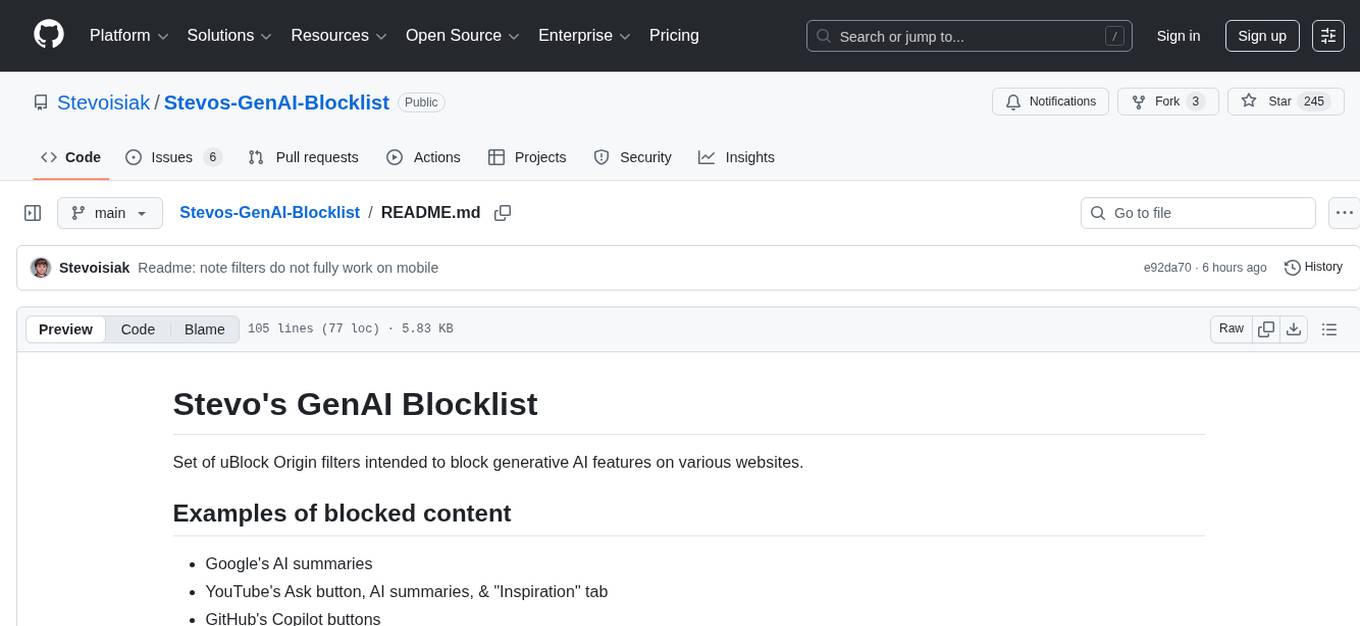
Stevos-GenAI-Blocklist is a set of uBlock Origin filters designed to block generative AI features on various websites. It provides a comprehensive list of blocked content, including Google's AI summaries, YouTube's Ask button, GitHub's Copilot buttons, and more. The tool offers installation instructions for different browsers and aims to prevent the display of AI-generated content. Additionally, there is an optional filter list for blocking accounts and subreddits that post AI-generated content. Users can contribute by filing issues or submitting pull requests for unblocked items by providing URLs and screenshots. The repository also mentions other AI blocking projects like uBlockOrigin Huge AI Blocklist, Just the Browser, Soul Over AI, and more.
README:
Set of uBlock Origin filters intended to block generative AI features on various websites.
- Google's AI summaries
- YouTube's Ask button, AI summaries, & "Inspiration" tab
- GitHub's Copilot buttons
- X/Twitter's Grok buttons
- Microsoft 365's Copilot buttons
- Amazon Rufus's product and review summaries
- DeviantArt's DreamUp ads
- Facebook's AI chat
- Reddit Answers
- Booru images tagged as AI generated
Before:
After:
- Install uBlock Origin.
- Left-click this link.
- Press "Subscribe" to import the filter list.
If the automatic import didn't work, (possibly due to multiple adblockers being installed), try the following:
- Install uBlock Origin.
- Click the uBlock button in the toolbar and open Dashboard Settings (gear icon)
- Select the "Filter lists" tab
- Open the "Import..." section and paste
https://raw.githubusercontent.com/Stevoisiak/Stevos-GenAI-Blocklist/refs/heads/main/GenAI-Blocklist.txt - Click "Apply Changes"
If done correctly, you should see "Stevo's GenAI Blocklist" listed under "Custom".
- Open Settings > Shields > Content filtering.
- Under "Add custom filter lists", enter
https://raw.githubusercontent.com/Stevoisiak/Stevos-GenAI-Blocklist/refs/heads/main/GenAI-Blocklist.txt - Click Add.
- Install uBlock Origin Lite
- Open
GenAI-Blocklist.txt - Click the "Copy raw file" button (⮺). (screenshot)
- Click the uBlock icon in Chrome and click the gear icon (screenshot)
- Go to "Custom filters"
- At the bottom, click "Import/Export" to open the filter box (screenshot)
- Right click the filter box and hit "Paste"
- Click the "Add" button
Note: uBlock Origin Lite does not support automatically updating custom filter lists. If you want to update, you will need to clear the prior rules and re-import.
- Install uBlock Origin Lite
- Open
GenAI-Blocklist.txt - Press the action menu button (⋯) and select "Copy"
- From your homescreen, open Settings > Apps > Safari > Extensions > uBlock Origin Lite
- Enable "Allow Extension" (screenshot)
- (Optional) Enable "Allow in Private Browsing"
- Under "Permissions", click "All Websites" and select "Allow"
- Press the back arrow in the top left, then select "Settings"
- Open the "Custom filters" tab
- Scroll to the bottom and tap "Import/Export"
- Tap the filter box twice and select "Paste"
- Tap the "Add" button
Note 1: You may need to wait a few minutes before filter rules take effect. (Possibly related to rule conversion)
Note 2: uBlock Origin Lite does not support automatically updating custom filter lists. If you want to update, you will need to clear the prior rules and re-import.
Note 3: The filter list was primarilly designed for the base uBlock Origin and may not always work on the Lite version. For example, AI elements may appear on a site, only to dissapear after refreshing
Unfortunately, this filter list does not currently work in Opera.
Importing the filters had no effect when testing with both uBlock Origin and Opera's built in ad blocking. (May be an issue with Opera)
There is an additional optional filterlist GenAI-Blocklist-Extra.txt with additional blocks. These are more subjective blocks and may be more prone to accidentally blocking some non-AI content. These include:
- DeviantArt: Images from accounts that have posted AI images
- Reddit: Posts from AI-focused subreddits
- X: Any post from Grok account
These filters were previously part of the main blocklist, but it was split off as a separate list you can toggle on and off.
If you want to file an issue or submit a pull request for an item that isn't being blocked, please include the URL where the unblocked item appears and a screenshot of the page showing the unblocked item.
- uBlockOrigin Huge AI Blocklist - Blocklist for search engines to remove AI generated images
- Just the Browser - Removes AI features, telemetry, and sponsored content from deskop web browsers
- Soul Over AI - Index of AI-generated and AI-assisted music
- Blocklist for AI music on YouTube - Blocklist of AI music channels on YouTube for the Blocktube extension.
- Spotify AI Band Blocker - Plugin for Spicetify to block AI artists on Spotify.
- Spotify AI Blocker - Userscript to block AI artists on Spotify
If you want to report an AI widget that is unblocked, please submit an issue and include the website URL and a screenshot of the unblocked item.
If you have any feedback about this project, I can be reached on Bluesky at @stevoisiak.bsky.social.
For Tasks:
Click tags to check more tools for each tasksFor Jobs:
Alternative AI tools for Stevos-GenAI-Blocklist
Similar Open Source Tools
Stevos-GenAI-Blocklist
Stevos-GenAI-Blocklist is a set of uBlock Origin filters designed to block generative AI features on various websites. It provides a comprehensive list of blocked content, including Google's AI summaries, YouTube's Ask button, GitHub's Copilot buttons, and more. The tool offers installation instructions for different browsers and aims to prevent the display of AI-generated content. Additionally, there is an optional filter list for blocking accounts and subreddits that post AI-generated content. Users can contribute by filing issues or submitting pull requests for unblocked items by providing URLs and screenshots. The repository also mentions other AI blocking projects like uBlockOrigin Huge AI Blocklist, Just the Browser, Soul Over AI, and more.
Helios
Helios is a powerful open-source tool for managing and monitoring your Kubernetes clusters. It provides a user-friendly interface to easily visualize and control your cluster resources, including pods, deployments, services, and more. With Helios, you can efficiently manage your containerized applications and ensure high availability and performance of your Kubernetes infrastructure.
parllama
PAR LLAMA is a Text UI application for managing and using LLMs, designed with Textual and Rich and PAR AI Core. It runs on major OS's including Windows, Windows WSL, Mac, and Linux. Supports Dark and Light mode, custom themes, and various workflows like Ollama chat, image chat, and OpenAI provider chat. Offers features like custom prompts, themes, environment variables configuration, and remote instance connection. Suitable for managing and using LLMs efficiently.
AiogramShopBot
AiogramShopBot is a software product based on Aiogram3 and SQLAlchemy that allows you to automate sales of digital goods in Telegram. One of the bot's advantages is that AiogramShopBot implements the ability to top up with Bitcoin, Litecoin, Solana and stablecoins in the TRC20 and ERC20 networks, which allows you to sell digital goods worldwide. The bot provides features for user registration, balance top-up, purchase of goods, purchase history, admin functionalities like announcements, inventory management, user management, analytics & reports, and multibot functionality. It supports encryption via SQLCipher, multiple cryptocurrencies, and offers a user-friendly interface for managing sales and transactions.
node_characterai
Node.js client for the unofficial Character AI API, an awesome website which brings characters to life with AI! This repository is inspired by RichardDorian's unofficial node API. Though, I found it hard to use and it was not really stable and archived. So I remade it in javascript. This project is not affiliated with Character AI in any way! It is a community project. The purpose of this project is to bring and build projects powered by Character AI. If you like this project, please check their website.
chatgpt-vscode
ChatGPT-VSCode is a Visual Studio Code integration that allows users to prompt OpenAI's GPT-4, GPT-3.5, GPT-3, and Codex models within the editor. It offers features like using improved models via OpenAI API Key, Azure OpenAI Service deployments, generating commit messages, storing conversation history, explaining and suggesting fixes for compile-time errors, viewing code differences, and more. Users can customize prompts, quick fix problems, save conversations, and export conversation history. The extension is designed to enhance developer experience by providing AI-powered assistance directly within VS Code.
SunoApi
SunoAPI is an unofficial client for Suno AI, built on Python and Streamlit. It supports functions like generating music and obtaining music information. Users can set up multiple account information to be saved for use. The tool also features built-in maintenance and activation functions for tokens, eliminating concerns about token expiration. It supports multiple languages and allows users to upload pictures for generating songs based on image content analysis.
CyberScraper-2077
CyberScraper 2077 is an advanced web scraping tool powered by AI, designed to extract data from websites with precision and style. It offers a user-friendly interface, supports multiple data export formats, operates in stealth mode to avoid detection, and promises lightning-fast scraping. The tool respects ethical scraping practices, including robots.txt and site policies. With upcoming features like proxy support and page navigation, CyberScraper 2077 is a futuristic solution for data extraction in the digital realm.
Kuebiko
Kuebiko is a Twitch Chat Bot that reads twitch chat and generates text-to-speech responses using Google Cloud API and OpenAI's GPT-3 text completion model. It allows users to set up their own VTuber AI similar to 'Neuro-Sama'. The project is built with Python and requires setting up various API keys and configurations to enable the bot functionality. Users can customize the voice of their VTuber and route audio using VBAudio Cable. Kuebiko provides a unique way to interact with viewers through chat responses and captions in OBS.
air-light
Air-light is a minimalist WordPress starter theme designed to be an ultra minimal starting point for a WordPress project. It is built to be very straightforward, backwards compatible, front-end developer friendly and modular by its structure. Air-light is free of weird "app-like" folder structures or odd syntaxes that nobody else uses. It loves WordPress as it was and as it is.
ai-research-assistant
Aria is a Zotero plugin that serves as an AI Research Assistant powered by Large Language Models (LLMs). It offers features like drag-and-drop referencing, autocompletion for creators and tags, visual analysis using GPT-4 Vision, and saving chats as notes and annotations. Aria requires the OpenAI GPT-4 model family and provides a configurable interface through preferences. Users can install Aria by downloading the latest release from GitHub and activating it in Zotero. The tool allows users to interact with Zotero library through conversational AI and probabilistic models, with the ability to troubleshoot errors and provide feedback for improvement.
tap4-ai-webui
Tap4 AI Web UI is an open source AI tools directory built by Tap4 AI Tools Directory. The project aims to help everyone build their own AI Tools Directory easily. Users can fork the project, deploy it to Vercel with one click, and update their own AI tools using the data list in the project. The web UI features internationalization, SEO friendliness, dynamic sitemap generation, fast shipping, NEXT 14 with app route, and integration with Supabase serverless database.
Fabric
Fabric is an open-source framework designed to augment humans using AI by organizing prompts by real-world tasks. It addresses the integration problem of AI by creating and organizing prompts for various tasks. Users can create, collect, and organize AI solutions in a single place for use in their favorite tools. Fabric also serves as a command-line interface for those focused on the terminal. It offers a wide range of features and capabilities, including support for multiple AI providers, internationalization, speech-to-text, AI reasoning, model management, web search, text-to-speech, desktop notifications, and more. The project aims to help humans flourish by leveraging AI technology to solve human problems and enhance creativity.
upscayl
Upscayl is a free and open-source AI image upscaler that uses advanced AI algorithms to enlarge and enhance low-resolution images without losing quality. It is a cross-platform application built with the Linux-first philosophy, available on all major desktop operating systems. Upscayl utilizes Real-ESRGAN and Vulkan architecture for image enhancement, and its backend is fully open-source under the AGPLv3 license. It is important to note that a Vulkan compatible GPU is required for Upscayl to function effectively.
extensionOS
Extension | OS is an open-source browser extension that brings AI directly to users' web browsers, allowing them to access powerful models like LLMs seamlessly. Users can create prompts, fix grammar, and access intelligent assistance without switching tabs. The extension aims to revolutionize online information interaction by integrating AI into everyday browsing experiences. It offers features like Prompt Factory for tailored prompts, seamless LLM model access, secure API key storage, and a Mixture of Agents feature. The extension was developed to empower users to unleash their creativity with custom prompts and enhance their browsing experience with intelligent assistance.
quivr
Quivr is a personal assistant powered by Generative AI, designed to be a second brain for users. It offers fast and efficient access to data, ensuring security and compatibility with various file formats. Quivr is open source and free to use, allowing users to share their brains publicly or keep them private. The marketplace feature enables users to share and utilize brains created by others, boosting productivity. Quivr's offline mode provides anytime, anywhere access to data. Key features include speed, security, OS compatibility, file compatibility, open source nature, public/private sharing options, a marketplace, and offline mode.
For similar tasks
Stevos-GenAI-Blocklist
Stevos-GenAI-Blocklist is a set of uBlock Origin filters designed to block generative AI features on various websites. It provides a comprehensive list of blocked content, including Google's AI summaries, YouTube's Ask button, GitHub's Copilot buttons, and more. The tool offers installation instructions for different browsers and aims to prevent the display of AI-generated content. Additionally, there is an optional filter list for blocking accounts and subreddits that post AI-generated content. Users can contribute by filing issues or submitting pull requests for unblocked items by providing URLs and screenshots. The repository also mentions other AI blocking projects like uBlockOrigin Huge AI Blocklist, Just the Browser, Soul Over AI, and more.
For similar jobs

LLMStack
LLMStack is a no-code platform for building generative AI agents, workflows, and chatbots. It allows users to connect their own data, internal tools, and GPT-powered models without any coding experience. LLMStack can be deployed to the cloud or on-premise and can be accessed via HTTP API or triggered from Slack or Discord.
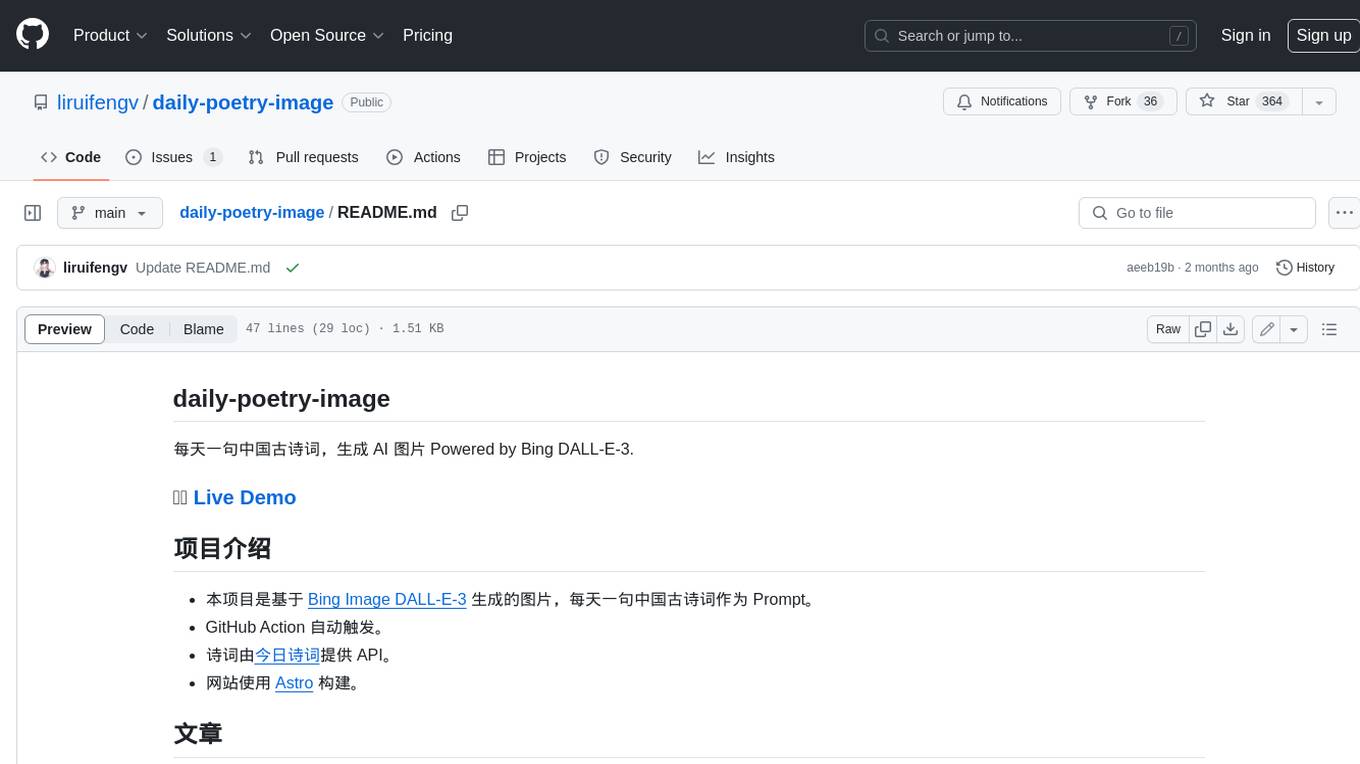
daily-poetry-image
Daily Chinese ancient poetry and AI-generated images powered by Bing DALL-E-3. GitHub Action triggers the process automatically. Poetry is provided by Today's Poem API. The website is built with Astro.

exif-photo-blog
EXIF Photo Blog is a full-stack photo blog application built with Next.js, Vercel, and Postgres. It features built-in authentication, photo upload with EXIF extraction, photo organization by tag, infinite scroll, light/dark mode, automatic OG image generation, a CMD-K menu with photo search, experimental support for AI-generated descriptions, and support for Fujifilm simulations. The application is easy to deploy to Vercel with just a few clicks and can be customized with a variety of environment variables.
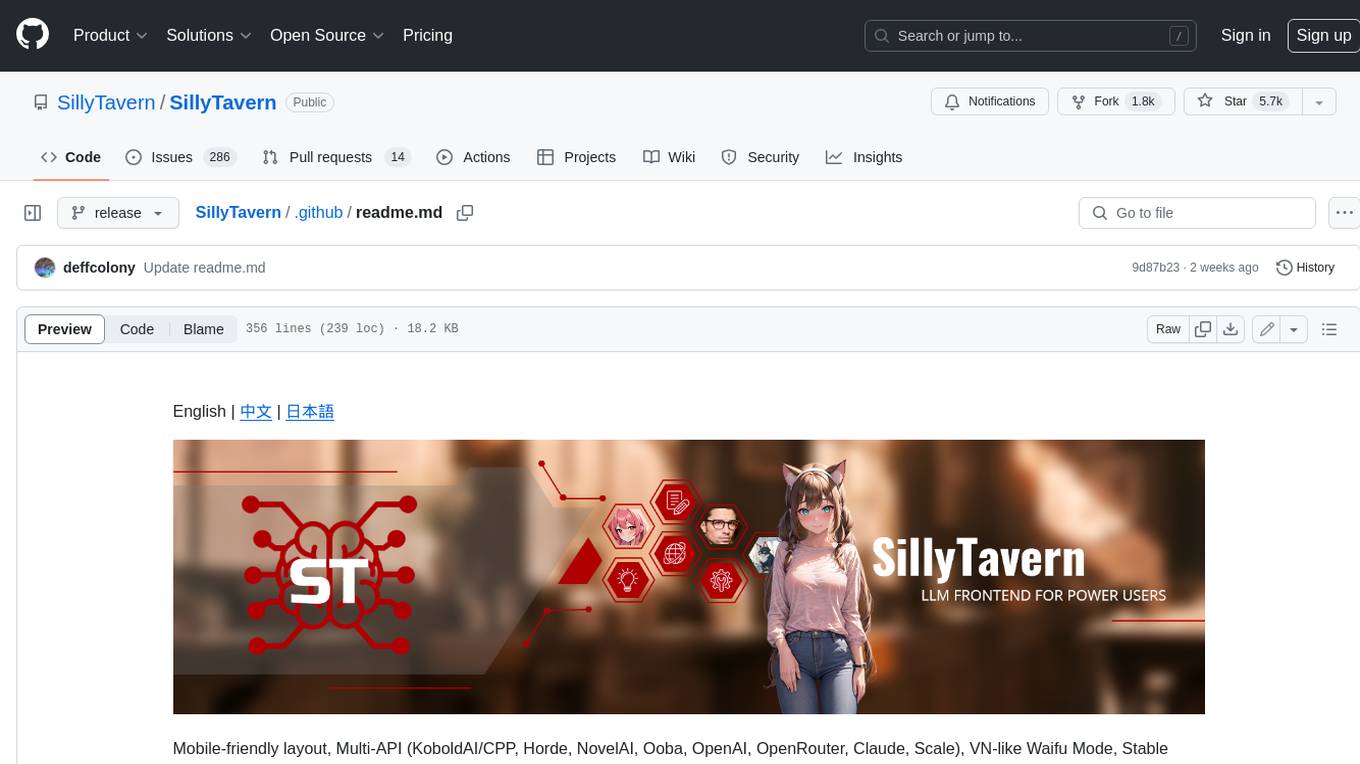
SillyTavern
SillyTavern is a user interface you can install on your computer (and Android phones) that allows you to interact with text generation AIs and chat/roleplay with characters you or the community create. SillyTavern is a fork of TavernAI 1.2.8 which is under more active development and has added many major features. At this point, they can be thought of as completely independent programs.
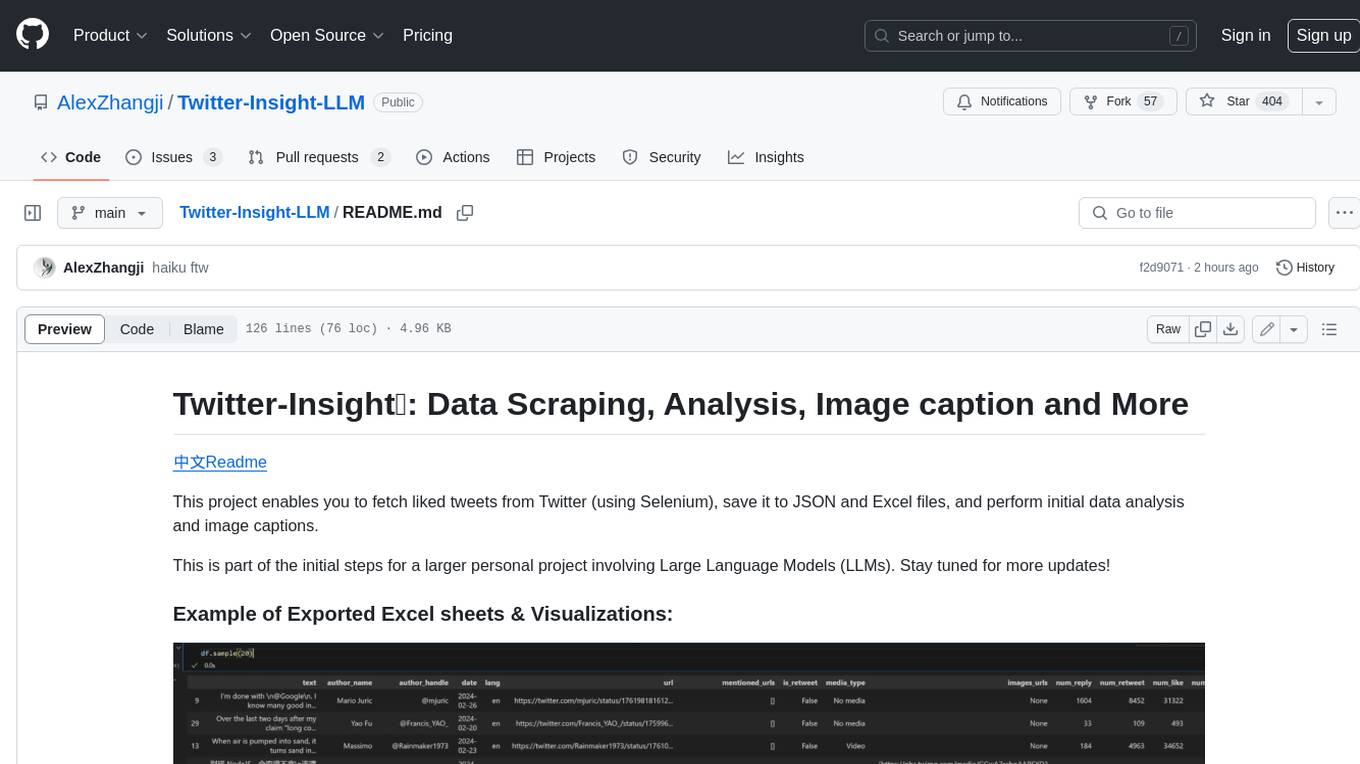
Twitter-Insight-LLM
This project enables you to fetch liked tweets from Twitter (using Selenium), save it to JSON and Excel files, and perform initial data analysis and image captions. This is part of the initial steps for a larger personal project involving Large Language Models (LLMs).
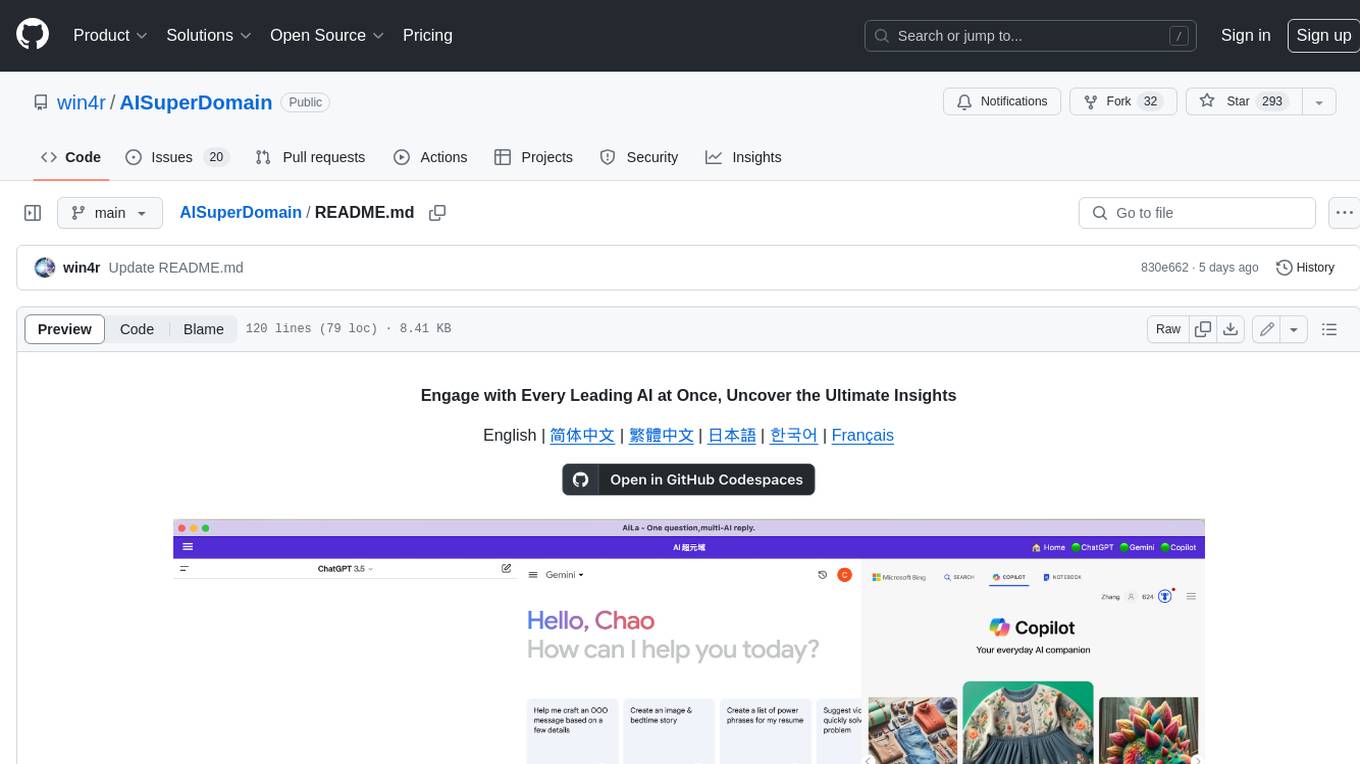
AISuperDomain
Aila Desktop Application is a powerful tool that integrates multiple leading AI models into a single desktop application. It allows users to interact with various AI models simultaneously, providing diverse responses and insights to their inquiries. With its user-friendly interface and customizable features, Aila empowers users to engage with AI seamlessly and efficiently. Whether you're a researcher, student, or professional, Aila can enhance your AI interactions and streamline your workflow.
ChatGPT-On-CS
This project is an intelligent dialogue customer service tool based on a large model, which supports access to platforms such as WeChat, Qianniu, Bilibili, Douyin Enterprise, Douyin, Doudian, Weibo chat, Xiaohongshu professional account operation, Xiaohongshu, Zhihu, etc. You can choose GPT3.5/GPT4.0/ Lazy Treasure Box (more platforms will be supported in the future), which can process text, voice and pictures, and access external resources such as operating systems and the Internet through plug-ins, and support enterprise AI applications customized based on their own knowledge base.
obs-localvocal
LocalVocal is a live-streaming AI assistant plugin for OBS that allows you to transcribe audio speech into text and perform various language processing functions on the text using AI / LLMs (Large Language Models). It's privacy-first, with all data staying on your machine, and requires no GPU, cloud costs, network, or downtime.