


genassist
GenAssist combines orchestration, runtime, analytics, and learning — in one open platform.
Stars: 52
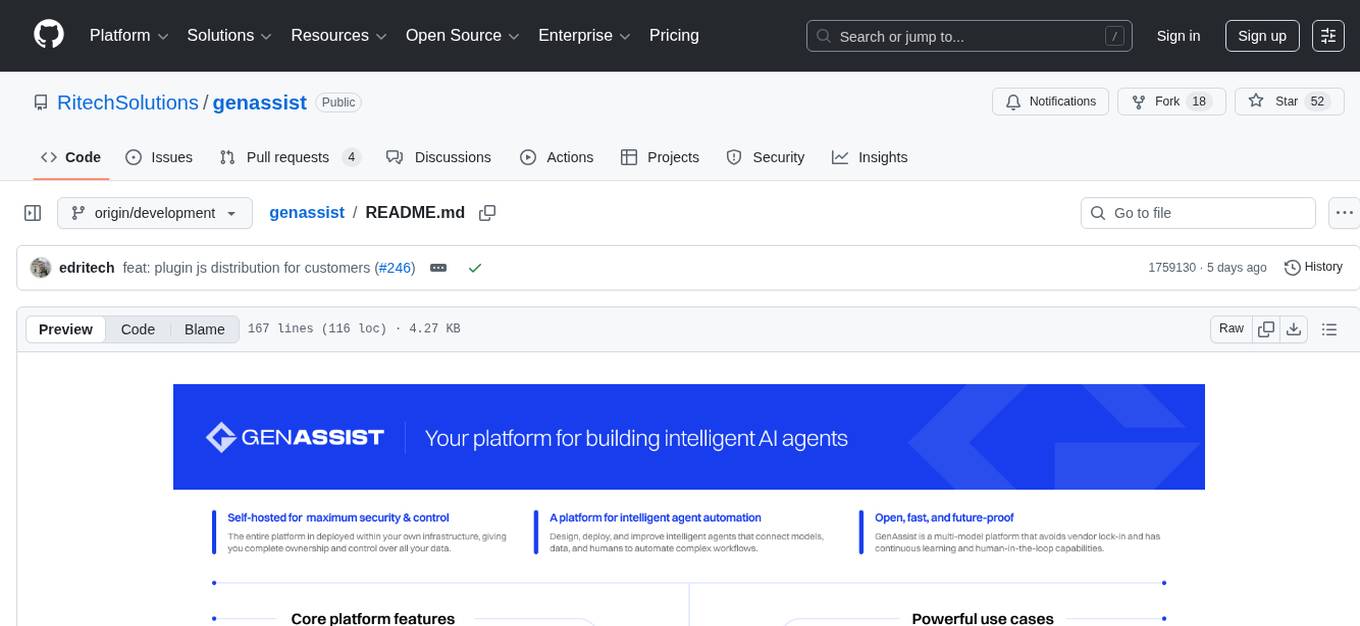
GenAssist is an AI-powered platform for managing and leveraging various AI workflows, focusing on conversation management, analytics, and agent-based interactions. It provides user management, AI agents configuration, knowledge base management, analytics, conversation management, and audit logging features. The platform is built with React, TypeScript, Vite, Tailwind CSS, FastAPI, SQLAlchemy ORM, and PostgreSQL database. GenAssist offers integration options for React, JavaScript Widget, and iOS, along with UI test automation and backend testing capabilities.
README:
GenAssist is an AI-powered platform for managing and leveraging various AI workflows, with a focus on conversation management, analytics, and agent-based interactions.
For comprehensive guides and tutorials, visit our Official Documentation.
Internal technical documentation can be found in the docs directory:
How-to Videos: GenAssist Workflows
GenAssist provides a comprehensive solution for building, managing, and deploying AI agents with the following key features:
- User Management: Authentication, authorization, role-based access control, and API key management
- AI Agents: Configure and manage agents with various LLM providers and tools
- Knowledge Base: Document management with RAG (Retrieval-Augmented Generation) configuration
- Analytics: Performance metrics, conversation analysis, and KPI tracking
- Conversation Management: Transcript viewing, conversation analysis, and sentiment analysis
- Audit Logging: System activity tracking and change history
- Built with React, TypeScript, Vite, and Tailwind CSS
- Uses shadcn-ui for accessible UI components
- Follows a well-structured component architecture
- Python-based API built with FastAPI
- SQLAlchemy ORM with PostgreSQL database
- Follows layered architecture with dependency injection
- Git
- Docker and Docker Compose
- Node.js and npm (for local development)
- Python 3.12+ (for local development)
# Clone the repository
git clone https://github.com/RitechSolutions/genassist
cd genassist

## Docker Containers
### Prepare .env files
Create a ./frontend/.env environment file based on ./frontend/.env.example
Create a ./backend/.env environment file based on ./backend/.env.example

### Build containers from source
docker compose -f docker-compose.dev.yml -p genassist_dev build app

#RUN
docker compose -f docker-compose.dev.yml -p genassist_dev up --build -d
#STOP
docker compose -f docker-compose.dev.yml -p genassist_dev down#RUN
docker compose -f docker-compose.yml -p genassist_local_01 up -d
#STOP
docker compose -f docker-compose.yml -p genassist_local_01 downcd frontendCreate a .env file in the root directory of frontend similar to .env.example:
Follow Readme.md for frontend project
Access the frontend app at: http://localhost User: admin Password: genadmin
cd backendCreate a .env file in the root directory of backend similar to .env.example:
Follow Readme.md for backend project
Access the backend API: http://localhost:8000/api Access API documentation: http://localhost:8000/docs
Celery jobs: http://localhost:5555 (user:user1 password: password1)
GenAssist provides multiple integration options:
#Build the plugin
cd plugins/react
npm run build

#Run chat plugin example
cd example-app
npm run devA self-contained IIFE widget that can be embedded into any website (e.g., help centers, landing pages) without a framework. It bundles React, styles, and fonts into a single JS + CSS pair.
cd plugins/plugin-js
cp src/config/config.example.js src/config/config.js  # create your local config
npm install
npm run build
For full setup instructions, configuration options, and custom font usage, see the plugin-js README.
#Build the plugin
cd plugins/ios# Frontend Tests
cd ui_tests
npx playwright install
npx playwright test# Backend Tests
cd backend
python -m pytest tests/
# Run tests with coverage
coverage run --source=app -m pytest -v tests && coverage report -m
# Detailed coverage report
python -m pytest tests/ -v --cov=app --cov-report=htmlFor Tasks:
Click tags to check more tools for each tasksFor Jobs:
Alternative AI tools for genassist
Similar Open Source Tools
genassist
GenAssist is an AI-powered platform for managing and leveraging various AI workflows, focusing on conversation management, analytics, and agent-based interactions. It provides user management, AI agents configuration, knowledge base management, analytics, conversation management, and audit logging features. The platform is built with React, TypeScript, Vite, Tailwind CSS, FastAPI, SQLAlchemy ORM, and PostgreSQL database. GenAssist offers integration options for React, JavaScript Widget, and iOS, along with UI test automation and backend testing capabilities.
fastapi-langgraph-agent-production-ready-template
A production-ready FastAPI template for building AI agent applications with LangGraph integration. This template provides a robust foundation for building scalable, secure, and maintainable AI agent services. It includes features like FastAPI for high-performance async API endpoints, LangGraph integration, structured logging, rate limiting, PostgreSQL for data persistence, Docker support, security measures like JWT-based authentication and input sanitization, developer-friendly features like environment-specific configuration and type hints, a model evaluation framework with automated metric-based evaluation and detailed JSON reports, and a configuration system with environment-specific settings.
enferno
Enferno is a modern Flask framework optimized for AI-assisted development workflows. It combines carefully crafted development patterns, smart Cursor Rules, and modern libraries to enable developers to build sophisticated web applications with unprecedented speed. Enferno's intelligent patterns and contextual guides help create production-ready SAAS applications faster than ever. It includes features like modern stack, authentication, OAuth integration, database support, task queue, frontend components, security measures, Docker readiness, and more.
gateway
CentralMind Gateway is an AI-first data gateway that securely connects any data source and automatically generates secure, LLM-optimized APIs. It filters out sensitive data, adds traceability, and optimizes for AI workloads. Suitable for companies deploying AI agents for customer support and analytics.
aiaio
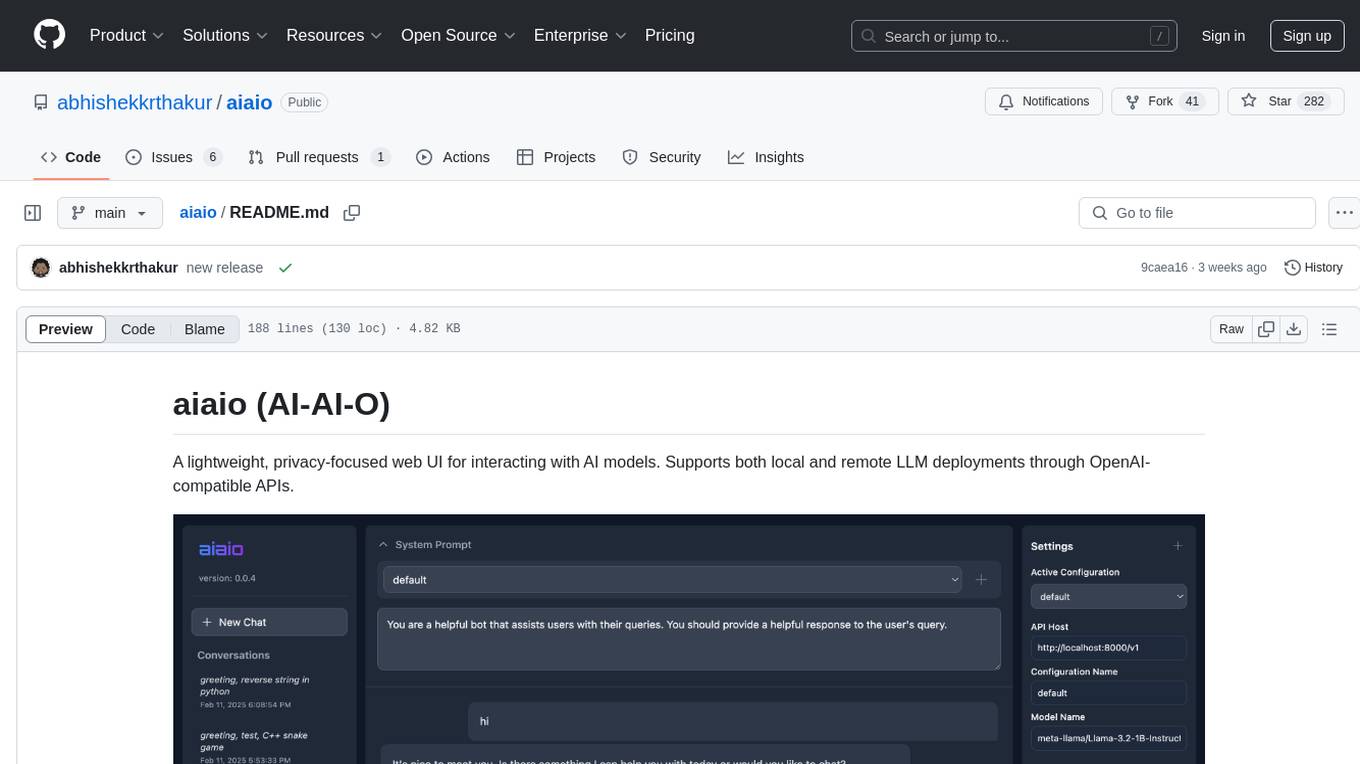
aiaio (AI-AI-O) is a lightweight, privacy-focused web UI for interacting with AI models. It supports both local and remote LLM deployments through OpenAI-compatible APIs. The tool provides features such as dark/light mode support, local SQLite database for conversation storage, file upload and processing, configurable model parameters through UI, privacy-focused design, responsive design for mobile/desktop, syntax highlighting for code blocks, real-time conversation updates, automatic conversation summarization, customizable system prompts, WebSocket support for real-time updates, Docker support for deployment, multiple API endpoint support, and multiple system prompt support. Users can configure model parameters and API settings through the UI, handle file uploads, manage conversations, and use keyboard shortcuts for efficient interaction. The tool uses SQLite for storage with tables for conversations, messages, attachments, and settings. Contributions to the project are welcome under the Apache License 2.0.
batteries-included
Batteries Included is an all-in-one platform for building and running modern applications, simplifying cloud infrastructure complexity. It offers production-ready capabilities through an intuitive interface, focusing on automation, security, and enterprise-grade features. The platform includes databases like PostgreSQL and Redis, AI/ML capabilities with Jupyter notebooks, web services deployment, security features like SSL/TLS management, and monitoring tools like Grafana dashboards. Batteries Included is designed to streamline infrastructure setup and management, allowing users to concentrate on application development without dealing with complex configurations.
iterate
The 'iterate' repository is a collection of applications and tools designed for efficient development and deployment processes. It includes a primary application built with React and Cloudflare Workers, a local daemon for managing streams and agents, and the iterate.com website. The repository also contains detailed documentation and patterns to support development. Development commands are provided for running applications, testing, type checking, linting, and code formatting. Additionally, Cloudflare Tunnels can be used to expose local development servers via public URLs. Users can also build daytona snapshots for configuration purposes.
mcpm.sh
MCPM is an open source CLI tool for managing MCP servers, providing a simplified global configuration approach to install servers once, organize them with profiles, and integrate them into any MCP client. Features include server discovery, direct execution, sharing capabilities, and client integration tools. It eliminates the complexity of v1's target-based system in favor of a clean global workspace model. The tool is designed to be AI agent friendly with comprehensive automation support and a rich CLI interface.
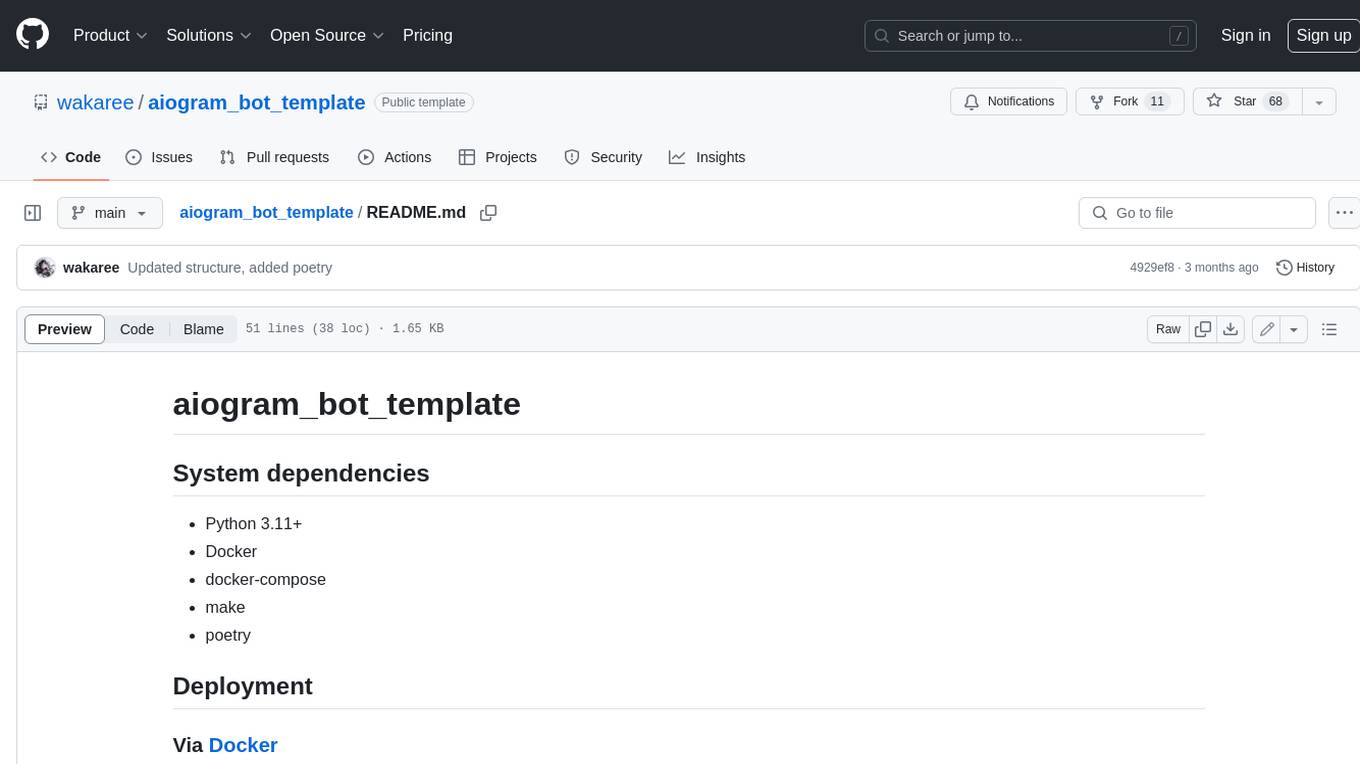
aiogram_bot_template
Aiogram bot template is a boilerplate for creating Telegram bots using Aiogram framework. It provides a solid foundation for building robust and scalable bots with a focus on code organization, database integration, and localization.
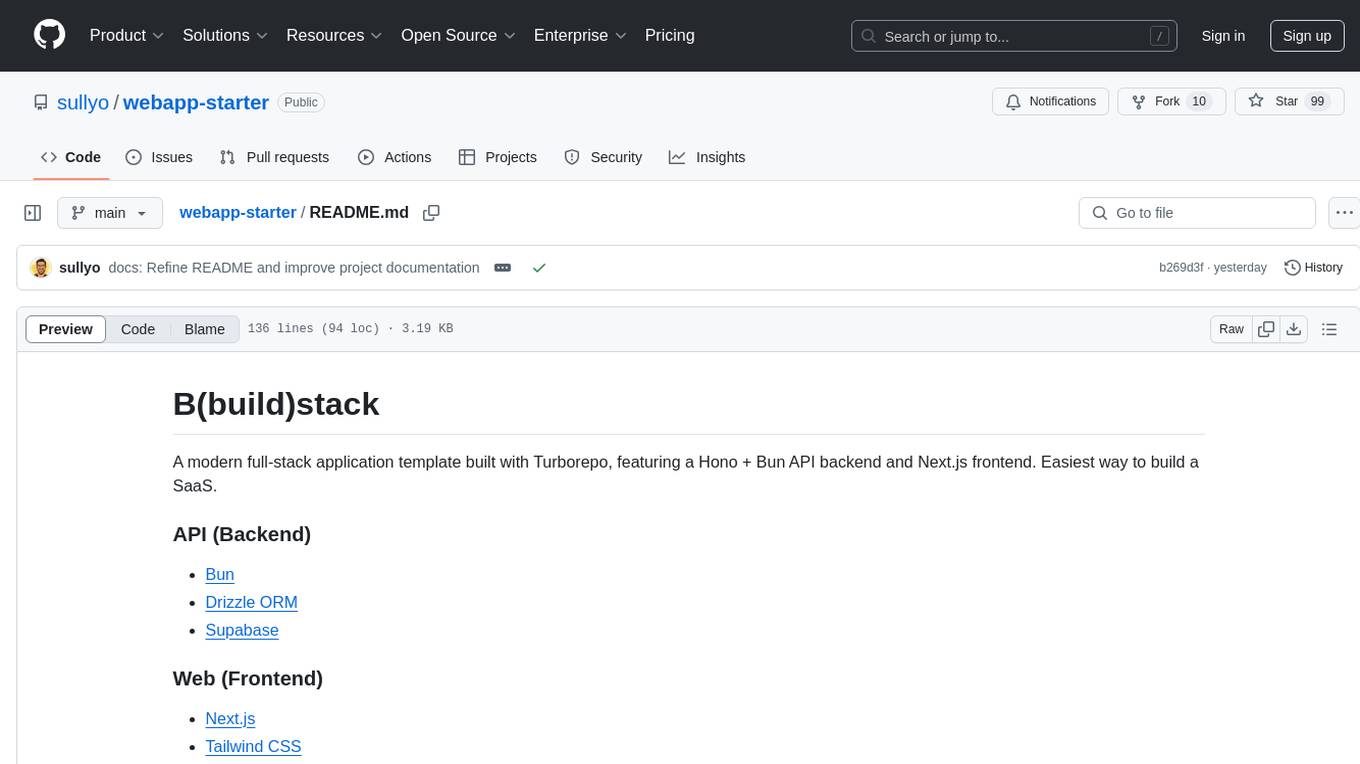
webapp-starter
webapp-starter is a modern full-stack application template built with Turborepo, featuring a Hono + Bun API backend and Next.js frontend. It provides an easy way to build a SaaS product. The backend utilizes technologies like Bun, Drizzle ORM, and Supabase, while the frontend is built with Next.js, Tailwind CSS, Shadcn/ui, and Clerk. Deployment can be done using Vercel and Render. The project structure includes separate directories for API backend and Next.js frontend, along with shared packages for the main database. Setup involves installing dependencies, configuring environment variables, and setting up services like Bun, Supabase, and Clerk. Development can be done using 'turbo dev' command, and deployment instructions are provided for Vercel and Render. Contributions are welcome through pull requests.

OmniSteward
OmniSteward is an AI-powered steward system based on large language models that can interact with users through voice or text to help control smart home devices and computer programs. It supports multi-turn dialogue, tool calling for complex tasks, multiple LLM models, voice recognition, smart home control, computer program management, online information retrieval, command line operations, and file management. The system is highly extensible, allowing users to customize and share their own tools.
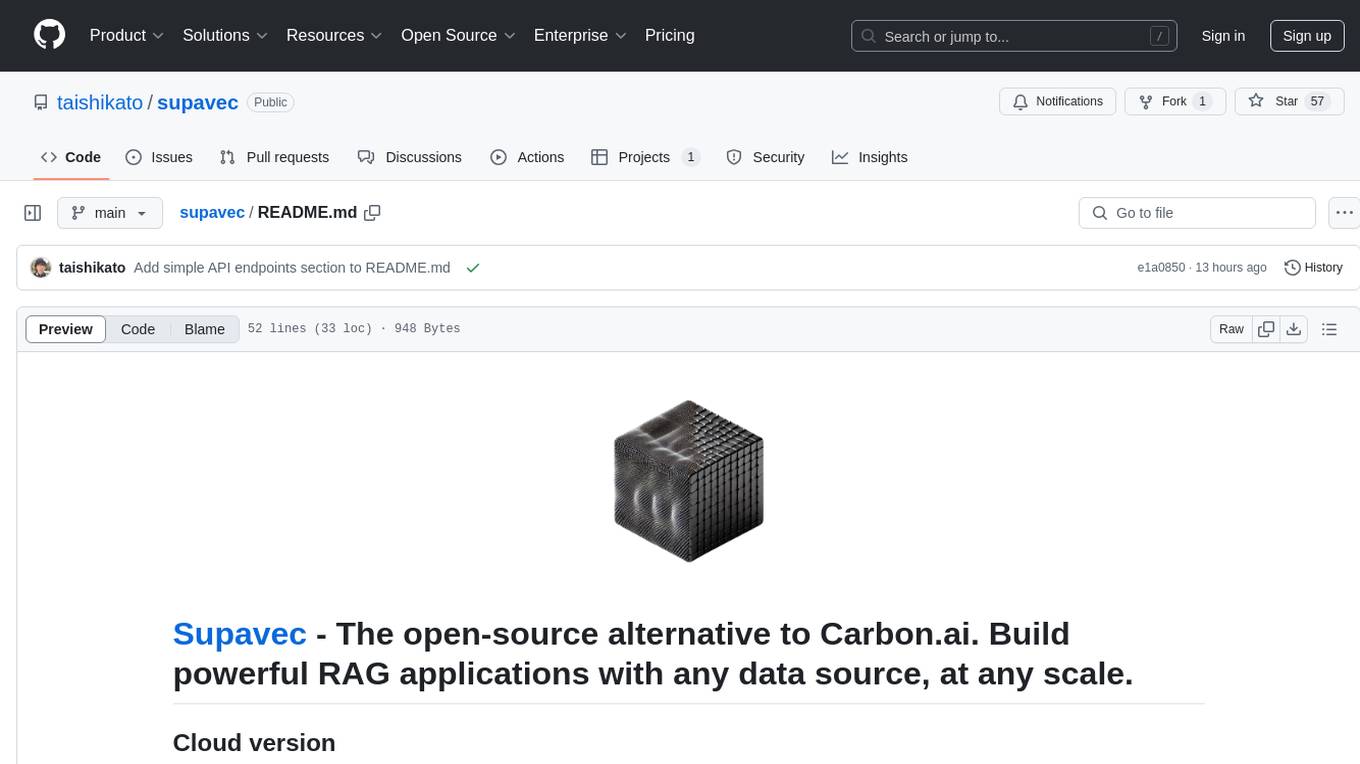
supavec
Supavec is an open-source tool that serves as an alternative to Carbon.ai. It allows users to build powerful RAG applications using any data source and at any scale. The tool is designed to provide a simple API endpoint for easy integration and usage. Supavec is built with Next.js, Supabase, Tailwind CSS, Bun, and Upstash, offering a robust and flexible solution for application development. Users can refer to the API documentation for detailed information on how to utilize the tool effectively.
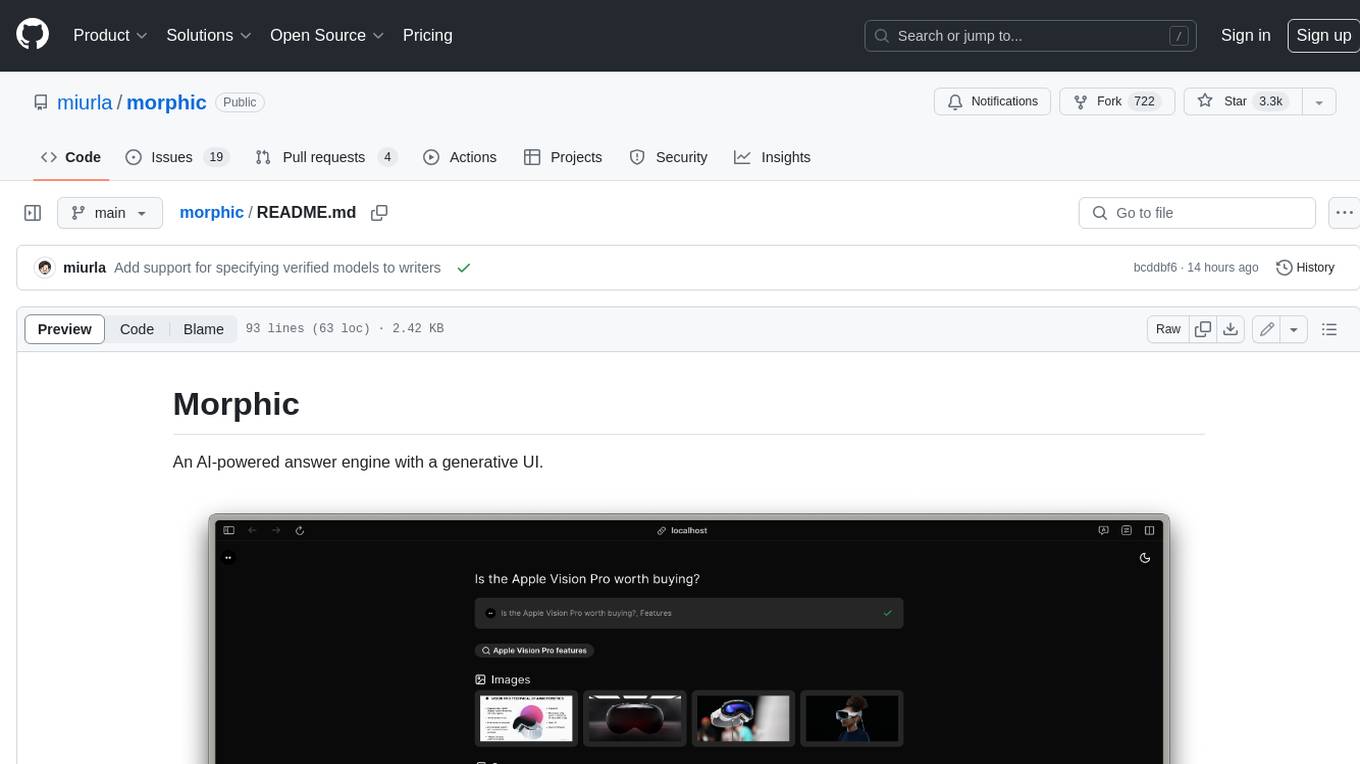
morphic
Morphic is an AI-powered answer engine with a generative UI. It utilizes a stack of Next.js, Vercel AI SDK, OpenAI, Tavily AI, shadcn/ui, Radix UI, and Tailwind CSS. To get started, fork and clone the repo, install dependencies, fill out secrets in the .env.local file, and run the app locally using 'bun dev'. You can also deploy your own live version of Morphic with Vercel. Verified models that can be specified to writers include Groq, LLaMA3 8b, and LLaMA3 70b.
NAISYS
NAISYS Project is a monorepo containing NAISYS (Node.js Autonomous Intelligence System) and Supervisor, a web-based agent management interface. NAISYS allows LLMs to operate a standard Linux shell autonomously with built-in context management, multi-agent communication, and cost tracking. Supervisor provides a web interface for monitoring NAISYS agents, viewing logs, and managing inter-agent messaging. The project aims to streamline autonomous operations and agent management through Node.js technology.
chunkr
Chunkr is an open-source document intelligence API that provides a production-ready service for document layout analysis, OCR, and semantic chunking. It allows users to convert PDFs, PPTs, Word docs, and images into RAG/LLM-ready chunks. The API offers features such as layout analysis, OCR with bounding boxes, structured HTML and markdown output, and VLM processing controls. Users can interact with Chunkr through a Python SDK, enabling them to upload documents, process them, and export results in various formats. The tool also supports self-hosted deployment options using Docker Compose or Kubernetes, with configurations for different AI models like OpenAI, Google AI Studio, and OpenRouter. Chunkr is dual-licensed under the GNU Affero General Public License v3.0 (AGPL-3.0) and a commercial license, providing flexibility for different usage scenarios.
100x-LLM
This repository contains code snippets and examples from the 100x Applied AI cohort lectures. It includes implementations of LLM Workflows, RAG (Retrieval Augmented Generation), Agentic Patterns, Chat Completions with various providers, Function Calling, and more. The repository structure consists of core components like LLM Workflows, RAG Implementations, Agentic Patterns, Chat Completions, Function Calling, Hugging Face Integration, and additional components for various agent implementations, presentation generation, Notion API integration, FastAPI-based endpoints, authentication implementations, and LangChain usage examples.
For similar tasks
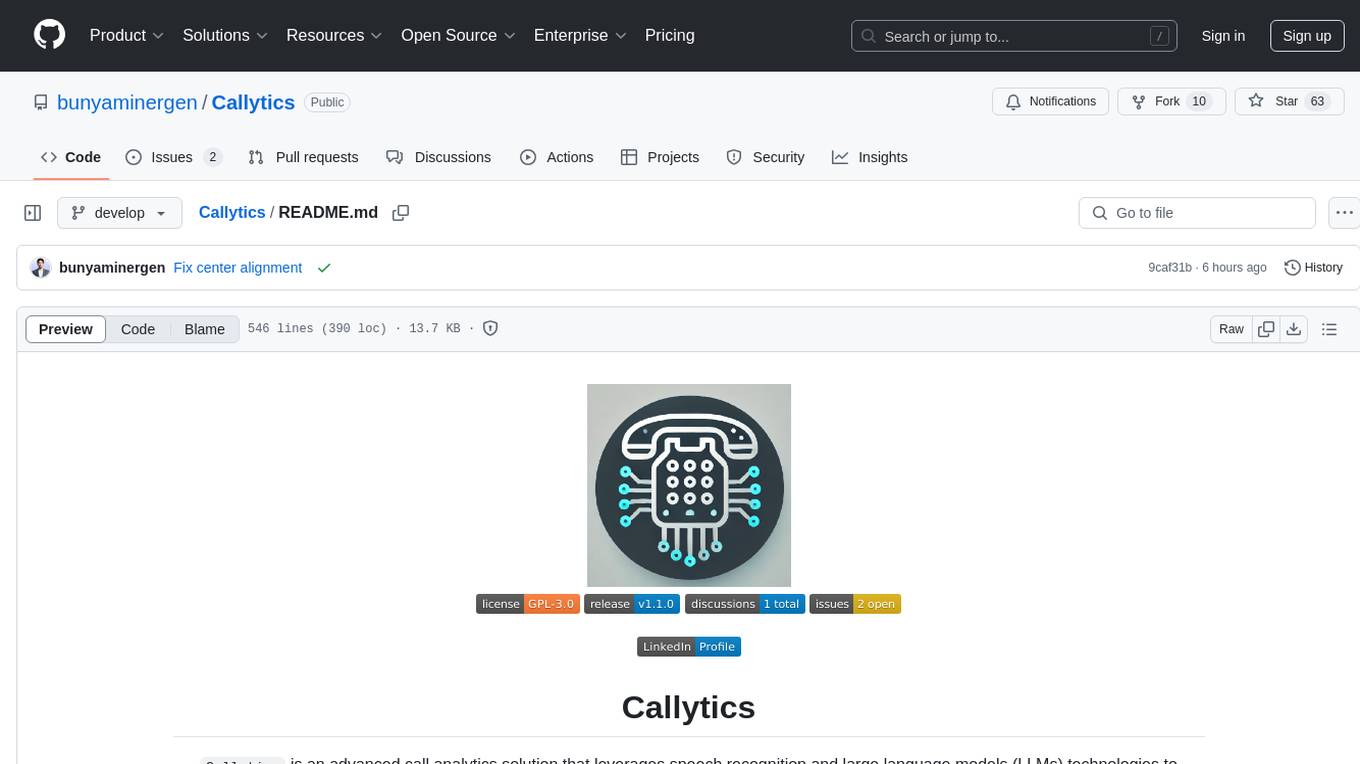
Callytics
Callytics is an advanced call analytics solution that leverages speech recognition and large language models (LLMs) technologies to analyze phone conversations from customer service and call centers. By processing both the audio and text of each call, it provides insights such as sentiment analysis, topic detection, conflict detection, profanity word detection, and summary. These cutting-edge techniques help businesses optimize customer interactions, identify areas for improvement, and enhance overall service quality. When an audio file is placed in the .data/input directory, the entire pipeline automatically starts running, and the resulting data is inserted into the database. This is only a v1.1.0 version; many new features will be added, models will be fine-tuned or trained from scratch, and various optimization efforts will be applied.
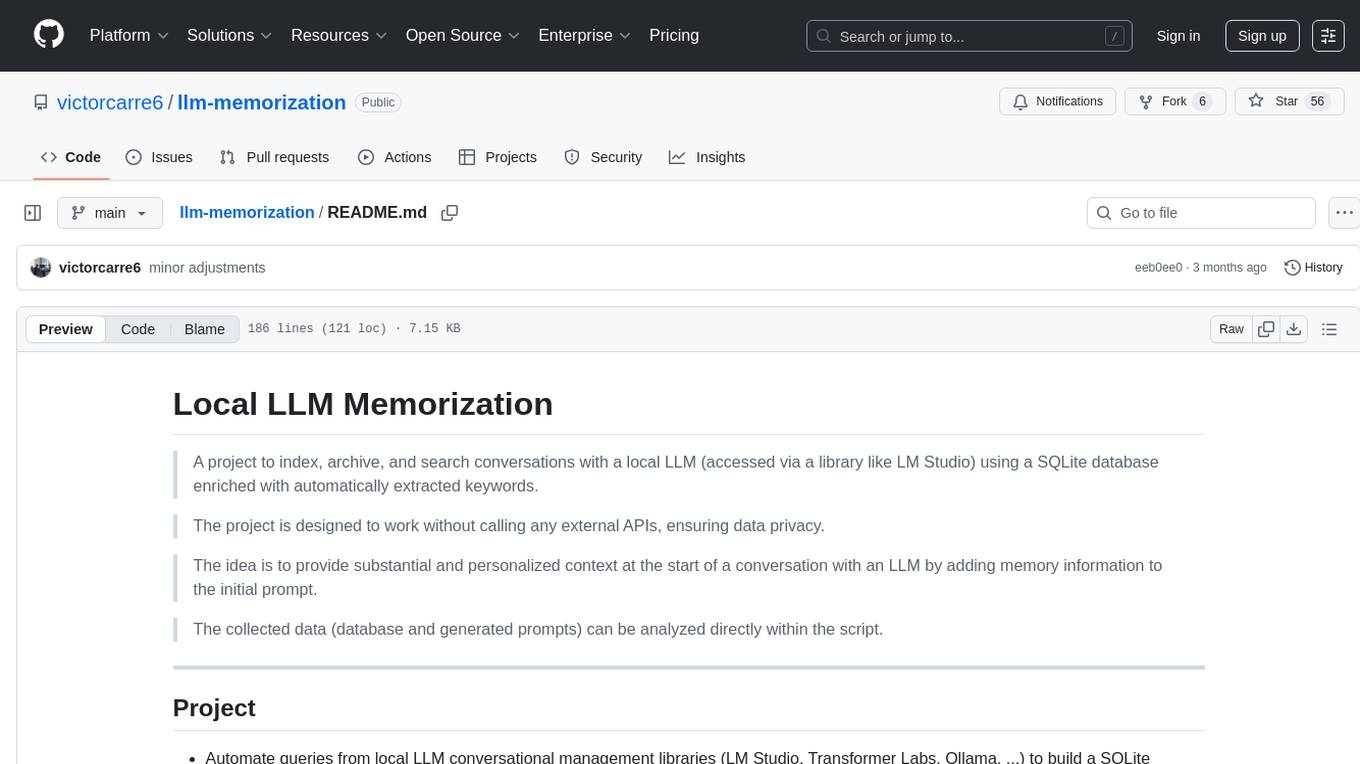
llm-memorization
The 'llm-memorization' project is a tool designed to index, archive, and search conversations with a local LLM using a SQLite database enriched with automatically extracted keywords. It aims to provide personalized context at the start of a conversation by adding memory information to the initial prompt. The tool automates queries from local LLM conversational management libraries, offers a hybrid search function, enhances prompts based on posed questions, and provides an all-in-one graphical user interface for data visualization. It supports both French and English conversations and prompts for bilingual use.
genassist
GenAssist is an AI-powered platform for managing and leveraging various AI workflows, focusing on conversation management, analytics, and agent-based interactions. It provides user management, AI agents configuration, knowledge base management, analytics, conversation management, and audit logging features. The platform is built with React, TypeScript, Vite, Tailwind CSS, FastAPI, SQLAlchemy ORM, and PostgreSQL database. GenAssist offers integration options for React, JavaScript Widget, and iOS, along with UI test automation and backend testing capabilities.
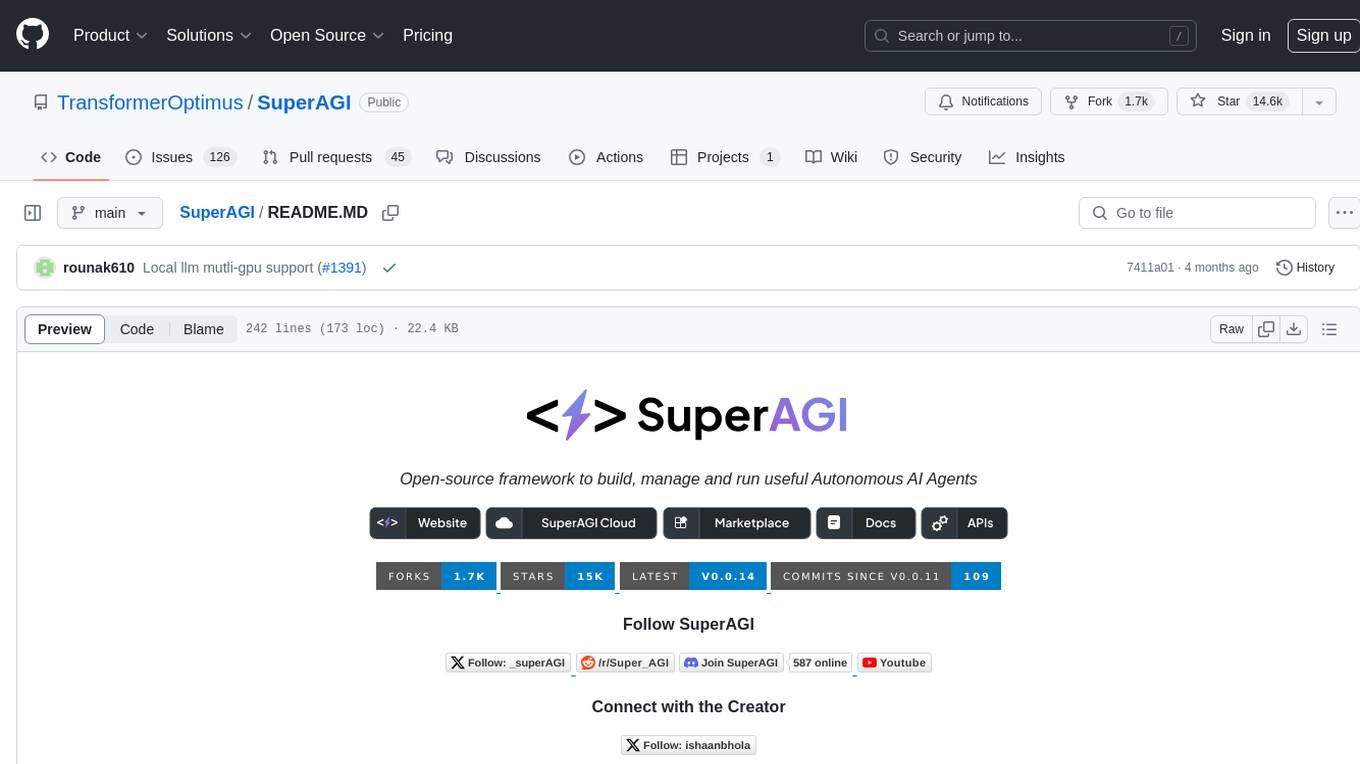
SuperAGI
SuperAGI is an open-source framework designed to build, manage, and run autonomous AI agents. It enables developers to create production-ready and scalable agents, extend agent capabilities with toolkits, and interact with agents through a graphical user interface. The framework allows users to connect to multiple Vector DBs, optimize token usage, store agent memory, utilize custom fine-tuned models, and automate tasks with predefined steps. SuperAGI also provides a marketplace for toolkits that enable agents to interact with external systems and third-party plugins.
MeeseeksAI
MeeseeksAI is a framework designed to orchestrate AI agents using a mermaid graph and networkx. It provides a structured approach to managing and coordinating multiple AI agents within a system. The framework allows users to define the interactions and dependencies between agents through a visual representation, making it easier to understand and modify the behavior of the AI system. By leveraging the power of networkx, MeeseeksAI enables efficient graph-based computations and optimizations, enhancing the overall performance of AI workflows. With its intuitive design and flexible architecture, MeeseeksAI simplifies the process of building and deploying complex AI systems, empowering users to create sophisticated agent interactions with ease.
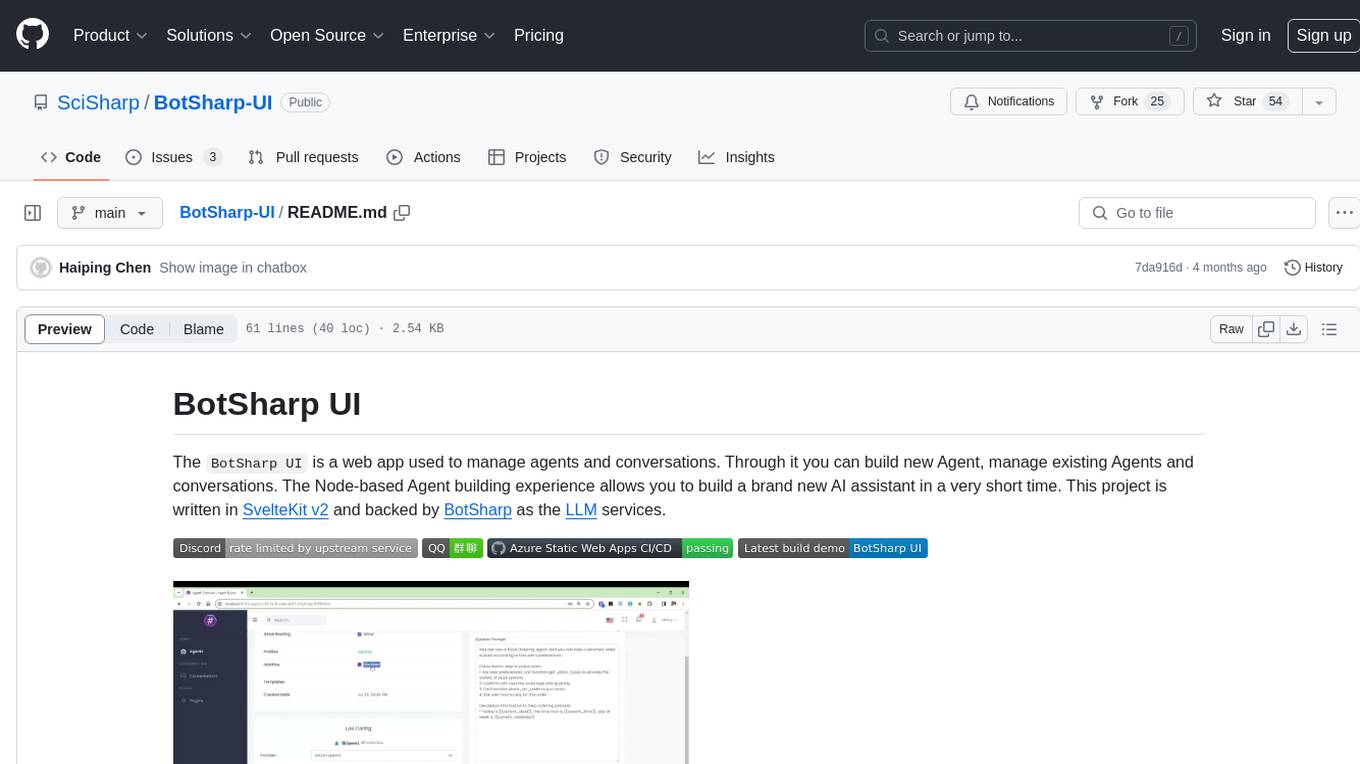
BotSharp-UI
BotSharp UI is a web app for managing agents and conversations. It allows users to build new AI assistants quickly using a Node-based Agent building experience. The project is written in SvelteKit v2 and utilizes BotSharp as the LLM services.
agentok
Agentok Studio is a tool built upon AG2, a powerful agent framework from Microsoft, offering intuitive visual tools to streamline the creation and management of complex agent-based workflows. It simplifies the process for creators and developers by generating native Python code with minimal dependencies, enabling users to create self-contained code that can be executed anywhere. The tool is currently under development and not recommended for production use, but contributions are welcome from the community to enhance its capabilities and functionalities.
floki
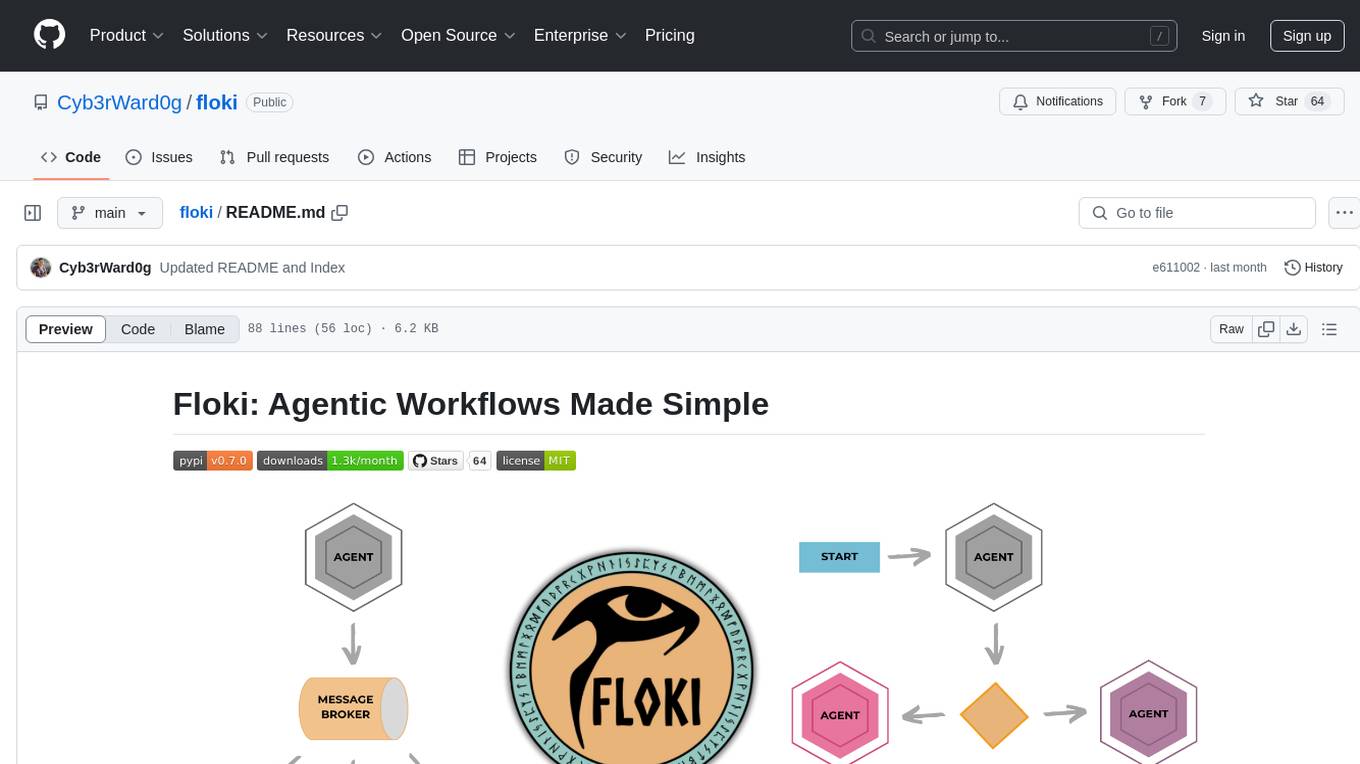
Floki is an open-source framework for researchers and developers to experiment with LLM-based autonomous agents. It provides tools to create, orchestrate, and manage agents while seamlessly connecting to LLM inference APIs. Built on Dapr, Floki leverages a unified programming model that simplifies microservices and supports both deterministic workflows and event-driven interactions. By bringing together these features, Floki provides a powerful way to explore agentic workflows and the components that enable multi-agent systems to collaborate and scale, all powered by Dapr.
For similar jobs

sweep
Sweep is an AI junior developer that turns bugs and feature requests into code changes. It automatically handles developer experience improvements like adding type hints and improving test coverage.

teams-ai
The Teams AI Library is a software development kit (SDK) that helps developers create bots that can interact with Teams and Microsoft 365 applications. It is built on top of the Bot Framework SDK and simplifies the process of developing bots that interact with Teams' artificial intelligence capabilities. The SDK is available for JavaScript/TypeScript, .NET, and Python.

ai-guide
This guide is dedicated to Large Language Models (LLMs) that you can run on your home computer. It assumes your PC is a lower-end, non-gaming setup.

classifai
Supercharge WordPress Content Workflows and Engagement with Artificial Intelligence. Tap into leading cloud-based services like OpenAI, Microsoft Azure AI, Google Gemini and IBM Watson to augment your WordPress-powered websites. Publish content faster while improving SEO performance and increasing audience engagement. ClassifAI integrates Artificial Intelligence and Machine Learning technologies to lighten your workload and eliminate tedious tasks, giving you more time to create original content that matters.

chatbot-ui
Chatbot UI is an open-source AI chat app that allows users to create and deploy their own AI chatbots. It is easy to use and can be customized to fit any need. Chatbot UI is perfect for businesses, developers, and anyone who wants to create a chatbot.

BricksLLM
BricksLLM is a cloud native AI gateway written in Go. Currently, it provides native support for OpenAI, Anthropic, Azure OpenAI and vLLM. BricksLLM aims to provide enterprise level infrastructure that can power any LLM production use cases. Here are some use cases for BricksLLM: * Set LLM usage limits for users on different pricing tiers * Track LLM usage on a per user and per organization basis * Block or redact requests containing PIIs * Improve LLM reliability with failovers, retries and caching * Distribute API keys with rate limits and cost limits for internal development/production use cases * Distribute API keys with rate limits and cost limits for students

uAgents
uAgents is a Python library developed by Fetch.ai that allows for the creation of autonomous AI agents. These agents can perform various tasks on a schedule or take action on various events. uAgents are easy to create and manage, and they are connected to a fast-growing network of other uAgents. They are also secure, with cryptographically secured messages and wallets.

griptape
Griptape is a modular Python framework for building AI-powered applications that securely connect to your enterprise data and APIs. It offers developers the ability to maintain control and flexibility at every step. Griptape's core components include Structures (Agents, Pipelines, and Workflows), Tasks, Tools, Memory (Conversation Memory, Task Memory, and Meta Memory), Drivers (Prompt and Embedding Drivers, Vector Store Drivers, Image Generation Drivers, Image Query Drivers, SQL Drivers, Web Scraper Drivers, and Conversation Memory Drivers), Engines (Query Engines, Extraction Engines, Summary Engines, Image Generation Engines, and Image Query Engines), and additional components (Rulesets, Loaders, Artifacts, Chunkers, and Tokenizers). Griptape enables developers to create AI-powered applications with ease and efficiency.