


aicommits
A CLI that writes your git commit messages for you with AI
Stars: 8859
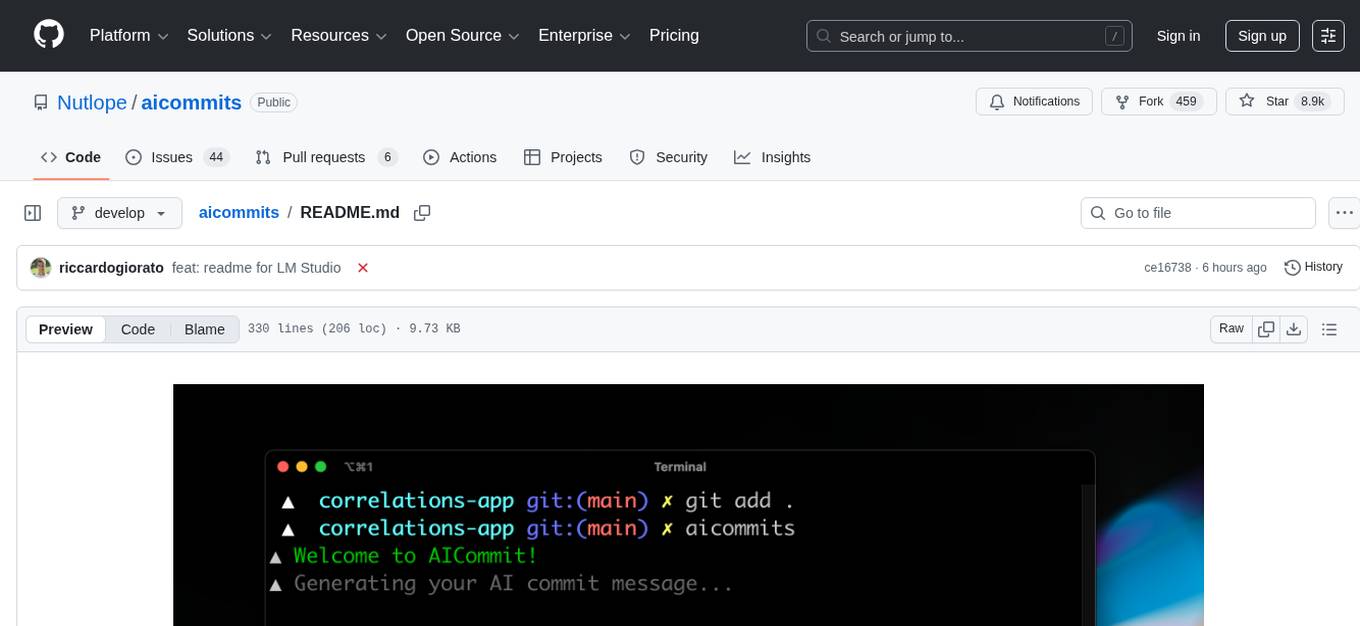
AI Commits is a CLI tool that automates the process of writing git commit messages using AI technology. It allows users to generate commit messages based on their code changes, eliminating the need to manually write commit messages. The tool supports various AI providers such as TogetherAI, OpenAI, OpenRouter, Ollama, and LM Studio, as well as custom OpenAI-compatible endpoints. Users can configure the tool to select the AI provider, set API keys, and choose from available AI models. AI Commits can be used in CLI mode to generate commit messages for staged changes or integrated with Git via the prepare-commit-msg hook. Additionally, users can customize the commit message format, generate multiple recommendations, and manage configurations using environment variables or command-line options. The tool aims to streamline the git commit process by leveraging AI technology to provide meaningful and context-aware commit messages.
README:

A CLI that writes your git commit messages for you with AI. Never write a commit message again.


The minimum supported version of Node.js is v22. Check your Node.js version with
node --version.
-
Install aicommits:
npm install -g aicommits@develop
We need @develop since v2 is still not released as latest/main!
-
Run the setup command to choose your AI provider:
aicommits setup
This will guide you through:
-
Selecting your AI provider (sets the
providerconfig) -
Configuring your API key
-
Automatically fetching and selecting from available models (when supported)
Supported providers include:
- TogetherAI (recommended) - Get your API key from TogetherAI
- OpenAI - Get your API key from OpenAI API Keys page
- OpenRouter - Get your API key from OpenRouter
- Ollama (local) - Run AI models locally with Ollama
- LM Studio (local) - No API key required. Runs on your computer via LM Studio
- Custom OpenAI-compatible endpoint - Use any service that implements the OpenAI API
For CI/CD environments, you can also set up configuration via the config file:
aicommits config set OPENAI_API_KEY="your_api_key_here"
aicommits config set OPENAI_BASE_URL="your_api_endpoint"  # Optional, for custom endpoints
aicommits config set OPENAI_MODEL="your_model_choice"     # Optional, defaults to provider default
Note: When using environment variables, ensure all related variables (e.g.,
OPENAI_API_KEYandOPENAI_BASE_URL) are set consistently to avoid configuration mismatches with the config file.This will create a
.aicommitsfile in your home directory.
Check the installed version with:
aicommits --version
If it's not the latest version, run:
npm update -g aicommitsYou can call aicommits directly to generate a commit message for your staged changes:
git add <files...>
aicommits
aicommits passes down unknown flags to git commit, so you can pass in commit flags.
For example, you can stage all changes in tracked files with as you commit:
aicommits --all # or -a👉 Tip: Use the
aicalias ifaicommitsis too long for you.
-
--generateor-g: Number of messages to generate (default: 1) -
--excludeor-x: Files to exclude from AI analysis -
--allor-a: Automatically stage changes in tracked files for the commit (default: false) -
--typeor-t: Git commit message format (default: conventional). Supportsconventionalandgitmoji -
--confirmor-y: Skip confirmation when committing after message generation (default: false) -
--clipboardor-c: Copy the selected message to the clipboard instead of committing (default: false)
Sometimes the recommended commit message isn't the best so you want it to generate a few to pick from. You can generate multiple commit messages at once by passing in the --generate <i> flag, where 'i' is the number of generated messages:
aicommits --generate <i> # or -g <i>Warning: this uses more tokens, meaning it costs more.
If you'd like to generate Conventional Commits, you can use the --type flag followed by conventional. This will prompt aicommits to format the commit message according to the Conventional Commits specification:
aicommits --type conventional # or -t conventionalThis feature can be useful if your project follows the Conventional Commits standard or if you're using tools that rely on this commit format.
You can also integrate aicommits with Git via the prepare-commit-msg hook. This lets you use Git like you normally would, and edit the commit message before committing.
In the Git repository you want to install the hook in:
aicommits hook installIn the Git repository you want to uninstall the hook from:
aicommits hook uninstall-
Stage your files and commit:
git add <files...>
git commit # Only generates a message when it's not passed in
If you ever want to write your own message instead of generating one, you can simply pass one in:
git commit -m "My message" -
Aicommits will generate the commit message for you and pass it back to Git. Git will open it with the configured editor for you to review/edit it.
-
Save and close the editor to commit!
You can also configure aicommits using environment variables instead of the config file.
Example:
export OPENAI_API_KEY="sk-..."
export OPENAI_BASE_URL="https://api.example.com"
export OPENAI_MODEL="gpt-4"
aicommits  # Uses environment variables
Configuration settings are resolved in the following order of precedence:
- Command-line arguments
- Environment variables
- Configuration file
- Default values
To view all current configuration options that differ from defaults, run:
aicommits configThis will display only non-default configuration values with API keys masked for security. If no custom configuration is set, it will show "(using all default values)".
To interactively select or change your AI model, run:
aicommits modelThis will:
- Show your current provider and model
- Fetch available models from your provider's API
- Let you select from available models or enter a custom model name
- Update your configuration automatically
To retrieve a configuration option, use the command:
aicommits config get <key>For example, to retrieve the API key, you can use:
aicommits config get OPENAI_API_KEYYou can also retrieve multiple configuration options at once by separating them with spaces:
aicommits config get OPENAI_API_KEY generateTo set a configuration option, use the command:
aicommits config set <key>=<value>For example, to set the API key, you can use:
aicommits config set OPENAI_API_KEY=<your-api-key>You can also set multiple configuration options at once by separating them with spaces, like
aicommits config set OPENAI_API_KEY=<your-api-key> generate=3 locale=enYour OpenAI API key or custom provider API Key
Custom OpenAI-compatible API endpoint URL.
Model to use for OpenAI-compatible providers.
The selected AI provider. Set automatically during aicommits setup. Valid values: openai, togetherai, ollama, custom.
Default: en
The locale to use for the generated commit messages. Consult the list of codes in: https://wikipedia.org/wiki/List_of_ISO_639-1_codes.
Default: 1
The number of commit messages to generate to pick from.
Note, this will use more tokens as it generates more results.
The timeout for network requests to the OpenAI API in milliseconds.
Default: 10000 (10 seconds)
aicommits config set timeout=20000 # 20sThe maximum character length of the generated commit message.
Default: 72
aicommits config set max-length=100Default: "" (Empty string)
The type of commit message to generate. Set this to "conventional" to generate commit messages that follow the Conventional Commits specification:
aicommits config set type=conventionalYou can clear this option by setting it to an empty string:
aicommits config set type=This CLI tool runs git diff to grab all your latest code changes, sends them to the configured AI provider (TogetherAI by default), then returns the AI generated commit message.
Video coming soon where I rebuild it from scratch to show you how to easily build your own CLI tools powered by AI.
-
Hassan El Mghari: @Nutlope
-
Riccardo Giorato: @riccardogiorato
-
Hiroki Osame: @privatenumber


If you want to help fix a bug or implement a feature in Issues, checkout the Contribution Guide to learn how to setup and test the project
For Tasks:
Click tags to check more tools for each tasksFor Jobs:
Alternative AI tools for aicommits
Similar Open Source Tools
aicommits
AI Commits is a CLI tool that automates the process of writing git commit messages using AI technology. It allows users to generate commit messages based on their code changes, eliminating the need to manually write commit messages. The tool supports various AI providers such as TogetherAI, OpenAI, OpenRouter, Ollama, and LM Studio, as well as custom OpenAI-compatible endpoints. Users can configure the tool to select the AI provider, set API keys, and choose from available AI models. AI Commits can be used in CLI mode to generate commit messages for staged changes or integrated with Git via the prepare-commit-msg hook. Additionally, users can customize the commit message format, generate multiple recommendations, and manage configurations using environment variables or command-line options. The tool aims to streamline the git commit process by leveraging AI technology to provide meaningful and context-aware commit messages.
opencommit
OpenCommit is a tool that auto-generates meaningful commits using AI, allowing users to quickly create commit messages for their staged changes. It provides a CLI interface for easy usage and supports customization of commit descriptions, emojis, and AI models. Users can configure local and global settings, switch between different AI providers, and set up Git hooks for integration with IDE Source Control. Additionally, OpenCommit can be used as a GitHub Action to automatically improve commit messages on push events, ensuring all commits are meaningful and not generic. Payments for OpenAI API requests are handled by the user, with the tool storing API keys locally.
loz
Loz is a command-line tool that integrates AI capabilities with Unix tools, enabling users to execute system commands and utilize Unix pipes. It supports multiple LLM services like OpenAI API, Microsoft Copilot, and Ollama. Users can run Linux commands based on natural language prompts, enhance Git commit formatting, and interact with the tool in safe mode. Loz can process input from other command-line tools through Unix pipes and automatically generate Git commit messages. It provides features like chat history access, configurable LLM settings, and contribution opportunities.
fish-ai
fish-ai is a tool that adds AI functionality to Fish shell. It can be integrated with various AI providers like OpenAI, Azure OpenAI, Google, Hugging Face, Mistral, or a self-hosted LLM. Users can transform comments into commands, autocomplete commands, and suggest fixes. The tool allows customization through configuration files and supports switching between contexts. Data privacy is maintained by redacting sensitive information before submission to the AI models. Development features include debug logging, testing, and creating releases.
cursor-tools
cursor-tools is a CLI tool designed to enhance AI agents with advanced skills, such as web search, repository context, documentation generation, GitHub integration, Xcode tools, and browser automation. It provides features like Perplexity for web search, Gemini 2.0 for codebase context, and Stagehand for browser operations. The tool requires API keys for Perplexity AI and Google Gemini, and supports global installation for system-wide access. It offers various commands for different tasks and integrates with Cursor Composer for AI agent usage.

gcop
GCOP (Git Copilot) is an AI-powered Git assistant that automates commit message generation, enhances Git workflow, and offers 20+ smart commands. It provides intelligent commit crafting, customizable commit templates, smart learning capabilities, and a seamless developer experience. Users can generate AI commit messages, add all changes with AI-generated messages, undo commits while keeping changes staged, and push changes to the current branch. GCOP offers configuration options for AI models and provides detailed documentation, contribution guidelines, and a changelog. The tool is designed to make version control easier and more efficient for developers.
magic-cli
Magic CLI is a command line utility that leverages Large Language Models (LLMs) to enhance command line efficiency. It is inspired by projects like Amazon Q and GitHub Copilot for CLI. The tool allows users to suggest commands, search across command history, and generate commands for specific tasks using local or remote LLM providers. Magic CLI also provides configuration options for LLM selection and response generation. The project is still in early development, so users should expect breaking changes and bugs.
hash
HASH is a self-building, open-source database which grows, structures and checks itself. With it, we're creating a platform for decision-making, which helps you integrate, understand and use data in a variety of different ways.
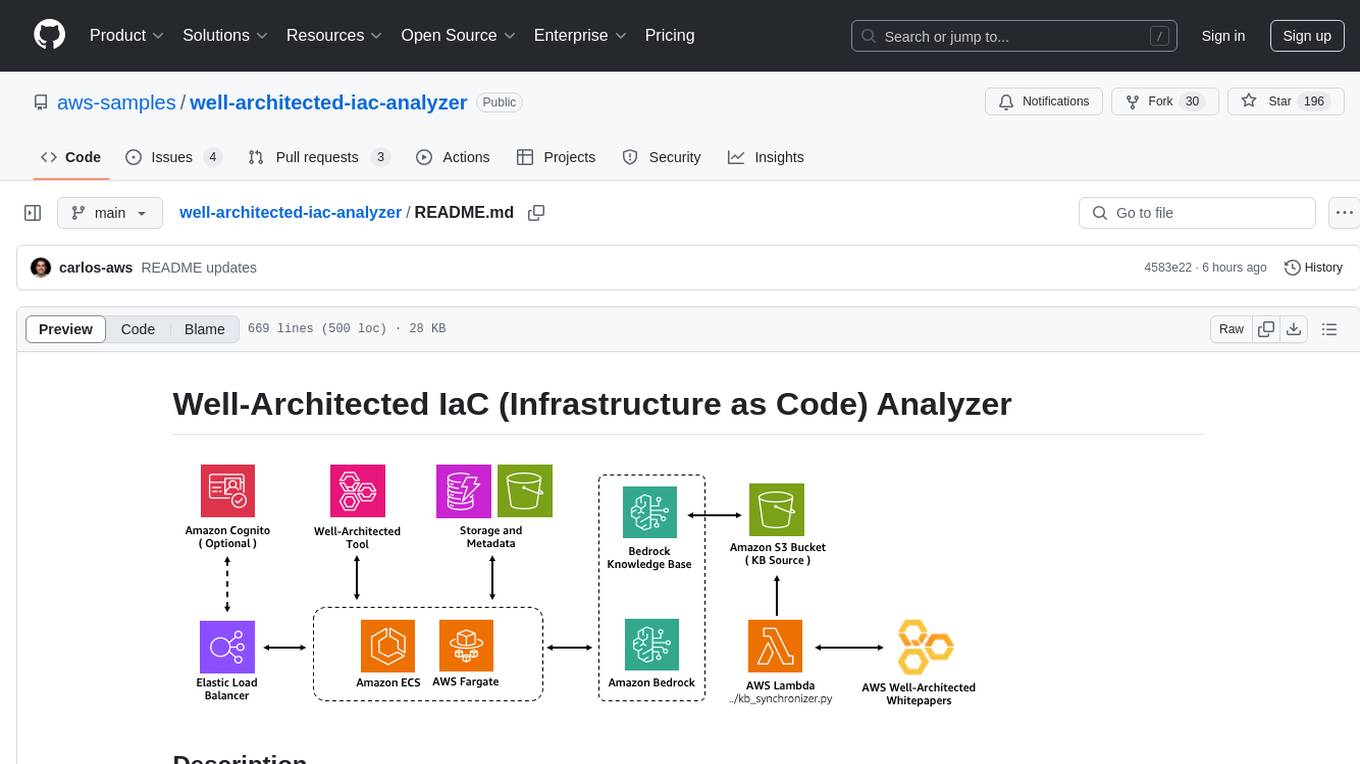
well-architected-iac-analyzer
Well-Architected Infrastructure as Code (IaC) Analyzer is a project demonstrating how generative AI can evaluate infrastructure code for alignment with best practices. It features a modern web application allowing users to upload IaC documents, complete IaC projects, or architecture diagrams for assessment. The tool provides insights into infrastructure code alignment with AWS best practices, offers suggestions for improving cloud architecture designs, and can generate IaC templates from architecture diagrams. Users can analyze CloudFormation, Terraform, or AWS CDK templates, architecture diagrams in PNG or JPEG format, and complete IaC projects with supporting documents. Real-time analysis against Well-Architected best practices, integration with AWS Well-Architected Tool, and export of analysis results and recommendations are included.
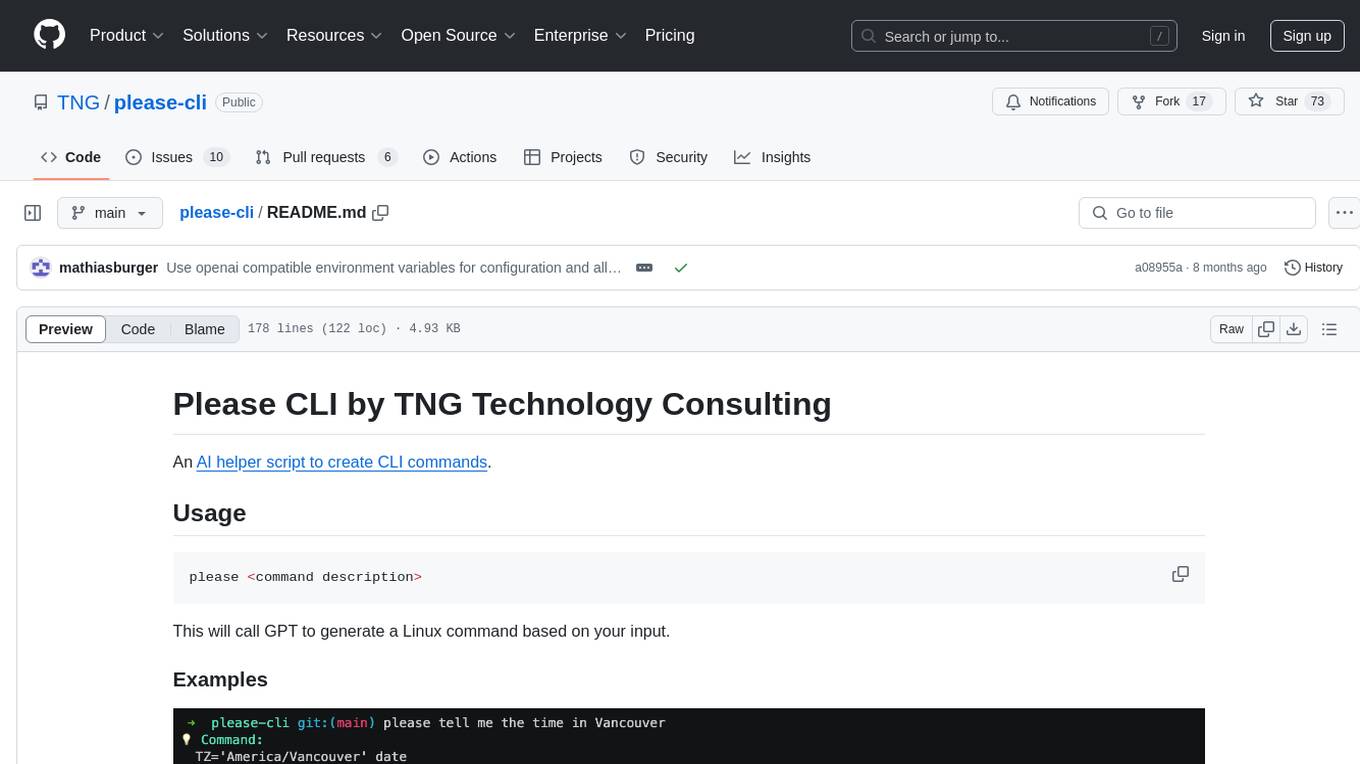
please-cli
Please CLI is an AI helper script designed to create CLI commands by leveraging the GPT model. Users can input a command description, and the script will generate a Linux command based on that input. The tool offers various functionalities such as invoking commands, copying commands to the clipboard, asking questions about commands, and more. It supports parameters for explanation, using different AI models, displaying additional output, storing API keys, querying ChatGPT with specific models, showing the current version, and providing help messages. Users can install Please CLI via Homebrew, apt, Nix, dpkg, AUR, or manually from source. The tool requires an OpenAI API key for operation and offers configuration options for setting API keys and OpenAI settings. Please CLI is licensed under the Apache License 2.0 by TNG Technology Consulting GmbH.
gpt-cli
gpt-cli is a command-line interface tool for interacting with various chat language models like ChatGPT, Claude, and others. It supports model customization, usage tracking, keyboard shortcuts, multi-line input, markdown support, predefined messages, and multiple assistants. Users can easily switch between different assistants, define custom assistants, and configure model parameters and API keys in a YAML file for easy customization and management.
termax
Termax is an LLM agent in your terminal that converts natural language to commands. It is featured by: - Personalized Experience: Optimize the command generation with RAG. - Various LLMs Support: OpenAI GPT, Anthropic Claude, Google Gemini, Mistral AI, and more. - Shell Extensions: Plugin with popular shells like `zsh`, `bash` and `fish`. - Cross Platform: Able to run on Windows, macOS, and Linux.
backend.ai-webui
Backend.AI Web UI is a user-friendly web and app interface designed to make AI accessible for end-users, DevOps, and SysAdmins. It provides features for session management, inference service management, pipeline management, storage management, node management, statistics, configurations, license checking, plugins, help & manuals, kernel management, user management, keypair management, manager settings, proxy mode support, service information, and integration with the Backend.AI Web Server. The tool supports various devices, offers a built-in websocket proxy feature, and allows for versatile usage across different platforms. Users can easily manage resources, run environment-supported apps, access a web-based terminal, use Visual Studio Code editor, manage experiments, set up autoscaling, manage pipelines, handle storage, monitor nodes, view statistics, configure settings, and more.
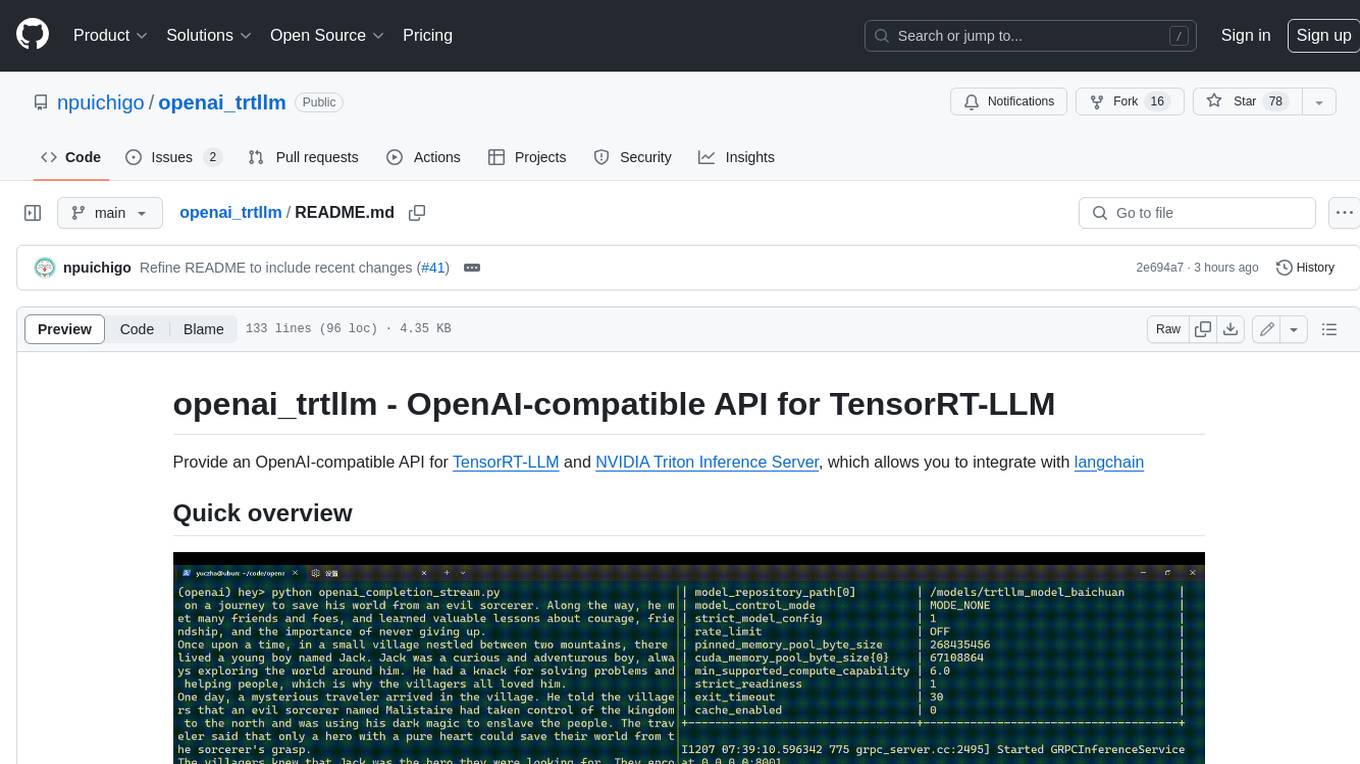
openai_trtllm
OpenAI-compatible API for TensorRT-LLM and NVIDIA Triton Inference Server, which allows you to integrate with langchain
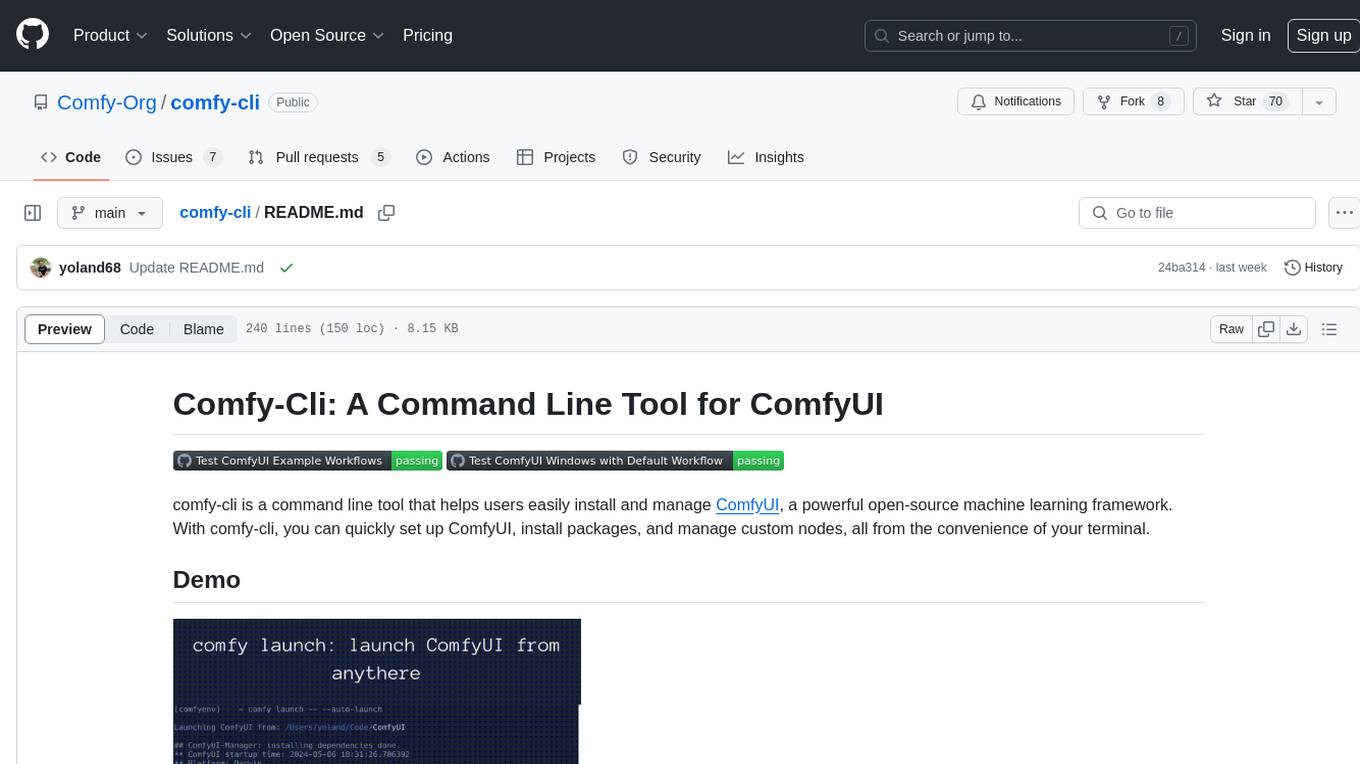
comfy-cli
Comfy-cli is a command line tool designed to facilitate the installation and management of ComfyUI, an open-source machine learning framework. Users can easily set up ComfyUI, install packages, and manage custom nodes directly from the terminal. The tool offers features such as easy installation, seamless package management, custom node management, checkpoint downloads, cross-platform compatibility, and comprehensive documentation. Comfy-cli simplifies the process of working with ComfyUI, making it convenient for users to handle various tasks related to the framework.
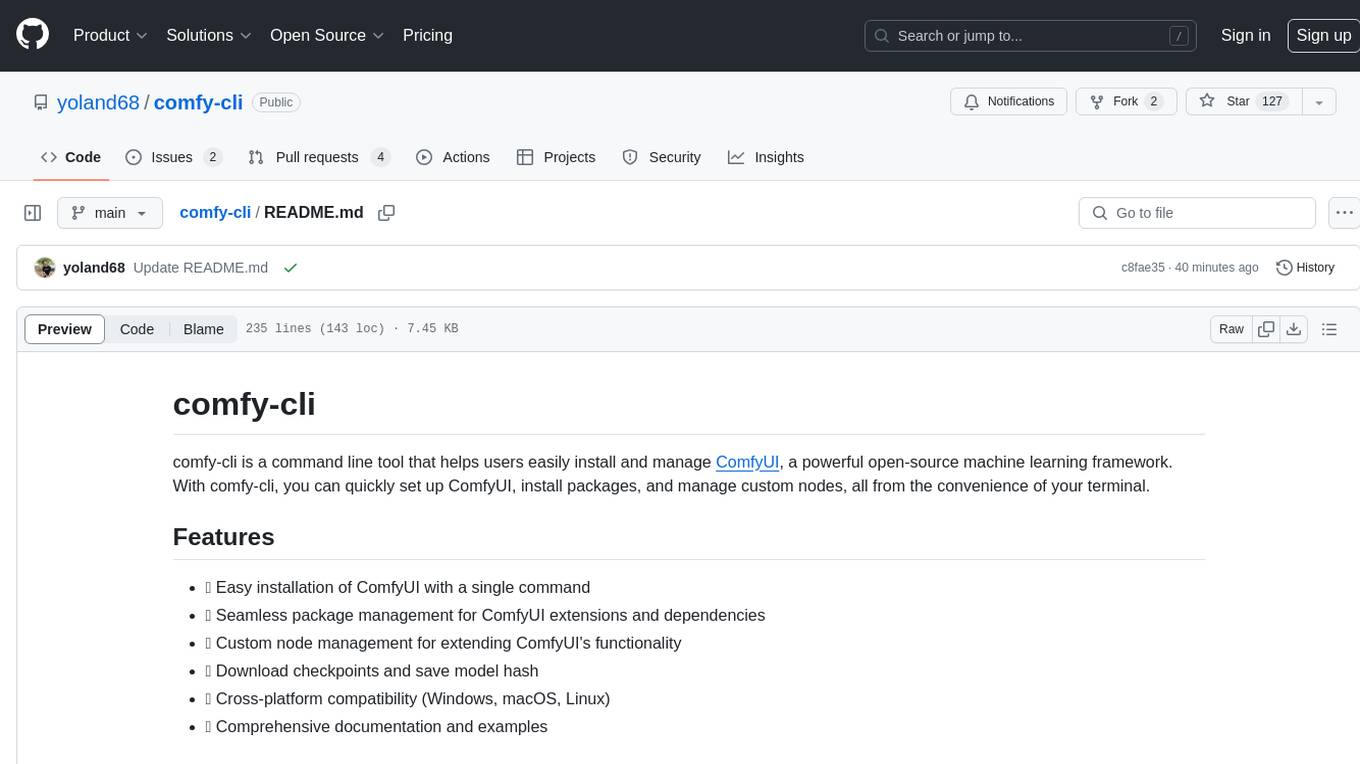
comfy-cli
comfy-cli is a command line tool designed to simplify the installation and management of ComfyUI, an open-source machine learning framework. It allows users to easily set up ComfyUI, install packages, manage custom nodes, download checkpoints, and ensure cross-platform compatibility. The tool provides comprehensive documentation and examples to aid users in utilizing ComfyUI efficiently.
For similar tasks
aicommits
AI Commits is a CLI tool that automates the process of writing git commit messages using AI technology. It allows users to generate commit messages based on their code changes, eliminating the need to manually write commit messages. The tool supports various AI providers such as TogetherAI, OpenAI, OpenRouter, Ollama, and LM Studio, as well as custom OpenAI-compatible endpoints. Users can configure the tool to select the AI provider, set API keys, and choose from available AI models. AI Commits can be used in CLI mode to generate commit messages for staged changes or integrated with Git via the prepare-commit-msg hook. Additionally, users can customize the commit message format, generate multiple recommendations, and manage configurations using environment variables or command-line options. The tool aims to streamline the git commit process by leveraging AI technology to provide meaningful and context-aware commit messages.
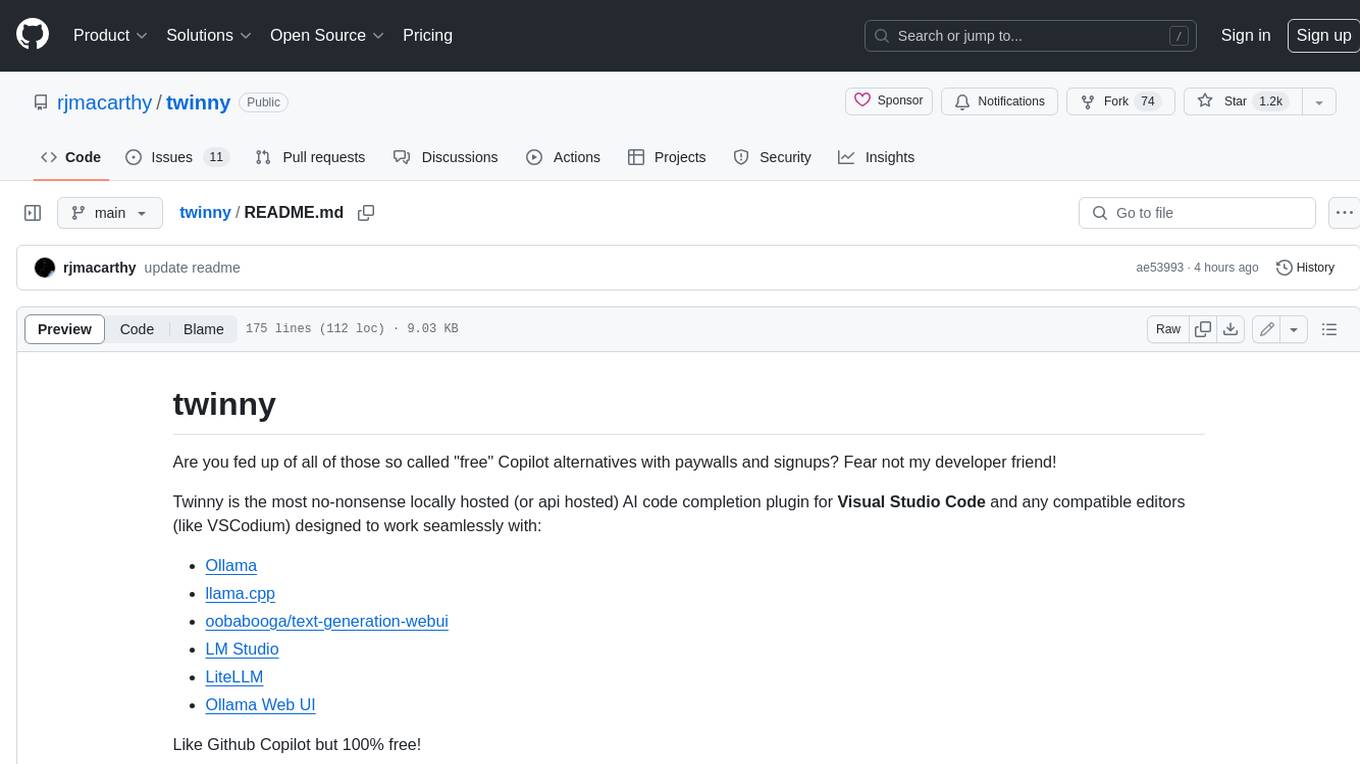
twinny
Twinny is a free and open-source AI code completion plugin for Visual Studio Code and compatible editors. It integrates with various tools and frameworks, including Ollama, llama.cpp, oobabooga/text-generation-webui, LM Studio, LiteLLM, and Open WebUI. Twinny offers features such as fill-in-the-middle code completion, chat with AI about your code, customizable API endpoints, and support for single or multiline fill-in-middle completions. It is easy to install via the Visual Studio Code extensions marketplace and provides a range of customization options. Twinny supports both online and offline operation and conforms to the OpenAI API standard.
CodeGPT
CodeGPT is an extension for JetBrains IDEs that provides access to state-of-the-art large language models (LLMs) for coding assistance. It offers a range of features to enhance the coding experience, including code completions, a ChatGPT-like interface for instant coding advice, commit message generation, reference file support, name suggestions, and offline development support. CodeGPT is designed to keep privacy in mind, ensuring that user data remains secure and private.
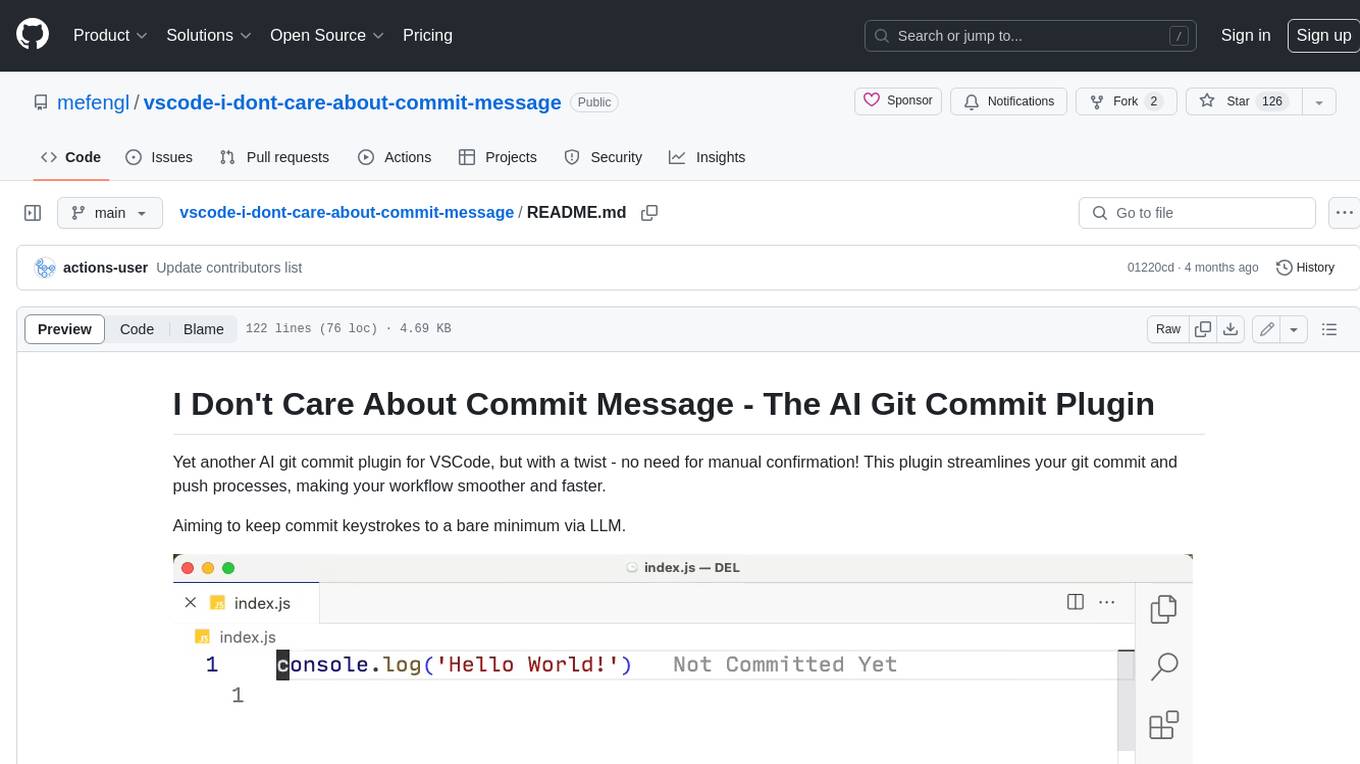
vscode-i-dont-care-about-commit-message
This AI-powered git commit plugin for VSCode streamlines your commit and push processes, eliminating the need for manual confirmation. With a focus on minimizing keystrokes, the plugin leverages LLM to generate commit messages and automate the entire process. Key features include AI-assisted git commit and push, eliminating the need for the 'git add .' command, and customizable OpenAI model selection. The plugin supports multiple languages, making it accessible to developers worldwide. Additionally, it offers advanced settings for specifying the OpenAI API key, base URL, and conventional commit format. Developers can contribute to the project by following the provided development instructions.
ai-commits-intellij-plugin
AI Commits is a plugin for IntelliJ-based IDEs and Android Studio that generates commit messages using git diff and OpenAI. It offers features such as generating commit messages from diff using OpenAI API, computing diff only from selected files and lines in the commit dialog, creating custom prompts for commit message generation, using predefined variables and hints to customize prompts, choosing any of the models available in OpenAI API, setting OpenAI network proxy, and setting custom OpenAI compatible API endpoint.
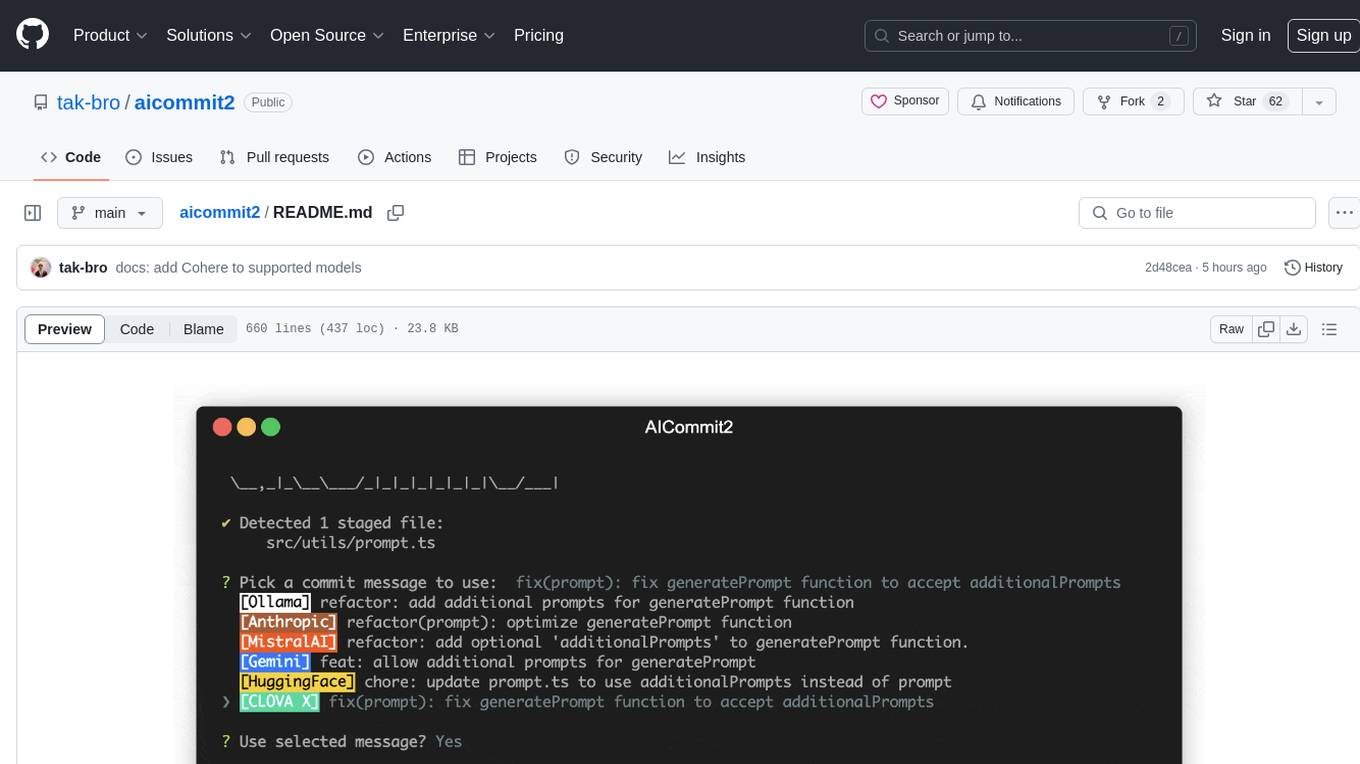
aicommit2
AICommit2 is a Reactive CLI tool that streamlines interactions with various AI providers such as OpenAI, Anthropic Claude, Gemini, Mistral AI, Cohere, and unofficial providers like Huggingface and Clova X. Users can request multiple AI simultaneously to generate git commit messages without waiting for all AI responses. The tool runs 'git diff' to grab code changes, sends them to configured AI, and returns the AI-generated commit message. Users can set API keys or Cookies for different providers and configure options like locale, generate number of messages, commit type, proxy, timeout, max-length, and more. AICommit2 can be used both locally with Ollama and remotely with supported providers, offering flexibility and efficiency in generating commit messages.
lobe-cli-toolbox
Lobe CLI Toolbox is an AI CLI Toolbox designed to enhance git commit and i18n workflow efficiency. It includes tools like Lobe Commit for generating Gitmoji-based commit messages and Lobe i18n for automating the i18n translation process. The toolbox also features Lobe label for automatically copying issues labels from a template repo. It supports features such as automatic splitting of large files, incremental updates, and customization options for the OpenAI model, API proxy, and temperature.
opencommit
OpenCommit is a tool that auto-generates meaningful commits using AI, allowing users to quickly create commit messages for their staged changes. It provides a CLI interface for easy usage and supports customization of commit descriptions, emojis, and AI models. Users can configure local and global settings, switch between different AI providers, and set up Git hooks for integration with IDE Source Control. Additionally, OpenCommit can be used as a GitHub Action to automatically improve commit messages on push events, ensuring all commits are meaningful and not generic. Payments for OpenAI API requests are handled by the user, with the tool storing API keys locally.
For similar jobs

sweep
Sweep is an AI junior developer that turns bugs and feature requests into code changes. It automatically handles developer experience improvements like adding type hints and improving test coverage.

teams-ai
The Teams AI Library is a software development kit (SDK) that helps developers create bots that can interact with Teams and Microsoft 365 applications. It is built on top of the Bot Framework SDK and simplifies the process of developing bots that interact with Teams' artificial intelligence capabilities. The SDK is available for JavaScript/TypeScript, .NET, and Python.

ai-guide
This guide is dedicated to Large Language Models (LLMs) that you can run on your home computer. It assumes your PC is a lower-end, non-gaming setup.

classifai
Supercharge WordPress Content Workflows and Engagement with Artificial Intelligence. Tap into leading cloud-based services like OpenAI, Microsoft Azure AI, Google Gemini and IBM Watson to augment your WordPress-powered websites. Publish content faster while improving SEO performance and increasing audience engagement. ClassifAI integrates Artificial Intelligence and Machine Learning technologies to lighten your workload and eliminate tedious tasks, giving you more time to create original content that matters.

chatbot-ui
Chatbot UI is an open-source AI chat app that allows users to create and deploy their own AI chatbots. It is easy to use and can be customized to fit any need. Chatbot UI is perfect for businesses, developers, and anyone who wants to create a chatbot.

BricksLLM
BricksLLM is a cloud native AI gateway written in Go. Currently, it provides native support for OpenAI, Anthropic, Azure OpenAI and vLLM. BricksLLM aims to provide enterprise level infrastructure that can power any LLM production use cases. Here are some use cases for BricksLLM: * Set LLM usage limits for users on different pricing tiers * Track LLM usage on a per user and per organization basis * Block or redact requests containing PIIs * Improve LLM reliability with failovers, retries and caching * Distribute API keys with rate limits and cost limits for internal development/production use cases * Distribute API keys with rate limits and cost limits for students

uAgents
uAgents is a Python library developed by Fetch.ai that allows for the creation of autonomous AI agents. These agents can perform various tasks on a schedule or take action on various events. uAgents are easy to create and manage, and they are connected to a fast-growing network of other uAgents. They are also secure, with cryptographically secured messages and wallets.

griptape
Griptape is a modular Python framework for building AI-powered applications that securely connect to your enterprise data and APIs. It offers developers the ability to maintain control and flexibility at every step. Griptape's core components include Structures (Agents, Pipelines, and Workflows), Tasks, Tools, Memory (Conversation Memory, Task Memory, and Meta Memory), Drivers (Prompt and Embedding Drivers, Vector Store Drivers, Image Generation Drivers, Image Query Drivers, SQL Drivers, Web Scraper Drivers, and Conversation Memory Drivers), Engines (Query Engines, Extraction Engines, Summary Engines, Image Generation Engines, and Image Query Engines), and additional components (Rulesets, Loaders, Artifacts, Chunkers, and Tokenizers). Griptape enables developers to create AI-powered applications with ease and efficiency.