


stik_app
Instant thought capture for macOS. One shortcut, post-it appears, type, close.
Stars: 108
Stik is an instant thought capture tool for macOS that allows users to quickly jot down notes without any onboarding or account setup. With global shortcuts, users can summon a floating post-it from anywhere, type their thoughts, and close it to save as a plain markdown file. Stik offers features like organizing notes into folders, pinning important notes, rich editor with markdown support, on-device AI for semantic search, smart folder suggestions, and note embeddings, sharing notes in various formats, importing notes from Apple Notes, customizable themes, and more. Users can build Stik from source and contribute to the project. Stik prioritizes user privacy by storing notes locally, running AI on-device, and offering sync options with iCloud Drive, Dropbox, Syncthing, or other syncing services.
README:

Instant thought capture for macOS.
Press a shortcut. Type your thought. Get back to work.
Under 3 seconds. Every time.
Website · Demo · Ideas Board · X · Discord · Download · Roadmap · Changelog


Every note app wants to be your second brain. Stik just wants to catch your thought before it disappears.
No onboarding. No account. No sync setup. Hit Cmd+Shift+S, type, close. Your note is saved as a plain markdown file. That's it.
brew install --cask 0xMassi/stik/stikOr add the tap first:
brew tap 0xMassi/stik
brew install --cask stikGrab the latest .dmg from GitHub Releases.
Requires macOS 10.15+. On first launch, grant Accessibility permissions when prompted (needed for global shortcuts).
If you installed via Homebrew:
brew upgrade --cask stikFrom v0.3.3 onwards, Stik includes a built-in auto-updater that silently downloads new versions in the background. Updates apply on next app restart.
Capture -- Global shortcuts summon a floating post-it from anywhere. Type, close, done. Notes are saved as markdown in ~/Documents/Stik/.
Organize -- Folders (Inbox, Work, Ideas, or your own). Move notes with a keystroke. Search everything instantly.
Pin -- Keep important notes floating on your desktop as sticky notes.
Rich Editor -- Source-mode markdown with syntax highlighting, ==highlighting==, [[wiki-links]] to other notes, collapsible headings, image paste/drop, task lists, interactive tables, and a link popover for quick editing. Type / for slash commands -- instant templates for meetings, standups, journals, tables, and more. Create your own custom templates in Settings. Optional Vim mode.
On-Device AI -- Semantic search, smart folder suggestions, and note embeddings. Powered by Apple's NaturalLanguage framework. Everything runs locally -- no cloud, no API keys, no data leaves your Mac.
Share -- Copy notes as rich text, markdown, or image. Sync folders via git with background auto-sync.
Import -- Browse and import notes from Apple Notes directly into Stik. No export/import files needed.
Themes -- System, Light, or Dark mode. Switches live, respects macOS appearance.
Remember -- Capture streak tracks your daily note-taking habit. "On This Day" resurfaces notes from past years.
All shortcuts are customizable in Settings.
| Shortcut | Action |
|---|---|
Cmd+Shift+S |
Capture a new note |
Cmd+Shift+P |
Command Palette (search + folders) |
Cmd+Shift+M |
Command Palette (alt shortcut) |
Cmd+Shift+L |
Reopen last note |
Cmd+Shift+, |
Open settings |
- Notes are plain markdown files in
~/Documents/Stik/-- open them in any editor - All AI runs on-device via Apple frameworks -- nothing is sent anywhere
- No account, no cloud, no tracking, no telemetry
- Settings stored locally in
~/.stik/ - Want sync? Just enable iCloud Drive for your Documents folder. Stik works automatically with iCloud, Dropbox, Syncthing, or anything that syncs
~/Documents
- macOS 10.15+
-
Xcode Command Line Tools (
xcode-select --install) - Rust 1.70+
- Node.js 18+
git clone https://github.com/0xMassi/stik_app.git
cd stik_app
npm install
npm run tauri dev      # Development with hot reload
npm run tauri build # Production .app bundle| Layer | Technology |
|---|---|
| Frontend | React 19, TypeScript, Tailwind CSS, CodeMirror 6 |
| Backend | Rust, Tauri 2.0 |
| AI | DarwinKit (Swift CLI wrapping Apple NaturalLanguage framework) |
| Storage | Local filesystem (.md files), optional git sync |
Contributions are welcome. Please open an issue first to discuss what you'd like to change.
# Check Rust code
cd src-tauri && cargo check

# Format Rust code
cd src-tauri && cargo fmt

# Type check frontend
npm run buildGot a feature idea or want to vote on what gets built next? Visit the Stik Ideas Board -- sign in with GitHub, submit ideas, upvote your favorites, and discuss with the community. The roadmap is shaped by you.
Have a question, found a bug, or want to request a feature? Reach out at [email protected], join Discord, follow us on X, or open an issue.
Built by Massi
If Stik saves you time, consider leaving a star.
For Tasks:
Click tags to check more tools for each tasksFor Jobs:
Alternative AI tools for stik_app
Similar Open Source Tools
stik_app
Stik is an instant thought capture tool for macOS that allows users to quickly jot down notes without any onboarding or account setup. With global shortcuts, users can summon a floating post-it from anywhere, type their thoughts, and close it to save as a plain markdown file. Stik offers features like organizing notes into folders, pinning important notes, rich editor with markdown support, on-device AI for semantic search, smart folder suggestions, and note embeddings, sharing notes in various formats, importing notes from Apple Notes, customizable themes, and more. Users can build Stik from source and contribute to the project. Stik prioritizes user privacy by storing notes locally, running AI on-device, and offering sync options with iCloud Drive, Dropbox, Syncthing, or other syncing services.
ChatGPT-desktop
ChatGPT Desktop Application is a multi-platform tool that provides a powerful AI wrapper for generating text. It offers features like text-to-speech, exporting chat history in various formats, automatic application upgrades, system tray hover window, support for slash commands, customization of global shortcuts, and pop-up search. The application is built using Tauri and aims to enhance user experience by simplifying text generation tasks. It is available for Mac, Windows, and Linux, and is designed for personal learning and research purposes.
note-companion
Note Companion is an AI-powered Obsidian plugin that automatically organizes and formats notes. It provides organizing suggestions, custom format AI prompts, automated workflows, handwritten note digitization, audio transcription, atomic note generation, YouTube summaries, and context-aware AI chat. Key use cases include smart vault management, handwritten notes digitization, and intelligent meeting notes. The tool offers advanced features like custom AI templates and multi-modal support for processing various content types. Users can seamlessly integrate with mobile workflows and utilize iOS shortcuts for sending Apple Notes to Obsidian. Note Companion enhances productivity by streamlining note organization and management tasks with AI assistance.
mmore
MMORE is an open-source, end-to-end pipeline for ingesting, processing, indexing, and retrieving knowledge from various file types such as PDFs, Office docs, images, audio, video, and web pages. It standardizes content into a unified multimodal format, supports distributed CPU/GPU processing, and offers hybrid dense+sparse retrieval with an integrated RAG service through CLI and APIs.
CodeNomad
CodeNomad is a fast, multi-instance workspace designed for users who spend extended hours in OpenCode. It provides a premium, low-latency environment with features like managing multiple OpenCode sessions side-by-side, global command palette for keyboard-first control, rich media previews, and browser support via CodeNomad Server. Users can choose between a Desktop App (Electron-based) with global shortcuts and deeper system integration, a Tauri App for lightweight high-performance experience, or run CodeNomad as a local server accessed via web browser. The tool supports multi-instance workspace, long-session native scrolling, command palette for easy navigation, and deep task awareness to monitor background tasks and child sessions without interruptions.
tts-generation-webui
TTS Generation WebUI is a comprehensive tool that provides a user-friendly interface for text-to-speech and voice cloning tasks. It integrates various AI models such as Bark, MusicGen, AudioGen, Tortoise, RVC, Vocos, Demucs, SeamlessM4T, and MAGNeT. The tool offers one-click installers, Google Colab demo, videos for guidance, and extra voices for Bark. Users can generate audio outputs, manage models, caches, and system space for AI projects. The project is open-source and emphasizes ethical and responsible use of AI technology.
bagel
Bagel is a tool that allows users to chat with their robotics and drone data similar to using ChatGPT. It generates deterministic and auditable DuckDB SQL queries to analyze data, supporting various robotics and sensor log formats. Users can interact with Bagel through a Discord server, and it can be integrated with different language models. Bagel provides tutorials, Docker images for easy deployment, and a roadmap for upcoming features like Computer Vision Module, Anomaly Detection, and more.
preswald
Preswald is a full-stack platform for building, deploying, and managing interactive data applications in Python. It simplifies the process by combining ingestion, storage, transformation, and visualization into one lightweight SDK. With Preswald, users can connect to various data sources, customize app themes, and easily deploy apps locally. The platform focuses on code-first simplicity, end-to-end coverage, and efficiency by design, making it suitable for prototyping internal tools or deploying production-grade apps with reduced complexity and cost.
AIWritingCompanion
AIWritingCompanion is a lightweight and versatile browser extension designed to translate text within input fields. It offers universal compatibility, multiple activation methods, and support for various translation providers like Gemini, OpenAI, and WebAI to API. Users can install it via CRX file or Git, set API key, and use it for automatic translation or via shortcut. The tool is suitable for writers, translators, students, researchers, and bloggers. AI keywords include writing assistant, translation tool, browser extension, language translation, and text translator. Users can use it for tasks like translate text, assist in writing, simplify content, check language accuracy, and enhance communication.
mu
Mu is a collection of simple tools for everyday use that respect users' time by providing utilities without ads, algorithms, or tracking. It includes features like personalized dashboard, microblogging, AI-powered chat, RSS feeds with AI summaries, ad-free YouTube viewing, private messaging & email, and crypto payments. Users can self-host Mu or use the hosted version at mu.xyz. The tools are designed to be small, focused, and do one thing well, enhancing some features with AI capabilities like auto-tagging topics, summarizing articles, and providing knowledge assistance.
air-light
Air-light is a minimalist WordPress starter theme designed to be an ultra minimal starting point for a WordPress project. It is built to be very straightforward, backwards compatible, front-end developer friendly and modular by its structure. Air-light is free of weird "app-like" folder structures or odd syntaxes that nobody else uses. It loves WordPress as it was and as it is.
DesktopCommanderMCP
Desktop Commander MCP is a server that allows the Claude desktop app to execute long-running terminal commands on your computer and manage processes through Model Context Protocol (MCP). It is built on top of MCP Filesystem Server to provide additional search and replace file editing capabilities. The tool enables users to execute terminal commands with output streaming, manage processes, perform full filesystem operations, and edit code with surgical text replacements or full file rewrites. It also supports vscode-ripgrep based recursive code or text search in folders.
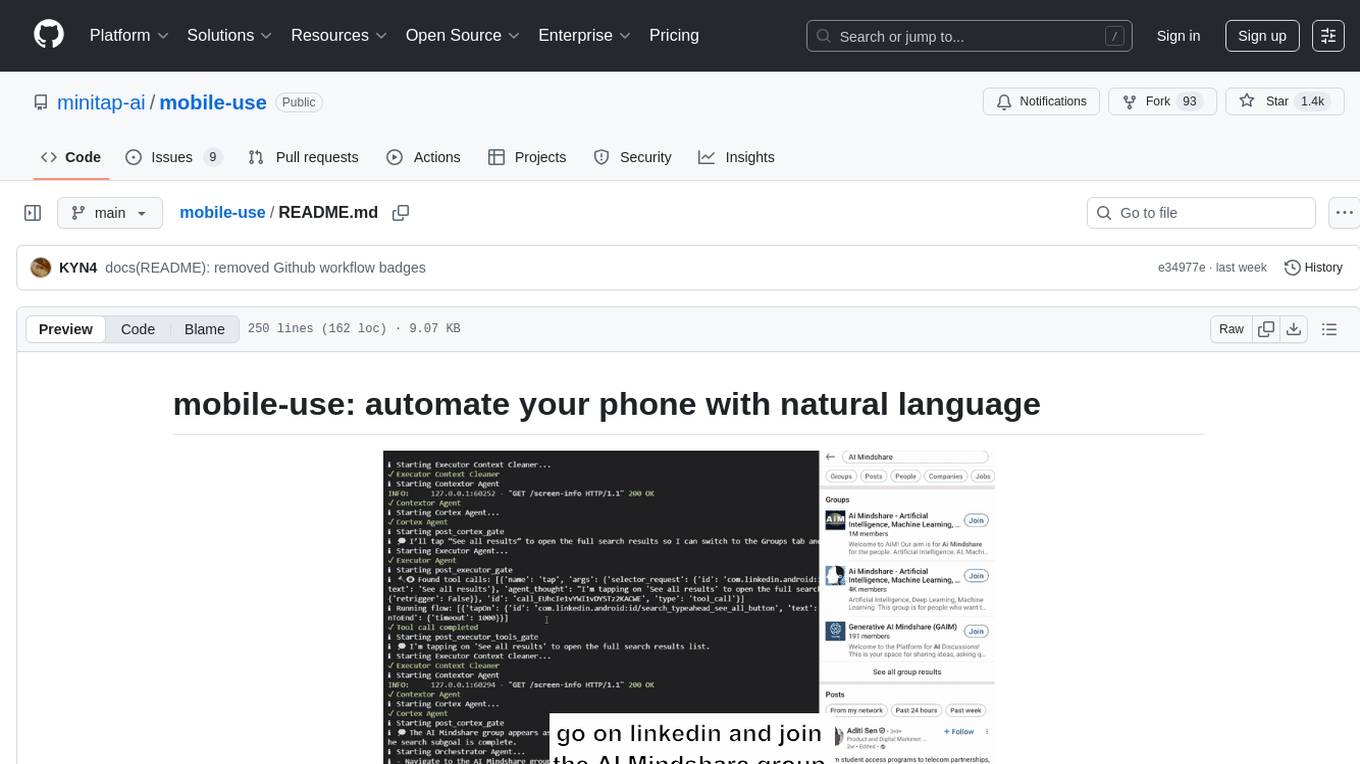
mobile-use
Mobile-use is an open-source AI agent that controls Android or IOS devices using natural language. It understands commands to perform tasks like sending messages and navigating apps. Features include natural language control, UI-aware automation, data scraping, and extensibility. Users can automate their mobile experience by setting up environment variables, customizing LLM configurations, and launching the tool via Docker or manually for development. The tool supports physical Android phones, Android simulators, and iOS simulators. Contributions are welcome, and the project is licensed under MIT.
better-chatbot
Better Chatbot is an open-source AI chatbot designed for individuals and teams, inspired by various AI models. It integrates major LLMs, offers powerful tools like MCP protocol and data visualization, supports automation with custom agents and visual workflows, enables collaboration by sharing configurations, provides a voice assistant feature, and ensures an intuitive user experience. The platform is built with Vercel AI SDK and Next.js, combining leading AI services into one platform for enhanced chatbot capabilities.
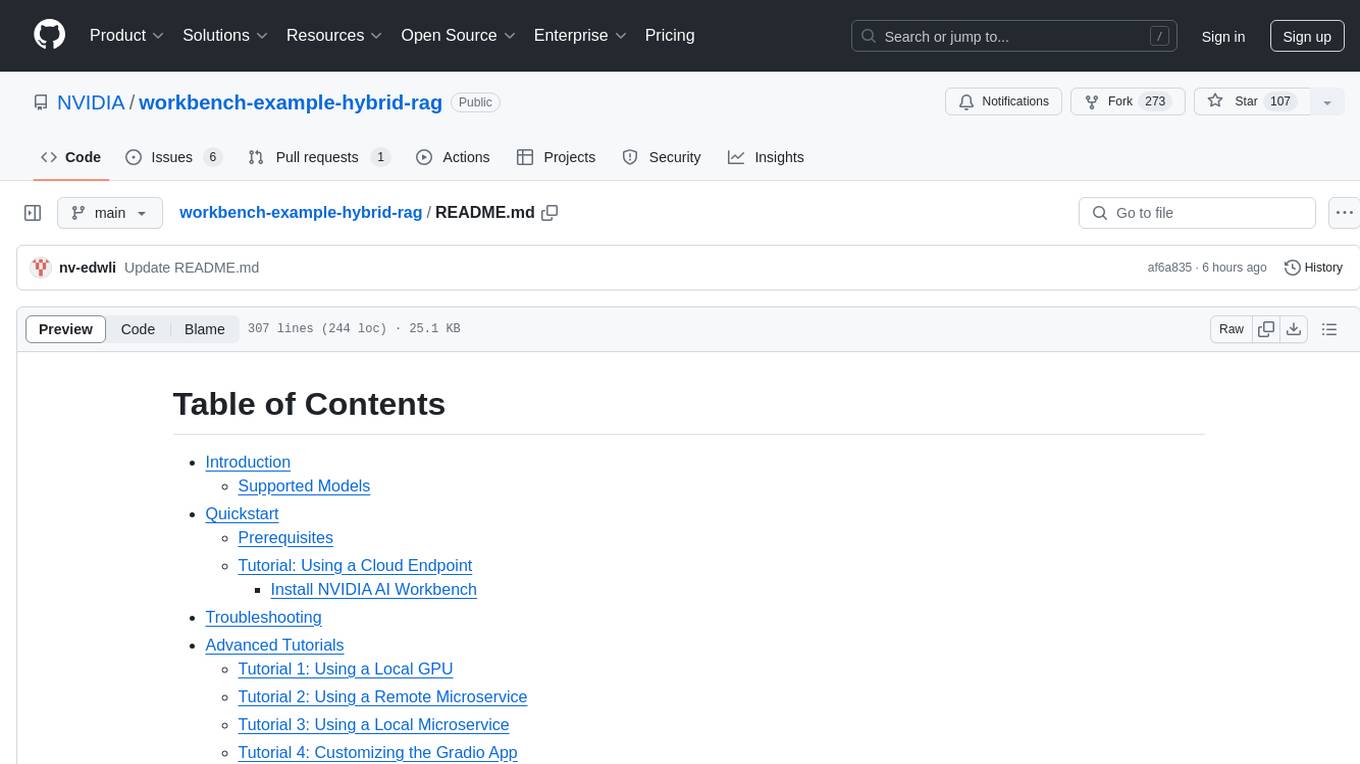
workbench-example-hybrid-rag
This NVIDIA AI Workbench project is designed for developing a Retrieval Augmented Generation application with a customizable Gradio Chat app. It allows users to embed documents into a locally running vector database and run inference locally on a Hugging Face TGI server, in the cloud using NVIDIA inference endpoints, or using microservices via NVIDIA Inference Microservices (NIMs). The project supports various models with different quantization options and provides tutorials for using different inference modes. Users can troubleshoot issues, customize the Gradio app, and access advanced tutorials for specific tasks.
trieve
Trieve is an advanced relevance API for hybrid search, recommendations, and RAG. It offers a range of features including self-hosting, semantic dense vector search, typo tolerant full-text/neural search, sub-sentence highlighting, recommendations, convenient RAG API routes, the ability to bring your own models, hybrid search with cross-encoder re-ranking, recency biasing, tunable popularity-based ranking, filtering, duplicate detection, and grouping. Trieve is designed to be flexible and customizable, allowing users to tailor it to their specific needs. It is also easy to use, with a simple API and well-documented features.
For similar tasks
stik_app
Stik is an instant thought capture tool for macOS that allows users to quickly jot down notes without any onboarding or account setup. With global shortcuts, users can summon a floating post-it from anywhere, type their thoughts, and close it to save as a plain markdown file. Stik offers features like organizing notes into folders, pinning important notes, rich editor with markdown support, on-device AI for semantic search, smart folder suggestions, and note embeddings, sharing notes in various formats, importing notes from Apple Notes, customizable themes, and more. Users can build Stik from source and contribute to the project. Stik prioritizes user privacy by storing notes locally, running AI on-device, and offering sync options with iCloud Drive, Dropbox, Syncthing, or other syncing services.
Noi
Noi is an AI-enhanced customizable browser designed to streamline digital experiences. It includes curated AI websites, allows adding any URL, offers prompts management, Noi Ask for batch messaging, various themes, Noi Cache Mode for quick link access, cookie data isolation, and more. Users can explore, extend, and empower their browsing experience with Noi.
svelte-commerce
Svelte Commerce is an open-source frontend for eCommerce, utilizing a PWA and headless approach with a modern JS stack. It supports integration with various eCommerce backends like MedusaJS, Woocommerce, Bigcommerce, and Shopify. The API flexibility allows seamless connection with third-party tools such as payment gateways, POS systems, and AI services. Svelte Commerce offers essential eCommerce features, is both SSR and SPA, superfast, and free to download and modify. Users can easily deploy it on Netlify or Vercel with zero configuration. The tool provides features like headless commerce, authentication, cart & checkout, TailwindCSS styling, server-side rendering, proxy + API integration, animations, lazy loading, search functionality, faceted filters, and more.
pro-react-admin
Pro React Admin is a comprehensive React admin template that includes features such as theme switching, custom component theming, nested routing, webpack optimization, TypeScript support, multi-tabs, internationalization, code styling, commit message configuration, error handling, code splitting, component documentation generation, and more. It also provides tools for mock server implementation, deployment, linting, formatting, and continuous code review. The template supports various technologies like React, React Router, Webpack, Babel, Ant Design, TypeScript, and Vite, making it suitable for building efficient and scalable React admin applications.
AI-GAL
AI-GAL is a tool that offers a visual GUI for easier configuration file editing, branch selection mode for content generation, and bug fixes. Users can configure settings in config.ini, utilize cloud-based AI drawing and voice modes, set themes for script generation, and enjoy a wallpaper. Prior to usage, ensure a 4GB+ GPU, chatgpt key or local LLM deployment, and installation of stable diffusion, gpt-sovits, and rembg. To start, fill out the config.ini file and run necessary APIs. Restart a storyline by clearing story.txt in the game directory. Encounter errors? Copy the log.txt details and send them for assistance.
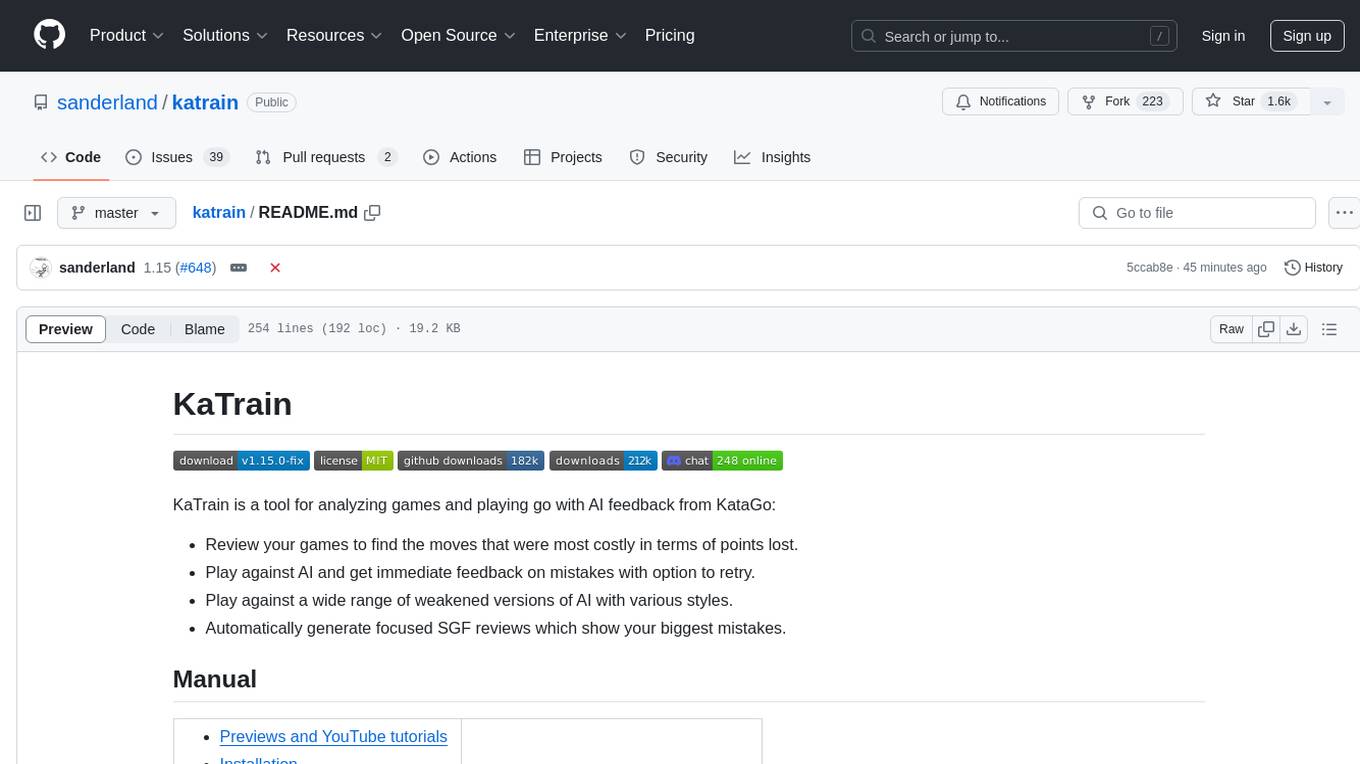
katrain
KaTrain is a tool designed for analyzing games and playing go with AI feedback from KataGo. Users can review their games to find costly moves, play against AI with immediate feedback, play against weakened AI versions, and generate focused SGF reviews. The tool provides various features such as previews, tutorials, installation instructions, and configuration options for KataGo. Users can play against AI, receive instant feedback on moves, explore variations, and request in-depth analysis. KaTrain also supports distributed training for contributing to KataGo's strength and training bigger models. The tool offers themes customization, FAQ section, and opportunities for support and contribution through GitHub issues and Discord community.
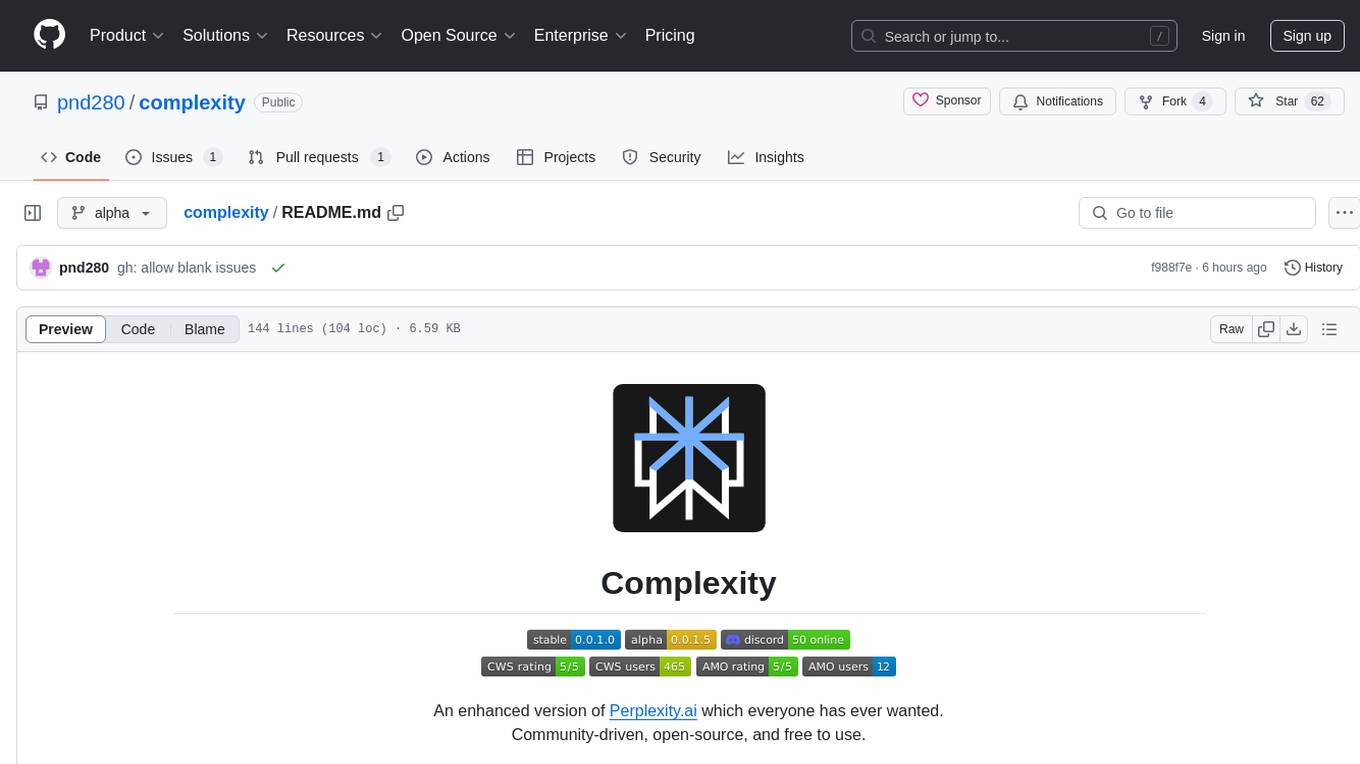
complexity
Complexity is a community-driven, open-source, and free third-party extension that enhances the features of Perplexity.ai. It provides various UI/UX/QoL tweaks, LLM/Image gen model selectors, a customizable theme, and a prompts library. The tool intercepts network traffic to alter the behavior of the host page, offering a solution to the limitations of Perplexity.ai. Users can install Complexity from Chrome Web Store, Mozilla Add-on, or build it from the source code.
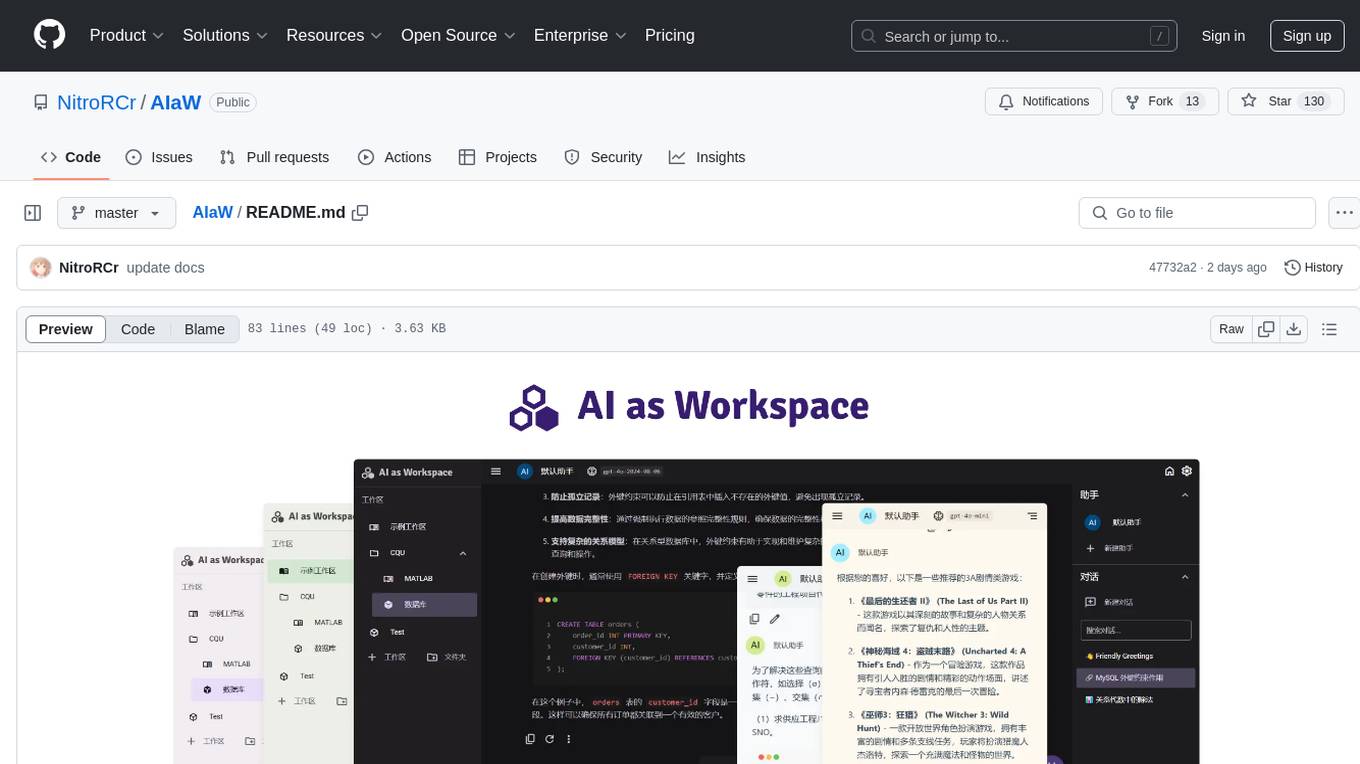
AIaW
AIaW is a next-generation LLM client with full functionality, lightweight, and extensible. It supports various basic functions such as streaming transfer, image uploading, and latex formulas. The tool is cross-platform with a responsive interface design. It supports multiple service providers like OpenAI, Anthropic, and Google. Users can modify questions, regenerate in a forked manner, and visualize conversations in a tree structure. Additionally, it offers features like file parsing, video parsing, plugin system, assistant market, local storage with real-time cloud sync, and customizable interface themes. Users can create multiple workspaces, use dynamic prompt word variables, extend plugins, and benefit from detailed design elements like real-time content preview, optimized code pasting, and support for various file types.
For similar jobs
khoj
Khoj is an open-source, personal AI assistant that extends your capabilities by creating always-available AI agents. You can share your notes and documents to extend your digital brain, and your AI agents have access to the internet, allowing you to incorporate real-time information. Khoj is accessible on Desktop, Emacs, Obsidian, Web, and Whatsapp, and you can share PDF, markdown, org-mode, notion files, and GitHub repositories. You'll get fast, accurate semantic search on top of your docs, and your agents can create deeply personal images and understand your speech. Khoj is self-hostable and always will be.
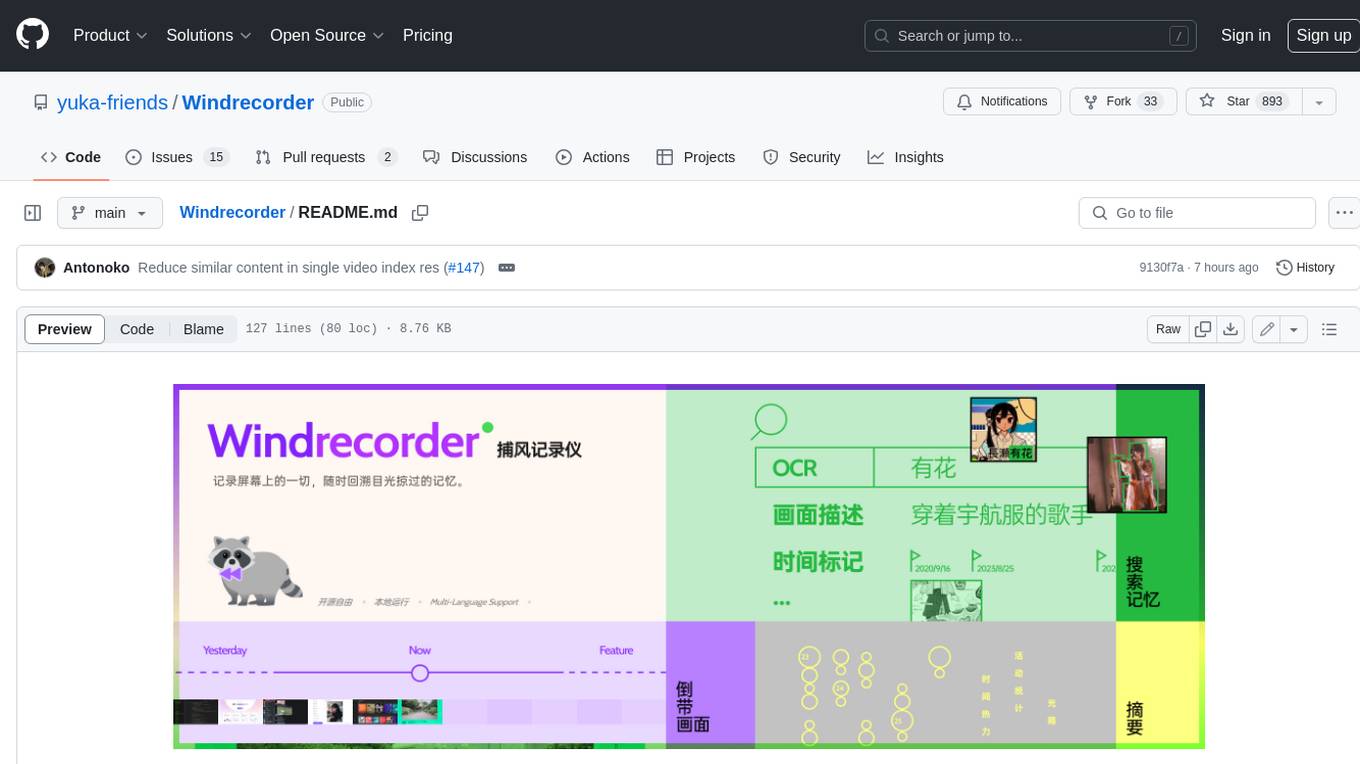
Windrecorder
Windrecorder is an open-source tool that helps you retrieve memory cues by recording everything on your screen. It can search based on OCR text or image descriptions and provides a summary of your activities. All of its capabilities run entirely locally, without the need for an internet connection or uploading any data, giving you complete ownership of your data.
forge
Forge is a free and open-source digital collectible card game (CCG) engine written in Java. It is designed to be easy to use and extend, and it comes with a variety of features that make it a great choice for developers who want to create their own CCGs. Forge is used by a number of popular CCGs, including Ascension, Dominion, and Thunderstone.
userscripts
Greasemonkey userscripts. A userscript manager such as Tampermonkey is required to run these scripts.
freeGPT
freeGPT provides free access to text and image generation models. It supports various models, including gpt3, gpt4, alpaca_7b, falcon_40b, prodia, and pollinations. The tool offers both asynchronous and non-asynchronous interfaces for text completion and image generation. It also features an interactive Discord bot that provides access to all the models in the repository. The tool is easy to use and can be integrated into various applications.
open-saas
Open SaaS is a free and open-source React and Node.js template for building SaaS applications. It comes with a variety of features out of the box, including authentication, payments, analytics, and more. Open SaaS is built on top of the Wasp framework, which provides a number of features to make it easy to build SaaS applications, such as full-stack authentication, end-to-end type safety, jobs, and one-command deploy.
AIGODLIKE-ComfyUI-Translation
A plugin for multilingual translation of ComfyUI, This plugin implements translation of resident menu bar/search bar/right-click context menu/node, etc

free-for-life
A massive list including a huge amount of products and services that are completely free! ⭐ Star on GitHub • 🤝 Contribute # Table of Contents * APIs, Data & ML * Artificial Intelligence * BaaS * Code Editors * Code Generation * DNS * Databases * Design & UI * Domains * Email * Font * For Students * Forms * Linux Distributions * Messaging & Streaming * PaaS * Payments & Billing * SSL