


sgr-agent-core
Schema-Guided Reasoning (SGR) has agentic system design created by neuraldeep community
Stars: 995
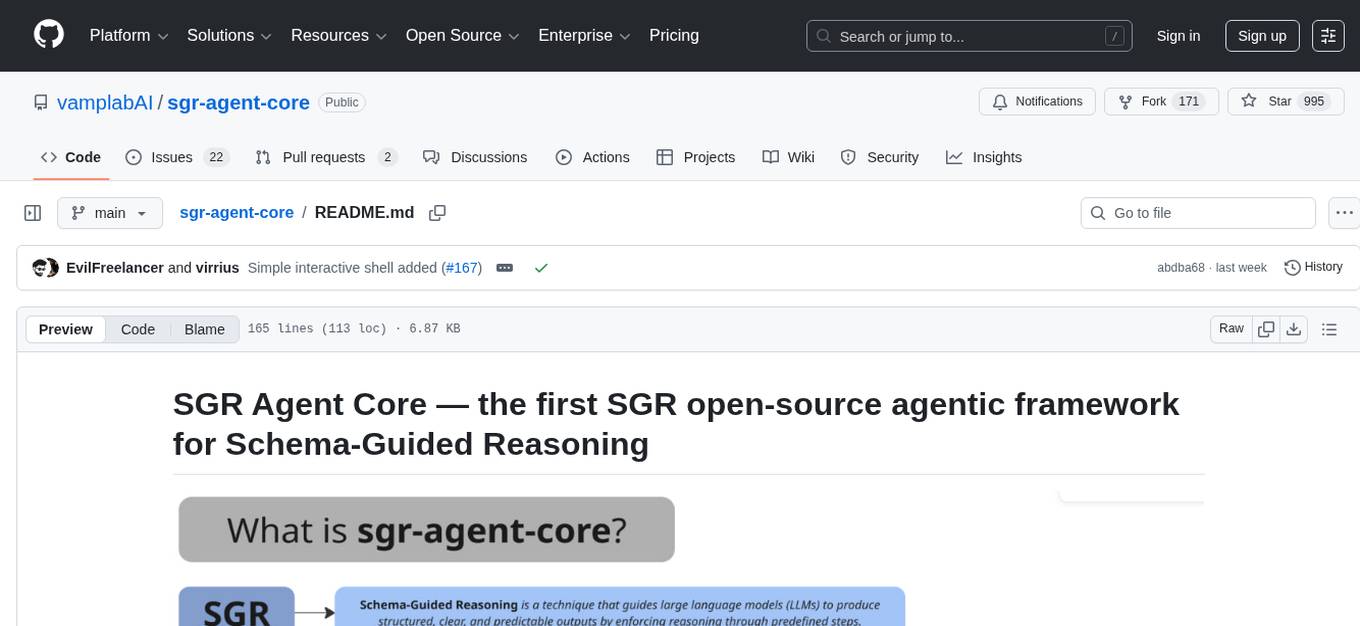
SGR Agent Core is an open-source agentic framework for building intelligent research agents using Schema-Guided Reasoning. It provides a core library with an extendable BaseAgent interface implementing a two-phase architecture and multiple ready-to-use research agent implementations. The library includes tools for search, reasoning, and clarification, real-time streaming responses, and an OpenAI-compatible REST API. It works with any OpenAI-compatible LLM, including local models for fully private research. The framework is production-ready, with comprehensive test coverage and Docker support.
README:

Open-source agentic framework for building intelligent research agents using Schema-Guided Reasoning. The project provides a core library with a extendable BaseAgent interface implementing a two-phase architecture and multiple ready-to-use research agent implementations built on top of it.
The library includes extensible tools for search, reasoning, and clarification, real-time streaming responses, OpenAI-compatible REST API. Works with any OpenAI-compatible LLM, including local models for fully private research.
- Schema-Guided Reasoning — SGR combines structured reasoning with flexible tool selection
-
Multiple Agent Types — Choose from
SGRAgent,ToolCallingAgent, orSGRToolCallingAgent - Extensible Architecture — Easy to create custom agents and tools
- OpenAI-Compatible API — Drop-in replacement for OpenAI API endpoints
- Real-time Streaming — Built-in support for streaming responses via SSE
- Production Ready — Battle-tested with comprehensive test coverage and Docker support
Get started quickly with our documentation:
- Project Docs - Complete project documentation
- Framework Quick Start Guide - Get up and running in minutes
- DeepSearch Service Documentation - REST API reference with examples
The fastest way to get started is using Docker:
# Clone the repository
git clone https://github.com/vamplabai/sgr-agent-core.git
cd sgr-agent-core

# Create directories with write permissions for all
sudo mkdir -p logs reports
sudo chmod 777 logs reports

# Copy and edit the configuration file
cp examples/sgr_deep_research/config.yaml.example examples/sgr_deep_research/config.yaml
# Edit examples/sgr_deep_research/config.yaml and set your API keys:
# - llm.api_key: Your OpenAI API key
# - search.tavily_api_key: Your Tavily API key (optional)

# Run the container
docker run --rm -i \
  --name sgr-agent \
  -p 8010:8010 \
  -v $(pwd)/examples/sgr_deep_research:/app/examples/sgr_deep_research:ro \
  -v $(pwd)/logs:/app/logs \
  -v $(pwd)/reports:/app/reports \
  ghcr.io/vamplabai/sgr-agent-core:latest \
  --config-file /app/examples/sgr_deep_research/config.yaml \
  --host 0.0.0.0 \
  --port 8010
The API server will be available at http://localhost:8010 with OpenAI-compatible API endpoints. Interactive API documentation (Swagger UI) is available at http://localhost:8010/docs.
If you want to use SGR Agent Core as a Python library (framework):
pip install sgr-agent-core
See the Installation Guide for detailed instructions and the Using as Library guide to get started.
The project includes example research agent configurations in the examples/ directory. To get started with deep research agents:
- Copy and configure the config file:
cp examples/sgr_deep_research/config.yaml.example examples/sgr_deep_research/config.yaml
# Edit examples/sgr_deep_research/config.yaml and set your API keys:
# - llm.api_key: Your OpenAI API key
# - search.tavily_api_key: Your Tavily API key (optional)
- Run the API server using the
sgrutility:
sgr --config-file examples/sgr_deep_research/config.yaml
# or use short option
sgr -c examples/sgr_deep_research/config.yaml
Note: You can also run the server directly with Python:
python -m sgr_agent_core.server --config-file examples/sgr_deep_research/config.yaml
For interactive command-line usage, you can use the sgrsh utility:
# Single query mode
sgrsh "Найди цену биткоина"

# With agent selection (e.g. sgr_agent, dialog_agent)
sgrsh --agent sgr_agent "What is AI?"

# With custom config file
sgrsh -c config.yaml -a sgr_agent "Your query"

# Interactive chat mode (no query argument)
sgrsh
sgrsh -a sgr_agent
The sgrsh command:
- Automatically looks for
config.yamlin the current directory - Supports interactive chat mode for multiple queries
- Handles clarification and dialog (intermediate results) requests from agents
- Works with any agent defined in your configuration (e.g.
sgr_agent,dialog_agent)
For more examples and detailed usage instructions, see the examples/ directory.

Performance Metrics on gpt-4.1-mini:
- Accuracy: 86.08%
- Correct: 3,724 answers
- Incorrect: 554 answers
- Not Attempted: 48 answers
More detailed benchmark results are available here.
All development is driven by pure enthusiasm and open-source community collaboration. We welcome contributors of all skill levels!
- SGR Concept Creator // @abdullin
- Project Coordinator & Vision // @VaKovaLskii
- Lead Core Developer // @virrius
- API Development // @EvilFreelancer
- DevOps & Deployment // @mixaill76
- Hybrid FC research // @Shadekss
If you have any questions - feel free to join our community chat
This project is developed by the neuraldeep community. It is inspired by the Schema-Guided Reasoning (SGR) work and SGR Agent Demo

This project is supported by the AI R&D team at red_mad_robot, providing research capacity, engineering expertise, infrastructure, and operational support.
Learn more about red_mad_robot: redmadrobot.ai
For Tasks:
Click tags to check more tools for each tasksFor Jobs:
Alternative AI tools for sgr-agent-core
Similar Open Source Tools
sgr-agent-core
SGR Agent Core is an open-source agentic framework for building intelligent research agents using Schema-Guided Reasoning. It provides a core library with an extendable BaseAgent interface implementing a two-phase architecture and multiple ready-to-use research agent implementations. The library includes tools for search, reasoning, and clarification, real-time streaming responses, and an OpenAI-compatible REST API. It works with any OpenAI-compatible LLM, including local models for fully private research. The framework is production-ready, with comprehensive test coverage and Docker support.
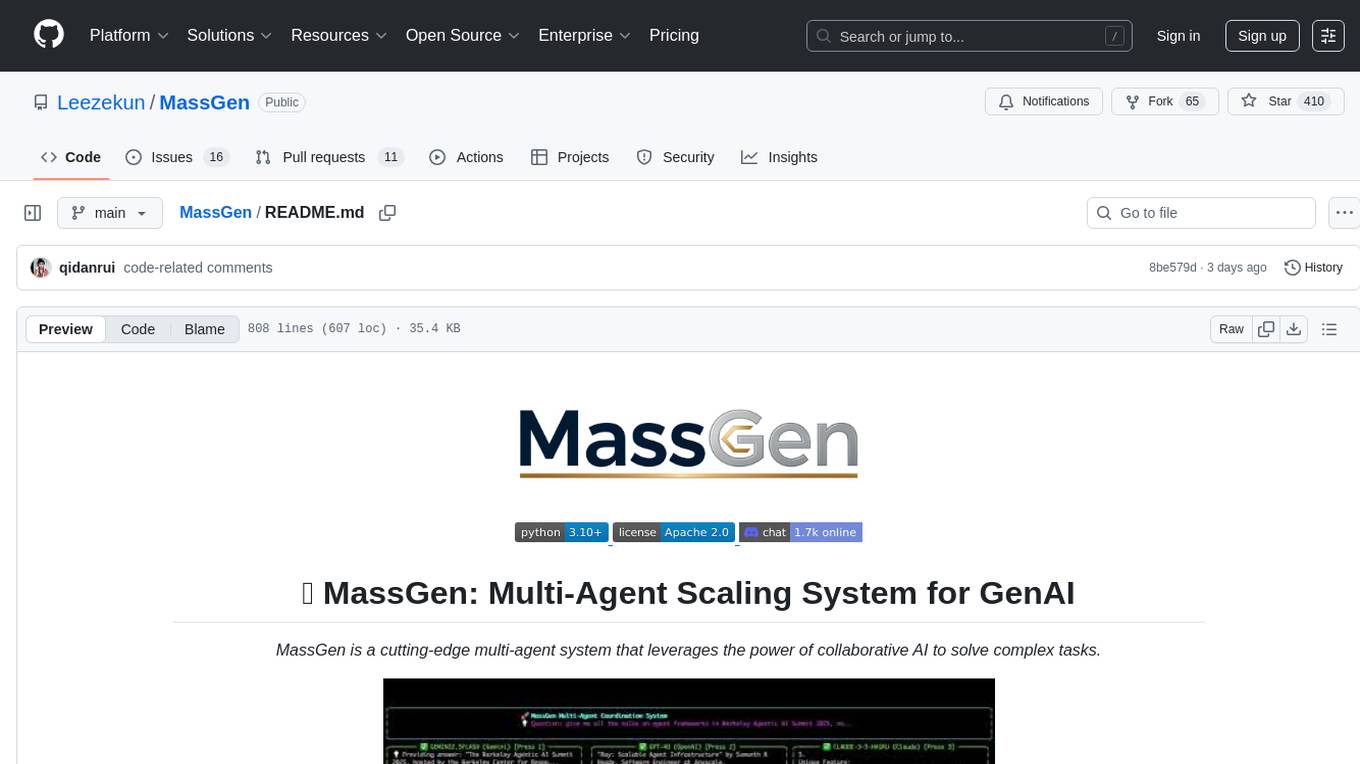
MassGen
MassGen is a cutting-edge multi-agent system that leverages the power of collaborative AI to solve complex tasks. It assigns a task to multiple AI agents who work in parallel, observe each other's progress, and refine their approaches to converge on the best solution to deliver a comprehensive and high-quality result. The system operates through an architecture designed for seamless multi-agent collaboration, with key features including cross-model/agent synergy, parallel processing, intelligence sharing, consensus building, and live visualization. Users can install the system, configure API settings, and run MassGen for various tasks such as question answering, creative writing, research, development & coding tasks, and web automation & browser tasks. The roadmap includes plans for advanced agent collaboration, expanded model, tool & agent integration, improved performance & scalability, enhanced developer experience, and a web interface.
eliza
Eliza is a versatile AI agent operating system designed to support various models and connectors, enabling users to create chatbots, autonomous agents, handle business processes, create video game NPCs, and engage in trading. It offers multi-agent and room support, document ingestion and interaction, retrievable memory and document store, and extensibility to create custom actions and clients. Eliza is easy to use and provides a comprehensive solution for AI agent development.
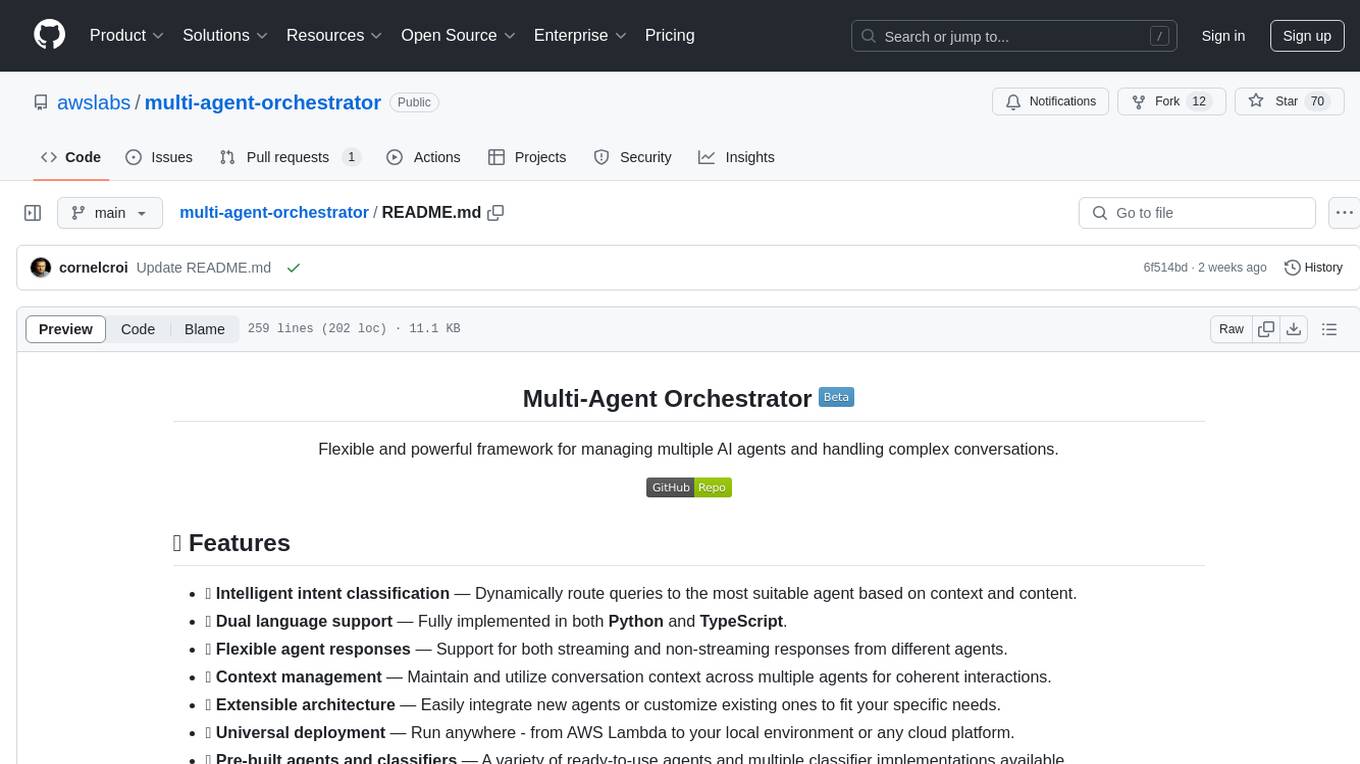
multi-agent-orchestrator
Multi-Agent Orchestrator is a flexible and powerful framework for managing multiple AI agents and handling complex conversations. It intelligently routes queries to the most suitable agent based on context and content, supports dual language implementation in Python and TypeScript, offers flexible agent responses, context management across agents, extensible architecture for customization, universal deployment options, and pre-built agents and classifiers. It is suitable for various applications, from simple chatbots to sophisticated AI systems, accommodating diverse requirements and scaling efficiently.
sdk-typescript
Strands Agents - TypeScript SDK is a lightweight and flexible SDK that takes a model-driven approach to building and running AI agents in TypeScript/JavaScript. It brings key features from the Python Strands framework to Node.js environments, enabling type-safe agent development for various applications. The SDK supports model agnostic development with first-class support for Amazon Bedrock and OpenAI, along with extensible architecture for custom providers. It also offers built-in MCP support, real-time response streaming, extensible hooks, and conversation management features. With tools for interaction with external systems and seamless integration with MCP servers, the SDK provides a comprehensive solution for developing AI agents.
Mira
Mira is an agentic AI library designed for automating company research by gathering information from various sources like company websites, LinkedIn profiles, and Google Search. It utilizes a multi-agent architecture to collect and merge data points into a structured profile with confidence scores and clear source attribution. The core library is framework-agnostic and can be integrated into applications, pipelines, or custom workflows. Mira offers features such as real-time progress events, confidence scoring, company criteria matching, and built-in services for data gathering. The tool is suitable for users looking to streamline company research processes and enhance data collection efficiency.
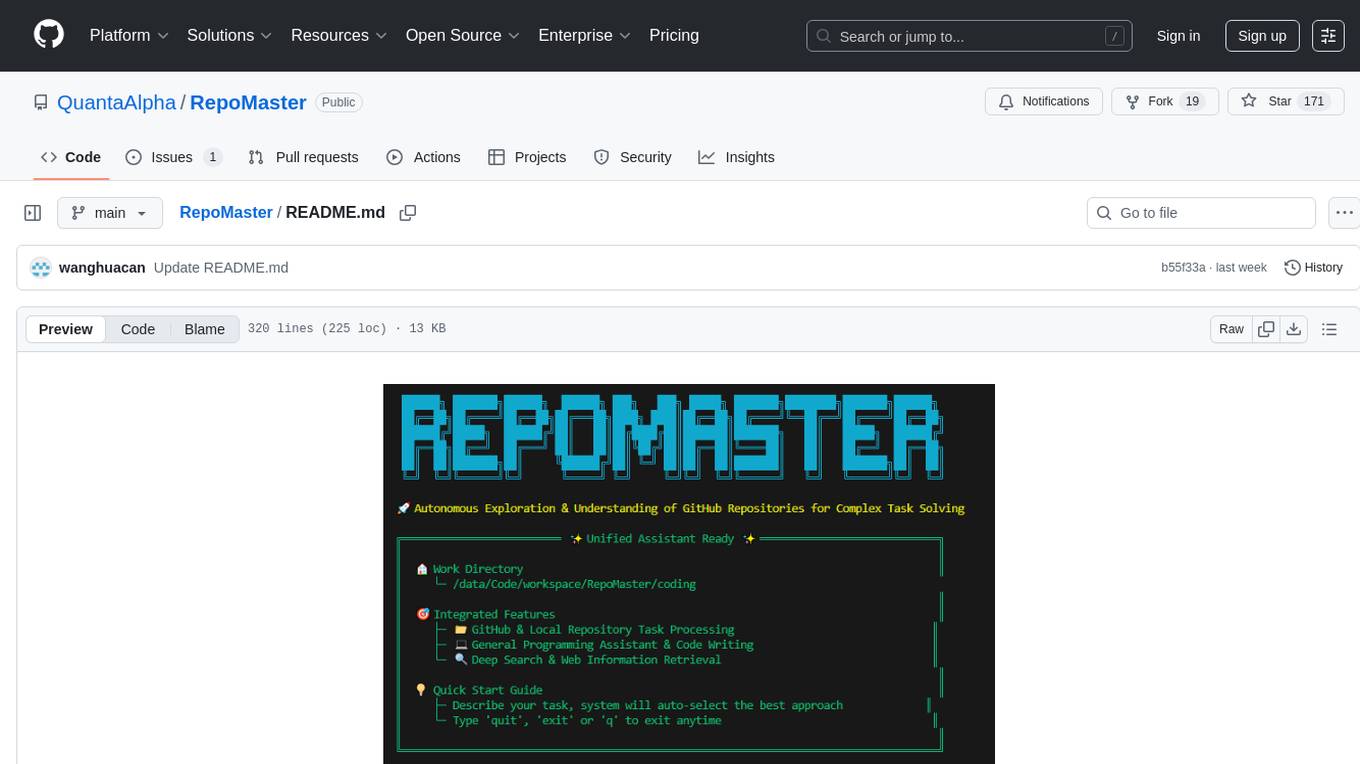
RepoMaster
RepoMaster is an AI agent that leverages GitHub repositories to solve complex real-world tasks. It transforms how coding tasks are solved by automatically finding the right GitHub tools and making them work together seamlessly. Users can describe their tasks, and RepoMaster's AI analysis leads to auto discovery and smart execution, resulting in perfect outcomes. The tool provides a web interface for beginners and a command-line interface for advanced users, along with specialized agents for deep search, general assistance, and repository tasks.
any-llm
The `any-llm` repository provides a unified API to access different LLM (Large Language Model) providers. It offers a simple and developer-friendly interface, leveraging official provider SDKs for compatibility and maintenance. The tool is framework-agnostic, actively maintained, and does not require a proxy or gateway server. It addresses challenges in API standardization and aims to provide a consistent interface for various LLM providers, overcoming limitations of existing solutions like LiteLLM, AISuite, and framework-specific integrations.
agent-squad
Agent Squad is a flexible, lightweight open-source framework for orchestrating multiple AI agents to handle complex conversations. It intelligently routes queries, maintains context across interactions, and offers pre-built components for quick deployment. The system allows easy integration of custom agents and conversation messages storage solutions, making it suitable for various applications from simple chatbots to sophisticated AI systems, scaling efficiently.
CyberStrikeAI
CyberStrikeAI is an AI-native security testing platform built in Go that integrates 100+ security tools, an intelligent orchestration engine, role-based testing with predefined security roles, a skills system with specialized testing skills, and comprehensive lifecycle management capabilities. It enables end-to-end automation from conversational commands to vulnerability discovery, attack-chain analysis, knowledge retrieval, and result visualization, delivering an auditable, traceable, and collaborative testing environment for security teams. The platform features an AI decision engine with OpenAI-compatible models, native MCP implementation with various transports, prebuilt tool recipes, large-result pagination, attack-chain graph, password-protected web UI, knowledge base with vector search, vulnerability management, batch task management, role-based testing, and skills system.
better-chatbot
Better Chatbot is an open-source AI chatbot designed for individuals and teams, inspired by various AI models. It integrates major LLMs, offers powerful tools like MCP protocol and data visualization, supports automation with custom agents and visual workflows, enables collaboration by sharing configurations, provides a voice assistant feature, and ensures an intuitive user experience. The platform is built with Vercel AI SDK and Next.js, combining leading AI services into one platform for enhanced chatbot capabilities.
dotclaude
A sophisticated multi-agent configuration system for Claude Code that provides specialized agents and command templates to accelerate code review, refactoring, security audits, tech-lead-guidance, and UX evaluations. It offers essential commands, directory structure details, agent system overview, command templates, usage patterns, collaboration philosophy, sync management, advanced usage guidelines, and FAQ. The tool aims to streamline development workflows, enhance code quality, and facilitate collaboration between developers and AI agents.
bytebot
Bytebot is an open-source AI desktop agent that provides a virtual employee with its own computer to complete tasks for users. It can use various applications, download and organize files, log into websites, process documents, and perform complex multi-step workflows. By giving AI access to a complete desktop environment, Bytebot unlocks capabilities not possible with browser-only agents or API integrations, enabling complete task autonomy, document processing, and usage of real applications.
octocode-mcp
Octocode is a methodology and platform that empowers AI assistants with the skills of a Senior Staff Engineer. It transforms how AI interacts with code by moving from 'guessing' based on training data to 'knowing' based on deep, evidence-based research. The ecosystem includes the Manifest for Research Driven Development, the MCP Server for code interaction, Agent Skills for extending AI capabilities, a CLI for managing agent capabilities, and comprehensive documentation covering installation, core concepts, tutorials, and reference materials.
AgC
AgC is an open-core platform designed for deploying, running, and orchestrating AI agents at scale. It treats agents as first-class compute units, providing a modular, observable, cloud-neutral, and production-ready environment. Open Agentic Compute empowers developers and organizations to run agents like cloud-native workloads without lock-in.
pyspur
PySpur is a graph-based editor designed for LLM (Large Language Models) workflows. It offers modular building blocks, node-level debugging, and performance evaluation. The tool is easy to hack, supports JSON configs for workflow graphs, and is lightweight with minimal dependencies. Users can quickly set up PySpur by cloning the repository, creating a .env file, starting docker services, and accessing the portal. PySpur can also work with local models served using Ollama, with steps provided for configuration. The roadmap includes features like canvas, async/batch execution, support for Ollama, new nodes, pipeline optimization, templates, code compilation, multimodal support, and more.
For similar tasks
sgr-agent-core
SGR Agent Core is an open-source agentic framework for building intelligent research agents using Schema-Guided Reasoning. It provides a core library with an extendable BaseAgent interface implementing a two-phase architecture and multiple ready-to-use research agent implementations. The library includes tools for search, reasoning, and clarification, real-time streaming responses, and an OpenAI-compatible REST API. It works with any OpenAI-compatible LLM, including local models for fully private research. The framework is production-ready, with comprehensive test coverage and Docker support.
For similar jobs

sweep
Sweep is an AI junior developer that turns bugs and feature requests into code changes. It automatically handles developer experience improvements like adding type hints and improving test coverage.

teams-ai
The Teams AI Library is a software development kit (SDK) that helps developers create bots that can interact with Teams and Microsoft 365 applications. It is built on top of the Bot Framework SDK and simplifies the process of developing bots that interact with Teams' artificial intelligence capabilities. The SDK is available for JavaScript/TypeScript, .NET, and Python.

ai-guide
This guide is dedicated to Large Language Models (LLMs) that you can run on your home computer. It assumes your PC is a lower-end, non-gaming setup.

classifai
Supercharge WordPress Content Workflows and Engagement with Artificial Intelligence. Tap into leading cloud-based services like OpenAI, Microsoft Azure AI, Google Gemini and IBM Watson to augment your WordPress-powered websites. Publish content faster while improving SEO performance and increasing audience engagement. ClassifAI integrates Artificial Intelligence and Machine Learning technologies to lighten your workload and eliminate tedious tasks, giving you more time to create original content that matters.

chatbot-ui
Chatbot UI is an open-source AI chat app that allows users to create and deploy their own AI chatbots. It is easy to use and can be customized to fit any need. Chatbot UI is perfect for businesses, developers, and anyone who wants to create a chatbot.

BricksLLM
BricksLLM is a cloud native AI gateway written in Go. Currently, it provides native support for OpenAI, Anthropic, Azure OpenAI and vLLM. BricksLLM aims to provide enterprise level infrastructure that can power any LLM production use cases. Here are some use cases for BricksLLM: * Set LLM usage limits for users on different pricing tiers * Track LLM usage on a per user and per organization basis * Block or redact requests containing PIIs * Improve LLM reliability with failovers, retries and caching * Distribute API keys with rate limits and cost limits for internal development/production use cases * Distribute API keys with rate limits and cost limits for students

uAgents
uAgents is a Python library developed by Fetch.ai that allows for the creation of autonomous AI agents. These agents can perform various tasks on a schedule or take action on various events. uAgents are easy to create and manage, and they are connected to a fast-growing network of other uAgents. They are also secure, with cryptographically secured messages and wallets.

griptape
Griptape is a modular Python framework for building AI-powered applications that securely connect to your enterprise data and APIs. It offers developers the ability to maintain control and flexibility at every step. Griptape's core components include Structures (Agents, Pipelines, and Workflows), Tasks, Tools, Memory (Conversation Memory, Task Memory, and Meta Memory), Drivers (Prompt and Embedding Drivers, Vector Store Drivers, Image Generation Drivers, Image Query Drivers, SQL Drivers, Web Scraper Drivers, and Conversation Memory Drivers), Engines (Query Engines, Extraction Engines, Summary Engines, Image Generation Engines, and Image Query Engines), and additional components (Rulesets, Loaders, Artifacts, Chunkers, and Tokenizers). Griptape enables developers to create AI-powered applications with ease and efficiency.