


sap-skills
Production-ready Claude Code skills for SAP development - 35 skills covering BTP, CAP, Fiori, ABAP, HANA, Analytics Cloud, and more
Stars: 80
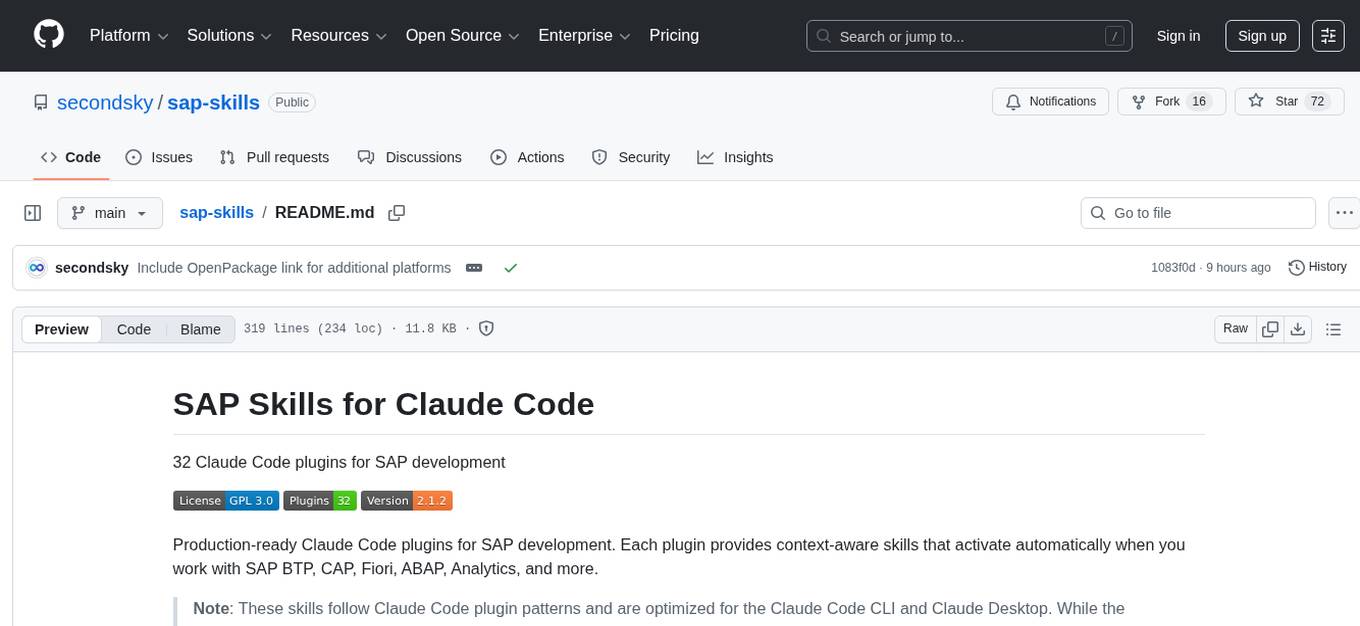
Production-ready Claude Code plugins for SAP development providing context-aware skills for SAP BTP, CAP, Fiori, ABAP, Analytics, and more. These skills follow Claude Code plugin patterns and are optimized for the Claude Code CLI and Claude Desktop. The plugins intelligently load relevant skills based on project context, offering expert guidance without overwhelming users. The repository includes 32 plugins with dual-level manifests, modular organization, and advanced features like commands, agents, and MCP integration. Users can contribute new SAP plugins following the provided workflow and documentation. The project is open source under the GPL-3.0 License, welcoming contributions, and maintaining quality standards for production-tested plugins and current package versions.
README:
32 Claude Code plugins for SAP development



Production-ready Claude Code plugins for SAP development. Each plugin provides context-aware skills that activate automatically when you work with SAP BTP, CAP, Fiori, ABAP, Analytics, and more.
Note: These skills follow Claude Code plugin patterns and are optimized for the Claude Code CLI and Claude Desktop. While the underlying skill content can be adapted for other AI harnesses, they are not automatically usable outside Claude Code without extraction and modification.
This repository uses Claude Plugin Patterns — natively supported by:
| Platform | Status | Notes |
|---|---|---|
| Claude Code | ✅ Native | Full marketplace support |
| Factory Droid | ✅ Native | Full marketplace support |
**For all other Platforms like opencode, codex and others, you can use https://github.com/enulus/OpenPackage **
Add the SAP Skills marketplace to Claude Code:
# Add the marketplace
/plugin marketplace add https://github.com/secondsky/sap-skills

# Install individual plugins
/plugin install sap-cap-capire@sap-skills

# Or install multiple plugins at once
/plugin install sap-cap-capire@sap-skills sap-fiori-tools@sap-skills
Team Setup: Add to .claude/settings.json for automatic availability:
{
  "extraKnownMarketplaces": [
    { "name": "sap-skills", "url": "https://github.com/secondsky/sap-skills" }
  ]
}For contributors or local development:
# Clone the repository
git clone https://github.com/secondsky/sap-skills.git

# Plugins are automatically available from the plugins/ directory
Or browse and install from the marketplace:
claude-code marketplace browseOnce installed, plugins provide skills that automatically activate based on your project context. No manual invocation needed—just start working:
-
"Create a new CAP service" →
sap-cap-capireactivates -
"Set up Fiori Elements app" →
sap-fiori-toolsactivates -
"Deploy to BTP" →
sap-btp-cloud-platformactivates -
"Write ABAP CDS view" →
sap-abap-cdsactivates -
"Create SAC planning model" →
sap-sac-planningactivates
Claude Code intelligently loads relevant skills when you need them, providing expert guidance without overwhelming your context.
All plugins include context-aware skills. Advanced features shown in table columns:
- Commands: Slash commands for quick access
- Agents: Specialized autonomous assistants
- MCP: Model Context Protocol server integration
| Plugin | Commands | Agents | MCP | Description |
|---|---|---|---|---|
| sap-api-style | — | — | — | API documentation standards following SAP guidelines |
| sap-hana-cli | — | — | ✓ | SAP HANA Developer CLI for database operations |
| Plugin | Commands | Agents | MCP | Description |
|---|---|---|---|---|
| sap-btp-best-practices | — | — | — | SAP BTP development best practices and patterns |
| sap-btp-build-work-zone-advanced | — | — | — | SAP Build Work Zone (Advanced Edition) development |
| sap-btp-business-application-studio | — | — | — | SAP Business Application Studio (BAS) development |
| sap-btp-cias | — | — | — | Cloud Identity Access Service (CIAS) integration |
| sap-btp-cloud-logging | — | — | — | SAP BTP Cloud Logging service |
| sap-btp-cloud-platform | — | — | — | SAP Business Technology Platform core services |
| sap-btp-cloud-transport-management | — | — | — | Cloud Transport Management (CTM) service |
| sap-btp-connectivity | — | — | — | SAP BTP Connectivity service |
| sap-btp-developer-guide | — | — | — | Comprehensive SAP BTP developer guide |
| sap-btp-integration-suite | — | — | — | SAP Integration Suite development |
| sap-btp-intelligent-situation-automation | — | — | — | Intelligent Situation Automation development |
| sap-btp-job-scheduling | — | — | — | SAP BTP Job Scheduling service |
| sap-btp-master-data-integration | — | — | — | Master Data Integration service |
| sap-btp-service-manager | — | — | — | SAP BTP Service Manager operations |
| Plugin | Commands | Agents | MCP | Description |
|---|---|---|---|---|
| sap-fiori-tools | — | — | — | SAP Fiori Tools development and deployment |
| sapui5 | 5 | 4 | ✓ | SAPUI5 framework development |
| sapui5-cli | — | — | — | SAPUI5 CLI tools and commands |
| sapui5-linter | — | — | — | SAPUI5 code quality and linting |
| Plugin | Commands | Agents | MCP | Description |
|---|---|---|---|---|
| sap-datasphere | 5 | 3 | ✓ | SAP Datasphere data modeling and management |
| sap-hana-cloud-data-intelligence | — | — | — | SAP HANA Cloud Data Intelligence |
| sap-sac-custom-widget | 3 | 3 | — | SAP Analytics Cloud custom widget development |
| sap-sac-planning | 3 | 3 | — | SAP Analytics Cloud planning applications |
| sap-sac-scripting | 4 | 4 | — | SAP Analytics Cloud scripting API |
| Plugin | Commands | Agents | MCP | Description |
|---|---|---|---|---|
| sap-abap | — | — | — | ABAP development patterns and best practices |
| sap-abap-cds | — | — | — | ABAP Core Data Services (CDS) views |
| sap-ai-core | — | — | — | SAP AI Core machine learning development |
| sap-cap-capire | 5 | 4 | ✓ | SAP Cloud Application Programming Model (CAP) |
| sap-cloud-sdk-ai | — | — | — | SAP Cloud SDK for AI development |
| sap-hana-ml | — | — | — | SAP HANA Machine Learning (ML) library |
| sap-sqlscript | 3 | 3 | — | SAP HANA SQLScript development |
This repository uses the Claude Code plugin architecture:
sap-skills/
├── .claude-plugin/
│   └── marketplace.json          # Marketplace catalog
│
└── plugins/                       # All plugins (33)
    └── [plugin-name]/
        ├── .claude-plugin/
        │   └── plugin.json       # Plugin manifest
        │
        ├── skills/
        │   └── [skill-name]/
        │       ├── SKILL.md      # Main skill content
        │       ├── README.md     # Keywords for auto-discovery
        │       └── references/   # Documentation files
        │
        ├── agents/               # Optional: Specialized agents
        ├── commands/             # Optional: Slash commands
        └── hooks/                # Optional: Event hooks
Key Features:
-
Dual-level manifests: Plugin-level and skill-level
plugin.jsonfiles - Modular organization: Each plugin is self-contained with its own resources
- Advanced features: 7 plugins include commands (28 total), 7 with agents (24 total), 4 with MCP integration
- Cross-references: 13 plugins have marketplace cross-references to related plugins
Want to contribute a new SAP plugin? Follow the quick workflow:
-
Use plugin-dev for basics (FIRST):
- Run:
/use plugin-dev:skill-development - Covers: YAML frontmatter, plugin structure, directory layout
- Official Anthropic standards
- Run:
-
Add SAP-specific elements:
- Read Contributor Guide for:
- SAP SDK version tracking
- Production testing requirements
- Error catalog patterns
- Marketplace cross-references
- Read Contributor Guide for:
-
Generate plugin manifests:
./scripts/sync-plugins.sh
-
Test and verify:
- Check Workflow Checklist
-
Submit:
git add plugins/your-plugin .claude-plugin/marketplace.json
git commit -m "Add your-plugin for [use case]"
For General Plugin Development: Use official plugin-dev skills FIRST
Run: /use plugin-dev:skill-development, plugin-dev:plugin-structure, etc.
SAP-Specific Documentation:
| Resource | Purpose |
|---|---|
| Getting Started | Installation and quick reference |
| Contributor Guide | Comprehensive development guide |
| Workflow Checklist | Quality verification checklist |
| CLAUDE.md | Project context and critical directives |
| CHANGELOG.md | Version history and changes |
Documentation Improvements:
- ✅ Clarified plugin vs. skill terminology throughout README
- ✅ Enhanced all plugin tables with component visibility (Commands, Agents, MCP)
- ✅ Added Component Legend explaining advanced features
- ✅ Updated badge from "Skills" to "Plugins" to reflect installable units
- ✅ Comprehensive terminology updates across 15+ sections
Component Breakdown:
- 7 plugins with Commands (28 total slash commands)
- 7 plugins with Agents (24 autonomous assistants)
- 4 plugins with MCP integration (CAP, Datasphere, HANA CLI, UI5)
See CHANGELOG.md for complete details.
BREAKING CHANGE: Migrated from flat skills/ directory to plugin-based architecture.
What's New:
- ✅ 33 plugins with dual-level manifests
- ✅ 91 JSON manifest files auto-generated
- ✅ 5 plugins with agents, commands, and hooks
- ✅ 22 new reference files across plugins
- ✅ Comprehensive marketplace cross-references
- ✅ 3 plugins with MCP server integrations (CAP, Datasphere, UI5)
See CHANGELOG.md for complete details.
This repository is open source under the GPL-3.0 License. Contributions are welcome!
Ways to contribute:
- Report issues or suggest features via GitHub Issues
- Submit new plugins (use plugin-dev + Contributor Guide)
- Improve existing plugins with updated docs or references
- Help maintain package versions and dependencies
Quality Standards:
- All plugins must be production-tested
- Package versions must be current (verified quarterly)
- Known issues must be documented with sources
Quality:
- ✅ 100% compliance with Anthropic Skills Spec
- ✅ All plugins production-tested
- ✅ Package versions current (checked quarterly)
Efficiency:
- ✅ 100% error prevention vs. manual setup
- ✅ Sub-5-minute plugin creation with templates
- ✅ 95%+ first-try auto-discovery rate
- Documentation: Browse guides in this repository
- Issues: GitHub Issues
- SAP Resources:
This project is licensed under the GNU General Public License v3.0 - see the LICENSE file for details.
Maintained by: E.J. Repository: https://github.com/secondsky/sap-skills Last Updated: 2026-02-06 (v2.1.2)
For Tasks:
Click tags to check more tools for each tasksFor Jobs:
Alternative AI tools for sap-skills
Similar Open Source Tools
sap-skills
Production-ready Claude Code plugins for SAP development providing context-aware skills for SAP BTP, CAP, Fiori, ABAP, Analytics, and more. These skills follow Claude Code plugin patterns and are optimized for the Claude Code CLI and Claude Desktop. The plugins intelligently load relevant skills based on project context, offering expert guidance without overwhelming users. The repository includes 32 plugins with dual-level manifests, modular organization, and advanced features like commands, agents, and MCP integration. Users can contribute new SAP plugins following the provided workflow and documentation. The project is open source under the GPL-3.0 License, welcoming contributions, and maintaining quality standards for production-tested plugins and current package versions.
agentic-qe
Agentic Quality Engineering Fleet (Agentic QE) is a comprehensive tool designed for quality engineering tasks. It offers a Domain-Driven Design architecture with 13 bounded contexts and 60 specialized QE agents. The tool includes features like TinyDancer intelligent model routing, ReasoningBank learning with Dream cycles, HNSW vector search, Coherence Verification, and integration with other tools like Claude Flow and Agentic Flow. It provides capabilities for test generation, coverage analysis, quality assessment, defect intelligence, requirements validation, code intelligence, security compliance, contract testing, visual accessibility, chaos resilience, learning optimization, and enterprise integration. The tool supports various protocols, LLM providers, and offers a vast library of QE skills for different testing scenarios.
Auto-Claude
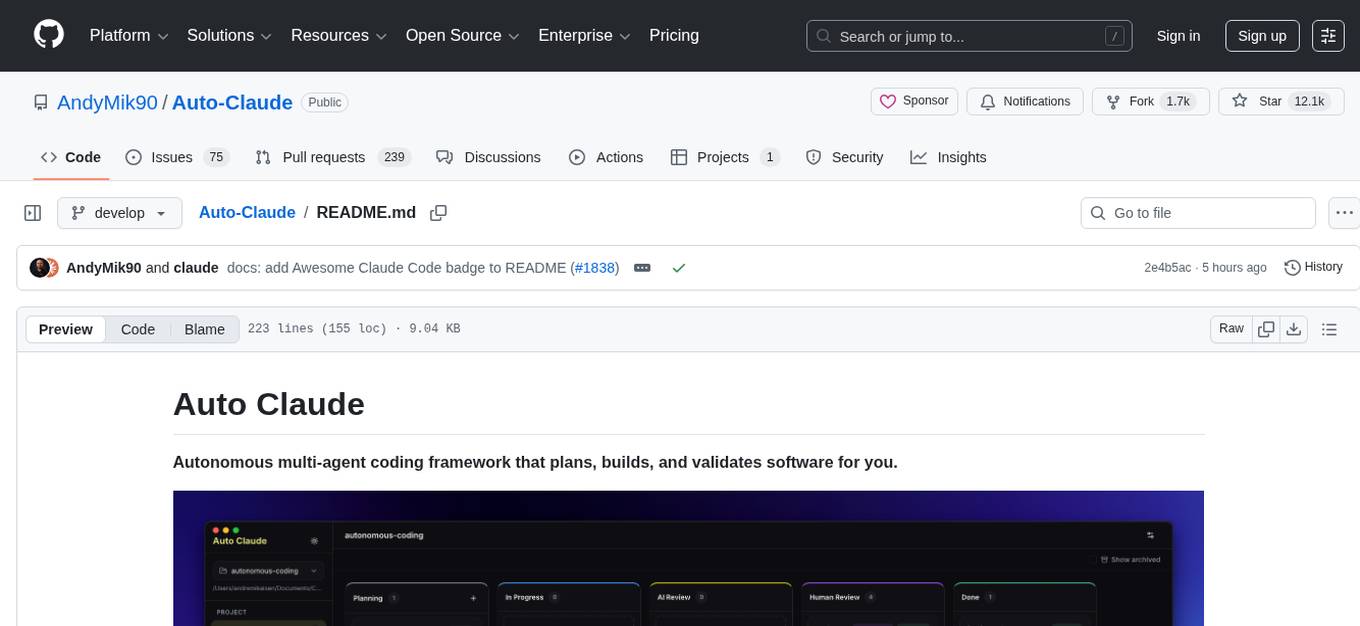
Auto Claude is an autonomous multi-agent coding framework that plans, builds, and validates software for users. It provides features such as autonomous tasks handling planning, implementation, and validation, parallel execution with multiple agent terminals, isolated workspaces for safe changes, self-validating quality assurance, AI-powered merge for conflict resolution, memory layer for smarter builds, GitHub/GitLab integration, cross-platform native desktop apps, auto-updates, and more. The tool offers a visual Kanban board for task management, AI-powered terminals for parallel work, AI-assisted feature planning, insights chat interface, ideation for code improvements, performance issues, and vulnerabilities discovery, and changelog generation from completed tasks. It follows a three-layer security model with OS sandbox, filesystem restrictions, and dynamic command allowlist, ensuring security through VirusTotal scans, SHA256 checksums, and code-signing for macOS releases.
sf-skills
sf-skills is a collection of reusable skills for Agentic Salesforce Development, enabling AI-powered code generation, validation, testing, debugging, and deployment. It includes skills for development, quality, foundation, integration, AI & automation, DevOps & tooling. The installation process is newbie-friendly and includes an installer script for various CLIs. The skills are compatible with platforms like Claude Code, OpenCode, Codex, Gemini, Amp, Droid, Cursor, and Agentforce Vibes. The repository is community-driven and aims to strengthen the Salesforce ecosystem.

motia
Motia is an AI agent framework designed for software engineers to create, test, and deploy production-ready AI agents quickly. It provides a code-first approach, allowing developers to write agent logic in familiar languages and visualize execution in real-time. With Motia, developers can focus on business logic rather than infrastructure, offering zero infrastructure headaches, multi-language support, composable steps, built-in observability, instant APIs, and full control over AI logic. Ideal for building sophisticated agents and intelligent automations, Motia's event-driven architecture and modular steps enable the creation of GenAI-powered workflows, decision-making systems, and data processing pipelines.
pai-opencode
PAI-OpenCode is a complete port of Daniel Miessler's Personal AI Infrastructure (PAI) to OpenCode, an open-source, provider-agnostic AI coding assistant. It brings modular capabilities, dynamic multi-agent orchestration, session history, and lifecycle automation to personalize AI assistants for users. With support for 75+ AI providers, PAI-OpenCode offers dynamic per-task model routing, full PAI infrastructure, real-time session sharing, and multiple client options. The tool optimizes cost and quality with a 3-tier model strategy and a 3-tier research system, allowing users to switch presets for different routing strategies. PAI-OpenCode's architecture preserves PAI's design while adapting to OpenCode, documented through Architecture Decision Records (ADRs).
neurolink
NeuroLink is an Enterprise AI SDK for Production Applications that serves as a universal AI integration platform unifying 13 major AI providers and 100+ models under one consistent API. It offers production-ready tooling, including a TypeScript SDK and a professional CLI, for teams to quickly build, operate, and iterate on AI features. NeuroLink enables switching providers with a single parameter change, provides 64+ built-in tools and MCP servers, supports enterprise features like Redis memory and multi-provider failover, and optimizes costs automatically with intelligent routing. It is designed for the future of AI with edge-first execution and continuous streaming architectures.
Athena-Public
Project Athena is a Linux OS designed for AI Agents, providing memory, persistence, scheduling, and governance for AI models. It offers a comprehensive memory layer that survives across sessions, models, and IDEs, allowing users to own their data and port it anywhere. The system is built bottom-up through 1,079+ sessions, focusing on depth and compounding knowledge. Athena features a trilateral feedback loop for cross-model validation, a Model Context Protocol server with 9 tools, and a robust security model with data residency options. The repository structure includes an SDK package, examples for quickstart, scripts, protocols, workflows, and deep documentation. Key concepts cover architecture, knowledge graph, semantic memory, and adaptive latency. Workflows include booting, reasoning modes, planning, research, and iteration. The project has seen significant content expansion, viral validation, and metrics improvements.
ai-dev-kit
The AI Dev Kit is a comprehensive toolkit designed to enhance AI-driven development on Databricks. It provides trusted sources for AI coding assistants like Claude Code and Cursor to build faster and smarter on Databricks. The kit includes features such as Spark Declarative Pipelines, Databricks Jobs, AI/BI Dashboards, Unity Catalog, Genie Spaces, Knowledge Assistants, MLflow Experiments, Model Serving, Databricks Apps, and more. Users can choose from different adventures like installing the kit, using the visual builder app, teaching AI assistants Databricks patterns, executing Databricks actions, or building custom integrations with the core library. The kit also includes components like databricks-tools-core, databricks-mcp-server, databricks-skills, databricks-builder-app, and ai-dev-project.
claude-code-ultimate-guide
The Claude Code Ultimate Guide is an exhaustive documentation resource that takes users from beginner to power user in using Claude Code. It includes production-ready templates, workflow guides, a quiz, and a cheatsheet for daily use. The guide covers educational depth, methodologies, and practical examples to help users understand concepts and workflows. It also provides interactive onboarding, a repository structure overview, and learning paths for different user levels. The guide is regularly updated and offers a unique 257-question quiz for comprehensive assessment. Users can also find information on agent teams coverage, methodologies, annotated templates, resource evaluations, and learning paths for different roles like junior developer, senior developer, power user, and product manager/devops/designer.
auto-dev
AutoDev Xiuper is an AI-native, multi-agent development platform built on Kotlin Multiplatform. It covers all seven phases of the software development lifecycle and runs on 8+ platforms. The platform provides a unified architecture for writing code once and running it anywhere, with specialized agents for each phase of development. It supports various devices including IntelliJ IDEA, VS Code, CLI, Web, Desktop, Android, iOS, and Server. The platform also offers features like Multi-LLM support, DevIns language for workflow automation, MCP Protocol for extensible tool ecosystem, and code intelligence for multiple programming languages.
awesome-LangGraph
Awesome LangGraph is a curated list of projects, resources, and tools for building stateful, multi-actor applications with LangGraph. It provides valuable resources for developers at all stages of development, from beginners to those building production-ready systems. The repository covers core ecosystem components, LangChain ecosystem, LangGraph platform, official resources, starter templates, pre-built agents, example applications, development tools, community projects, AI assistants, content & media, knowledge & retrieval, finance & business, sustainability, learning resources, companies using LangGraph, contributing guidelines, and acknowledgments.
rag-web-ui
RAG Web UI is an intelligent dialogue system based on RAG (Retrieval-Augmented Generation) technology. It helps enterprises and individuals build intelligent Q&A systems based on their own knowledge bases. By combining document retrieval and large language models, it delivers accurate and reliable knowledge-based question-answering services. The system is designed with features like intelligent document management, advanced dialogue engine, and a robust architecture. It supports multiple document formats, async document processing, multi-turn contextual dialogue, and reference citations in conversations. The architecture includes a backend stack with Python FastAPI, MySQL + ChromaDB, MinIO, Langchain, JWT + OAuth2 for authentication, and a frontend stack with Next.js, TypeScript, Tailwind CSS, Shadcn/UI, and Vercel AI SDK for AI integration. Performance optimization includes incremental document processing, streaming responses, vector database performance tuning, and distributed task processing. The project is licensed under the Apache-2.0 License and is intended for learning and sharing RAG knowledge only, not for commercial purposes.
sktime
sktime is a Python library for time series analysis that provides a unified interface for various time series learning tasks such as classification, regression, clustering, annotation, and forecasting. It offers time series algorithms and tools compatible with scikit-learn for building, tuning, and validating time series models. sktime aims to enhance the interoperability and usability of the time series analysis ecosystem by empowering users to apply algorithms across different tasks and providing interfaces to related libraries like scikit-learn, statsmodels, tsfresh, PyOD, and fbprophet.
eko
Eko is a lightweight and flexible command-line tool for managing environment variables in your projects. It allows you to easily set, get, and delete environment variables for different environments, making it simple to manage configurations across development, staging, and production environments. With Eko, you can streamline your workflow and ensure consistency in your application settings without the need for complex setup or configuration files.
LinJun
LinJun is a native desktop application for managing CLIProxyAPIPlus, a local proxy server that powers AI coding agents. It helps manage multiple AI accounts, track quotas, and configure CLI tools across macOS, Windows, and Linux. The tool offers features like expanded provider support, quota and model visibility, provider-aware model filtering, large log performance, one-click agent configuration, live dashboard monitoring, smart routing, API key management, system tray integration, and multilingual support. It supports various AI providers and compatible CLI agents, and provides installation instructions, usage guidelines, screenshots, settings customization, architecture overview, tech stack details, token storage information, FAQs, contribution guidelines, and license details.
For similar tasks
sap-skills
Production-ready Claude Code plugins for SAP development providing context-aware skills for SAP BTP, CAP, Fiori, ABAP, Analytics, and more. These skills follow Claude Code plugin patterns and are optimized for the Claude Code CLI and Claude Desktop. The plugins intelligently load relevant skills based on project context, offering expert guidance without overwhelming users. The repository includes 32 plugins with dual-level manifests, modular organization, and advanced features like commands, agents, and MCP integration. Users can contribute new SAP plugins following the provided workflow and documentation. The project is open source under the GPL-3.0 License, welcoming contributions, and maintaining quality standards for production-tested plugins and current package versions.
For similar jobs
sap-skills
Production-ready Claude Code plugins for SAP development providing context-aware skills for SAP BTP, CAP, Fiori, ABAP, Analytics, and more. These skills follow Claude Code plugin patterns and are optimized for the Claude Code CLI and Claude Desktop. The plugins intelligently load relevant skills based on project context, offering expert guidance without overwhelming users. The repository includes 32 plugins with dual-level manifests, modular organization, and advanced features like commands, agents, and MCP integration. Users can contribute new SAP plugins following the provided workflow and documentation. The project is open source under the GPL-3.0 License, welcoming contributions, and maintaining quality standards for production-tested plugins and current package versions.
lollms-webui
LoLLMs WebUI (Lord of Large Language Multimodal Systems: One tool to rule them all) is a user-friendly interface to access and utilize various LLM (Large Language Models) and other AI models for a wide range of tasks. With over 500 AI expert conditionings across diverse domains and more than 2500 fine tuned models over multiple domains, LoLLMs WebUI provides an immediate resource for any problem, from car repair to coding assistance, legal matters, medical diagnosis, entertainment, and more. The easy-to-use UI with light and dark mode options, integration with GitHub repository, support for different personalities, and features like thumb up/down rating, copy, edit, and remove messages, local database storage, search, export, and delete multiple discussions, make LoLLMs WebUI a powerful and versatile tool.

Azure-Analytics-and-AI-Engagement
The Azure-Analytics-and-AI-Engagement repository provides packaged Industry Scenario DREAM Demos with ARM templates (Containing a demo web application, Power BI reports, Synapse resources, AML Notebooks etc.) that can be deployed in a customer’s subscription using the CAPE tool within a matter of few hours. Partners can also deploy DREAM Demos in their own subscriptions using DPoC.
minio
MinIO is a High Performance Object Storage released under GNU Affero General Public License v3.0. It is API compatible with Amazon S3 cloud storage service. Use MinIO to build high performance infrastructure for machine learning, analytics and application data workloads.
mage-ai
Mage is an open-source data pipeline tool for transforming and integrating data. It offers an easy developer experience, engineering best practices built-in, and data as a first-class citizen. Mage makes it easy to build, preview, and launch data pipelines, and provides observability and scaling capabilities. It supports data integrations, streaming pipelines, and dbt integration.
AiTreasureBox
AiTreasureBox is a versatile AI tool that provides a collection of pre-trained models and algorithms for various machine learning tasks. It simplifies the process of implementing AI solutions by offering ready-to-use components that can be easily integrated into projects. With AiTreasureBox, users can quickly prototype and deploy AI applications without the need for extensive knowledge in machine learning or deep learning. The tool covers a wide range of tasks such as image classification, text generation, sentiment analysis, object detection, and more. It is designed to be user-friendly and accessible to both beginners and experienced developers, making AI development more efficient and accessible to a wider audience.

tidb
TiDB is an open-source distributed SQL database that supports Hybrid Transactional and Analytical Processing (HTAP) workloads. It is MySQL compatible and features horizontal scalability, strong consistency, and high availability.
airbyte
Airbyte is an open-source data integration platform that makes it easy to move data from any source to any destination. With Airbyte, you can build and manage data pipelines without writing any code. Airbyte provides a library of pre-built connectors that make it easy to connect to popular data sources and destinations. You can also create your own connectors using Airbyte's no-code Connector Builder or low-code CDK. Airbyte is used by data engineers and analysts at companies of all sizes to build and manage their data pipelines.