


maclocal-api
'afm' command cli: macOS server and single prompt mode that exposes Apple's Foundation and MLX Models and other APIs running on your Mac through a single aggregated OpenAI-compatible API endpoint. Supports Apple Vision and single command (non-server) inference with piping as well . Now with Web Browser and local AI API aggregator
Stars: 139
MacLocalAPI is a macOS server application that exposes Apple's Foundation Models through OpenAI-compatible API endpoints. It allows users to run Apple Intelligence locally with full OpenAI API compatibility. The tool supports MLX local models, API gateway mode, LoRA adapter support, Vision OCR, built-in WebUI, privacy-first processing, fast and lightweight operation, easy integration with existing OpenAI client libraries, and provides token consumption metrics. Users can install MacLocalAPI using Homebrew or pip, and it requires macOS 26 or later, an Apple Silicon Mac, and Apple Intelligence enabled in System Settings. The tool is designed for easy integration with Python, JavaScript, and open-webui applications.
README:
If you find this useful, please ⭐ the repo!
Latest app release --> https://github.com/scouzi1966/maclocal-api/releases/tag/v0.9.4
NEW IN v0.9.4! Run ANY Open-Source MLX LLM on Your Mac — 100% Local, 100% Swift, Zero Python. Yes that's right, install with pip but no python required after
afm now supports MLX models! Run Qwen, Gemma, Llama, DeepSeek, GLM, and 28+ tested models directly on Apple Silicon. No Python environment, no conda, no venv — just one command. Built entirely in Swift with MLX for maximum Metal GPU performance.
# Installation Method 1 (do not mix methods)
pip install macafm

# Installation Method 2 (do not mix methods)
brew install scouzi1966/afm/afm

# list all features
afm mlx -h

# Run any MLX model with WebUI
afm mlx -m mlx-community/gemma-3-4b-it-8bit -w

# Or access with API - works with OpenClaw
afm mlx -m mlx-community/gemma-3-4b-it-8bit

# Or just chat from the terminal (automatic download from HuggingFace to hub cache)
afm mlx -m mlx-community/Qwen3-0.6B-4bit -s "Explain quantum computing"

# Or just chat from the terminal (Defaults to mlx-community if not provided)
afm mlx -m Qwen3-0.6B-4bit -s "Explain quantum computing"

# Pick from menu of available model to start a WEBUi with a model of your choice
# Environment variable to set ypur model repo.
# afm will also detect your LM Studio repo
MACAFM_MLX_MODEL_CACHE=/path/to/models afm mlx -w

# Apple's on-device Foundation Model with WebUI
afm -wOpenCode is a terminal-based AI coding assistant. Connect it to afm for a fully local coding experience — no cloud, no API keys. No Internet required (other than initially download the model of course!)
1. Configure OpenCode (~/.config/opencode/opencode.json):
{
  "$schema": "https://opencode.ai/config.json",
  "provider": {
    "ollama": {
      "npm": "@ai-sdk/openai-compatible",
      "name": "macafm (local)",
      "options": {
        "baseURL": "http://localhost:9999/v1"
      },
      "models": {
        "mlx-community/Qwen3-Coder-Next-4bit": {
          "name": "mlx-community/Qwen3-Coder-Next-4bit"
        }
      }
    }
  }
}
2. Start afm with a coding model:
afm mlx -m Qwen3-Coder-Next-4bit -t 1.0 --top-p 0.95 --max-tokens 81923. Launch OpenCode and type /connect. Scroll down to the very bottom of the provider list — macafm (local) will likely be the last entry. Select it, and when prompted for an API key, enter any value (e.g. x) — tokenized access is not yet implemented in afm so the key is ignored. All inference runs locally on your Mac's GPU.

[!TIP]
Run any Hugging Face MLX model locally — no cloud, no API keys, full privacy:
# Run any MLX model from Hugging Face
afm mlx -m mlx-community/Qwen2.5-0.5B-Instruct-4bit -s "Hello!"

# MLX model with WebUI
afm mlx -m mlx-community/gemma-3-4b-it-8bit -w

# Interactive model picker (downloads on first use)
afm mlx -w
28 models tested and verified including Qwen3, Gemma 3/3n, GLM-4/5, DeepSeek V3, LFM2, SmolLM3, Llama 3.2, MiniMax M2.5, Nemotron, and more. See test reports.
Aggregate all your local model servers into a single API and WebUI:
afm -w -gAuto-discovers and proxies Ollama, LM Studio, Jan, llama-server, and other local backends. One URL, all your models.
- Vision OCR subcommand (
afm vision)- Reasoning model support (Qwen, DeepSeek, gpt-oss)
- WebUI auto-selects the right model on startup
Please comment for feature requests, bugs, anything! Star if you enjoy the app.
[!TIP]
brew tap scouzi1966/afm brew install afm brew upgrade afm (From an earlier install with brew) single command brew install scouzi1966/afm/afmpip install macafmTo start a webchat:
afm -w
[!TIP]
pip install macafm

pip install --upgrade macafm (from an earlier install with pip)
MacLocalAPI is the repo for the afm command on macOS 26 Tahoe. The afm command (cli) allows one to access the on-device Apple LLM Foundation model from the command line in a single prompt or in API mode. It allows integration with other OS command line tools using standard Unix pipes.
Additionally, it contains a built-in server that serves the on-device Foundation Model with the OpenAI standard SDK through an API. You can use the model with another front end such as Open WebUI. By default, launching the simple 'afm' command starts a server on port 9999 immediately! Simple, fast.


Note: afm command supports trained adapters using Apple's Toolkit: https://developer.apple.com/apple-intelligence/foundation-models-adapter/
I have also created a wrapper tool to make the fine-tuning AFM easier on both Macs M series and Linux with CUDA using Apple's provided LoRA toolkit.
Get it here: https://github.com/scouzi1966/AFMTrainer
You can also explore a pure and private MacOS chat experience (non-cli) here: https://github.com/scouzi1966/vesta-mac-dist
Chose ONE of 2 methods to install (Homebrew or pip):
# Add the tap (first time only)
brew tap scouzi1966/afm

# Install or upgrade AFM
brew install afm
# OR upgrade existing:
brew upgrade afm

# Verify installation
afm --version  # Should show latest release

# Brew workaround If you are having issues upgrading, Try the following:
brew uninstall afm
brew untap scouzi1966/afm
# Then try againpip install macafm
# Verify installation
afm --versionHOW TO USE afm:
# Start the API server only (Apple Foundation Model on port 9999)
afm
# Start the API server with WebUI chat interface
afm -w
# Start with WebUI and API gateway (auto-discovers Ollama, LM Studio, Jan, etc.)
afm -w -g
# Start on a custom port with a trained LoRA adapter
afm -a ./my_adapter.fmadapter -p 9998
# Use in single prompt mode
afm -i "you are a pirate, you only answer in pirate jargon" -s "Write a story about Einstein"
# Use in single prompt mode with adapter
afm -s "Write a story about Einstein" -a ./my_adapter.fmadapter
# Use in pipe mode
ls -ltr | afm -i "list the files only of ls output"A very simple to use macOS server application that exposes Apple's Foundation Models through OpenAI-compatible API endpoints. Run Apple Intelligence locally with full OpenAI API compatibility. For use with Python, JS or even open-webui (https://github.com/open-webui/open-webui).
With the same command, it also supports single mode to interact the model without starting the server. In this mode, you can pipe with any other command line based utilities.
As a bonus, both modes allows the use of using a LoRA adapter, trained with Apple's toolkit. This allows to quickly test them without having to integrate them in your app or involve xCode.
The magic command is afm
- 🔗 OpenAI API Compatible - Works with existing OpenAI client libraries and applications
- 🧠 MLX Local Models - Run any Hugging Face MLX model locally (Qwen, Gemma, Llama, DeepSeek, GLM, and 28+ tested models)
- 🌐 API Gateway - Auto-discovers and proxies Ollama, LM Studio, Jan, and other local backends into a single API
- ⚡ LoRA adapter support - Supports fine-tuning with LoRA adapters using Apple's tuning Toolkit
- 📱 Apple Foundation Models - Uses Apple's on-device 3B parameter language model
-
👁️ Vision OCR - Extract text from images and PDFs using Apple Vision (
afm vision) -
🖥️ Built-in WebUI - Chat interface with model selection (
afm -w) - 🔒 Privacy-First - All processing happens locally on your device
- ⚡ Fast & Lightweight - No network calls, no API keys required
- 🛠️ Easy Integration - Drop-in replacement for OpenAI API endpoints
- 📊 Token Usage Tracking - Provides accurate token consumption metrics
- **macOS 26 (Tahoe) or later
- Apple Silicon Mac (M1/M2/M3/M4 series)
- Apple Intelligence enabled in System Settings
- **Xcode 26 (for building from source)
# Add the tap
brew tap scouzi1966/afm
# Install AFM
brew install afm
# Verify installation
afm --version# Install from PyPI
pip install macafm

# Verify installation
afm --version# Clone the repository with submodules
git clone --recurse-submodules https://github.com/scouzi1966/maclocal-api.git
cd maclocal-api
# Build everything from scratch (patches + webui + release build)
./Scripts/build-from-scratch.sh
# Or skip webui if you don't have Node.js
./Scripts/build-from-scratch.sh --skip-webui
# Or use make (patches + release build, no webui)
make
# Run
./.build/release/afm --version# API server only (Apple Foundation Model on port 9999)
afm
# API server with WebUI chat interface
afm -w
# WebUI + API gateway (auto-discovers Ollama, LM Studio, Jan, etc.)
afm -w -g
# Custom port with verbose logging
afm -p 8080 -v
# Show help
afm -hRun open-source models locally on Apple Silicon using MLX:
# Run a model with single prompt
afm mlx -m mlx-community/Qwen2.5-0.5B-Instruct-4bit -s "Explain gravity"

# Start MLX model with WebUI
afm mlx -m mlx-community/gemma-3-4b-it-8bit -w

# Interactive model picker (lists downloaded models)
afm mlx -w

# MLX model as API server
afm mlx -m mlx-community/Llama-3.2-1B-Instruct-4bit -p 8080

# Pipe mode
cat essay.txt | afm mlx -m mlx-community/Qwen3-0.6B-4bit -i "Summarize this"

# MLX help
afm mlx --help
Models are downloaded from Hugging Face on first use and cached locally. Any model from the mlx-community collection is supported.
POST /v1/chat/completions
Compatible with OpenAI's chat completions API.
curl -X POST http://localhost:9999/v1/chat/completions \
  -H "Content-Type: application/json" \
  -d '{
    "model": "foundation",
    "messages": [
      {"role": "user", "content": "Hello, how are you?"}
    ]
}'GET /v1/models
Returns available Foundation Models.
curl http://localhost:9999/v1/modelsGET /health
Server health status endpoint.
curl http://localhost:9999/healthfrom openai import OpenAI
# Point to your local MacLocalAPI server
client = OpenAI(
api_key="not-needed-for-local",
base_url="http://localhost:9999/v1"
)
response = client.chat.completions.create(
model="foundation",
messages=[
{"role": "user", "content": "Explain quantum computing in simple terms"}
]
)
print(response.choices[0].message.content)import OpenAI from 'openai';
const openai = new OpenAI({
apiKey: 'not-needed-for-local',
baseURL: 'http://localhost:9999/v1',
});
const completion = await openai.chat.completions.create({
messages: [{ role: 'user', content: 'Write a haiku about programming' }],
model: 'foundation',
});
console.log(completion.choices[0].message.content);# Basic chat completion
curl -X POST http://localhost:9999/v1/chat/completions \
-H "Content-Type: application/json" \
-d '{
"model": "foundation",
"messages": [
{"role": "system", "content": "You are a helpful assistant."},
{"role": "user", "content": "What is the capital of France?"}
]
}'
# With temperature control
curl -X POST http://localhost:9999/v1/chat/completions \
-H "Content-Type: application/json" \
-d '{
"model": "foundation",
"messages": [{"role": "user", "content": "Be creative!"}],
"temperature": 0.8
}'# Single prompt mode
afm -s "Explain quantum computing"
# Piped input from other commands
echo "What is the meaning of life?" | afm
cat file.txt | afm
git log --oneline | head -5 | afm
# Custom instructions with pipe
echo "Review this code" | afm -i "You are a senior software engineer"MacLocalAPI/
├── Package.swift # Swift Package Manager config
├── Sources/MacLocalAPI/
│ ├── main.swift # CLI entry point & ArgumentParser
│ ├── Server.swift # Vapor web server configuration
│ ├── Controllers/
│ │ └── ChatCompletionsController.swift # OpenAI API endpoints
│ └── Models/
│ ├── FoundationModelService.swift # Apple Foundation Models wrapper
│ ├── OpenAIRequest.swift # Request data models
│ └── OpenAIResponse.swift # Response data models
└── README.md
OVERVIEW: macOS server that exposes Apple's Foundation Models through
OpenAI-compatible API

Use -w to enable the WebUI, -g to enable API gateway mode (auto-discovers and
proxies to Ollama, LM Studio, Jan, and other local LLM backends).

USAGE: afm <options>
       afm mlx [<options>]      Run local MLX models from Hugging Face
       afm vision <image>       OCR text extraction from images/PDFs

OPTIONS:
  -s, --single-prompt <single-prompt>
                          Run a single prompt without starting the server
  -i, --instructions <instructions>
                          Custom instructions for the AI assistant (default:
                          You are a helpful assistant)
  -v, --verbose           Enable verbose logging
  --no-streaming          Disable streaming responses (streaming is enabled by
                          default)
  -a, --adapter <adapter> Path to a .fmadapter file for LoRA adapter fine-tuning
  -p, --port <port>       Port to run the server on (default: 9999)
  -H, --hostname <hostname>
                          Hostname to bind server to (default: 127.0.0.1)
  -t, --temperature <temperature>
                          Temperature for response generation (0.0-1.0)
  -r, --randomness <randomness>
                          Sampling mode: 'greedy', 'random',
                          'random:top-p=<0.0-1.0>', 'random:top-k=<int>', with
                          optional ':seed=<int>'
  -P, --permissive-guardrails
                          Permissive guardrails for unsafe or inappropriate
                          responses
  -w, --webui             Enable webui and open in default browser
  -g, --gateway           Enable API gateway mode: discover and proxy to local
                          LLM backends (Ollama, LM Studio, Jan, etc.)
  --prewarm <prewarm>     Pre-warm the model on server startup for faster first
                          response (y/n, default: y)
  --version               Show the version.
  -h, --help              Show help information.

Note: afm also accepts piped input from other commands, equivalent to using -s
with the piped content as the prompt.
The server respects standard logging environment variables:
-
LOG_LEVEL- Set logging level (trace, debug, info, notice, warning, error, critical)
- Model Scope: Apple Foundation Model is a 3B parameter model (optimized for on-device performance)
- macOS 26+ Only: Requires the latest macOS with Foundation Models framework
- Apple Intelligence Required: Must be enabled in System Settings
- Token Estimation: Uses word-based approximation for token counting (Foundation model only; proxied backends report real counts)
- Ensure you're running **macOS 26 or later
- Enable Apple Intelligence in System Settings → Apple Intelligence & Siri
- Verify you're on an Apple Silicon Mac
- Restart the application after enabling Apple Intelligence
- Check if the port is already in use:
lsof -i :9999 - Try a different port:
afm -p 8080 - Enable verbose logging:
afm -v
- Ensure you have **Xcode 26 installed
- Update Swift toolchain:
xcode-select --install - Clean and rebuild:
swift package clean && swift build -c release
Contributions are welcome! Please feel free to submit a Pull Request. For major changes, please open an issue first to discuss what you would like to change.
# Clone the repo with submodules
git clone --recurse-submodules https://github.com/scouzi1966/maclocal-api.git
cd maclocal-api

# Full build from scratch (submodules + patches + webui + release)
./Scripts/build-from-scratch.sh

# Or for debug builds during development
./Scripts/build-from-scratch.sh --debug --skip-webui

# Run with verbose logging
./.build/debug/afm -w -g -vThis project is licensed under the MIT License - see the LICENSE file for details.
- Apple for the Foundation Models framework
- The Vapor Swift web framework team
- OpenAI for the API specification standard
- The Swift community for excellent tooling
If you encounter any issues or have questions:
- Check the Troubleshooting section
- Search existing GitHub Issues
- Create a new issue with detailed information about your problem
- [x] Streaming response support
- [x] MLX local model support (28+ models tested)
- [x] Multiple model support (API gateway mode)
- [x] Web UI for testing (llama.cpp WebUI integration)
- [x] Vision OCR subcommand
- [ ] Function/tool calling implementation
- [ ] Performance optimizations
- [ ] Docker containerization (when supported)
Made with ❤️ for the Apple Silicon community
Bringing the power of local AI to your fingertips.
For Tasks:
Click tags to check more tools for each tasksFor Jobs:
Alternative AI tools for maclocal-api
Similar Open Source Tools
maclocal-api
MacLocalAPI is a macOS server application that exposes Apple's Foundation Models through OpenAI-compatible API endpoints. It allows users to run Apple Intelligence locally with full OpenAI API compatibility. The tool supports MLX local models, API gateway mode, LoRA adapter support, Vision OCR, built-in WebUI, privacy-first processing, fast and lightweight operation, easy integration with existing OpenAI client libraries, and provides token consumption metrics. Users can install MacLocalAPI using Homebrew or pip, and it requires macOS 26 or later, an Apple Silicon Mac, and Apple Intelligence enabled in System Settings. The tool is designed for easy integration with Python, JavaScript, and open-webui applications.
ai-dial-sdk
AI DIAL Python SDK is a framework designed to create applications and model adapters for AI DIAL API, which is based on Azure OpenAI API. It provides a user-friendly interface for routing requests to applications. The SDK includes features for chat completions, response generation, and API interactions. Developers can easily build and deploy AI-powered applications using this SDK, ensuring compatibility with the AI DIAL platform.
UnrealGenAISupport
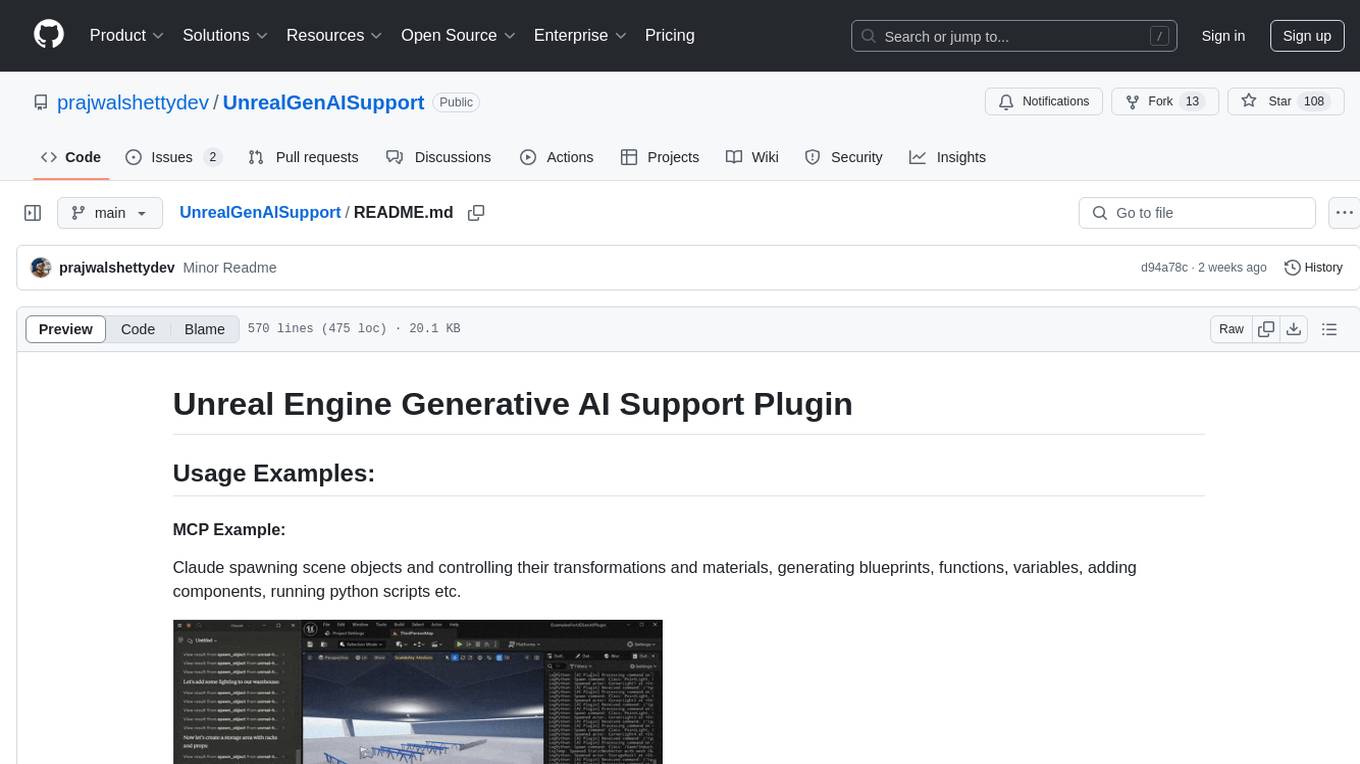
The Unreal Engine Generative AI Support Plugin is a tool designed to integrate various cutting-edge LLM/GenAI models into Unreal Engine for game development. It aims to simplify the process of using AI models for game development tasks, such as controlling scene objects, generating blueprints, running Python scripts, and more. The plugin currently supports models from organizations like OpenAI, Anthropic, XAI, Google Gemini, Meta AI, Deepseek, and Baidu. It provides features like API support, model control, generative AI capabilities, UI generation, project file management, and more. The plugin is still under development but offers a promising solution for integrating AI models into game development workflows.
Shellsage
Shell Sage is an intelligent terminal companion and AI-powered terminal assistant that enhances the terminal experience with features like local and cloud AI support, context-aware error diagnosis, natural language to command translation, and safe command execution workflows. It offers interactive workflows, supports various API providers, and allows for custom model selection. Users can configure the tool for local or API mode, select specific models, and switch between modes easily. Currently in alpha development, Shell Sage has known limitations like limited Windows support and occasional false positives in error detection. The roadmap includes improvements like better context awareness, Windows PowerShell integration, Tmux integration, and CI/CD error pattern database.
qwen-code
Qwen Code is an open-source AI agent optimized for Qwen3-Coder, designed to help users understand large codebases, automate tedious work, and expedite the shipping process. It offers an agentic workflow with rich built-in tools, a terminal-first approach with optional IDE integration, and supports both OpenAI-compatible API and Qwen OAuth authentication methods. Users can interact with Qwen Code in interactive mode, headless mode, IDE integration, and through a TypeScript SDK. The tool can be configured via settings.json, environment variables, and CLI flags, and offers benchmark results for performance evaluation. Qwen Code is part of an ecosystem that includes AionUi and Gemini CLI Desktop for graphical interfaces, and troubleshooting guides are available for issue resolution.
fragments
Fragments is an open-source tool that leverages Anthropic's Claude Artifacts, Vercel v0, and GPT Engineer. It is powered by E2B Sandbox SDK and Code Interpreter SDK, allowing secure execution of AI-generated code. The tool is based on Next.js 14, shadcn/ui, TailwindCSS, and Vercel AI SDK. Users can stream in the UI, install packages from npm and pip, and add custom stacks and LLM providers. Fragments enables users to build web apps with Python interpreter, Next.js, Vue.js, Streamlit, and Gradio, utilizing providers like OpenAI, Anthropic, Google AI, and more.
plexe
Plexe is a tool that allows users to create machine learning models by describing them in plain language. Users can explain their requirements, provide a dataset, and the AI-powered system will build a fully functional model through an automated agentic approach. It supports multiple AI agents and model building frameworks like XGBoost, CatBoost, and Keras. Plexe also provides Docker images with pre-configured environments, YAML configuration for customization, and support for multiple LiteLLM providers. Users can visualize experiment results using the built-in Streamlit dashboard and extend Plexe's functionality through custom integrations.

LEANN
LEANN is an innovative vector database that democratizes personal AI, transforming your laptop into a powerful RAG system that can index and search through millions of documents using 97% less storage than traditional solutions without accuracy loss. It achieves this through graph-based selective recomputation and high-degree preserving pruning, computing embeddings on-demand instead of storing them all. LEANN allows semantic search of file system, emails, browser history, chat history, codebase, or external knowledge bases on your laptop with zero cloud costs and complete privacy. It is a drop-in semantic search MCP service fully compatible with Claude Code, enabling intelligent retrieval without changing your workflow.
fast-mcp
Fast MCP is a Ruby gem that simplifies the integration of AI models with your Ruby applications. It provides a clean implementation of the Model Context Protocol, eliminating complex communication protocols, integration challenges, and compatibility issues. With Fast MCP, you can easily connect AI models to your servers, share data resources, choose from multiple transports, integrate with frameworks like Rails and Sinatra, and secure your AI-powered endpoints. The gem also offers real-time updates and authentication support, making AI integration a seamless experience for developers.
hayhooks
Hayhooks is a tool that simplifies the deployment and serving of Haystack pipelines as REST APIs. It allows users to wrap their pipelines with custom logic and expose them via HTTP endpoints, including OpenAI-compatible chat completion endpoints. With Hayhooks, users can easily convert their Haystack pipelines into API services with minimal boilerplate code.
NextChat
NextChat is a well-designed cross-platform ChatGPT web UI tool that supports Claude, GPT4, and Gemini Pro. It offers a compact client for Linux, Windows, and MacOS, with features like self-deployed LLMs compatibility, privacy-first data storage, markdown support, responsive design, and fast loading speed. Users can create, share, and debug chat tools with prompt templates, access various prompts, compress chat history, and use multiple languages. The tool also supports enterprise-level privatization and customization deployment, with features like brand customization, resource integration, permission control, knowledge integration, security auditing, private deployment, and continuous updates.
sim
Sim is a platform that allows users to build and deploy AI agent workflows quickly and easily. It provides cloud-hosted and self-hosted options, along with support for local AI models. Users can set up the application using Docker Compose, Dev Containers, or manual setup with PostgreSQL and pgvector extension. The platform utilizes technologies like Next.js, Bun, PostgreSQL with Drizzle ORM, Better Auth for authentication, Shadcn and Tailwind CSS for UI, Zustand for state management, ReactFlow for flow editor, Fumadocs for documentation, Turborepo for monorepo management, Socket.io for real-time communication, and Trigger.dev for background jobs.
airstore
Airstore is a filesystem for AI agents that adds any source of data into a virtual filesystem, allowing users to connect services like Gmail, GitHub, Linear, and more, and describe data needs in plain English. Results are presented as files that can be read by Claude Code. Features include smart folders for natural language queries, integrations with various services, executable MCP servers, team workspaces, and local mode operation on user infrastructure. Users can sign up, connect integrations, create smart folders, install the CLI, mount the filesystem, and use with Claude Code to perform tasks like summarizing invoices, identifying unpaid invoices, and extracting data into CSV format.
exo
Run your own AI cluster at home with everyday devices. Exo is experimental software that unifies existing devices into a powerful GPU, supporting wide model compatibility, dynamic model partitioning, automatic device discovery, ChatGPT-compatible API, and device equality. It does not use a master-worker architecture, allowing devices to connect peer-to-peer. Exo supports different partitioning strategies like ring memory weighted partitioning. Installation is recommended from source. Documentation includes example usage on multiple MacOS devices and information on inference engines and networking modules. Known issues include the iOS implementation lagging behind Python.
ragflow
RAGFlow is an open-source Retrieval-Augmented Generation (RAG) engine that combines deep document understanding with Large Language Models (LLMs) to provide accurate question-answering capabilities. It offers a streamlined RAG workflow for businesses of all sizes, enabling them to extract knowledge from unstructured data in various formats, including Word documents, slides, Excel files, images, and more. RAGFlow's key features include deep document understanding, template-based chunking, grounded citations with reduced hallucinations, compatibility with heterogeneous data sources, and an automated and effortless RAG workflow. It supports multiple recall paired with fused re-ranking, configurable LLMs and embedding models, and intuitive APIs for seamless integration with business applications.
Free-GPT4-WEB-API
FreeGPT4-WEB-API is a Python server that allows you to have a self-hosted GPT-4 Unlimited and Free WEB API, via the latest Bing's AI. It uses Flask and GPT4Free libraries. GPT4Free provides an interface to the Bing's GPT-4. The server can be configured by editing the `FreeGPT4_Server.py` file. You can change the server's port, host, and other settings. The only cookie needed for the Bing model is `_U`.
For similar tasks
maclocal-api
MacLocalAPI is a macOS server application that exposes Apple's Foundation Models through OpenAI-compatible API endpoints. It allows users to run Apple Intelligence locally with full OpenAI API compatibility. The tool supports MLX local models, API gateway mode, LoRA adapter support, Vision OCR, built-in WebUI, privacy-first processing, fast and lightweight operation, easy integration with existing OpenAI client libraries, and provides token consumption metrics. Users can install MacLocalAPI using Homebrew or pip, and it requires macOS 26 or later, an Apple Silicon Mac, and Apple Intelligence enabled in System Settings. The tool is designed for easy integration with Python, JavaScript, and open-webui applications.
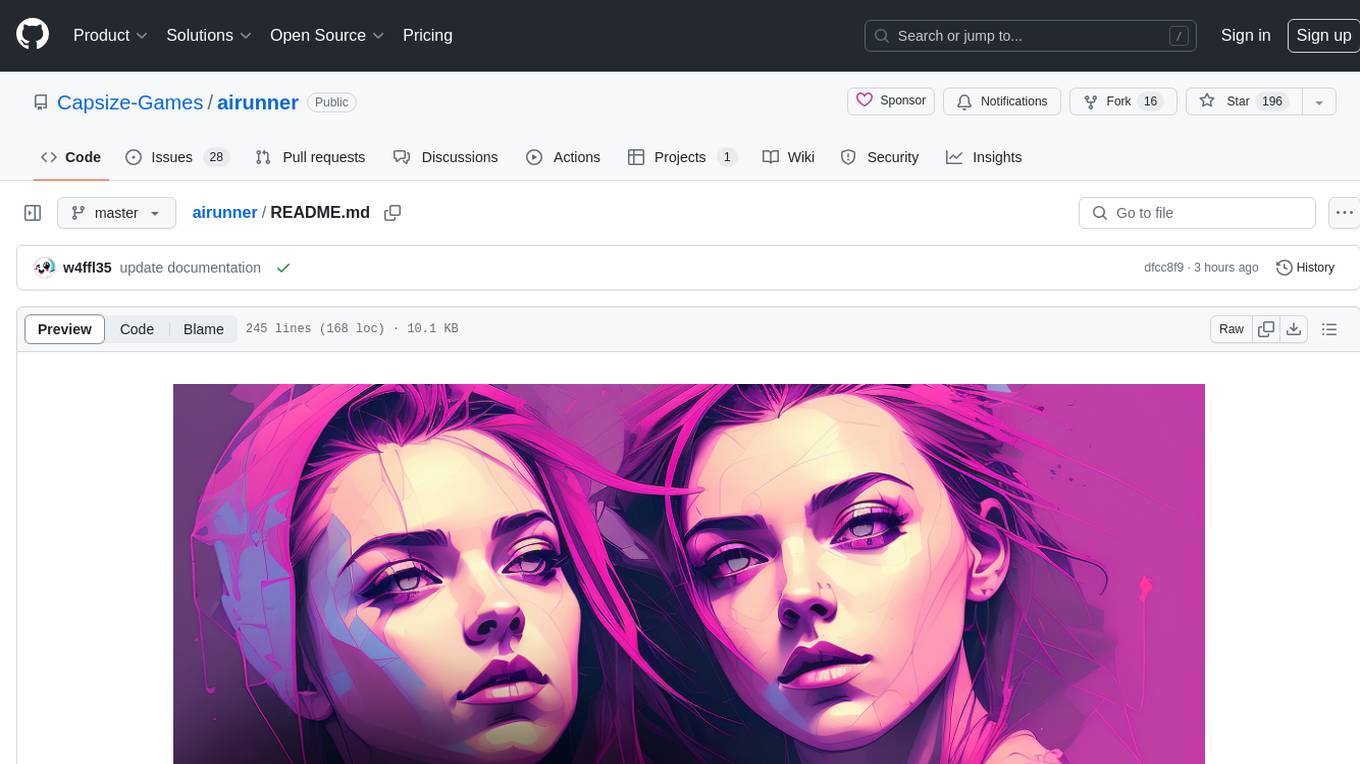
airunner
AI Runner is a multi-modal AI interface that allows users to run open-source large language models and AI image generators on their own hardware. The tool provides features such as voice-based chatbot conversations, text-to-speech, speech-to-text, vision-to-text, text generation with large language models, image generation capabilities, image manipulation tools, utility functions, and more. It aims to provide a stable and user-friendly experience with security updates, a new UI, and a streamlined installation process. The application is designed to run offline on users' hardware without relying on a web server, offering a smooth and responsive user experience.
tb1
A Telegram bot for accessing Google Gemini, MS Bing, etc. The bot responds to the keywords 'bot' and 'google' to provide information. It can handle voice messages, text files, images, and links. It can generate images based on descriptions, extract text from images, and summarize content. The bot can interact with various AI models and perform tasks like voice control, text-to-speech, and text recognition. It supports long texts, large responses, and file transfers. Users can interact with the bot using voice commands and text. The bot can be customized for different AI providers and has features for both users and administrators.
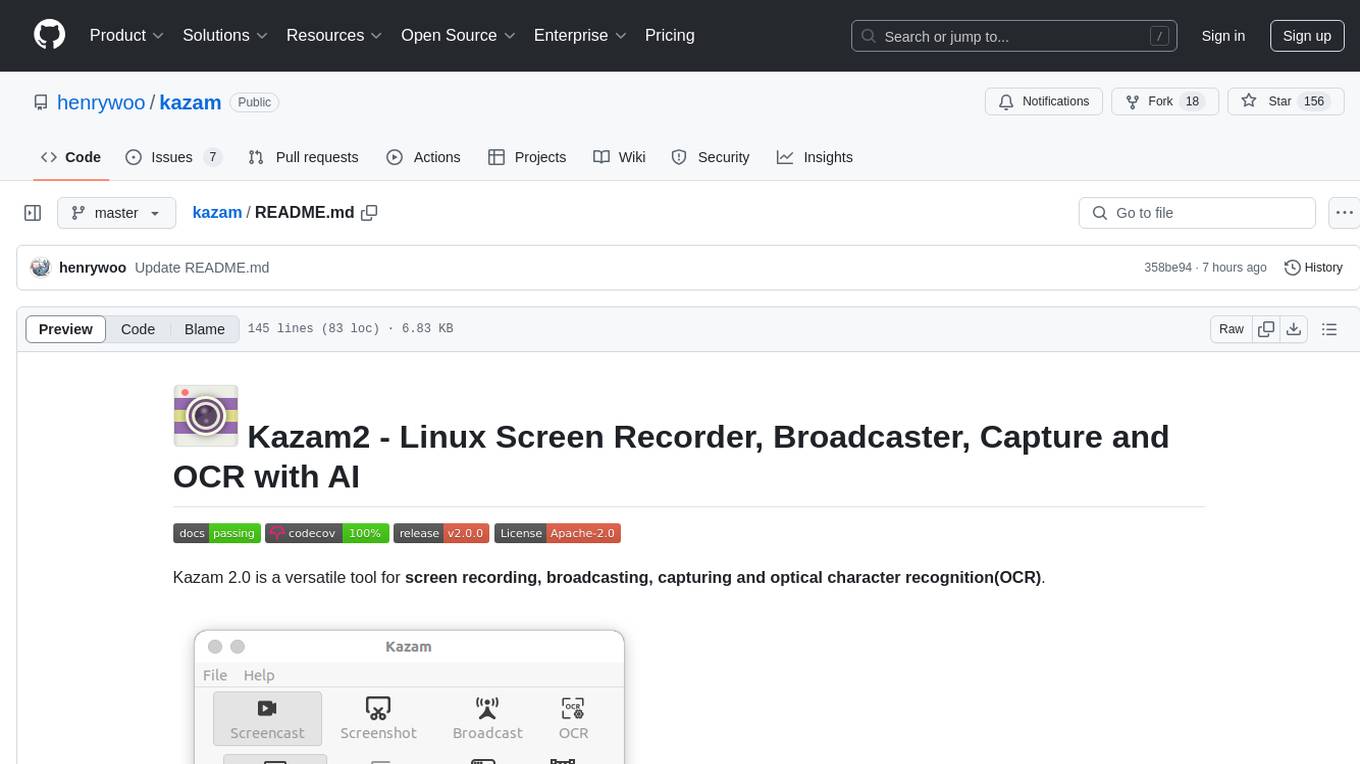
kazam
Kazam 2.0 is a versatile tool for screen recording, broadcasting, capturing, and optical character recognition (OCR). It allows users to capture screen content, broadcast live over the internet, extract text from captured content, record audio, and use a web camera for recording. The tool supports full screen, window, and area modes, and offers features like keyboard shortcuts, live broadcasting with Twitch and YouTube, and tips for recording quality. Users can install Kazam on Ubuntu and use it for various recording and broadcasting needs.
Edit-Banana
Edit Banana is a universal content re-editor that allows users to transform fixed content into fully manipulatable assets. Powered by SAM 3 and multimodal large models, it enables high-fidelity reconstruction while preserving original diagram details and logical relationships. The platform offers advanced segmentation, fixed multi-round VLM scanning, high-quality OCR, user system with credits, multi-user concurrency, and a web interface. Users can upload images or PDFs to get editable DrawIO (XML) or PPTX files in seconds. The project structure includes components for segmentation, text extraction, frontend, models, and scripts, with detailed installation and setup instructions provided. The tool is open-source under the Apache License 2.0, allowing commercial use and secondary development.
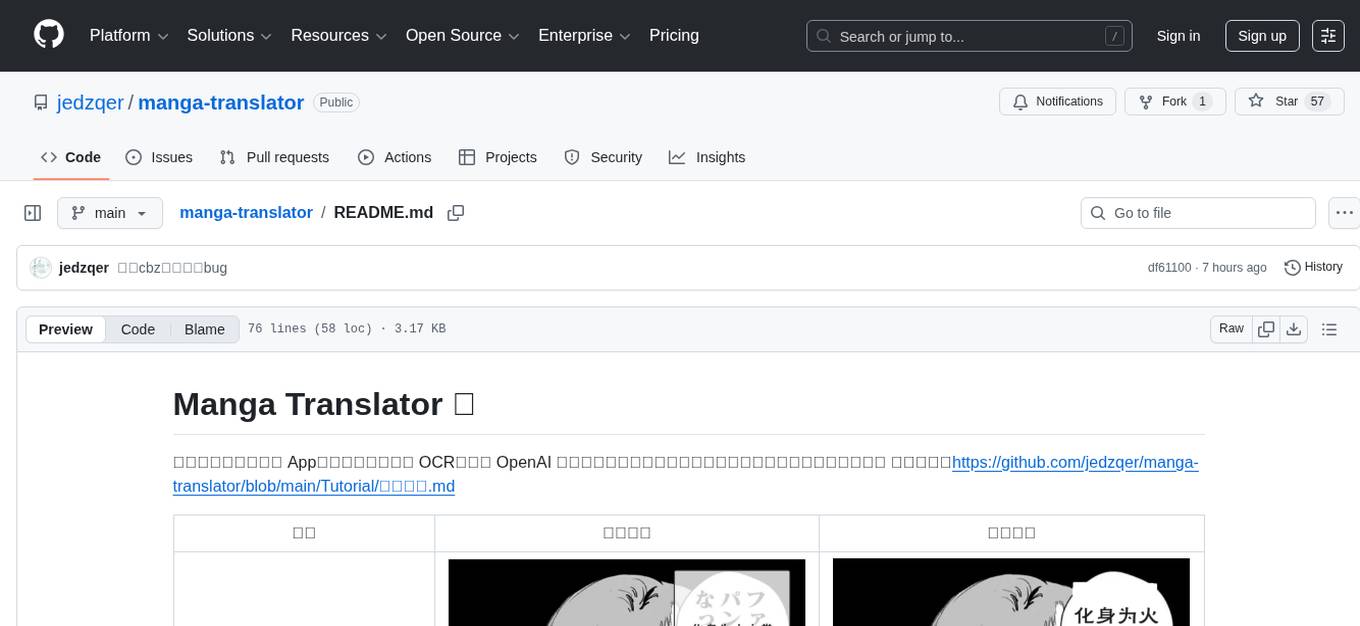
manga-translator
Manga Translator is a tool designed to help users translate manga pages from Japanese to English. It utilizes optical character recognition (OCR) technology to extract text from images and provides a user-friendly interface for translating and editing the text. The tool supports various manga formats and allows users to customize the translation process by adjusting settings such as language preferences and text alignment. With Manga Translator, users can easily translate manga pages for personal use or sharing with others.
For similar jobs

weave
Weave is a toolkit for developing Generative AI applications, built by Weights & Biases. With Weave, you can log and debug language model inputs, outputs, and traces; build rigorous, apples-to-apples evaluations for language model use cases; and organize all the information generated across the LLM workflow, from experimentation to evaluations to production. Weave aims to bring rigor, best-practices, and composability to the inherently experimental process of developing Generative AI software, without introducing cognitive overhead.

LLMStack
LLMStack is a no-code platform for building generative AI agents, workflows, and chatbots. It allows users to connect their own data, internal tools, and GPT-powered models without any coding experience. LLMStack can be deployed to the cloud or on-premise and can be accessed via HTTP API or triggered from Slack or Discord.

VisionCraft
The VisionCraft API is a free API for using over 100 different AI models. From images to sound.

kaito
Kaito is an operator that automates the AI/ML inference model deployment in a Kubernetes cluster. It manages large model files using container images, avoids tuning deployment parameters to fit GPU hardware by providing preset configurations, auto-provisions GPU nodes based on model requirements, and hosts large model images in the public Microsoft Container Registry (MCR) if the license allows. Using Kaito, the workflow of onboarding large AI inference models in Kubernetes is largely simplified.

PyRIT
PyRIT is an open access automation framework designed to empower security professionals and ML engineers to red team foundation models and their applications. It automates AI Red Teaming tasks to allow operators to focus on more complicated and time-consuming tasks and can also identify security harms such as misuse (e.g., malware generation, jailbreaking), and privacy harms (e.g., identity theft). The goal is to allow researchers to have a baseline of how well their model and entire inference pipeline is doing against different harm categories and to be able to compare that baseline to future iterations of their model. This allows them to have empirical data on how well their model is doing today, and detect any degradation of performance based on future improvements.

tabby
Tabby is a self-hosted AI coding assistant, offering an open-source and on-premises alternative to GitHub Copilot. It boasts several key features: * Self-contained, with no need for a DBMS or cloud service. * OpenAPI interface, easy to integrate with existing infrastructure (e.g Cloud IDE). * Supports consumer-grade GPUs.

spear
SPEAR (Simulator for Photorealistic Embodied AI Research) is a powerful tool for training embodied agents. It features 300 unique virtual indoor environments with 2,566 unique rooms and 17,234 unique objects that can be manipulated individually. Each environment is designed by a professional artist and features detailed geometry, photorealistic materials, and a unique floor plan and object layout. SPEAR is implemented as Unreal Engine assets and provides an OpenAI Gym interface for interacting with the environments via Python.

Magick
Magick is a groundbreaking visual AIDE (Artificial Intelligence Development Environment) for no-code data pipelines and multimodal agents. Magick can connect to other services and comes with nodes and templates well-suited for intelligent agents, chatbots, complex reasoning systems and realistic characters.