


osaurus
AI edge infrastructure for macOS. Run local or cloud models, share tools across apps via MCP, and power AI workflows with a native, always-on runtime.
Stars: 3571
Osaurus is a versatile open-source tool designed for data scientists and machine learning engineers. It provides a wide range of functionalities for data preprocessing, feature engineering, model training, and evaluation. With Osaurus, users can easily clean and transform raw data, extract relevant features, build and tune machine learning models, and analyze model performance. The tool supports various machine learning algorithms and techniques, making it suitable for both beginners and experienced practitioners in the field. Osaurus is actively maintained and updated to incorporate the latest advancements in the machine learning domain, ensuring users have access to state-of-the-art tools and methodologies for their projects.
README:




-black?logo=apple)






Osaurus is the AI edge runtime for macOS.
It runs local and cloud models, exposes shared tools via MCP, and provides a native, always-on foundation for AI apps and workflows on Apple Silicon.
Created by Dinoki Labs (dinoki.ai)
Documentation · Discord · Plugin Registry · Contributing
⚠️ Naming Changes in This Release⚠️ We've renamed two core concepts to better reflect their purpose:
- Personas are now called Agents — custom AI assistants with unique prompts, tools, and themes.
- Agent Mode is now called Work Mode — autonomous task execution with issue tracking and file operations.
All existing data is automatically migrated. This notice will be removed in a future release.
brew install --cask osaurusOr download from Releases.
After installing, launch from Spotlight (⌘ Space → "osaurus") or run osaurus ui from the terminal.
Osaurus is the AI edge runtime for macOS. It brings together:
- MLX Runtime — Optimized local inference for Apple Silicon using MLX
- Remote Providers — Connect to Anthropic, OpenAI, OpenRouter, Ollama, LM Studio, or any compatible API
- OpenAI, Anthropic & Ollama APIs — Drop-in compatible endpoints for existing tools
- MCP Server — Expose tools to AI agents via Model Context Protocol
- Remote MCP Providers — Connect to external MCP servers and aggregate their tools
- Plugin System — Extend functionality with community and custom tools
- Agents — Create custom AI assistants with unique prompts, tools, and visual themes
- Memory — 4-layer memory system that learns from conversations with profile, working memory, summaries, and knowledge graph
- Skills — Import reusable AI capabilities from GitHub or files (Agent Skills compatible)
- Schedules — Automate recurring AI tasks with timed execution
- Watchers — Monitor folders for changes and trigger AI tasks automatically
- Work Mode — Autonomous task execution with issue tracking, parallel tasks, and file operations
- Multi-Window Chat — Multiple independent chat windows with per-window agents
- Developer Tools — Built-in insights and server explorer for debugging
- Voice Input — Speech-to-text using WhisperKit with real-time on-device transcription
- VAD Mode — Always-on listening with wake-word activation for hands-free agent access
- Transcription Mode — Global hotkey to transcribe speech directly into any app
- Apple Foundation Models — Use the system model on macOS 26+ (Tahoe)
| Feature | Description |
|---|---|
| Local LLM Server | Run Llama, Qwen, Gemma, Mistral, and more locally |
| Remote Providers | Anthropic, OpenAI, OpenRouter, Ollama, LM Studio, or custom |
| OpenAI Compatible |
/v1/chat/completions with streaming and tool calling |
| Anthropic Compatible |
/messages endpoint for Claude Code and Anthropic SDK clients |
| Open Responses |
/responses endpoint for multi-provider interoperability |
| MCP Server | Connect to Cursor, Claude Desktop, and other MCP clients |
| Remote MCP Providers | Aggregate tools from external MCP servers |
| Tools & Plugins | Browser automation, file system, git, web search, and more |
| Skills | Import AI capabilities from GitHub or files, with smart context saving |
| Agents | Custom AI assistants with unique prompts, tools, and themes |
| Memory | Persistent memory with user profile, knowledge graph, and hybrid search |
| Schedules | Automate AI tasks with daily, weekly, monthly, or yearly runs |
| Watchers | Monitor folders and trigger AI tasks on file system changes |
| Work Mode | Autonomous multi-step task execution with parallel task support |
| Custom Themes | Create, import, and export themes with full color customization |
| Developer Tools | Request insights, API explorer, and live endpoint testing |
| Multi-Window Chat | Multiple independent chat windows with per-window agents |
| Menu Bar Chat | Chat overlay with session history, context tracking (⌘;) |
| Voice Input | Speech-to-text with WhisperKit, real-time transcription |
| VAD Mode | Always-on listening with wake-word agent activation |
| Transcription Mode | Global hotkey to dictate into any focused text field |
| Model Manager | Download and manage models from Hugging Face |
Launch Osaurus from Spotlight or run:
osaurus serveThe server starts on port 1337 by default.
Add to your MCP client configuration (e.g., Cursor, Claude Desktop):
{
  "mcpServers": {
    "osaurus": {
      "command": "osaurus",
      "args": ["mcp"]
    }
  }
}Open the Management window (⌘ Shift M) → Providers → Add Provider.
Choose from presets (Anthropic, OpenAI, xAI, OpenRouter) or configure a custom endpoint.
Run models locally with optimized Apple Silicon inference:
# Download a model
osaurus run llama-3.2-3b-instruct-4bit

# Use via API
curl http://127.0.0.1:1337/v1/chat/completions \
  -H "Content-Type: application/json" \
-d '{"model": "llama-3.2-3b-instruct-4bit", "messages": [{"role": "user", "content": "Hello!"}]}'Connect to remote APIs to access cloud models alongside local ones.
Supported presets:
- Anthropic — Claude models with native API support
- OpenAI — ChatGPT models
- xAI — Grok models
- OpenRouter — Access multiple providers through one API
- Custom — Any OpenAI-compatible endpoint (Ollama, LM Studio, etc.)
Features:
- Secure API key storage (macOS Keychain)
- Custom headers for authentication
- Auto-connect on launch
- Connection health monitoring
See Remote Providers Guide for details.
Osaurus is a full MCP (Model Context Protocol) server. Connect it to any MCP client to give AI agents access to your installed tools.
| Endpoint | Description |
|---|---|
GET /mcp/health |
Check MCP availability |
GET /mcp/tools |
List active tools |
POST /mcp/call |
Execute a tool |
Connect to external MCP servers and aggregate their tools into Osaurus:
- Discover and register tools from remote MCP endpoints
- Configurable timeouts and streaming
- Tools are namespaced by provider (e.g.,
provider_toolname) - Secure token storage
See Remote MCP Providers Guide for details.
Install tools from the central registry or create your own.
Official System Tools:
| Plugin | Tools |
|---|---|
osaurus.filesystem |
read_file, write_file, list_directory, search_files, and more |
osaurus.browser |
browser_navigate, browser_click, browser_type, browser_screenshot
|
osaurus.git |
git_status, git_log, git_diff, git_branch
|
osaurus.search |
search, search_news, search_images (DuckDuckGo) |
osaurus.fetch |
fetch, fetch_json, fetch_html, download
|
osaurus.time |
current_time, format_date
|
# Install from registry
osaurus tools install osaurus.browser

# List installed tools
osaurus tools list

# Create your own plugin
osaurus tools create MyPlugin --language swift
See the Plugin Authoring Guide for details.
Create custom AI assistants with unique behaviors, capabilities, and styles.
Each agent can have:
- Custom System Prompt — Define unique instructions and personality
- Tool Configuration — Enable or disable specific tools per agent
- Visual Theme — Assign a custom theme that activates with the agent
- Model & Generation Settings — Set default model, temperature, and max tokens
- Import/Export — Share agents as JSON files
Use cases:
- Code Assistant — Focused on programming with code-related tools enabled
- Daily Planner — Calendar and reminders integration
- Research Helper — Web search and note-taking tools enabled
- Creative Writer — Higher temperature, no tool access for pure generation
Access via Management window (⌘ Shift M) → Agents.
Osaurus remembers what matters across conversations using a 4-layer memory system that runs entirely in the background.
Layers:
- User Profile — An auto-generated summary of who you are, updated as conversations accumulate. Add explicit overrides for facts the AI should always know.
- Working Memory — Structured entries (facts, preferences, decisions, corrections, commitments, relationships, skills) extracted from every conversation turn.
- Conversation Summaries — Compressed recaps of past sessions, generated automatically after periods of inactivity.
- Knowledge Graph — Entities and relationships extracted from conversations, searchable by name or relation type.
Features:
- Automatic Extraction — Memories are extracted from each conversation turn using an LLM, with no manual effort required
- Hybrid Search — BM25 + vector embeddings (via VecturaKit) with MMR reranking for relevant, diverse recall
- Verification Pipeline — 3-layer deduplication and contradiction detection prevents redundant or conflicting memories
- Per-Agent Isolation — Each agent maintains its own memory entries and summaries
- Configurable Budgets — Control token allocation for profile, working memory, summaries, and graph in the system prompt
- Non-Blocking — All extraction and indexing runs in the background without slowing down chat
Use Cases:
- Remember your coding preferences, project context, and tool choices across sessions
- Build a personal knowledge base from ongoing research conversations
- Maintain continuity with multiple agents that each learn your domain-specific needs
Access via Management window (⌘ Shift M) → Memory.
See Memory Guide for details.
Extend your AI with reusable capabilities imported from GitHub or local files.
Features:
-
Import from GitHub — Browse skills from any repository with
marketplace.json -
Import from Files — Load
.md,.json, or.zipskill packages - Built-in Skills — 6 pre-installed skills (Research Analyst, Study Tutor, etc.)
- Custom Skills — Create and edit skills with the built-in editor
- Agent Skills Compatible — Follows the open Agent Skills specification
- Smart Loading — Only loads selected skills to save context space
Use cases:
- Research Analyst — Structured research with source evaluation
- Creative Brainstormer — Ideation and creative problem solving
- Study Tutor — Educational guidance with Socratic method
- Debug Assistant — Systematic debugging methodology
Access via Management window (⌘ Shift M) → Skills.
See Skills Guide for details.
Automate recurring AI tasks that run at specified intervals.
Features:
- Flexible Frequency — Once, daily, weekly, monthly, or yearly execution
- Agent Integration — Assign a agent to handle scheduled tasks
- Custom Instructions — Define prompts sent to the AI when the schedule runs
- Manual Trigger — Run any schedule immediately with "Run Now"
- Results Tracking — View the chat session from the last run
Use Cases:
- Daily Journaling — Receive prompts for reflection each morning
- Weekly Reports — Generate summaries on a schedule
- Recurring Analysis — Automate data insights at regular intervals
Access via Management window (⌘ Shift M) → Schedules.
Monitor folders for file system changes and automatically trigger AI tasks when files are added, modified, or removed.
Features:
- Folder Monitoring — Watch any directory for file system changes using FSEvents
- Configurable Responsiveness — Fast (~200ms), Balanced (~1s), or Patient (~3s) debounce timing
- Recursive Monitoring — Optionally monitor subdirectories
- Agent Integration — Assign a agent to handle triggered tasks
- Manual Trigger — Run any watcher immediately with "Trigger Now"
- Convergence Loop — Smart re-checking ensures the directory stabilizes before stopping
- Pause/Resume — Temporarily disable watchers without deleting them
Use Cases:
- Downloads Organizer — Automatically sort downloaded files by type into folders
- Screenshot Manager — Rename and organize screenshots as they're captured
- Dropbox Automation — Process shared files automatically when they change
Access via Management window (⌘ Shift M) → Watchers.
See Watchers Guide for details.
Execute complex, multi-step tasks autonomously with built-in issue tracking and planning.
Features:
- Issue Tracking — Tasks broken into issues with status, priority, and dependencies
- Parallel Tasks — Run multiple work tasks simultaneously for increased productivity
- Reasoning Loop — AI autonomously observes, thinks, acts, and checks in iterative cycles
- Working Directory — Select a folder for file operations with project detection
- File Operations — Read, write, edit, search files with undo support
- Follow-up Issues — AI creates child issues when it discovers additional work
- Clarification — AI pauses to ask when tasks are ambiguous
- Background Execution — Tasks continue running after closing the window
Use Cases:
- Build features across multiple files
- Refactor codebases with tracked changes
- Debug issues with systematic investigation
- Research and documentation tasks
Access via Chat window → Work Mode tab.
See Work Mode Guide for details.
Work with multiple independent chat windows, each with its own agent and session.
Features:
- Independent Windows — Each window maintains its own agent, theme, and session
-
File → New Window — Open additional chat windows (
⌘ N) - Agent per Window — Different agents in different windows simultaneously
- Open in New Window — Right-click any session in history to open in a new window
- Pin to Top — Keep specific windows floating above others
- Cascading Windows — New windows are offset so they're always visible
Use Cases:
- Run multiple AI agents side-by-side (e.g., "Code Assistant" and "Creative Writer")
- Compare responses from different agents
- Keep reference conversations open while starting new ones
- Organize work by project with dedicated windows
Built-in tools for debugging and development:
Insights — Monitor all API requests in real-time:
- Request/response logging with full payloads
- Filter by method (GET/POST) and source (Chat UI/HTTP API)
- Performance stats: success rate, average latency, errors
- Inference metrics: tokens, speed (tok/s), model used
Server Explorer — Interactive API reference:
- Live server status and health
- Browse all available endpoints
- Test endpoints directly with editable payloads
- View formatted responses
Access via Management window (⌘ Shift M) → Insights or Server.
See Developer Tools Guide for details.
Speech-to-text powered by WhisperKit — fully local, private, on-device transcription.
Features:
- Real-time transcription — See your words as you speak
- Multiple Whisper models — From Tiny (75 MB) to Large V3 (3 GB)
- Microphone or system audio — Transcribe your voice or computer audio
- Configurable sensitivity — Adjust for quiet or noisy environments
- Auto-send with confirmation — Hands-free message sending
VAD Mode (Voice Activity Detection):
Activate agents hands-free by saying their name or a custom wake phrase.
- Say an agent's name (e.g., "Hey Code Assistant") to open chat
- Automatic voice input starts after activation
- Status indicators: Blue pulsing dot on menu bar icon when listening, toggle button in popover
- Configurable silence timeout and auto-close
Transcription Mode:
Dictate text directly into any application using a global hotkey.
- Global Hotkey — Trigger transcription from anywhere on your Mac
- Live Typing — Text is typed into the currently focused text field in real-time
- Accessibility Integration — Uses macOS accessibility APIs to simulate keyboard input
- Minimal Overlay — Sleek floating UI shows recording status
- Press Esc or Done — Stop transcription when finished
Perfect for dictating emails, documents, code comments, or any text input without switching apps.
Setup:
- Open Management window (
⌘ Shift M) → Voice - Grant microphone permission
- Download a Whisper model
- For Transcription Mode: Grant accessibility permission and configure the hotkey in the Transcription tab
- Test your voice input
See Voice Input Guide for details.
| Command | Description |
|---|---|
osaurus serve |
Start the server (default port 1337) |
osaurus serve --expose |
Start exposed on LAN |
osaurus stop |
Stop the server |
osaurus status |
Check server status |
osaurus ui |
Open the menu bar UI |
osaurus list |
List downloaded models |
osaurus show <model> |
Show metadata for a model |
osaurus run <model> |
Interactive chat with a model |
osaurus mcp |
Start MCP stdio transport |
osaurus tools <cmd> |
Manage plugins (install, list, search, etc.) |
osaurus version |
Show version |
Tip: Set OSU_PORT to override the default port.
Base URL: http://127.0.0.1:1337 (or your configured port)
| Endpoint | Description |
|---|---|
GET /health |
Server health |
GET /v1/models |
List models (OpenAI format) |
GET /v1/tags |
List models (Ollama format) |
POST /v1/chat/completions |
Chat completions (OpenAI format) |
POST /messages |
Chat completions (Anthropic format) |
POST /v1/responses |
Responses (Open Responses format) |
POST /chat |
Chat (Ollama format, NDJSON) |
GET /agents |
List all agents with memory counts |
POST /memory/ingest |
Bulk-ingest conversation turns into memory |
All endpoints support /v1, /api, and /v1/api prefixes.
Add the X-Osaurus-Agent-Id header to any chat completions request to automatically inject relevant memory context. See the Memory docs and API Guide for details.
See the OpenAI API Guide for tool calling, streaming, and SDK examples.
Point any OpenAI-compatible client at Osaurus:
from openai import OpenAI

client = OpenAI(base_url="http://127.0.0.1:1337/v1", api_key="osaurus")

response = client.chat.completions.create(
    model="llama-3.2-3b-instruct-4bit",
    messages=[{"role": "user", "content": "Hello!"}]
)
print(response.choices[0].message.content)- macOS 15.5+ (Apple Foundation Models require macOS 26)
- Apple Silicon (M1 or newer)
- Xcode 16.4+ (to build from source)
Models are stored at ~/MLXModels by default. Override with OSU_MODELS_DIR.
Whisper models are stored at ~/.osaurus/whisper-models.
git clone https://github.com/osaurus-ai/osaurus.git
cd osaurus
open osaurus.xcworkspace
# Build and run the "osaurus" targetWe're looking for contributors! Osaurus is actively developed and we welcome help in many areas:
- Bug fixes and performance improvements
- New plugins and tool integrations
- Documentation and tutorials
- UI/UX enhancements
- Testing and issue triage
- Check out Good First Issues
- Read the Contributing Guide
- Join our Discord to connect with the team
See docs/FEATURES.md for a complete feature inventory and architecture overview.
- Documentation — Guides and tutorials
- Discord — Chat with the community
- Plugin Registry — Browse and contribute tools
- Contributing Guide — How to contribute
If you find Osaurus useful, please star the repo and share it!
For Tasks:
Click tags to check more tools for each tasksFor Jobs:
Alternative AI tools for osaurus
Similar Open Source Tools
osaurus
Osaurus is a versatile open-source tool designed for data scientists and machine learning engineers. It provides a wide range of functionalities for data preprocessing, feature engineering, model training, and evaluation. With Osaurus, users can easily clean and transform raw data, extract relevant features, build and tune machine learning models, and analyze model performance. The tool supports various machine learning algorithms and techniques, making it suitable for both beginners and experienced practitioners in the field. Osaurus is actively maintained and updated to incorporate the latest advancements in the machine learning domain, ensuring users have access to state-of-the-art tools and methodologies for their projects.
lemonai
LemonAI is a versatile machine learning library designed to simplify the process of building and deploying AI models. It provides a wide range of tools and algorithms for data preprocessing, model training, and evaluation. With LemonAI, users can easily experiment with different machine learning techniques and optimize their models for various tasks. The library is well-documented and beginner-friendly, making it suitable for both novice and experienced data scientists. LemonAI aims to streamline the development of AI applications and empower users to create innovative solutions using state-of-the-art machine learning methods.
AI_Spectrum
AI_Spectrum is a versatile machine learning library that provides a wide range of tools and algorithms for building and deploying AI models. It offers a user-friendly interface for data preprocessing, model training, and evaluation. With AI_Spectrum, users can easily experiment with different machine learning techniques and optimize their models for various tasks. The library is designed to be flexible and scalable, making it suitable for both beginners and experienced data scientists.
Automodel
Automodel is a Python library for automating the process of building and evaluating machine learning models. It provides a set of tools and utilities to streamline the model development workflow, from data preprocessing to model selection and evaluation. With Automodel, users can easily experiment with different algorithms, hyperparameters, and feature engineering techniques to find the best model for their dataset. The library is designed to be user-friendly and customizable, allowing users to define their own pipelines and workflows. Automodel is suitable for data scientists, machine learning engineers, and anyone looking to quickly build and test machine learning models without the need for manual intervention.
ml-retreat
ML-Retreat is a comprehensive machine learning library designed to simplify and streamline the process of building and deploying machine learning models. It provides a wide range of tools and utilities for data preprocessing, model training, evaluation, and deployment. With ML-Retreat, users can easily experiment with different algorithms, hyperparameters, and feature engineering techniques to optimize their models. The library is built with a focus on scalability, performance, and ease of use, making it suitable for both beginners and experienced machine learning practitioners.
pdr_ai_v2
pdr_ai_v2 is a Python library for implementing machine learning algorithms and models. It provides a wide range of tools and functionalities for data preprocessing, model training, evaluation, and deployment. The library is designed to be user-friendly and efficient, making it suitable for both beginners and experienced data scientists. With pdr_ai_v2, users can easily build and deploy machine learning models for various applications, such as classification, regression, clustering, and more.
deeppowers
Deeppowers is a powerful Python library for deep learning applications. It provides a wide range of tools and utilities to simplify the process of building and training deep neural networks. With Deeppowers, users can easily create complex neural network architectures, perform efficient training and optimization, and deploy models for various tasks. The library is designed to be user-friendly and flexible, making it suitable for both beginners and experienced deep learning practitioners.
ai
This repository contains a collection of AI algorithms and models for various machine learning tasks. It provides implementations of popular algorithms such as neural networks, decision trees, and support vector machines. The code is well-documented and easy to understand, making it suitable for both beginners and experienced developers. The repository also includes example datasets and tutorials to help users get started with building and training AI models. Whether you are a student learning about AI or a professional working on machine learning projects, this repository can be a valuable resource for your development journey.
neurons.me
Neurons.me is an open-source tool designed for creating and managing neural network models. It provides a user-friendly interface for building, training, and deploying deep learning models. With Neurons.me, users can easily experiment with different architectures, hyperparameters, and datasets to optimize their neural networks for various tasks. The tool simplifies the process of developing AI applications by abstracting away the complexities of model implementation and training.
God-Level-AI
A drill of scientific methods, processes, algorithms, and systems to build stories & models. An in-depth learning resource for humans. This repository is designed for individuals aiming to excel in the field of Data and AI, providing video sessions and text content for learning. It caters to those in leadership positions, professionals, and students, emphasizing the need for dedicated effort to achieve excellence in the tech field. The content covers various topics with a focus on practical application.
deepteam
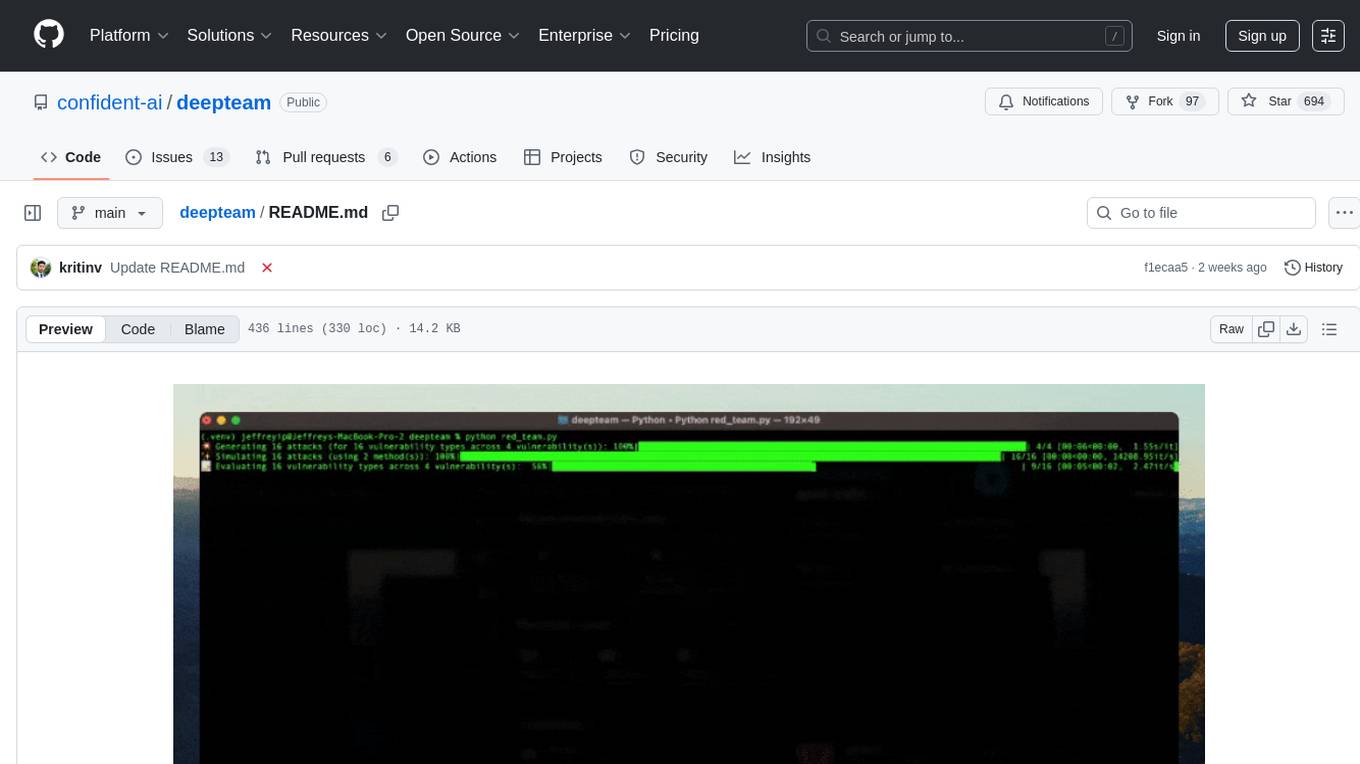
Deepteam is a powerful open-source tool designed for deep learning projects. It provides a user-friendly interface for training, testing, and deploying deep neural networks. With Deepteam, users can easily create and manage complex models, visualize training progress, and optimize hyperparameters. The tool supports various deep learning frameworks and allows seamless integration with popular libraries like TensorFlow and PyTorch. Whether you are a beginner or an experienced deep learning practitioner, Deepteam simplifies the development process and accelerates model deployment.
axon
Axon is a powerful neural network library for Python that provides a simple and flexible way to build, train, and deploy deep learning models. It offers a wide range of neural network architectures, optimization algorithms, and evaluation metrics to support various machine learning tasks. With Axon, users can easily create complex neural networks, train them on large datasets, and deploy them in production environments. The library is designed to be user-friendly and efficient, making it suitable for both beginners and experienced deep learning practitioners.
lemonade
Lemonade is a tool that helps users run local Large Language Models (LLMs) with high performance by configuring state-of-the-art inference engines for their Neural Processing Units (NPUs) and Graphics Processing Units (GPUs). It is used by startups, research teams, and large companies to run LLMs efficiently. Lemonade provides a high-level Python API for direct integration of LLMs into Python applications and a CLI for mixing and matching LLMs with various features like prompting templates, accuracy testing, performance benchmarking, and memory profiling. The tool supports both GGUF and ONNX models and allows importing custom models from Hugging Face using the Model Manager. Lemonade is designed to be easy to use and switch between different configurations at runtime, making it a versatile tool for running LLMs locally.
BentoVLLM
BentoVLLM is an example project demonstrating how to serve and deploy open-source Large Language Models using vLLM, a high-throughput and memory-efficient inference engine. It provides a basis for advanced code customization, such as custom models, inference logic, or vLLM options. The project allows for simple LLM hosting with OpenAI compatible endpoints without the need to write any code. Users can interact with the server using Swagger UI or other methods, and the service can be deployed to BentoCloud for better management and scalability. Additionally, the repository includes integration examples for different LLM models and tools.
ai-devkit
The ai-devkit repository is a comprehensive toolkit for developing and deploying artificial intelligence models. It provides a wide range of tools and resources to streamline the AI development process, including pre-trained models, data processing utilities, and deployment scripts. With a focus on simplicity and efficiency, ai-devkit aims to empower developers to quickly build and deploy AI solutions across various domains and applications.
ai-inference
AI Inference is a Python library that provides tools for deploying and running machine learning models in production environments. It simplifies the process of integrating AI models into applications by offering a high-level API for inference tasks. With AI Inference, developers can easily load pre-trained models, perform inference on new data, and deploy models as RESTful APIs. The library supports various deep learning frameworks such as TensorFlow and PyTorch, making it versatile for a wide range of AI applications.
For similar tasks
intro-llm-rag
This repository serves as a comprehensive guide for technical teams interested in developing conversational AI solutions using Retrieval-Augmented Generation (RAG) techniques. It covers theoretical knowledge and practical code implementations, making it suitable for individuals with a basic technical background. The content includes information on large language models (LLMs), transformers, prompt engineering, embeddings, vector stores, and various other key concepts related to conversational AI. The repository also provides hands-on examples for two different use cases, along with implementation details and performance analysis.
LLM-Viewer
LLM-Viewer is a tool for visualizing Language and Learning Models (LLMs) and analyzing performance on different hardware platforms. It enables network-wise analysis, considering factors such as peak memory consumption and total inference time cost. With LLM-Viewer, users can gain valuable insights into LLM inference and performance optimization. The tool can be used in a web browser or as a command line interface (CLI) for easy configuration and visualization. The ongoing project aims to enhance features like showing tensor shapes, expanding hardware platform compatibility, and supporting more LLMs with manual model graph configuration.
llm-colosseum
llm-colosseum is a tool designed to evaluate Language Model Models (LLMs) in real-time by making them fight each other in Street Fighter III. The tool assesses LLMs based on speed, strategic thinking, adaptability, out-of-the-box thinking, and resilience. It provides a benchmark for LLMs to understand their environment and take context-based actions. Users can analyze the performance of different LLMs through ELO rankings and win rate matrices. The tool allows users to run experiments, test different LLM models, and customize prompts for LLM interactions. It offers installation instructions, test mode options, logging configurations, and the ability to run the tool with local models. Users can also contribute their own LLM models for evaluation and ranking.

eureka-ml-insights
The Eureka ML Insights Framework is a repository containing code designed to help researchers and practitioners run reproducible evaluations of generative models efficiently. Users can define custom pipelines for data processing, inference, and evaluation, as well as utilize pre-defined evaluation pipelines for key benchmarks. The framework provides a structured approach to conducting experiments and analyzing model performance across various tasks and modalities.
Pixelle-MCP
Pixelle-MCP is a multi-channel publishing tool designed to streamline the process of publishing content across various social media platforms. It allows users to create, schedule, and publish posts simultaneously on platforms such as Facebook, Twitter, and Instagram. With a user-friendly interface and advanced scheduling features, Pixelle-MCP helps users save time and effort in managing their social media presence. The tool also provides analytics and insights to track the performance of posts and optimize content strategy. Whether you are a social media manager, content creator, or digital marketer, Pixelle-MCP is a valuable tool to enhance your online presence and engage with your audience effectively.
trae-agent
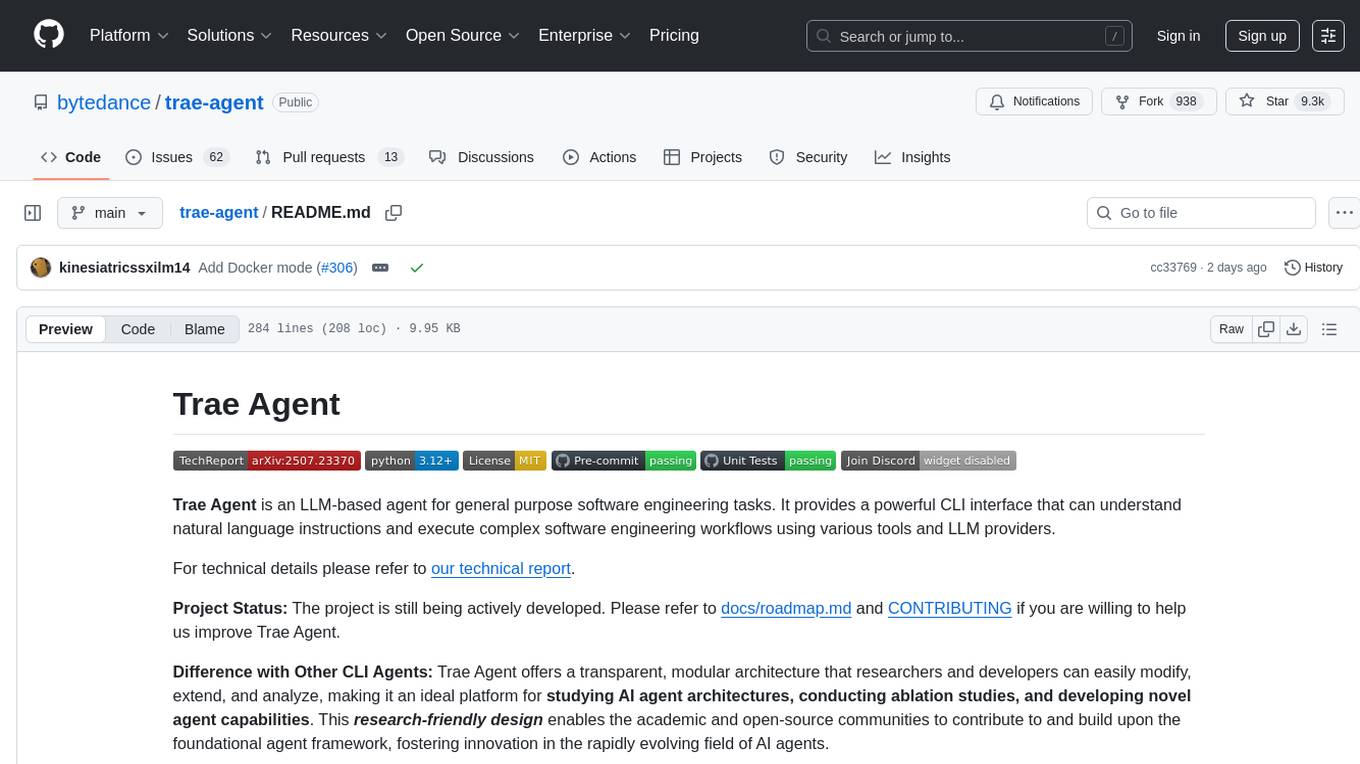
Trae-agent is a Python library for building and training reinforcement learning agents. It provides a simple and flexible framework for implementing various reinforcement learning algorithms and experimenting with different environments. With Trae-agent, users can easily create custom agents, define reward functions, and train them on a variety of tasks. The library also includes utilities for visualizing agent performance and analyzing training results, making it a valuable tool for both beginners and experienced researchers in the field of reinforcement learning.
dataset-viewer
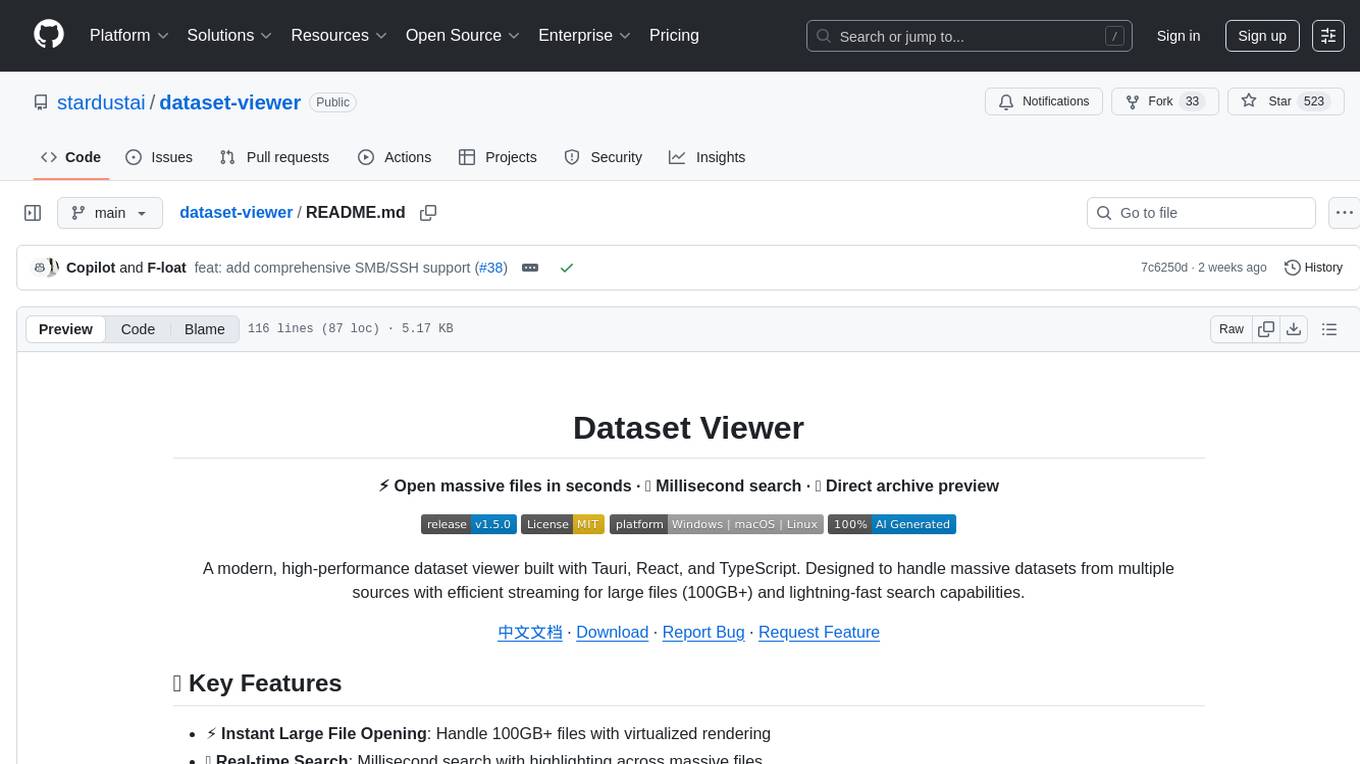
Dataset Viewer is a modern, high-performance tool built with Tauri, React, and TypeScript, designed to handle massive datasets from multiple sources with efficient streaming for large files (100GB+) and lightning-fast search capabilities. It supports instant large file opening, real-time search, direct archive preview, multi-protocol and multi-format support, and features a modern interface with dark/light themes and responsive design. The tool is perfect for data scientists, log analysis, archive management, remote access, and performance-critical tasks.
LiftShift
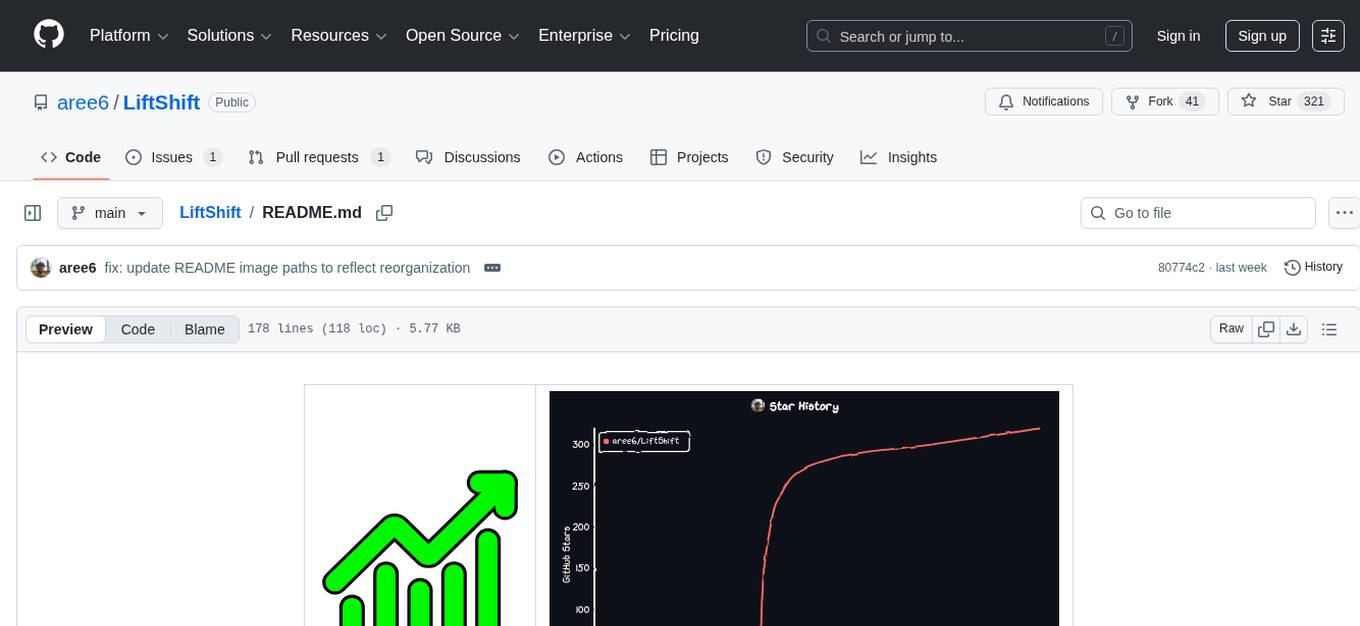
LiftShift is a web application that provides analytics and tracking features for fitness enthusiasts. Users can upload workout data, explore analytics dashboards, receive real-time feedback, and visualize workout history. The tool supports different body types and units, and offers insights on workout trends and performance. LiftShift also detects session goals and provides set-by-set feedback to enhance workout experience. With local storage support and various theme modes, users can easily track their fitness progress and customize their experience.
For similar jobs

sweep
Sweep is an AI junior developer that turns bugs and feature requests into code changes. It automatically handles developer experience improvements like adding type hints and improving test coverage.

teams-ai
The Teams AI Library is a software development kit (SDK) that helps developers create bots that can interact with Teams and Microsoft 365 applications. It is built on top of the Bot Framework SDK and simplifies the process of developing bots that interact with Teams' artificial intelligence capabilities. The SDK is available for JavaScript/TypeScript, .NET, and Python.

ai-guide
This guide is dedicated to Large Language Models (LLMs) that you can run on your home computer. It assumes your PC is a lower-end, non-gaming setup.

classifai
Supercharge WordPress Content Workflows and Engagement with Artificial Intelligence. Tap into leading cloud-based services like OpenAI, Microsoft Azure AI, Google Gemini and IBM Watson to augment your WordPress-powered websites. Publish content faster while improving SEO performance and increasing audience engagement. ClassifAI integrates Artificial Intelligence and Machine Learning technologies to lighten your workload and eliminate tedious tasks, giving you more time to create original content that matters.

chatbot-ui
Chatbot UI is an open-source AI chat app that allows users to create and deploy their own AI chatbots. It is easy to use and can be customized to fit any need. Chatbot UI is perfect for businesses, developers, and anyone who wants to create a chatbot.

BricksLLM
BricksLLM is a cloud native AI gateway written in Go. Currently, it provides native support for OpenAI, Anthropic, Azure OpenAI and vLLM. BricksLLM aims to provide enterprise level infrastructure that can power any LLM production use cases. Here are some use cases for BricksLLM: * Set LLM usage limits for users on different pricing tiers * Track LLM usage on a per user and per organization basis * Block or redact requests containing PIIs * Improve LLM reliability with failovers, retries and caching * Distribute API keys with rate limits and cost limits for internal development/production use cases * Distribute API keys with rate limits and cost limits for students

uAgents
uAgents is a Python library developed by Fetch.ai that allows for the creation of autonomous AI agents. These agents can perform various tasks on a schedule or take action on various events. uAgents are easy to create and manage, and they are connected to a fast-growing network of other uAgents. They are also secure, with cryptographically secured messages and wallets.

griptape
Griptape is a modular Python framework for building AI-powered applications that securely connect to your enterprise data and APIs. It offers developers the ability to maintain control and flexibility at every step. Griptape's core components include Structures (Agents, Pipelines, and Workflows), Tasks, Tools, Memory (Conversation Memory, Task Memory, and Meta Memory), Drivers (Prompt and Embedding Drivers, Vector Store Drivers, Image Generation Drivers, Image Query Drivers, SQL Drivers, Web Scraper Drivers, and Conversation Memory Drivers), Engines (Query Engines, Extraction Engines, Summary Engines, Image Generation Engines, and Image Query Engines), and additional components (Rulesets, Loaders, Artifacts, Chunkers, and Tokenizers). Griptape enables developers to create AI-powered applications with ease and efficiency.