


ai-inference
An action for calling AI models with GitHub Models
Stars: 438
AI Inference is a Python library that provides tools for deploying and running machine learning models in production environments. It simplifies the process of integrating AI models into applications by offering a high-level API for inference tasks. With AI Inference, developers can easily load pre-trained models, perform inference on new data, and deploy models as RESTful APIs. The library supports various deep learning frameworks such as TensorFlow and PyTorch, making it versatile for a wide range of AI applications.
README:




Use AI models from GitHub Models in your workflows.
Create a workflow to use the AI inference action:
name: 'AI inference'
on: workflow_dispatch

jobs:
  inference:
    permissions:
      models: read
    runs-on: ubuntu-latest
    steps:
      - name: Test Local Action
        id: inference
        uses: actions/ai-inference@v1
        with:
          prompt: 'Hello!'

      - name: Print Output
        id: output
run: echo "${{ steps.inference.outputs.response }}"You can also provide a prompt file instead of an inline prompt. The action
supports both plain text files and structured .prompt.yml files:
steps:
  - name: Run AI Inference with Text File
    id: inference
    uses: actions/ai-inference@v1
    with:
prompt-file: './path/to/prompt.txt'For more advanced use cases, you can use structured .prompt.yml files that
support templating, custom models, and JSON schema responses:
steps:
  - name: Run AI Inference with Prompt YAML
    id: inference
    uses: actions/ai-inference@v1
    with:
      prompt-file: './.github/prompts/sample.prompt.yml'
      input: |
        var1: hello
        var2: ${{ steps.some-step.outputs.output }}
        var3: |
          Lorem Ipsum
          Hello World
      file_input: |
        var4: ./path/to/long-text.txt
var5: ./path/to/config.jsonmessages:
- role: system
content: Be as concise as possible
- role: user
content: 'Compare {{a}} and {{b}}, please'
model: openai/gpt-4omessages:
- role: system
content: You are a helpful assistant that describes animals using JSON format
- role: user
content: |-
Describe a {{animal}}
Use JSON format as specified in the response schema
model: openai/gpt-4o
responseFormat: json_schema
jsonSchema: |-
{
"name": "describe_animal",
"strict": true,
"schema": {
"type": "object",
"properties": {
"name": {
"type": "string",
"description": "The name of the animal"
},
"habitat": {
"type": "string",
"description": "The habitat the animal lives in"
}
},
"additionalProperties": false,
"required": [
"name",
"habitat"
]
}
}Variables in prompt.yml files are templated using {{variable}} format and are
supplied via the input parameter in YAML format. Additionally, you can
provide file-based variables via file_input, where each key maps to a file
path.
You can specify model parameters directly in your .prompt.yml files using the
modelParameters key:
messages:
  - role: system
    content: Be as concise as possible
  - role: user
    content: 'Compare {{a}} and {{b}}, please'
model: openai/gpt-4o
modelParameters:
maxCompletionTokens: 500
temperature: 0.7| Key | Type | Description |
|---|---|---|
maxCompletionTokens |
number | The maximum number of tokens to generate |
maxTokens |
number | The maximum number of tokens to generate (deprecated) |
temperature |
number | The sampling temperature to use (0-1) |
topP |
number | The nucleus sampling parameter to use (0-1) |
![Note] Parameters set in
modelParameterstake precedence over the corresponding action inputs.
In addition to the regular prompt, you can provide a system prompt file instead of an inline system prompt:
steps:
  - name: Run AI Inference with System Prompt File
    id: inference
    uses: actions/ai-inference@v1
    with:
      prompt: 'Hello!'
system-prompt-file: './path/to/system-prompt.txt'This can be useful when model response exceeds actions output limit
steps:
  - name: Test Local Action
    id: inference
    uses: actions/ai-inference@v1
    with:
      prompt: 'Hello!'

  - name: Use Response File
    run: |
      echo "Response saved to: ${{ steps.inference.outputs.response-file }}"
cat "${{ steps.inference.outputs.response-file }}"You can include custom HTTP headers in your API requests, which is useful for integrating with API Management platforms, adding tracking information, or routing requests through custom gateways.
steps:
  - name: AI Inference with Azure APIM
    id: inference
    uses: actions/ai-inference@v1
    with:
      prompt: 'Analyze this code for security issues...'
      endpoint: ${{ secrets.APIM_ENDPOINT }}
      token: ${{ secrets.APIM_KEY }}
      custom-headers: |
        Ocp-Apim-Subscription-Key: ${{ secrets.APIM_SUBSCRIPTION_KEY }}
        serviceName: code-review-workflow
        env: production
        team: security
computer: github-actionssteps:
- name: AI Inference with Custom Headers
id: inference
uses: actions/ai-inference@v1
with:
prompt: 'Hello!'
custom-headers: '{"X-Custom-Header": "value", "X-Team": "engineering", "X-Request-ID": "${{ github.run_id }}"}'- API Management: Integrate with Azure APIM, AWS API Gateway, Kong, or other API management platforms
- Request tracking: Add correlation IDs, request IDs, or workflow identifiers
- Rate limiting: Include quota or tier information for custom rate limiting
- Multi-tenancy: Identify teams, services, or environments
- Observability: Add metadata for logging, monitoring, and debugging
- Routing: Control request routing through custom gateways or load balancers
Header name requirements: Header names must follow the HTTP token syntax defined in RFC 7230 (which permits underscores). For maximum compatibility with intermediaries and tooling, we recommend using only alphanumeric characters and hyphens.
Security note: Always use GitHub secrets for sensitive header values like API keys, tokens, or passwords. The action automatically masks common sensitive headers (containing key, token, secret, password, or authorization) in logs.
This action now supports read-only integration with the GitHub-hosted Model Context Protocol (MCP) server, which provides access to GitHub tools like repository management, issue tracking, and pull request operations.
You can authenticate the MCP server with either:
- Personal Access Token (PAT) – user-scoped token
-
GitHub App Installation Token (
ghs_…) – short-lived, app-scoped tokenThe built-in
GITHUB_TOKENis not accepted by the MCP server. Using a GitHub App installation token is recommended in most CI environments because it is short-lived and least-privilege by design.
Set enable-github-mcp: true and provide a token via github-mcp-token.
steps:
  - name: AI Inference with GitHub Tools
    id: inference
    uses: actions/[email protected]
    with:
      prompt: 'List my open pull requests and create a summary'
      enable-github-mcp: true
      token: ${{ secrets.USER_PAT }} # or a ghs_ installation token
If you want, you can use separate tokens for the AI inference endpoint and the GitHub MCP server:
steps:
  - name: AI Inference with Separate MCP Token
    id: inference
    uses: actions/[email protected]
    with:
      prompt: 'List my open pull requests and create a summary'
      enable-github-mcp: true
      token: ${{ secrets.GITHUB_TOKEN }}
github-mcp-token: ${{ secrets.USER_PAT }} # or a ghs_ installation tokenBy default, the GitHub MCP server provides a standard set of tools (context, repos, issues, pull_requests, users). You can customize which toolsets are available by specifying the github-mcp-toolsets parameter:
steps:
  - name: AI Inference with Custom Toolsets
    id: inference
    uses: actions/ai-inference@v2
    with:
      prompt: 'Analyze recent workflow runs and check security alerts'
      enable-github-mcp: true
      token: ${{ secrets.USER_PAT }}
      github-mcp-toolsets: 'repos,issues,pull_requests,actions,code_security'
Available toolsets: See: Tool configuration
When MCP is enabled, the AI model will have access to GitHub tools and can perform actions like searching issues and PRs.
Various inputs are defined in action.yml to let you configure
the action:
| Name | Description | Default |
|---|---|---|
token |
Token to use for inference. Typically the GITHUB_TOKEN secret | github.token |
prompt |
The prompt to send to the model | N/A |
prompt-file |
Path to a file containing the prompt (supports .txt and .prompt.yml formats). If both prompt and prompt-file are provided, prompt-file takes precedence |
"" |
input |
Template variables in YAML format for .prompt.yml files (e.g., var1: value1 on separate lines) |
"" |
file_input |
Template variables in YAML where values are file paths. The file contents are read and used for templating | "" |
system-prompt |
The system prompt to send to the model | "You are a helpful assistant" |
system-prompt-file |
Path to a file containing the system prompt. If both system-prompt and system-prompt-file are provided, system-prompt-file takes precedence |
"" |
model |
The model to use for inference. Must be available in the GitHub Models catalog | openai/gpt-4o |
endpoint |
The endpoint to use for inference. If you're running this as part of an org, you should probably use the org-specific Models endpoint | https://models.github.ai/inference |
max-tokens |
The maximum number of tokens to generate (deprecated, use max-completion-tokens instead) |
200 |
max-completion-tokens |
The maximum number of tokens to generate | "" |
temperature |
The sampling temperature to use (0-1) | "" |
top-p |
The nucleus sampling parameter to use (0-1) | "" |
enable-github-mcp |
Enable Model Context Protocol integration with GitHub tools | false |
github-mcp-token |
Token to use for GitHub MCP server (defaults to the main token if not specified). | "" |
custom-headers |
Custom HTTP headers to include in API requests. Supports both YAML format (header1: value1) and JSON format ({"header1": "value1"}). Useful for API Management platforms, rate limiting, and request tracking. |
"" |
The AI inference action provides the following outputs:
| Name | Description |
|---|---|
response |
The response from the model |
response-file |
The file path where the response is saved (useful for larger responses) |
In order to run inference with GitHub Models, the GitHub AI inference action
requires models permissions.
permissions:
  contents: read
models: readThis project includes a helper script, script/release
designed to streamline the process of tagging and pushing new releases for
GitHub Actions. For more information, see
Versioning
in the GitHub Actions toolkit.
GitHub Actions allows users to select a specific version of the action to use, based on release tags. This script simplifies this process by performing the following steps:
- Retrieving the latest release tag: The script starts by fetching the most recent SemVer release tag of the current branch, by looking at the local data available in your repository.
- Prompting for a new release tag: The user is then prompted to enter a new release tag. To assist with this, the script displays the tag retrieved in the previous step, and validates the format of the inputted tag (vX.X.X). The user is also reminded to update the version field in package.json.
-
Tagging the new release: The script then tags a new release and syncs the
separate major tag (e.g. v1, v2) with the new release tag (e.g. v1.0.0,
v2.1.2). When the user is creating a new major release, the script
auto-detects this and creates a
releases/v#branch for the previous major version. - Pushing changes to remote: Finally, the script pushes the necessary commits, tags and branches to the remote repository. From here, you will need to create a new release in GitHub so users can easily reference the new tags in their workflows.
This project is licensed under the terms of the MIT open source license. Please refer to MIT for the full terms.
Contributions are welcome! See the Contributor's Guide.
For Tasks:
Click tags to check more tools for each tasksFor Jobs:
Alternative AI tools for ai-inference
Similar Open Source Tools
ai-inference
AI Inference is a Python library that provides tools for deploying and running machine learning models in production environments. It simplifies the process of integrating AI models into applications by offering a high-level API for inference tasks. With AI Inference, developers can easily load pre-trained models, perform inference on new data, and deploy models as RESTful APIs. The library supports various deep learning frameworks such as TensorFlow and PyTorch, making it versatile for a wide range of AI applications.
lemonai
LemonAI is a versatile machine learning library designed to simplify the process of building and deploying AI models. It provides a wide range of tools and algorithms for data preprocessing, model training, and evaluation. With LemonAI, users can easily experiment with different machine learning techniques and optimize their models for various tasks. The library is well-documented and beginner-friendly, making it suitable for both novice and experienced data scientists. LemonAI aims to streamline the development of AI applications and empower users to create innovative solutions using state-of-the-art machine learning methods.
BentoVLLM
BentoVLLM is an example project demonstrating how to serve and deploy open-source Large Language Models using vLLM, a high-throughput and memory-efficient inference engine. It provides a basis for advanced code customization, such as custom models, inference logic, or vLLM options. The project allows for simple LLM hosting with OpenAI compatible endpoints without the need to write any code. Users can interact with the server using Swagger UI or other methods, and the service can be deployed to BentoCloud for better management and scalability. Additionally, the repository includes integration examples for different LLM models and tools.
AI_Spectrum
AI_Spectrum is a versatile machine learning library that provides a wide range of tools and algorithms for building and deploying AI models. It offers a user-friendly interface for data preprocessing, model training, and evaluation. With AI_Spectrum, users can easily experiment with different machine learning techniques and optimize their models for various tasks. The library is designed to be flexible and scalable, making it suitable for both beginners and experienced data scientists.
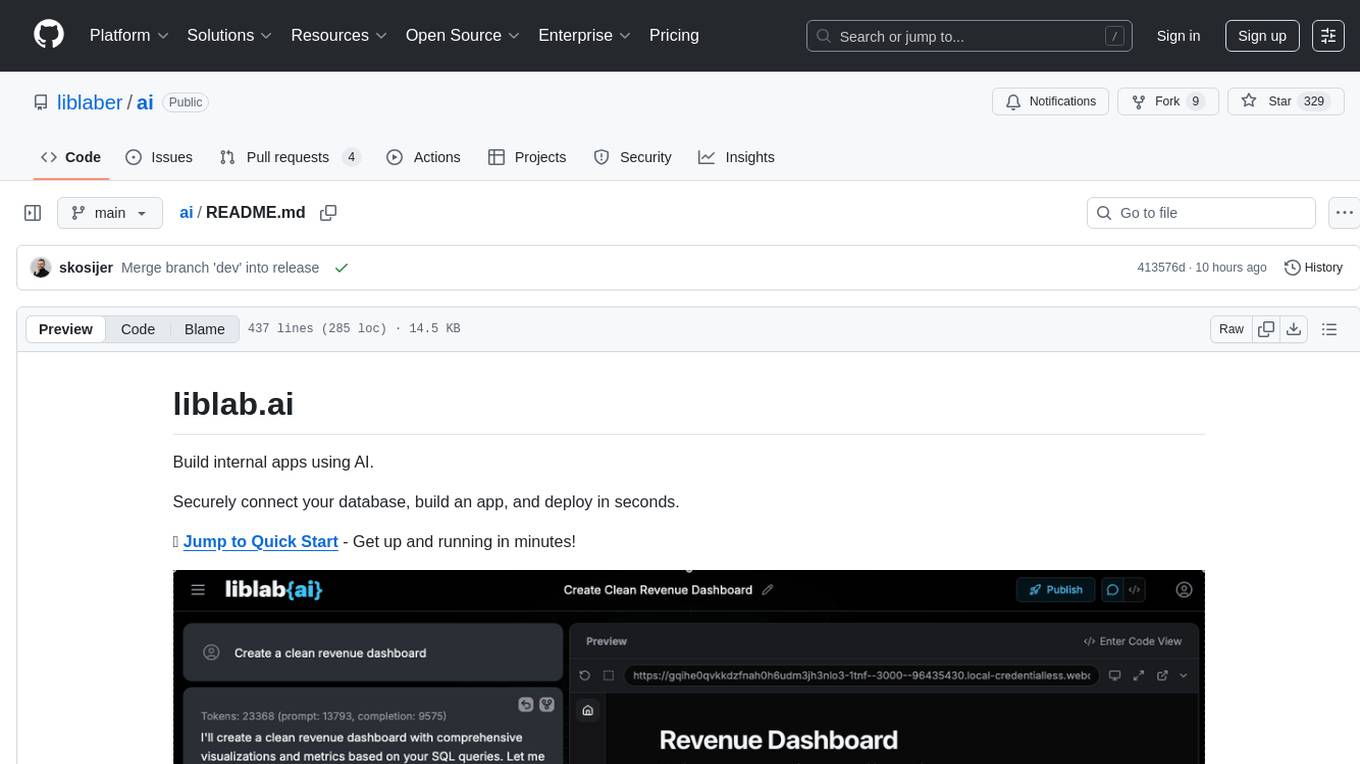
ai
This repository contains a collection of AI algorithms and models for various machine learning tasks. It provides implementations of popular algorithms such as neural networks, decision trees, and support vector machines. The code is well-documented and easy to understand, making it suitable for both beginners and experienced developers. The repository also includes example datasets and tutorials to help users get started with building and training AI models. Whether you are a student learning about AI or a professional working on machine learning projects, this repository can be a valuable resource for your development journey.
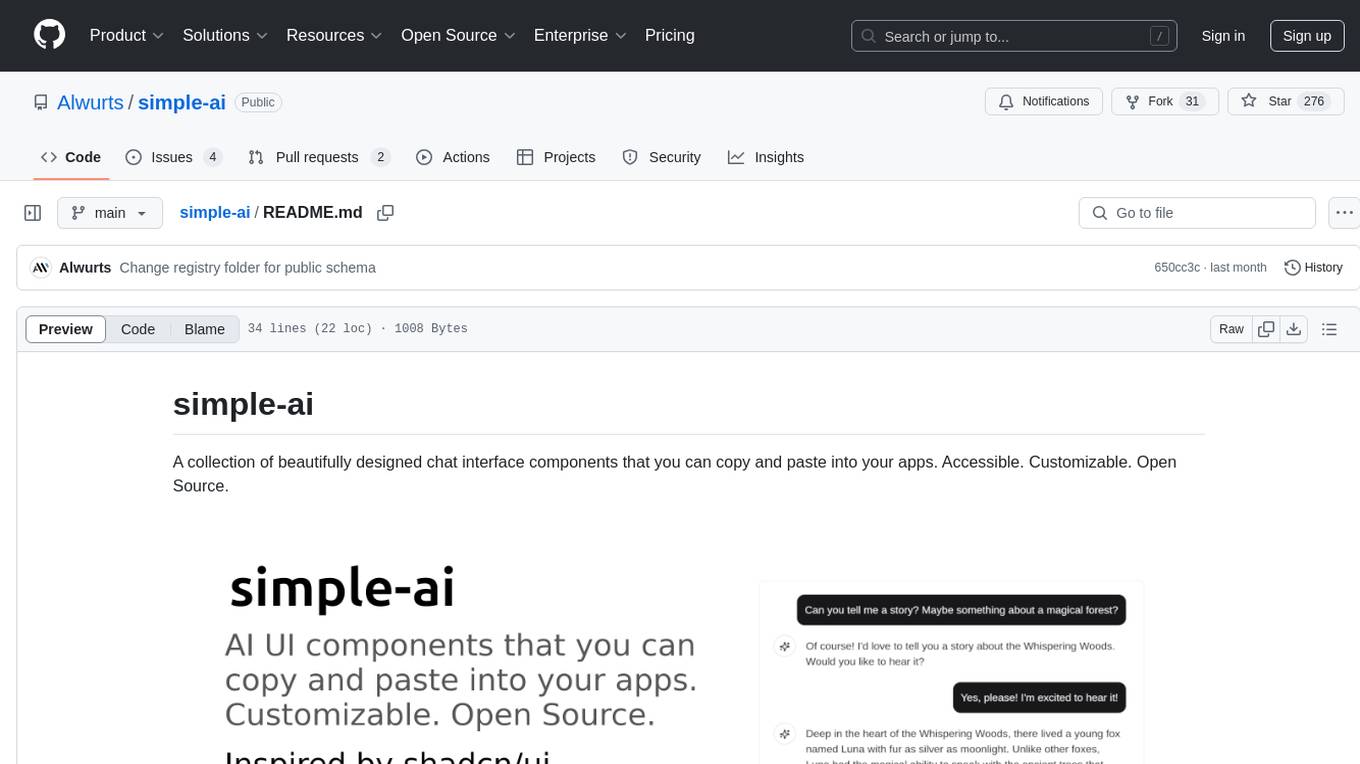
simple-ai
Simple AI is a lightweight Python library for implementing basic artificial intelligence algorithms. It provides easy-to-use functions and classes for tasks such as machine learning, natural language processing, and computer vision. With Simple AI, users can quickly prototype and deploy AI solutions without the complexity of larger frameworks.
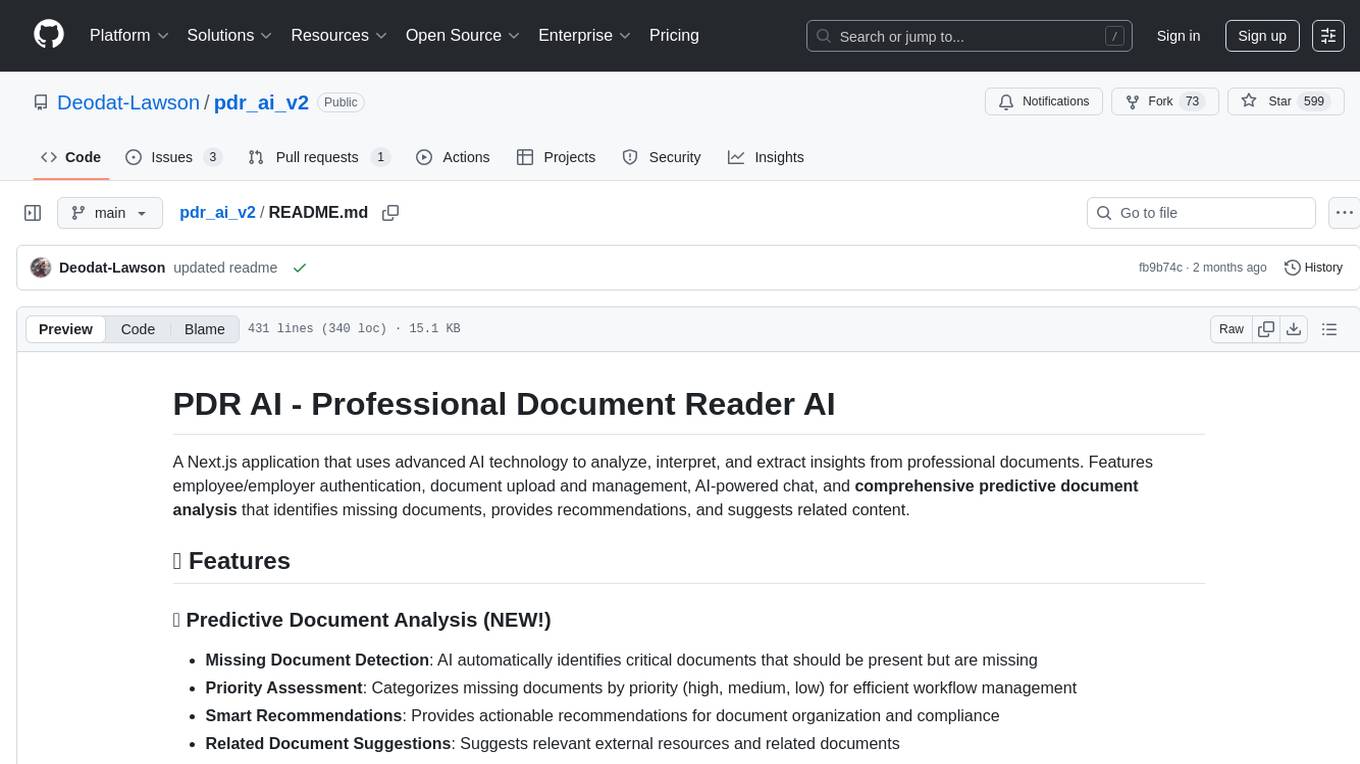
pdr_ai_v2
pdr_ai_v2 is a Python library for implementing machine learning algorithms and models. It provides a wide range of tools and functionalities for data preprocessing, model training, evaluation, and deployment. The library is designed to be user-friendly and efficient, making it suitable for both beginners and experienced data scientists. With pdr_ai_v2, users can easily build and deploy machine learning models for various applications, such as classification, regression, clustering, and more.
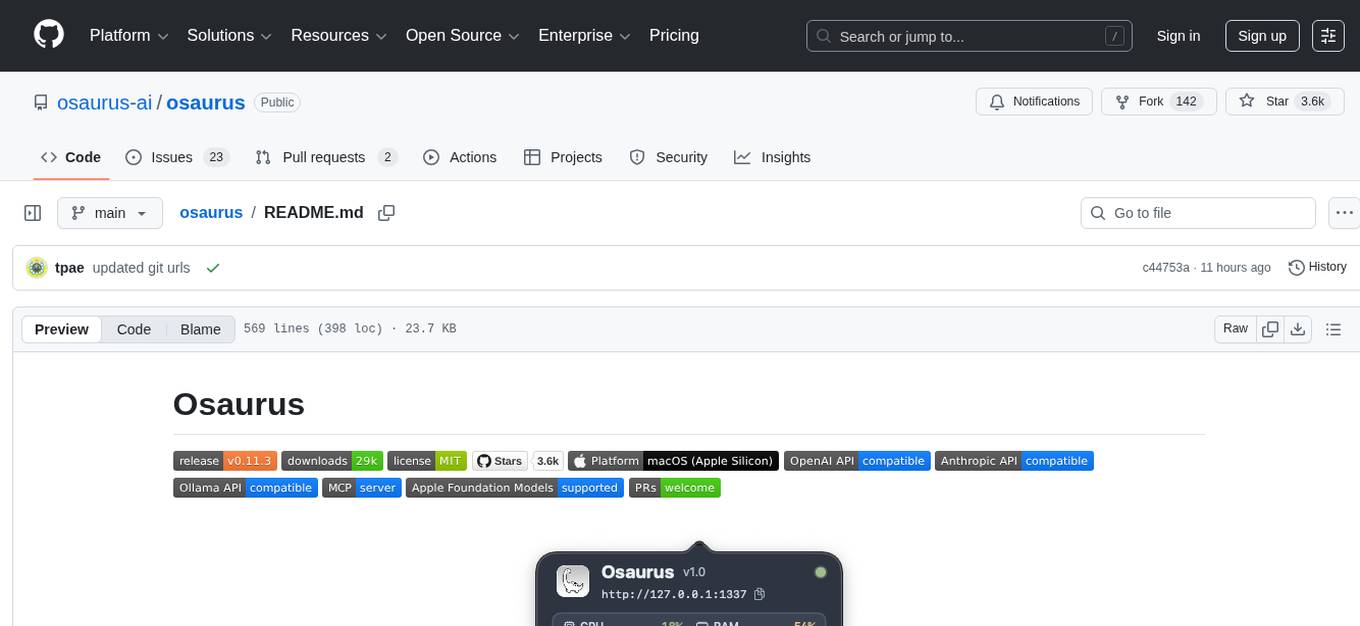
osaurus
Osaurus is a versatile open-source tool designed for data scientists and machine learning engineers. It provides a wide range of functionalities for data preprocessing, feature engineering, model training, and evaluation. With Osaurus, users can easily clean and transform raw data, extract relevant features, build and tune machine learning models, and analyze model performance. The tool supports various machine learning algorithms and techniques, making it suitable for both beginners and experienced practitioners in the field. Osaurus is actively maintained and updated to incorporate the latest advancements in the machine learning domain, ensuring users have access to state-of-the-art tools and methodologies for their projects.
ai-devkit
The ai-devkit repository is a comprehensive toolkit for developing and deploying artificial intelligence models. It provides a wide range of tools and resources to streamline the AI development process, including pre-trained models, data processing utilities, and deployment scripts. With a focus on simplicity and efficiency, ai-devkit aims to empower developers to quickly build and deploy AI solutions across various domains and applications.
open-ai
Open AI is a powerful tool for artificial intelligence research and development. It provides a wide range of machine learning models and algorithms, making it easier for developers to create innovative AI applications. With Open AI, users can explore cutting-edge technologies such as natural language processing, computer vision, and reinforcement learning. The platform offers a user-friendly interface and comprehensive documentation to support users in building and deploying AI solutions. Whether you are a beginner or an experienced AI practitioner, Open AI offers the tools and resources you need to accelerate your AI projects and stay ahead in the rapidly evolving field of artificial intelligence.
GEN-AI
GEN-AI is a versatile Python library for implementing various artificial intelligence algorithms and models. It provides a wide range of tools and functionalities to support machine learning, deep learning, natural language processing, computer vision, and reinforcement learning tasks. With GEN-AI, users can easily build, train, and deploy AI models for diverse applications such as image recognition, text classification, sentiment analysis, object detection, and game playing. The library is designed to be user-friendly, efficient, and scalable, making it suitable for both beginners and experienced AI practitioners.
deeppowers
Deeppowers is a powerful Python library for deep learning applications. It provides a wide range of tools and utilities to simplify the process of building and training deep neural networks. With Deeppowers, users can easily create complex neural network architectures, perform efficient training and optimization, and deploy models for various tasks. The library is designed to be user-friendly and flexible, making it suitable for both beginners and experienced deep learning practitioners.
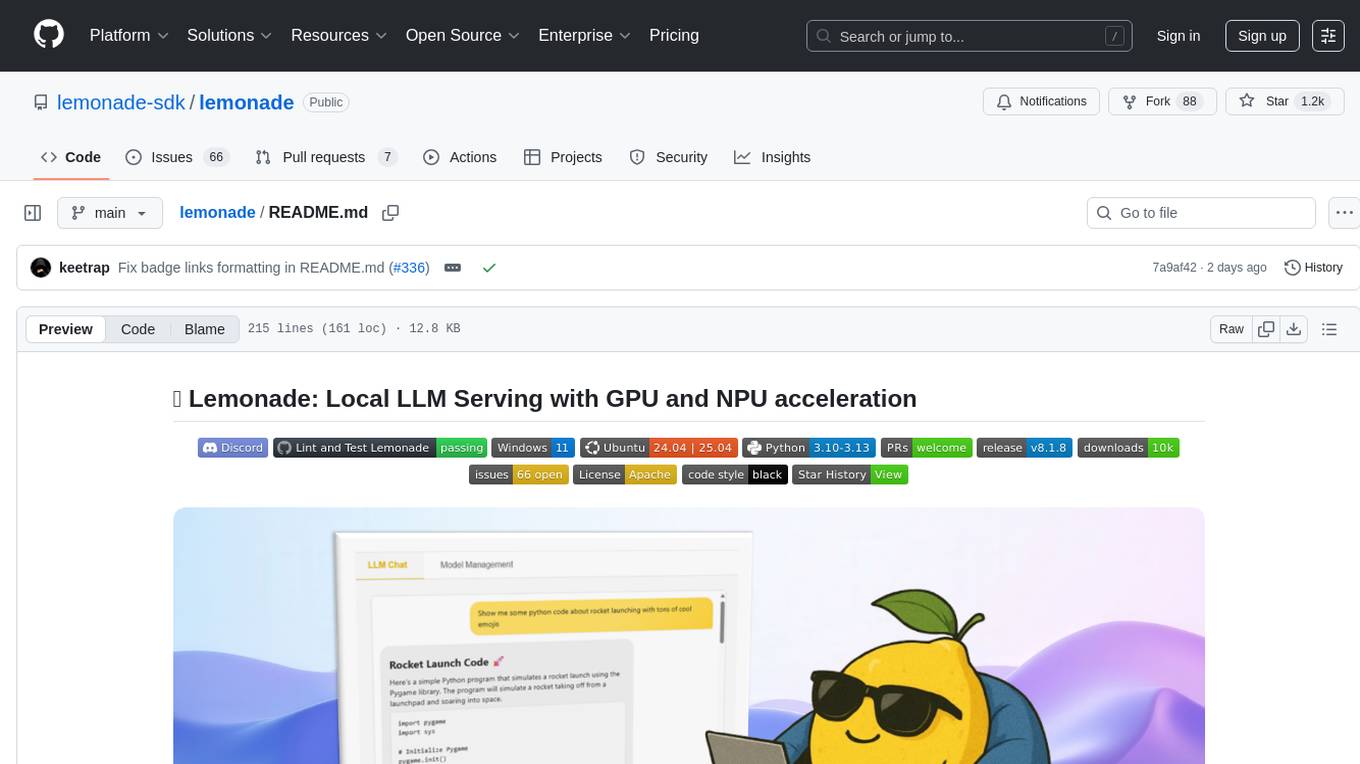
lemonade
Lemonade is a tool that helps users run local Large Language Models (LLMs) with high performance by configuring state-of-the-art inference engines for their Neural Processing Units (NPUs) and Graphics Processing Units (GPUs). It is used by startups, research teams, and large companies to run LLMs efficiently. Lemonade provides a high-level Python API for direct integration of LLMs into Python applications and a CLI for mixing and matching LLMs with various features like prompting templates, accuracy testing, performance benchmarking, and memory profiling. The tool supports both GGUF and ONNX models and allows importing custom models from Hugging Face using the Model Manager. Lemonade is designed to be easy to use and switch between different configurations at runtime, making it a versatile tool for running LLMs locally.
ComparIA
Compar:IA is a tool for blindly comparing different conversational AI models to raise awareness about the challenges of generative AI (bias, environmental impact) and to build up French-language preference datasets. It provides a platform for testing with real providers, enabling mock responses for testing purposes. The tool includes backend (FastAPI + Gradio) and frontend (SvelteKit) components, with Docker support for easy setup. Users can run the tool using provided Makefile commands or manually set up the backend and frontend. Additionally, the tool offers functionalities for database initialization, migrations, model generation, dataset export, and ranking methods.
axon
Axon is a powerful neural network library for Python that provides a simple and flexible way to build, train, and deploy deep learning models. It offers a wide range of neural network architectures, optimization algorithms, and evaluation metrics to support various machine learning tasks. With Axon, users can easily create complex neural networks, train them on large datasets, and deploy them in production environments. The library is designed to be user-friendly and efficient, making it suitable for both beginners and experienced deep learning practitioners.
Automodel
Automodel is a Python library for automating the process of building and evaluating machine learning models. It provides a set of tools and utilities to streamline the model development workflow, from data preprocessing to model selection and evaluation. With Automodel, users can easily experiment with different algorithms, hyperparameters, and feature engineering techniques to find the best model for their dataset. The library is designed to be user-friendly and customizable, allowing users to define their own pipelines and workflows. Automodel is suitable for data scientists, machine learning engineers, and anyone looking to quickly build and test machine learning models without the need for manual intervention.
For similar tasks
AiTreasureBox
AiTreasureBox is a versatile AI tool that provides a collection of pre-trained models and algorithms for various machine learning tasks. It simplifies the process of implementing AI solutions by offering ready-to-use components that can be easily integrated into projects. With AiTreasureBox, users can quickly prototype and deploy AI applications without the need for extensive knowledge in machine learning or deep learning. The tool covers a wide range of tasks such as image classification, text generation, sentiment analysis, object detection, and more. It is designed to be user-friendly and accessible to both beginners and experienced developers, making AI development more efficient and accessible to a wider audience.
InternVL
InternVL scales up the ViT to _**6B parameters**_ and aligns it with LLM. It is a vision-language foundation model that can perform various tasks, including: **Visual Perception** - Linear-Probe Image Classification - Semantic Segmentation - Zero-Shot Image Classification - Multilingual Zero-Shot Image Classification - Zero-Shot Video Classification **Cross-Modal Retrieval** - English Zero-Shot Image-Text Retrieval - Chinese Zero-Shot Image-Text Retrieval - Multilingual Zero-Shot Image-Text Retrieval on XTD **Multimodal Dialogue** - Zero-Shot Image Captioning - Multimodal Benchmarks with Frozen LLM - Multimodal Benchmarks with Trainable LLM - Tiny LVLM InternVL has been shown to achieve state-of-the-art results on a variety of benchmarks. For example, on the MMMU image classification benchmark, InternVL achieves a top-1 accuracy of 51.6%, which is higher than GPT-4V and Gemini Pro. On the DocVQA question answering benchmark, InternVL achieves a score of 82.2%, which is also higher than GPT-4V and Gemini Pro. InternVL is open-sourced and available on Hugging Face. It can be used for a variety of applications, including image classification, object detection, semantic segmentation, image captioning, and question answering.
clarifai-python
The Clarifai Python SDK offers a comprehensive set of tools to integrate Clarifai's AI platform to leverage computer vision capabilities like classification , detection ,segementation and natural language capabilities like classification , summarisation , generation , Q&A ,etc into your applications. With just a few lines of code, you can leverage cutting-edge artificial intelligence to unlock valuable insights from visual and textual content.
X-AnyLabeling
X-AnyLabeling is a robust annotation tool that seamlessly incorporates an AI inference engine alongside an array of sophisticated features. Tailored for practical applications, it is committed to delivering comprehensive, industrial-grade solutions for image data engineers. This tool excels in swiftly and automatically executing annotations across diverse and intricate tasks.
ailia-models
The collection of pre-trained, state-of-the-art AI models. ailia SDK is a self-contained, cross-platform, high-speed inference SDK for AI. The ailia SDK provides a consistent C++ API across Windows, Mac, Linux, iOS, Android, Jetson, and Raspberry Pi platforms. It also supports Unity (C#), Python, Rust, Flutter(Dart) and JNI for efficient AI implementation. The ailia SDK makes extensive use of the GPU through Vulkan and Metal to enable accelerated computing. # Supported models 323 models as of April 8th, 2024
edenai-apis
Eden AI aims to simplify the use and deployment of AI technologies by providing a unique API that connects to all the best AI engines. With the rise of **AI as a Service** , a lot of companies provide off-the-shelf trained models that you can access directly through an API. These companies are either the tech giants (Google, Microsoft , Amazon) or other smaller, more specialized companies, and there are hundreds of them. Some of the most known are : DeepL (translation), OpenAI (text and image analysis), AssemblyAI (speech analysis). There are **hundreds of companies** doing that. We're regrouping the best ones **in one place** !
NanoLLM
NanoLLM is a tool designed for optimized local inference for Large Language Models (LLMs) using HuggingFace-like APIs. It supports quantization, vision/language models, multimodal agents, speech, vector DB, and RAG. The tool aims to provide efficient and effective processing for LLMs on local devices, enhancing performance and usability for various AI applications.
open-ai
Open AI is a powerful tool for artificial intelligence research and development. It provides a wide range of machine learning models and algorithms, making it easier for developers to create innovative AI applications. With Open AI, users can explore cutting-edge technologies such as natural language processing, computer vision, and reinforcement learning. The platform offers a user-friendly interface and comprehensive documentation to support users in building and deploying AI solutions. Whether you are a beginner or an experienced AI practitioner, Open AI offers the tools and resources you need to accelerate your AI projects and stay ahead in the rapidly evolving field of artificial intelligence.
For similar jobs

weave
Weave is a toolkit for developing Generative AI applications, built by Weights & Biases. With Weave, you can log and debug language model inputs, outputs, and traces; build rigorous, apples-to-apples evaluations for language model use cases; and organize all the information generated across the LLM workflow, from experimentation to evaluations to production. Weave aims to bring rigor, best-practices, and composability to the inherently experimental process of developing Generative AI software, without introducing cognitive overhead.

LLMStack
LLMStack is a no-code platform for building generative AI agents, workflows, and chatbots. It allows users to connect their own data, internal tools, and GPT-powered models without any coding experience. LLMStack can be deployed to the cloud or on-premise and can be accessed via HTTP API or triggered from Slack or Discord.

VisionCraft
The VisionCraft API is a free API for using over 100 different AI models. From images to sound.

kaito
Kaito is an operator that automates the AI/ML inference model deployment in a Kubernetes cluster. It manages large model files using container images, avoids tuning deployment parameters to fit GPU hardware by providing preset configurations, auto-provisions GPU nodes based on model requirements, and hosts large model images in the public Microsoft Container Registry (MCR) if the license allows. Using Kaito, the workflow of onboarding large AI inference models in Kubernetes is largely simplified.

PyRIT
PyRIT is an open access automation framework designed to empower security professionals and ML engineers to red team foundation models and their applications. It automates AI Red Teaming tasks to allow operators to focus on more complicated and time-consuming tasks and can also identify security harms such as misuse (e.g., malware generation, jailbreaking), and privacy harms (e.g., identity theft). The goal is to allow researchers to have a baseline of how well their model and entire inference pipeline is doing against different harm categories and to be able to compare that baseline to future iterations of their model. This allows them to have empirical data on how well their model is doing today, and detect any degradation of performance based on future improvements.

tabby
Tabby is a self-hosted AI coding assistant, offering an open-source and on-premises alternative to GitHub Copilot. It boasts several key features: * Self-contained, with no need for a DBMS or cloud service. * OpenAPI interface, easy to integrate with existing infrastructure (e.g Cloud IDE). * Supports consumer-grade GPUs.

spear
SPEAR (Simulator for Photorealistic Embodied AI Research) is a powerful tool for training embodied agents. It features 300 unique virtual indoor environments with 2,566 unique rooms and 17,234 unique objects that can be manipulated individually. Each environment is designed by a professional artist and features detailed geometry, photorealistic materials, and a unique floor plan and object layout. SPEAR is implemented as Unreal Engine assets and provides an OpenAI Gym interface for interacting with the environments via Python.

Magick
Magick is a groundbreaking visual AIDE (Artificial Intelligence Development Environment) for no-code data pipelines and multimodal agents. Magick can connect to other services and comes with nodes and templates well-suited for intelligent agents, chatbots, complex reasoning systems and realistic characters.