


Risuai
Make your own story. User-friendly software for LLM roleplaying
Stars: 1323
Risuai, or Risu for short, is a cross platform AI chatting software/web application with powerful features such as multiple API support, emotion images, group chats, plugins, regex script, powerful translators, lorebook, themes, powerful prompting, customizable UI, TTS, additional assets, long-term memory systems, and more. It offers great accessibility, mobile-friendly UI, and the ability to embed images, audios, and videos to the bot for display during chats or as background elements.
README:






Risuai, or Risu for short, is a cross platform AI chatting software / web application with powerful features such as multiple API support, assets in the chat, regex functions and much more.
| Screenshot 1 | Screenshot 2 |
|---|---|
- Multiple API Supports: Supports OpenAI, Claude, Gemini, DeepInfra, Ooba, OpenRouter... and More!
- Emotion Images: Display the image of the current character, according to his/her expressions!
- Group Chats: Multiple characters in one chat.
- Plugins: Add your features and providers, and simply share.
- Regex Script: Modify model's output by regex, to make a custom GUI and others
- Powerful Translators: Automatically translate the input/output, so you can roleplay without knowing model's language.
- Lorebook: Also known as world infos or memory book, which can make character memorize more.
- Themes: Choose it from 3 themes, Classic, WaifuLike, WaifuCut.
- Powerful Prompting: Change the prompting order easily, Impersonate inside prompts, Use conditions, variables... and more!
- Customizable, Friendly UI: Great Accessibility and mobile friendly
- TTS: Use TTS to make the output text into voice.
- Additional Assets: Embed your images, audios and videos to bot, and make it display at chat or background!
- Long-term Memory: Advanced memory systems including HypaMemoryV2/V3 memory compression, SupaMemory for context management to maintain long-term conversation context.
- And More!
You can get detailed information on https://github.com/kwaroran/Risuai/wiki (Work in Progress)
- Risuai Website (Recommended)
- Github Releases
You can also run Risuai using Docker. This method is particularly useful for web hosting.
-
Run the Docker container:
curl -L https://raw.githubusercontent.com/kwaroran/Risuai/refs/heads/main/docker-compose.yml | docker compose -f - up -d -
Access Risuai at
http://localhost:6001in your web browser.
For Tasks:
Click tags to check more tools for each tasksFor Jobs:
Alternative AI tools for Risuai
Similar Open Source Tools
Risuai
Risuai, or Risu for short, is a cross platform AI chatting software/web application with powerful features such as multiple API support, emotion images, group chats, plugins, regex script, powerful translators, lorebook, themes, powerful prompting, customizable UI, TTS, additional assets, long-term memory systems, and more. It offers great accessibility, mobile-friendly UI, and the ability to embed images, audios, and videos to the bot for display during chats or as background elements.
RisuAI
RisuAI, or Risu for short, is a cross-platform AI chatting software/web application with powerful features such as multiple API support, assets in the chat, regex functions, and much more.
chatbox
Chatbox is a desktop client for ChatGPT, Claude, and other LLMs, providing a user-friendly interface for AI copilot assistance on Windows, Mac, and Linux. It offers features like local data storage, multiple LLM provider support, image generation with Dall-E-3, enhanced prompting, keyboard shortcuts, and more. Users can collaborate, access the tool on various platforms, and enjoy multilingual support. Chatbox is constantly evolving with new features to enhance the user experience.
chatbox
Chatbox is a desktop client for ChatGPT, Claude, and other LLMs, providing features like local data storage, multiple LLM provider support, image generation, enhanced prompting, keyboard shortcuts, and more. It offers a user-friendly interface with dark theme, team collaboration, cross-platform availability, web version access, iOS & Android apps, multilingual support, and ongoing feature enhancements. Developed for prompt and API debugging, it has gained popularity for daily chatting and professional role-playing with AI assistance.
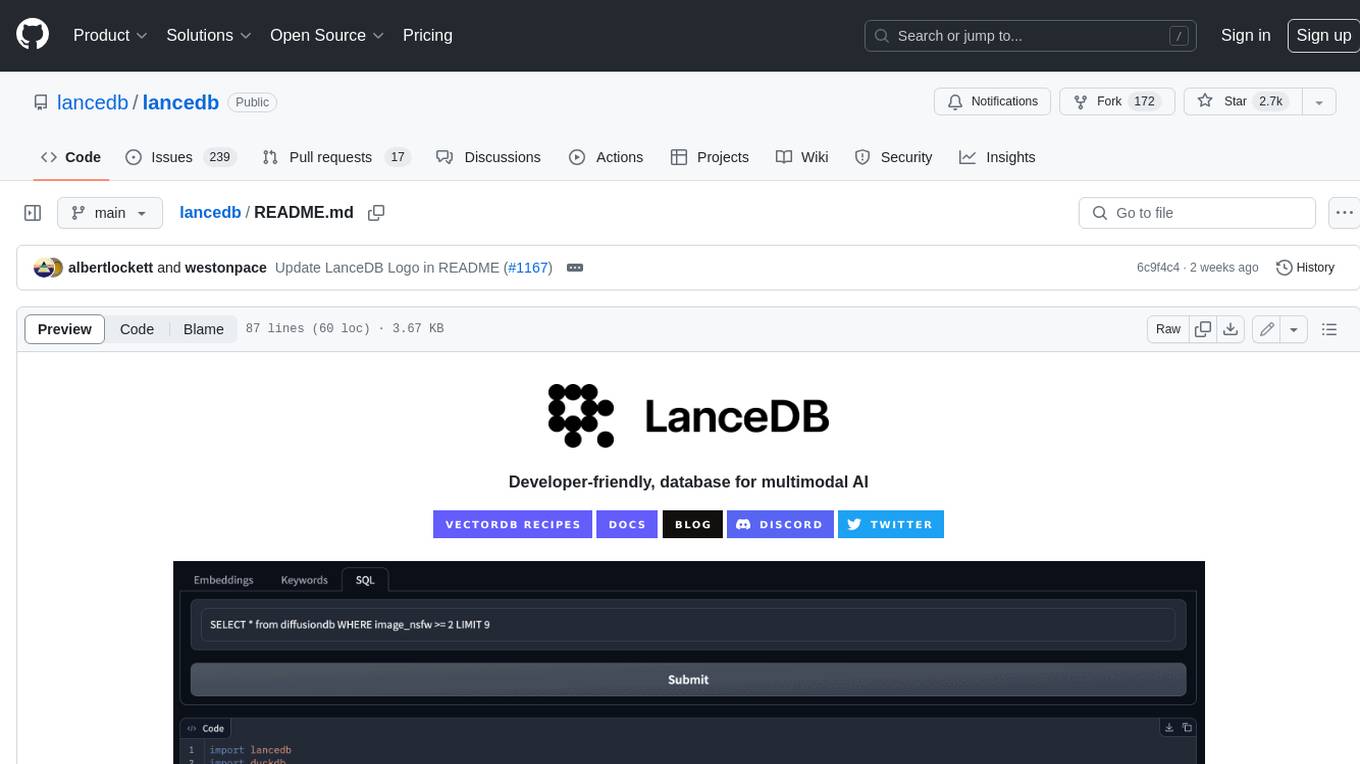
lancedb
LanceDB is an open-source database for vector-search built with persistent storage, which greatly simplifies retrieval, filtering, and management of embeddings. The key features of LanceDB include: Production-scale vector search with no servers to manage. Store, query, and filter vectors, metadata, and multi-modal data (text, images, videos, point clouds, and more). Support for vector similarity search, full-text search, and SQL. Native Python and Javascript/Typescript support. Zero-copy, automatic versioning, manage versions of your data without needing extra infrastructure. GPU support in building vector index(*). Ecosystem integrations with LangChain 🦜️🔗, LlamaIndex 🦙, Apache-Arrow, Pandas, Polars, DuckDB, and more on the way. LanceDB's core is written in Rust 🦀 and is built using Lance, an open-source columnar format designed for performant ML workloads.
LibreChat
LibreChat is an all-in-one AI conversation platform that integrates multiple AI models, including ChatGPT, into a user-friendly interface. It offers a wide range of features, including multimodal chat, multilingual UI, AI model selection, custom presets, conversation branching, message export, search, plugins, multi-user support, and extensive configuration options. LibreChat is open-source and community-driven, with a focus on providing a free and accessible alternative to ChatGPT Plus. It is designed to enhance productivity, creativity, and communication through advanced AI capabilities.
PageTalk
PageTalk is a browser extension that enhances web browsing by integrating Google's Gemini API. It allows users to select text on any webpage for AI analysis, translation, contextual chat, and customization. The tool supports multi-agent system, image input, rich content rendering, PDF parsing, URL context extraction, personalized settings, chat export, text selection helper, and proxy support. Users can interact with web pages, chat contextually, manage AI agents, and perform various tasks seamlessly.
Kori
Kori is a unified note-taking app with AI capabilities, providing a consistent experience across Android, iOS, Windows, macOS, and Linux. It supports various formats like Drawing, Markdown, TXT, LaTeX, Mermaid diagrams, and Todo.txt lists. Users can benefit from AI co-writing features, note outline generation, find and replace, note templates, local media support, and export options. The app follows Material Design 3 guidelines, offers comprehensive mouse and keyboard support, and is optimized for different screen sizes and orientations.
AionUi
AionUi is a user interface library for building modern and responsive web applications. It provides a set of customizable components and styles to create visually appealing user interfaces. With AionUi, developers can easily design and implement interactive web interfaces that are both functional and aesthetically pleasing. The library is built using the latest web technologies and follows best practices for performance and accessibility. Whether you are working on a personal project or a professional application, AionUi can help you streamline the UI development process and deliver a seamless user experience.
RWKV_APP
RWKV App is an experimental application that enables users to run Large Language Models (LLMs) offline on their edge devices. It offers a privacy-first, on-device LLM experience for everyday devices. Users can engage in multi-turn conversations, text-to-speech, visual understanding, and more, all without requiring an internet connection. The app supports switching between different models, running locally without internet, and exploring various AI tasks such as chat, speech generation, and visual understanding. It is built using Flutter and Dart FFI for cross-platform compatibility and efficient communication with the C++ inference engine. The roadmap includes integrating features into the RWKV Chat app, supporting more model weights, hardware, operating systems, and devices.
MemMachine
MemMachine is an open-source long-term memory layer designed for AI agents and LLM-powered applications. It enables AI to learn, store, and recall information from past sessions, transforming stateless chatbots into personalized, context-aware assistants. With capabilities like episodic memory, profile memory, working memory, and agent memory persistence, MemMachine offers a developer-friendly API, flexible storage options, and seamless integration with various AI frameworks. It is suitable for developers, researchers, and teams needing persistent, cross-session memory for their LLM applications.
big-AGI
big-AGI is an AI suite designed for professionals seeking function, form, simplicity, and speed. It offers best-in-class Chats, Beams, and Calls with AI personas, visualizations, coding, drawing, side-by-side chatting, and more, all wrapped in a polished UX. The tool is powered by the latest models from 12 vendors and open-source servers, providing users with advanced AI capabilities and a seamless user experience. With continuous updates and enhancements, big-AGI aims to stay ahead of the curve in the AI landscape, catering to the needs of both developers and AI enthusiasts.
lmms-lab-writer
LMMs-Lab Writer is an AI-native LaTeX editor designed for researchers who prioritize ideas over syntax. It offers a local-first approach with AI agents for editing assistance, one-click LaTeX setup with automatic package installation, support for multiple languages, AI-powered workflows with OpenCode integration, Git integration for modern collaboration, fully open-source with MIT license, cross-platform compatibility, and a comparison with Overleaf highlighting its advantages. The tool aims to streamline the writing and publishing process for researchers while ensuring data security and control.
LynxHub
LynxHub is a platform that allows users to seamlessly install, configure, launch, and manage all their AI interfaces from a single, intuitive dashboard. It offers features like AI interface management, arguments manager, custom run commands, pre-launch actions, extension management, in-app tools like terminal and web browser, AI information dashboard, Discord integration, and additional features like theme options and favorite interface pinning. The platform supports modular design for custom AI modules and upcoming extensions system for complete customization. LynxHub aims to streamline AI workflow and enhance user experience with a user-friendly interface and comprehensive functionalities.
flow-like
Flow-Like is an enterprise-grade workflow operating system built upon Rust for uncompromising performance, efficiency, and code safety. It offers a modular frontend for apps, a rich set of events, a node catalog, a powerful no-code workflow IDE, and tools to manage teams, templates, and projects within organizations. With typed workflows, users can create complex, large-scale workflows with clear data origins, transformations, and contracts. Flow-Like is designed to automate any process through seamless integration of LLM, ML-based, and deterministic decision-making instances.
kelivo
Kelivo is a Flutter LLM Chat Client with modern design, dark mode, multi-language support, multi-provider support, custom assistants, multimodal input, markdown rendering, voice functionality, MCP support, web search integration, prompt variables, QR code sharing, data backup, and custom requests. It is built with Flutter and Dart, utilizes Provider for state management, Hive for local data storage, and supports dynamic theming and Markdown rendering. Kelivo is a versatile tool for creating and managing personalized AI assistants, supporting various input formats, and integrating with multiple search engines and AI providers.
For similar tasks
SillyTavern
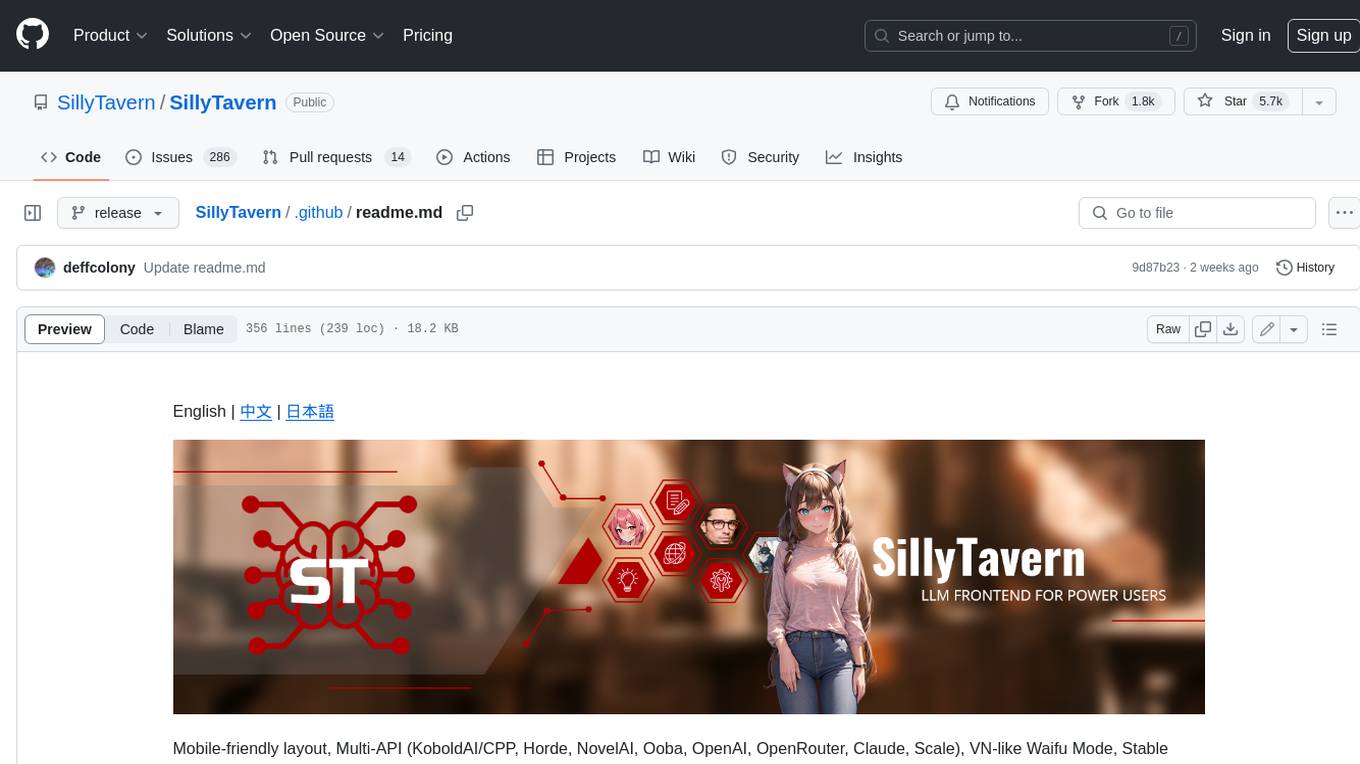
SillyTavern is a user interface you can install on your computer (and Android phones) that allows you to interact with text generation AIs and chat/roleplay with characters you or the community create. SillyTavern is a fork of TavernAI 1.2.8 which is under more active development and has added many major features. At this point, they can be thought of as completely independent programs.
agnai
Agnaistic is an AI roleplay chat tool that allows users to interact with personalized characters using their favorite AI services. It supports multiple AI services, persona schema formats, and features such as group conversations, user authentication, and memory/lore books. Agnaistic can be self-hosted or run using Docker, and it provides a range of customization options through its settings.json file. The tool is designed to be user-friendly and accessible, making it suitable for both casual users and developers.
ragdoll-studio
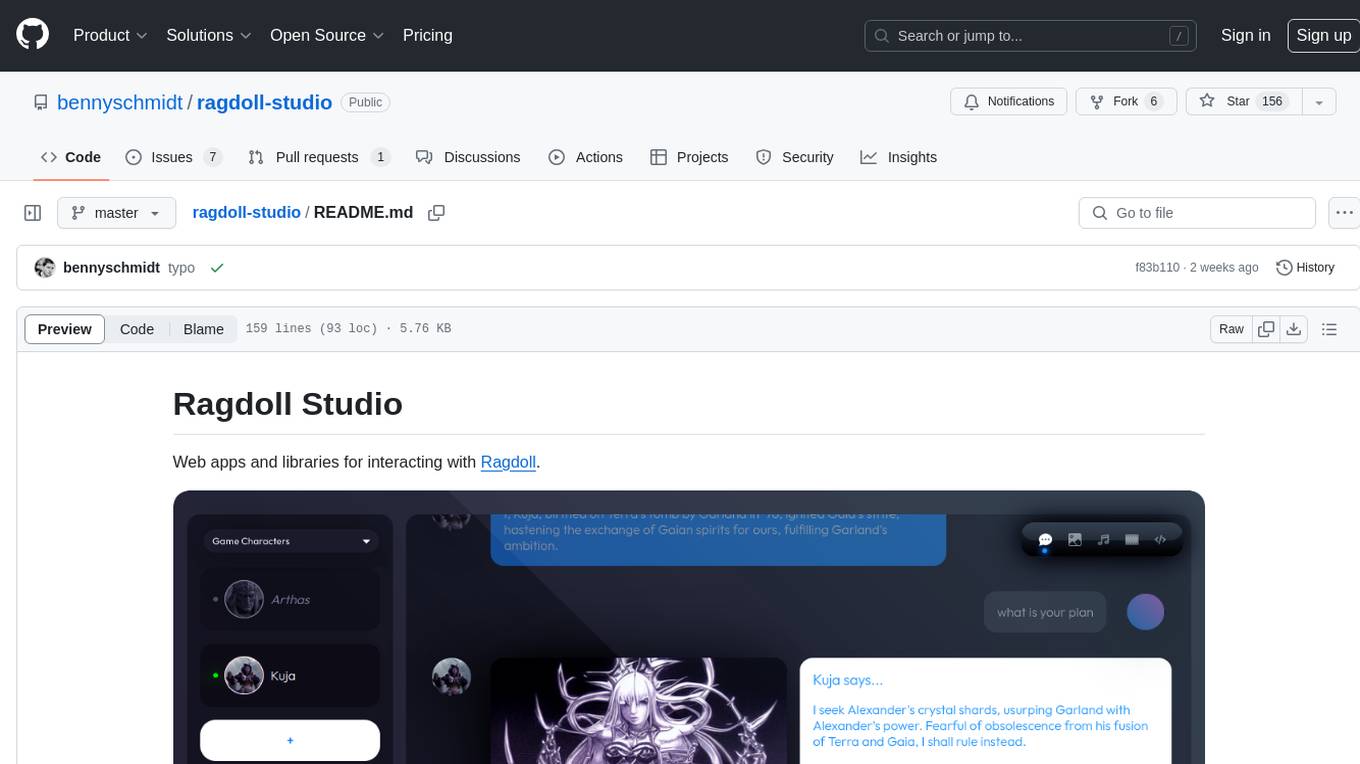
Ragdoll Studio is a platform offering web apps and libraries for interacting with Ragdoll, enabling users to go beyond fine-tuning and create flawless creative deliverables, rich multimedia, and engaging experiences. It provides various modes such as Story Mode for creating and chatting with characters, Vector Mode for producing vector art, Raster Mode for producing raster art, Video Mode for producing videos, Audio Mode for producing audio, and 3D Mode for producing 3D objects. Users can export their content in various formats and share their creations on the community site. The platform consists of a Ragdoll API and a front-end React application for seamless usage.
LLMUnity
LLM for Unity enables seamless integration of Large Language Models (LLMs) within the Unity engine, allowing users to create intelligent characters for immersive player interactions. The tool supports major LLM models, runs locally without internet access, offers fast inference on CPU and GPU, and is easy to set up with a single line of code. It is free for both personal and commercial use, tested on Unity 2021 LTS, 2022 LTS, and 2023. Users can build multiple AI characters efficiently, use remote servers for processing, and customize model settings for text generation.
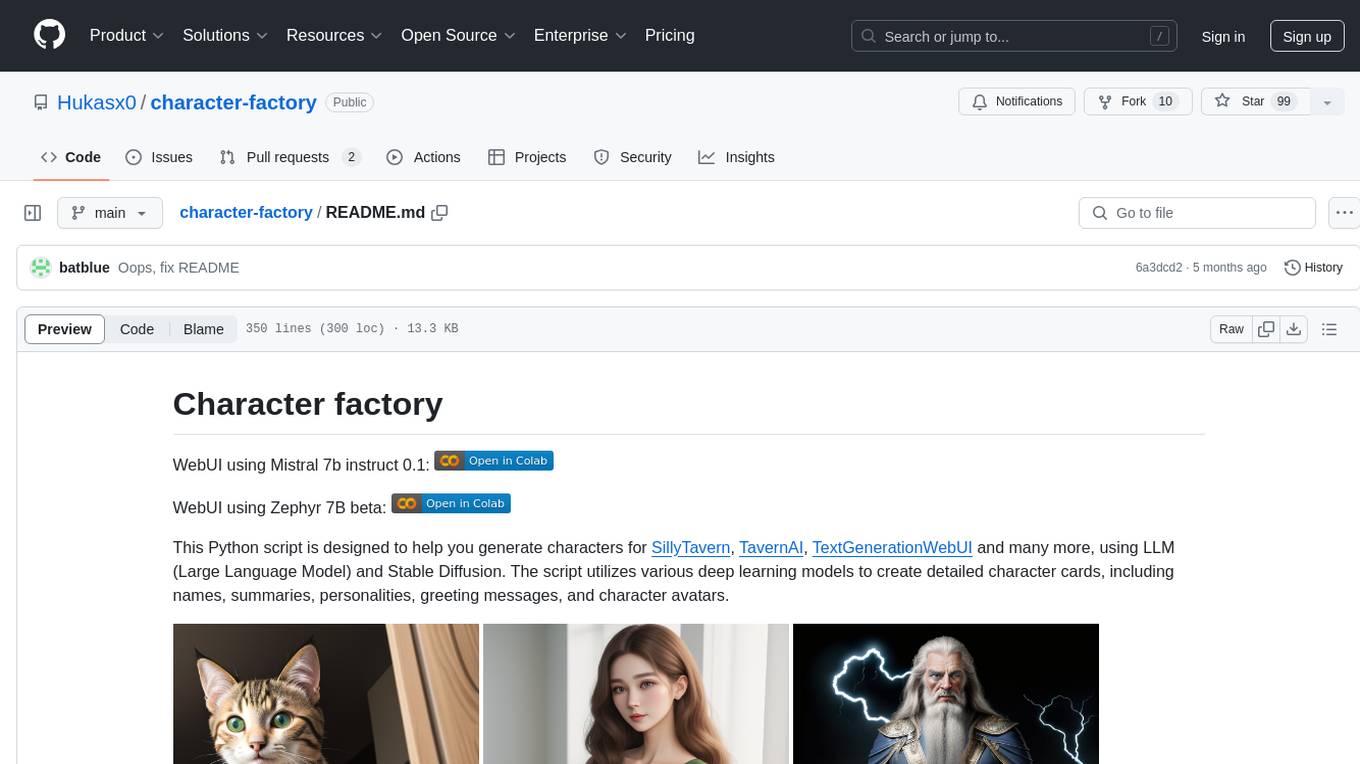
character-factory
Character Factory is a Python script designed to generate detailed character cards for SillyTavern, TavernAI, TextGenerationWebUI, and more using Large Language Model (LLM) and Stable Diffusion. It streamlines character generation by leveraging deep learning models to create names, summaries, personalities, greeting messages, and avatars for characters. The tool provides an easy way to create unique and imaginative characters for storytelling, chatting, and other purposes.
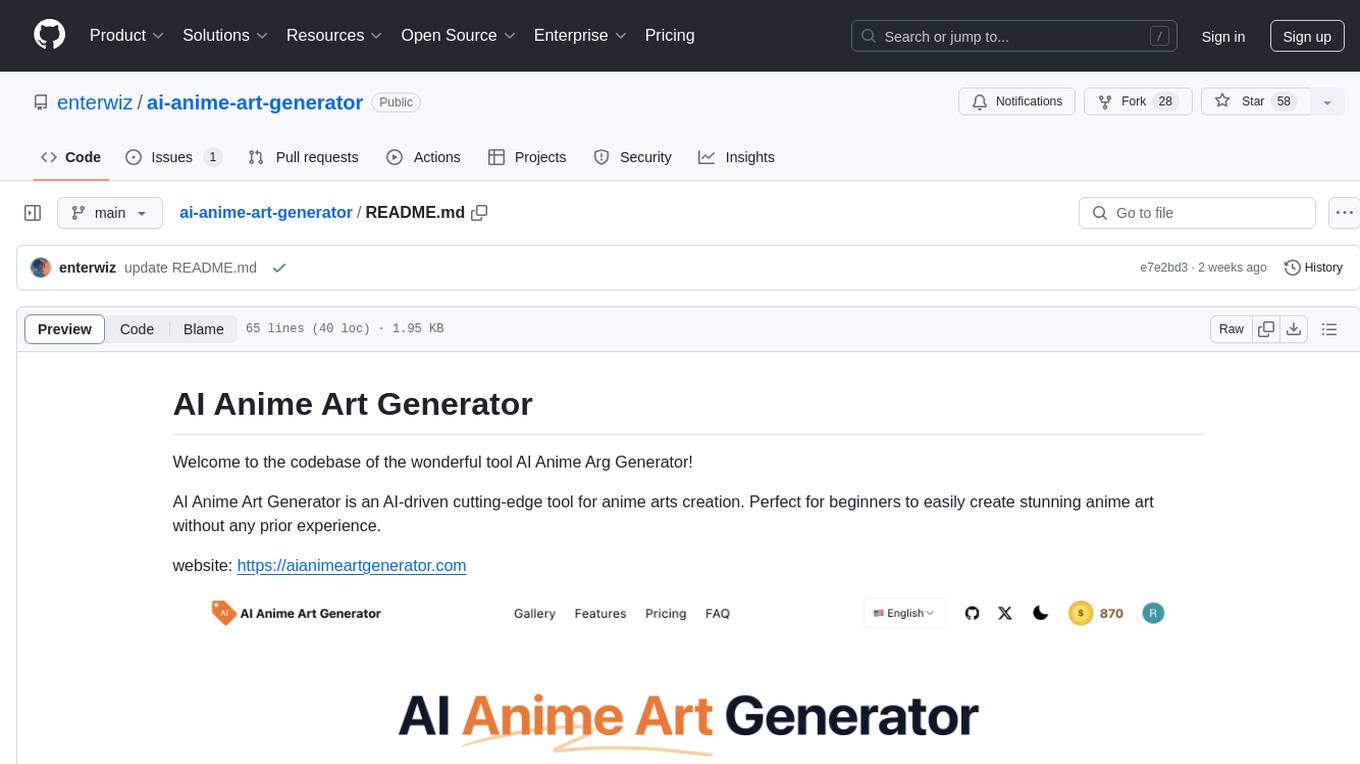
ai-anime-art-generator
AI Anime Art Generator is an AI-driven cutting-edge tool for anime arts creation. Perfect for beginners to easily create stunning anime art without any prior experience. It allows users to create detailed character designs, custom avatars for social media, and explore new artistic styles and ideas. Built on Next.js, TailwindCSS, Google Analytics, Vercel, Replicate, CloudFlare R2, and Clerk.
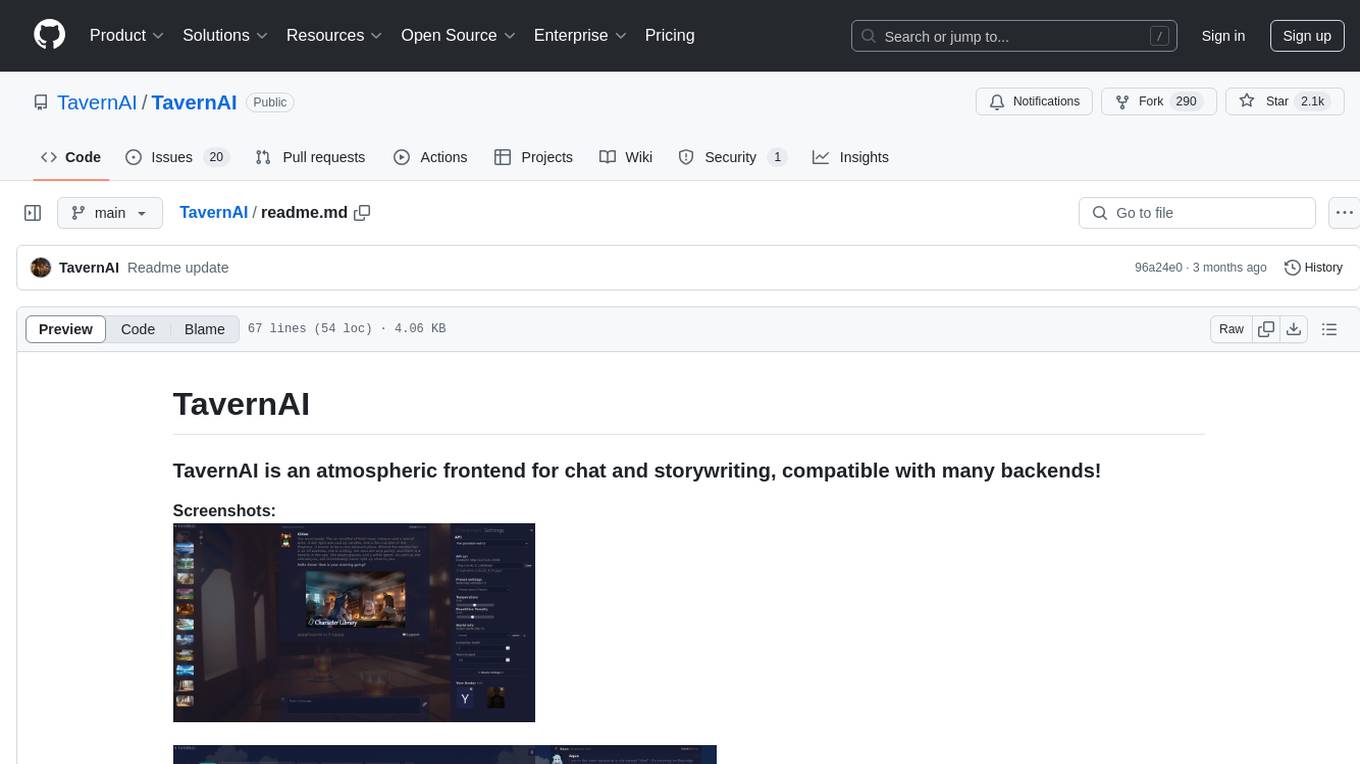
TavernAI
TavernAI is an atmospheric frontend tool for chat and storywriting, compatible with various backends. It offers features like character creation, online character database, group chat, story mode, world info, message swiping, configurable settings, interface themes, backgrounds, message editing, GPT-4.5, and Claude picture recognition. The tool supports backends like Kobold series, Oobabooga's Text Generation Web UI, OpenAI, NovelAI, and Claude. Users can easily install TavernAI on different operating systems and start using it for interactive storytelling and chat experiences.
Character-Engine-Discord
Character Engine is a Discord bot that aggregates various online platforms to create AI-driven characters using Discord Webhooks and LLM chatbots. It allows users to bring life and joy to their server by spawning characters, exploring embedded characters, and configuring settings on a per-server, per-channel, and per-character basis.
For similar jobs

promptflow
**Prompt flow** is a suite of development tools designed to streamline the end-to-end development cycle of LLM-based AI applications, from ideation, prototyping, testing, evaluation to production deployment and monitoring. It makes prompt engineering much easier and enables you to build LLM apps with production quality.

deepeval
DeepEval is a simple-to-use, open-source LLM evaluation framework specialized for unit testing LLM outputs. It incorporates various metrics such as G-Eval, hallucination, answer relevancy, RAGAS, etc., and runs locally on your machine for evaluation. It provides a wide range of ready-to-use evaluation metrics, allows for creating custom metrics, integrates with any CI/CD environment, and enables benchmarking LLMs on popular benchmarks. DeepEval is designed for evaluating RAG and fine-tuning applications, helping users optimize hyperparameters, prevent prompt drifting, and transition from OpenAI to hosting their own Llama2 with confidence.

MegaDetector
MegaDetector is an AI model that identifies animals, people, and vehicles in camera trap images (which also makes it useful for eliminating blank images). This model is trained on several million images from a variety of ecosystems. MegaDetector is just one of many tools that aims to make conservation biologists more efficient with AI. If you want to learn about other ways to use AI to accelerate camera trap workflows, check out our of the field, affectionately titled "Everything I know about machine learning and camera traps".

leapfrogai
LeapfrogAI is a self-hosted AI platform designed to be deployed in air-gapped resource-constrained environments. It brings sophisticated AI solutions to these environments by hosting all the necessary components of an AI stack, including vector databases, model backends, API, and UI. LeapfrogAI's API closely matches that of OpenAI, allowing tools built for OpenAI/ChatGPT to function seamlessly with a LeapfrogAI backend. It provides several backends for various use cases, including llama-cpp-python, whisper, text-embeddings, and vllm. LeapfrogAI leverages Chainguard's apko to harden base python images, ensuring the latest supported Python versions are used by the other components of the stack. The LeapfrogAI SDK provides a standard set of protobuffs and python utilities for implementing backends and gRPC. LeapfrogAI offers UI options for common use-cases like chat, summarization, and transcription. It can be deployed and run locally via UDS and Kubernetes, built out using Zarf packages. LeapfrogAI is supported by a community of users and contributors, including Defense Unicorns, Beast Code, Chainguard, Exovera, Hypergiant, Pulze, SOSi, United States Navy, United States Air Force, and United States Space Force.

llava-docker
This Docker image for LLaVA (Large Language and Vision Assistant) provides a convenient way to run LLaVA locally or on RunPod. LLaVA is a powerful AI tool that combines natural language processing and computer vision capabilities. With this Docker image, you can easily access LLaVA's functionalities for various tasks, including image captioning, visual question answering, text summarization, and more. The image comes pre-installed with LLaVA v1.2.0, Torch 2.1.2, xformers 0.0.23.post1, and other necessary dependencies. You can customize the model used by setting the MODEL environment variable. The image also includes a Jupyter Lab environment for interactive development and exploration. Overall, this Docker image offers a comprehensive and user-friendly platform for leveraging LLaVA's capabilities.

carrot
The 'carrot' repository on GitHub provides a list of free and user-friendly ChatGPT mirror sites for easy access. The repository includes sponsored sites offering various GPT models and services. Users can find and share sites, report errors, and access stable and recommended sites for ChatGPT usage. The repository also includes a detailed list of ChatGPT sites, their features, and accessibility options, making it a valuable resource for ChatGPT users seeking free and unlimited GPT services.

TrustLLM
TrustLLM is a comprehensive study of trustworthiness in LLMs, including principles for different dimensions of trustworthiness, established benchmark, evaluation, and analysis of trustworthiness for mainstream LLMs, and discussion of open challenges and future directions. Specifically, we first propose a set of principles for trustworthy LLMs that span eight different dimensions. Based on these principles, we further establish a benchmark across six dimensions including truthfulness, safety, fairness, robustness, privacy, and machine ethics. We then present a study evaluating 16 mainstream LLMs in TrustLLM, consisting of over 30 datasets. The document explains how to use the trustllm python package to help you assess the performance of your LLM in trustworthiness more quickly. For more details about TrustLLM, please refer to project website.

AI-YinMei
AI-YinMei is an AI virtual anchor Vtuber development tool (N card version). It supports fastgpt knowledge base chat dialogue, a complete set of solutions for LLM large language models: [fastgpt] + [one-api] + [Xinference], supports docking bilibili live broadcast barrage reply and entering live broadcast welcome speech, supports Microsoft edge-tts speech synthesis, supports Bert-VITS2 speech synthesis, supports GPT-SoVITS speech synthesis, supports expression control Vtuber Studio, supports painting stable-diffusion-webui output OBS live broadcast room, supports painting picture pornography public-NSFW-y-distinguish, supports search and image search service duckduckgo (requires magic Internet access), supports image search service Baidu image search (no magic Internet access), supports AI reply chat box [html plug-in], supports AI singing Auto-Convert-Music, supports playlist [html plug-in], supports dancing function, supports expression video playback, supports head touching action, supports gift smashing action, supports singing automatic start dancing function, chat and singing automatic cycle swing action, supports multi scene switching, background music switching, day and night automatic switching scene, supports open singing and painting, let AI automatically judge the content.