


lap
A Local-first, AI-powered Photo manager built with Tauri + Vue 3.
Stars: 59
Lap is a lightning-fast, cross-platform photo manager that prioritizes user privacy and local AI processing. It allows users to organize and browse their photos efficiently, with features like natural language search, smart face recognition, and similar image search. Lap does not require importing photos, syncs seamlessly with the file system, and supports multiple libraries. Built for performance with a Rust core and lazy loading, Lap offers a delightful user experience with beautiful design, customization options, and multi-language support. It is a great alternative to cloud-based photo services, offering excellent organization, performance, and no vendor lock-in.
README:

Lap is a lightning-fast, cross-platform photo manager built for people who love their files. It combines the privacy of folder-based organization with the power of modern AI—all running 100% locally on your device.
Browse 100,000+ photos smoothly, finding "cat in the grass" instantly, and keep your memories safe without a cloud subscription.
🌐 Website: https://julyx10.github.io/lap/
| Platform | Download | File Size | Notes |
|---|---|---|---|
| macOS (Apple Silicon) | Download .dmg (aarch64) | ~150 MB | M1/M2/M3/M4, ✅ Notarized by Apple |
| macOS (Intel) | Download .dmg (x86_64) | ~150 MB | x86_64, ✅ Notarized by Apple, |
| Linux | Download .deb (amd64) | ~150 MB | Ubuntu/Debian x86_64 |
| Windows | - | - | Coming soon |
Library - Dark Theme
Handle 100k+ photos with smooth scrolling and instant thumbnails. |
AI Search - Light Theme
"Sunset over the ocean" — Find exact moments with offline AI. |
Calendar
Time-travel through your memories by year, month, or day. |
Tags
Organize your way: Bulk tagging and powerful filtering. |
Location
Interactive Map View: See where your story happened. |
Camera
Group by Gear: Rediscover shots by Camera Make & Model. |
Edit Image
Quick essential edits without leaving your flow. |
Video
Integrated Player: Watch videos seamlessly alongside photos. |
Notes: The sample images in above screenshots are sourced from Wikimedia Commons.
LAP stands for Local-first, AI-powered Photo management.
We built Lap because we were tired of choosing between privacy (dumb folder viewers) and convenience (cloud services that scan your life). Lap gives you both.
- Natural Language Search: Type "red car in rain" or "sunset at beach". The AI understands content, not just keywords.
- Smart Face Recognition: Automatically groups people. Rename "Person 1" to "Dad" and find all his photos instantly.
- Similar Image Search: Find the best shot in a burst sequence or locate duplicates.
- Zero Privacy Risk: All AI models run locally. Your photos never leave your computer.
- No Import Required: Lap reads your existing folders. No "library files", no duplication, no vendor lock-in.
- File System Sync: Move a file in Finder/Explorer? Lap updates instantly. Move it in Lap? It moves on disk.
- Multi-Library: Manage work assets separate from family archives.
- Rust Core: Powered by Tauri 2 and Rust for blazing speed and tiny memory footprint.
- Lazy Loading: Designed to handle libraries with hundreds of thousands of assets without stuttering.
- Beautiful Design: Built with Tailwind CSS & daisyUI, a modern, fluid interface that feels at home on macOS, Linux, and Windows.
- Customizable: Light/Dark modes with 10+ accent colors.
- Multi-Language: Speaks your language (English, Chinese, German, French, Japanese, and more).
| Feature | Cloud Albums (Google/iCloud) | Classic Viewers (XnView/IrfanView) | Lap |
|---|---|---|---|
| Privacy | ❌ (Data mining) | ✅ | ✅ (100% Offline) |
| AI Search | ✅ | ❌ | ✅ (Local AI) |
| Organization | Restricted (Album based) | Folder based | Folder-native + Smart Views |
| Performance | Network dependent | Excellent | Excellent |
| Lock-in | High | None | None |
- Photographers: Manage huge collections by folder.
- Privacy Advocates: Enjoy AI features without Big Tech surveillance.
- Archivists: Search terabytes of family history instantly.
- Everyone: Who wants a fast, beautiful way to enjoy their memories.
- ❌ A Cloud Service: We don't host your photos. You own them.
- ❌ A Photoshop Replacement: We focus on management and browsing, not heavy retouching.
- ❌ A Sync Tool: We don't touch your cloud settings. We manage local files.
| Type | Formats | Notes |
|---|---|---|
| Images | JPG, PNG, GIF, BMP, TIFF, WebP, HEIC | HEIC depends on OS support. |
| Videos | MP4, MOV, MKV, WebM, AVI | Playback depends on OS WebView codecs. |
- Core: Tauri 2 (Rust), cross-platform desktop app framework
- Frontend: Vue 3, Vite, Tailwind CSS, daisyUI
- Data: SQLite, locally embedded for indexing and metadata storage
- AI/Media: CLIP ViT-B/32 for image search, InsightFace for face recognition, FFmpeg for video
Prerequisites:
- Node.js 20+ and pnpm 8+
- Rust (stable)
- Platform build tools:
-
macOS: Xcode Command Line Tools (
xcode-select --install),brew install nasm pkg-config -
Linux:
sudo apt install libwebkit2gtk-4.1-dev libappindicator3-dev librsvg2-dev patchelf nasm clang pkg-config
-
macOS: Xcode Command Line Tools (
Recommended editors: VS Code, Cursor, or Antigravity
# 1. Download AI models
./scripts/download_models.sh

# 2. Install frontend dependencies
cd src-vite && pnpm install && cd ..

# 3. Run in development mode
cargo tauri dev

# 4. Build for production
cargo tauri buildLicensed under GPL-3.0-or-later. See LICENSE for details.

For Tasks:
Click tags to check more tools for each tasksFor Jobs:
Alternative AI tools for lap
Similar Open Source Tools
lap
Lap is a lightning-fast, cross-platform photo manager that prioritizes user privacy and local AI processing. It allows users to organize and browse their photos efficiently, with features like natural language search, smart face recognition, and similar image search. Lap does not require importing photos, syncs seamlessly with the file system, and supports multiple libraries. Built for performance with a Rust core and lazy loading, Lap offers a delightful user experience with beautiful design, customization options, and multi-language support. It is a great alternative to cloud-based photo services, offering excellent organization, performance, and no vendor lock-in.
handit.ai
Handit.ai is an autonomous engineer tool designed to fix AI failures 24/7. It catches failures, writes fixes, tests them, and ships PRs automatically. It monitors AI applications, detects issues, generates fixes, tests them against real data, and ships them as pull requests—all automatically. Users can write JavaScript, TypeScript, Python, and more, and the tool automates what used to require manual debugging and firefighting.
RisuAI
RisuAI, or Risu for short, is a cross-platform AI chatting software/web application with powerful features such as multiple API support, assets in the chat, regex functions, and much more.
Everywhere
Everywhere is an interactive AI assistant with context-aware capabilities, featuring a sleek, modern UI and powerful integrated functionality. It instantly perceives and understands anything on your screen, providing seamless AI assistant support without the need for screenshots or app switching. The tool offers troubleshooting expertise, quick web summarization, instant translation, and email draft assistance. It supports LLM from various providers, integrates with web browsers, file systems, terminals, and more, and provides an interactive experience with a modern UI, context-aware invocation, keyboard shortcuts, and markdown rendering. Everywhere is available on Windows and macOS, with Linux support coming soon. Language support includes Simplified Chinese, English, German, Spanish, French, Italian, Japanese, Korean, Russian, Turkish, Traditional Chinese, and Traditional Chinese (Hong Kong).
natively-cluely-ai-assistant
Natively is a free, open-source, privacy-first AI assistant designed to help users in real time during meetings, interviews, presentations, and conversations. Unlike traditional AI tools that work after the conversation, Natively operates while the conversation is happening. It runs as an invisible, always-on-top desktop overlay, listens when prompted, observes the screen content, and provides instant, context-aware assistance. The tool is fully transparent, customizable, and grants users complete control over local vs cloud AI, data, and credentials.
big-AGI
big-AGI is an AI suite designed for professionals seeking function, form, simplicity, and speed. It offers best-in-class Chats, Beams, and Calls with AI personas, visualizations, coding, drawing, side-by-side chatting, and more, all wrapped in a polished UX. The tool is powered by the latest models from 12 vendors and open-source servers, providing users with advanced AI capabilities and a seamless user experience. With continuous updates and enhancements, big-AGI aims to stay ahead of the curve in the AI landscape, catering to the needs of both developers and AI enthusiasts.
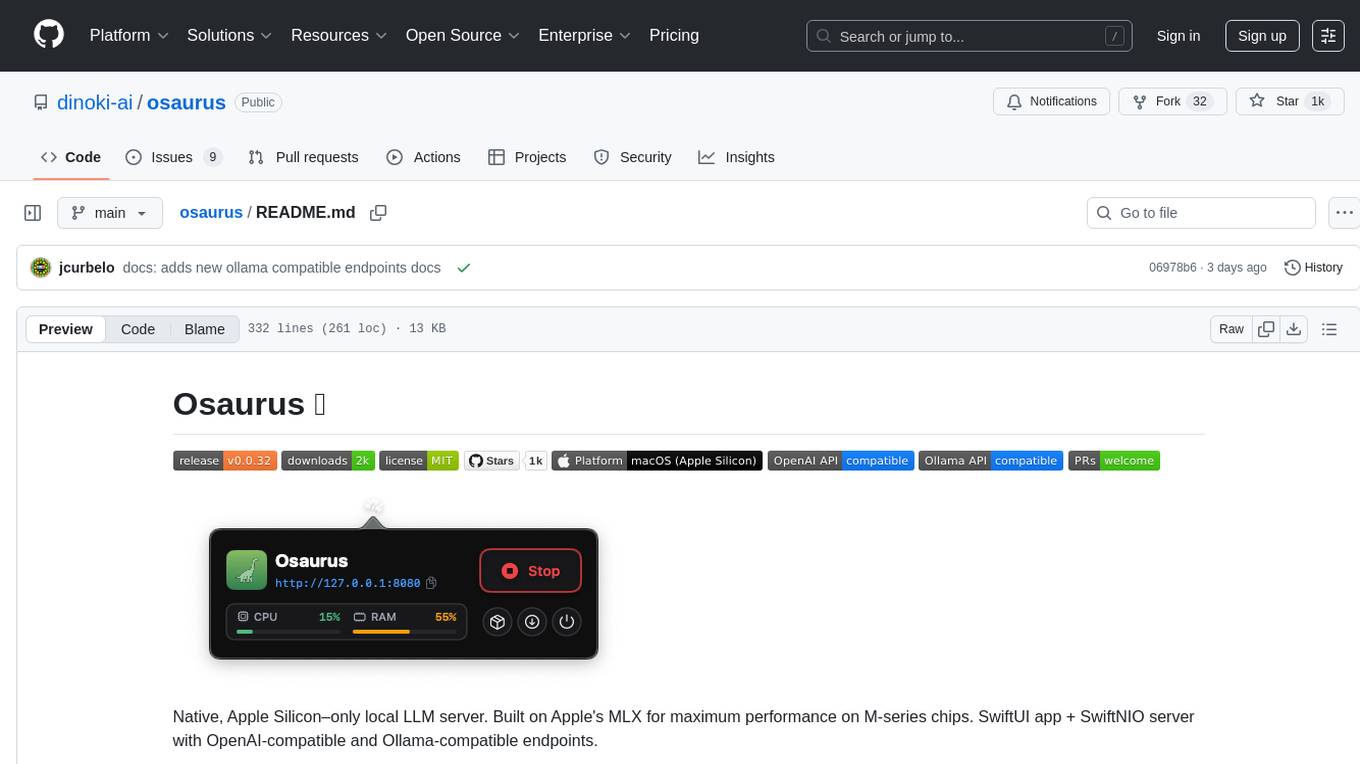
osaurus
Osaurus is a native, Apple Silicon-only local LLM server built on Apple's MLX for maximum performance on M‑series chips. It is a SwiftUI app + SwiftNIO server with OpenAI‑compatible and Ollama‑compatible endpoints. The tool supports native MLX text generation, model management, streaming and non‑streaming chat completions, OpenAI‑compatible function calling, real-time system resource monitoring, and path normalization for API compatibility. Osaurus is designed for macOS 15.5+ and Apple Silicon (M1 or newer) with Xcode 16.4+ required for building from source.
ClashRoyaleBuildABot
Clash Royale Build-A-Bot is a project that allows users to build their own bot to play Clash Royale. It provides an advanced state generator that accurately returns detailed information using cutting-edge technologies. The project includes tutorials for setting up the environment, building a basic bot, and understanding state generation. It also offers updates such as replacing YOLOv5 with YOLOv8 unit model and enhancing performance features like placement and elixir management. The future roadmap includes plans to label more images of diverse cards, add a tracking layer for unit predictions, publish tutorials on Q-learning and imitation learning, release the YOLOv5 training notebook, implement chest opening and card upgrading features, and create a leaderboard for the best bots developed with this repository.
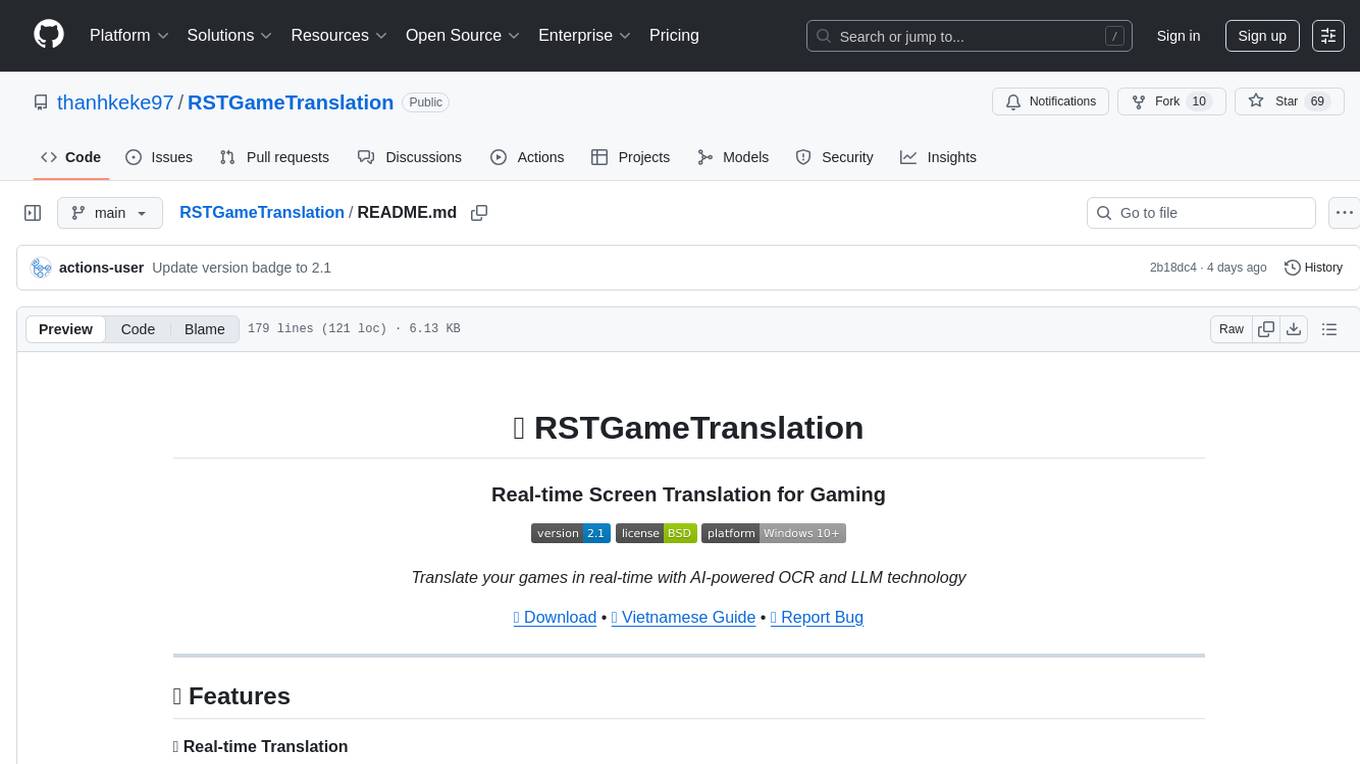
RSTGameTranslation
RSTGameTranslation is a tool designed for translating game text into multiple languages efficiently. It provides a user-friendly interface for game developers to easily manage and localize their game content. With RSTGameTranslation, developers can streamline the translation process, ensuring consistency and accuracy across different language versions of their games. The tool supports various file formats commonly used in game development, making it versatile and adaptable to different project requirements. Whether you are working on a small indie game or a large-scale production, RSTGameTranslation can help you reach a global audience by making localization a seamless and hassle-free experience.
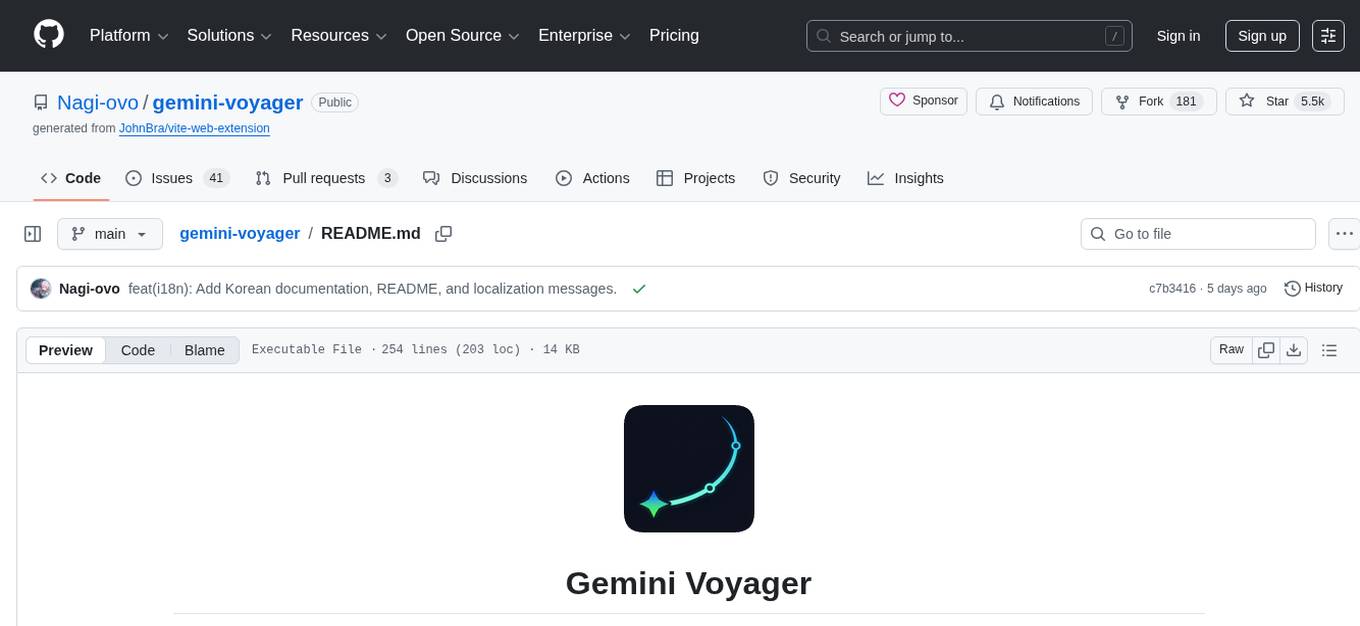
gemini-voyager
Gemini Voyager is a browser extension designed to enhance the user experience of Google Gemini by providing features such as folder organization, prompt vault, cloud sync, timeline navigation, chat export, Mermaid rendering, markdown fixing, and various power tools. It aims to help users keep their AI conversations organized, accessible, and productive. The extension is available on multiple browsers and supports manual installation and development builds. Users can also support the project by buying the developer a coffee or sponsoring via different platforms.
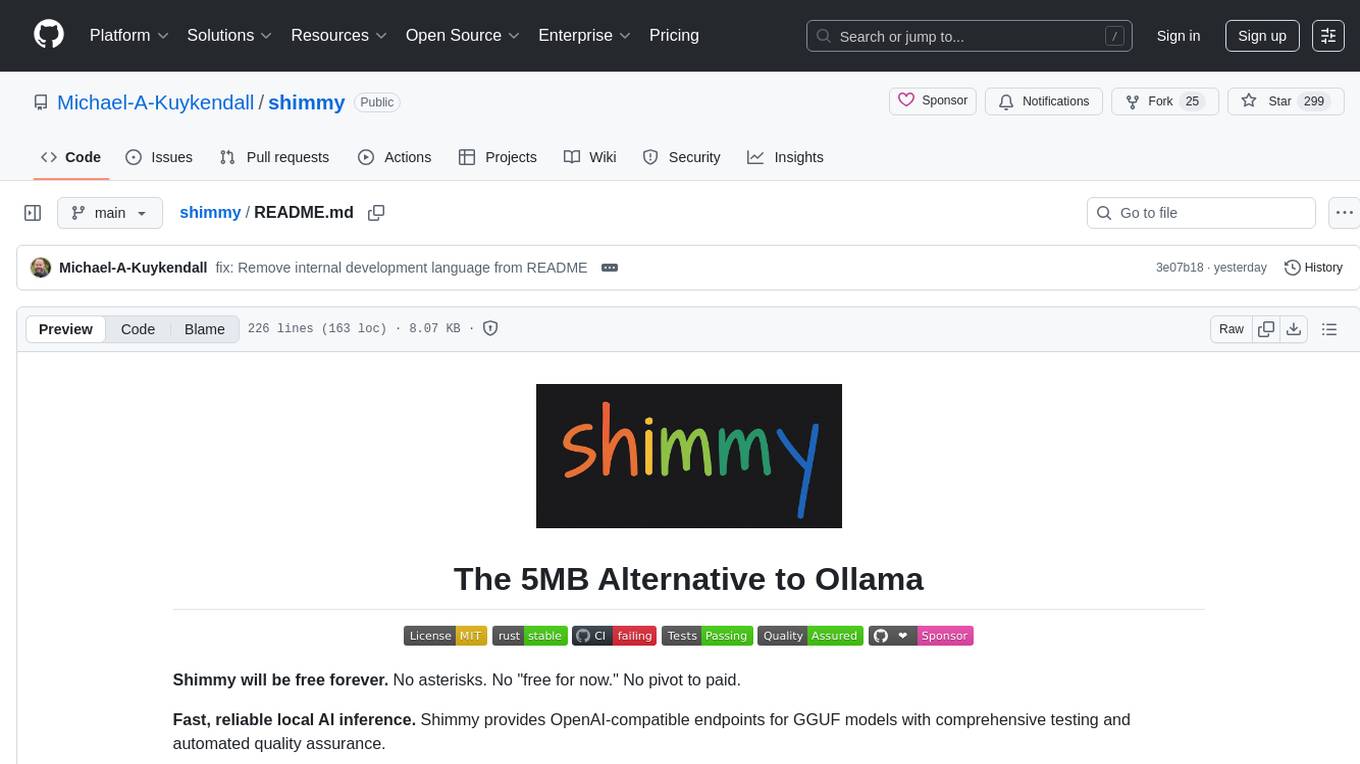
shimmy
Shimmy is a 5.1MB single-binary local inference server providing OpenAI-compatible endpoints for GGUF models. It offers fast, reliable AI inference with sub-second responses, zero configuration, and automatic port management. Perfect for developers seeking privacy, cost-effectiveness, speed, and easy integration with popular tools like VSCode and Cursor. Shimmy is designed to be invisible infrastructure that simplifies local AI development and deployment.
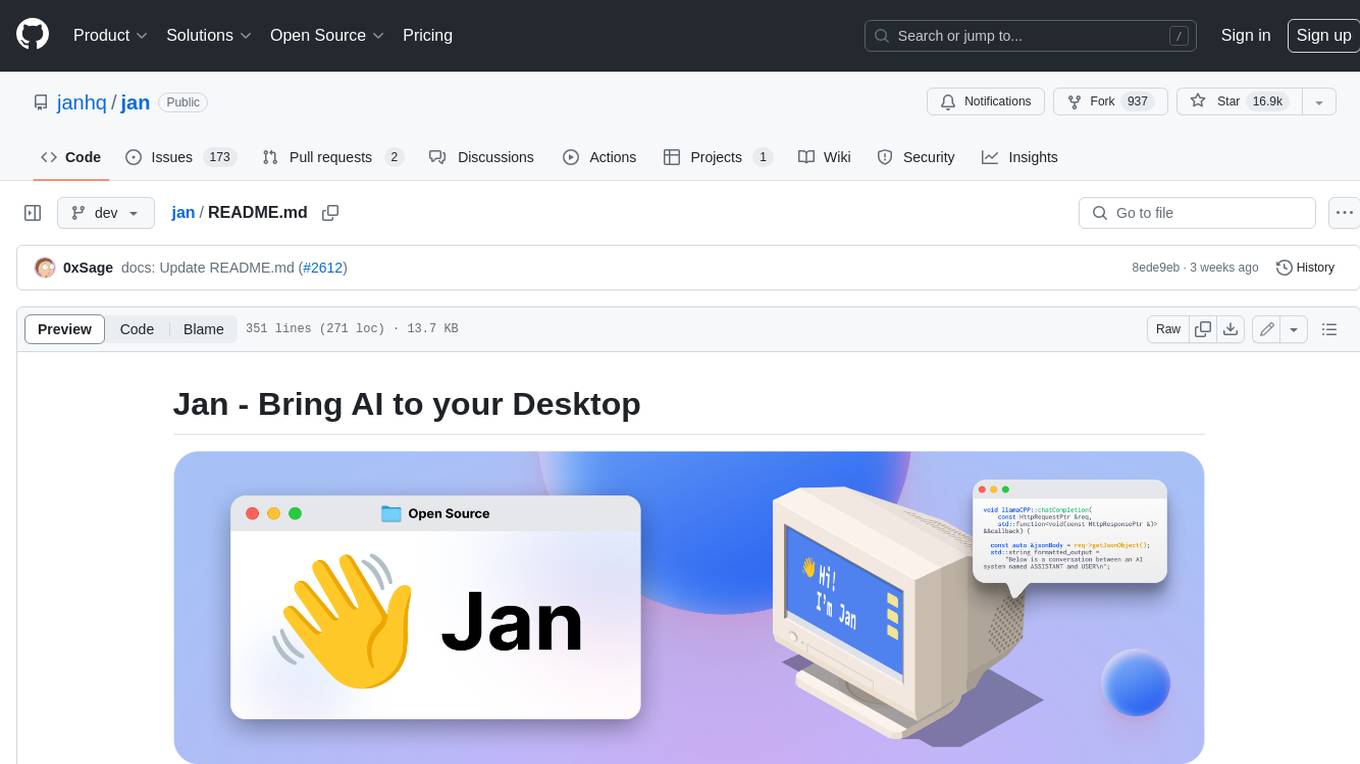
jan
Jan is an open-source ChatGPT alternative that runs 100% offline on your computer. It supports universal architectures, including Nvidia GPUs, Apple M-series, Apple Intel, Linux Debian, and Windows x64. Jan is currently in development, so expect breaking changes and bugs. It is lightweight and embeddable, and can be used on its own within your own projects.
rivet
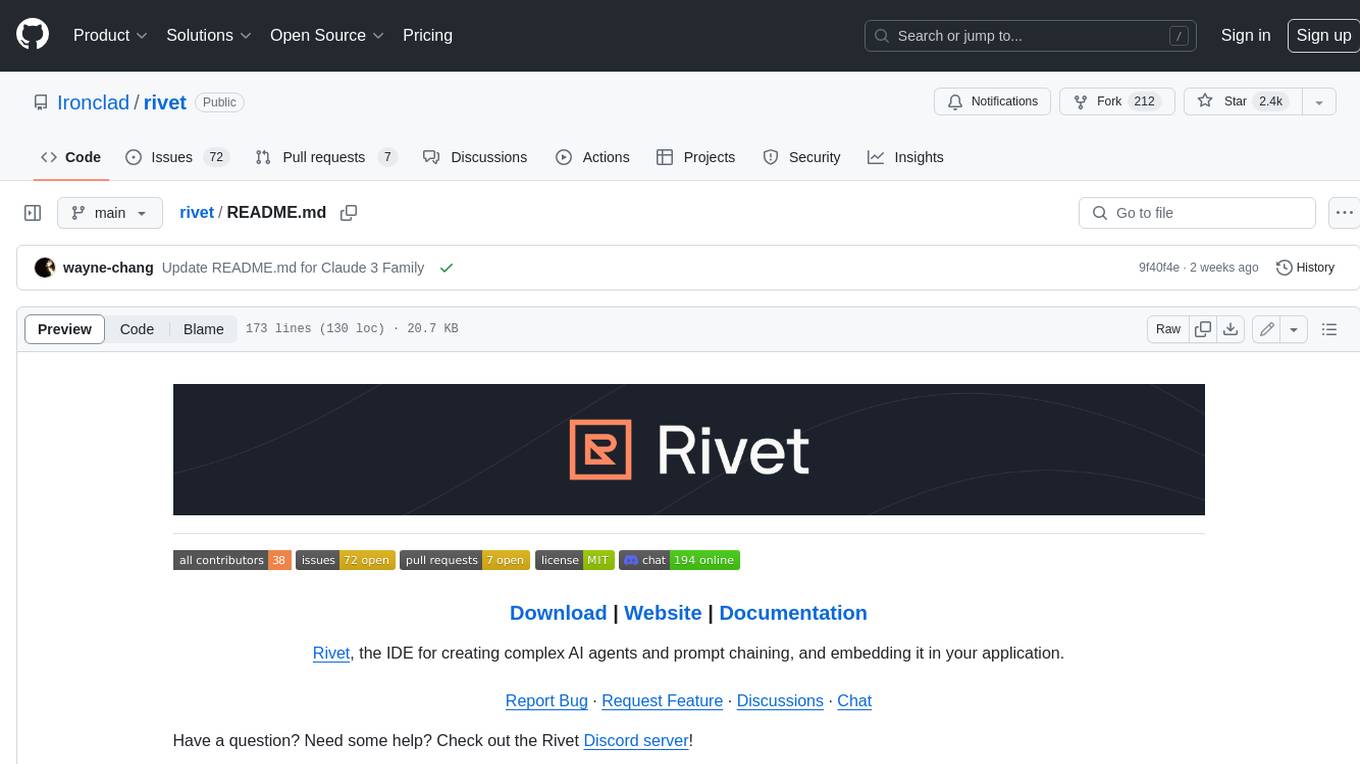
Rivet is a desktop application for creating complex AI agents and prompt chaining, and embedding it in your application. Rivet currently has LLM support for OpenAI GPT-3.5 and GPT-4, Anthropic Claude Instant and Claude 2, [Anthropic Claude 3 Haiku, Sonnet, and Opus](https://www.anthropic.com/news/claude-3-family), and AssemblyAI LeMUR framework for voice data. Rivet has embedding/vector database support for OpenAI Embeddings and Pinecone. Rivet also supports these additional integrations: Audio Transcription from AssemblyAI. Rivet core is a TypeScript library for running graphs created in Rivet. It is used by the Rivet application, but can also be used in your own applications, so that Rivet can call into your own application's code, and your application can call into Rivet graphs.
general
General is a DART & Flutter library created by AZKADEV to speed up development on various platforms and CLI easily. It allows access to features such as camera, fingerprint, SMS, and MMS. The library is designed for Dart language and provides functionalities for app background, text to speech, speech to text, and more.

motia
Motia is an AI agent framework designed for software engineers to create, test, and deploy production-ready AI agents quickly. It provides a code-first approach, allowing developers to write agent logic in familiar languages and visualize execution in real-time. With Motia, developers can focus on business logic rather than infrastructure, offering zero infrastructure headaches, multi-language support, composable steps, built-in observability, instant APIs, and full control over AI logic. Ideal for building sophisticated agents and intelligent automations, Motia's event-driven architecture and modular steps enable the creation of GenAI-powered workflows, decision-making systems, and data processing pipelines.
screenpipe
Screenpipe is an open source application that turns your computer into a personal AI, capturing screen and audio to create a searchable memory of your activities. It allows you to remember everything, search with AI, and keep your data 100% local. The tool is designed for knowledge workers, developers, researchers, people with ADHD, remote workers, and anyone looking for a private, local-first alternative to cloud-based AI memory tools.
For similar tasks
home-gallery
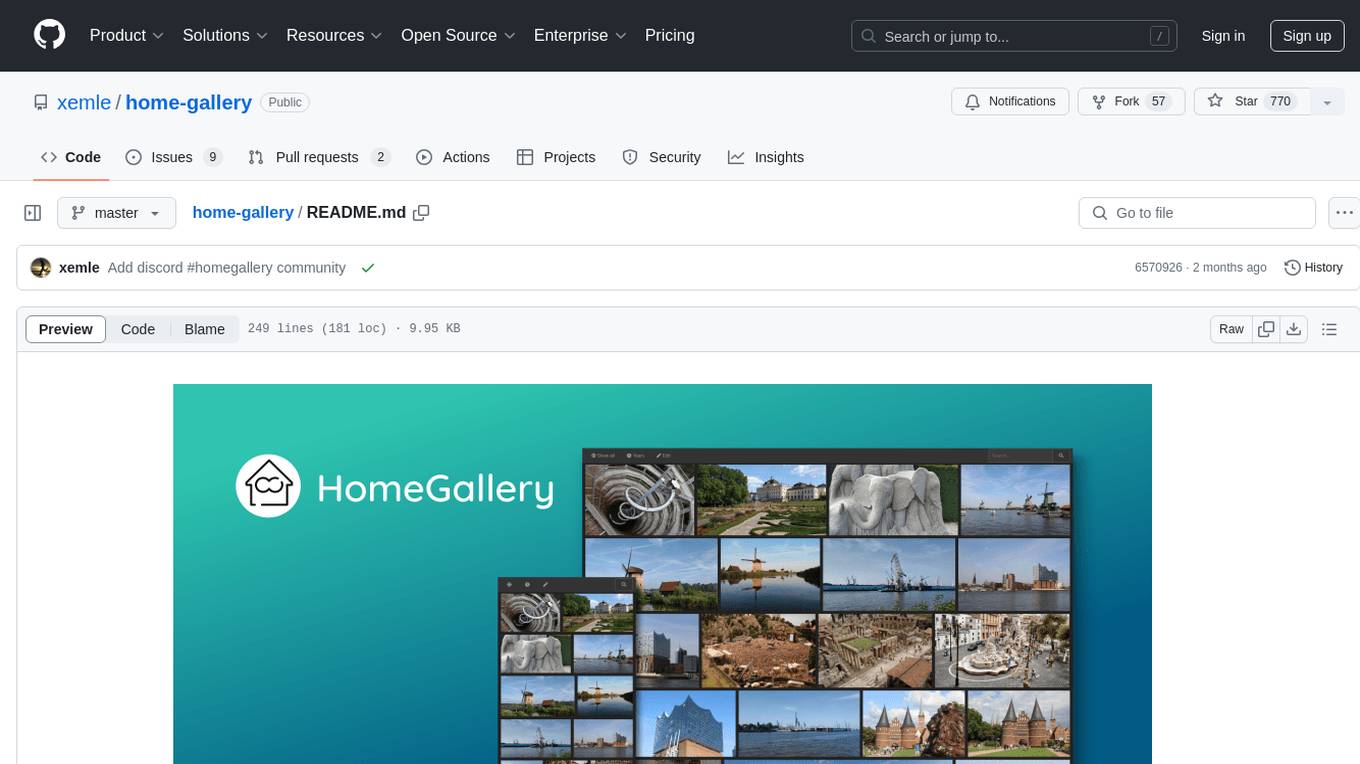
Home-Gallery.org is a self-hosted open-source web gallery for browsing personal photos and videos with tagging, mobile-friendly interface, and AI-powered image and face discovery. It aims to provide a fast user experience on mobile phones and help users browse and rediscover memories from their media archive. The tool allows users to serve their local data without relying on cloud services, view photos and videos from mobile phones, and manage images from multiple media source directories. Features include endless photo stream, video transcoding, reverse image lookup, face detection, GEO location reverse lookups, tagging, and more. The tool runs on NodeJS and supports various platforms like Linux, Mac, and Windows.
lap
Lap is a lightning-fast, cross-platform photo manager that prioritizes user privacy and local AI processing. It allows users to organize and browse their photos efficiently, with features like natural language search, smart face recognition, and similar image search. Lap does not require importing photos, syncs seamlessly with the file system, and supports multiple libraries. Built for performance with a Rust core and lazy loading, Lap offers a delightful user experience with beautiful design, customization options, and multi-language support. It is a great alternative to cloud-based photo services, offering excellent organization, performance, and no vendor lock-in.
uwazi
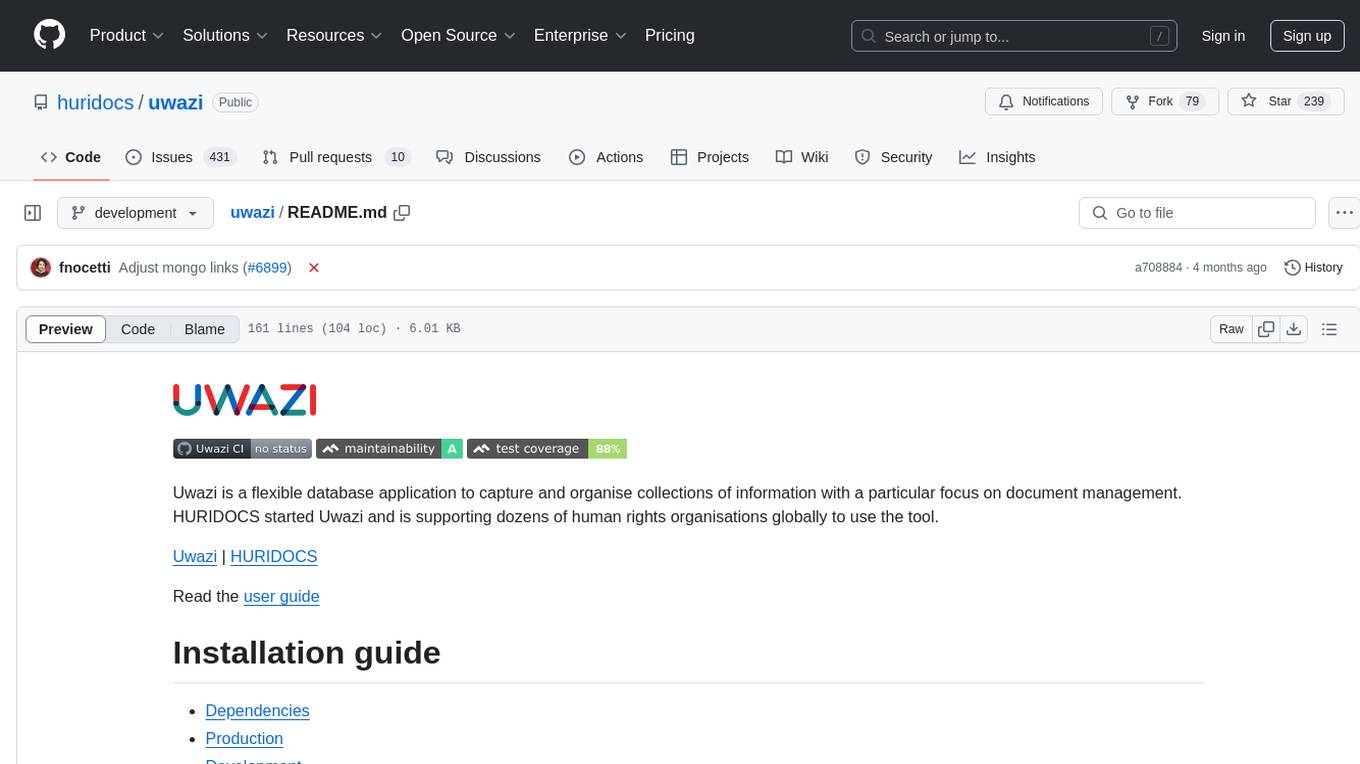
Uwazi is a flexible database application designed for capturing and organizing collections of information, with a focus on document management. It is developed and supported by HURIDOCS, benefiting human rights organizations globally. The tool requires NodeJs, ElasticSearch, ICU Analysis Plugin, MongoDB, Yarn, and pdftotext for installation. It offers production and development installation guides, including Docker setup. Uwazi supports hot reloading, unit and integration testing with JEST, and end-to-end testing with Nightmare or Puppeteer. The system requirements include RAM, CPU, and disk space recommendations for on-premises and development usage.

exif-photo-blog
EXIF Photo Blog is a full-stack photo blog application built with Next.js, Vercel, and Postgres. It features built-in authentication, photo upload with EXIF extraction, photo organization by tag, infinite scroll, light/dark mode, automatic OG image generation, a CMD-K menu with photo search, experimental support for AI-generated descriptions, and support for Fujifilm simulations. The application is easy to deploy to Vercel with just a few clicks and can be customized with a variety of environment variables.
photoprism
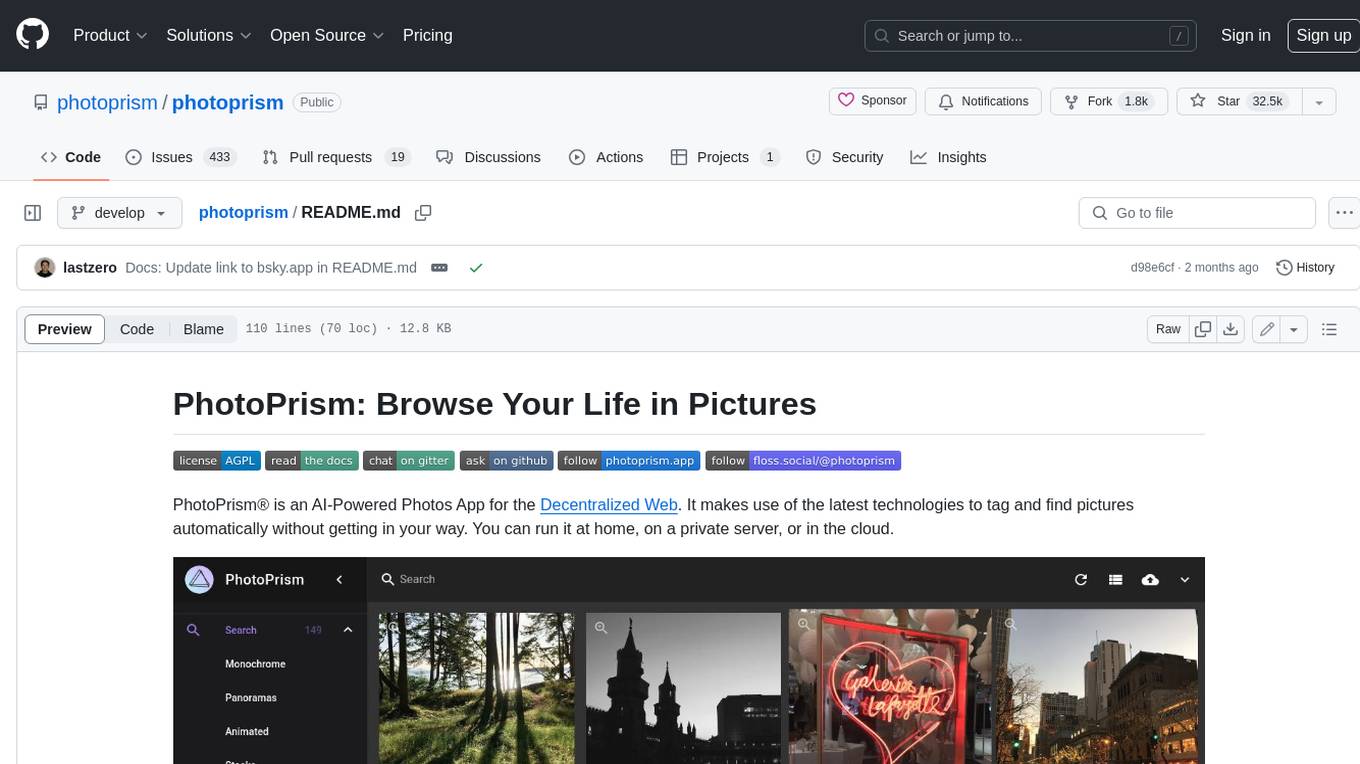
PhotoPrism is an AI-powered photos app for the decentralized web. It uses the latest technologies to tag and find pictures automatically without getting in your way. You can run it at home, on a private server, or in the cloud.
album-ai
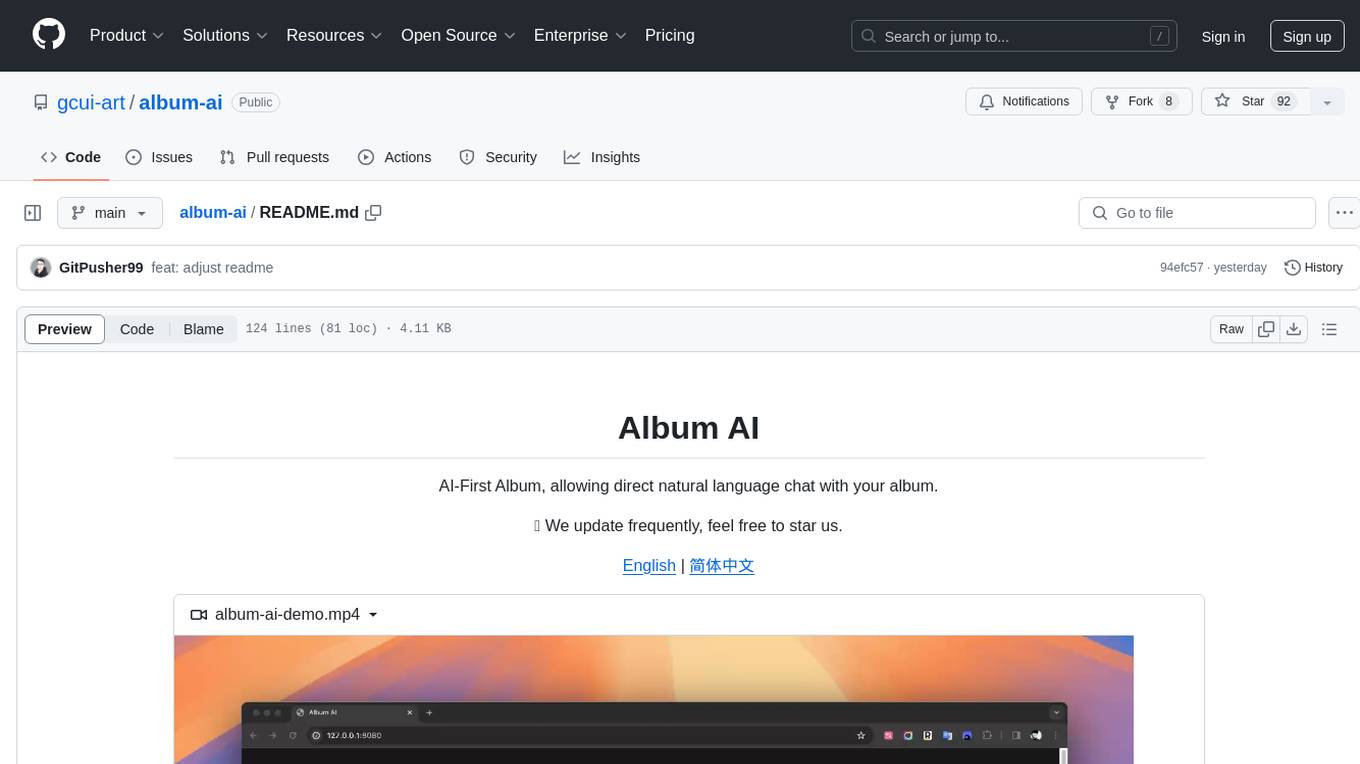
Album AI is an experimental project that uses GPT-4o-mini to automatically identify metadata from image files in the album. It leverages RAG technology to enable conversations with the album, serving as a photo album or image knowledge base to assist in content generation. The tool provides APIs for search and chat functionalities, supports one-click deployment to platforms like Render, and allows for integration and modification under a permissive open-source license.
spec-kit
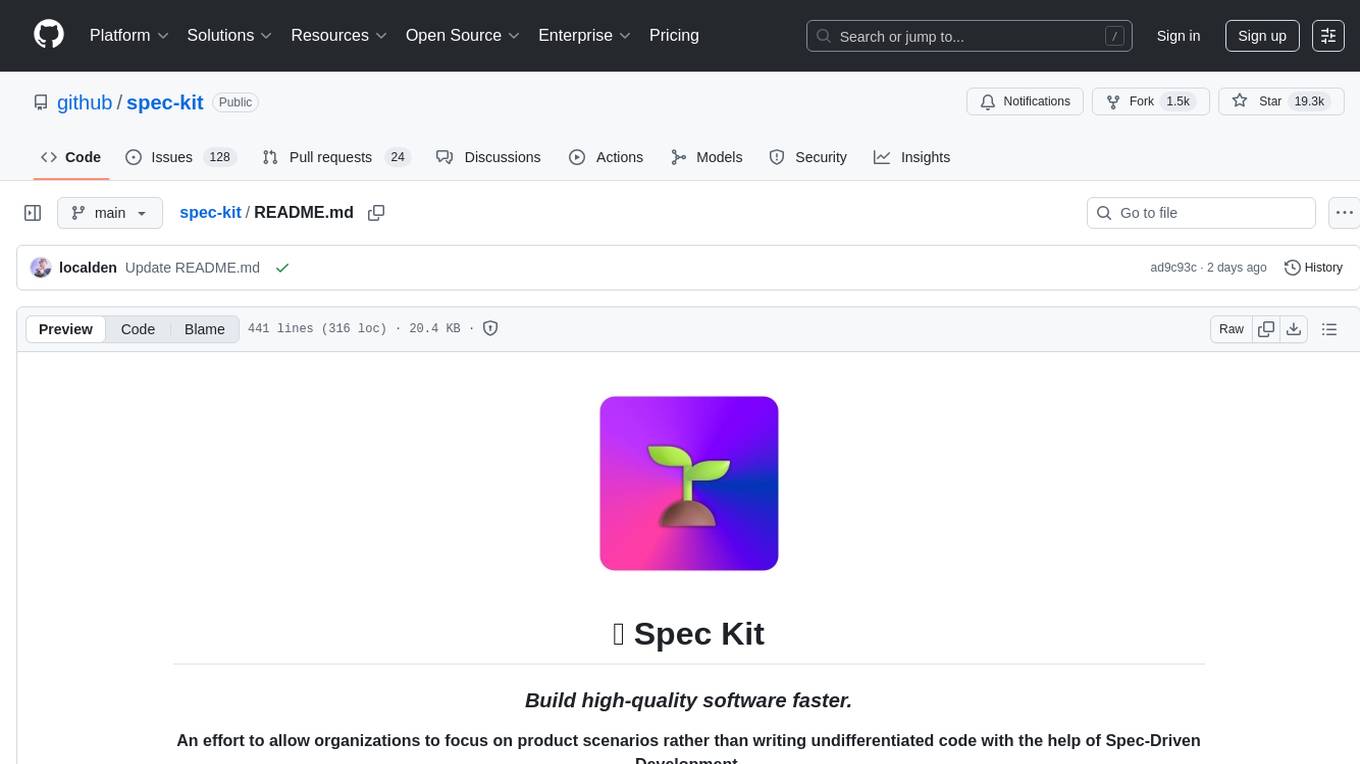
Spec Kit is a tool designed to enable organizations to focus on product scenarios rather than writing undifferentiated code through Spec-Driven Development. It flips the script on traditional software development by making specifications executable, directly generating working implementations. The tool provides a structured process emphasizing intent-driven development, rich specification creation, multi-step refinement, and heavy reliance on advanced AI model capabilities for specification interpretation. Spec Kit supports various development phases, including 0-to-1 Development, Creative Exploration, and Iterative Enhancement, and aims to achieve experimental goals related to technology independence, enterprise constraints, user-centric development, and creative & iterative processes. The tool requires Linux/macOS (or WSL2 on Windows), an AI coding agent (Claude Code, GitHub Copilot, Gemini CLI, or Cursor), uv for package management, Python 3.11+, and Git.
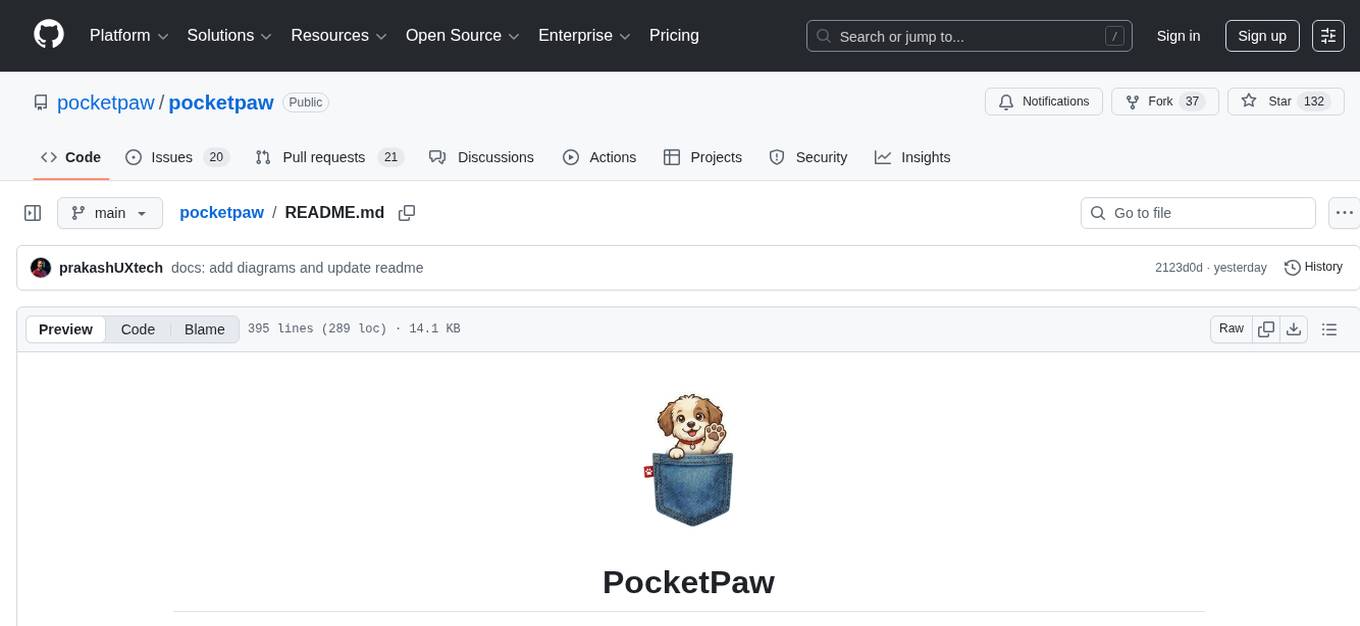
pocketpaw
PocketPaw is a lightweight and user-friendly tool designed for managing and organizing your digital assets. It provides a simple interface for users to easily categorize, tag, and search for files across different platforms. With PocketPaw, you can efficiently organize your photos, documents, and other files in a centralized location, making it easier to access and share them. Whether you are a student looking to organize your study materials, a professional managing project files, or a casual user wanting to declutter your digital space, PocketPaw is the perfect solution for all your file management needs.
For similar jobs
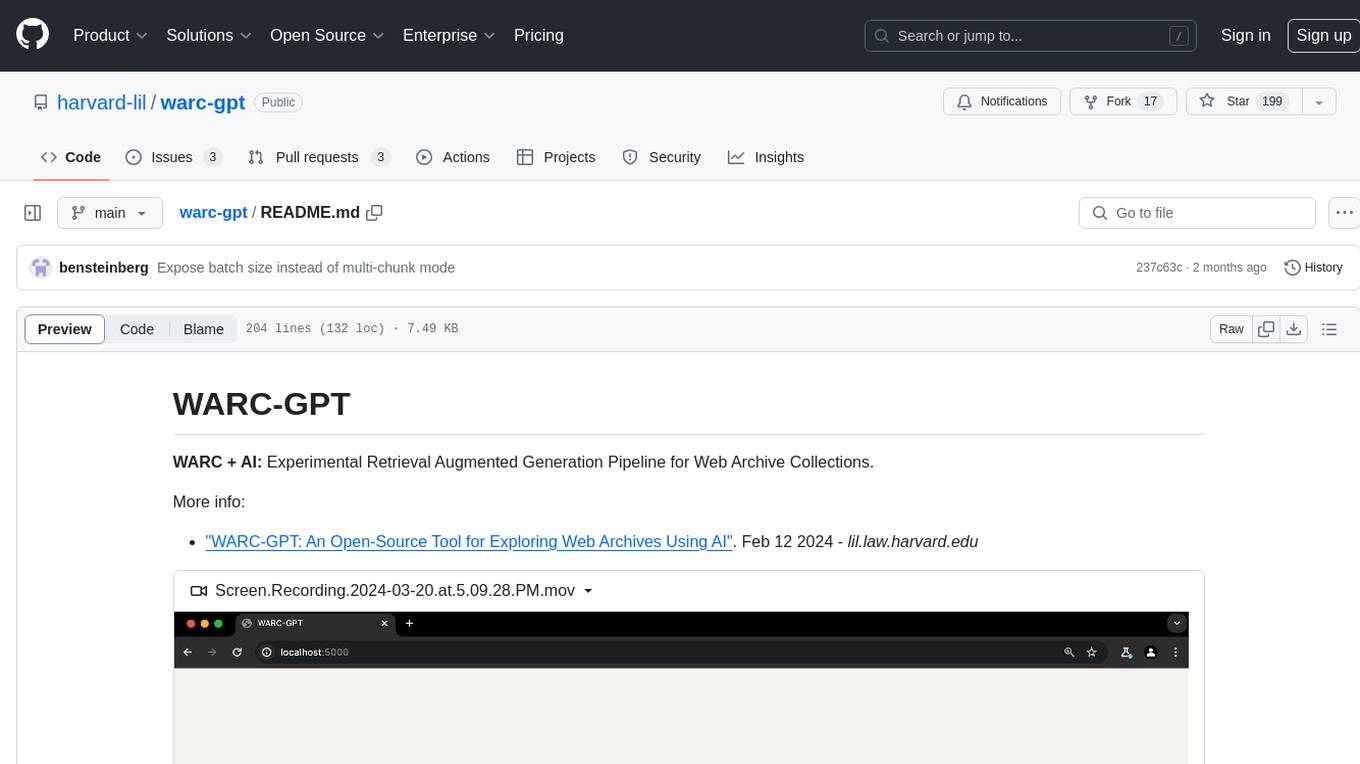
warc-gpt
WARC-GPT is an experimental retrieval augmented generation pipeline for web archive collections. It allows users to interact with WARC files, extract text, generate text embeddings, visualize embeddings, and interact with a web UI and API. The tool is highly customizable, supporting various LLMs, providers, and embedding models. Users can configure the application using environment variables, ingest WARC files, start the server, and interact with the web UI and API to search for content and generate text completions. WARC-GPT is designed for exploration and experimentation in exploring web archives using AI.
lap
Lap is a lightning-fast, cross-platform photo manager that prioritizes user privacy and local AI processing. It allows users to organize and browse their photos efficiently, with features like natural language search, smart face recognition, and similar image search. Lap does not require importing photos, syncs seamlessly with the file system, and supports multiple libraries. Built for performance with a Rust core and lazy loading, Lap offers a delightful user experience with beautiful design, customization options, and multi-language support. It is a great alternative to cloud-based photo services, offering excellent organization, performance, and no vendor lock-in.
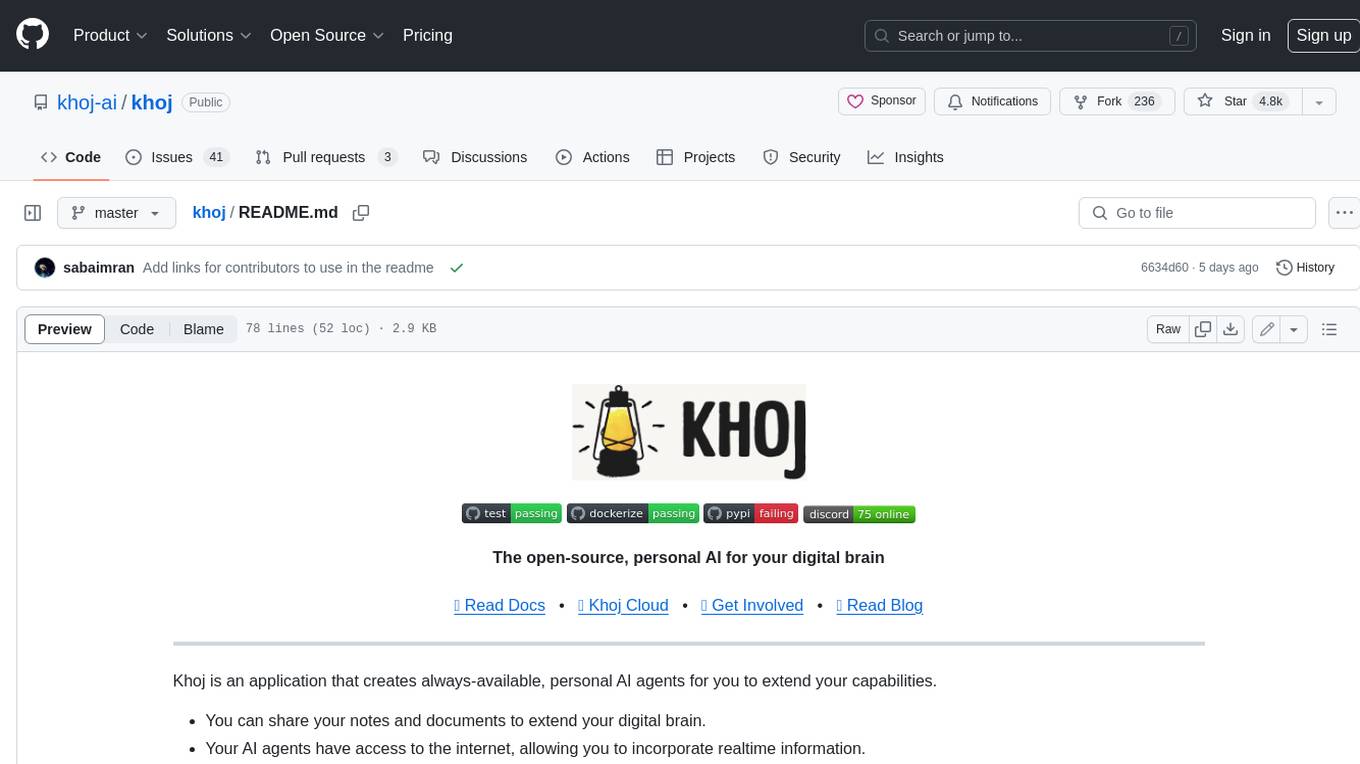
khoj
Khoj is an open-source, personal AI assistant that extends your capabilities by creating always-available AI agents. You can share your notes and documents to extend your digital brain, and your AI agents have access to the internet, allowing you to incorporate real-time information. Khoj is accessible on Desktop, Emacs, Obsidian, Web, and Whatsapp, and you can share PDF, markdown, org-mode, notion files, and GitHub repositories. You'll get fast, accurate semantic search on top of your docs, and your agents can create deeply personal images and understand your speech. Khoj is self-hostable and always will be.
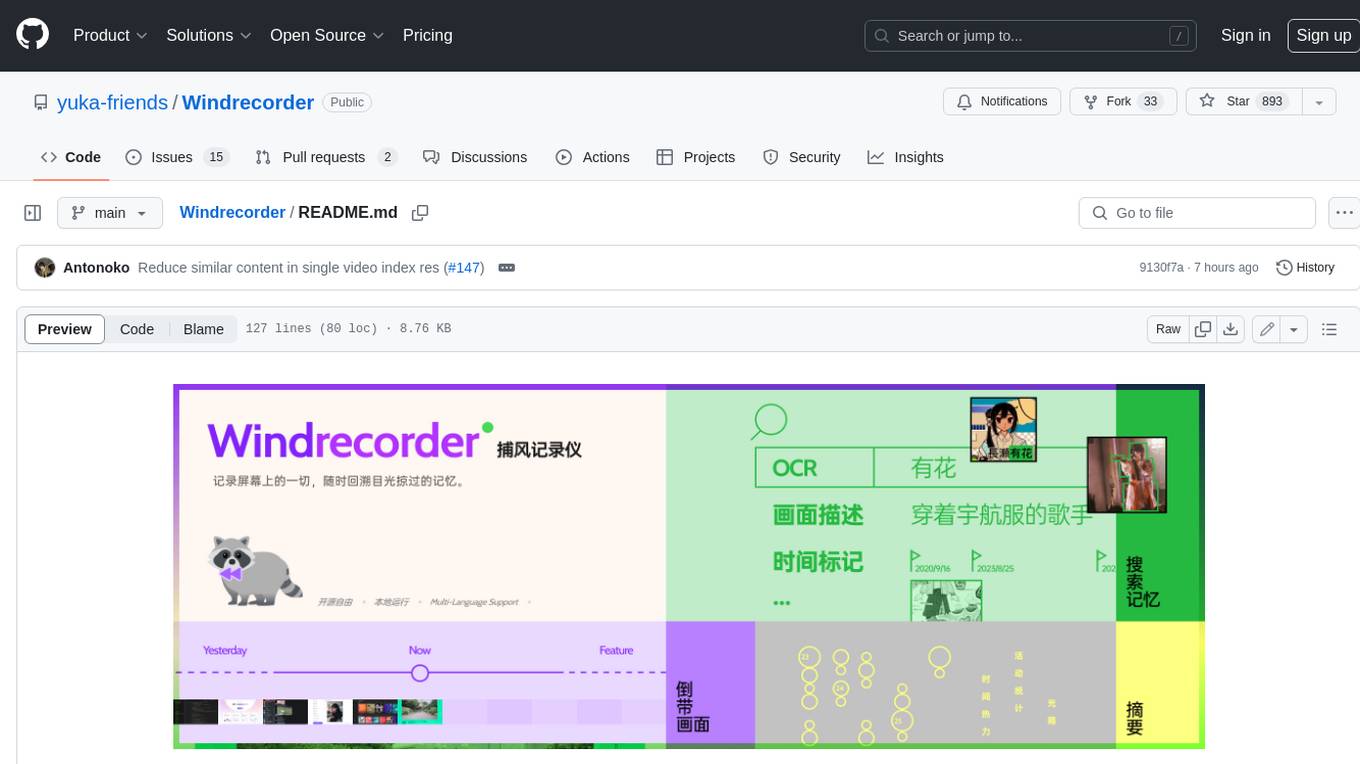
Windrecorder
Windrecorder is an open-source tool that helps you retrieve memory cues by recording everything on your screen. It can search based on OCR text or image descriptions and provides a summary of your activities. All of its capabilities run entirely locally, without the need for an internet connection or uploading any data, giving you complete ownership of your data.
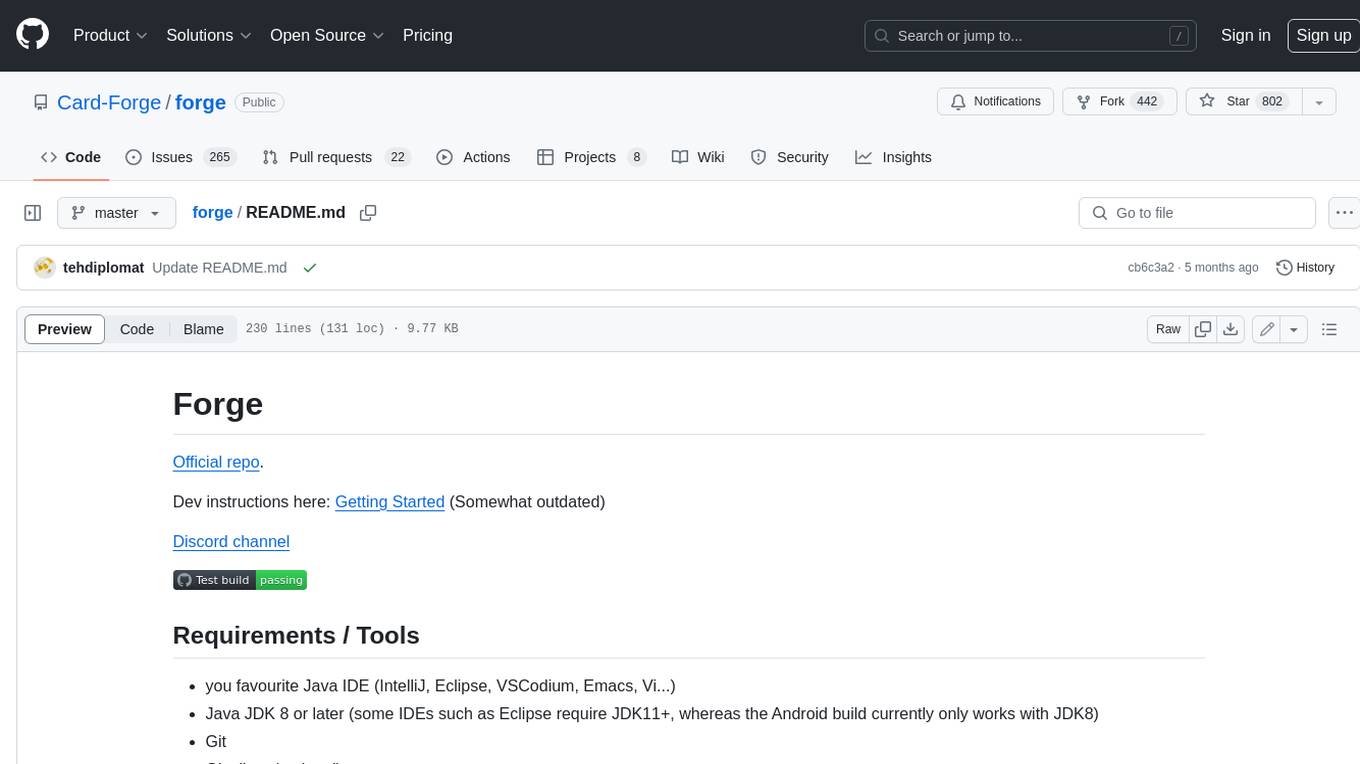
forge
Forge is a free and open-source digital collectible card game (CCG) engine written in Java. It is designed to be easy to use and extend, and it comes with a variety of features that make it a great choice for developers who want to create their own CCGs. Forge is used by a number of popular CCGs, including Ascension, Dominion, and Thunderstone.
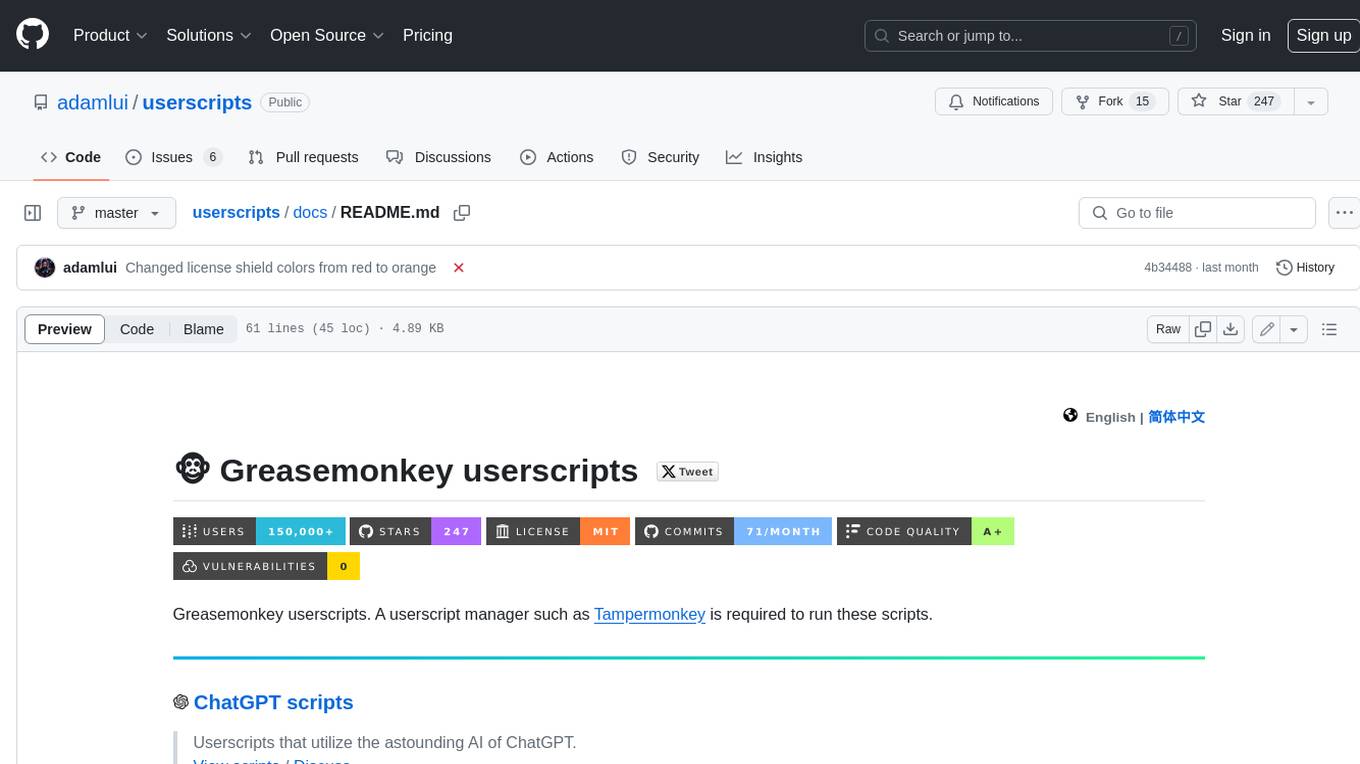
userscripts
Greasemonkey userscripts. A userscript manager such as Tampermonkey is required to run these scripts.
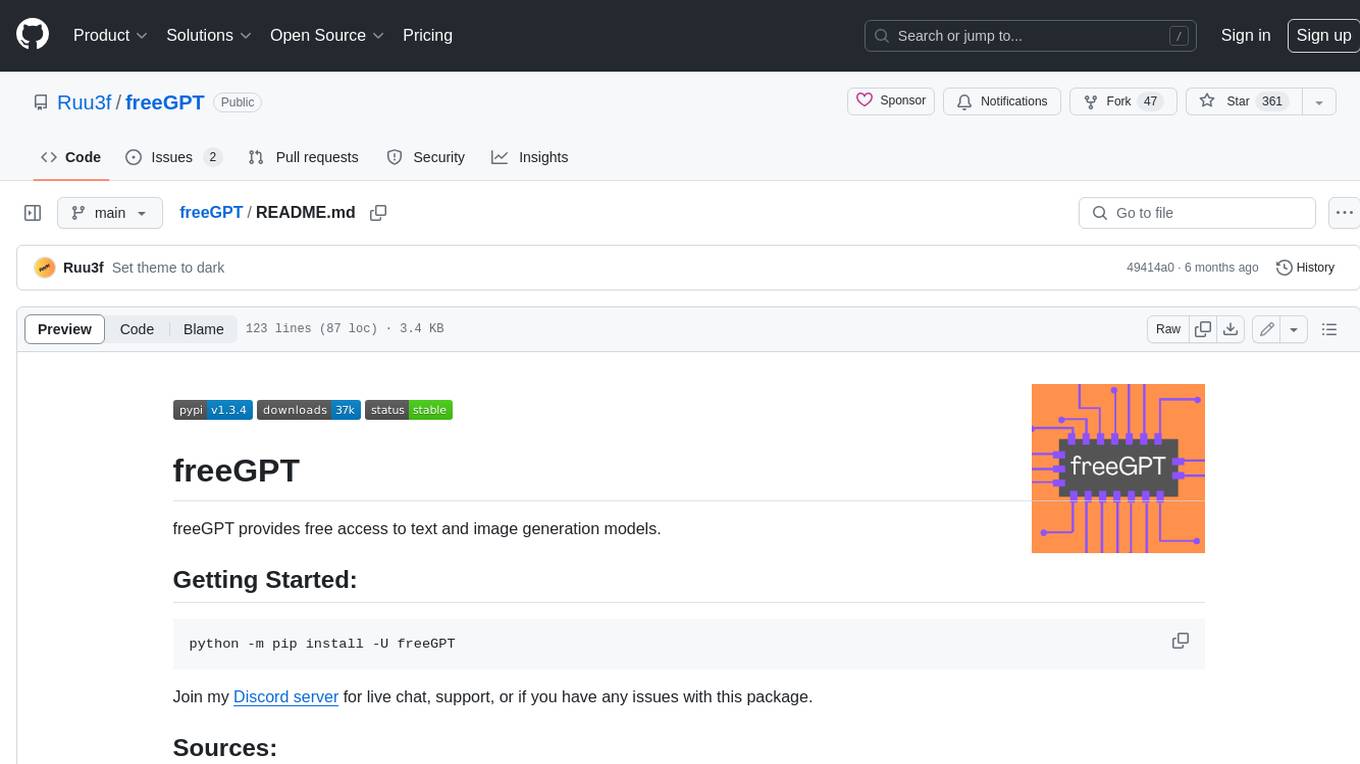
freeGPT
freeGPT provides free access to text and image generation models. It supports various models, including gpt3, gpt4, alpaca_7b, falcon_40b, prodia, and pollinations. The tool offers both asynchronous and non-asynchronous interfaces for text completion and image generation. It also features an interactive Discord bot that provides access to all the models in the repository. The tool is easy to use and can be integrated into various applications.
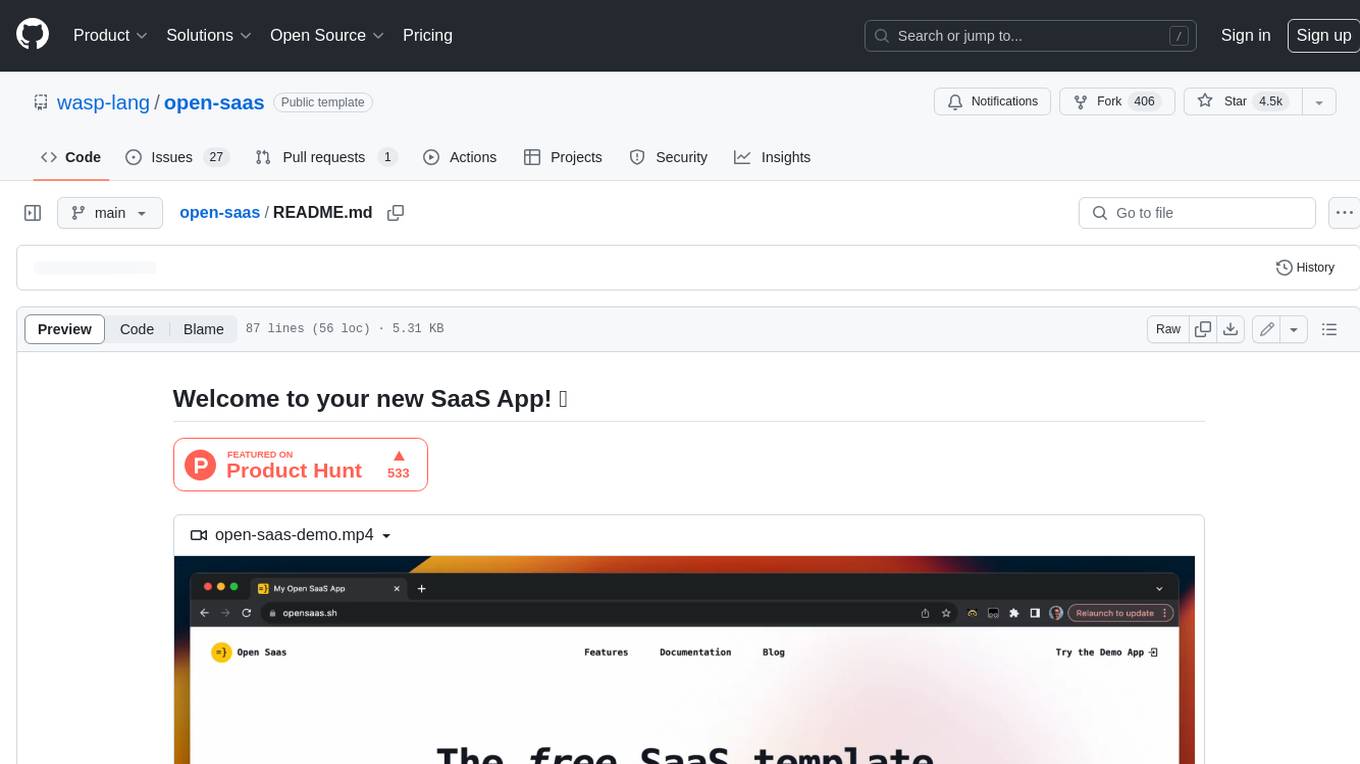
open-saas
Open SaaS is a free and open-source React and Node.js template for building SaaS applications. It comes with a variety of features out of the box, including authentication, payments, analytics, and more. Open SaaS is built on top of the Wasp framework, which provides a number of features to make it easy to build SaaS applications, such as full-stack authentication, end-to-end type safety, jobs, and one-command deploy.