


SuggestArr
Effortlessly request recommended movies, TV shows and anime to Jellyseer/Overseer based on your recently watched content on Jellyfin, Plex or Emby—let SuggestArr handle it all automatically, keeping your library fresh with new and exciting content!
Stars: 1025
SuggestArr is a Python library that provides functionality for generating suggestions based on input arrays. It allows users to easily create suggestions for various use cases such as autocomplete, search suggestions, and recommendation systems. The library uses algorithms like Levenshtein distance and cosine similarity to generate accurate and relevant suggestions. SuggestArr is designed to be flexible and customizable, allowing users to fine-tune the suggestion generation process to suit their specific needs.
README:




SuggestArr is a project designed to automate media content recommendations and download requests based on user activity in media servers like Jellyfin, Plex, and now Emby. It retrieves recently watched content, searches for similar titles using the TMDb API, and sends automated download requests to Jellyseer or Overseer.
- Multi-Media Server Support: Supports Jellyfin, Plex, and Emby for retrieving media content.
- TMDb Integration: Searches for similar movies and TV shows on TMDb.
- AI-Powered Recommendations (beta): Uses any OpenAI-compatible LLM (OpenAI, Ollama, OpenRouter, LiteLLM…) to generate hyper-personalized suggestions based on watch history, complete with AI reasoning for each pick.
- AI Search (beta): Describe in natural language what you want to watch and let the AI find matching titles, personalised to your viewing history, with one-click request to Seer.
- Automated Requests: Sends download requests for recommended content to Jellyseer or Seer.
- Web Interface: A user-friendly interface for configuration and management.
-
Real-Time Logs: View and filter logs in real time (e.g.,
INFO,ERROR,DEBUG). - User Selection: Choose specific users to initiate requests, allowing management and approval of auto-requested content.
- Cron Job Management: Update the cron job schedule directly from the web interface.
- Configuration Pre-testing: Automatically validates API keys and URLs during setup.
- Content Filtering: Exclude requests for content already available on streaming platforms in your country.
- External Database Support: Use external databases (PostgreSQL, MySQL) in addition to SQLite for improved scalability and performance.
- Python 3.x or Docker
- TMDb API Key
- Configured Jellyfin, Plex, or Emby
- Configured Jellyseer or Overseer
- (Optional) External database (PostgreSQL or MySQL) for improved performance
You can run the project using Docker Compose for easy setup and execution.
services:
  suggestarr:
    image: ciuse99/suggestarr:latest
    container_name: SuggestArr
    restart: always
    ports:
      - "${SUGGESTARR_PORT:-5000}:${SUGGESTARR_PORT:-5000}"
    volumes:
      - ./config_files:/app/config/config_files
    environment:
      # Optional: Only needed if something goes wrong and you need to inspect deeper
      - LOG_LEVEL=${LOG_LEVEL:-info}
      # Optional: Customize the port (defaults to 5000 if not set)
      - SUGGESTARR_PORT=${SUGGESTARR_PORT:-5000}
To start the container with Docker Compose:
docker-compose upAccess the web interface at: http://localhost:5000 (or your custom port if configured with SUGGESTARR_PORT). Use this interface to configure the application, select your media service, and manage cron schedules.
Make sure your environment is set up correctly and that the application is running to access the web interface.
If you'd like to use a specific Jellyseer user to make media requests, follow these steps:
- In the web interface, enable the user selection option by checking the corresponding box.
- Select the desired user from the dropdown list.
- Enter the password for the selected user.
- The system will now use this user to make media requests, rather than using the admin or default profile.
Note: Currently, only local Jellyseer users are supported.
SuggestArr includes an optional AI recommendation engine that analyzes your watch history and suggests titles that match your taste, with a short explanation for each pick.
The engine works with any OpenAI-compatible API, so you can use a cloud provider or a local model running on your own machine.
- Open the web interface and go to Settings → Advanced.
- Check Enable beta features.
- Check Use advanced suggestion algorithm.
- Fill in the AI Provider Configuration fields that appear (click the ⓘ button next to the section title for an in-app guide).
- Save. The AI engine will be used automatically on the next automation run.
If the LLM is unavailable or returns no results, SuggestArr falls back to the standard TMDb-based recommendation algorithm transparently.
| Provider | API Key | Base URL | Example model |
|---|---|---|---|
| OpenAI | Required (sk-proj-...) |
(leave blank) | gpt-4o-mini |
| Ollama (local) | Not required | http://localhost:11434/v1 |
mistral, llama3
|
| OpenRouter | Required (sk-or-v1-...) |
https://openrouter.ai/api/v1 |
meta-llama/llama-3-8b-instruct |
| LiteLLM Proxy | Depends on config | http://<your-proxy>:4000 |
Depends on config |
Note for Ollama users: make sure Ollama is running and the model is pulled (ollama pull mistral) before saving. The API Key field can be left blank — SuggestArr will use a placeholder automatically.
services:
  suggestarr:
    image: ciuse99/suggestarr:latest
    container_name: SuggestArr
    restart: always
    ports:
      - "5000:5000"
    volumes:
      - ./config_files:/app/config/config_files

  ollama:
    image: ollama/ollama
    container_name: ollama
    restart: always
    ports:
      - "11434:11434"
    volumes:
      - ollama_data:/root/.ollama

volumes:
  ollama_data:
After starting both containers, pull your preferred model:
docker exec -it ollama ollama pull mistralThen in SuggestArr Advanced settings set:
-
Base URL →
http://ollama:11434/v1 -
Model →
mistral - API Key → (leave blank)
SuggestArr includes an AI Search tab in the dashboard that lets you find movies and TV shows using plain text, no browsing required.
Type a natural-language description of what you feel like watching. The LLM interprets your query (genres, era, language, rating threshold, mood…) and translates it into structured TMDB filters. Results are ranked and enriched with an AI-generated rationale explaining why each title was picked for you.
Examples of queries you can use:
- "A psychological thriller from the 90s with a twist ending"
- "Feel-good anime with strong friendships"
- "80s sci-fi movies with practical effects"
- "A dark comedy series like Breaking Bad"
- Natural language queries — describe mood, genre, decade, language, or specific themes
- Viewing-history personalisation — the AI tailors results based on what you (or your users) have already watched
- Exclude already-watched titles — hide content you've already seen
- One-click requesting — send results directly to Jellyseer/Overseer without leaving the page
- Query interpretation badge — see how the AI parsed your query (genres, year range, language, min rating)
AI Search requires an LLM to be configured (same setup as AI-Powered Recommendations):
- Open the web interface → Settings → Advanced.
- Check Enable beta features.
- Fill in the AI Provider Configuration fields (API key, base URL, model).
- Save. The AI Search tab will become active in the dashboard.
AI Search is independent of the automated recommendations run — it is triggered manually from the dashboard and does not affect cron-based automation.
For detailed instructions on setting up SuggestArr withouth Docker or as a system service, please refer to our Installation Guide.
Feel free to join our Discord community to share ideas, ask questions, or get help with SuggestArr: Join here.
Contributions are highly welcome! Feel free to open issues, submit pull requests, or provide any feedback that can improve the project. Whether you're fixing bugs, improving documentation, or adding new features, all contributions are greatly appreciated.
This project is licensed under the MIT License.
For Tasks:
Click tags to check more tools for each tasksFor Jobs:
Alternative AI tools for SuggestArr
Similar Open Source Tools
SuggestArr
SuggestArr is a Python library that provides functionality for generating suggestions based on input arrays. It allows users to easily create suggestions for various use cases such as autocomplete, search suggestions, and recommendation systems. The library uses algorithms like Levenshtein distance and cosine similarity to generate accurate and relevant suggestions. SuggestArr is designed to be flexible and customizable, allowing users to fine-tune the suggestion generation process to suit their specific needs.
public
This public repository contains API, tools, and packages for Datagrok, a web-based data analytics platform. It offers support for scientific domains, applications, connectors to web services, visualizations, file importing, scientific methods in R, Python, or Julia, file metadata extractors, custom predictive models, platform enhancements, and more. The open-source packages are free to use, with restrictions on server computational capacities for the public environment. Academic institutions can use Datagrok for research and education, benefiting from reproducible and scalable computations and data augmentation capabilities. Developers can contribute by creating visualizations, scientific methods, file editors, connectors to web services, and more.
AIOStreams
AIOStreams is a versatile tool that combines streams from various addons into one platform, offering extensive customization options. Users can change result formats, filter results by various criteria, remove duplicates, prioritize services, sort results, specify size limits, and more. The tool scrapes results from selected addons, applies user configurations, and presents the results in a unified manner. It simplifies the process of finding and accessing desired content from multiple sources, enhancing user experience and efficiency.

DocsGPT
DocsGPT is an open-source documentation assistant powered by GPT models. It simplifies the process of searching for information in project documentation by allowing developers to ask questions and receive accurate answers. With DocsGPT, users can say goodbye to manual searches and quickly find the information they need. The tool aims to revolutionize project documentation experiences and offers features like live previews, Discord community, guides, and contribution opportunities. It consists of a Flask app, Chrome extension, similarity search index creation script, and a frontend built with Vite and React. Users can quickly get started with DocsGPT by following the provided setup instructions and can contribute to its development by following the guidelines in the CONTRIBUTING.md file. The project follows a Code of Conduct to ensure a harassment-free community environment for all participants. DocsGPT is licensed under MIT and is built with LangChain.
NadirClaw
NadirClaw is a powerful open-source tool designed for web scraping and data extraction. It provides a user-friendly interface for extracting data from websites with ease. With NadirClaw, users can easily scrape text, images, and other content from web pages for various purposes such as data analysis, research, and automation. The tool offers flexibility and customization options to cater to different scraping needs, making it a versatile solution for extracting data from the web. Whether you are a data scientist, researcher, or developer, NadirClaw can streamline your data extraction process and help you gather valuable insights from online sources.
Companion
Companion is a software tool designed to provide support and enhance development. It offers various features and functionalities to assist users in their projects and tasks. The tool aims to be user-friendly and efficient, helping individuals and teams to streamline their workflow and improve productivity.
navigator
Navigator is a versatile tool for navigating through complex codebases efficiently. It provides a user-friendly interface to explore code files, search for specific functions or variables, and visualize code dependencies. With Navigator, developers can easily understand the structure of a project and quickly locate relevant code snippets. The tool supports various programming languages and offers customizable settings to enhance the coding experience. Whether you are working on a small project or a large codebase, Navigator can help you streamline your development process and improve code comprehension.
promptl
Promptl is a versatile command-line tool designed to streamline the process of creating and managing prompts for user input in various programming projects. It offers a simple and efficient way to prompt users for information, validate their input, and handle different scenarios based on their responses. With Promptl, developers can easily integrate interactive prompts into their scripts, applications, and automation workflows, enhancing user experience and improving overall usability. The tool provides a range of customization options and features, making it suitable for a wide range of use cases across different programming languages and environments.
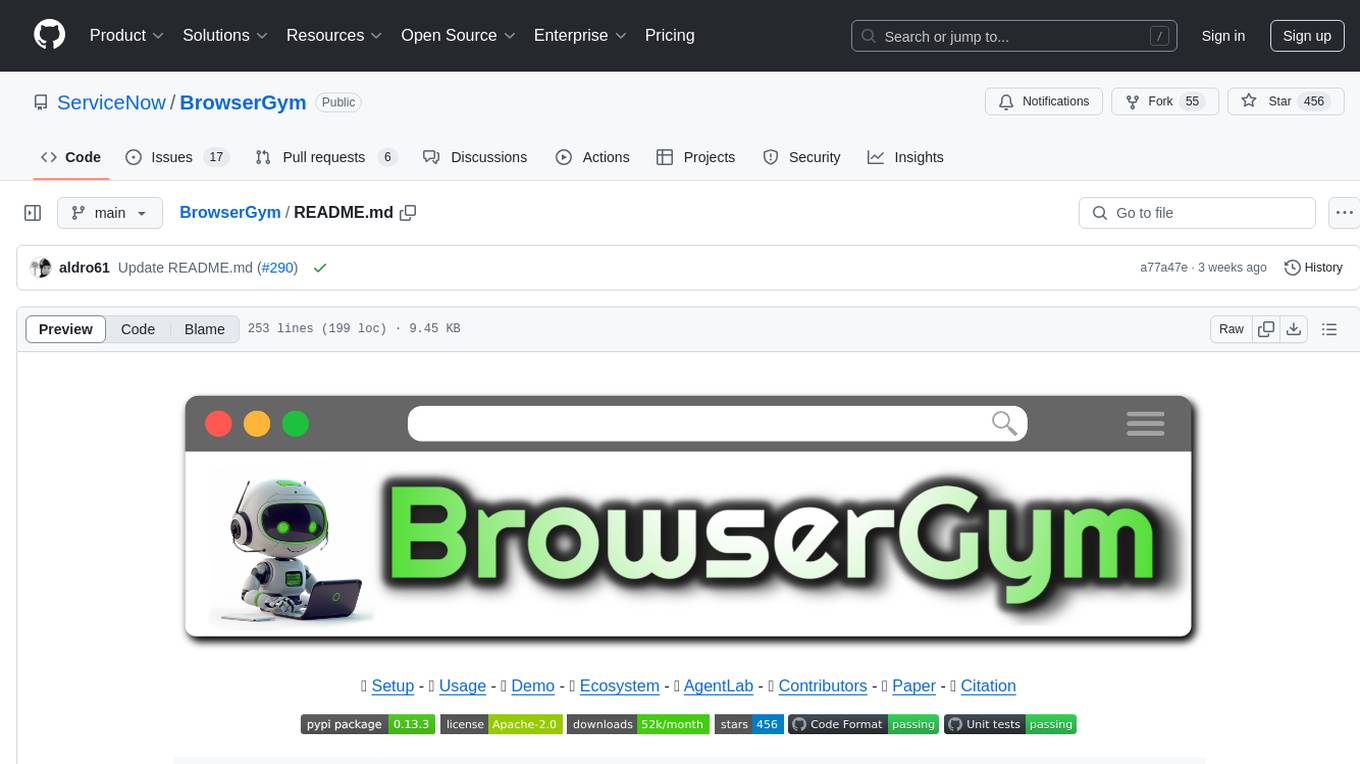
BrowserGym
BrowserGym is an open, easy-to-use, and extensible framework designed to accelerate web agent research. It provides benchmarks like MiniWoB, WebArena, VisualWebArena, WorkArena, AssistantBench, and WebLINX. Users can design new web benchmarks by inheriting the AbstractBrowserTask class. The tool allows users to install different packages for core functionalities, experiments, and specific benchmarks. It supports the development setup and offers boilerplate code for running agents on various tasks. BrowserGym is not a consumer product and should be used with caution.
contextgem
Contextgem is a Ruby gem that provides a simple way to manage context-specific configurations in your Ruby applications. It allows you to define different configurations based on the context in which your application is running, such as development, testing, or production. This helps you keep your configuration settings organized and easily accessible, making it easier to maintain and update your application. With Contextgem, you can easily switch between different configurations without having to modify your code, making it a valuable tool for managing complex applications with multiple environments.
pullfrog
Pullfrog is a versatile tool for managing and automating GitHub pull requests. It provides a simple and intuitive interface for developers to streamline their workflow and collaborate more efficiently. With Pullfrog, users can easily create, review, merge, and manage pull requests, all within a single platform. The tool offers features such as automated testing, code review, and notifications to help teams stay organized and productive. Whether you are a solo developer or part of a large team, Pullfrog can help you simplify the pull request process and improve code quality.
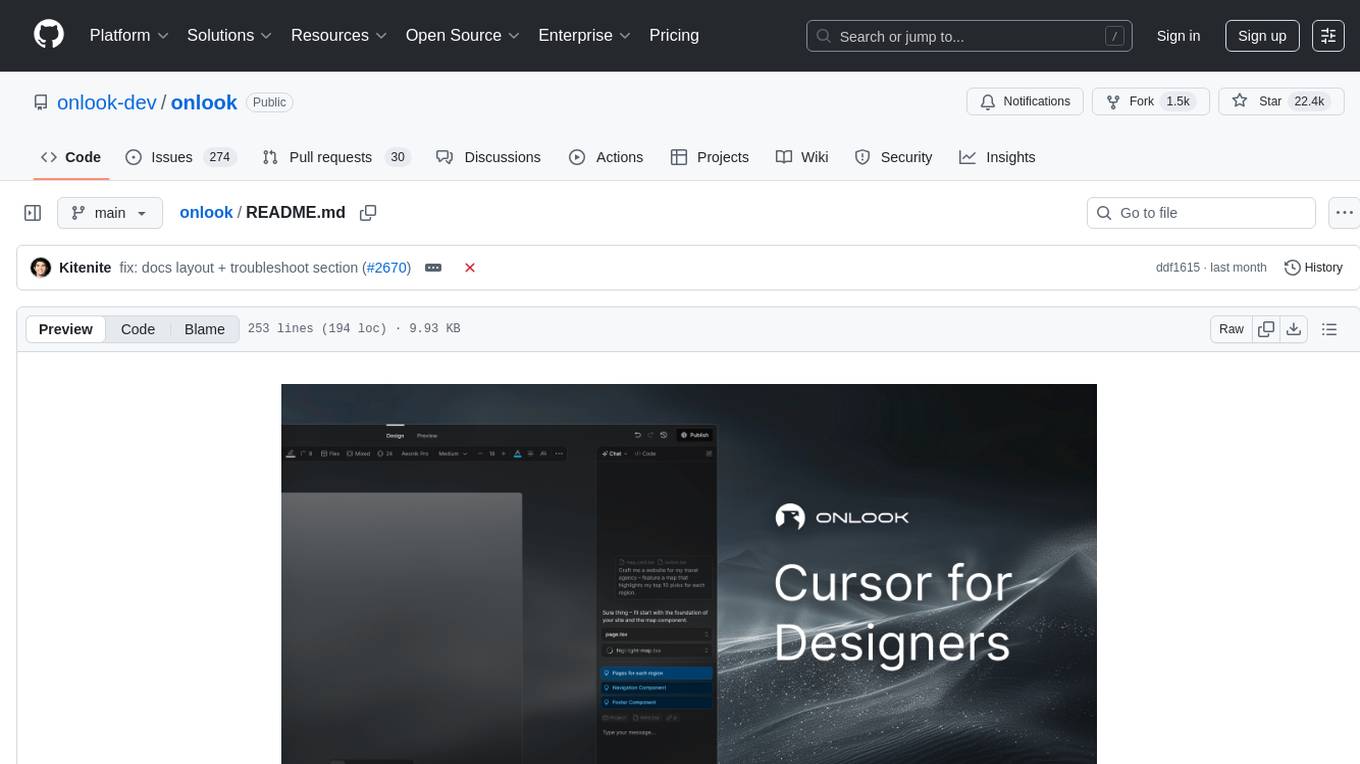
onlook
Onlook is a web scraping tool that allows users to extract data from websites easily and efficiently. It provides a user-friendly interface for creating web scraping scripts and supports various data formats for exporting the extracted data. With Onlook, users can automate the process of collecting information from multiple websites, saving time and effort. The tool is designed to be flexible and customizable, making it suitable for a wide range of web scraping tasks.
budibase
Budibase is an open-source low-code platform that allows users to build web applications visually without writing code. It provides a drag-and-drop interface for designing user interfaces and workflows, as well as a visual editor for defining data models and business logic. With Budibase, users can quickly create custom web applications for various purposes, such as data management, project tracking, and internal tools. The platform supports integrations with popular services and databases, making it easy to extend the functionality of applications. Budibase is suitable for both experienced developers looking to speed up their workflow and non-technical users who want to create web applications without coding.
firecrawl
Firecrawl is an API service that empowers AI applications with clean data from any website. It features advanced scraping, crawling, and data extraction capabilities. The repository is still in development, integrating custom modules into the mono repo. Users can run it locally but it's not fully ready for self-hosted deployment yet. Firecrawl offers powerful capabilities like scraping, crawling, mapping, searching, and extracting structured data from single pages, multiple pages, or entire websites with AI. It supports various formats, actions, and batch scraping. The tool is designed to handle proxies, anti-bot mechanisms, dynamic content, media parsing, change tracking, and more. Firecrawl is available as an open-source project under the AGPL-3.0 license, with additional features offered in the cloud version.
BentoVLLM
BentoVLLM is an example project demonstrating how to serve and deploy open-source Large Language Models using vLLM, a high-throughput and memory-efficient inference engine. It provides a basis for advanced code customization, such as custom models, inference logic, or vLLM options. The project allows for simple LLM hosting with OpenAI compatible endpoints without the need to write any code. Users can interact with the server using Swagger UI or other methods, and the service can be deployed to BentoCloud for better management and scalability. Additionally, the repository includes integration examples for different LLM models and tools.
AionUi
AionUi is a user interface library for building modern and responsive web applications. It provides a set of customizable components and styles to create visually appealing user interfaces. With AionUi, developers can easily design and implement interactive web interfaces that are both functional and aesthetically pleasing. The library is built using the latest web technologies and follows best practices for performance and accessibility. Whether you are working on a personal project or a professional application, AionUi can help you streamline the UI development process and deliver a seamless user experience.
For similar tasks
SuggestArr
SuggestArr is a Python library that provides functionality for generating suggestions based on input arrays. It allows users to easily create suggestions for various use cases such as autocomplete, search suggestions, and recommendation systems. The library uses algorithms like Levenshtein distance and cosine similarity to generate accurate and relevant suggestions. SuggestArr is designed to be flexible and customizable, allowing users to fine-tune the suggestion generation process to suit their specific needs.

llm-chatbot-python
This repository provides resources for building a chatbot backed by Neo4j using Python. It includes instructions on running the application, setting up tests, and installing necessary libraries. The chatbot is designed to interact with users and provide recommendations based on data stored in a Neo4j database. The repository is part of the Neo4j GraphAcademy course on building chatbots with Python.
chatmcp
Chatmcp is a chatbot framework for building conversational AI applications. It provides a flexible and extensible platform for creating chatbots that can interact with users in a natural language. With Chatmcp, developers can easily integrate chatbot functionality into their applications, enabling users to communicate with the system through text-based conversations. The framework supports various natural language processing techniques and allows for the customization of chatbot behavior and responses. Chatmcp simplifies the development of chatbots by providing a set of pre-built components and tools that streamline the creation process. Whether you are building a customer support chatbot, a virtual assistant, or a chat-based game, Chatmcp offers the necessary features and capabilities to bring your conversational AI ideas to life.
duckduckgo-ai-chat
This repository contains a chatbot tool powered by AI technology. The chatbot is designed to interact with users in a conversational manner, providing information and assistance on various topics. Users can engage with the chatbot to ask questions, seek recommendations, or simply have a casual conversation. The AI technology behind the chatbot enables it to understand natural language inputs and provide relevant responses, making the interaction more intuitive and engaging. The tool is versatile and can be customized for different use cases, such as customer support, information retrieval, or entertainment purposes. Overall, the chatbot offers a user-friendly and interactive experience, leveraging AI to enhance communication and engagement.
baibot
Baibot is a versatile chatbot framework designed to simplify the process of creating and deploying chatbots. It provides a user-friendly interface for building custom chatbots with various functionalities such as natural language processing, conversation flow management, and integration with external APIs. Baibot is highly customizable and can be easily extended to suit different use cases and industries. With Baibot, developers can quickly create intelligent chatbots that can interact with users in a seamless and engaging manner, enhancing user experience and automating customer support processes.
enthusiast
Enthusiast is a production-ready agentic AI framework for E-commerce, offering tools like Retrieval-Argumented Generation (RAG), vector search, and workflow orchestrator. It helps in building AI-powered tools with customized agents for tasks like smart information search, customer support, content generation, and knowledge base automation. Enthusiast provides validation and evaluation components to ensure responses are grounded in actual data, reducing time, cost, and complexity in AI development.
OSA
OSA (Open-Source-Advisor) is a tool designed to improve the quality of scientific open source projects by automating the generation of README files, documentation, CI/CD scripts, and providing advice and recommendations for repositories. It supports various LLMs accessible via API, local servers, or osa_bot hosted on ITMO servers. OSA is currently under development with features like README file generation, documentation generation, automatic implementation of changes, LLM integration, and GitHub Action Workflow generation. It requires Python 3.10 or higher and tokens for GitHub/GitLab/Gitverse and LLM API key. Users can install OSA using PyPi or build from source, and run it using CLI commands or Docker containers.
PeroCore
PeroCore is a warm, intelligent desktop companion that aims to make AI a truly warm companion. It is built on Rust Core and NIT Protocol, with a focus on deep memory. The architecture includes Electron Vue3, and it supports Windows and Docker platforms. Additionally, there is a mobile version called Peroperochat. The project emphasizes building memories through technology rather than just storing data.
For similar jobs
lollms-webui
LoLLMs WebUI (Lord of Large Language Multimodal Systems: One tool to rule them all) is a user-friendly interface to access and utilize various LLM (Large Language Models) and other AI models for a wide range of tasks. With over 500 AI expert conditionings across diverse domains and more than 2500 fine tuned models over multiple domains, LoLLMs WebUI provides an immediate resource for any problem, from car repair to coding assistance, legal matters, medical diagnosis, entertainment, and more. The easy-to-use UI with light and dark mode options, integration with GitHub repository, support for different personalities, and features like thumb up/down rating, copy, edit, and remove messages, local database storage, search, export, and delete multiple discussions, make LoLLMs WebUI a powerful and versatile tool.

Azure-Analytics-and-AI-Engagement
The Azure-Analytics-and-AI-Engagement repository provides packaged Industry Scenario DREAM Demos with ARM templates (Containing a demo web application, Power BI reports, Synapse resources, AML Notebooks etc.) that can be deployed in a customer’s subscription using the CAPE tool within a matter of few hours. Partners can also deploy DREAM Demos in their own subscriptions using DPoC.
minio
MinIO is a High Performance Object Storage released under GNU Affero General Public License v3.0. It is API compatible with Amazon S3 cloud storage service. Use MinIO to build high performance infrastructure for machine learning, analytics and application data workloads.
mage-ai
Mage is an open-source data pipeline tool for transforming and integrating data. It offers an easy developer experience, engineering best practices built-in, and data as a first-class citizen. Mage makes it easy to build, preview, and launch data pipelines, and provides observability and scaling capabilities. It supports data integrations, streaming pipelines, and dbt integration.
AiTreasureBox
AiTreasureBox is a versatile AI tool that provides a collection of pre-trained models and algorithms for various machine learning tasks. It simplifies the process of implementing AI solutions by offering ready-to-use components that can be easily integrated into projects. With AiTreasureBox, users can quickly prototype and deploy AI applications without the need for extensive knowledge in machine learning or deep learning. The tool covers a wide range of tasks such as image classification, text generation, sentiment analysis, object detection, and more. It is designed to be user-friendly and accessible to both beginners and experienced developers, making AI development more efficient and accessible to a wider audience.

tidb
TiDB is an open-source distributed SQL database that supports Hybrid Transactional and Analytical Processing (HTAP) workloads. It is MySQL compatible and features horizontal scalability, strong consistency, and high availability.
airbyte
Airbyte is an open-source data integration platform that makes it easy to move data from any source to any destination. With Airbyte, you can build and manage data pipelines without writing any code. Airbyte provides a library of pre-built connectors that make it easy to connect to popular data sources and destinations. You can also create your own connectors using Airbyte's no-code Connector Builder or low-code CDK. Airbyte is used by data engineers and analysts at companies of all sizes to build and manage their data pipelines.
labelbox-python
Labelbox is a data-centric AI platform for enterprises to develop, optimize, and use AI to solve problems and power new products and services. Enterprises use Labelbox to curate data, generate high-quality human feedback data for computer vision and LLMs, evaluate model performance, and automate tasks by combining AI and human-centric workflows. The academic & research community uses Labelbox for cutting-edge AI research.