


xiaozhi-esphome
Alternative code to use xiaozhi ai devices in esphome/home assistant.
Stars: 621
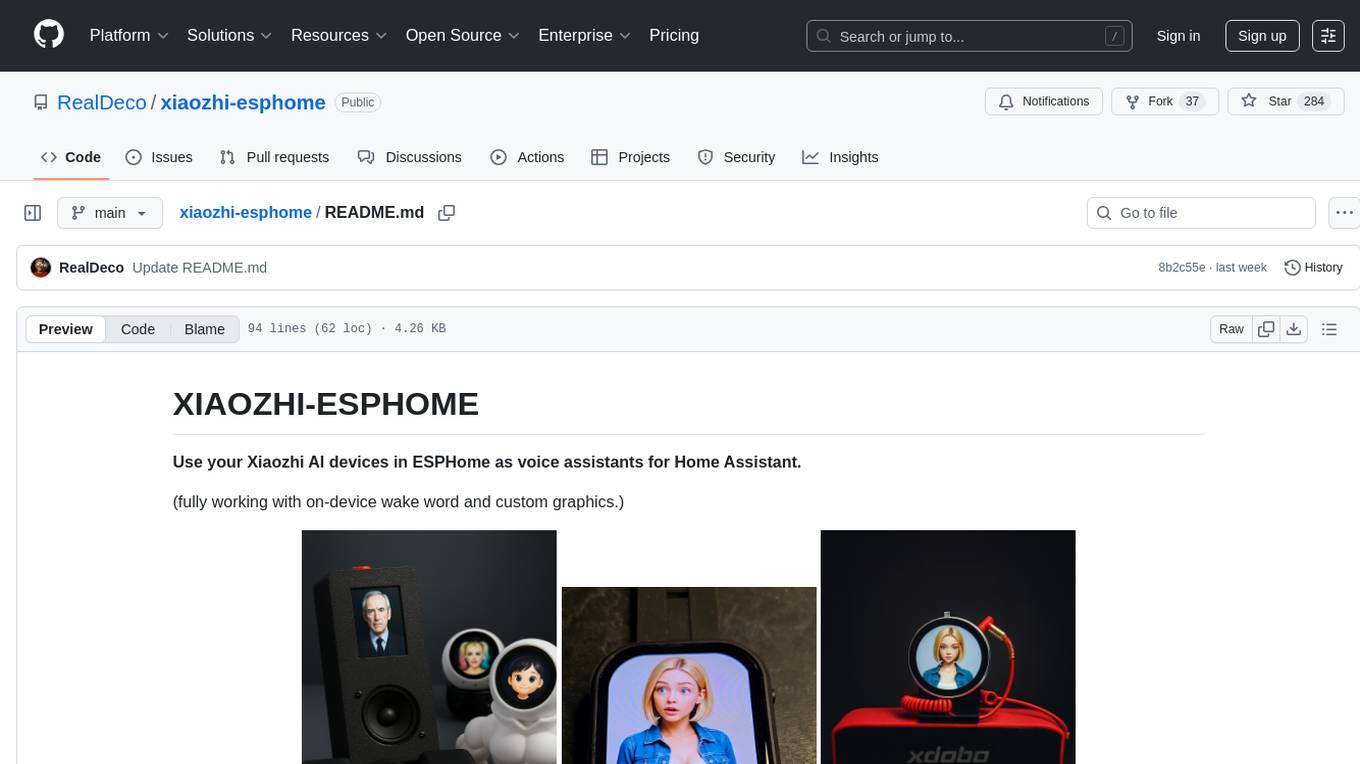
This GitHub project provides a simple way to use Xiaozhi-based devices with ESPHome, allowing them to serve as voice assistants integrated with Home Assistant. Users can follow a step-by-step installation guide to connect their devices, edit configurations, and set up the voice assistant. The project supports various devices such as Spotpear Ball, Muma Box, Puck, Guition Taichi pi, Xingzhi Cube, and more. Additionally, it offers links to purchase supported devices and accessories, including 3D files for holders and wireless chargers.
README:
Use your Xiaozhi AI devices in ESPHome as voice assistant satellites for Home Assistant.
By request, this GitHub project provides a simple way to use Xiaozhi-based devices with ESPHome. These compact devices can serve as voice assistants integrated with Home Assistant.
- Connect your device to your computer via USB. Open ESPHome Web, click “+ NEW DEVICE”, and follow the prompts to set it up and connect it to Wi-Fi.
- In ESPHome Builder, take over the newly discovered device, edit the configuration, paste in the code for your device but keep the original device
name. (You can customize thefriendly_nameas desired.) - Save and install the configuration wirelessly. Wait for it to reboot and begin running your code.
- Once it’s online, go to Home Assistant > Devices, and accept the new device. This will start the voice assistant setup process.
Note for Step 3: If wireless installation fails and you're prompted to use USB flashing:
- Reconnect the device to your computer if needed.
- Save and install again, choose “Plug into this computer,” wait for the firmware to compile, download, and use ESPHome Web to install it via USB. This only happens the first time, when the partition table needs to be updated. Future updates can be done wirelessly.
Video going through the esphome install of device was removed by youtube and my account blocked. strange world we live in.
- Espressif EchoEar v1.0
- Espressif EchoEar v1.2
- Spotpear Ball v1
- Spotpear Ball v2
- Spotpear Muma Box v1
- Spotpear Muma Box v2
- Spotpear Muma Horse v1
- Spotpear Muma Horse v2
- Spotpear Puck
- DIY (breadboard)
- Guition 1.8" Taichi pi (JC3636W518C) v1 (discontinued after july 2025)
- Guition 1.8" Taichi pi (JC3636W518C) v2
- Xingzhi Cube 1.54
- "Breadboard Mini", the $7 custom ESP32-S3 with everything onboard
- Waveshare 2.06" OLED Wrist Watch
- Waveshare ESP32-S3-Touch-LCD-1.85C v1
- Waveshare ESP32-S3-Touch-LCD-1.85C v2
- Waveshare ESP32-S3-Touch-LCD-3.49
- Waveshare ESP32-P4-86-Panel-ETH-2RO NEW
- Waveshare Audio Board NEW
- Guition 4.3C NEW
- Guition 7.0 NEW
- Freenove 2.8 NEW
- Waveshare amoled 1.75 NEW
- Xingzhi Cube 1.83 2-Mic NEW
(New devices appear in the modular version first during testing.)
EchoEar: https://www.aliexpress.com/item/1005009834934442.html
Ball v1 & v2: https://vi.aliexpress.com/item/1005008627679270.html
alternative link: https://www.aliexpress.com/item/1005009762104155.html
Muma Box: https://vi.aliexpress.com/item/1005009043526078.html
Muma Horse: https://vi.aliexpress.com/item/1005008884232596.html
Puck: https://www.aliexpress.com/item/1005009016529496.html
Guition Taichi pi: https://vi.aliexpress.com/item/1005007420092928.html
Xingzhi Cube 1.54: https://www.aliexpress.com/item/1005008565082769.html
Breadboard: Look in devices/Breadboard: https://github.com/RealDeco/xiaozhi-esphome/tree/main/devices/Breadboard
Breadboard Mini: https://www.aliexpress.com/item/1005009448496585.html
Waveshare 2.06" OLED Wrist Watch: https://vi.aliexpress.com/item/1005009516438849.html
Waveshare ESP32-S3-Touch-LCD-1.85C: https://www.aliexpress.com/item/1005008634826817.html
Waveshare ESP32-S3-Touch-LCD-3.49: https://www.aliexpress.com/item/1005009894437640.html
Waveshare ESP32-P4-86-Panel-ETH-2RO: https://www.aliexpress.com/item/1005009197112179.html
Waveshare Audio Board: https://www.aliexpress.com/item/1005009819735457.html
Guition P4 4.3C: https://www.aliexpress.com/item/1005009673625472.html
Guition P4 7.0: https://www.aliexpress.com/item/1005010022828767.html
Freenove 2.8": https://www.aliexpress.com/item/1005009876628479.html
Xingzhi Cube 1.83 2-mic: https://www.aliexpress.com/item/1005010442374066.html
Waveshare amoled 1.75: https://www.aliexpress.com/item/1005008989323572.html
Back side case for the 4" (wall mount) nice for desktop use. https://www.aliexpress.com/item/1005006149480110.html
3D file of "Eggvenger" figure used to hold the Ball in image above, use 115% for v2 since it's larger than v1. https://makerworld.com/en/models/1238732-eggvenger-superhero-egg-holder
3D file for Wireless charger stand for the Guition JC3636W518 display https://makerworld.com/en/models/238543-wireless-charger-holder
Wireless charger for the Guition JC3636W518 display: https://vi.aliexpress.com/item/1005005066837741.html
Curled audio cable for Guition JC3636W518 display: https://vi.aliexpress.com/item/1005007061609551.html
Case for Freenove 2.8" (remember to pick correct print profile) https://makerworld.com/en/models/1382304-aura-smart-weather-forecast-display
Other 3D files here: https://github.com/RealDeco/xiaozhi-esphome/tree/main/3D_Files
---EOF
For Tasks:
Click tags to check more tools for each tasksFor Jobs:
Alternative AI tools for xiaozhi-esphome
Similar Open Source Tools
xiaozhi-esphome
This GitHub project provides a simple way to use Xiaozhi-based devices with ESPHome, allowing them to serve as voice assistants integrated with Home Assistant. Users can follow a step-by-step installation guide to connect their devices, edit configurations, and set up the voice assistant. The project supports various devices such as Spotpear Ball, Muma Box, Puck, Guition Taichi pi, Xingzhi Cube, and more. Additionally, it offers links to purchase supported devices and accessories, including 3D files for holders and wireless chargers.
RWKV_APP
RWKV App is an experimental application that enables users to run Large Language Models (LLMs) offline on their edge devices. It offers a privacy-first, on-device LLM experience for everyday devices. Users can engage in multi-turn conversations, text-to-speech, visual understanding, and more, all without requiring an internet connection. The app supports switching between different models, running locally without internet, and exploring various AI tasks such as chat, speech generation, and visual understanding. It is built using Flutter and Dart FFI for cross-platform compatibility and efficient communication with the C++ inference engine. The roadmap includes integrating features into the RWKV Chat app, supporting more model weights, hardware, operating systems, and devices.
LynxHub
LynxHub is a platform that allows users to seamlessly install, configure, launch, and manage all their AI interfaces from a single, intuitive dashboard. It offers features like AI interface management, arguments manager, custom run commands, pre-launch actions, extension management, in-app tools like terminal and web browser, AI information dashboard, Discord integration, and additional features like theme options and favorite interface pinning. The platform supports modular design for custom AI modules and upcoming extensions system for complete customization. LynxHub aims to streamline AI workflow and enhance user experience with a user-friendly interface and comprehensive functionalities.
chatbox
Chatbox is a desktop client for ChatGPT, Claude, and other LLMs, providing a user-friendly interface for AI copilot assistance on Windows, Mac, and Linux. It offers features like local data storage, multiple LLM provider support, image generation with Dall-E-3, enhanced prompting, keyboard shortcuts, and more. Users can collaborate, access the tool on various platforms, and enjoy multilingual support. Chatbox is constantly evolving with new features to enhance the user experience.
swift-chat
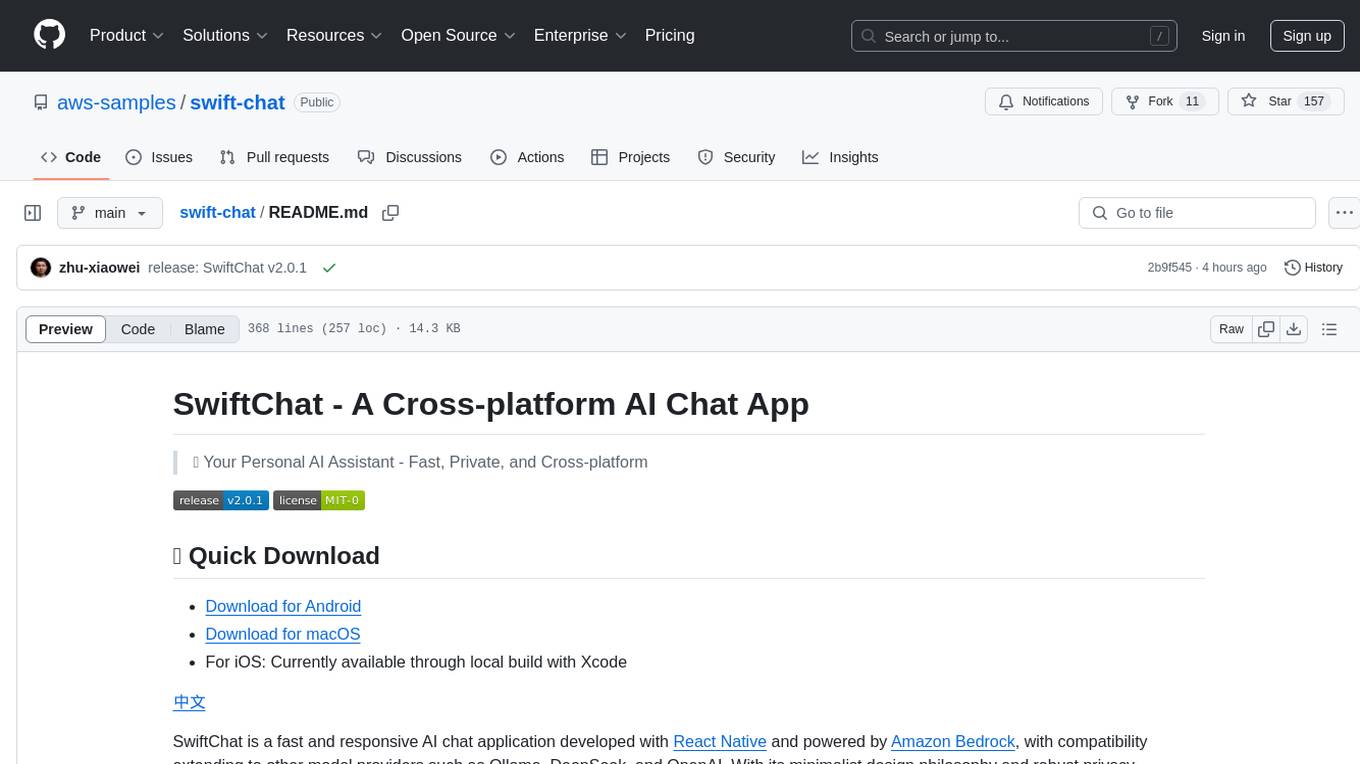
SwiftChat is a fast and responsive AI chat application developed with React Native and powered by Amazon Bedrock. It offers real-time streaming conversations, AI image generation, multimodal support, conversation history management, and cross-platform compatibility across Android, iOS, and macOS. The app supports multiple AI models like Amazon Bedrock, Ollama, DeepSeek, and OpenAI, and features a customizable system prompt assistant. With a minimalist design philosophy and robust privacy protection, SwiftChat delivers a seamless chat experience with various features like rich Markdown support, comprehensive multimodal analysis, creative image suite, and quick access tools. The app prioritizes speed in launch, request, render, and storage, ensuring a fast and efficient user experience. SwiftChat also emphasizes app privacy and security by encrypting API key storage, minimal permission requirements, local-only data storage, and a privacy-first approach.
chatbox
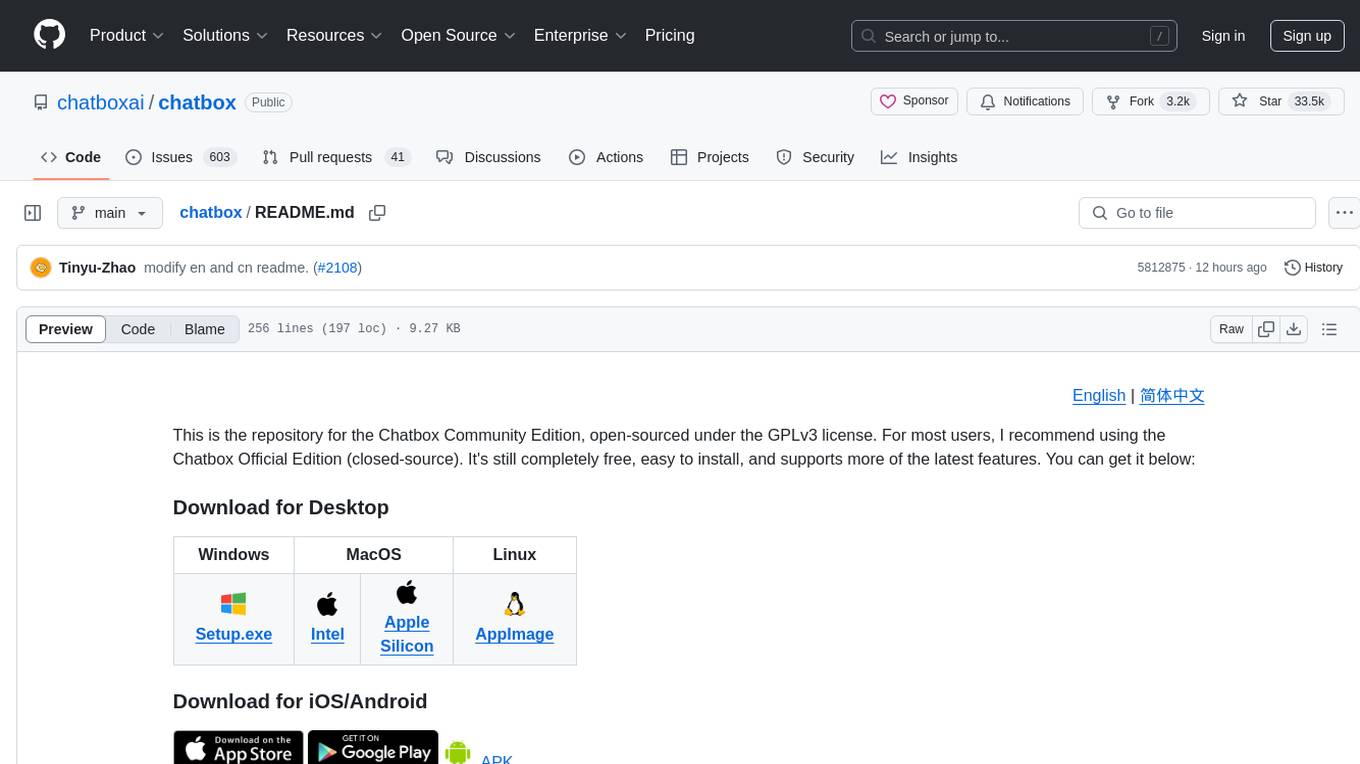
Chatbox is a desktop client for ChatGPT, Claude, and other LLMs, providing features like local data storage, multiple LLM provider support, image generation, enhanced prompting, keyboard shortcuts, and more. It offers a user-friendly interface with dark theme, team collaboration, cross-platform availability, web version access, iOS & Android apps, multilingual support, and ongoing feature enhancements. Developed for prompt and API debugging, it has gained popularity for daily chatting and professional role-playing with AI assistance.
whispering-ui
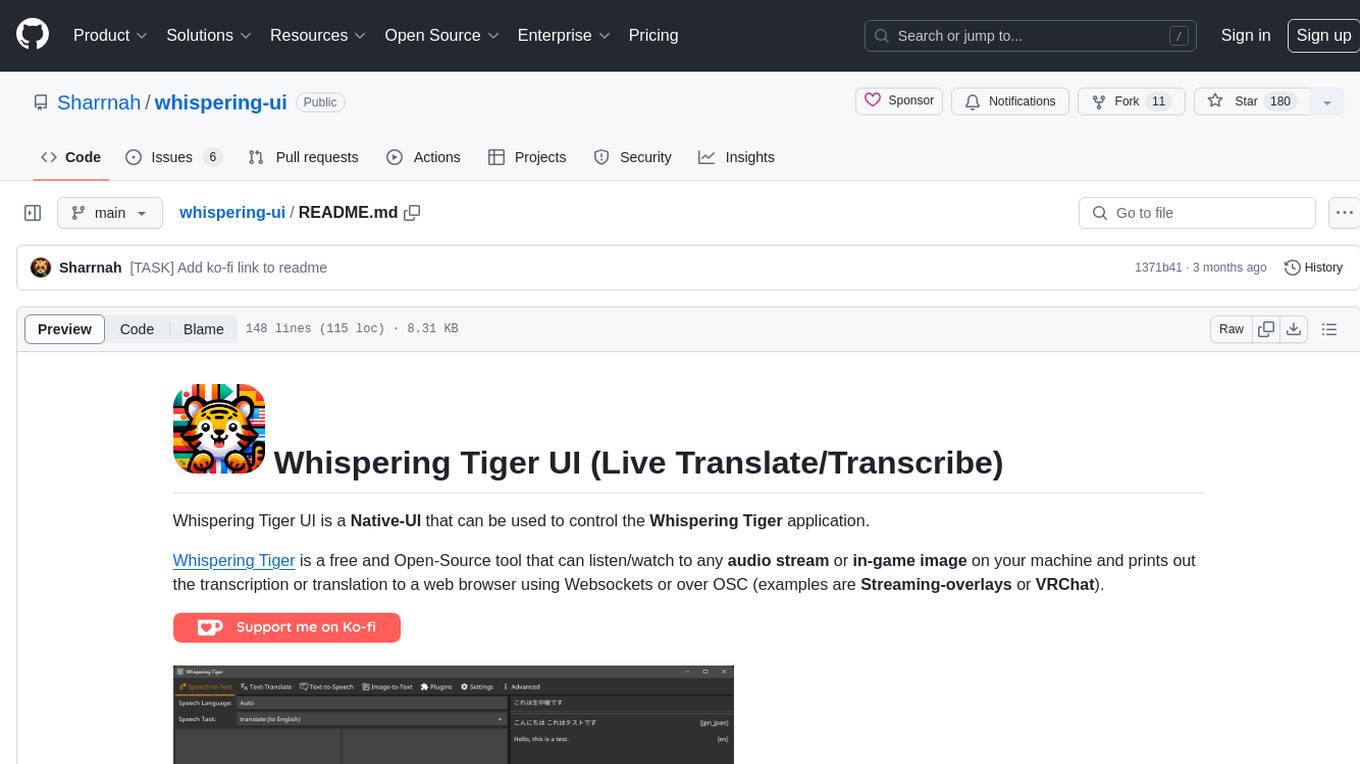
Whispering Tiger UI is a Native-UI tool designed to control the Whispering Tiger application, a free and Open-Source tool that can listen/watch to audio streams or in-game images on your machine and provide transcription or translation to a web browser using Websockets or over OSC. It features a Native-UI for Windows, easy access to all Whispering Tiger features including transcription, translation, text-to-speech, and in-game image recognition. The tool supports loopback audio device, configuration saving/loading, plugin support for additional features, and auto-update functionality. Users can create profiles, configure audio devices, select A.I. devices for speech-to-text, and install/manage plugins for extended functionality.
pyspur
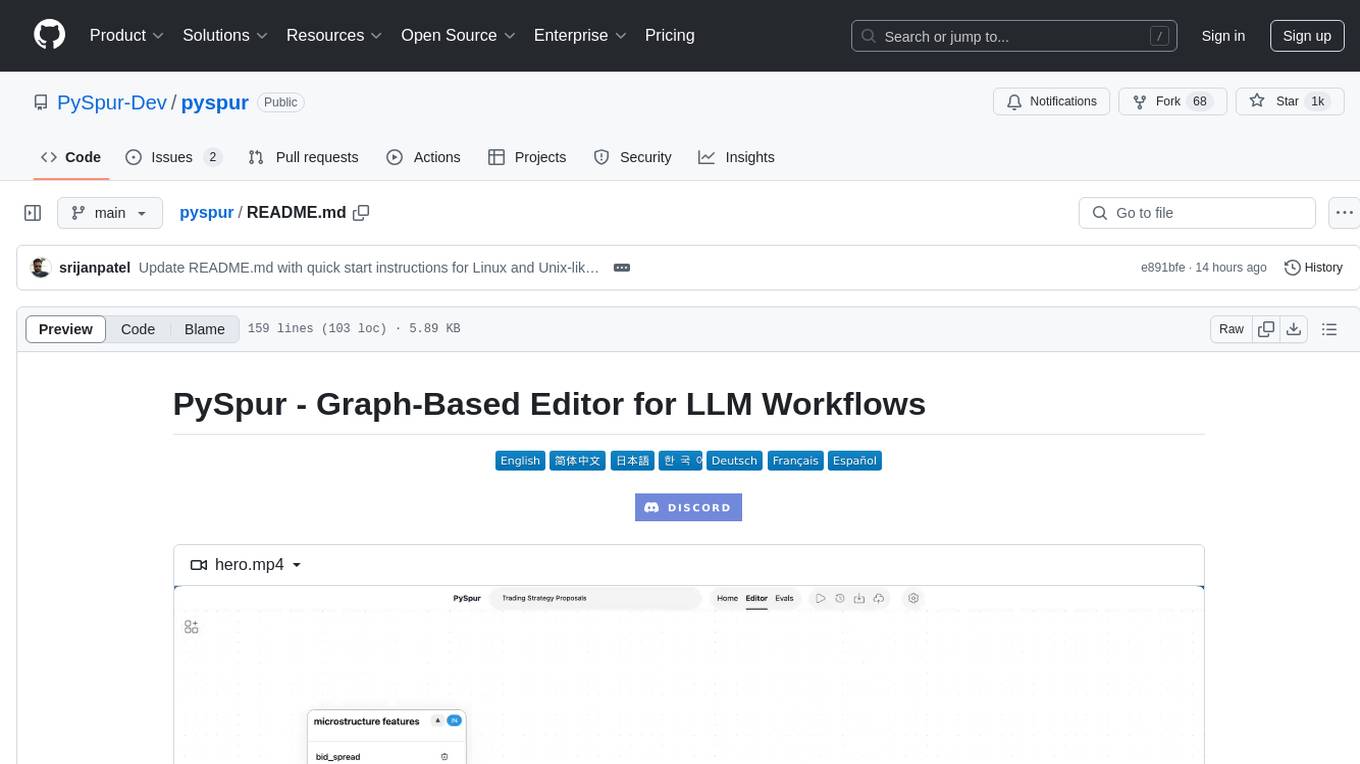
PySpur is a graph-based editor designed for LLM (Large Language Models) workflows. It offers modular building blocks, node-level debugging, and performance evaluation. The tool is easy to hack, supports JSON configs for workflow graphs, and is lightweight with minimal dependencies. Users can quickly set up PySpur by cloning the repository, creating a .env file, starting docker services, and accessing the portal. PySpur can also work with local models served using Ollama, with steps provided for configuration. The roadmap includes features like canvas, async/batch execution, support for Ollama, new nodes, pipeline optimization, templates, code compilation, multimodal support, and more.
anything-llm
AnythingLLM is a full-stack application that enables you to turn any document, resource, or piece of content into context that any LLM can use as references during chatting. This application allows you to pick and choose which LLM or Vector Database you want to use as well as supporting multi-user management and permissions.
word-GPT-Plus
Word GPT Plus seamlessly integrates AI models into Microsoft Word, allowing users to generate, translate, summarize, and polish text directly within their documents. The tool supports multiple AI models, offers built-in templates for various text-related tasks, and provides customization options for user preferences. Users can install the tool through a hosted service, Docker deployment, or self-hosting, and can easily fill in API keys to access different AI services. Word GPT Plus enhances writing workflows by providing AI-powered assistance without leaving the Word environment.

nyxtext
Nyxtext is a text editor built using Python, featuring Custom Tkinter with the Catppuccin color scheme and glassmorphic design. It follows a modular approach with each element organized into separate files for clarity and maintainability. NyxText is not just a text editor but also an AI-powered desktop application for creatives, developers, and students.
pocketpaw
PocketPaw is a lightweight and user-friendly tool designed for managing and organizing your digital assets. It provides a simple interface for users to easily categorize, tag, and search for files across different platforms. With PocketPaw, you can efficiently organize your photos, documents, and other files in a centralized location, making it easier to access and share them. Whether you are a student looking to organize your study materials, a professional managing project files, or a casual user wanting to declutter your digital space, PocketPaw is the perfect solution for all your file management needs.
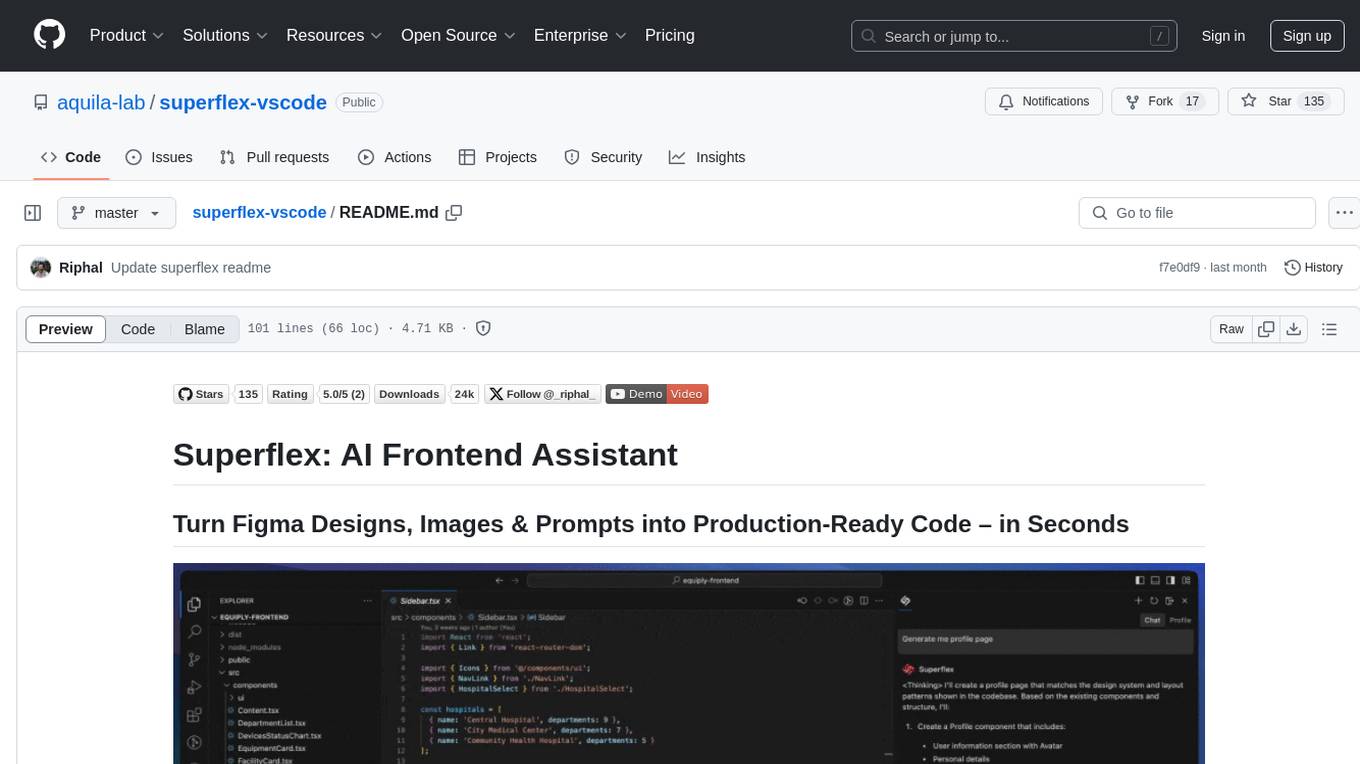
superflex-vscode
Superflex is an AI frontend assistant that streamlines frontend development by converting Figma designs, images, and prompts into production-ready code in seconds. It ensures design standards and coding style are maintained, offering features like generating entire page layouts from Figma, a new chat UI, enhanced usability with shortcuts and profiles, and the ability to add code snippets or files to the chat context seamlessly. Superflex saves time by automating repetitive coding tasks, promotes code consistency, and is beginner-friendly for designers or developers new to front-end work.
Kori
Kori is a unified note-taking app with AI capabilities, providing a consistent experience across Android, iOS, Windows, macOS, and Linux. It supports various formats like Drawing, Markdown, TXT, LaTeX, Mermaid diagrams, and Todo.txt lists. Users can benefit from AI co-writing features, note outline generation, find and replace, note templates, local media support, and export options. The app follows Material Design 3 guidelines, offers comprehensive mouse and keyboard support, and is optimized for different screen sizes and orientations.
SAM
SAM is a native macOS AI assistant built with Swift and SwiftUI, designed for non-developers who want powerful tools in their everyday life. It provides real assistance, smart memory, voice control, image generation, and custom AI model training. SAM keeps your data on your Mac, supports multiple AI providers, and offers features for documents, creativity, writing, organization, learning, and more. It is privacy-focused, user-friendly, and accessible from various devices. SAM stands out with its privacy-first approach, intelligent memory, task execution capabilities, powerful tools, image generation features, custom AI model training, and flexible AI provider support.

easydiffusion
Easy Diffusion 3.0 is a user-friendly tool for installing and using Stable Diffusion on your computer. It offers hassle-free installation, clutter-free UI, task queue, intelligent model detection, live preview, image modifiers, multiple prompts file, saving generated images, UI themes, searchable models dropdown, and supports various image generation tasks like 'Text to Image', 'Image to Image', and 'InPainting'. The tool also provides advanced features such as custom models, merge models, custom VAE models, multi-GPU support, auto-updater, developer console, and more. It is designed for both new users and advanced users looking for powerful AI image generation capabilities.
For similar tasks
xiaozhi-esphome
This GitHub project provides a simple way to use Xiaozhi-based devices with ESPHome, allowing them to serve as voice assistants integrated with Home Assistant. Users can follow a step-by-step installation guide to connect their devices, edit configurations, and set up the voice assistant. The project supports various devices such as Spotpear Ball, Muma Box, Puck, Guition Taichi pi, Xingzhi Cube, and more. Additionally, it offers links to purchase supported devices and accessories, including 3D files for holders and wireless chargers.
frigate
Frigate is a complete and local NVR designed for Home Assistant with AI object detection. It uses OpenCV and Tensorflow to perform realtime object detection locally for IP cameras. Use of a Google Coral Accelerator is optional, but highly recommended. The Coral will outperform even the best CPUs and can process 100+ FPS with very little overhead.
aiohomekit
aiohomekit is a Python library that implements the HomeKit protocol for controlling HomeKit accessories using asyncio. It is primarily used with Home Assistant, targeting the same versions of Python and following their code standards. The library is still under development and does not offer API guarantees yet. It aims to match the behavior of real HAP controllers, even when not strictly specified, and works around issues like JSON formatting, boolean encoding, header sensitivity, and TCP packet splitting. aiohomekit is primarily tested with Phillips Hue and Eve Extend bridges via Home Assistant, but is known to work with many more devices. It does not support BLE accessories and is intended for client-side use only.
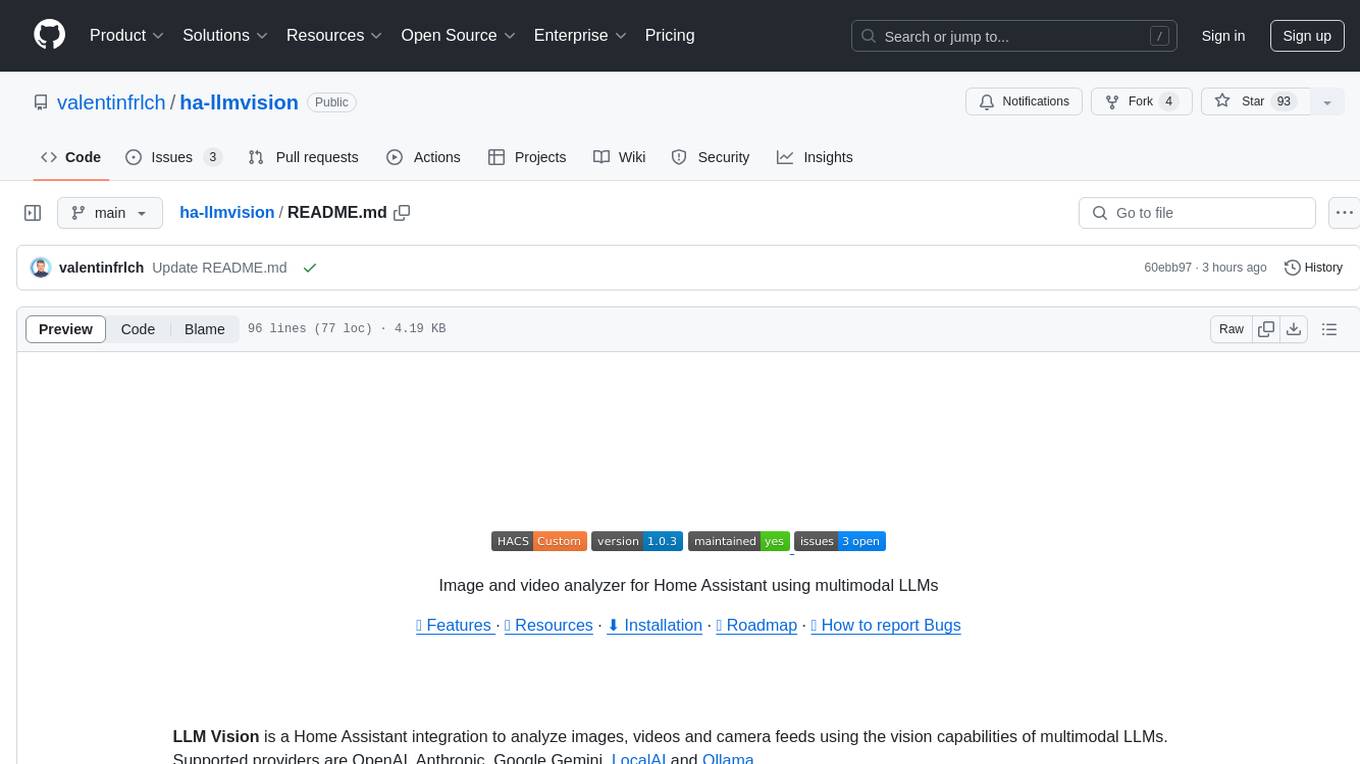
ha-llmvision
LLM Vision is a Home Assistant integration that allows users to analyze images, videos, and camera feeds using multimodal LLMs. It supports providers such as OpenAI, Anthropic, Google Gemini, LocalAI, and Ollama. Users can input images and videos from camera entities or local files, with the option to downscale images for faster processing. The tool provides detailed instructions on setting up LLM Vision and each supported provider, along with usage examples and service call parameters.
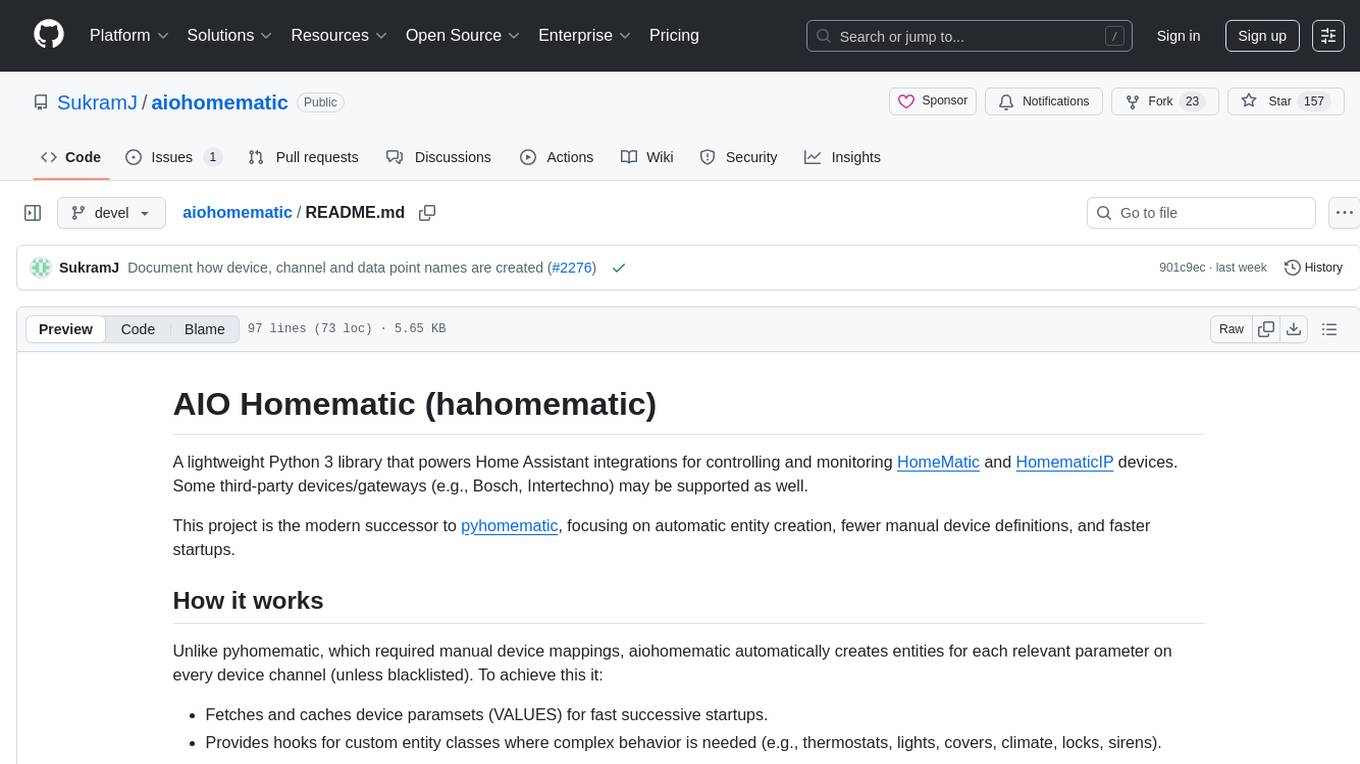
aiohomematic
AIO Homematic (hahomematic) is a lightweight Python 3 library for controlling and monitoring HomeMatic and HomematicIP devices, with support for third-party devices/gateways. It automatically creates entities for device parameters, offers custom entity classes for complex behavior, and includes features like caching paramsets for faster restarts. Designed to integrate with Home Assistant, it requires specific firmware versions for HomematicIP devices. The public API is defined in modules like central, client, model, exceptions, and const, with example usage provided. Useful links include changelog, data point definitions, troubleshooting, and developer resources for architecture, data flow, model extension, and Home Assistant lifecycle.
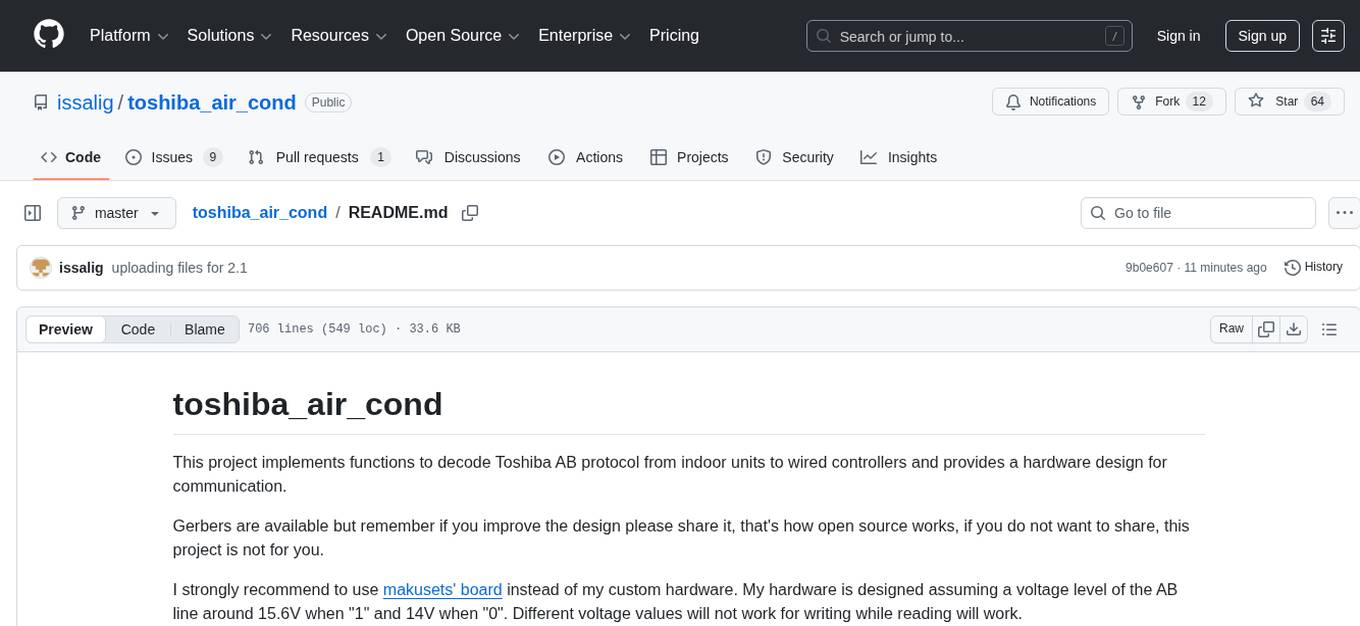
toshiba_air_cond
The toshiba_air_cond project implements functions to decode Toshiba AB protocol from indoor units to wired controllers and provides a hardware design for communication. It is developed for ESP8266 using PlatformIO and Wemos D1 mini board. The project offers features such as WebServer, WebSockets communication, Home Assistant integration, OTA updates, file uploading, and WiFiManager. It has been tested with specific Toshiba units and provides a web interface for controlling functions like power ON/OFF, setting target temperature, changing modes, adjusting fan speed, setting timers, and displaying current temperature and system information.
For similar jobs
xiaozhi-esphome
This GitHub project provides a simple way to use Xiaozhi-based devices with ESPHome, allowing them to serve as voice assistants integrated with Home Assistant. Users can follow a step-by-step installation guide to connect their devices, edit configurations, and set up the voice assistant. The project supports various devices such as Spotpear Ball, Muma Box, Puck, Guition Taichi pi, Xingzhi Cube, and more. Additionally, it offers links to purchase supported devices and accessories, including 3D files for holders and wireless chargers.
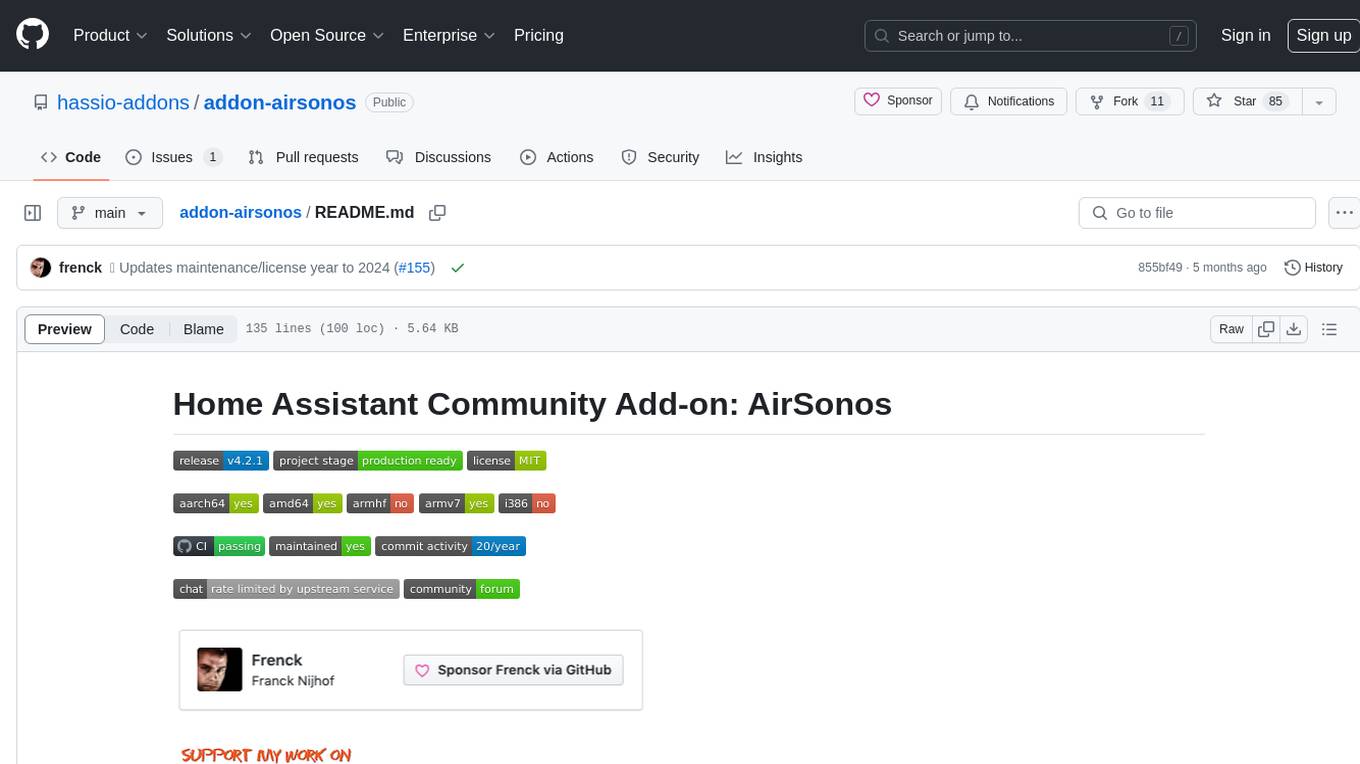
addon-airsonos
AirSonos is a Home Assistant Community Add-on that provides AirPlay capabilities for Sonos (and UPnP) players. It bridges the compatibility gap between Apple devices using AirPlay and Sonos players by creating virtual AirPlay devices for Sonos players in the network. The add-on may also work for other UPnP players like newer Samsung televisions. It is based on the AirConnect project, offering a solution for streaming audio to Sonos devices.
aiohomekit
aiohomekit is a Python library that implements the HomeKit protocol for controlling HomeKit accessories using asyncio. It is primarily used with Home Assistant, targeting the same versions of Python and following their code standards. The library is still under development and does not offer API guarantees yet. It aims to match the behavior of real HAP controllers, even when not strictly specified, and works around issues like JSON formatting, boolean encoding, header sensitivity, and TCP packet splitting. aiohomekit is primarily tested with Phillips Hue and Eve Extend bridges via Home Assistant, but is known to work with many more devices. It does not support BLE accessories and is intended for client-side use only.
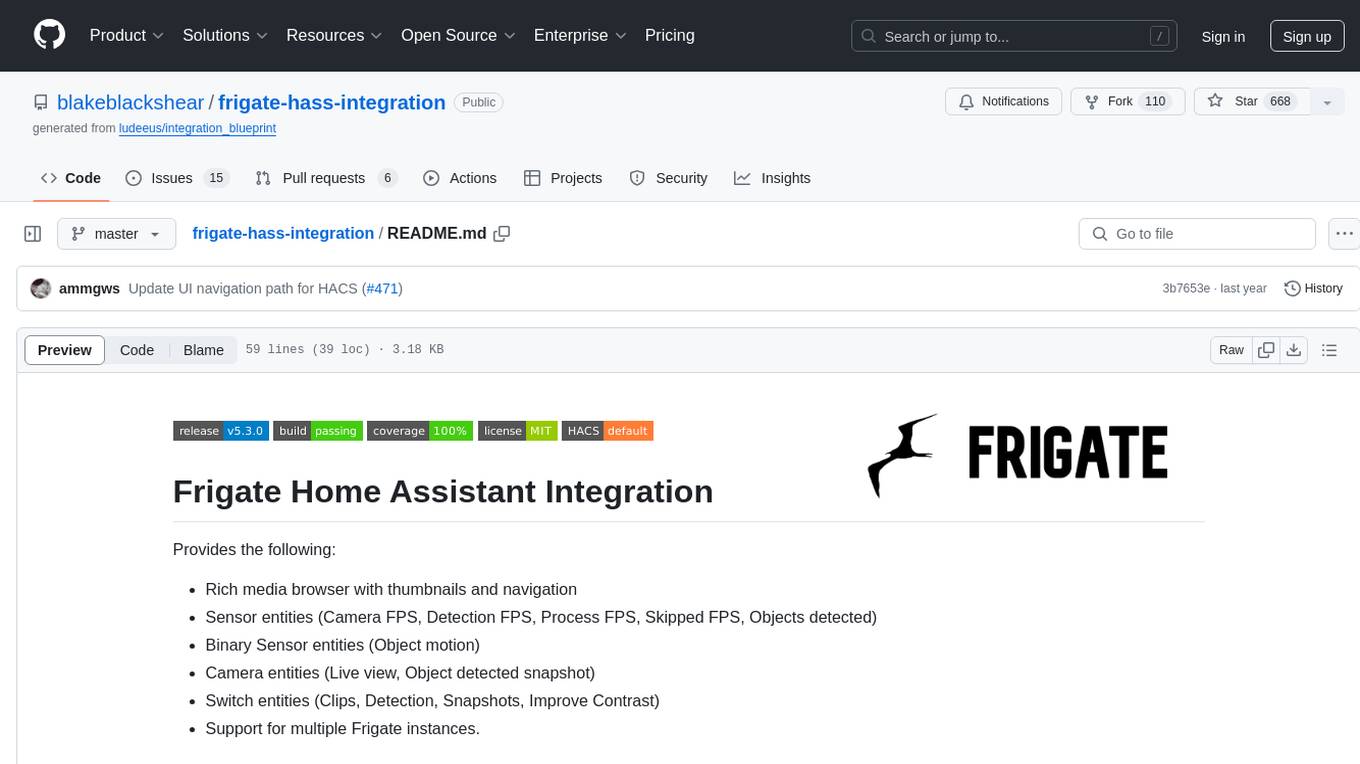
frigate-hass-integration
Frigate Home Assistant Integration provides a rich media browser with thumbnails and navigation, sensor entities for camera FPS, detection FPS, process FPS, skipped FPS, and objects detected, binary sensor entities for object motion, camera entities for live view and object detected snapshot, switch entities for clips, detection, snapshots, and improve contrast, and support for multiple Frigate instances. It offers easy installation via HACS and manual installation options for advanced users. Users need to configure the `mqtt` integration for Frigate to work. Additionally, media browsing and a companion Lovelace card are available for enhanced user experience. Refer to the main Frigate documentation for detailed installation instructions and usage guidance.
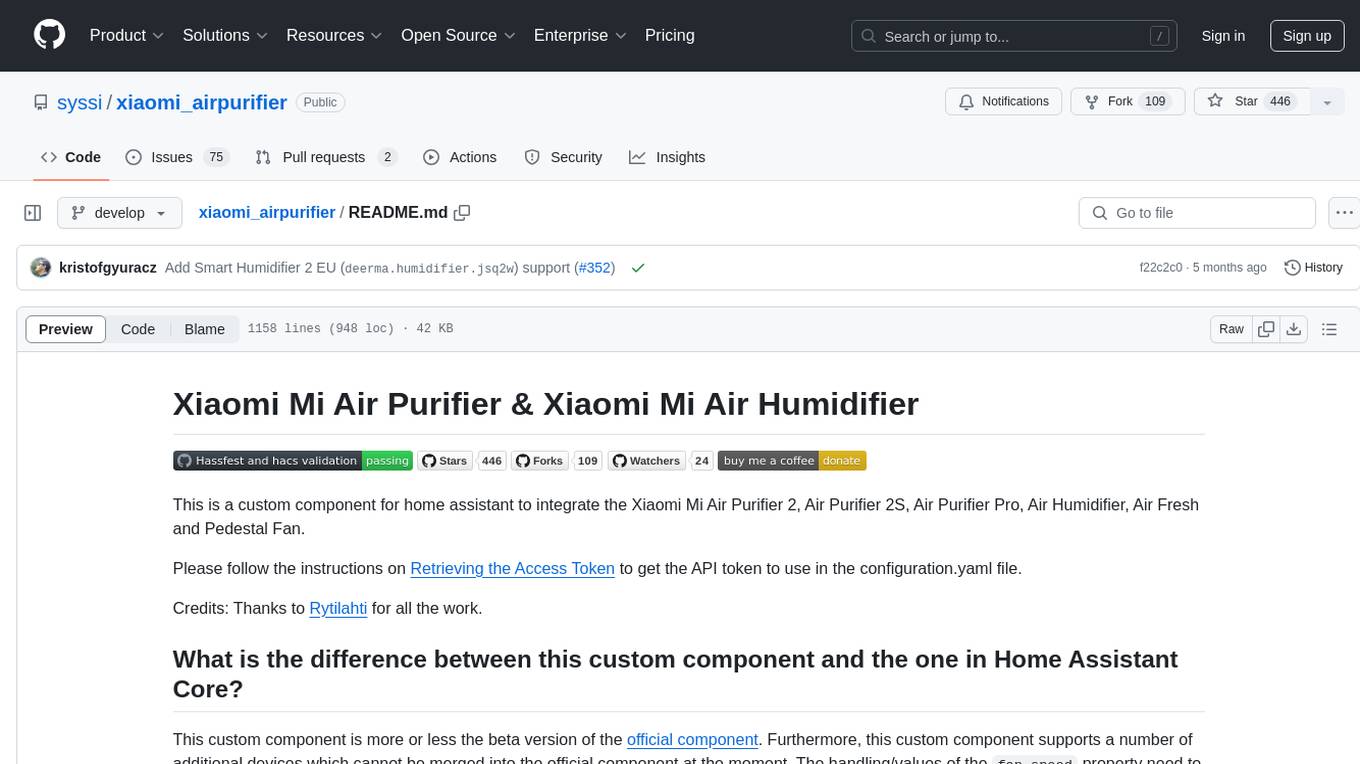
xiaomi_airpurifier
This repository contains a custom component for Home Assistant that integrates various Xiaomi Mi Air Purifier and Xiaomi Mi Air Humidifier models. It provides detailed support for different devices, including power control, preset modes, child lock, LED control, favorite level adjustment, and various attributes monitoring. The custom component offers a more extensive range of supported devices compared to the official Home Assistant component, with additional features and device compatibility. Users can easily set up and configure their Xiaomi air purifiers and humidifiers within Home Assistant for enhanced control and monitoring.
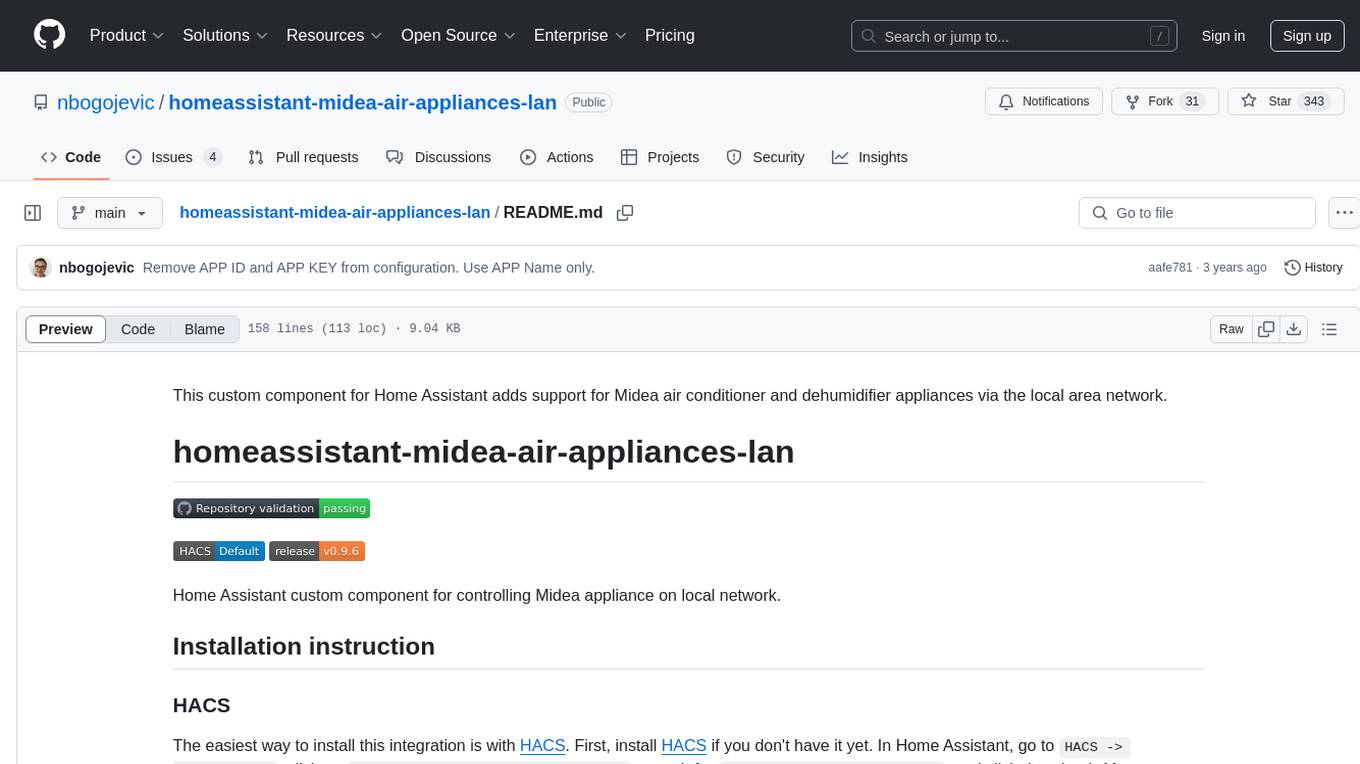
homeassistant-midea-air-appliances-lan
This custom component for Home Assistant adds support for controlling Midea air conditioner and dehumidifier appliances via the local area network. It provides integration for various Midea appliances, allowing users to control settings such as humidity levels, fan speed, and more through Home Assistant. The component supports multiple protocols and entities for different appliance models, offering a comprehensive solution for managing Midea appliances on the local network.
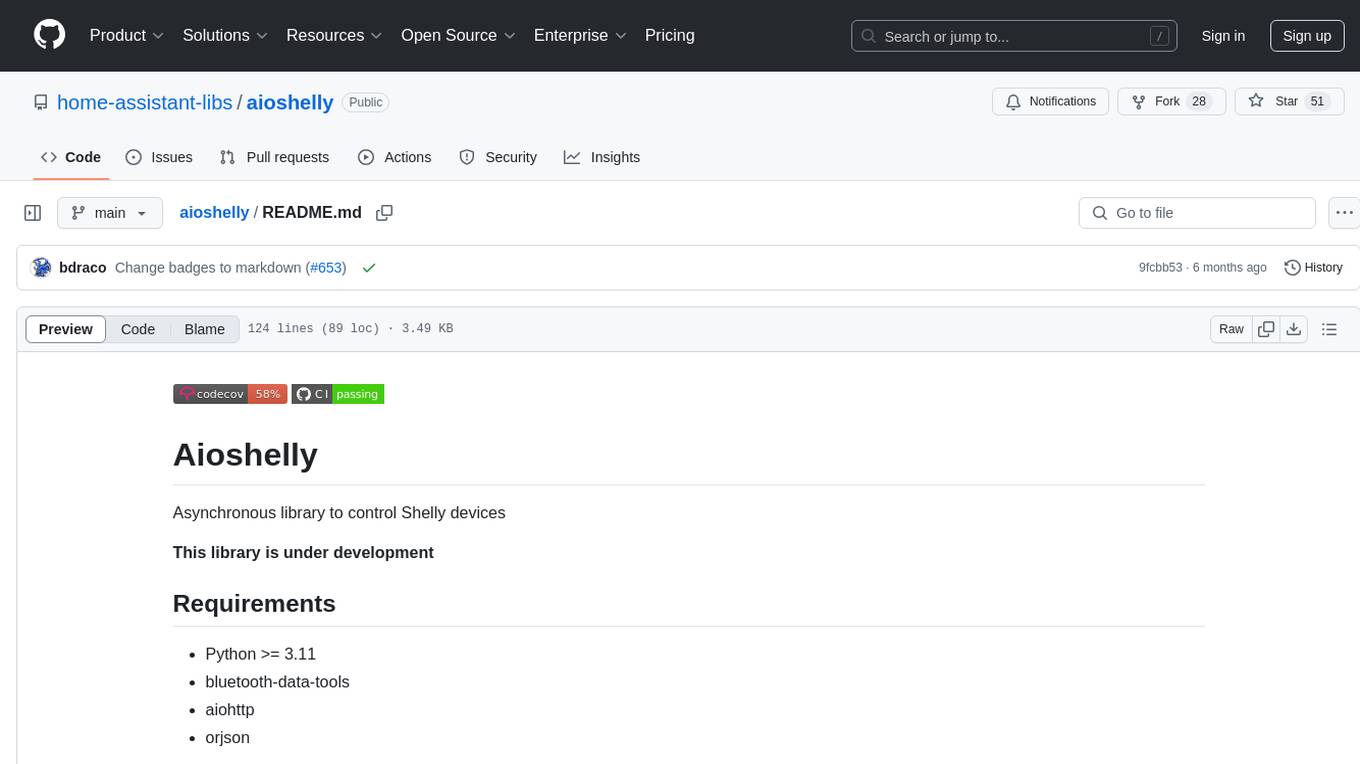
aioshelly
Aioshelly is an asynchronous library designed to control Shelly devices. It is currently under development and requires Python version 3.11 or higher, along with dependencies like bluetooth-data-tools, aiohttp, and orjson. The library provides examples for interacting with Gen1 devices using CoAP protocol and Gen2/Gen3 devices using RPC and WebSocket protocols. Users can easily connect to Shelly devices, retrieve status information, and perform various actions through the provided APIs. The repository also includes example scripts for quick testing and usage guidelines for contributors to maintain consistency with the Shelly API.
aiohomematic
AIO Homematic (hahomematic) is a lightweight Python 3 library for controlling and monitoring HomeMatic and HomematicIP devices, with support for third-party devices/gateways. It automatically creates entities for device parameters, offers custom entity classes for complex behavior, and includes features like caching paramsets for faster restarts. Designed to integrate with Home Assistant, it requires specific firmware versions for HomematicIP devices. The public API is defined in modules like central, client, model, exceptions, and const, with example usage provided. Useful links include changelog, data point definitions, troubleshooting, and developer resources for architecture, data flow, model extension, and Home Assistant lifecycle.