


ComfyUI-mnemic-nodes
Nodes: Get File Path, Save Text File, Download Image from URL, Tiktoken Tokenizer, String Cleaning, Groq LLM, VLM, ALM API
Stars: 53
ComfyUI-mnemic-nodes is a repository hosting a collection of nodes developed for ComfyUI, providing useful components to enhance project functionality. The nodes include features like returning file paths, saving text files, downloading images from URLs, tokenizing text, cleaning strings, querying Groq language models, generating negative prompts, and more. Some nodes are experimental and marked with a 'Caution' label. Installation instructions and setup details are provided for each node, along with examples and presets for different tasks.
README:
This repository hosts a collection of nodes developed for ComfyUI. It aims to share useful components that enhance the functionality of ComfyUI projects. Some nodes are forks or versions of nodes from other packs, some are bespoke and useful, and some are experimental and are quite useless, so they have been marked with a Caution label in this document.
📁 Get File Path - Returns the file path in different formats to a file in your /input-folder.
💾 Save Text File With Path Node - Save text file, and return the saved file's path.
🖼️ Download Image from URL Node - Download an image from the web.
🔠 Tiktoken Tokenizer Info - Returns token information about input text and lets you split it.
🧹 String Cleaning - Cleans up text strings.
🏷️ LoRA Loader Prompt Tags - Loads LoRA models using <lora:MyLoRA:1> in the prompt.
✨💬 Groq LLM API Node - Query Groq large language model.
✨📷 Groq VLM API Node - Query Groq vision language model.
✨📝 Groq ALM API Node - Query Groq Audio Model.
⛔ Generate Negative Prompt Node - Generate negative prompts automatically.
You may need to manually install the requirements. They should be listed in requirements.txt
You may need to install the following libraries using pip install XXX:
configparser
groq
transformers
torch
- Make a copy of
.env.exampleand remove the.examplefrom the name. - The new file should now be named
.envwithout a normal file name, just a .env extension. - The file should be in the root of the node pack, so the same directory that the .example was in.
- Edit
.envwith a text editor and edit the API key value inside.
This node returns the file path of a given file in the \input-folder.
It is meant to have a browse-button so you can browse to any file, but it doesn't yet.
If you know how to add this, please let me know or do a pull request.
This node is adapted and enhanced from the Save Text File node found in the YMC GitHub ymc-node-suite-comfyui pack.
The node can now give you a full file path output if you need it, as well as output the file-name as a separate output, in case you need it for something else.
[!IMPORTANT]
The node was severely updated so existing workflows are going to break. I won't do another overhaul like this.
The new node is more consistent in functionality and more intentional with the inputs and outputs.
It now handles more edge cases and supports both a prefix, suffix, a dynamic counting with customizable separator before/after the counter in the right circumstances.
Sorry for any troubles caused.
This node downloads an image from an URL and lets you use it.
It also outputs the Width/Height of the image.
- By default, it will save the image to the /input directory.
- Clear the
save_pathline to prevent saving the image (it will still be saved in the TEMP-folder).
- Clear the
- If you enter a name in the
save_file_name_overridesection, the file will be saved with this name.- You can enter or ignore the file extension.
- If you enter one, it will rename the file to the chosen extension without converting the image.
- Supported image formats: JPG, JPEG, PNG, WEBP.
- Does not support saving with transparency.
[!IMPORTANT]
This node was renamed in the code to match the functionality. This may break existing nodes.
This node takes text as input, and returns a bunch of data from the tiktoken tokenizer.
It returns the following values:
-
token_count: Total number of tokens -
character_count: Total number of characters -
word_count: Total number of words -
split_string: Tokenized list of strings -
split_string_list: Tokenized list of strings (output as list) -
split_token_ids: List of token IDs -
split_token_ids_list: List of token IDs (output as list) -
text_hash: Text hash -
special_tokens_used: Special tokens used -
special_tokens_used_list: Special tokens used (output as list) -
token_chunk_by_size: Returns the input text, split into different strings in a list by thetoken_chunk_sizevalue. -
token_chunk_by_size_to_word: Same as above but respects "words" by stripping backwards to the nearest space and splitting the chunk there. -
token_chunk_by_size_to_section: Same as above, but strips backwards to the nearest newline, period or comma.
This node helps you quickly clean up and format strings by letting you remove leading or trailing spaces, periods, commas, or custom text, as well as removing linebreaks, or replacing them with a period.
-
input_string: Your input string. Use ComfyUI-Easy-Use for looping through a list of strings. -
collapse_sequential_spaces: Collapses sequential spaces (" ") in a string into one. -
strip_leading_spaces: Removes any leading spaces from each line of the input string. -
strip_trailing_spaces: Removes any trailing spaces from each line of the input string. -
strip_leading_symbols: Removes leading punctuation symbols (, . ! ? : ;) from each line of the input string. -
strip_trailing_symbols: Removes leading punctuation symbols (, . ! ? : ;) from each line of the input string. -
strip_inside_tags: Removes any tags and the characters inside. <> would strip out anything like<html>or</div>, including the<and> -
strip_newlines: Removes any linebreaks in the input string. -
replace_newlines_with_period_space: Replaces any linebreaks in the input string with a ". ". If multiple linebreaks are found in a row, they will be replaced with a single ". ". -
strip_leading_custom: Removes any leading characters, words or symbols from each line of the input string. One entry per line. Space (" ") is supported. Will be processed in order, so you can combine multiple lines. Does not support linebreak removal. -
strip_trailing_custom: Removes any trailing characters, words or symbols from each line of the input string. One entry per line. Space (" ") is supported. Will be processed in order, so you can combine multiple lines. Does not support linebreak removal. -
strip_all_custom: Removes any characters, words or symbols found anywhere in the text. One entry per line. Space (" ") is supported. Will be processed in order, so you can combine multiple lines. Does not support linebreak removal. -
multiline_find: Find and replace for multiple entries. Will be processed in order. -
multiline_replace: Find and replace for multiple entries. Will be processed in order.
Loads LoRA models using <lora:MyLoRA:1> in the prompt.
Route the model and clip through the node.
Use the output [STRING] to have the prompt without the <lora::>-tags.
[!IMPORTANT]
Moved groq API key to a .env instead of a config.ini-file. This will cause existing config setups to break with an update. Apologies for the inconvenience.
This node was renamed to match the new VLM and ALM nodes added.
This node makes an API call to groq, and returns the response in text format.
You need to manually enter your groq API key into the GroqConfig.ini file.
Currently, the Groq API can be used for free, with very friendly and generous rate limits.
model: Choose from a drop-down one of the available models. The list need to be manually updated when they add additional models.
preset: This is a dropdown with a few preset prompts, the user's own presets, or the option to use a fully custom prompt. See examples and presets below.
system_message: The system message to send to the API. This is only used with the Use [system_message] and [user_input] option in the preset list. The other presets provide their own system message.
user_input: This is used with the Use [system_message] and [user_input], but can also be used with presets. In the system message, just mention the USER to refer to this input field. See the presets for examples.
temperature: Controls the randomness of the response. A higher temperature leads to more varied responses.
max_tokens: The maximum number of tokens that the model can process in a single response. Limits can be found here.
top_p: The threshold for the most probable next token to use. Higher values result in more predictable results.
seed: Random seed. Change the control_after_generate option below if you want to re-use the seed or get a new generation each time.
control_after_generate: Standard comfy seed controls. Set it to fixed or randomize based on your needs.
stop: Enter a word or stopping sequence which will terminate the AI's output. The string itself will not be returned.
- Note:
stopis not compatible withjson_mode.
json_mode: If enabled, the model will output the result in JSON format.
-
Note: You must include a description of the desired JSON format in the system message. See the examples below.
-
Note:
json_modeis not compatible withstop.
The following presets can be found in the \nodes\groq\DefaultPrompts.json file. They can be edited, but it's better to copy the presets to the UserPrompts.json-file.
This preset, (default), means that the next two fields are fully utilized. Manually enter the instruction to the AI in the system_message field, and if you have any specific requests in the user_input field. Combined they make up the complete instruction to the LLM. Sometimes a system message is enough, and inside the system message you could even refer to the contents of the user input.
This is a tailored instruction that will return a randomized Stable Diffusion-like prompt. If you enter some text in the user_input area, you should get a prompt about this subject. You can also leave it empty and it will create its own examples based on the underlying prompt.
You should get better result from providing it with a short sentence to start it off.
This will return a negative prompt which intends to be used together with the user_input string to complement it and enhance a resulting image.
This will return a list format of 10 subjects for an image, described in a simple and short style. These work good as user_input for the Generate a prompt about [user_input] preset.
You should also manually turn on json_mode when using this prompt. You should get a stable json formatted output from it in a similar style to the Generate a prompt about [user_input] above.
Note: You can actually use the entire result (JSON and all), as your prompt. Stable Diffusion seem to handle it quite fine.
Edit the \nodes\groq\UserPrompts.json file to create your own presets.
Follow the existing structure and look at the DefaultPrompts.json for examples.
[!IMPORTANT]
Added new Llama 3.2 vision model to the list, but this model is not yet officially available. Once it is, this should automatically work.
This node makes an API call to groq with an attached image and then uses Vision Language Models to return a description of the image, or answer to a question about the image in text format.
You need to manually enter your groq API key into the GroqConfig.ini file.
Currently, the Groq API can be used for free, with very friendly and generous rate limits.
Image Size Limit: The maximum allowed size for a request containing an image URL as input is 20MB. Requests larger than this limit will return a 400 error.
Request Size Limit (Base64 Enconded Images): The maximum allowed size for a request containing a base64 encoded image is 4MB. Requests larger than this limit will return a 413 error.
This node makes an API call to groq with an attached audio file and then uses Audio Language Models to transcribe the audio and return the text in different output formats.
The model distil-whisper-large-v3-en only supports the language en.
The model whisper-large-v3 supports the languages listed below. It can also be left empty, but this provides worse results than running the model locally.
[!NOTE] The presets / prompt do very little. They are meant to help you guide the output, but I don't get any relevant results.
You can convert the file_path to input to use the Get File Path node to find your files.
https://www.wikiwand.com/en/articles/List_of_ISO_639_language_codes
is tg uz zh ru tr hi la tk haw fr vi cs hu kk he cy bs sw ht mn gl si mg sa es ja pt lt mr fa sl kn uk ms ta hr bg pa yi fo th lv ln ca br sq jv sn gu ba te bn et sd tl ha de hy so oc nn az km yo ko pl da mi ml ka am tt su yue nl no ne mt my ur ps ar id fi el ro as en it sk be lo lb bo sv sr mk eu
You need to manually enter your groq API key into the GroqConfig.ini file.
Currently, the Groq API can be used for free, with very friendly and generous rate limits.
You can use this to generate files to use in a Karaoke app.
[!CAUTION] This node is highly experimental, and does not produce any useful result right now. It also requires you to download a specially trained model for it. It's just not worth the effort. It's mostly here to share a work in progress project.
This node utilizes a GPT-2 text inference model to generate a negative prompt that is supposed to enhance the aspects of the positive prompt.
[!IMPORTANT] Installation Step: Download the weights.pt file from the project's Hugging Face repository.
Place the
weights.ptfile in the following directory of your ComfyUI setup without renaming it:\ComfyUI\custom_nodes\ComfyUI-mnemic-nodes\nodes\negativepromptThe directory should resemble the following structure:
For additional information, please visit the project's GitHub page.
For Tasks:
Click tags to check more tools for each tasksFor Jobs:
Alternative AI tools for ComfyUI-mnemic-nodes
Similar Open Source Tools
ComfyUI-mnemic-nodes
ComfyUI-mnemic-nodes is a repository hosting a collection of nodes developed for ComfyUI, providing useful components to enhance project functionality. The nodes include features like returning file paths, saving text files, downloading images from URLs, tokenizing text, cleaning strings, querying Groq language models, generating negative prompts, and more. Some nodes are experimental and marked with a 'Caution' label. Installation instructions and setup details are provided for each node, along with examples and presets for different tasks.
OpenAI-sublime-text
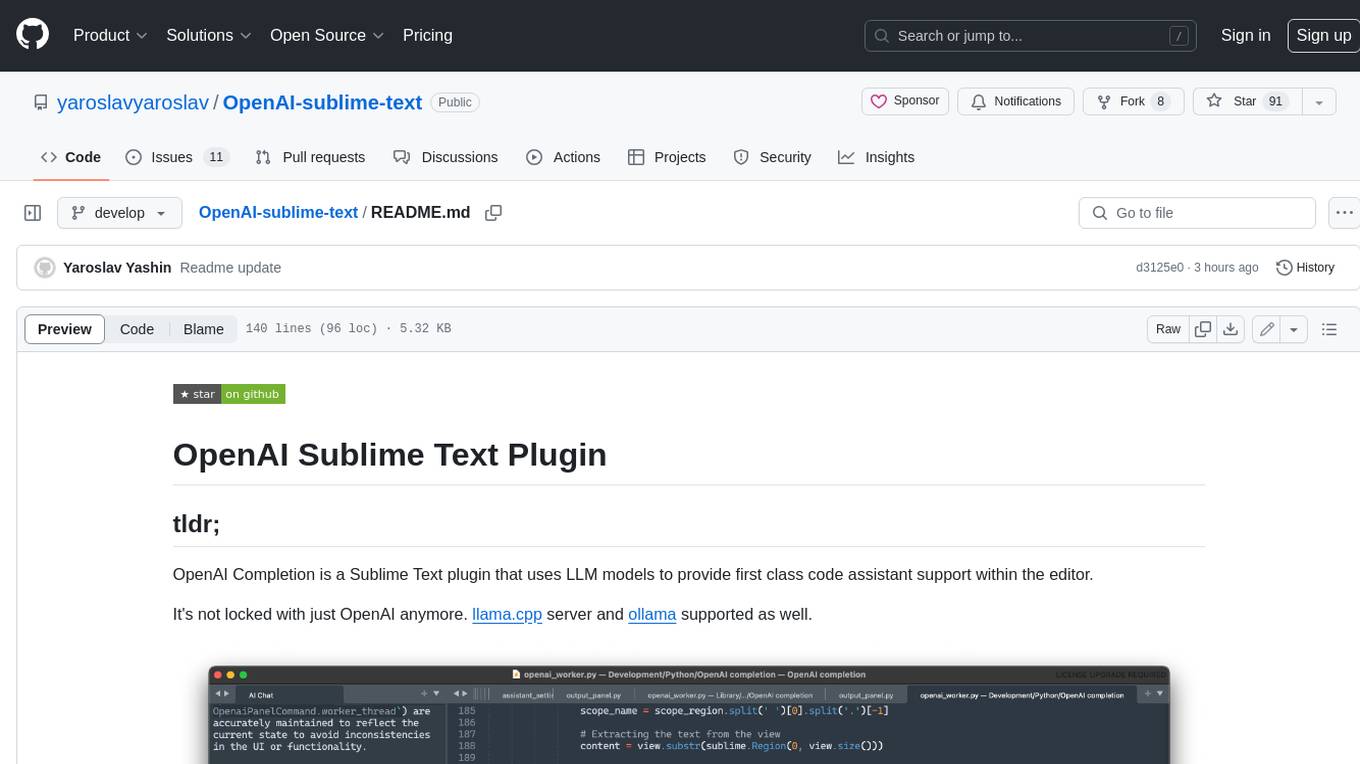
The OpenAI Completion plugin for Sublime Text provides first-class code assistant support within the editor. It utilizes LLM models to manipulate code, engage in chat mode, and perform various tasks. The plugin supports OpenAI, llama.cpp, and ollama models, allowing users to customize their AI assistant experience. It offers separated chat histories and assistant settings for different projects, enabling context-specific interactions. Additionally, the plugin supports Markdown syntax with code language syntax highlighting, server-side streaming for faster response times, and proxy support for secure connections. Users can configure the plugin's settings to set their OpenAI API key, adjust assistant modes, and manage chat history. Overall, the OpenAI Completion plugin enhances the Sublime Text editor with powerful AI capabilities, streamlining coding workflows and fostering collaboration with AI assistants.

shellChatGPT
ShellChatGPT is a shell wrapper for OpenAI's ChatGPT, DALL-E, Whisper, and TTS, featuring integration with LocalAI, Ollama, Gemini, Mistral, Groq, and GitHub Models. It provides text and chat completions, vision, reasoning, and audio models, voice-in and voice-out chatting mode, text editor interface, markdown rendering support, session management, instruction prompt manager, integration with various service providers, command line completion, file picker dialogs, color scheme personalization, stdin and text file input support, and compatibility with Linux, FreeBSD, MacOS, and Termux for a responsive experience.
Easy-Translate
Easy-Translate is a script designed for translating large text files with a single command. It supports various models like M2M100, NLLB200, SeamlessM4T, LLaMA, and Bloom. The tool is beginner-friendly and offers seamless and customizable features for advanced users. It allows acceleration on CPU, multi-CPU, GPU, multi-GPU, and TPU, with support for different precisions and decoding strategies. Easy-Translate also provides an evaluation script for translations. Built on HuggingFace's Transformers and Accelerate library, it supports prompt usage and loading huge models efficiently.
kwaak
Kwaak is a tool that allows users to run a team of autonomous AI agents locally from their own machine. It enables users to write code, improve test coverage, update documentation, and enhance code quality while focusing on building innovative projects. Kwaak is designed to run multiple agents in parallel, interact with codebases, answer questions about code, find examples, write and execute code, create pull requests, and more. It is free and open-source, allowing users to bring their own API keys or models via Ollama. Kwaak is part of the bosun.ai project, aiming to be a platform for autonomous code improvement.
lexido
Lexido is an innovative assistant for the Linux command line, designed to boost your productivity and efficiency. Powered by Gemini Pro 1.0 and utilizing the free API, Lexido offers smart suggestions for commands based on your prompts and importantly your current environment. Whether you're installing software, managing files, or configuring system settings, Lexido streamlines the process, making it faster and more intuitive.
PySpur
PySpur is a graph-based editor designed for LLM workflows, offering modular building blocks for easy workflow creation and debugging at node level. It allows users to evaluate final performance and promises self-improvement features in the future. PySpur is easy-to-hack, supports JSON configs for workflow graphs, and is lightweight with minimal dependencies, making it a versatile tool for workflow management in the field of AI and machine learning.
joinly
joinly.ai is a connector middleware designed to enable AI agents to actively participate in video calls, providing essential meeting tools for AI agents to perform tasks and interact in real time. It supports live interaction, conversational flow, cross-platform compatibility, bring-your-own-LLM, and choose-your-preferred-TTS/STT services. The tool is 100% open-source, self-hosted, and privacy-first, aiming to make meetings accessible to AI agents by joining and participating in video calls.
node_characterai
Node.js client for the unofficial Character AI API, an awesome website which brings characters to life with AI! This repository is inspired by RichardDorian's unofficial node API. Though, I found it hard to use and it was not really stable and archived. So I remade it in javascript. This project is not affiliated with Character AI in any way! It is a community project. The purpose of this project is to bring and build projects powered by Character AI. If you like this project, please check their website.
TaskWeaver
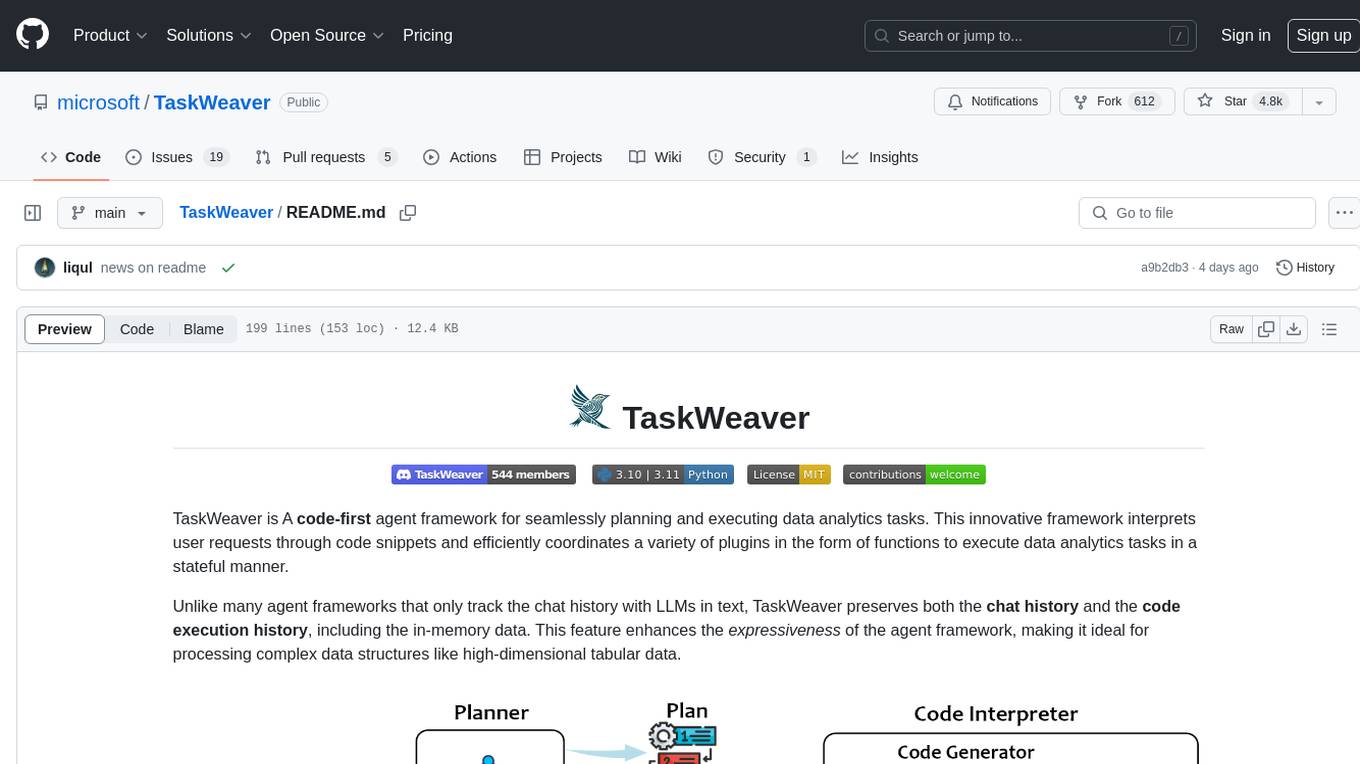
TaskWeaver is a code-first agent framework designed for planning and executing data analytics tasks. It interprets user requests through code snippets, coordinates various plugins to execute tasks in a stateful manner, and preserves both chat history and code execution history. It supports rich data structures, customized algorithms, domain-specific knowledge incorporation, stateful execution, code verification, easy debugging, security considerations, and easy extension. TaskWeaver is easy to use with CLI and WebUI support, and it can be integrated as a library. It offers detailed documentation, demo examples, and citation guidelines.
allms
allms is a versatile and powerful library designed to streamline the process of querying Large Language Models (LLMs). Developed by Allegro engineers, it simplifies working with LLM applications by providing a user-friendly interface, asynchronous querying, automatic retrying mechanism, error handling, and output parsing. It supports various LLM families hosted on different platforms like OpenAI, Google, Azure, and GCP. The library offers features for configuring endpoint credentials, batch querying with symbolic variables, and forcing structured output format. It also provides documentation, quickstart guides, and instructions for local development, testing, updating documentation, and making new releases.
OpenMusic
OpenMusic is a repository providing an implementation of QA-MDT, a Quality-Aware Masked Diffusion Transformer for music generation. The code integrates state-of-the-art models and offers training strategies for music generation. The repository includes implementations of AudioLDM, PixArt-alpha, MDT, AudioMAE, and Open-Sora. Users can train or fine-tune the model using different strategies and datasets. The model is well-pretrained and can be used for music generation tasks. The repository also includes instructions for preparing datasets, training the model, and performing inference. Contact information is provided for any questions or suggestions regarding the project.
bedrock-claude-chat
This repository is a sample chatbot using the Anthropic company's LLM Claude, one of the foundational models provided by Amazon Bedrock for generative AI. It allows users to have basic conversations with the chatbot, personalize it with their own instructions and external knowledge, and analyze usage for each user/bot on the administrator dashboard. The chatbot supports various languages, including English, Japanese, Korean, Chinese, French, German, and Spanish. Deployment is straightforward and can be done via the command line or by using AWS CDK. The architecture is built on AWS managed services, eliminating the need for infrastructure management and ensuring scalability, reliability, and security.
torchchat
torchchat is a codebase showcasing the ability to run large language models (LLMs) seamlessly. It allows running LLMs using Python in various environments such as desktop, server, iOS, and Android. The tool supports running models via PyTorch, chatting, generating text, running chat in the browser, and running models on desktop/server without Python. It also provides features like AOT Inductor for faster execution, running in C++ using the runner, and deploying and running on iOS and Android. The tool supports popular hardware and OS including Linux, Mac OS, Android, and iOS, with various data types and execution modes available.
qa-mdt
This repository provides an implementation of QA-MDT, integrating state-of-the-art models for music generation. It offers a Quality-Aware Masked Diffusion Transformer for enhanced music generation. The code is based on various repositories like AudioLDM, PixArt-alpha, MDT, AudioMAE, and Open-Sora. The implementation allows for training and fine-tuning the model with different strategies and datasets. The repository also includes instructions for preparing datasets in LMDB format and provides a script for creating a toy LMDB dataset. The model can be used for music generation tasks, with a focus on quality injection to enhance the musicality of generated music.
For similar tasks
ComfyUI-mnemic-nodes
ComfyUI-mnemic-nodes is a repository hosting a collection of nodes developed for ComfyUI, providing useful components to enhance project functionality. The nodes include features like returning file paths, saving text files, downloading images from URLs, tokenizing text, cleaning strings, querying Groq language models, generating negative prompts, and more. Some nodes are experimental and marked with a 'Caution' label. Installation instructions and setup details are provided for each node, along with examples and presets for different tasks.
For similar jobs

sweep
Sweep is an AI junior developer that turns bugs and feature requests into code changes. It automatically handles developer experience improvements like adding type hints and improving test coverage.

teams-ai
The Teams AI Library is a software development kit (SDK) that helps developers create bots that can interact with Teams and Microsoft 365 applications. It is built on top of the Bot Framework SDK and simplifies the process of developing bots that interact with Teams' artificial intelligence capabilities. The SDK is available for JavaScript/TypeScript, .NET, and Python.

ai-guide
This guide is dedicated to Large Language Models (LLMs) that you can run on your home computer. It assumes your PC is a lower-end, non-gaming setup.

classifai
Supercharge WordPress Content Workflows and Engagement with Artificial Intelligence. Tap into leading cloud-based services like OpenAI, Microsoft Azure AI, Google Gemini and IBM Watson to augment your WordPress-powered websites. Publish content faster while improving SEO performance and increasing audience engagement. ClassifAI integrates Artificial Intelligence and Machine Learning technologies to lighten your workload and eliminate tedious tasks, giving you more time to create original content that matters.

chatbot-ui
Chatbot UI is an open-source AI chat app that allows users to create and deploy their own AI chatbots. It is easy to use and can be customized to fit any need. Chatbot UI is perfect for businesses, developers, and anyone who wants to create a chatbot.

BricksLLM
BricksLLM is a cloud native AI gateway written in Go. Currently, it provides native support for OpenAI, Anthropic, Azure OpenAI and vLLM. BricksLLM aims to provide enterprise level infrastructure that can power any LLM production use cases. Here are some use cases for BricksLLM: * Set LLM usage limits for users on different pricing tiers * Track LLM usage on a per user and per organization basis * Block or redact requests containing PIIs * Improve LLM reliability with failovers, retries and caching * Distribute API keys with rate limits and cost limits for internal development/production use cases * Distribute API keys with rate limits and cost limits for students

uAgents
uAgents is a Python library developed by Fetch.ai that allows for the creation of autonomous AI agents. These agents can perform various tasks on a schedule or take action on various events. uAgents are easy to create and manage, and they are connected to a fast-growing network of other uAgents. They are also secure, with cryptographically secured messages and wallets.

griptape
Griptape is a modular Python framework for building AI-powered applications that securely connect to your enterprise data and APIs. It offers developers the ability to maintain control and flexibility at every step. Griptape's core components include Structures (Agents, Pipelines, and Workflows), Tasks, Tools, Memory (Conversation Memory, Task Memory, and Meta Memory), Drivers (Prompt and Embedding Drivers, Vector Store Drivers, Image Generation Drivers, Image Query Drivers, SQL Drivers, Web Scraper Drivers, and Conversation Memory Drivers), Engines (Query Engines, Extraction Engines, Summary Engines, Image Generation Engines, and Image Query Engines), and additional components (Rulesets, Loaders, Artifacts, Chunkers, and Tokenizers). Griptape enables developers to create AI-powered applications with ease and efficiency.