


local_multimodal_ai_chat
None
Stars: 111
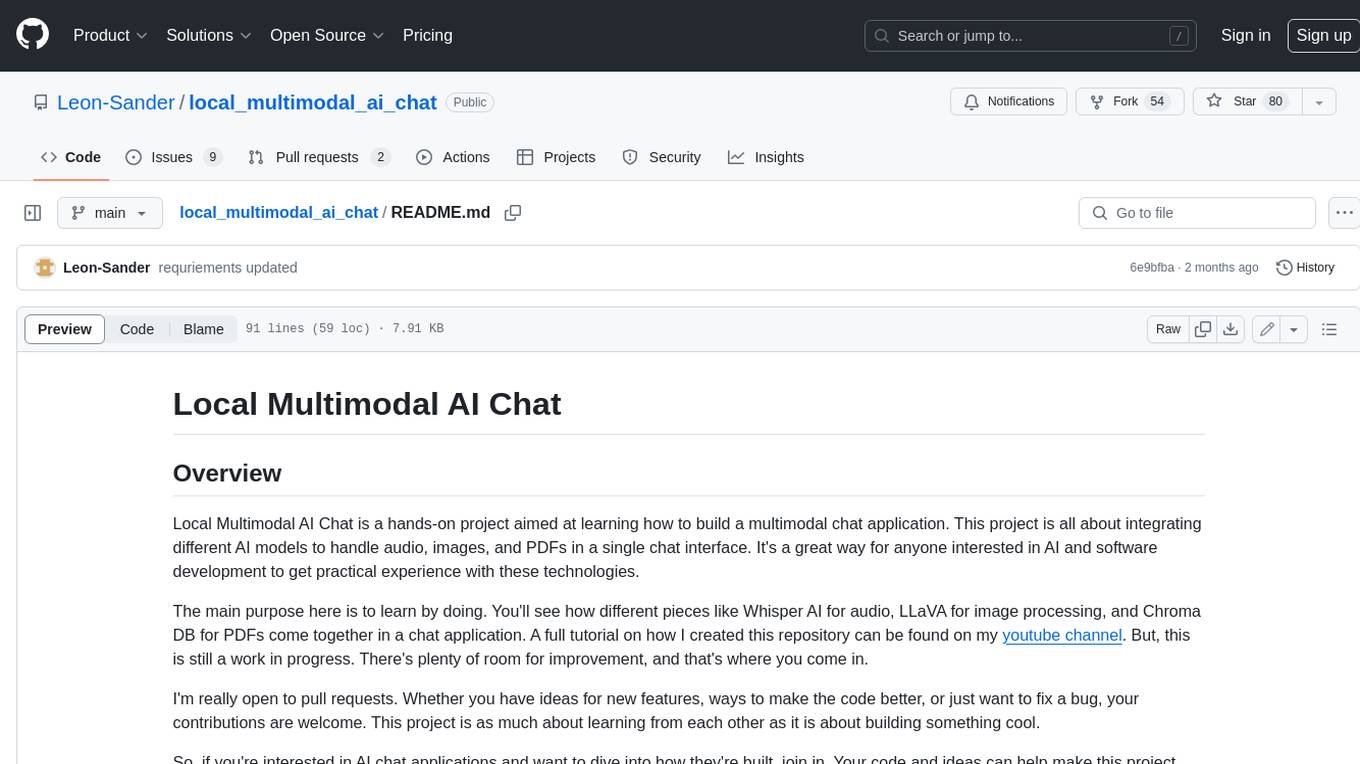
Local Multimodal AI Chat is a hands-on project that teaches you how to build a multimodal chat application. It integrates different AI models to handle audio, images, and PDFs in a single chat interface. This project is perfect for anyone interested in AI and software development who wants to gain practical experience with these technologies.
README:
To get started with Local Multimodal AI Chat, clone the repository and follow these simple steps:
-
Setting Up Local Models: Download the models you want to implement. Here is the llava model I used for image chat (ggml-model-q5_k.gguf and mmproj-model-f16.gguf). And the quantized mistral model from TheBloke (mistral-7b-instruct-v0.1.Q5_K_M.gguf).
-
Customize config file: Check the config file and change model paths accordingly for the models you downloaded.
-
Enter command in terminal:
docker compose upNote: If you don't have a GPU, you can remove the deploy section from the docker compose file.
-
Start Chatting: Open 0.0.0.0:8501 in the Browser
-
Create a Virtual Environment: I am using Python 3.10.12 currently
-
Upgrade pip:
pip install --upgrade pip -
Install Requirements:
pip install -r requirements.txtWindows Users: The installation might differ a bit for you, if you encounter errors you can't solve, please open an Issue here on github.
-
Setting Up Local Models: Download the models you want to implement. Here is the llava model I used for image chat (ggml-model-q5_k.gguf and mmproj-model-f16.gguf). And the quantized mistral model from TheBloke (mistral-7b-instruct-v0.1.Q5_K_M.gguf).
-
Customize config file: Check the config file and change model paths accordingly for the models you downloaded.
-
Optional - Change Profile Pictures: Place your user_image.pnd and/or bot_image.png inside the chat_icons folder.
-
Enter commands in terminal:
-
python3 database_operations.pyThis will initialize the sqlite database for the chat sessions. streamlit run app.py
-
Local Multimodal AI Chat is a hands-on project aimed at learning how to build a multimodal chat application. This project is all about integrating different AI models to handle audio, images, and PDFs in a single chat interface. It's a great way for anyone interested in AI and software development to get practical experience with these technologies.
The main purpose here is to learn by doing. You'll see how different pieces like Whisper AI for audio, LLaVA for image processing, and Chroma DB for PDFs come together in a chat application. A full tutorial on how I created this repository can be found on my youtube channel. But, this is still a work in progress. There's plenty of room for improvement, and that's where you come in.
I'm really open to pull requests. Whether you have ideas for new features, ways to make the code better, or just want to fix a bug, your contributions are welcome. This project is as much about learning from each other as it is about building something cool.
So, if you're interested in AI chat applications and want to dive into how they're built, join in. Your code and ideas can help make this project better for everyone who wants to learn more about building with AI.
-
Quantized Model Integration: This app uses what are called "quantized models." These are special because they are designed to work well on regular consumer hardware, like the kind most of us have at home or in our offices. Normally, the original versions of these models are really big and need more powerful computers to run them. But quantized models are optimized to be smaller and more efficient, without losing much performance. This means you can use this app and its features without needing a super powerful computer. Quantized Models from TheBloke
-
Audio Chatting with Whisper AI: Leveraging Whisper AI's robust transcription capabilities, this app offers a sophisticated audio messaging experience. The integration of Whisper AI allows for accurate interpretation and response to voice inputs, enhancing the natural flow of conversations. Whisper models
-
Image Chatting with LLaVA: The app integrates LLaVA for image processing, which is essentially a fine-tuned LLaMA model equipped to understand image embeddings. These embeddings are generated using a CLIP model, making LLaVA function like a pipeline that brings together advanced text and image understanding. With LLaVA, the chat experience becomes more interactive and engaging, especially when it comes to handling and conversing about visual content. llama-cpp-python repo for Llava loading
-
PDF Chatting with Chroma DB: The app is tailored for both professional and academic uses, integrating Chroma DB as a vector database for efficient PDF interactions. This feature allows users to engage with their own PDF files locally on their device. Whether it's for reviewing business reports, academic papers, or any other PDF document, the app offers a seamless experience. It provides an effective way for users to interact with their PDFs, leveraging the power of AI to understand and respond to content within these documents. This makes it a valuable tool for personal use, where one can extract insights, summaries, and engage in a unique form of dialogue with the text in their PDF files. Chroma website
- Docker Compose Added
- Input Widget Update: Replaced st.text_input with st.chat_input to enhance interaction by leveraging a more chat-oriented UI, facilitating user engagement.
- Sidebar Adjustment: Relocated the audio recording button to the sidebar for a cleaner and more organized user interface, improving accessibility and user experience.
- License Added: Implemented the GNU General Public License v3.0 to ensure the project is freely available for use, modification, and distribution under the terms of this license. A comprehensive copyright and license notice has been included in the main file (app.py) to clearly communicate the terms under which the project is offered. This addition aims to protect both the contributors' and users' rights, fostering an open and collaborative development environment. For full license details, refer to the LICENSE file in the project repository.
- Caching for Chat Model: Introduced caching for the chat model to prevent it from being reloaded with every script execution. This optimization significantly improves performance by reducing load times
- Config File Expansion: Expanded the configuration file to accommodate new settings and features, providing greater flexibility and customization options for the chat application.
- SQLite Database for Chat History: Implemented a SQLite database to store the chat history.
- Displaying Images and Audio Files in Chat: Chat history now supports displaying images and audio files.
- Added Button to delete Chat History
- Updated langchain: Runs now with the current langchain version 0.1.6
-
Windows User DateTime Format Issue: Windows users seemed to have problems with the datetime format of the saved JSON chat histories. I changed the format in the
ultis.pyfile to"%Y_%m_%d_%H_%M_%S", which should solve the issue. Feel free to change it to your liking. - UI Adjustment for Chat Scrolling: Scrolling down in the chat annoyed me, so the text input box and the latest message are at the top now.
- Issue with Message Sending: After writing in the text field and pressing the send button, the LLM would not generate a response.
-
Cause of the Issue: This happened because the
clear_input_fieldcallback from the button changes the text field value to an empty string after saving the user question. However, changing the text field value triggers the callback from the text field widget, setting theuser_questionto an empty string again. As a result, the LLM is not called. -
Implemented Workaround: As a workaround, I added a check before changing the
user_questionvalue.
Add Model Caching.Add Images and Audio to Chat History Saving and Loading.Use a Database to Save the Chat History.- Integrate Ollama, OpenAI, Gemini, or Other Model Providers.
- Add Image Generator Model.
- Authentication Mechanism.
- Change Theme.
- Separate Frontend and Backend Code for Better Deployment.
For any questions, please contact me at:
- Email: [email protected]
- Twitter: @leonsanderai
For Tasks:
Click tags to check more tools for each tasksFor Jobs:
Alternative AI tools for local_multimodal_ai_chat
Similar Open Source Tools
local_multimodal_ai_chat
Local Multimodal AI Chat is a hands-on project that teaches you how to build a multimodal chat application. It integrates different AI models to handle audio, images, and PDFs in a single chat interface. This project is perfect for anyone interested in AI and software development who wants to gain practical experience with these technologies.
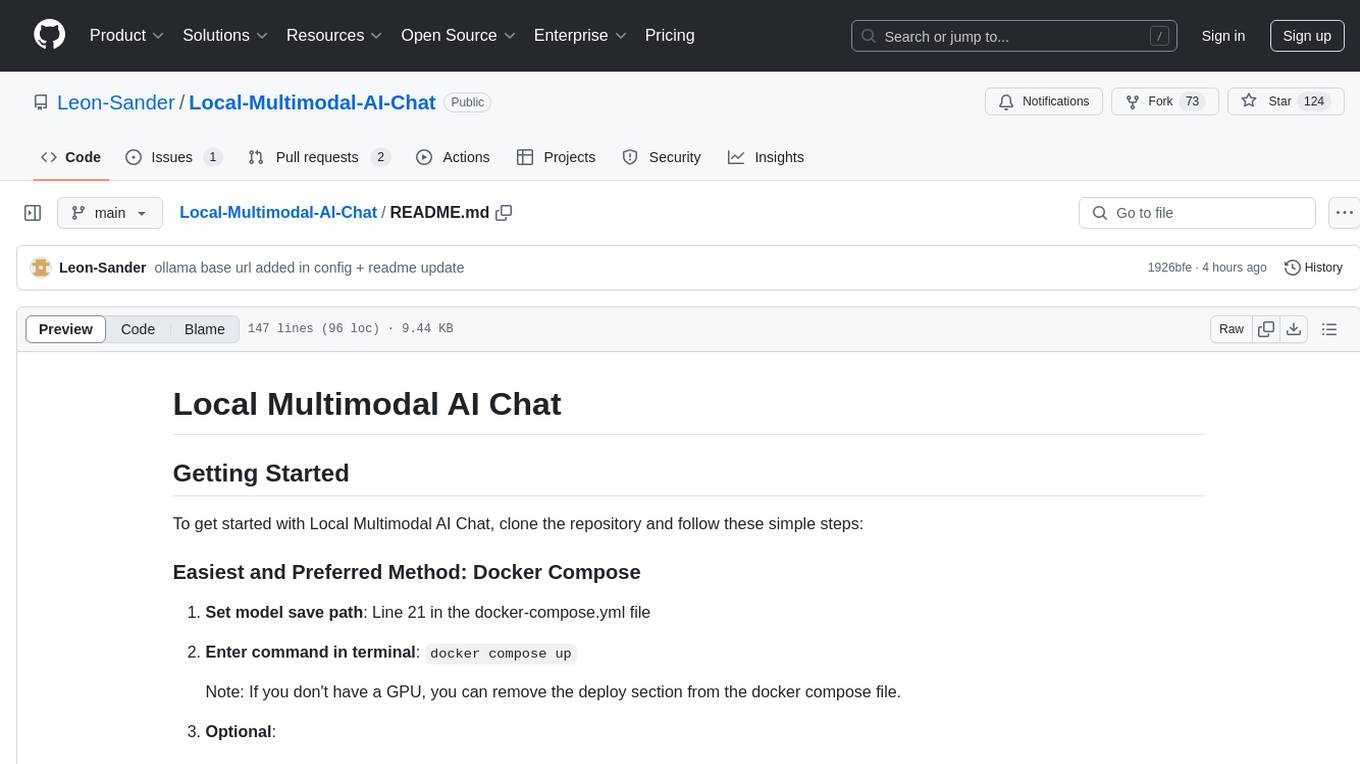
Local-Multimodal-AI-Chat
Local Multimodal AI Chat is a multimodal chat application that integrates various AI models to manage audio, images, and PDFs seamlessly within a single interface. It offers local model processing with Ollama for data privacy, integration with OpenAI API for broader AI capabilities, audio chatting with Whisper AI for accurate voice interpretation, and PDF chatting with Chroma DB for efficient PDF interactions. The application is designed for AI enthusiasts and developers seeking a comprehensive solution for multimodal AI technologies.
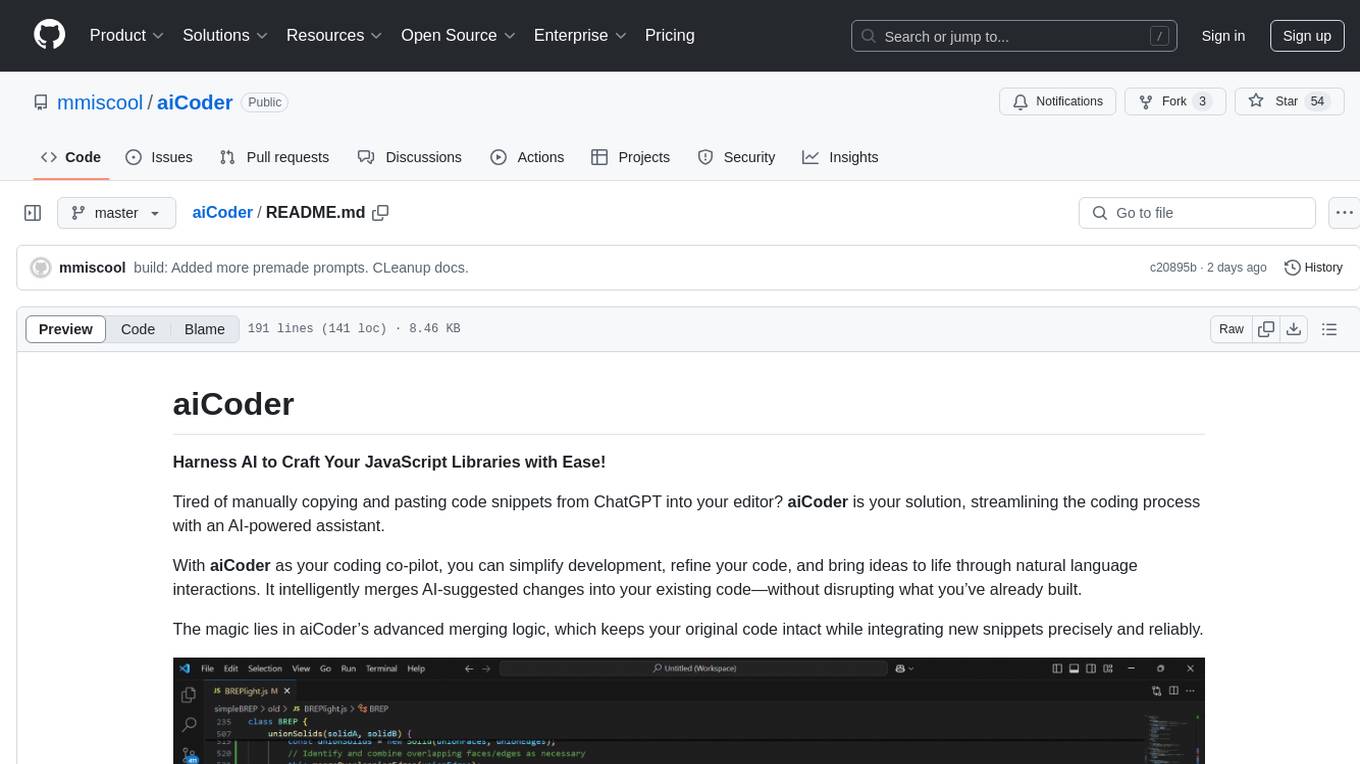
aiCoder
aiCoder is an AI-powered tool designed to streamline the coding process by automating repetitive tasks, providing intelligent code suggestions, and facilitating the integration of new features into existing codebases. It offers a chat interface for natural language interactions, methods and stubs lists for code modification, and settings customization for project-specific prompts. Users can leverage aiCoder to enhance code quality, focus on higher-level design, and save time during development.
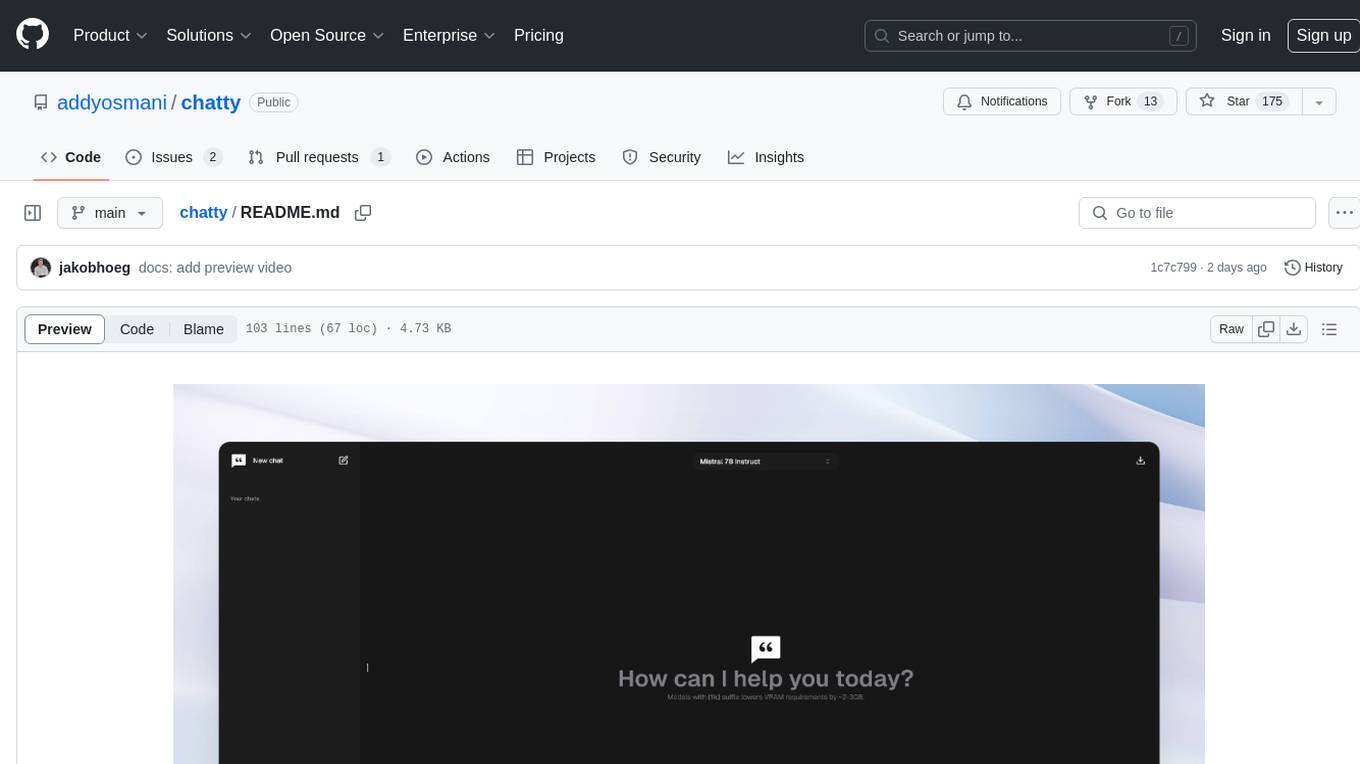
chatty
Chatty is a private AI tool that runs large language models natively and privately in the browser, ensuring in-browser privacy and offline usability. It supports chat history management, open-source models like Gemma and Llama2, responsive design, intuitive UI, markdown & code highlight, chat with files locally, custom memory support, export chat messages, voice input support, response regeneration, and light & dark mode. It aims to bring popular AI interfaces like ChatGPT and Gemini into an in-browser experience.
ai-dev-gallery
The AI Dev Gallery is an app designed to help Windows developers integrate AI capabilities within their own apps and projects. It contains over 25 interactive samples powered by local AI models, allows users to explore, download, and run models from Hugging Face and GitHub, and provides the ability to view the C# source code and export a standalone Visual Studio project for each sample. The app is open-source and welcomes contributions and suggestions from the community.
DistiLlama
DistiLlama is a Chrome extension that leverages a locally running Large Language Model (LLM) to perform various tasks, including text summarization, chat, and document analysis. It utilizes Ollama as the locally running LLM instance and LangChain for text summarization. DistiLlama provides a user-friendly interface for interacting with the LLM, allowing users to summarize web pages, chat with documents (including PDFs), and engage in text-based conversations. The extension is easy to install and use, requiring only the installation of Ollama and a few simple steps to set up the environment. DistiLlama offers a range of customization options, including the choice of LLM model and the ability to configure the summarization chain. It also supports multimodal capabilities, allowing users to interact with the LLM through text, voice, and images. DistiLlama is a valuable tool for researchers, students, and professionals who seek to leverage the power of LLMs for various tasks without compromising data privacy.
gabber
Gabber is a real-time AI engine that supports graph-based apps with multiple participants and simultaneous media streams. It allows developers to build powerful and developer-friendly AI applications across voice, text, video, and more. The engine consists of frontend and backend services including an editor, engine, and repository. Gabber provides SDKs for JavaScript/TypeScript, React, Python, Unity, and upcoming support for iOS, Android, React Native, and Flutter. The roadmap includes adding more nodes and examples, such as computer use nodes, Unity SDK with robotics simulation, SIP nodes, and multi-participant turn-taking. Users can create apps using nodes, pads, subgraphs, and state machines to define application flow and logic.
WriteNow
Write Now is an all-in-one writing assistant that helps users elevate their text with features like proofreading, rewriting, friendly and professional tones, concise mode, and custom AI server configuration. It prioritizes user privacy and offers a Lite Edition for trial purposes. Users can install Write Now through the Havoc Store and configure AI server endpoints for enhanced functionality.
devika
Devika is an advanced AI software engineer that can understand high-level human instructions, break them down into steps, research relevant information, and write code to achieve the given objective. Devika utilizes large language models, planning and reasoning algorithms, and web browsing abilities to intelligently develop software. Devika aims to revolutionize the way we build software by providing an AI pair programmer who can take on complex coding tasks with minimal human guidance. Whether you need to create a new feature, fix a bug, or develop an entire project from scratch, Devika is here to assist you.
aide
Aide is an Open Source AI-native code editor that combines the powerful features of VS Code with advanced AI capabilities. It provides a combined chat + edit flow, proactive agents for fixing errors, inline editing widget, intelligent code completion, and AST navigation. Aide is designed to be an intelligent coding companion, helping users write better code faster while maintaining control over the development process.
hf-llm.rs
HF-LLM.rs is a CLI tool for accessing Large Language Models (LLMs) like Llama 3.1, Mistral, Gemma 2, Cohere and more hosted on Hugging Face. It allows interaction with various models, providing input and receiving responses in a terminal environment. Users can select models, input prompts, receive streaming output, and engage in chat mode. The tool supports a variety of models available on Hugging Face infrastructure, with the list continuously updated. Some models may require a Pro subscription for access.
LLM-Minutes-of-Meeting
LLM-Minutes-of-Meeting is a project showcasing NLP & LLM's capability to summarize long meetings and automate the task of delegating Minutes of Meeting(MoM) emails. It converts audio/video files to text, generates editable MoM, and aims to develop a real-time python web-application for meeting automation. The tool features keyword highlighting, topic tagging, export in various formats, user-friendly interface, and uses Celery for asynchronous processing. It is designed for corporate meetings, educational institutions, legal and medical fields, accessibility, and event coverage.
lluminous
lluminous is a fast and light open chat UI that supports multiple providers such as OpenAI, Anthropic, and Groq models. Users can easily plug in their API keys locally to access various models for tasks like multimodal input, image generation, multi-shot prompting, pre-filled responses, and more. The tool ensures privacy by storing all conversation history and keys locally on the user's device. Coming soon features include memory tool, file ingestion/embedding, embeddings-based web search, and prompt templates.
podman-desktop-extension-ai-lab
Podman AI Lab is an open source extension for Podman Desktop designed to work with Large Language Models (LLMs) on a local environment. It features a recipe catalog with common AI use cases, a curated set of open source models, and a playground for learning, prototyping, and experimentation. Users can quickly and easily get started bringing AI into their applications without depending on external infrastructure, ensuring data privacy and security.
recognize
Recognize is a smart media tagging tool for Nextcloud that automatically categorizes photos and music by recognizing faces, animals, landscapes, food, vehicles, buildings, landmarks, monuments, music genres, and human actions in videos. It uses pre-trained models for object detection, landmark recognition, face comparison, music genre classification, and video classification. The tool ensures privacy by processing images locally without sending data to cloud providers. However, it cannot process end-to-end encrypted files. Recognize is rated positively for ethical AI practices in terms of open-source software, freely available models, and training data transparency, except for music genre recognition due to limited access to training data.
For similar tasks
h2ogpt
h2oGPT is an Apache V2 open-source project that allows users to query and summarize documents or chat with local private GPT LLMs. It features a private offline database of any documents (PDFs, Excel, Word, Images, Video Frames, Youtube, Audio, Code, Text, MarkDown, etc.), a persistent database (Chroma, Weaviate, or in-memory FAISS) using accurate embeddings (instructor-large, all-MiniLM-L6-v2, etc.), and efficient use of context using instruct-tuned LLMs (no need for LangChain's few-shot approach). h2oGPT also offers parallel summarization and extraction, reaching an output of 80 tokens per second with the 13B LLaMa2 model, HYDE (Hypothetical Document Embeddings) for enhanced retrieval based upon LLM responses, a variety of models supported (LLaMa2, Mistral, Falcon, Vicuna, WizardLM. With AutoGPTQ, 4-bit/8-bit, LORA, etc.), GPU support from HF and LLaMa.cpp GGML models, and CPU support using HF, LLaMa.cpp, and GPT4ALL models. Additionally, h2oGPT provides Attention Sinks for arbitrarily long generation (LLaMa-2, Mistral, MPT, Pythia, Falcon, etc.), a UI or CLI with streaming of all models, the ability to upload and view documents through the UI (control multiple collaborative or personal collections), Vision Models LLaVa, Claude-3, Gemini-Pro-Vision, GPT-4-Vision, Image Generation Stable Diffusion (sdxl-turbo, sdxl) and PlaygroundAI (playv2), Voice STT using Whisper with streaming audio conversion, Voice TTS using MIT-Licensed Microsoft Speech T5 with multiple voices and Streaming audio conversion, Voice TTS using MPL2-Licensed TTS including Voice Cloning and Streaming audio conversion, AI Assistant Voice Control Mode for hands-free control of h2oGPT chat, Bake-off UI mode against many models at the same time, Easy Download of model artifacts and control over models like LLaMa.cpp through the UI, Authentication in the UI by user/password via Native or Google OAuth, State Preservation in the UI by user/password, Linux, Docker, macOS, and Windows support, Easy Windows Installer for Windows 10 64-bit (CPU/CUDA), Easy macOS Installer for macOS (CPU/M1/M2), Inference Servers support (oLLaMa, HF TGI server, vLLM, Gradio, ExLLaMa, Replicate, OpenAI, Azure OpenAI, Anthropic), OpenAI-compliant, Server Proxy API (h2oGPT acts as drop-in-replacement to OpenAI server), Python client API (to talk to Gradio server), JSON Mode with any model via code block extraction. Also supports MistralAI JSON mode, Claude-3 via function calling with strict Schema, OpenAI via JSON mode, and vLLM via guided_json with strict Schema, Web-Search integration with Chat and Document Q/A, Agents for Search, Document Q/A, Python Code, CSV frames (Experimental, best with OpenAI currently), Evaluate performance using reward models, and Quality maintained with over 1000 unit and integration tests taking over 4 GPU-hours.
serverless-chat-langchainjs
This sample shows how to build a serverless chat experience with Retrieval-Augmented Generation using LangChain.js and Azure. The application is hosted on Azure Static Web Apps and Azure Functions, with Azure Cosmos DB for MongoDB vCore as the vector database. You can use it as a starting point for building more complex AI applications.
react-native-vercel-ai
Run Vercel AI package on React Native, Expo, Web and Universal apps. Currently React Native fetch API does not support streaming which is used as a default on Vercel AI. This package enables you to use AI library on React Native but the best usage is when used on Expo universal native apps. On mobile you get back responses without streaming with the same API of `useChat` and `useCompletion` and on web it will fallback to `ai/react`
LLamaSharp
LLamaSharp is a cross-platform library to run 🦙LLaMA/LLaVA model (and others) on your local device. Based on llama.cpp, inference with LLamaSharp is efficient on both CPU and GPU. With the higher-level APIs and RAG support, it's convenient to deploy LLM (Large Language Model) in your application with LLamaSharp.
gpt4all
GPT4All is an ecosystem to run powerful and customized large language models that work locally on consumer grade CPUs and any GPU. Note that your CPU needs to support AVX or AVX2 instructions. Learn more in the documentation. A GPT4All model is a 3GB - 8GB file that you can download and plug into the GPT4All open-source ecosystem software. Nomic AI supports and maintains this software ecosystem to enforce quality and security alongside spearheading the effort to allow any person or enterprise to easily train and deploy their own on-edge large language models.
ChatGPT-Telegram-Bot
ChatGPT Telegram Bot is a Telegram bot that provides a smooth AI experience. It supports both Azure OpenAI and native OpenAI, and offers real-time (streaming) response to AI, with a faster and smoother experience. The bot also has 15 preset bot identities that can be quickly switched, and supports custom bot identities to meet personalized needs. Additionally, it supports clearing the contents of the chat with a single click, and restarting the conversation at any time. The bot also supports native Telegram bot button support, making it easy and intuitive to implement required functions. User level division is also supported, with different levels enjoying different single session token numbers, context numbers, and session frequencies. The bot supports English and Chinese on UI, and is containerized for easy deployment.
twinny
Twinny is a free and open-source AI code completion plugin for Visual Studio Code and compatible editors. It integrates with various tools and frameworks, including Ollama, llama.cpp, oobabooga/text-generation-webui, LM Studio, LiteLLM, and Open WebUI. Twinny offers features such as fill-in-the-middle code completion, chat with AI about your code, customizable API endpoints, and support for single or multiline fill-in-middle completions. It is easy to install via the Visual Studio Code extensions marketplace and provides a range of customization options. Twinny supports both online and offline operation and conforms to the OpenAI API standard.
agnai
Agnaistic is an AI roleplay chat tool that allows users to interact with personalized characters using their favorite AI services. It supports multiple AI services, persona schema formats, and features such as group conversations, user authentication, and memory/lore books. Agnaistic can be self-hosted or run using Docker, and it provides a range of customization options through its settings.json file. The tool is designed to be user-friendly and accessible, making it suitable for both casual users and developers.
For similar jobs

weave
Weave is a toolkit for developing Generative AI applications, built by Weights & Biases. With Weave, you can log and debug language model inputs, outputs, and traces; build rigorous, apples-to-apples evaluations for language model use cases; and organize all the information generated across the LLM workflow, from experimentation to evaluations to production. Weave aims to bring rigor, best-practices, and composability to the inherently experimental process of developing Generative AI software, without introducing cognitive overhead.

LLMStack
LLMStack is a no-code platform for building generative AI agents, workflows, and chatbots. It allows users to connect their own data, internal tools, and GPT-powered models without any coding experience. LLMStack can be deployed to the cloud or on-premise and can be accessed via HTTP API or triggered from Slack or Discord.

VisionCraft
The VisionCraft API is a free API for using over 100 different AI models. From images to sound.

kaito
Kaito is an operator that automates the AI/ML inference model deployment in a Kubernetes cluster. It manages large model files using container images, avoids tuning deployment parameters to fit GPU hardware by providing preset configurations, auto-provisions GPU nodes based on model requirements, and hosts large model images in the public Microsoft Container Registry (MCR) if the license allows. Using Kaito, the workflow of onboarding large AI inference models in Kubernetes is largely simplified.

PyRIT
PyRIT is an open access automation framework designed to empower security professionals and ML engineers to red team foundation models and their applications. It automates AI Red Teaming tasks to allow operators to focus on more complicated and time-consuming tasks and can also identify security harms such as misuse (e.g., malware generation, jailbreaking), and privacy harms (e.g., identity theft). The goal is to allow researchers to have a baseline of how well their model and entire inference pipeline is doing against different harm categories and to be able to compare that baseline to future iterations of their model. This allows them to have empirical data on how well their model is doing today, and detect any degradation of performance based on future improvements.

tabby
Tabby is a self-hosted AI coding assistant, offering an open-source and on-premises alternative to GitHub Copilot. It boasts several key features: * Self-contained, with no need for a DBMS or cloud service. * OpenAPI interface, easy to integrate with existing infrastructure (e.g Cloud IDE). * Supports consumer-grade GPUs.

spear
SPEAR (Simulator for Photorealistic Embodied AI Research) is a powerful tool for training embodied agents. It features 300 unique virtual indoor environments with 2,566 unique rooms and 17,234 unique objects that can be manipulated individually. Each environment is designed by a professional artist and features detailed geometry, photorealistic materials, and a unique floor plan and object layout. SPEAR is implemented as Unreal Engine assets and provides an OpenAI Gym interface for interacting with the environments via Python.

Magick
Magick is a groundbreaking visual AIDE (Artificial Intelligence Development Environment) for no-code data pipelines and multimodal agents. Magick can connect to other services and comes with nodes and templates well-suited for intelligent agents, chatbots, complex reasoning systems and realistic characters.