


HacxGPT-CLI
Open-source CLI for unrestricted AI - Access powerful models without censorship
Stars: 888
HacxGPT-CLI is an open-source command-line interface designed to provide powerful, unrestricted, and seamless AI-driven conversations. It allows users to interact with multiple AI providers through a custom-built local API engine, offering features like powerful AI conversations, extensive model support, unrestricted framework, easy-to-use CLI, cross-platform compatibility, multi-provider support, configuration management, and local storage of API keys.
README:

Open-source CLI for unrestricted AI - Access powerful models without censorship


-
Custom Local API Engine: Replaced
litellmandopenaiwith a standalone, high-performanceapi.pyengine. ZERO external API SDK dependencies for maximum speed and control. - Enhanced Aesthetics: Modernized UI with refined colors, improved main menu, and a cleaner streaming experience.
-
Reasoning Support: Optimized rendering for
<think>tags (CoT) with a dedicated reasoning panel. -
Auto-Update System: Built-in update engine! Use
/updatein chat or run the new update scripts. -
Dependency Cleanup: Completely removed
openaiandlitellm. The project is now lighter and easier to maintain.
Here is a glimpse of HacxGPT-CLI in action:

- About The Project
- Features
- Supported Providers & Models
- Getting Started
- Updating HacxGPT
- Configuration
- Usage
- Roadmap
- Star History
- Contributing
- License
HacxGPT-CLI is designed to provide powerful, unrestricted, and seamless AI-driven conversations, pushing the boundaries of what is possible with natural language processing and code generation.
This repository is an open-source command-line interface that makes powerful AI models accessible without heavy censorship. It provides a clean, professional way to interact with multiple AI providers through a custom-built local API engine.
What HacxGPT-CLI Provides:
- ✅ Open-source CLI tool for interacting with AI models
- ✅ Custom Local API Engine - Zero dependency on third-party SDKs like
openaiorlitellm - ✅ Access to multiple providers - OpenRouter, Groq, and HacxGPT API
- ✅ Advanced jailbreak prompts that reduce model censorship
- ✅ Multi-provider support with easy switching between services
- ✅ Cross-platform compatibility - Linux, Windows, macOS, Termux
- ✅ Local API key storage - your keys never leave your machine
- ✅ Free to use - just bring your own API keys from providers
What This Repository Is:
- This is a wrapper/interface framework that connects to AI providers
- Uses third-party APIs (OpenRouter, Groq) with enhanced prompting
- Completely open source and auditable - check the code yourself
- Your API keys are stored locally on your machine only
- All requests go directly to your chosen provider, not through our servers
What This Repository Is NOT:
- ❌ This code itself is not a custom AI model
- ❌ Not a paid service - completely free and open source
- ❌ Does not collect or store your data
- ❌ Does not require payment to use the CLI tool
In addition to this free CLI tool, we also offer custom-trained production models running on dedicated infrastructure, accessible via API subscription.
Our Production Offering:
| Feature | This Free CLI Tool | HacxGPT Production API |
|---|---|---|
| Technology | Interface to public APIs with jailbreak prompts | Custom-trained models optimized for coding |
| Context | Varies by provider (4k-128k) | Extended context optimized for large codebases |
| Approach | Jailbreak prompts on existing models | Built uncensored from the ground up |
| Performance | Depends on provider | Optimized for coding tasks |
| Infrastructure | You connect to public APIs | Dedicated GPU infrastructure |
| Cost | Free (BYO API keys) | Paid subscription |
| Support | Community via GitHub/Telegram | Priority support |
| Best For | Experimentation, learning, general use | Production coding workflows, large projects |
About HacxGPT Production Models:
- ✨ Custom-trained for coding and technical tasks
- 🚀 Extended context capabilities for handling large codebases
- 🔓 Built uncensored - no jailbreak prompts needed
- ⚡ Dedicated infrastructure - consistent performance
- 🎯 Code-optimized - better understanding of complex technical concepts
Access Production Models:
- 🌐 Visit hacxgpt.com to learn more
- 💬 Join Telegram for API access and pricing
- 📧 Contact [email protected] for enterprise
This Open-Source CLI Provides:
- Powerful AI Conversations: Get intelligent and context-aware answers to your queries
- Extensive Model Support: Access to HacxGPT production models, Groq models, and OpenRouter's library of open-source models
- Unrestricted Framework: System prompts engineered to reduce conventional AI limitations
- Easy-to-Use CLI: Clean and simple command-line interface for smooth interaction
- Cross-Platform: Tested and working on Kali Linux, Ubuntu, Windows, macOS, and Termux
- Multi-Provider Support: Seamlessly switch between different AI providers
- Configuration Management: Built-in commands for managing API keys and model selection
- Local Storage: All configuration and API keys stored securely on your machine
HacxGPT-CLI provides a versatile interface for a wide range of models through multiple providers.
| Provider | Key Models Supported | Best For |
|---|---|---|
| HacxGPT | hacxgpt-lightning |
Production coding, Truely uncensored |
| Groq |
kimi-k2-instruct-0905, qwen3-32b
|
|
| OpenRouter |
mimo-v2-flash, devstral-2512, glm-4.5-air, kimi-k2, deepseek-r1t-chimera
|
[!TIP] Start Free: OpenRouter and Groq offer generous free tiers that let you try HacxGPT-CLI without any cost. Perfect for getting started and experimenting with different models, And For Advanced Models try our our models see at hacxgpt.com
Popular Models to Try:
For Coding:
-
hacxgpt-lightning(HacxGPT) - Our custom model optimized for code -
mimo-v2-flash(OpenRouter) - another great model for coding. -
kimi-k2-instruct-0905(Groq) - great for coding. -
devstral-2512(OpenRouter) - Lastest coding model from Mistral AI
For Reasoning:
-
hacxgpt-lightning(HacxGPT) - Our custom model optimized for code -
deepseek-r1t-chimera(OpenRouter) - Advanced reasoning capabilities
Best Fits
-
hacxgpt-lightning(HacxGPT) - Our model optimized for code and problem solving.
Follow these steps to get HacxGPT-CLI running on your system.
To use this framework, you must obtain an API key from at least one supported provider. All providers offer free tiers perfect for getting started.
Option 1: OpenRouter (Recommended for Beginners)
- Visit openrouter.ai/keys
- Sign up for a free account
- Generate your API key
- Access to many powerful free models included
Option 2: Groq (Great for Fast Responses)
- Visit console.groq.com/keys
- Create a free account
- Generate your API key
- Very generous free tier with fast inference
Option 3: HacxGPT API (Our Production Models)
- Visit hacxgpt.com to learn about our custom models
- Join Telegram for API access and pricing
- Get access to extended context and production-grade models
We provide simple, one-command installation scripts for your convenience.
- Open PowerShell as Administrator.
- Run the following command:
This will download the installer, set up a virtual environment, and install all dependencies automatically.
powershell -ExecutionPolicy ByPass -c "irm https://raw.githubusercontent.com/HacxGPT-Official/HacxGPT-CLI/main/scripts/install.ps1 | iex"
- Open your terminal
- Run the following command:
This will download the installer, make it executable, and run it for you.
bash <(curl -s https://raw.githubusercontent.com/HacxGPT-Official/HacxGPT-CLI/main/scripts/install.sh)
Manual Installation (Click to expand)
If you prefer to install manually, follow these steps:
-
Clone the repository:
git clone https://github.com/HacxGPT-Official/HacxGPT-CLI.git
-
Navigate to the directory:
cd HacxGPT-CLI -
Install Python dependencies:
pip install -e . -
Run the application:
hacxgpt
# OR
python -m hacxgpt.main
Keep your system synchronized with the latest features and patches.
Simply type /update while in a chat session. The tool will check for updates, pull the latest code, and restart automatically.
-
All Platforms: Run
python scripts/update.py(orpython3on Linux/macOS)- This script automatically downloads the latest archive from GitHub, synchronizes your local files, and updates dependencies.
Select option [4] System Update from the main menu.
HacxGPT-CLI uses a centralized providers.json file for managing API endpoints and models. You can easily switch between providers and models using built-in commands or through the setup menu.
-
Launch the tool:
hacxgpt # OR python -m hacxgpt.main -
Select Option [2] to Configure Security Keys
-
Choose your provider and select your preferred model from the interactive list
-
Enter your API key when prompted - it will be stored locally on your machine
While in chat, use these commands to dynamically manage your configuration:
| Command | Description | Example |
|---|---|---|
/setup |
Re-configure API keys and default models | /setup |
/provider <name> |
Switch between configured providers | /provider openrouter |
/model <name> |
Switch the active model | /model llama-3.3-70b |
/models |
List all available models for current provider | /models |
/status |
Show current configuration | /status |
/help |
Display all available commands | /help |
/clear |
Clear the conversation history | /clear |
/exit or /quit
|
Exit the application | /exit |
Run the application directly:
hacxgpt
# OR
python -m hacxgpt.main
The first time you run it, you will be prompted to enter your API key. It will be saved locally for future sessions.
-
Start with free providers - Use OpenRouter or Groq to try the tool without cost
-
Switch models - Use
/modelsto see available options and/modelto switch -
Check your config - Use
/statusto verify your current setup -
Try different providers - Each has strengths; experiment to find what works best
-
For production work - Consider HacxGPT API at hacxgpt.com for Best performance.
We are constantly evolving HacxGPT-CLI. Here are some of the technical milestones we are currently targeting:
- [ ] Advanced Reasoning Support: Deep-think/reasoning capabilities for complex problem-solving
- [ ] Agentic Capabilities: Autonomous tool use and multi-step execution chains
- [ ] Web Search Integration: Real-time data retrieval for up-to-date context
- [ ] Advanced File Analysis: Native support for processing large datasets and documents
- [ ] IDE Integrations: Plugins for VS Code, IntelliJ, and other popular editors
- [ ] Conversation Management: Save, load, and resume conversations
- [ ] Multi-Modal Support: Image and document analysis capabilities
- [ ] Custom Prompt Templates: User-defined system prompts for specific tasks
- [ ] Provider Auto-Switching: Automatically switch providers based on task type
Contributions are what make the open-source community such an amazing place to learn, inspire, and create. Any contributions you make are greatly appreciated.
- Fork the Project
-
Create your Feature Branch (
git checkout -b feature/AmazingFeature) -
Commit your Changes (
git commit -m 'Add some AmazingFeature') -
Push to the Branch (
git push origin feature/AmazingFeature) - Open a Pull Request
- 🐛 Bug fixes and testing - Help us catch and fix issues
- 📝 Documentation improvements - Make our docs clearer and more comprehensive
- 🎨 UI/UX enhancements - Improve the CLI user experience
- 🔌 New AI providers - Add support for additional AI services
- 🌐 Translations - Help make HacxGPT-CLI accessible worldwide
- 💡 Feature implementations - Build new capabilities
- 🧪 Testing coverage - Add tests to improve reliability
We are committed to providing a welcoming and inclusive environment. Please:
- Be respectful and constructive in discussions
- Focus on the code and ideas, not individuals
- Help newcomers learn and contribute
- Report issues through proper channels
Distributed under the Personal-Use Only License (PUOL) 1.0. See LICENSE for more information.
Key Points:
- ✅ Free for personal use
- ✅ Open source for learning and contribution
- ✅ Can be forked and modified for personal projects
⚠️ Commercial use requires separate licensing
HacxGPT Resources:
- 🌐 Website: hacxgpt.com - Learn about our production models
- 💬 Telegram Community: t.me/HacxGPT - Community support and announcements
- 📧 Email: [email protected] - Direct contact
- 🐙 GitHub Organization: @HacxGPT-Official
Project Resources:
- 📚 Repository: HacxGPT-CLI
- 🐛 Issue Tracker: Report bugs
Need help? Have questions?
Community Support:
Production Support:
- 🌐 For HacxGPT API support: Visit hacxgpt.com
- 📧 For business inquiries: Email [email protected]
This tool is designed for educational and research purposes. Users are responsible for ensuring their use complies with applicable laws and the terms of service of any third-party APIs they access.
Important Notes:
⚠️ API Usage: When using third-party providers (OpenRouter, Groq), you are subject to their terms of service and privacy policies⚠️ Data Privacy: Your prompts are sent to the provider you choose - not to us⚠️ API Keys: Store your API keys securely and never share them⚠️ Jailbreak Prompts: System prompts that reduce censorship may violate some providers' terms of service⚠️ Responsibility: You are responsible for how you use this tool
The developers of HacxGPT-CLI:
- Do NOT collect or store your API keys or prompts
- Are NOT responsible for misuse of this software
- Do NOT guarantee the tool will work with all providers indefinitely
- Encourage responsible and legal use of AI technology
This project stands on the shoulders of giants. We thank:
- OpenRouter for providing access to a wide variety of AI models
- Groq for fast inference and generous free tier
- The open-source community for tools, libraries, and inspiration
- All contributors who have helped improve this project
- Our users for feedback, bug reports, and support
Built with ❤️ by the HacxGPT team
⭐ Star this repo • 🐛 Report bug • 💡 Request feature
Want production-grade uncensored AI? Visit hacxgpt.com
For Tasks:
Click tags to check more tools for each tasksFor Jobs:
Alternative AI tools for HacxGPT-CLI
Similar Open Source Tools
HacxGPT-CLI
HacxGPT-CLI is an open-source command-line interface designed to provide powerful, unrestricted, and seamless AI-driven conversations. It allows users to interact with multiple AI providers through a custom-built local API engine, offering features like powerful AI conversations, extensive model support, unrestricted framework, easy-to-use CLI, cross-platform compatibility, multi-provider support, configuration management, and local storage of API keys.
stenoai
StenoAI is an AI-powered meeting intelligence tool that allows users to record, transcribe, summarize, and query meetings using local AI models. It prioritizes privacy by processing data entirely on the user's device. The tool offers multiple AI models optimized for different use cases, making it ideal for healthcare, legal, and finance professionals with confidential data needs. StenoAI also features a macOS desktop app with a user-friendly interface, making it convenient for users to access its functionalities. The project is open-source and not affiliated with any specific company, emphasizing its focus on meeting-notes productivity and community collaboration.
DreamLayer
DreamLayer AI is an open-source Stable Diffusion WebUI designed for AI researchers, labs, and developers. It automates prompts, seeds, and metrics for benchmarking models, datasets, and samplers, enabling reproducible evaluations across multiple seeds and configurations. The tool integrates custom metrics and evaluation pipelines, providing a streamlined workflow for AI research. With features like automated benchmarking, reproducibility, built-in metrics, multi-modal readiness, and researcher-friendly interface, DreamLayer AI aims to simplify and accelerate the model evaluation process.
LynxHub
LynxHub is a platform that allows users to seamlessly install, configure, launch, and manage all their AI interfaces from a single, intuitive dashboard. It offers features like AI interface management, arguments manager, custom run commands, pre-launch actions, extension management, in-app tools like terminal and web browser, AI information dashboard, Discord integration, and additional features like theme options and favorite interface pinning. The platform supports modular design for custom AI modules and upcoming extensions system for complete customization. LynxHub aims to streamline AI workflow and enhance user experience with a user-friendly interface and comprehensive functionalities.
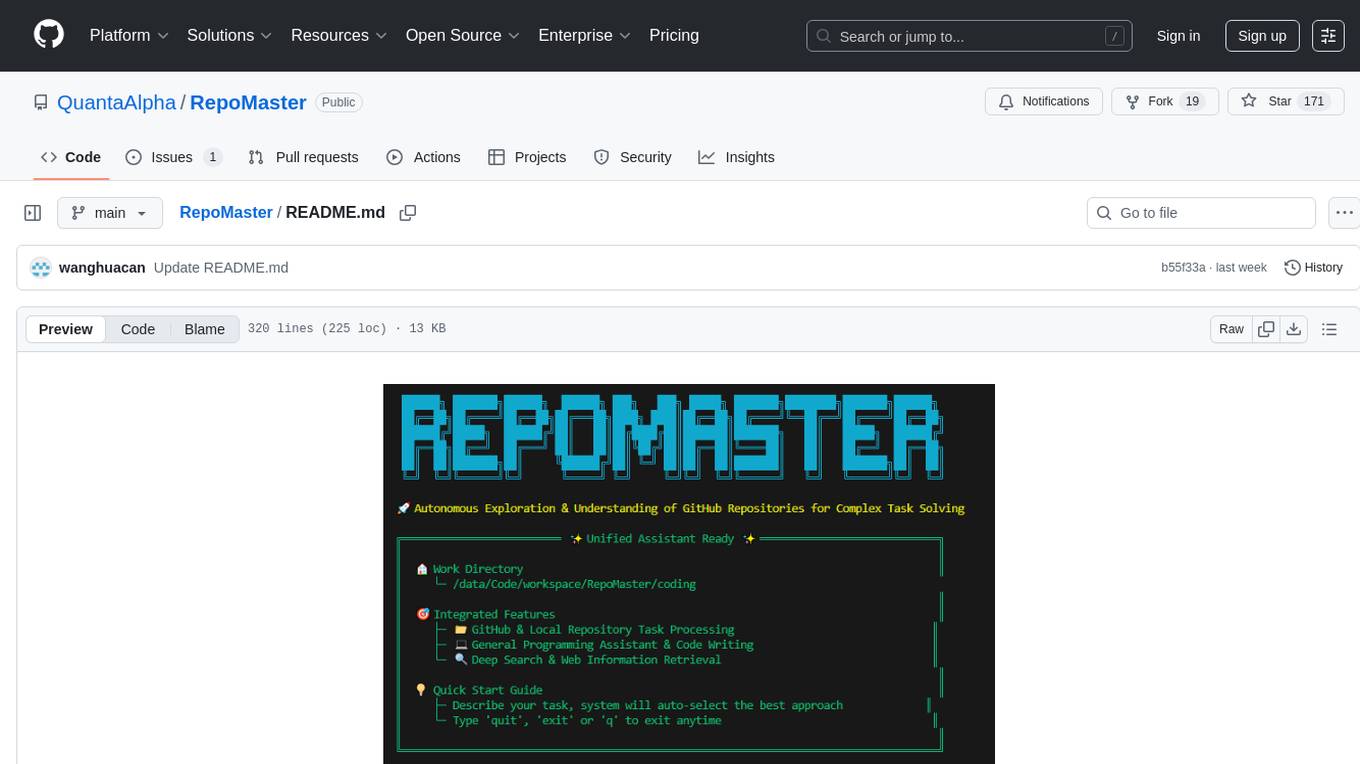
RepoMaster
RepoMaster is an AI agent that leverages GitHub repositories to solve complex real-world tasks. It transforms how coding tasks are solved by automatically finding the right GitHub tools and making them work together seamlessly. Users can describe their tasks, and RepoMaster's AI analysis leads to auto discovery and smart execution, resulting in perfect outcomes. The tool provides a web interface for beginners and a command-line interface for advanced users, along with specialized agents for deep search, general assistance, and repository tasks.
agentneo
AgentNeo is a Python package that provides functionalities for project, trace, dataset, experiment management. It allows users to authenticate, create projects, trace agents and LangGraph graphs, manage datasets, and run experiments with metrics. The tool aims to streamline AI project management and analysis by offering a comprehensive set of features.

layra
LAYRA is the world's first visual-native AI automation engine that sees documents like a human, preserves layout and graphical elements, and executes arbitrarily complex workflows with full Python control. It empowers users to build next-generation intelligent systems with no limits or compromises. Built for Enterprise-Grade deployment, LAYRA features a modern frontend, high-performance backend, decoupled service architecture, visual-native multimodal document understanding, and a powerful workflow engine.
SAM
SAM is a native macOS AI assistant built with Swift and SwiftUI, designed for non-developers who want powerful tools in their everyday life. It provides real assistance, smart memory, voice control, image generation, and custom AI model training. SAM keeps your data on your Mac, supports multiple AI providers, and offers features for documents, creativity, writing, organization, learning, and more. It is privacy-focused, user-friendly, and accessible from various devices. SAM stands out with its privacy-first approach, intelligent memory, task execution capabilities, powerful tools, image generation features, custom AI model training, and flexible AI provider support.
persistent-ai-memory
Persistent AI Memory System is a comprehensive tool that offers persistent, searchable storage for AI assistants. It includes features like conversation tracking, MCP tool call logging, and intelligent scheduling. The system supports multiple databases, provides enhanced memory management, and offers various tools for memory operations, schedule management, and system health checks. It also integrates with various platforms like LM Studio, VS Code, Koboldcpp, Ollama, and more. The system is designed to be modular, platform-agnostic, and scalable, allowing users to handle large conversation histories efficiently.
AIPex
AIPex is a revolutionary Chrome extension that transforms your browser into an intelligent automation platform. Using natural language commands and AI-powered intelligence, AIPex can automate virtually any browser task - from complex multi-step workflows to simple repetitive actions. It offers features like natural language control, AI-powered intelligence, multi-step automation, universal compatibility, smart data extraction, precision actions, form automation, visual understanding, developer-friendly with extensive API, and lightning-fast execution of automation tasks.
natively-cluely-ai-assistant
Natively is a free, open-source, privacy-first AI assistant designed to help users in real time during meetings, interviews, presentations, and conversations. Unlike traditional AI tools that work after the conversation, Natively operates while the conversation is happening. It runs as an invisible, always-on-top desktop overlay, listens when prompted, observes the screen content, and provides instant, context-aware assistance. The tool is fully transparent, customizable, and grants users complete control over local vs cloud AI, data, and credentials.
figma-console-mcp
Figma Console MCP is a Model Context Protocol server that bridges design and development, giving AI assistants complete access to Figma for extraction, creation, and debugging. It connects AI assistants like Claude to Figma, enabling plugin debugging, visual debugging, design system extraction, design creation, variable management, real-time monitoring, and three installation methods. The server offers 53+ tools for NPX and Local Git setups, while Remote SSE provides read-only access with 16 tools. Users can create and modify designs with AI, contribute to projects, or explore design data. The server supports authentication via personal access tokens and OAuth, and offers tools for navigation, console debugging, visual debugging, design system extraction, design creation, design-code parity, variable management, and AI-assisted design creation.

EpicStaff
EpicStaff is a powerful project management tool designed to streamline team collaboration and task management. It provides a user-friendly interface for creating and assigning tasks, tracking progress, and communicating with team members in real-time. With features such as task prioritization, deadline reminders, and file sharing capabilities, EpicStaff helps teams stay organized and productive. Whether you're working on a small project or managing a large team, EpicStaff is the perfect solution to keep everyone on the same page and ensure project success.
aider-desk
AiderDesk is a desktop application that enhances coding workflow by leveraging AI capabilities. It offers an intuitive GUI, project management, IDE integration, MCP support, settings management, cost tracking, structured messages, visual file management, model switching, code diff viewer, one-click reverts, and easy sharing. Users can install it by downloading the latest release and running the executable. AiderDesk also supports Python version detection and auto update disabling. It includes features like multiple project management, context file management, model switching, chat mode selection, question answering, cost tracking, MCP server integration, and MCP support for external tools and context. Development setup involves cloning the repository, installing dependencies, running in development mode, and building executables for different platforms. Contributions from the community are welcome following specific guidelines.
ComfyUI-Copilot
ComfyUI-Copilot is an intelligent assistant built on the Comfy-UI framework that simplifies and enhances the AI algorithm debugging and deployment process through natural language interactions. It offers intuitive node recommendations, workflow building aids, and model querying services to streamline development processes. With features like interactive Q&A bot, natural language node suggestions, smart workflow assistance, and model querying, ComfyUI-Copilot aims to lower the barriers to entry for beginners, boost development efficiency with AI-driven suggestions, and provide real-time assistance for developers.
tingly-box
Tingly Box is a tool that helps in deciding which model to call, compressing context, and routing requests efficiently. It offers secure, reliable, and customizable functional extensions. With features like unified API, smart routing, context compression, auto API translation, blazing fast performance, flexible authentication, visual control panel, and client-side usage stats, Tingly Box provides a comprehensive solution for managing AI models and tokens. It supports integration with various IDEs, CLI tools, SDKs, and AI applications, making it versatile and easy to use. The tool also allows seamless integration with OAuth providers like Claude Code, enabling users to utilize existing quotas in OpenAI-compatible tools. Tingly Box aims to simplify AI model management and usage by providing a single endpoint for multiple providers with minimal configuration, promoting seamless integration with SDKs and CLI tools.
For similar tasks
HacxGPT-CLI
HacxGPT-CLI is an open-source command-line interface designed to provide powerful, unrestricted, and seamless AI-driven conversations. It allows users to interact with multiple AI providers through a custom-built local API engine, offering features like powerful AI conversations, extensive model support, unrestricted framework, easy-to-use CLI, cross-platform compatibility, multi-provider support, configuration management, and local storage of API keys.
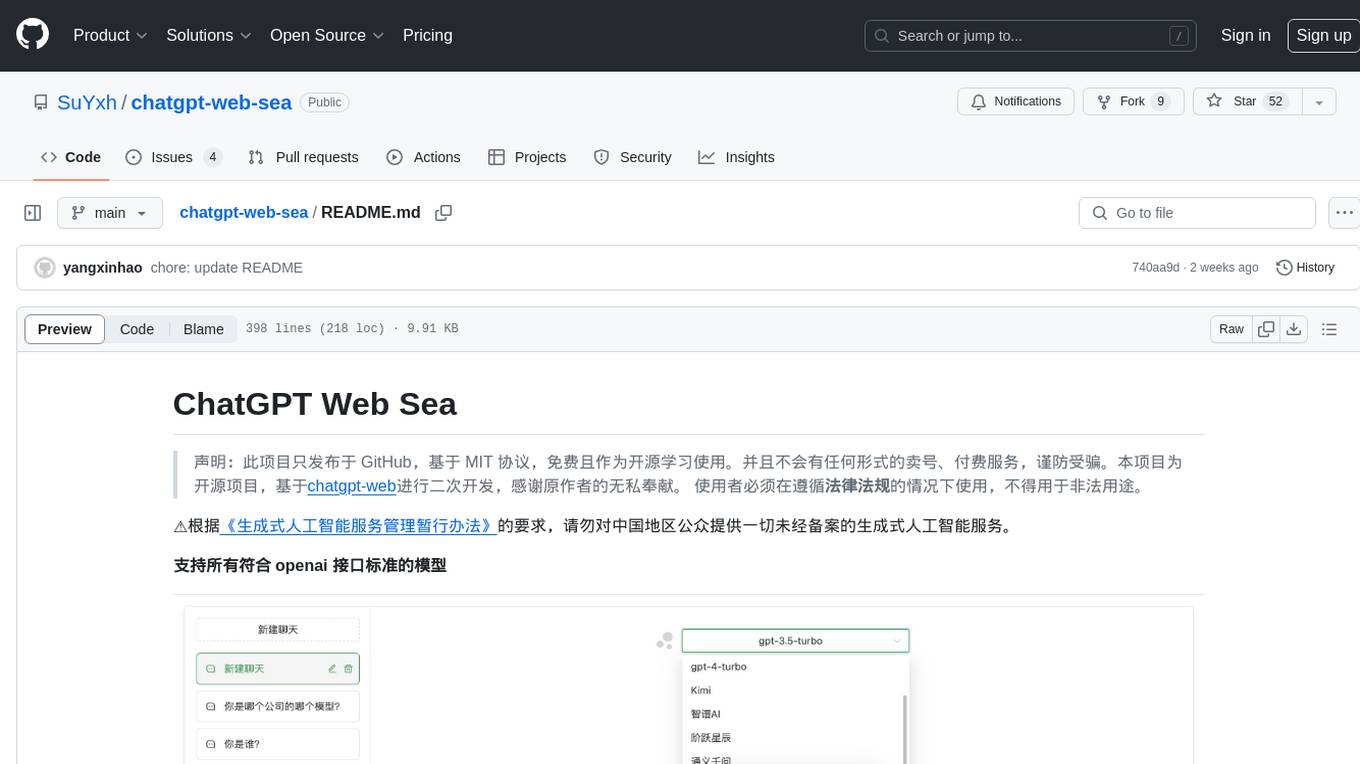
chatgpt-web-sea
ChatGPT Web Sea is an open-source project based on ChatGPT-web for secondary development. It supports all models that comply with the OpenAI interface standard, allows for model selection, configuration, and extension, and is compatible with OneAPI. The tool includes a Chinese ChatGPT tuning guide, supports file uploads, and provides model configuration options. Users can interact with the tool through a web interface, configure models, and perform tasks such as model selection, API key management, and chat interface setup. The project also offers Docker deployment options and instructions for manual packaging.
farfalle
Farfalle is an open-source AI-powered search engine that allows users to run their own local LLM or utilize the cloud. It provides a tech stack including Next.js for frontend, FastAPI for backend, Tavily for search API, Logfire for logging, and Redis for rate limiting. Users can get started by setting up prerequisites like Docker and Ollama, and obtaining API keys for Tavily, OpenAI, and Groq. The tool supports models like llama3, mistral, and gemma. Users can clone the repository, set environment variables, run containers using Docker Compose, and deploy the backend and frontend using services like Render and Vercel.
ComfyUI-Tara-LLM-Integration
Tara is a powerful node for ComfyUI that integrates Large Language Models (LLMs) to enhance and automate workflow processes. With Tara, you can create complex, intelligent workflows that refine and generate content, manage API keys, and seamlessly integrate various LLMs into your projects. It comprises nodes for handling OpenAI-compatible APIs, saving and loading API keys, composing multiple texts, and using predefined templates for OpenAI and Groq. Tara supports OpenAI and Grok models with plans to expand support to together.ai and Replicate. Users can install Tara via Git URL or ComfyUI Manager and utilize it for tasks like input guidance, saving and loading API keys, and generating text suitable for chaining in workflows.
conversational-agent-langchain
This repository contains a Rest-Backend for a Conversational Agent that allows embedding documents, semantic search, QA based on documents, and document processing with Large Language Models. It uses Aleph Alpha and OpenAI Large Language Models to generate responses to user queries, includes a vector database, and provides a REST API built with FastAPI. The project also features semantic search, secret management for API keys, installation instructions, and development guidelines for both backend and frontend components.

ChatGPT-Next-Web-Pro
ChatGPT-Next-Web-Pro is a tool that provides an enhanced version of ChatGPT-Next-Web with additional features and functionalities. It offers complete ChatGPT-Next-Web functionality, file uploading and storage capabilities, drawing and video support, multi-modal support, reverse model support, knowledge base integration, translation, customizations, and more. The tool can be deployed with or without a backend, allowing users to interact with AI models, manage accounts, create models, manage API keys, handle orders, manage memberships, and more. It supports various cloud services like Aliyun OSS, Tencent COS, and Minio for file storage, and integrates with external APIs like Azure, Google Gemini Pro, and Luma. The tool also provides options for customizing website titles, subtitles, icons, and plugin buttons, and offers features like voice input, file uploading, real-time token count display, and more.
APIMyLlama
APIMyLlama is a server application that provides an interface to interact with the Ollama API, a powerful AI tool to run LLMs. It allows users to easily distribute API keys to create amazing things. The tool offers commands to generate, list, remove, add, change, activate, deactivate, and manage API keys, as well as functionalities to work with webhooks, set rate limits, and get detailed information about API keys. Users can install APIMyLlama packages with NPM, PIP, Jitpack Repo+Gradle or Maven, or from the Crates Repository. The tool supports Node.JS, Python, Java, and Rust for generating responses from the API. Additionally, it provides built-in health checking commands for monitoring API health status.
IntelliChat
IntelliChat is an open-source AI chatbot tool designed to accelerate the integration of multiple language models into chatbot apps. Users can select their preferred AI provider and model from the UI, manage API keys, and access data using Intellinode. The tool is built with Intellinode and Next.js, and supports various AI providers such as OpenAI ChatGPT, Google Gemini, Azure Openai, Cohere Coral, Replicate, Mistral AI, Anthropic, and vLLM. It offers a user-friendly interface for developers to easily incorporate AI capabilities into their chatbot applications.
For similar jobs

weave
Weave is a toolkit for developing Generative AI applications, built by Weights & Biases. With Weave, you can log and debug language model inputs, outputs, and traces; build rigorous, apples-to-apples evaluations for language model use cases; and organize all the information generated across the LLM workflow, from experimentation to evaluations to production. Weave aims to bring rigor, best-practices, and composability to the inherently experimental process of developing Generative AI software, without introducing cognitive overhead.

LLMStack
LLMStack is a no-code platform for building generative AI agents, workflows, and chatbots. It allows users to connect their own data, internal tools, and GPT-powered models without any coding experience. LLMStack can be deployed to the cloud or on-premise and can be accessed via HTTP API or triggered from Slack or Discord.

VisionCraft
The VisionCraft API is a free API for using over 100 different AI models. From images to sound.

kaito
Kaito is an operator that automates the AI/ML inference model deployment in a Kubernetes cluster. It manages large model files using container images, avoids tuning deployment parameters to fit GPU hardware by providing preset configurations, auto-provisions GPU nodes based on model requirements, and hosts large model images in the public Microsoft Container Registry (MCR) if the license allows. Using Kaito, the workflow of onboarding large AI inference models in Kubernetes is largely simplified.

PyRIT
PyRIT is an open access automation framework designed to empower security professionals and ML engineers to red team foundation models and their applications. It automates AI Red Teaming tasks to allow operators to focus on more complicated and time-consuming tasks and can also identify security harms such as misuse (e.g., malware generation, jailbreaking), and privacy harms (e.g., identity theft). The goal is to allow researchers to have a baseline of how well their model and entire inference pipeline is doing against different harm categories and to be able to compare that baseline to future iterations of their model. This allows them to have empirical data on how well their model is doing today, and detect any degradation of performance based on future improvements.

tabby
Tabby is a self-hosted AI coding assistant, offering an open-source and on-premises alternative to GitHub Copilot. It boasts several key features: * Self-contained, with no need for a DBMS or cloud service. * OpenAPI interface, easy to integrate with existing infrastructure (e.g Cloud IDE). * Supports consumer-grade GPUs.

spear
SPEAR (Simulator for Photorealistic Embodied AI Research) is a powerful tool for training embodied agents. It features 300 unique virtual indoor environments with 2,566 unique rooms and 17,234 unique objects that can be manipulated individually. Each environment is designed by a professional artist and features detailed geometry, photorealistic materials, and a unique floor plan and object layout. SPEAR is implemented as Unreal Engine assets and provides an OpenAI Gym interface for interacting with the environments via Python.

Magick
Magick is a groundbreaking visual AIDE (Artificial Intelligence Development Environment) for no-code data pipelines and multimodal agents. Magick can connect to other services and comes with nodes and templates well-suited for intelligent agents, chatbots, complex reasoning systems and realistic characters.