


Youtube-playlist-to-formatted-text
A desktop application that extracts YouTube playlist transcripts and enhances them using Google's Gemini AI models., the output is a book in any language you want.
Stars: 262
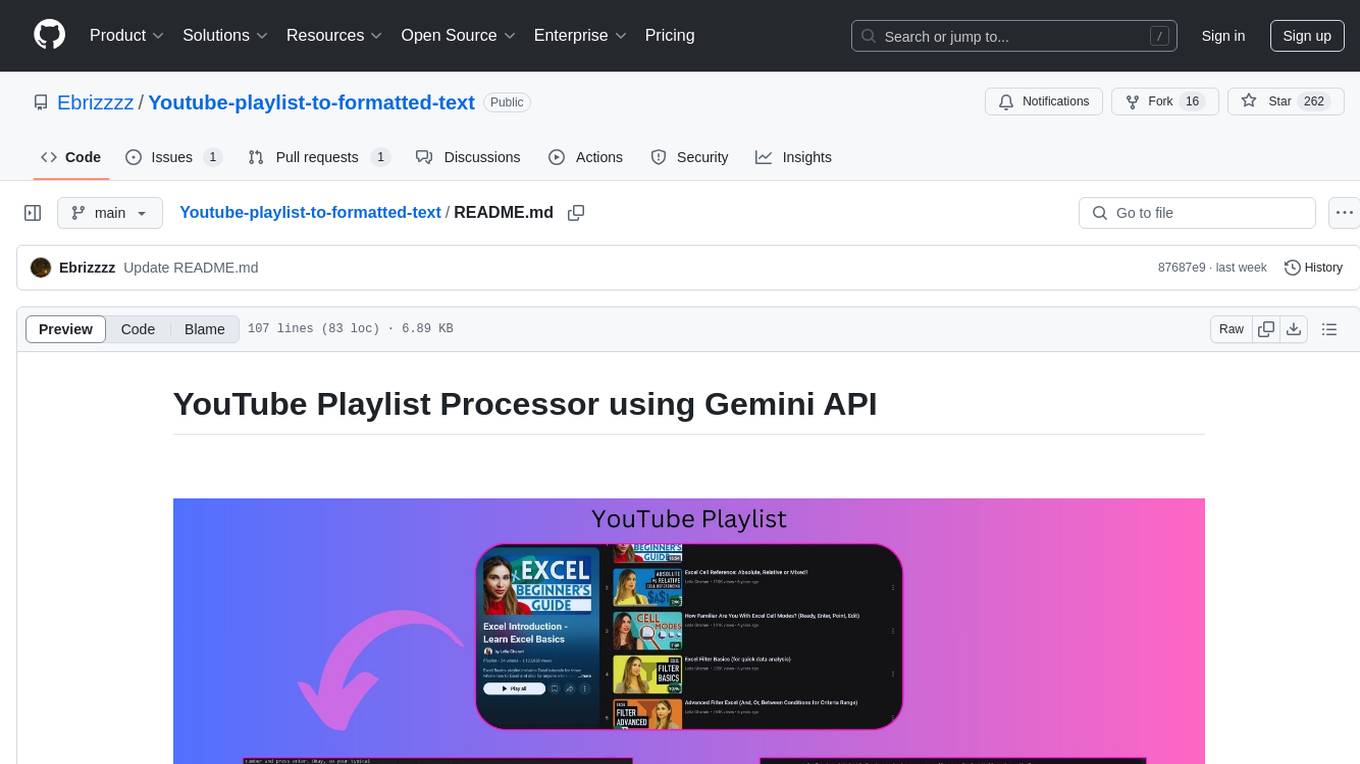
This Python application, 'Youtube-playlist-to-formatted-text', utilizes the Google Gemini API to extract and refine transcripts from YouTube playlists. It offers various refinement styles such as Balanced and Detailed, Summary, Educational, Narrative Rewriting, and Q&A Generation. Users can control the chunk size for API calls, select Gemini models, and output the refined transcript as a formatted markdown file. The tool is designed to convert lengthy YouTube playlists into organized text files for easy readability and further processing, suitable for tasks like summarizing videos, creating study guides, and enhancing content comprehension.
README:

✅ Added several Refinement styles to choose from based on your specific needs.
The "Refinement Style" dropdown allows you to choose how AI will process the YouTube transcript. Here's a description of each style:
⚖️ Balanced and Detailed: This is the default style, providing a comprehensive refinement of the transcript. It focuses on organizing the text into a well-structured, readable format with headings, bullet points, and bold text, while preserving every detail, context, and nuance of the original content. Ideal if you want a thoroughly enhanced transcript without any information loss.
📝 Summary: This style generates a concise and informative summary of the video transcript. It extracts the core message, main arguments, and key information, providing a quick and easily digestible overview of the video's content. Best for when you need to quickly grasp the main points without reading the entire transcript.
📚 Educational: This style transforms the transcript into a structured educational text, similar to a textbook chapter. It uses headings, subheadings, and bullet points for clarity and organization, making it ideal for learning. Crucially, it also identifies and defines technical terms and jargon within blockquotes, enhancing understanding and acting as a built-in glossary. (Example Image Below)
✍️ Narrative Rewriting: This style creatively rewrites the transcript into an engaging narrative or story format. It transforms the factual or conversational content into a more captivating and readable piece, like a short story or narrative article. While storytelling is applied, it stays closely aligned with the original video's subjects and information, making the content more accessible and enjoyable.
❓ Q&A Generation: This style generates a set of questions and answers based on the transcript, formatted for self-assessment or review. Each question is presented as a foldable header (using Markdown), with the answer hidden beneath. This format is perfect for creating study guides or quizzes to test your understanding of the video content.(Example Image Below)
✅ Added Language Support, now the output file is in the language of user's input.
✅ Added single video url support, no need to put it in a playlist.
✅ Added configurable Chunk Size for API calls.
Users can now control the chunk size used when processing transcripts with the Gemini API via a slider in the UI. This allows for customization of processing behavior:
- Larger chunk sizes: Reduce the number of API calls, potentially speeding up execution and suitable for summarizing longer videos with less emphasis on fine details.
- Smaller chunk sizes: Increase API calls but may preserve more detail and nuance, potentially beneficial for tasks requiring high fidelity output.
❓ What is Chunk Size?
A video, is divided into chunks to be given to AI, so if you set chunk size to 3000 words, and the video has 8000 words, the API workflow would be like this :
- First 3000 words ➡➡processed by AI➡➡ Refined part 1
- Second 3000 words + Refined part 1 as context ➡➡processed by AI➡➡ Refinde part 2
- final 2000 words + Refined part 1 + 2 as context ➡➡processed by AI➡➡ Refinde part 3
- Refined part 1 + Refined part 2 + Refined part 3 = Final Formatted Text of the video!
This Python application extracts transcripts from YouTube playlists and refines them using the Google Gemini API(which is free). It takes a YouTube playlist URL as input, extracts transcripts for each video, and then uses Gemini to reformat and improve the readability of the combined transcript. The output is saved as a text file.
So you can have a neatly formatted book out of a YouTube playlist!
I personally use it to convert large YouTube playlists containing dozens of long videos into a very large organized markdown file to give it as input to NotebookLM as one source.
Works Great with Obsidian too!
Read more about it in this Medium Article
- Batch processing of entire playlists
- Refine transcripts using Google Gemini API for improved formatting and readability.
- User-friendly PyQt5 graphical interface.
- Selectable Gemini models.
- Output to markdown file.

- 🎥 Automatic transcript extraction from YouTube playlists
- 🧠 AI-powered text refinement using Gemini models
- 📁 Configurable output file paths
- ⏳ Progress tracking for both extraction and refinement
- 📄 Output to formatted markdown file.
- Python 3.9+
- Google Gemini API key
- YouTube playlist URL
pip install -r requirements.txt- First, the transcript of every video in the playlist is fetched.
- since gemini api doesnt have unlimited context window for input and output, the text for each video gets divided into chunks(right now, chunk size is set to 3000 after testing, but it can be changed via the added slider)
- Each text chunk is then sent to the Gemini API, along with a context prompt that includes the previously refined text. This helps maintain consistency and coherence across chunks.
- The refined output from Gemini for each chunk is appended to the final output file.
- This process is repeated for every video in the playlist, resulting in a single, refined transcript output file for the entire playlist.
- Get a Gemini API Key: You need a Google Gemini API key. Obtain one from Google AI Studio.
-
Run the Application:
python main.py
-
In the GUI:
- Enter the YouTube Playlist URL or Video link.
- Type the Output Language.
- choose the style of output.
- Specify chunk size.
- Choose output file locations for the transcript and Gemini refined text using the "Choose File" buttons.
- Enter your Gemini API key in the "Gemini API Key" field.
- Click "Start Processing".
- You can select a Gemini model.
- Wait for the processing to complete. Progress will be shown in the progress bar and status display.
- The output files will be saved to the locations you specified.
 Example of Educational Style with added definition of technical terms
 Example of Q&A Style, Questions are headers so they can be folded/unfolded
YouTube playlist used for example files : https://www.youtube.com/playlist?list=PLmHVyfmcRKyx1KSoobwukzf1Nf-Y97Rw0
For Tasks:
Click tags to check more tools for each tasksFor Jobs:
Alternative AI tools for Youtube-playlist-to-formatted-text
Similar Open Source Tools
Youtube-playlist-to-formatted-text
This Python application, 'Youtube-playlist-to-formatted-text', utilizes the Google Gemini API to extract and refine transcripts from YouTube playlists. It offers various refinement styles such as Balanced and Detailed, Summary, Educational, Narrative Rewriting, and Q&A Generation. Users can control the chunk size for API calls, select Gemini models, and output the refined transcript as a formatted markdown file. The tool is designed to convert lengthy YouTube playlists into organized text files for easy readability and further processing, suitable for tasks like summarizing videos, creating study guides, and enhancing content comprehension.
vigenair
ViGenAiR is a tool that harnesses the power of Generative AI models on Google Cloud Platform to automatically transform long-form Video Ads into shorter variants, targeting different audiences. It generates video, image, and text assets for Demand Gen and YouTube video campaigns. Users can steer the model towards generating desired videos, conduct A/B testing, and benefit from various creative features. The tool offers benefits like diverse inventory, compelling video ads, creative excellence, user control, and performance insights. ViGenAiR works by analyzing video content, splitting it into coherent segments, and generating variants following Google's best practices for effective ads.
feedgen
FeedGen is an open-source tool that uses Google Cloud's state-of-the-art Large Language Models (LLMs) to improve product titles, generate more comprehensive descriptions, and fill missing attributes in product feeds. It helps merchants and advertisers surface and fix quality issues in their feeds using Generative AI in a simple and configurable way. The tool relies on GCP's Vertex AI API to provide both zero-shot and few-shot inference capabilities on GCP's foundational LLMs. With few-shot prompting, users can customize the model's responses towards their own data, achieving higher quality and more consistent output. FeedGen is an Apps Script based application that runs as an HTML sidebar in Google Sheets, allowing users to optimize their feeds with ease.
roam-extension-live-ai-assistant
Live AI is an AI Assistant tailor-made for Roam, providing access to the latest LLMs directly in Roam blocks. Users can interact with AI to extend their thinking, explore their graph, and chat with structured responses. The tool leverages Roam's features to write prompts, query graph parts, and chat with content. Users can dictate, translate, transform, and enrich content easily. Live AI supports various tasks like audio and video analysis, PDF reading, image generation, and web search. The tool offers features like Chat panel, Live AI context menu, and Ask Your Graph agent for versatile usage. Users can control privacy levels, compare AI models, create custom prompts, and apply styles for response formatting. Security concerns are addressed by allowing users to control data sent to LLMs.
ai-video-search-engine
AI Video Search Engine (AVSE) is a video search engine powered by the latest tools in AI. It allows users to search for specific answers within millions of videos by indexing video content. The tool extracts video transcription, elements like thumbnail and description, and generates vector embeddings using AI models. Users can search for relevant results based on questions, view timestamped transcripts, and get video summaries. AVSE requires a paid Supabase & Fly.io account for hosting and can handle millions of videos with the current setup.
Pandrator
Pandrator is a GUI tool for generating audiobooks and dubbing using voice cloning and AI. It transforms text, PDF, EPUB, and SRT files into spoken audio in multiple languages. It leverages XTTS, Silero, and VoiceCraft models for text-to-speech conversion and voice cloning, with additional features like LLM-based text preprocessing and NISQA for audio quality evaluation. The tool aims to be user-friendly with a one-click installer and a graphical interface.
wdoc
wdoc is a powerful Retrieval-Augmented Generation (RAG) system designed to summarize, search, and query documents across various file types. It aims to handle large volumes of diverse document types, making it ideal for researchers, students, and professionals dealing with extensive information sources. wdoc uses LangChain to process and analyze documents, supporting tens of thousands of documents simultaneously. The system includes features like high recall and specificity, support for various Language Model Models (LLMs), advanced RAG capabilities, advanced document summaries, and support for multiple tasks. It offers markdown-formatted answers and summaries, customizable embeddings, extensive documentation, scriptability, and runtime type checking. wdoc is suitable for power users seeking document querying capabilities and AI-powered document summaries.
noScribe
noScribe is an AI-based software designed for automated audio transcription, specifically tailored for transcribing interviews for qualitative social research or journalistic purposes. It is a free and open-source tool that runs locally on the user's computer, ensuring data privacy. The software can differentiate between speakers and supports transcription in 99 languages. It includes a user-friendly editor for reviewing and correcting transcripts. Developed by Kai Dröge, a PhD in sociology with a background in computer science, noScribe aims to streamline the transcription process and enhance the efficiency of qualitative analysis.
DistiLlama
DistiLlama is a Chrome extension that leverages a locally running Large Language Model (LLM) to perform various tasks, including text summarization, chat, and document analysis. It utilizes Ollama as the locally running LLM instance and LangChain for text summarization. DistiLlama provides a user-friendly interface for interacting with the LLM, allowing users to summarize web pages, chat with documents (including PDFs), and engage in text-based conversations. The extension is easy to install and use, requiring only the installation of Ollama and a few simple steps to set up the environment. DistiLlama offers a range of customization options, including the choice of LLM model and the ability to configure the summarization chain. It also supports multimodal capabilities, allowing users to interact with the LLM through text, voice, and images. DistiLlama is a valuable tool for researchers, students, and professionals who seek to leverage the power of LLMs for various tasks without compromising data privacy.
second-brain-agent
The Second Brain AI Agent Project is a tool designed to empower personal knowledge management by automatically indexing markdown files and links, providing a smart search engine powered by OpenAI, integrating seamlessly with different note-taking methods, and enhancing productivity by accessing information efficiently. The system is built on LangChain framework and ChromaDB vector store, utilizing a pipeline to process markdown files and extract text and links for indexing. It employs a Retrieval-augmented generation (RAG) process to provide context for asking questions to the large language model. The tool is beneficial for professionals, students, researchers, and creatives looking to streamline workflows, improve study sessions, delve deep into research, and organize thoughts and ideas effortlessly.

project_alice
Alice is an agentic workflow framework that integrates task execution and intelligent chat capabilities. It provides a flexible environment for creating, managing, and deploying AI agents for various purposes, leveraging a microservices architecture with MongoDB for data persistence. The framework consists of components like APIs, agents, tasks, and chats that interact to produce outputs through files, messages, task results, and URL references. Users can create, test, and deploy agentic solutions in a human-language framework, making it easy to engage with by both users and agents. The tool offers an open-source option, user management, flexible model deployment, and programmatic access to tasks and chats.
pgai
pgai simplifies the process of building search and Retrieval Augmented Generation (RAG) AI applications with PostgreSQL. It brings embedding and generation AI models closer to the database, allowing users to create embeddings, retrieve LLM chat completions, reason over data for classification, summarization, and data enrichment directly from within PostgreSQL in a SQL query. The tool requires an OpenAI API key and a PostgreSQL client to enable AI functionality in the database. Users can install pgai from source, run it in a pre-built Docker container, or enable it in a Timescale Cloud service. The tool provides functions to handle API keys using psql or Python, and offers various AI functionalities like tokenizing, detokenizing, embedding, chat completion, and content moderation.
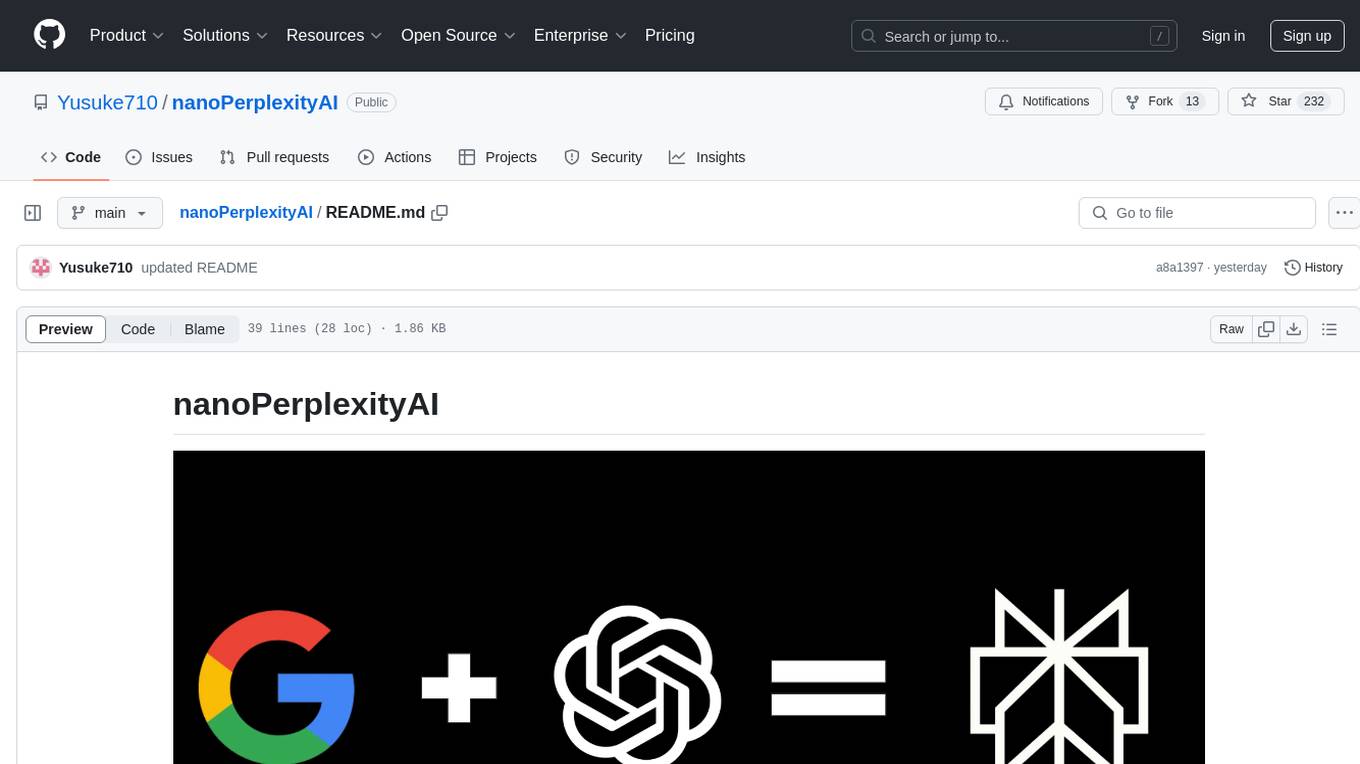
nanoPerplexityAI
nanoPerplexityAI is an open-source implementation of a large language model service that fetches information from Google. It involves a simple architecture where the user query is checked by the language model, reformulated for Google search, and an answer is generated and saved in a markdown file. The tool requires minimal setup and is designed for easy visualization of answers.
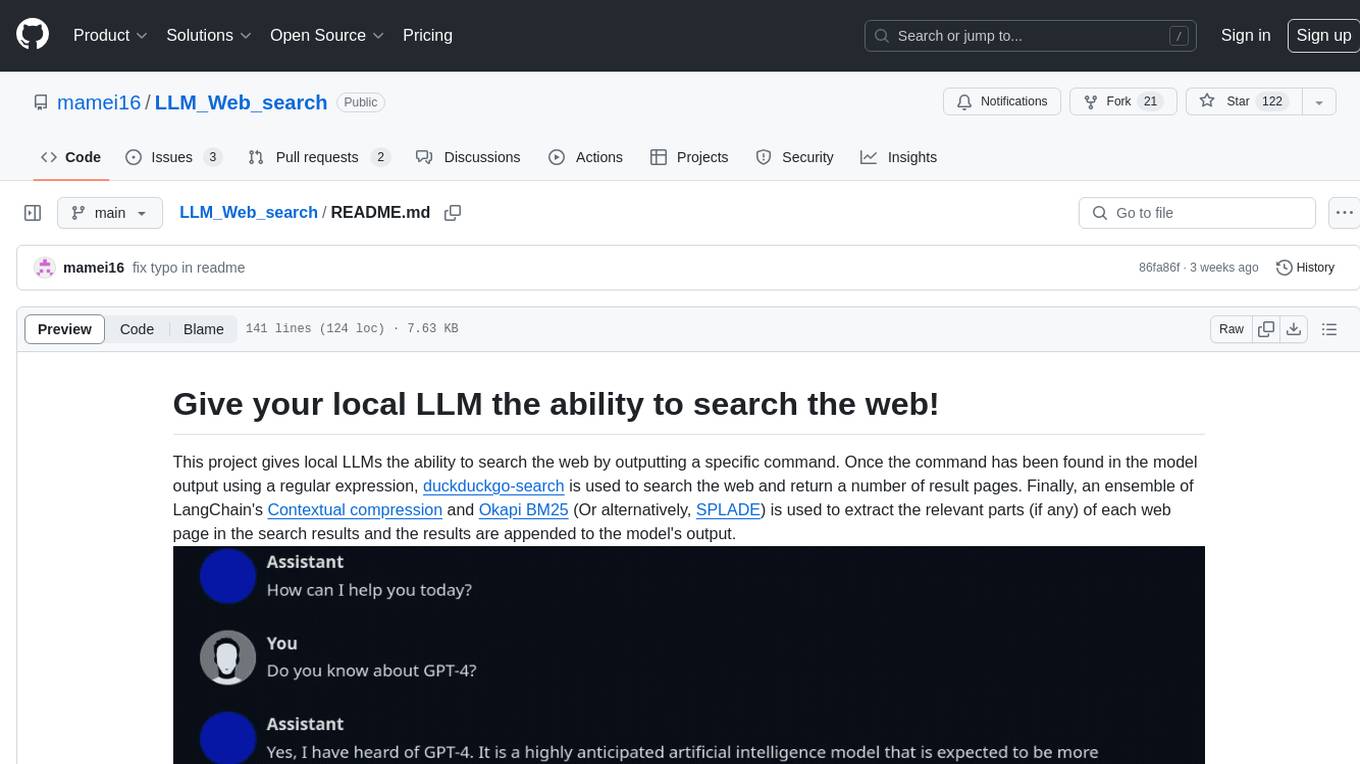
LLM_Web_search
LLM_Web_search project gives local LLMs the ability to search the web by outputting a specific command. It uses regular expressions to extract search queries from model output and then utilizes duckduckgo-search to search the web. LangChain's Contextual compression and Okapi BM25 or SPLADE are used to extract relevant parts of web pages in search results. The extracted results are appended to the model's output.
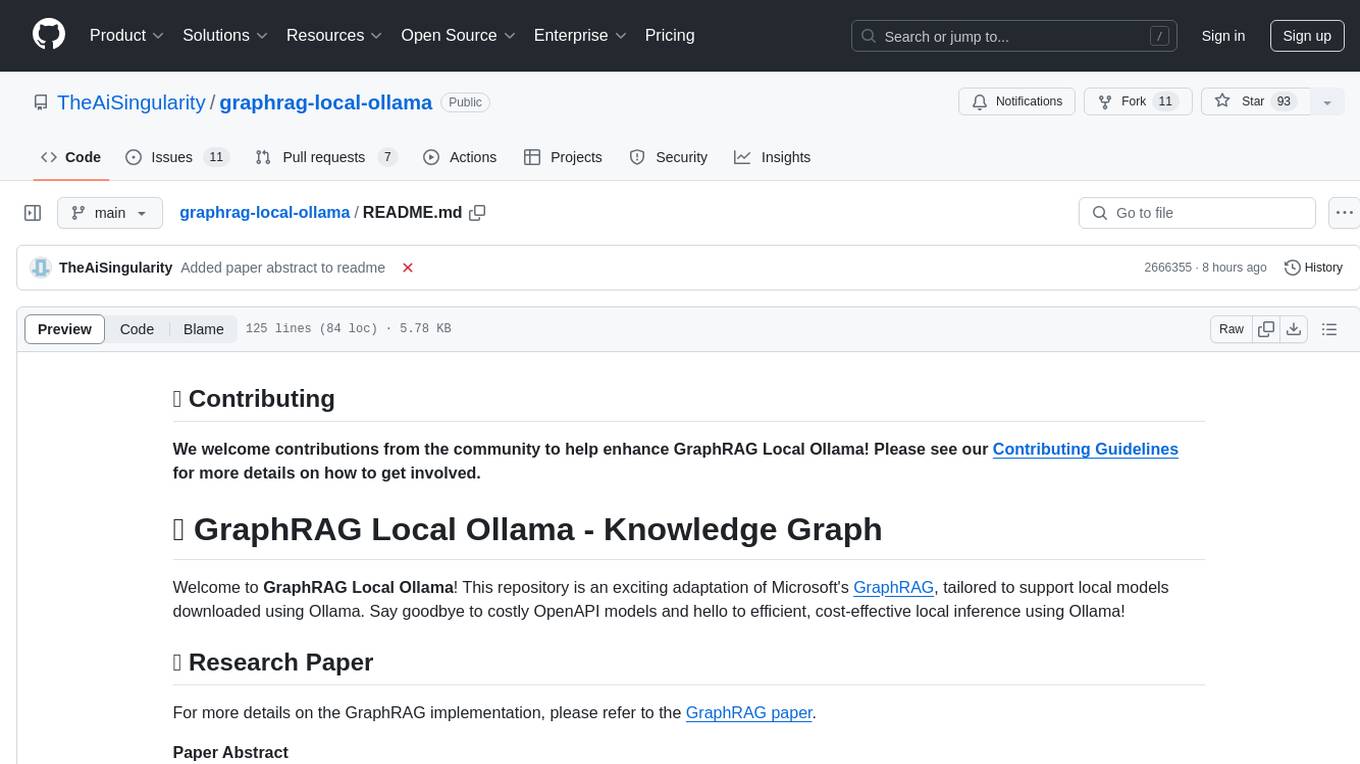
graphrag-local-ollama
GraphRAG Local Ollama is a repository that offers an adaptation of Microsoft's GraphRAG, customized to support local models downloaded using Ollama. It enables users to leverage local models with Ollama for large language models (LLMs) and embeddings, eliminating the need for costly OpenAPI models. The repository provides a simple setup process and allows users to perform question answering over private text corpora by building a graph-based text index and generating community summaries for closely-related entities. GraphRAG Local Ollama aims to improve the comprehensiveness and diversity of generated answers for global sensemaking questions over datasets.
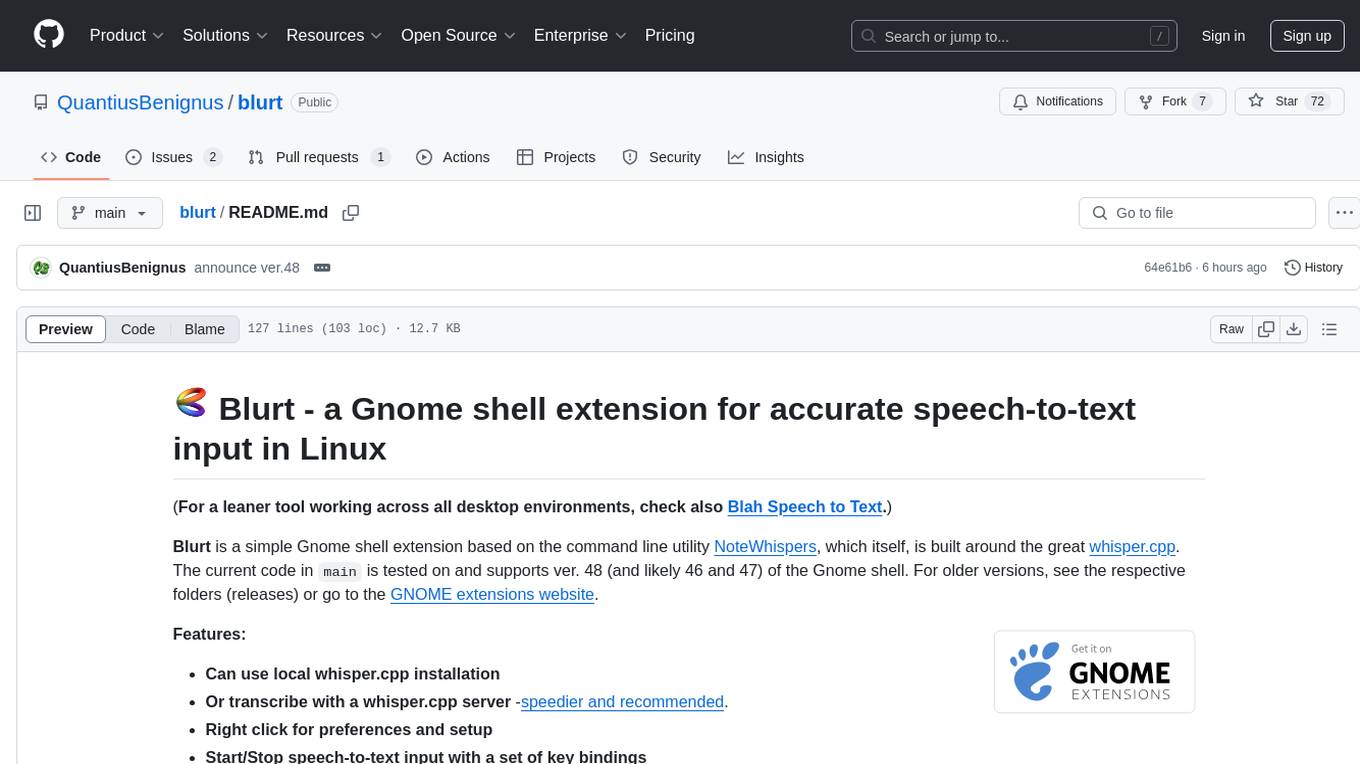
blurt
Blurt is a Gnome shell extension that enables accurate speech-to-text input in Linux. It is based on the command line utility NoteWhispers and supports Gnome shell version 48. Users can transcribe speech using a local whisper.cpp installation or a whisper.cpp server. The extension allows for easy setup, start/stop of speech-to-text input with key bindings or icon click, and provides visual indicators during operation. It offers convenience by enabling speech input into any window that allows text input, with the transcribed text sent to the clipboard for easy pasting.
For similar tasks
Youtube-playlist-to-formatted-text
This Python application, 'Youtube-playlist-to-formatted-text', utilizes the Google Gemini API to extract and refine transcripts from YouTube playlists. It offers various refinement styles such as Balanced and Detailed, Summary, Educational, Narrative Rewriting, and Q&A Generation. Users can control the chunk size for API calls, select Gemini models, and output the refined transcript as a formatted markdown file. The tool is designed to convert lengthy YouTube playlists into organized text files for easy readability and further processing, suitable for tasks like summarizing videos, creating study guides, and enhancing content comprehension.
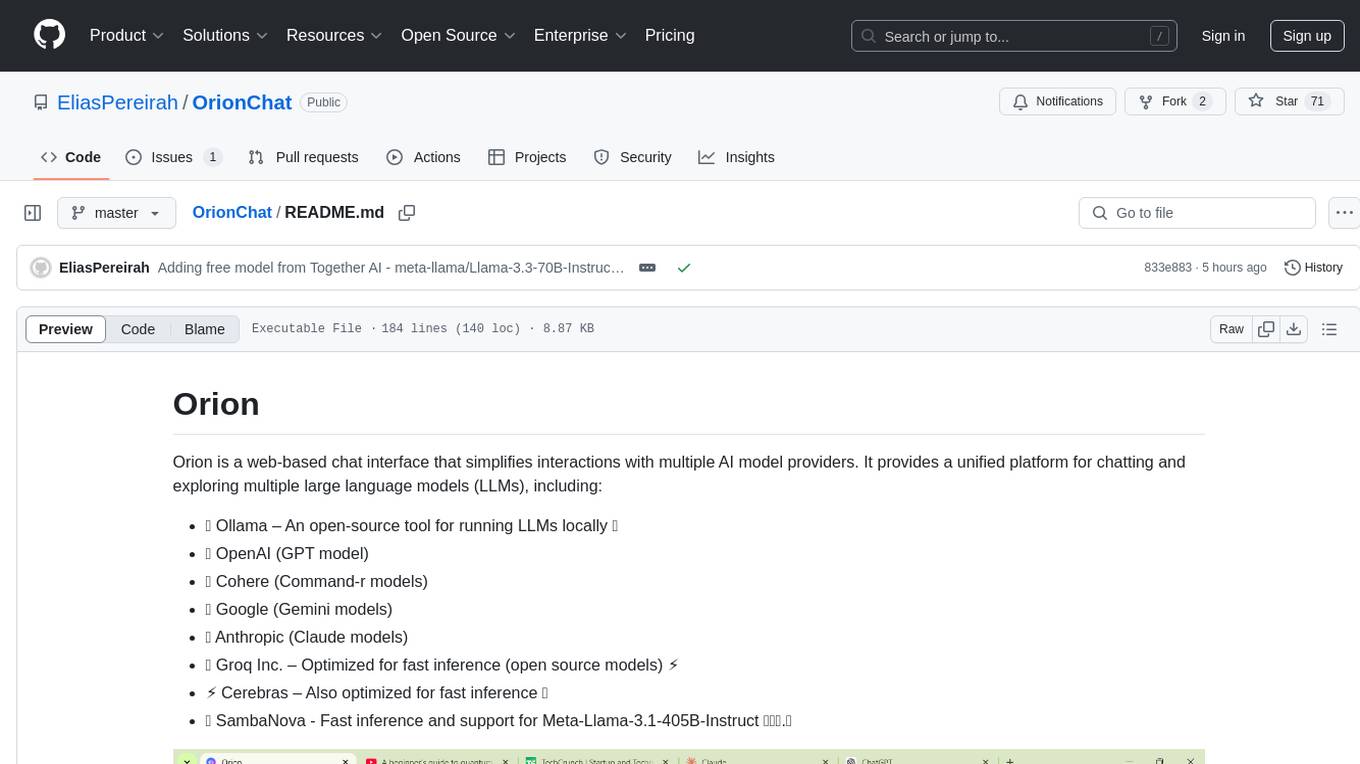
OrionChat
Orion is a web-based chat interface that simplifies interactions with multiple AI model providers. It provides a unified platform for chatting and exploring various large language models (LLMs) such as Ollama, OpenAI (GPT model), Cohere (Command-r models), Google (Gemini models), Anthropic (Claude models), Groq Inc., Cerebras, and SambaNova. Users can easily navigate and assess different AI models through an intuitive, user-friendly interface. Orion offers features like browser-based access, code execution with Google Gemini, text-to-speech (TTS), speech-to-text (STT), seamless integration with multiple AI models, customizable system prompts, language translation tasks, document uploads for analysis, and more. API keys are stored locally, and requests are sent directly to official providers' APIs without external proxies.
For similar jobs
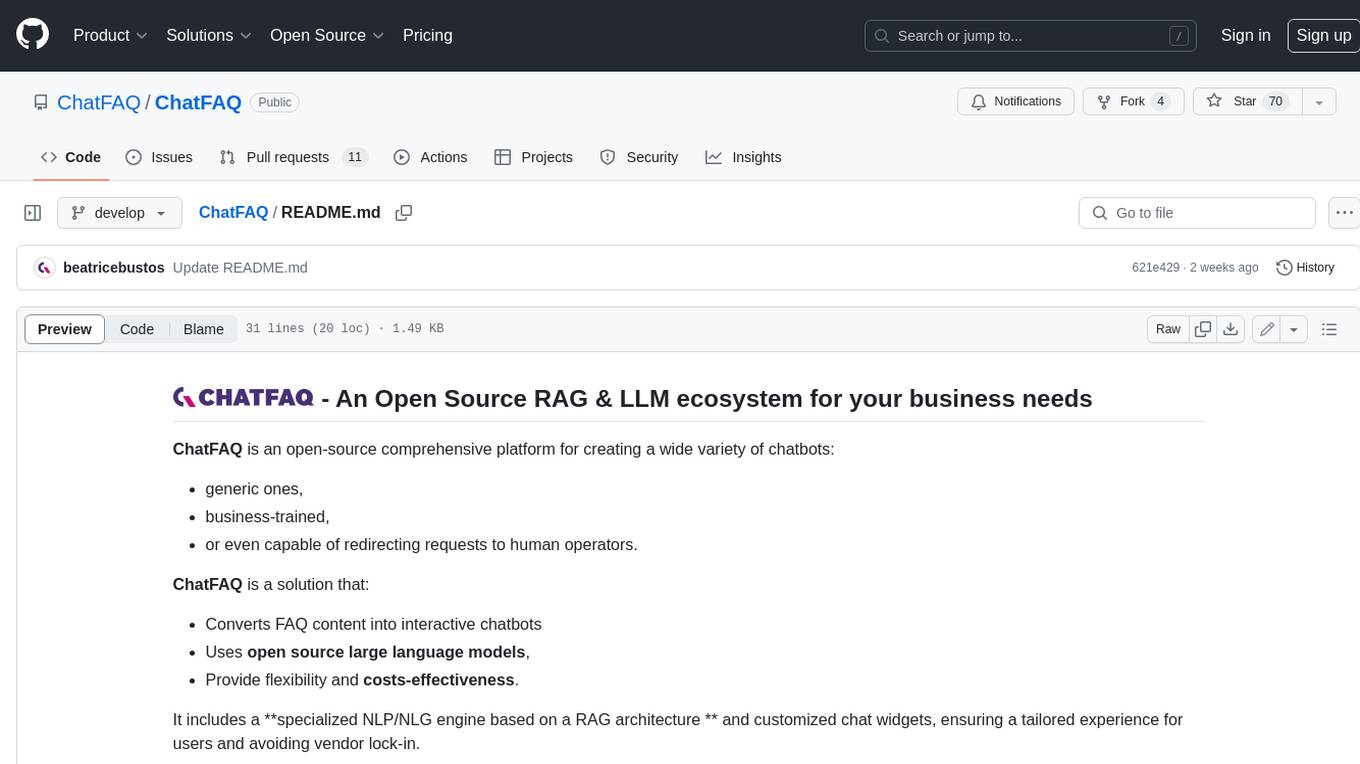
ChatFAQ
ChatFAQ is an open-source comprehensive platform for creating a wide variety of chatbots: generic ones, business-trained, or even capable of redirecting requests to human operators. It includes a specialized NLP/NLG engine based on a RAG architecture and customized chat widgets, ensuring a tailored experience for users and avoiding vendor lock-in.
anything-llm
AnythingLLM is a full-stack application that enables you to turn any document, resource, or piece of content into context that any LLM can use as references during chatting. This application allows you to pick and choose which LLM or Vector Database you want to use as well as supporting multi-user management and permissions.

ai-guide
This guide is dedicated to Large Language Models (LLMs) that you can run on your home computer. It assumes your PC is a lower-end, non-gaming setup.

classifai
Supercharge WordPress Content Workflows and Engagement with Artificial Intelligence. Tap into leading cloud-based services like OpenAI, Microsoft Azure AI, Google Gemini and IBM Watson to augment your WordPress-powered websites. Publish content faster while improving SEO performance and increasing audience engagement. ClassifAI integrates Artificial Intelligence and Machine Learning technologies to lighten your workload and eliminate tedious tasks, giving you more time to create original content that matters.
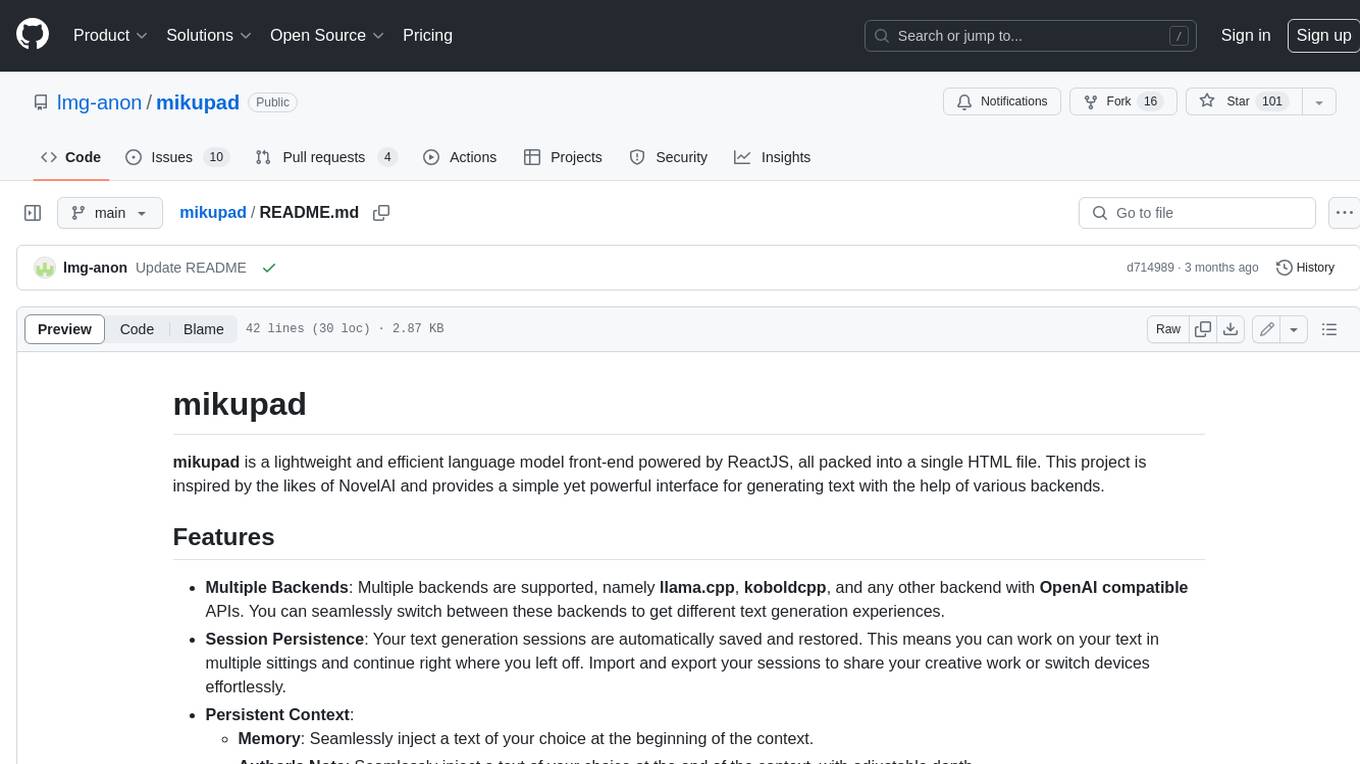
mikupad
mikupad is a lightweight and efficient language model front-end powered by ReactJS, all packed into a single HTML file. Inspired by the likes of NovelAI, it provides a simple yet powerful interface for generating text with the help of various backends.
glide
Glide is a cloud-native LLM gateway that provides a unified REST API for accessing various large language models (LLMs) from different providers. It handles LLMOps tasks such as model failover, caching, key management, and more, making it easy to integrate LLMs into applications. Glide supports popular LLM providers like OpenAI, Anthropic, Azure OpenAI, AWS Bedrock (Titan), Cohere, Google Gemini, OctoML, and Ollama. It offers high availability, performance, and observability, and provides SDKs for Python and NodeJS to simplify integration.

onnxruntime-genai
ONNX Runtime Generative AI is a library that provides the generative AI loop for ONNX models, including inference with ONNX Runtime, logits processing, search and sampling, and KV cache management. Users can call a high level `generate()` method, or run each iteration of the model in a loop. It supports greedy/beam search and TopP, TopK sampling to generate token sequences, has built in logits processing like repetition penalties, and allows for easy custom scoring.
firecrawl
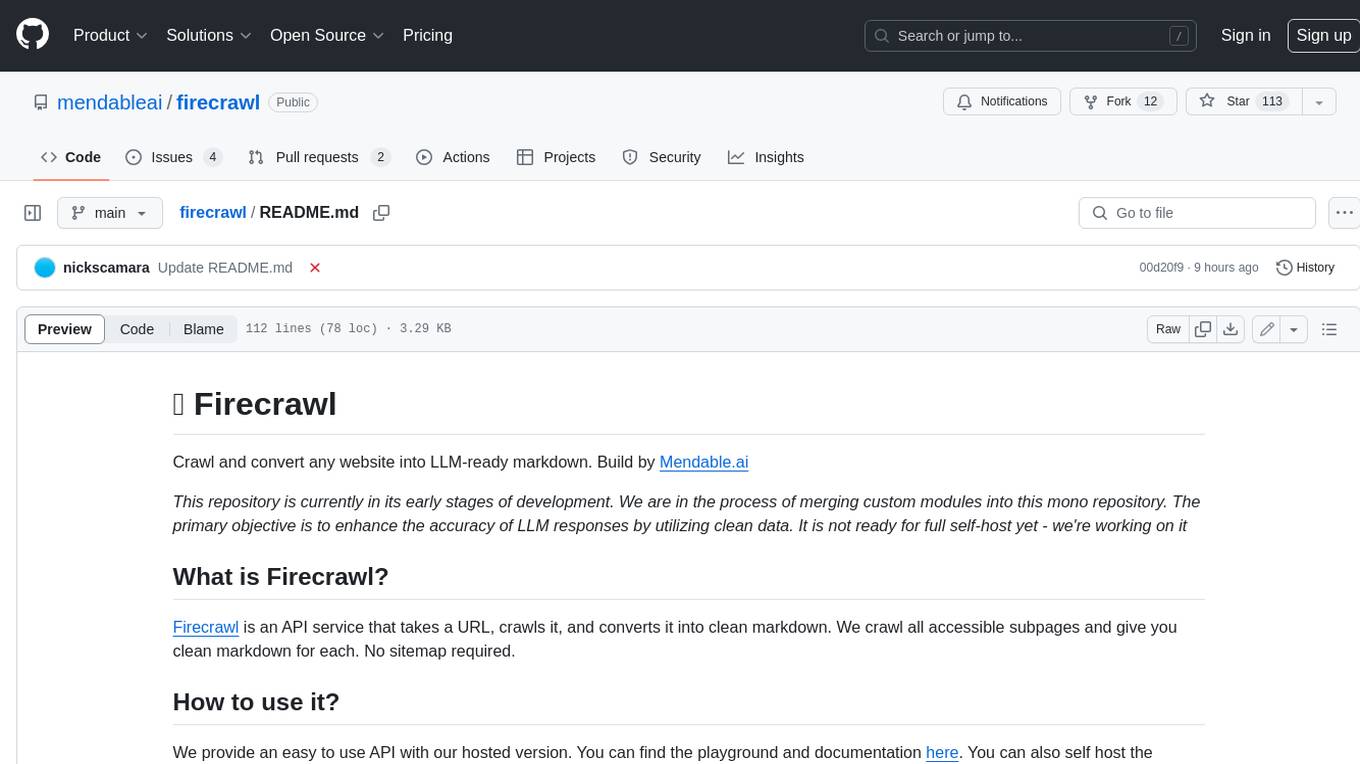
Firecrawl is an API service that takes a URL, crawls it, and converts it into clean markdown. It crawls all accessible subpages and provides clean markdown for each, without requiring a sitemap. The API is easy to use and can be self-hosted. It also integrates with Langchain and Llama Index. The Python SDK makes it easy to crawl and scrape websites in Python code.