


get-started-with-ai-agents
Basic sample for deploying AI agents web app with Azure AI Foundry and SDKs
Stars: 189
The 'Getting Started with Agents Using Azure AI Foundry' repository provides a solution that deploys a web-based chat application with an AI agent running in Azure Container App. The agent leverages Azure AI services for knowledge retrieval from uploaded files, enabling it to generate responses with citations. The solution includes built-in monitoring capabilities for easier troubleshooting and optimized performance. Users can deploy AI models, customize the agent, and evaluate its performance. The repository offers flexible deployment options through GitHub Codespaces, VS Code Dev Containers, or local environments.
README:
The agent leverages the Azure AI Agent service and utilizes file search for knowledge retrieval from uploaded files, enabling it to generate responses with citations. The solution also includes built-in monitoring capabilities with tracing to ensure easier troubleshooting and optimized performance.
SOLUTION OVERVIEW | GETTING STARTED | LOCAL DEVELOPMENT | RESOURCE CLEAN-UP | GUIDANCE | TROUBLESHOOTING
This solution deploys a web-based chat application with an AI agent running in Azure Container App.
The agent leverages the Azure AI Agent service and utilizes Azure AI Search for knowledge retrieval from uploaded files, enabling it to generate responses with citations. The solution also includes built-in monitoring capabilities with tracing to ensure easier troubleshooting and optimized performance.
This solution creates an Azure AI Foundry project and Azure AI services. More details about the resources can be found in the resources documentation. There are options to enable logging, tracing, and monitoring.
Instructions are provided for deployment through GitHub Codespaces, VS Code Dev Containers, and your local development environment.

The app code runs in Azure Container App to process the user input and generate a response to the user. It leverages Azure AI projects and Azure AI services, including the model and agent.
-
Knowledge Retrieval
The AI agent uses file search or Azure AI Search to retrieve knowledge from uploaded files. -
Customizable AI Model Deployment
The solution allows users to configure and deploy AI models, such as gpt-4o-mini, with options to adjust model capacity, and knowledge retrieval methods. -
Built-in Monitoring and Tracing
Integrated monitoring capabilities, including Azure Monitor and Application Insights, enable tracing and logging for easier troubleshooting and performance optimization. -
Flexible Deployment Options
The solution supports deployment through GitHub Codespaces, VS Code Dev Containers, or local environments, providing flexibility for different development workflows. -
Agent Evaluation
This solution demonstrates how you can evaluate your agent's performance and quality during local development and incorporate it into monitoring and CI/CD workflow. -
AI Red Teaming Agent
Facilitates the creation of an AI Red Teaming Agent that can run batch automated scans for safety and security scans on your Agent solution to check your risk posture before deploying it into production.
Here is a screenshot showing the chatting web application with requests and responses between the system and the user:

 |
 |
|---|
- Click
Open in GitHub CodespacesorDev Containersbutton above - Wait for the environment to load
- Run the following commands in the terminal:
azd up
- Follow the prompts to select your Azure subscription and region
- Wait for deployment to complete (5-20 minutes) - you'll get a web app URL when finished
For detailed deployment options and troubleshooting, see the full deployment guide. After deployment, try these sample questions to test your agent.
For developers who want to run the application locally or customize the agent:
- Local Development Guide - Set up a local development environment, customize the frontend (starting with AgentPreview.tsx), modify agent instructions and tools, and use evaluation to improve your code.
This guide covers:
- Environment setup and prerequisites
- Running the development server locally
- Frontend customization and backend communication
- Agent instructions and tools modification
- File management and agent recreation
- Using agent evaluation for code improvement
To prevent incurring unnecessary charges, it's important to clean up your Azure resources after completing your work with the application.
-
When to Clean Up:
- After you have finished testing or demonstrating the application.
- If the application is no longer needed or you have transitioned to a different project or environment.
- When you have completed development and are ready to decommission the application.
-
Deleting Resources: To delete all associated resources and shut down the application, execute the following command:
azd down
Please note that this process may take up to 20 minutes to complete.
Pricing varies per region and usage, so it isn't possible to predict exact costs for your usage. The majority of the Azure resources used in this infrastructure are on usage-based pricing tiers.
You can try the Azure pricing calculator for the resources:
- Azure AI Foundry: Free tier. Pricing
- Azure Storage Account: Standard tier, LRS. Pricing is based on storage and operations. Pricing
- Azure AI Services: S0 tier, defaults to gpt-4o-mini. Pricing is based on token count. Pricing
- Azure Container App: Consumption tier with 0.5 CPU, 1GiB memory/storage. Pricing is based on resource allocation, and each month allows for a certain amount of free usage. Pricing
- Log analytics: Pay-as-you-go tier. Costs based on data ingested. Pricing
- Agent Evaluations: Incurs the cost of your provided model deployment used for local evaluations.
- AI Red Teaming Agent: Leverages Azure AI Risk and Safety Evaluations to assess attack success from the automated AI red teaming scan. Users are billed based on the consumption of Risk and Safety Evaluations as listed in our Azure pricing page. Click on the tab labeled “Complete AI Toolchain” to view the pricing details.
azd down.
This template also uses Managed Identity for local development and deployment.
To ensure continued best practices in your own repository, we recommend that anyone creating solutions based on our templates ensure that the Github secret scanning setting is enabled.
You may want to consider additional security measures, such as:
- Enabling Microsoft Defender for Cloud to secure your Azure resources.
- Protecting the Azure Container Apps instance with a firewall and/or Virtual Network.
Important Security Notice
This template, the application code and configuration it contains, has been built to showcase Microsoft Azure specific services and tools. We strongly advise our customers not to make this code part of their production environments without implementing or enabling additional security features.
For a more comprehensive list of best practices and security recommendations for Intelligent Applications, visit our official documentation.
This template creates everything you need to get started with Azure AI Foundry:
| Resource | Description |
|---|---|
| Azure AI Project | Provides a collaborative workspace for AI development with access to models, data, and compute resources |
| Azure OpenAI Service | Powers the AI agents for conversational AI and intelligent search capabilities. Default models deployed are gpt-4o-mini, but any Azure AI models can be specified per the documentation |
| Azure Container Apps | Hosts and scales the web application with serverless containers |
| Azure Container Registry | Stores and manages container images for secure deployment |
| Storage Account | Provides blob storage for application data and file uploads |
| AI Search Service | Optional - Enables hybrid search capabilities combining semantic and vector search |
| Application Insights | Optional - Provides application performance monitoring, logging, and telemetry for debugging and optimization |
| Log Analytics Workspace | Optional - Collects and analyzes telemetry data for monitoring and troubleshooting |
For solutions to common deployment, container app, and agent issues, see the Troubleshooting Guide.
To the extent that the Software includes components or code used in or derived from Microsoft products or services, including without limitation Microsoft Azure Services (collectively, “Microsoft Products and Services”), you must also comply with the Product Terms applicable to such Microsoft Products and Services. You acknowledge and agree that the license governing the Software does not grant you a license or other right to use Microsoft Products and Services. Nothing in the license or this ReadMe file will serve to supersede, amend, terminate or modify any terms in the Product Terms for any Microsoft Products and Services.
You must also comply with all domestic and international export laws and regulations that apply to the Software, which include restrictions on destinations, end users, and end use. For further information on export restrictions, visit https://aka.ms/exporting.
You acknowledge that the Software and Microsoft Products and Services (1) are not designed, intended or made available as a medical device(s), and (2) are not designed or intended to be a substitute for professional medical advice, diagnosis, treatment, or judgment and should not be used to replace or as a substitute for professional medical advice, diagnosis, treatment, or judgment. Customer is solely responsible for displaying and/or obtaining appropriate consents, warnings, disclaimers, and acknowledgements to end users of Customer’s implementation of the Online Services.
You acknowledge the Software is not subject to SOC 1 and SOC 2 compliance audits. No Microsoft technology, nor any of its component technologies, including the Software, is intended or made available as a substitute for the professional advice, opinion, or judgement of a certified financial services professional. Do not use the Software to replace, substitute, or provide professional financial advice or judgment.
BY ACCESSING OR USING THE SOFTWARE, YOU ACKNOWLEDGE THAT THE SOFTWARE IS NOT DESIGNED OR INTENDED TO SUPPORT ANY USE IN WHICH A SERVICE INTERRUPTION, DEFECT, ERROR, OR OTHER FAILURE OF THE SOFTWARE COULD RESULT IN THE DEATH OR SERIOUS BODILY INJURY OF ANY PERSON OR IN PHYSICAL OR ENVIRONMENTAL DAMAGE (COLLECTIVELY, “HIGH-RISK USE”), AND THAT YOU WILL ENSURE THAT, IN THE EVENT OF ANY INTERRUPTION, DEFECT, ERROR, OR OTHER FAILURE OF THE SOFTWARE, THE SAFETY OF PEOPLE, PROPERTY, AND THE ENVIRONMENT ARE NOT REDUCED BELOW A LEVEL THAT IS REASONABLY, APPROPRIATE, AND LEGAL, WHETHER IN GENERAL OR IN A SPECIFIC INDUSTRY. BY ACCESSING THE SOFTWARE, YOU FURTHER ACKNOWLEDGE THAT YOUR HIGH-RISK USE OF THE SOFTWARE IS AT YOUR OWN RISK.
For Tasks:
Click tags to check more tools for each tasksFor Jobs:
Alternative AI tools for get-started-with-ai-agents
Similar Open Source Tools
get-started-with-ai-agents
The 'Getting Started with Agents Using Azure AI Foundry' repository provides a solution that deploys a web-based chat application with an AI agent running in Azure Container App. The agent leverages Azure AI services for knowledge retrieval from uploaded files, enabling it to generate responses with citations. The solution includes built-in monitoring capabilities for easier troubleshooting and optimized performance. Users can deploy AI models, customize the agent, and evaluate its performance. The repository offers flexible deployment options through GitHub Codespaces, VS Code Dev Containers, or local environments.
Multi-Agent-Custom-Automation-Engine-Solution-Accelerator
The Multi-Agent -Custom Automation Engine Solution Accelerator is an AI-driven orchestration system that manages a group of AI agents to accomplish tasks based on user input. It uses a FastAPI backend to handle HTTP requests, processes them through various specialized agents, and stores stateful information using Azure Cosmos DB. The system allows users to focus on what matters by coordinating activities across an organization, enabling GenAI to scale, and is applicable to most industries. It is intended for developing and deploying custom AI solutions for specific customers, providing a foundation to accelerate building out multi-agent systems.
chat-with-your-data-solution-accelerator
Chat with your data using OpenAI and AI Search. This solution accelerator uses an Azure OpenAI GPT model and an Azure AI Search index generated from your data, which is integrated into a web application to provide a natural language interface, including speech-to-text functionality, for search queries. Users can drag and drop files, point to storage, and take care of technical setup to transform documents. There is a web app that users can create in their own subscription with security and authentication.
Build-your-own-AI-Assistant-Solution-Accelerator
Build-your-own-AI-Assistant-Solution-Accelerator is a pre-release and preview solution that helps users create their own AI assistants. It leverages Azure Open AI Service, Azure AI Search, and Microsoft Fabric to identify, summarize, and categorize unstructured information. Users can easily find relevant articles and grants, generate grant applications, and export them as PDF or Word documents. The solution accelerator provides reusable architecture and code snippets for building AI assistants with enterprise data. It is designed for researchers looking to explore flu vaccine studies and grants to accelerate grant proposal submissions.
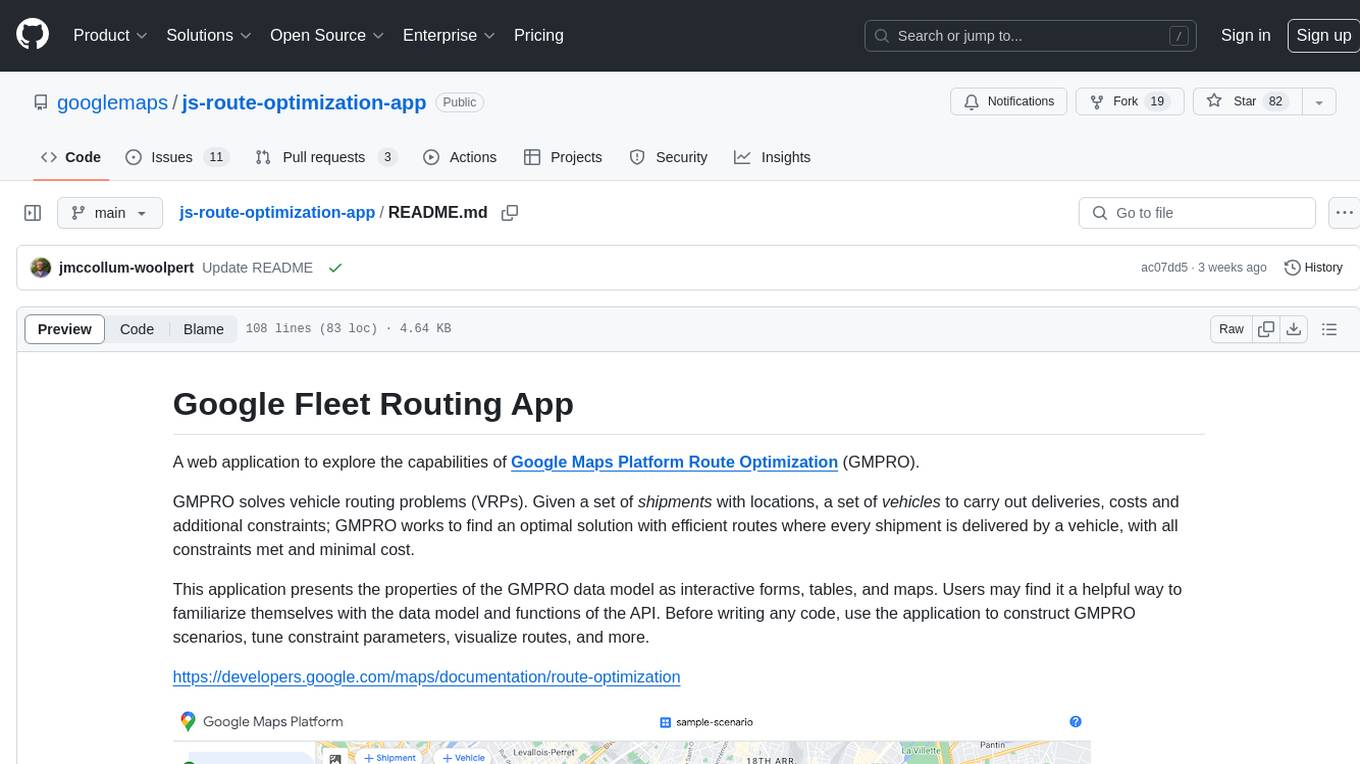
js-route-optimization-app
A web application to explore the capabilities of Google Maps Platform Route Optimization (GMPRO). It helps users understand the data model and functions of the API by presenting interactive forms, tables, and maps. The tool is intended for exploratory use only and should not be deployed in production. Users can construct scenarios, tune constraint parameters, and visualize routes before implementing their own solutions for integrating Route Optimization into their business processes. The application incurs charges related to cloud resources and API usage, and users should be cautious about generating high usage volumes, especially for large scenarios.
coze-studio
Coze Studio is an all-in-one AI agent development tool that offers the most convenient AI agent development environment, from development to deployment. It provides core technologies for AI agent development, complete app templates, and build frameworks. Coze Studio aims to simplify creating, debugging, and deploying AI agents through visual design and build tools, enabling powerful AI app development and customized business logic. The tool is developed using Golang for the backend, React + TypeScript for the frontend, and follows microservices architecture based on domain-driven design principles.
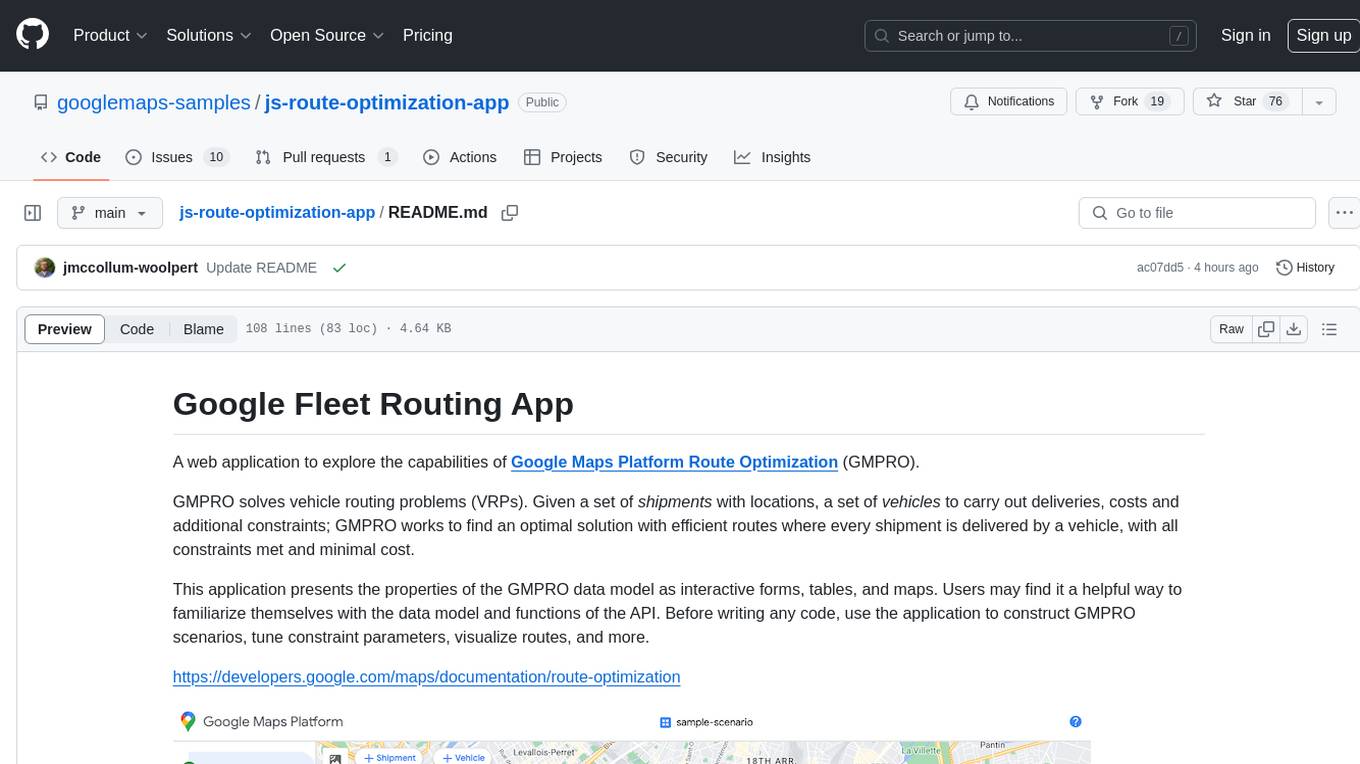
js-route-optimization-app
A web application to explore the capabilities of Google Maps Platform Route Optimization (GMPRO) for solving vehicle routing problems. Users can interact with the GMPRO data model through forms, tables, and maps to construct scenarios, tune constraints, and visualize routes. The application is intended for exploration purposes only and should not be deployed in production. Users are responsible for billing related to cloud resources and API usage. It is important to understand the pricing models for Maps Platform and Route Optimization before using the application.
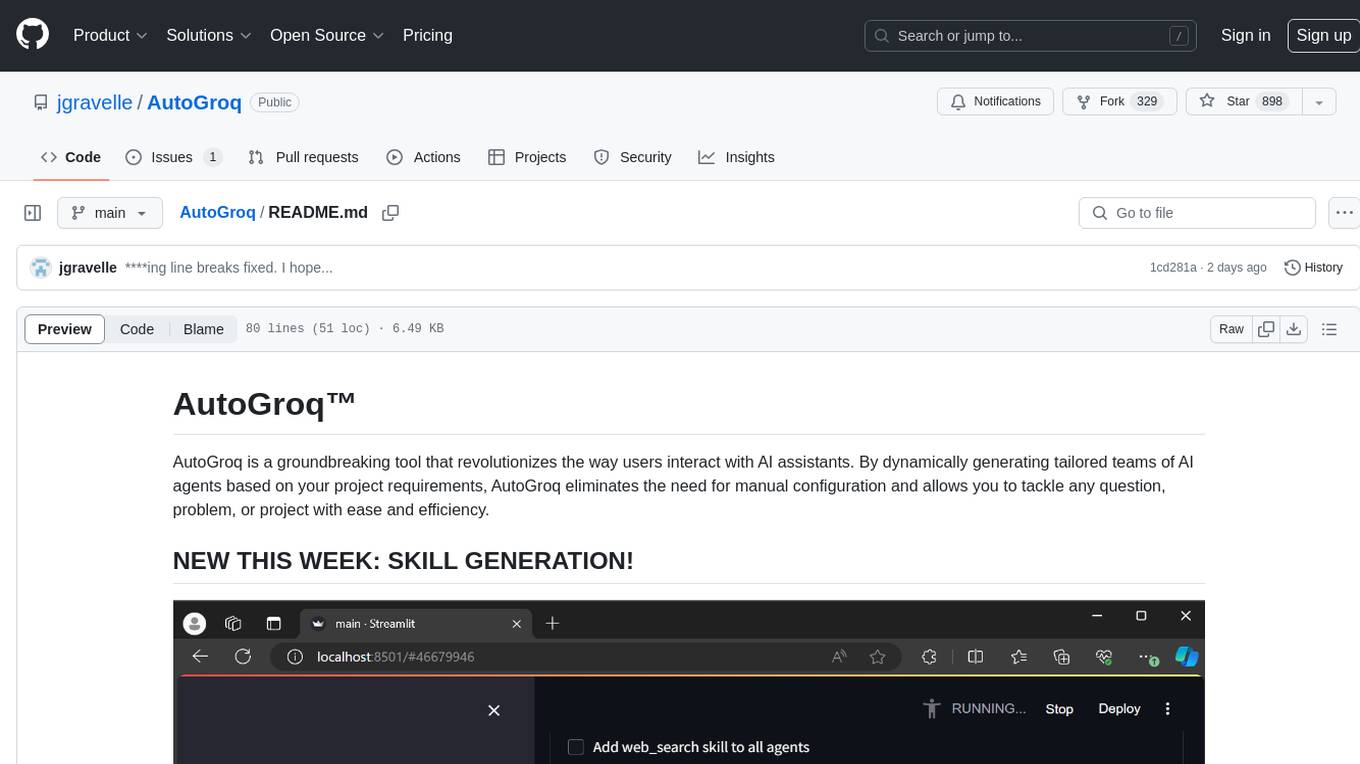
AutoGroq
AutoGroq is a revolutionary tool that dynamically generates tailored teams of AI agents based on project requirements, eliminating manual configuration. It enables users to effortlessly tackle questions, problems, and projects by creating expert agents, workflows, and skillsets with ease and efficiency. With features like natural conversation flow, code snippet extraction, and support for multiple language models, AutoGroq offers a seamless and intuitive AI assistant experience for developers and users.
llmops-promptflow-template
LLMOps with Prompt flow is a template and guidance for building LLM-infused apps using Prompt flow. It provides centralized code hosting, lifecycle management, variant and hyperparameter experimentation, A/B deployment, many-to-many dataset/flow relationships, multiple deployment targets, comprehensive reporting, BYOF capabilities, configuration-based development, local prompt experimentation and evaluation, endpoint testing, and optional Human-in-loop validation. The tool is customizable to suit various application needs.
DevOpsGPT
DevOpsGPT is an AI-driven software development automation solution that combines Large Language Models (LLM) with DevOps tools to convert natural language requirements into working software. It improves development efficiency by eliminating the need for tedious requirement documentation, shortens development cycles, reduces communication costs, and ensures high-quality deliverables. The Enterprise Edition offers features like existing project analysis, professional model selection, and support for more DevOps platforms. The tool automates requirement development, generates interface documentation, provides pseudocode based on existing projects, facilitates code refinement, enables continuous integration, and supports software version release. Users can run DevOpsGPT with source code or Docker, and the tool comes with limitations in precise documentation generation and understanding existing project code. The product roadmap includes accurate requirement decomposition, rapid import of development requirements, and integration of more software engineering and professional tools for efficient software development tasks under AI planning and execution.
TagUI
TagUI is an open-source RPA tool that allows users to automate repetitive tasks on their computer, including tasks on websites, desktop apps, and the command line. It supports multiple languages and offers features like interacting with identifiers, automating data collection, moving data between TagUI and Excel, and sending Telegram notifications. Users can create RPA robots using MS Office Plug-ins or text editors, run TagUI on the cloud, and integrate with other RPA tools. TagUI prioritizes enterprise security by running on users' computers and not storing data. It offers detailed logs, enterprise installation guides, and support for centralised reporting.
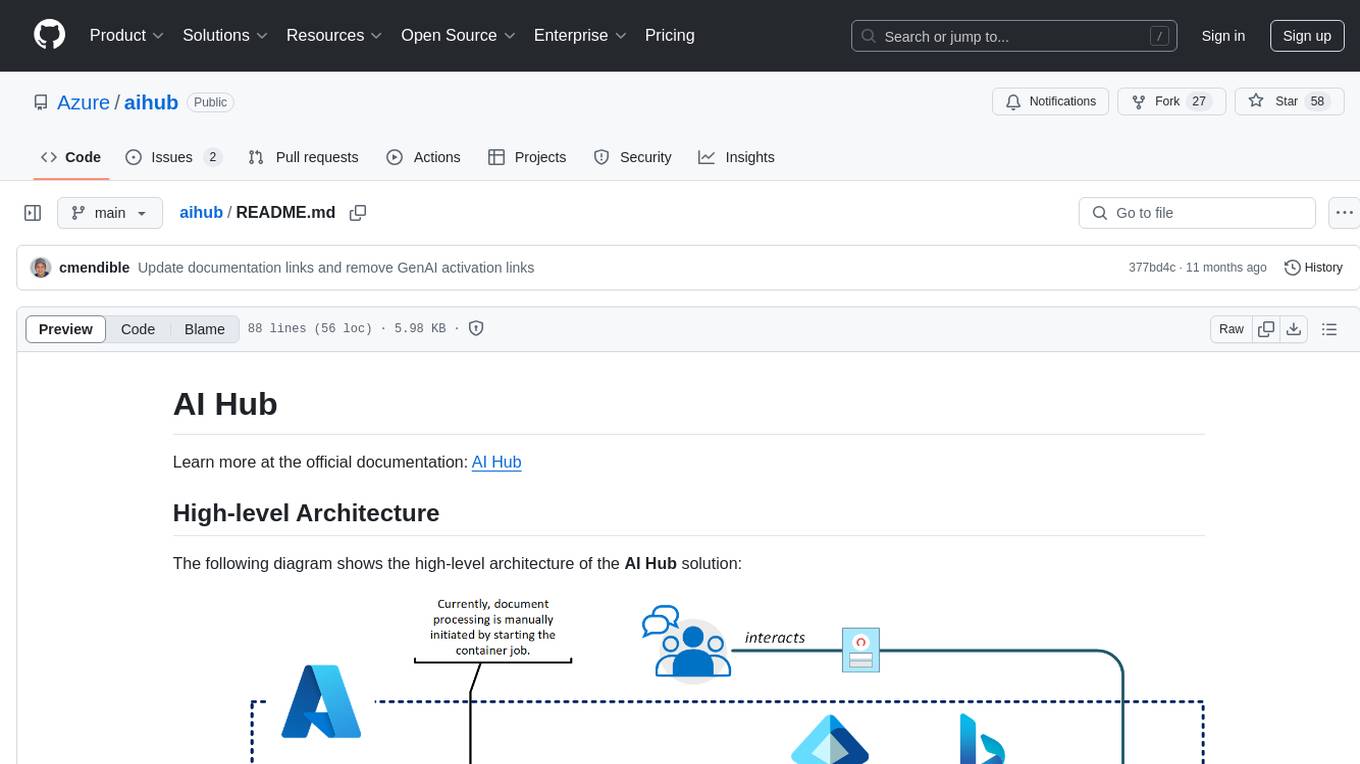
aihub
AI Hub is a comprehensive solution that leverages artificial intelligence and cloud computing to provide functionalities such as document search and retrieval, call center analytics, image analysis, brand reputation analysis, form analysis, document comparison, and content safety moderation. It integrates various Azure services like Cognitive Search, ChatGPT, Azure Vision Services, and Azure Document Intelligence to offer scalable, extensible, and secure AI-powered capabilities for different use cases and scenarios.
ai2apps
AI2Apps is a visual IDE for building LLM-based AI agent applications, enabling developers to efficiently create AI agents through drag-and-drop, with features like design-to-development for rapid prototyping, direct packaging of agents into apps, powerful debugging capabilities, enhanced user interaction, efficient team collaboration, flexible deployment, multilingual support, simplified product maintenance, and extensibility through plugins.
csghub
CSGHub is an open source platform for managing large model assets, including datasets, model files, and codes. It offers functionalities similar to a privatized Huggingface, managing assets in a manner akin to how OpenStack Glance manages virtual machine images. Users can perform operations such as uploading, downloading, storing, verifying, and distributing assets through various interfaces. The platform provides microservice submodules and standardized OpenAPIs for easy integration with users' systems. CSGHub is designed for large models and can be deployed On-Premise for offline operation.
AgentUp
AgentUp is an active development tool that provides a developer-first agent framework for creating AI agents with enterprise-grade infrastructure. It allows developers to define agents with configuration, ensuring consistent behavior across environments. The tool offers secure design, configuration-driven architecture, extensible ecosystem for customizations, agent-to-agent discovery, asynchronous task architecture, deterministic routing, and MCP support. It supports multiple agent types like reactive agents and iterative agents, making it suitable for chatbots, interactive applications, research tasks, and more. AgentUp is built by experienced engineers from top tech companies and is designed to make AI agents production-ready, secure, and reliable.
dstoolkit-text2sql-and-imageprocessing
This repository provides sample code for improving RAG applications with rich data sources including SQL Warehouses and documents analysed with Azure Document Intelligence. It includes components for Text2SQL generation and querying, linking Azure Document Intelligence with AI Search for processing complex documents, and deploying AI search indexes. The plugins and skills aim to enhance response quality in RAG applications by accessing and pulling data from SQL tables, drawing insights from complex charts and images, and intelligently grouping similar sentences.
For similar tasks
get-started-with-ai-agents
The 'Getting Started with Agents Using Azure AI Foundry' repository provides a solution that deploys a web-based chat application with an AI agent running in Azure Container App. The agent leverages Azure AI services for knowledge retrieval from uploaded files, enabling it to generate responses with citations. The solution includes built-in monitoring capabilities for easier troubleshooting and optimized performance. Users can deploy AI models, customize the agent, and evaluate its performance. The repository offers flexible deployment options through GitHub Codespaces, VS Code Dev Containers, or local environments.
OSWorld
OSWorld is a benchmarking tool designed to evaluate multimodal agents for open-ended tasks in real computer environments. It provides a platform for running experiments, setting up virtual machines, and interacting with the environment using Python scripts. Users can install the tool on their desktop or server, manage dependencies with Conda, and run benchmark tasks. The tool supports actions like executing commands, checking for specific results, and evaluating agent performance. OSWorld aims to facilitate research in AI by providing a standardized environment for testing and comparing different agent baselines.
LLM-Agents-Papers
A repository that lists papers related to Large Language Model (LLM) based agents. The repository covers various topics including survey, planning, feedback & reflection, memory mechanism, role playing, game playing, tool usage & human-agent interaction, benchmark & evaluation, environment & platform, agent framework, multi-agent system, and agent fine-tuning. It provides a comprehensive collection of research papers on LLM-based agents, exploring different aspects of AI agent architectures and applications.
council
Council is an open-source platform designed for the rapid development and deployment of customized generative AI applications using teams of agents. It extends the LLM tool ecosystem by providing advanced control flow and scalable oversight for AI agents. Users can create sophisticated agents with predictable behavior by leveraging Council's powerful approach to control flow using Controllers, Filters, Evaluators, and Budgets. The framework allows for automated routing between agents, comparing, evaluating, and selecting the best results for a task. Council aims to facilitate packaging and deploying agents at scale on multiple platforms while enabling enterprise-grade monitoring and quality control.
ComfyBench
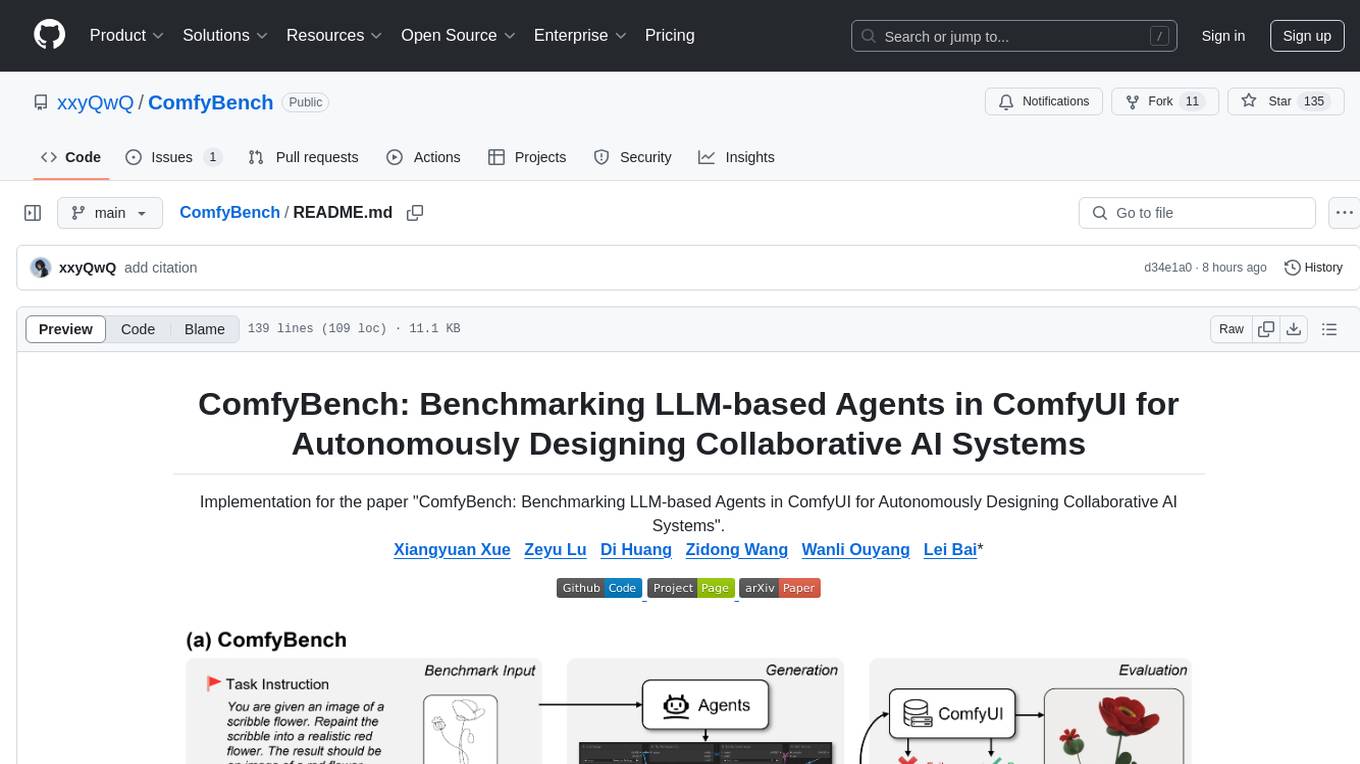
ComfyBench is a comprehensive benchmark tool designed to evaluate agents' ability to design collaborative AI systems in ComfyUI. It provides tasks for agents to learn from documents and create workflows, which are then converted into code for better understanding by LLMs. The tool measures performance based on pass rate and resolve rate, reflecting the correctness of workflow execution and task realization. ComfyAgent, a component of ComfyBench, autonomously designs new workflows by learning from existing ones, interpreting them as collaborative AI systems to complete given tasks.
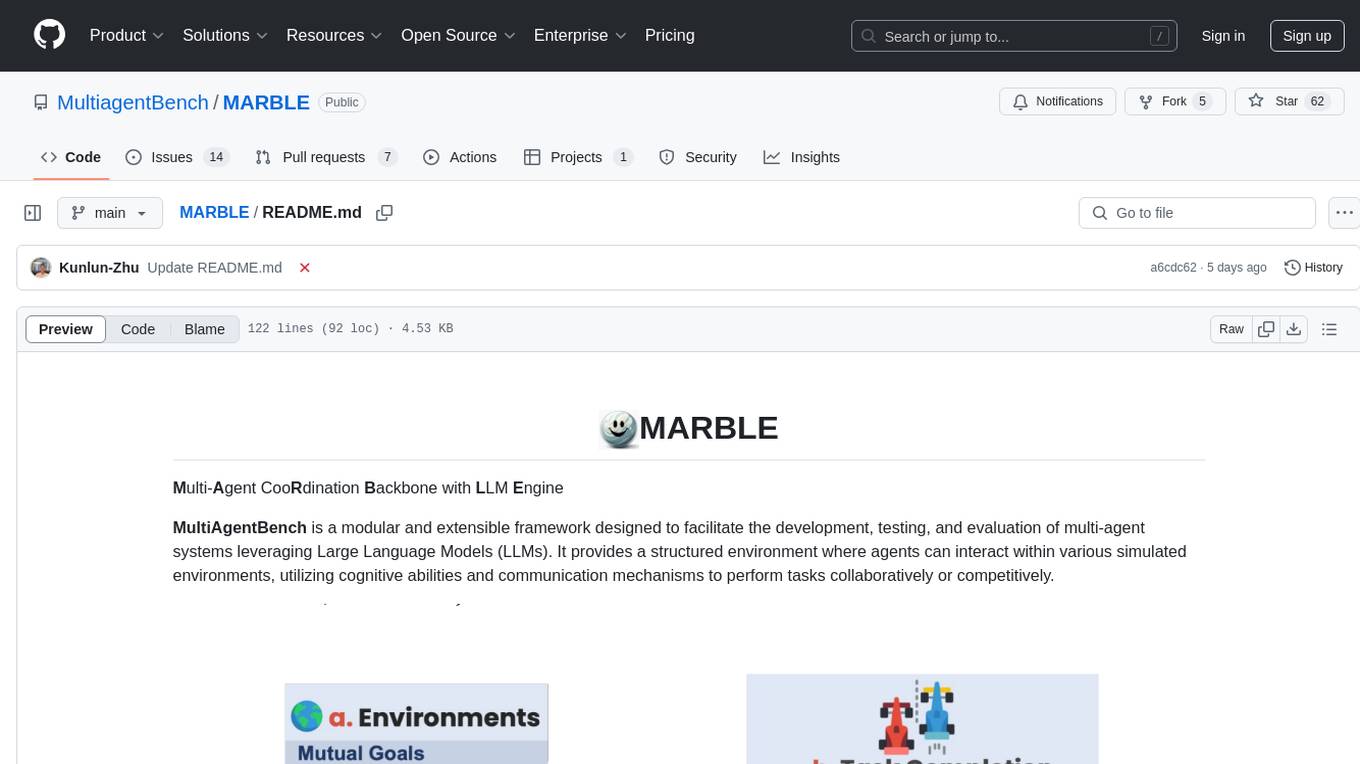
MARBLE
MARBLE (Multi-Agent Coordination Backbone with LLM Engine) is a modular framework for developing, testing, and evaluating multi-agent systems leveraging Large Language Models. It provides a structured environment for agents to interact in simulated environments, utilizing cognitive abilities and communication mechanisms for collaborative or competitive tasks. The framework features modular design, multi-agent support, LLM integration, shared memory, flexible environments, metrics and evaluation, industrial coding standards, and Docker support.
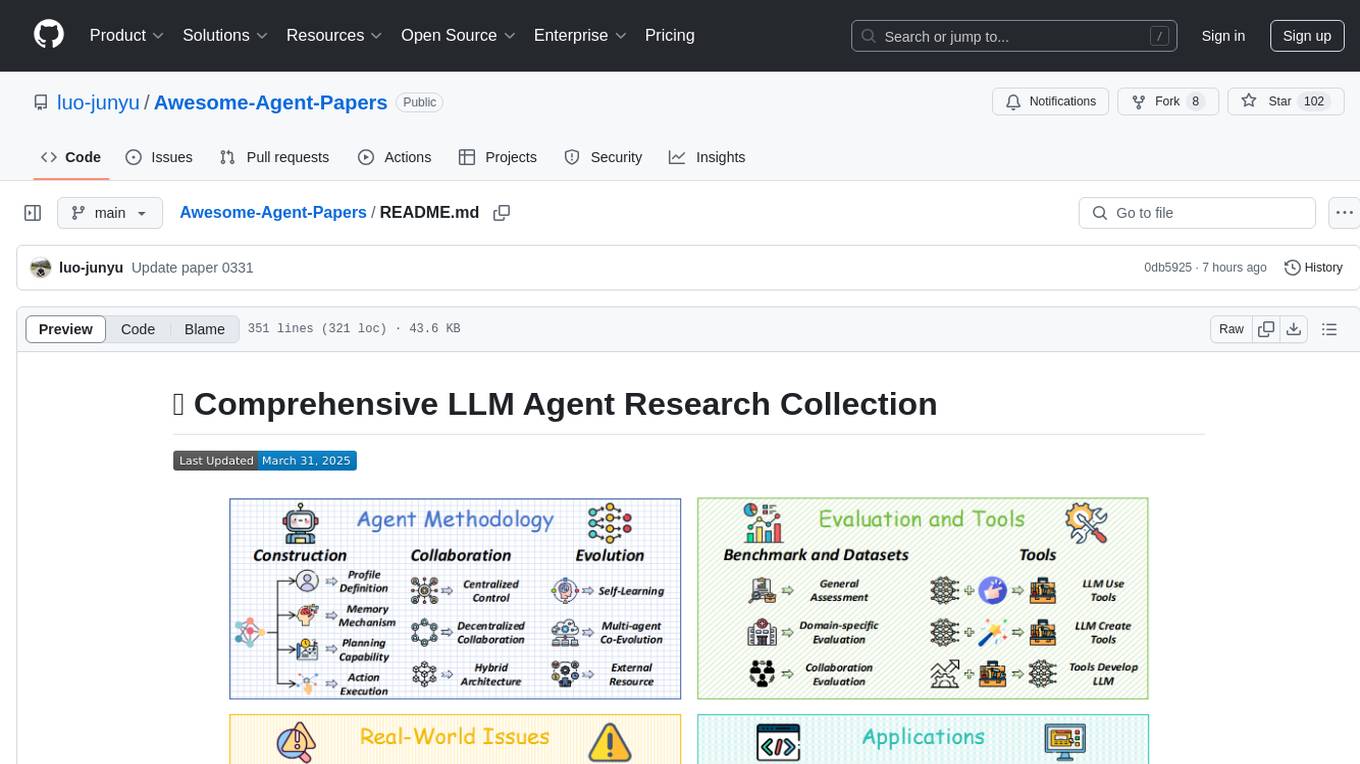
Awesome-Agent-Papers
This repository is a comprehensive collection of research papers on Large Language Model (LLM) agents, organized across key categories including agent construction, collaboration mechanisms, evolution, tools, security, benchmarks, and applications. The taxonomy provides a structured framework for understanding the field of LLM agents, bridging fragmented research threads by highlighting connections between agent design principles and emergent behaviors.
LLM-Agent-Evaluation-Survey
LLM-Agent-Evaluation-Survey is a tool designed to gather feedback and evaluate the performance of AI agents. It provides a user-friendly interface for users to rate and provide comments on the interactions with AI agents. The tool aims to collect valuable insights to improve the AI agents' capabilities and enhance user experience. With LLM-Agent-Evaluation-Survey, users can easily assess the effectiveness and efficiency of AI agents in various scenarios, leading to better decision-making and optimization of AI systems.
For similar jobs

promptflow
**Prompt flow** is a suite of development tools designed to streamline the end-to-end development cycle of LLM-based AI applications, from ideation, prototyping, testing, evaluation to production deployment and monitoring. It makes prompt engineering much easier and enables you to build LLM apps with production quality.

deepeval
DeepEval is a simple-to-use, open-source LLM evaluation framework specialized for unit testing LLM outputs. It incorporates various metrics such as G-Eval, hallucination, answer relevancy, RAGAS, etc., and runs locally on your machine for evaluation. It provides a wide range of ready-to-use evaluation metrics, allows for creating custom metrics, integrates with any CI/CD environment, and enables benchmarking LLMs on popular benchmarks. DeepEval is designed for evaluating RAG and fine-tuning applications, helping users optimize hyperparameters, prevent prompt drifting, and transition from OpenAI to hosting their own Llama2 with confidence.

MegaDetector
MegaDetector is an AI model that identifies animals, people, and vehicles in camera trap images (which also makes it useful for eliminating blank images). This model is trained on several million images from a variety of ecosystems. MegaDetector is just one of many tools that aims to make conservation biologists more efficient with AI. If you want to learn about other ways to use AI to accelerate camera trap workflows, check out our of the field, affectionately titled "Everything I know about machine learning and camera traps".

leapfrogai
LeapfrogAI is a self-hosted AI platform designed to be deployed in air-gapped resource-constrained environments. It brings sophisticated AI solutions to these environments by hosting all the necessary components of an AI stack, including vector databases, model backends, API, and UI. LeapfrogAI's API closely matches that of OpenAI, allowing tools built for OpenAI/ChatGPT to function seamlessly with a LeapfrogAI backend. It provides several backends for various use cases, including llama-cpp-python, whisper, text-embeddings, and vllm. LeapfrogAI leverages Chainguard's apko to harden base python images, ensuring the latest supported Python versions are used by the other components of the stack. The LeapfrogAI SDK provides a standard set of protobuffs and python utilities for implementing backends and gRPC. LeapfrogAI offers UI options for common use-cases like chat, summarization, and transcription. It can be deployed and run locally via UDS and Kubernetes, built out using Zarf packages. LeapfrogAI is supported by a community of users and contributors, including Defense Unicorns, Beast Code, Chainguard, Exovera, Hypergiant, Pulze, SOSi, United States Navy, United States Air Force, and United States Space Force.

llava-docker
This Docker image for LLaVA (Large Language and Vision Assistant) provides a convenient way to run LLaVA locally or on RunPod. LLaVA is a powerful AI tool that combines natural language processing and computer vision capabilities. With this Docker image, you can easily access LLaVA's functionalities for various tasks, including image captioning, visual question answering, text summarization, and more. The image comes pre-installed with LLaVA v1.2.0, Torch 2.1.2, xformers 0.0.23.post1, and other necessary dependencies. You can customize the model used by setting the MODEL environment variable. The image also includes a Jupyter Lab environment for interactive development and exploration. Overall, this Docker image offers a comprehensive and user-friendly platform for leveraging LLaVA's capabilities.

carrot
The 'carrot' repository on GitHub provides a list of free and user-friendly ChatGPT mirror sites for easy access. The repository includes sponsored sites offering various GPT models and services. Users can find and share sites, report errors, and access stable and recommended sites for ChatGPT usage. The repository also includes a detailed list of ChatGPT sites, their features, and accessibility options, making it a valuable resource for ChatGPT users seeking free and unlimited GPT services.

TrustLLM
TrustLLM is a comprehensive study of trustworthiness in LLMs, including principles for different dimensions of trustworthiness, established benchmark, evaluation, and analysis of trustworthiness for mainstream LLMs, and discussion of open challenges and future directions. Specifically, we first propose a set of principles for trustworthy LLMs that span eight different dimensions. Based on these principles, we further establish a benchmark across six dimensions including truthfulness, safety, fairness, robustness, privacy, and machine ethics. We then present a study evaluating 16 mainstream LLMs in TrustLLM, consisting of over 30 datasets. The document explains how to use the trustllm python package to help you assess the performance of your LLM in trustworthiness more quickly. For more details about TrustLLM, please refer to project website.

AI-YinMei
AI-YinMei is an AI virtual anchor Vtuber development tool (N card version). It supports fastgpt knowledge base chat dialogue, a complete set of solutions for LLM large language models: [fastgpt] + [one-api] + [Xinference], supports docking bilibili live broadcast barrage reply and entering live broadcast welcome speech, supports Microsoft edge-tts speech synthesis, supports Bert-VITS2 speech synthesis, supports GPT-SoVITS speech synthesis, supports expression control Vtuber Studio, supports painting stable-diffusion-webui output OBS live broadcast room, supports painting picture pornography public-NSFW-y-distinguish, supports search and image search service duckduckgo (requires magic Internet access), supports image search service Baidu image search (no magic Internet access), supports AI reply chat box [html plug-in], supports AI singing Auto-Convert-Music, supports playlist [html plug-in], supports dancing function, supports expression video playback, supports head touching action, supports gift smashing action, supports singing automatic start dancing function, chat and singing automatic cycle swing action, supports multi scene switching, background music switching, day and night automatic switching scene, supports open singing and painting, let AI automatically judge the content.