


project-blog
A collaborative platform for developers & learners to explore, build, and contribute to Web Development & AI projects. Features include AI-driven recommendations, role-based access, project tracking, interactive community engagement, and structured learning resources.
Stars: 112
Welcome to the Blog Script Project, a collaborative platform for developers and writers to create, manage, and share content. With features like Markdown support, submodule integration, customizable templates, project contribution workflow, global visibility, community discussions, SEO optimization, and role-based dashboard, Blog Script enhances collaboration and visibility for your work. You can contribute by adding new projects, improving existing projects, updating documentation, fixing bugs, optimizing, and ensuring code readability. Follow the contribution guidelines to star the repository, find tasks, fork the repository, make changes, add screenshots, submit a pull request, and contribute to the open-source community. Additionally, you can add your project as a submodule by following the provided guidelines. Join us, contribute, and grow together!
README:









Welcome to the Blog Script Project—a collaborative blogging platform designed to simplify content creation, management, and sharing. It provides a structured environment where developers and writers can seamlessly integrate submodules, customize templates, and efficiently manage their projects. With role-based access, built-in SEO optimization, and community discussions, Blog Script enhances collaboration and ensures global visibility for your work.
Blog Script is an open-source platform where you can submit your projects, update them anytime, and improve the platform itself. It’s perfect for developers and writers who want to showcase their work, collaborate with others, and gain global visibility.
Join us, contribute, and grow together! 🌍✨
| Feature | Description |
|---|---|
| Markdown Support | Easily write and format blog content using Markdown, making it clean and well-structured. Markdown helps in organizing text, adding headings, lists, links, and images without complex coding. |
| Submodule Integration | Allows you to add external repositories as submodules, making it easier to manage and link different projects inside your blog. This helps in organizing code and keeping everything in one place. |
| Customizable Templates | Choose from ready-made templates to design your blog the way you like. These templates help in quickly setting up a beautiful and professional-looking blog. |
| Project Contribution Workflow | Submit your project to this repository and update it anytime. You can also contribute more by improving your project and raising pull requests (PRs) to update Blog Script itself. This helps in growing your project while also making Blog Script better. |
| Global Visibility | Your blog and projects will be visible to a larger audience worldwide. This increases your chances of getting noticed, getting feedback, and collaborating with others. |
| Community Discussions | Connect with other contributors, discuss ideas, ask questions, and share knowledge. This makes learning and improving projects easier through teamwork. |
| Full Ownership | You have complete control over your projects and contributions. No one else can change your work without your permission. |
| SEO Optimization | Blog Script ensures your content is easily found on search engines like Google. This helps in reaching more people and increasing engagement. |
| Role-Based Dashboard | Different users have different levels of access. Admins can manage everything, collaborators can work on assigned projects, contributors can submit their work, and regular users can read and interact with blogs. |
Choose a contribution area that suits your skills
| Contribution Area |
|---|
| Add New Projects |
| Improve Existing Projects |
| Documentation Updates |
| Bug Fixes |
| Responsive Design |
| Code Readability |
| Optimization |
- Star the repository on GitHub to show your support.
- Browse the Issues to find tasks that need attention.
- Fork the repository to your own GitHub account to start working on your changes.
- Create a new branch for the issue you're working on.
- Make your changes, ensuring they align with the project's structure and standards.
- Add screenshots or screen captures of your changes to showcase their effects in the pull request.
- Submit a Pull Request, and it will be reviewed.
- Make sure to read and follow the Contributing Guidelines and Code of Conduct.
We want your work to be readable by others; therefore, we encourage you to note the following:
-
Project/Repository names should be in
kebab-caseletters (e.g.,to-do-list,joke-telling-application).Ensure your repository contains the following files:
- README.md → Briefly explain the project, its features, and use cases.
- SETUP.md → Step-by-step guide to setting up the project locally.
- LICENSE → Define the licensing terms for project usage.
- SCREENSHOT → Add an image showcasing the project’s UI, if available.
- WORKING PROTOTYPE → (Optional) Provide a live demo link or preview GIF/video.
- DEPLOYED URL → Attach a deployed URL in your project repository.
-
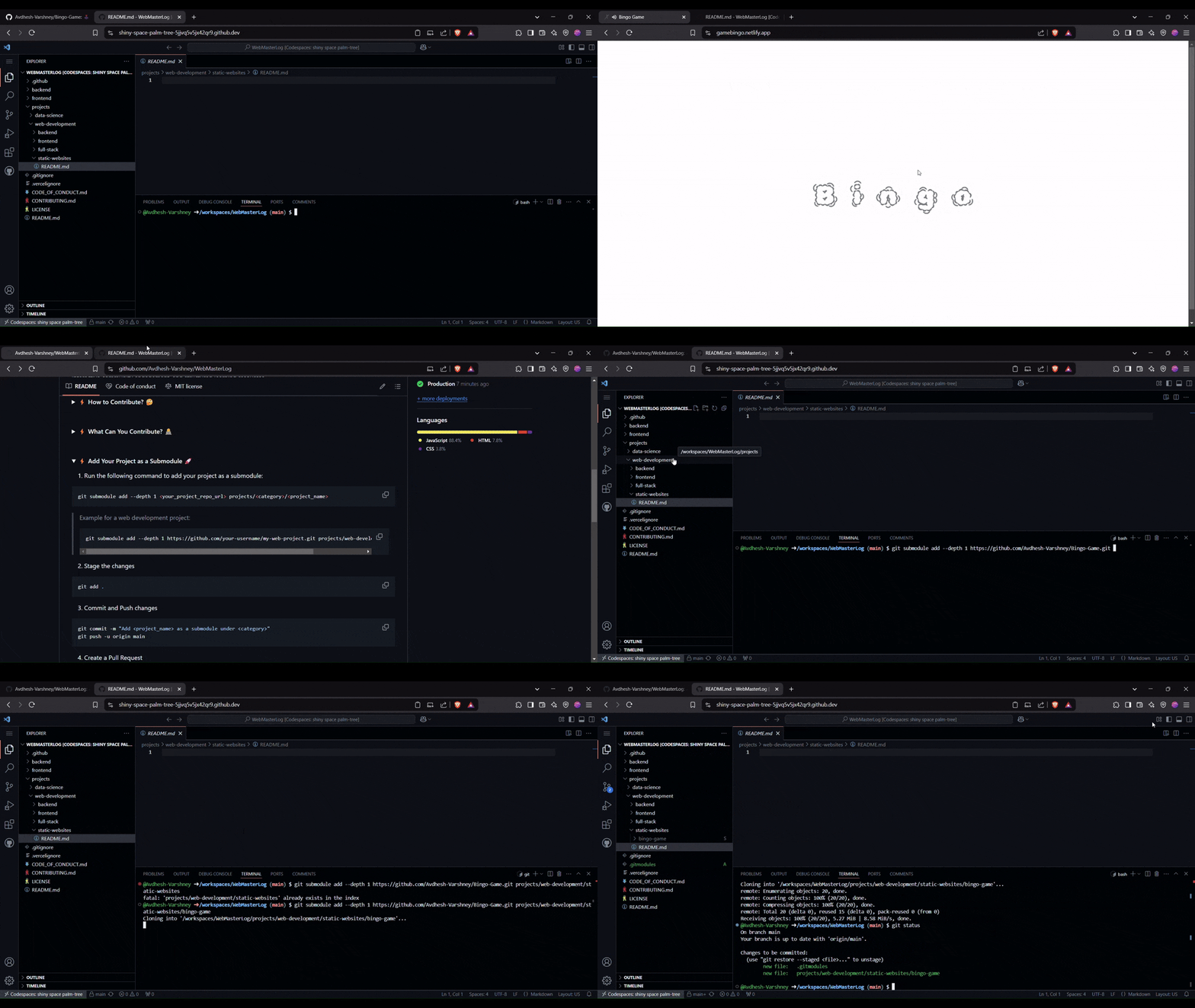
Run the following command to add your project as a submodule:
Run this command from the root directory
/workspaces/blog-script
git submodule add --depth 1 <your_project_repo_url> projects/<category>/<project_name>Example for a web development project:
git submodule add --depth 1 https://github.com/your-username/my-web-project.git projects/web-development/my-web-project
- Create a new branch.
git checkout -b <add/project_name>- Stage the changes
git add .-
Commit and Push changes
Commit message should be clear. Never write un-necessary things in the commit messages.
git commit -m "Add <project_name> as a submodule under <category>"
git push -u origin <add/project_name>- Create a Pull Request
- Go to your forked repository on GitHub.
- Click on Compare & pull request.
- Provide a clear description of your project.
- Submit the PR for review.
- Fill out the PR template properly when submitting a pull request.
- Do not commit directly to the
mainbranch, otherwise your PR will be instantly rejected. - Ensure all work is original and not copied from other sources.
- Don't create more than 3-4 commits until not permitted by Admin and Mentors of the project.
- Add comments to your code wherever necessary for clarity.
- For frontend updates, share screenshots and work samples before submitting a PR.

For Tasks:
Click tags to check more tools for each tasksFor Jobs:
Alternative AI tools for project-blog
Similar Open Source Tools
project-blog
Welcome to the Blog Script Project, a collaborative platform for developers and writers to create, manage, and share content. With features like Markdown support, submodule integration, customizable templates, project contribution workflow, global visibility, community discussions, SEO optimization, and role-based dashboard, Blog Script enhances collaboration and visibility for your work. You can contribute by adding new projects, improving existing projects, updating documentation, fixing bugs, optimizing, and ensuring code readability. Follow the contribution guidelines to star the repository, find tasks, fork the repository, make changes, add screenshots, submit a pull request, and contribute to the open-source community. Additionally, you can add your project as a submodule by following the provided guidelines. Join us, contribute, and grow together!
code-a2z
Code A2Z - Project Blog is a collaborative platform for developers and writers to create, manage, and share content. It offers structured environment, role-based access, SEO optimization, and community discussions to enhance collaboration and global visibility. Users can contribute projects, update them, and improve the platform. Key features include Markdown support, submodule integration, customizable templates, project contribution workflow, global visibility, community discussions, full ownership, SEO optimization, and role-based dashboard.
chatbox
Chatbox is a desktop client for ChatGPT, Claude, and other LLMs, providing a user-friendly interface for AI copilot assistance on Windows, Mac, and Linux. It offers features like local data storage, multiple LLM provider support, image generation with Dall-E-3, enhanced prompting, keyboard shortcuts, and more. Users can collaborate, access the tool on various platforms, and enjoy multilingual support. Chatbox is constantly evolving with new features to enhance the user experience.
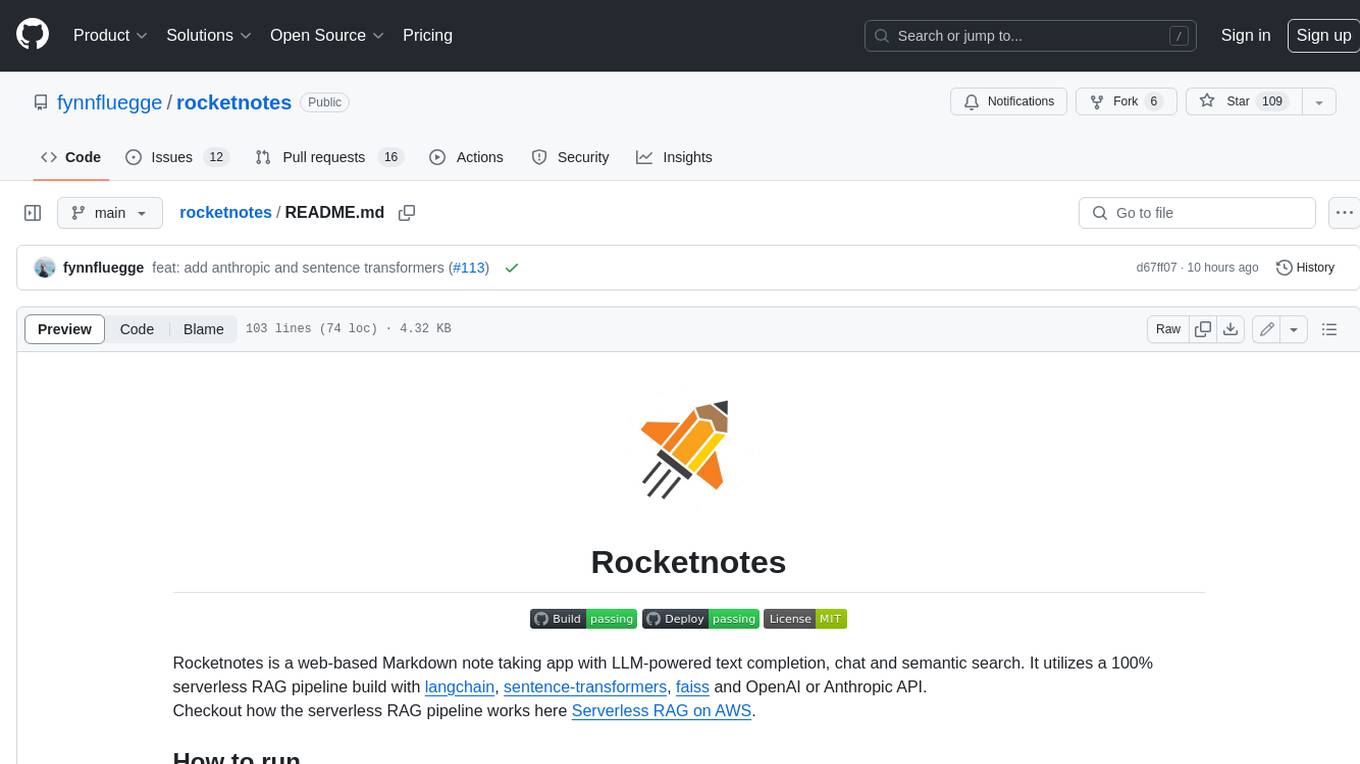
rocketnotes
Rocketnotes is a web-based Markdown note taking app with LLM-powered text completion, chat and semantic search. It utilizes a 100% serverless RAG pipeline build with langchain, sentence-transformers, faiss and OpenAI or Anthropic API.
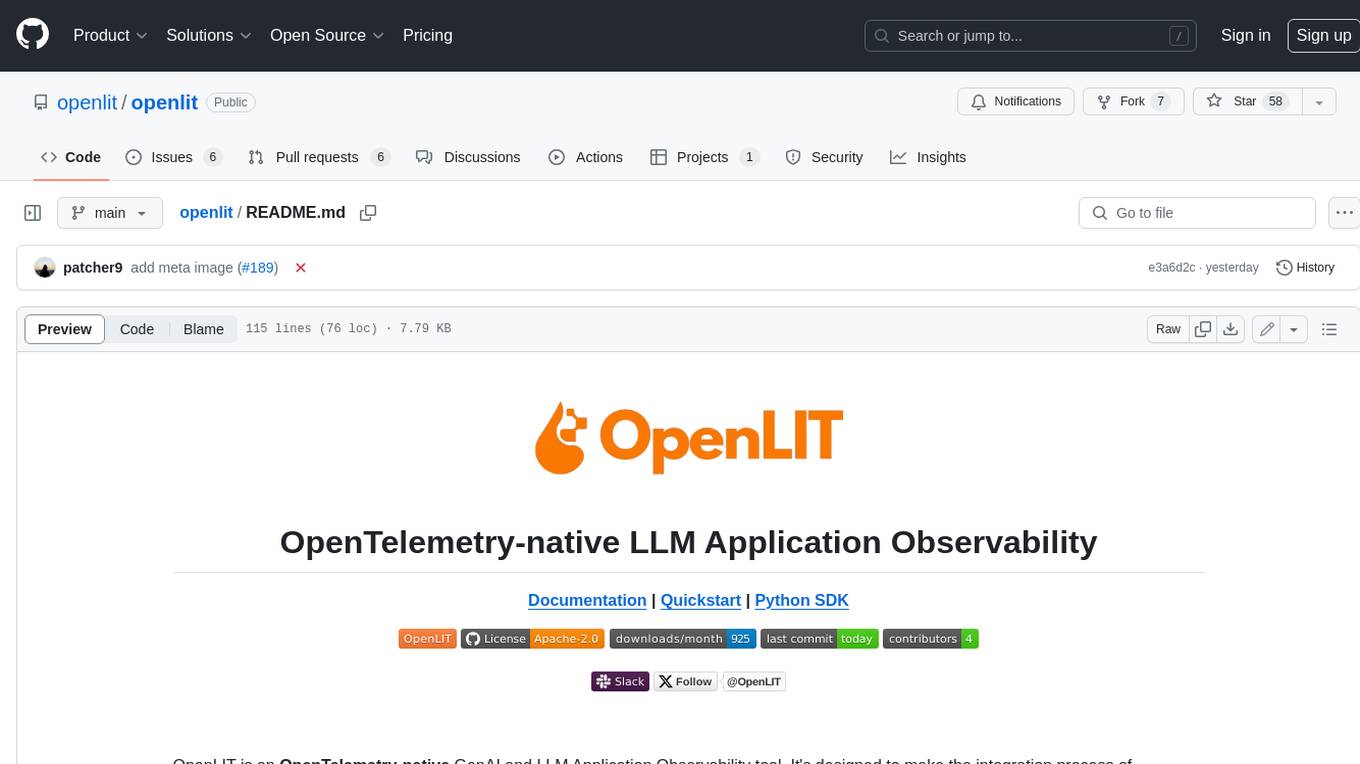
openlit
OpenLIT is an OpenTelemetry-native GenAI and LLM Application Observability tool. It's designed to make the integration process of observability into GenAI projects as easy as pie – literally, with just **a single line of code**. Whether you're working with popular LLM Libraries such as OpenAI and HuggingFace or leveraging vector databases like ChromaDB, OpenLIT ensures your applications are monitored seamlessly, providing critical insights to improve performance and reliability.
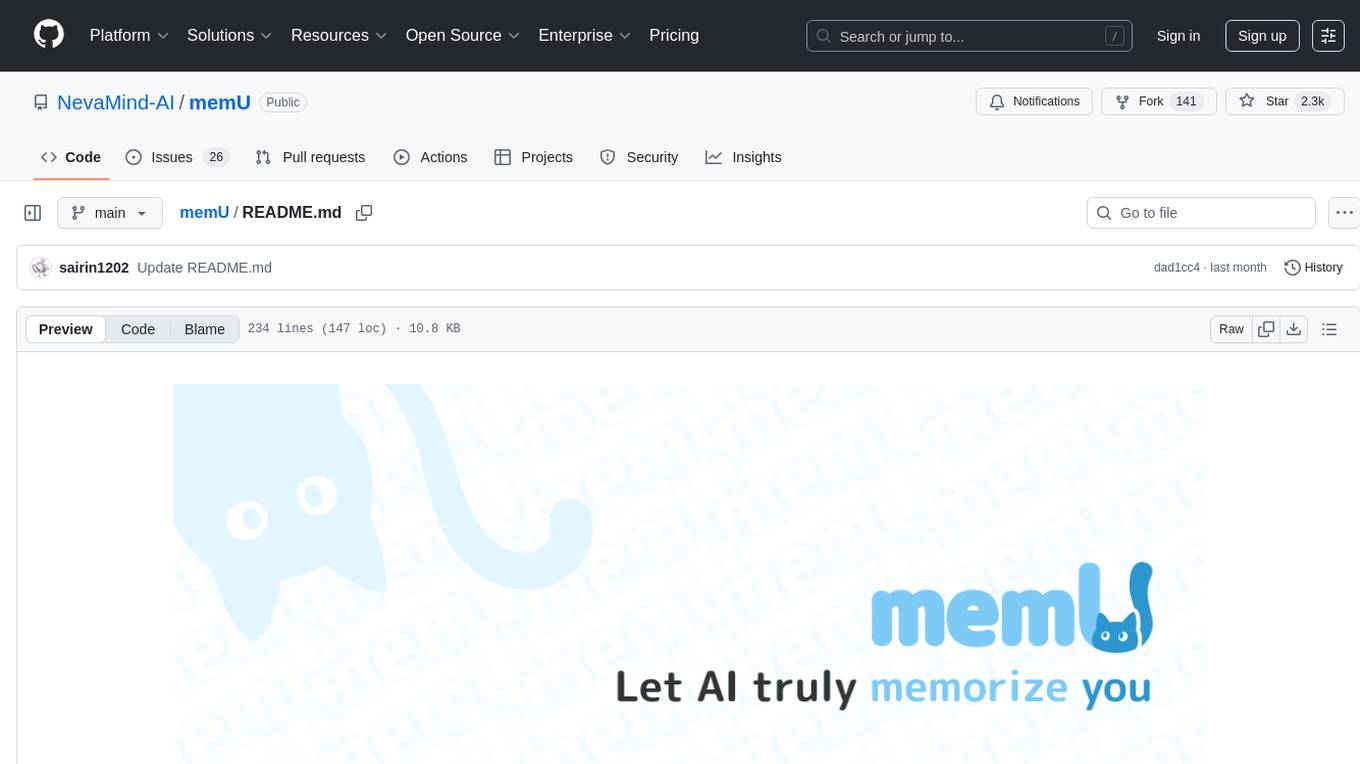
memU
MemU is an open-source memory framework designed for AI companions, offering high accuracy, fast retrieval, and cost-effectiveness. It serves as an intelligent 'memory folder' that adapts to various AI companion scenarios. With MemU, users can create AI companions that remember them, learn their preferences, and evolve through interactions. The framework provides advanced retrieval strategies, 24/7 support, and is specialized for AI companions. MemU offers cloud, enterprise, and self-hosting options, with features like memory organization, interconnected knowledge graph, continuous self-improvement, and adaptive forgetting mechanism. It boasts high memory accuracy, fast retrieval, and low cost, making it suitable for building intelligent agents with persistent memory capabilities.
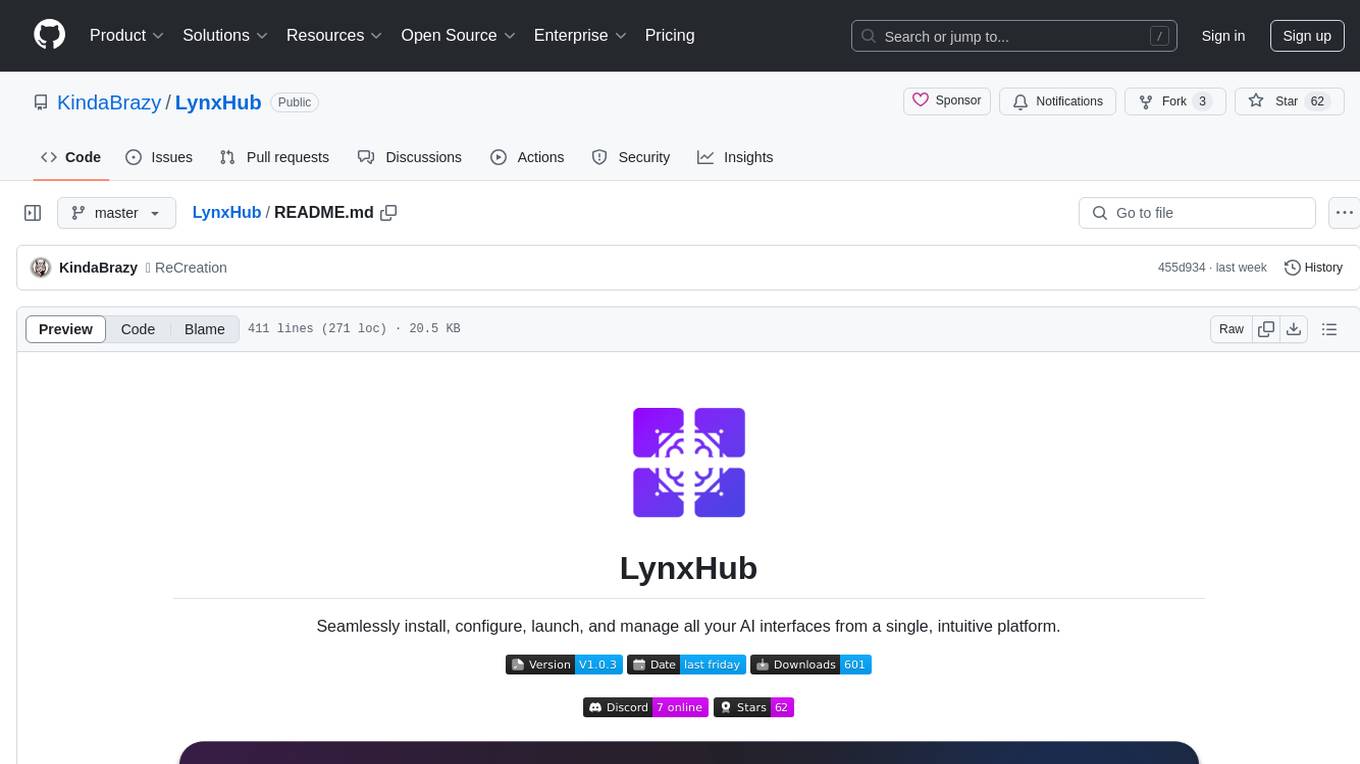
LynxHub
LynxHub is a platform that allows users to seamlessly install, configure, launch, and manage all their AI interfaces from a single, intuitive dashboard. It offers features like AI interface management, arguments manager, custom run commands, pre-launch actions, extension management, in-app tools like terminal and web browser, AI information dashboard, Discord integration, and additional features like theme options and favorite interface pinning. The platform supports modular design for custom AI modules and upcoming extensions system for complete customization. LynxHub aims to streamline AI workflow and enhance user experience with a user-friendly interface and comprehensive functionalities.
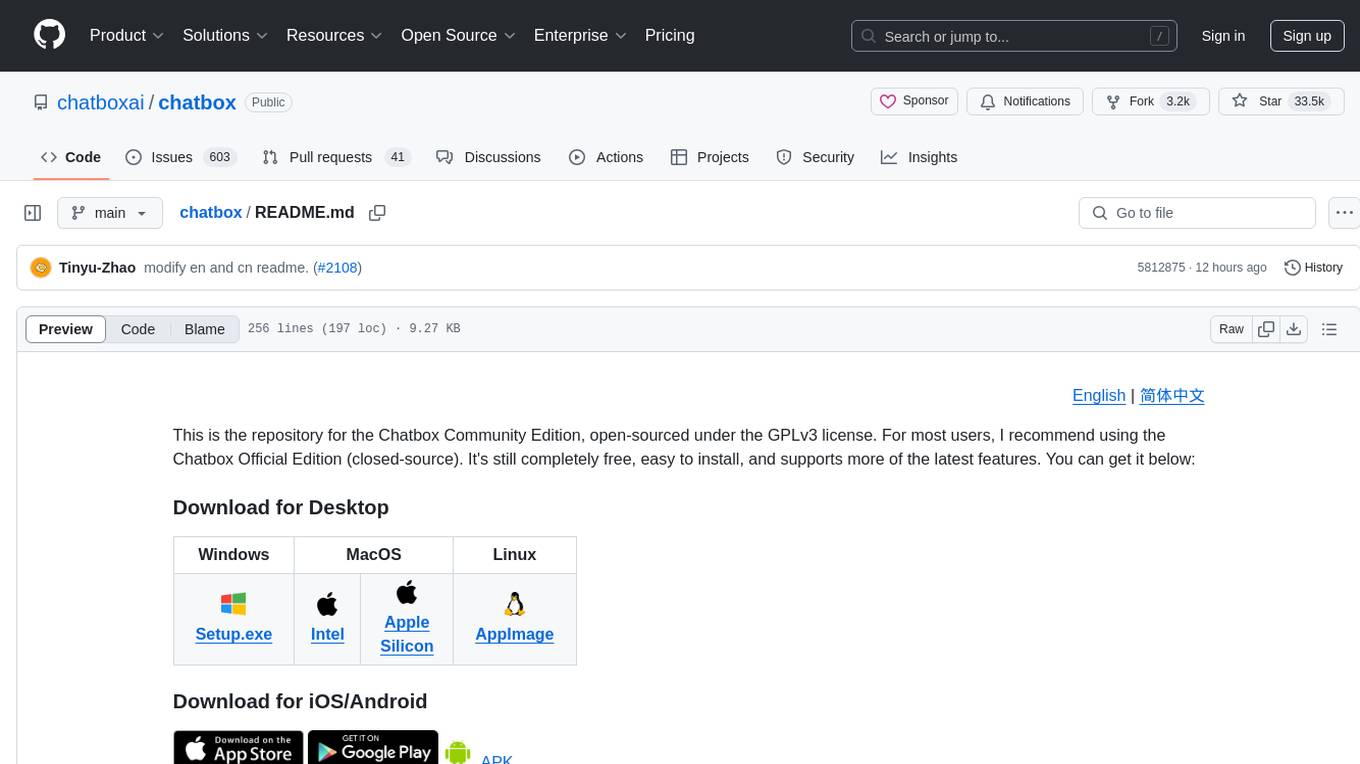
chatbox
Chatbox is a desktop client for ChatGPT, Claude, and other LLMs, providing features like local data storage, multiple LLM provider support, image generation, enhanced prompting, keyboard shortcuts, and more. It offers a user-friendly interface with dark theme, team collaboration, cross-platform availability, web version access, iOS & Android apps, multilingual support, and ongoing feature enhancements. Developed for prompt and API debugging, it has gained popularity for daily chatting and professional role-playing with AI assistance.
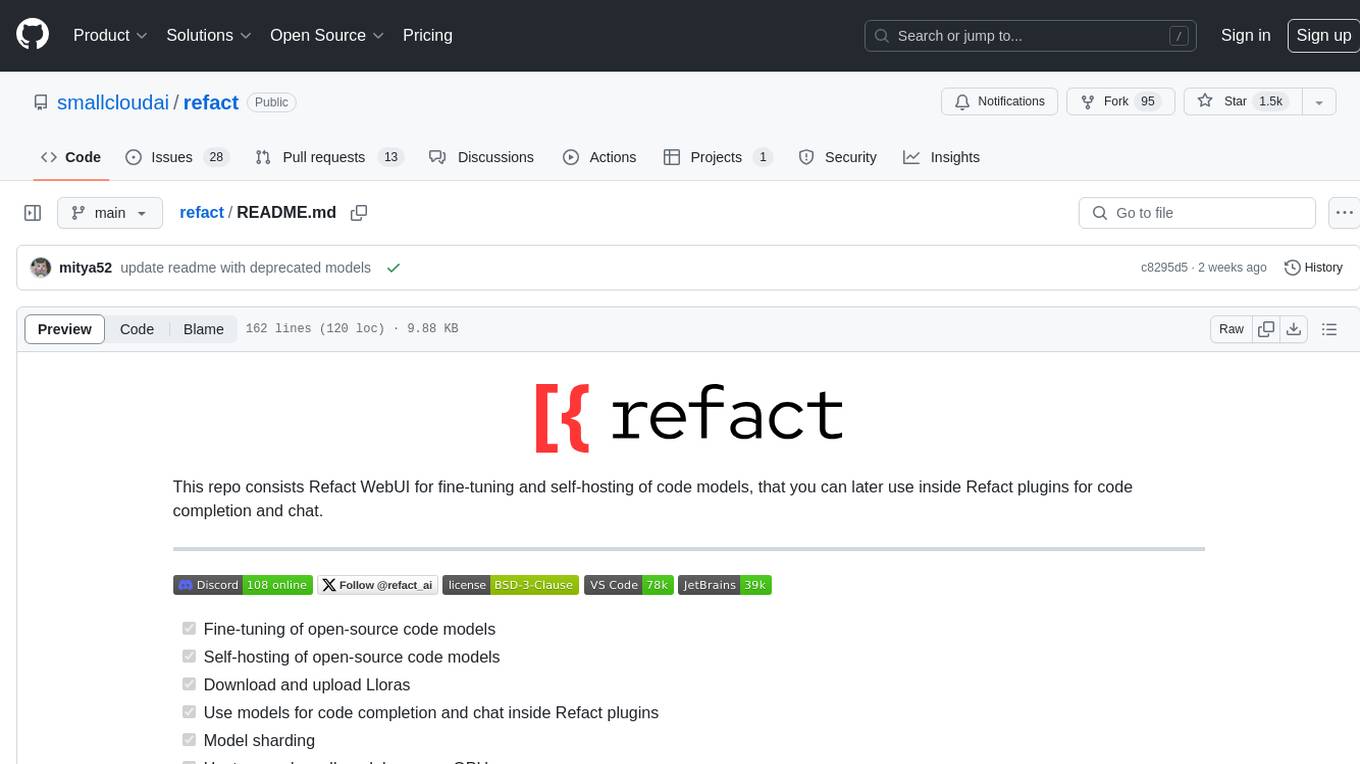
refact
This repository contains Refact WebUI for fine-tuning and self-hosting of code models, which can be used inside Refact plugins for code completion and chat. Users can fine-tune open-source code models, self-host them, download and upload Lloras, use models for code completion and chat inside Refact plugins, shard models, host multiple small models on one GPU, and connect GPT-models for chat using OpenAI and Anthropic keys. The repository provides a Docker container for running the self-hosted server and supports various models for completion, chat, and fine-tuning. Refact is free for individuals and small teams under the BSD-3-Clause license, with custom installation options available for GPU support. The community and support include contributing guidelines, GitHub issues for bugs, a community forum, Discord for chatting, and Twitter for product news and updates.
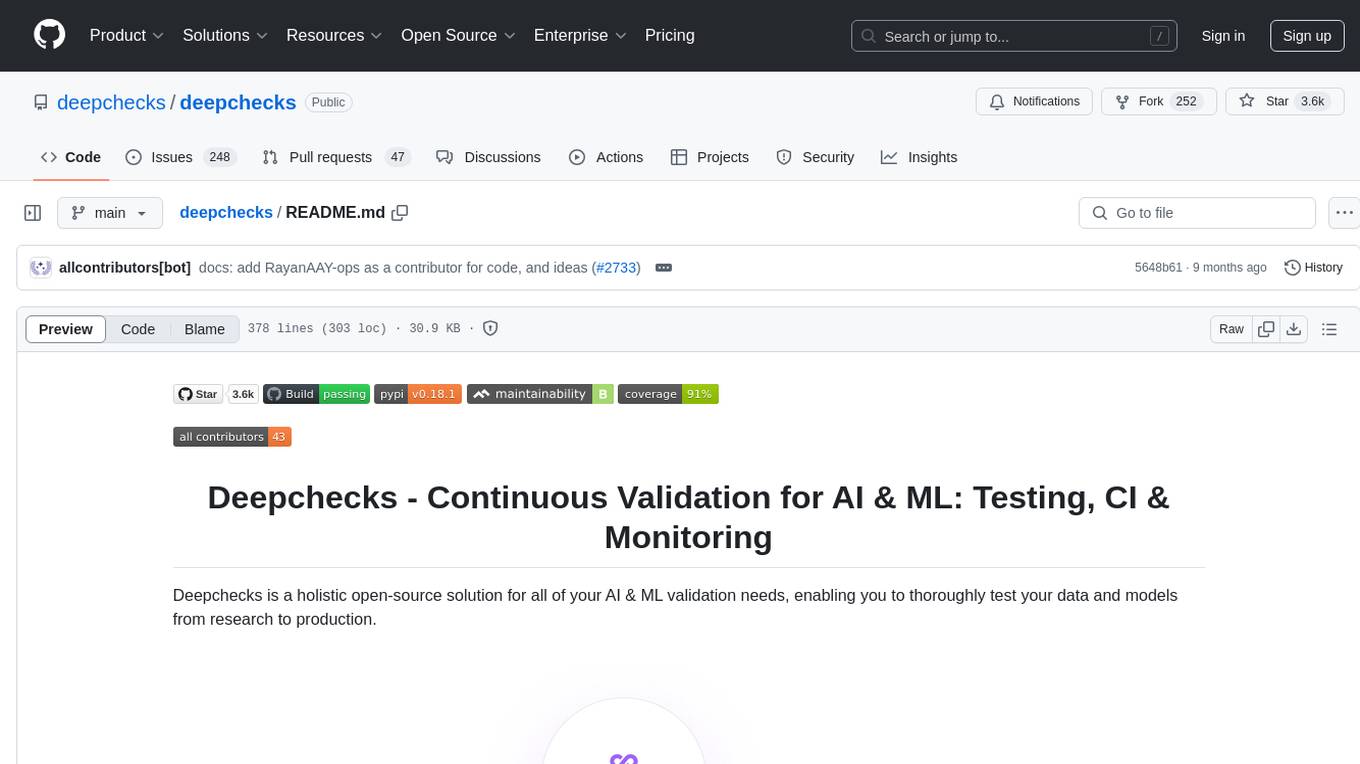
deepchecks
Deepchecks is a holistic open-source solution for AI & ML validation needs, enabling thorough testing of data and models from research to production. It includes components for testing, CI & testing management, and monitoring. Users can install and use Deepchecks for testing and monitoring their AI models, with customizable checks and suites for tabular, NLP, and computer vision data. The tool provides visual reports, pythonic/json output for processing, and a dynamic UI for collaboration and monitoring. Deepchecks is open source, with premium features available under a commercial license for monitoring components.
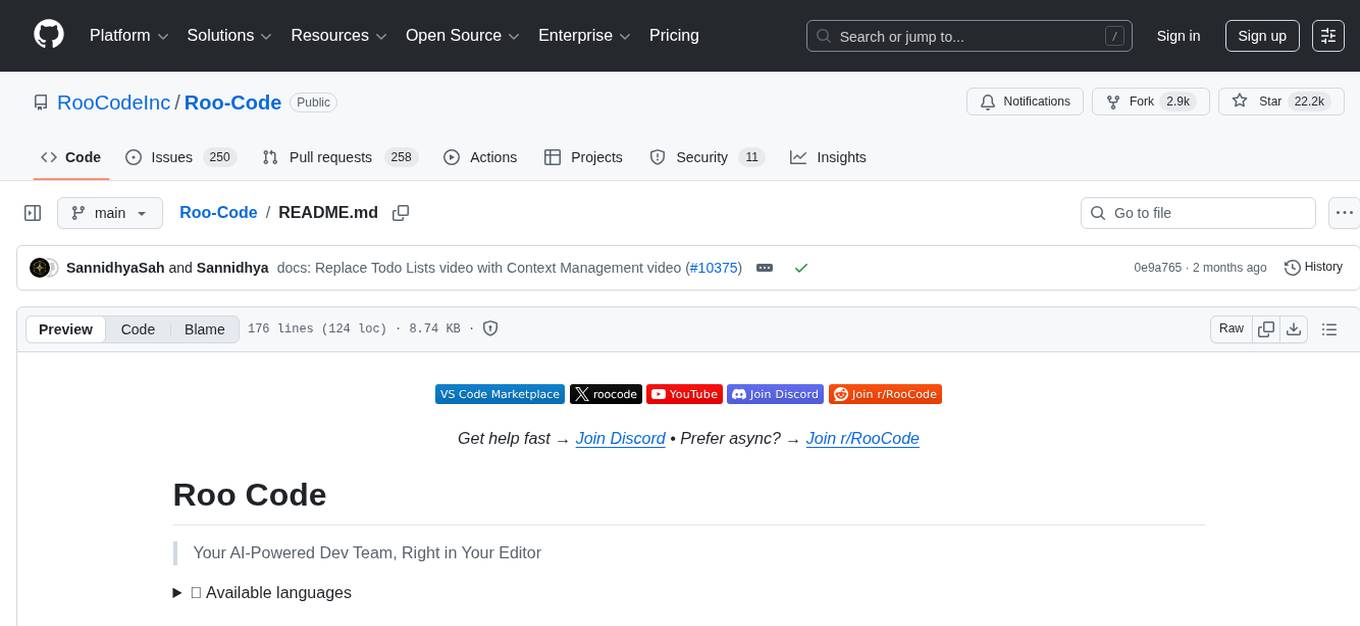
Roo-Code
Roo Code is an AI-powered development tool that integrates with your code editor to help you generate code from natural language descriptions and specifications, refactor and debug existing code, write and update documentation, answer questions about your codebase, automate repetitive tasks, and utilize MCP servers. It offers different modes such as Code, Architect, Ask, Debug, and Custom Modes to adapt to various tasks and workflows. Roo Code provides tutorial and feature videos, documentation, a YouTube channel, a Discord server, a Reddit community, GitHub issues tracking, and a feature request platform. Users can set up and develop Roo Code locally by cloning the repository, installing dependencies, and running the extension in development mode or by automated/manual VSIX installation. The tool uses changesets for versioning and publishing. Please note that Roo Code, Inc. does not make any representations or warranties regarding the tools provided, and users assume all risks associated with their use.
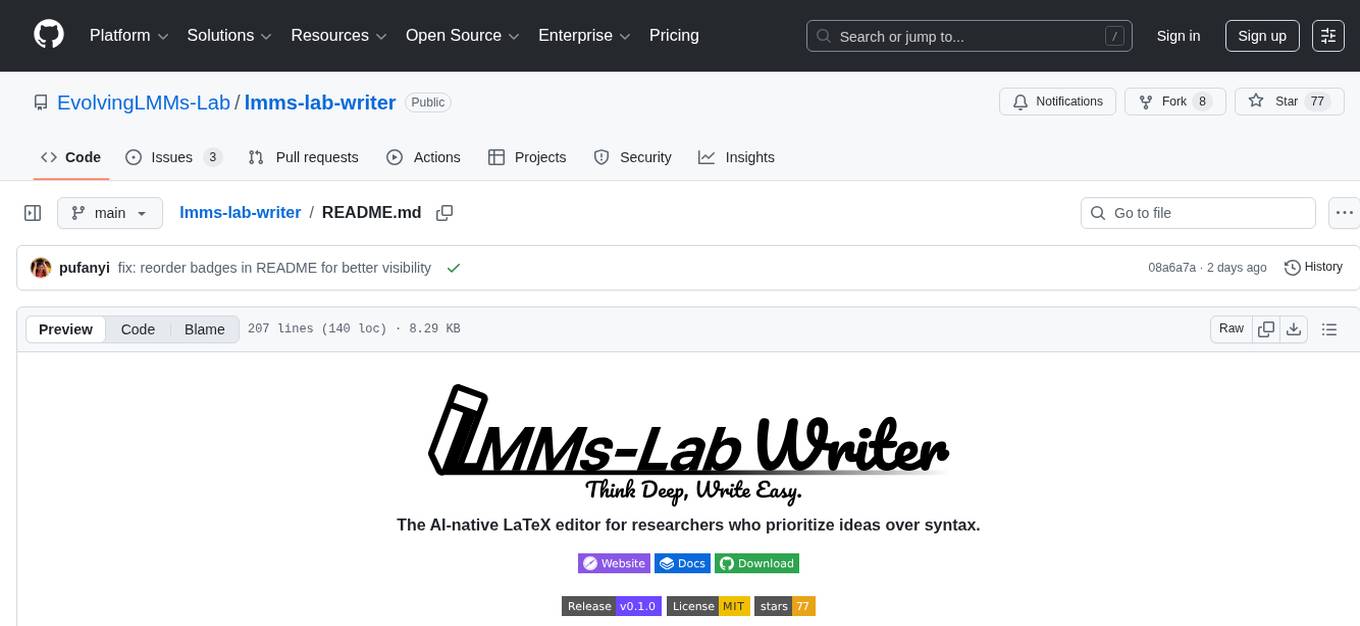
lmms-lab-writer
LMMs-Lab Writer is an AI-native LaTeX editor designed for researchers who prioritize ideas over syntax. It offers a local-first approach with AI agents for editing assistance, one-click LaTeX setup with automatic package installation, support for multiple languages, AI-powered workflows with OpenCode integration, Git integration for modern collaboration, fully open-source with MIT license, cross-platform compatibility, and a comparison with Overleaf highlighting its advantages. The tool aims to streamline the writing and publishing process for researchers while ensuring data security and control.
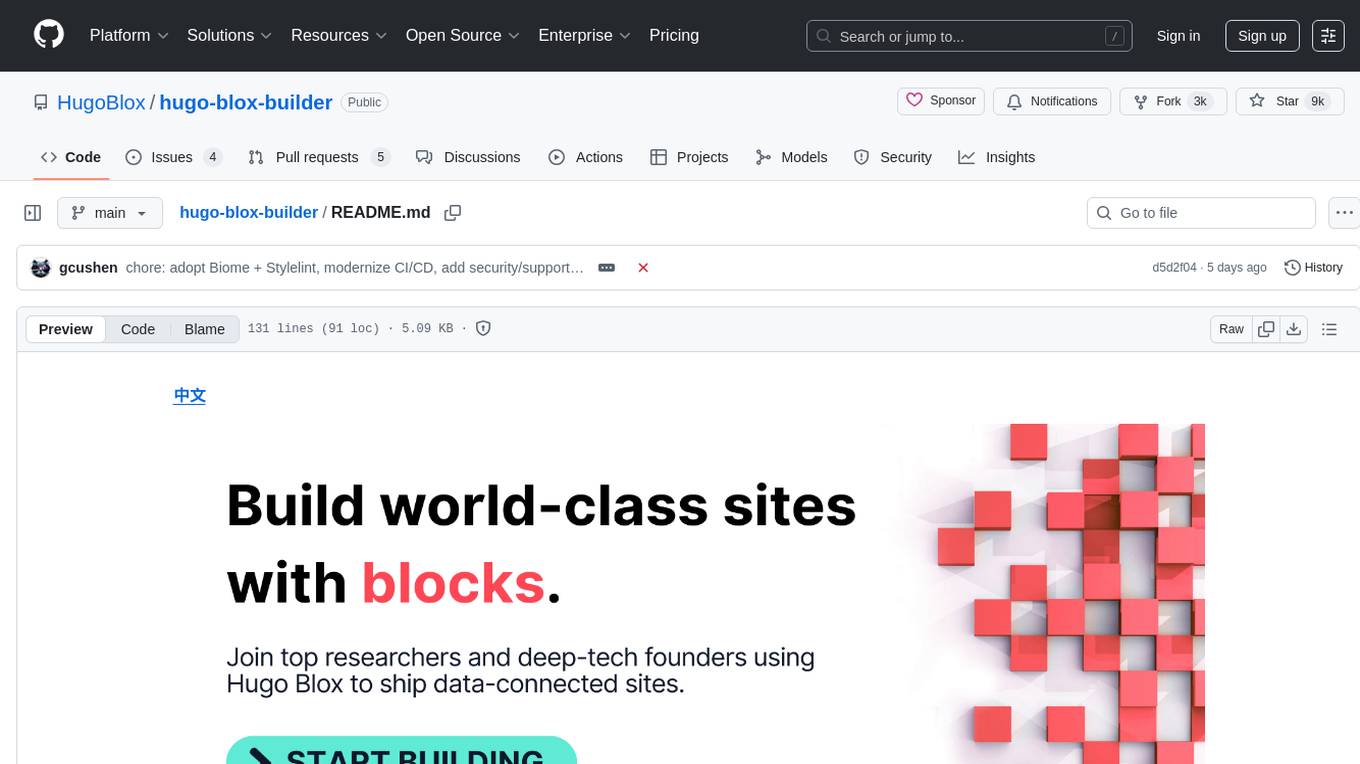
hugo-blox-builder
Hugo Blox Builder is an open-source toolkit designed for building world-class technical and academic websites quickly and efficiently. Users can create blazing-fast, SEO-optimized sites in minutes by customizing templates with drag-and-drop blocks. The tool is built for a technical workflow, allowing users to own their content and brand without any vendor lock-in. With a modern stack featuring Hugo and Tailwind CSS, users can write in Markdown, Jupyter, or BibTeX and auto-sync publications. Hugo Blox is open and extendable, offering a generous MIT-licensed core that can be upgraded with premium templates and blocks or extended with React 'islands' for custom interactivity.
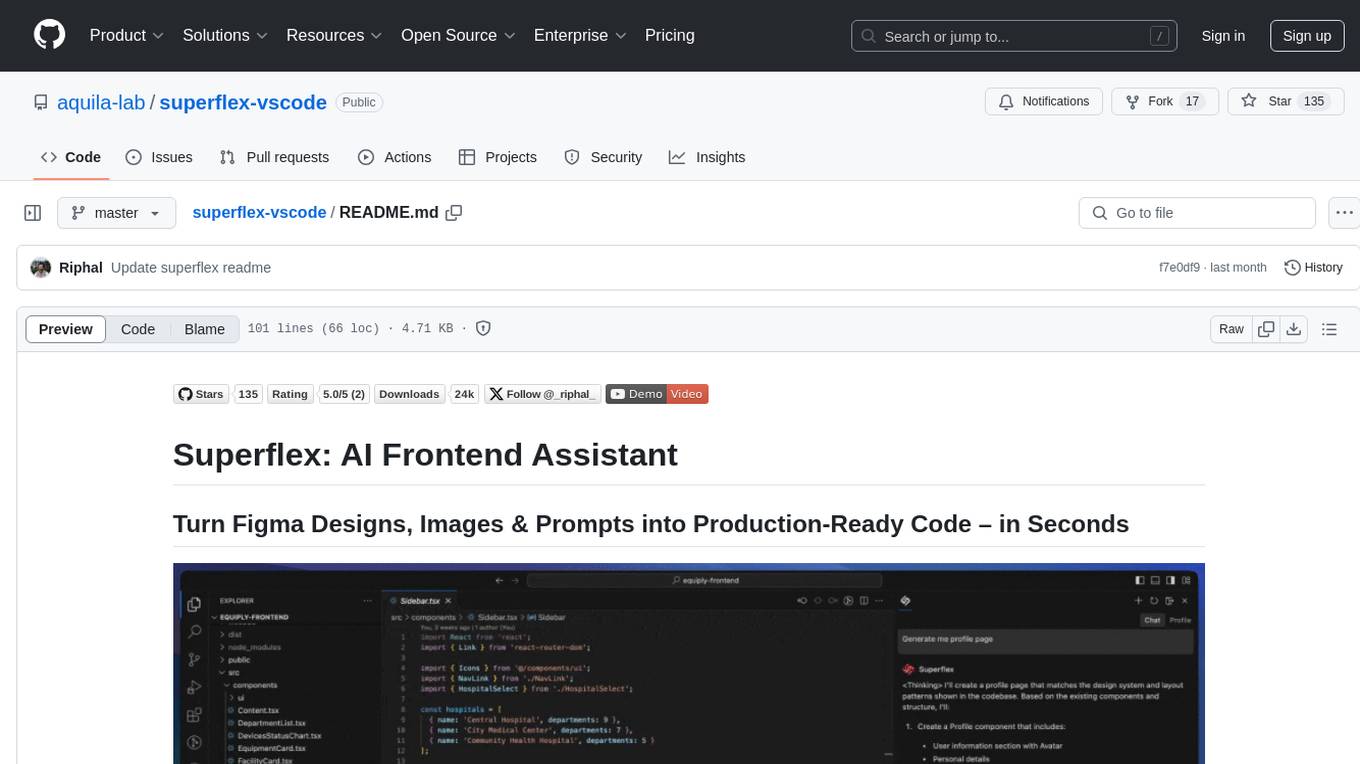
superflex-vscode
Superflex is an AI frontend assistant that streamlines frontend development by converting Figma designs, images, and prompts into production-ready code in seconds. It ensures design standards and coding style are maintained, offering features like generating entire page layouts from Figma, a new chat UI, enhanced usability with shortcuts and profiles, and the ability to add code snippets or files to the chat context seamlessly. Superflex saves time by automating repetitive coding tasks, promotes code consistency, and is beginner-friendly for designers or developers new to front-end work.
Everywhere
Everywhere is an interactive AI assistant with context-aware capabilities, featuring a sleek, modern UI and powerful integrated functionality. It instantly perceives and understands anything on your screen, providing seamless AI assistant support without the need for screenshots or app switching. The tool offers troubleshooting expertise, quick web summarization, instant translation, and email draft assistance. It supports LLM from various providers, integrates with web browsers, file systems, terminals, and more, and provides an interactive experience with a modern UI, context-aware invocation, keyboard shortcuts, and markdown rendering. Everywhere is available on Windows and macOS, with Linux support coming soon. Language support includes Simplified Chinese, English, German, Spanish, French, Italian, Japanese, Korean, Russian, Turkish, Traditional Chinese, and Traditional Chinese (Hong Kong).
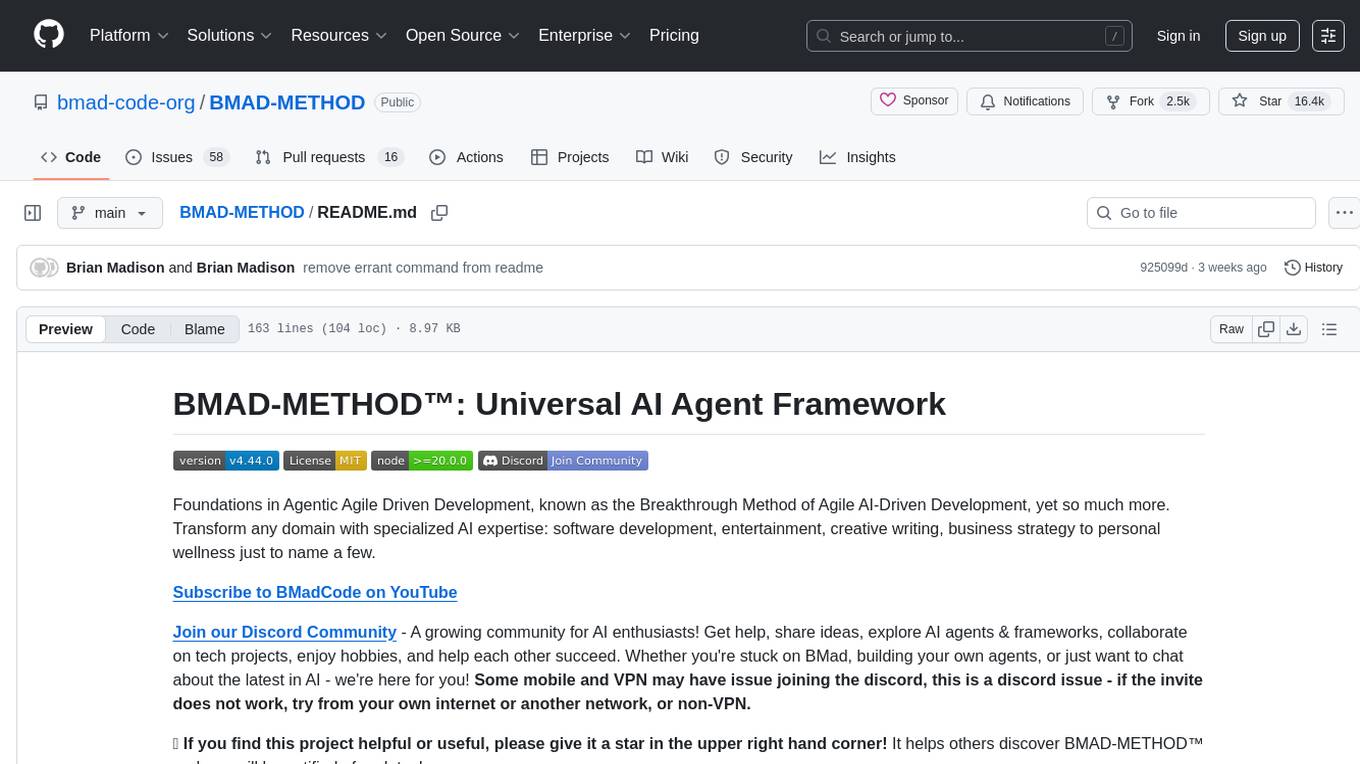
BMAD-METHOD
BMAD-METHOD™ is a universal AI agent framework that revolutionizes Agile AI-Driven Development. It offers specialized AI expertise across various domains, including software development, entertainment, creative writing, business strategy, and personal wellness. The framework introduces two key innovations: Agentic Planning, where dedicated agents collaborate to create detailed specifications, and Context-Engineered Development, which ensures complete understanding and guidance for developers. BMAD-METHOD™ simplifies the development process by eliminating planning inconsistency and context loss, providing a seamless workflow for creating AI agents and expanding functionality through expansion packs.
For similar tasks

sweep
Sweep is an AI junior developer that turns bugs and feature requests into code changes. It automatically handles developer experience improvements like adding type hints and improving test coverage.
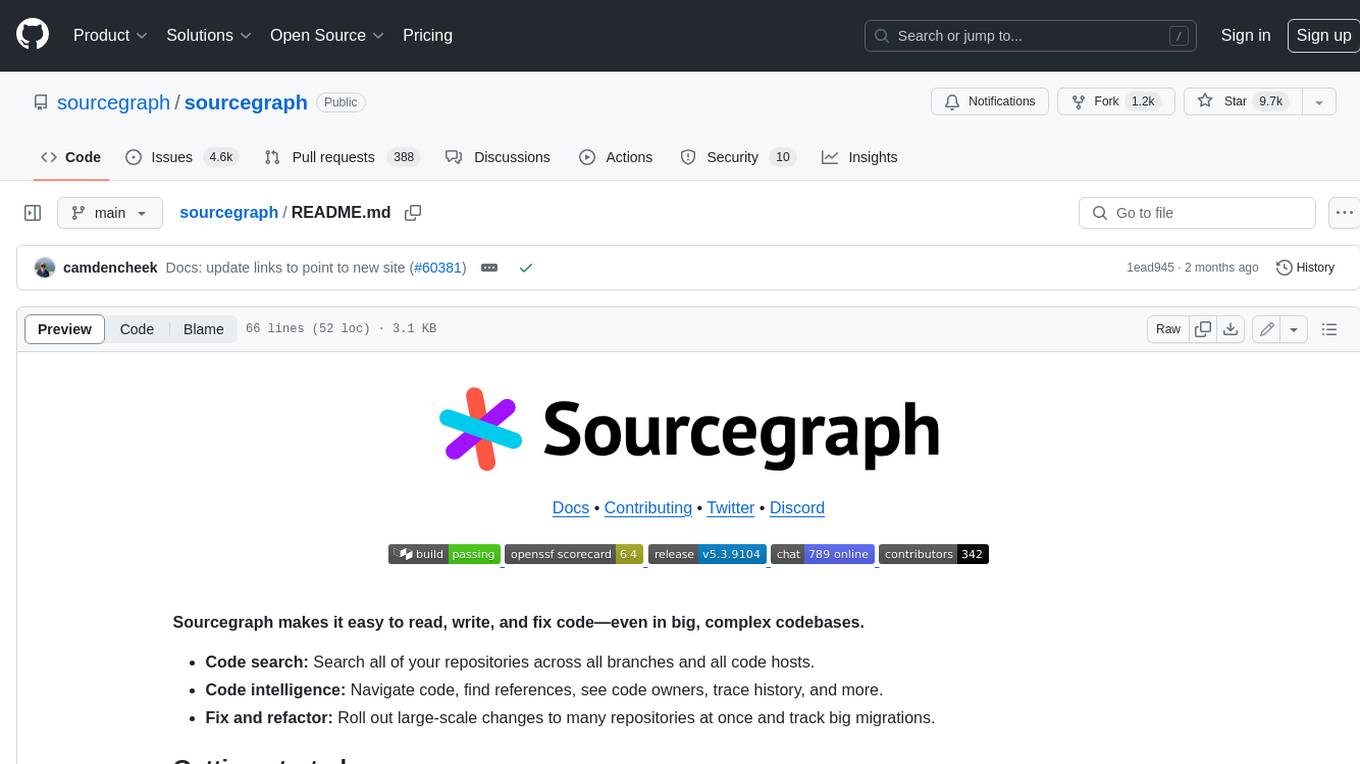
sourcegraph
Sourcegraph is a code search and navigation tool that helps developers read, write, and fix code in large, complex codebases. It provides features such as code search across all repositories and branches, code intelligence for navigation and refactoring, and the ability to fix and refactor code across multiple repositories at once.
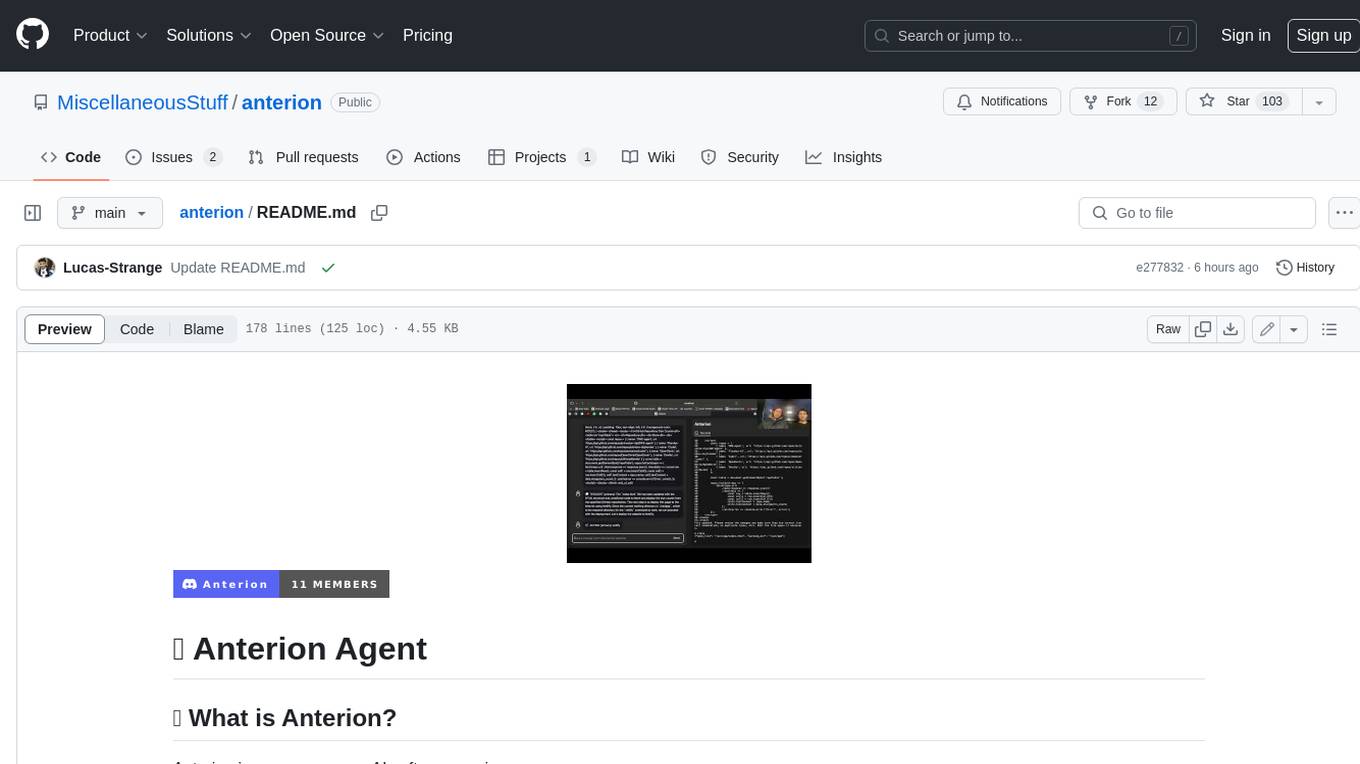
anterion
Anterion is an open-source AI software engineer that extends the capabilities of `SWE-agent` to plan and execute open-ended engineering tasks, with a frontend inspired by `OpenDevin`. It is designed to help users fix bugs and prototype ideas with ease. Anterion is equipped with easy deployment and a user-friendly interface, making it accessible to users of all skill levels.
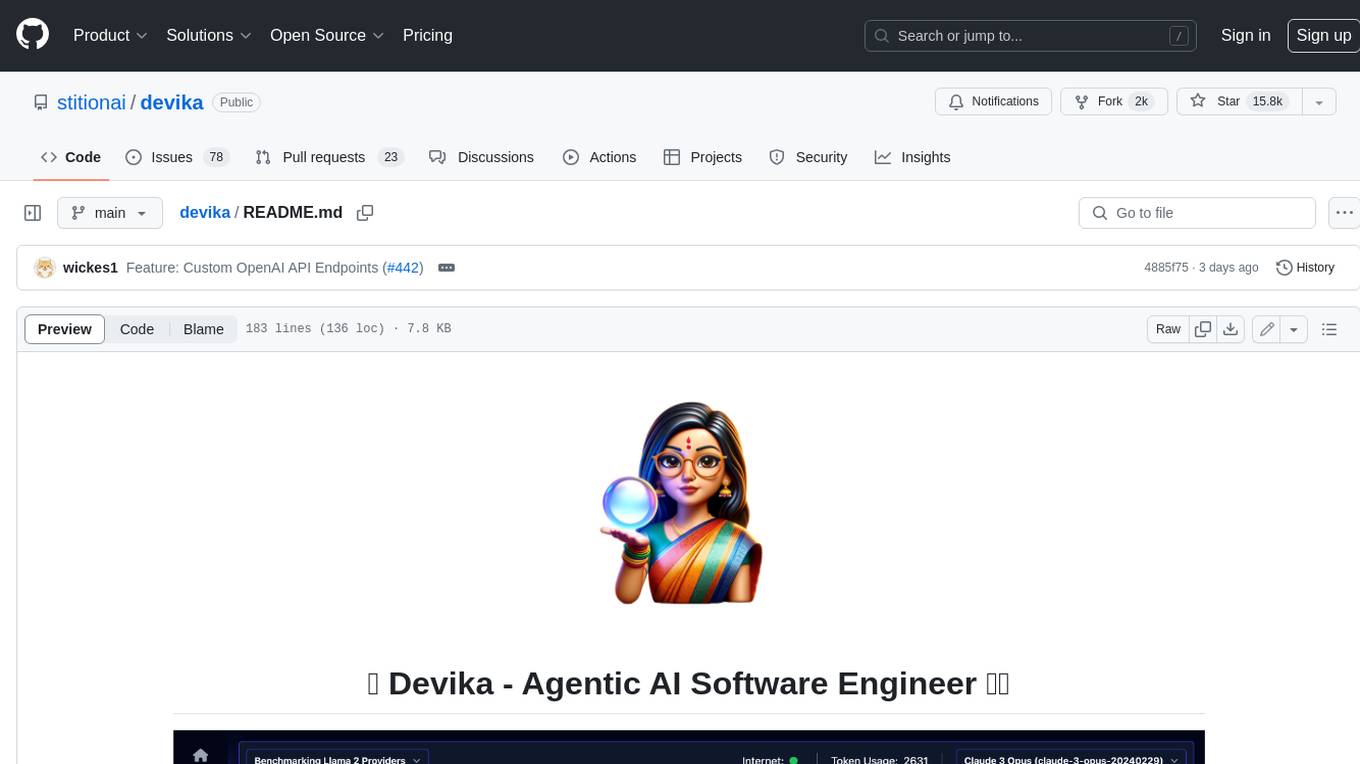
devika
Devika is an advanced AI software engineer that can understand high-level human instructions, break them down into steps, research relevant information, and write code to achieve the given objective. Devika utilizes large language models, planning and reasoning algorithms, and web browsing abilities to intelligently develop software. Devika aims to revolutionize the way we build software by providing an AI pair programmer who can take on complex coding tasks with minimal human guidance. Whether you need to create a new feature, fix a bug, or develop an entire project from scratch, Devika is here to assist you.
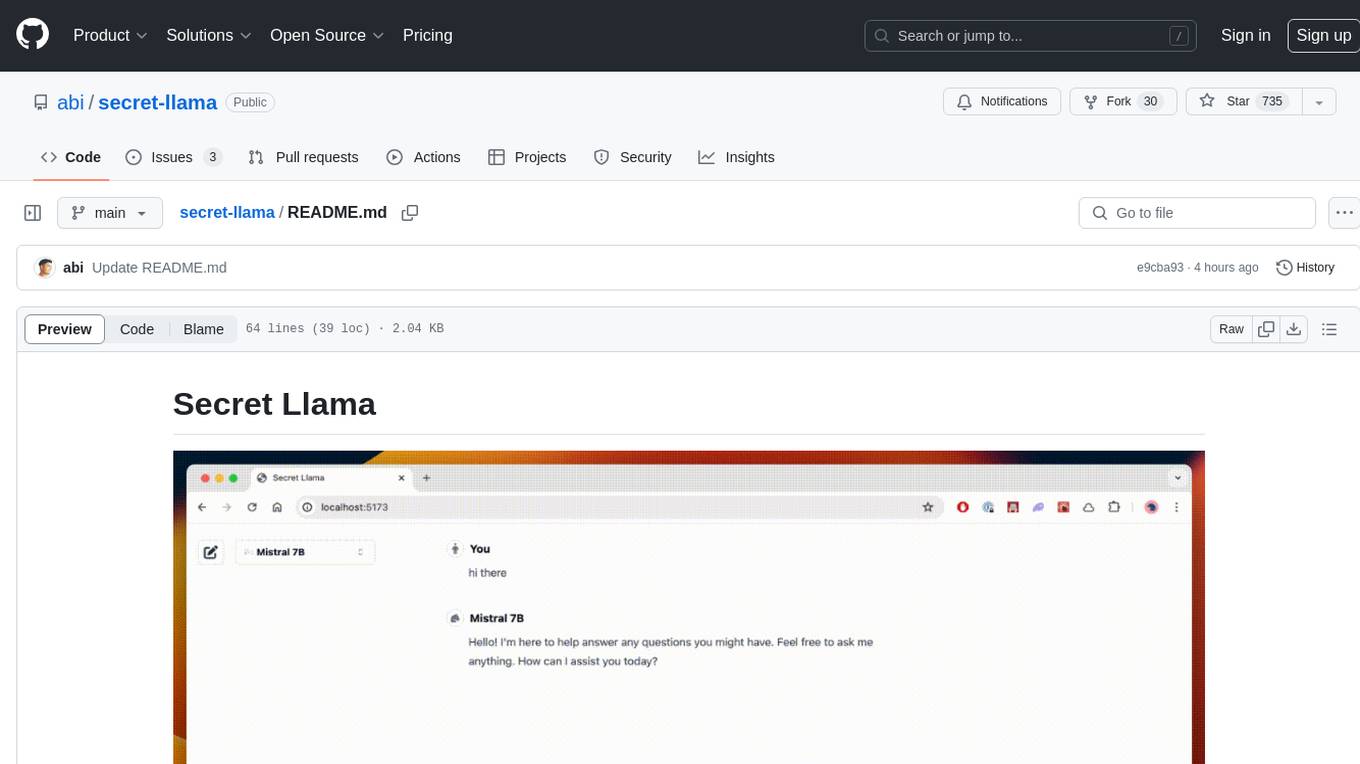
secret-llama
Entirely-in-browser, fully private LLM chatbot supporting Llama 3, Mistral and other open source models. Fully private = No conversation data ever leaves your computer. Runs in the browser = No server needed and no install needed! Works offline. Easy-to-use interface on par with ChatGPT, but for open source LLMs. System requirements include a modern browser with WebGPU support. Supported models include TinyLlama-1.1B-Chat-v0.4-q4f32_1-1k, Llama-3-8B-Instruct-q4f16_1, Phi1.5-q4f16_1-1k, and Mistral-7B-Instruct-v0.2-q4f16_1. Looking for contributors to improve the interface, support more models, speed up initial model loading time, and fix bugs.
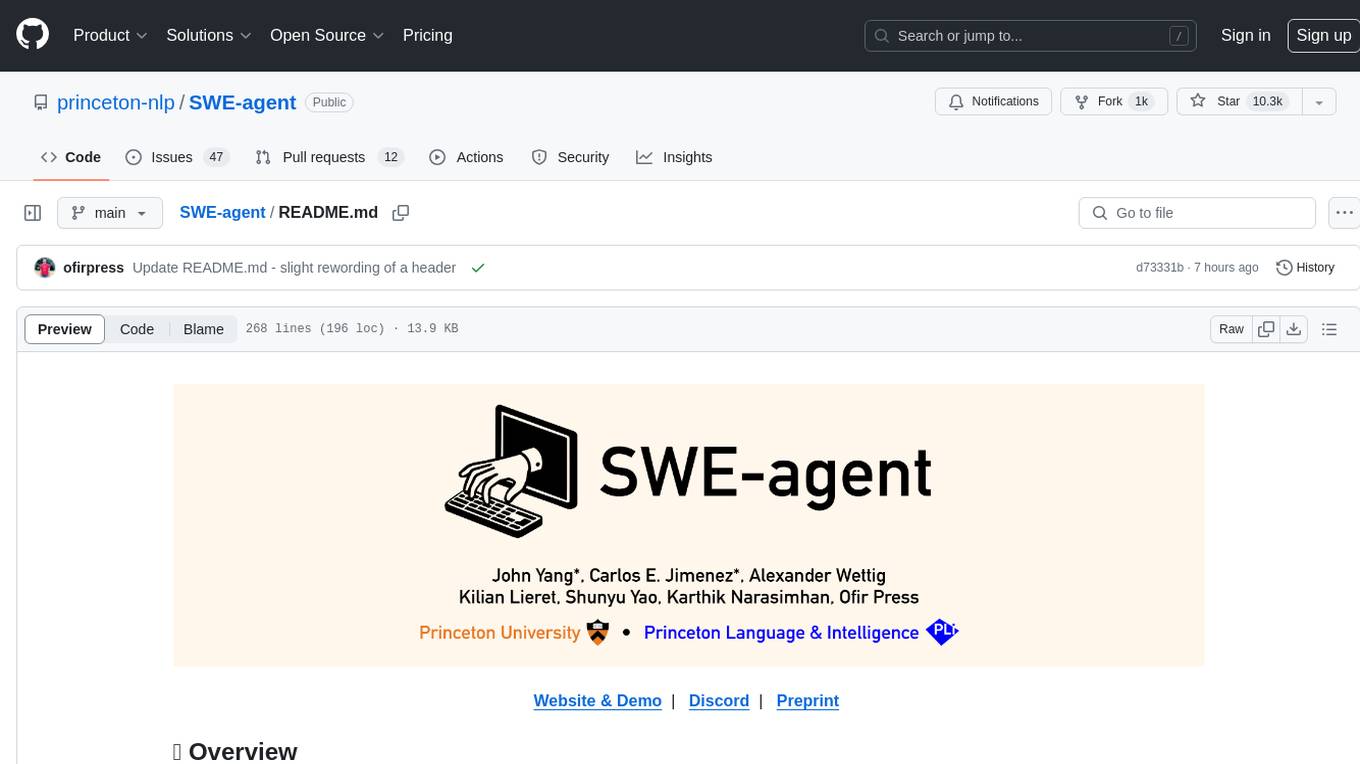
SWE-agent
SWE-agent is a tool that turns language models (e.g. GPT-4) into software engineering agents capable of fixing bugs and issues in real GitHub repositories. It achieves state-of-the-art performance on the full test set by resolving 12.29% of issues. The tool is built and maintained by researchers from Princeton University. SWE-agent provides a command line tool and a graphical web interface for developers to interact with. It introduces an Agent-Computer Interface (ACI) to facilitate browsing, viewing, editing, and executing code files within repositories. The tool includes features such as a linter for syntax checking, a specialized file viewer, and a full-directory string searching command to enhance the agent's capabilities. SWE-agent aims to improve prompt engineering and ACI design to enhance the performance of language models in software engineering tasks.
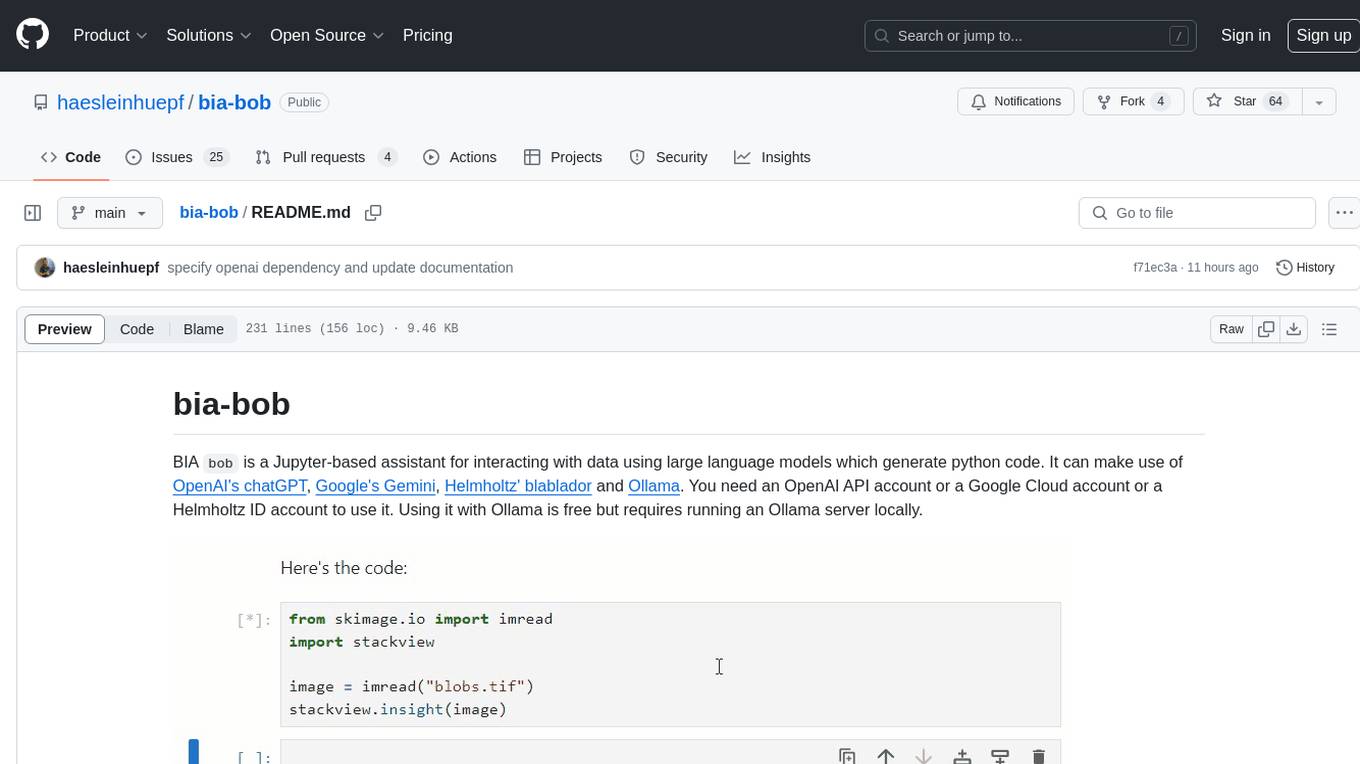
bia-bob
BIA `bob` is a Jupyter-based assistant for interacting with data using large language models to generate Python code. It can utilize OpenAI's chatGPT, Google's Gemini, Helmholtz' blablador, and Ollama. Users need respective accounts to access these services. Bob can assist in code generation, bug fixing, code documentation, GPU-acceleration, and offers a no-code custom Jupyter Kernel. It provides example notebooks for various tasks like bio-image analysis, model selection, and bug fixing. Installation is recommended via conda/mamba environment. Custom endpoints like blablador and ollama can be used. Google Cloud AI API integration is also supported. The tool is extensible for Python libraries to enhance Bob's functionality.
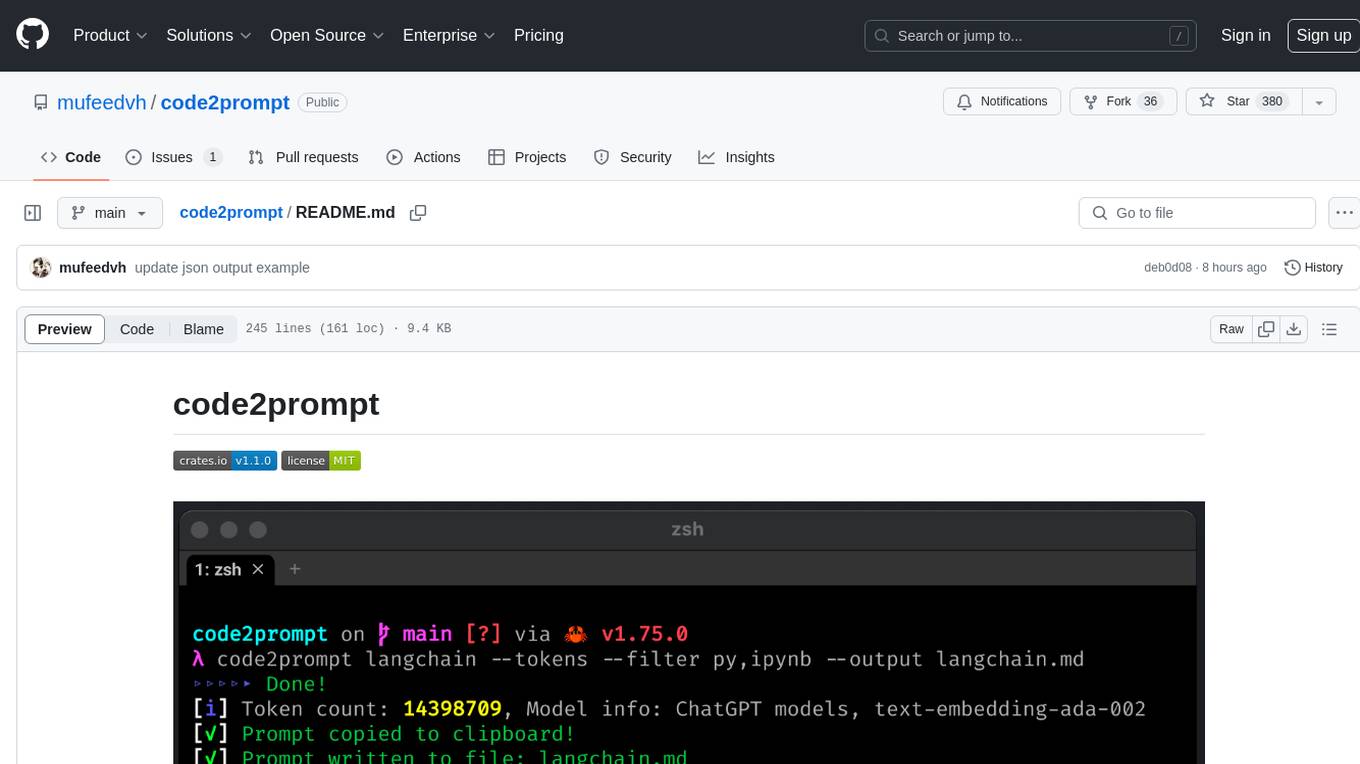
code2prompt
code2prompt is a command-line tool that converts your codebase into a single LLM prompt with a source tree, prompt templating, and token counting. It automates generating LLM prompts from codebases of any size, customizing prompt generation with Handlebars templates, respecting .gitignore, filtering and excluding files using glob patterns, displaying token count, including Git diff output, copying prompt to clipboard, saving prompt to an output file, excluding files and folders, adding line numbers to source code blocks, and more. It helps streamline the process of creating LLM prompts for code analysis, generation, and other tasks.
For similar jobs
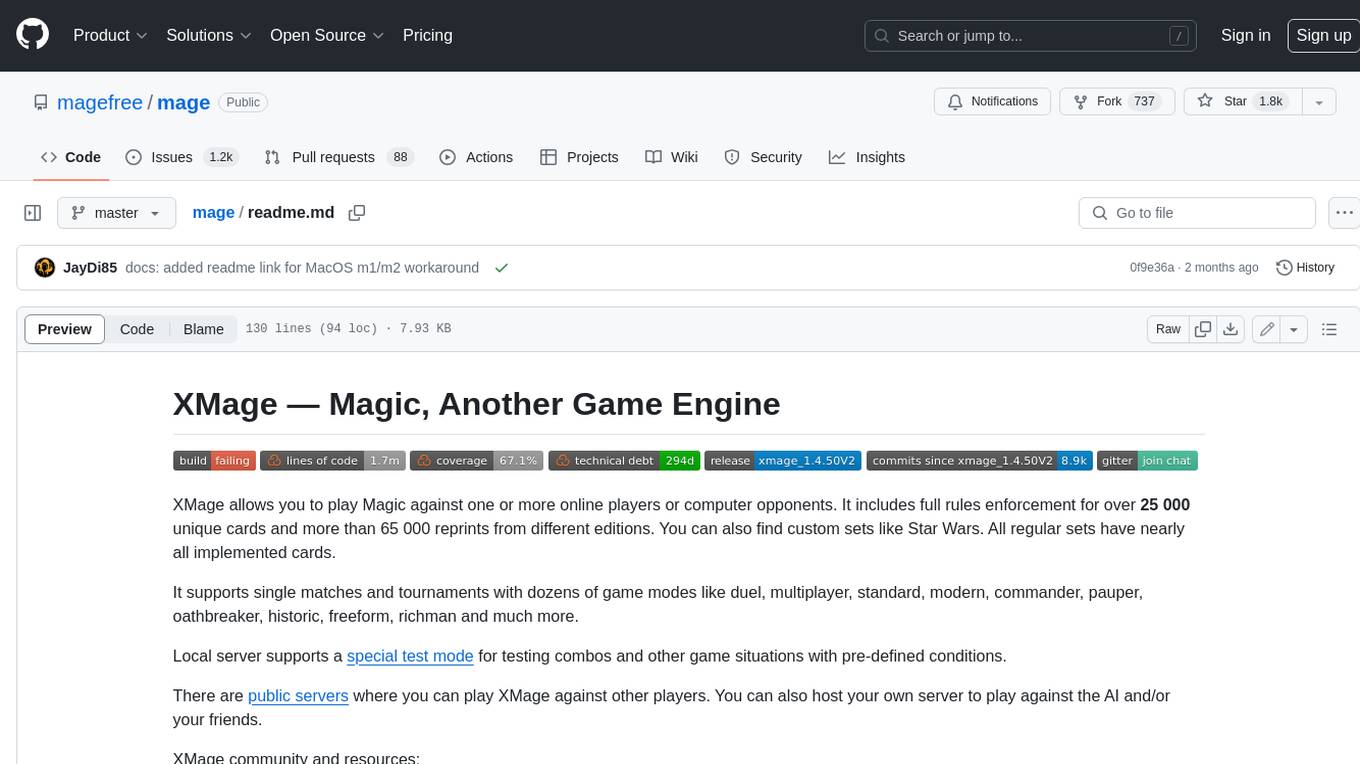
mage
XMage is an open-source, cross-platform application that allows users to play the collectible card game Magic: The Gathering online against other players or computer opponents. It supports over 25,000 unique cards and more than 65,000 reprints from different editions, including custom sets like Star Wars. XMage supports single matches and tournaments with dozens of game modes, including duel, multiplayer, standard, modern, commander, pauper, oathbreaker, historic, freeform, and richman. It also features a deck editor, a player rating system, and support for special formats like Commander, Oathbreaker, Cube, Tiny Leaders, Super Standard, and Historic Standard.
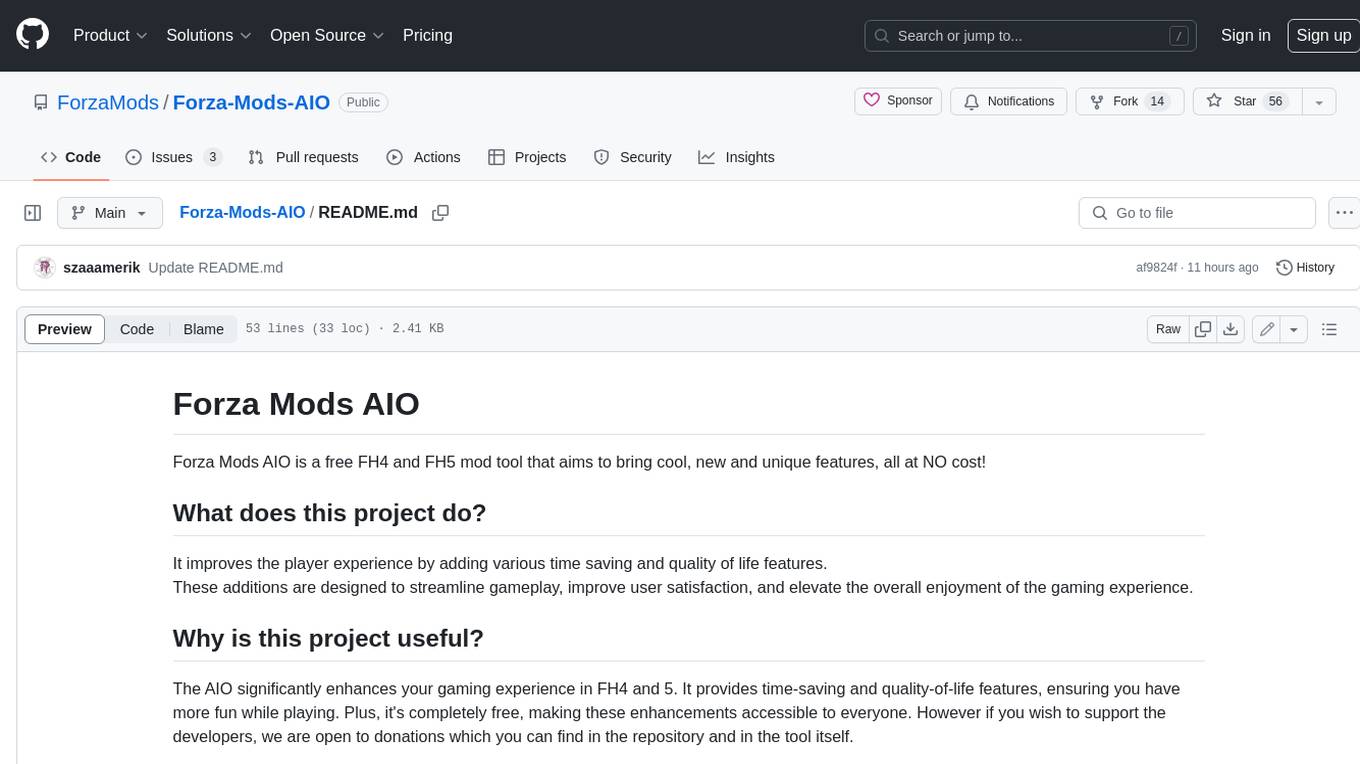
Forza-Mods-AIO
Forza Mods AIO is a free and open-source tool that enhances the gaming experience in Forza Horizon 4 and 5. It offers a range of time-saving and quality-of-life features, making gameplay more enjoyable and efficient. The tool is designed to streamline various aspects of the game, improving user satisfaction and overall enjoyment.
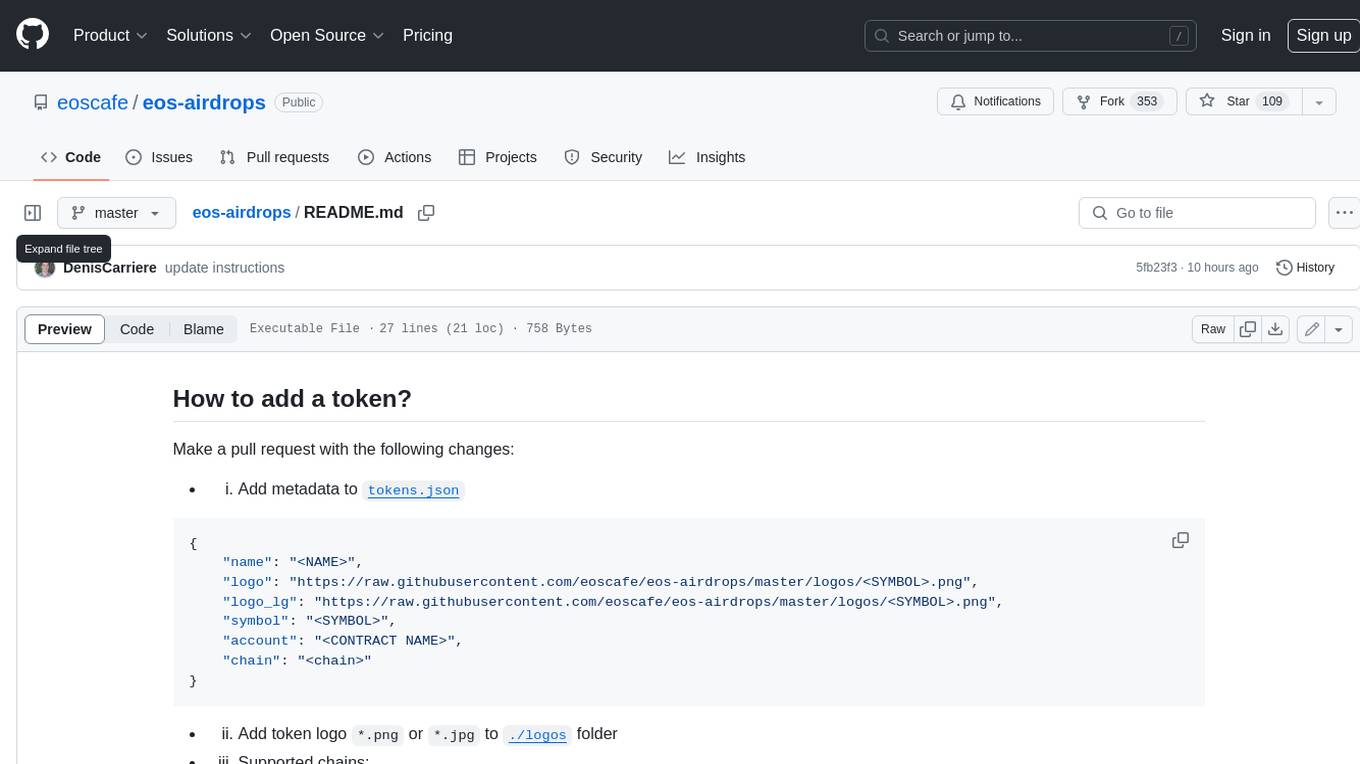
eos-airdrops
This repository contains a list of EOS airdrops. Airdrops are a way for projects to distribute tokens to their community. They can be used to reward early adopters, promote the project, or raise funds. This repository includes airdrops for a variety of projects, including both new and established projects.
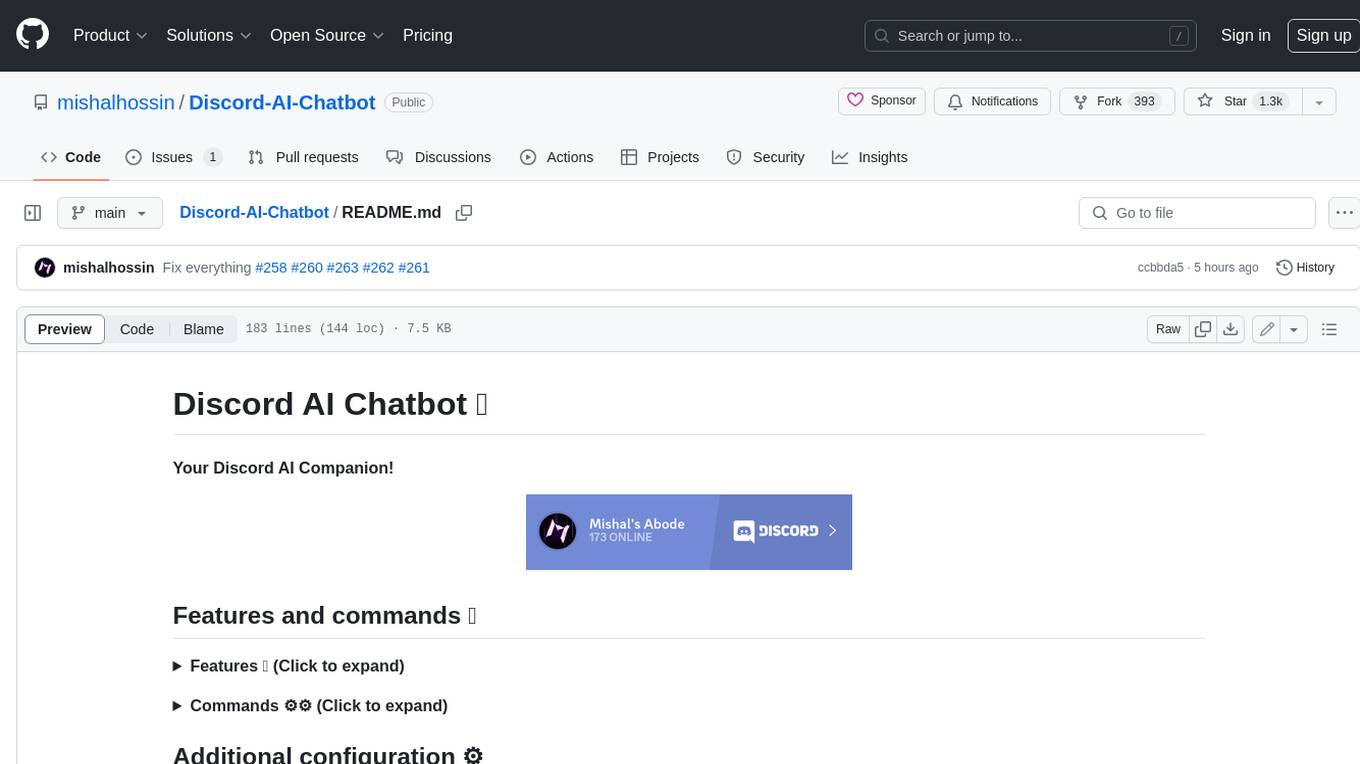
Discord-AI-Chatbot
Discord AI Chatbot is a versatile tool that seamlessly integrates into your Discord server, offering a wide range of capabilities to enhance your communication and engagement. With its advanced language model, the bot excels at imaginative generation, providing endless possibilities for creative expression. Additionally, it offers secure credential management, ensuring the privacy of your data. The bot's hybrid command system combines the best of slash and normal commands, providing flexibility and ease of use. It also features mention recognition, ensuring prompt responses whenever you mention it or use its name. The bot's message handling capabilities prevent confusion by recognizing when you're replying to others. You can customize the bot's behavior by selecting from a range of pre-existing personalities or creating your own. The bot's web access feature unlocks a new level of convenience, allowing you to interact with it from anywhere. With its open-source nature, you have the freedom to modify and adapt the bot to your specific needs.
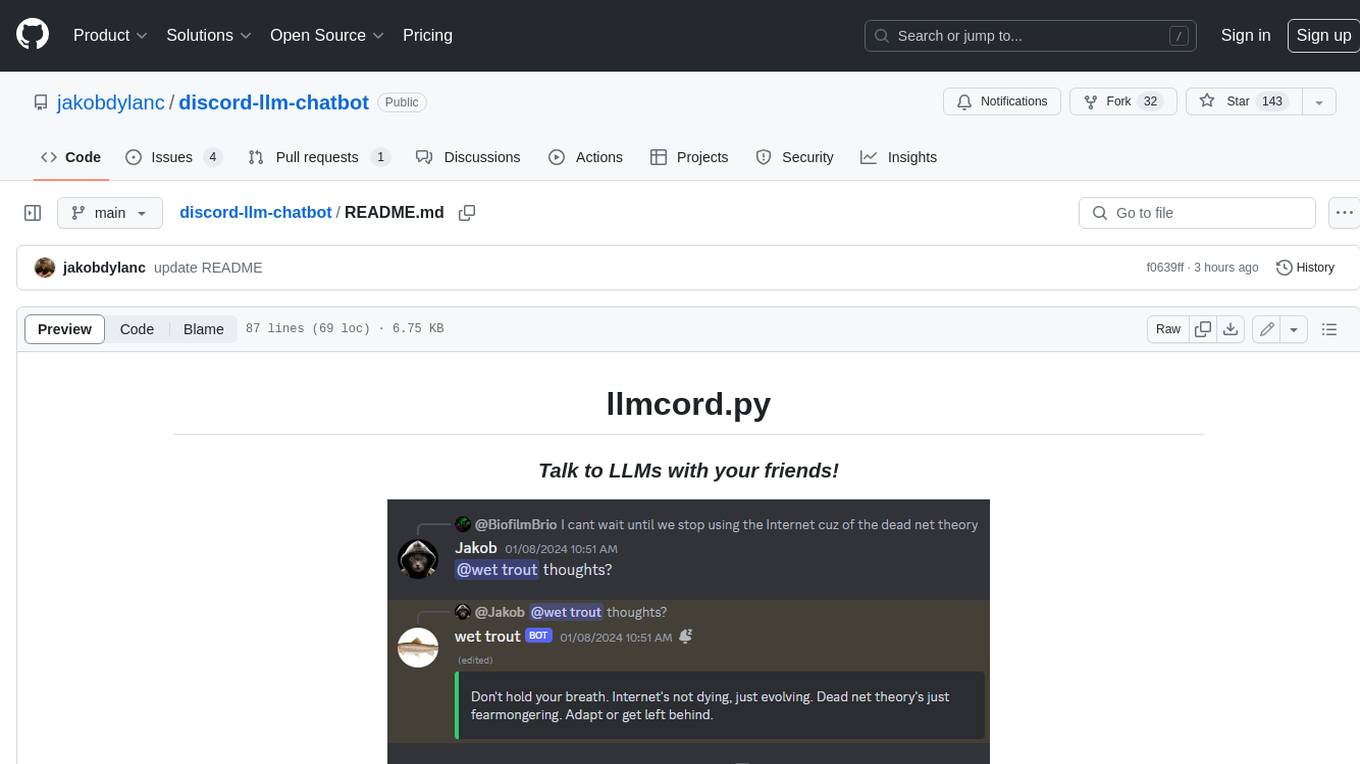
discord-llm-chatbot
llmcord.py enables collaborative LLM prompting in your Discord server. It works with practically any LLM, remote or locally hosted. ### Features ### Reply-based chat system Just @ the bot to start a conversation and reply to continue. Build conversations with reply chains! You can do things like: - Build conversations together with your friends - "Rewind" a conversation simply by replying to an older message - @ the bot while replying to any message in your server to ask a question about it Additionally: - Back-to-back messages from the same user are automatically chained together. Just reply to the latest one and the bot will see all of them. - You can seamlessly move any conversation into a thread. Just create a thread from any message and @ the bot inside to continue. ### Choose any LLM Supports remote models from OpenAI API, Mistral API, Anthropic API and many more thanks to LiteLLM. Or run a local model with ollama, oobabooga, Jan, LM Studio or any other OpenAI compatible API server. ### And more: - Supports image attachments when using a vision model - Customizable system prompt - DM for private access (no @ required) - User identity aware (OpenAI API only) - Streamed responses (turns green when complete, automatically splits into separate messages when too long, throttled to prevent Discord ratelimiting) - Displays helpful user warnings when appropriate (like "Only using last 20 messages", "Max 5 images per message", etc.) - Caches message data in a size-managed (no memory leaks) and per-message mutex-protected (no race conditions) global dictionary to maximize efficiency and minimize Discord API calls - Fully asynchronous - 1 Python file, ~200 lines of code
discourse-ai
Discourse AI is a plugin for the Discourse forum software that uses artificial intelligence to improve the user experience. It can automatically generate content, moderate posts, and answer questions. This can free up moderators and administrators to focus on other tasks, and it can help to create a more engaging and informative community.
MukeshRobot
MukeshRobot is a Telegram group controller bot written in Python. It is designed to help group administrators manage their groups more effectively. The bot can perform a variety of tasks, including: - Welcoming new members - Banning spammers - Deleting inappropriate messages - Managing group settings - Sending announcements - Playing games MukeshRobot is easy to set up and use. Simply add the bot to your group and give it administrator privileges. The bot will then automatically start performing its tasks. You can also customize the bot's behavior by editing the config file. MukeshRobot is a powerful tool that can help you keep your Telegram groups clean and organized. It is a must-have for any group administrator.
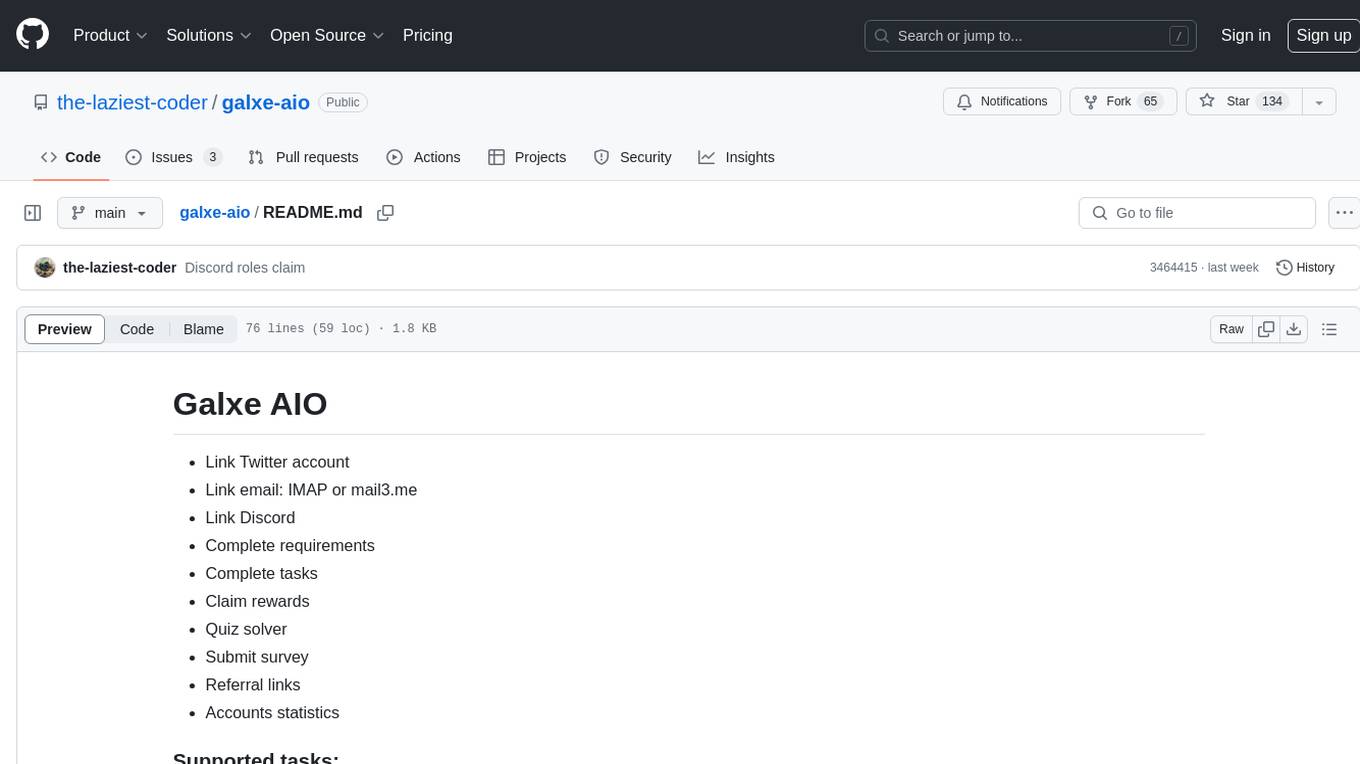
galxe-aio
Galxe AIO is a versatile tool designed to automate various tasks on social media platforms like Twitter, email, and Discord. It supports tasks such as following, retweeting, liking, and quoting on Twitter, as well as solving quizzes, submitting surveys, and more. Users can link their Twitter accounts, email accounts (IMAP or mail3.me), and Discord accounts to the tool to streamline their activities. Additionally, the tool offers features like claiming rewards, quiz solving, submitting surveys, and managing referral links and account statistics. It also supports different types of rewards like points, mystery boxes, gas-less OATs, gas OATs and NFTs, and participation in raffles. The tool provides settings for managing EVM wallets, proxies, twitters, emails, and discords, along with custom configurations in the `config.toml` file. Users can run the tool using Python 3.11 and install dependencies using `pip` and `playwright`. The tool generates results and logs in specific folders and allows users to donate using TRC-20 or ERC-20 tokens.