


PDF_Accessibility
Experience the PDF Remediation solution developed at ASU AI Cloud Innovation Center. This innovative tool remediates PDF documents to meet WCAG 2.1 Level AA standards with tagging, metadata cleanup, and AI-powered alt-text generation, promoting digital accessibility for everyone.
Stars: 94
This repository provides two complementary solutions for PDF accessibility: PDF-to-PDF Remediation processes PDFs while maintaining the PDF format, and PDF-to-HTML Remediation converts PDFs to accessible HTML format. Both solutions leverage AWS services and generative AI to improve content accessibility according to WCAG 2.1 Level AA standards. The repository includes automated deployment scripts, testing instructions, architecture overviews, troubleshooting guides, and monitoring solutions for both PDF-to-PDF and PDF-to-HTML remediation. Users can contribute to the project and seek support via email or GitHub issues.
README:
This repository provides two complementary solutions for PDF accessibility:
- PDF-to-PDF Remediation: Processes PDFs and maintains the PDF format while improving accessibility.
- PDF-to-HTML Remediation: Converts PDFs to accessible HTML format.
Both solutions leverage AWS services and generative AI to improve content accessibility according to WCAG 2.1 Level AA standards.
Customers are responsible for making their own independent assessment of the information in this document.
This document:
(a) is for informational purposes only,
(b) references AWS product offerings and practices, which are subject to change without notice,
(c) does not create any commitments or assurances from AWS and its affiliates, suppliers or licensors. AWS products or services are provided "as is" without warranties, representations, or conditions of any kind, whether express or implied. The responsibilities and liabilities of AWS to its customers are controlled by AWS agreements, and this document is not part of, nor does it modify, any agreement between AWS and its customers, and
(d) is not to be considered a recommendation or viewpoint of AWS.
Additionally, you are solely responsible for testing, security and optimizing all code and assets on GitHub repo, and all such code and assets should be considered:
(a) as-is and without warranties or representations of any kind,
(b) not suitable for production environments, or on production or other critical data, and
(c) to include shortcuts in order to support rapid prototyping such as, but not limited to, relaxed authentication and authorization and a lack of strict adherence to security best practices.
All work produced is open source. More information can be found in the GitHub repo.
| Index | Description |
|---|---|
| Architecture Overview | High level overview illustrating component interactions |
| Automated One Click Deployment | How to deploy the project |
| Testing Your PDF Accessibility Solution | User guide for the working solution |
| PDF-to-PDF Remediation Solution | PDF format preservation solution details |
| PDF-to-HTML Remediation Solution | HTML conversion solution details |
| Configuring Limits | How to modify document limits, quotas, and defaults |
| Monitoring | System monitoring and observability |
| Troubleshooting | Common issues and solutions |
| Contributing | How to contribute to the project |
The following architecture diagram illustrates the various AWS components utilized to deliver the solution.

We provide a unified deployment script that allows you to deploy either or both the solutions with a single command. Choose your preferred solution during deployment:
Common Requirements:
-
AWS Account with appropriate permissions to create and manage AWS resources
- See IAM Permissions Guide for detailed permission requirements
-
AWS CloudShell access (AWS CLI is pre-installed and configured automatically)
- Sign in to the AWS Management Console
- In the top navigation bar, click the CloudShell icon (terminal symbol) next to the search bar
- Wait for CloudShell to initialize (this may take a few moments on first use)
Solution-Specific Requirements:
-
PDF-to-PDF:
-
Adobe API Access - An enterprise-level contract or a trial account (For Testing) for Adobe's API is required.
- Adobe PDF Services API to obtain API credentials.
-
Adobe API Access - An enterprise-level contract or a trial account (For Testing) for Adobe's API is required.
-
PDF-to-HTML: AWS Bedrock Data Automation service access
- Ensure you have access to create a Bedrock Data Automation project - usually present by default
Step 1: Open AWS CloudShell and Clone the Repository
git clone https://github.com/ASUCICREPO/PDF_Accessibility.git
cd PDF_Accessibility
Step 2: Run the Unified Deployment Script
chmod +x deploy.sh
./deploy.sh
Step 3: Follow the Interactive Prompts
The script will guide you through:
- Solution Selection: Choose between PDF-to-PDF or PDF-to-HTML remediation
-
Solution-Specific Setup:
- PDF-to-PDF: Enter Adobe API credentials (stored securely in AWS Secrets Manager)
- PDF-to-HTML: Automatic creation of Bedrock Data Automation project
- Automated Deployment: Real-time monitoring of the deployment progress
- Optional UI Deployment: After successful deployment of your chosen solution(s), you'll have the option to deploy a user interface as well
Step 4: Test Your Deployment
After successful deployment, the script provides specific testing instructions for your chosen solution.
-
Navigate to Your S3 Bucket
- In the AWS S3 Console, find the bucket starting with
pdfaccessibility- - This bucket was automatically created during deployment
- In the AWS S3 Console, find the bucket starting with
-
Upload Your PDF Files
- Upload any PDF file(s) to the
pdf/folder -
Note: The
pdf/folder is automatically created when you upload files - no manual folder creation needed - Bulk Processing: You can upload multiple PDFs in the bucket for batch remediation
- The process automatically triggers when files are uploaded
- Upload any PDF file(s) to the
-
Monitor Processing
-
Temporary Files: A
temp/folder will be created containing intermediate processing files -
Final Results: A
result/folder will be created with your accessibility-compliant PDF files - Use the CloudWatch dashboard to monitor processing progress
-
Temporary Files: A
-
Download Results
- Navigate to the
result/folder to access your remediated PDFs - Files maintain their original names with "COMPLIANT" prefix after accessibility improvements applied
- Navigate to the
-
Navigate to Your S3 Bucket
- In the AWS S3 Console, find the bucket starting with
pdf2html-bucket- - This bucket was automatically created during deployment
- In the AWS S3 Console, find the bucket starting with
-
Upload Your PDF Files
- Navigate to the
uploads/folder (created automatically during deployment) - Bulk Processing: You can upload multiple PDFs in the bucket for batch remediation
- The process automatically triggers when files are uploaded
- Navigate to the
-
Monitor Processing
- Two folders will be created automatically:
-
output/: Contains temporary processing data and intermediate files -
remediated/: Contains the final remediated results
-
- Two folders will be created automatically:
-
Access Your Results
- Navigate to the
remediated/folder - Download the zip file named
final_{your-filename}.zip
- Navigate to the
-
Explore the Remediated Content The downloaded zip file contains:
-
remediated.html: Final accessibility-compliant HTML version -
result.html: Original HTML conversion (before remediation) -
images/folder: Extracted images with generated alt text -
remediation_report.html: Detailed report of accessibility improvements made -
usage_data.json: Processing metrics and usage statistics
-
Redeployment After initial deployment, you can redeploy using the created CodeBuild project:
aws codebuild start-build --project-name YOUR-PROJECT-NAME --source-version mainOr simply re-run the deployment script and choose the solution your want redeploy.
This solution processes PDFs while maintaining the original PDF format. It uses AWS CDK to build infrastructure that splits PDFs into chunks, processes them via AWS Step Functions, and merges the results using ECS tasks.
- S3 Bucket: Stores input and processed PDFs
- Lambda Functions: PDF splitting, merging, and accessibility checking
- Step Functions: Orchestrates the processing workflow
- ECS Fargate: Runs containerized processing tasks
- CloudWatch Dashboard: Monitors progress and performance
For detailed manual deployment instructions, see our Manual Deployment Guide.
This solution converts PDF documents to accessible HTML format while preserving layout and visual appearance. It leverages AWS Bedrock Data Automation for PDF parsing and uses a serverless Lambda architecture.
- S3 Bucket: Stores input PDFs and remediated HTML files
- Lambda Function: Processes PDFs using containerized accessibility utility
- ECR Repository: Hosts the Docker image for Lambda
- Bedrock Data Automation: Provides PDF parsing and extraction capabilities
- CloudWatch Dashboard: Automatically created during deployment
- Step Functions Console: Monitor workflow executions
- ECS Console: Track container task status
-
Lambda Logs:
/aws/lambda/Pdf2HtmlPipeline - S3 Events: Monitor file processing status
- CloudWatch Metrics: Track function performance
AWS Credentials
- Ensure AWS CLI is configured with appropriate permissions
- Verify access to required AWS services (S3, Lambda, ECS, Bedrock)
Service Limits
- Check AWS service quotas if deployment fails
- Request additional Elastic IPs if needed: EC2 Service Quotas
Build Failures
- Check CodeBuild console for detailed error messages
- Verify all prerequisites are met
- Ensure Docker is available for PDF-to-HTML deployments
PDF-to-PDF Issues
- Verify Adobe API credentials are correct and active
- Check CloudWatch logs for Lambda functions and ECS tasks
- Ensure NOVA_PRO Bedrock model access is granted
PDF-to-HTML Issues
- Verify Bedrock Data Automation permissions
- Check Lambda function logs in CloudWatch
- Ensure Docker image was pushed to ECR successfully
- Check build logs in CodeBuild console
- Review CloudWatch logs for runtime issues
- Verify all prerequisites are met
- For deployment issues, refer to: CDK GitHub Issue
- For additional troubleshooting: Troubleshooting Guide
- Contact support: [email protected]
Contributions to this project are welcome. Please fork the repository and submit a pull request with your changes.
The PDF-to-HTML remediation functionality in this project is adapted from AWS Labs' Content Accessibility Utility on AWS. This version includes updates and enhancements tailored for integration within the PDF Accessibility backend.
For questions, issues, or support:
- Email: [email protected]
- Issues: GitHub Issues
Built by Arizona State University's AI Cloud Innovation Center (AI CIC)
Powered by AWS
For Tasks:
Click tags to check more tools for each tasksFor Jobs:
Alternative AI tools for PDF_Accessibility
Similar Open Source Tools
PDF_Accessibility
This repository provides two complementary solutions for PDF accessibility: PDF-to-PDF Remediation processes PDFs while maintaining the PDF format, and PDF-to-HTML Remediation converts PDFs to accessible HTML format. Both solutions leverage AWS services and generative AI to improve content accessibility according to WCAG 2.1 Level AA standards. The repository includes automated deployment scripts, testing instructions, architecture overviews, troubleshooting guides, and monitoring solutions for both PDF-to-PDF and PDF-to-HTML remediation. Users can contribute to the project and seek support via email or GitHub issues.
accelerated-intelligent-document-processing-on-aws
Accelerated Intelligent Document Processing on AWS is a scalable, serverless solution for automated document processing and information extraction using AWS services. It combines OCR capabilities with generative AI to convert unstructured documents into structured data at scale. The solution features a serverless architecture built on AWS technologies, modular processing patterns, advanced classification support, few-shot example support, custom business logic integration, high throughput processing, built-in resilience, cost optimization, comprehensive monitoring, web user interface, human-in-the-loop integration, AI-powered evaluation, extraction confidence assessment, and document knowledge base query. The architecture uses nested CloudFormation stacks to support multiple document processing patterns while maintaining common infrastructure for queueing, tracking, and monitoring.

WeKnora
WeKnora is a document understanding and semantic retrieval framework based on large language models (LLM), designed specifically for scenarios with complex structures and heterogeneous content. The framework adopts a modular architecture, integrating multimodal preprocessing, semantic vector indexing, intelligent recall, and large model generation reasoning to build an efficient and controllable document question-answering process. The core retrieval process is based on the RAG (Retrieval-Augmented Generation) mechanism, combining context-relevant segments with language models to achieve higher-quality semantic answers. It supports various document formats, intelligent inference, flexible extension, efficient retrieval, ease of use, and security and control. Suitable for enterprise knowledge management, scientific literature analysis, product technical support, legal compliance review, and medical knowledge assistance.
wanwu
Wanwu AI Agent Platform is an enterprise-grade one-stop commercially friendly AI agent development platform designed for business scenarios. It provides enterprises with a safe, efficient, and compliant one-stop AI solution. The platform integrates cutting-edge technologies such as large language models and business process automation to build an AI engineering platform covering model full life-cycle management, MCP, web search, AI agent rapid development, enterprise knowledge base construction, and complex workflow orchestration. It supports modular architecture design, flexible functional expansion, and secondary development, reducing the application threshold of AI technology while ensuring security and privacy protection of enterprise data. It accelerates digital transformation, cost reduction, efficiency improvement, and business innovation for enterprises of all sizes.
Zentara-Code
Zentara Code is an AI coding assistant for VS Code that turns chat instructions into precise, auditable changes in the codebase. It is optimized for speed, safety, and correctness through parallel execution, LSP semantics, and integrated runtime debugging. It offers features like parallel subagents, integrated LSP tools, and runtime debugging for efficient code modification and analysis.
obsidian-llmsider
LLMSider is an AI assistant plugin for Obsidian that offers flexible multi-model support, deep workflow integration, privacy-first design, and a professional tool ecosystem. It provides comprehensive AI capabilities for personal knowledge management, from intelligent writing assistance to complex task automation, making AI a capable assistant for thinking and creating while ensuring data privacy.
paelladoc
PAELLADOC is an intelligent documentation system that uses AI to analyze code repositories and generate comprehensive technical documentation. It offers a modular architecture with MECE principles, interactive documentation process, key features like Orchestrator and Commands, and a focus on context for successful AI programming. The tool aims to streamline documentation creation, code generation, and product management tasks for software development teams, providing a definitive standard for AI-assisted development documentation.
heurist-agent-framework
Heurist Agent Framework is a flexible multi-interface AI agent framework that allows processing text and voice messages, generating images and videos, interacting across multiple platforms, fetching and storing information in a knowledge base, accessing external APIs and tools, and composing complex workflows using Mesh Agents. It supports various platforms like Telegram, Discord, Twitter, Farcaster, REST API, and MCP. The framework is built on a modular architecture and provides core components, tools, workflows, and tool integration with MCP support.
ComfyUI-Copilot
ComfyUI-Copilot is an intelligent assistant built on the Comfy-UI framework that simplifies and enhances the AI algorithm debugging and deployment process through natural language interactions. It offers intuitive node recommendations, workflow building aids, and model querying services to streamline development processes. With features like interactive Q&A bot, natural language node suggestions, smart workflow assistance, and model querying, ComfyUI-Copilot aims to lower the barriers to entry for beginners, boost development efficiency with AI-driven suggestions, and provide real-time assistance for developers.
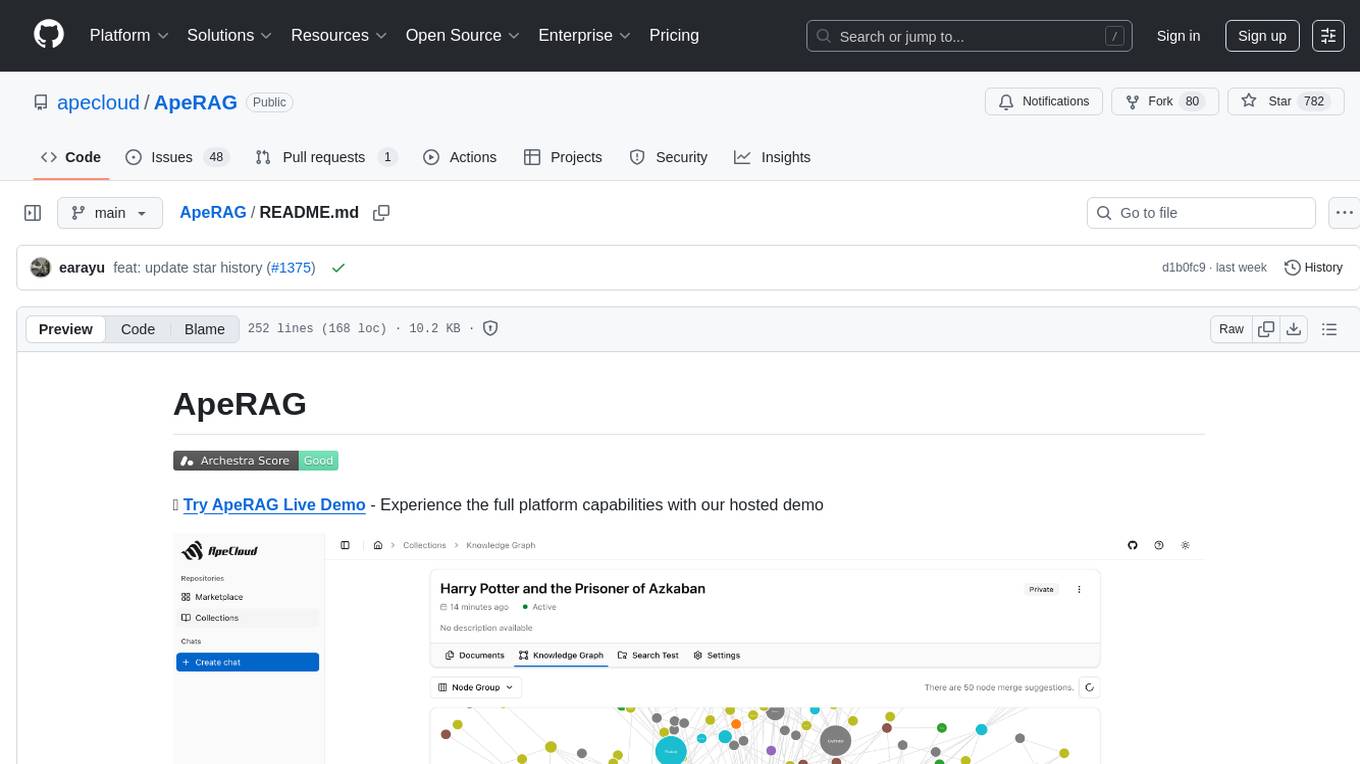
ApeRAG
ApeRAG is a production-ready platform for Retrieval-Augmented Generation (RAG) that combines Graph RAG, vector search, and full-text search with advanced AI agents. It is ideal for building Knowledge Graphs, Context Engineering, and deploying intelligent AI agents for autonomous search and reasoning across knowledge bases. The platform offers features like advanced index types, intelligent AI agents with MCP support, enhanced Graph RAG with entity normalization, multimodal processing, hybrid retrieval engine, MinerU integration for document parsing, production-grade deployment with Kubernetes, enterprise management features, MCP integration, and developer-friendly tools for customization and contribution.
cline-based-code-generator
HAI Code Generator is a cutting-edge tool designed to simplify and automate task execution while enhancing code generation workflows. Leveraging Specif AI, it streamlines processes like task execution, file identification, and code documentation through intelligent automation and AI-driven capabilities. Built on Cline's powerful foundation for AI-assisted development, HAI Code Generator boosts productivity and precision by automating task execution and integrating file management capabilities. It combines intelligent file indexing, context generation, and LLM-driven automation to minimize manual effort and ensure task accuracy. Perfect for developers and teams aiming to enhance their workflows.
Mira
Mira is an agentic AI library designed for automating company research by gathering information from various sources like company websites, LinkedIn profiles, and Google Search. It utilizes a multi-agent architecture to collect and merge data points into a structured profile with confidence scores and clear source attribution. The core library is framework-agnostic and can be integrated into applications, pipelines, or custom workflows. Mira offers features such as real-time progress events, confidence scoring, company criteria matching, and built-in services for data gathering. The tool is suitable for users looking to streamline company research processes and enhance data collection efficiency.
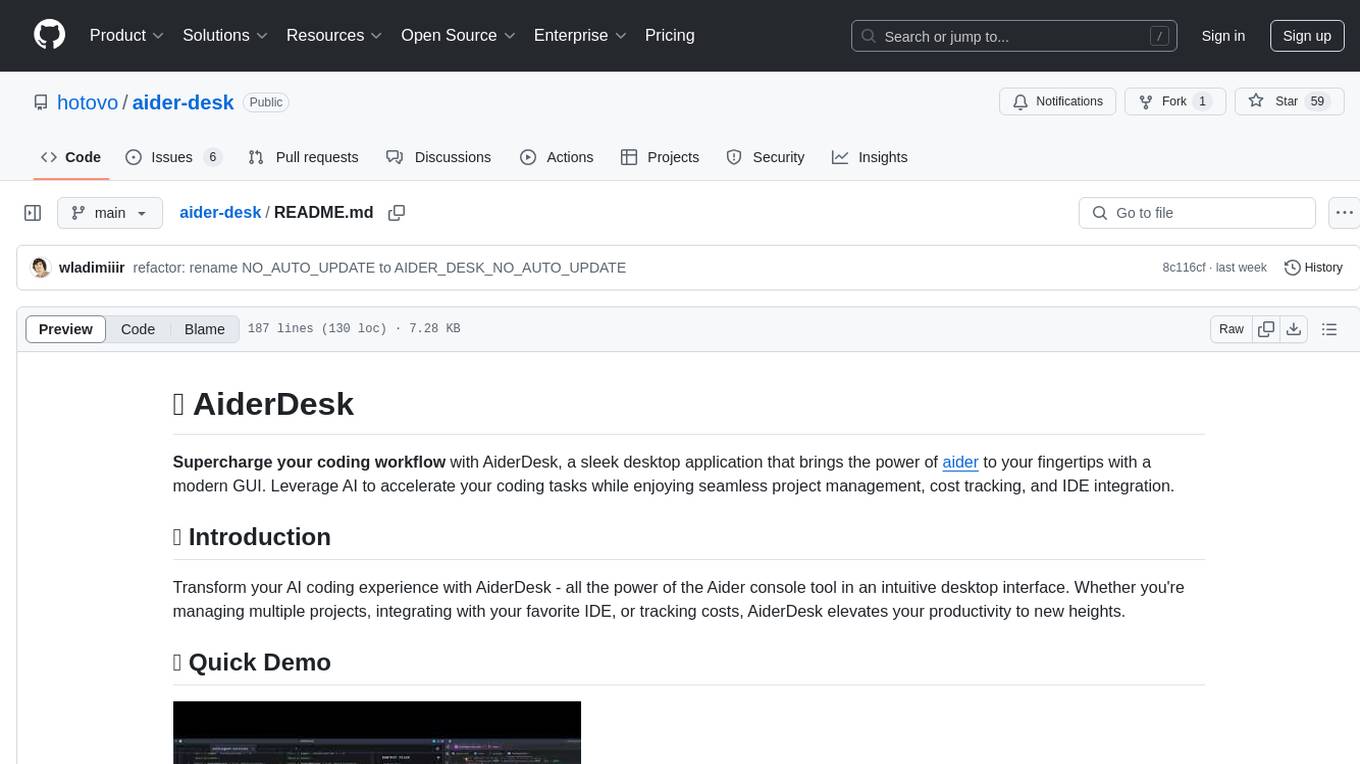
aider-desk
AiderDesk is a desktop application that enhances coding workflow by leveraging AI capabilities. It offers an intuitive GUI, project management, IDE integration, MCP support, settings management, cost tracking, structured messages, visual file management, model switching, code diff viewer, one-click reverts, and easy sharing. Users can install it by downloading the latest release and running the executable. AiderDesk also supports Python version detection and auto update disabling. It includes features like multiple project management, context file management, model switching, chat mode selection, question answering, cost tracking, MCP server integration, and MCP support for external tools and context. Development setup involves cloning the repository, installing dependencies, running in development mode, and building executables for different platforms. Contributions from the community are welcome following specific guidelines.
agentneo
AgentNeo is a Python package that provides functionalities for project, trace, dataset, experiment management. It allows users to authenticate, create projects, trace agents and LangGraph graphs, manage datasets, and run experiments with metrics. The tool aims to streamline AI project management and analysis by offering a comprehensive set of features.
vearch
Vearch is a cloud-native distributed vector database designed for efficient similarity search of embedding vectors in AI applications. It supports hybrid search with vector search and scalar filtering, offers fast vector retrieval from millions of objects in milliseconds, and ensures scalability and reliability through replication and elastic scaling out. Users can deploy Vearch cluster on Kubernetes, add charts from the repository or locally, start with Docker-compose, or compile from source code. The tool includes components like Master for schema management, Router for RESTful API, and PartitionServer for hosting document partitions with raft-based replication. Vearch can be used for building visual search systems for indexing images and offers a Python SDK for easy installation and usage. The tool is suitable for AI developers and researchers looking for efficient vector search capabilities in their applications.
Vodalus-Expert-LLM-Forge
Vodalus Expert LLM Forge is a tool designed for crafting datasets and efficiently fine-tuning models using free open-source tools. It includes components for data generation, LLM interaction, RAG engine integration, model training, fine-tuning, and quantization. The tool is suitable for users at all levels and is accompanied by comprehensive documentation. Users can generate synthetic data, interact with LLMs, train models, and optimize performance for local execution. The tool provides detailed guides and instructions for setup, usage, and customization.
For similar tasks
PDF_Accessibility
This repository provides two complementary solutions for PDF accessibility: PDF-to-PDF Remediation processes PDFs while maintaining the PDF format, and PDF-to-HTML Remediation converts PDFs to accessible HTML format. Both solutions leverage AWS services and generative AI to improve content accessibility according to WCAG 2.1 Level AA standards. The repository includes automated deployment scripts, testing instructions, architecture overviews, troubleshooting guides, and monitoring solutions for both PDF-to-PDF and PDF-to-HTML remediation. Users can contribute to the project and seek support via email or GitHub issues.
For similar jobs
PDF_Accessibility
This repository provides two complementary solutions for PDF accessibility: PDF-to-PDF Remediation processes PDFs while maintaining the PDF format, and PDF-to-HTML Remediation converts PDFs to accessible HTML format. Both solutions leverage AWS services and generative AI to improve content accessibility according to WCAG 2.1 Level AA standards. The repository includes automated deployment scripts, testing instructions, architecture overviews, troubleshooting guides, and monitoring solutions for both PDF-to-PDF and PDF-to-HTML remediation. Users can contribute to the project and seek support via email or GitHub issues.
serverless-pdf-chat
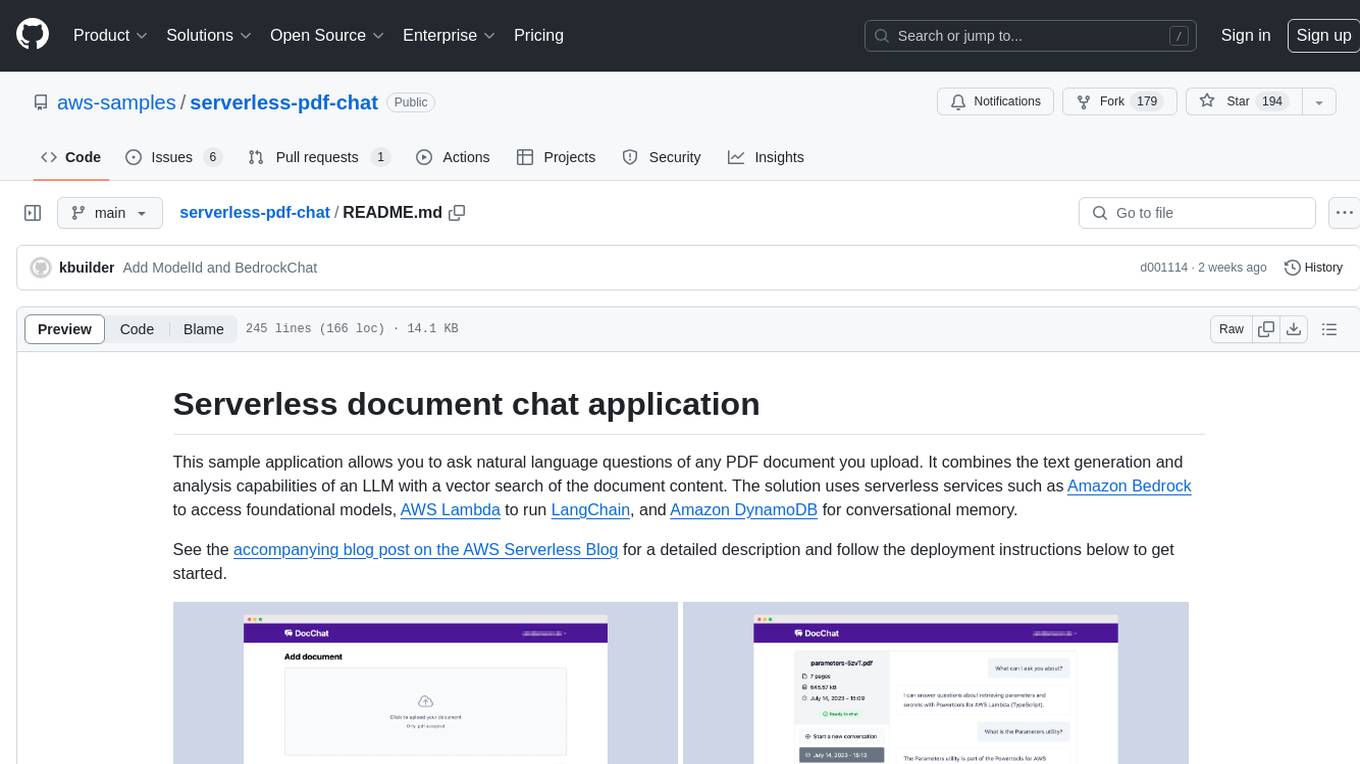
The serverless-pdf-chat repository contains a sample application that allows users to ask natural language questions of any PDF document they upload. It leverages serverless services like Amazon Bedrock, AWS Lambda, and Amazon DynamoDB to provide text generation and analysis capabilities. The application architecture involves uploading a PDF document to an S3 bucket, extracting metadata, converting text to vectors, and using a LangChain to search for information related to user prompts. The application is not intended for production use and serves as a demonstration and educational tool.
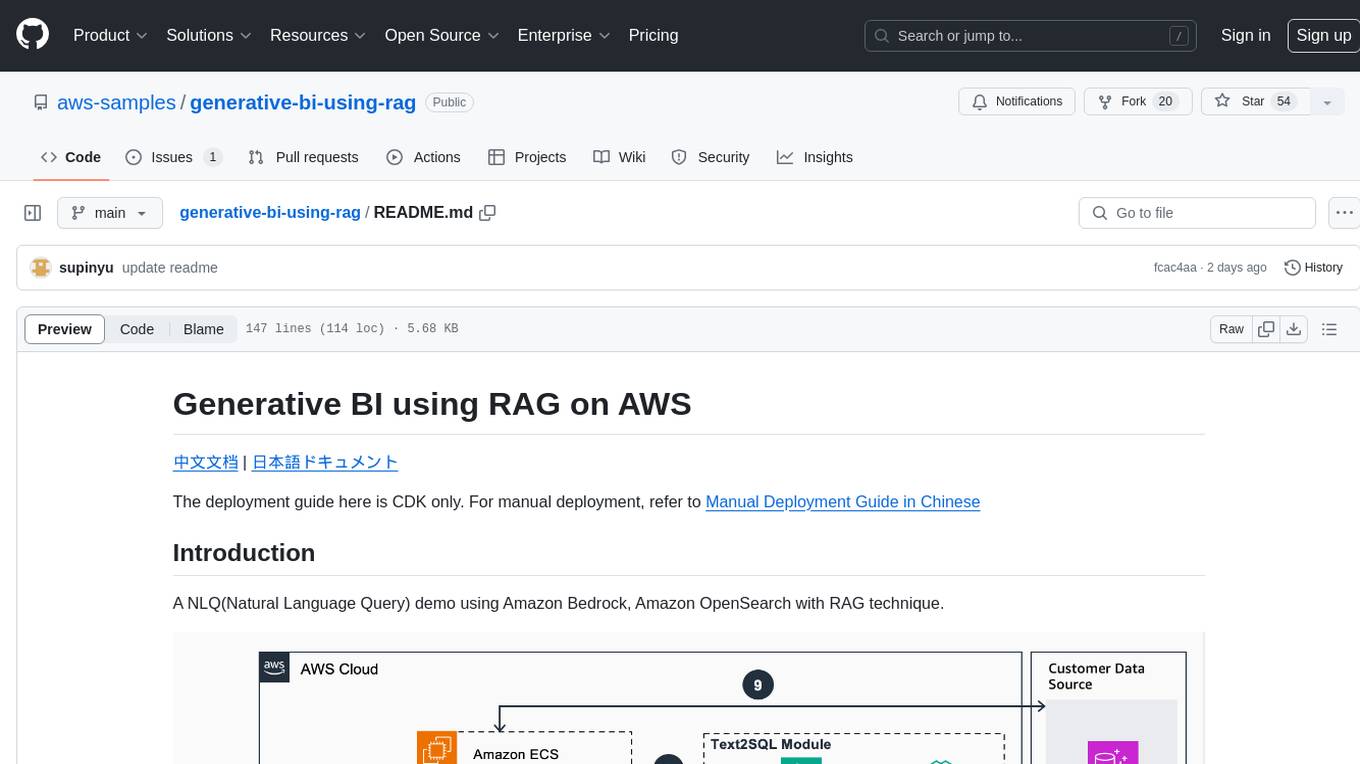
generative-bi-using-rag
Generative BI using RAG on AWS is a comprehensive framework designed to enable Generative BI capabilities on customized data sources hosted on AWS. It offers features such as Text-to-SQL functionality for querying data sources using natural language, user-friendly interface for managing data sources, performance enhancement through historical question-answer ranking, and entity recognition. It also allows customization of business information, handling complex attribution analysis problems, and provides an intuitive question-answering UI with a conversational approach for complex queries.
azure-functions-openai-extension
Azure Functions OpenAI Extension is a project that adds support for OpenAI LLM (GPT-3.5-turbo, GPT-4) bindings in Azure Functions. It provides NuGet packages for various functionalities like text completions, chat completions, assistants, embeddings generators, and semantic search. The project requires .NET 6 SDK or greater, Azure Functions Core Tools v4.x, and specific settings in Azure Function or local settings for development. It offers features like text completions, chat completion, assistants with custom skills, embeddings generators for text relatedness, and semantic search using vector databases. The project also includes examples in C# and Python for different functionalities.
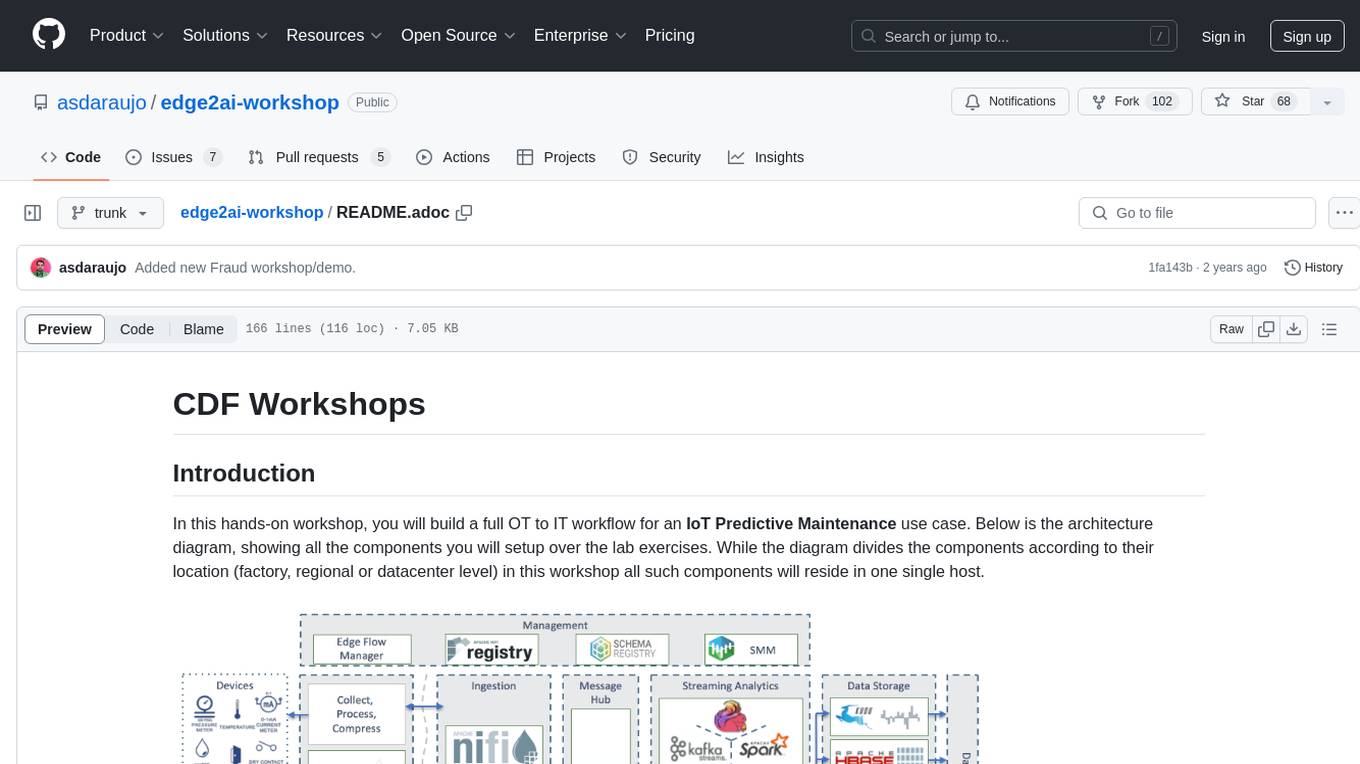
edge2ai-workshop
The edge2ai-workshop repository provides a hands-on workshop for building an IoT Predictive Maintenance workflow. It includes lab exercises for setting up components like NiFi, Streams Processing, Data Visualization, and more on a single host. The repository also covers use cases such as credit card fraud detection. Users can follow detailed instructions, prerequisites, and connectivity guidelines to connect to their cluster and explore various services. Additionally, troubleshooting tips are provided for common issues like MiNiFi not sending messages or CEM not picking up new NARs.
cb-tumblebug
CB-Tumblebug (CB-TB) is a system for managing multi-cloud infrastructure consisting of resources from multiple cloud service providers. It provides an overview, features, and architecture. The tool supports various cloud providers and resource types, with ongoing development and localization efforts. Users can deploy a multi-cloud infra with GPUs, enjoy multiple LLMs in parallel, and utilize LLM-related scripts. The tool requires Linux, Docker, Docker Compose, and Golang for building the source. Users can run CB-TB with Docker Compose or from the Makefile, set up prerequisites, contribute to the project, and view a list of contributors. The tool is licensed under an open-source license.
yu-picture
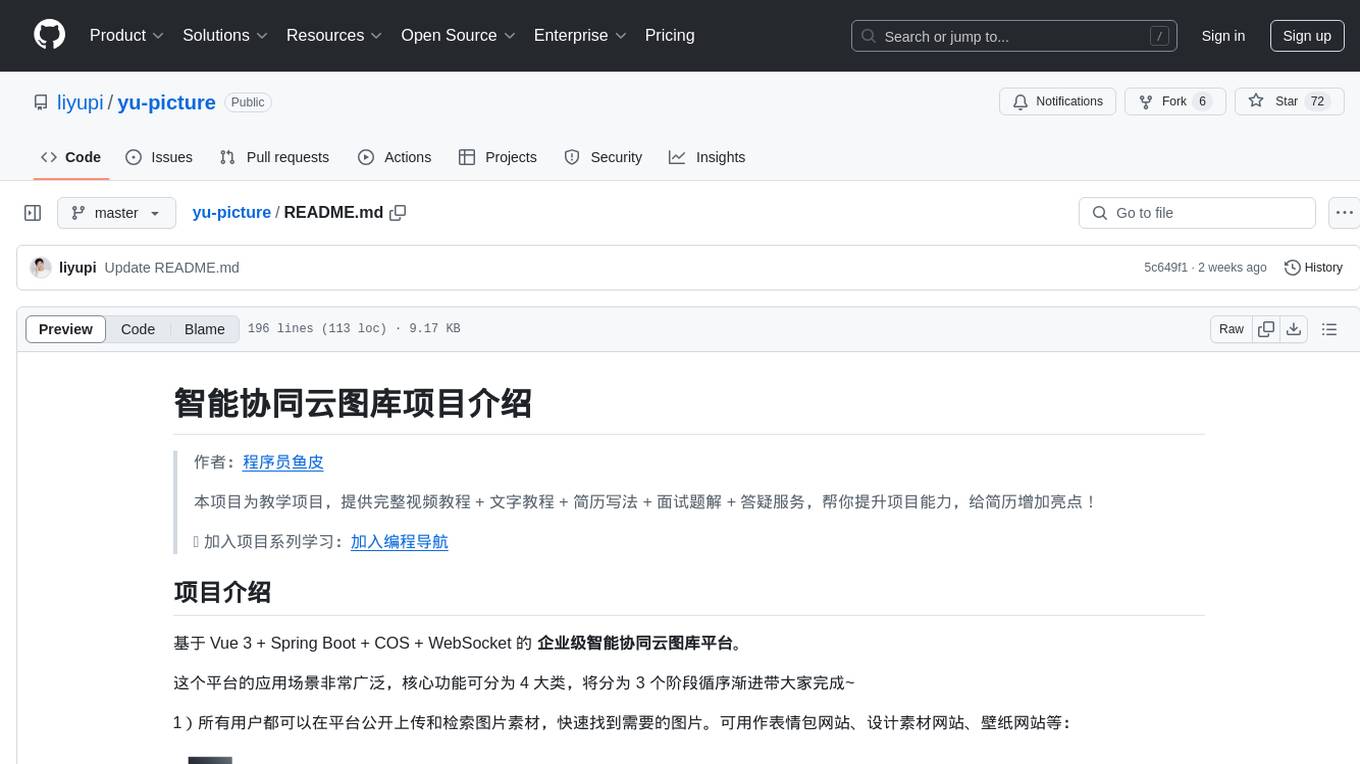
The 'yu-picture' project is an educational project that provides complete video tutorials, text tutorials, resume writing, interview question solutions, and Q&A services to help you improve your project skills and enhance your resume. It is an enterprise-level intelligent collaborative cloud image library platform based on Vue 3 + Spring Boot + COS + WebSocket. The platform has a wide range of applications, including public image uploading and retrieval, image analysis for administrators, private image management for individual users, and real-time collaborative image editing for enterprises. The project covers file management, content retrieval, permission control, and real-time collaboration, using various programming concepts, architectural design methods, and optimization strategies to ensure high-speed iteration and stable operation.
AmazonSageMakerCourse
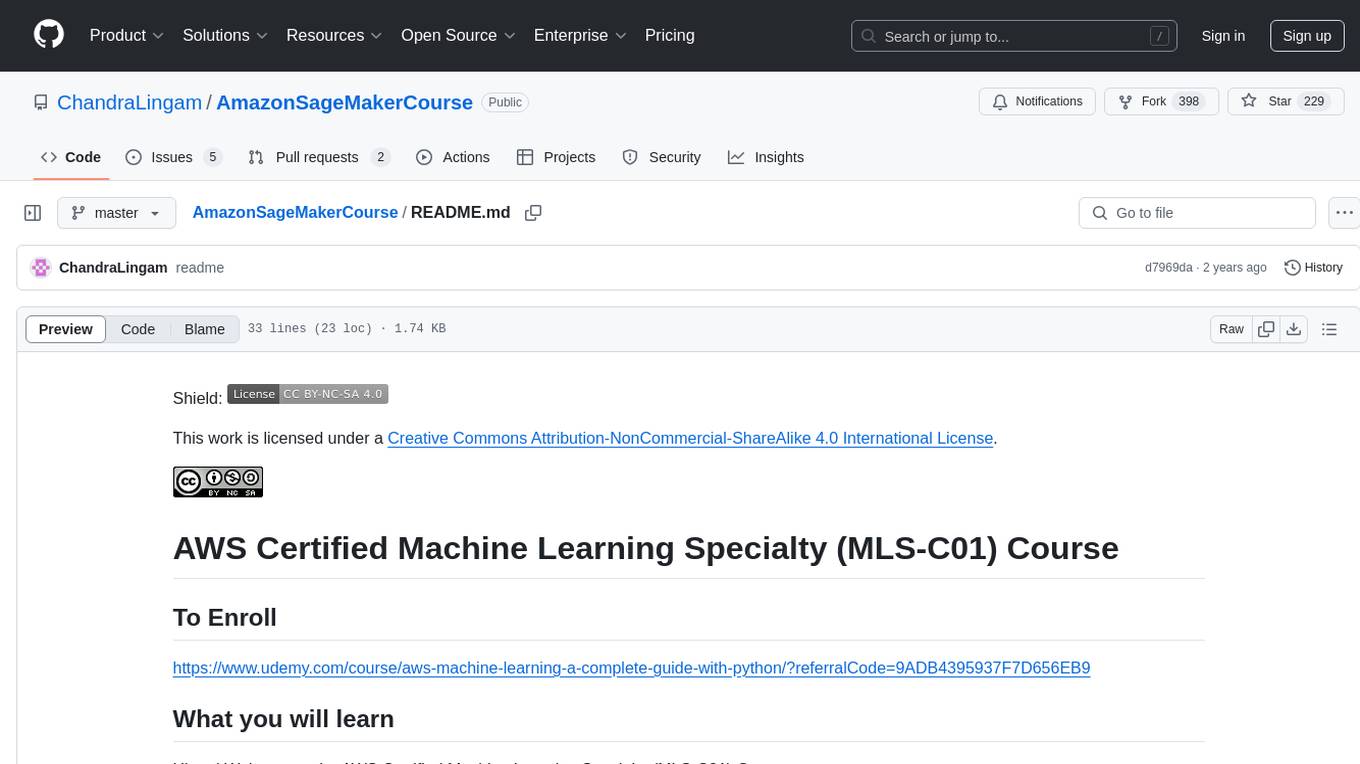
Amazon SageMaker Course is a comprehensive guide for AWS Certified Machine Learning Specialty (MLS-C01) that covers training, optimizing, deploying, and integrating machine learning models in the AWS cloud. The course includes hands-on experience with AWS built-in algorithms, Bring Your Own models, and ready-to-use AI capabilities. It also provides a complete guide to AWS Certified Machine Learning – Specialty certification, along with a high-quality timed practice test. Participants will learn how to integrate trained models into their applications and receive prompt support through the course Q&A forum and private messaging.