


dream-prompter
A Replicate AI Plugin for GIMP. Supports Nano Banana and Seedream4.
Stars: 106
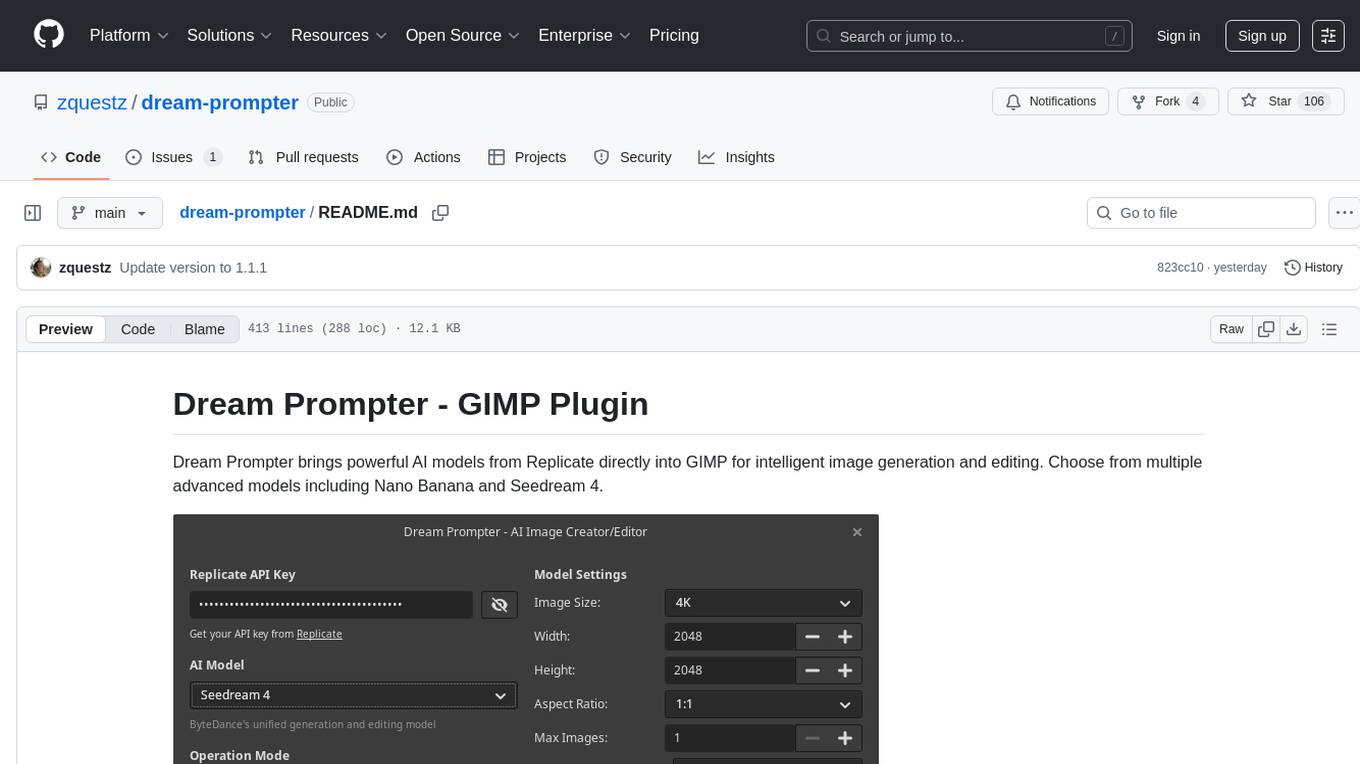
Dream Prompter is a tool designed to help users generate creative writing prompts for their stories, essays, or any other creative projects. It uses a database of various elements such as characters, settings, and plot twists to randomly generate unique prompts that can inspire writers and spark their creativity. With Dream Prompter, users can easily overcome writer's block and find new ideas to develop their writing skills and produce engaging content.
README:
Dream Prompter brings powerful AI models from Replicate directly into GIMP for intelligent image generation and editing. Choose from multiple advanced models including Nano Banana and Seedream 4.

- 🎨 AI Image Generation: Create new images from text descriptions
- ✨ AI Image Editing: Transform existing images with natural language prompts
- 🤖 Multiple AI Models: Choose from Nano Banana and Seedream 4
- 🖼️ Reference Images: Support for multiple reference images (varies by model)
- 🔄 Smart Layer Management: Automatically creates properly named layers
- 🎯 Dual Operation Modes: Seamlessly switch between editing and generation
- 🌍 Multi-Language Support: Full internationalization with 10+ languages
- 🔒 Safe File Handling: Validates image formats and file sizes per model
- 🏗️ Native GIMP Integration: Works seamlessly within your GIMP workflow
- GIMP 3.0.x
- Python 3.8+
- Replicate API key (paid account required)
Install the required Python library:
pip install replicate-
Download the latest release from GitHub Releases
-
Extract the release
This will create a folder named
dream-prompter-{version}(e.g.,dream-prompter-1.1.1) -
Move to your GIMP plugins folder with the correct name:
Rename and move the extracted folder to exactly
dream-prompterin your GIMP plugins directory:-
Linux:
~/.config/GIMP/3.0/plug-ins/dream-prompter/ -
Windows:
%APPDATA%\GIMP\3.0\plug-ins\dream-prompter\ -
macOS:
~/Library/Application Support/GIMP/3.0/plug-ins/dream-prompter/
Example for Linux:
# Extract creates dream-prompter-1.1.1/
unzip dream-prompter-1.1.1.zip
# Move to correct location with correct name
mv dream-prompter-1.1.1 ~/.config/GIMP/3.0/plug-ins/dream-prompter
-
Linux:
-
Make executable (Linux/macOS only):
chmod +x ~/.config/GIMP/3.0/plug-ins/dream-prompter/dream-prompter.py -
Restart GIMP
Building translations (optional): If you need languages other than English, run python3 scripts/build-translations.py in the plugin directory after installation.
To install Dream Prompter on Arch Linux, you can install it from the AUR.
yay -S dream-prompter-
Find your GIMP plugins directory (paths listed above)
-
Create plugin directory:
mkdir -p ~/.config/GIMP/3.0/plug-ins/dream-prompter/ -
Copy all Python files and the models directory:
cp *.py ~/.config/GIMP/3.0/plug-ins/dream-prompter/
cp -r models ~/.config/GIMP/3.0/plug-ins/dream-prompter/
-
Build and install translations (Optional):
python3 scripts/build-translations.py cp -r locale ~/.config/GIMP/3.0/plug-ins/dream-prompter/ -
Make executable:
chmod +x ~/.config/GIMP/3.0/plug-ins/dream-prompter/dream-prompter.py
Note: Your final directory structure should look like:
~/.config/GIMP/3.0/plug-ins/dream-prompter/
├── dream-prompter.py
├── api.py
├── dialog*.py
├── integrator.py
├── settings.py
├── i18n.py
├── models/
│   ├── __init__.py
│   ├── factory.py
│   └── nano_banana.py
│   └── seedream4.py
└── locale/ (optional)
    └── ...
git clone https://github.com/zquestz/dream-prompter.git
cd dream-prompter
pip install replicate
python3 scripts/build-translations.py # optional, defaults to English
ln -s $(pwd) ~/.config/GIMP/3.0/plug-ins/dream-prompterImportant: Use the same Python that GIMP uses. If pip install replicate doesn't work:
# System-wide installation
sudo pip install replicate

# User installation (recommended)
pip install --user replicate

# Ensure Python 3
pip3 install replicateIf you get the "replicate not installed" error on macOS:
-
Locate GIMP's Python by opening the Python Console:
Filters → Development → Python-Fu -
Run this command in the console:
import sys; print(sys.executable)
You should see something like:
/Applications/GIMP.app/Contents/MacOS/python3 -
Install replicate using GIMP's Python from Terminal:
# Change to GIMP's Python directory
cd /Applications/GIMP.app/Contents/MacOS

# Ensure pip is installed
./python3 -m ensurepip

# Install replicate
./python3 -m pip install replicate
- Visit Replicate
- Generate an API key
- Keep your key secure and monitor usage/costs
Nano Banana (google/nano-banana) - Google's Gemini 2.5 Flash Image Preview:
- Reference Images: Up to 10 for generation, 9 for editing
- File Size: Maximum 7MB per image
- Formats: PNG, JPEG, WebP
Seedream 4 (bytedance/seedream-4) - ByteDance's unified generation and editing model:
- Reference Images: Up to 10 for generation, 9 for editing
- File Size: Maximum 10MB per image
- Formats: PNG, JPEG, WebP
- Special Features: 4K resolution support, unified architecture
- Each image generation/edit counts toward your API usage
- Monitor your usage at Replicate to avoid unexpected charges
- Open an image in GIMP (for editing) or create a new document (for generation)
-
Launch Dream Prompter:
Filters → AI → Dream Prompter... - Enter your API key (saved automatically for future use)
- Choose your AI model: Select from available models in the dropdown
-
Select mode:
- Edit Mode: Transform the current layer
- Generate Mode: Create a new image
- Write your prompt: Be descriptive and specific
- Add reference images (optional): Click "Select Images..." to add references
- Generate: Click the generate button and watch the progress
- Result: New layer appears with a descriptive name
For Generation:
- "A majestic dragon flying over snow-capped mountains at sunset"
- "Portrait of a woman in Victorian dress, oil painting style"
- "Cyberpunk cityscape with neon reflections on wet streets"
For Editing:
- "Change the background to a peaceful forest clearing"
- "Make this person wear a red Victorian dress"
- "Transform this into a watercolor painting style"
- "Add falling snow to this winter scene"
- Be specific: "Red sports car" vs "bright red Ferrari 488 GTB"
- Include style: "photorealistic", "oil painting", "digital art"
- Describe lighting: "golden hour", "dramatic shadows", "soft natural light"
- Use reference images to guide style and composition
- Keep files under 7MB for reference images
Dream Prompter is fully translated and available in:
- 🇺🇸 English (default)
- 🇪🇸 Spanish (complete)
- 🇫🇷 French (complete)
- 🇵🇹 Portuguese (complete)
- 🇷🇺 Russian (complete)
- 🇯🇵 Japanese (complete)
- 🇮🇳 Hindi (complete)
- 🇧🇩 Bengali (complete)
- 🇨🇳 Chinese (Simplified) (complete)
- 🇹🇼 Chinese (Traditional) (complete)
- 🇰🇷 Korean (complete)
The plugin automatically detects your system language and uses the appropriate translation. If your language isn't available, it defaults to English.
# Extract new translatable strings
python3 scripts/update-pot.py

# Update existing translations
python3 scripts/update-translations.py

# Build compiled translations
python3 scripts/build-translations.pyThe plugin is organized into focused modules with a clean model-driven architecture:
-
dream-prompter.py- Main GIMP plugin entry point -
dialog_gtk.py- GTK user interface components -
dialog_events.py- Event handling and user interactions -
dialog_threads.py- Background processing and threading -
api.py- Replicate API integration -
integrator.py- GIMP-specific operations -
settings.py- Configuration persistence -
i18n.py- Internationalization support
-
models/__init__.py- Base model classes and registry system -
models/factory.py- Model factory for centralized model management -
models/nano_banana.py- Nano Banana model implementation -
models/seedream4.py- Seedream 4 model implementation
The model system provides a clean abstraction for AI models, making it easy to:
-
Add new models by implementing the
BaseModelinterface - Validate inputs using model-specific limits and constraints
- Build API requests with model-specific parameter formats
- Maintain consistency across the entire plugin
To add support for a new Replicate model:
-
Create a new model file in the
models/directory (e.g.,models/my_model.py) - Implement the BaseModel interface:
from . import BaseModel, OutputFormat, register_model

class MyModel(BaseModel):
    @property
    def name(self) -> str:
        return "my-account/my-model"

    @property
    def display_name(self) -> str:
        return "My Custom Model"

    # Implement other required properties...

    def build_generation_input(self, prompt, reference_images=None, **kwargs):
        # Implementation for generating...
        pass

    def build_edit_input(self, prompt, main_image, reference_images=None, **kwargs):
        # Implementation for editing...
        pass

# Register the model
my_model = MyModel()
register_model(my_model)-
Import the model in
models/factory.pyto ensure it's loaded - The model is now available throughout the plugin with automatic validation and UI updates
The nano_banana.py file serves as a complete reference implementation.
"replicate not installed" warning
- Install with:
pip install replicate - Ensure you're using GIMP's Python environment
Plugin doesn't appear in menu
- Check file permissions:
chmod +x dream-prompter.py - Restart GIMP after installation
- Verify files are in correct plugins directory
API errors
- Verify your API key is correct
- Check your quota at Replicate
- Monitor costs to avoid unexpected charges
Interface problems
- Check GIMP's Error Console:
Windows → Dockable Dialogs → Error Console - Ensure translations are built:
python3 scripts/build-translations.py - Report UI issues with screenshots
- Check the Error Console in GIMP for specific error messages
- Verify all requirements are installed correctly
- Test with simple prompts first
- Check file permissions on the plugin directory
- Review API quotas if getting timeout errors
We welcome translations! Here's how to contribute:
-
Copy the template:
cp locale/dream-prompter.pot locale/[YOUR_LANG].po - Translate the strings using Poedit, Lokalize, or any text editor
-
Test your translation: Build with
python3 scripts/build-translations.py -
Submit a pull request with your
.pofile
Translation Guidelines:
- Keep UI text concise but clear
- Use GIMP's existing terminology for your language
- Preserve HTML tags and placeholders like
{count},{url} - Test that text fits in the interface
- Fork the repository
- Create a feature branch
- Follow the existing code style
- Update translations if adding new strings
- Submit a pull request
This project is licensed under the MIT License - see the LICENSE file for details.
Built with Replicate's API providing access to multiple advanced AI models including Google's Nano Banana and ByteDance's Seedream 4.
For Tasks:
Click tags to check more tools for each tasksFor Jobs:
Alternative AI tools for dream-prompter
Similar Open Source Tools
dream-prompter
Dream Prompter is a tool designed to help users generate creative writing prompts for their stories, essays, or any other creative projects. It uses a database of various elements such as characters, settings, and plot twists to randomly generate unique prompts that can inspire writers and spark their creativity. With Dream Prompter, users can easily overcome writer's block and find new ideas to develop their writing skills and produce engaging content.
AlphaAvatar
AlphaAvatar is a powerful tool for creating customizable avatars with AI-generated faces. It provides a user-friendly interface to design unique characters for various purposes such as gaming, virtual reality, social media, and more. With advanced AI algorithms, users can easily generate realistic and diverse avatars to enhance their projects and engage with their audience.
InvokeAI
InvokeAI is a leading creative engine built to empower professionals and enthusiasts alike. Generate and create stunning visual media using the latest AI-driven technologies. InvokeAI offers an industry leading Web Interface, interactive Command Line Interface, and also serves as the foundation for multiple commercial products.
prompt-generator-comfyui
Custom AI prompt generator node for ComfyUI. With this node, you can use text generation models to generate prompts. Before using, text generation model has to be trained with prompt dataset.
duckduckgo-ai-chat
This repository contains a chatbot tool powered by AI technology. The chatbot is designed to interact with users in a conversational manner, providing information and assistance on various topics. Users can engage with the chatbot to ask questions, seek recommendations, or simply have a casual conversation. The AI technology behind the chatbot enables it to understand natural language inputs and provide relevant responses, making the interaction more intuitive and engaging. The tool is versatile and can be customized for different use cases, such as customer support, information retrieval, or entertainment purposes. Overall, the chatbot offers a user-friendly and interactive experience, leveraging AI to enhance communication and engagement.
MaiBot
MaiBot is an intelligent QQ group chat bot based on a large language model. It is developed using the nonebot2 framework, with LLM providing conversation abilities, MongoDB for data persistence support, and NapCat as the QQ protocol endpoint support. The project is in active development stage, with features like chat functionality, emoji functionality, schedule management, memory function, knowledge base function, and relationship function planned for future updates. The project aims to create a 'life form' active in QQ group chats, focusing on companionship and creating a more human-like presence rather than a perfect assistant. The application generates content from AI models, so users are advised to discern carefully and not use it for illegal purposes.
Companion
Companion is a software tool designed to provide support and enhance development. It offers various features and functionalities to assist users in their projects and tasks. The tool aims to be user-friendly and efficient, helping individuals and teams to streamline their workflow and improve productivity.
facefusion-pinokio
FaceFusion Pinokio is an industry leading face manipulation platform. It provides advanced tools for manipulating and blending faces in images and videos. The platform offers a user-friendly interface and powerful features to create stunning visual effects. With FaceFusion Pinokio, users can seamlessly blend faces, swap facial features, and create unique and creative compositions. Whether you are a professional graphic designer, a social media influencer, or just someone looking to have fun with face manipulation, FaceFusion Pinokio has everything you need to bring your ideas to life.
MoonshotAI-Cookbook
The MoonshotAI-Cookbook provides example code and guides for accomplishing common tasks with the MoonshotAI API. To run these examples, you'll need an MoonshotAI account and associated API key. Most code examples are written in Python, though the concepts can be applied in any language.
intelligent-app-workshop
Welcome to the envisioning workshop designed to help you build your own custom Copilot using Microsoft's Copilot stack. This workshop aims to rethink user experience, architecture, and app development by leveraging reasoning engines and semantic memory systems. You will utilize Azure AI Foundry, Prompt Flow, AI Search, and Semantic Kernel. Work with Miyagi codebase, explore advanced capabilities like AutoGen and GraphRag. This workshop guides you through the entire lifecycle of app development, including identifying user needs, developing a production-grade app, and deploying on Azure with advanced capabilities. By the end, you will have a deeper understanding of leveraging Microsoft's tools to create intelligent applications.
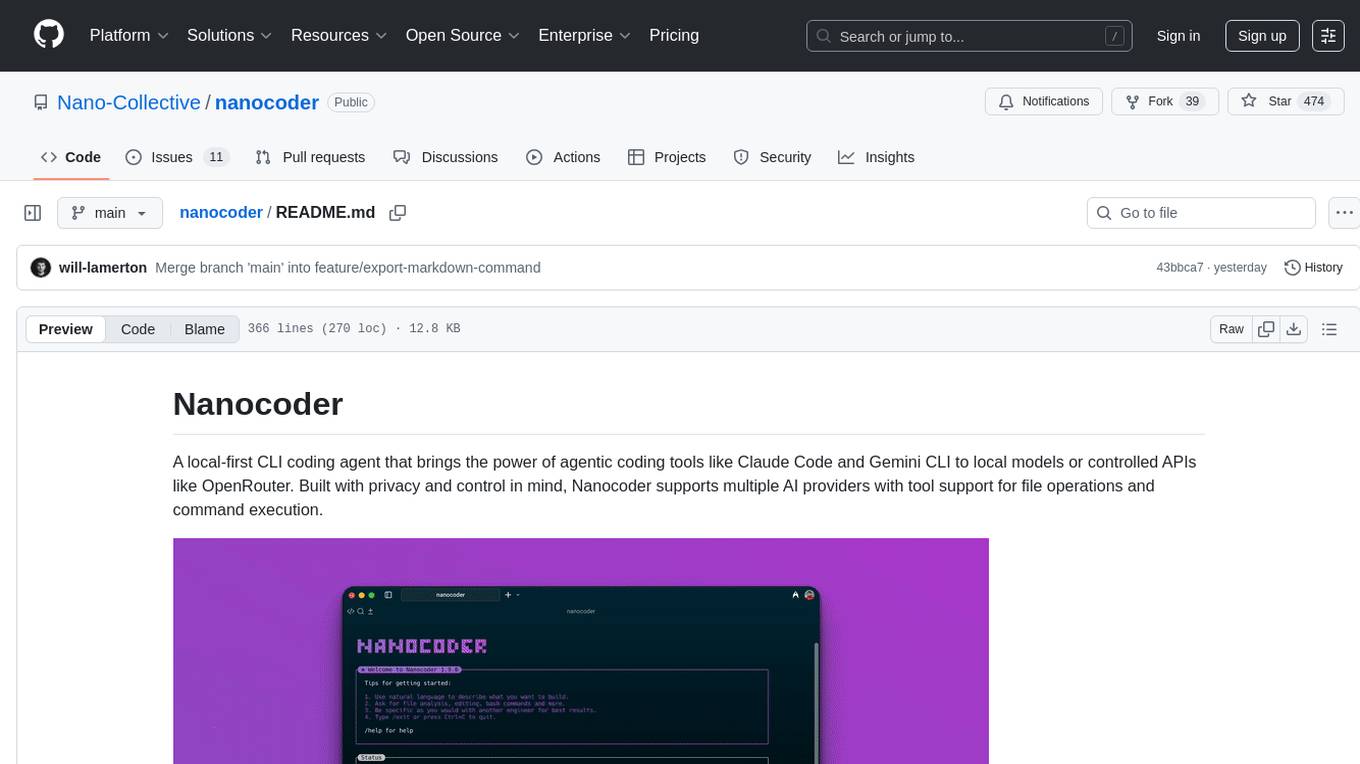
nanocoder
Nanocoder is a versatile code editor designed for beginners and experienced programmers alike. It provides a user-friendly interface with features such as syntax highlighting, code completion, and error checking. With Nanocoder, you can easily write and debug code in various programming languages, making it an ideal tool for learning, practicing, and developing software projects. Whether you are a student, hobbyist, or professional developer, Nanocoder offers a seamless coding experience to boost your productivity and creativity.
obsidian-NotEMD
Obsidian-NotEMD is a plugin for the Obsidian note-taking app that allows users to export notes in various formats without converting them to EMD. It simplifies the process of sharing and collaborating on notes by providing seamless export options. With Obsidian-NotEMD, users can easily export their notes to PDF, HTML, Markdown, and other formats directly from Obsidian, saving time and effort. This plugin enhances the functionality of Obsidian by streamlining the export process and making it more convenient for users to work with their notes across different platforms and applications.
open-ai
Open AI is a powerful tool for artificial intelligence research and development. It provides a wide range of machine learning models and algorithms, making it easier for developers to create innovative AI applications. With Open AI, users can explore cutting-edge technologies such as natural language processing, computer vision, and reinforcement learning. The platform offers a user-friendly interface and comprehensive documentation to support users in building and deploying AI solutions. Whether you are a beginner or an experienced AI practitioner, Open AI offers the tools and resources you need to accelerate your AI projects and stay ahead in the rapidly evolving field of artificial intelligence.
PotPlayer_ChatGPT_Translate
PotPlayer_ChatGPT_Translate is a GitHub repository that provides a script to integrate ChatGPT with PotPlayer for real-time translation of chat messages during video playback. The script utilizes the power of ChatGPT's natural language processing capabilities to translate chat messages in various languages, enhancing the viewing experience for users who consume video content with subtitles or chat interactions. By seamlessly integrating ChatGPT with PotPlayer, this tool offers a convenient solution for users to enjoy multilingual content without the need for manual translation efforts. The repository includes detailed instructions on how to set up and use the script, making it accessible for both novice and experienced users interested in leveraging AI-powered translation services within the PotPlayer environment.
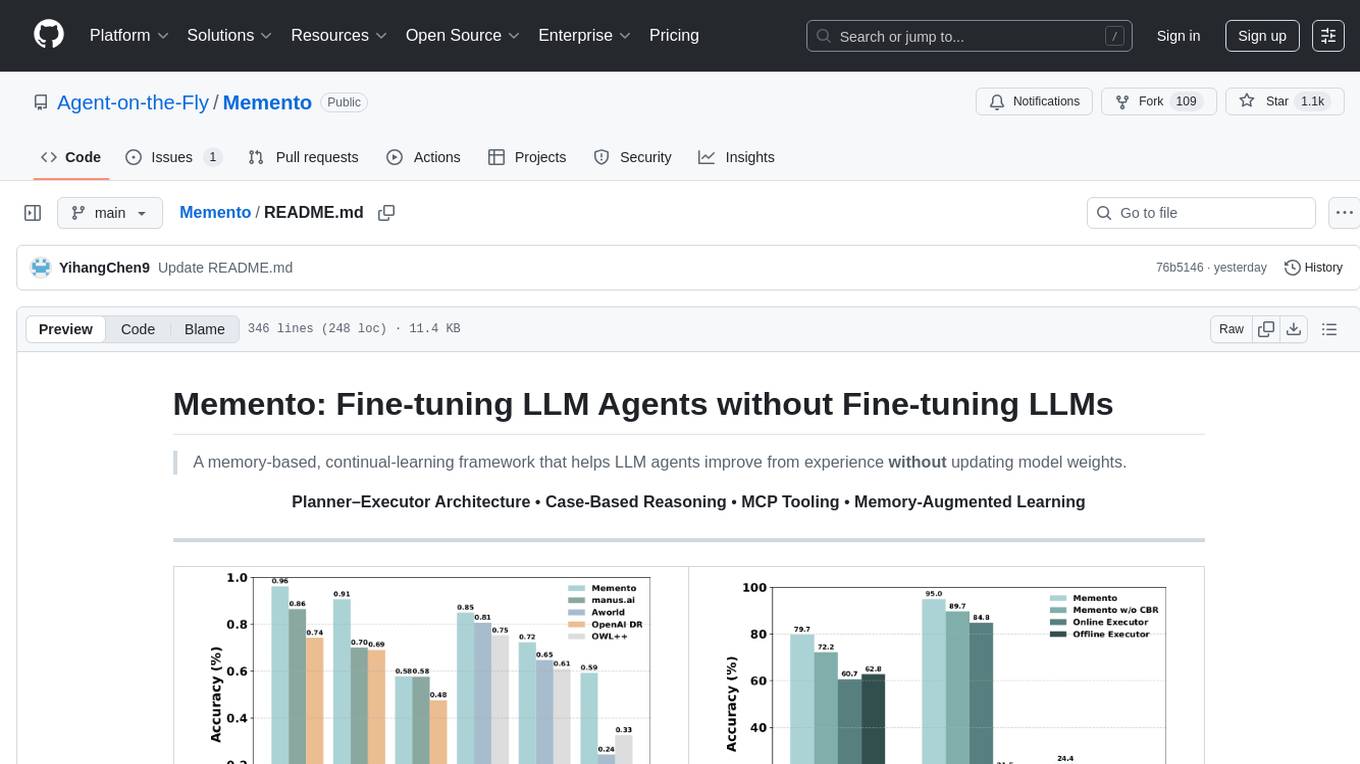
Memento
Memento is a lightweight and user-friendly version control tool designed for small to medium-sized projects. It provides a simple and intuitive interface for managing project versions and collaborating with team members. With Memento, users can easily track changes, revert to previous versions, and merge different branches. The tool is suitable for developers, designers, content creators, and other professionals who need a streamlined version control solution. Memento simplifies the process of managing project history and ensures that team members are always working on the latest version of the project.
LocalAI
LocalAI is a free and open-source OpenAI alternative that acts as a drop-in replacement REST API compatible with OpenAI (Elevenlabs, Anthropic, etc.) API specifications for local AI inferencing. It allows users to run LLMs, generate images, audio, and more locally or on-premises with consumer-grade hardware, supporting multiple model families and not requiring a GPU. LocalAI offers features such as text generation with GPTs, text-to-audio, audio-to-text transcription, image generation with stable diffusion, OpenAI functions, embeddings generation for vector databases, constrained grammars, downloading models directly from Huggingface, and a Vision API. It provides a detailed step-by-step introduction in its Getting Started guide and supports community integrations such as custom containers, WebUIs, model galleries, and various bots for Discord, Slack, and Telegram. LocalAI also offers resources like an LLM fine-tuning guide, instructions for local building and Kubernetes installation, projects integrating LocalAI, and a how-tos section curated by the community. It encourages users to cite the repository when utilizing it in downstream projects and acknowledges the contributions of various software from the community.
For similar tasks
dream-prompter
Dream Prompter is a tool designed to help users generate creative writing prompts for their stories, essays, or any other creative projects. It uses a database of various elements such as characters, settings, and plot twists to randomly generate unique prompts that can inspire writers and spark their creativity. With Dream Prompter, users can easily overcome writer's block and find new ideas to develop their writing skills and produce engaging content.
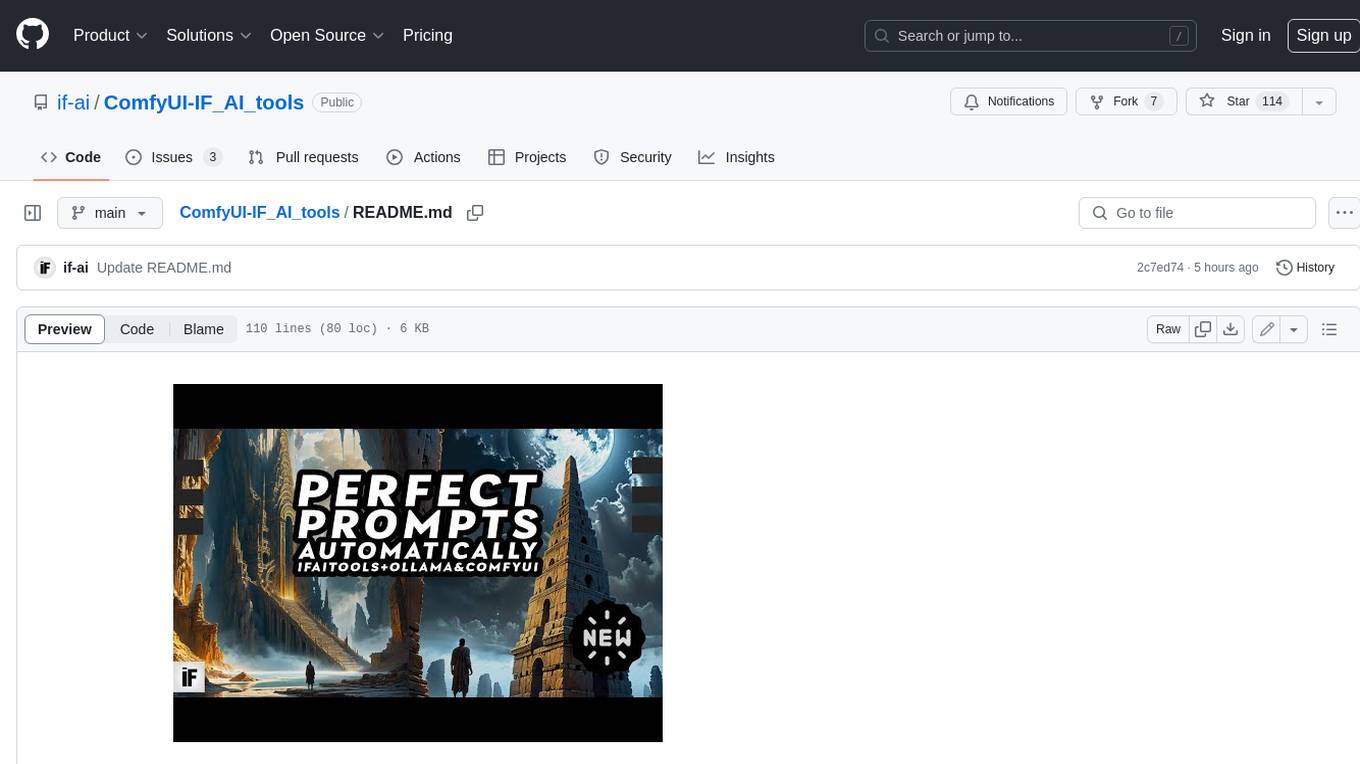
ComfyUI-IF_AI_tools
ComfyUI-IF_AI_tools is a set of custom nodes for ComfyUI that allows you to generate prompts using a local Large Language Model (LLM) via Ollama. This tool enables you to enhance your image generation workflow by leveraging the power of language models.
Awesome-AI-GPTs
Awesome AI GPTs is an open repository that collects resources and fun ways to use OpenAI GPTs. It includes databases, search tools, open-source projects, articles, attack and defense strategies, installation of custom plugins, knowledge bases, and community interactions related to GPTs. Users can find curated lists, leaked prompts, and various GPT applications in this repository. The project aims to empower users with AI capabilities and foster collaboration in the AI community.
kor
Kor is a prototype tool designed to help users extract structured data from text using Language Models (LLMs). It generates prompts, sends them to specified LLMs, and parses the output. The tool works with the parsing approach and is integrated with the LangChain framework. Kor is compatible with pydantic v2 and v1, and schema is typed checked using pydantic. It is primarily used for extracting information from text based on provided reference examples and schema documentation. Kor is designed to work with all good-enough LLMs regardless of their support for function/tool calling or JSON modes.
Awesome-LLM-Survey
This repository, Awesome-LLM-Survey, serves as a comprehensive collection of surveys related to Large Language Models (LLM). It covers various aspects of LLM, including instruction tuning, human alignment, LLM agents, hallucination, multi-modal capabilities, and more. Researchers are encouraged to contribute by updating information on their papers to benefit the LLM survey community.
awesome-gpt-prompt-engineering
Awesome GPT Prompt Engineering is a curated list of resources, tools, and shiny things for GPT prompt engineering. It includes roadmaps, guides, techniques, prompt collections, papers, books, communities, prompt generators, Auto-GPT related tools, prompt injection information, ChatGPT plug-ins, prompt engineering job offers, and AI links directories. The repository aims to provide a comprehensive guide for prompt engineering enthusiasts, covering various aspects of working with GPT models and improving communication with AI tools.
ComfyUI_VLM_nodes
ComfyUI_VLM_nodes is a repository containing various nodes for utilizing Vision Language Models (VLMs) and Language Models (LLMs). The repository provides nodes for tasks such as structured output generation, image to music conversion, LLM prompt generation, automatic prompt generation, and more. Users can integrate different models like InternLM-XComposer2-VL, UForm-Gen2, Kosmos-2, moondream1, moondream2, JoyTag, and Chat Musician. The nodes support features like extracting keywords, generating prompts, suggesting prompts, and obtaining structured outputs. The repository includes examples and instructions for using the nodes effectively.
AI-Prompt-Genius
AI Prompt Genius is a Chrome extension that allows you to curate a custom library of AI prompts. It is built using React web app and Tailwind CSS with DaisyUI components. The extension enables users to create and manage AI prompts for various purposes. It provides a user-friendly interface for organizing and accessing AI prompts efficiently. AI Prompt Genius is designed to enhance productivity and creativity by offering a personalized collection of prompts tailored to individual needs. Users can easily install the extension from the Chrome Web Store and start using it to generate AI prompts for different tasks.
For similar jobs

exif-photo-blog
EXIF Photo Blog is a full-stack photo blog application built with Next.js, Vercel, and Postgres. It features built-in authentication, photo upload with EXIF extraction, photo organization by tag, infinite scroll, light/dark mode, automatic OG image generation, a CMD-K menu with photo search, experimental support for AI-generated descriptions, and support for Fujifilm simulations. The application is easy to deploy to Vercel with just a few clicks and can be customized with a variety of environment variables.
obsidian-textgenerator-plugin
Text Generator is an open-source AI Assistant Tool that leverages Generative Artificial Intelligence to enhance knowledge creation and organization in Obsidian. It allows users to generate ideas, titles, summaries, outlines, and paragraphs based on their knowledge database, offering endless possibilities. The plugin is free and open source, compatible with Obsidian for a powerful Personal Knowledge Management system. It provides flexible prompts, template engine for repetitive tasks, community templates for shared use cases, and highly flexible configuration with services like Google Generative AI, OpenAI, and HuggingFace.
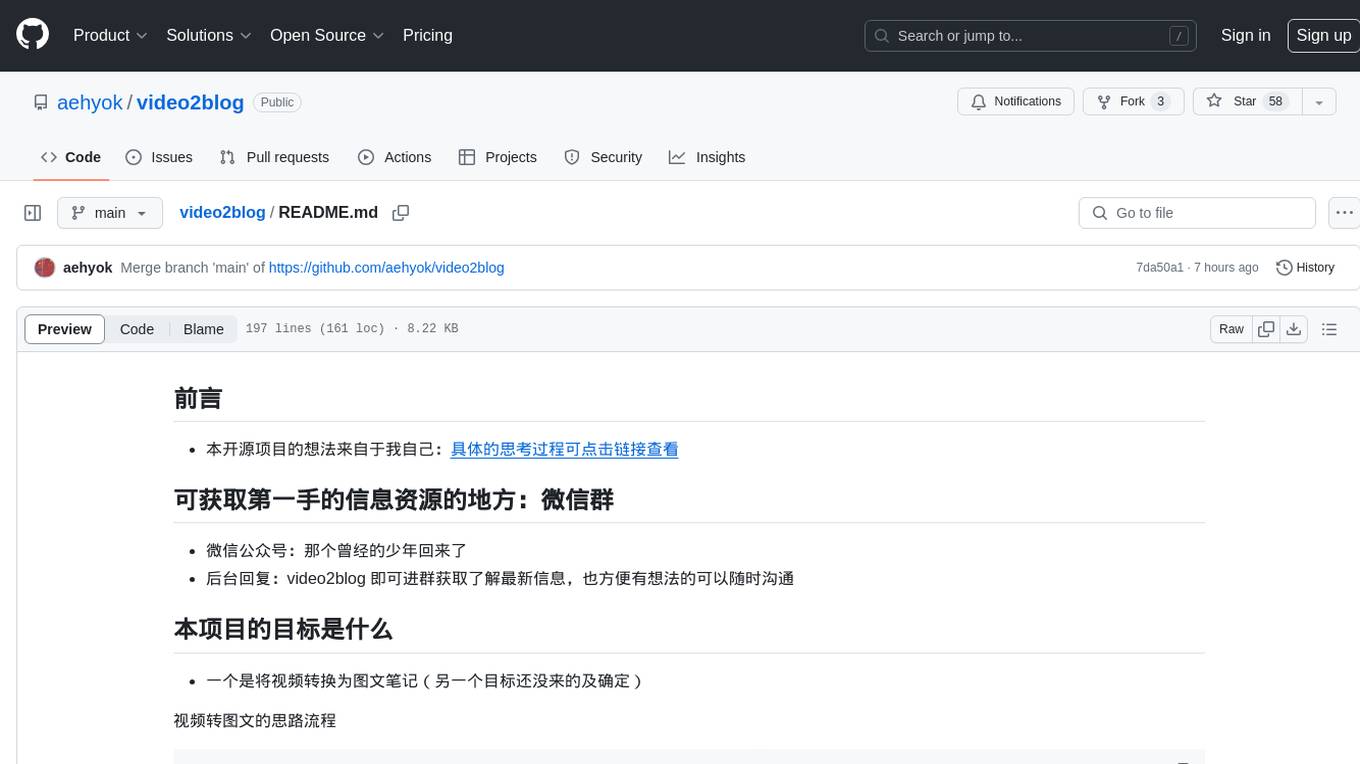
video2blog
video2blog is an open-source project aimed at converting videos into textual notes. The tool follows a process of extracting video information using yt-dlp, downloading the video, downloading subtitles if available, translating subtitles if not in Chinese, generating Chinese subtitles using whisper if no subtitles exist, converting subtitles to articles using gemini, and manually inserting images from the video into the article. The tool provides a solution for creating blog content from video resources, enhancing accessibility and content creation efficiency.
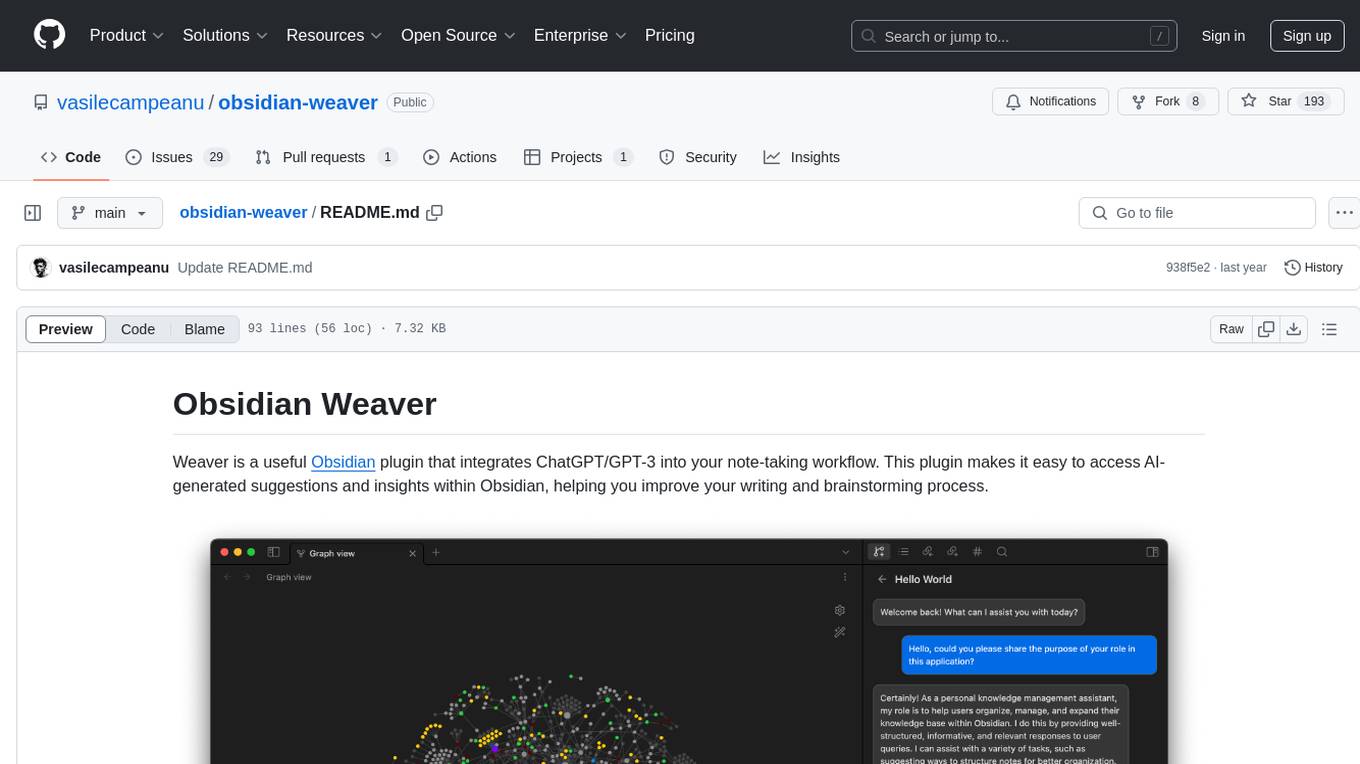
obsidian-weaver
Obsidian Weaver is a plugin that integrates ChatGPT/GPT-3 into the note-taking workflow of Obsidian. It allows users to easily access AI-generated suggestions and insights within Obsidian, enhancing the writing and brainstorming process. The plugin respects Obsidian's philosophy of storing notes locally, ensuring data security and privacy. Weaver offers features like creating new chat sessions with the AI assistant and receiving instant responses, all within the Obsidian environment. It provides a seamless integration with Obsidian's interface, making the writing process efficient and helping users stay focused. The plugin is constantly being improved with new features and updates to enhance the note-taking experience.
wordlift-plugin
WordLift is a plugin that helps online content creators organize posts and pages by adding facts, links, and media to build beautifully structured websites for both humans and search engines. It allows users to create, own, and publish their own knowledge graph, and publishes content as Linked Open Data following Tim Berners-Lee's Linked Data Principles. The plugin supports writers by providing trustworthy and contextual facts, enriching content with images, links, and interactive visualizations, keeping readers engaged with relevant content recommendations, and producing content compatible with schema.org markup for better indexing and display on search engines. It also offers features like creating a personal Wikipedia, publishing metadata to share and distribute content, and supporting content tagging for better SEO.
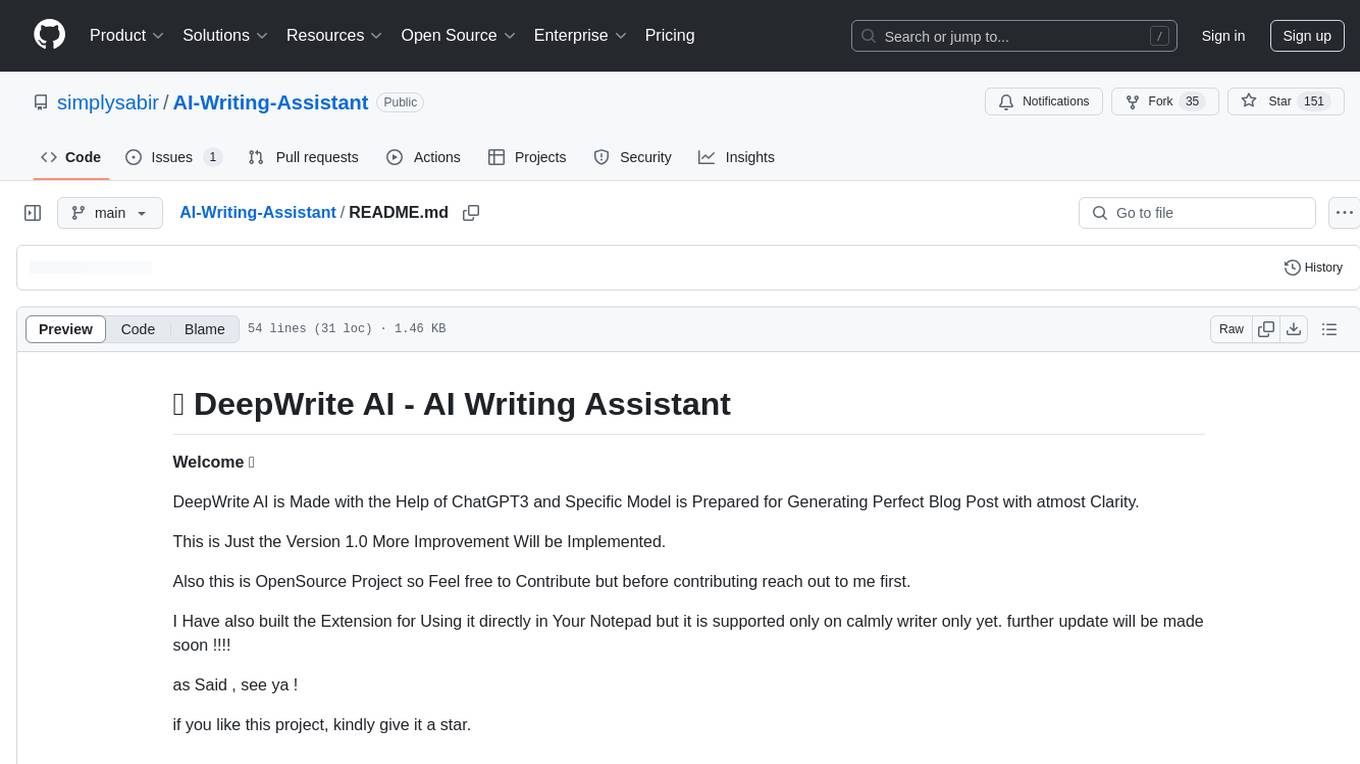
AI-Writing-Assistant
DeepWrite AI is an AI writing assistant tool created with the help of ChatGPT3. It is designed to generate perfect blog posts with utmost clarity. The tool is currently at version 1.0 with plans for further improvements. It is an open-source project, welcoming contributions. An extension has been developed for using the tool directly in Notepad, currently supported only on Calmly Writer. The tool requires installation and setup, utilizing technologies like React, Next, TailwindCSS, Node, and Express. For support, users can message the creator on Instagram. The creator, Sabir Khan, is an undergraduate student of Computer Science from Mumbai, known for frequently creating innovative projects.
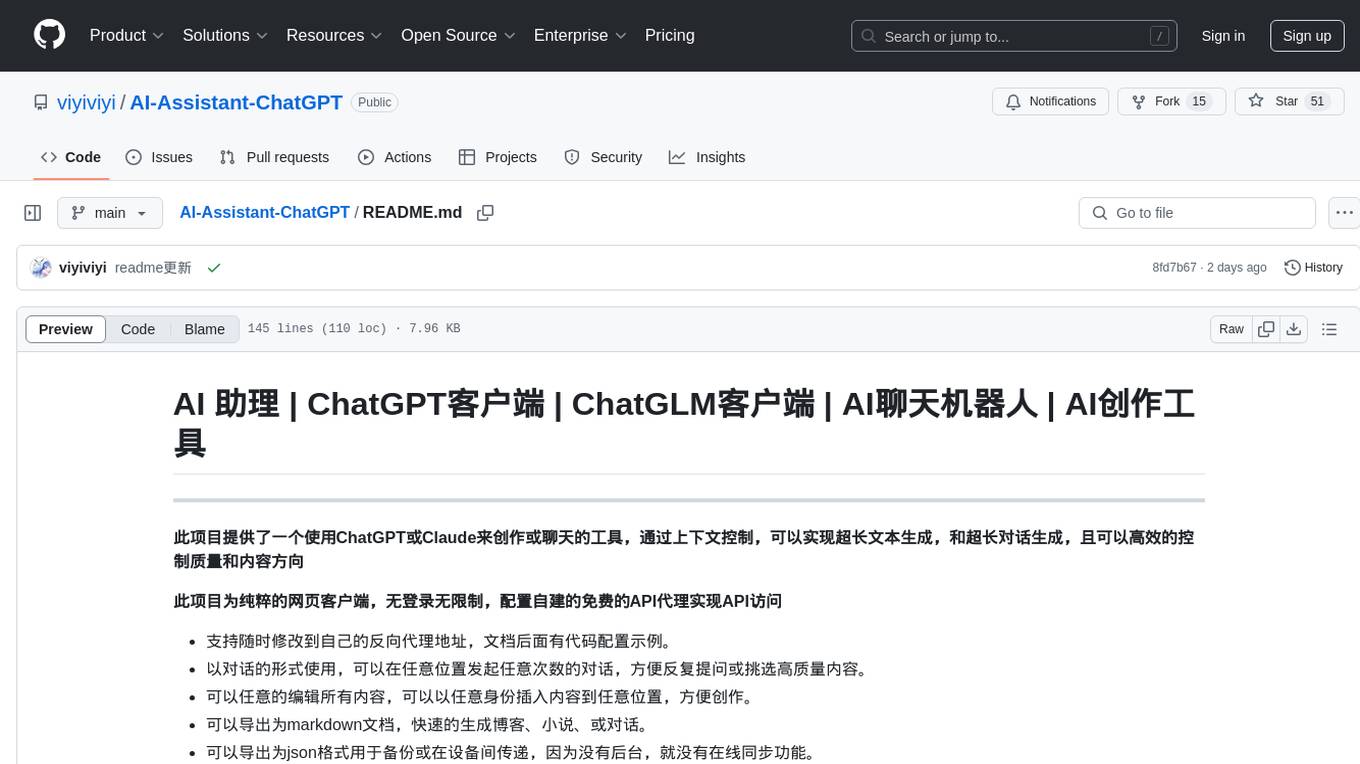
AI-Assistant-ChatGPT
AI Assistant ChatGPT is a web client tool that allows users to create or chat using ChatGPT or Claude. It enables generating long texts and conversations with efficient control over quality and content direction. The tool supports customization of reverse proxy address, conversation management, content editing, markdown document export, JSON backup, context customization, session-topic management, role customization, dynamic content navigation, and more. Users can access the tool directly at https://eaias.com or deploy it independently. It offers features for dialogue management, assistant configuration, session configuration, and more. The tool lacks data cloud storage and synchronization but provides guidelines for independent deployment. It is a frontend project that can be deployed using Cloudflare Pages and customized with backend modifications. The project is open-source under the MIT license.
MarkFlowy
MarkFlowy is a lightweight and feature-rich Markdown editor with built-in AI capabilities. It supports one-click export of conversations, translation of articles, and obtaining article abstracts. Users can leverage large AI models like DeepSeek and Chatgpt as intelligent assistants. The editor provides high availability with multiple editing modes and custom themes. Available for Linux, macOS, and Windows, MarkFlowy aims to offer an efficient, beautiful, and data-safe Markdown editing experience for users.