


llumen
🕯️ A lightweight but powerful LLM chat application
Stars: 80
Llumen is a self-hosted interface optimized for modest hardware like Raspberry Pi, old laptops, and minimal VPS. It offers privacy without complexity, providing essential features with minimal resource demands. Users can enjoy sub-second cold starts, real-time token streaming, various chat modes, rich media support, and a universal API for OpenAI-compatible providers. The tool has a small footprint with a binary size of around 17MB and RAM usage under 128MB. Llumen aims to simplify the setup process and offer a user-friendly experience for individuals seeking a privacy-focused solution.
README:




Most self-hosted interfaces are built for servers, not devices. They're powerful but demand heavy resources and hours of configuration.
Llumen carves out a different space: privacy without the complexity. You get the features you actually need, optimized for modest hardware: Raspberry Pi/old laptops/minimal VPS while keeping many features of commercial products.
| Privacy | Power | Setup | |
|---|---|---|---|
| Commercial (ChatGPT) | ❌ Cloud-only | ✅ High | ✅ Zero-config |
| Typical Self-Host (Open WebUI) | ✅ Local | ✅ High | ❌ Config hell |
| llumen | ✅ Local | ⚖️ Just enough | ✅ Zero-config |
| Feature | What You Get |
|---|---|
| Speed | Sub-second cold starts, real-time token streaming |
| Chat Modes | Normal, Web Search, & Deep Research with autonomous agents |
| Rich Media | PDF uploads, LaTeX rendering, image generation |
| Universal API | Any OpenAI-compatible provider (OpenRouter, local models, etc.) |
| Minimal Footprint | ~17MB binary, <128MB RAM usage |

Default Login:
admin/P@88w0rd
docker run -it --rm \
  -e API_KEY="<YOUR_OPENROUTER_KEY>" \
  -p 80:80 \
  -v "$(pwd)/data:/data" \
  ghcr.io/pinkfuwa/llumen:latest
That's it. No config files. No Python dependencies.
Want bleeding edge? Use ghcr.io/pinkfuwa/llumen:nightly
See ./docs/sample for docker-compose examples.
Download from Releases for Windows/Linux, including arm build.
| Variable | Description | Default |
|---|---|---|
API_KEY |
OpenRouter/provider key | required |
API_BASE |
Custom endpoint | https://openrouter.ai/api |
DATA_PATH |
Storage directory | . |
BIND_ADDR |
Network Socket | 0.0.0.0:80 |
https://pinkfuwa.github.io/llumen/
For Tasks:
Click tags to check more tools for each tasksFor Jobs:
Alternative AI tools for llumen
Similar Open Source Tools
llumen
Llumen is a self-hosted interface optimized for modest hardware like Raspberry Pi, old laptops, and minimal VPS. It offers privacy without complexity, providing essential features with minimal resource demands. Users can enjoy sub-second cold starts, real-time token streaming, various chat modes, rich media support, and a universal API for OpenAI-compatible providers. The tool has a small footprint with a binary size of around 17MB and RAM usage under 128MB. Llumen aims to simplify the setup process and offer a user-friendly experience for individuals seeking a privacy-focused solution.
new-api
New API is a next-generation large model gateway and AI asset management system that provides a wide range of features, including a new UI interface, multi-language support, online recharge function, key query for usage quota, compatibility with the original One API database, model charging by usage count, channel weighted randomization, data dashboard, token grouping and model restrictions, support for various authorization login methods, support for Rerank models, OpenAI Realtime API, Claude Messages format, reasoning effort setting, content reasoning, user-specific model rate limiting, request format conversion, cache billing support, and various model support such as gpts, Midjourney-Proxy, Suno API, custom channels, Rerank models, Claude Messages format, Dify, and more.
neurolink
NeuroLink is an Enterprise AI SDK for Production Applications that serves as a universal AI integration platform unifying 13 major AI providers and 100+ models under one consistent API. It offers production-ready tooling, including a TypeScript SDK and a professional CLI, for teams to quickly build, operate, and iterate on AI features. NeuroLink enables switching providers with a single parameter change, provides 64+ built-in tools and MCP servers, supports enterprise features like Redis memory and multi-provider failover, and optimizes costs automatically with intelligent routing. It is designed for the future of AI with edge-first execution and continuous streaming architectures.
chat-your-doc
Chat Your Doc is an experimental project exploring various applications based on LLM technology. It goes beyond being just a chatbot project, focusing on researching LLM applications using tools like LangChain and LlamaIndex. The project delves into UX, computer vision, and offers a range of examples in the 'Lab Apps' section. It includes links to different apps, descriptions, launch commands, and demos, aiming to showcase the versatility and potential of LLM applications.
hcaptcha-challenger
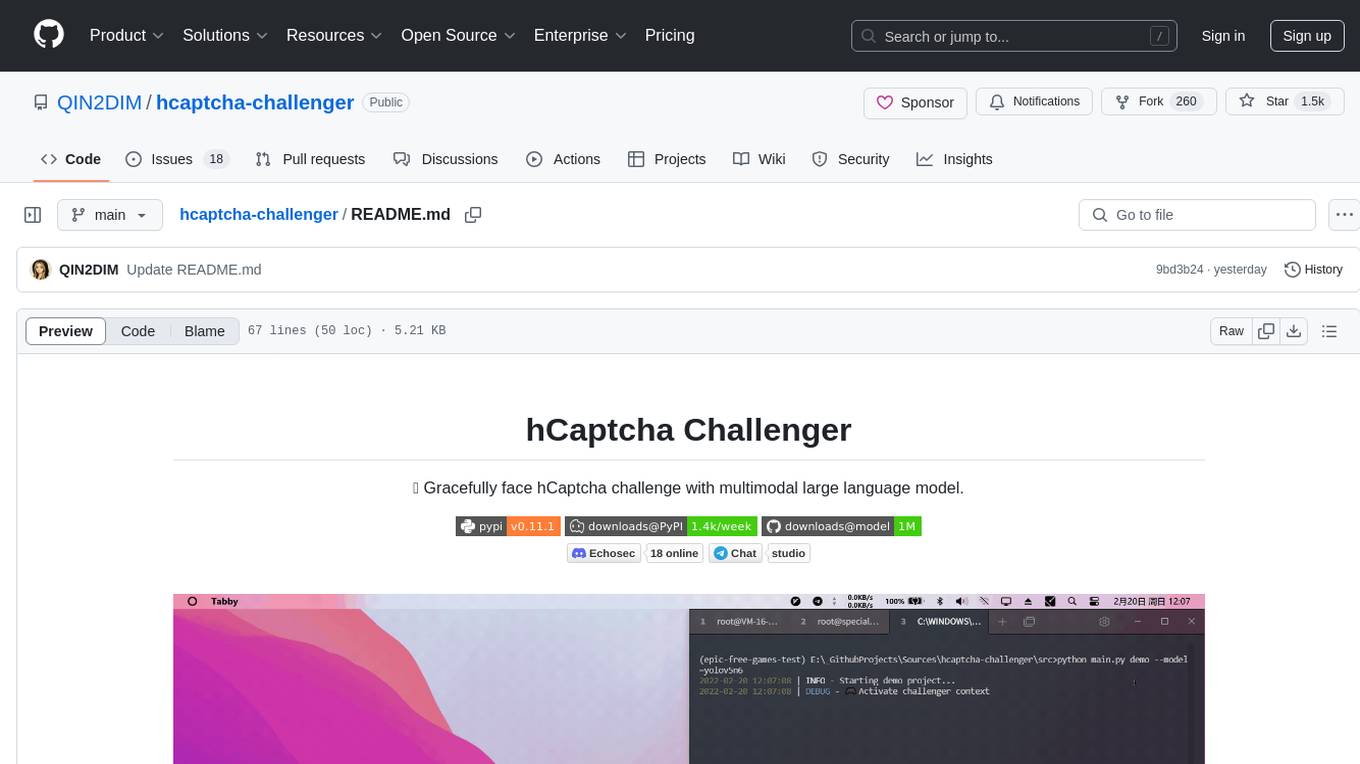
hCaptcha Challenger is a tool designed to gracefully face hCaptcha challenges using a multimodal large language model. It does not rely on Tampermonkey scripts or third-party anti-captcha services, instead implementing interfaces for 'AI vs AI' scenarios. The tool supports various challenge types such as image labeling, drag and drop, and advanced tasks like self-supervised challenges and Agentic Workflow. Users can access documentation in multiple languages and leverage resources for tasks like model training, dataset annotation, and model upgrading. The tool aims to enhance user experience in handling hCaptcha challenges with innovative AI capabilities.
MaixPy
MaixPy is a Python SDK that enables users to easily create AI vision projects on edge devices. It provides a user-friendly API for accessing NPU, making it suitable for AI Algorithm Engineers, STEM teachers, Makers, Engineers, Students, Enterprises, and Contestants. The tool supports Python programming, MaixVision Workstation, AI vision, video streaming, voice recognition, and peripheral usage. It also offers an online AI training platform called MaixHub. MaixPy is designed for new hardware platforms like MaixCAM, offering improved performance and features compared to older versions. The ecosystem includes hardware, software, tools, documentation, and a cloud platform.
rag-web-ui
RAG Web UI is an intelligent dialogue system based on RAG (Retrieval-Augmented Generation) technology. It helps enterprises and individuals build intelligent Q&A systems based on their own knowledge bases. By combining document retrieval and large language models, it delivers accurate and reliable knowledge-based question-answering services. The system is designed with features like intelligent document management, advanced dialogue engine, and a robust architecture. It supports multiple document formats, async document processing, multi-turn contextual dialogue, and reference citations in conversations. The architecture includes a backend stack with Python FastAPI, MySQL + ChromaDB, MinIO, Langchain, JWT + OAuth2 for authentication, and a frontend stack with Next.js, TypeScript, Tailwind CSS, Shadcn/UI, and Vercel AI SDK for AI integration. Performance optimization includes incremental document processing, streaming responses, vector database performance tuning, and distributed task processing. The project is licensed under the Apache-2.0 License and is intended for learning and sharing RAG knowledge only, not for commercial purposes.
DownEdit
DownEdit is a fast and powerful program for downloading and editing videos from platforms like TikTok, Douyin, and Kuaishou. It allows users to effortlessly grab videos, make bulk edits, and utilize advanced AI features for generating videos, images, and sounds in bulk. The tool offers features like video, photo, and sound editing, downloading videos without watermarks, bulk AI generation, and AI editing for content enhancement.
ai-dev-kit
The AI Dev Kit is a comprehensive toolkit designed to enhance AI-driven development on Databricks. It provides trusted sources for AI coding assistants like Claude Code and Cursor to build faster and smarter on Databricks. The kit includes features such as Spark Declarative Pipelines, Databricks Jobs, AI/BI Dashboards, Unity Catalog, Genie Spaces, Knowledge Assistants, MLflow Experiments, Model Serving, Databricks Apps, and more. Users can choose from different adventures like installing the kit, using the visual builder app, teaching AI assistants Databricks patterns, executing Databricks actions, or building custom integrations with the core library. The kit also includes components like databricks-tools-core, databricks-mcp-server, databricks-skills, databricks-builder-app, and ai-dev-project.
EVE
EVE is an official PyTorch implementation of Unveiling Encoder-Free Vision-Language Models. The project aims to explore the removal of vision encoders from Vision-Language Models (VLMs) and transfer LLMs to encoder-free VLMs efficiently. It also focuses on bridging the performance gap between encoder-free and encoder-based VLMs. EVE offers a superior capability with arbitrary image aspect ratio, data efficiency by utilizing publicly available data for pre-training, and training efficiency with a transparent and practical strategy for developing a pure decoder-only architecture across modalities.
DownEdit
DownEdit is a powerful program that allows you to download videos from various social media platforms such as TikTok, Douyin, Kuaishou, and more. With DownEdit, you can easily download videos from user profiles and edit them in bulk. You have the option to flip the videos horizontally or vertically throughout the entire directory with just a single click. Stay tuned for more exciting features coming soon!
DownEdit
DownEdit is a fast and powerful program for downloading and editing videos from top platforms like TikTok, Douyin, and Kuaishou. Effortlessly grab videos from user profiles, make bulk edits throughout the entire directory with just one click. Advanced Chat & AI features let you download, edit, and generate videos, images, and sounds in bulk. Exciting new features are coming soon—stay tuned!
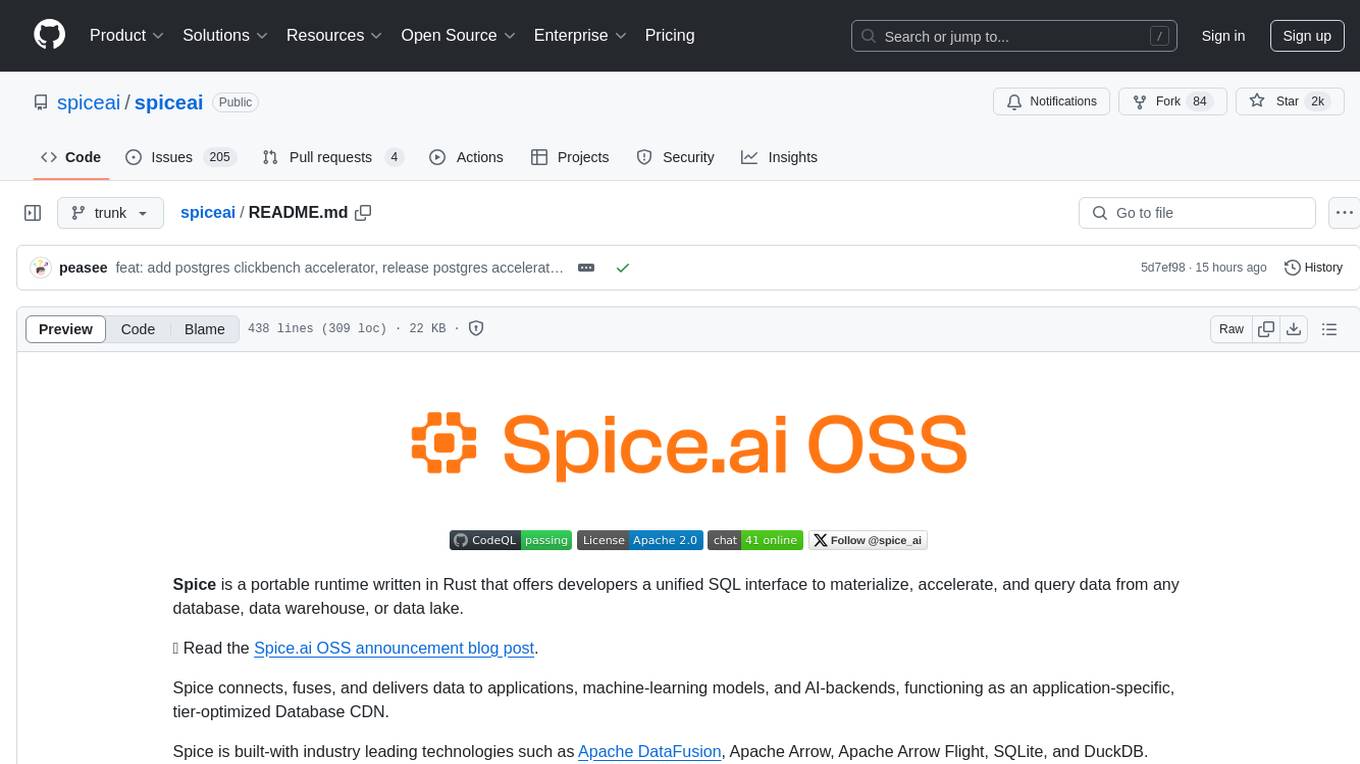
spiceai
Spice is a portable runtime written in Rust that offers developers a unified SQL interface to materialize, accelerate, and query data from any database, data warehouse, or data lake. It connects, fuses, and delivers data to applications, machine-learning models, and AI-backends, functioning as an application-specific, tier-optimized Database CDN. Built with industry-leading technologies such as Apache DataFusion, Apache Arrow, Apache Arrow Flight, SQLite, and DuckDB. Spice makes it fast and easy to query data from one or more sources using SQL, co-locating a managed dataset with applications or machine learning models, and accelerating it with Arrow in-memory, SQLite/DuckDB, or attached PostgreSQL for fast, high-concurrency, low-latency queries.
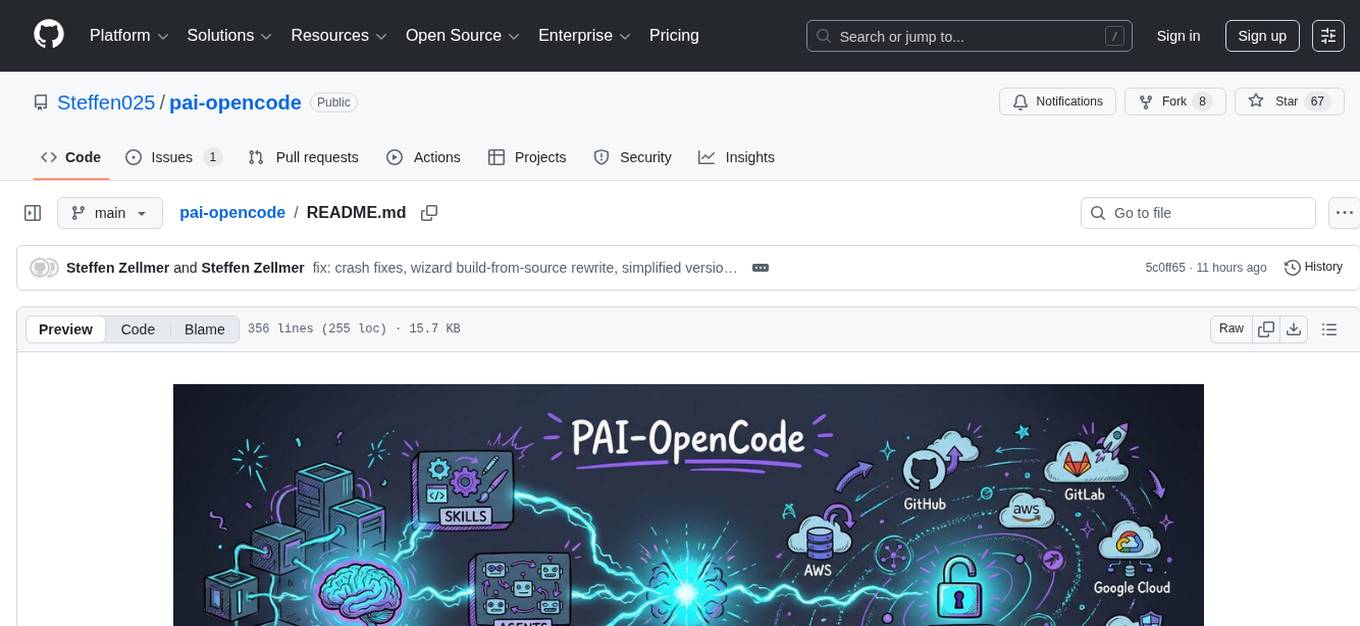
pai-opencode
PAI-OpenCode is a complete port of Daniel Miessler's Personal AI Infrastructure (PAI) to OpenCode, an open-source, provider-agnostic AI coding assistant. It brings modular capabilities, dynamic multi-agent orchestration, session history, and lifecycle automation to personalize AI assistants for users. With support for 75+ AI providers, PAI-OpenCode offers dynamic per-task model routing, full PAI infrastructure, real-time session sharing, and multiple client options. The tool optimizes cost and quality with a 3-tier model strategy and a 3-tier research system, allowing users to switch presets for different routing strategies. PAI-OpenCode's architecture preserves PAI's design while adapting to OpenCode, documented through Architecture Decision Records (ADRs).
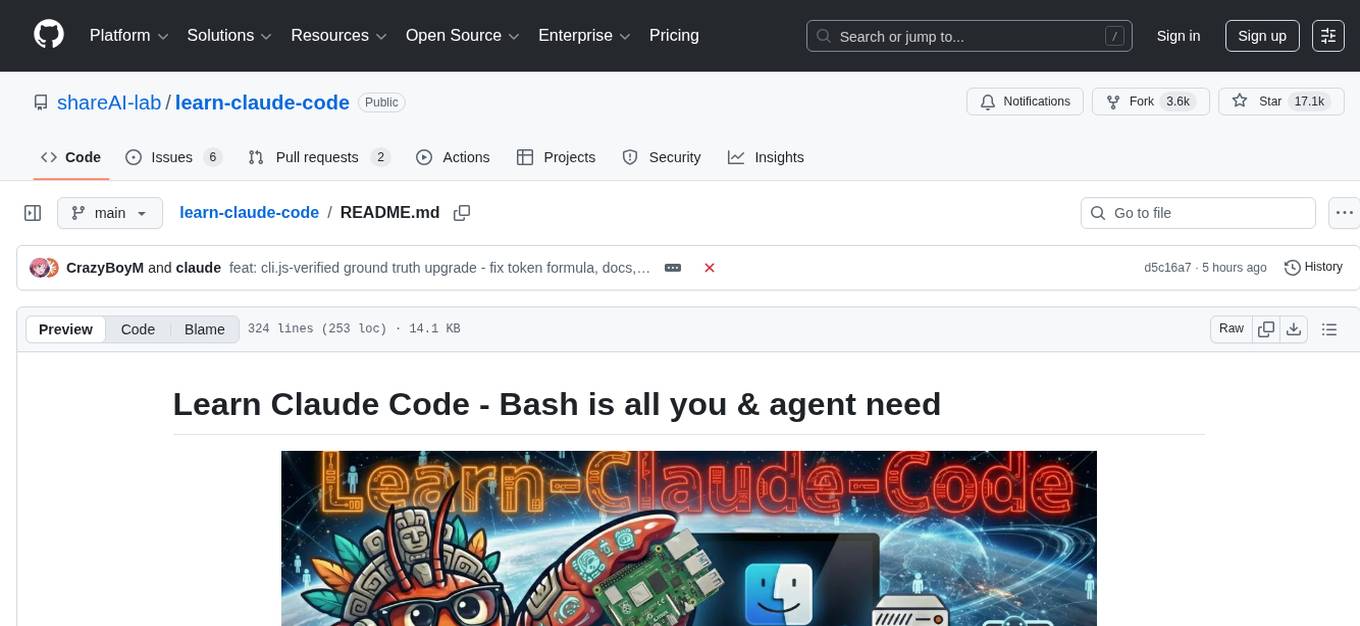
learn-claude-code
Learn Claude Code is an educational project by shareAI Lab that aims to help users understand how modern AI agents work by building one from scratch. The repository provides original educational material on various topics such as the agent loop, tool design, explicit planning, context management, knowledge injection, task systems, parallel execution, team messaging, and autonomous teams. Users can follow a learning path through different versions of the project, each introducing new concepts and mechanisms. The repository also includes technical tutorials, articles, and example skills for users to explore and learn from. The project emphasizes the philosophy that the model is crucial in agent development, with code playing a supporting role.
Botright
Botright is a tool designed for browser automation that focuses on stealth and captcha solving. It uses a real Chromium-based browser for enhanced stealth and offers features like browser fingerprinting and AI-powered captcha solving. The tool is suitable for developers looking to automate browser tasks while maintaining anonymity and bypassing captchas. Botright is available in async mode and can be easily integrated with existing Playwright code. It provides solutions for various captchas such as hCaptcha, reCaptcha, and GeeTest, with high success rates. Additionally, Botright offers browser stealth techniques and supports different browser functionalities for seamless automation.
For similar tasks
llumen
Llumen is a self-hosted interface optimized for modest hardware like Raspberry Pi, old laptops, and minimal VPS. It offers privacy without complexity, providing essential features with minimal resource demands. Users can enjoy sub-second cold starts, real-time token streaming, various chat modes, rich media support, and a universal API for OpenAI-compatible providers. The tool has a small footprint with a binary size of around 17MB and RAM usage under 128MB. Llumen aims to simplify the setup process and offer a user-friendly experience for individuals seeking a privacy-focused solution.
For similar jobs

sweep
Sweep is an AI junior developer that turns bugs and feature requests into code changes. It automatically handles developer experience improvements like adding type hints and improving test coverage.

teams-ai
The Teams AI Library is a software development kit (SDK) that helps developers create bots that can interact with Teams and Microsoft 365 applications. It is built on top of the Bot Framework SDK and simplifies the process of developing bots that interact with Teams' artificial intelligence capabilities. The SDK is available for JavaScript/TypeScript, .NET, and Python.

ai-guide
This guide is dedicated to Large Language Models (LLMs) that you can run on your home computer. It assumes your PC is a lower-end, non-gaming setup.

classifai
Supercharge WordPress Content Workflows and Engagement with Artificial Intelligence. Tap into leading cloud-based services like OpenAI, Microsoft Azure AI, Google Gemini and IBM Watson to augment your WordPress-powered websites. Publish content faster while improving SEO performance and increasing audience engagement. ClassifAI integrates Artificial Intelligence and Machine Learning technologies to lighten your workload and eliminate tedious tasks, giving you more time to create original content that matters.

chatbot-ui
Chatbot UI is an open-source AI chat app that allows users to create and deploy their own AI chatbots. It is easy to use and can be customized to fit any need. Chatbot UI is perfect for businesses, developers, and anyone who wants to create a chatbot.

BricksLLM
BricksLLM is a cloud native AI gateway written in Go. Currently, it provides native support for OpenAI, Anthropic, Azure OpenAI and vLLM. BricksLLM aims to provide enterprise level infrastructure that can power any LLM production use cases. Here are some use cases for BricksLLM: * Set LLM usage limits for users on different pricing tiers * Track LLM usage on a per user and per organization basis * Block or redact requests containing PIIs * Improve LLM reliability with failovers, retries and caching * Distribute API keys with rate limits and cost limits for internal development/production use cases * Distribute API keys with rate limits and cost limits for students

uAgents
uAgents is a Python library developed by Fetch.ai that allows for the creation of autonomous AI agents. These agents can perform various tasks on a schedule or take action on various events. uAgents are easy to create and manage, and they are connected to a fast-growing network of other uAgents. They are also secure, with cryptographically secured messages and wallets.

griptape
Griptape is a modular Python framework for building AI-powered applications that securely connect to your enterprise data and APIs. It offers developers the ability to maintain control and flexibility at every step. Griptape's core components include Structures (Agents, Pipelines, and Workflows), Tasks, Tools, Memory (Conversation Memory, Task Memory, and Meta Memory), Drivers (Prompt and Embedding Drivers, Vector Store Drivers, Image Generation Drivers, Image Query Drivers, SQL Drivers, Web Scraper Drivers, and Conversation Memory Drivers), Engines (Query Engines, Extraction Engines, Summary Engines, Image Generation Engines, and Image Query Engines), and additional components (Rulesets, Loaders, Artifacts, Chunkers, and Tokenizers). Griptape enables developers to create AI-powered applications with ease and efficiency.