


laravel-mcp-server
A Laravel package for implementing secure Model Context Protocol servers using Streamable HTTP and SSE transport, providing real-time communication and a scalable tool system for enterprise environments.
Stars: 329
Laravel MCP Server is a tool that allows users to build a route-first MCP server in Laravel and Lumen. It provides route-based MCP endpoint registration, streamable HTTP transport, and supports tool, resource, resource template, and prompt registration per endpoint. The server metadata is compatible with route cache, and it requires PHP version 8.2 or higher along with Laravel (Illuminate) version 9.x or Lumen version 9.x. Users can quickly install the tool, register endpoints, and verify functionality. Additionally, the tool offers advanced features like creating tools, resources, resource templates, prompts, notifications, and generating tools from OpenAPI specs.
README:
Build a route-first MCP server in Laravel and Lumen




English | Português do Brasil | 한국어 | Русский | 简体中文 | 繁體中文 | Polski | Español

- Endpoint setup moved from config-driven registration to route-driven registration.
- Streamable HTTP is the only supported transport.
- Server metadata mutators are consolidated into
setServerInfo(...). - Legacy tool transport methods were removed from runtime (
messageType(),ProcessMessageType::SSE).
Full migration guide: docs/migrations/v2.0.0-migration.md
Laravel MCP Server provides route-based MCP endpoint registration for Laravel and Lumen.
Key points:
- Streamable HTTP transport
- Route-first configuration (
Route::mcp(...)/McpRoute::register(...)) - Tool, resource, resource template, and prompt registration per endpoint
- Route cache compatible endpoint metadata
- PHP >= 8.2
- Laravel (Illuminate) >= 9.x
- Lumen >= 9.x (optional)
composer require opgginc/laravel-mcp-server
use Illuminate\Support\Facades\Route;
use OPGG\LaravelMcpServer\Services\ToolService\Examples\HelloWorldTool;
use OPGG\LaravelMcpServer\Services\ToolService\Examples\VersionCheckTool;

Route::mcp('/mcp')
    ->setServerInfo(
        name: 'OP.GG MCP Server',
        version: '2.0.0',
    )
    ->tools([
        HelloWorldTool::class,
        VersionCheckTool::class,
    ]);
php artisan route:list | grep mcp
php artisan mcp:test-tool --list --endpoint=/mcp
Quick JSON-RPC check:
curl -X POST http://localhost:8000/mcp \
  -H "Content-Type: application/json" \
  -d '{"jsonrpc":"2.0","id":1,"method":"tools/list"}'
// bootstrap/app.php
$app->withFacades();
$app->withEloquent();
$app->register(OPGG\LaravelMcpServer\LaravelMcpServerServiceProvider::class);
use OPGG\LaravelMcpServer\Routing\McpRoute;
use OPGG\LaravelMcpServer\Services\ToolService\Examples\HelloWorldTool;

McpRoute::register('/mcp')
    ->setServerInfo(
        name: 'OP.GG MCP Server',
        version: '2.0.0',
    )
    ->tools([
        HelloWorldTool::class,
    ]);
Use Laravel middleware on your MCP route group.
use Illuminate\Support\Facades\Route;

Route::middleware([
    'auth:sanctum',
    'throttle:100,1',
])->group(function (): void {
    Route::mcp('/mcp')
        ->setServerInfo(
            name: 'Secure MCP',
            version: '2.0.0',
        )
        ->tools([
            \App\MCP\Tools\MyCustomTool::class,
        ]);
});
- MCP endpoint setup moved from config to route registration.
- Streamable HTTP is the only transport.
- Server metadata mutators are consolidated into
setServerInfo(...). - Tool migration command is available for legacy signatures:
php artisan mcp:migrate-tools
Full guide: docs/migrations/v2.0.0-migration.md
- Create tools:
php artisan make:mcp-tool ToolName - Create resources:
php artisan make:mcp-resource ResourceName - Create resource templates:
php artisan make:mcp-resource-template TemplateName - Create prompts:
php artisan make:mcp-prompt PromptName - Create notifications:
php artisan make:mcp-notification HandlerName --method=notifications/method - Generate from OpenAPI:
php artisan make:swagger-mcp-tool <spec-url-or-file>
Code references:
- Tool examples:
src/Services/ToolService/Examples/ - Resource examples:
src/Services/ResourceService/Examples/ - Prompt service:
src/Services/PromptService/ - Notification handlers:
src/Server/Notification/ - Route builder:
src/Routing/McpRouteBuilder.php
Generate MCP tools from a Swagger/OpenAPI spec:
# From URL
php artisan make:swagger-mcp-tool https://api.example.com/openapi.json

# From local file
php artisan make:swagger-mcp-tool ./specs/openapi.json
Useful options:
php artisan make:swagger-mcp-tool ./specs/openapi.json \
  --group-by=tag \
  --prefix=Billing \
  --test-api
-
--group-by:tag,path, ornone -
--prefix: class-name prefix for generated tools/resources -
--test-api: test endpoint connectivity before generation
Generation behavior:
- In interactive mode, you can choose Tool or Resource per endpoint.
- In non-interactive mode,
GETendpoints are generated as Resources and other methods as Tools.
If you run the command without --group-by, the generator shows an interactive preview of folder structure and file counts before creation.
php artisan make:swagger-mcp-tool ./specs/openapi.json
Example preview output:
Choose how to organize your generated tools and resources:

Tag-based grouping (organize by OpenAPI tags)
  Total: 25 endpoints -> 15 tools + 10 resources
  Examples: Tools/Pet, Tools/Store, Tools/User

Path-based grouping (organize by API path)
  Total: 25 endpoints -> 15 tools + 10 resources
  Examples: Tools/Api, Tools/Users, Tools/Orders

No grouping (everything in root folder)
  Total: 25 endpoints -> 15 tools + 10 resources
  Examples: Tools/, Resources/
After generation, register generated tool classes on your MCP endpoint:
use Illuminate\Support\Facades\Route;

Route::mcp('/mcp')
    ->setServerInfo(
        name: 'Generated MCP Server',
        version: '2.0.0',
    )
    ->tools([
        \App\MCP\Tools\Billing\CreateInvoiceTool::class,
        \App\MCP\Tools\Billing\UpdateInvoiceTool::class,
    ]);
<?php

namespace App\MCP\Tools;

use OPGG\LaravelMcpServer\Services\ToolService\ToolInterface;

class GreetingTool implements ToolInterface
{
    public function name(): string
    {
        return 'greeting-tool';
    }

    public function description(): string
    {
        return 'Return a greeting message.';
    }

    public function inputSchema(): array
    {
        return [
            'type' => 'object',
            'properties' => [
                'name' => ['type' => 'string'],
            ],
            'required' => ['name'],
        ];
    }

    public function annotations(): array
    {
        return [
            'readOnlyHint' => true,
            'destructiveHint' => false,
        ];
    }

    public function execute(array $arguments): mixed
    {
        return [
            'message' => 'Hello '.$arguments['name'],
        ];
    }
}
<?php

namespace App\MCP\Prompts;

use OPGG\LaravelMcpServer\Services\PromptService\Prompt;

class WelcomePrompt extends Prompt
{
    public string $name = 'welcome-user';

    public ?string $description = 'Generate a welcome message.';

    public array $arguments = [
        [
            'name' => 'username',
            'description' => 'User name',
            'required' => true,
        ],
    ];

    public string $text = 'Welcome, {username}!';
}
<?php

namespace App\MCP\Resources;

use OPGG\LaravelMcpServer\Services\ResourceService\Resource;

class BuildInfoResource extends Resource
{
    public string $uri = 'app://build-info';

    public string $name = 'Build Info';

    public ?string $mimeType = 'application/json';

    public function read(): array
    {
        return [
            'uri' => $this->uri,
            'mimeType' => $this->mimeType,
            'text' => json_encode([
                'version' => '2.0.0',
                'environment' => app()->environment(),
            ], JSON_THROW_ON_ERROR),
        ];
    }
}
use App\MCP\Prompts\WelcomePrompt;
use App\MCP\Resources\BuildInfoResource;
use App\MCP\Tools\GreetingTool;
use Illuminate\Support\Facades\Route;

Route::mcp('/mcp')
    ->setServerInfo(
        name: 'Example MCP Server',
        version: '2.0.0',
    )
    ->tools([GreetingTool::class])
    ->resources([BuildInfoResource::class])
    ->prompts([WelcomePrompt::class]);
vendor/bin/pest
vendor/bin/phpstan analyse
vendor/bin/pint
pip install -r scripts/requirements.txt
export ANTHROPIC_API_KEY='your-api-key'
python scripts/translate_readme.py
Translate selected languages:
python scripts/translate_readme.py es ko
This project is distributed under the MIT license.
For Tasks:
Click tags to check more tools for each tasksFor Jobs:
Alternative AI tools for laravel-mcp-server
Similar Open Source Tools
laravel-mcp-server
Laravel MCP Server is a tool that allows users to build a route-first MCP server in Laravel and Lumen. It provides route-based MCP endpoint registration, streamable HTTP transport, and supports tool, resource, resource template, and prompt registration per endpoint. The server metadata is compatible with route cache, and it requires PHP version 8.2 or higher along with Laravel (Illuminate) version 9.x or Lumen version 9.x. Users can quickly install the tool, register endpoints, and verify functionality. Additionally, the tool offers advanced features like creating tools, resources, resource templates, prompts, notifications, and generating tools from OpenAPI specs.
mcp-ui
mcp-ui is a collection of SDKs that bring interactive web components to the Model Context Protocol (MCP). It allows servers to define reusable UI snippets, render them securely in the client, and react to their actions in the MCP host environment. The SDKs include @mcp-ui/server (TypeScript) for generating UI resources on the server, @mcp-ui/client (TypeScript) for rendering UI components on the client, and mcp_ui_server (Ruby) for generating UI resources in a Ruby environment. The project is an experimental community playground for MCP UI ideas, with rapid iteration and enhancements.
mcphub.nvim
MCPHub.nvim is a powerful Neovim plugin that integrates MCP (Model Context Protocol) servers into your workflow. It offers a centralized config file for managing servers and tools, with an intuitive UI for testing resources. Ideal for LLM integration, it provides programmatic API access and interactive testing through the `:MCPHub` command.
js-genai
The Google Gen AI JavaScript SDK is an experimental SDK for TypeScript and JavaScript developers to build applications powered by Gemini. It supports both the Gemini Developer API and Vertex AI. The SDK is designed to work with Gemini 2.0 features. Users can access API features through the GoogleGenAI classes, which provide submodules for querying models, managing caches, creating chats, uploading files, and starting live sessions. The SDK also allows for function calling to interact with external systems. Users can find more samples in the GitHub samples directory.
klavis
Klavis AI is a production-ready solution for managing Multiple Communication Protocol (MCP) servers. It offers self-hosted solutions and a hosted service with enterprise OAuth support. With Klavis AI, users can easily deploy and manage over 50 MCP servers for various services like GitHub, Gmail, Google Sheets, YouTube, Slack, and more. The tool provides instant access to MCP servers, seamless authentication, and integration with AI frameworks, making it ideal for individuals and businesses looking to streamline their communication and data management workflows.
llm-metadata
LLM Metadata is a lightweight static API designed for discovering and integrating LLM metadata. It provides a high-throughput friendly, static-by-default interface that serves static JSON via GitHub Pages. The sources for the metadata include models.dev/api.json and contributions from the basellm community. The tool allows for easy rebuilding on change and offers various scripts for compiling TypeScript, building the API, and managing the project. It also supports internationalization for both documentation and API, enabling users to add new languages and localize capability labels and descriptions. The tool follows an auto-update policy based on a configuration file and allows for directory-based overrides for providers and models, facilitating customization and localization of metadata.

LocalAGI
LocalAGI is a powerful, self-hostable AI Agent platform that allows you to design AI automations without writing code. It provides a complete drop-in replacement for OpenAI's Responses APIs with advanced agentic capabilities. With LocalAGI, you can create customizable AI assistants, automations, chat bots, and agents that run 100% locally, without the need for cloud services or API keys. The platform offers features like no-code agents, web-based interface, advanced agent teaming, connectors for various platforms, comprehensive REST API, short & long-term memory capabilities, planning & reasoning, periodic tasks scheduling, memory management, multimodal support, extensible custom actions, fully customizable models, observability, and more.
agentops
AgentOps is a toolkit for evaluating and developing robust and reliable AI agents. It provides benchmarks, observability, and replay analytics to help developers build better agents. AgentOps is open beta and can be signed up for here. Key features of AgentOps include: - Session replays in 3 lines of code: Initialize the AgentOps client and automatically get analytics on every LLM call. - Time travel debugging: (coming soon!) - Agent Arena: (coming soon!) - Callback handlers: AgentOps works seamlessly with applications built using Langchain and LlamaIndex.
client-ts
Mistral Typescript Client is an SDK for Mistral AI API, providing Chat Completion and Embeddings APIs. It allows users to create chat completions, upload files, create agent completions, create embedding requests, and more. The SDK supports various JavaScript runtimes and provides detailed documentation on installation, requirements, API key setup, example usage, error handling, server selection, custom HTTP client, authentication, providers support, standalone functions, debugging, and contributions.
probe
Probe is an AI-friendly, fully local, semantic code search tool designed to power the next generation of AI coding assistants. It combines the speed of ripgrep with the code-aware parsing of tree-sitter to deliver precise results with complete code blocks, making it perfect for large codebases and AI-driven development workflows. Probe supports various features like AI-friendly code extraction, fully local operation without external APIs, fast scanning of large codebases, accurate code structure parsing, re-rankers and NLP methods for better search results, multi-language support, interactive AI chat mode, and flexibility to run as a CLI tool, MCP server, or interactive AI chat.
python-genai
The Google Gen AI SDK is a Python library that provides access to Google AI and Vertex AI services. It allows users to create clients for different services, work with parameter types, models, generate content, call functions, handle JSON response schemas, stream text and image content, perform async operations, count and compute tokens, embed content, generate and upscale images, edit images, work with files, create and get cached content, tune models, distill models, perform batch predictions, and more. The SDK supports various features like automatic function support, manual function declaration, JSON response schema support, streaming for text and image content, async methods, tuning job APIs, distillation, batch prediction, and more.
ai
The Vercel AI SDK is a library for building AI-powered streaming text and chat UIs. It provides React, Svelte, Vue, and Solid helpers for streaming text responses and building chat and completion UIs. The SDK also includes a React Server Components API for streaming Generative UI and first-class support for various AI providers such as OpenAI, Anthropic, Mistral, Perplexity, AWS Bedrock, Azure, Google Gemini, Hugging Face, Fireworks, Cohere, LangChain, Replicate, Ollama, and more. Additionally, it offers Node.js, Serverless, and Edge Runtime support, as well as lifecycle callbacks for saving completed streaming responses to a database in the same request.
lingo.dev
Replexica AI automates software localization end-to-end, producing authentic translations instantly across 60+ languages. Teams can do localization 100x faster with state-of-the-art quality, reaching more paying customers worldwide. The tool offers a GitHub Action for CI/CD automation and supports various formats like JSON, YAML, CSV, and Markdown. With lightning-fast AI localization, auto-updates, native quality translations, developer-friendly CLI, and scalability for startups and enterprise teams, Replexica is a top choice for efficient and effective software localization.
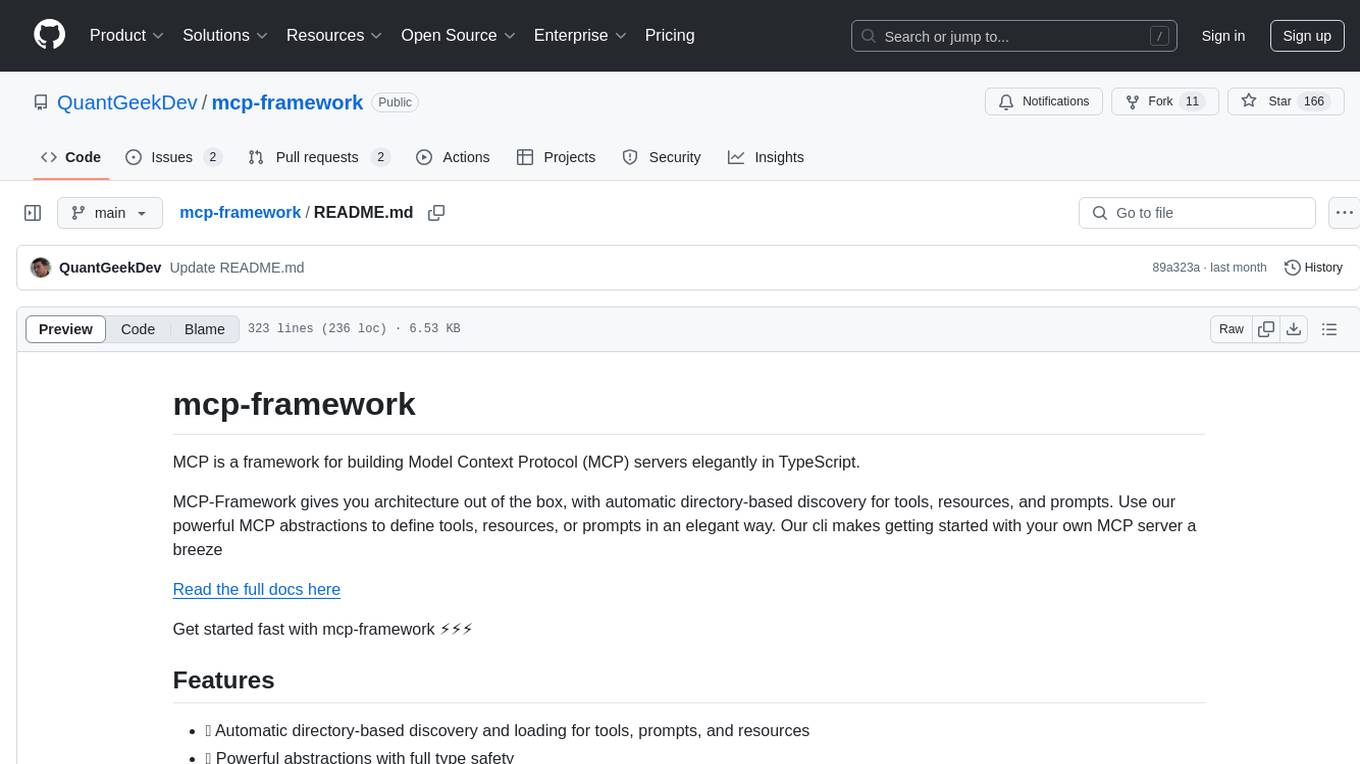
mcp-framework
MCP-Framework is a TypeScript framework for building Model Context Protocol (MCP) servers with automatic directory-based discovery for tools, resources, and prompts. It provides powerful abstractions, simple server setup, and a CLI for rapid development and project scaffolding.
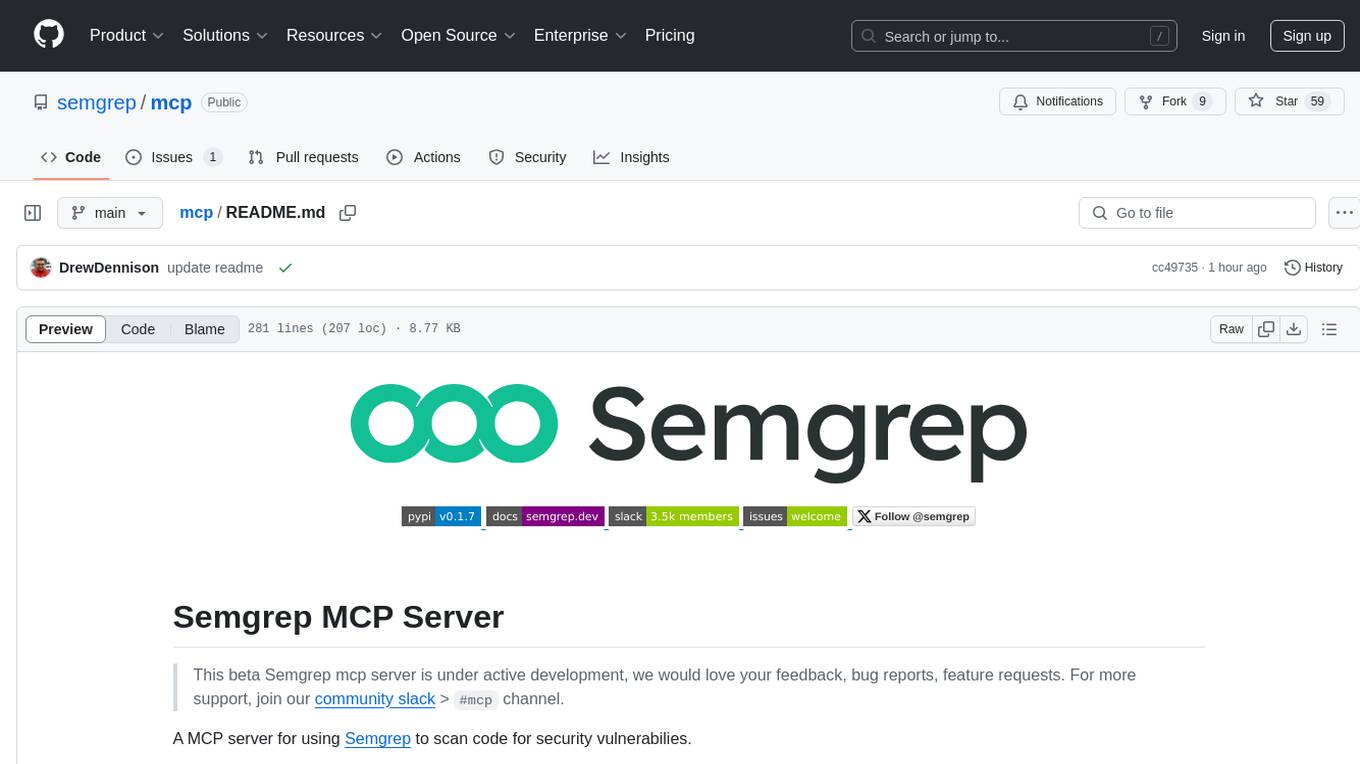
mcp
Semgrep MCP Server is a beta server under active development for using Semgrep to scan code for security vulnerabilities. It provides a Model Context Protocol (MCP) for various coding tools to get specialized help in tasks. Users can connect to Semgrep AppSec Platform, scan code for vulnerabilities, customize Semgrep rules, analyze and filter scan results, and compare results. The tool is published on PyPI as semgrep-mcp and can be installed using pip, pipx, uv, poetry, or other methods. It supports CLI and Docker environments for running the server. Integration with VS Code is also available for quick installation. The project welcomes contributions and is inspired by core technologies like Semgrep and MCP, as well as related community projects and tools.
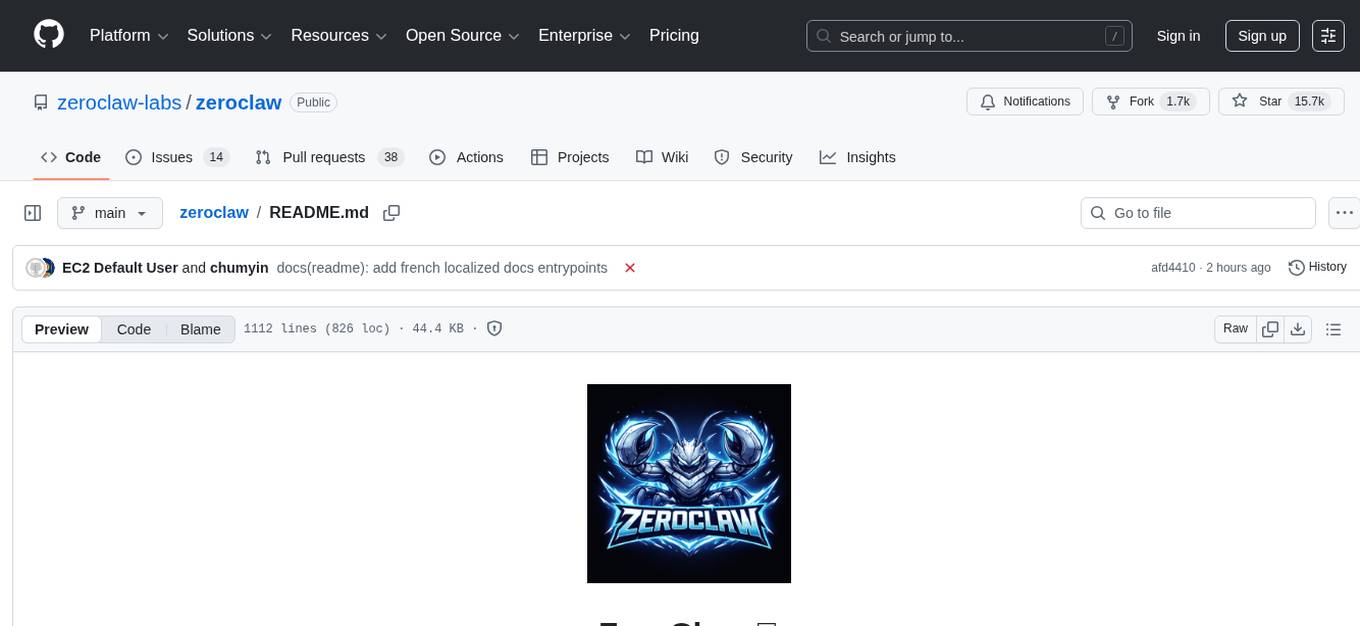
zeroclaw
ZeroClaw is a fast, small, and fully autonomous AI assistant infrastructure built with Rust. It features a lean runtime, cost-efficient deployment, fast cold starts, and a portable architecture. It is secure by design, fully swappable, and supports OpenAI-compatible provider support. The tool is designed for low-cost boards and small cloud instances, with a memory footprint of less than 5MB. It is suitable for tasks like deploying AI assistants, swapping providers/channels/tools, and pluggable everything.
For similar tasks
laravel-mcp-server
Laravel MCP Server is a tool that allows users to build a route-first MCP server in Laravel and Lumen. It provides route-based MCP endpoint registration, streamable HTTP transport, and supports tool, resource, resource template, and prompt registration per endpoint. The server metadata is compatible with route cache, and it requires PHP version 8.2 or higher along with Laravel (Illuminate) version 9.x or Lumen version 9.x. Users can quickly install the tool, register endpoints, and verify functionality. Additionally, the tool offers advanced features like creating tools, resources, resource templates, prompts, notifications, and generating tools from OpenAPI specs.
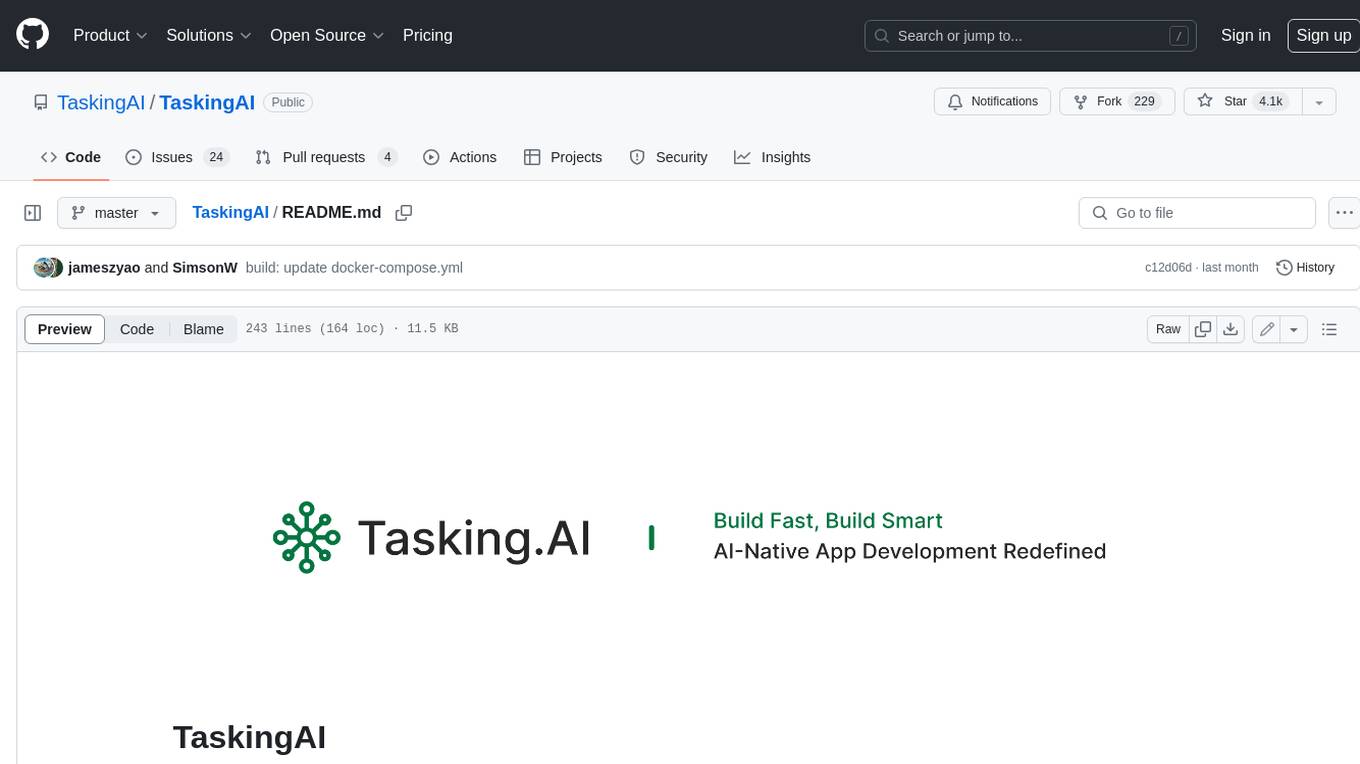
TaskingAI
TaskingAI brings Firebase's simplicity to **AI-native app development**. The platform enables the creation of GPTs-like multi-tenant applications using a wide range of LLMs from various providers. It features distinct, modular functions such as Inference, Retrieval, Assistant, and Tool, seamlessly integrated to enhance the development process. TaskingAI’s cohesive design ensures an efficient, intelligent, and user-friendly experience in AI application development.
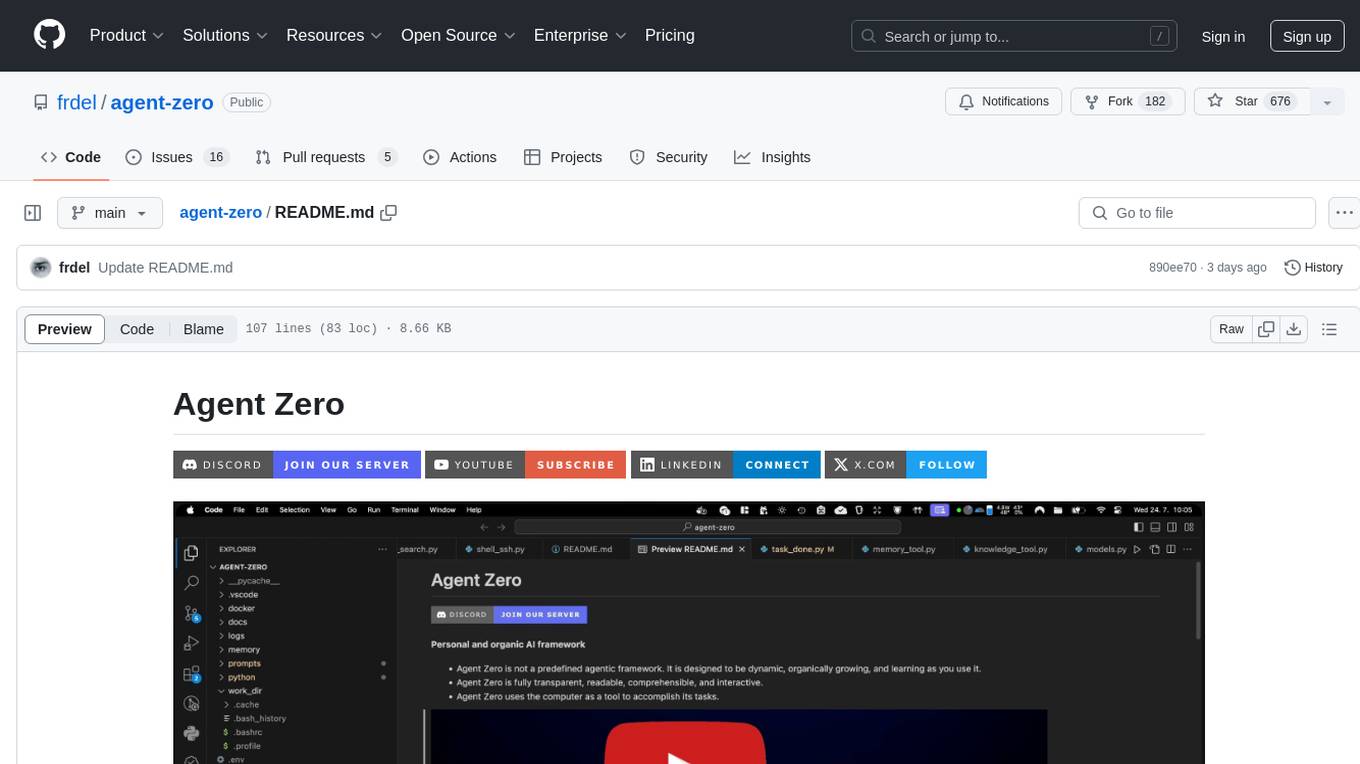
agent-zero
Agent Zero is a personal and organic AI framework designed to be dynamic, organically growing, and learning as you use it. It is fully transparent, readable, comprehensible, customizable, and interactive. The framework uses the computer as a tool to accomplish tasks, with no single-purpose tools pre-programmed. It emphasizes multi-agent cooperation, complete customization, and extensibility. Communication is key in this framework, allowing users to give proper system prompts and instructions to achieve desired outcomes. Agent Zero is capable of dangerous actions and should be run in an isolated environment. The framework is prompt-based, highly customizable, and requires a specific environment to run effectively.
crewAI-tools
This repository provides a guide for setting up tools for crewAI agents to enhance functionality. It offers steps to equip agents with ready-to-use tools and create custom ones. Tools are expected to return strings for generating responses. Users can create tools by subclassing BaseTool or using the tool decorator. Contributions are welcome to enrich the toolset, and guidelines are provided for contributing. The development setup includes installing dependencies, activating virtual environment, setting up pre-commit hooks, running tests, static type checking, packaging, and local installation. The goal is to empower AI solutions through advanced tooling.
token.js
Token.js is a TypeScript SDK that integrates with over 200 LLMs from 10 providers using OpenAI's format. It allows users to call LLMs, supports tools, JSON outputs, image inputs, and streaming, all running on the client side without the need for a proxy server. The tool is free and open source under the MIT license.
claudine
Claudine is an AI agent designed to reason and act autonomously, leveraging the Anthropic API, Unix command line tools, HTTP, local hard drive data, and internet data. It can administer computers, analyze files, implement features in source code, create new tools, and gather contextual information from the internet. Users can easily add specialized tools. Claudine serves as a blueprint for implementing complex autonomous systems, with potential for customization based on organization-specific needs. The tool is based on the anthropic-kotlin-sdk and aims to evolve into a versatile command line tool similar to 'git', enabling branching sessions for different tasks.
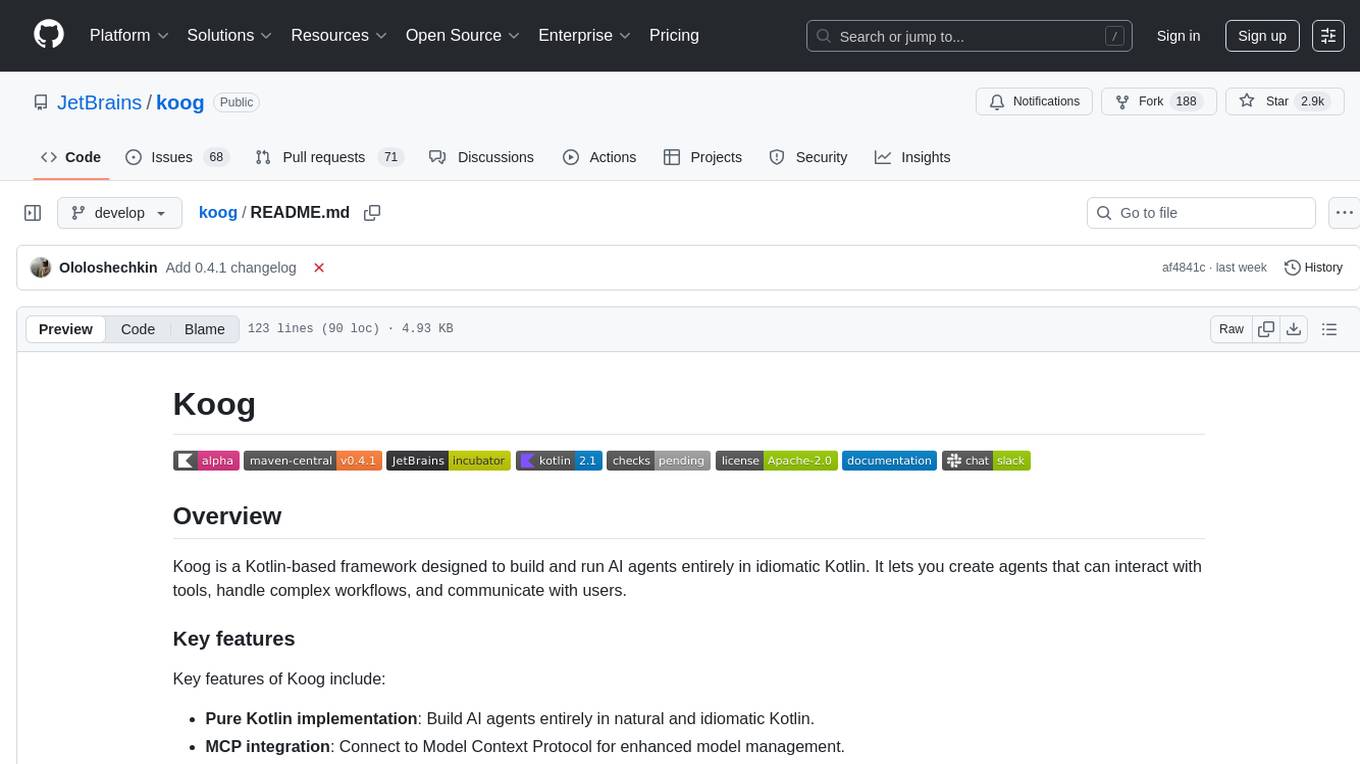
koog
Koog is a Kotlin-based framework for building and running AI agents entirely in idiomatic Kotlin. It allows users to create agents that interact with tools, handle complex workflows, and communicate with users. Key features include pure Kotlin implementation, MCP integration, embedding capabilities, custom tool creation, ready-to-use components, intelligent history compression, powerful streaming API, persistent agent memory, comprehensive tracing, flexible graph workflows, modular feature system, scalable architecture, and multiplatform support.
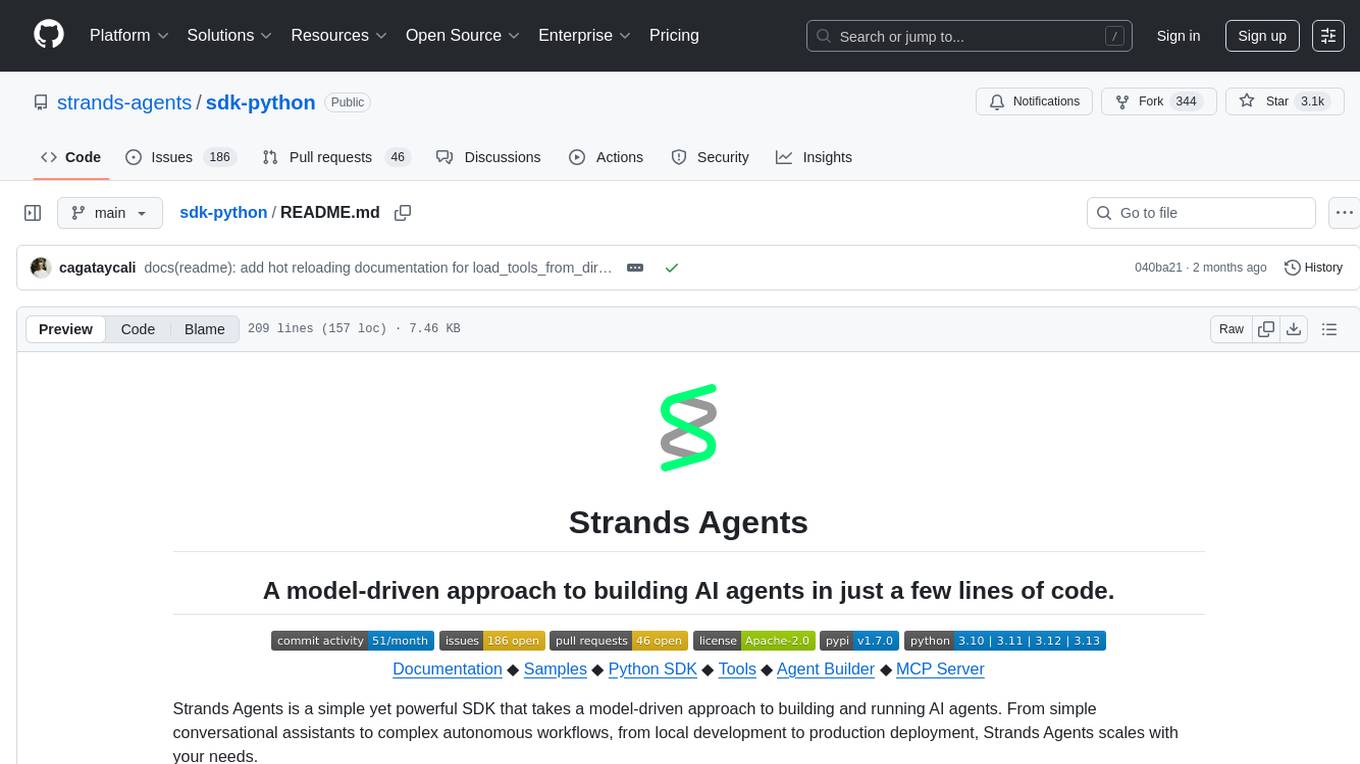
sdk-python
Strands Agents is a lightweight and flexible SDK that takes a model-driven approach to building and running AI agents. It supports various model providers, offers advanced capabilities like multi-agent systems and streaming support, and comes with built-in MCP server support. Users can easily create tools using Python decorators, integrate MCP servers seamlessly, and leverage multiple model providers for different AI tasks. The SDK is designed to scale from simple conversational assistants to complex autonomous workflows, making it suitable for a wide range of AI development needs.
For similar jobs
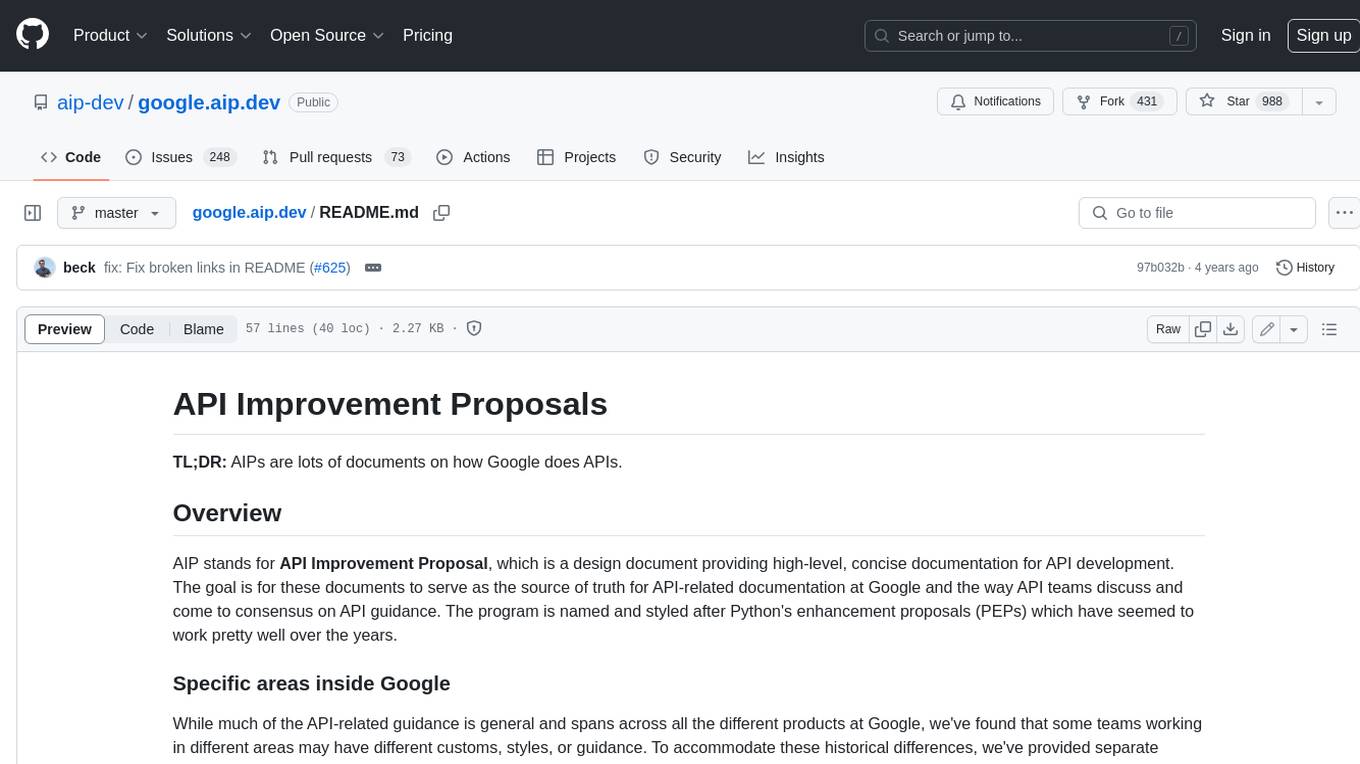
google.aip.dev
API Improvement Proposals (AIPs) are design documents that provide high-level, concise documentation for API development at Google. The goal of AIPs is to serve as the source of truth for API-related documentation and to facilitate discussion and consensus among API teams. AIPs are similar to Python's enhancement proposals (PEPs) and are organized into different areas within Google to accommodate historical differences in customs, styles, and guidance.
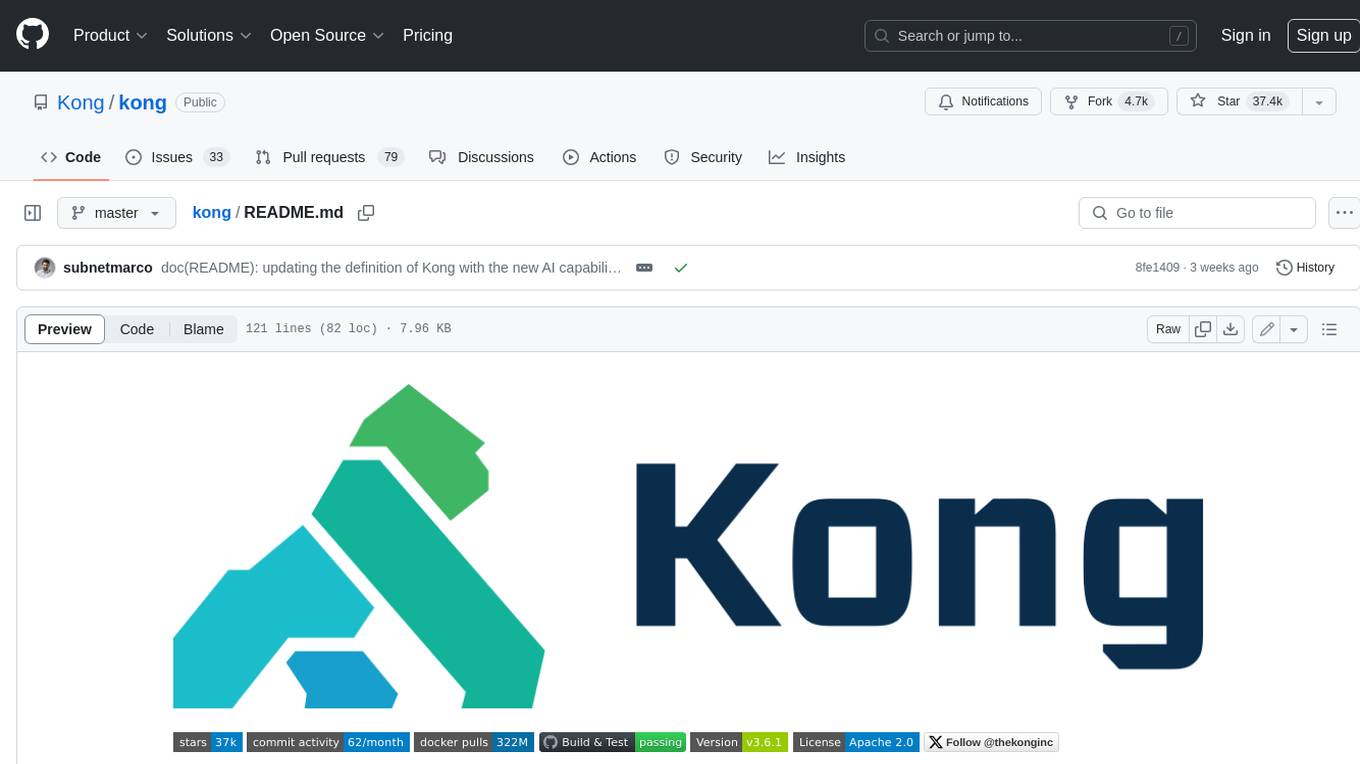
kong
Kong, or Kong API Gateway, is a cloud-native, platform-agnostic, scalable API Gateway distinguished for its high performance and extensibility via plugins. It also provides advanced AI capabilities with multi-LLM support. By providing functionality for proxying, routing, load balancing, health checking, authentication (and more), Kong serves as the central layer for orchestrating microservices or conventional API traffic with ease. Kong runs natively on Kubernetes thanks to its official Kubernetes Ingress Controller.
speakeasy
Speakeasy is a tool that helps developers create production-quality SDKs, Terraform providers, documentation, and more from OpenAPI specifications. It supports a wide range of languages, including Go, Python, TypeScript, Java, and C#, and provides features such as automatic maintenance, type safety, and fault tolerance. Speakeasy also integrates with popular package managers like npm, PyPI, Maven, and Terraform Registry for easy distribution.
apicat
ApiCat is an API documentation management tool that is fully compatible with the OpenAPI specification. With ApiCat, you can freely and efficiently manage your APIs. It integrates the capabilities of LLM, which not only helps you automatically generate API documentation and data models but also creates corresponding test cases based on the API content. Using ApiCat, you can quickly accomplish anything outside of coding, allowing you to focus your energy on the code itself.
aiohttp-pydantic
Aiohttp pydantic is an aiohttp view to easily parse and validate requests. You define using function annotations what your methods for handling HTTP verbs expect, and Aiohttp pydantic parses the HTTP request for you, validates the data, and injects the parameters you want. It provides features like query string, request body, URL path, and HTTP headers validation, as well as Open API Specification generation.
ain
Ain is a terminal HTTP API client designed for scripting input and processing output via pipes. It allows flexible organization of APIs using files and folders, supports shell-scripts and executables for common tasks, handles url-encoding, and enables sharing the resulting curl, wget, or httpie command-line. Users can put things that change in environment variables or .env-files, and pipe the API output for further processing. Ain targets users who work with many APIs using a simple file format and uses curl, wget, or httpie to make the actual calls.
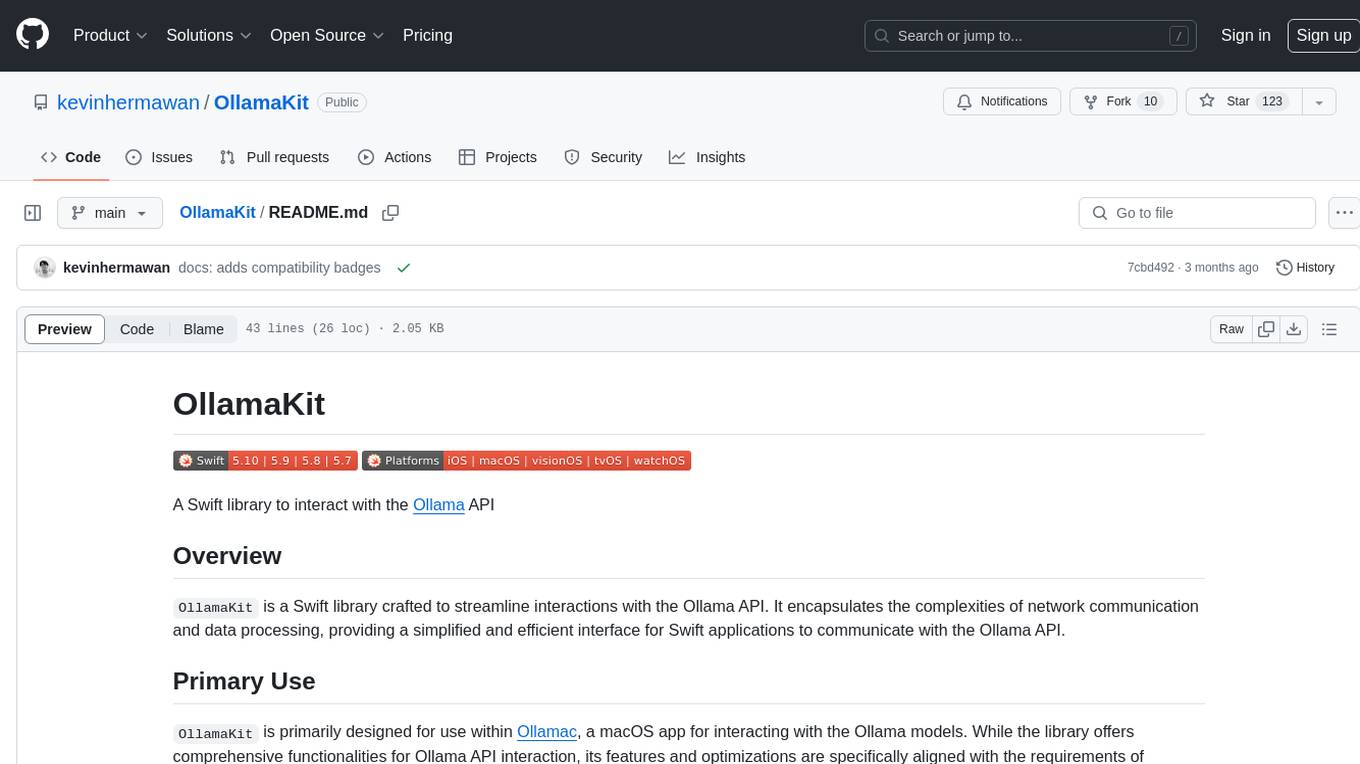
OllamaKit
OllamaKit is a Swift library designed to simplify interactions with the Ollama API. It handles network communication and data processing, offering an efficient interface for Swift applications to communicate with the Ollama API. The library is optimized for use within Ollamac, a macOS app for interacting with Ollama models.
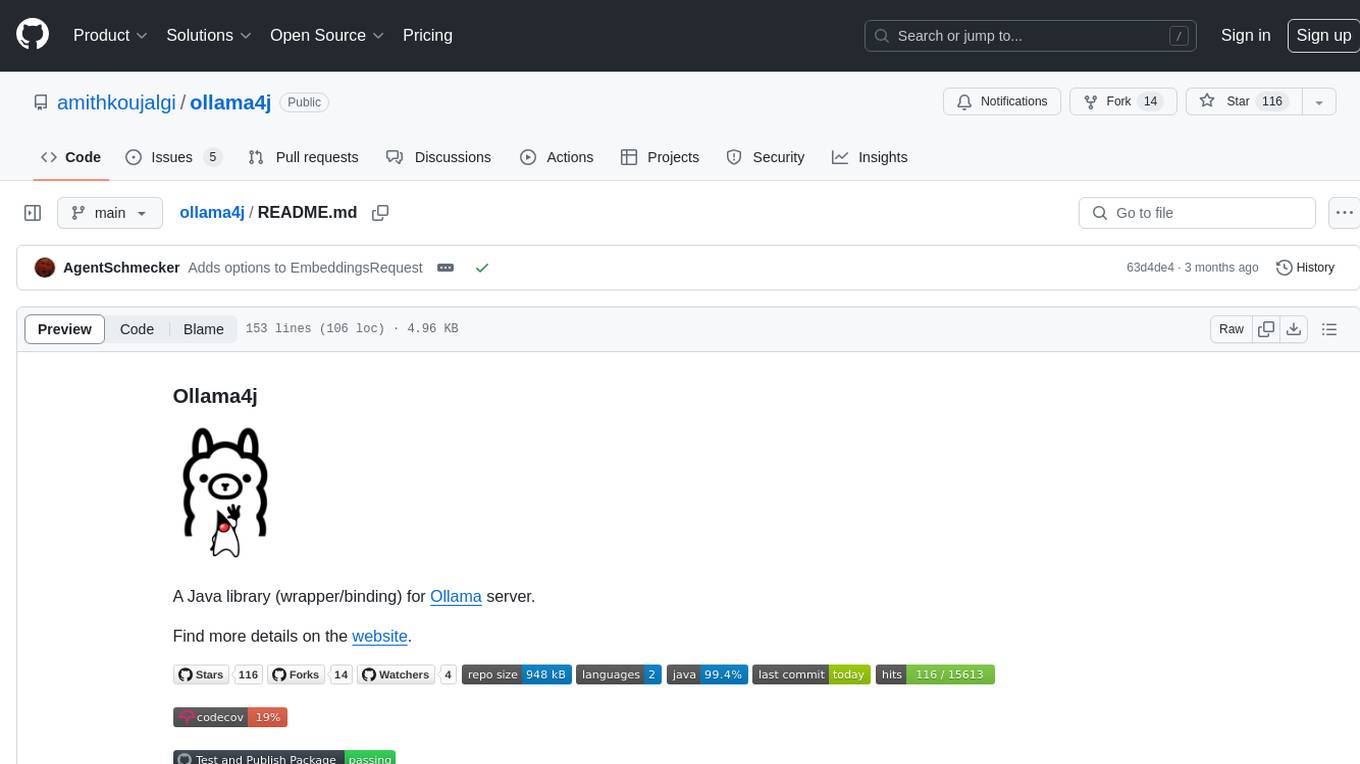
ollama4j
Ollama4j is a Java library that serves as a wrapper or binding for the Ollama server. It facilitates communication with the Ollama server and provides models for deployment. The tool requires Java 11 or higher and can be installed locally or via Docker. Users can integrate Ollama4j into Maven projects by adding the specified dependency. The tool offers API specifications and supports various development tasks such as building, running unit tests, and integration tests. Releases are automated through GitHub Actions CI workflow. Areas of improvement include adhering to Java naming conventions, updating deprecated code, implementing logging, using lombok, and enhancing request body creation. Contributions to the project are encouraged, whether reporting bugs, suggesting enhancements, or contributing code.