


airport-codes
✈️ Making sense of those three-letter airport codes.
Stars: 285
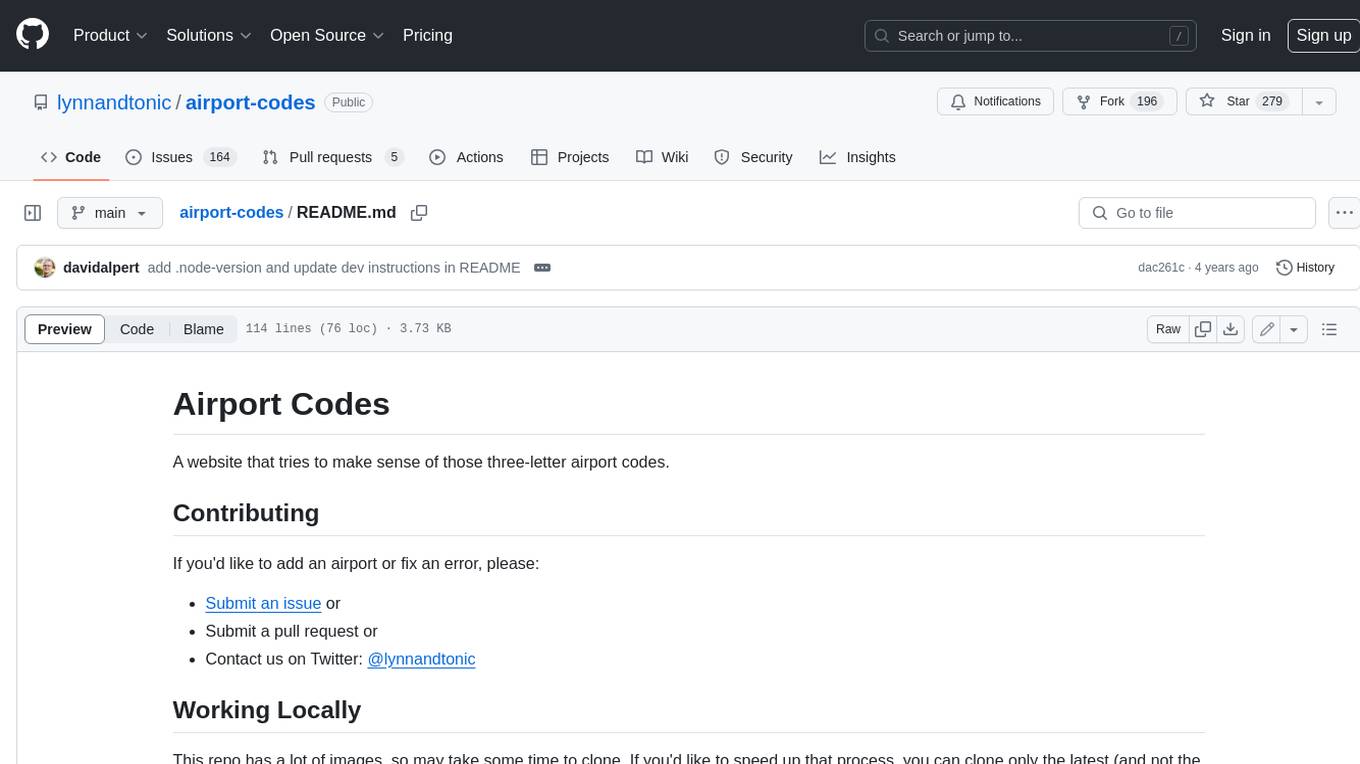
A website that tries to make sense of those three-letter airport codes. It provides detailed information about each airport, including its name, location, and a description. The site also includes a search function that allows users to find airports by name, city, or country. Airport content can be found in `/data` in individual files. Use the three-letter airport code as the filename (e.g. `phx.json`). Content in each `json` file: `id` = three-letter code (e.g. phx), `name` = airport name (Sky Harbor International Airport), `city` = primary city name (Phoenix), `state` = state name, if applicable (Arizona), `stateShort` = state abbreviation, if applicable (AZ), `country` = country name (USA), `description` = description, accepts markdown, use * for emphasis on letters, `imageCredit` = name of photographer, `imageCreditLink` = URL of photographer's Flickr page. You can also optionally add for aid in searching: `city2` = another city or country the airport may be known for. Adding a `json` file to `/data` will automatically render it. You do not need to manually add the path anywhere.
README:
A website that tries to make sense of those three-letter airport codes.
If you'd like to add an airport or fix an error, please:
- Submit an issue or
- Submit a pull request or
- Contact us on Twitter: @lynnandtonic
This repo has a lot of images, so may take some time to clone. If you'd like to speed up that process, you can clone only the latest (and not the entire commit history) by cloning with this command:
With SSH:
git clone --depth=1 [email protected]:lynnandtonic/airport-codes.git
With HTTPS:
git clone --depth=1 https://github.com/lynnandtonic/airport-codes.git
To run the site locally:
- you will need node 8
- if you use a tool like
nodenvwhich respects.node-versionthis will be handled for you - otherwise will need to make sure that your shell is running node 8
- if you use a tool like
- run the following commands:
npm ci
npm run dev
Note: The web server may take 2-3 minutes to start.
Airport content can be found in /data in individual files. Use the three-letter airport code as the filename (e.g. phx.json).
Content in each json file:
-
id= three-letter code (e.g. phx) -
name= airport name (Sky Harbor International Airport) -
city= primary city name (Phoenix) -
state= state name, if applicable (Arizona) -
stateShort= state abbreviation, if applicable (AZ) -
country= country name (USA) -
description= description, accepts markdown, use * for emphasis on letters -
imageCredit= name of photographer -
imageCreditLink= URL of photographer's Flickr page
You can also optionally add for aid in searching:
-
city2= another city or country the airport may be known for
Adding a json file to /data will automatically render it. You do not need to manually add the path anywhere.
-
Please use photos from Flickr that are licensed under Creative Commons.
-
If photos are not available on Flickr, please use Wikipedia with the same license.
-
Images should be named with this convention:
code.jpg -
To generate the 4 sizes of the image (large, medium, small, and card):
- Save out the image as a JPG at large size (1500px wide) with the filename
assets/images/large/code.jpg - Please optimize images (tinyjpg.com is a good tool to do that)
- Run
./sharp.js assets/images/large/code.jpg
- Save out the image as a JPG at large size (1500px wide) with the filename
-
If you’d like to save out the image sizes manually, these are the sizes needed:
- card - 220px height
- small - 500px width
- medium - 900px width
- large - 1500px width
-
Add variable to
/assets/globals/image-names.styl. The code must match the airport code. So if an image is namedabq.jpgyou would add'abq': '',to theimage-names.styl.
Most site content is written in Pug templates which produce the site HTML.
The Pug files are located in /templates and /src/views/templates.
Note that these aren't markdown files and the syntax and whitespace you use does matter quite a bit. See the Pug documentation to see how to use Pug.
This site uses Stylus for preprocessing. Please follow the established indentation and commenting patterns.
Stylus files are located in /assets.
Please use the following loose declaration order:
- Box-model properties
- Display and Positioning
- Backgrounds
- Borders
- Box Shadows
- Fonts and Colors
- Other
GNU General Public License v3.0
Because of the Creative Commons licensed images used on this site, any derivatives CAN NOT be for commercial or paid use.
<3
For Tasks:
Click tags to check more tools for each tasksFor Jobs:
Alternative AI tools for airport-codes
Similar Open Source Tools
airport-codes
A website that tries to make sense of those three-letter airport codes. It provides detailed information about each airport, including its name, location, and a description. The site also includes a search function that allows users to find airports by name, city, or country. Airport content can be found in `/data` in individual files. Use the three-letter airport code as the filename (e.g. `phx.json`). Content in each `json` file: `id` = three-letter code (e.g. phx), `name` = airport name (Sky Harbor International Airport), `city` = primary city name (Phoenix), `state` = state name, if applicable (Arizona), `stateShort` = state abbreviation, if applicable (AZ), `country` = country name (USA), `description` = description, accepts markdown, use * for emphasis on letters, `imageCredit` = name of photographer, `imageCreditLink` = URL of photographer's Flickr page. You can also optionally add for aid in searching: `city2` = another city or country the airport may be known for. Adding a `json` file to `/data` will automatically render it. You do not need to manually add the path anywhere.
SirChatalot
A Telegram bot that proves you don't need a body to have a personality. It can use various text and image generation APIs to generate responses to user messages. For text generation, the bot can use: * OpenAI's ChatGPT API (or other compatible API). Vision capabilities can be used with GPT-4 models. Function calling can be used with Function calling. * Anthropic's Claude API. Vision capabilities can be used with Claude 3 models. Function calling can be used with tool use. * YandexGPT API Bot can also generate images with: * OpenAI's DALL-E * Stability AI * Yandex ART This bot can also be used to generate responses to voice messages. Bot will convert the voice message to text and will then generate a response. Speech recognition can be done using the OpenAI's Whisper model. To use this feature, you need to install the ffmpeg library. This bot is also support working with files, see Files section for more details. If function calling is enabled, bot can generate images and search the web (limited).
hash
HASH is a self-building, open-source database which grows, structures and checks itself. With it, we're creating a platform for decision-making, which helps you integrate, understand and use data in a variety of different ways.
sage
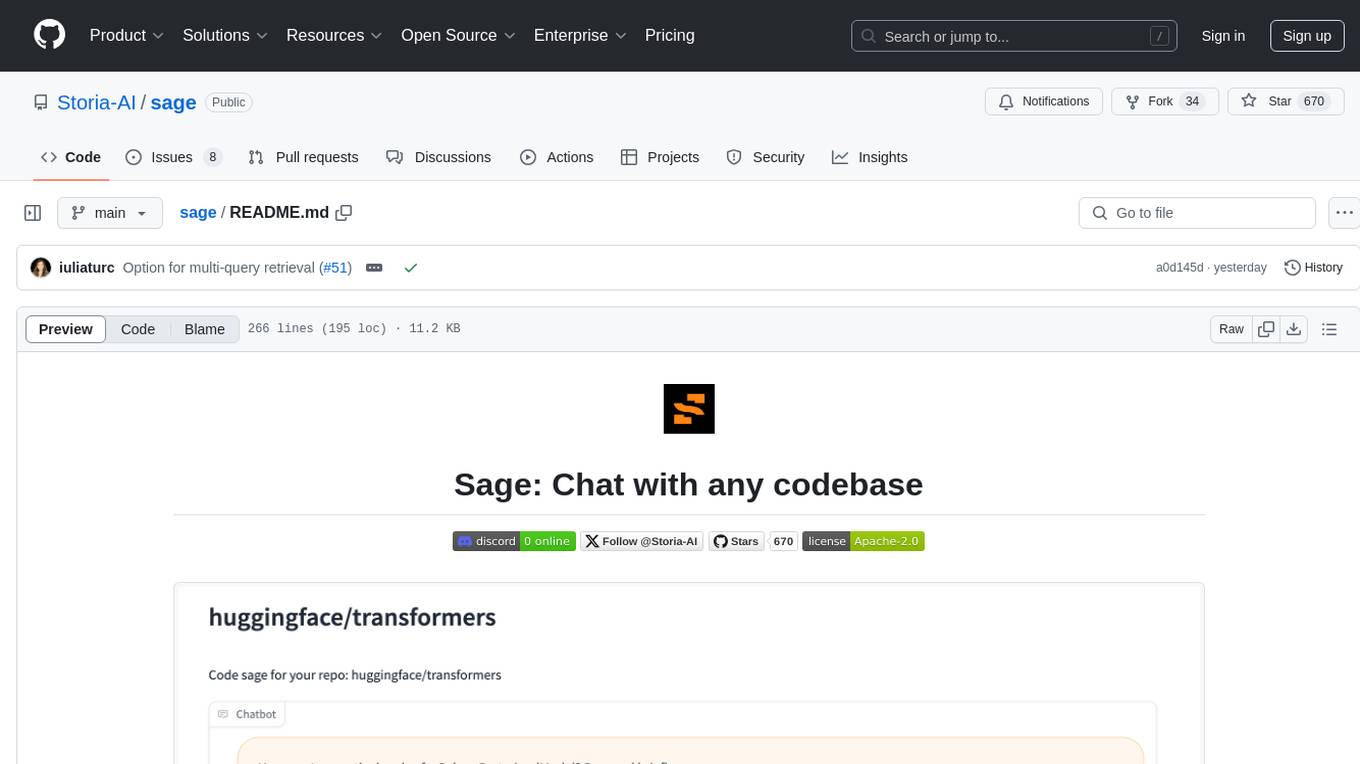
Sage is a tool that allows users to chat with any codebase, providing a chat interface for code understanding and integration. It simplifies the process of learning how a codebase works by offering heavily documented answers sourced directly from the code. Users can set up Sage locally or on the cloud with minimal effort. The tool is designed to be easily customizable, allowing users to swap components of the pipeline and improve the algorithms powering code understanding and generation.

reader
Reader is a tool that converts any URL to an LLM-friendly input with a simple prefix `https://r.jina.ai/`. It improves the output for your agent and RAG systems at no cost. Reader supports image reading, captioning all images at the specified URL and adding `Image [idx]: [caption]` as an alt tag. This enables downstream LLMs to interact with the images in reasoning, summarizing, etc. Reader offers a streaming mode, useful when the standard mode provides an incomplete result. In streaming mode, Reader waits a bit longer until the page is fully rendered, providing more complete information. Reader also supports a JSON mode, which contains three fields: `url`, `title`, and `content`. Reader is backed by Jina AI and licensed under Apache-2.0.
py-vectara-agentic
The `vectara-agentic` Python library is designed for developing powerful AI assistants using Vectara and Agentic-RAG. It supports various agent types, includes pre-built tools for domains like finance and legal, and enables easy creation of custom AI assistants and agents. The library provides tools for summarizing text, rephrasing text, legal tasks like summarizing legal text and critiquing as a judge, financial tasks like analyzing balance sheets and income statements, and database tools for inspecting and querying databases. It also supports observability via LlamaIndex and Arize Phoenix integration.
paper-qa
PaperQA is a minimal package for question and answering from PDFs or text files, providing very good answers with in-text citations. It uses OpenAI Embeddings to embed and search documents, and includes a process of embedding docs, queries, searching for top passages, creating summaries, using an LLM to re-score and select relevant summaries, putting summaries into prompt, and generating answers. The tool can be used to answer specific questions related to scientific research by leveraging citations and relevant passages from documents.
fabric
Fabric is an open-source framework for augmenting humans using AI. It provides a structured approach to breaking down problems into individual components and applying AI to them one at a time. Fabric includes a collection of pre-defined Patterns (prompts) that can be used for a variety of tasks, such as extracting the most interesting parts of YouTube videos and podcasts, writing essays, summarizing academic papers, creating AI art prompts, and more. Users can also create their own custom Patterns. Fabric is designed to be easy to use, with a command-line interface and a variety of helper apps. It is also extensible, allowing users to integrate it with their own AI applications and infrastructure.
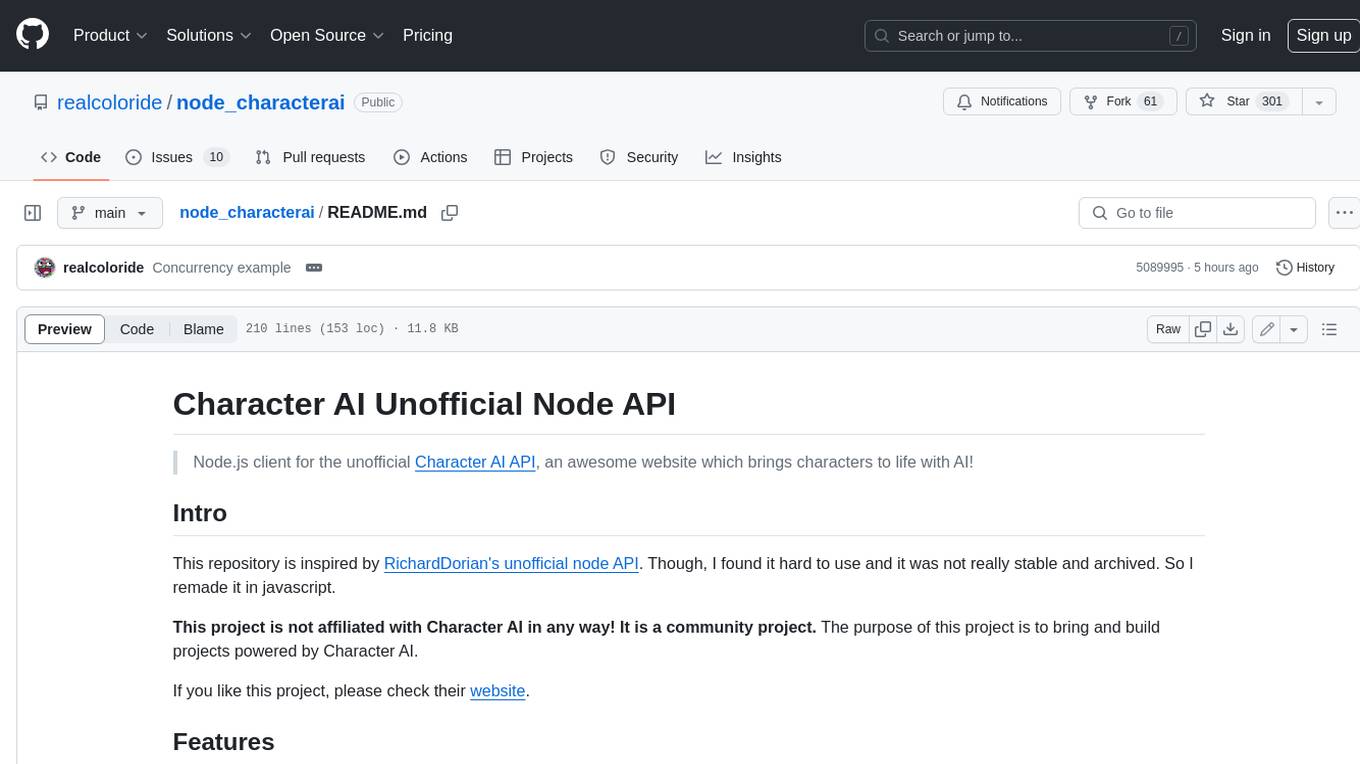
node_characterai
Node.js client for the unofficial Character AI API, an awesome website which brings characters to life with AI! This repository is inspired by RichardDorian's unofficial node API. Though, I found it hard to use and it was not really stable and archived. So I remade it in javascript. This project is not affiliated with Character AI in any way! It is a community project. The purpose of this project is to bring and build projects powered by Character AI. If you like this project, please check their website.
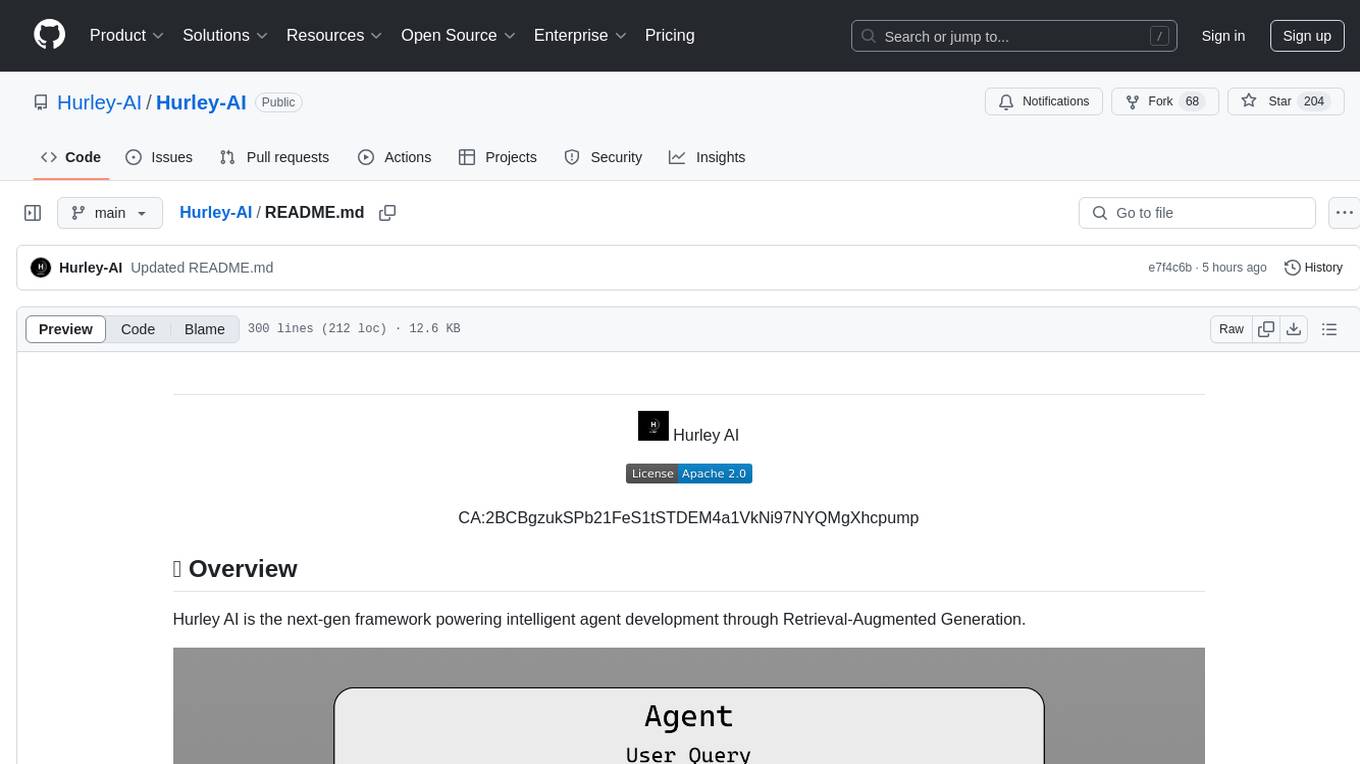
Hurley-AI
Hurley AI is a next-gen framework for developing intelligent agents through Retrieval-Augmented Generation. It enables easy creation of custom AI assistants and agents, supports various agent types, and includes pre-built tools for domains like finance and legal. Hurley AI integrates with LLM inference services and provides observability with Arize Phoenix. Users can create Hurley RAG tools with a single line of code and customize agents with specific instructions. The tool also offers various helper functions to connect with Hurley RAG and search tools, along with pre-built tools for tasks like summarizing text, rephrasing text, understanding memecoins, and querying databases.
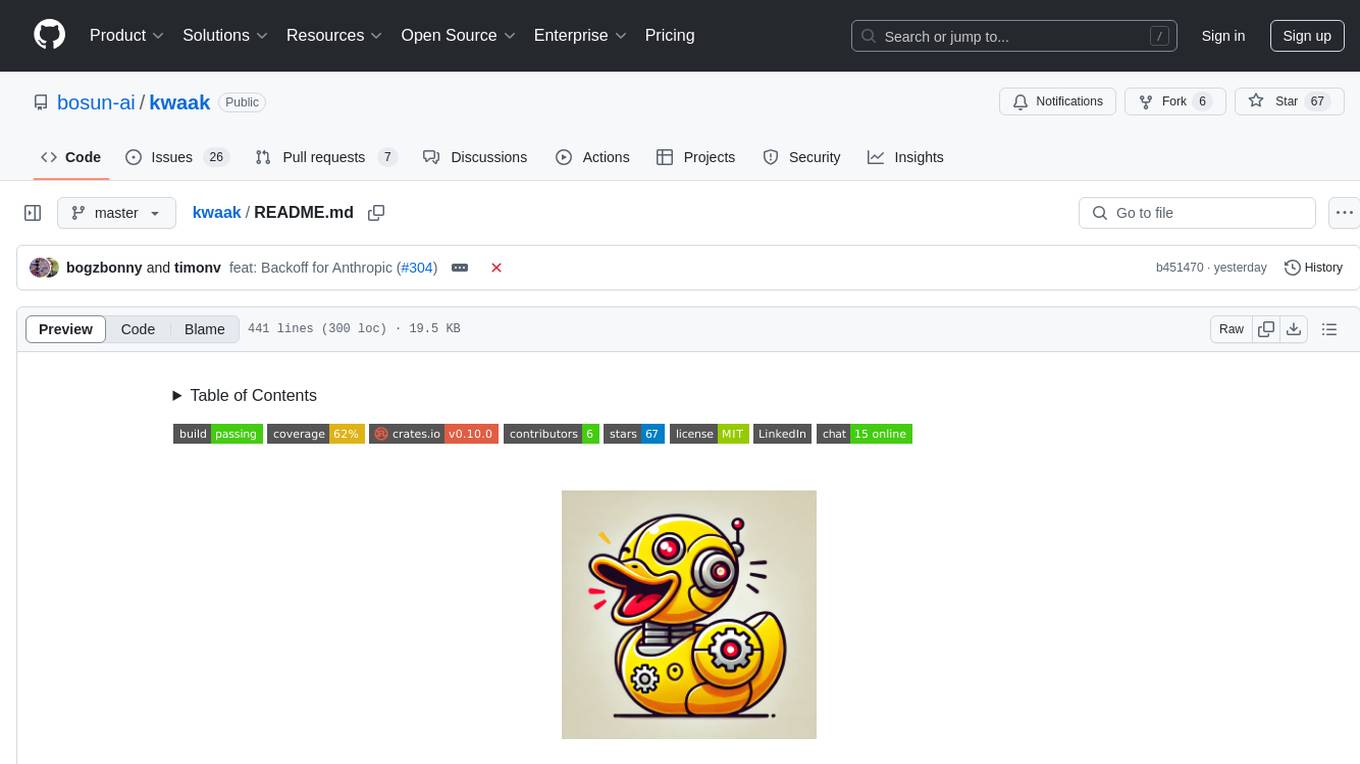
kwaak
Kwaak is a tool that allows users to run a team of autonomous AI agents locally from their own machine. It enables users to write code, improve test coverage, update documentation, and enhance code quality while focusing on building innovative projects. Kwaak is designed to run multiple agents in parallel, interact with codebases, answer questions about code, find examples, write and execute code, create pull requests, and more. It is free and open-source, allowing users to bring their own API keys or models via Ollama. Kwaak is part of the bosun.ai project, aiming to be a platform for autonomous code improvement.
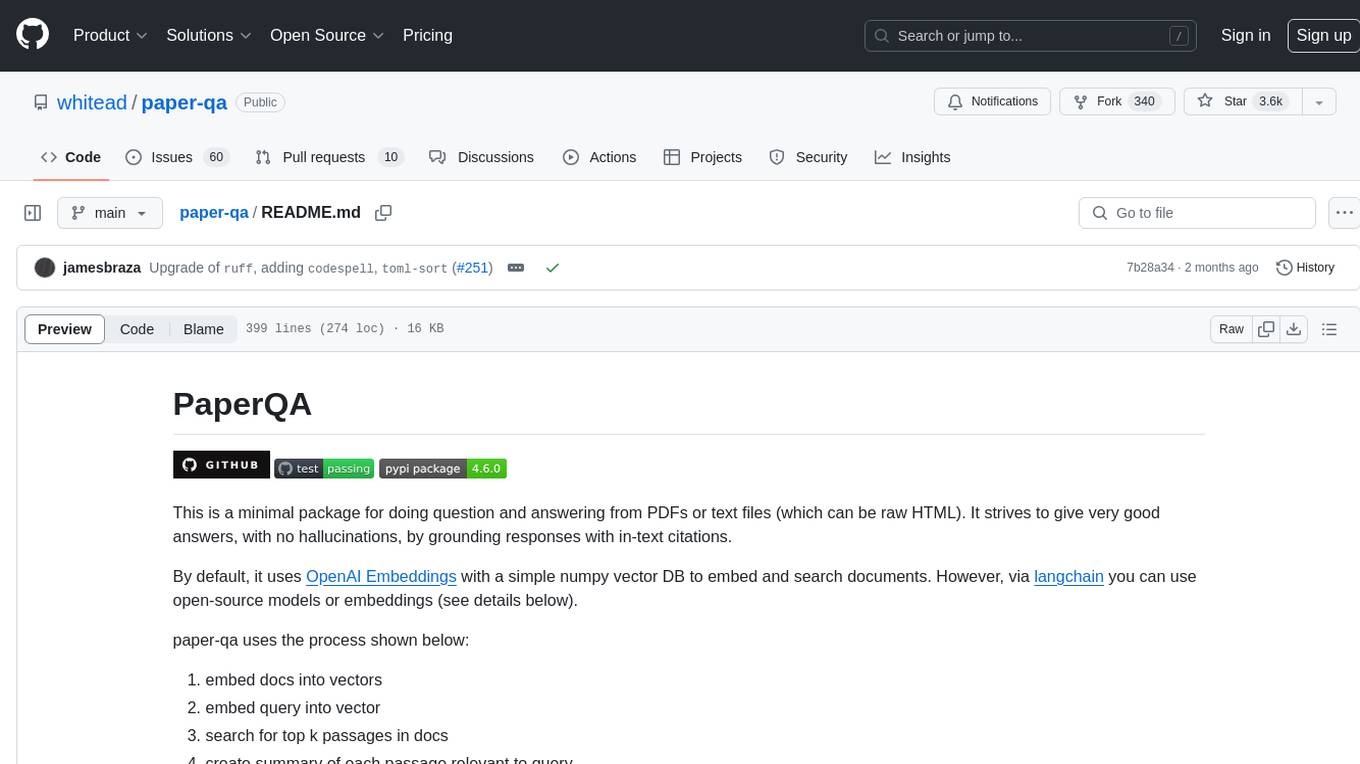
paper-qa
PaperQA is a minimal package for question and answering from PDFs or text files, providing very good answers with in-text citations. It uses OpenAI Embeddings to embed and search documents, and follows a process of embedding docs and queries, searching for top passages, creating summaries, scoring and selecting relevant summaries, putting summaries into prompt, and generating answers. Users can customize prompts and use various models for embeddings and LLMs. The tool can be used asynchronously and supports adding documents from paths, files, or URLs.
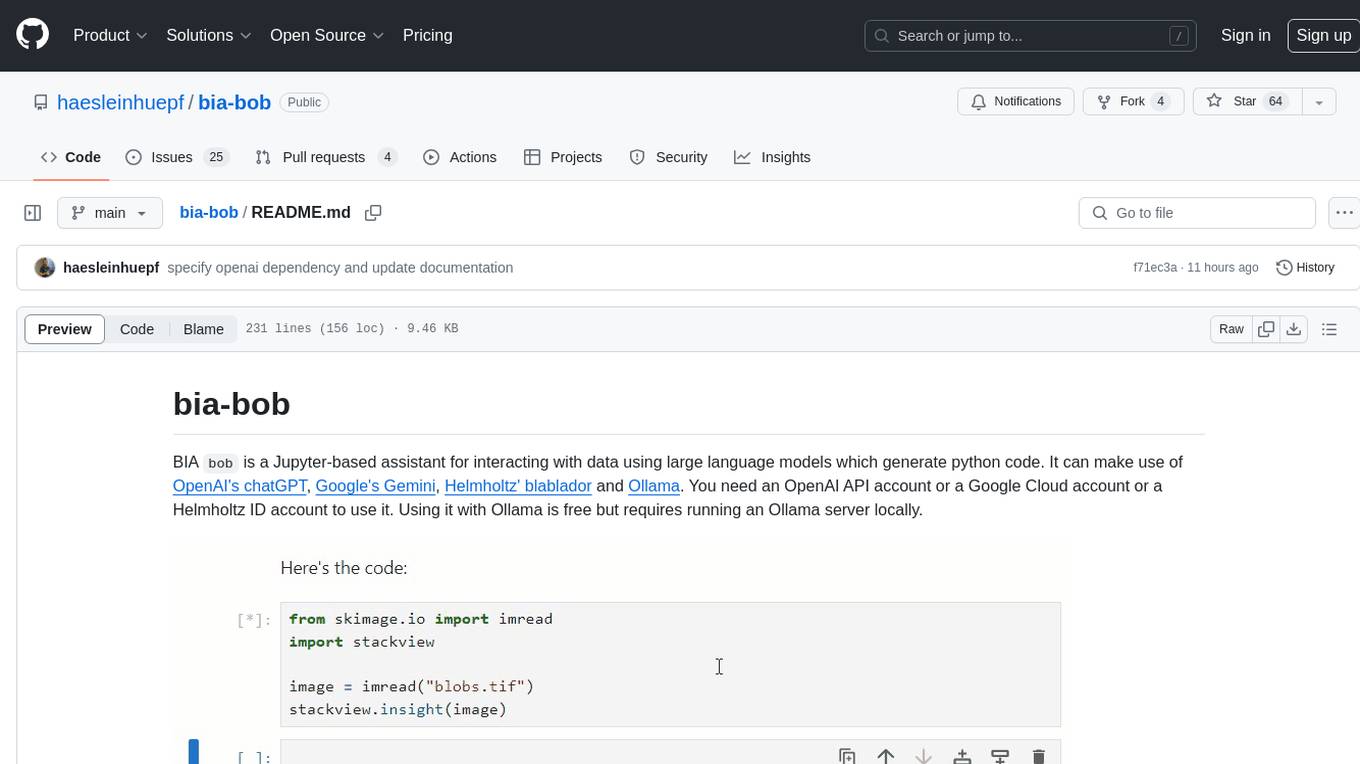
bia-bob
BIA `bob` is a Jupyter-based assistant for interacting with data using large language models to generate Python code. It can utilize OpenAI's chatGPT, Google's Gemini, Helmholtz' blablador, and Ollama. Users need respective accounts to access these services. Bob can assist in code generation, bug fixing, code documentation, GPU-acceleration, and offers a no-code custom Jupyter Kernel. It provides example notebooks for various tasks like bio-image analysis, model selection, and bug fixing. Installation is recommended via conda/mamba environment. Custom endpoints like blablador and ollama can be used. Google Cloud AI API integration is also supported. The tool is extensible for Python libraries to enhance Bob's functionality.
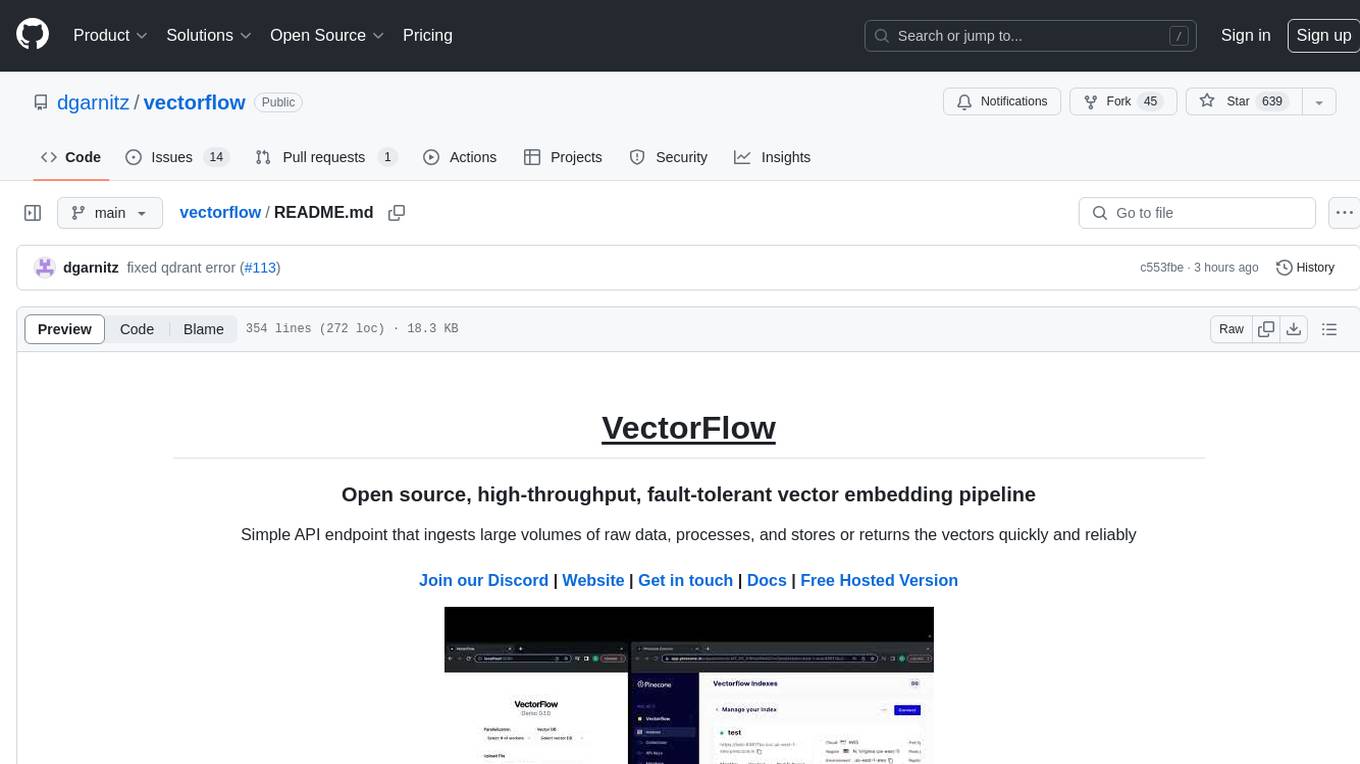
vectorflow
VectorFlow is an open source, high throughput, fault tolerant vector embedding pipeline. It provides a simple API endpoint for ingesting large volumes of raw data, processing, and storing or returning the vectors quickly and reliably. The tool supports text-based files like TXT, PDF, HTML, and DOCX, and can be run locally with Kubernetes in production. VectorFlow offers functionalities like embedding documents, running chunking schemas, custom chunking, and integrating with vector databases like Pinecone, Qdrant, and Weaviate. It enforces a standardized schema for uploading data to a vector store and supports features like raw embeddings webhook, chunk validation webhook, S3 endpoint, and telemetry. The tool can be used with the Python client and provides detailed instructions for running and testing the functionalities.
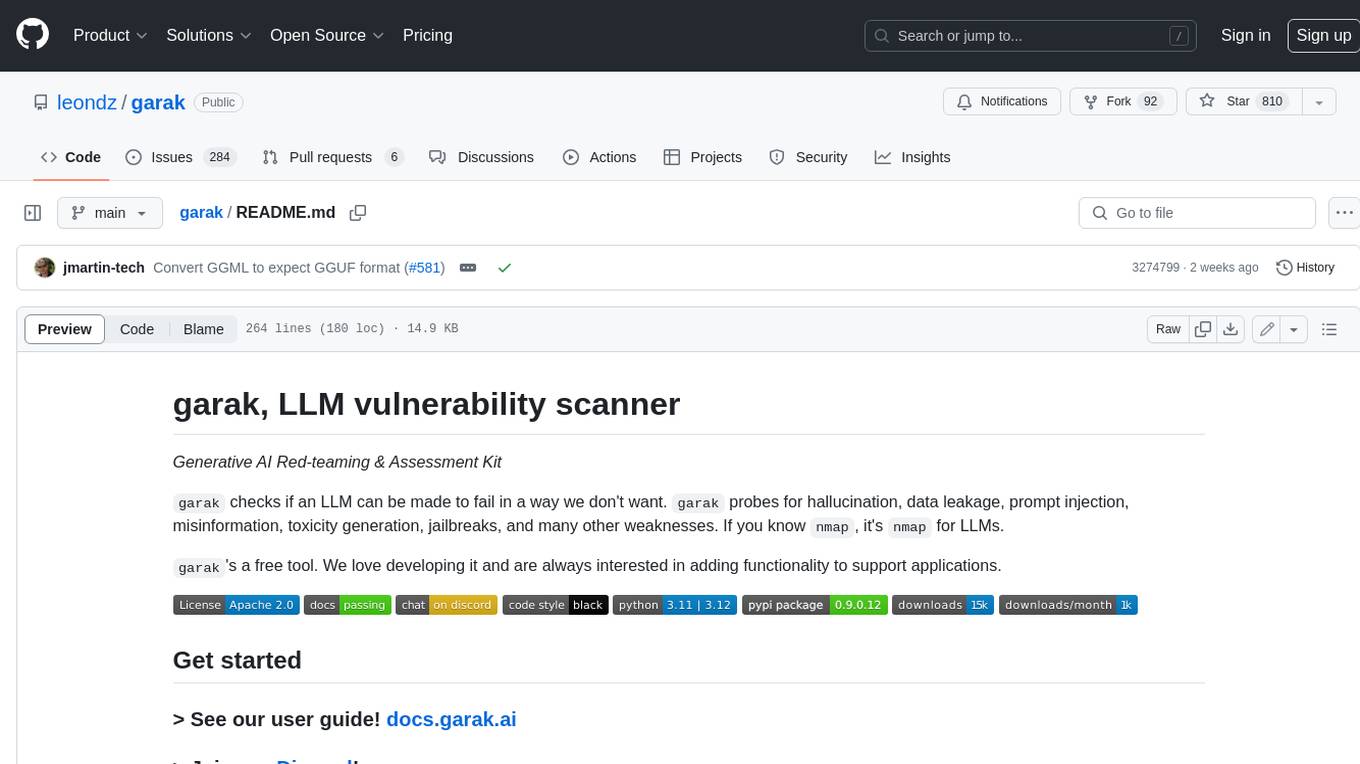
garak
Garak is a free tool that checks if a Large Language Model (LLM) can be made to fail in a way that is undesirable. It probes for hallucination, data leakage, prompt injection, misinformation, toxicity generation, jailbreaks, and many other weaknesses. Garak's a free tool. We love developing it and are always interested in adding functionality to support applications.
For similar tasks
airport-codes
A website that tries to make sense of those three-letter airport codes. It provides detailed information about each airport, including its name, location, and a description. The site also includes a search function that allows users to find airports by name, city, or country. Airport content can be found in `/data` in individual files. Use the three-letter airport code as the filename (e.g. `phx.json`). Content in each `json` file: `id` = three-letter code (e.g. phx), `name` = airport name (Sky Harbor International Airport), `city` = primary city name (Phoenix), `state` = state name, if applicable (Arizona), `stateShort` = state abbreviation, if applicable (AZ), `country` = country name (USA), `description` = description, accepts markdown, use * for emphasis on letters, `imageCredit` = name of photographer, `imageCreditLink` = URL of photographer's Flickr page. You can also optionally add for aid in searching: `city2` = another city or country the airport may be known for. Adding a `json` file to `/data` will automatically render it. You do not need to manually add the path anywhere.
For similar jobs
airport-codes
A website that tries to make sense of those three-letter airport codes. It provides detailed information about each airport, including its name, location, and a description. The site also includes a search function that allows users to find airports by name, city, or country. Airport content can be found in `/data` in individual files. Use the three-letter airport code as the filename (e.g. `phx.json`). Content in each `json` file: `id` = three-letter code (e.g. phx), `name` = airport name (Sky Harbor International Airport), `city` = primary city name (Phoenix), `state` = state name, if applicable (Arizona), `stateShort` = state abbreviation, if applicable (AZ), `country` = country name (USA), `description` = description, accepts markdown, use * for emphasis on letters, `imageCredit` = name of photographer, `imageCreditLink` = URL of photographer's Flickr page. You can also optionally add for aid in searching: `city2` = another city or country the airport may be known for. Adding a `json` file to `/data` will automatically render it. You do not need to manually add the path anywhere.
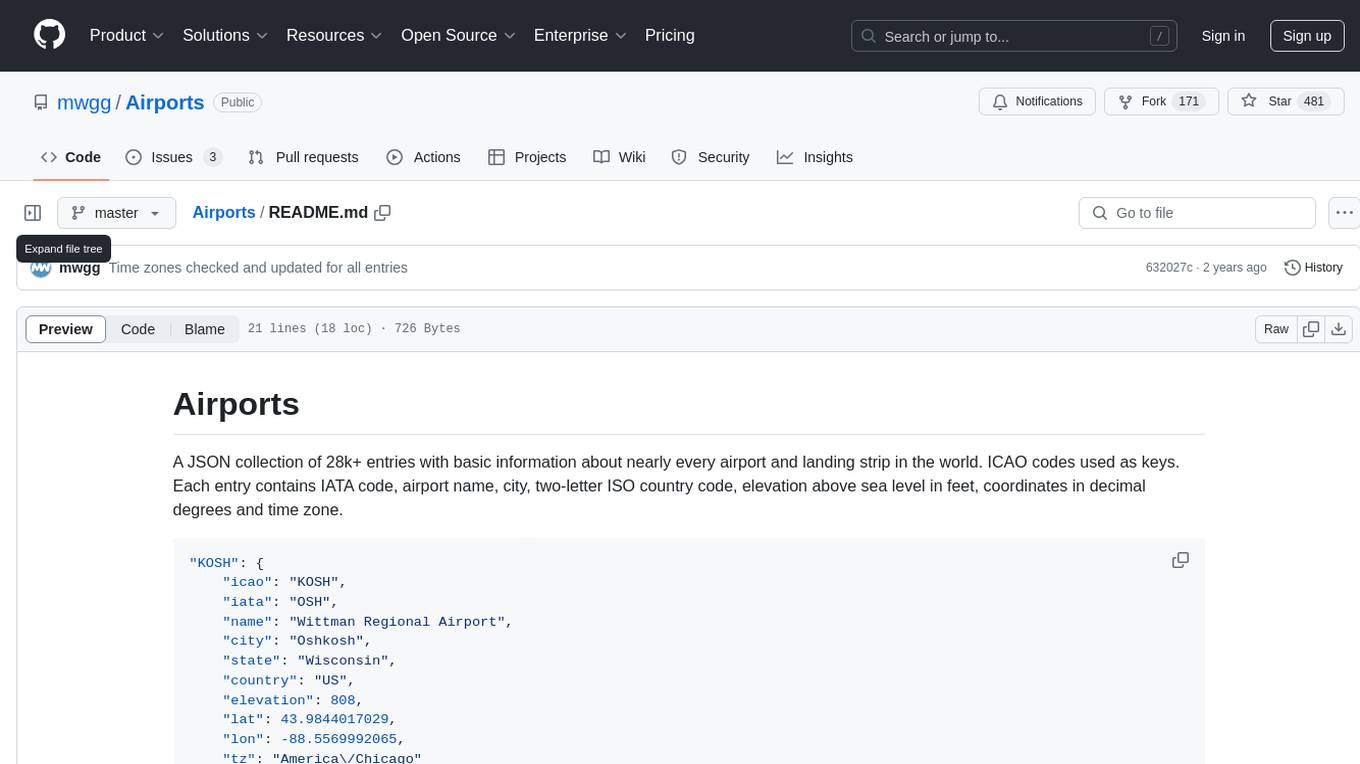
Airports
Airports is a JSON collection with detailed information about over 28,000 airports and landing strips worldwide. Each entry includes IATA code, airport name, city, country code, elevation, coordinates, and time zone.
Airports
Airports is a repository containing an up-to-date CSV dump of the Travelhackingtool.com airport database. It provides basic information about every IATA airport and city code worldwide, including IATA code, ICAO code, timezone, name, city code, country code, URL, elevation, coordinates, and geo-encoded city, county, and state.
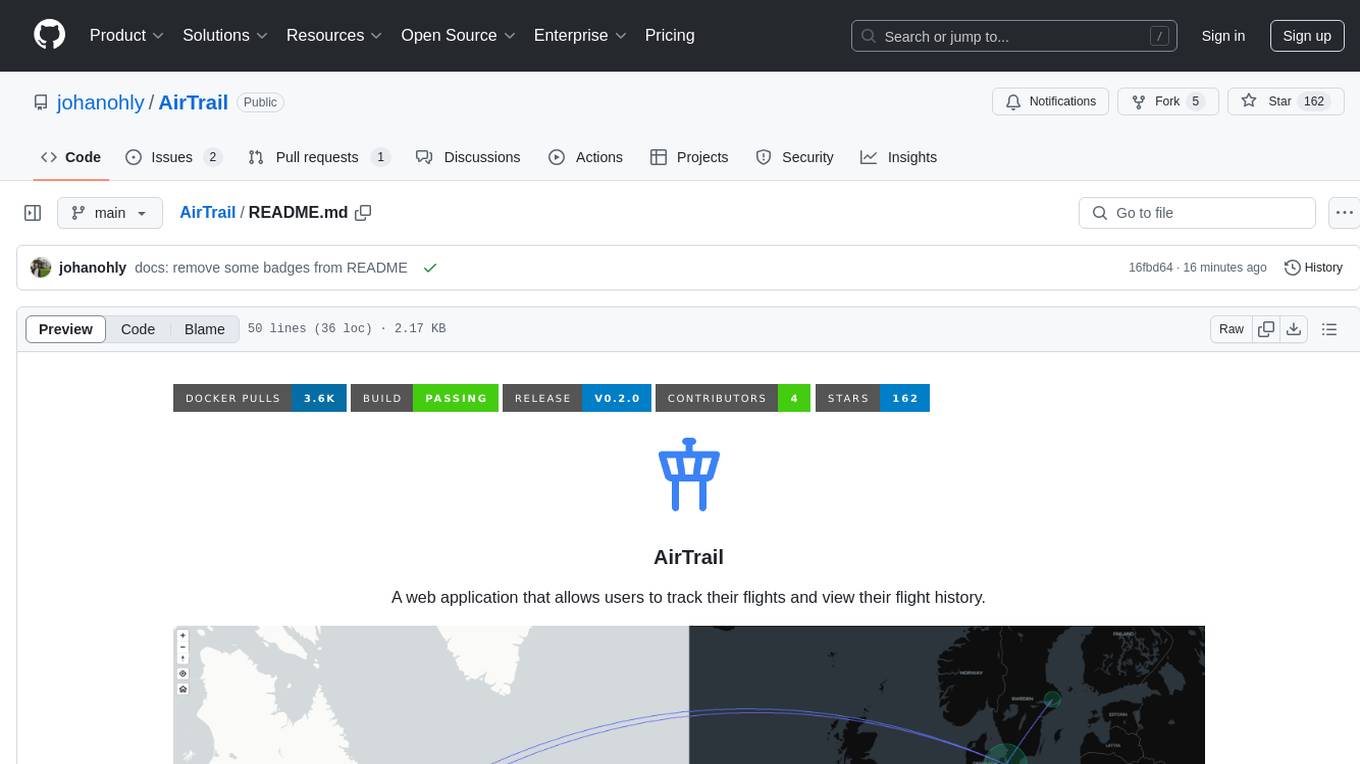
AirTrail
AirTrail is a web application that allows users to track their flights and view their flight history. It features an interactive world map to view flights, flight history tracking, statistics insights, multiple user management with user authentication, responsive design, dark mode, and flight import from various sources.
airport-codes
The airport-codes repository contains a list of airport codes from around the world, including IATA and ICAO codes. The data is sourced from multiple different sources and is updated nightly. The repository provides a script to process the data and merge location coordinates. The data can be used for various purposes such as passenger reservation, ticketing, and ATC systems.
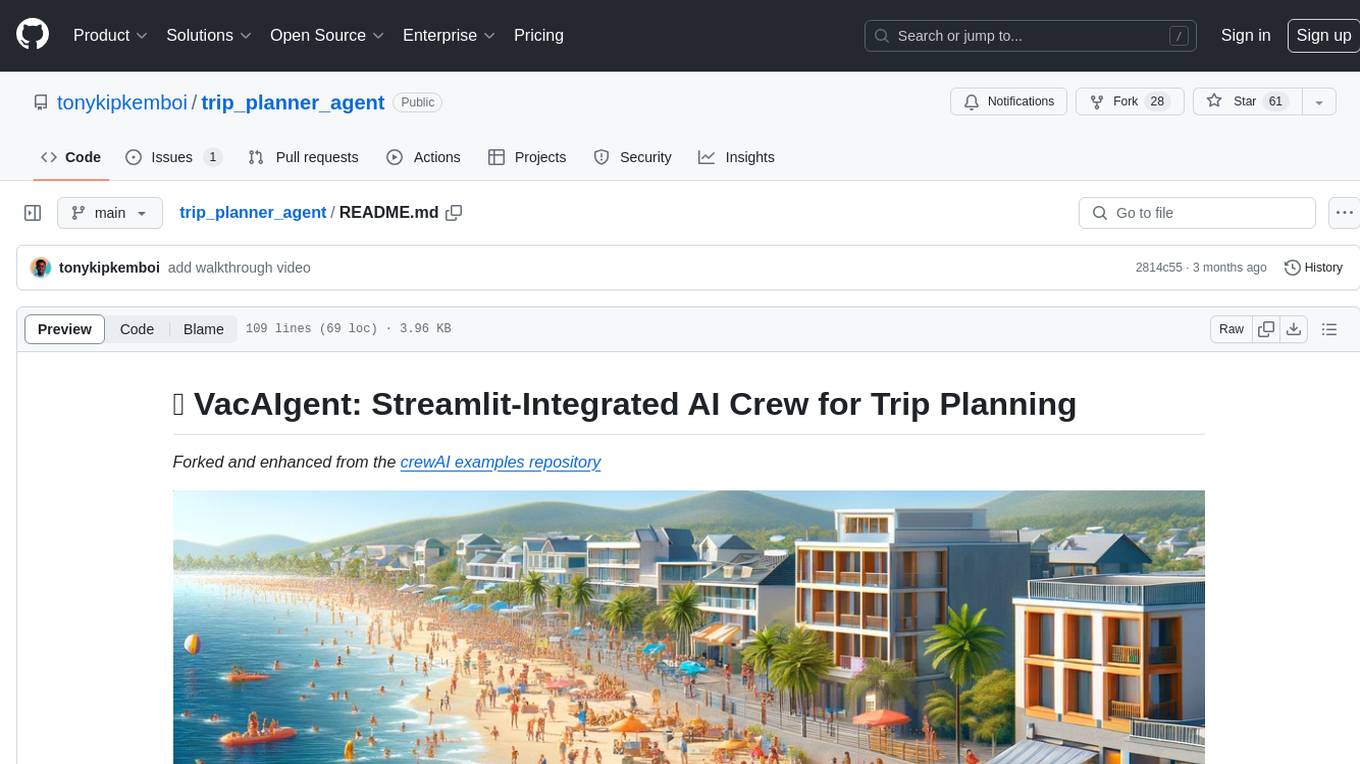
trip_planner_agent
VacAIgent is an AI tool that automates and enhances trip planning by leveraging the CrewAI framework. It integrates a user-friendly Streamlit interface for interactive travel planning. Users can input preferences and receive tailored travel plans with the help of autonomous AI agents. The tool allows for collaborative decision-making on cities and crafting complete itineraries based on specified preferences, all accessible via a streamlined Streamlit user interface. VacAIgent can be customized to use different AI models like GPT-3.5 or local models like Ollama for enhanced privacy and customization.
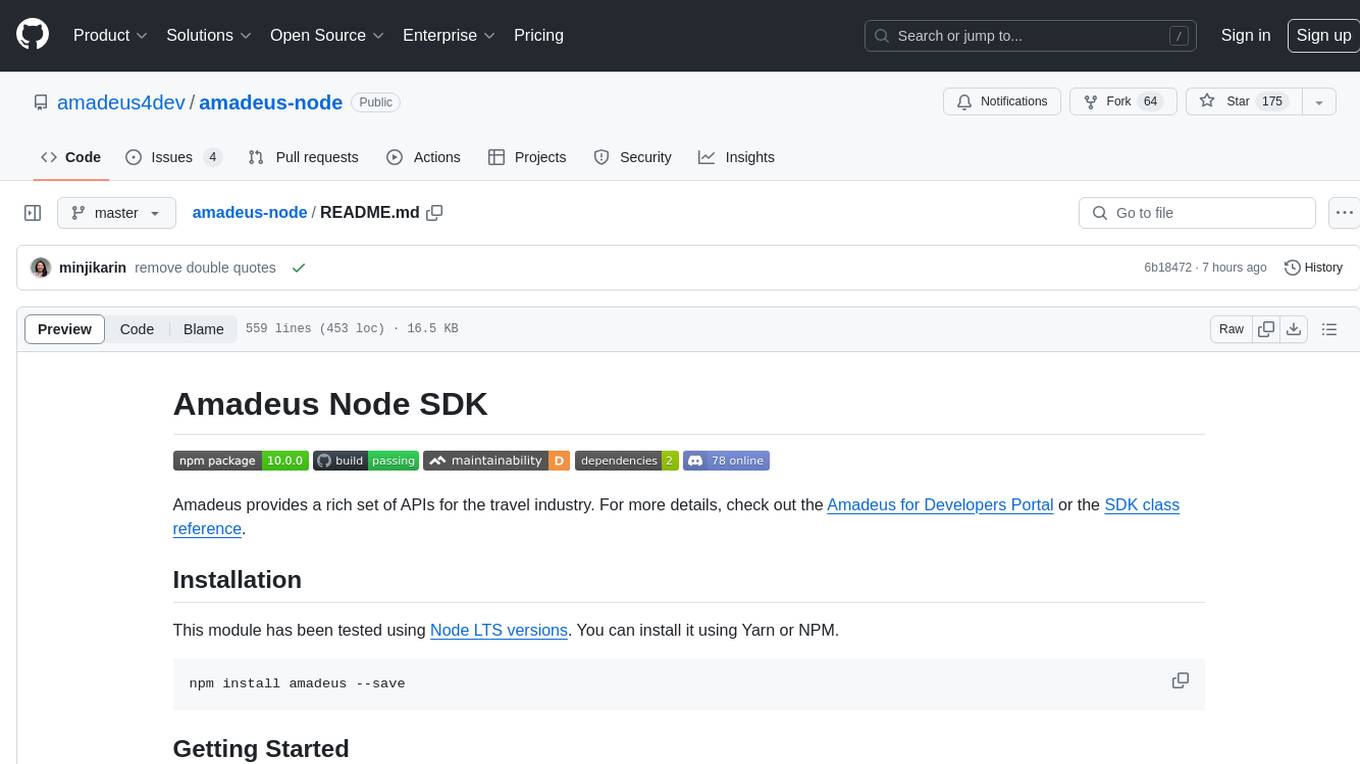
amadeus-node
Amadeus Node SDK provides a rich set of APIs for the travel industry. It allows developers to interact with various endpoints related to flights, hotels, activities, and more. The SDK simplifies making API calls, handling promises, pagination, logging, and debugging. It supports a wide range of functionalities such as flight search, booking, seat maps, flight status, points of interest, hotel search, sentiment analysis, trip predictions, and more. Developers can easily integrate the SDK into their Node.js applications to access Amadeus APIs and build travel-related applications.
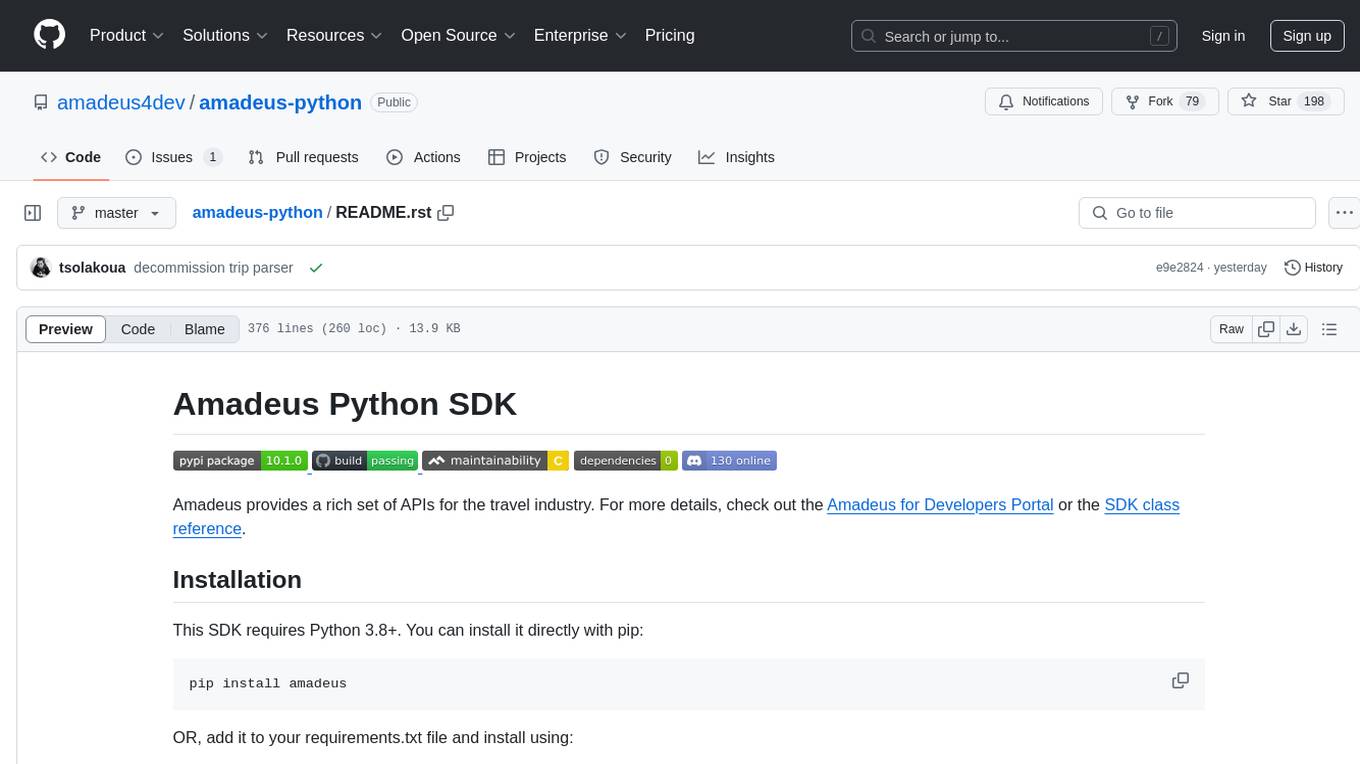
amadeus-python
Amadeus Python SDK provides a rich set of APIs for the travel industry. It allows users to make API calls for various travel-related tasks such as flight offers search, hotel bookings, trip purpose prediction, flight delay prediction, airport on-time performance, travel recommendations, and more. The SDK conveniently maps API paths to similar paths, making it easy to interact with the Amadeus APIs. Users can initialize the client with their API key and secret, make API calls, handle responses, and enable logging for debugging purposes. The SDK documentation includes detailed information about each SDK method, arguments, and return types.