


dify
Production-ready platform for agentic workflow development.
Stars: 129643
Dify is an open-source LLM app development platform that combines AI workflow, RAG pipeline, agent capabilities, model management, observability features, and more. It allows users to quickly go from prototype to production. Key features include: 1. Workflow: Build and test powerful AI workflows on a visual canvas. 2. Comprehensive model support: Seamless integration with hundreds of proprietary / open-source LLMs from dozens of inference providers and self-hosted solutions. 3. Prompt IDE: Intuitive interface for crafting prompts, comparing model performance, and adding additional features. 4. RAG Pipeline: Extensive RAG capabilities that cover everything from document ingestion to retrieval. 5. Agent capabilities: Define agents based on LLM Function Calling or ReAct, and add pre-built or custom tools. 6. LLMOps: Monitor and analyze application logs and performance over time. 7. Backend-as-a-Service: All of Dify's offerings come with corresponding APIs for easy integration into your own business logic.
README:

📌 Introducing Dify Workflow File Upload: Recreate Google NotebookLM Podcast
Dify Cloud · Self-hosting · Documentation · Dify edition overview











Dify is an open-source platform for developing LLM applications. Its intuitive interface combines agentic AI workflows, RAG pipelines, agent capabilities, model management, observability features, and more—allowing you to quickly move from prototype to production.
Before installing Dify, make sure your machine meets the following minimum system requirements:
- CPU >= 2 Core
- RAM >= 4 GiB
The easiest way to start the Dify server is through Docker Compose. Before running Dify with the following commands, make sure that Docker and Docker Compose are installed on your machine:
cd dify
cd docker
cp .env.example .env
docker compose up -d
After running, you can access the Dify dashboard in your browser at http://localhost/install and start the initialization process.
Please refer to our FAQ if you encounter problems setting up Dify. Reach out to the community and us if you are still having issues.
If you'd like to contribute to Dify or do additional development, refer to our guide to deploying from source code
1. Workflow: Build and test powerful AI workflows on a visual canvas, leveraging all the following features and beyond.
2. Comprehensive model support: Seamless integration with hundreds of proprietary / open-source LLMs from dozens of inference providers and self-hosted solutions, covering GPT, Mistral, Llama3, and any OpenAI API-compatible models. A full list of supported model providers can be found here.
3. Prompt IDE: Intuitive interface for crafting prompts, comparing model performance, and adding additional features such as text-to-speech to a chat-based app.
4. RAG Pipeline: Extensive RAG capabilities that cover everything from document ingestion to retrieval, with out-of-box support for text extraction from PDFs, PPTs, and other common document formats.
5. Agent capabilities: You can define agents based on LLM Function Calling or ReAct, and add pre-built or custom tools for the agent. Dify provides 50+ built-in tools for AI agents, such as Google Search, DALL·E, Stable Diffusion and WolframAlpha.
6. LLMOps: Monitor and analyze application logs and performance over time. You could continuously improve prompts, datasets, and models based on production data and annotations.
7. Backend-as-a-Service: All of Dify's offerings come with corresponding APIs, so you could effortlessly integrate Dify into your own business logic.
-
Cloud
We host a Dify Cloud service for anyone to try with zero setup. It provides all the capabilities of the self-deployed version, and includes 200 free GPT-4 calls in the sandbox plan. -
Self-hosting Dify Community Edition
Quickly get Dify running in your environment with this starter guide. Use our documentation for further references and more in-depth instructions. -
Dify for enterprise / organizations
We provide additional enterprise-centric features. Send us an email to discuss your enterprise needs.For startups and small businesses using AWS, check out Dify Premium on AWS Marketplace and deploy it to your own AWS VPC with one click. It's an affordable AMI offering with the option to create apps with custom logo and branding.
Star Dify on GitHub and be instantly notified of new releases.
If you need to customize the configuration, please refer to the comments in our .env.example file and update the corresponding values in your .env file. Additionally, you might need to make adjustments to the docker-compose.yaml file itself, such as changing image versions, port mappings, or volume mounts, based on your specific deployment environment and requirements. After making any changes, please re-run docker-compose up -d. You can find the full list of available environment variables here.
You can now customize the "Suggested Questions After Answer" feature to better fit your use case. For example, to generate longer, more technical questions:
# In your .env file
SUGGESTED_QUESTIONS_PROMPT='Please help me predict the five most likely technical follow-up questions a developer would ask. Focus on implementation details, best practices, and architecture considerations. Keep each question between 40-60 characters. Output must be JSON array: ["question1","question2","question3","question4","question5"]'
SUGGESTED_QUESTIONS_MAX_TOKENS=512
SUGGESTED_QUESTIONS_TEMPERATURE=0.3
See the Suggested Questions Configuration Guide for detailed examples and usage instructions.
Import the dashboard to Grafana, using Dify's PostgreSQL database as data source, to monitor metrics in granularity of apps, tenants, messages, and more.
If you'd like to configure a highly-available setup, there are community-contributed Helm Charts and YAML files which allow Dify to be deployed on Kubernetes.
- Helm Chart by @LeoQuote
- Helm Chart by @BorisPolonsky
- Helm Chart by @magicsong
- YAML file by @Winson-030
- YAML file by @wyy-holding
- 🚀 NEW! YAML files (Supports Dify v1.6.0) by @Zhoneym
Deploy Dify to Cloud Platform with a single click using terraform
Deploy Dify to AWS with CDK
Quickly deploy Dify to Alibaba cloud with Alibaba Cloud Computing Nest
One-Click deploy Dify to Alibaba Cloud with Alibaba Cloud Data Management
One-Click deploy Dify to AKS with Azure Devops Pipeline Helm Chart by @LeoZhang
For those who'd like to contribute code, see our Contribution Guide. At the same time, please consider supporting Dify by sharing it on social media and at events and conferences.
We are looking for contributors to help translate Dify into languages other than Mandarin or English. If you are interested in helping, please see the i18n README for more information, and leave us a comment in the
global-userschannel of our Discord Community Server.
- GitHub Discussion. Best for: sharing feedback and asking questions.
- GitHub Issues. Best for: bugs you encounter using Dify.AI, and feature proposals. See our Contribution Guide.
- Discord. Best for: sharing your applications and hanging out with the community.
- X(Twitter). Best for: sharing your applications and hanging out with the community.
Contributors
To protect your privacy, please avoid posting security issues on GitHub. Instead, report issues to [email protected], and our team will respond with detailed answer.
This repository is licensed under the Dify Open Source License, based on Apache 2.0 with additional conditions.
For Tasks:
Click tags to check more tools for each tasksFor Jobs:
Alternative AI tools for dify
Similar Open Source Tools
dify
Dify is an open-source LLM app development platform that combines AI workflow, RAG pipeline, agent capabilities, model management, observability features, and more. It allows users to quickly go from prototype to production. Key features include: 1. Workflow: Build and test powerful AI workflows on a visual canvas. 2. Comprehensive model support: Seamless integration with hundreds of proprietary / open-source LLMs from dozens of inference providers and self-hosted solutions. 3. Prompt IDE: Intuitive interface for crafting prompts, comparing model performance, and adding additional features. 4. RAG Pipeline: Extensive RAG capabilities that cover everything from document ingestion to retrieval. 5. Agent capabilities: Define agents based on LLM Function Calling or ReAct, and add pre-built or custom tools. 6. LLMOps: Monitor and analyze application logs and performance over time. 7. Backend-as-a-Service: All of Dify's offerings come with corresponding APIs for easy integration into your own business logic.
nexent
Nexent is a powerful tool for analyzing and visualizing network traffic data. It provides comprehensive insights into network behavior, helping users to identify patterns, anomalies, and potential security threats. With its user-friendly interface and advanced features, Nexent is suitable for network administrators, cybersecurity professionals, and anyone looking to gain a deeper understanding of their network infrastructure.
tuff
Tuff is a local-first, AI-native, and infinitely extensible desktop command center designed to enhance workflow efficiency. It offers a seamless integration of core utilities, AI-powered search, contextual intelligence, and extensibility through custom plugins. With a beautiful UI design, rich functionality, simple operations, and a focus on security and reliability, Tuff provides users with a cross-platform desktop software that is easy to use and offers a good user experience.

DocsGPT
DocsGPT is an open-source documentation assistant powered by GPT models. It simplifies the process of searching for information in project documentation by allowing developers to ask questions and receive accurate answers. With DocsGPT, users can say goodbye to manual searches and quickly find the information they need. The tool aims to revolutionize project documentation experiences and offers features like live previews, Discord community, guides, and contribution opportunities. It consists of a Flask app, Chrome extension, similarity search index creation script, and a frontend built with Vite and React. Users can quickly get started with DocsGPT by following the provided setup instructions and can contribute to its development by following the guidelines in the CONTRIBUTING.md file. The project follows a Code of Conduct to ensure a harassment-free community environment for all participants. DocsGPT is licensed under MIT and is built with LangChain.
superduper
superduper.io is a Python framework that integrates AI models, APIs, and vector search engines directly with existing databases. It allows hosting of models, streaming inference, and scalable model training/fine-tuning. Key features include integration of AI with data infrastructure, inference via change-data-capture, scalable model training, model chaining, simple Python interface, Python-first approach, working with difficult data types, feature storing, and vector search capabilities. The tool enables users to turn their existing databases into centralized repositories for managing AI model inputs and outputs, as well as conducting vector searches without the need for specialized databases.
Revornix
Revornix is an information management tool designed for the AI era. It allows users to conveniently integrate all visible information and generates comprehensive reports at specific times. The tool offers cross-platform availability, all-in-one content aggregation, document transformation & vectorized storage, native multi-tenancy, localization & open-source features, smart assistant & built-in MCP, seamless LLM integration, and multilingual & responsive experience for users.
langflow
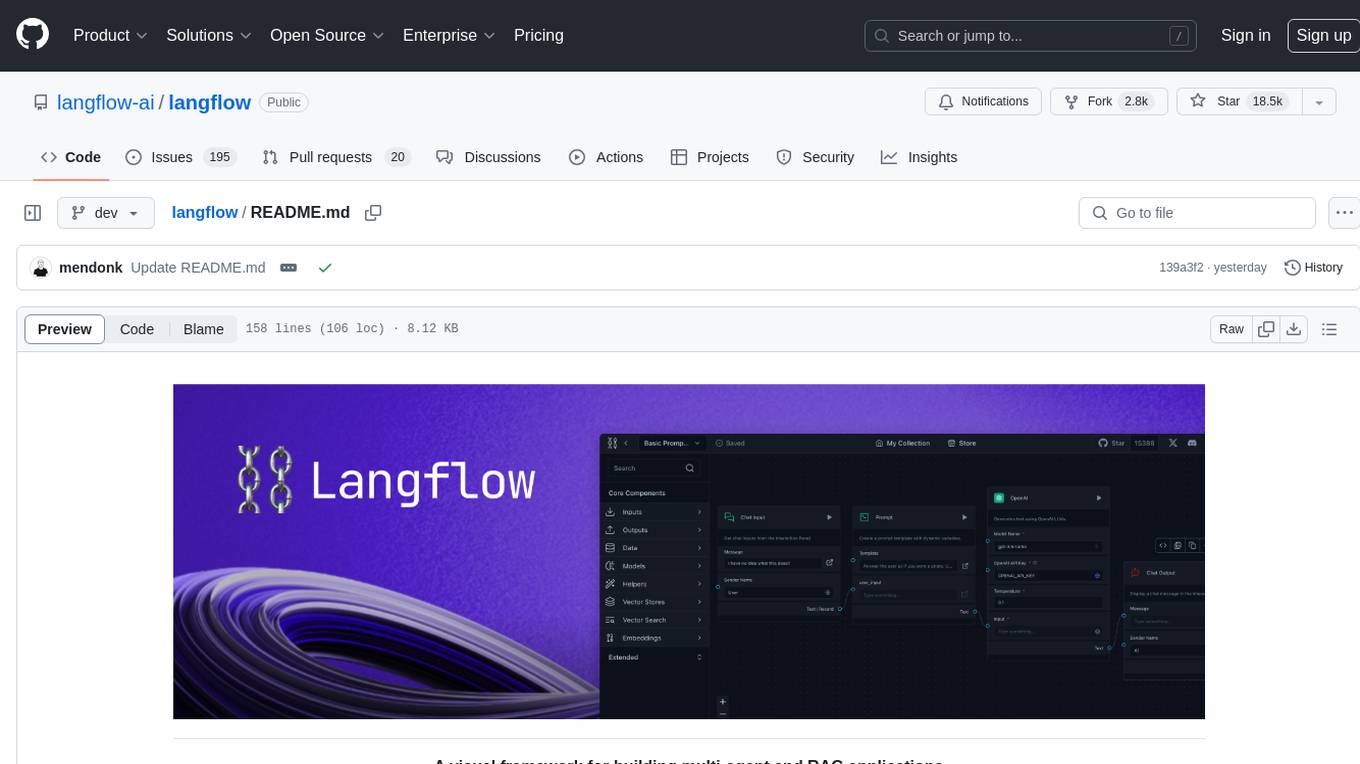
Langflow is an open-source Python-powered visual framework designed for building multi-agent and RAG applications. It is fully customizable, language model agnostic, and vector store agnostic. Users can easily create flows by dragging components onto the canvas, connect them, and export the flow as a JSON file. Langflow also provides a command-line interface (CLI) for easy management and configuration, allowing users to customize the behavior of Langflow for development or specialized deployment scenarios. The tool can be deployed on various platforms such as Google Cloud Platform, Railway, and Render. Contributors are welcome to enhance the project on GitHub by following the contributing guidelines.

agentcloud
AgentCloud is an open-source platform that enables companies to build and deploy private LLM chat apps, empowering teams to securely interact with their data. It comprises three main components: Agent Backend, Webapp, and Vector Proxy. To run this project locally, clone the repository, install Docker, and start the services. The project is licensed under the GNU Affero General Public License, version 3 only. Contributions and feedback are welcome from the community.
toolhive-studio
ToolHive Studio is an experimental project under active development and testing, providing an easy way to discover, deploy, and manage Model Context Protocol (MCP) servers securely. Users can launch any MCP server in a locked-down container with just a few clicks, eliminating manual setup, security concerns, and runtime issues. The tool ensures instant deployment, default security measures, cross-platform compatibility, and seamless integration with popular clients like GitHub Copilot, Cursor, and Claude Code.
ocular
Ocular is a set of modules and tools that allow you to build rich, reliable, and performant Generative AI-Powered Search Platforms without the need to reinvent Search Architecture. We help you build you spin up customized internal search in days not months.
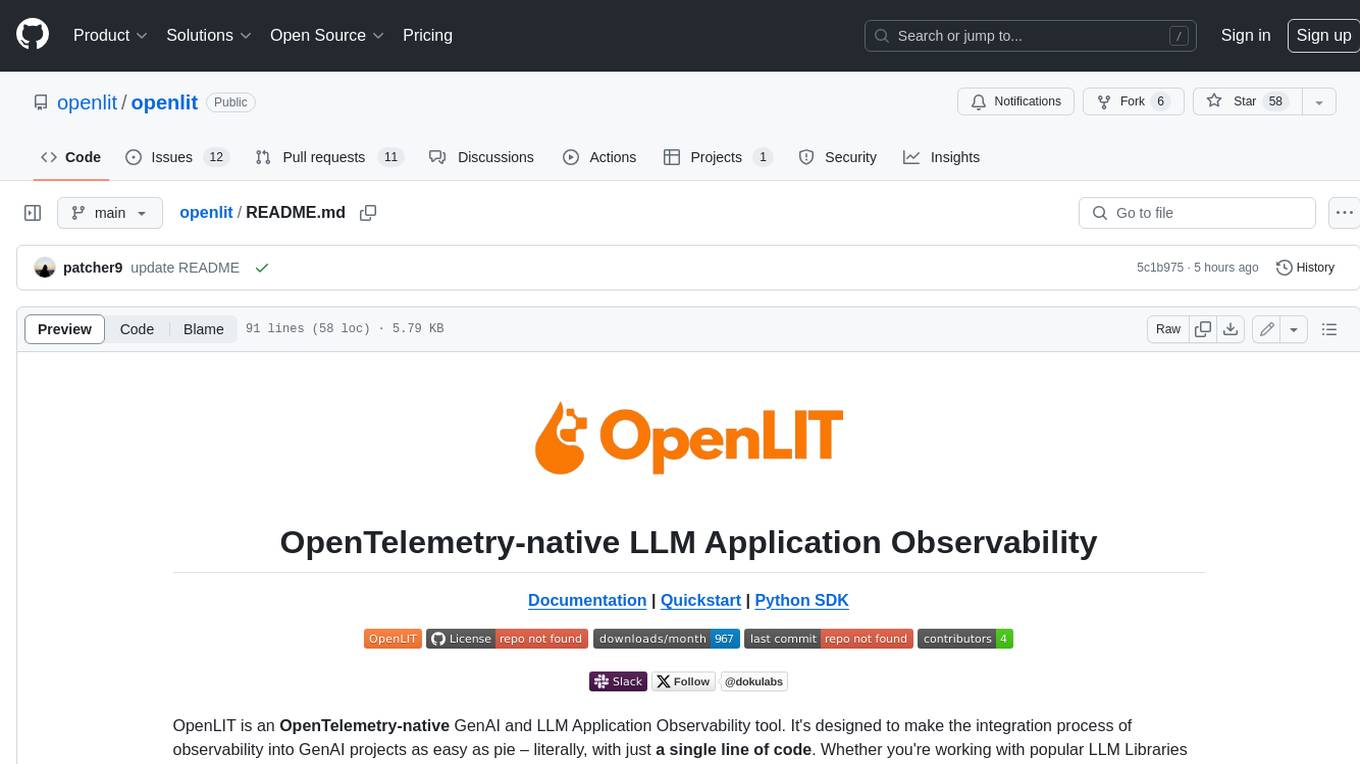
doku
OpenLIT is an OpenTelemetry-native GenAI and LLM Application Observability tool. It's designed to make the integration process of observability into GenAI projects as easy as pie – literally, with just a single line of code. Whether you're working with popular LLM Libraries such as OpenAI and HuggingFace or leveraging vector databases like ChromaDB, OpenLIT ensures your applications are monitored seamlessly, providing critical insights to improve performance and reliability.
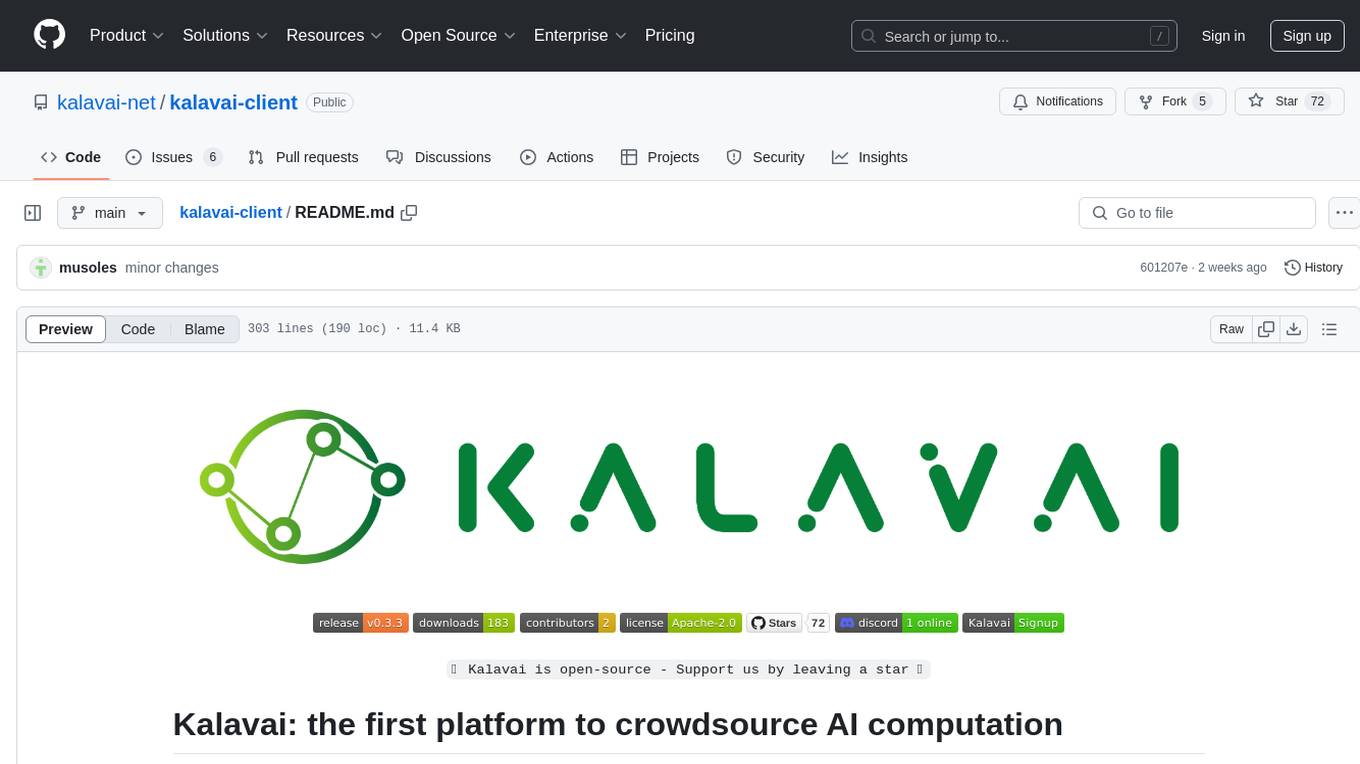
kalavai-client
Kalavai is an open-source platform that transforms everyday devices into an AI supercomputer by aggregating resources from multiple machines. It facilitates matchmaking of resources for large AI projects, making AI hardware accessible and affordable. Users can create local and public pools, connect with the community's resources, and share computing power. The platform aims to be a management layer for research groups and organizations, enabling users to unlock the power of existing hardware without needing a devops team. Kalavai CLI tool helps manage both versions of the platform.
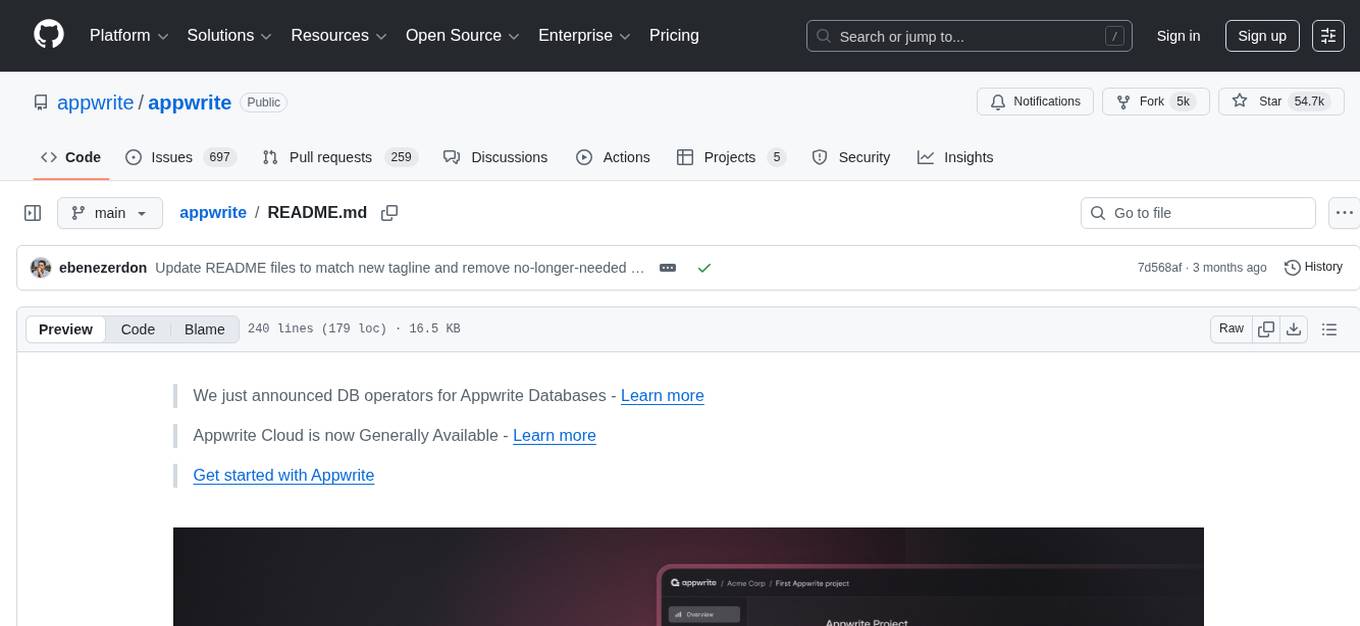
appwrite
Appwrite is a best-in-class, developer-first platform that provides everything needed to create scalable, stable, and production-ready software quickly. It is an end-to-end platform for building Web, Mobile, Native, or Backend apps, packaged as Docker microservices. Appwrite abstracts the complexity of building modern apps and allows users to build secure, full-stack applications faster. It offers features like user authentication, database management, storage, file management, image manipulation, Cloud Functions, messaging, and more services.
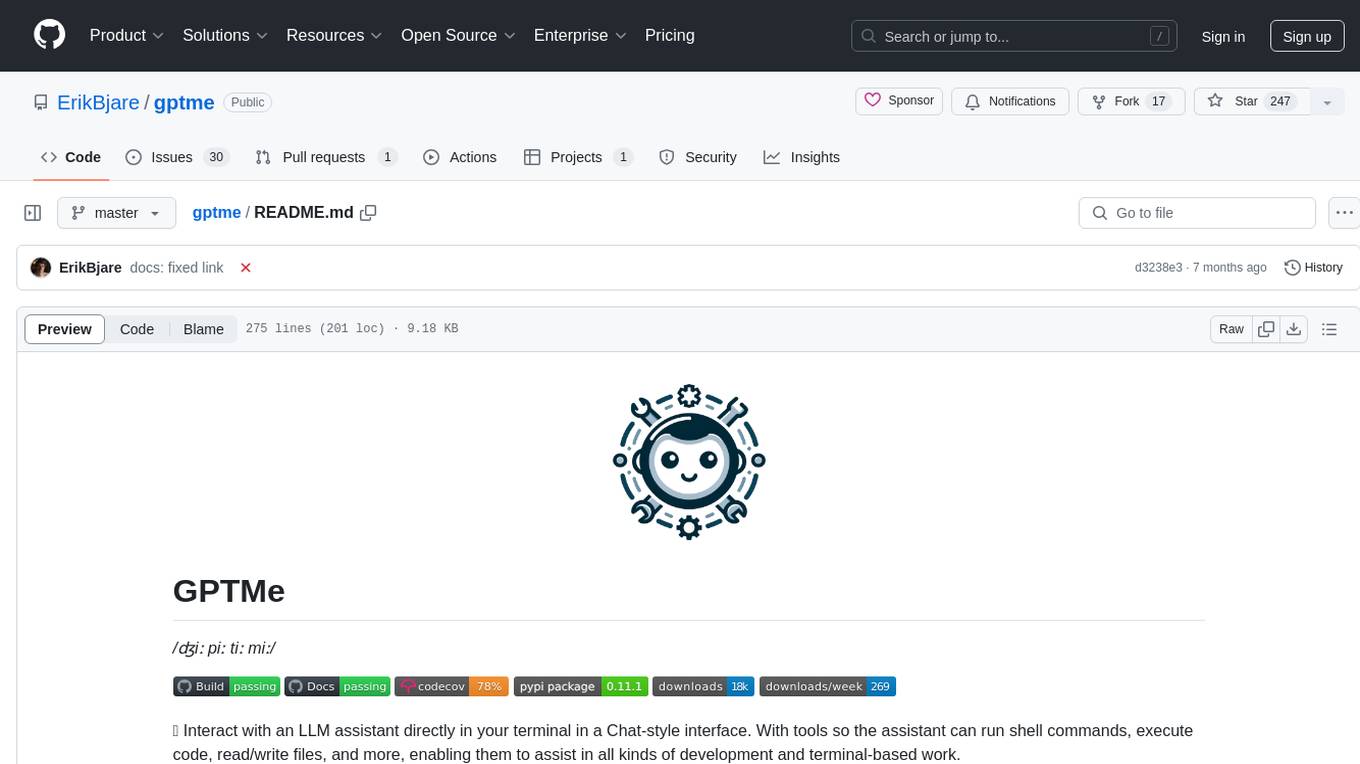
gptme
GPTMe is a tool that allows users to interact with an LLM assistant directly in their terminal in a chat-style interface. The tool provides features for the assistant to run shell commands, execute code, read/write files, and more, making it suitable for various development and terminal-based tasks. It serves as a local alternative to ChatGPT's 'Code Interpreter,' offering flexibility and privacy when using a local model. GPTMe supports code execution, file manipulation, context passing, self-correction, and works with various AI models like GPT-4. It also includes a GitHub Bot for requesting changes and operates entirely in GitHub Actions. In progress features include handling long contexts intelligently, a web UI and API for conversations, web and desktop vision, and a tree-based conversation structure.
companion-vscode
Quack Companion is a VSCode extension that provides smart linting, code chat, and coding guideline curation for developers. It aims to enhance the coding experience by offering a new tab with features like curating software insights with the team, code chat similar to ChatGPT, smart linting, and upcoming code completion. The extension focuses on creating a smooth contribution experience for developers by turning contribution guidelines into a live pair coding experience, helping developers find starter contribution opportunities, and ensuring alignment between contribution goals and project priorities. Quack collects limited telemetry data to improve its services and products for developers, with options for anonymization and disabling telemetry available to users.
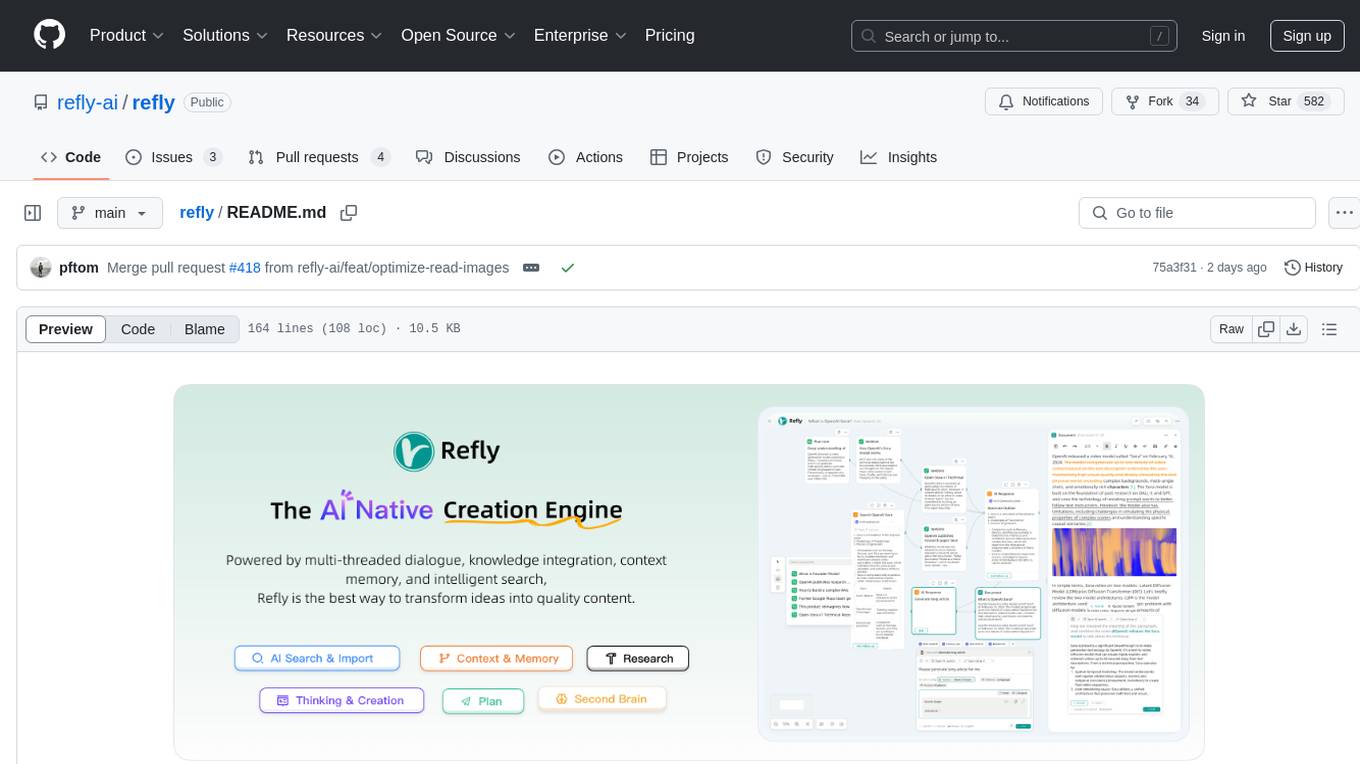
refly
Refly.AI is an open-source AI-native creation engine that empowers users to transform ideas into production-ready content. It features a free-form canvas interface with multi-threaded conversations, knowledge base integration, contextual memory, intelligent search, WYSIWYG AI editor, and more. Users can leverage AI-powered capabilities, context memory, knowledge base integration, quotes, and AI document editing to enhance their content creation process. Refly offers both cloud and self-hosting options, making it suitable for individuals, enterprises, and organizations. The tool is designed to facilitate human-AI collaboration and streamline content creation workflows.
For similar tasks
dify
Dify is an open-source LLM app development platform that combines AI workflow, RAG pipeline, agent capabilities, model management, observability features, and more. It allows users to quickly go from prototype to production. Key features include: 1. Workflow: Build and test powerful AI workflows on a visual canvas. 2. Comprehensive model support: Seamless integration with hundreds of proprietary / open-source LLMs from dozens of inference providers and self-hosted solutions. 3. Prompt IDE: Intuitive interface for crafting prompts, comparing model performance, and adding additional features. 4. RAG Pipeline: Extensive RAG capabilities that cover everything from document ingestion to retrieval. 5. Agent capabilities: Define agents based on LLM Function Calling or ReAct, and add pre-built or custom tools. 6. LLMOps: Monitor and analyze application logs and performance over time. 7. Backend-as-a-Service: All of Dify's offerings come with corresponding APIs for easy integration into your own business logic.
intro-to-intelligent-apps
This repository introduces and helps organizations get started with building AI Apps and incorporating Large Language Models (LLMs) into them. The workshop covers topics such as prompt engineering, AI orchestration, and deploying AI apps. Participants will learn how to use Azure OpenAI, Langchain/ Semantic Kernel, Qdrant, and Azure AI Search to build intelligent applications.
runhouse
Runhouse is a tool that allows you to build, run, and deploy production-quality AI apps and workflows on your own compute. It provides simple, powerful APIs for the full lifecycle of AI development, from research to evaluation to production to updates to scaling to management, and across any infra. By automatically packaging your apps into scalable, secure, and observable services, Runhouse can also turn otherwise redundant AI activities into common reusable components across your team or company, which improves cost, velocity, and reproducibility.
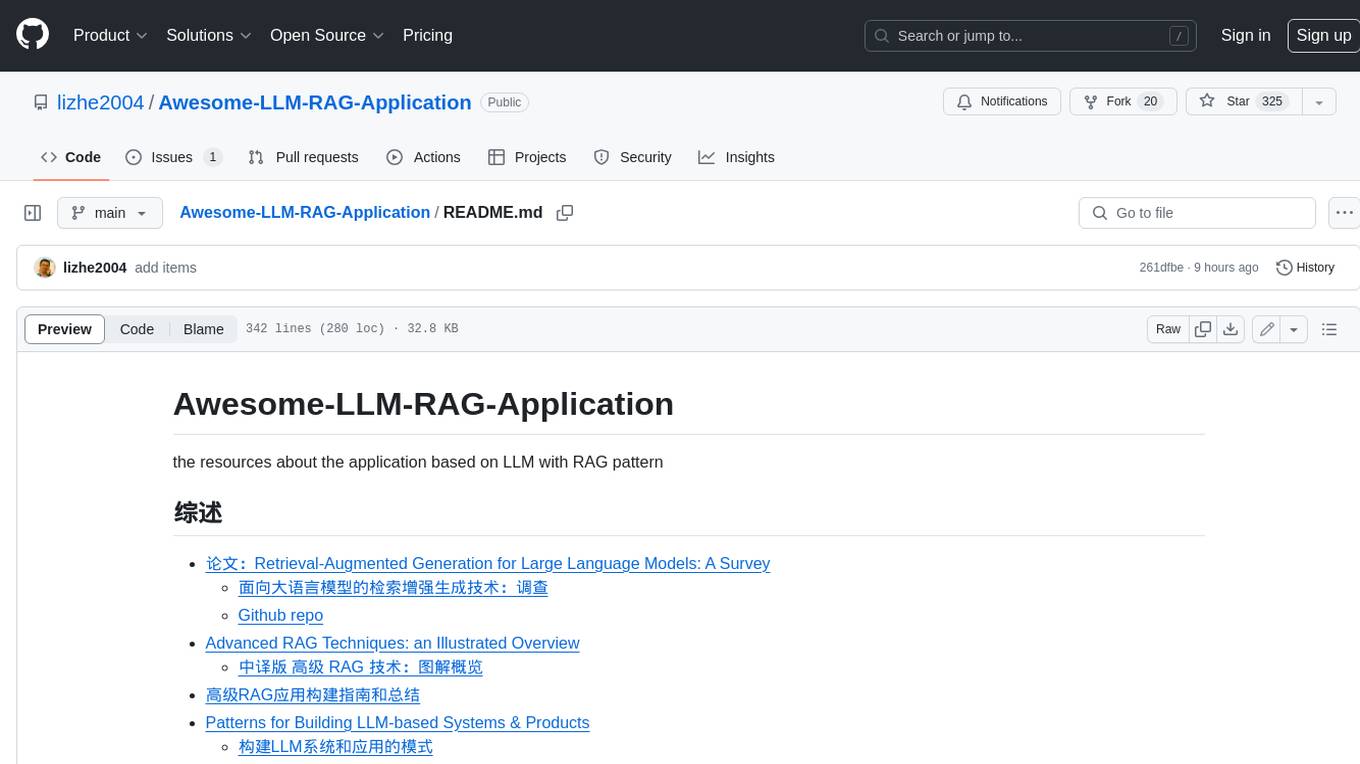
Awesome-LLM-RAG-Application
Awesome-LLM-RAG-Application is a repository that provides resources and information about applications based on Large Language Models (LLM) with Retrieval-Augmented Generation (RAG) pattern. It includes a survey paper, GitHub repo, and guides on advanced RAG techniques. The repository covers various aspects of RAG, including academic papers, evaluation benchmarks, downstream tasks, tools, and technologies. It also explores different frameworks, preprocessing tools, routing mechanisms, evaluation frameworks, embeddings, security guardrails, prompting tools, SQL enhancements, LLM deployment, observability tools, and more. The repository aims to offer comprehensive knowledge on RAG for readers interested in exploring and implementing LLM-based systems and products.
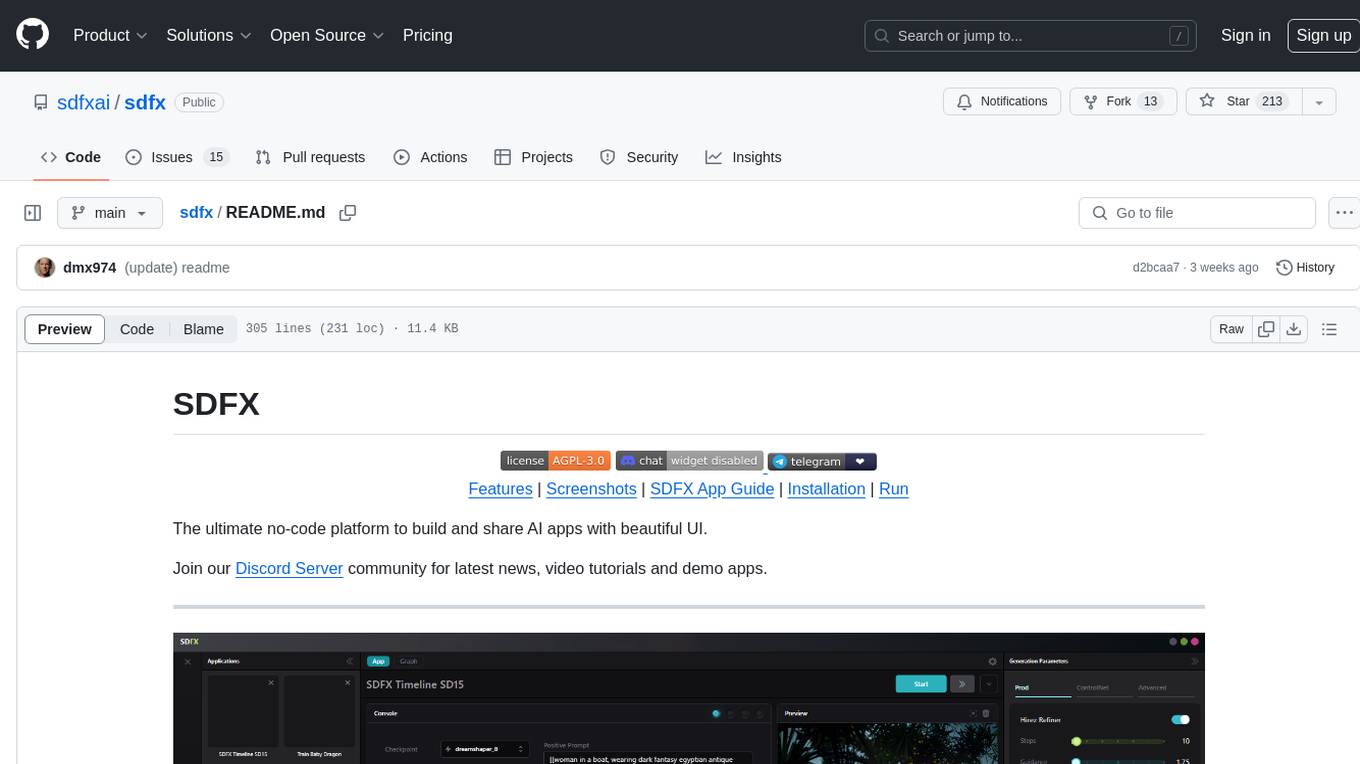
sdfx
SDFX is the ultimate no-code platform for building and sharing AI apps with beautiful UI. It enables the creation of user-friendly interfaces for complex workflows by combining Comfy workflow with a UI. The tool is designed to merge the benefits of form-based UI and graph-node based UI, allowing users to create intricate graphs with a high-level UI overlay. SDFX is fully compatible with ComfyUI, abstracting the need for installing ComfyUI. It offers features like animated graph navigation, node bookmarks, UI debugger, custom nodes manager, app and template export, image and mask editor, and more. The tool compiles as a native app or web app, making it easy to maintain and add new features.
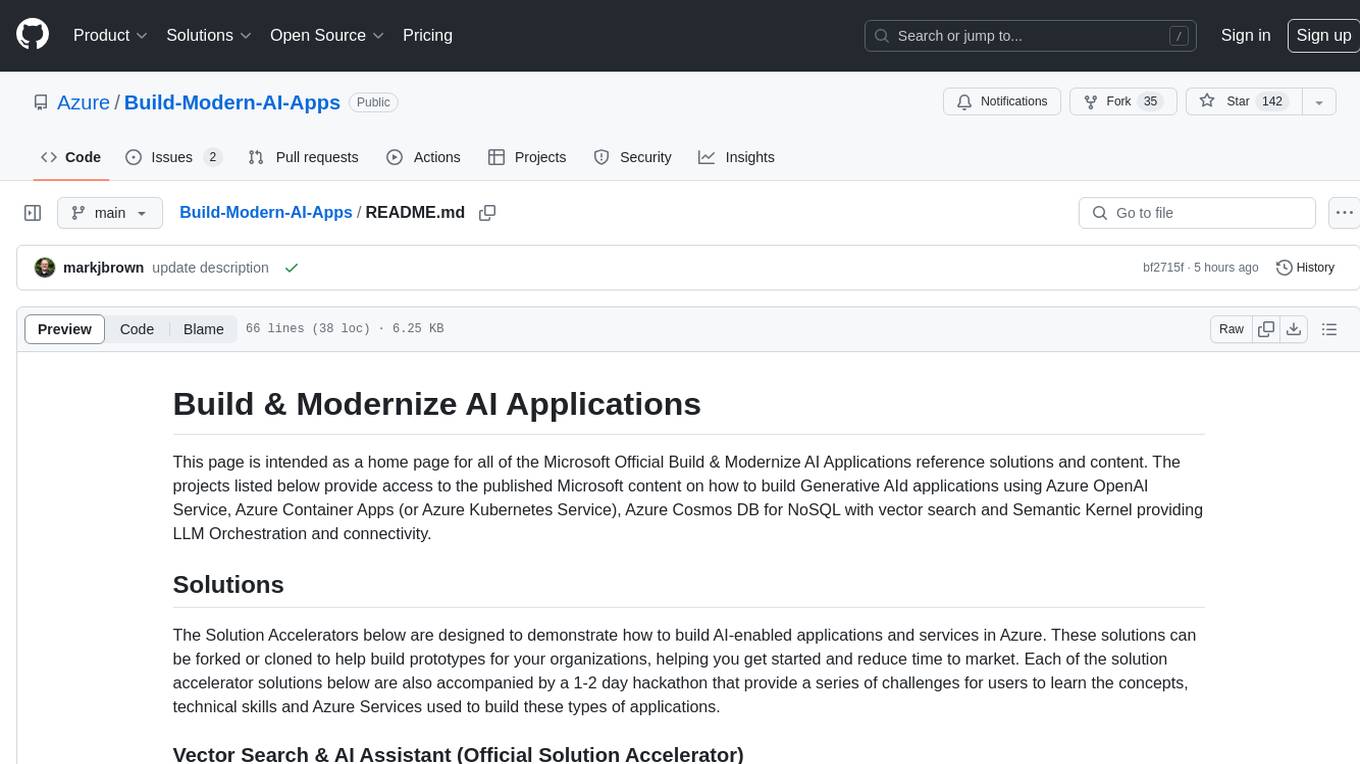
Build-Modern-AI-Apps
This repository serves as a hub for Microsoft Official Build & Modernize AI Applications reference solutions and content. It provides access to projects demonstrating how to build Generative AI applications using Azure services like Azure OpenAI, Azure Container Apps, Azure Kubernetes, and Azure Cosmos DB. The solutions include Vector Search & AI Assistant, Real-Time Payment and Transaction Processing, and Medical Claims Processing. Additionally, there are workshops like the Intelligent App Workshop for Microsoft Copilot Stack, focusing on infusing intelligence into traditional software systems using foundation models and design thinking.

RAG_Hack
RAGHack is a hackathon focused on building AI applications using the power of RAG (Retrieval Augmented Generation). RAG combines large language models with search engine knowledge to provide contextually relevant answers. Participants can learn to build RAG apps on Azure AI using various languages and retrievers, explore frameworks like LangChain and Semantic Kernel, and leverage technologies such as agents and vision models. The hackathon features live streams, hack submissions, and prizes for innovative projects.
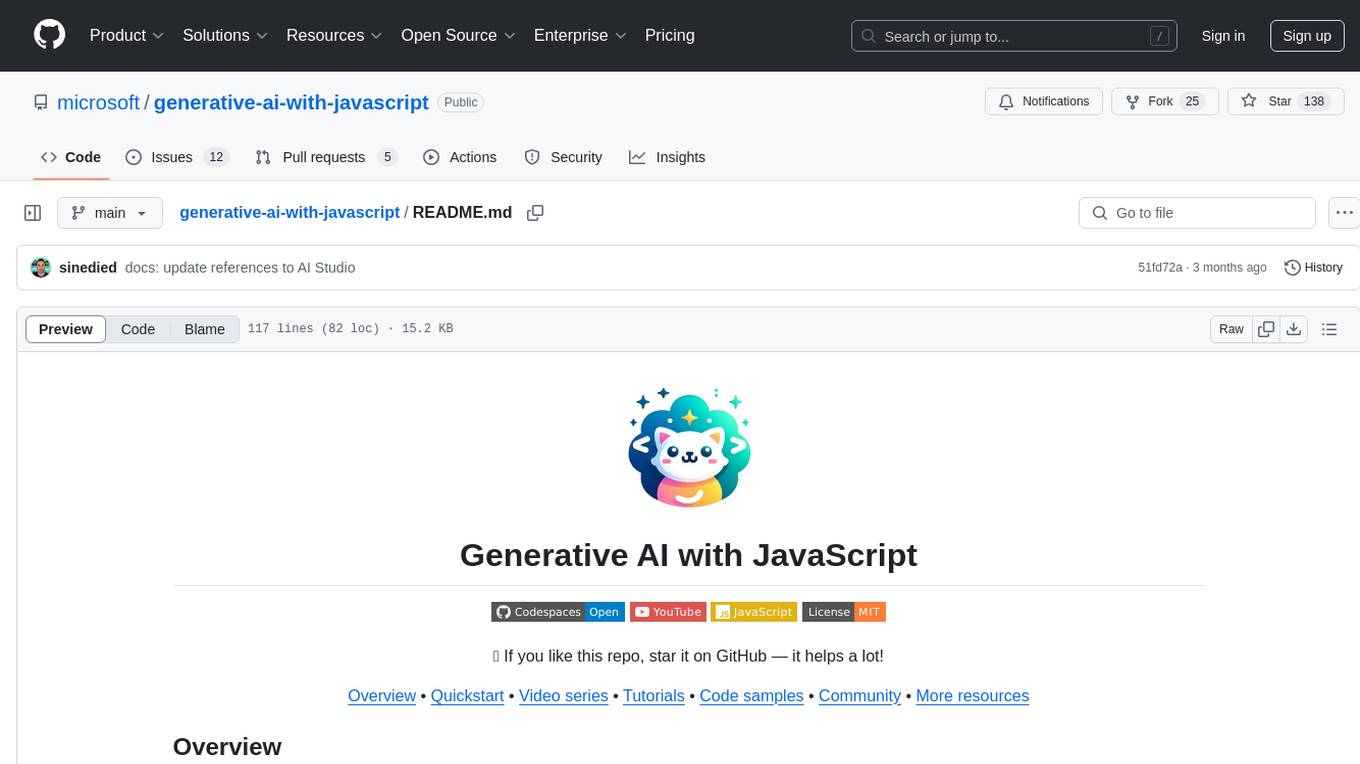
generative-ai-with-javascript
The 'Generative AI with JavaScript' repository is a comprehensive resource hub for JavaScript developers interested in delving into the world of Generative AI. It provides code samples, tutorials, and resources from a video series, offering best practices and tips to enhance AI skills. The repository covers the basics of generative AI, guides on building AI applications using JavaScript, from local development to deployment on Azure, and scaling AI models. It is a living repository with continuous updates, making it a valuable resource for both beginners and experienced developers looking to explore AI with JavaScript.
For similar jobs

sweep
Sweep is an AI junior developer that turns bugs and feature requests into code changes. It automatically handles developer experience improvements like adding type hints and improving test coverage.

teams-ai
The Teams AI Library is a software development kit (SDK) that helps developers create bots that can interact with Teams and Microsoft 365 applications. It is built on top of the Bot Framework SDK and simplifies the process of developing bots that interact with Teams' artificial intelligence capabilities. The SDK is available for JavaScript/TypeScript, .NET, and Python.

ai-guide
This guide is dedicated to Large Language Models (LLMs) that you can run on your home computer. It assumes your PC is a lower-end, non-gaming setup.

classifai
Supercharge WordPress Content Workflows and Engagement with Artificial Intelligence. Tap into leading cloud-based services like OpenAI, Microsoft Azure AI, Google Gemini and IBM Watson to augment your WordPress-powered websites. Publish content faster while improving SEO performance and increasing audience engagement. ClassifAI integrates Artificial Intelligence and Machine Learning technologies to lighten your workload and eliminate tedious tasks, giving you more time to create original content that matters.

chatbot-ui
Chatbot UI is an open-source AI chat app that allows users to create and deploy their own AI chatbots. It is easy to use and can be customized to fit any need. Chatbot UI is perfect for businesses, developers, and anyone who wants to create a chatbot.

BricksLLM
BricksLLM is a cloud native AI gateway written in Go. Currently, it provides native support for OpenAI, Anthropic, Azure OpenAI and vLLM. BricksLLM aims to provide enterprise level infrastructure that can power any LLM production use cases. Here are some use cases for BricksLLM: * Set LLM usage limits for users on different pricing tiers * Track LLM usage on a per user and per organization basis * Block or redact requests containing PIIs * Improve LLM reliability with failovers, retries and caching * Distribute API keys with rate limits and cost limits for internal development/production use cases * Distribute API keys with rate limits and cost limits for students

uAgents
uAgents is a Python library developed by Fetch.ai that allows for the creation of autonomous AI agents. These agents can perform various tasks on a schedule or take action on various events. uAgents are easy to create and manage, and they are connected to a fast-growing network of other uAgents. They are also secure, with cryptographically secured messages and wallets.

griptape
Griptape is a modular Python framework for building AI-powered applications that securely connect to your enterprise data and APIs. It offers developers the ability to maintain control and flexibility at every step. Griptape's core components include Structures (Agents, Pipelines, and Workflows), Tasks, Tools, Memory (Conversation Memory, Task Memory, and Meta Memory), Drivers (Prompt and Embedding Drivers, Vector Store Drivers, Image Generation Drivers, Image Query Drivers, SQL Drivers, Web Scraper Drivers, and Conversation Memory Drivers), Engines (Query Engines, Extraction Engines, Summary Engines, Image Generation Engines, and Image Query Engines), and additional components (Rulesets, Loaders, Artifacts, Chunkers, and Tokenizers). Griptape enables developers to create AI-powered applications with ease and efficiency.