


imgcompress
imgcompress is a simple and privacy-first image processing tool that runs entirely in Docker. Compress, convert, resize, batch-process images and remove backgrounds using local AI with zero cloud dependencies.
Stars: 106
ImgCompress is a versatile tool for offline image compression, conversion, and AI background removal for Docker homelabs. It supports over 70 image formats and provides a local AI background remover for privacy and speed. The tool aims to simplify tasks like converting PSD and HEIC files, creating PDFs from screenshots, and resizing images, all in one place without the need for multiple apps or online converters. Deployed via Docker, ImgCompress offers a clean and convenient solution for managing various image-related tasks.
README:
ImgCompress
70+ image formats supported.
Offline image compression, conversion, and AI background removal for Docker homelabs.



Clear the background from any photo with a local AI background remover, no cloud, no tracking. Everything runs 100% on your hardware for privacy and speed.
| Original Image | Background Removed (Local AI) |
|---|---|
 |
 |
I was tired of the "software loop." Every time I needed something simple, I had to install another app:
- PSD files: Needed specialized software just to convert them to an image file.
- HEIC files: Needed another converter for regular photo files.
- Image to PDF: Needed another app just to share a screenshot for work, since a PDF is often better for emails and easy for others to print.
- AI Backgrounds: I realized I needed one more app for that too.
I thought to myself: "Why can't one tool just do it all?" Plus, uploading personal photos to random online converters never felt right to me.
So I built a single toolbox that can take over 70 different formats and fix them all in one place. Whether you need to convert PSD or HEIC files to an image, turn a screenshot into a PDF for a work email, or shrink a massive 4K photo, this tool does it automatically.
The community has now pulled the image tens of thousands of times, which shows the pain is real.
I chose Docker because it keeps your computer clean. Instead of you having to install 70 different messy libraries on your system, I packed everything into one Ready-to-go Box that you can run anywhere called imgcompress. It just works.
-
Deploy via Docker:
docker run -d -p 3001:5000 --name imgcompress karimz1/imgcompress:latest
-
Access the Dashboard: Open
http://localhost:3001in your browser. - Read the Guides: Full Installation & Configuration →
- Sponsorship & Honor Roll →: Support independent development.
- Contributing →: Join the open-source community.
License: GPL-3.0 | Author: Karim Zouine | Image & Library Credits: View All Credits
For Tasks:
Click tags to check more tools for each tasksFor Jobs:
Alternative AI tools for imgcompress
Similar Open Source Tools
imgcompress
ImgCompress is a versatile tool for offline image compression, conversion, and AI background removal for Docker homelabs. It supports over 70 image formats and provides a local AI background remover for privacy and speed. The tool aims to simplify tasks like converting PSD and HEIC files, creating PDFs from screenshots, and resizing images, all in one place without the need for multiple apps or online converters. Deployed via Docker, ImgCompress offers a clean and convenient solution for managing various image-related tasks.
anything-llm
AnythingLLM is a full-stack application that enables you to turn any document, resource, or piece of content into context that any LLM can use as references during chatting. This application allows you to pick and choose which LLM or Vector Database you want to use as well as supporting multi-user management and permissions.
note-companion
Note Companion is an AI-powered Obsidian plugin that automatically organizes and formats notes. It provides organizing suggestions, custom format AI prompts, automated workflows, handwritten note digitization, audio transcription, atomic note generation, YouTube summaries, and context-aware AI chat. Key use cases include smart vault management, handwritten notes digitization, and intelligent meeting notes. The tool offers advanced features like custom AI templates and multi-modal support for processing various content types. Users can seamlessly integrate with mobile workflows and utilize iOS shortcuts for sending Apple Notes to Obsidian. Note Companion enhances productivity by streamlining note organization and management tasks with AI assistance.
chatbox
Chatbox is a desktop client for ChatGPT, Claude, and other LLMs, providing a user-friendly interface for AI copilot assistance on Windows, Mac, and Linux. It offers features like local data storage, multiple LLM provider support, image generation with Dall-E-3, enhanced prompting, keyboard shortcuts, and more. Users can collaborate, access the tool on various platforms, and enjoy multilingual support. Chatbox is constantly evolving with new features to enhance the user experience.
word-GPT-Plus
Word GPT Plus seamlessly integrates AI models into Microsoft Word, allowing users to generate, translate, summarize, and polish text directly within their documents. The tool supports multiple AI models, offers built-in templates for various text-related tasks, and provides customization options for user preferences. Users can install the tool through a hosted service, Docker deployment, or self-hosting, and can easily fill in API keys to access different AI services. Word GPT Plus enhances writing workflows by providing AI-powered assistance without leaving the Word environment.
rocketnotes
Rocketnotes is a web-based Markdown note taking app with LLM-powered text completion, chat and semantic search. It utilizes a 100% serverless RAG pipeline build with langchain, sentence-transformers, faiss and OpenAI or Anthropic API.
WeClone
WeClone is an all-in-one solution for creating your digital twin from chat records. It allows users to fine-tune large language models using their chat history, capturing their unique style and personality to integrate into a chatbot, effectively creating a digital avatar. The tool offers digital cloning, chatbot integration, user-friendly interface for managing chat records, fine-tuning with LoRA, and cross-platform compatibility.
swift-chat
SwiftChat is a fast and responsive AI chat application developed with React Native and powered by Amazon Bedrock. It offers real-time streaming conversations, AI image generation, multimodal support, conversation history management, and cross-platform compatibility across Android, iOS, and macOS. The app supports multiple AI models like Amazon Bedrock, Ollama, DeepSeek, and OpenAI, and features a customizable system prompt assistant. With a minimalist design philosophy and robust privacy protection, SwiftChat delivers a seamless chat experience with various features like rich Markdown support, comprehensive multimodal analysis, creative image suite, and quick access tools. The app prioritizes speed in launch, request, render, and storage, ensuring a fast and efficient user experience. SwiftChat also emphasizes app privacy and security by encrypting API key storage, minimal permission requirements, local-only data storage, and a privacy-first approach.
chatbox
Chatbox is a desktop client for ChatGPT, Claude, and other LLMs, providing features like local data storage, multiple LLM provider support, image generation, enhanced prompting, keyboard shortcuts, and more. It offers a user-friendly interface with dark theme, team collaboration, cross-platform availability, web version access, iOS & Android apps, multilingual support, and ongoing feature enhancements. Developed for prompt and API debugging, it has gained popularity for daily chatting and professional role-playing with AI assistance.

CushyStudio
CushyStudio is a generative AI platform designed for creatives of any level to effortlessly create stunning images, videos, and 3D models. It offers CushyApps, a collection of visual tools tailored for different artistic tasks, and CushyKit, an extensive toolkit for custom apps development and task automation. Users can dive into the AI revolution, unleash their creativity, share projects, and connect with a vibrant community. The platform aims to simplify the AI art creation process and provide a user-friendly environment for designing interfaces, adding custom logic, and accessing various tools.
gurubase
Gurubase is an open-source RAG system that enables users to create AI-powered Q&A assistants ('Gurus') for various topics by integrating web pages, PDFs, YouTube videos, and GitHub repositories. It offers advanced LLM-based question answering, accurate context-aware responses through the RAG system, multiple data sources integration, easy website embedding, creation of custom AI assistants, real-time updates, personalized learning paths, and self-hosting options. Users can request Guru creation, manage existing Gurus, update datasources, and benefit from the system's features for enhancing user engagement and knowledge sharing.
SurfSense
SurfSense is a tool designed to help users save and organize content from the internet into a personal Knowledge Graph. It allows users to capture web browsing sessions and webpage content using a Chrome extension, enabling easy retrieval and recall of saved information. SurfSense offers features like powerful search capabilities, natural language interaction with saved content, self-hosting options, and integration with GraphRAG for meaningful content relations. The tool eliminates the need for web scraping by directly reading data from the DOM, making it a convenient solution for managing online information.
superflex-vscode
Superflex is an AI frontend assistant that streamlines frontend development by converting Figma designs, images, and prompts into production-ready code in seconds. It ensures design standards and coding style are maintained, offering features like generating entire page layouts from Figma, a new chat UI, enhanced usability with shortcuts and profiles, and the ability to add code snippets or files to the chat context seamlessly. Superflex saves time by automating repetitive coding tasks, promotes code consistency, and is beginner-friendly for designers or developers new to front-end work.
RWKV_APP
RWKV App is an experimental application that enables users to run Large Language Models (LLMs) offline on their edge devices. It offers a privacy-first, on-device LLM experience for everyday devices. Users can engage in multi-turn conversations, text-to-speech, visual understanding, and more, all without requiring an internet connection. The app supports switching between different models, running locally without internet, and exploring various AI tasks such as chat, speech generation, and visual understanding. It is built using Flutter and Dart FFI for cross-platform compatibility and efficient communication with the C++ inference engine. The roadmap includes integrating features into the RWKV Chat app, supporting more model weights, hardware, operating systems, and devices.
Skills-Manager
Skills Manager is a unified desktop application designed to centralize and manage AI coding assistant skills for tools like Claude Code, Codex, and Opencode. It offers smart synchronization, granular control, high performance, cross-platform support, multi-tool compatibility, custom tools integration, and a modern UI. Users can easily organize, sync, and share their skills across different AI tools, enhancing their coding experience and productivity.
tuff
Tuff is a local-first, AI-native, and infinitely extensible desktop command center designed to enhance workflow efficiency. It offers a seamless integration of core utilities, AI-powered search, contextual intelligence, and extensibility through custom plugins. With a beautiful UI design, rich functionality, simple operations, and a focus on security and reliability, Tuff provides users with a cross-platform desktop software that is easy to use and offers a good user experience.
For similar tasks
CompressAI-Vision
CompressAI-Vision is a tool that helps you develop, test, and evaluate compression models with standardized tests in the context of compression methods optimized for machine tasks algorithms such as Neural-Network (NN)-based detectors. It currently focuses on two types of pipeline: Video compression for remote inference (`compressai-remote-inference`), which corresponds to the MPEG "Video Coding for Machines" (VCM) activity. Split inference (`compressai-split-inference`), which includes an evaluation framework for compressing intermediate features produced in the context of split models. The software supports all the pipelines considered in the related MPEG activity: "Feature Compression for Machines" (FCM).
TokenPacker
TokenPacker is a novel visual projector that compresses visual tokens by 75%∼89% with high efficiency. It adopts a 'coarse-to-fine' scheme to generate condensed visual tokens, achieving comparable or better performance across diverse benchmarks. The tool includes TokenPacker for general use and TokenPacker-HD for high-resolution image understanding. It provides training scripts, checkpoints, and supports various compression ratios and patch numbers.
imgcompress
ImgCompress is a versatile tool for offline image compression, conversion, and AI background removal for Docker homelabs. It supports over 70 image formats and provides a local AI background remover for privacy and speed. The tool aims to simplify tasks like converting PSD and HEIC files, creating PDFs from screenshots, and resizing images, all in one place without the need for multiple apps or online converters. Deployed via Docker, ImgCompress offers a clean and convenient solution for managing various image-related tasks.
MegaParse
MegaParse is a powerful and versatile parser designed to handle various types of documents such as text, PDFs, Powerpoint presentations, and Word documents with no information loss. It is fast, efficient, and open source, supporting a wide range of file formats. MegaParse ensures compatibility with tables, table of contents, headers, footers, and images, making it a comprehensive solution for document parsing.
auto-md
Auto-MD is a Python tool that converts various file types and GitHub repositories into Markdown documents optimized for quick indexing via large language models. It supports multiple file types, processes zip files/folders/individual files and GitHub repositories, generates single or multiple Markdown files, and creates a table of contents and metadata for each processed file.
chunkr
Chunkr is an open-source document intelligence API that provides a production-ready service for document layout analysis, OCR, and semantic chunking. It allows users to convert PDFs, PPTs, Word docs, and images into RAG/LLM-ready chunks. The API offers features such as layout analysis, OCR with bounding boxes, structured HTML and markdown output, and VLM processing controls. Users can interact with Chunkr through a Python SDK, enabling them to upload documents, process them, and export results in various formats. The tool also supports self-hosted deployment options using Docker Compose or Kubernetes, with configurations for different AI models like OpenAI, Google AI Studio, and OpenRouter. Chunkr is dual-licensed under the GNU Affero General Public License v3.0 (AGPL-3.0) and a commercial license, providing flexibility for different usage scenarios.
awesome-llm-web-ui
Curating the best Large Language Model (LLM) Web User Interfaces that facilitate interaction with powerful AI models. Explore and catalogue intuitive, feature-rich, and innovative web interfaces for interacting with LLMs, ranging from simple chatbots to comprehensive platforms equipped with functionalities like PDF generation and web search.
ComfyUI-BRIA_AI-RMBG
ComfyUI-BRIA_AI-RMBG is an unofficial implementation of the BRIA Background Removal v1.4 model for ComfyUI. The tool supports batch processing, including video background removal, and introduces a new mask output feature. Users can install the tool using ComfyUI Manager or manually by cloning the repository. The tool includes nodes for automatically loading the Removal v1.4 model and removing backgrounds. Updates include support for batch processing and the addition of a mask output feature.
For similar jobs

LLMStack
LLMStack is a no-code platform for building generative AI agents, workflows, and chatbots. It allows users to connect their own data, internal tools, and GPT-powered models without any coding experience. LLMStack can be deployed to the cloud or on-premise and can be accessed via HTTP API or triggered from Slack or Discord.
daily-poetry-image
Daily Chinese ancient poetry and AI-generated images powered by Bing DALL-E-3. GitHub Action triggers the process automatically. Poetry is provided by Today's Poem API. The website is built with Astro.

exif-photo-blog
EXIF Photo Blog is a full-stack photo blog application built with Next.js, Vercel, and Postgres. It features built-in authentication, photo upload with EXIF extraction, photo organization by tag, infinite scroll, light/dark mode, automatic OG image generation, a CMD-K menu with photo search, experimental support for AI-generated descriptions, and support for Fujifilm simulations. The application is easy to deploy to Vercel with just a few clicks and can be customized with a variety of environment variables.
SillyTavern
SillyTavern is a user interface you can install on your computer (and Android phones) that allows you to interact with text generation AIs and chat/roleplay with characters you or the community create. SillyTavern is a fork of TavernAI 1.2.8 which is under more active development and has added many major features. At this point, they can be thought of as completely independent programs.
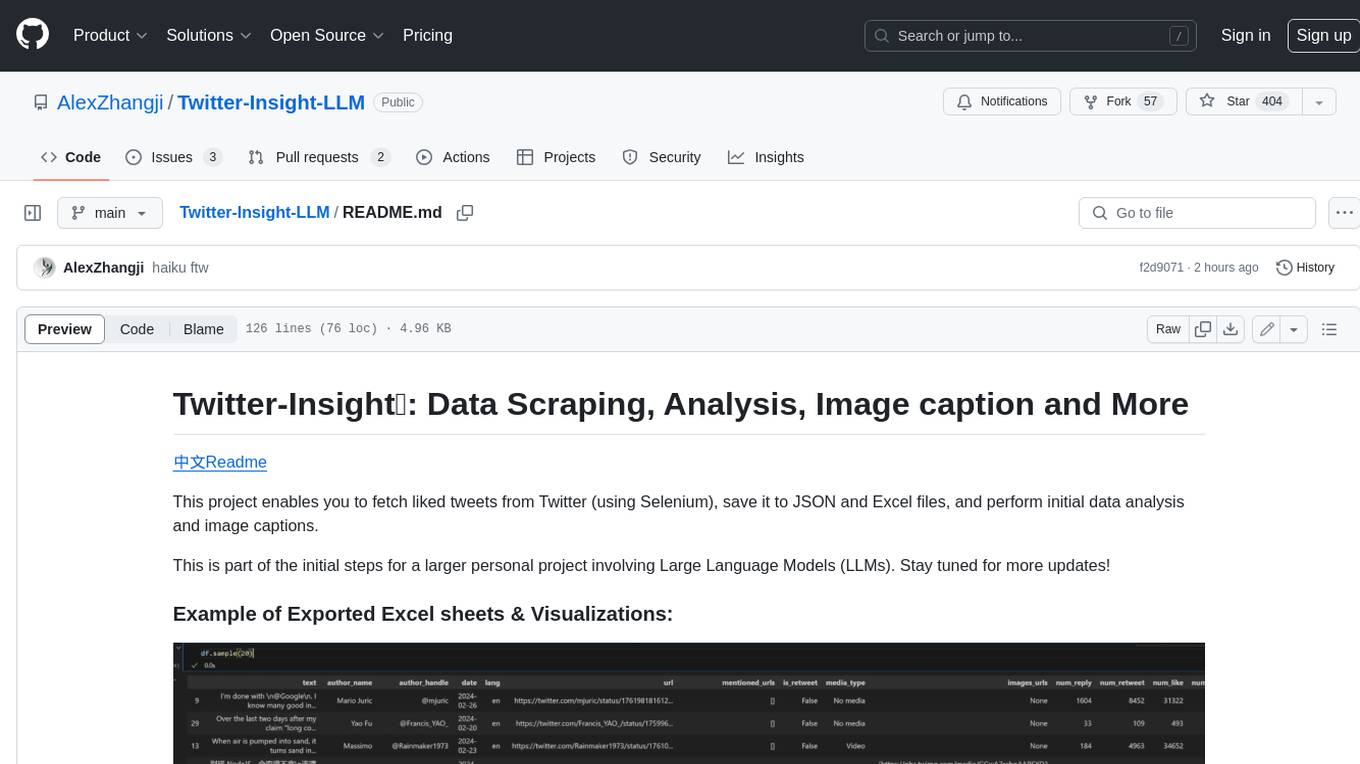
Twitter-Insight-LLM
This project enables you to fetch liked tweets from Twitter (using Selenium), save it to JSON and Excel files, and perform initial data analysis and image captions. This is part of the initial steps for a larger personal project involving Large Language Models (LLMs).
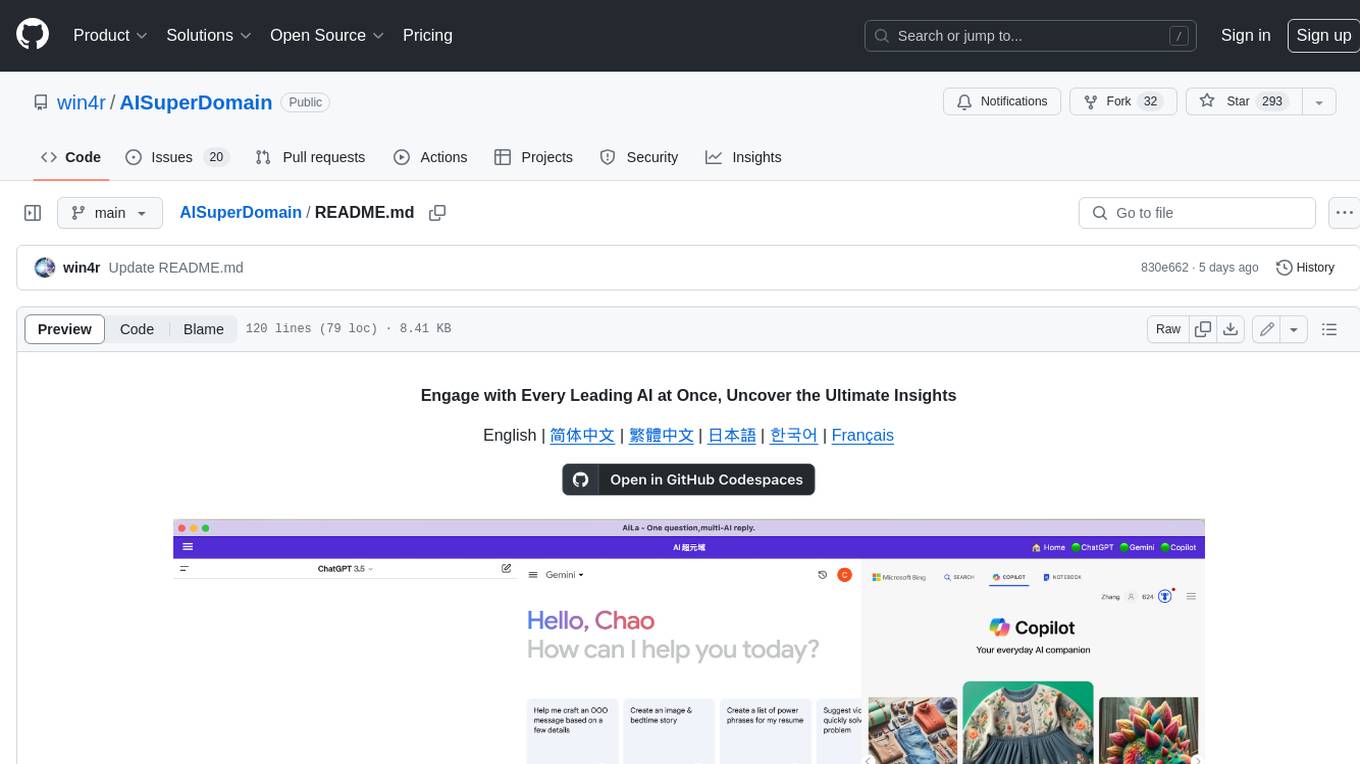
AISuperDomain
Aila Desktop Application is a powerful tool that integrates multiple leading AI models into a single desktop application. It allows users to interact with various AI models simultaneously, providing diverse responses and insights to their inquiries. With its user-friendly interface and customizable features, Aila empowers users to engage with AI seamlessly and efficiently. Whether you're a researcher, student, or professional, Aila can enhance your AI interactions and streamline your workflow.
ChatGPT-On-CS
This project is an intelligent dialogue customer service tool based on a large model, which supports access to platforms such as WeChat, Qianniu, Bilibili, Douyin Enterprise, Douyin, Doudian, Weibo chat, Xiaohongshu professional account operation, Xiaohongshu, Zhihu, etc. You can choose GPT3.5/GPT4.0/ Lazy Treasure Box (more platforms will be supported in the future), which can process text, voice and pictures, and access external resources such as operating systems and the Internet through plug-ins, and support enterprise AI applications customized based on their own knowledge base.
obs-localvocal
LocalVocal is a live-streaming AI assistant plugin for OBS that allows you to transcribe audio speech into text and perform various language processing functions on the text using AI / LLMs (Large Language Models). It's privacy-first, with all data staying on your machine, and requires no GPU, cloud costs, network, or downtime.