


mdserve
Markdown preview server for AI coding agents.
Stars: 380
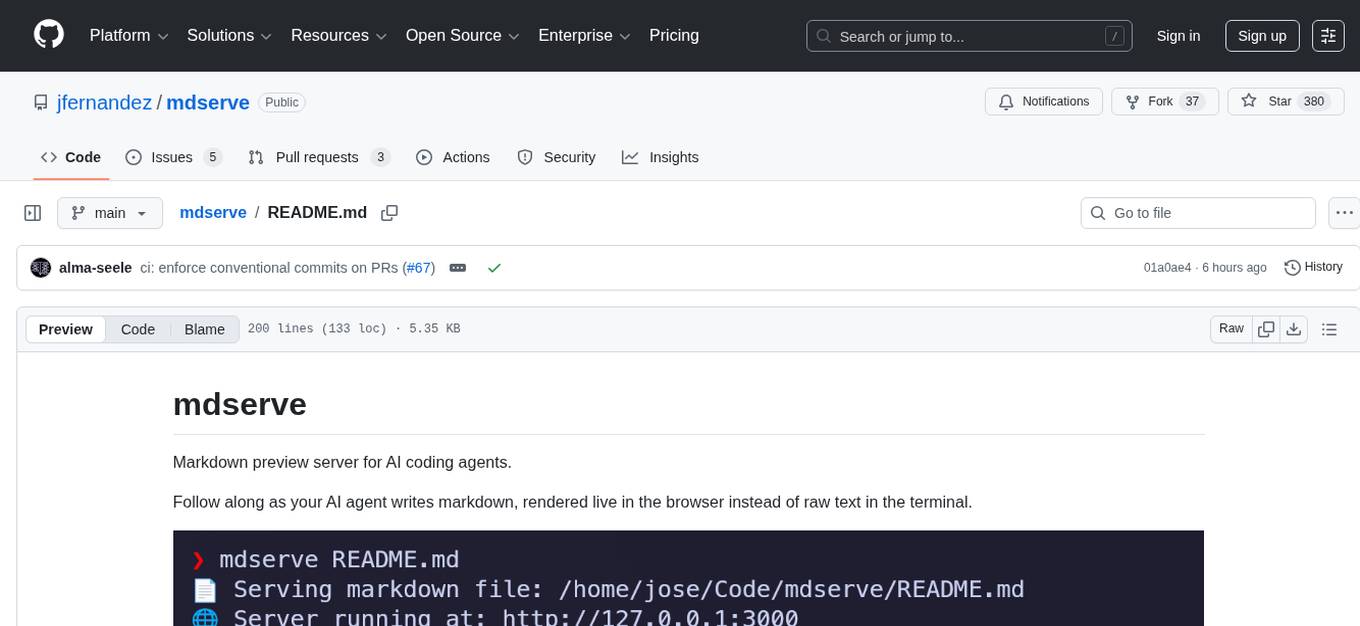
Markdown preview server for AI coding agents. mdserve is a tool that allows AI agents to write markdown and see it rendered live in the browser. It features zero configuration, single binary installation, instant live reload via WebSocket, ephemeral sessions, and agent-friendly content support. It is not a documentation site generator, static site server, or general-purpose markdown authoring tool. mdserve is designed for AI coding agents to produce content like tables, diagrams, and code blocks.
README:
Markdown preview server for AI coding agents.
Follow along as your AI agent writes markdown, rendered live in the browser instead of raw text in the terminal.

Zero config. mdserve file.md just works. No config files, no flags
required, no setup steps.
Single binary. One statically-compiled executable. Install it and forget about it. No runtime dependencies to manage.
Instant live reload. File changes appear in the browser immediately via WebSocket. This is the core interaction: an agent writes, a human reads.
Ephemeral sessions. Start it during a coding session, kill it when you're done. mdserve is not a long-running server and doesn't need to be.
Agent-friendly content. Full GFM support (tables, task lists, code blocks), Mermaid diagrams, and directory mode with sidebar navigation - the kinds of content AI coding agents actually produce.
- Not a documentation site generator. Use mdBook, Docusaurus, or MkDocs for that.
- Not a static site server or something you deploy to production.
- Not a general-purpose markdown authoring tool with heavy customization for manual writing workflows.
brew install mdservecurl -sSfL https://raw.githubusercontent.com/jfernandez/mdserve/main/install.sh | bashThis will automatically detect your platform and install the latest binary to your system.
cargo install mdservesudo pacman -S mdservenix profile install github:jfernandez/mdservegit clone https://github.com/jfernandez/mdserve.git
cd mdserve
cargo build --release
cp target/release/mdserve <folder in your PATH>Download the appropriate binary for your platform from the latest release.
mdserve includes a Claude Code plugin that teaches the agent when and how to launch markdown previews during coding sessions. With the plugin installed, Claude Code will automatically serve markdown files when the content benefits from rendered presentation (tables, diagrams, long documents) and skip the preview for short responses that read fine in the terminal.
In Claude Code, run:
/plugin install mdserve@mdserve
This installs to user scope by default (available across all projects). To install at a different scope:
/plugin install mdserve@mdserve --scope project   # for all collaborators
/plugin install mdserve@mdserve --scope local      # for yourself in this repo
Note: The
mdservebinary must also be installed on your system (see Installation above).
# Serve a single markdown file on default port (3000)
mdserve README.md

# Serve all markdown files in a directory
mdserve docs/

# Serve on custom port
mdserve README.md --port 8080
mdserve docs/ -p 8080

# Serve on custom hostname and port
mdserve README.md --hostname 0.0.0.0 --port 8080

# Open in browser automatically
mdserve README.md --open
Single-File Mode: When you pass a file path, mdserve serves that specific markdown file with a clean, focused view.
Directory Mode: When you pass a directory path, mdserve automatically:
- Scans and serves all
.mdand.markdownfiles in that directory - Displays a navigation sidebar for easy switching between files
- Watches for new markdown files added to the directory
- Only monitors the immediate directory (non-recursive)
Five built-in themes (light, dark, and Catppuccin variants) accessible from the theme picker in the top-right corner. Your choice persists across sessions.

For detailed information about mdserve's internal architecture, design decisions, and how it works under the hood, see Architecture Documentation.
- Rust 1.85+ (2024 edition)
cargo build --release# Run all tests
cargo test
# Run integration tests only
cargo test --test integration_testContributions should enhance the agent-companion workflow. The best PRs improve rendering of content that agents produce (code blocks, diagrams, tables, math), make live reload more robust, or refine the zero-config experience. Features that push mdserve toward being a documentation platform or a configurable server are out of scope.
We use conventional commits (feat:,
fix:, chore:, etc.). All commits are automatically validated against this
format in CI. See CONTRIBUTING.md for details.
This project is licensed under the MIT License - see the LICENSE file for details.
- Built with Axum web framework
- Markdown parsing by markdown-rs
- Catppuccin color themes
- Inspired by various markdown preview tools
For Tasks:
Click tags to check more tools for each tasksFor Jobs:
Alternative AI tools for mdserve
Similar Open Source Tools
mdserve
Markdown preview server for AI coding agents. mdserve is a tool that allows AI agents to write markdown and see it rendered live in the browser. It features zero configuration, single binary installation, instant live reload via WebSocket, ephemeral sessions, and agent-friendly content support. It is not a documentation site generator, static site server, or general-purpose markdown authoring tool. mdserve is designed for AI coding agents to produce content like tables, diagrams, and code blocks.
LLMinator
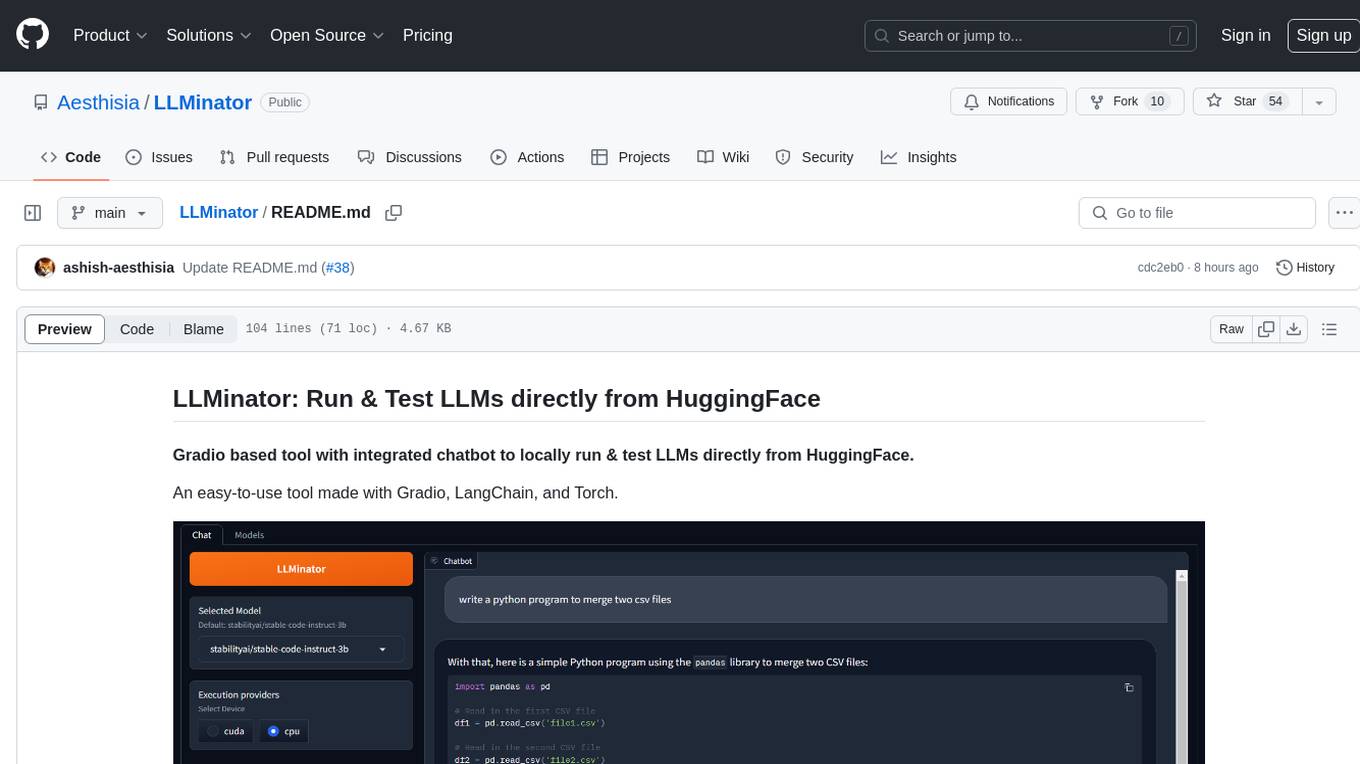
LLMinator is a Gradio-based tool with an integrated chatbot designed to locally run and test Language Model Models (LLMs) directly from HuggingFace. It provides an easy-to-use interface made with Gradio, LangChain, and Torch, offering features such as context-aware streaming chatbot, inbuilt code syntax highlighting, loading any LLM repo from HuggingFace, support for both CPU and CUDA modes, enabling LLM inference with llama.cpp, and model conversion capabilities.
SecureAI-Tools
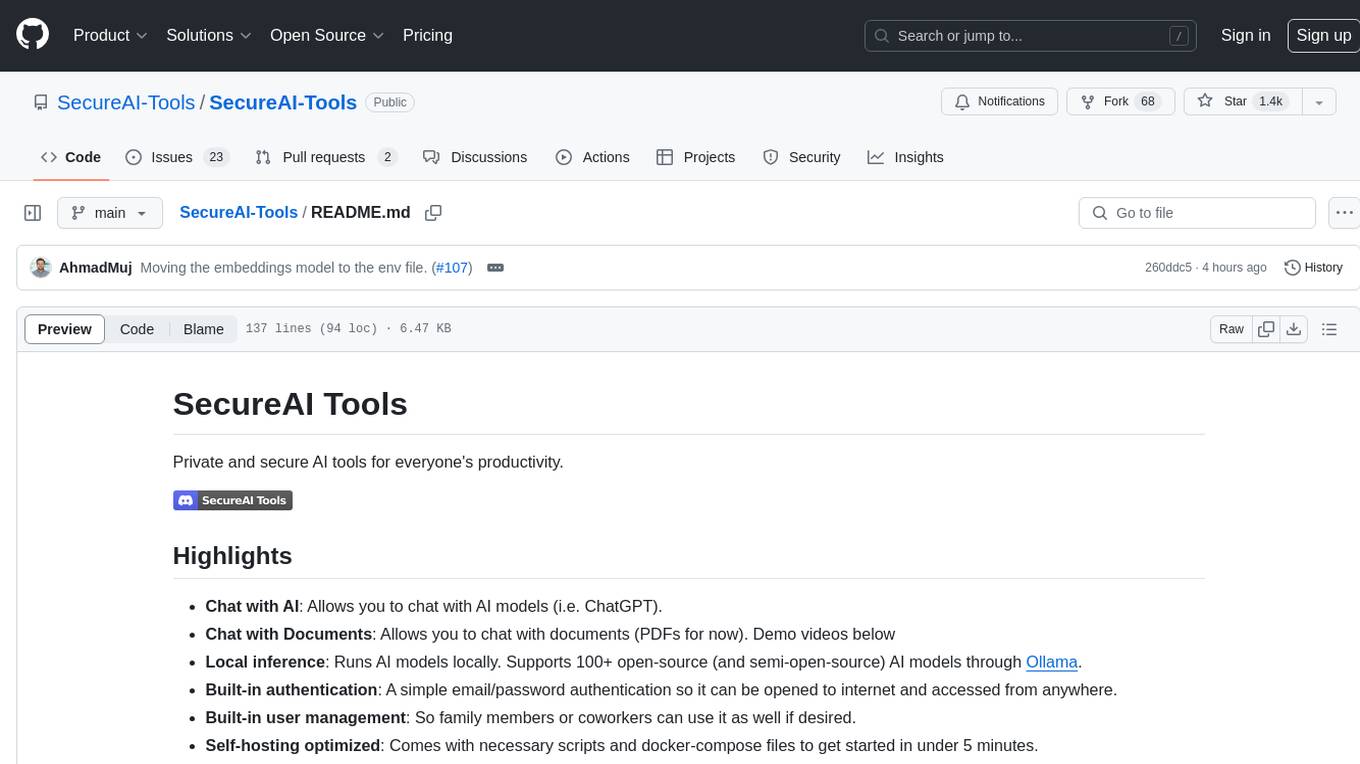
SecureAI Tools is a private and secure AI tool that allows users to chat with AI models, chat with documents (PDFs), and run AI models locally. It comes with built-in authentication and user management, making it suitable for family members or coworkers. The tool is self-hosting optimized and provides necessary scripts and docker-compose files for easy setup in under 5 minutes. Users can customize the tool by editing the .env file and enabling GPU support for faster inference. SecureAI Tools also supports remote OpenAI-compatible APIs, with lower hardware requirements for using remote APIs only. The tool's features wishlist includes chat sharing, mobile-friendly UI, and support for more file types and markdown rendering.
gitingest
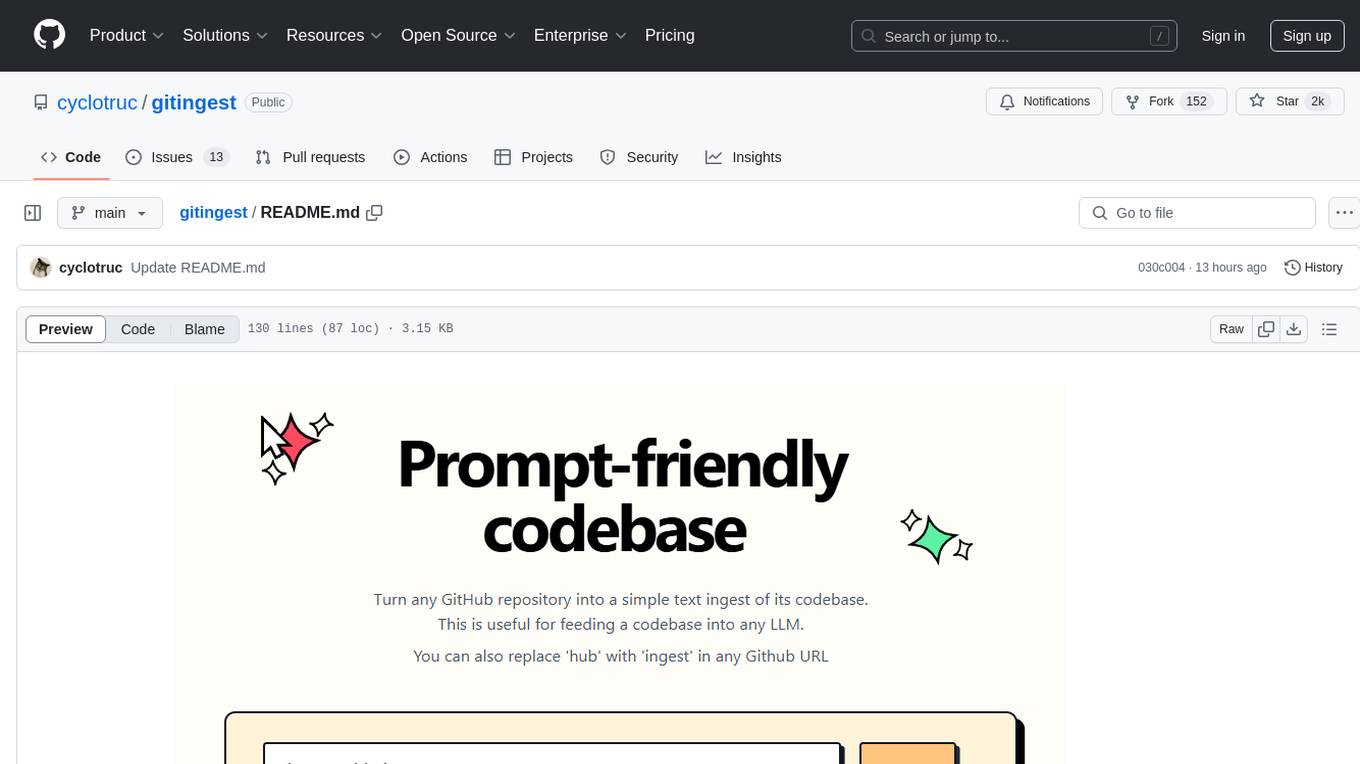
GitIngest is a tool that allows users to turn any Git repository into a prompt-friendly text ingest for LLMs. It provides easy code context by generating a text digest from a git repository URL or directory. The tool offers smart formatting for optimized output format for LLM prompts and provides statistics about file and directory structure, size of the extract, and token count. GitIngest can be used as a CLI tool on Linux and as a Python package for code integration. The tool is built using Tailwind CSS for frontend, FastAPI for backend framework, tiktoken for token estimation, and apianalytics.dev for simple analytics. Users can self-host GitIngest by building the Docker image and running the container. Contributions to the project are welcome, and the tool aims to be beginner-friendly for first-time contributors with a simple Python and HTML codebase.
browser
Lightpanda Browser is an open-source headless browser designed for fast web automation, AI agents, LLM training, scraping, and testing. It features ultra-low memory footprint, exceptionally fast execution, and compatibility with Playwright and Puppeteer through CDP. Built for performance, Lightpanda offers Javascript execution, support for Web APIs, and is optimized for minimal memory usage. It is a modern solution for web scraping and automation tasks, providing a lightweight alternative to traditional browsers like Chrome.

aider-composer
Aider Composer is a VSCode extension that integrates Aider into your development workflow. It allows users to easily add and remove files, toggle between read-only and editable modes, review code changes, use different chat modes, and reference files in the chat. The extension supports multiple models, code generation, code snippets, and settings customization. It has limitations such as lack of support for multiple workspaces, Git repository features, linting, testing, voice features, in-chat commands, and configuration options.
manifold
Manifold is a powerful platform for workflow automation using AI models. It supports text generation, image generation, and retrieval-augmented generation, integrating seamlessly with popular AI endpoints. Additionally, Manifold provides robust semantic search capabilities using PGVector combined with the SEFII engine. It is under active development and not production-ready.

OmniSteward
OmniSteward is an AI-powered steward system based on large language models that can interact with users through voice or text to help control smart home devices and computer programs. It supports multi-turn dialogue, tool calling for complex tasks, multiple LLM models, voice recognition, smart home control, computer program management, online information retrieval, command line operations, and file management. The system is highly extensible, allowing users to customize and share their own tools.
tap4-ai-webui
Tap4 AI Web UI is an open source AI tools directory built by Tap4 AI Tools Directory. The project aims to help everyone build their own AI Tools Directory easily. Users can fork the project, deploy it to Vercel with one click, and update their own AI tools using the data list in the project. The web UI features internationalization, SEO friendliness, dynamic sitemap generation, fast shipping, NEXT 14 with app route, and integration with Supabase serverless database.
shinkai-node
Shinkai Node is a tool that enables users to create AI agents without coding. Users can define tasks, schedule actions, and let Shinkai generate custom code. The tool also provides native crypto support. It has a companion repo called Shinkai Apps for the frontend. The tool offers easy local compilation and OpenAPI support for generating schemas and Swagger UI. Users can run tests and dockerized tests for the tool. It also provides guidance on releasing a new version.
pipecat-flows
Pipecat Flows is a framework designed for building structured conversations in AI applications. It allows users to create both predefined conversation paths and dynamically generated flows, handling state management and LLM interactions. The framework includes a Python module for building conversation flows and a visual editor for designing and exporting flow configurations. Pipecat Flows is suitable for scenarios such as customer service scripts, intake forms, personalized experiences, and complex decision trees.
markdowner
Markdowner is a fast tool designed to convert any website into LLM-ready markdown data. It aims to improve the quality of responses in the AI app Supermemory by structuring and predicting data in markdown format. The tool offers features such as website conversion, LLM filtering, detailed markdown mode, auto crawler, text and JSON responses, and easy self-hosting. Markdowner utilizes Cloudflare's Browser rendering and Durable objects for browser instance creation and markdown conversion. Users can self-host the project with the Workers paid plan, following simple steps. Support the project by starring the repository.
buildware-ai
Buildware is a tool designed to help developers accelerate their code shipping process by leveraging AI technology. Users can build a code instruction system, submit an issue, and receive an AI-generated pull request. The tool is created by Mckay Wrigley and Tyler Bruno at Takeoff AI. Buildware offers a simple setup process involving cloning the repository, installing dependencies, setting up environment variables, configuring a database, and obtaining a GitHub Personal Access Token (PAT). The tool is currently being updated to include advanced features such as Linear integration, local codebase mode, and team support.
morphic
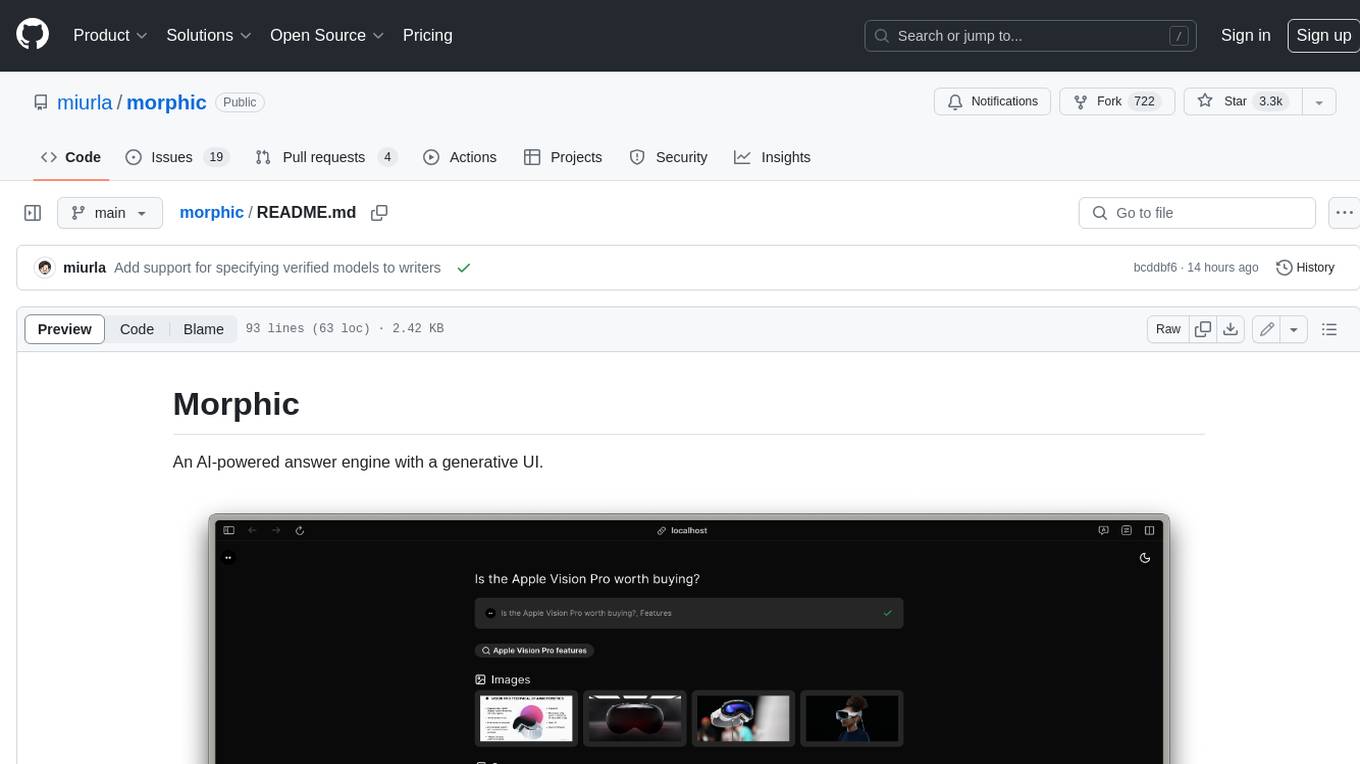
Morphic is an AI-powered answer engine with a generative UI. It utilizes a stack of Next.js, Vercel AI SDK, OpenAI, Tavily AI, shadcn/ui, Radix UI, and Tailwind CSS. To get started, fork and clone the repo, install dependencies, fill out secrets in the .env.local file, and run the app locally using 'bun dev'. You can also deploy your own live version of Morphic with Vercel. Verified models that can be specified to writers include Groq, LLaMA3 8b, and LLaMA3 70b.
datalore-localgen-cli
Datalore is a terminal tool for generating structured datasets from local files like PDFs, Word docs, images, and text. It extracts content, uses semantic search to understand context, applies instructions through a generated schema, and outputs clean, structured data. Perfect for converting raw or unstructured local documents into ready-to-use datasets for training, analysis, or experimentation, all without manual formatting.

opencode
Opencode is an AI coding agent designed for the terminal. It is a tool that allows users to interact with AI models for coding tasks in a terminal-based environment. Opencode is open source, provider-agnostic, and focuses on a terminal user interface (TUI) for coding. It offers features such as client/server architecture, support for various AI models, and a strong emphasis on community contributions and feedback.
For similar tasks
Noi
Noi is an AI-enhanced customizable browser designed to streamline digital experiences. It includes curated AI websites, allows adding any URL, offers prompts management, Noi Ask for batch messaging, various themes, Noi Cache Mode for quick link access, cookie data isolation, and more. Users can explore, extend, and empower their browsing experience with Noi.
svelte-commerce
Svelte Commerce is an open-source frontend for eCommerce, utilizing a PWA and headless approach with a modern JS stack. It supports integration with various eCommerce backends like MedusaJS, Woocommerce, Bigcommerce, and Shopify. The API flexibility allows seamless connection with third-party tools such as payment gateways, POS systems, and AI services. Svelte Commerce offers essential eCommerce features, is both SSR and SPA, superfast, and free to download and modify. Users can easily deploy it on Netlify or Vercel with zero configuration. The tool provides features like headless commerce, authentication, cart & checkout, TailwindCSS styling, server-side rendering, proxy + API integration, animations, lazy loading, search functionality, faceted filters, and more.
pro-react-admin
Pro React Admin is a comprehensive React admin template that includes features such as theme switching, custom component theming, nested routing, webpack optimization, TypeScript support, multi-tabs, internationalization, code styling, commit message configuration, error handling, code splitting, component documentation generation, and more. It also provides tools for mock server implementation, deployment, linting, formatting, and continuous code review. The template supports various technologies like React, React Router, Webpack, Babel, Ant Design, TypeScript, and Vite, making it suitable for building efficient and scalable React admin applications.
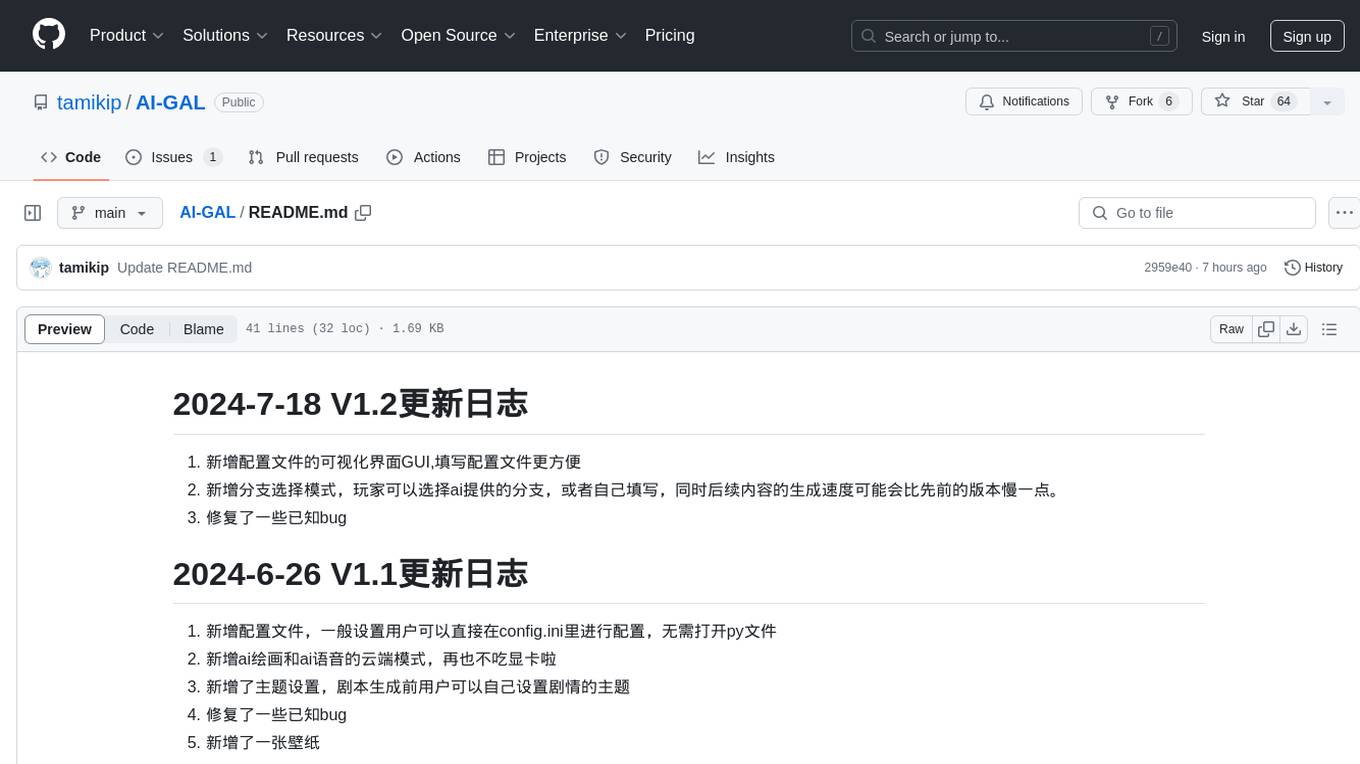
AI-GAL
AI-GAL is a tool that offers a visual GUI for easier configuration file editing, branch selection mode for content generation, and bug fixes. Users can configure settings in config.ini, utilize cloud-based AI drawing and voice modes, set themes for script generation, and enjoy a wallpaper. Prior to usage, ensure a 4GB+ GPU, chatgpt key or local LLM deployment, and installation of stable diffusion, gpt-sovits, and rembg. To start, fill out the config.ini file and run necessary APIs. Restart a storyline by clearing story.txt in the game directory. Encounter errors? Copy the log.txt details and send them for assistance.
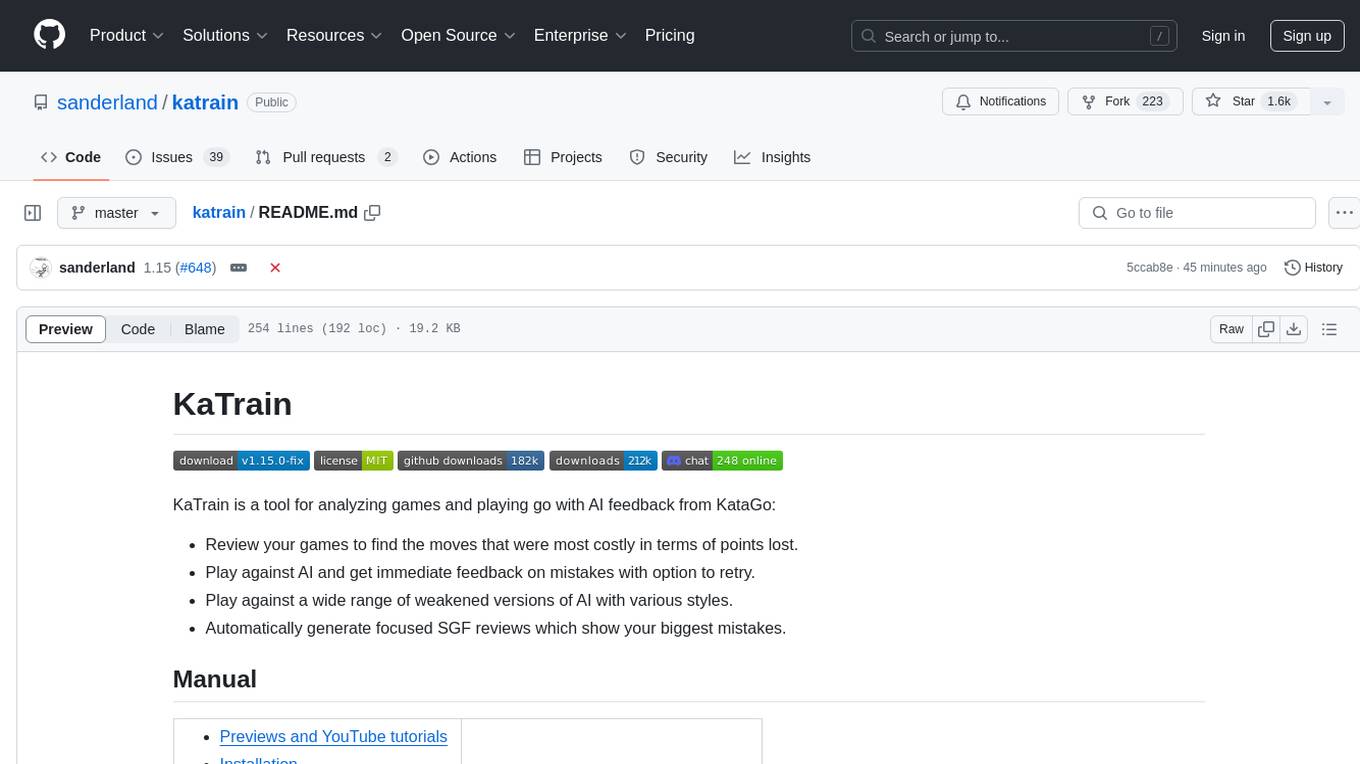
katrain
KaTrain is a tool designed for analyzing games and playing go with AI feedback from KataGo. Users can review their games to find costly moves, play against AI with immediate feedback, play against weakened AI versions, and generate focused SGF reviews. The tool provides various features such as previews, tutorials, installation instructions, and configuration options for KataGo. Users can play against AI, receive instant feedback on moves, explore variations, and request in-depth analysis. KaTrain also supports distributed training for contributing to KataGo's strength and training bigger models. The tool offers themes customization, FAQ section, and opportunities for support and contribution through GitHub issues and Discord community.
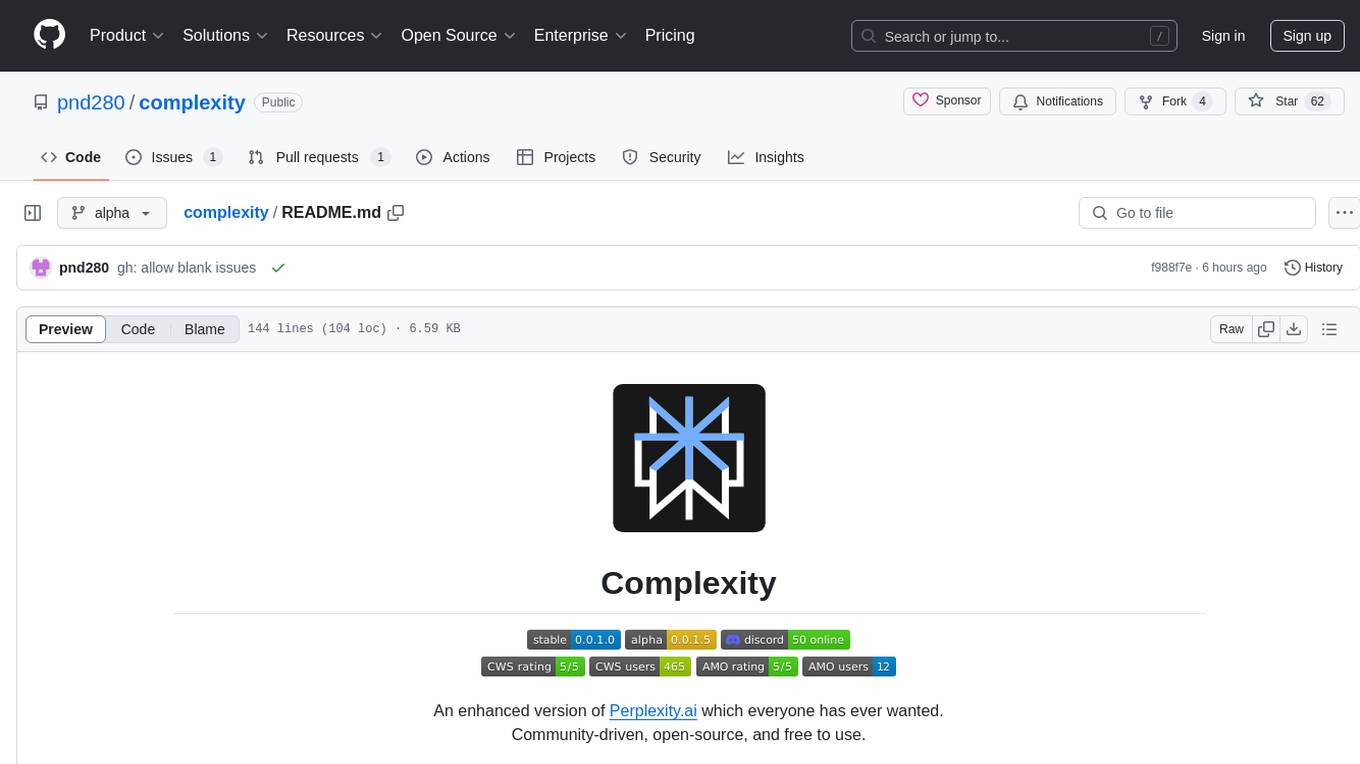
complexity
Complexity is a community-driven, open-source, and free third-party extension that enhances the features of Perplexity.ai. It provides various UI/UX/QoL tweaks, LLM/Image gen model selectors, a customizable theme, and a prompts library. The tool intercepts network traffic to alter the behavior of the host page, offering a solution to the limitations of Perplexity.ai. Users can install Complexity from Chrome Web Store, Mozilla Add-on, or build it from the source code.
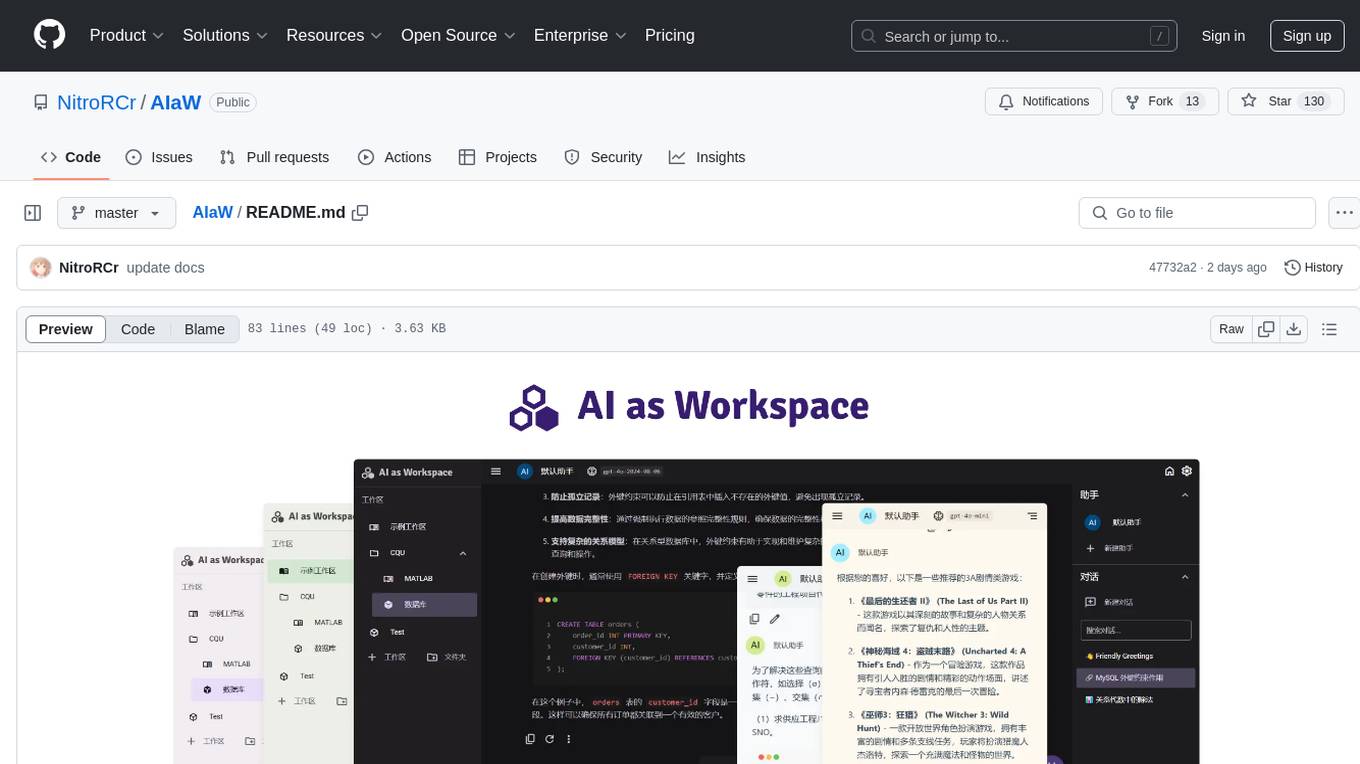
AIaW
AIaW is a next-generation LLM client with full functionality, lightweight, and extensible. It supports various basic functions such as streaming transfer, image uploading, and latex formulas. The tool is cross-platform with a responsive interface design. It supports multiple service providers like OpenAI, Anthropic, and Google. Users can modify questions, regenerate in a forked manner, and visualize conversations in a tree structure. Additionally, it offers features like file parsing, video parsing, plugin system, assistant market, local storage with real-time cloud sync, and customizable interface themes. Users can create multiple workspaces, use dynamic prompt word variables, extend plugins, and benefit from detailed design elements like real-time content preview, optimized code pasting, and support for various file types.
x
Ant Design X is a tool for crafting AI-driven interfaces effortlessly. It is built on the best practices of enterprise-level AI products, offering flexible and diverse atomic components for various AI dialogue scenarios. The tool provides out-of-the-box model integration with inference services compatible with OpenAI standards. It also enables efficient management of conversation data flows, supports rich template options, complete TypeScript support, and advanced theme customization. Ant Design X is designed to enhance development efficiency and deliver exceptional AI interaction experiences.
For similar jobs

sweep
Sweep is an AI junior developer that turns bugs and feature requests into code changes. It automatically handles developer experience improvements like adding type hints and improving test coverage.

teams-ai
The Teams AI Library is a software development kit (SDK) that helps developers create bots that can interact with Teams and Microsoft 365 applications. It is built on top of the Bot Framework SDK and simplifies the process of developing bots that interact with Teams' artificial intelligence capabilities. The SDK is available for JavaScript/TypeScript, .NET, and Python.

ai-guide
This guide is dedicated to Large Language Models (LLMs) that you can run on your home computer. It assumes your PC is a lower-end, non-gaming setup.

classifai
Supercharge WordPress Content Workflows and Engagement with Artificial Intelligence. Tap into leading cloud-based services like OpenAI, Microsoft Azure AI, Google Gemini and IBM Watson to augment your WordPress-powered websites. Publish content faster while improving SEO performance and increasing audience engagement. ClassifAI integrates Artificial Intelligence and Machine Learning technologies to lighten your workload and eliminate tedious tasks, giving you more time to create original content that matters.

chatbot-ui
Chatbot UI is an open-source AI chat app that allows users to create and deploy their own AI chatbots. It is easy to use and can be customized to fit any need. Chatbot UI is perfect for businesses, developers, and anyone who wants to create a chatbot.

BricksLLM
BricksLLM is a cloud native AI gateway written in Go. Currently, it provides native support for OpenAI, Anthropic, Azure OpenAI and vLLM. BricksLLM aims to provide enterprise level infrastructure that can power any LLM production use cases. Here are some use cases for BricksLLM: * Set LLM usage limits for users on different pricing tiers * Track LLM usage on a per user and per organization basis * Block or redact requests containing PIIs * Improve LLM reliability with failovers, retries and caching * Distribute API keys with rate limits and cost limits for internal development/production use cases * Distribute API keys with rate limits and cost limits for students

uAgents
uAgents is a Python library developed by Fetch.ai that allows for the creation of autonomous AI agents. These agents can perform various tasks on a schedule or take action on various events. uAgents are easy to create and manage, and they are connected to a fast-growing network of other uAgents. They are also secure, with cryptographically secured messages and wallets.

griptape
Griptape is a modular Python framework for building AI-powered applications that securely connect to your enterprise data and APIs. It offers developers the ability to maintain control and flexibility at every step. Griptape's core components include Structures (Agents, Pipelines, and Workflows), Tasks, Tools, Memory (Conversation Memory, Task Memory, and Meta Memory), Drivers (Prompt and Embedding Drivers, Vector Store Drivers, Image Generation Drivers, Image Query Drivers, SQL Drivers, Web Scraper Drivers, and Conversation Memory Drivers), Engines (Query Engines, Extraction Engines, Summary Engines, Image Generation Engines, and Image Query Engines), and additional components (Rulesets, Loaders, Artifacts, Chunkers, and Tokenizers). Griptape enables developers to create AI-powered applications with ease and efficiency.