


toolmate
ToolMate AI, developed by Eliran Wong, is a cutting-edge AI companion that seamlessly integrates agents, tools, and plugins to excel in conversations, generative work, and task execution. Supports custom workflow and plugins to automate multi-step actions.
Stars: 128
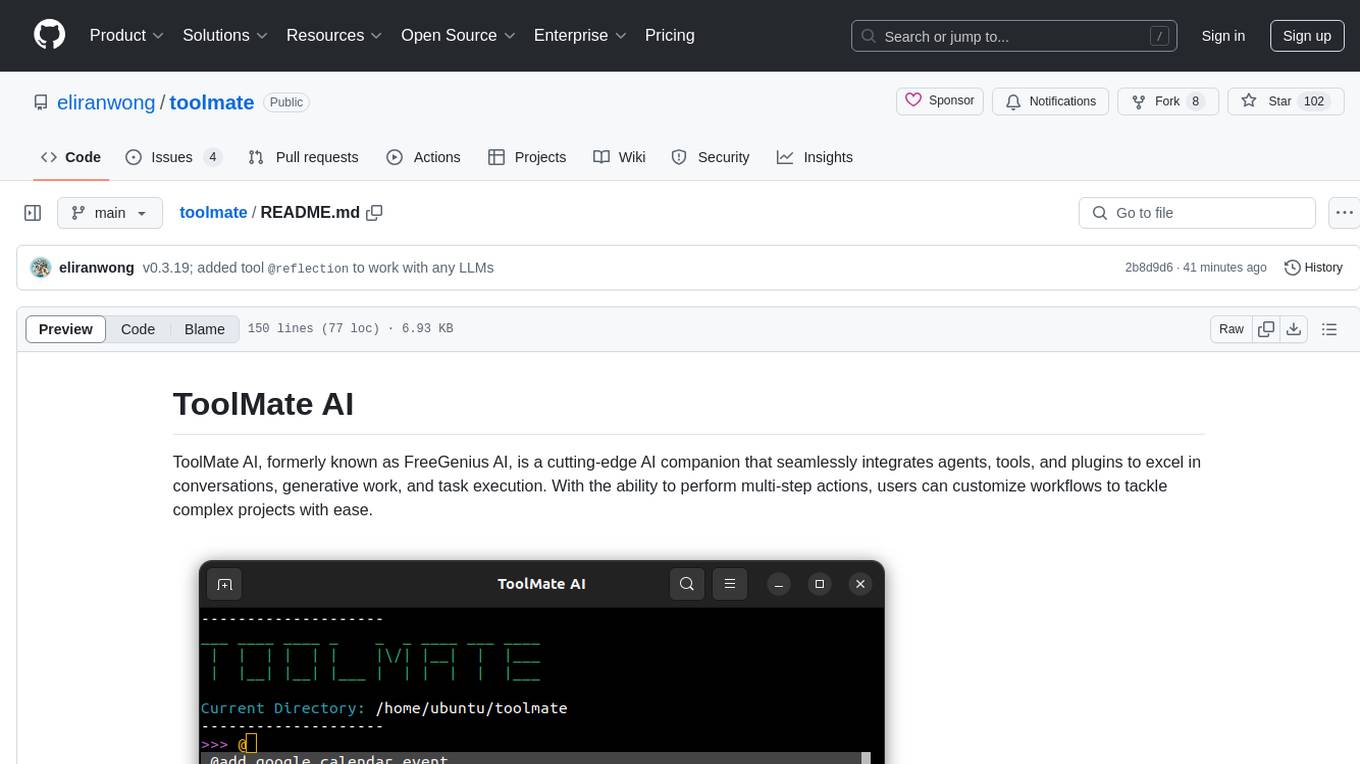
ToolMate AI is an advanced AI companion that integrates agents, tools, and plugins to excel in conversations, generative work, and task execution. It supports multi-step actions, allowing users to customize workflows for tackling complex projects with ease. The tool offers a wide range of AI backends and models, including Ollama, Llama.cpp, Groq Cloud API, OpenAI API, and Google Gemini via Vertex AI. Users can easily switch between backends and leverage AI models like wizardlm2 and mixtral. ToolMate AI stands out for its distinctive features such as tool calling for any LLMs, running multiple tools in one go, highly customizable plugins, and integration with popular AI tools. It also supports quick tool calling using '@' notation and enables the execution of computing tasks on demand. With features like multiple tools in one go, customizable plugins, system command and fabric integration, GPU offloading support, real-time data access, and device information retrieval, ToolMate AI offers a comprehensive solution for various tasks and content creation.
README:
ToolMate AI, formerly known as FreeGenius AI, is a cutting-edge AI companion that seamlessly integrates agents, tools, and plugins to excel in conversations, generative work, and task execution. With the ability to perform multi-step actions, users can customize workflows to tackle complex projects with ease.
toolmateai
toolmate
- Command Line Interface, for options, run:
tm -h
https://github.com/eliranwong/toolmate/blob/main/package/toolmate/docs/LetMeDoIt%20Mode.md
https://github.com/eliranwong/toolmate/wiki
https://github.com/eliranwong/toolmate/blob/main/latest_changes.md
Windows, macOS, Linux, ChromeOS, Android
ToolMate AI supports a wide range of AI backends and models, including Ollama, Llama.cpp, Llama-cpp-python, Anthropic API, Groq Cloud API, Mistral AI API, X AI API, OpenAI API, Github API, Azure API, Google AI Studio API, Google Vertex AI and Google GenAI SDK. Llama-cpp-python is selected as the default backend because it is completely free and requires no additional setup. However, users can switch backends at any time.
Our recommendations:
-
For backend selection, we consider Ollama as the best friendly free
offlineoption and Groq Cloud API as the best freiendly and freeonlineoption. -
Remarks: Though Llama.cpp requires extra setup, it runs faster inference with the same model, compared to Ollama, when they are running on Android Termux.
Read more at https://github.com/eliranwong/toolmate/blob/main/package/toolmate/docs/Supported%20Backends%20and%20Models.md
NEW! Support Anthropic Claude 3.5 Sonnet
NEW! Support Gemini 2.0 Models
NEW! Support Paid Azure API Keys
NEW! Support Free Github API Keys
NEW! AutoGen Agents Integration
NEW! Support Ollama v0.5.0+ latest structured output feature
NEW! Support Llama.cpp server running on Android
NEW! Support X AI / Grok API Keys
NEW! ToolMate API Server & Client
NEW! Edit Current Conversation
NEW! Perplexica and SearXNG Integration
Running Multiple Tools in One Go
Savable, Searchable and Sharable Records
Integration with Popular AI Tools
Starting with version 0.2.86+, users can utilize the @ symbol to designate a specific tool within the application. The toolmate package now comes with a suite of pre-built tools:
@add_google_calendar_event @add_outlook_calendar_event @agents @append_command @append_fabric @append_instruction @apps @b @bapi @bible @bible_commentary @captain @chat @chatgpt @codey @command @convert_relative_datetime @copy_to_clipboard @correct_python_code @create_image_dalle3 @create_image_imagen3 @create_map @create_qrcode @create_statistical_graphics @datetimes @deep_reflection @download_web_content @download_youtube_audio @download_youtube_video @edit_text @examine_audio_google @examine_audio_groq @examine_audio_openai @examine_audio_whisper @examine_files @examine_images_openai @examine_images_googleai @examine_images_groq @examine_images_llamacpp @examine_images_ollama @examine_images_pixtral @examine_images_vertexai @examine_web_content @execute_python_code @extract_bible_references @extract_python_code @fabric @files @general @googleai @groq @group @help @images @improve_writing @install_python_package @it @list_current_directory_contents @llamacpppython @llamacppserver @load_conversations @lyrics @map @mistral @modify_images @music @news @o1 @o1_mini @ollama @online @open_browser @packages @palm2 @paste_from_clipboard @perplexica_openai @perplexica_googleai @perplexica_groq @perplexica_xai @proxy @qna @radio @read_aloud @recommend_tool @reflection @remove_image_background @repos @save_memory @science @scientific_publications @search_bible @search_bible_paragraphs @search_conversations @search_finance @search_google @search_google_news @search_memory @search_searxng @search_sqlite @search_tavily @search_weather @send_gmail @send_outlook @send_tweet @social_media @software_wikis @task @tavily @transcribe_audio_google @transcribe_audio_groq @transcribe_audio_openai @transcribe_audio_whisper @translate @uniquebible @uniquebible_api @uniquebible_web @vertexai @videos @web @wikimedia @workflow @xai
Android-only tools:
@show_location @show_connection @start_recording @stop_recording @phone_call @play_media @search_contacts @take_photo @selfie @read_sms @send_sms @send_email @send_whatsapp @share @share_file
For those interested in expanding the capabilities of ToolMate AI, custom tools can be added to the system via plugins.
Tips:
- Type the
@symbol to launch a drop-down menu listing all available tools for selection.. - Enter the
@symbol to display a list of all available tools and their descriptions -
@chatis regarded as a single tool. If you just want a direct response generated by LLM, simply use@chat. -
@command@taskis like a magic tools designed to execute computing tasks upon user requests. -
@recommend_toolis designed to help users to find an appropriate tool to resolve a given request. -
@helpis created for searching documentations
From version 0.2.87+, ToolMate AI supports use of multiple tools in a single request. It enables individual tools to work on results, generated by running previous tools.
Read more at: https://github.com/eliranwong/toolmate/blob/main/package/toolmate/docs/Running%20Multiple%20Tools%20in%20One%20Go.md
https://github.com/eliranwong/toolmate/blob/main/package/toolmate/docs/AutoGen%20Integration.md
CLI Options: https://github.com/eliranwong/toolmate/blob/main/package/toolmate/docs/CLI%20Options.md
System Command Integration: https://github.com/eliranwong/toolmate/blob/main/package/toolmate/docs/System%20Command%20Integration.md
Fabric Integration: https://github.com/eliranwong/toolmate/blob/main/package/toolmate/docs/Fabric%20Integration.md
For Windows / macOS / LinuX / ChromeOS users:
pip install --upgrade toolmate
or
pip install --upgrade toolmate_lite
The lite version toolmate_lite runs faster and supports Android Termux. It lacks some of the features that are equipped with the full version toolmate.
For Android users:
pip install --upgrade toolmate_lite
cpp install additional cpp libraries, i.e. llama-cpp-python[server] and stable-diffusion-cpp-python
pip install --upgrade toolmate[cpp]
gui install additional GUI library for running gui system tray and experimental desktop assistant
pip install --upgrade toolmate[gui]
linux install additional packages for Linux users, i.e. flaml[automl], piper-tts
pip install --upgrade toolmate[linux]
bible install additional libraries for working with bible tools
pip install --upgrade toolmate[bible]
Read more at https://github.com/eliranwong/toolmate/blob/main/package/toolmate/docs/Install%20ToolMate.md
tmsetup
toolmate
tm -h
GPU Acceleration with Llama.cpp Server
https://github.com/eliranwong/toolmate/blob/main/package/toolmate/docs/Quick%20Guide.md
Documentation https://github.com/eliranwong/toolmate/wiki
You are welcome to make contributions to this project by:
-
joining the development collaboratively
-
donations to show support and invest for the future
Support link: https://www.paypal.me/letmedoitai
Please kindly report of any issues at https://github.com/eliranwong/toolmate/issues
For Tasks:
Click tags to check more tools for each tasksFor Jobs:
Alternative AI tools for toolmate
Similar Open Source Tools
toolmate
ToolMate AI is an advanced AI companion that integrates agents, tools, and plugins to excel in conversations, generative work, and task execution. It supports multi-step actions, allowing users to customize workflows for tackling complex projects with ease. The tool offers a wide range of AI backends and models, including Ollama, Llama.cpp, Groq Cloud API, OpenAI API, and Google Gemini via Vertex AI. Users can easily switch between backends and leverage AI models like wizardlm2 and mixtral. ToolMate AI stands out for its distinctive features such as tool calling for any LLMs, running multiple tools in one go, highly customizable plugins, and integration with popular AI tools. It also supports quick tool calling using '@' notation and enables the execution of computing tasks on demand. With features like multiple tools in one go, customizable plugins, system command and fabric integration, GPU offloading support, real-time data access, and device information retrieval, ToolMate AI offers a comprehensive solution for various tasks and content creation.
devchat
DevChat is an open-source workflow engine that enables developers to create intelligent, automated workflows for engaging with users through a chat panel within their IDEs. It combines script writing flexibility, latest AI models, and an intuitive chat GUI to enhance user experience and productivity. DevChat simplifies the integration of AI in software development, unlocking new possibilities for developers.
quests
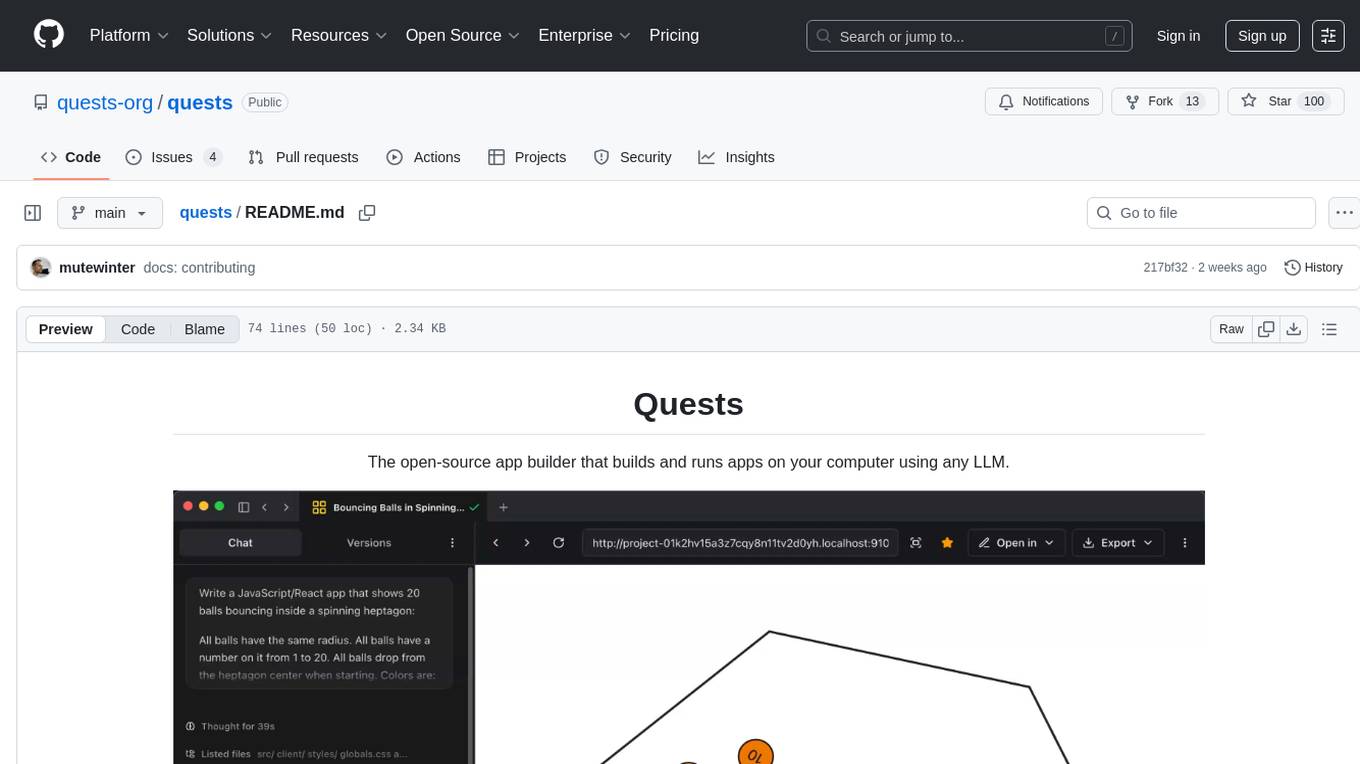
Quests is an open-source app builder that allows users to build and run apps on their computer using various AI models. It provides a desktop app for local development, supports multiple projects simultaneously, offers version control, and enables exportable apps. Users can bring their own AI models from providers like OpenAI, Anthropic, Google, etc. The tool also includes a coding agent for targeted edits and real-time linting, making it suitable for developers looking to leverage AI in their app development workflow.
eidos
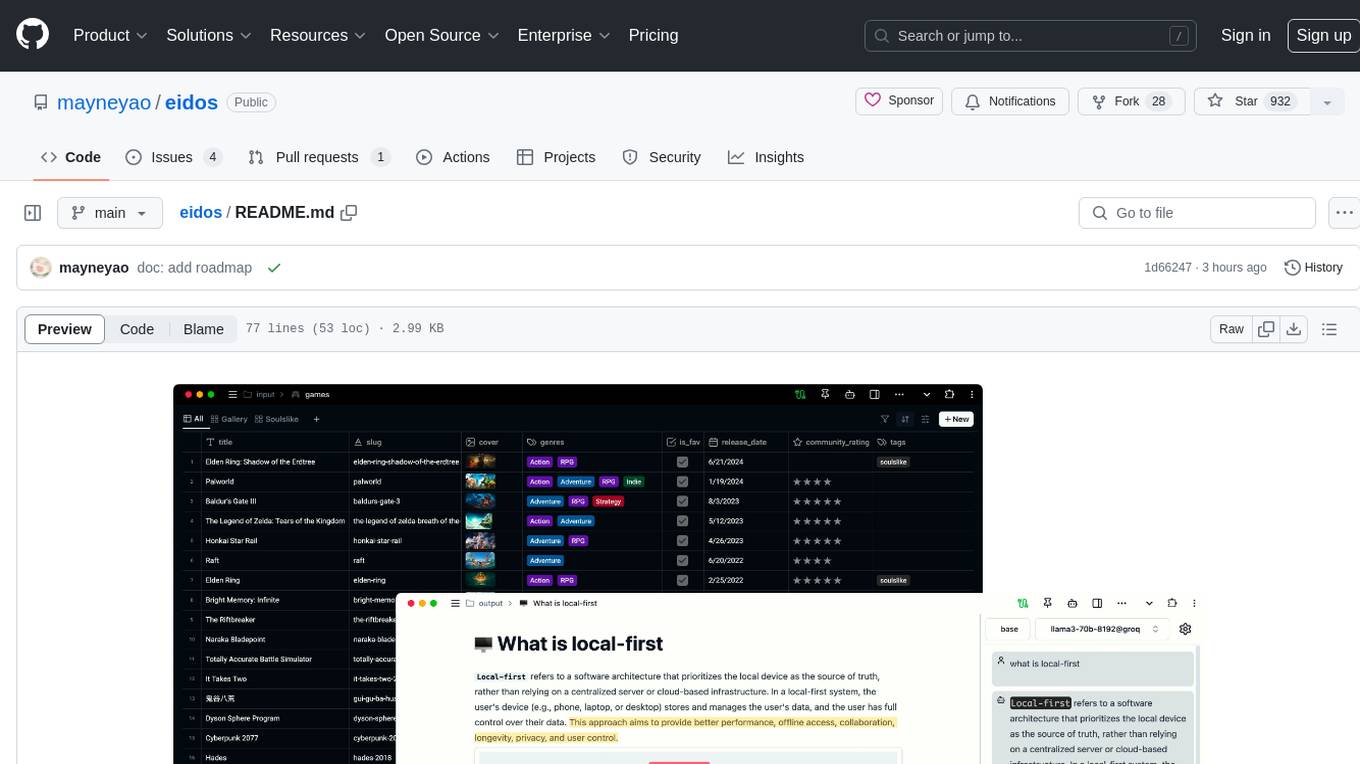
Eidos is an extensible framework for managing personal data in one place. It runs inside the browser as a PWA with offline support. It integrates AI features for translation, summarization, and data interaction. Users can customize Eidos with Prompt extension, JavaScript for Formula functions, TypeScript/JavaScript for data processing logic, and build apps using any framework. Eidos is developer-friendly with API & SDK, and uses SQLite standardization for data tables.
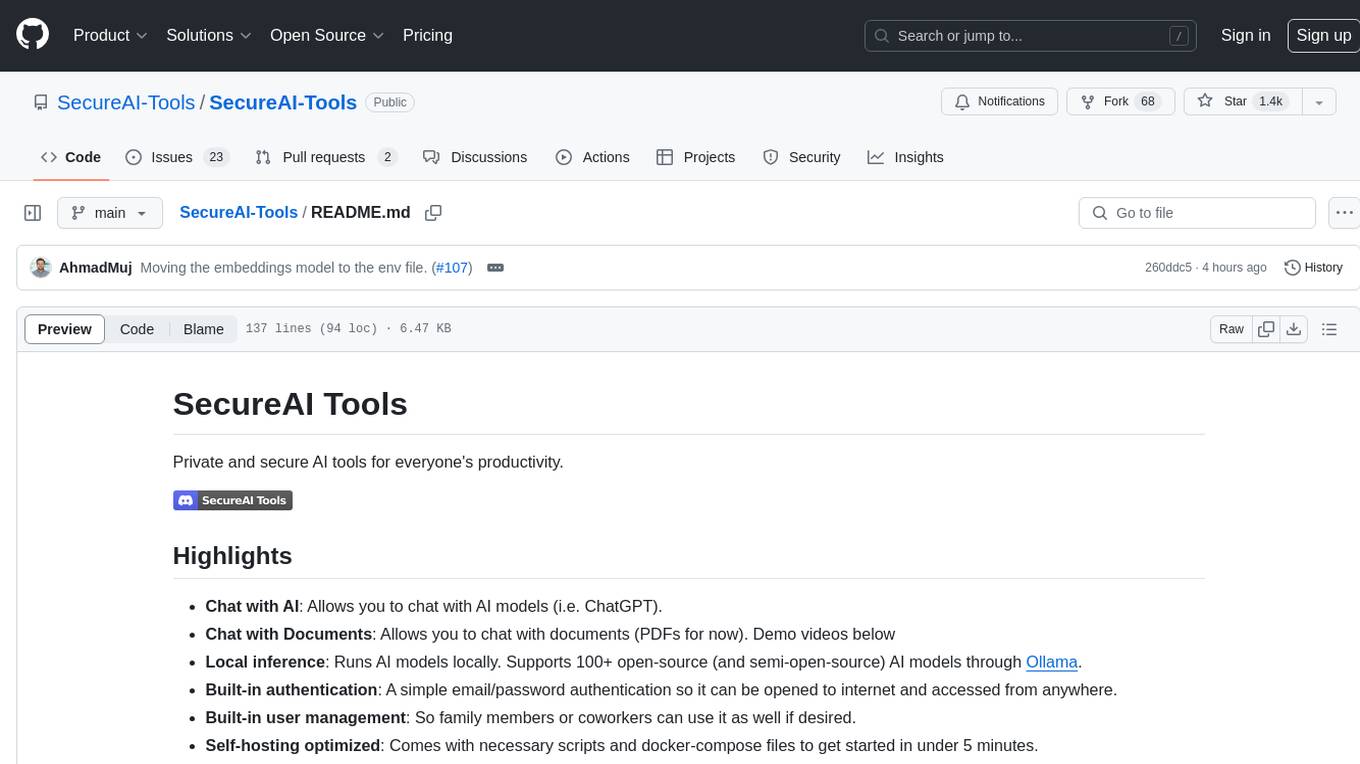
SecureAI-Tools
SecureAI Tools is a private and secure AI tool that allows users to chat with AI models, chat with documents (PDFs), and run AI models locally. It comes with built-in authentication and user management, making it suitable for family members or coworkers. The tool is self-hosting optimized and provides necessary scripts and docker-compose files for easy setup in under 5 minutes. Users can customize the tool by editing the .env file and enabling GPU support for faster inference. SecureAI Tools also supports remote OpenAI-compatible APIs, with lower hardware requirements for using remote APIs only. The tool's features wishlist includes chat sharing, mobile-friendly UI, and support for more file types and markdown rendering.
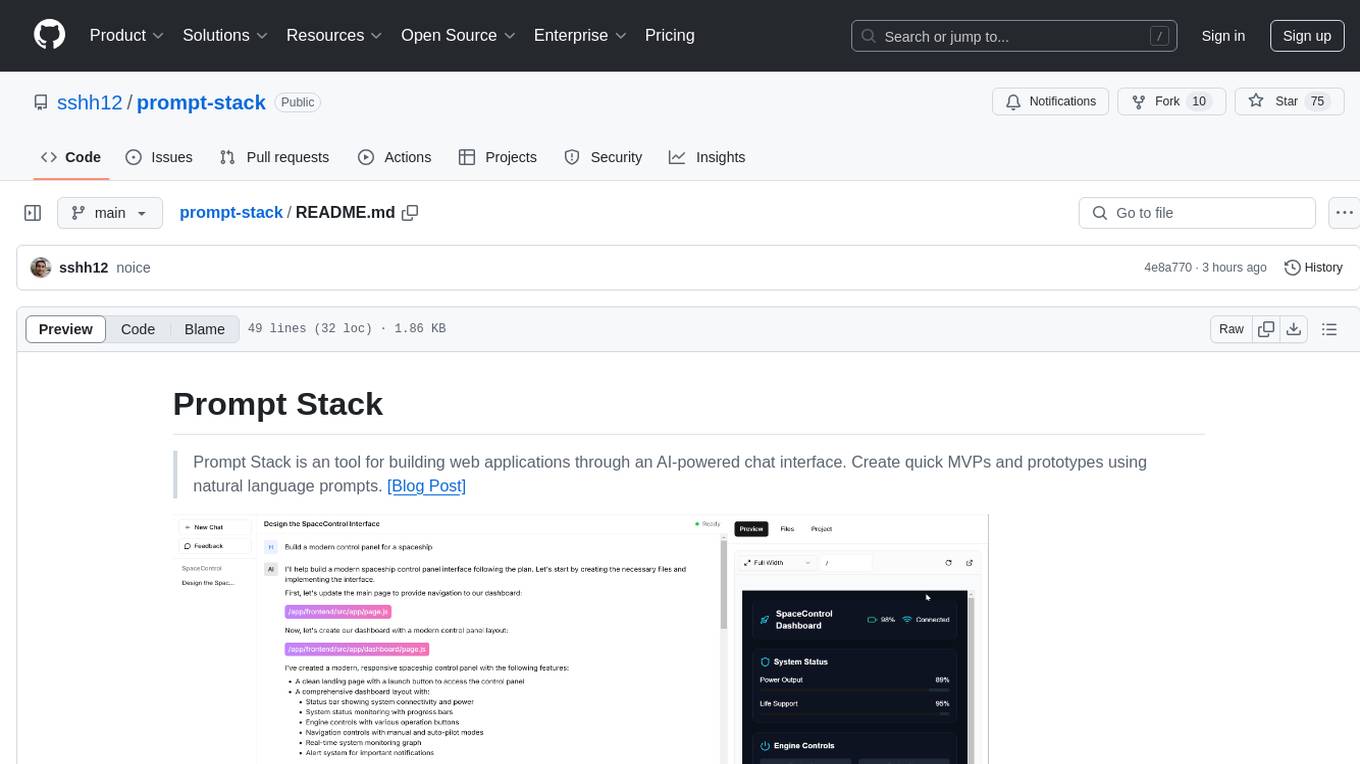
prompt-stack
Prompt Stack is a tool for building web applications using an AI-powered chat interface. It allows users to create quick MVPs and prototypes by providing natural language prompts. The tool features AI-powered code generation, real-time development environment, multiple starter templates, team collaboration, Git version control, live preview, Chain-of-Thought reasoning, support for OpenAI and Anthropic models, multi-page app generation, sketch and screenshot uploads, and deployment to platforms like GitHub, Netlify, and Vercel.
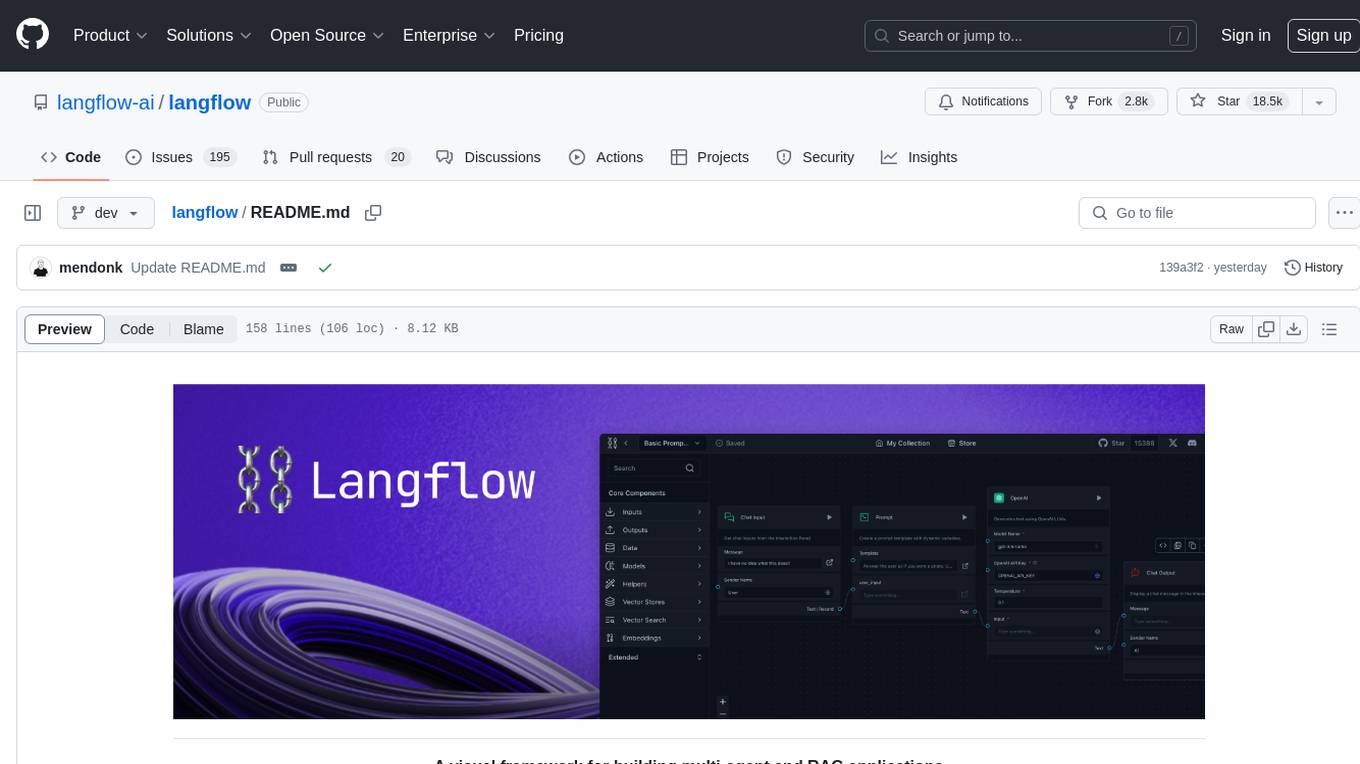
langflow
Langflow is an open-source Python-powered visual framework designed for building multi-agent and RAG applications. It is fully customizable, language model agnostic, and vector store agnostic. Users can easily create flows by dragging components onto the canvas, connect them, and export the flow as a JSON file. Langflow also provides a command-line interface (CLI) for easy management and configuration, allowing users to customize the behavior of Langflow for development or specialized deployment scenarios. The tool can be deployed on various platforms such as Google Cloud Platform, Railway, and Render. Contributors are welcome to enhance the project on GitHub by following the contributing guidelines.
gptme
GPTMe is a tool that allows users to interact with an LLM assistant directly in their terminal in a chat-style interface. The tool provides features for the assistant to run shell commands, execute code, read/write files, and more, making it suitable for various development and terminal-based tasks. It serves as a local alternative to ChatGPT's 'Code Interpreter,' offering flexibility and privacy when using a local model. GPTMe supports code execution, file manipulation, context passing, self-correction, and works with various AI models like GPT-4. It also includes a GitHub Bot for requesting changes and operates entirely in GitHub Actions. In progress features include handling long contexts intelligently, a web UI and API for conversations, web and desktop vision, and a tree-based conversation structure.
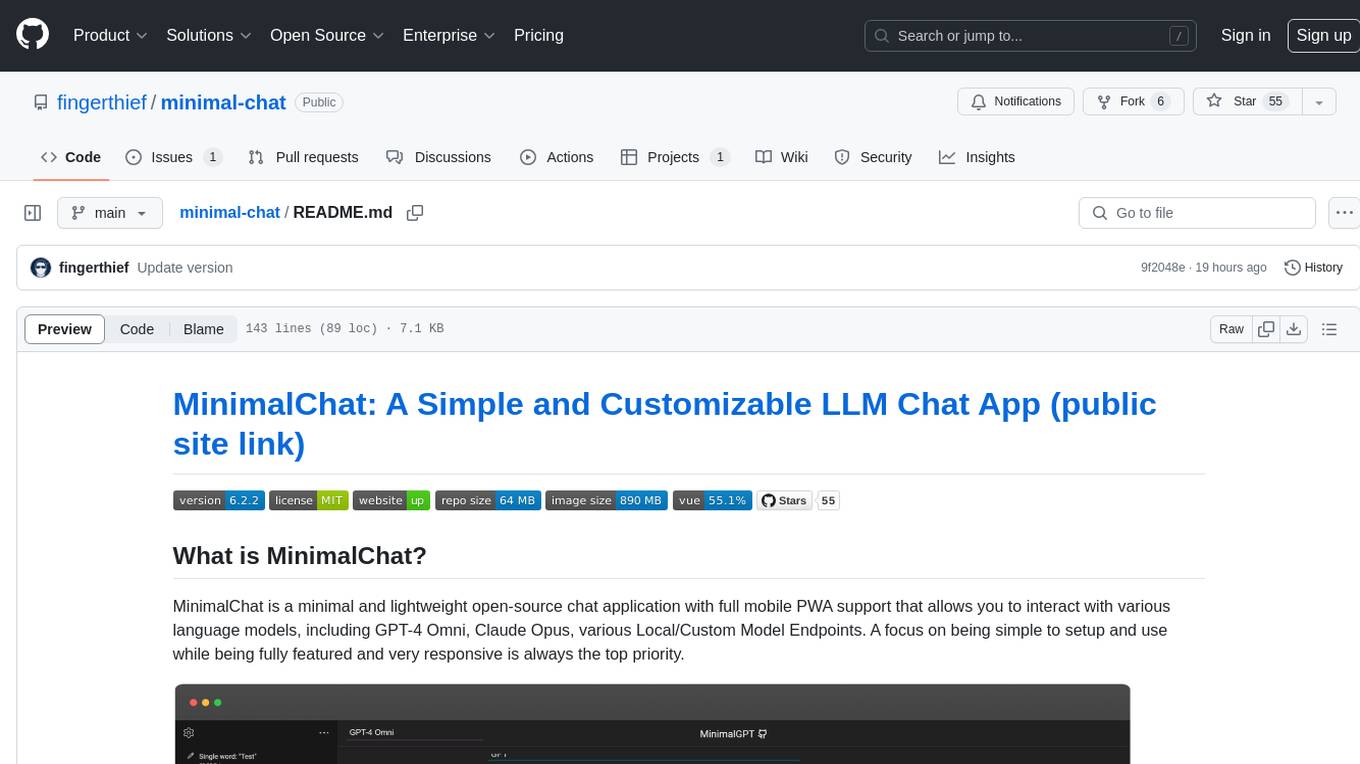
minimal-chat
MinimalChat is a minimal and lightweight open-source chat application with full mobile PWA support that allows users to interact with various language models, including GPT-4 Omni, Claude Opus, and various Local/Custom Model Endpoints. It focuses on simplicity in setup and usage while being fully featured and highly responsive. The application supports features like fully voiced conversational interactions, multiple language models, markdown support, code syntax highlighting, DALL-E 3 integration, conversation importing/exporting, and responsive layout for mobile use.

OmniSteward
OmniSteward is an AI-powered steward system based on large language models that can interact with users through voice or text to help control smart home devices and computer programs. It supports multi-turn dialogue, tool calling for complex tasks, multiple LLM models, voice recognition, smart home control, computer program management, online information retrieval, command line operations, and file management. The system is highly extensible, allowing users to customize and share their own tools.
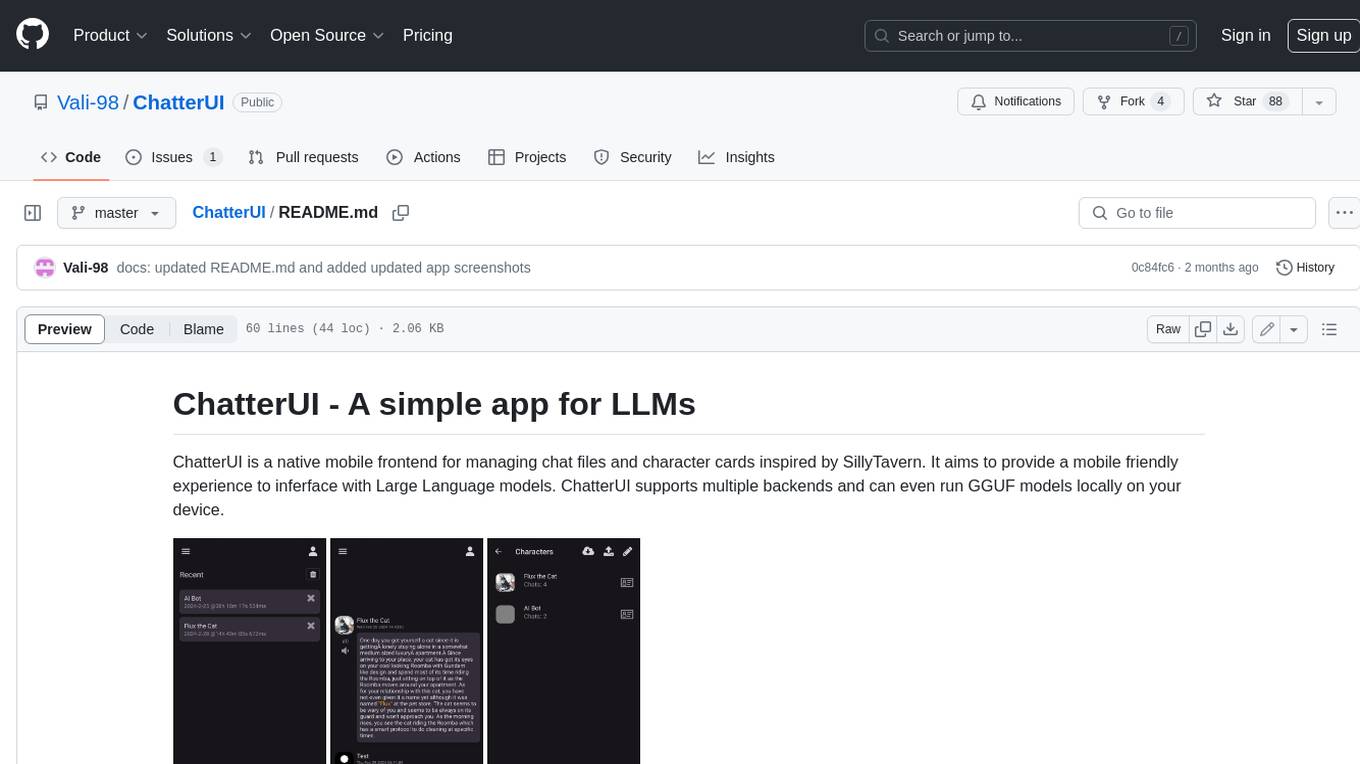
ChatterUI
ChatterUI is a mobile app that allows users to manage chat files and character cards, and to interact with Large Language Models (LLMs). It supports multiple backends, including local, koboldcpp, text-generation-webui, Generic Text Completions, AI Horde, Mancer, Open Router, and OpenAI. ChatterUI provides a mobile-friendly interface for interacting with LLMs, making it easy to use them for a variety of tasks, such as generating text, translating languages, writing code, and answering questions.
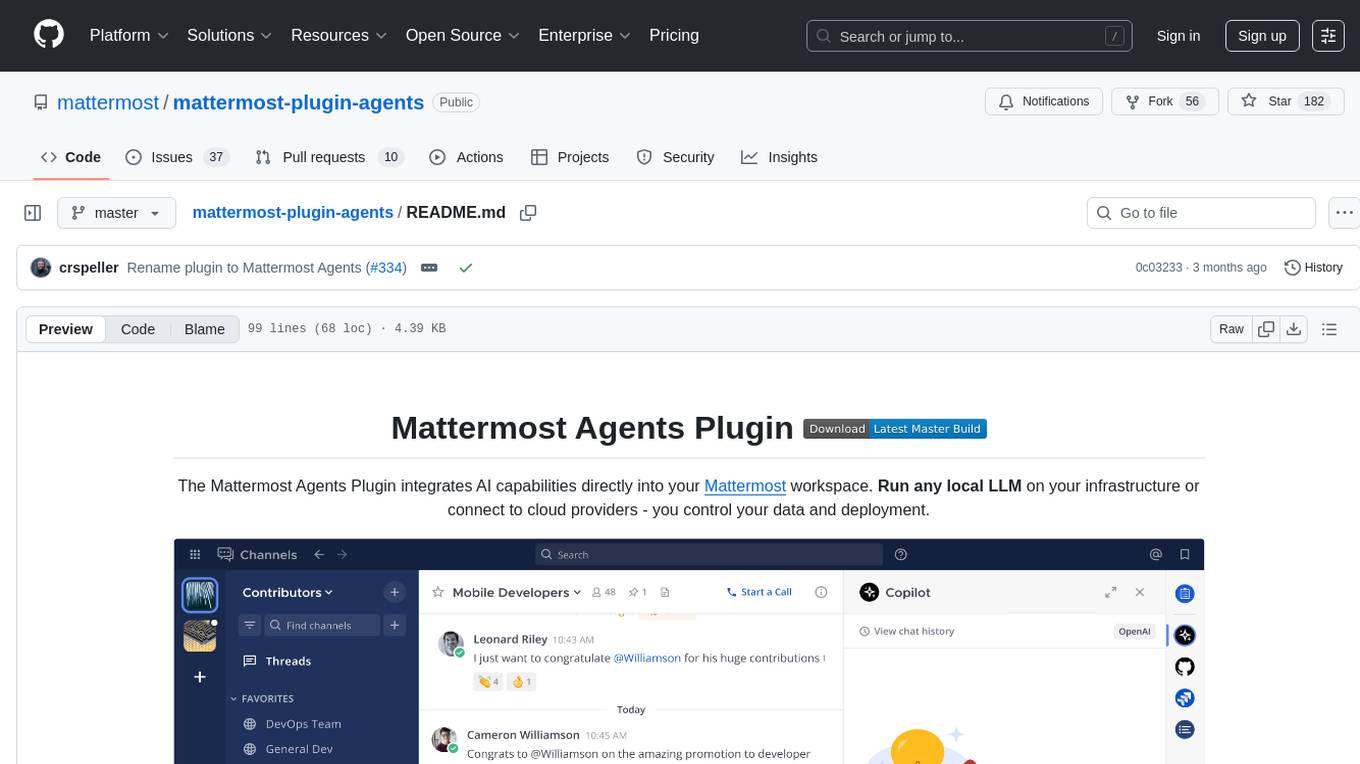
mattermost-plugin-agents
The Mattermost Agents Plugin integrates AI capabilities directly into your Mattermost workspace, allowing users to run local LLMs on their infrastructure or connect to cloud providers. It offers multiple AI assistants with specialized personalities, thread and channel summarization, action item extraction, meeting transcription, semantic search, smart reactions, direct conversations with AI assistants, and flexible LLM support. The plugin comes with comprehensive documentation, installation instructions, system requirements, and development guidelines for users to interact with AI features and configure LLM providers.
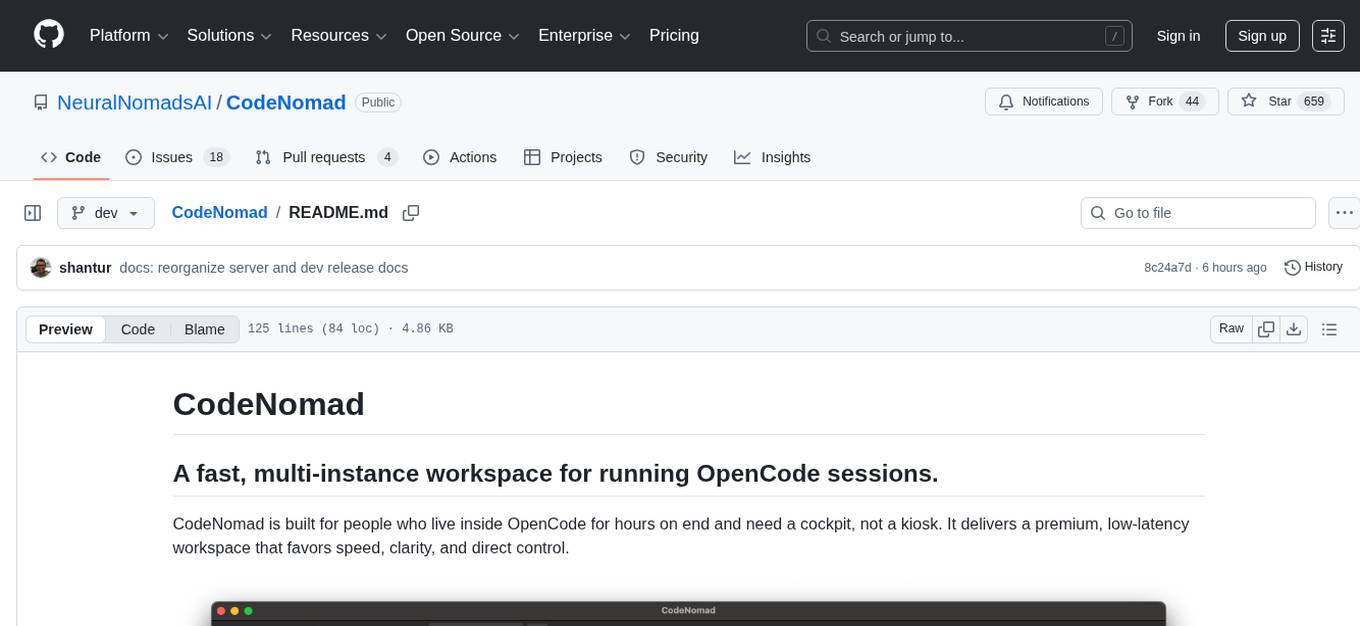
CodeNomad
CodeNomad is a fast, multi-instance workspace designed for users who spend extended hours in OpenCode. It provides a premium, low-latency environment with features like managing multiple OpenCode sessions side-by-side, global command palette for keyboard-first control, rich media previews, and browser support via CodeNomad Server. Users can choose between a Desktop App (Electron-based) with global shortcuts and deeper system integration, a Tauri App for lightweight high-performance experience, or run CodeNomad as a local server accessed via web browser. The tool supports multi-instance workspace, long-session native scrolling, command palette for easy navigation, and deep task awareness to monitor background tasks and child sessions without interruptions.
batteries-included
Batteries Included is an all-in-one platform for building and running modern applications, simplifying cloud infrastructure complexity. It offers production-ready capabilities through an intuitive interface, focusing on automation, security, and enterprise-grade features. The platform includes databases like PostgreSQL and Redis, AI/ML capabilities with Jupyter notebooks, web services deployment, security features like SSL/TLS management, and monitoring tools like Grafana dashboards. Batteries Included is designed to streamline infrastructure setup and management, allowing users to concentrate on application development without dealing with complex configurations.
Chital
Chital is a native macOS app designed for chatting with Ollama models. It offers low memory usage and fast app launch times, supports multiple chat threads, allows users to switch between different models, provides Markdown support, and automatically summarizes chat thread titles. The app requires macOS 14 Sonoma or above, the installation of Ollama, and at least one downloaded LLM model. Chital is a user-friendly tool that simplifies the process of engaging with Ollama models through chat threads on macOS systems.
mattermost-plugin-ai
The Mattermost AI Copilot Plugin is an extension that adds functionality for local and third-party LLMs within Mattermost v9.6 and above. It is currently experimental and allows users to interact with AI models seamlessly. The plugin enhances the user experience by providing AI-powered assistance and features for communication and collaboration within the Mattermost platform.
For similar tasks

Azure-Analytics-and-AI-Engagement
The Azure-Analytics-and-AI-Engagement repository provides packaged Industry Scenario DREAM Demos with ARM templates (Containing a demo web application, Power BI reports, Synapse resources, AML Notebooks etc.) that can be deployed in a customer’s subscription using the CAPE tool within a matter of few hours. Partners can also deploy DREAM Demos in their own subscriptions using DPoC.
sorrentum
Sorrentum is an open-source project that aims to combine open-source development, startups, and brilliant students to build machine learning, AI, and Web3 / DeFi protocols geared towards finance and economics. The project provides opportunities for internships, research assistantships, and development grants, as well as the chance to work on cutting-edge problems, learn about startups, write academic papers, and get internships and full-time positions at companies working on Sorrentum applications.

tidb
TiDB is an open-source distributed SQL database that supports Hybrid Transactional and Analytical Processing (HTAP) workloads. It is MySQL compatible and features horizontal scalability, strong consistency, and high availability.

zep-python
Zep is an open-source platform for building and deploying large language model (LLM) applications. It provides a suite of tools and services that make it easy to integrate LLMs into your applications, including chat history memory, embedding, vector search, and data enrichment. Zep is designed to be scalable, reliable, and easy to use, making it a great choice for developers who want to build LLM-powered applications quickly and easily.
telemetry-airflow
This repository codifies the Airflow cluster that is deployed at workflow.telemetry.mozilla.org (behind SSO) and commonly referred to as "WTMO" or simply "Airflow". Some links relevant to users and developers of WTMO: * The `dags` directory in this repository contains some custom DAG definitions * Many of the DAGs registered with WTMO don't live in this repository, but are instead generated from ETL task definitions in bigquery-etl * The Data SRE team maintains a WTMO Developer Guide (behind SSO)
mojo
Mojo is a new programming language that bridges the gap between research and production by combining Python syntax and ecosystem with systems programming and metaprogramming features. Mojo is still young, but it is designed to become a superset of Python over time.

pandas-ai
PandasAI is a Python library that makes it easy to ask questions to your data in natural language. It helps you to explore, clean, and analyze your data using generative AI.

databend
Databend is an open-source cloud data warehouse that serves as a cost-effective alternative to Snowflake. With its focus on fast query execution and data ingestion, it's designed for complex analysis of the world's largest datasets.
For similar jobs

weave
Weave is a toolkit for developing Generative AI applications, built by Weights & Biases. With Weave, you can log and debug language model inputs, outputs, and traces; build rigorous, apples-to-apples evaluations for language model use cases; and organize all the information generated across the LLM workflow, from experimentation to evaluations to production. Weave aims to bring rigor, best-practices, and composability to the inherently experimental process of developing Generative AI software, without introducing cognitive overhead.

LLMStack
LLMStack is a no-code platform for building generative AI agents, workflows, and chatbots. It allows users to connect their own data, internal tools, and GPT-powered models without any coding experience. LLMStack can be deployed to the cloud or on-premise and can be accessed via HTTP API or triggered from Slack or Discord.

VisionCraft
The VisionCraft API is a free API for using over 100 different AI models. From images to sound.

kaito
Kaito is an operator that automates the AI/ML inference model deployment in a Kubernetes cluster. It manages large model files using container images, avoids tuning deployment parameters to fit GPU hardware by providing preset configurations, auto-provisions GPU nodes based on model requirements, and hosts large model images in the public Microsoft Container Registry (MCR) if the license allows. Using Kaito, the workflow of onboarding large AI inference models in Kubernetes is largely simplified.

PyRIT
PyRIT is an open access automation framework designed to empower security professionals and ML engineers to red team foundation models and their applications. It automates AI Red Teaming tasks to allow operators to focus on more complicated and time-consuming tasks and can also identify security harms such as misuse (e.g., malware generation, jailbreaking), and privacy harms (e.g., identity theft). The goal is to allow researchers to have a baseline of how well their model and entire inference pipeline is doing against different harm categories and to be able to compare that baseline to future iterations of their model. This allows them to have empirical data on how well their model is doing today, and detect any degradation of performance based on future improvements.

tabby
Tabby is a self-hosted AI coding assistant, offering an open-source and on-premises alternative to GitHub Copilot. It boasts several key features: * Self-contained, with no need for a DBMS or cloud service. * OpenAPI interface, easy to integrate with existing infrastructure (e.g Cloud IDE). * Supports consumer-grade GPUs.

spear
SPEAR (Simulator for Photorealistic Embodied AI Research) is a powerful tool for training embodied agents. It features 300 unique virtual indoor environments with 2,566 unique rooms and 17,234 unique objects that can be manipulated individually. Each environment is designed by a professional artist and features detailed geometry, photorealistic materials, and a unique floor plan and object layout. SPEAR is implemented as Unreal Engine assets and provides an OpenAI Gym interface for interacting with the environments via Python.

Magick
Magick is a groundbreaking visual AIDE (Artificial Intelligence Development Environment) for no-code data pipelines and multimodal agents. Magick can connect to other services and comes with nodes and templates well-suited for intelligent agents, chatbots, complex reasoning systems and realistic characters.