


slide-deck-ai
Co-create a PowerPoint presentation with Generative AI
Stars: 259
SlideDeck AI is a tool that leverages Generative Artificial Intelligence to co-create slide decks on any topic. Users can describe their topic and let SlideDeck AI generate a PowerPoint slide deck, streamlining the presentation creation process. The tool offers an iterative workflow with a conversational interface for creating and improving presentations. It uses Mistral Nemo Instruct to generate initial slide content, searches and downloads images based on keywords, and allows users to refine content through additional instructions. SlideDeck AI provides pre-defined presentation templates and a history of instructions for users to enhance their presentations.
README:
title: SlideDeck AI emoji: 🏢 colorFrom: yellow colorTo: green sdk: streamlit sdk_version: 1.44.1 app_file: app.py pinned: false license: mit
We spend a lot of time on creating the slides and organizing our thoughts for any presentation. With SlideDeck AI, co-create slide decks on any topic with Generative Artificial Intelligence. Describe your topic and let SlideDeck AI generate a PowerPoint slide deck for you—it's as simple as that!
SlideDeck AI works in the following way:
- Given a topic description, it uses a Large Language Model (LLM) to generate the initial content of the slides. The output is generated as structured JSON data based on a pre-defined schema.
- Next, it uses the keywords from the JSON output to search and download a few images with a certain probability.
- Subsequently, it uses the
python-pptxlibrary to generate the slides, based on the JSON data from the previous step. A user can choose from a set of pre-defined presentation templates. - At this stage onward, a user can provide additional instructions to refine the content. For example, one can ask to add another slide or modify an existing slide. A history of instructions is maintained.
- Every time SlideDeck AI generates a PowerPoint presentation, a download button is provided. Clicking on the button will download the file.
In addition, SlideDeck AI can also create a presentation based on PDF files.
SlideDeck AI allows the use of different LLMs from several online providers—Azure OpenAI, Google, Cohere, Together AI, and OpenRouter. Most of these service providers offer generous free usage of relevant LLMs without requiring any billing information.
Based on several experiments, SlideDeck AI generally recommends the use of Mistral NeMo, Gemini Flash, and GPT-4o to generate the slide decks.
The supported LLMs offer different styles of content generation. Use one of the following LLMs along with relevant API keys/access tokens, as appropriate, to create the content of the slide deck:
| LLM | Provider (code) | Requires API key | Characteristics |
|---|---|---|---|
| Gemini 2.0 Flash | Google Gemini API (gg) |
Mandatory; get here | Faster, longer content |
| Gemini 2.0 Flash Lite | Google Gemini API (gg) |
Mandatory; get here | Fastest, longer content |
| Gemini 2.5 Flash | Google Gemini API (gg) |
Mandatory; get here | Faster, longer content |
| Gemini 2.5 Flash Lite | Google Gemini API (gg) |
Mandatory; get here | Fastest, longer content |
| GPT | Azure OpenAI (az) |
Mandatory; get here NOTE: You need to have your subscription/billing set up | Faster, longer content |
| Command R+ | Cohere (co) |
Mandatory; get here | Shorter, simpler content |
| Gemini-2.0-flash-001 | OpenRouter (or) |
Mandatory; get here | Faster, longer content |
| GPT-3.5 Turbo | OpenRouter (or) |
Mandatory; get here | Faster, longer content |
| DeepSeek V3-0324 | Together AI (to) |
Mandatory; get here | Slower, medium-length |
| Llama 3.3 70B Instruct Turbo | Together AI (to) |
Mandatory; get here | Slower, detailed |
| Llama 3.1 8B Instruct Turbo 128K | Together AI (to) |
Mandatory; get here | Faster, shorter |
IMPORTANT: SlideDeck AI does NOT store your API keys/tokens or transmit them elsewhere. If you provide your API key, it is only used to invoke the relevant LLM to generate contents. That's it! This is an Open-Source project, so feel free to audit the code and convince yourself.
In addition, offline LLMs provided by Ollama can be used. Read below to know more.
SlideDeck AI uses a subset of icons from bootstrap-icons-1.11.3 (MIT license) in the slides. A few icons from SVG Repo (CC0, MIT, and Apache licenses) are also used.
SlideDeck AI uses LLMs via different providers. To run this project by yourself, you need to use an appropriate API key, for example, in a .env file.
Alternatively, you can provide the access token in the app's user interface itself (UI).
SlideDeck AI allows the use of offline LLMs to generate the contents of the slide decks. This is typically suitable for individuals or organizations who would like to use self-hosted LLMs for privacy concerns, for example.
Offline LLMs are made available via Ollama. Therefore, a pre-requisite here is to have Ollama installed on the system and the desired LLM pulled locally. You should choose a model to use based on your hardware capacity. However, if you have no GPU, gemma3:1b can be a suitable model to run only on CPU.
In addition, the RUN_IN_OFFLINE_MODE environment variable needs to be set to True to enable the offline mode. This, for example, can be done using a .env file or from the terminal. The typical steps to use SlideDeck AI in offline mode (in a bash shell) are as follows:
# Environment initialization, especially on Debian
sudo apt update -y
sudo apt install python-is-python3 -y
sudo apt install git -y
# Change the package name based on the Python version installed: python -V
sudo apt install python3.11-venv -y

# Install Git Large File Storage (LFS)
sudo apt install git-lfs -y
git lfs install

ollama list  # View locally available LLMs
export RUN_IN_OFFLINE_MODE=True  # Enable the offline mode to use Ollama
git clone https://github.com/barun-saha/slide-deck-ai.git
cd slide-deck-ai
git lfs pull  # Pull the PPTX template files

python -m venv venv  # Create a virtual environment
source venv/bin/activate  # On a Linux system
pip install -r requirements.txt

streamlit run ./app.py  # Run the application
💡If you have cloned the repository locally but cannot open and view the PPTX templates, you may need to run git lfs pull to download the template files. Without this, although content generation will work, the slide deck cannot be created.
The .env file should be created inside the slide-deck-ai directory.
The UI is similar to the online mode. However, rather than selecting an LLM from a list, one has to write the name of the Ollama model to be used in a textbox. There is no API key asked here.
The online and offline modes are mutually exclusive. So, setting RUN_IN_OFFLINE_MODE to False will make SlideDeck AI use the online LLMs (i.e., the "original mode."). By default, RUN_IN_OFFLINE_MODE is set to False.
Finally, the focus is on using offline LLMs, not going completely offline. So, Internet connectivity would still be required to fetch the images from Pexels.
- SlideDeck AI on Hugging Face Spaces
- Demo video of the chat interface on YouTube
- Demo video on using Azure OpenAI
SlideDeck AI has won the 3rd Place in the Llama 2 Hackathon with Clarifai in 2023.
SlideDeck AI is glad to have the following community contributions:
-
Srinivasan Ragothaman: added OpenRouter support and API keys mapping from the
.envfile. - Aditya: added support for page range selection for PDF files.
- Sagar Bharatbhai Bharadia: added support for Gemini 2.5 Flash Lite and Gemini 2.5 Flash LLMs.
Thank you all for your contributions!

For Tasks:
Click tags to check more tools for each tasksFor Jobs:
Alternative AI tools for slide-deck-ai
Similar Open Source Tools
slide-deck-ai
SlideDeck AI is a tool that leverages Generative Artificial Intelligence to co-create slide decks on any topic. Users can describe their topic and let SlideDeck AI generate a PowerPoint slide deck, streamlining the presentation creation process. The tool offers an iterative workflow with a conversational interface for creating and improving presentations. It uses Mistral Nemo Instruct to generate initial slide content, searches and downloads images based on keywords, and allows users to refine content through additional instructions. SlideDeck AI provides pre-defined presentation templates and a history of instructions for users to enhance their presentations.
Synthalingua
Synthalingua is an advanced, self-hosted tool that leverages artificial intelligence to translate audio from various languages into English in near real time. It offers multilingual outputs and utilizes GPU and CPU resources for optimized performance. Although currently in beta, it is actively developed with regular updates to enhance capabilities. The tool is not intended for professional use but for fun, language learning, and enjoying content at a reasonable pace. Users must ensure speakers speak clearly for accurate translations. It is not a replacement for human translators and users assume their own risk and liability when using the tool.
generative_ai_with_langchain
Generative AI with LangChain is a code repository for building large language model (LLM) apps with Python, ChatGPT, and other LLMs. The repository provides code examples, instructions, and configurations for creating generative AI applications using the LangChain framework. It covers topics such as setting up the development environment, installing dependencies with Conda or Pip, using Docker for environment setup, and setting API keys securely. The repository also emphasizes stability, code updates, and user engagement through issue reporting and feedback. It aims to empower users to leverage generative AI technologies for tasks like building chatbots, question-answering systems, software development aids, and data analysis applications.
nobodywho
NobodyWho is a plugin for the Godot game engine that enables interaction with local LLMs for interactive storytelling. Users can install it from Godot editor or GitHub releases page, providing their own LLM in GGUF format. The plugin consists of `NobodyWhoModel` node for model file, `NobodyWhoChat` node for chat interaction, and `NobodyWhoEmbedding` node for generating embeddings. It offers a programming interface for sending text to LLM, receiving responses, and starting the LLM worker.
sdk
Vikit.ai SDK is a software development kit that enables easy development of video generators using generative AI and other AI models. It serves as a langchain to orchestrate AI models and video editing tools. The SDK allows users to create videos from text prompts with background music and voice-over narration. It also supports generating composite videos from multiple text prompts. The tool requires Python 3.8+, specific dependencies, and tools like FFMPEG and ImageMagick for certain functionalities. Users can contribute to the project by following the contribution guidelines and standards provided.
OrionChat
Orion is a web-based chat interface that simplifies interactions with multiple AI model providers. It provides a unified platform for chatting and exploring various large language models (LLMs) such as Ollama, OpenAI (GPT model), Cohere (Command-r models), Google (Gemini models), Anthropic (Claude models), Groq Inc., Cerebras, and SambaNova. Users can easily navigate and assess different AI models through an intuitive, user-friendly interface. Orion offers features like browser-based access, code execution with Google Gemini, text-to-speech (TTS), speech-to-text (STT), seamless integration with multiple AI models, customizable system prompts, language translation tasks, document uploads for analysis, and more. API keys are stored locally, and requests are sent directly to official providers' APIs without external proxies.
langchainjs-quickstart-demo
Discover the journey of building a generative AI application using LangChain.js and Azure. This demo explores the development process from idea to production, using a RAG-based approach for a Q&A system based on YouTube video transcripts. The application allows to ask text-based questions about a YouTube video and uses the transcript of the video to generate responses. The code comes in two versions: local prototype using FAISS and Ollama with LLaMa3 model for completion and all-minilm-l6-v2 for embeddings, and Azure cloud version using Azure AI Search and GPT-4 Turbo model for completion and text-embedding-3-large for embeddings. Either version can be run as an API using the Azure Functions runtime.
ChatGPT-Telegram-Bot
The ChatGPT Telegram Bot is a powerful Telegram bot that utilizes various GPT models, including GPT3.5, GPT4, GPT4 Turbo, GPT4 Vision, DALL·E 3, Groq Mixtral-8x7b/LLaMA2-70b, and Claude2.1/Claude3 opus/sonnet API. It enables users to engage in efficient conversations and information searches on Telegram. The bot supports multiple AI models, online search with DuckDuckGo and Google, user-friendly interface, efficient message processing, document interaction, Markdown rendering, and convenient deployment options like Zeabur, Replit, and Docker. Users can set environment variables for configuration and deployment. The bot also provides Q&A functionality, supports model switching, and can be deployed in group chats with whitelisting. The project is open source under GPLv3 license.
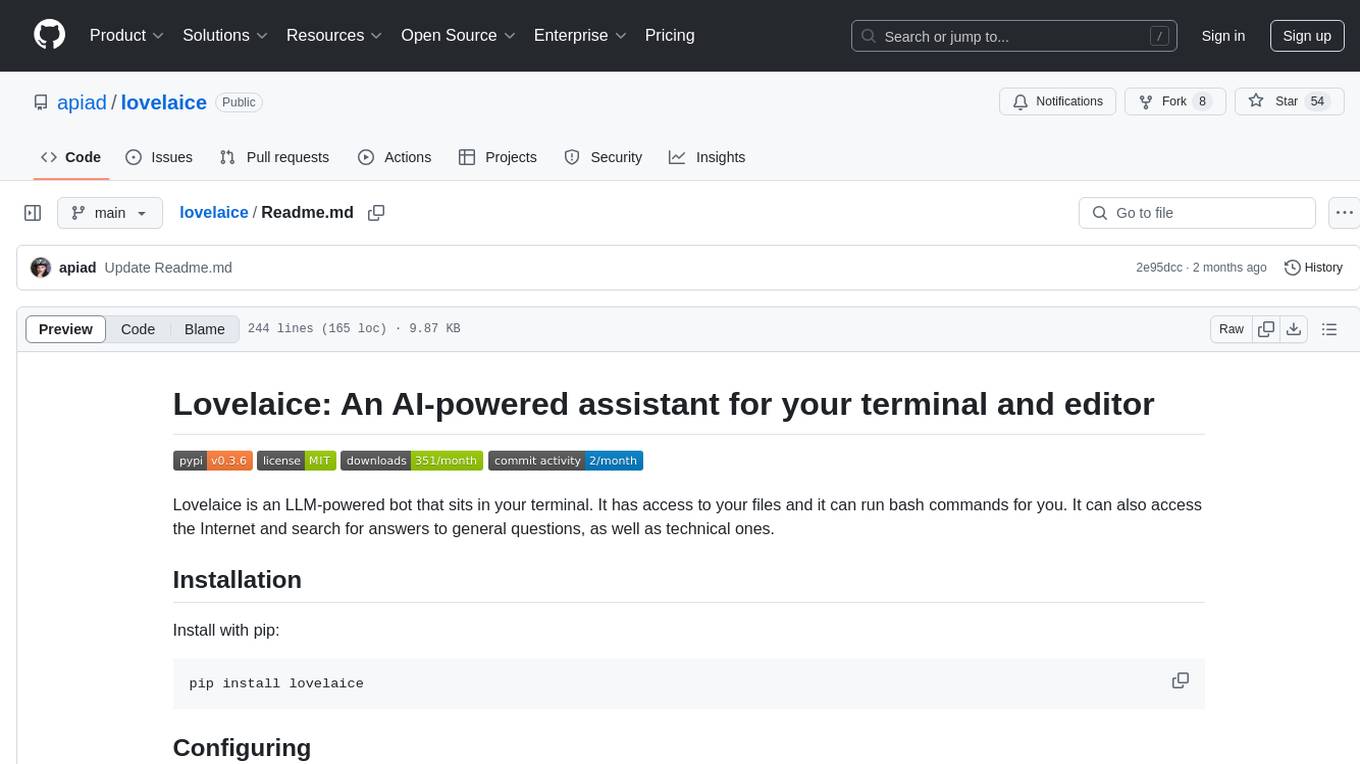
lovelaice
Lovelaice is an AI-powered assistant for your terminal and editor. It can run bash commands, search the Internet, answer general and technical questions, complete text files, chat casually, execute code in various languages, and more. Lovelaice is configurable with API keys and LLM models, and can be used for a wide range of tasks requiring bash commands or coding assistance. It is designed to be versatile, interactive, and helpful for daily tasks and projects.
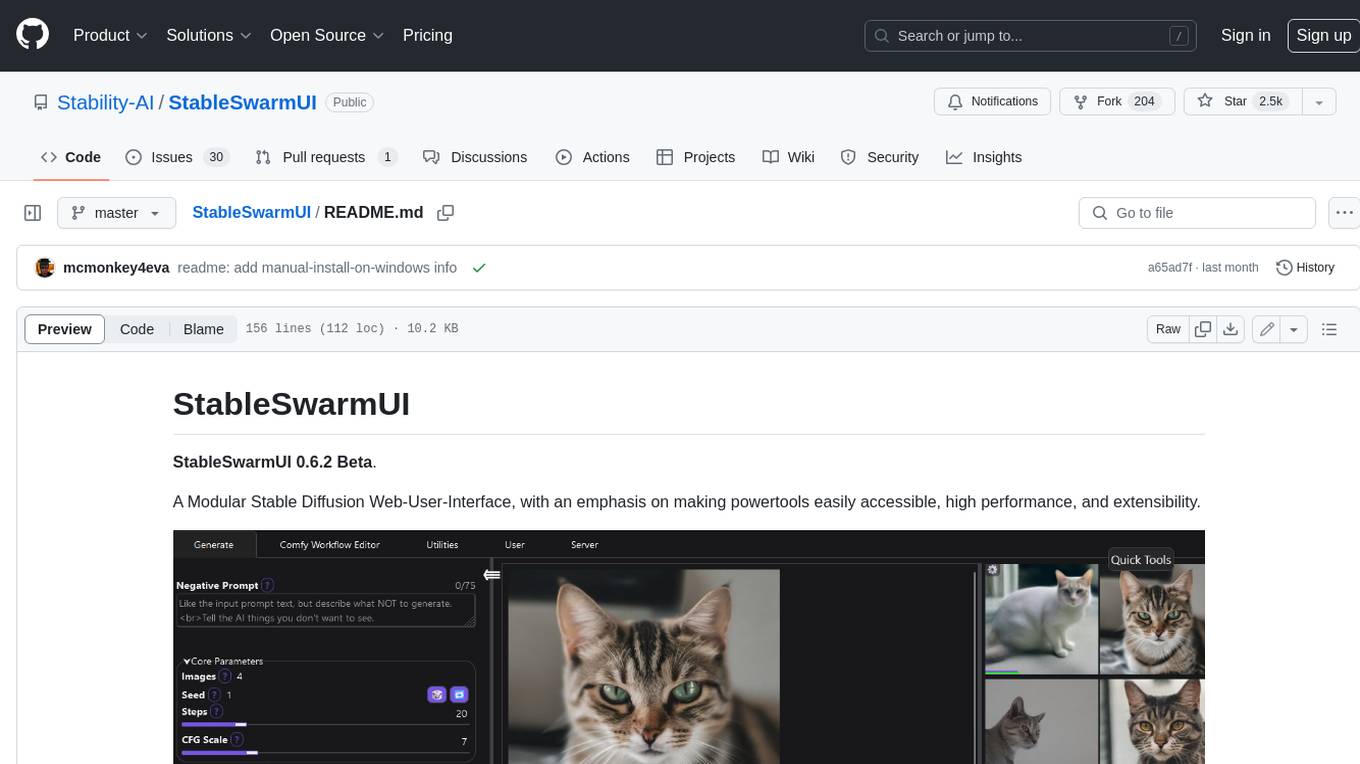
StableSwarmUI
StableSwarmUI is a modular Stable Diffusion web user interface that emphasizes making power tools easily accessible, high performance, and extensible. It is designed to be a one-stop-shop for all things Stable Diffusion, providing a wide range of features and capabilities to enhance the user experience.
llamafile
llamafile is a tool that enables users to distribute and run Large Language Models (LLMs) with a single file. It combines llama.cpp with Cosmopolitan Libc to create a framework that simplifies the complexity of LLMs into a single-file executable called a 'llamafile'. Users can run these executable files locally on most computers without the need for installation, making open LLMs more accessible to developers and end users. llamafile also provides example llamafiles for various LLM models, allowing users to try out different LLMs locally. The tool supports multiple CPU microarchitectures, CPU architectures, and operating systems, making it versatile and easy to use.
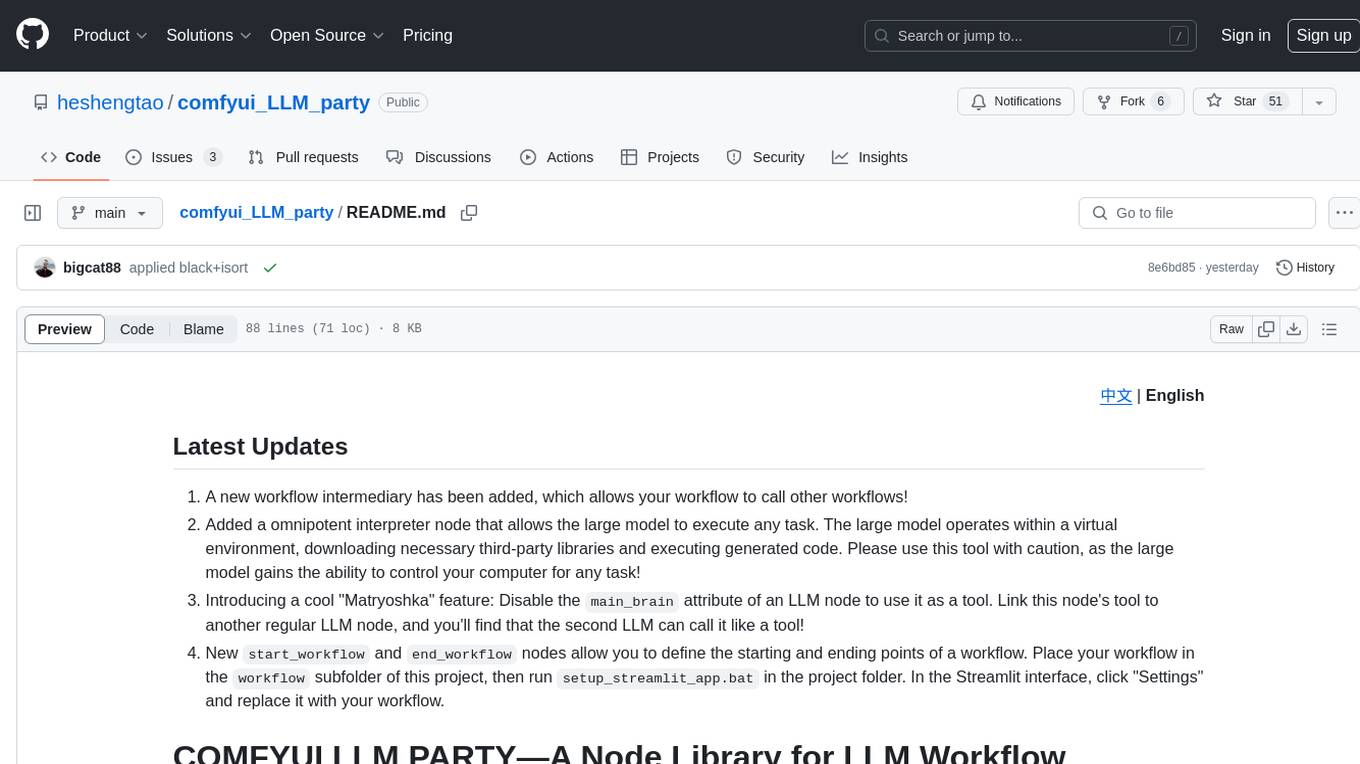
comfyui_LLM_party
COMFYUI LLM PARTY is a node library designed for LLM workflow development in ComfyUI, an extremely minimalist UI interface primarily used for AI drawing and SD model-based workflows. The project aims to provide a complete set of nodes for constructing LLM workflows, enabling users to easily integrate them into existing SD workflows. It features various functionalities such as API integration, local large model integration, RAG support, code interpreters, online queries, conditional statements, looping links for large models, persona mask attachment, and tool invocations for weather lookup, time lookup, knowledge base, code execution, web search, and single-page search. Users can rapidly develop web applications using API + Streamlit and utilize LLM as a tool node. Additionally, the project includes an omnipotent interpreter node that allows the large model to perform any task, with recommendations to use the 'show_text' node for display output.
llm-for-zotero
llm-for-zotero is a powerful plugin for Zotero that integrates Large Language Models (LLMs) directly into the Zotero PDF reader. It provides features such as summarizing papers, explaining selected text, interpreting figures, saving notes, saving chat history, customizing quick-action presets, setting up LLM models, auto-updating, and more. The plugin aims to enhance the research experience by offering quick access to AI assistance within Zotero, eliminating the need to upload PDFs to external portals.

teams-ai
The Teams AI Library is a software development kit (SDK) that helps developers create bots that can interact with Teams and Microsoft 365 applications. It is built on top of the Bot Framework SDK and simplifies the process of developing bots that interact with Teams' artificial intelligence capabilities. The SDK is available for JavaScript/TypeScript, .NET, and Python.
CyberScraper-2077
CyberScraper 2077 is an advanced web scraping tool powered by AI, designed to extract data from websites with precision and style. It offers a user-friendly interface, supports multiple data export formats, operates in stealth mode to avoid detection, and promises lightning-fast scraping. The tool respects ethical scraping practices, including robots.txt and site policies. With upcoming features like proxy support and page navigation, CyberScraper 2077 is a futuristic solution for data extraction in the digital realm.
azure-search-openai-javascript
This sample demonstrates a few approaches for creating ChatGPT-like experiences over your own data using the Retrieval Augmented Generation pattern. It uses Azure OpenAI Service to access the ChatGPT model (gpt-35-turbo), and Azure AI Search for data indexing and retrieval.
For similar tasks
slide-deck-ai
SlideDeck AI is a tool that leverages Generative Artificial Intelligence to co-create slide decks on any topic. Users can describe their topic and let SlideDeck AI generate a PowerPoint slide deck, streamlining the presentation creation process. The tool offers an iterative workflow with a conversational interface for creating and improving presentations. It uses Mistral Nemo Instruct to generate initial slide content, searches and downloads images based on keywords, and allows users to refine content through additional instructions. SlideDeck AI provides pre-defined presentation templates and a history of instructions for users to enhance their presentations.

PPTist
PPTist is a web-based presentation application that replicates most features of Microsoft Office PowerPoint. It supports various elements like text, images, shapes, charts, tables, videos, audio, and formulas. Users can edit and present slides directly in a web browser. It offers easy development with Vue 3.x and TypeScript, user-friendly experience with context menu and keyboard shortcuts, and feature-rich functionalities including AI-generated PPTs and mobile editing. PPTist aims to provide a desktop application-level experience for creating presentations.
slidev-mcp
slidev-mcp is an intelligent slide generation tool based on Slidev that integrates large language model technology, allowing users to automatically generate professional online PPT presentations with simple descriptions. It dramatically lowers the barrier to using Slidev, provides natural language interactive slide creation, and offers automated generation of professional presentations. The tool also includes various features for environment and project management, slide content management, and utility tools to enhance the slide creation process.
AI-on-the-edge-device-docs
This repository contains documentation for the AI on the Edge Device Project. Users can edit Markdown documents in the 'docs' folder, create Pull Requests to merge changes, and Github Actions will regenerate the documentation on the 'gh-pages' branch. The documentation includes parameter documentation, template generation for new parameters, formatting options like boxes using the admonition extension, and local testing instructions using MkDocs.
ComfyUI-Tara-LLM-Integration
Tara is a powerful node for ComfyUI that integrates Large Language Models (LLMs) to enhance and automate workflow processes. With Tara, you can create complex, intelligent workflows that refine and generate content, manage API keys, and seamlessly integrate various LLMs into your projects. It comprises nodes for handling OpenAI-compatible APIs, saving and loading API keys, composing multiple texts, and using predefined templates for OpenAI and Groq. Tara supports OpenAI and Grok models with plans to expand support to together.ai and Replicate. Users can install Tara via Git URL or ComfyUI Manager and utilize it for tasks like input guidance, saving and loading API keys, and generating text suitable for chaining in workflows.
For similar jobs
docq
Docq is a private and secure GenAI tool designed to extract knowledge from business documents, enabling users to find answers independently. It allows data to stay within organizational boundaries, supports self-hosting with various cloud vendors, and offers multi-model and multi-modal capabilities. Docq is extensible, open-source (AGPLv3), and provides commercial licensing options. The tool aims to be a turnkey solution for organizations to adopt AI innovation safely, with plans for future features like more data ingestion options and model fine-tuning.
slide-deck-ai
SlideDeck AI is a tool that leverages Generative Artificial Intelligence to co-create slide decks on any topic. Users can describe their topic and let SlideDeck AI generate a PowerPoint slide deck, streamlining the presentation creation process. The tool offers an iterative workflow with a conversational interface for creating and improving presentations. It uses Mistral Nemo Instruct to generate initial slide content, searches and downloads images based on keywords, and allows users to refine content through additional instructions. SlideDeck AI provides pre-defined presentation templates and a history of instructions for users to enhance their presentations.

TinyTroupe
TinyTroupe is an experimental Python library that leverages Large Language Models (LLMs) to simulate artificial agents called TinyPersons with specific personalities, interests, and goals in simulated environments. The focus is on understanding human behavior through convincing interactions and customizable personas for various applications like advertisement evaluation, software testing, data generation, project management, and brainstorming. The tool aims to enhance human imagination and provide insights for better decision-making in business and productivity scenarios.
slidev-mcp
slidev-mcp is an intelligent slide generation tool based on Slidev that integrates large language model technology, allowing users to automatically generate professional online PPT presentations with simple descriptions. It dramatically lowers the barrier to using Slidev, provides natural language interactive slide creation, and offers automated generation of professional presentations. The tool also includes various features for environment and project management, slide content management, and utility tools to enhance the slide creation process.

LLMStack
LLMStack is a no-code platform for building generative AI agents, workflows, and chatbots. It allows users to connect their own data, internal tools, and GPT-powered models without any coding experience. LLMStack can be deployed to the cloud or on-premise and can be accessed via HTTP API or triggered from Slack or Discord.
daily-poetry-image
Daily Chinese ancient poetry and AI-generated images powered by Bing DALL-E-3. GitHub Action triggers the process automatically. Poetry is provided by Today's Poem API. The website is built with Astro.

exif-photo-blog
EXIF Photo Blog is a full-stack photo blog application built with Next.js, Vercel, and Postgres. It features built-in authentication, photo upload with EXIF extraction, photo organization by tag, infinite scroll, light/dark mode, automatic OG image generation, a CMD-K menu with photo search, experimental support for AI-generated descriptions, and support for Fujifilm simulations. The application is easy to deploy to Vercel with just a few clicks and can be customized with a variety of environment variables.
SillyTavern
SillyTavern is a user interface you can install on your computer (and Android phones) that allows you to interact with text generation AIs and chat/roleplay with characters you or the community create. SillyTavern is a fork of TavernAI 1.2.8 which is under more active development and has added many major features. At this point, they can be thought of as completely independent programs.