


LlamaEdge
The easiest & fastest way to run customized and fine-tuned LLMs locally or on the edge
Stars: 1303
The LlamaEdge project makes it easy to run LLM inference apps and create OpenAI-compatible API services for the Llama2 series of LLMs locally. It provides a Rust+Wasm stack for fast, portable, and secure LLM inference on heterogeneous edge devices. The project includes source code for text generation, chatbot, and API server applications, supporting all LLMs based on the llama2 framework in the GGUF format. LlamaEdge is committed to continuously testing and validating new open-source models and offers a list of supported models with download links and startup commands. It is cross-platform, supporting various OSes, CPUs, and GPUs, and provides troubleshooting tips for common errors.
README:
The LlamaEdge project makes it easy for you to run LLM inference apps and create OpenAI-compatible API services for open-source LLMs locally.
⭐ Like our work? Give us a star!
📖 Checkout our official docs and a Manning ebook on how to customize open source models.
🔥 Run multiple models with LlamaEdge! LLM (Text Generation) | Speech to Text | Text to speech | Text to Image | Multimodal
Prerequisite: Install WasmEdge via the following command line.
curl -sSf https://raw.githubusercontent.com/WasmEdge/WasmEdge/master/utils/install_v2.sh | bash
Step 1: Download an LLM model file. Here we use the Meta Llama 3.2 1B model as an example.
curl -LO https://huggingface.co/second-state/Llama-3.2-1B-Instruct-GGUF/resolve/main/Llama-3.2-1B-Instruct-Q5_K_M.gguf
Step 2: Download the LlamaEdge CLI chat app. It is also a cross-platform portable Wasm app that can run on many CPU and GPU devices.
curl -LO https://github.com/second-state/LlamaEdge/releases/latest/download/llama-chat.wasm
Step 3: Run the following command to chat with the LLM.
wasmedge --dir .:. --nn-preload default:GGML:AUTO:Llama-3.2-1B-Instruct-Q5_K_M.gguf llama-chat.wasm -p llama-3-chat
Next steps:
- Use a web-based chatbot to interact with your local LLM
- Start an API server for the LLMs
- Start an LLM service with your own knowledge base
Serve any GenAI model in OpenAI-compatible web service endpoints:
- LLM (
/v1/chat/completionendpoints) -- https://github.com/LlamaEdge/LlamaEdge (this repo) - Voice to text (
/v1/audio/transcriptionsendpoints) -- https://github.com/LlamaEdge/whisper-api-server - Text to voice (
/v1/audio/speechendpoints) -- https://github.com/LlamaEdge/tts-api-server - Text to image (
/v1/images/generationsendpoints) -- https://github.com/LlamaEdge/sd-api-server
The Rust source code for the inference applications are all open source and you can modify and use them freely for your own purposes.
- The folder
llama-simplecontains the source code project to generate text from a prompt using run llama2 models. - The folder
llama-chatcontains the source code project to "chat" with a llama2 model on the command line. - The folder
llama-api-servercontains the source code project for a web server. It provides an OpenAI-compatible API service, as well as an optional web UI, for llama2 models.
The Rust+Wasm stack provides a strong alternative to Python in AI inference.
- Lightweight. The total runtime size is 30MB.
- Fast. Full native speed on GPUs.
- Portable. Single cross-platform binary on different CPUs, GPUs, and OSes.
- Secure. Sandboxed and isolated execution on untrusted devices.
- Container-ready. Supported in Docker, containerd, Podman, and Kubernetes.
For more information, please check out Fast and Portable Llama2 Inference on the Heterogeneous Edge.
The LlamaEdge project supports all Large Language Models (LLMs) based on the llama2 framework. The model files must be in the GGUF format. We are committed to continuously testing and validating new open-source models that emerge every day.
Click here to see the supported model list with a download link and startup commands for each model. If you have success with other LLMs, don't hesitate to contribute by creating a Pull Request (PR) to help extend this list.
The compiled Wasm file is cross platfrom. You can use the same Wasm file to run the LLM across OSes (e.g., MacOS, Linux, Windows SL), CPUs (e.g., x86, ARM, Apple, RISC-V), and GPUs (e.g., NVIDIA, Apple).
The installer from WasmEdge 0.13.5 will detect NVIDIA CUDA drivers automatically. If CUDA is detected, the installer will always attempt to install a CUDA-enabled version of the plugin. The CUDA support is tested on the following platforms in our automated CI.
- Nvidia Jetson AGX Orin 64GB developer kit
- Intel i7-10700 + Nvidia GTX 1080 8G GPU
- AWS EC2
g5.xlarge+ Nvidia A10G 24G GPU + Amazon deep learning base Ubuntu 20.04
If you're using CPU only machine, the installer will install the OpenBLAS version of the plugin instead. You may need to install
libopenblas-devbyapt update && apt install -y libopenblas-dev.
Q: Why I got the following errors after starting the API server?
[2024-03-05 16:09:05.800] [error] instantiation failed: module name conflict, Code: 0x60
[2024-03-05 16:09:05.801] [error]     At AST node: module
A: TThe module conflict error is a known issue, and these are false-positive errors. They do not impact your program's functionality.
Q: Even though my machine has a large RAM, after asking several questions, I received an error message returns 'Error: Backend Error: WASI-NN'. What should I do?
A: To enable machines with smaller RAM, like 8 GB, to run a 7b model, we've set the context size limit to 512. If your machine has more capacity, you can increase both the context size and batch size up to 4096 using the CLI options available here. Use these commands to adjust the settings:
-c, --ctx-size <CTX_SIZE>
-b, --batch-size <BATCH_SIZE>
Q: After running apt update && apt install -y libopenblas-dev, you may encounter the following error:
...
E: Could not open lock file /var/lib/dpkg/lock-frontend - open (13: Permission denied)
E: Unable to acquire the dpkg frontend lock (/var/lib/dpkg/lock-frontend), are you root?
A: This indicates that you are not logged in as root. Please try installing again using the sudo command:
sudo apt update && sudo apt install -y libopenblas-devQ: After running the wasmedge command, you may receive the following error:
[2023-10-02 14:30:31.227] [error] loading failed: invalid path, Code: 0x20
[2023-10-02 14:30:31.227] [error]     load library failed:libblas.so.3: cannot open shared object file: No such file or directory
[2023-10-02 14:30:31.227] [error] loading failed: invalid path, Code: 0x20
[2023-10-02 14:30:31.227] [error]     load library failed:libblas.so.3: cannot open shared object file: No such file or directory
unknown option: nn-preload
A: This suggests that your plugin installation was not successful. To resolve this issue, please attempt to install your desired plugin again.
Q: After executing the wasmedge command, you might encounter the error message: [WASI-NN] GGML backend: Error: unable to init model.
A: This error signifies that the model setup was not successful. To resolve this issue, please verify the following:
- Check if your model file and the WASM application are located in the same directory. The WasmEdge runtime requires them to be in the same location to locate the model file correctly.
- Ensure that the model has been downloaded successfully. You can use the command
shasum -a 256 <gguf-filename>to verify the model's sha256sum. Compare your result with the correct sha256sum available on the Hugging Face page for the model.
The WASI-NN ggml plugin embedded llama.cpp as its backend.
For Tasks:
Click tags to check more tools for each tasksFor Jobs:
Alternative AI tools for LlamaEdge
Similar Open Source Tools
LlamaEdge
The LlamaEdge project makes it easy to run LLM inference apps and create OpenAI-compatible API services for the Llama2 series of LLMs locally. It provides a Rust+Wasm stack for fast, portable, and secure LLM inference on heterogeneous edge devices. The project includes source code for text generation, chatbot, and API server applications, supporting all LLMs based on the llama2 framework in the GGUF format. LlamaEdge is committed to continuously testing and validating new open-source models and offers a list of supported models with download links and startup commands. It is cross-platform, supporting various OSes, CPUs, and GPUs, and provides troubleshooting tips for common errors.
LARS
LARS is an application that enables users to run Large Language Models (LLMs) locally on their devices, upload their own documents, and engage in conversations where the LLM grounds its responses with the uploaded content. The application focuses on Retrieval Augmented Generation (RAG) to increase accuracy and reduce AI-generated inaccuracies. LARS provides advanced citations, supports various file formats, allows follow-up questions, provides full chat history, and offers customization options for LLM settings. Users can force enable or disable RAG, change system prompts, and tweak advanced LLM settings. The application also supports GPU-accelerated inferencing, multiple embedding models, and text extraction methods. LARS is open-source and aims to be the ultimate RAG-centric LLM application.
gpustack
GPUStack is an open-source GPU cluster manager designed for running large language models (LLMs). It supports a wide variety of hardware, scales with GPU inventory, offers lightweight Python package with minimal dependencies, provides OpenAI-compatible APIs, simplifies user and API key management, enables GPU metrics monitoring, and facilitates token usage and rate metrics tracking. The tool is suitable for managing GPU clusters efficiently and effectively.
OSWorld
OSWorld is a benchmarking tool designed to evaluate multimodal agents for open-ended tasks in real computer environments. It provides a platform for running experiments, setting up virtual machines, and interacting with the environment using Python scripts. Users can install the tool on their desktop or server, manage dependencies with Conda, and run benchmark tasks. The tool supports actions like executing commands, checking for specific results, and evaluating agent performance. OSWorld aims to facilitate research in AI by providing a standardized environment for testing and comparing different agent baselines.
superflows
Superflows is an open-source alternative to OpenAI's Assistant API. It allows developers to easily add an AI assistant to their software products, enabling users to ask questions in natural language and receive answers or have tasks completed by making API calls. Superflows can analyze data, create plots, answer questions based on static knowledge, and even write code. It features a developer dashboard for configuration and testing, stateful streaming API, UI components, and support for multiple LLMs. Superflows can be set up in the cloud or self-hosted, and it provides comprehensive documentation and support.
IOPaint
IOPaint is a free and open-source inpainting & outpainting tool powered by SOTA AI model. It supports various AI models to perform erase, inpainting, or outpainting tasks. Users can remove unwanted objects, defects, watermarks, or people from images using erase models. Additionally, diffusion models can replace objects or perform outpainting. The tool also offers plugins for interactive object segmentation, background removal, anime segmentation, super resolution, face restoration, and file management. IOPaint provides a web UI for easy access to the latest AI models and supports batch processing of images through the command line. Developers can contribute to the project by installing front-end dependencies, setting up the backend, and starting the development environment for both front-end and back-end components.
SWELancer-Benchmark
SWE-Lancer is a benchmark repository containing datasets and code for the paper 'SWE-Lancer: Can Frontier LLMs Earn $1 Million from Real-World Freelance Software Engineering?'. It provides instructions for package management, building Docker images, configuring environment variables, and running evaluations. Users can use this tool to assess the performance of language models in real-world freelance software engineering tasks.
olmocr
olmOCR is a toolkit designed for training language models to work with PDF documents in real-world scenarios. It includes various components such as a prompting strategy for natural text parsing, an evaluation toolkit for comparing pipeline versions, filtering by language and SEO spam removal, finetuning code for specific models, processing PDFs through a finetuned model, and viewing documents created from PDFs. The toolkit requires a recent NVIDIA GPU with at least 20 GB of RAM and 30GB of free disk space. Users can install dependencies, set up a conda environment, and utilize olmOCR for tasks like converting single or multiple PDFs, viewing extracted text, and running batch inference pipelines.
ai-starter-kit
SambaNova AI Starter Kits is a collection of open-source examples and guides designed to facilitate the deployment of AI-driven use cases for developers and enterprises. The kits cover various categories such as Data Ingestion & Preparation, Model Development & Optimization, Intelligent Information Retrieval, and Advanced AI Capabilities. Users can obtain a free API key using SambaNova Cloud or deploy models using SambaStudio. Most examples are written in Python but can be applied to any programming language. The kits provide resources for tasks like text extraction, fine-tuning embeddings, prompt engineering, question-answering, image search, post-call analysis, and more.
unitycatalog
Unity Catalog is an open and interoperable catalog for data and AI, supporting multi-format tables, unstructured data, and AI assets. It offers plugin support for extensibility and interoperates with Delta Sharing protocol. The catalog is fully open with OpenAPI spec and OSS implementation, providing unified governance for data and AI with asset-level access control enforced through REST APIs.
just-chat
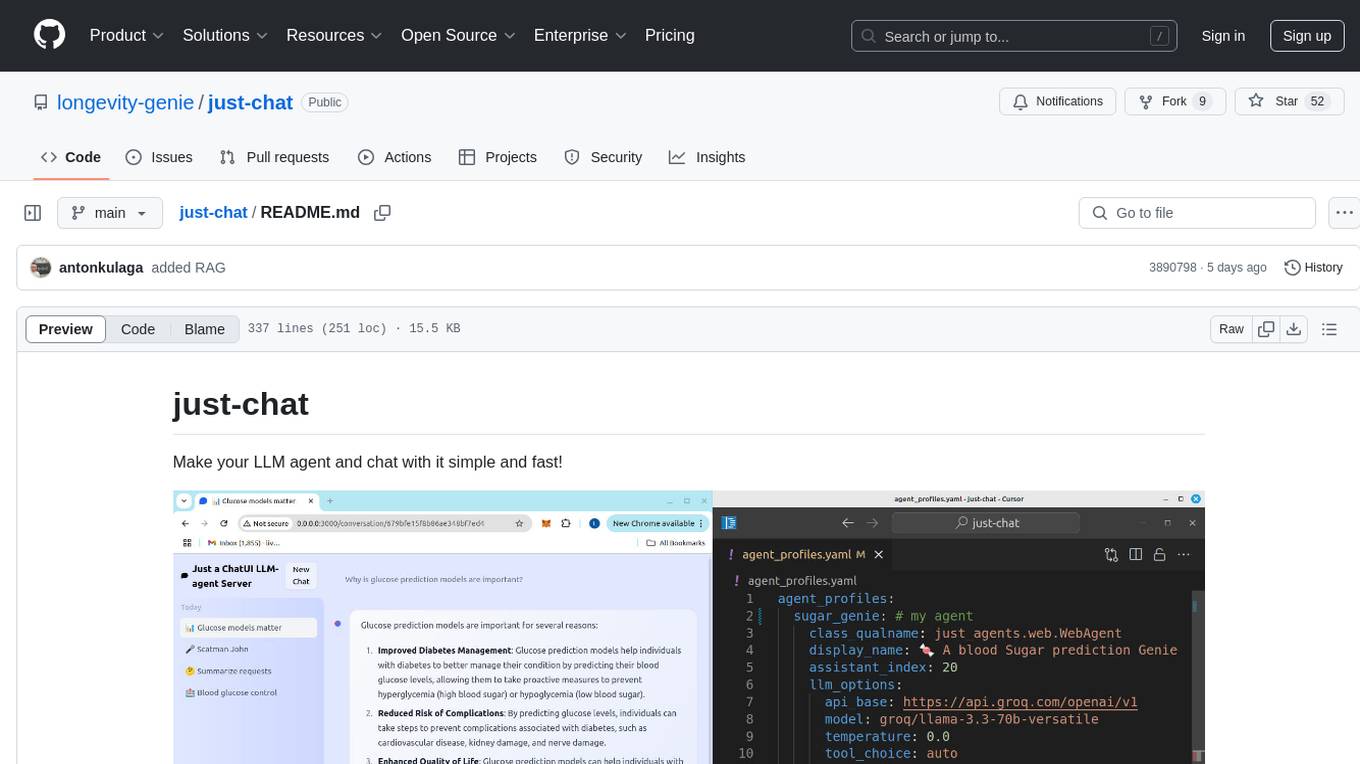
Just-Chat is a containerized application that allows users to easily set up and chat with their AI agent. Users can customize their AI assistant using a YAML file, add new capabilities with Python tools, and interact with the agent through a chat web interface. The tool supports various modern models like DeepSeek Reasoner, ChatGPT, LLAMA3.3, etc. Users can also use semantic search capabilities with MeiliSearch to find and reference relevant information based on meaning. Just-Chat requires Docker or Podman for operation and provides detailed installation instructions for both Linux and Windows users.
h2o-llmstudio
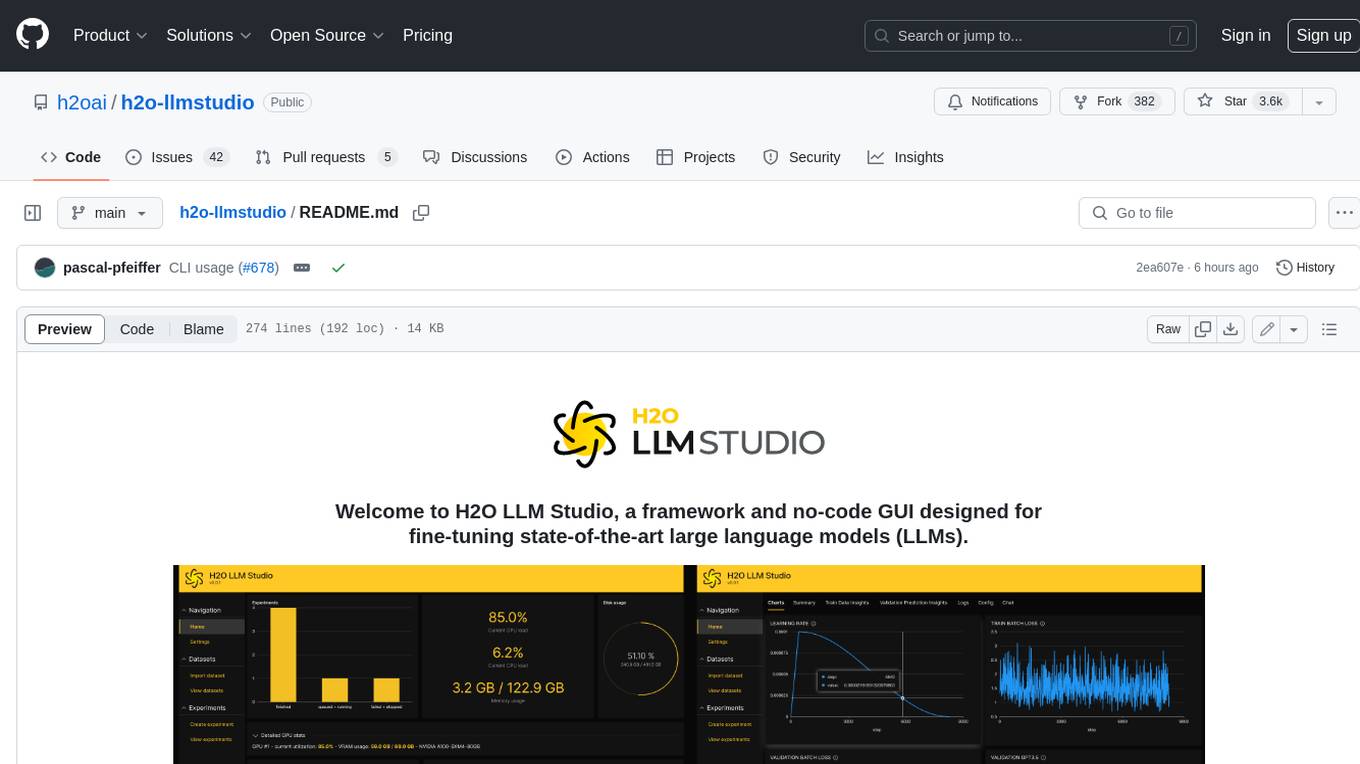
H2O LLM Studio is a framework and no-code GUI designed for fine-tuning state-of-the-art large language models (LLMs). With H2O LLM Studio, you can easily and effectively fine-tune LLMs without the need for any coding experience. The GUI is specially designed for large language models, and you can finetune any LLM using a large variety of hyperparameters. You can also use recent finetuning techniques such as Low-Rank Adaptation (LoRA) and 8-bit model training with a low memory footprint. Additionally, you can use Reinforcement Learning (RL) to finetune your model (experimental), use advanced evaluation metrics to judge generated answers by the model, track and compare your model performance visually, and easily export your model to the Hugging Face Hub and share it with the community.
labelbox-python
Labelbox is a data-centric AI platform for enterprises to develop, optimize, and use AI to solve problems and power new products and services. Enterprises use Labelbox to curate data, generate high-quality human feedback data for computer vision and LLMs, evaluate model performance, and automate tasks by combining AI and human-centric workflows. The academic & research community uses Labelbox for cutting-edge AI research.
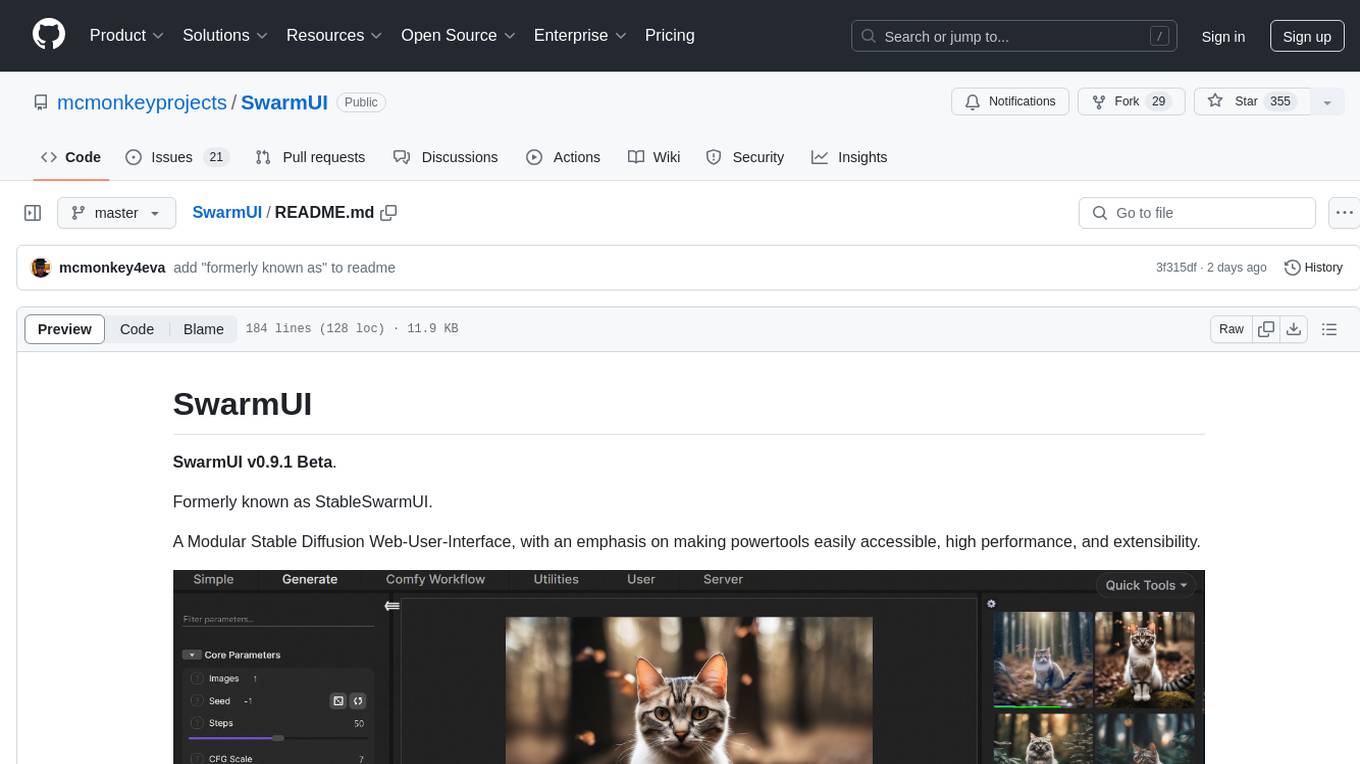
SwarmUI
SwarmUI is a modular stable diffusion web-user-interface designed to make powertools easily accessible, high performance, and extensible. It is in Beta status, offering a primary Generate tab for beginners and a Comfy Workflow tab for advanced users. The tool aims to become a full-featured one-stop-shop for all things Stable Diffusion, with plans for better mobile browser support, detailed 'Current Model' display, dynamic tab shifting, LLM-assisted prompting, and convenient direct distribution as an Electron app.
LLM_AppDev-HandsOn
This repository showcases how to build a simple LLM-based chatbot for answering questions based on documents using retrieval augmented generation (RAG) technique. It also provides guidance on deploying the chatbot using Podman or on the OpenShift Container Platform. The workshop associated with this repository introduces participants to LLMs & RAG concepts and demonstrates how to customize the chatbot for specific purposes. The software stack relies on open-source tools like streamlit, LlamaIndex, and local open LLMs via Ollama, making it accessible for GPU-constrained environments.

aider-composer
Aider Composer is a VSCode extension that integrates Aider into your development workflow. It allows users to easily add and remove files, toggle between read-only and editable modes, review code changes, use different chat modes, and reference files in the chat. The extension supports multiple models, code generation, code snippets, and settings customization. It has limitations such as lack of support for multiple workspaces, Git repository features, linting, testing, voice features, in-chat commands, and configuration options.
For similar tasks
h2ogpt
h2oGPT is an Apache V2 open-source project that allows users to query and summarize documents or chat with local private GPT LLMs. It features a private offline database of any documents (PDFs, Excel, Word, Images, Video Frames, Youtube, Audio, Code, Text, MarkDown, etc.), a persistent database (Chroma, Weaviate, or in-memory FAISS) using accurate embeddings (instructor-large, all-MiniLM-L6-v2, etc.), and efficient use of context using instruct-tuned LLMs (no need for LangChain's few-shot approach). h2oGPT also offers parallel summarization and extraction, reaching an output of 80 tokens per second with the 13B LLaMa2 model, HYDE (Hypothetical Document Embeddings) for enhanced retrieval based upon LLM responses, a variety of models supported (LLaMa2, Mistral, Falcon, Vicuna, WizardLM. With AutoGPTQ, 4-bit/8-bit, LORA, etc.), GPU support from HF and LLaMa.cpp GGML models, and CPU support using HF, LLaMa.cpp, and GPT4ALL models. Additionally, h2oGPT provides Attention Sinks for arbitrarily long generation (LLaMa-2, Mistral, MPT, Pythia, Falcon, etc.), a UI or CLI with streaming of all models, the ability to upload and view documents through the UI (control multiple collaborative or personal collections), Vision Models LLaVa, Claude-3, Gemini-Pro-Vision, GPT-4-Vision, Image Generation Stable Diffusion (sdxl-turbo, sdxl) and PlaygroundAI (playv2), Voice STT using Whisper with streaming audio conversion, Voice TTS using MIT-Licensed Microsoft Speech T5 with multiple voices and Streaming audio conversion, Voice TTS using MPL2-Licensed TTS including Voice Cloning and Streaming audio conversion, AI Assistant Voice Control Mode for hands-free control of h2oGPT chat, Bake-off UI mode against many models at the same time, Easy Download of model artifacts and control over models like LLaMa.cpp through the UI, Authentication in the UI by user/password via Native or Google OAuth, State Preservation in the UI by user/password, Linux, Docker, macOS, and Windows support, Easy Windows Installer for Windows 10 64-bit (CPU/CUDA), Easy macOS Installer for macOS (CPU/M1/M2), Inference Servers support (oLLaMa, HF TGI server, vLLM, Gradio, ExLLaMa, Replicate, OpenAI, Azure OpenAI, Anthropic), OpenAI-compliant, Server Proxy API (h2oGPT acts as drop-in-replacement to OpenAI server), Python client API (to talk to Gradio server), JSON Mode with any model via code block extraction. Also supports MistralAI JSON mode, Claude-3 via function calling with strict Schema, OpenAI via JSON mode, and vLLM via guided_json with strict Schema, Web-Search integration with Chat and Document Q/A, Agents for Search, Document Q/A, Python Code, CSV frames (Experimental, best with OpenAI currently), Evaluate performance using reward models, and Quality maintained with over 1000 unit and integration tests taking over 4 GPU-hours.
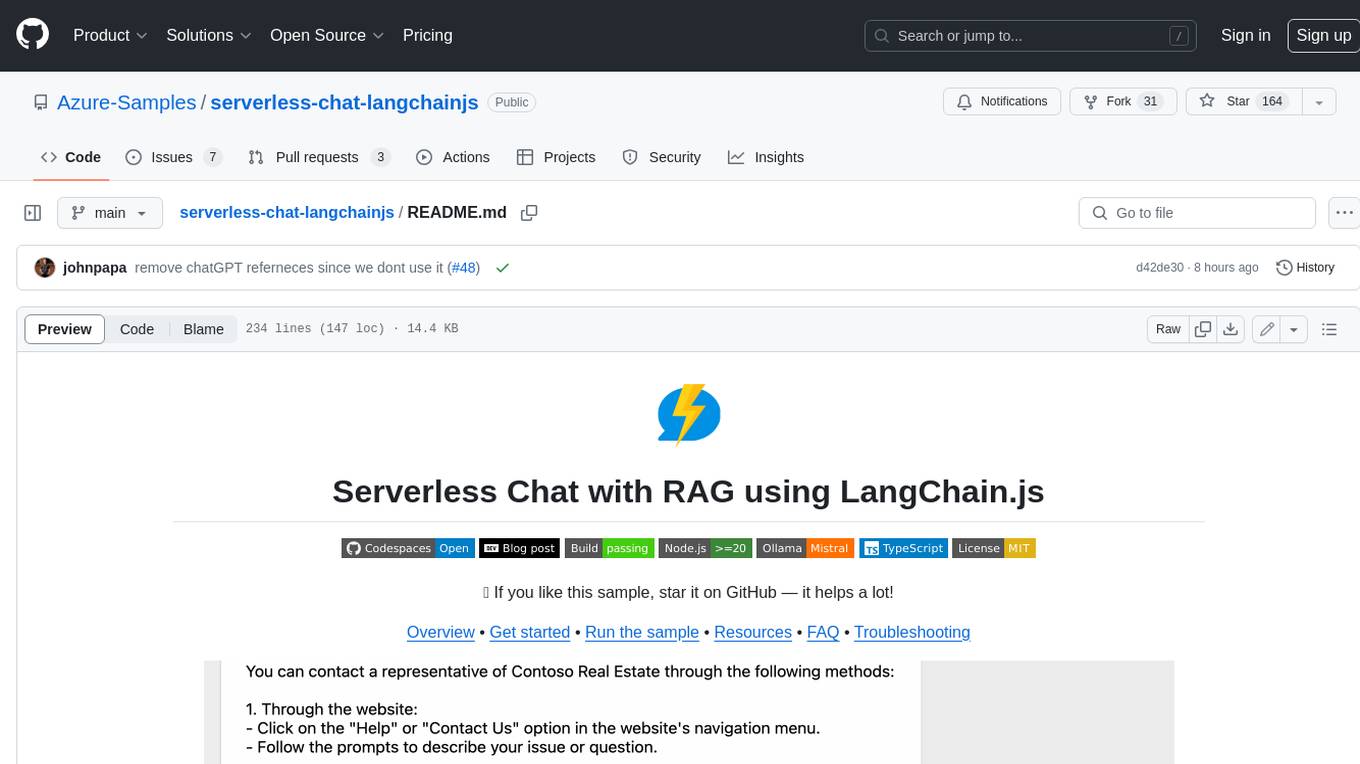
serverless-chat-langchainjs
This sample shows how to build a serverless chat experience with Retrieval-Augmented Generation using LangChain.js and Azure. The application is hosted on Azure Static Web Apps and Azure Functions, with Azure Cosmos DB for MongoDB vCore as the vector database. You can use it as a starting point for building more complex AI applications.
react-native-vercel-ai
Run Vercel AI package on React Native, Expo, Web and Universal apps. Currently React Native fetch API does not support streaming which is used as a default on Vercel AI. This package enables you to use AI library on React Native but the best usage is when used on Expo universal native apps. On mobile you get back responses without streaming with the same API of `useChat` and `useCompletion` and on web it will fallback to `ai/react`
LLamaSharp
LLamaSharp is a cross-platform library to run 🦙LLaMA/LLaVA model (and others) on your local device. Based on llama.cpp, inference with LLamaSharp is efficient on both CPU and GPU. With the higher-level APIs and RAG support, it's convenient to deploy LLM (Large Language Model) in your application with LLamaSharp.
gpt4all
GPT4All is an ecosystem to run powerful and customized large language models that work locally on consumer grade CPUs and any GPU. Note that your CPU needs to support AVX or AVX2 instructions. Learn more in the documentation. A GPT4All model is a 3GB - 8GB file that you can download and plug into the GPT4All open-source ecosystem software. Nomic AI supports and maintains this software ecosystem to enforce quality and security alongside spearheading the effort to allow any person or enterprise to easily train and deploy their own on-edge large language models.
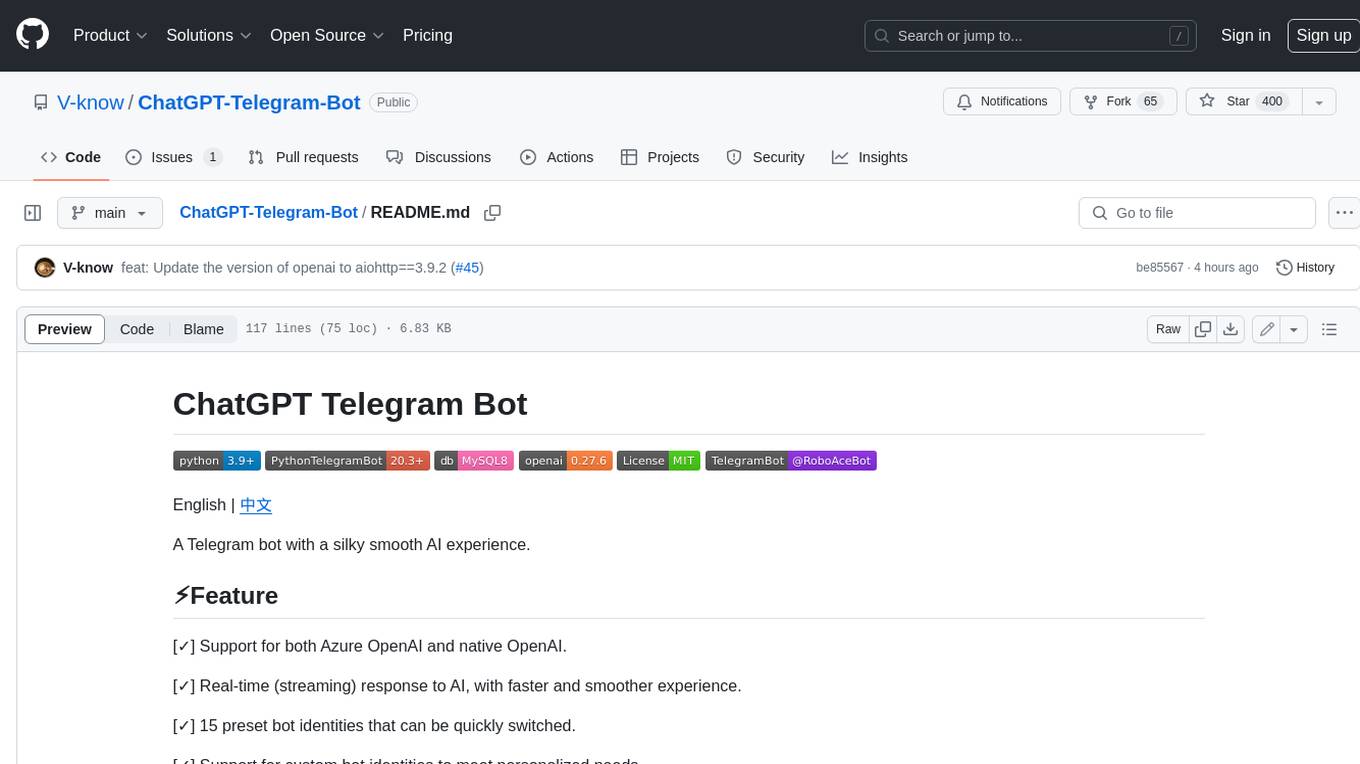
ChatGPT-Telegram-Bot
ChatGPT Telegram Bot is a Telegram bot that provides a smooth AI experience. It supports both Azure OpenAI and native OpenAI, and offers real-time (streaming) response to AI, with a faster and smoother experience. The bot also has 15 preset bot identities that can be quickly switched, and supports custom bot identities to meet personalized needs. Additionally, it supports clearing the contents of the chat with a single click, and restarting the conversation at any time. The bot also supports native Telegram bot button support, making it easy and intuitive to implement required functions. User level division is also supported, with different levels enjoying different single session token numbers, context numbers, and session frequencies. The bot supports English and Chinese on UI, and is containerized for easy deployment.
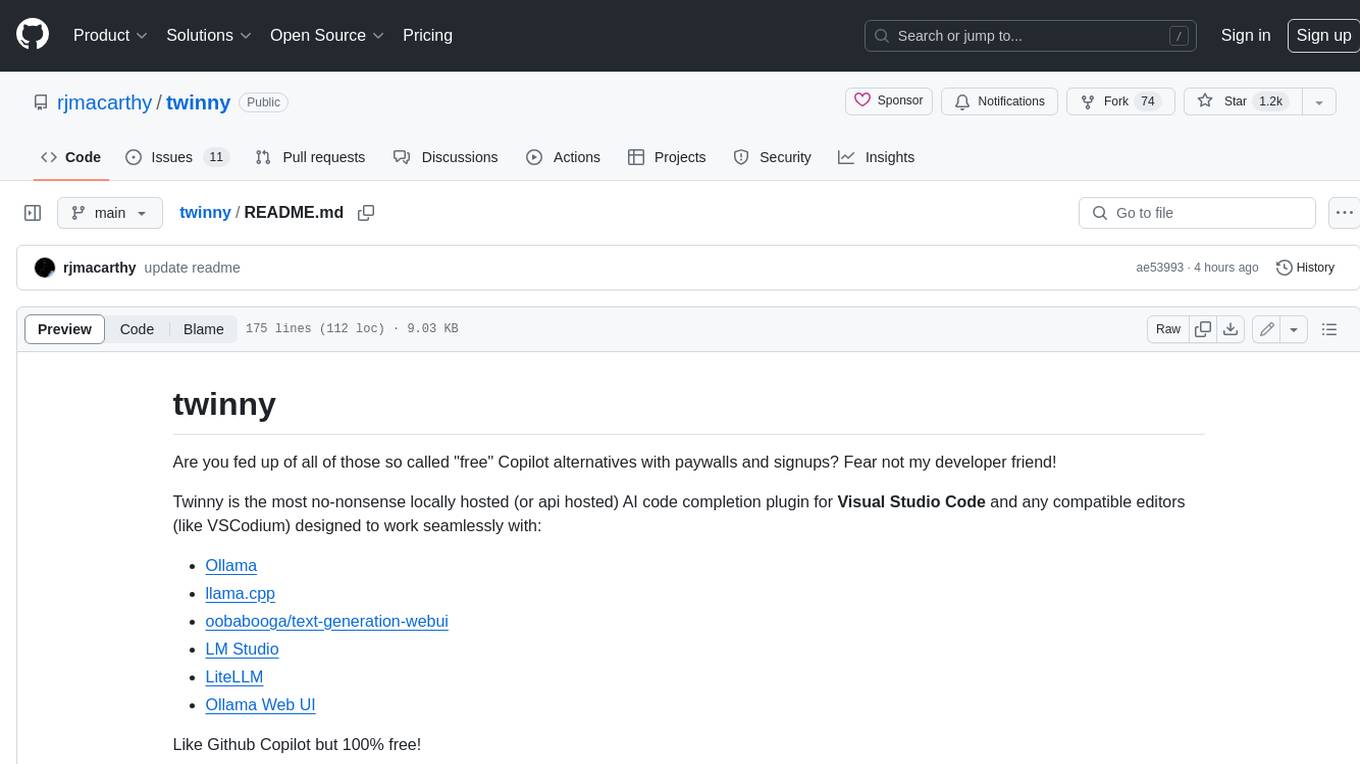
twinny
Twinny is a free and open-source AI code completion plugin for Visual Studio Code and compatible editors. It integrates with various tools and frameworks, including Ollama, llama.cpp, oobabooga/text-generation-webui, LM Studio, LiteLLM, and Open WebUI. Twinny offers features such as fill-in-the-middle code completion, chat with AI about your code, customizable API endpoints, and support for single or multiline fill-in-middle completions. It is easy to install via the Visual Studio Code extensions marketplace and provides a range of customization options. Twinny supports both online and offline operation and conforms to the OpenAI API standard.
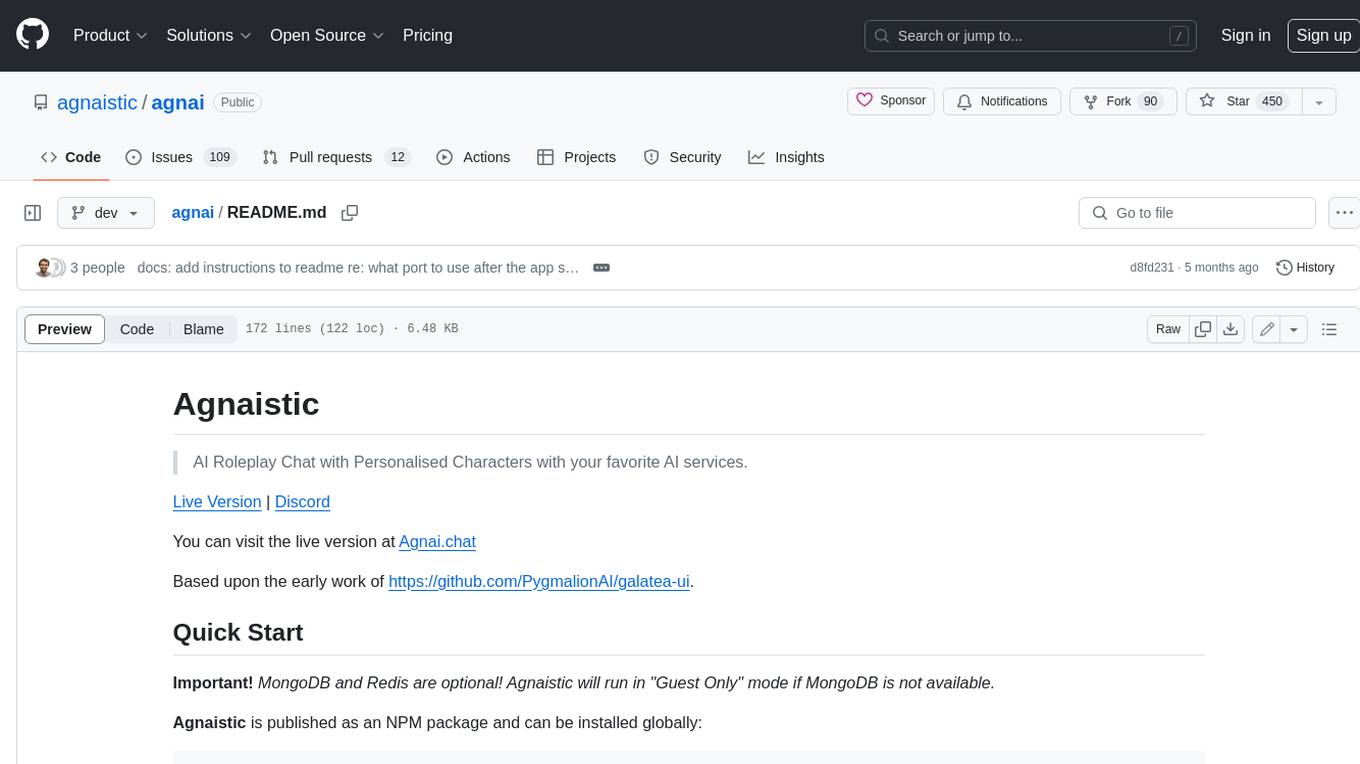
agnai
Agnaistic is an AI roleplay chat tool that allows users to interact with personalized characters using their favorite AI services. It supports multiple AI services, persona schema formats, and features such as group conversations, user authentication, and memory/lore books. Agnaistic can be self-hosted or run using Docker, and it provides a range of customization options through its settings.json file. The tool is designed to be user-friendly and accessible, making it suitable for both casual users and developers.
For similar jobs

weave
Weave is a toolkit for developing Generative AI applications, built by Weights & Biases. With Weave, you can log and debug language model inputs, outputs, and traces; build rigorous, apples-to-apples evaluations for language model use cases; and organize all the information generated across the LLM workflow, from experimentation to evaluations to production. Weave aims to bring rigor, best-practices, and composability to the inherently experimental process of developing Generative AI software, without introducing cognitive overhead.

LLMStack
LLMStack is a no-code platform for building generative AI agents, workflows, and chatbots. It allows users to connect their own data, internal tools, and GPT-powered models without any coding experience. LLMStack can be deployed to the cloud or on-premise and can be accessed via HTTP API or triggered from Slack or Discord.

VisionCraft
The VisionCraft API is a free API for using over 100 different AI models. From images to sound.

kaito
Kaito is an operator that automates the AI/ML inference model deployment in a Kubernetes cluster. It manages large model files using container images, avoids tuning deployment parameters to fit GPU hardware by providing preset configurations, auto-provisions GPU nodes based on model requirements, and hosts large model images in the public Microsoft Container Registry (MCR) if the license allows. Using Kaito, the workflow of onboarding large AI inference models in Kubernetes is largely simplified.

PyRIT
PyRIT is an open access automation framework designed to empower security professionals and ML engineers to red team foundation models and their applications. It automates AI Red Teaming tasks to allow operators to focus on more complicated and time-consuming tasks and can also identify security harms such as misuse (e.g., malware generation, jailbreaking), and privacy harms (e.g., identity theft). The goal is to allow researchers to have a baseline of how well their model and entire inference pipeline is doing against different harm categories and to be able to compare that baseline to future iterations of their model. This allows them to have empirical data on how well their model is doing today, and detect any degradation of performance based on future improvements.

tabby
Tabby is a self-hosted AI coding assistant, offering an open-source and on-premises alternative to GitHub Copilot. It boasts several key features: * Self-contained, with no need for a DBMS or cloud service. * OpenAPI interface, easy to integrate with existing infrastructure (e.g Cloud IDE). * Supports consumer-grade GPUs.

spear
SPEAR (Simulator for Photorealistic Embodied AI Research) is a powerful tool for training embodied agents. It features 300 unique virtual indoor environments with 2,566 unique rooms and 17,234 unique objects that can be manipulated individually. Each environment is designed by a professional artist and features detailed geometry, photorealistic materials, and a unique floor plan and object layout. SPEAR is implemented as Unreal Engine assets and provides an OpenAI Gym interface for interacting with the environments via Python.

Magick
Magick is a groundbreaking visual AIDE (Artificial Intelligence Development Environment) for no-code data pipelines and multimodal agents. Magick can connect to other services and comes with nodes and templates well-suited for intelligent agents, chatbots, complex reasoning systems and realistic characters.